Customer Ratings & Reviews




















- Model:
- ADO951800F158
- SKU:
- 6424570
to a friend
Customers are saying
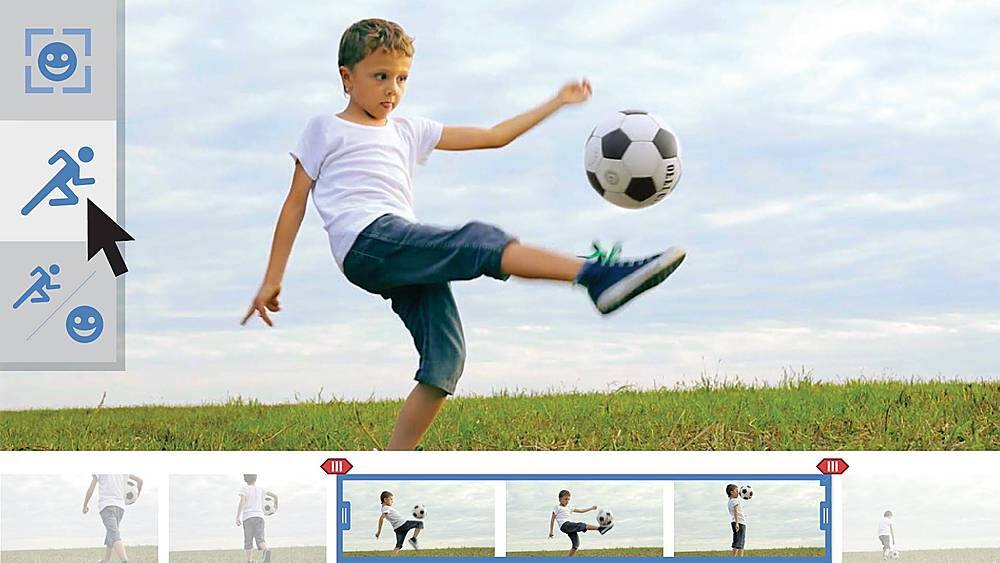
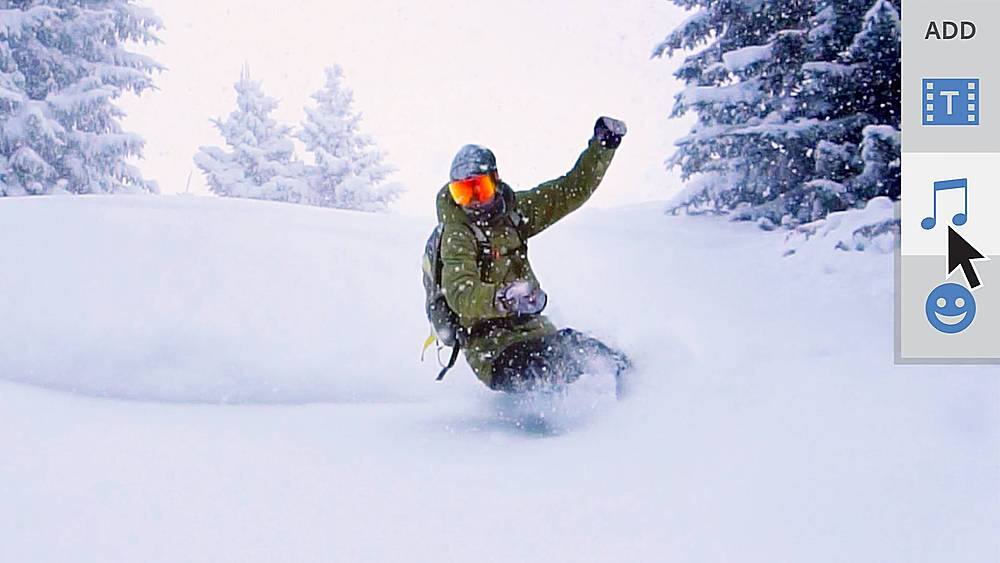
Customers commend Photoshop Elements & Premier Elements 2021 for its ease of use and intuitive navigation, as well as its inclusion of both photo and video editing capabilities. The software's value and the range of features available are also frequently praised. Many users find the performance satisfactory, even on systems with moderate specifications.
This summary was generated by AI based on customer reviews.
- Pros mentioned:Ease of use

Best Photo Editing
|Posted .This reviewer received promo considerations or sweepstakes entry for writing a review.Anything you need to or want to do with Photoshop, you can do. There are SO many options! Adobe Photoshop really gives you the opportunity to explore many creative avenues. You can use color, textures, shapes, etc. as well as manipulate images by using light, color, shadows and more. From simply editing photos to combining photos, making graphics, printable posters, etc. to more complex editing and creating jobs, Photoshop provides you with the tools that can make it happen.
I would recommend this to a friend Easy to use
|Posted .This reviewer received promo considerations or sweepstakes entry for writing a review.Wow! That was my first impression when I downloaded these two products and started exploring what to do with them. I am definitely not the most techie person in this house but these two products thoroughly intrigued me. A while back, I decided to delve into organizing my family's genealogy. We have lots of papers and documents and even more photos going back to the late 1800's. My dad was in the photo finishing business in the early 50's and photography was a hobby for him. In organizing the pictures, I realized that a lot of the pictures needed touching up, editing or enhancement. My son has a fancy set up for all of that but he never got around to doing anything with it for all of my pictures. I decided to give it a try. This software seemed like a good place to start. I'll admit, I was more than a little scared to start. But as soon as I downloaded the programs and looked through the videos about what they could do, I was like a kid in a candy shop. Now my biggest problem was what to tackle first. The programs are so user friendly and use what they call Adobe Sensei AI Technology. What this means is that they have made using this software so easy that even I could do it. The possibilities of what I can do are endless. With Photoshop Elements, you can do everything you think of Photoshop for and more. You can enhance the brightness in a too dark photo, get rid of unwanted things (or even people) in your photos. I have a beautiful picture that I took in the Keys but there was a powerline that made it less than perfect. Now I can just remove it from the picture. You can animate your pictures and add graphics to create memes. There are preset templates to help your creativity. You can add dimension too and bring certain things "forward" to make them more of the focus. One thing that I can't wait to try is adding color to an object in a black and white photo. With Premier Elements, you use the same Adobe Sensei AI Technology to make videos. You can splice things together to make longer videos or films. I have an idea of putting together groups of photos and some old films (once I get them transfered) to make some really cool collages of family member's lives. If you are someone who has been interested in playing around with photos or videos but you thought you didn't know enough to do it, give this software a try. Even the more techie members of my family were impressed with what it could do. I can't recommend these products highly enough.
I would recommend this to a friendGet Creative w/Abundance of Tools
|Posted .This reviewer received promo considerations or sweepstakes entry for writing a review.The bundled version of the new Adobe Elements software was perfect for me because of my aspirations to create new video and photo content that fulfills my creative itch. Most of the features are the same with both Photoshop but with that being said the differences add nice creative touches that I have already implemented in my content. Moving photos is fun to use in Photoshop and guided edits are smarter with the new software. Creating video content is still very new to me but quick editing makes creating video content much simpler and easy to learn. It is very easy to import my saved videos from my phone and camera and it is convenient that you are able to import specific videos that will later stitch together to create your movie. I am still playing with Premiere Elements more so than Photoshop as there is more to learn with video editing. In terms of learning curve for both Photoshop and Premiere I would have to say that Photoshop has a smaller learning curve than Premiere. Photoshop is more convenient for me to upload new photos to social media especially since you are able to create photo edits specifically for Instagram or Facebook and that will calibrate your photo for Post or Story which I love. I think anyone can use Photoshop and get the hang of it. As for Premiere, there is a steeper learning curve but very doable and satisfying once you get the hang of it and playback your first movie!
I would recommend this to a friendIntuitive Menu System
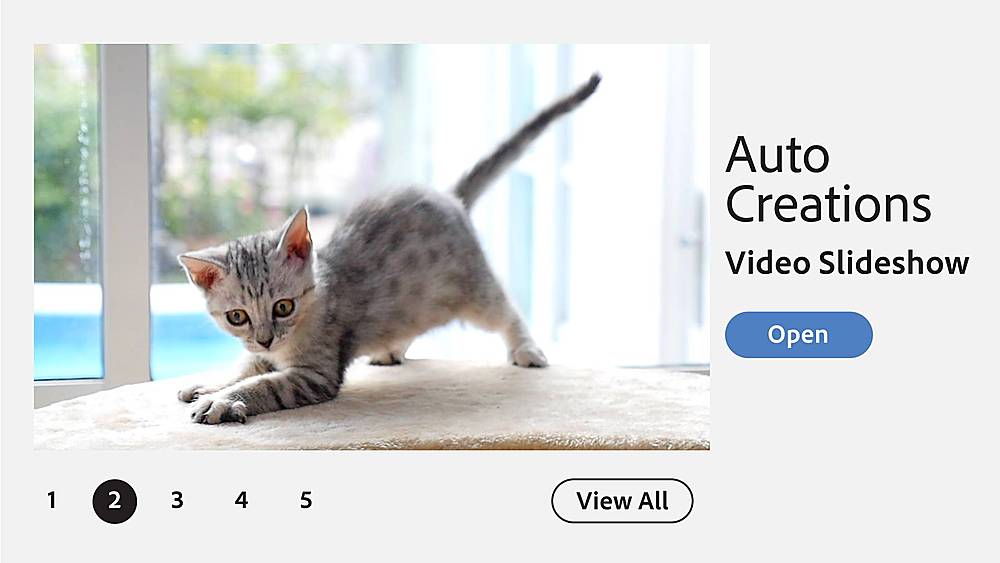
|Posted .This reviewer received promo considerations or sweepstakes entry for writing a review.The menu system is very easy to use, i am coming from premiere/photoshop 2019. The transition is smooth and the automated collage effects are pretty cool and the suggested features or tools come in very handy. I find myself using the guided tools which make editing photos and videos very easy. I like the ability to add motion to the still photo instead of messing with the tracking and vertex options of other software. The NEW face tilt is pretty freaky and it does help with certain pictures and adjusting positions. It seems like it was made to take into account people who dabble on social media and it quickly add the adjustments and resizes it for the social media outlet selected. It is much more interactive with the photo and video as opposed to the 2019 software. It also uses the GPU for playback with some effects instead of having to render the video using your CPU...VERY NICE!
I would recommend this to a friendHelps organize my growing family albums
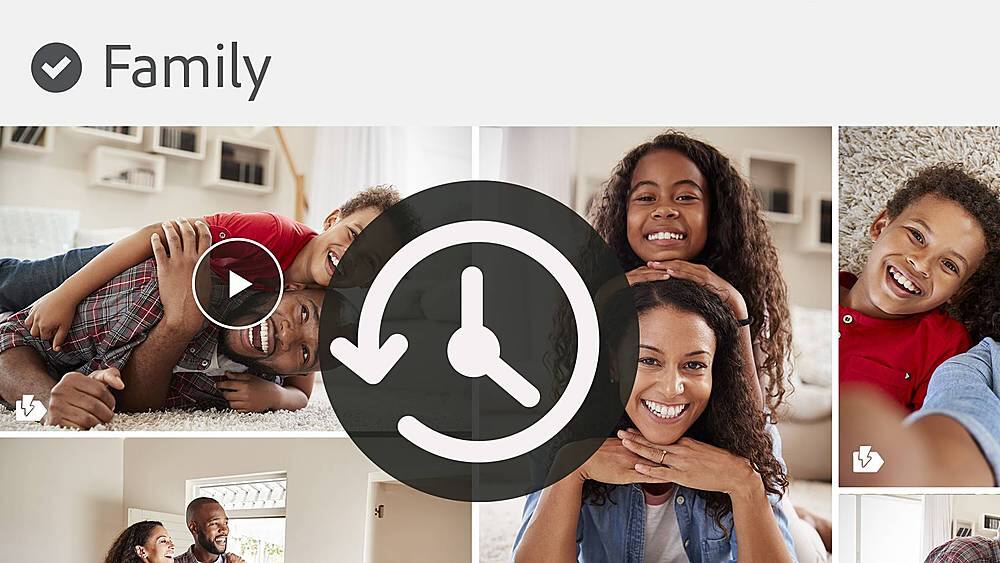
|Posted .This reviewer received promo considerations or sweepstakes entry for writing a review.The first and likely most improved feature if-s the facial recognition organizer. After Photoshop culled through my family archived photos, it did a good job of tagging people for easy retrieval. I liked the frame feature and the special effects options. Just got started using the new color features. I was able to bring out the details of a scanned photo from 1995 and brighten a photo of my daughters face in her mothers arms. That was amazing. So much more to try. Calendars, collages, removal of people walking through a special picture , and of course, combining photos for the perfect smile.
I would recommend this to a friend- Pros mentioned:Ease of use
Great for Photoshop Beginners
|Posted .This reviewer received promo considerations or sweepstakes entry for writing a review.My wife just started taking pictures and editing as necessary and loves the new photoshop - easy to use and great quality
I would recommend this to a friend Serious issues with activation of software
Posted .This reviewer received promo considerations or sweepstakes entry for writing a review.I am a fan of Photoshop elements for consumer level photo editing. I'm new to Premier elements. I have purchased several computers and lots of "stuff" from Best Buy. I have never had the problem that I encountered with the purchase of this software. Adobe would not recognize the redemption code that came with the software. Three of the first five Best Buy reviews of this product cited a similar problem. When I purchased the software, I specifically asked the cashier about Best Buy's software return policy and was told that Best Buy would accept returns as long as the software was not activated. When I returned to the store because Adobe would not activate the software, the store manager informed me that Best Buy would not accept returned software if the package was opened, even if the software could not be activated. Fortunately, dedicated Geek Squad member Eric was willing to spend almost 90 minutes on chat with Adobe to get them to issue serial numbers so I could use the software. Four to 5 stars for software -- 1 star for Best Buy -- 5 stars for Geek Squad.
I would recommend this to a friendExcellent software by Adobe
|Posted .This reviewer received promo considerations or sweepstakes entry for writing a review.Love what you can do with program to show friends and family photos and video.
I would recommend this to a friendWorks great
Posted .This reviewer received promo considerations or sweepstakes entry for writing a review.it comes in great, with 2 discs, one for windows and other for mac. there is also a redemption code for an online download and serial number.
I would recommend this to a friendGreat Printing
Posted .This reviewer received promo considerations or sweepstakes entry for writing a review.This is a great product for printing wonderful pictures from raw camera files.
I would recommend this to a friend