Customer Ratings & Reviews





- Model:
- ADO951800F160
- SKU:
- 6424571
to a friend
Customers are saying
Customers admire Premiere Elements 2021 for its user-friendly interface and reasonably priced app. Beginners and seasoned pros alike appreciate the guided edits that make video editing easier. The software is considered a great video editing program for those just starting out.
This summary was generated by AI based on customer reviews.
- Pros mentioned:Ease of use

Enough Power for Casual Users
|Posted .This reviewer received promo considerations or sweepstakes entry for writing a review.If you're just looking for a simple video editor without trying to edit a blockbuster, Premiere Elements is a great choice. There's enough features for editing home videos and basic Youtube videos. Trimming and splicing is easy drag and drop. If you're looking to add effects and music, be prepared to spend some time learning the software. It's not as complex as the full Premiere version, but there's still a learning curve, especially for the more advanced functions. If you're just getting into video editing, this is a nice place to start.
I would recommend this to a friend - Pros mentioned:Features
Easy, Quick for Home Use
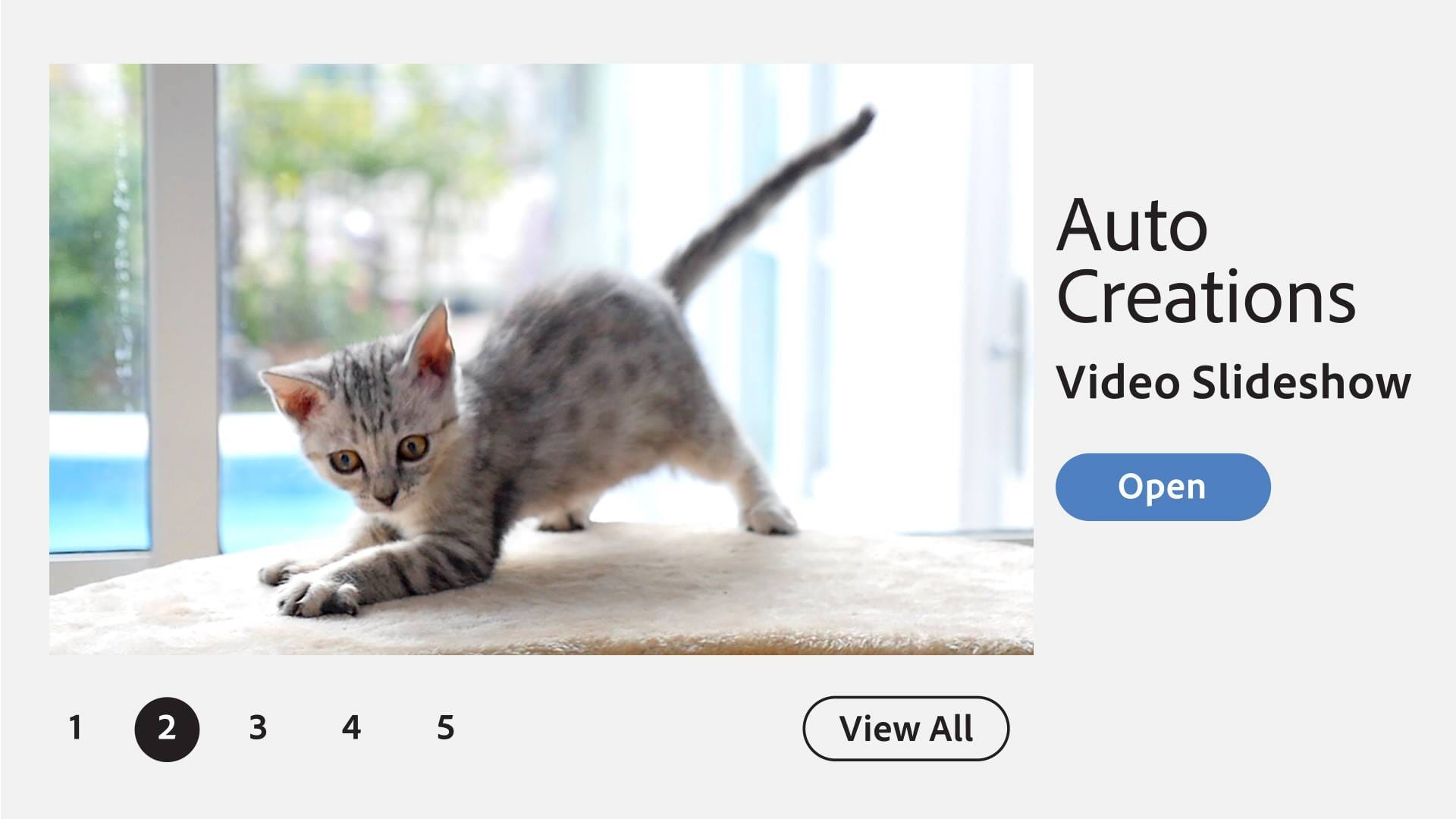
|Posted .This reviewer received promo considerations or sweepstakes entry for writing a review.If you are like me, you take tons of video with your camera but never do anything with the raw footage. Adobe Premiere Elements 2021 allows a beginner like me to take those videos and easily convert them into professional looking movies. There are many automated options to help you get started. Rendering time was also very quick on my i5 computer. Not only can you make movies, but you can make slideshows, etc. All and all, a very good product for a relative novice.
I would recommend this to a friend - Pros mentioned:Ease of use
Great Video Editing software
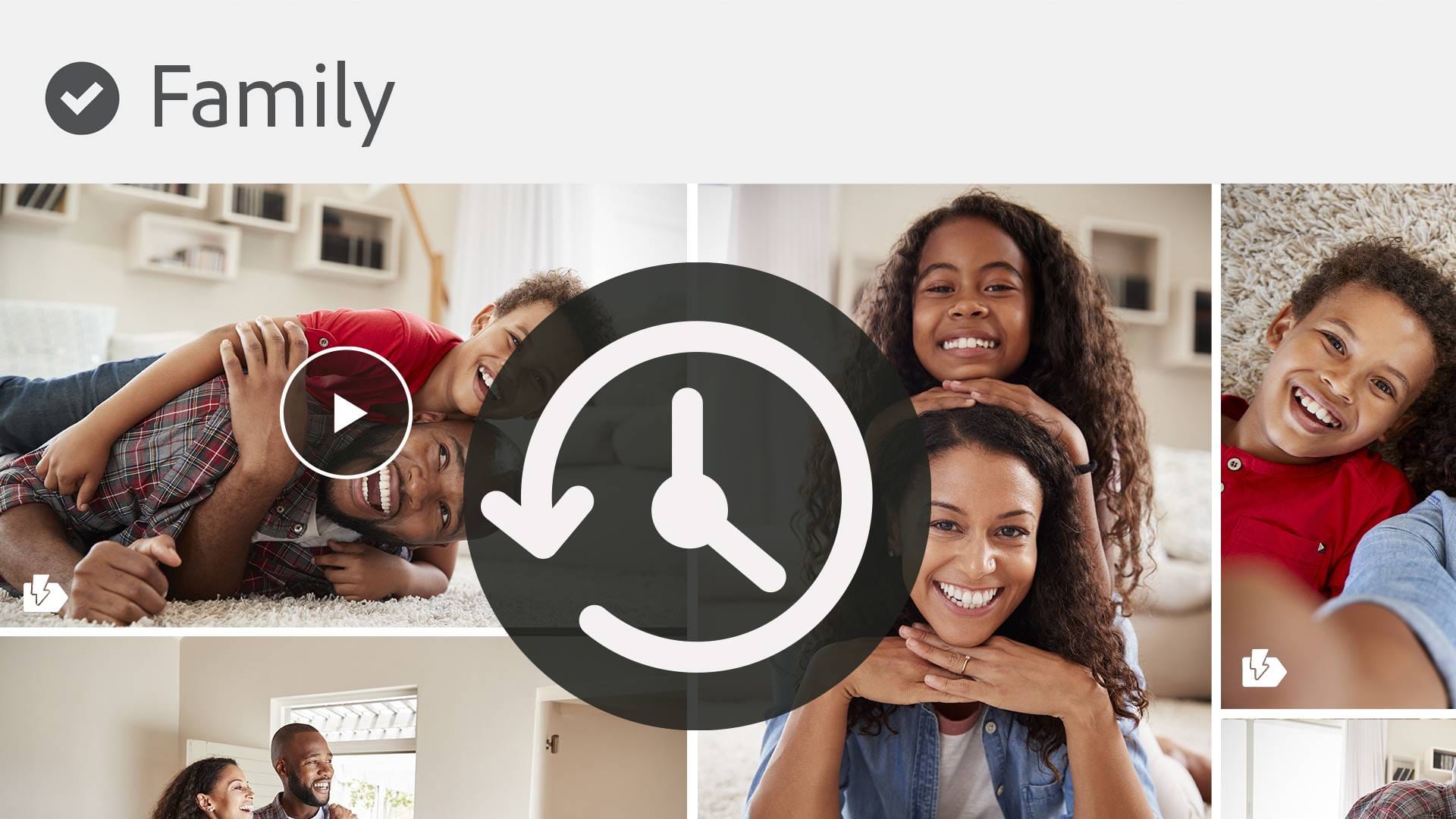
|Posted .This reviewer received promo considerations or sweepstakes entry for writing a review.This video editing software works great on my PC. I installed it on my Mac, but had no luck getting it to activate. It kept saying my serial number was invalid. However, I was able to install it on my PC and it was able to activate just fine. Not sure if others had issues on their Mac. The software has different modes depending on your skill level. You can choose between Quick, Guided, or Expert Mode. Everything is laid out to make it easy to import media, edit, and add effects to your videos. Creating video collages was quick and easy too by going to Create in the upper right corner and choosing Video Collage. From there you would add your videos and choose from several templates. You can click on the Play button that’s inside of a mechanical wheel icon on the right side of the app to choose if you want the videos to play one after the other or all together. This is useful for those that wish to create Zoom style videos. The UI looks a bit dated compared to other video editing apps, but the larger icons will make easier and user friendly.
I would recommend this to a friend - Pros mentioned:Ease of use
Great Video Editor and More!
|Posted .This reviewer received promo considerations or sweepstakes entry for writing a review.Adobe Premiere Elements has all of the features I am used to with more powerful capabilities. You can edit videos extensively make video slideshows out of pictures with music added to them with custom backgrounds and even create a slideshow video with a video combined. While it is a bit more complex than what I am used to it was pretty easy to navigate the software and get started creating a video slideshow from a recent trip we took as well as edit a video of our dog playing. It seems like there are a lot of possibilities with Adobe Premiere Elements. I also have Adobe Photoshop on my computer and I am not sure yet why I can not open either one from the home menu of the other it just offers to try the for free. It would be nice to tie them in with each other. I am really looking forward to becoming a Pro with this software and making a lot of media for the family to enjoy. I would definitely recommend it to anyone that wants to get serious about creating videos, video collages, video slideshows or even editing videos for YouTube! While there is a little bit of a learning curve if you spend some time with it you can create some great media and family memories to pass down and share!
I would recommend this to a friend - Pros mentioned:Interface
Industry Standard For A Reason
|Posted .This reviewer received promo considerations or sweepstakes entry for writing a review.I have recently started flying FPV Drones and have been creating some movies to share with friends. I also do a little video work for weddings and the like so this is a great tool. Having an older version getting caught up was easy. Some of the new features are really handy such as the 3 separate workspaces Quick, Guided, and Expert make this accessible for the beginner through semi pro. The quick workspace opens with a simple interface asking if you want to edit one video or add videos and if you want photos. Once in, you have a simple but powerful interface to put the various media you will use in a simple timeline. Sometimes I use this to splice various flight recordings together, add sound and I am ready. When starting a project it is really handy that the software will automatically set its parameters to match the first clip you add to your project. Of course you can adjust settings manually if you wish for my purposes, it just works and I can focus on making a cool looking movie. Enjoy this product,
I would recommend this to a friend - Pros mentioned:Video editing
Keeps Getting Better
|Posted .This reviewer received promo considerations or sweepstakes entry for writing a review.It had been a couple years since I got Premiere, I usually work more with photos than videos but figured it was time to get current. As with any Adobe Elements product there is so much you can do, you really need to know what you are looking to do going in. From the transitions to adding different effects into the video. You can make what you envision in your head. The only thing you need is time and an imagination. I have spent hours going through the guided and working my way into the expert modes. You are only limited by what you think you want...then you will find something even cooler. I feel like any project I am doing I keep finding something new and I never move on to the next thing I want to do. Schedule yourself if you want to do more than one project and stay to that schedule. Enjoy the creativity and make new memories. You will get every dime you spend on this back in enjoyment and at times frustration.
I would recommend this to a friend - Pros mentioned:Ease of use
Great for everyday video editing
|Posted .This reviewer received promo considerations or sweepstakes entry for writing a review.I'm new to video editing and trying my best to create new content from home and learning from scratch. Shooting video clips on my iPhone XR and loading them up onto my Windows laptop has been pretty seamless to help and create / edit videos. I'm very basic on using iMovie on my iPhone, but learning Adobe Premiere Elements has been a little bit of a learning curve for me. After about 20 minutes of learning and playing with it I was able to get familiar with how to create and edit content. It allows for some fun animations and creative effects. The program is easy to use when you learn it and allows you to create some pop to your videos. Add animation to photos and make your content come alive on social media. Adobe offers guided edits and helps you to create some lively content with transitions and overlays. Worthy program for being a creative video editor for beginners and beyond. Enjoy.
I would recommend this to a friend Very Fun
|Posted .This reviewer received promo considerations or sweepstakes entry for writing a review.Selected the Adobe Premiere Elements 2021 Mac, Windows product because I assist with many projects for Social Media Marketing, Website Marketing, and take a lot of pictures to create memories. Felt this would be a great addition to the other software I use. Installing Adobe was very easy. Once installed tested out creating short videos and gifs using images. Uploading images was easy and you have the ability to add music, edit photos, and time the length of how long you would like each image to last in the video. The images can be organized and the quality was crisp and clear for me. Can't wait to use this on bigger projects that I am getting ready to work on for promoting a virtual event. Still much more to learn, but pretty easy to use for me. PROS: Photo editor, organizer, and video editor. Love the options of being able to create slideshows, videos, postcards, and much more. The music selections that you can choose from and the ability to add your own musical background.
I would recommend this to a friend- Pros mentioned:Ease of use
Easy! Great Results
|Posted .This reviewer received promo considerations or sweepstakes entry for writing a review.Without reading any instructions I was able to edit a video from 30 seconds to 11, added transitions, caption and music. It looked professionally done! The product comes with help videos under the "Guided" section. This software is easy to use so you get started right away. The Help videos add knowledge so you can increase your skillset when ready. Really nice product.
I would recommend this to a friend Makes editing easy
|Posted .This reviewer received promo considerations or sweepstakes entry for writing a review.I’m a big fan of this program. I can easily edit photos to the point of them looking professional. I can share those photos from Adobe with a click of a button. I also post videos to YouTube. I was able to edit my videos easily and then with a click upload great quality videos. I’ve used Adobe many times in the past and I have to say, this is the best iteration so far. I definitely recommend.
I would recommend this to a friendAudio Editing Issues Nowadays
Posted .This reviewer received promo considerations or sweepstakes entry for writing a review.After using Adobe Premiere to edit video for my YouTube channel the past two years it has worked fine with my Sony camera. I had the 2019 Adobe Premiere edition and all of a sudden it recently developed a problem. The audio began having issues. It will transfer four audio tracks at one time instead of just one like it always did in the past. I upgraded to the 2021 version and the same problem persists. I spent 4 hours on the phone with Adobe customer service, they admitted the issue that AVCHD audio will no longer work with the editing software. You must have a camera that can record in MP-4 format OR use third party software called HandBrake to convert your files to MP4 so it can be properly edited. It is extremely time consuming. What a pain!!
No, I would not recommend this to a friend