Customer Ratings & Reviews
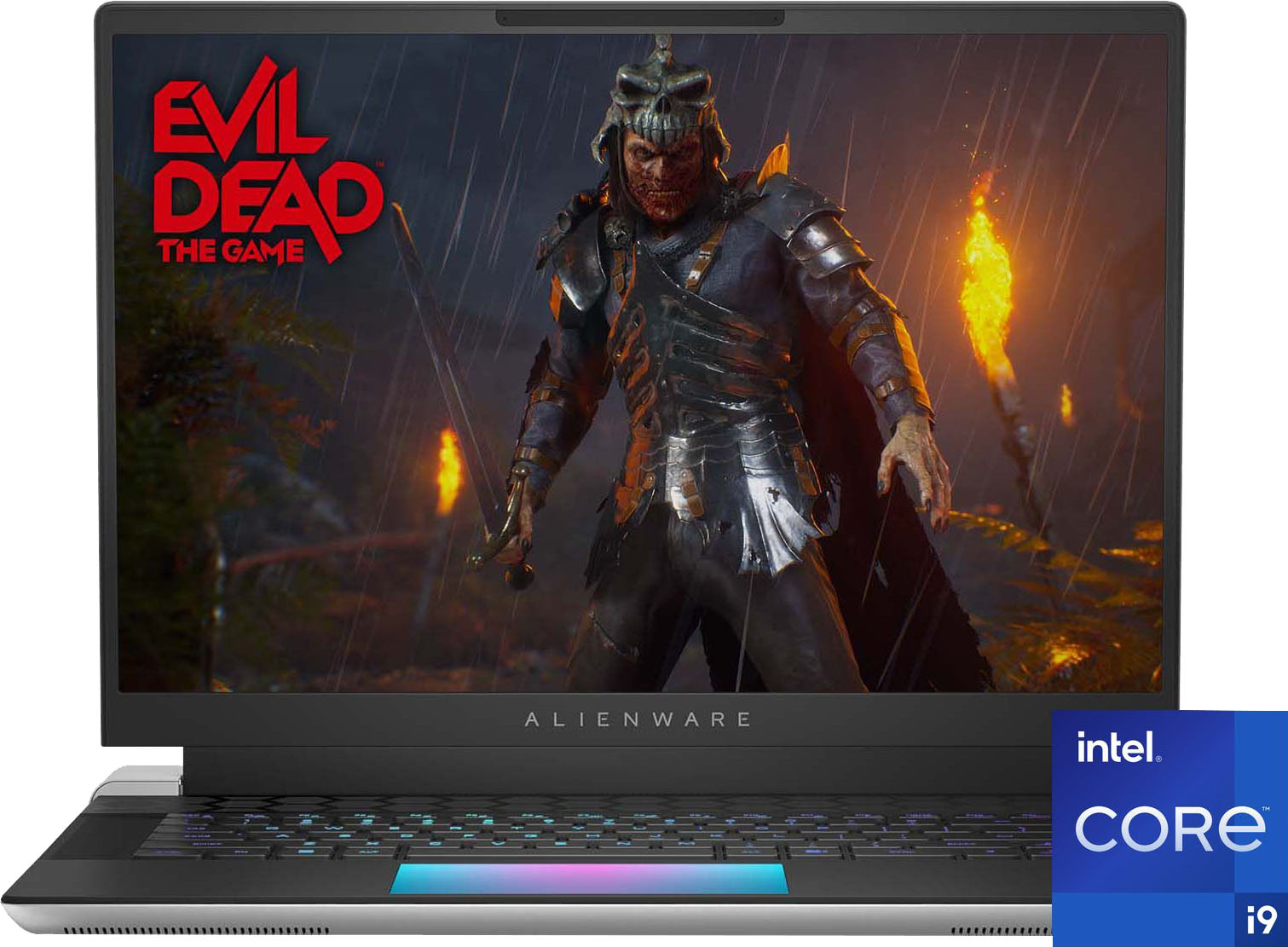
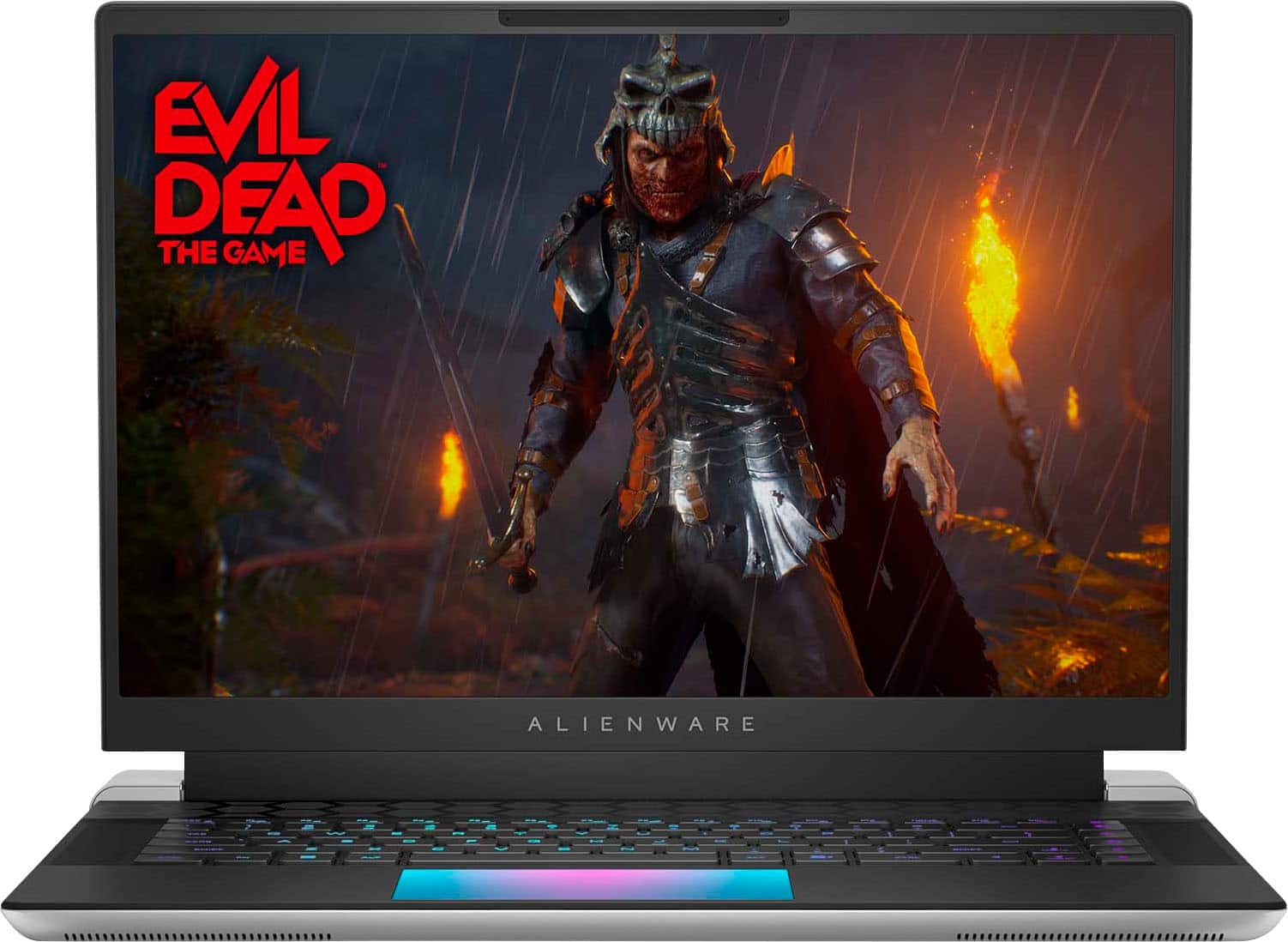
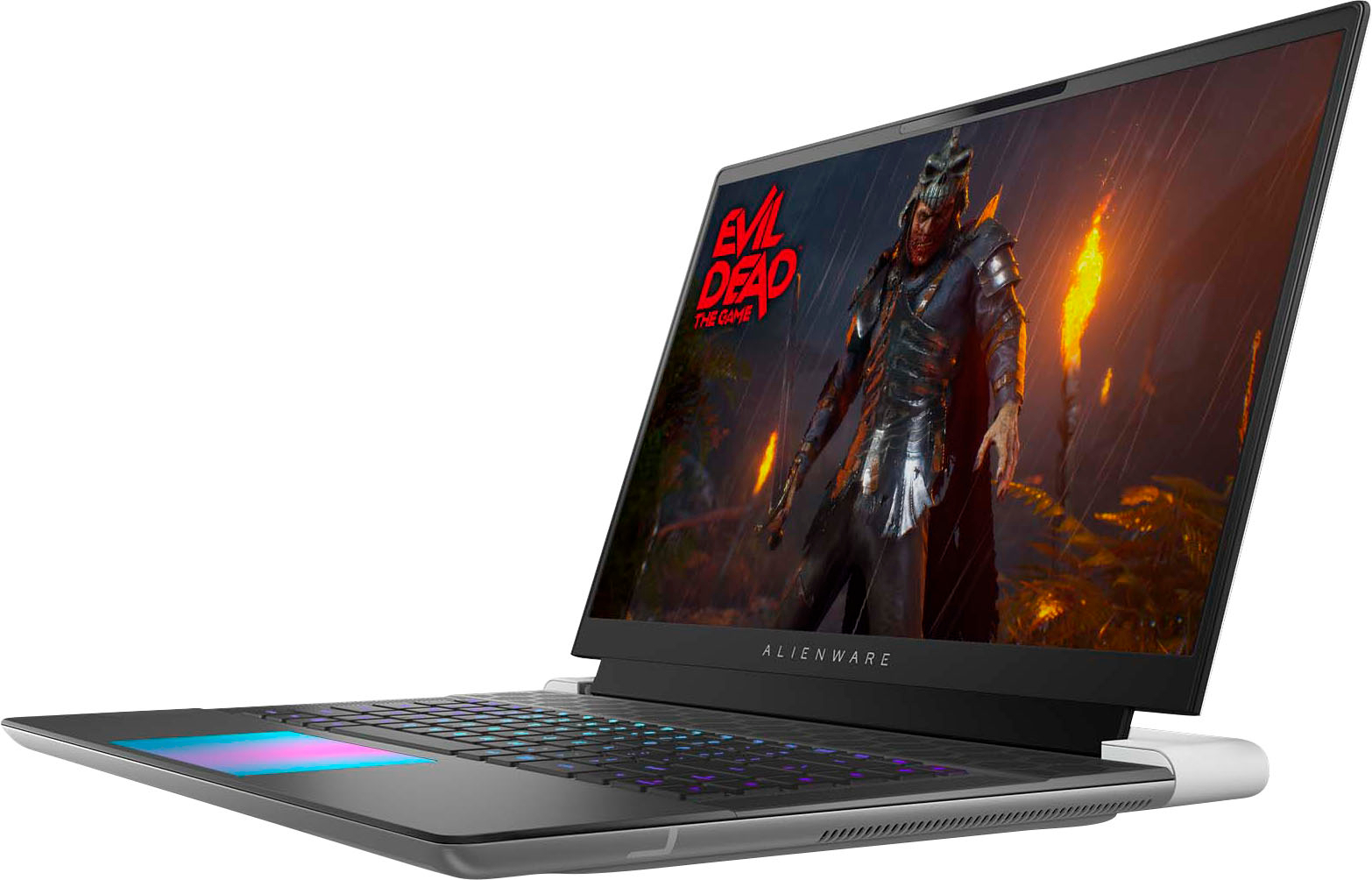

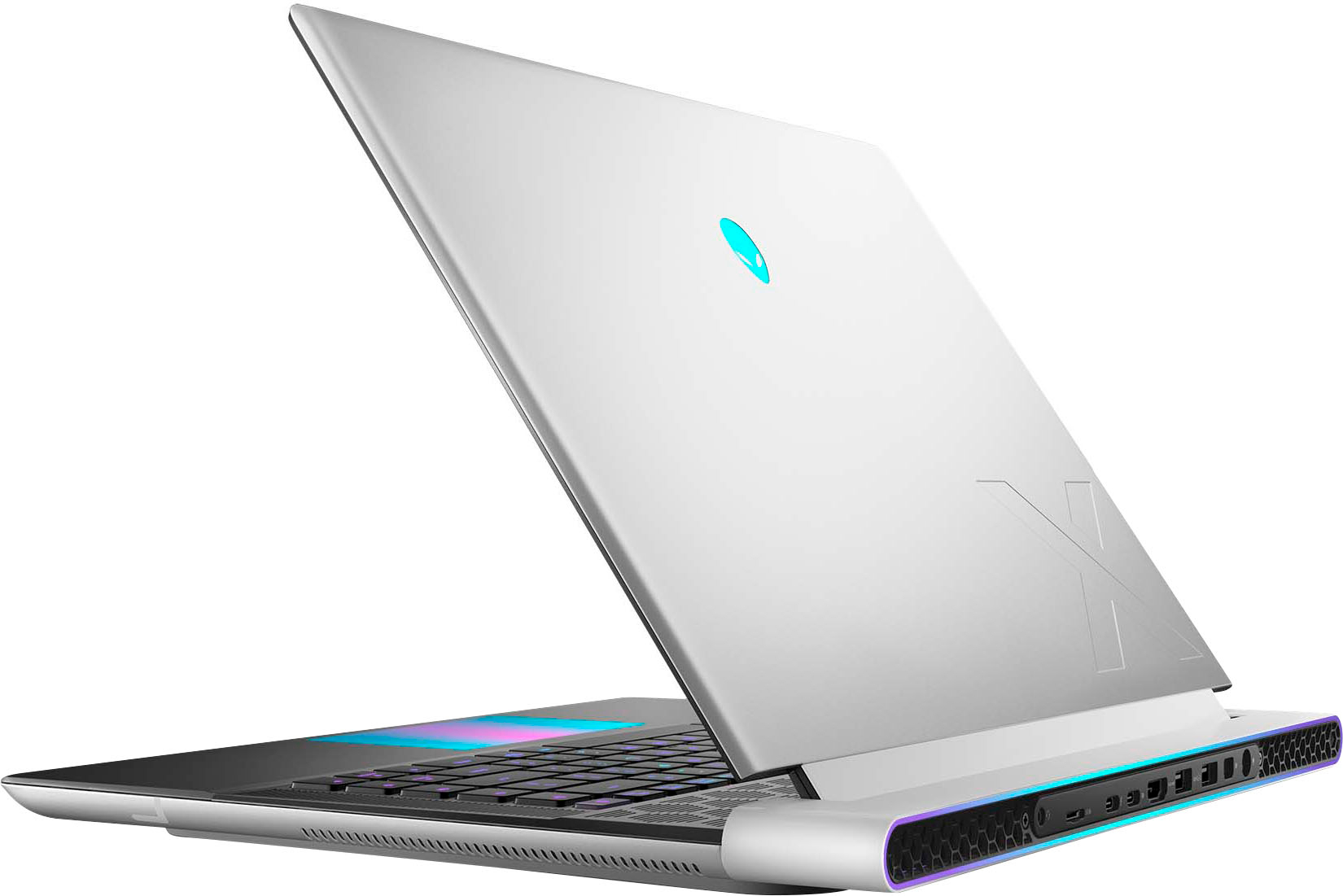
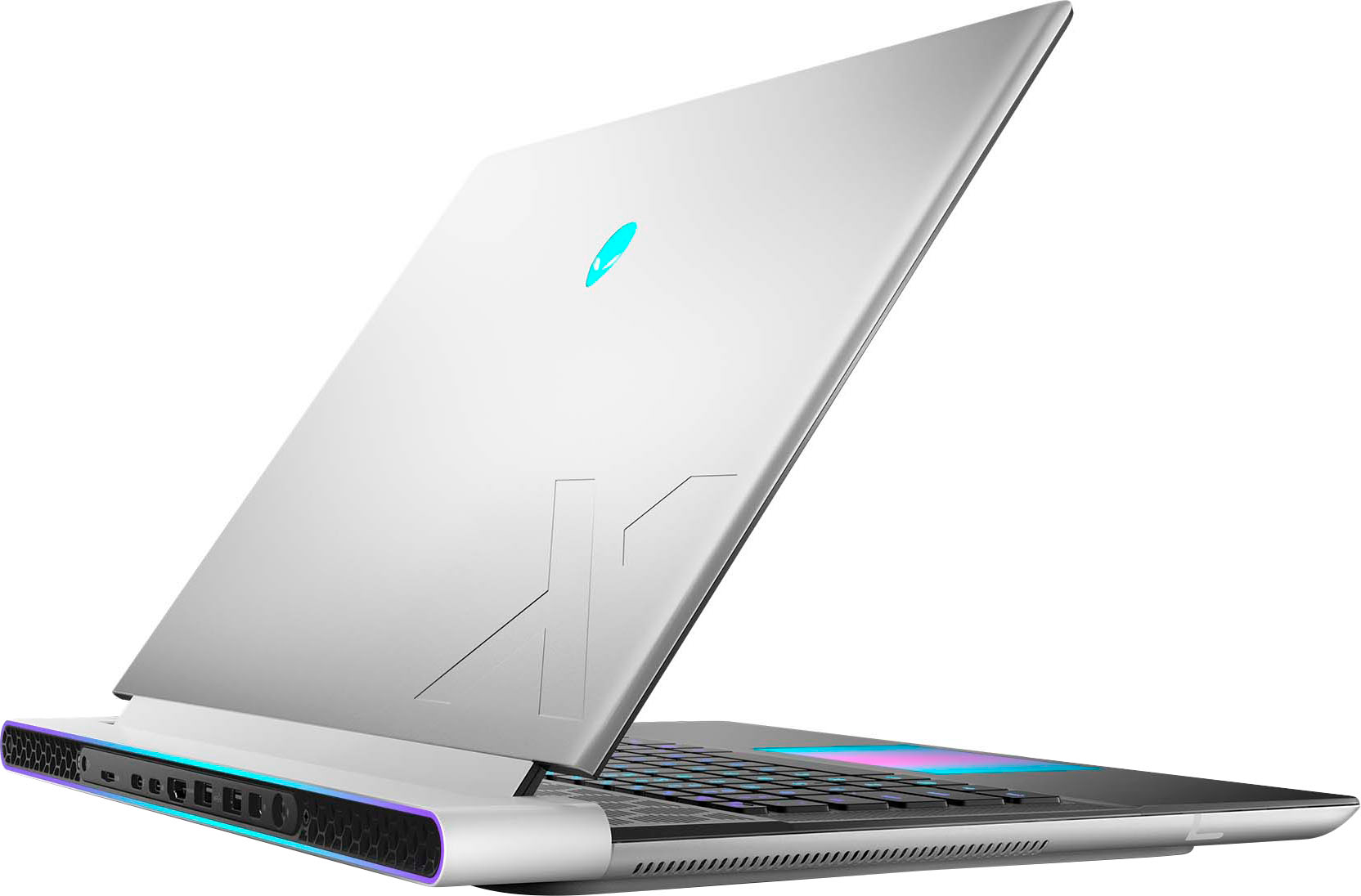
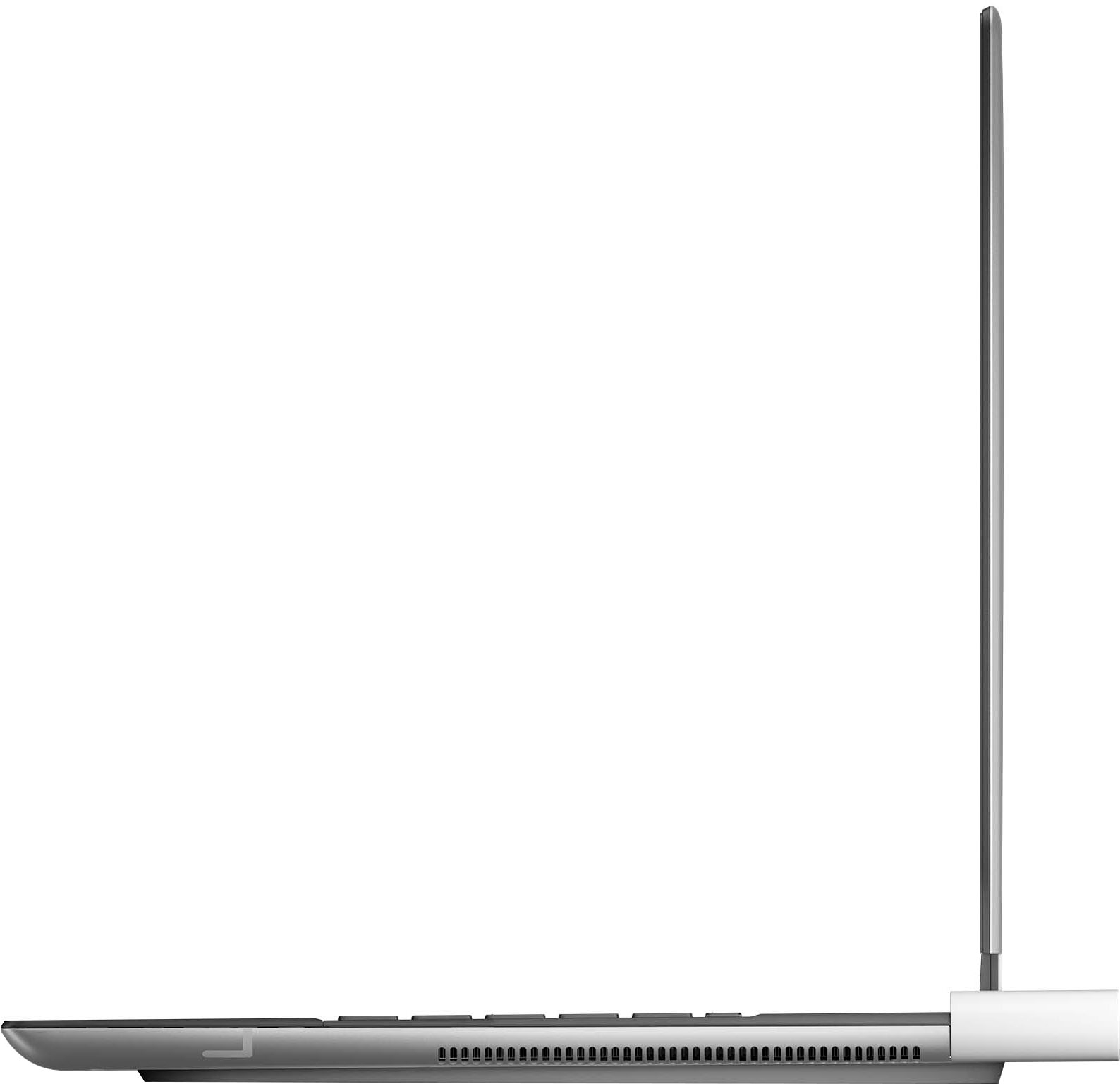
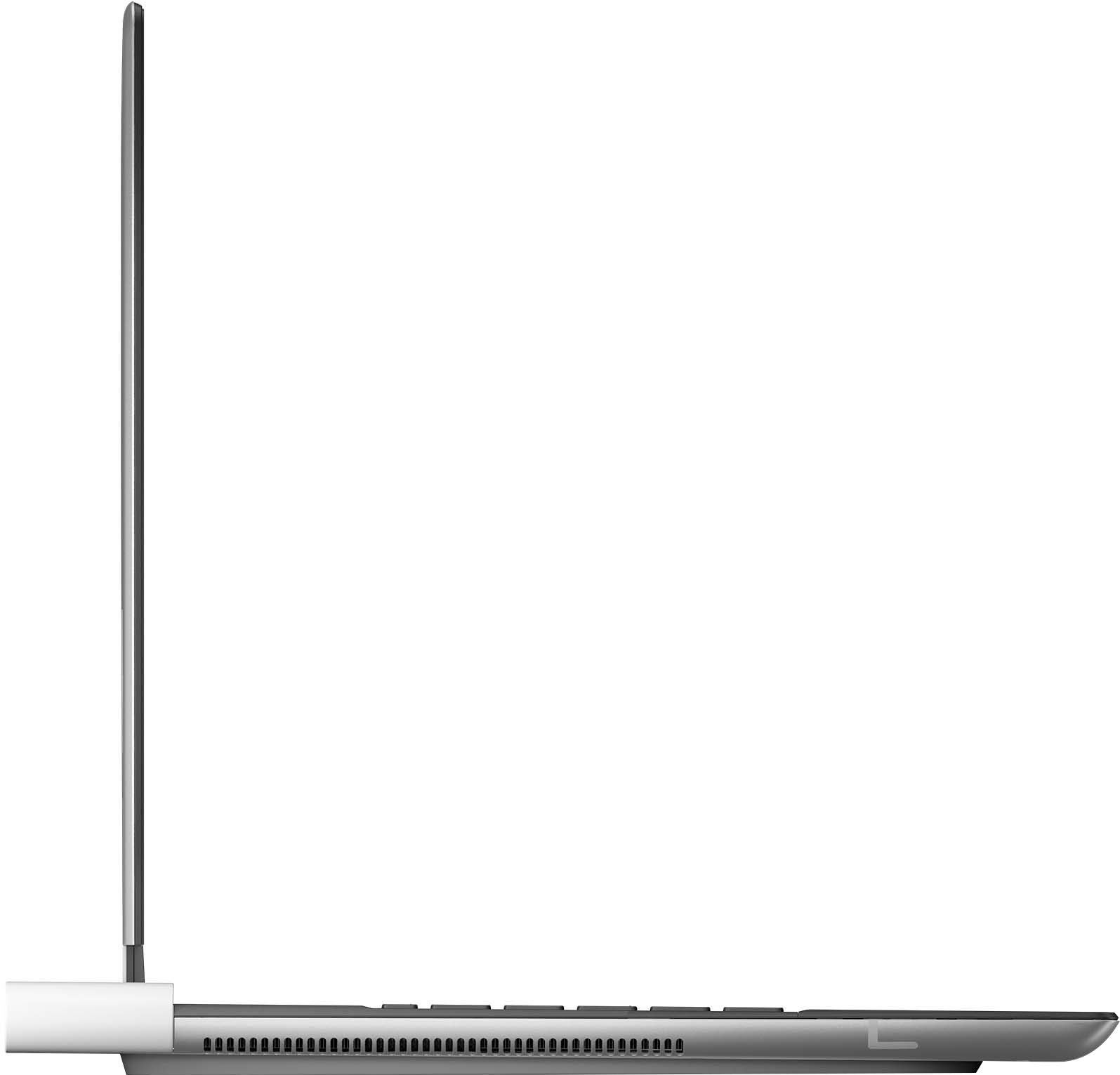

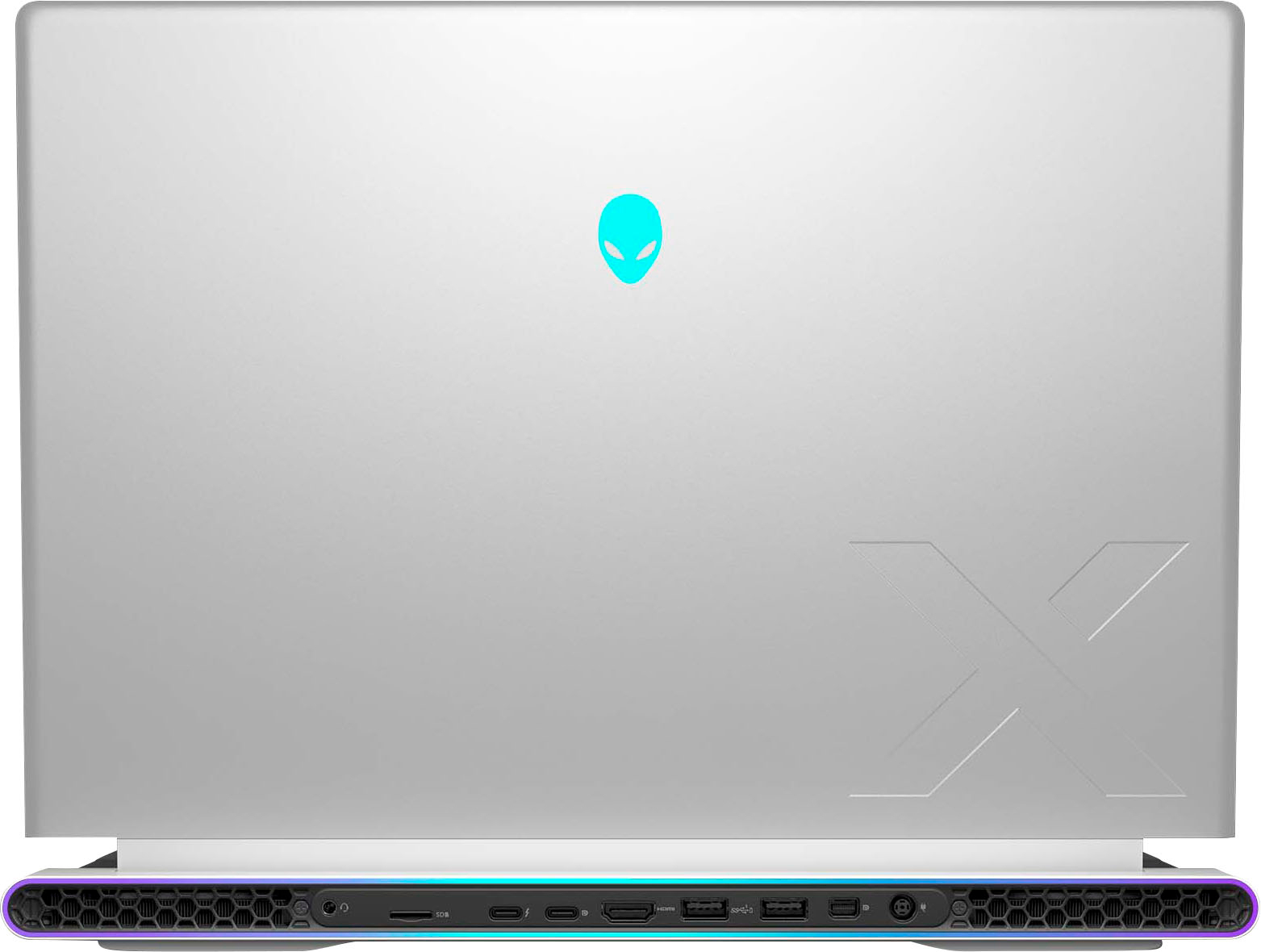




- Model:
- AWX16R1-9855SLV-PUS
- SKU:
- 6560994
Rating by feature
- Battery Life
Rating 3.6 out of 5 stars
- Speed
Rating 4.8 out of 5 stars
- Display
Rating 4.5 out of 5 stars
Customers are saying
Customers are delighted by the x16 FHD+ 480Hz Gaming Laptop's exceptional performance, noting its ability to handle demanding games and various applications such as video editing. Many appreciate its power for gaming, DJing, and multitasking. Positive feedback highlights the laptop's ability to rival high-end desktops in performance. There were no reported cons from customers.
This summary was generated by AI based on customer reviews.
- Pros mentioned:Performance
Alienware x16 r1 review
||Posted . Owned for 1 month when reviewed.This reviewer received promo considerations or sweepstakes entry for writing a review.Performance is on par with high end desktops. Fan noise is not unbearable. Build quality is fantastic.
I would recommend this to a friend Best computer I’ve ever owned.
||Posted . Owned for 1 month when reviewed.This reviewer received promo considerations or sweepstakes entry for writing a review.Works as advertised. Fast refresh is amazing. I would recommend one to a friend.
I would recommend this to a friend- Pros mentioned:Performance
Expensive Disappointment
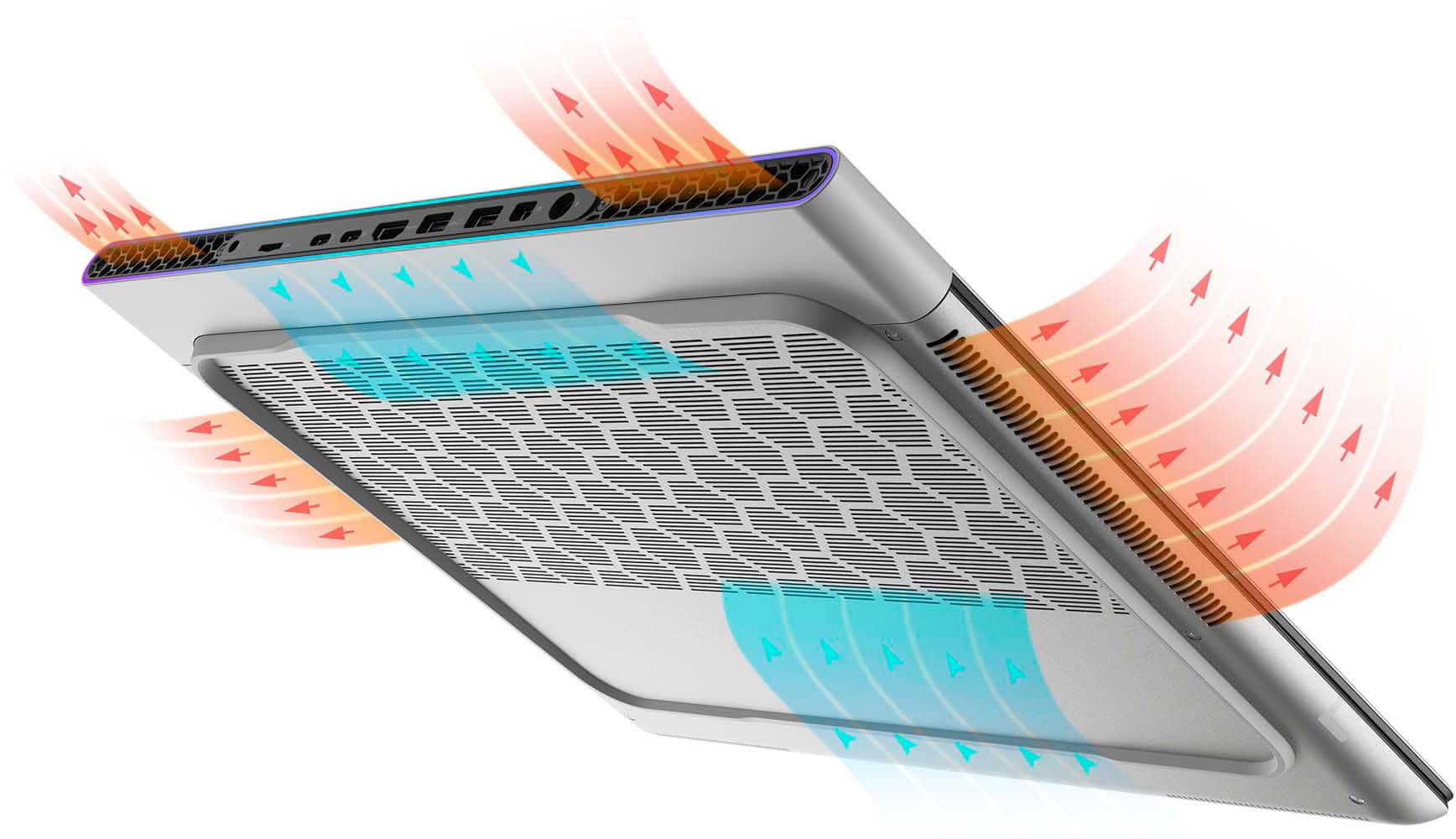
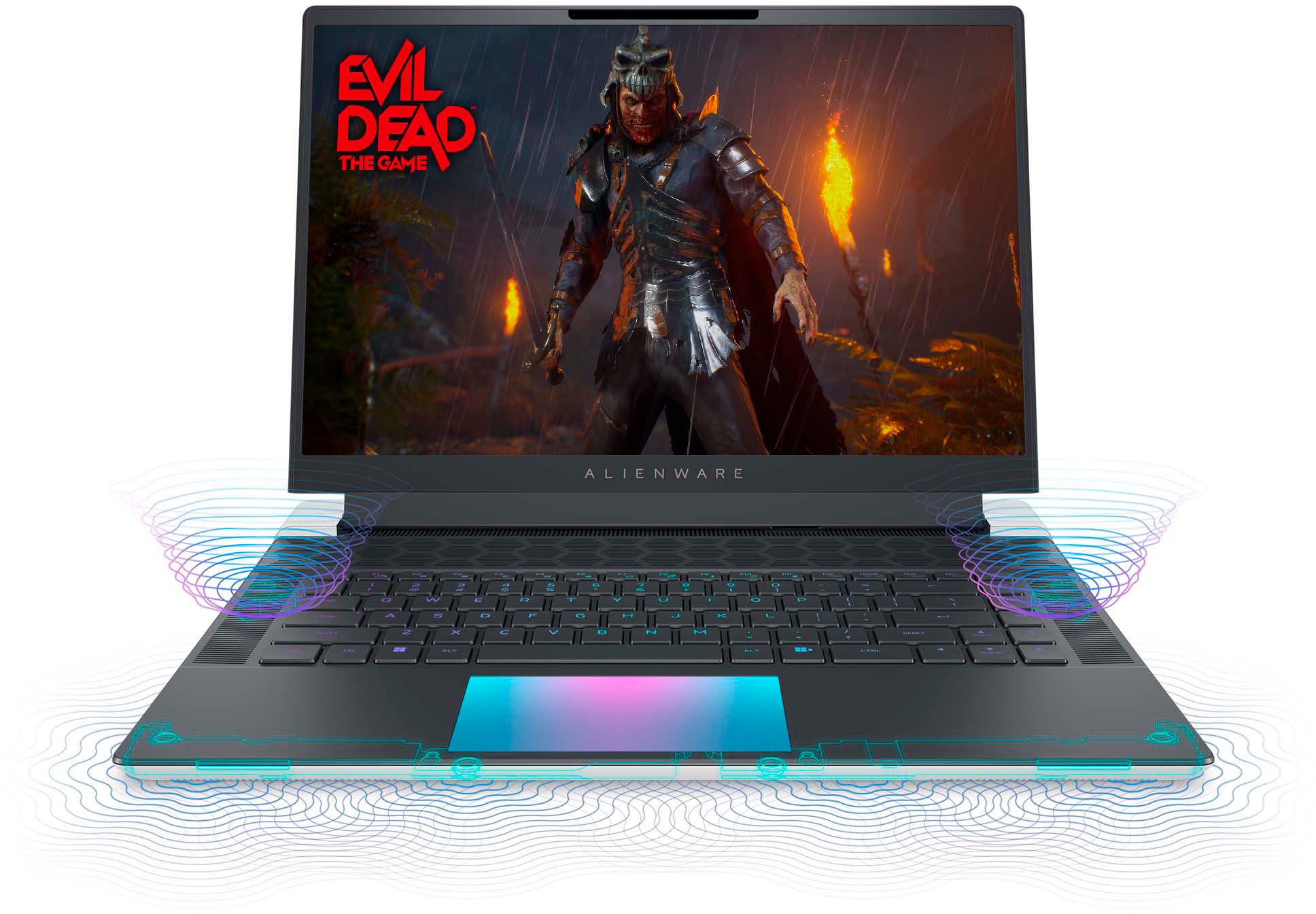
||Posted . Owned for 3 weeks when reviewed.This reviewer received promo considerations or sweepstakes entry for writing a review.Hello BestBuy Customers, I've owned this laptop for a little over two weeks. However, it's been a bumpy road so far. After a week of using the X16, the lights started failing me one by one. First, the keyboard lights went out. Then the backlight on the back of the screen went out and the trackpad light went out. I currently sit here typing this review with NO LIGHTS WORKING... I contacted Alienware customer support and after two or more hours of talking back and forth, their solution was that I needed to wipe my computer completely and start from scratch. As this was a software problem... Ironically, I was stuck between buying a Razor and Alienware. I chose Alienware because of the aesthetics and now two weeks later the lights do not even work... I'm truly feeling disappointed in myself for prioritizing aesthetics as Alienware computers cannot continually deliver this expectation since their lights and software are failing me. I would also like to add that this PC gets very HOT! The fans do a pretty good job at cooling but it sounds like a jet engine. Other than the lights this is a powerful PC that offers a powerful gaming experience. When the lights work the PC looks great, and I love how the keyboard feels to type. Also, the Dolby Atmos speakers in this PC are fantastic. In conclusion, the Alienware software and command center sucks! I would have expected a lot more from a 3K plus gaming laptop. I really considered returning this laptop but I need it for this trip that I'm on. I don't think I'd choose this computer again. I should have known better than to buy an Alienware... lol I would give this computer two and a half stars, but Best Buy will only allow full stars. Minus 1 star for the command center Minus 1 star for the lights Minus half a star for overheating. Thank you,
No, I would not recommend this to a friendBrand response from YourDellTeam
Posted .Dear MatthewM,
We appreciate you taking the time to leave us your review. Your feedback is valuable to us at Dell. We are sorry to hear that your Alienware x16 Gaming Laptop is running warmer than you expected. It's important for us to hear about inconsistencies in our products for consideration of future development. To help you with the heating issues that you are having, I have provided troubleshooting steps with the full article below that can resolve the issue.
Here are the steps to troubleshoot your heating issue:
1. Update the system BIOS.
2. Configure Alienware Command Center.
• Open Alienware Command Center
• Set the Active System Theme - Thermal as Performance Mode
3. When the system boots up, using the preinstalled software Dell SupportAssist run the stress test.
• Dell SupportAssist > Hardware Checkup > CPU > CPU stress test
4. Launch the Alienware Command Center, go to Fusion, and monitor the CPU frequency.
• The CPU peak temperature should be less than or equal to (≤) 100 ℃
• When under high stress, the system average temperature can be expected to be less than (≤) 100 ℃
• Note: The CPU average temperature can be expected to reach 95 ℃ under cool mode for the Alienware m15, m17, and x17 systems
Resolving a high temperature or overheating issue: https://dell.to/3F25rqN
If you still experience any issues after you have finished troubleshooting your laptop using the steps above, please reach out to us at: https://bit.ly/DellSupportTeam
If you continue to experience issues, please reach out to Dell Support directly by using the information provided below.
Chat or call: https://bit.ly/DellSupportTeam
Phone number to Dell: 1-800-624-9896
Best,
Summer@Dell
Disappointed
||Posted . Owned for 1 month when reviewed.This reviewer received promo considerations or sweepstakes entry for writing a review.Product wasn’t good I bought this laptop open box it said it was excellent I received the product, played with the laptop until it said it needed to charge. I plug it in and it wouldn’t charge so I sent it to geek squad it’s been two weeks still haven’t received a laptop that I paid 2500 for just disappointed
No, I would not recommend this to a friendAlienware x16
Posted .This reviewer received promo considerations or sweepstakes entry for writing a review.Left speaker working not well with noise I'm foreigner How to fixed, I don't know
No, I would not recommend this to a friendBrand response from YourDellTeam
Posted .Dear Kotodessa,
We are sorry you are having issues with the audio performance of Alienware x16 FHD+ 480Hz Gaming Laptop. This is not the type of feedback we like to hear from our customers, or the type of product Dell intends to deliver.
We have noted the details of your statement and your feedback will be shared with our quality team for consideration in future improvements. We always strive to get better and reviews like yours are helping develop products our customers love.
Below I have provided steps with the full article that can help you resolve the audio issues of your laptop.
1. Check the audio ports for damage, and clean the ports
2. Restart your Dell computer
3. Check the connection (external speakers, headphones, or earphones)
4. Check volume settings and set the default playback device for low or no sound
5. Run the Microsoft Sound Troubleshooter
6. Reinstall or Update the chipset, audio, and BIOS drivers
7. Run a hardware diagnostic test
8. Download and install Microsoft Windows updates
9. Perform Windows System Restore
10. Restore the computer to factory default settings
How to Troubleshoot No Sound on Computer or Audio Playback Issues: https://url.dell.com/096932
If you continue to experience any issues or need further assistance with recommendations, please take a moment to call or chat to speak with a representative at your earliest convenience using the information provided below so that we can help you to your satisfaction.
Chat or call: https://bit.ly/DellSupportTeam
Phone number to Dell: 1-800-624-9896
Best,
Minhaj@Dell
- Pros mentioned:Performance
Great Laptop
||Posted . Owned for 5 months when reviewed.This reviewer received promo considerations or sweepstakes entry for writing a review.Works fantastic, easy setup and upgrade for the SSD. Plays all games i've throw at it.
I would recommend this to a friend - Pros mentioned:Performance
top pc
||Posted .This reviewer received promo considerations or sweepstakes entry for writing a review.best pc for Dj, gaming, and multitasking. versatile pc.
I would recommend this to a friend Such ashamed me Lenovo.
||Posted . Owned for 1 year when reviewed.This reviewer received promo considerations or sweepstakes entry for writing a review.Laptop started to have a lot of issues and problems, for having for a year, went I first got it, there were no issues but after a year of using, the problems start to occasionally occur more often, blue screen of death a few times, got to restart the laptop, laptop started to froze after couple hours playing light gaming, I don’t know how it happened, and sometimes it kicks me out of Microsoft edge to the windows Home Screen if I play for few hours, too bad I can’t upgrade my ram to 64gb, because the 32gb is soldered on it, the ssd I can but it’s still worthless, I wasted $2000 for a quality, I expected to be very great and running smooth for a whole 5 years, eh, I was totally wrong, I’m never buying a laptop again, I’m going for a gaming pc instead this time to make upgrading a lot easier.
No, I would not recommend this to a friend- Pros mentioned:Performance
Perfect computer
||Posted . Owned for 1 month when reviewed.This reviewer received promo considerations or sweepstakes entry for writing a review.I m ery happy eith my purchase ,im able ro play my ganes and having at the same time a good computer.cor video editing and refular use . I would definitely recomend to buy this beast
I would recommend this to a friend Amazing
||Posted . Owned for 1 week when reviewed.This reviewer received promo considerations or sweepstakes entry for writing a review.Very nice, screen is very clear and very fast i definitely recommend this computer
I would recommend this to a friendBEWARE!!!!
||Posted . Owned for 2 weeks when reviewed.This reviewer received promo considerations or sweepstakes entry for writing a review.I recently returned this laptop and wanted to just give a short and sweet reason to why if anyones looking at getting this laptop DONT!!!!! 1. The laptop gets insanely hot to the point where it will not only burn you but turn whatever room your in into a sauna 2. The laptop sounds like a F 22 fighter jet when playing any games even less demanding ones youd think thats cool but it is in fact beyond annoying 3. Due to its overheating i had games crash countless times and tried everything i could to keep it cool with no luck 4. You would think after paying 3k for a premium laptop it would feel expensive and well made no this laptop is flimzy the logo on the back was loose and the speakers looked and felt cheap all around not worth its price i strongly encourage anyone considering this laptop to look elsewhere and avoid the hassle it gave me!
No, I would not recommend this to a friendBrand response from YourDellTeam
Posted .Hi TechSavvy538,
We value your feedback and want to thank you for taking the time to leave a review of your Alienware x16 gaming laptop. We are sorry to hear that you were experiencing an issue with your device overheating and you made the decision to return it. That is not the type of feedback we like to hear from our customers, or the type of product Dell intends to deliver. We have noted the details of your statement and will use them to improve current and future products.
If you need further assistance, please reach out to Dell Support directly by using the information provided below.
Chat or call: https://bit.ly/DellSupportTeam
Phone number to Dell: 1-800-624-9896
Best,
Summer@Dell
The best gamer laptop
||Posted . Owned for 3 weeks when reviewed.This reviewer received promo considerations or sweepstakes entry for writing a review.The best. Fast. Cheap. If u need a complete laptop to play or to work This is your best option.
I would recommend this to a friendBroken straight out of the box
||Posted . Owned for less than 1 week when reviewed.This reviewer received promo considerations or sweepstakes entry for writing a review.Clock_watchdog_timeout and whea_uncorrectable_error straight from the box, it cant boot into setup, it cant boot into recovery, it cant successfully boot to a windows 11 installation media usb without crashing and it locks up doing its dell bios diagnostics and never completes. Garbage.
No, I would not recommend this to a friendBrand response from YourDellTeam
Posted .Hello Thilly,
Thank you for taking the time to leave us your review. We sincerely apologize for the trouble you have encountered with your Alienware x16 FHD+ 480Hz Gaming Laptop. This is certainly not the type of feedback we like to hear from our valued customers, or the type of product Dell intends to deliver.
Your feedback will be shared with our quality team for consideration in future enhancements in products.
If you are still experiencing issues, with a little more information from you, we would like to help you resolve issues you may be facing to your satisfaction. Please do not hesitate to get in touch with a Dell representative using the information provided below.
Chat or call: https://bit.ly/DellSupportTeam
Phone number to Dell: 1-800-624-9896
Best,
Minhaj@Dell
Incomplete
||Posted . Owned for 3 weeks when reviewed.This reviewer received promo considerations or sweepstakes entry for writing a review.Don't have a charger and the cost is 180.00 dollars
No, I would not recommend this to a friendA monster
||Posted . Owned for less than 1 week when reviewed.This reviewer received promo considerations or sweepstakes entry for writing a review.Super machine, very well built on its aluminum chassis, runs all games at full speed, excellent image and a super design! Very satisfied with the purchase, I recommend it with my eyes closed.
I would recommend this to a friendCooling fans died
||Posted . Owned for 3 weeks when reviewed.This reviewer received promo considerations or sweepstakes entry for writing a review.Cooling fan died within 30 days. Have to return. I am a full time college student and this is unacceptable at the price
No, I would not recommend this to a friendBrand response from YourDellTeam
Posted .Hello There Disappointed,
Thank you for taking the time to leave us your review. We are sorry you have decided to return your Alienware x16 gaming laptop. We can assure you that Dell takes pride in manufacturing quality products. Even if this product was not the right fit for you, we hope that you will consider Dell in the future when you make your next purchase.
If you need further assistance, please reach out to Dell Support directly by using the information provided below.
We look forward to making this right for you!
Chat or call: https://bit.ly/DellSupportTeam
Phone number to Dell: 1-800-624-9896
Best,
Summer@Dell
Delivery
||Posted . Owned for 3 weeks when reviewed.This reviewer received promo considerations or sweepstakes entry for writing a review.This laptop is amazing! It was delivered on time. Thanks.
I would recommend this to a friendAs I expectected from this laptop
Posted .This reviewer received promo considerations or sweepstakes entry for writing a review.It look very promising so far, super powerful laptop plus the 480Hz make it the very best choice for gaming and complex computing multi-tasking. Not problems at all, If Alienware is reading, thank you for helping me advance my gaming career and my professional life!
I would recommend this to a friendWorst purchase ever!
Posted .This reviewer received promo considerations or sweepstakes entry for writing a review.This Dell Alienware 16 desktop was my worst electronic purchase ever! After 3 months of the purchase, it showed a blue screen. We tried a remote assistance with the technical support and finally after some hours, we were told to send it to Dell to be repaired. After a few weeks blue screen again. Same procedures, remote assistance and finally we have to send it again to Dell for repair. The worst $3300 ever spent! You are out of the 30 days window to return it? you are screwed!
No, I would not recommend this to a friendBrand response from YourDellTeam
Posted .Hello Dimi,
We appreciate you taking the time to leave us your review. We sincerely apologize for the blue screen issues you are experiencing with your Alienware - x16 FHD+ 480Hz Gaming Laptop.
We can assure you that Dell takes pride in manufacturing quality products. This is certainly not the experience we like to hear from our valued customers.
Feedback like yours helps us improve our current and future products.
Below I have provided troubleshooting instructions with the full article that can help resolve this issue.
1. At the desktop, click the Search the Web and Windows box and type "problem reports".
2. Select View all problem reports viewing a list of errors that have occurred on your computer and possible solutions for them, such as updating drivers, flashing your system BIOS, or checking for updates to the software.
3. Under the Source column, look for Windows, and under Summary, look for Shut Down unexpectedly.
4. Right-click the line item and select Check for a solution.
We'd also suggest checking to make sure that your software and drivers are up-to-date on Dell's Product Page here: https://dell.to/3Kpl6UT
You can read the full article on solving PC blue screen issues here: http://dell.to/2u98Cct
If you are still experiencing issues or have any other concerns or questions, please take a moment to call or chat to speak with another representative at your earliest convenience using the information provided below so that we can help you resolve the issue to your satisfaction.
We look forward to making this right for you!
Chat or call: https://bit.ly/DellSupportTeam
Phone number to Dell: 1-800-624-9896
Best,
Minhaj@Dell