Customer Ratings & Reviews
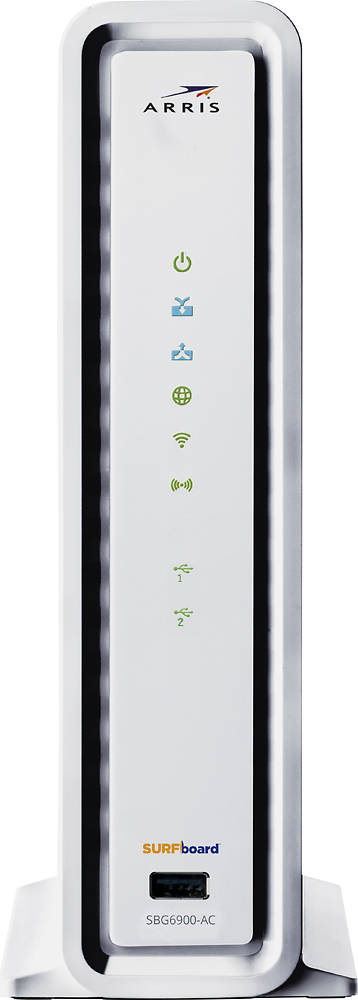
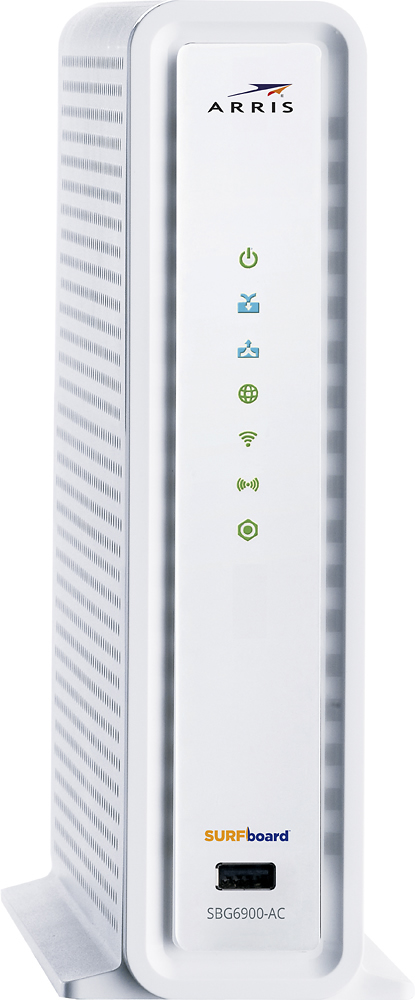

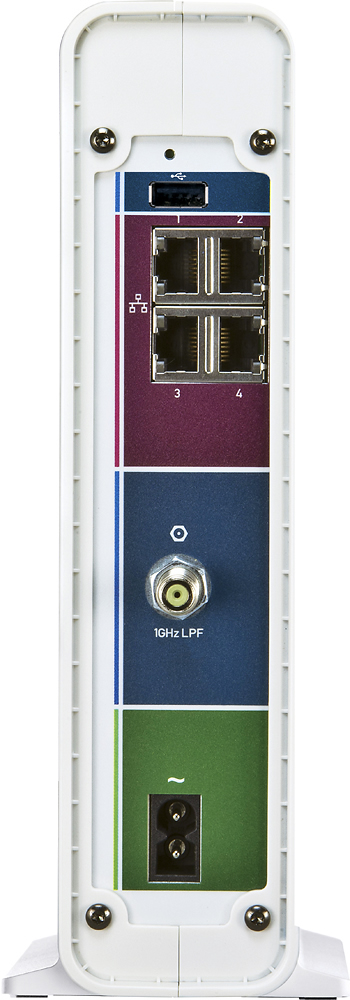
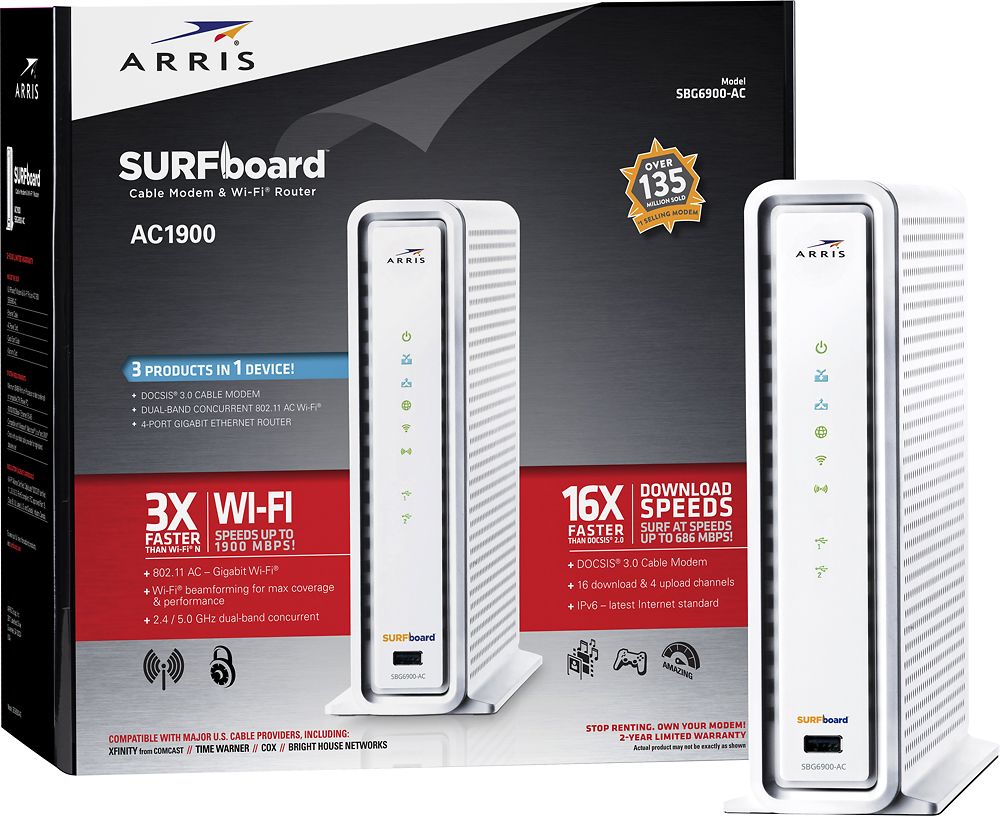

- Model:
- SBG6900-AC
- |
- SKU:
- 4601202
Customer reviews
Rating 4.4 out of 5 stars with 1483 reviews
(1,483 customer reviews)to a friend
Customers are saying
Customers enjoy the SURFboard AC1900 Dual-Band Router with DOCSIS 3.0 Cable Modem's ease of use, performance, and range. Many appreciate its simple setup and strong signal, resulting in reliable whole-home coverage. However, some users experienced connection issues. A few also noted the device's larger-than-average size.
This summary was generated by AI based on customer reviews.
Rated 1 out of 5 stars
Item doesn't work
||Posted .This reviewer received promo considerations or sweepstakes entry for writing a review.Item worked for a few days and then the wifi quit working along with the rj45 connectors.
No, I would not recommend this to a friendRated 1 out of 5 stars
Broke within a week
||Posted .This reviewer received promo considerations or sweepstakes entry for writing a review.Had to return it within a week, because it stopped working.
No, I would not recommend this to a friendRated 1 out of 5 stars
Not the best
||Posted .This reviewer received promo considerations or sweepstakes entry for writing a review.Very low manufacturer quality........,..............
No, I would not recommend this to a friendRated 1 out of 5 stars
Could not get it to work at all
||Posted .This reviewer received promo considerations or sweepstakes entry for writing a review.Had to return it because it would not work at all.
No, I would not recommend this to a friendRated 1 out of 5 stars
Drops!
||Posted .This reviewer received promo considerations or sweepstakes entry for writing a review.Unit has 2 frequents keeps dropping devices all feq.
No, I would not recommend this to a friendRated 1 out of 5 stars
not the best WiFi
||Posted .This reviewer received promo considerations or sweepstakes entry for writing a review.it's short rang and not strong enough to run my home
No, I would not recommend this to a friend- Pros mentioned:Speed
Rated 5 out of 5 stars
I love this modem/ router!
Posted .This reviewer received promo considerations or sweepstakes entry for writing a review.I bought this because we were constantly losing our wifi connection and had to reboot often. Also the modem I had was over 15 years old. I found it very easy to setup and recommend you call your service provider while installing. I noticed a difference right way the speed was much faster and we have three bars all the time through out the entire house with no freeze ups or lost connections. My only complaint would be that it doesn't have a telephone service connection and I still have a landline. I am using my old modem for that.
I would recommend this to a friend - Pros mentioned:Performance
Rated 5 out of 5 stars
No Problems - It Works Fine
Posted .This reviewer received promo considerations or sweepstakes entry for writing a review.I’ve had the Surfboard since mid September, 2017. No problems. However, the documentation that came with it is very weak. It does not tell you what the blue lights mean or how to use the WPS button. You can download the User Guide from their website which is much better. The biggest issue I had was getting the unit setup with Cox. A pain in the neck. After that, the unit worked fine and has been much better than the cable-modem Cox provided. So far, no hangups or dropped connections.
I would recommend this to a friend Rated 5 out of 5 stars
Amazing Modem
Posted .This reviewer received promo considerations or sweepstakes entry for writing a review.I have TWC and the modem I was renting from them kept dropping the wifi signals on the 2.4ghz and also on the 5.0 ghz networks which also resulted in multiple modem restarts. I went ahead and made the decision to purchase the modem to test how it would function, and surprisingly I have had no issues with the modem or the TWC service. The Wifi stays connected all the time on either 2.4 or the 5.0 wifi frequencies. Def with the buy.
I would recommend this to a friend- Pros mentioned:PerformanceCons mentioned:Connection
Rated 1 out of 5 stars
Wifi is HORRIBLE
Posted .This reviewer received promo considerations or sweepstakes entry for writing a review.I signed up for a bestbuy account just so I could do this review. Risking BB spam for you. I spent days of my life trying to configure this router's wifi. It works fine if you are doing nothing but web browsing. After that, its next to useless. I had a gig internet with century link. Circumstances sent me back to Cox where I pay for 300 Mbps Download and 30 Mbps upload. With this router I achieved about 87 Mbps download ONCE and around 30 Mbps upload consistently. This was wireless and you will always see significant degradation wireless. When I got google home I noticed HUGE issues. Google home simply could not keep a connection to the router and was forcing me to spend hours with google on the phone trying to problem solve. Google advised it was a connection issue. The router/modem was at most 20 feet away from my speakers, of which I had four. The router was configured properly and for maximum range. It just would not work consistently. I had to assemble my google speakers around the modem like rocks around a campfire to keep a connection....and this is silly. Bestbuy of course, would not take the modem/router back since it was 6 months old. I turned this junk in to a MODEM only and purchased a Nighthawk R7000. WOW. All my issues were resolved and I get 280Mbps download and 47 Mbps upload VIA WIRELESS!!! Stay away from this product. ARRIS is great for modems. HORRIBLE for modem/router combo's.
No, I would not recommend this to a friend Rated 2 out of 5 stars
Does not work with AirPrint or Bonjour Printing
Posted .This reviewer received promo considerations or sweepstakes entry for writing a review.The wireless router/modem is nicely packaged, physical quality is on the high side. I had no problem getting the modem provisioned with Time Warner and had no issues getting everything configured EXCEPT the HP 101 Envy Printer. Apparently the ARRIS router is not compatible with Bonjour (AirPrint) protocols. I didn't find this out until after I threw the box away or I'd be returning it. Anyway, I called ARRIS customer support and they were of no help. They basically said it was an HP printer problem. After scouring the internet, there isn't too much information out there on how to setup the wireless router to work with the Bonjour capable printers. Everything worked find prior to replacing this modem. I had to replace my Motorola Surfboard (model 5100 I think, it's about 10 years old) which used with a Linksys WRT54G wireless router. When the router bricked, I decided to update to something I THOUGHT would be one of the better items on the market as I was planning on keeping it for several years like I did with the previous setup. Boy was I wrong! A little more details on working with the printer. The printer would be found by the iDevices for a short period of time after resetting either the modem or printer, but after some time the printer could not be found. I set the IP address to Static. Ensured multicasting is on, and it still doesn't work. It still does not work. The printer would think it's connected, but the router lost it. And if you put the 5.0 Ghz radio on, it will not work at all, like ever. I am hoping someone in time will figure this out since I can't return this device. Would I buy this router/modem again, NO! If you don't use AirPrint (Bonjour) then I confident this device will work for you. I'm giving it 2 Stars because I'm sure it works great for anyone who doesn't use Bonjour/Airprint. And Customer service was not very helpful, but I really didn't expect much from them anyway. They would say it's HP's problem, HP would say it's an Apple problem, and Apple will say it's an Arris problem.
No, I would not recommend this to a friend- Pros mentioned:Performance
Rated 5 out of 5 stars
Great Product, Simple Set Up
Posted .This reviewer received promo considerations or sweepstakes entry for writing a review.My old surfboard modem/wifi ran great for almost 6 years of 24/7 use streaming to phones, roku, xboxes, laptops/PCs, printers and scanners in our home. After conducting research on the available modem and wifi combo units currently available I chose the Arris SBG 6900-AC due to its very capable specifications & 2 year warranty. The set up was straight forward when following instructions provided, and the performance is fantastic - even when streaming movies and online gaming at the same time across multiple devices. My advice to anyone setting up a home network themselves for the first time - take a moment to learn what firewall settings you have on your connected devices and what you should select on the modem. Enabling multiple security features which may not be designed to work together WILL throttle performance to a snails pace.
I would recommend this to a friend - Pros mentioned:Speed
Rated 5 out of 5 stars
Seamless & Semi-easy
Posted .This reviewer received promo considerations or sweepstakes entry for writing a review.After my old Motorola modem and Netgear router dropped my devices 8x in short order, I decided to venture into the semi-scary home improvement area of Tech. The smartest thing I did was to call my Internet provider first. Despite claims that modems are universally functional, apparently they are not. People, for happiness and less frustration, call before you buy. Anyway Best Buy price matched with no problem. Plugged the unit in, called to activate. Seemed sort of fine, but was dropping my i-devices. After unchecking the WEP box, all is super. As someone else noted my HP envy printer seems no longer connected, but it was a weak spot in security anyhow. I can direct print to it via air print (to the printer not using the router) and from the HP AiO Remote controller app on my phone, I can launch any scanned docs - easy work-around. SO happy with this unit - speed is great, handled multiple streaming devices nicely, and wifi strength reaches my kitchen now. Yeah!
I would recommend this to a friend - Pros mentioned:Speed
Rated 4 out of 5 stars
Better than rental!
Posted .This reviewer received promo considerations or sweepstakes entry for writing a review.I signed up for Comcast internet, I was disappointed when I pick up the rental modem. It looks old, outdated and clunky. I just could not believe that I will be paying $10/month for an old equipment. I decided to to stop at BestBuy to see the possible options. I zeroed in between the Xfinity Arris modem and this one. The associate informed me that this modem will perform better since it has the newer wifi technology. The set up with Comcast went without a hiccup. I encountered connectivity issues with my printer, the iMac defaulting to the 5Ghz while the printer is only 2.4Ghz capable which was nothing new to me. It was a simple fix, I turn off the 5Ghz and just settled with the 2.4Ghz. So far I have not noticed any issues with the internet speed. I hope this modem will last me long enough to pay off the monthly rental fees.
I would recommend this to a friend - Pros mentioned:Performance, Range
Rated 5 out of 5 stars
Great Product
Posted .This reviewer received promo considerations or sweepstakes entry for writing a review.After having many issues with the router that my cable provider leased me, I decided to upgrade and buy my own modem and WiFi router. So far I'm extremely pleased with the SBG6900-AC. I get a wider and stable WiFi range compared to my old router.
I would recommend this to a friend - Pros mentioned:Ease of use
Rated 1 out of 5 stars
Worst WiFi router EVER
Posted .This reviewer received promo considerations or sweepstakes entry for writing a review.Do not try to install if you have thinning of the hair - you will pull out the rest when you are done with this installation. First let me say I am not a wizard around many of the technologic gadgets; however I have set up many routers in my day. This piece of equipment was pretty easy in the beginning; call your internet provider after you have it all plugged in give the required info to the provider push a few buttons and you’re on line. The hard part come is when you have to interact with ARRIS. I wanted to change the user name and add my own passwords. Arris prefers you start the chat line. It discourages you to make a call to them because you may be charged a fee to do so. . So for 2 hours on a chat with a representative nothing was accomplished. He was telling me to do the same thing I had been doing all along. He said I had to reboot the router or clear back to the factory settings and when I did that the call chat ceased. Back to connect the Wi-Fi to the computer. Had to go back to the ARRIS web site and start a chat with another representive, same instructions doesn’t work again. Agents know their stock answers but become impatient when you’re trying to respond back when you’re not fast enough. I told the agent that Arris should provide telephone support and not charge for instructions when the router was brand new. He said they did provide telephone support without charging sometimes. Key word is sometimes. Okay the chat ended and I called the number provided. Now another twenty minutes to explain the problem, the next agent walked me through on how to sign and then onward to change the username and pw. He showed me how to do this that the chat line or written instructions did not even mention.The only problem it showed the new user name; however it left the brand still showing. That’s a privacy thing for me I don’t want the outside world knowing what product I was using. So I know it’s time to sign in to my equipment iPhone, iPad, printer and dvr. That’s a whole new game. Devices kept saying the password was incorrect, had to do it several time to get these devices connected. Finally accepted pw. I have two band widths the smaller I use for the IPhone and IPad and printer. The larger will be used for the dvr that is used for other apps and good old Netflex. Same thing would not recognize the pw had to do it over and over. Now for the speed this is the real joke I try to pull up the internet on the smaller devices and it’s slower than molasses in January. This router is absolutely worthless. Save your money. This is going back to Best Buy. I know I can find a less expensive model/brand with maybe a few less quirks.
No, I would not recommend this to a friend - Pros mentioned:PerformanceCons mentioned:Size
Rated 5 out of 5 stars
Great modem/router, expensive and large
Posted .This reviewer received promo considerations or sweepstakes entry for writing a review.Replaced a Time Warner Cable modem and Netgear N300 router with this all in one. Works well, but it is really huge, clear some space on your desk for this guy.
I would recommend this to a friend - Cons mentioned:Connection
Rated 1 out of 5 stars
Poor Wi-fi
Posted .This reviewer received promo considerations or sweepstakes entry for writing a review.Even though I read the reviews and saw the one "bad" report I took a chance on this unit. I regret that now... None of my wireless devices stay connected to this router and Arris "support" keeps claiming "interference" when the previous router displayed no such issues. I plan to at least exchange this unit if not go with another product altogether...
No, I would not recommend this to a friend - Pros mentioned:Performance, Speed
Rated 5 out of 5 stars
Love it
Posted .This reviewer received promo considerations or sweepstakes entry for writing a review.This is well worth the price we paid. Our internet is so much faster and more reliable than with the modem we were leasing from the cable company.
I would recommend this to a friend - Pros mentioned:Setup
Rated 5 out of 5 stars
Great
Posted .This reviewer received promo considerations or sweepstakes entry for writing a review.I find it better to buy your own modem than to be leasing one for 10 or more dollars a month. I did my research on a couple different types of modems/routers i decided on this one had good reviews and also the specs on this one was similar to what i wanted and it was compatible with my internet provider so that was a positive been using it for a while and haven't had any issues it was simple to install and activate as well took me like 15 min.
I would recommend this to a friend