Customer Ratings & Reviews
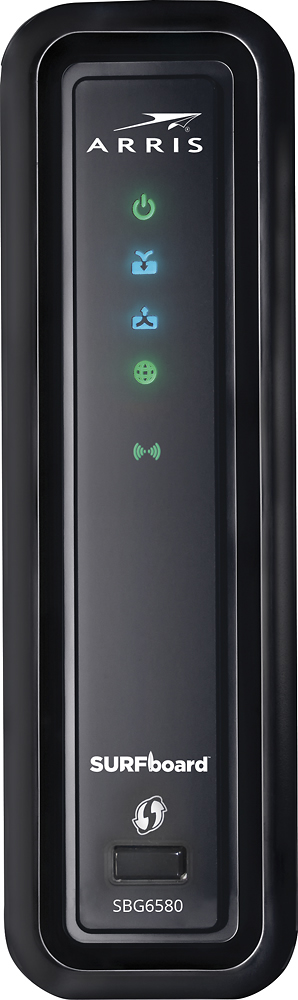
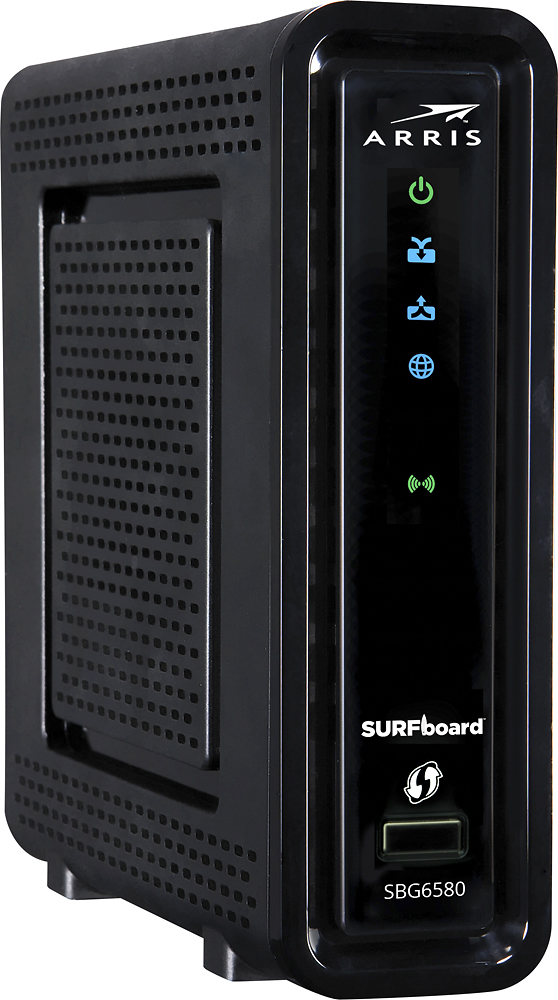
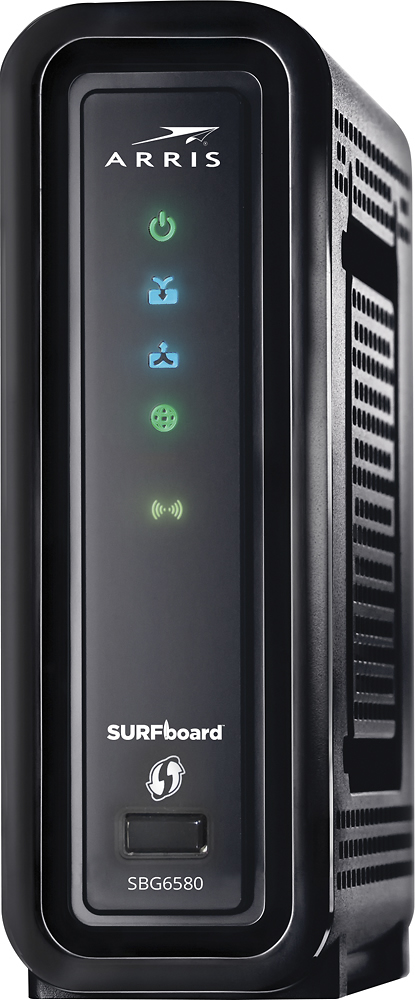
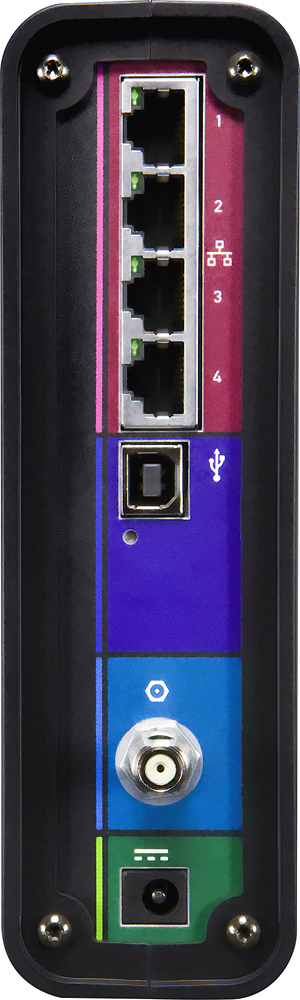
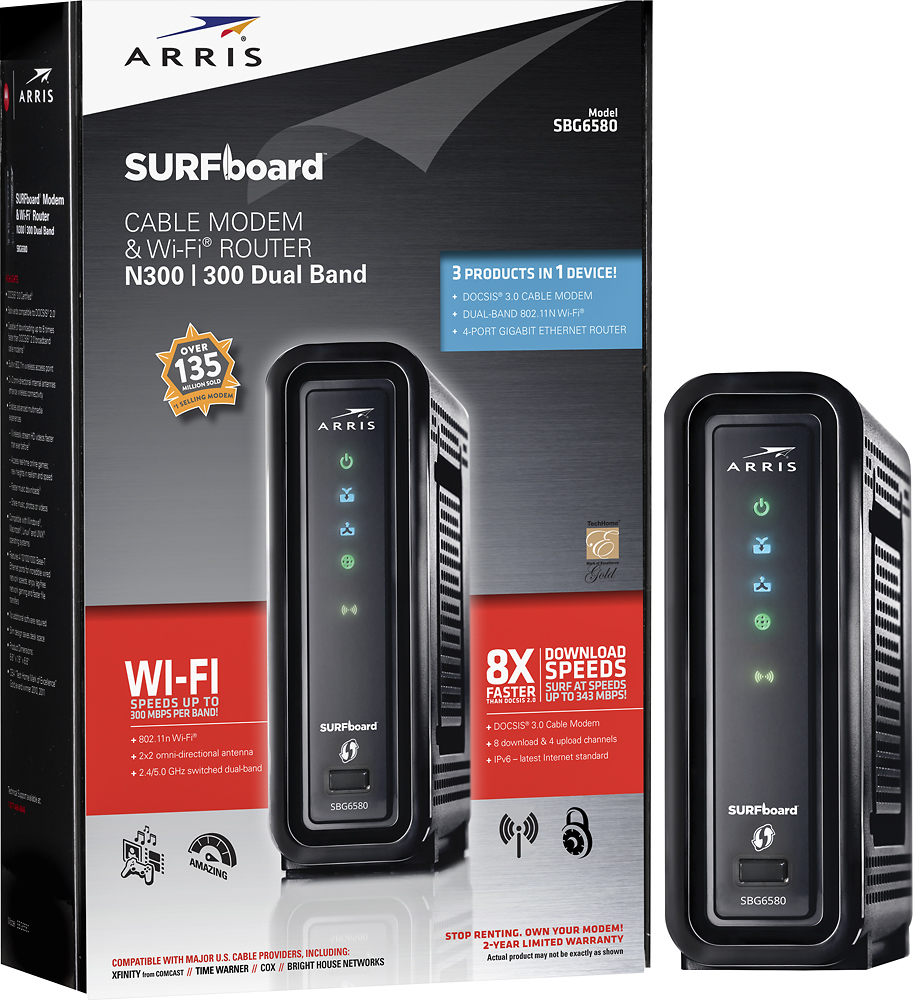
- Model:
- SBG6580
- SKU:
- 9962417
Rating by feature
- Value
Rating 4.5 out of 5 stars
- Quality
Rating 4.3 out of 5 stars
- Ease of Use
Rating 3.9 out of 5 stars
Customers are saying
Customers highly value the SURFboard eXtreme N300 Dual-Band Router with DOCSIS 3.0 Cable Modem for its ease of use, reliable performance, and straightforward setup. Many appreciate its reasonable price and compact size, along with its compatibility with various cable providers. Positive feedback also highlights the modem's functionality and decent range. While some users noted that the signal strength could be improved, the overall experience is largely positive.
This summary was generated by AI based on customer reviews.
- Cons mentioned:Signal strength
DROPS WIFI SIGNAL
Posted .This reviewer received promo considerations or sweepstakes entry for writing a review.I had to return this unit, due to a constant drop off from the WiFi signal. I ended up purchasing the Surfboard SB6183 and the TP-LINK Archer C5 AC1200 , whole new level of greatness. Do yourself a favor and spend the additional cost. Its worth it.
No, I would not recommend this to a friend Don't buy it!
Posted .This reviewer received promo considerations or sweepstakes entry for writing a review.This thing is horrible. I'm not a tech novice. I know how to set up computer equipment. I live in a one bedroom apartment. This thing constantly drops the WiFi connection even if I'm 10 feet away from it. Forget about using it in my bedroom. The WiFi is ridiculously week. It cost $130 and doesn't work. I should have taken it back when I could. I've regretted it every single day since I got it. If a device is connected to it directly, it works fine. I have a Roku player hooked up to it and I have no complaints. My issue (and it's a major issue) is the Wi-Fi. It's garbage. Now my only option is to fork over $$$ for another one. I bought it about 3 months ago. Stupid decision.
No, I would not recommend this to a friendBrand response from Motorola Customer Care
Posted .Please contact ARRIS for assistance with routers and modems. http://arrisi.force.com/consumers

Worked great for a while...but don't buy!
Posted .This reviewer received promo considerations or sweepstakes entry for writing a review.I purchased this unit in July 2013. Connected the unit and set up the wi-fi network. No problems and it had pretty good data speed. Unfortunately, in October, there seemed to be a problem with a satellite TV wi-fi adapter on the network. During troubleshooting with their support staff, they recommended a modem factory reset. Once this was performed, we lost all connection to the internet. Contacted our ISP provider and were told there had been an outage in our area. (Probably the initial problem being investigated) but the ISP provider said that when the modem was pinged it was receiving 80% of the packets. Still no connection to the internet the next morning. I called Motorola support to troubleshoot with them. I was eventually told that there is a known problem with the SB6580 that when there is a factory reset done they lose connectivity to the internet. I was told they are working on the issue but they could not give me a date when the issue would be resolved. So, my $150 modem/router was rendered pretty much useless. Very disappointing for a Motorola product that they continue to sell with a known defect. Can't recommend this product.
No, I would not recommend this to a friendPretty cool all in 1!
Posted .This reviewer received promo considerations or sweepstakes entry for writing a review.No need for modem and router, this one takes care of it!
I would recommend this to a friend- Pros mentioned:Speed
Great idea, bad execution
Posted .This reviewer received promo considerations or sweepstakes entry for writing a review.Much like everyone else on here I have had problems with the router portion of this device. There was another review on here telling people to read instructions because their service provider probably doesnt work with 3.0. well, Comcast supports 3.0. I actually replaced the Comcast issued "Ubee 3.0" with this device and the modem portion of this device is fine (53mbps download 11mbps upload). But I can literally unplug my computer from the Ethernet cable and instantly do another speed test and get consistently less than 5mbps download. I've searched the Internet for reasoning and all I can find is a lot of people that have the same issue and whose final result was that they returned the modem/router and got 2 devices to serve each individual purpose. Unfortunately it looks as though that is what I am going to have to do because I can't find an answer to this question anywhere to include Motorola technical support.
No, I would not recommend this to a friend Wireless range weak, clumsy interface...
Posted .This reviewer received promo considerations or sweepstakes entry for writing a review.I have been setting up networks for many years (approaching two decades) - I would not go this route again. I had decided, in my own home, that since my modem was giving me trouble and my router had all but fried - due to a recent lightning incident - I would replace my modem and WAP(Wireless Access Point)/Gigabit router in one shot. A little research said that some people were having disconnect issues with this particular product - but given the number of positive vs. negative reviews - I figured giving it a shot would be worth it. It was easy enough to get connected as the modem for my ISP (Suddenlink) and although limited - I was able to get the WAP setup generally in a manner I wanted. So then I tested the speed - about the same as my old modem/router combination wired and wireless. No surprise really. Then I decided to check out the wireless range... and that's when I decided to return it within 5 hours of having purchased it. It has approximately 3/5 the range of my previous three WAPs. That MAY be generous even. Given the locations where it failed were the locations where wireless gets used the most in my home - this was a no brainer return. If you have a REALLY small apartment or something - not long, generally square and likely below 1000 sq. ft. - this might do it for you. If not - I recommend Netgear access points. As for the interface comment - perhaps I am biased after using Netgear for many years. I found it to be utilitarian in look without the function you would expect. You had to CHOOSE 2.4 or 5MHz - could not have both. The interface for entering reserved IPs and forwards and other such things worked - but when you did something wrong (mistype) the error was such that you had no idea what just happened. Some places had essentially too much information for most users and others - way to little for all. I give it a 1 out of 5. I don't recommend it at all.
No, I would not recommend this to a friendSave your hard earned cash
Posted .This reviewer received promo considerations or sweepstakes entry for writing a review.I would not recommend this modem/ router. I used this router primary for my laptop. It is prone to frequent drop outs which are not corrected be rebooting the router. The wifi typically returns anywhere between 30-90 min after loss of signal. I can also say that its speed is nowhere near what is advertized. I'm currently downloading a game from Steam; I'm getting 300KB/sec. The box claims 300MB/sec (I know opening a web page while downloading decreases performance, but nowhere near this much.) It also has an upload speed of only 800KB/s (according to speedtest.net) I have Comcast internet. It works fine as a wired modem, but why waste money to buy a router with it. I had much better performance from a Comcast modem with a second hand wireless router I bought at a thrift store for $5. 30 times the cost for less than 1/4 the performance. DO NOT BUY THIS!
No, I would not recommend this to a friendWell, it's awesome until it fails
Posted .This reviewer received promo considerations or sweepstakes entry for writing a review.About a year ago I bought the SBG6850 router. connection to Comcast was a breeze. Configuring secure WEP2 wifi with SSID broadcast disabled, etc, was easy. The price was a little high, but assumed that higher cost meant higher quality. From day 1, I noted the lack of power button - so one has to remove the power plug, turn off the power strip, or other inconvenient means... I also noted the unit got very warm or hot to the touch. Working in electronics for 2 decades, I know that heat reduces the lifespan of the device. The design of the router lacks good heatsinks and a fan - it shouldn't get this hot. I kept the router in a cool place with fan blowing on it, and was mostly happy. Once in a while I had to reset the thing, by removing the power since there is no reset button... but I had to do that with my old DSL router, so that's par for the course. But a year went by and now Wi-Fi connectivity is reported as "unstable" by my smartphone and tablet, which have to reconnect all the time. Until now Wi-Fi was very reliable. Reading other reviews, it's clear other people are reporting Wi-Fi and heat issues as well, so it's nice to read I'm not alone. But with the heat emanating from this device, it's clear corners were cut and customers are paying the price.
No, I would not recommend this to a friendHave problem with Wi-Fi
Posted .This reviewer received promo considerations or sweepstakes entry for writing a review.I bought this unit more than a year ago. Initially, it was OK, as we add more and more devices (about 8 devices) to the house, the quality becomes real bad. It would take a long time to go from 1 web-page to the other. First I blamed Comcast but when I replaced this unit with a modem and a separate router, the Wi-Fi quality becomes great again. I don't know whatever it is with the Motorola unit but the speed is very slow and there are times, we would lose it all (no Wi-Fi, no internet) for 10 minutes or more then it would work again (slow). Reset or re-power the unit does not always work. Some people said because of the combo (modem & router), these modem and router may interfere with each other and degrade the quality of the Wi-Fi signal. I am now happy with separate units, modem: Netgear CM500 & router: Linksys EA6350
No, I would not recommend this to a friendGreat Speed!
Posted .This reviewer received promo considerations or sweepstakes entry for writing a review.I bought this so I could stop paying Charter $9.99 a month. I bought this and it was very easy to set up at my apartment. I use it for my computer, x box 360, and moblie phones. This modem works great and I did many internet speed tests and it made my internet way faster than before! It works great with Charter internet!!!
I would recommend this to a friend- Pros mentioned:Setup
Fan Freakin' Tastic
Posted .This reviewer received promo considerations or sweepstakes entry for writing a review.Exactly what i was looking for. I've had it for about a week now and haven't had any issues with it. No dropped connections, easy to setup. Buy it. Now.
I would recommend this to a friend - Pros mentioned:Price
Time Warner Compatible
Posted .This reviewer received promo considerations or sweepstakes entry for writing a review.Time Warner Cable approved and price match from Amazon for $100 minus certificate, only $50 for this wifi/modem is worth it
I would recommend this to a friend Worst combo router ever, drops connections daily
Posted .This reviewer received promo considerations or sweepstakes entry for writing a review.I'm done, I'm over this thing. 4 months with it, and I'm fed up. It drops connections daily, it refuses to assign IP's to devices. It refuses to acknowledge setting changes without multiple reboots. Changing the channel of the wireless signal is a 5 hour affair. It will keep the connection, but give devices a 169 IP. It requires a manual reset almost daily just to keep it running. Don't waste your money. Buy the modem and router separately. This was a joke.
No, I would not recommend this to a friendBrand response from Motorola Customer Care
Posted .Please contact ARRIS for assistance with routers and modems. http://arrisi.force.com/consumers
Good for a year...
Posted .This reviewer received promo considerations or sweepstakes entry for writing a review.I am on my 3rd one, they work great for a year then start losing connection. It is really a shame. I don't know of anybody who doesn't leave their WiFi on all the time. I have a desktop and a PS3 wired via Ethernet and wireless devices from N3DS and phones to laptops and smart blue-ray so it is fair to say we do quite a bit of streaming and this router is a workhorse. I even run a cooling fan 24/7 on it and I still get just over a years use out of them before the issues creep in. Buy a new unit and we are up and running. At these prices it is like paying $10 a month for this unit. So be it, I am still buying another one until somebody makes something better.
I would recommend this to a friend- Pros mentioned:Setup
Be aware when connecting to Cox in AZ...
Posted .This reviewer received promo considerations or sweepstakes entry for writing a review.I'm not certain if these modems are working properly in Arizona right now for Cox subscribers. I replaced my old modem with this model. It would connect very nicely, and was easy to set up for wireless, but 30 mins later it would lose its connection with the DNS servers at Cox. The modem itself said it was connected to the internet, however, since it could not connect to the DNS server, it was not able to surf the web via name. The Cox technician was very good, and replaced cabling at the house, and we even replaced with a similar model, same issue. I went with the Motorola Surfboard modem (not Extreme)..with DOCSIS 2.0...and it worked right away. So, until Cox irons out issue with this modem, please be aware you may have some issues....
No, I would not recommend this to a friend - Pros mentioned:Performance
Does what it is suppose to
Posted .This reviewer received promo considerations or sweepstakes entry for writing a review.I bought this modem to avoid paying Comcast a monthly fee for the same device. I've had it since July 2013 and it performs perfectly.
I would recommend this to a friend Worked fine and then....
Posted .This reviewer received promo considerations or sweepstakes entry for writing a review.I've had this modem for almost a year. It had been working almost OK (compared to what I had been dealing with) until 2 months ago. It's only gotten worse. It drops the wireless signal over and over and over and over. Comcast has been out to see if it's their problem - it's not. This one will be trashed and replaced with something that is NOT a Motorola product.
No, I would not recommend this to a friendBrand response from Motorola Customer Care
Posted .Please contact ARRIS for assistance with routers and modems. http://arrisi.force.com/consumers
- Pros mentioned:Ease of use
Awesome!
Posted .This reviewer received promo considerations or sweepstakes entry for writing a review.The setup was easy and the product works great! I would recommend this item to anyone that needs a modem and wireless internet connection.
I would recommend this to a friend Buy almost anything but this
Posted .This reviewer received promo considerations or sweepstakes entry for writing a review.My main complaint is the wireless. I have a 20Mbit cable connection. However, speed test tells me that my connection speed is about 0.40Mbit when performing there speed test through the wireless router. That's after several attempts to get the page to load in the first place because the connection continually drops off. Being the tinkerer I am, I've spent the last month or more tinkering with the settings to get it to work. As well as trying different adapters and other such things. And it is a little better. But it constantly drops the wireless connection. I can get periods of reasonable response from the wireless router, but typically the device does not have the response I would have expected. I have never had so much difficulty playing with a device such as this. My first thought was interference, but I've taken this to multiple locations with the same results. Including one with no nearby wireless networks. I have spent hours daily playing with this thing for a month. Just in case it's me, and not the hardware. But it's not just the wireless. As a cable modem it leaves much to be desired. I had my prior cable modem for about 4 years. I remember only a hand full of times it ever reset a connection. I have one of my computers wired to the device. Which for the most part works ok. However, this thing averages more reset connections in one day than I swear I've seen in 4 years with my other device. Same apartment. Same nearby networks. Now there are some things I do like about the modem. I was attracted to the idea of having only one device instead of two. The area where I have this thing looks less cluttered. And I really like the setup pages. There's a lot of things to play around with and really fine tune. Much more than I was used to coming from another product line. If you don't need the wireless functionality, it makes a passable wired router/cable modem combo. I would not recommend this product to anyone. I would highly recommend investigating another product.
No, I would not recommend this to a friendPerhaps there is a quality control issue
Posted .This reviewer received promo considerations or sweepstakes entry for writing a review.I made an account on this site simply to review this piece of equipment. I know everyone says "I am an experienced computer user" but when I say it, I mean I am in charge of some of the largest stock trading systems in the world, as well as self-directed counterparts. Anyone who is a systems engineer for enormous server farms has likely climbed the ladder like me, starting with working on PCs for friends and neighbors, then getting a part time job, then doing residential support, then commercial desktop support, then corporate helpdesk, then junior SA, then senior SA, then engineer, then manager. I'm not tooting my own horn, I'm just saying that I have worn all of those hats and also have a masters in computer science. The point is, I know a lot about this stuff. This modem/router/wireless combo device has been a big headache and after a week of troubleshooting, I am pretty sure it has issues. Maybe I just got a bad unit, but my issue isn't wireless signal strength, it is data connectivity. It goes in and out, in and out, in and out, in and out... and this is while sitting next to the computer. Here is what I tried - Changed RTS and Fragmentation threshold settings. Changed beacon interval. Changed to all available channels. Disabled N Enabled 54g performance mode. Tried every security mode (including none). Verified it was set to 2.4GHz. Ping google.com -t and watched it drop in and out (even though signal was at 5 bars). Ethernet connection does work flawlessly (ping google.com -t for 5 hours). Called Motorola and they read off a similar list, none of which helped. Then I changed every available power option on the laptop side, changed WiFi card to "always on," and changed many of the options such as hard setting it to 54g and maximizing power, etc. Tried reinstalling and updating wireless card drivers. This laptop works everywhere else- Panera, my old house (cheap, 5 year old Linksys). Again, it always connects to the wireless but the data service is completely unreliable and intermittent. Just awful. I am going to return it to Best Buy but no Best Buy within 100 miles has one of these in stock, so I will see what I can do to find a better solution. Motorola said to take it back or send it back to them, but I just find it odd that my unit just happens to be defective.
No, I would not recommend this to a friend