Customer Ratings & Reviews
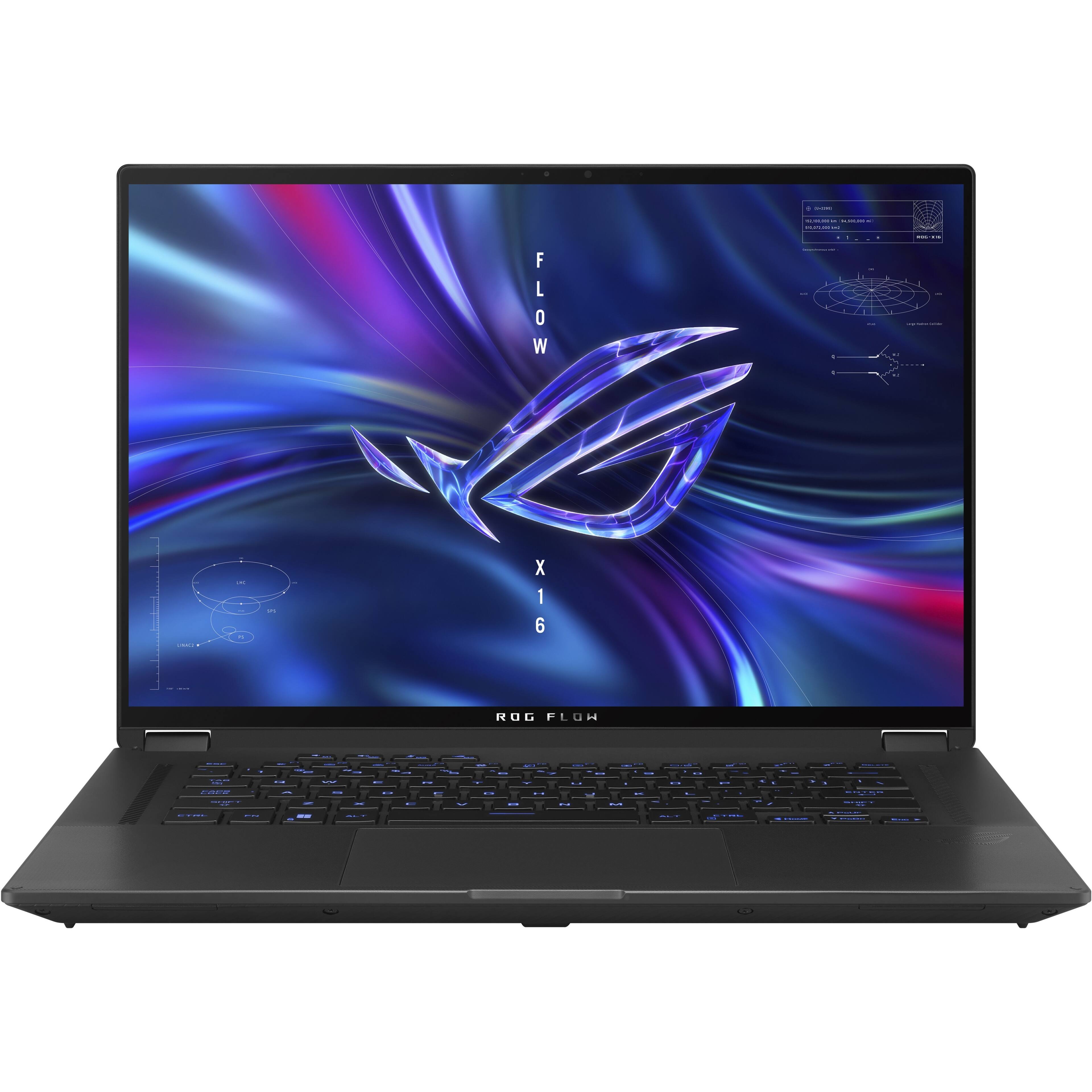
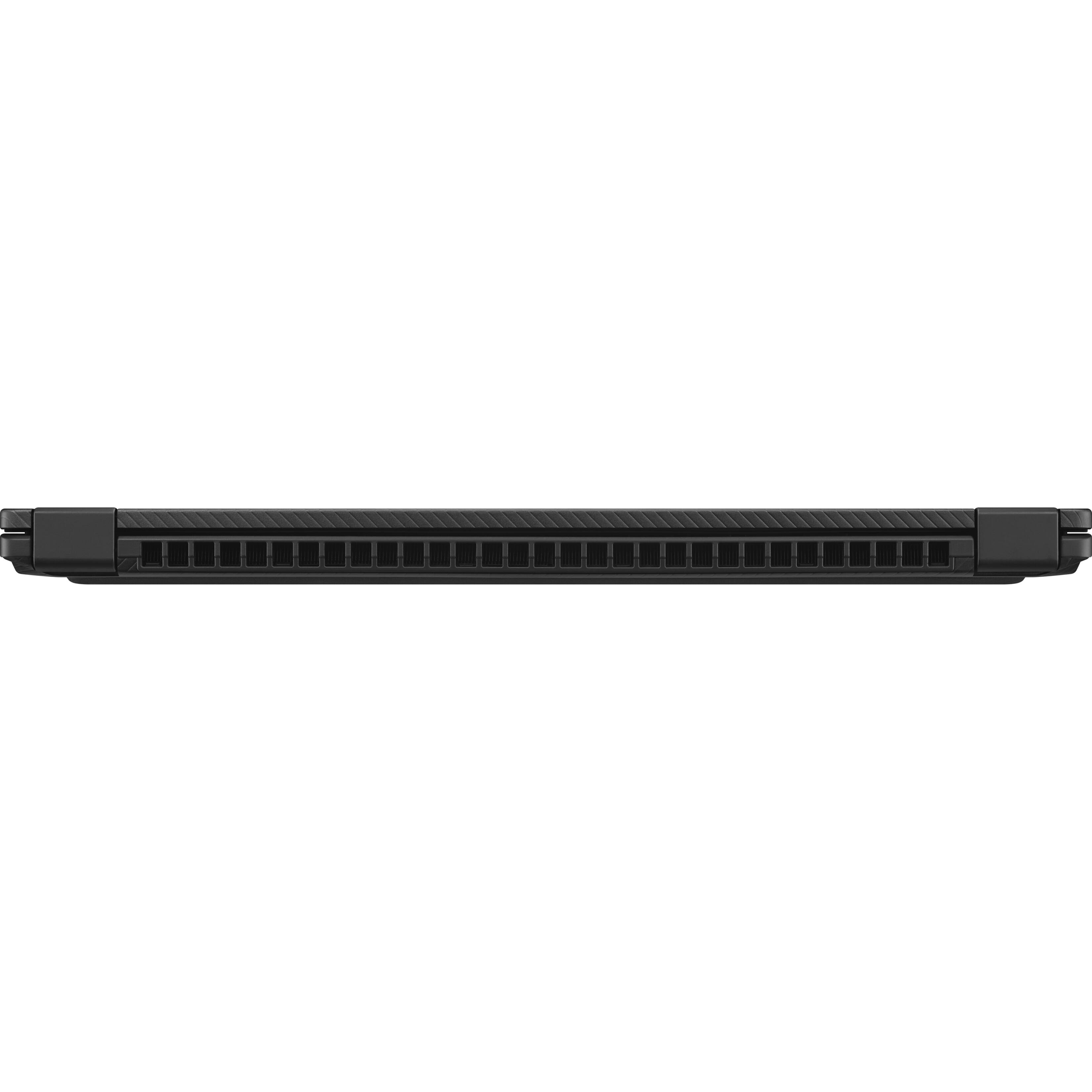
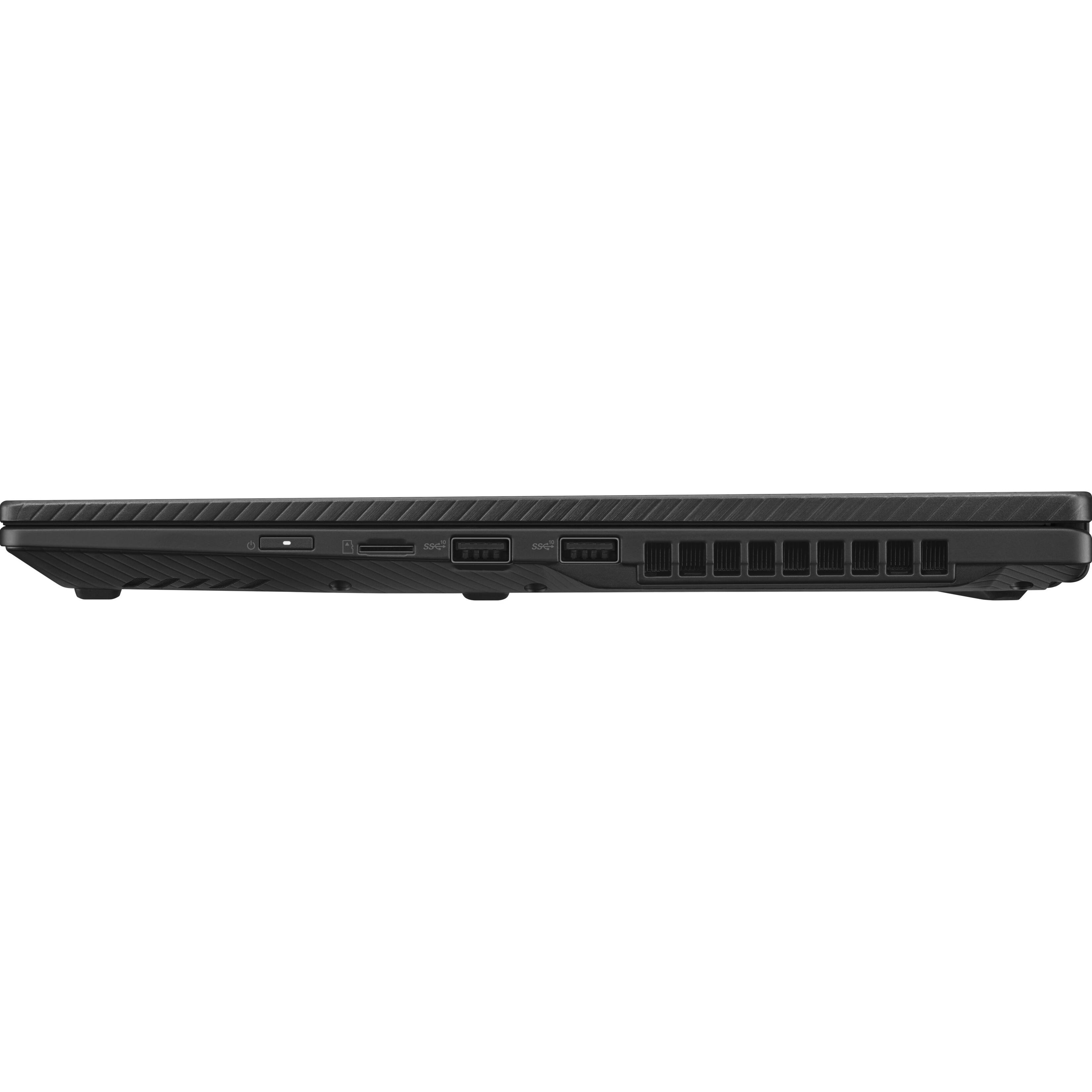
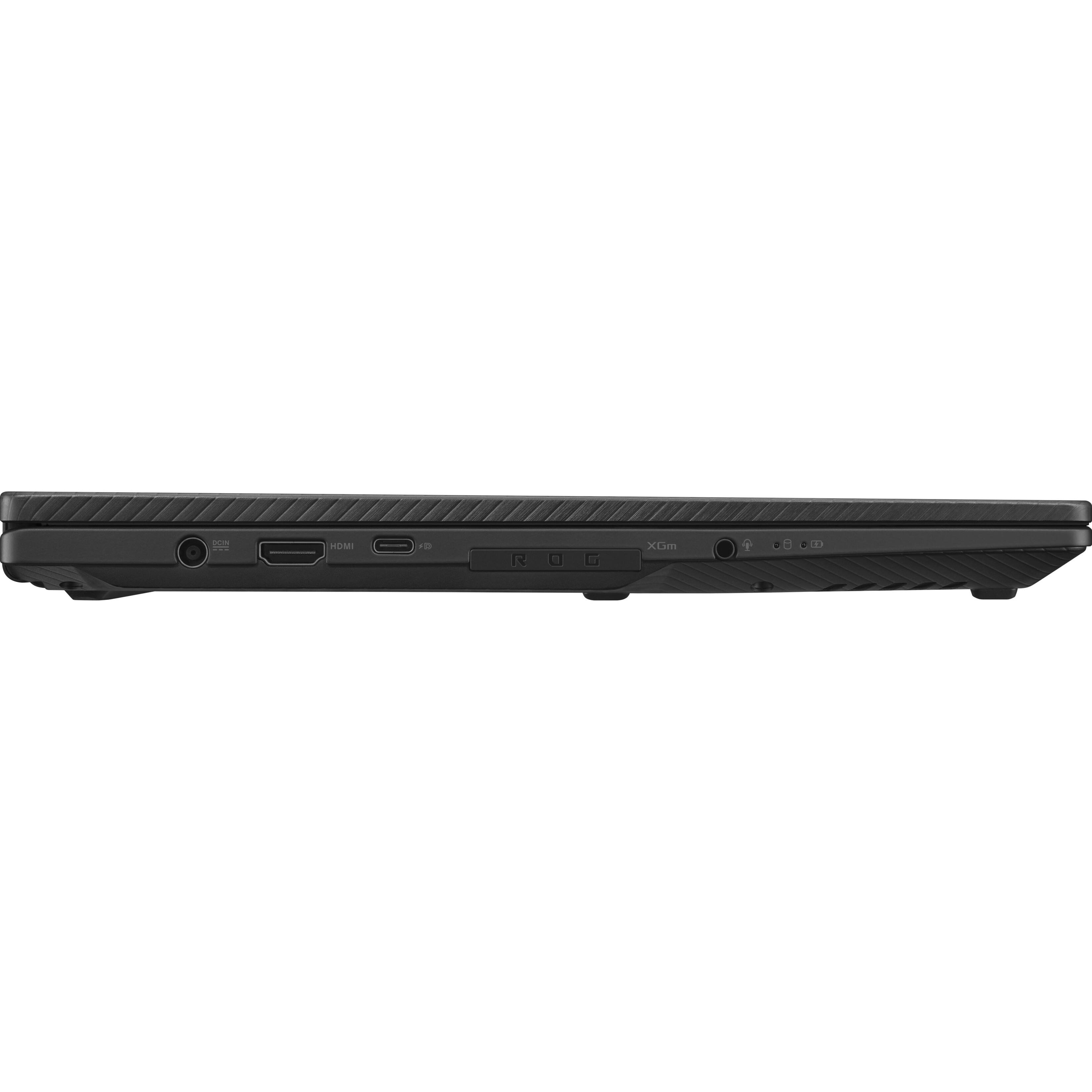
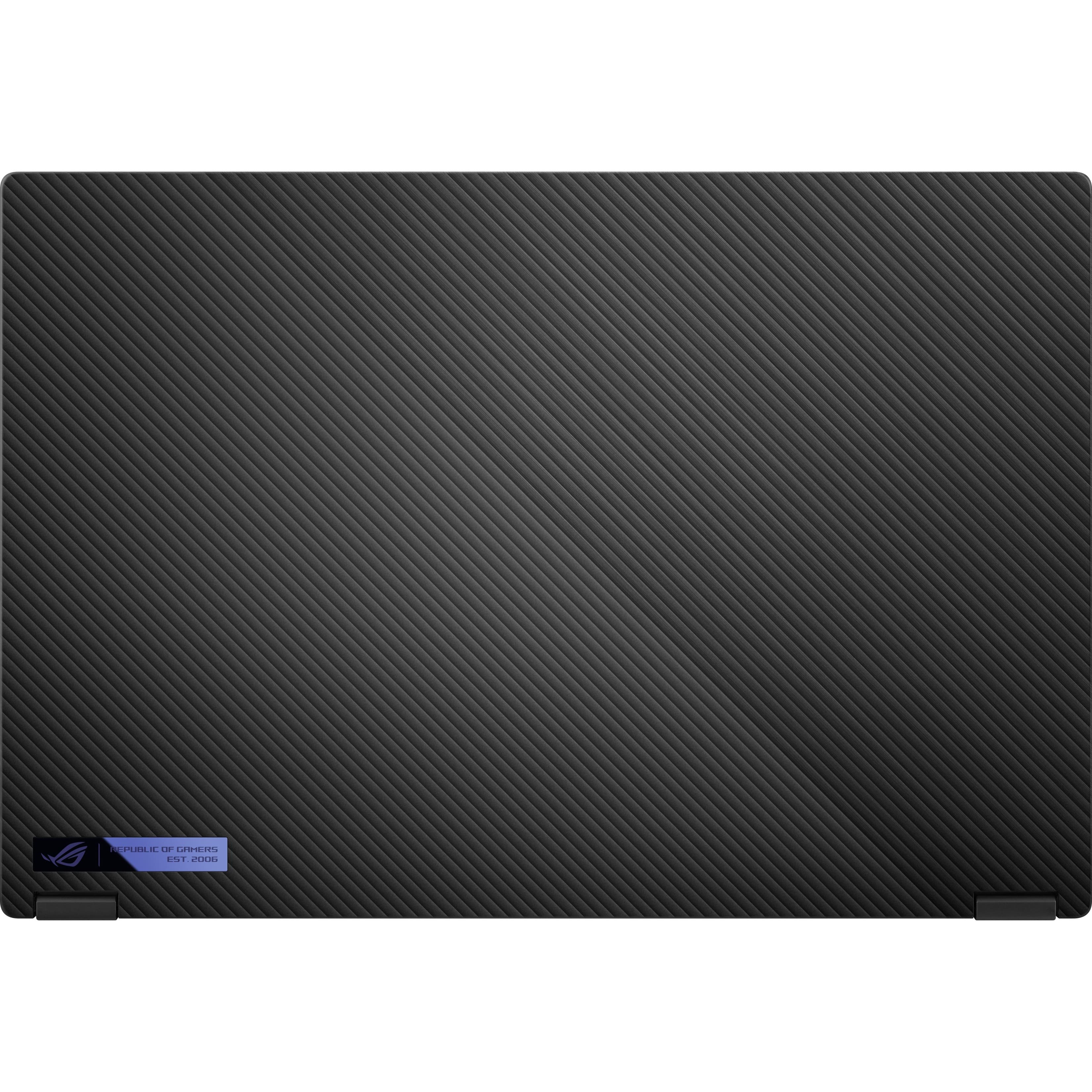
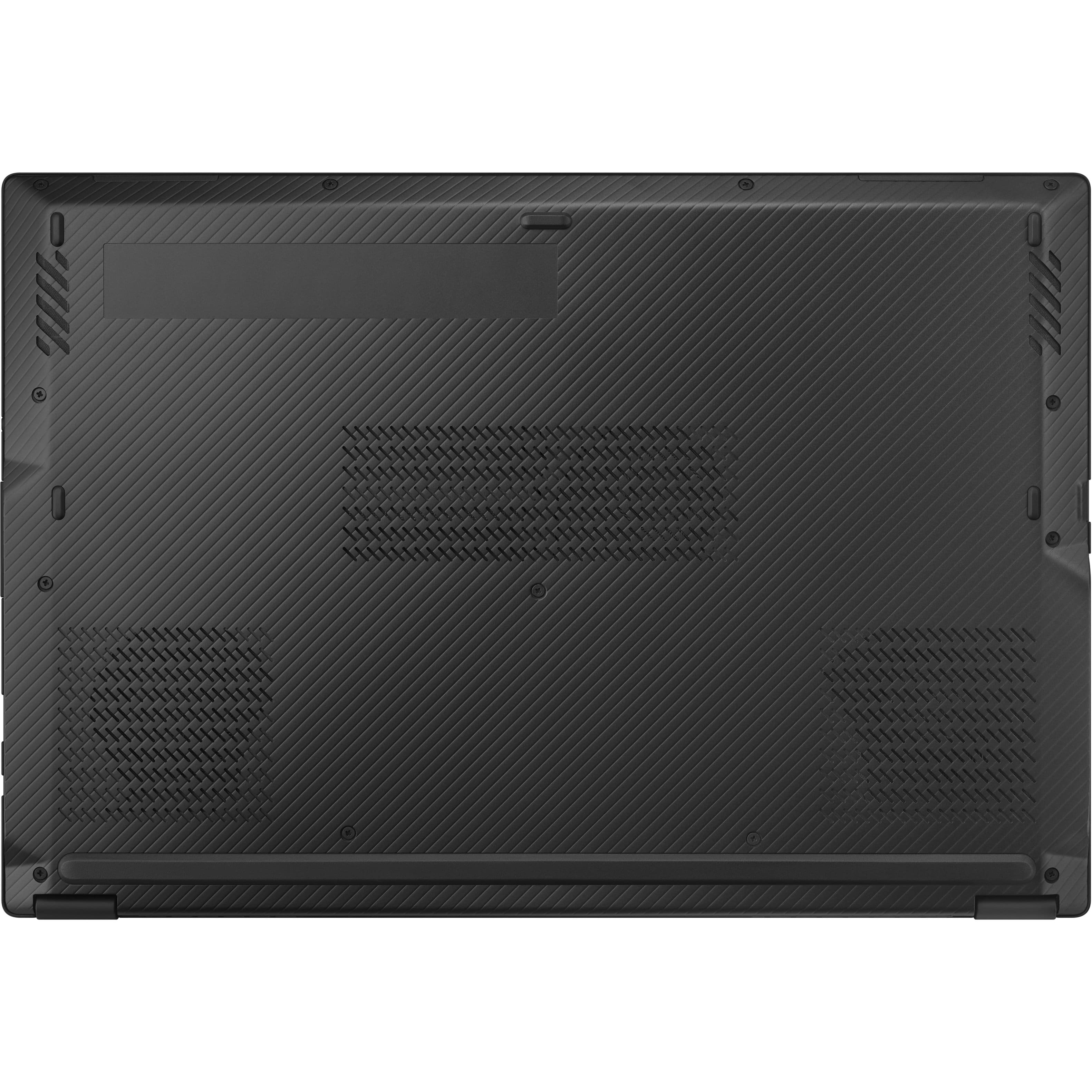
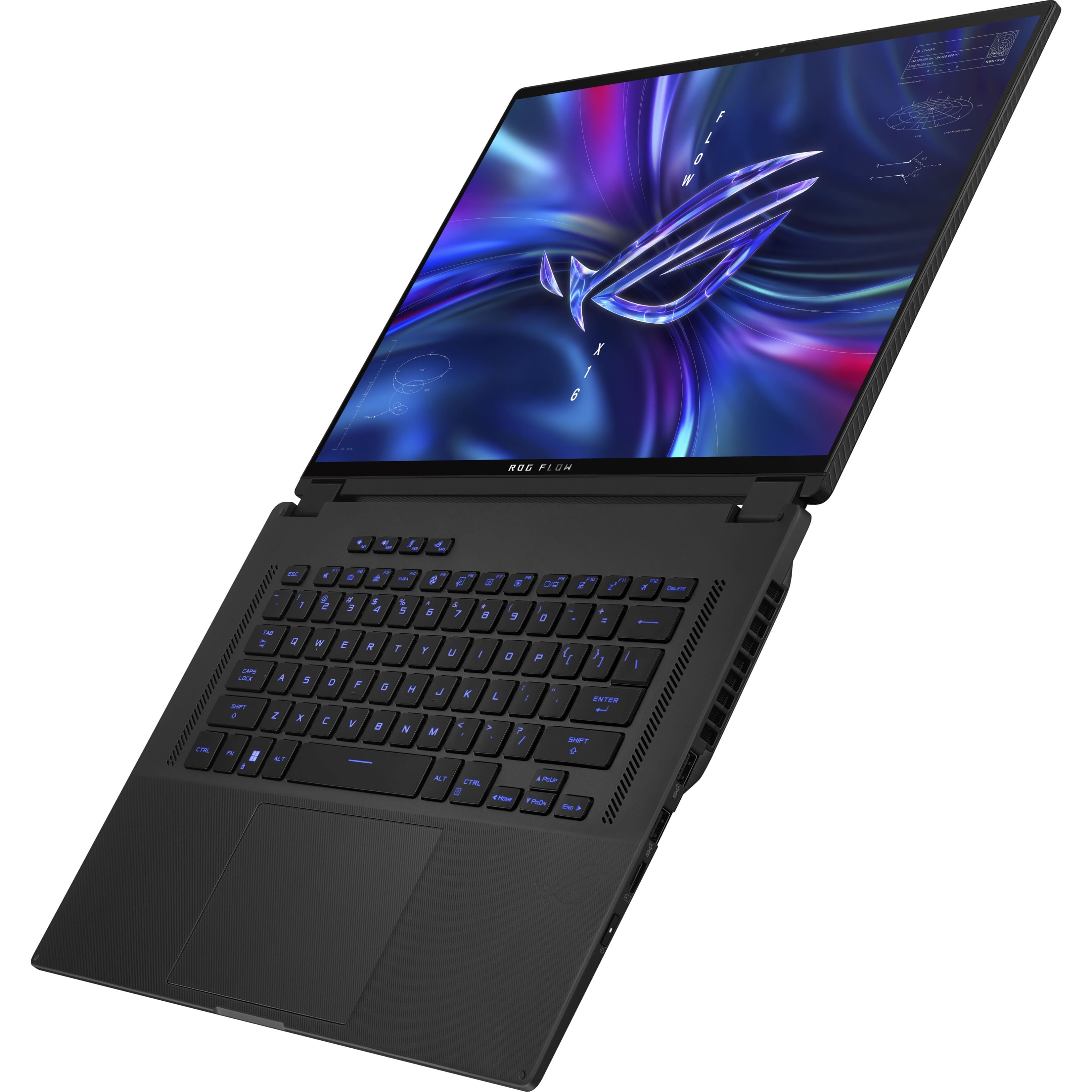
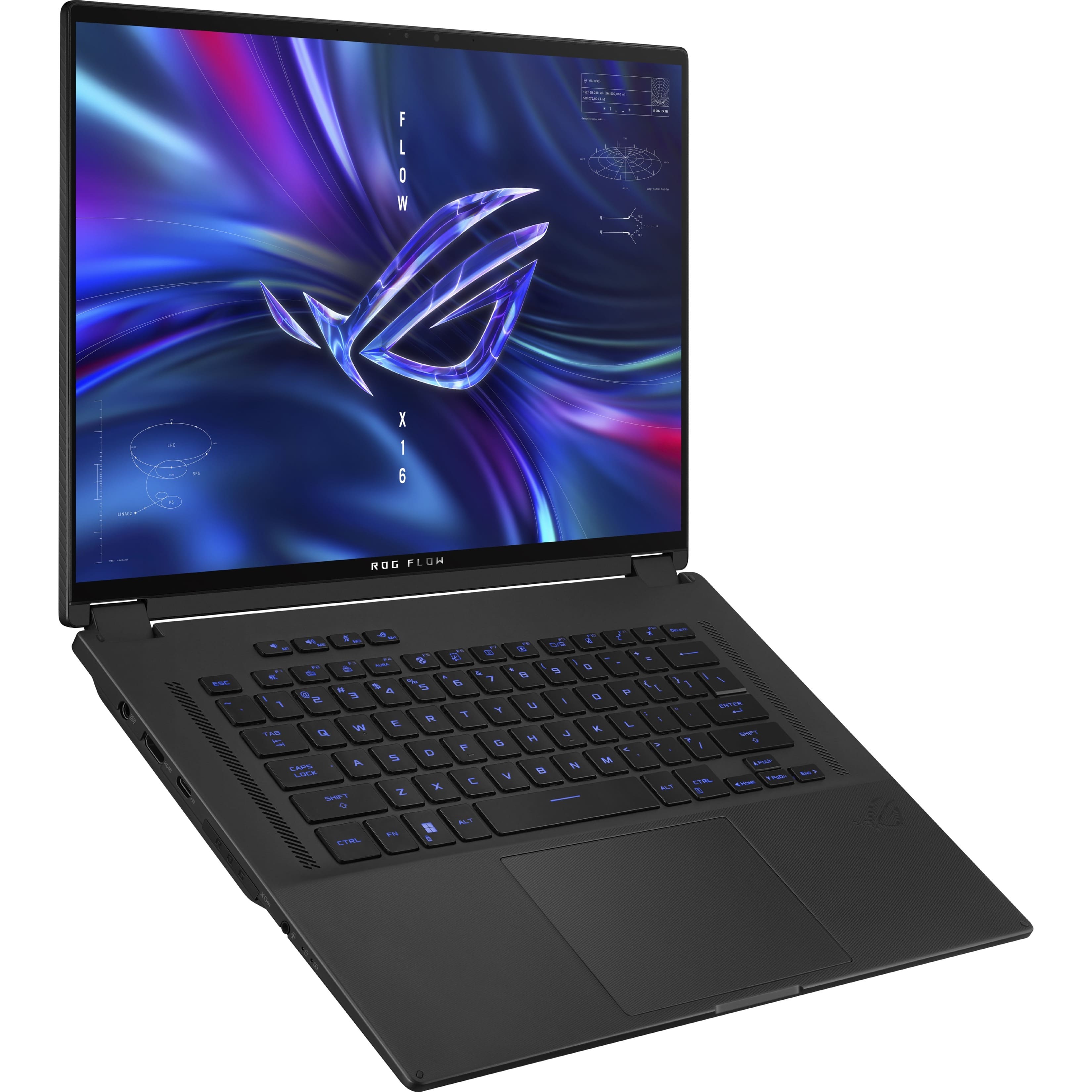
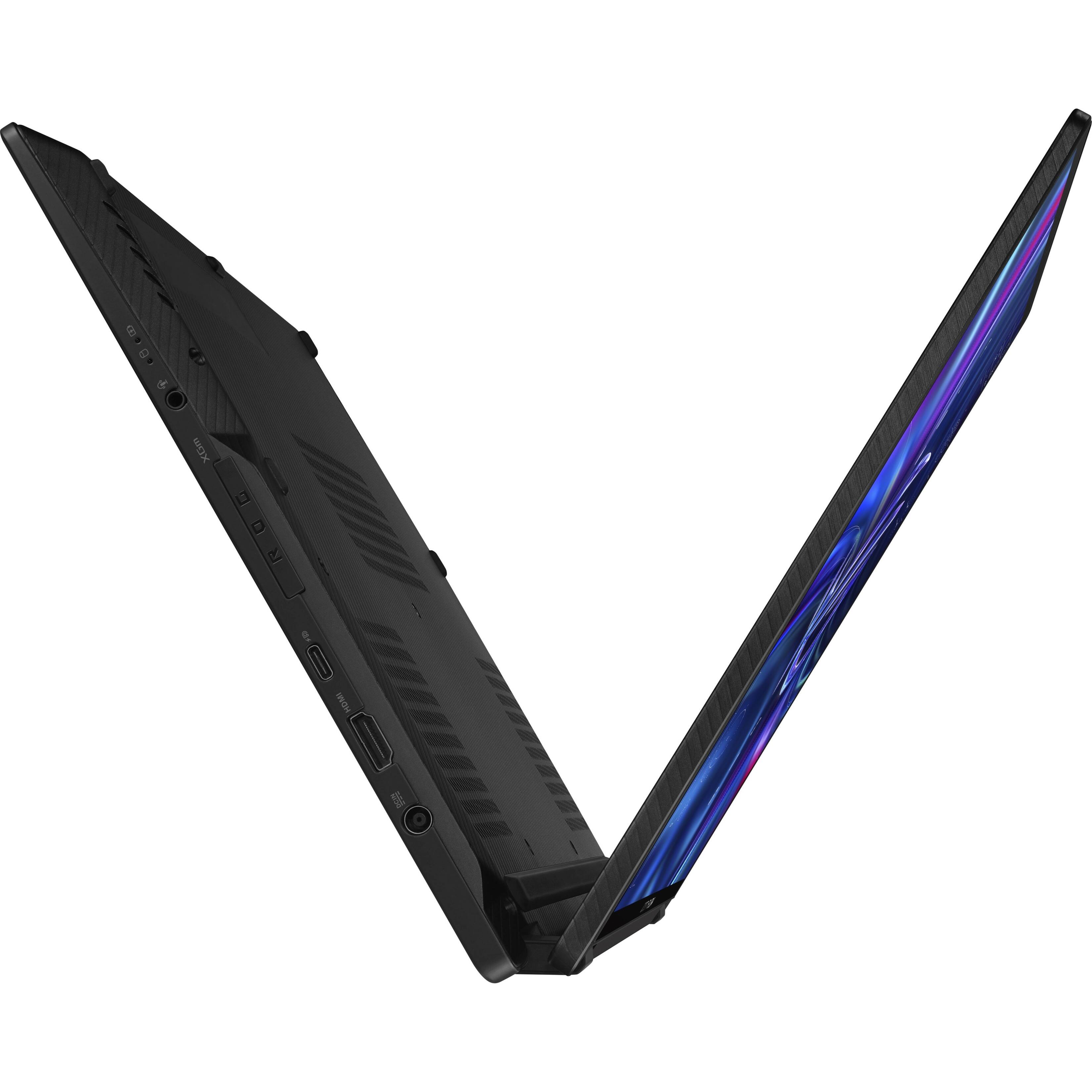
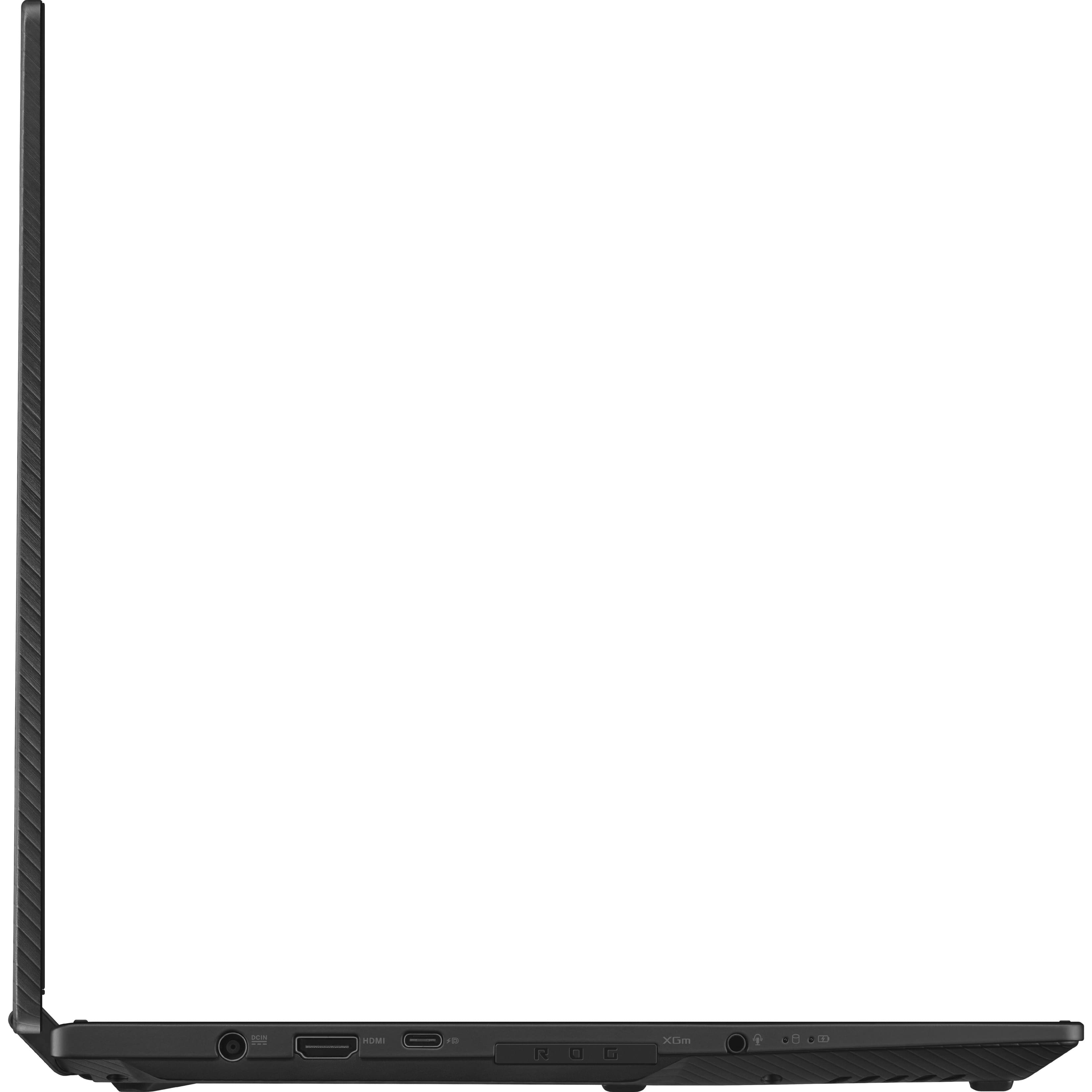
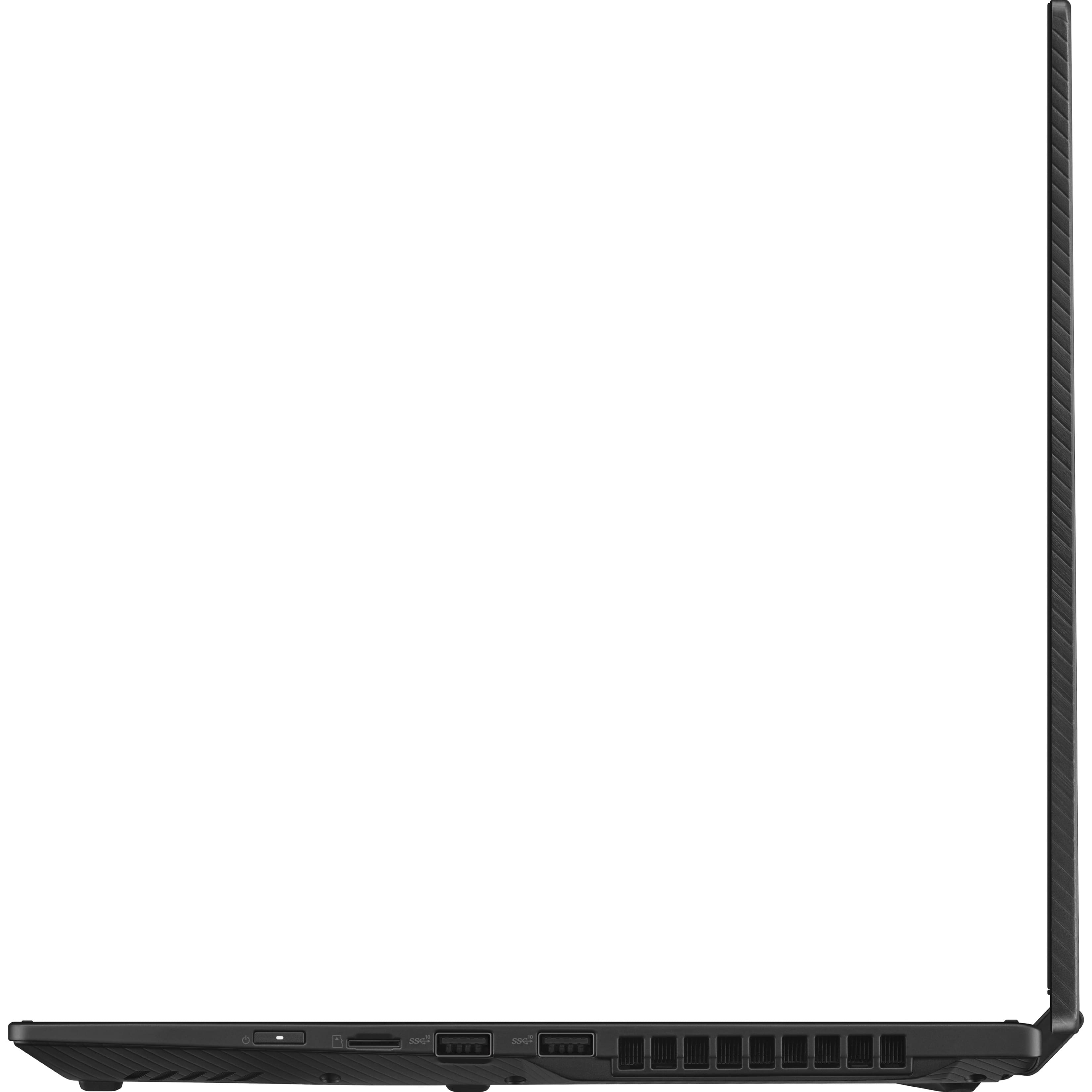
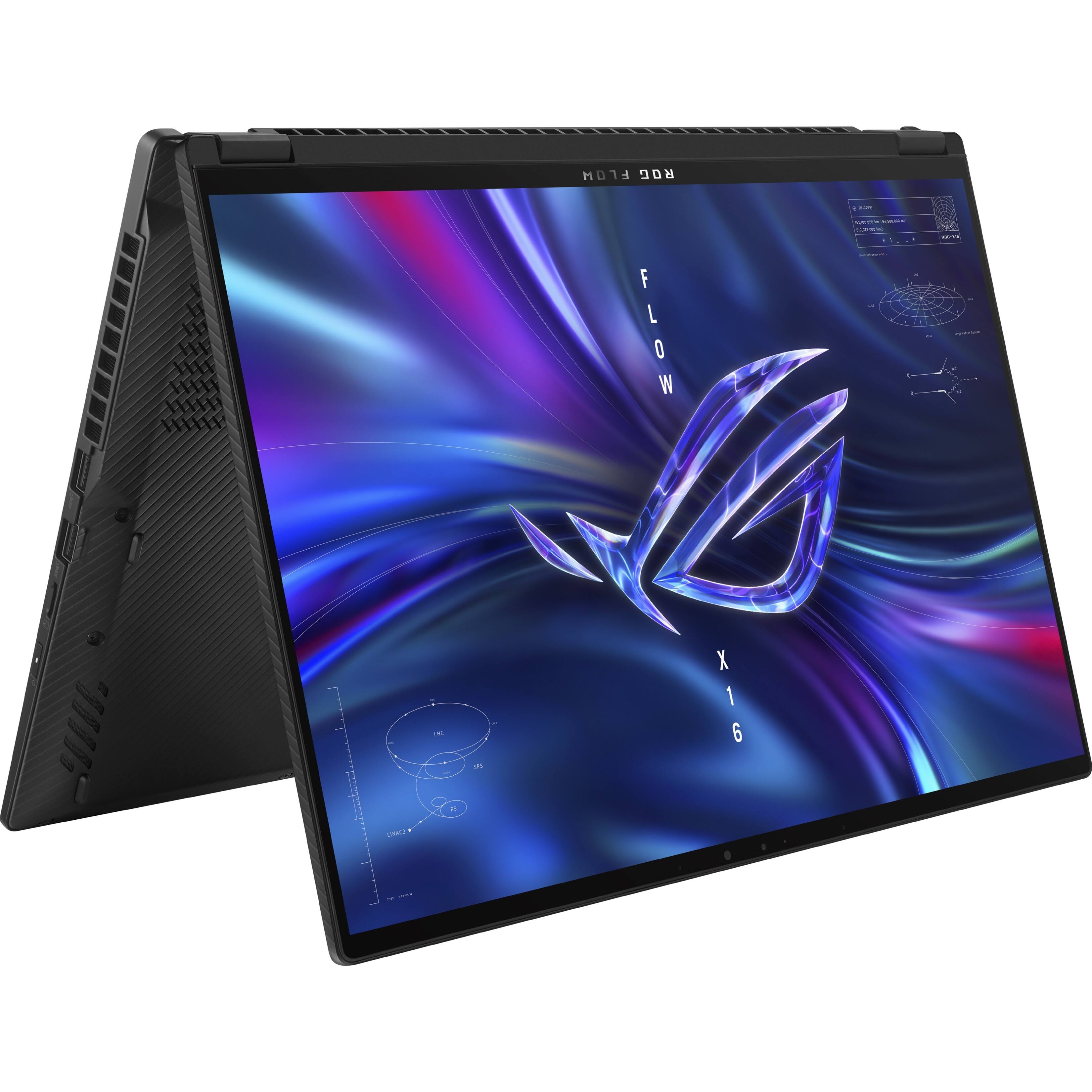
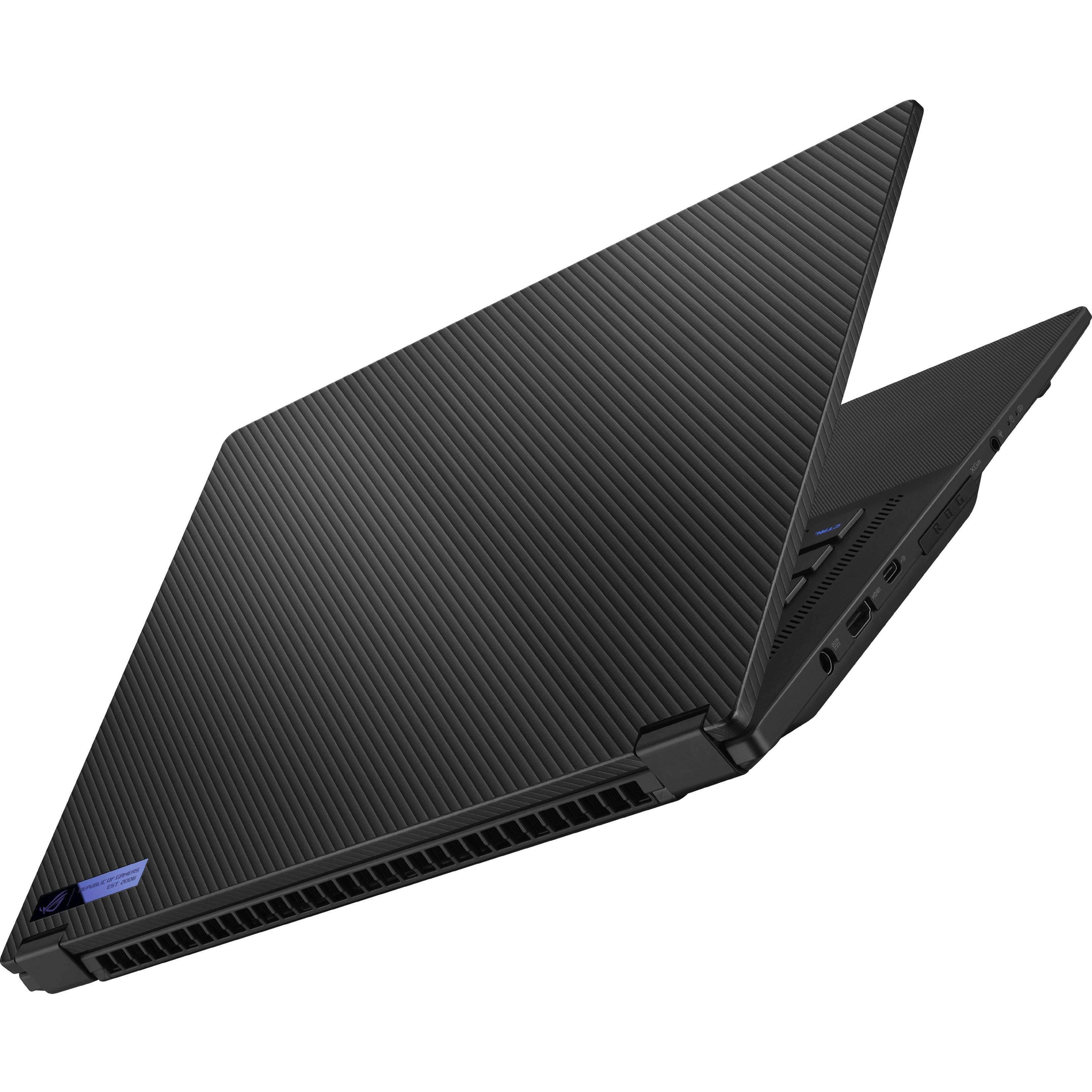
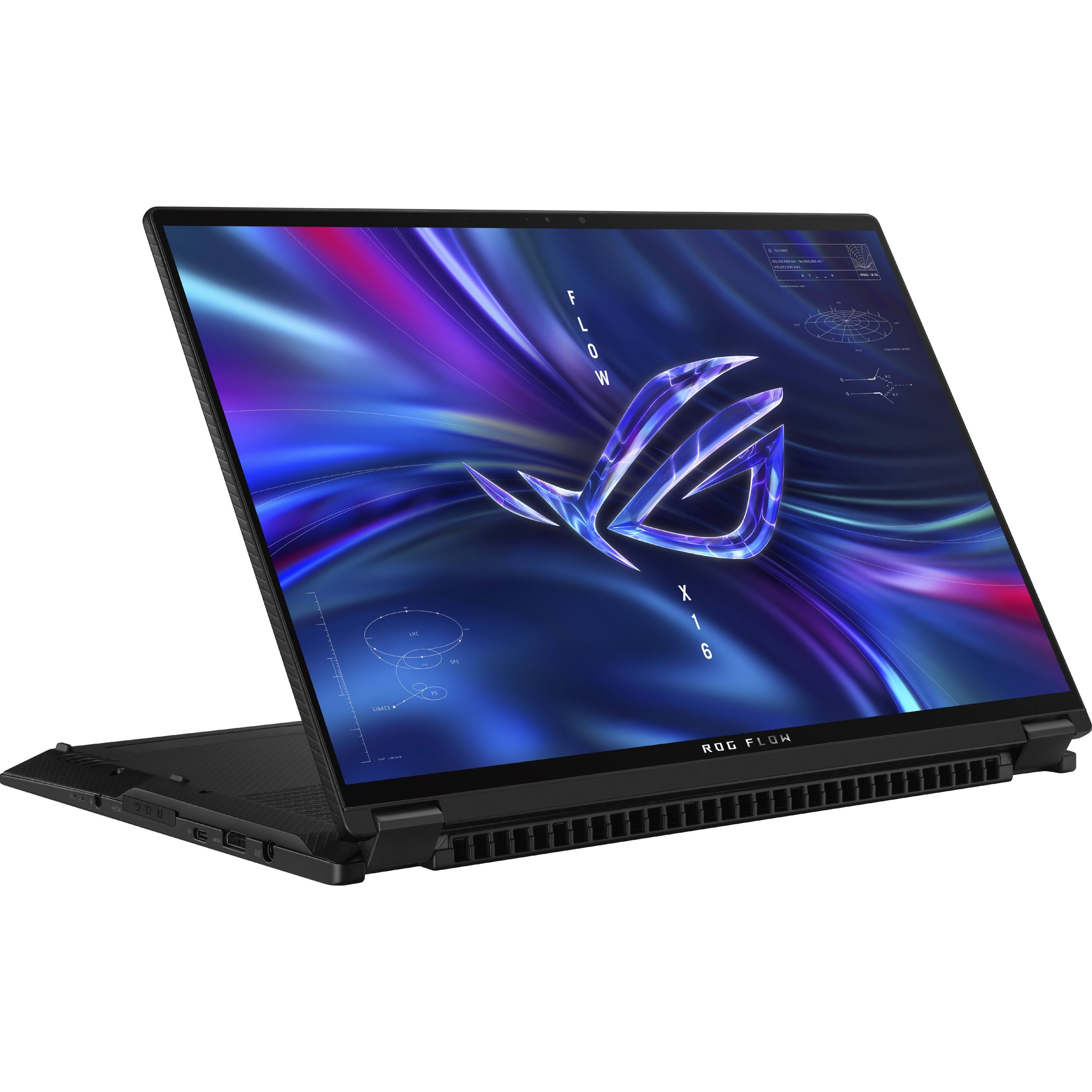
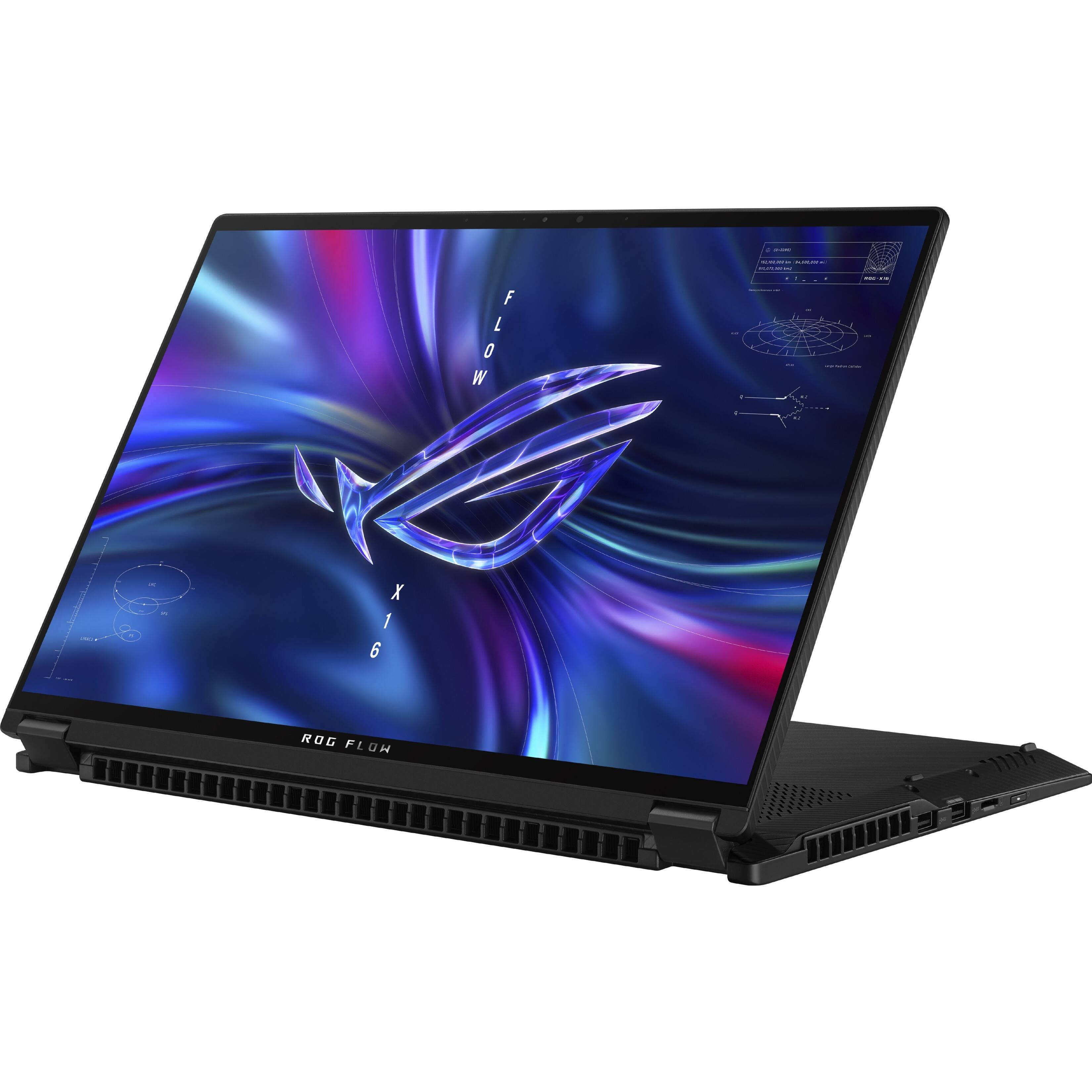
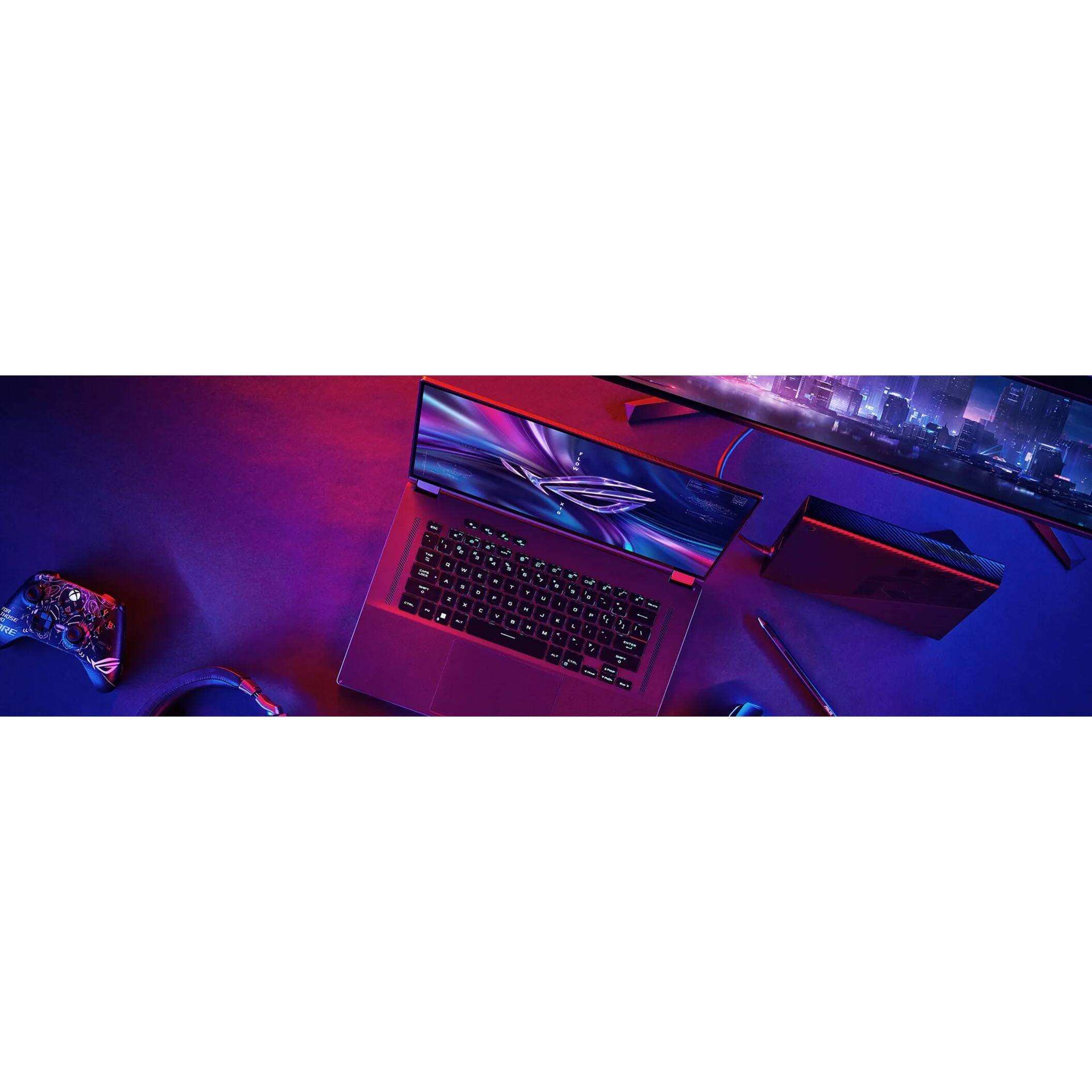

- Model:
- GV601RW-XS96
- SKU:
- 6513494
Rating by feature
- Battery Life
Rating 4.0 out of 5 stars
- Speed
Rating 4.9 out of 5 stars
- Display
Rating 4.7 out of 5 stars
Customers are saying
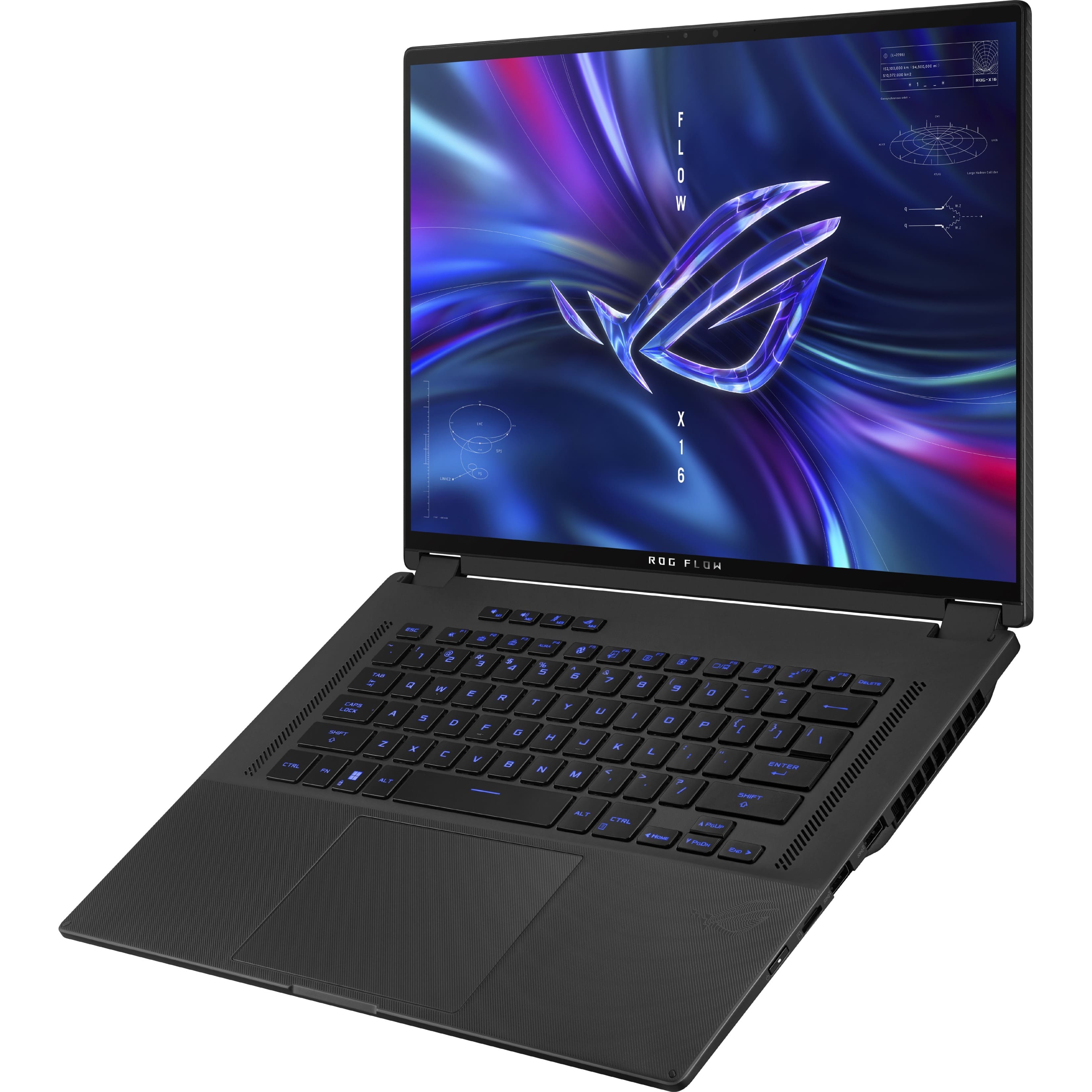
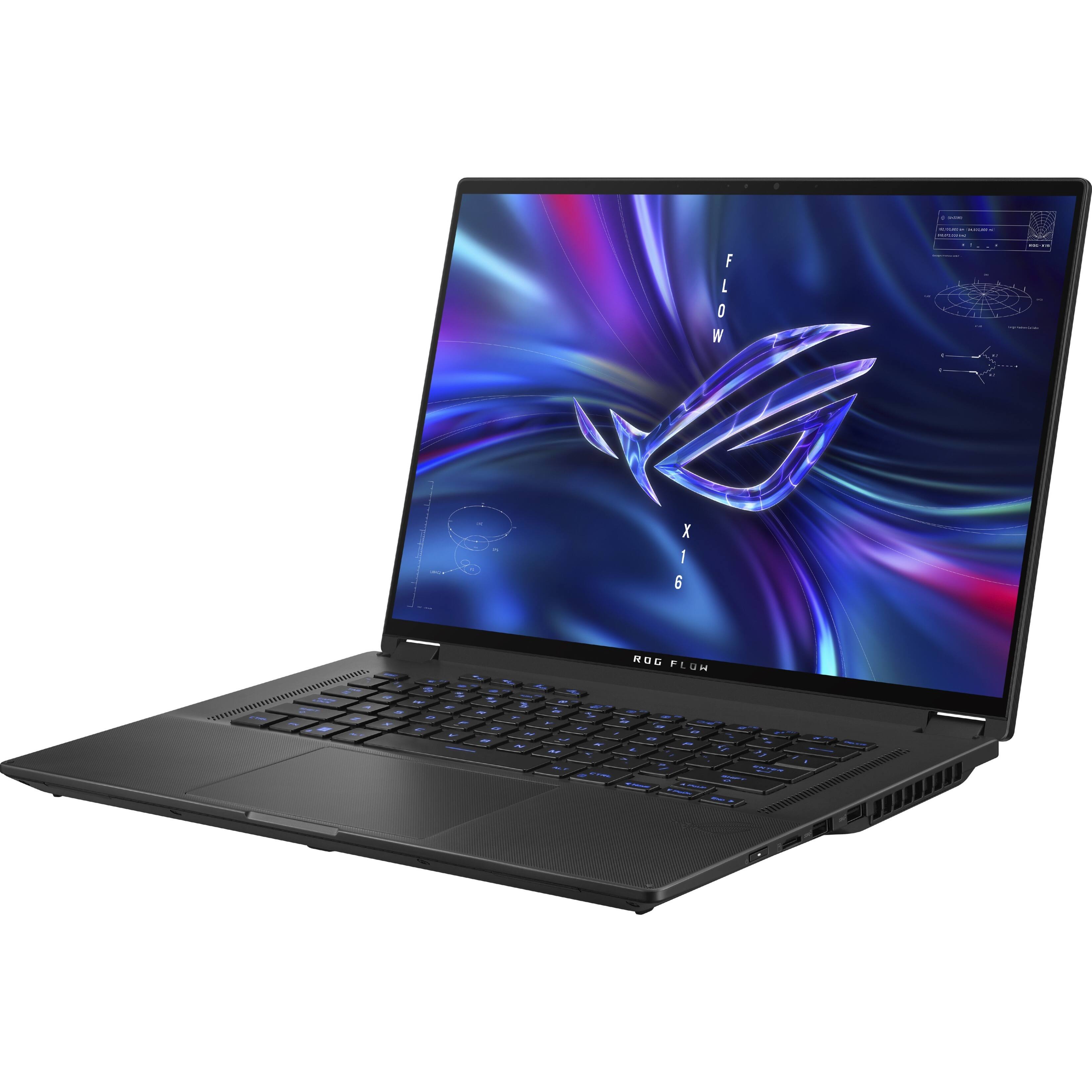
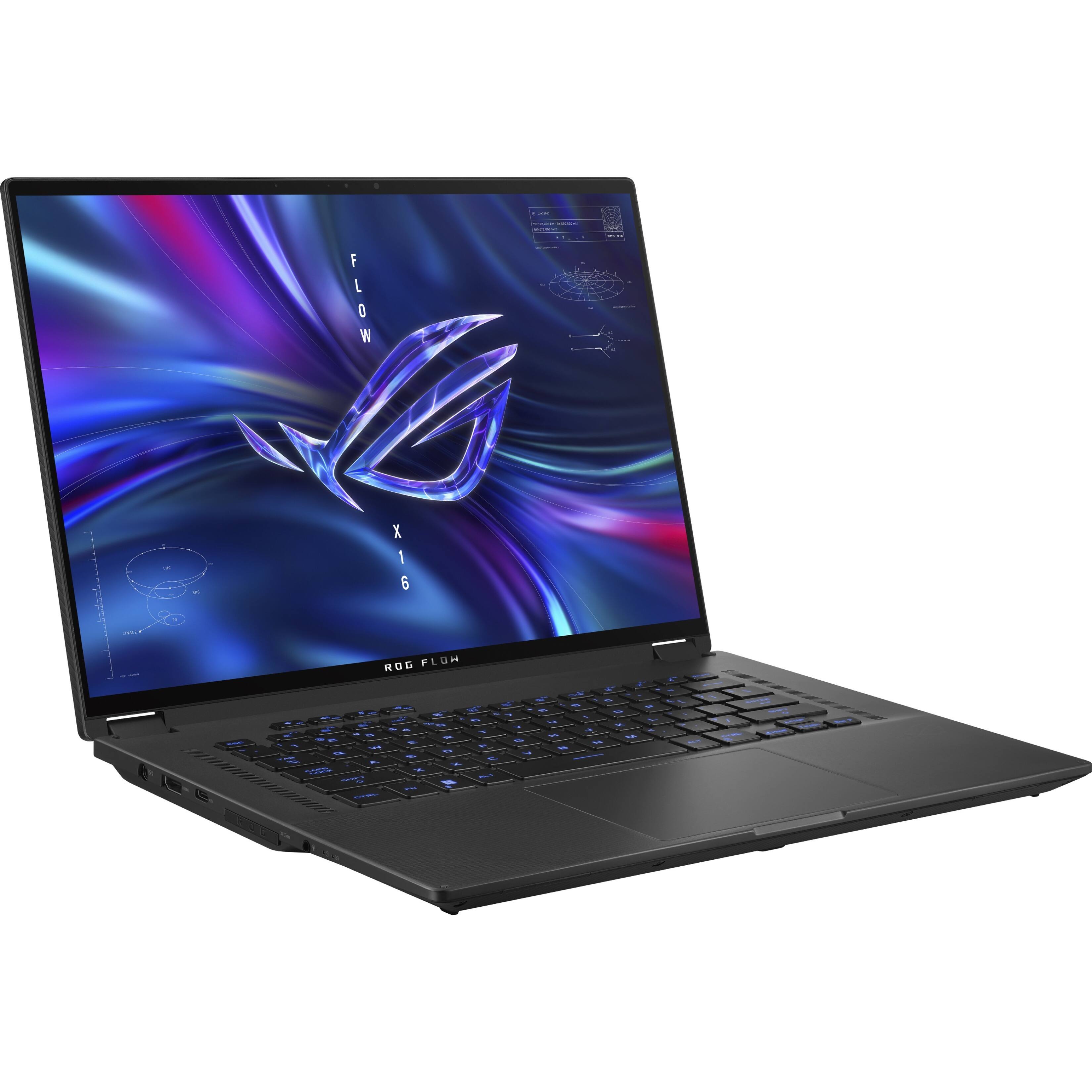
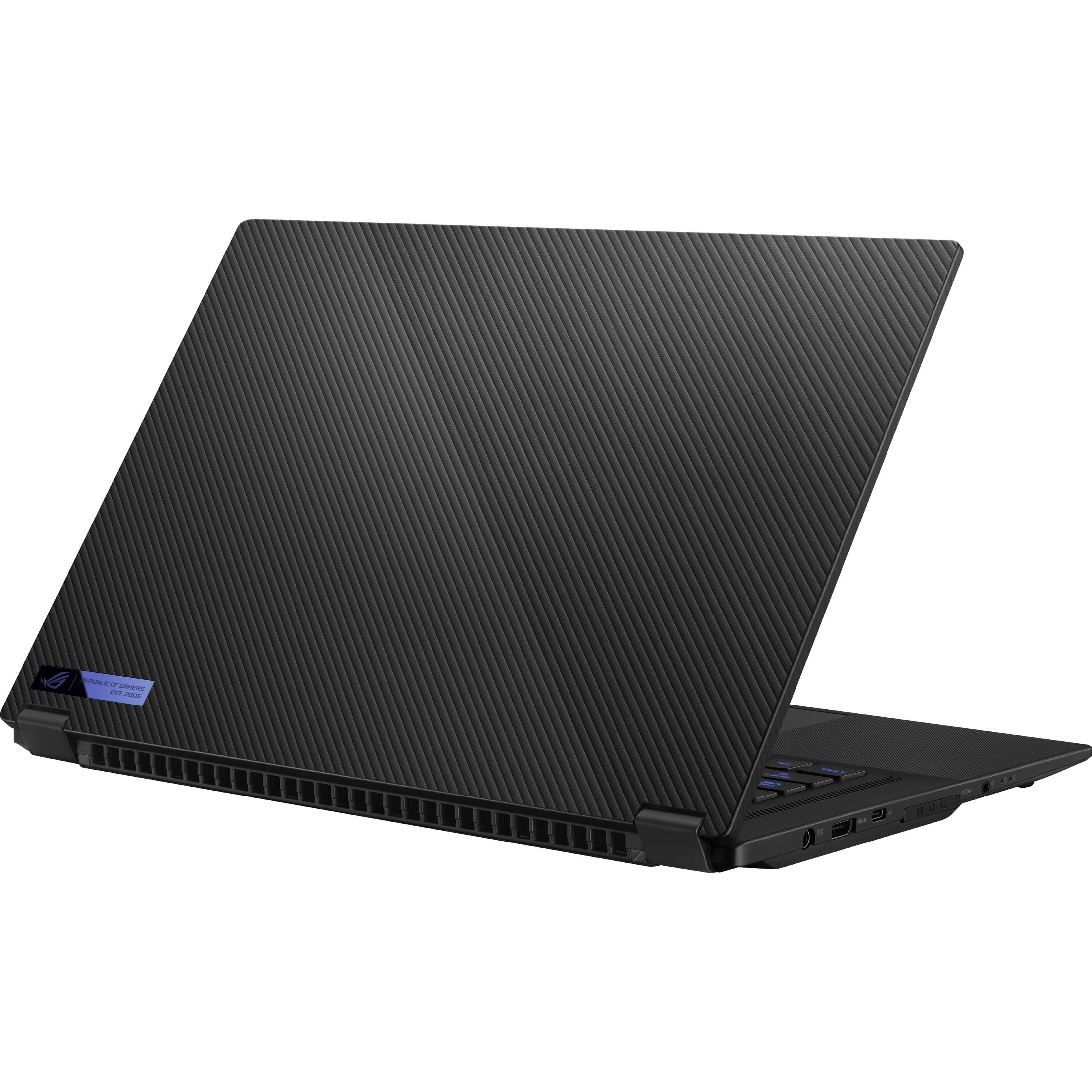
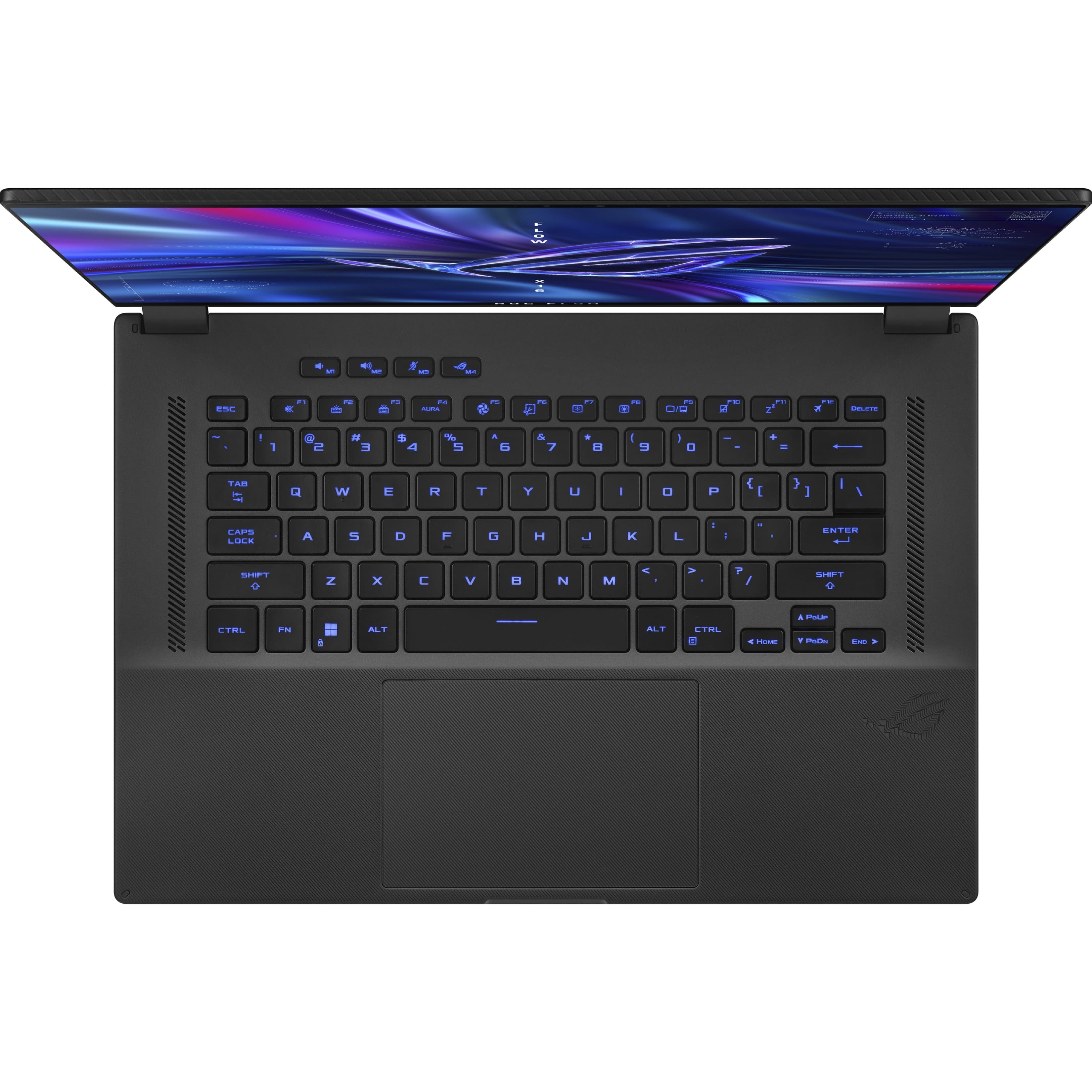
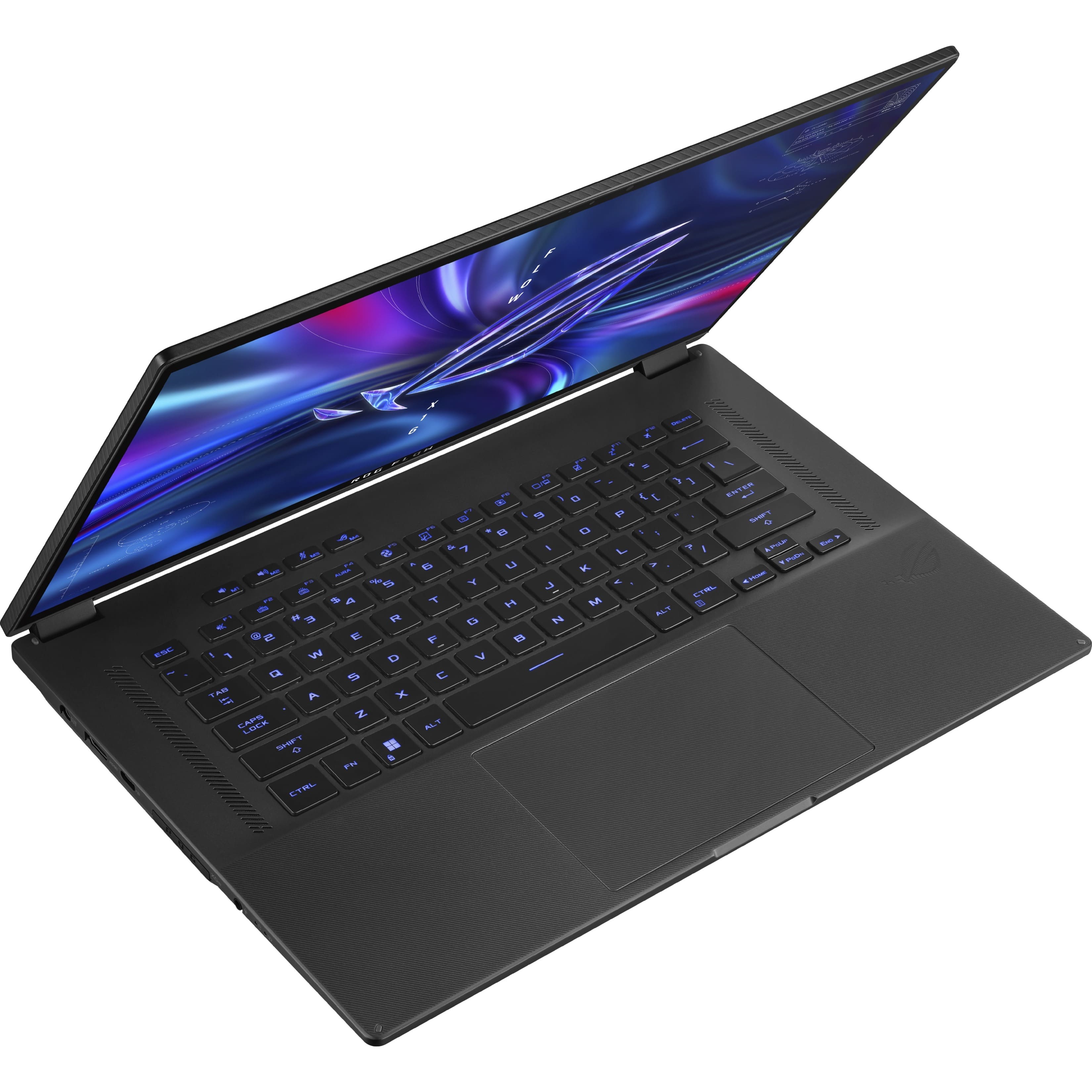
Customers express satisfaction with the Flow X16 GV601's vibrant and responsive touchscreen, praising its brightness, color accuracy, and high refresh rate. The powerful processor and ample RAM also receive positive feedback for their ability to handle demanding tasks efficiently. However, some users note that battery life could be improved.
This summary was generated by AI based on customer reviews.
- Pros mentioned:Ram, Screen qualityCons mentioned:Battery life
Best Laptop I've had for a LONG time!
||Posted . Owned for 5 months when reviewed.This reviewer received promo considerations or sweepstakes entry for writing a review.If you are looking for a 2 in 1 laptop to take on whatever you throw at it, this is it. If you don't want the 16 in screen, go with the X13. That is what I had previously and did not like the smaller screen. The screen on the X16 is also a mini led back light panel, so black is really black. There is some shadowing from the cursor, but if you are not looking for it, it'll be okay. The laptop is also upgrade friendly. Comes with 32 gb of ram but you can add another 32 gb. There's also a slot for another SSD for storage. Having the ability to upgrade it will allow me to use the laptop for probably 10+ years before upgrading again. The only thing I don't care for is the hinge for the screen. Feels very cheap and it can't hold the weight of the screen that well at some times. However, it does do the job. Just make sure you have the laptop on a table if you're doing going to use it in tent mode while utilizing the screen. Battery life is average off of the charge. Get about 3 hours of use. I normally have it charging at all times and only up to 80% to protect the batterys' health. Overall I love the laptop and all of my friends now want one just like it. I actually sold my X13 to one who loved the idea of it.
I would recommend this to a friend - Pros mentioned:Screen qualityCons mentioned:Battery life
Great performer, beautiful screen, lengthy setup
||Posted . Owned for 1 week when reviewed.This reviewer received promo considerations or sweepstakes entry for writing a review.Took some time to get this thing set up correctly, had to download the AMD drivers directly in order to get sleep to work properly. Out of the box, it consumed almost the entire battery overnight with the lid closed and charger unplugged. Now with minimum CPU power set to 0% in the power plan settings and the proper AMD drivers, it used zero battery overnight last night. The screen is arguably the best part of this machine. It is incredibly bright and colorful, and I think mini-LED is the best of both worlds when it comes to brightness, contrast, color, and burn in prevention. I do not really want an OLED screen on a computer which has static UI elements like the taskbar and game HUDs which are prime for burn in. The touch feature and 360 hinge were what drew me to this device, because I am replacing an old Surface which I used to write notes and draw quite frequently. This gives me the option while also being powerful enough to provide some options for portable work/gaming, and it works with my old Surface pen too. This thing performs incredibly well, but it does get HOT and LOUD. There's three fans which move quite a lot of air (you can feel it going through the keyboard even). I'd recommend a lap desk if you use this thing in bed to play games like I've tried doing. The whole chassis gets very hot and sitting directly on your lap/blanket can block the fan openings on the underside. My device came with a couple of small finish/hardware defects, there's a speck of dust under the keyboard deck paint which cannot be removed. The central fan that blows air over the heat pipes has a really annoying buzzing tone. For these two reasons I might reach out to Best Buy to see if I can get a replacement, but as of writing this review it appears they are no longer in stock online. Neither are huge dealbreakers but at some point I'm going to want that fan replaced.
I would recommend this to a friend This Might Be the Best Gaming Laptop
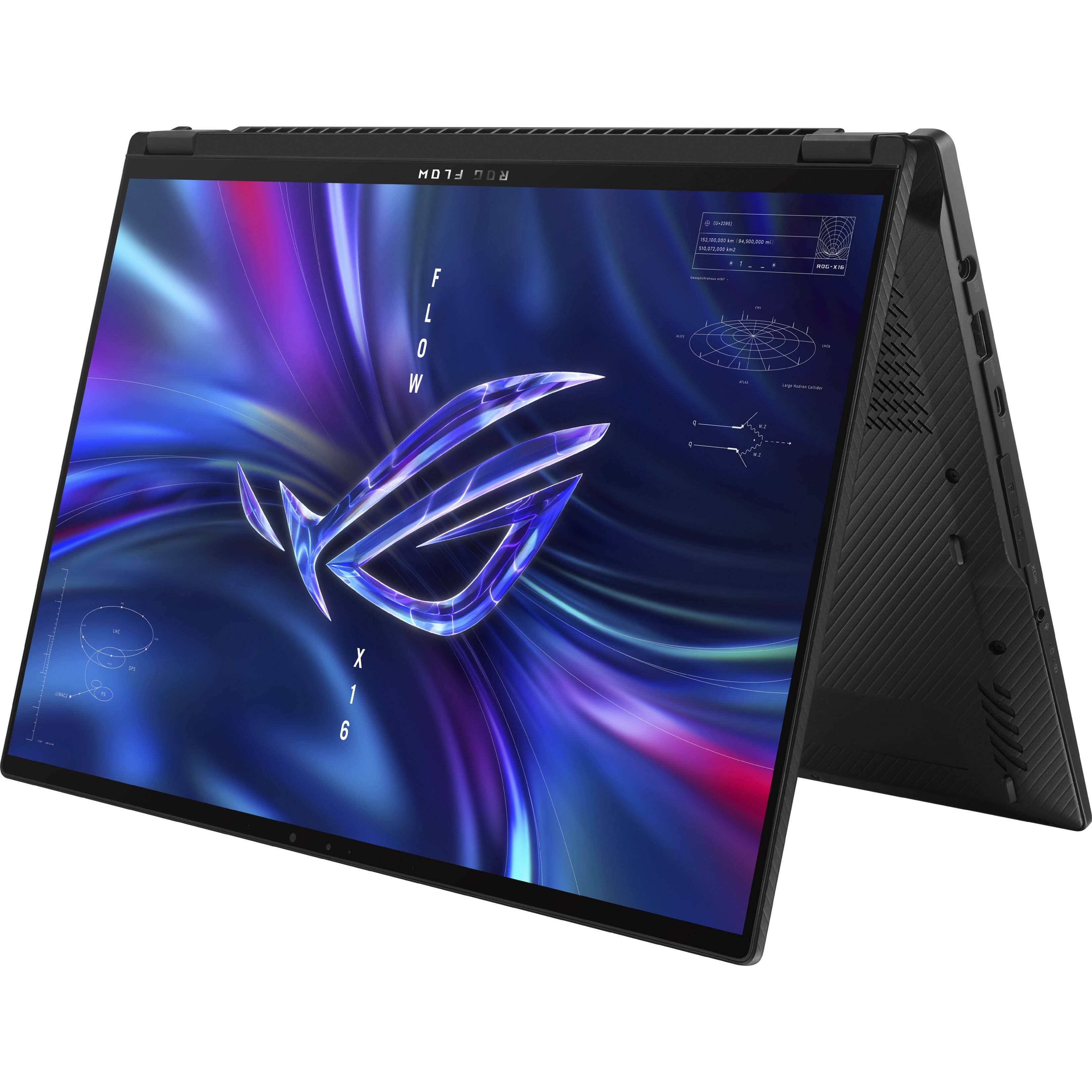
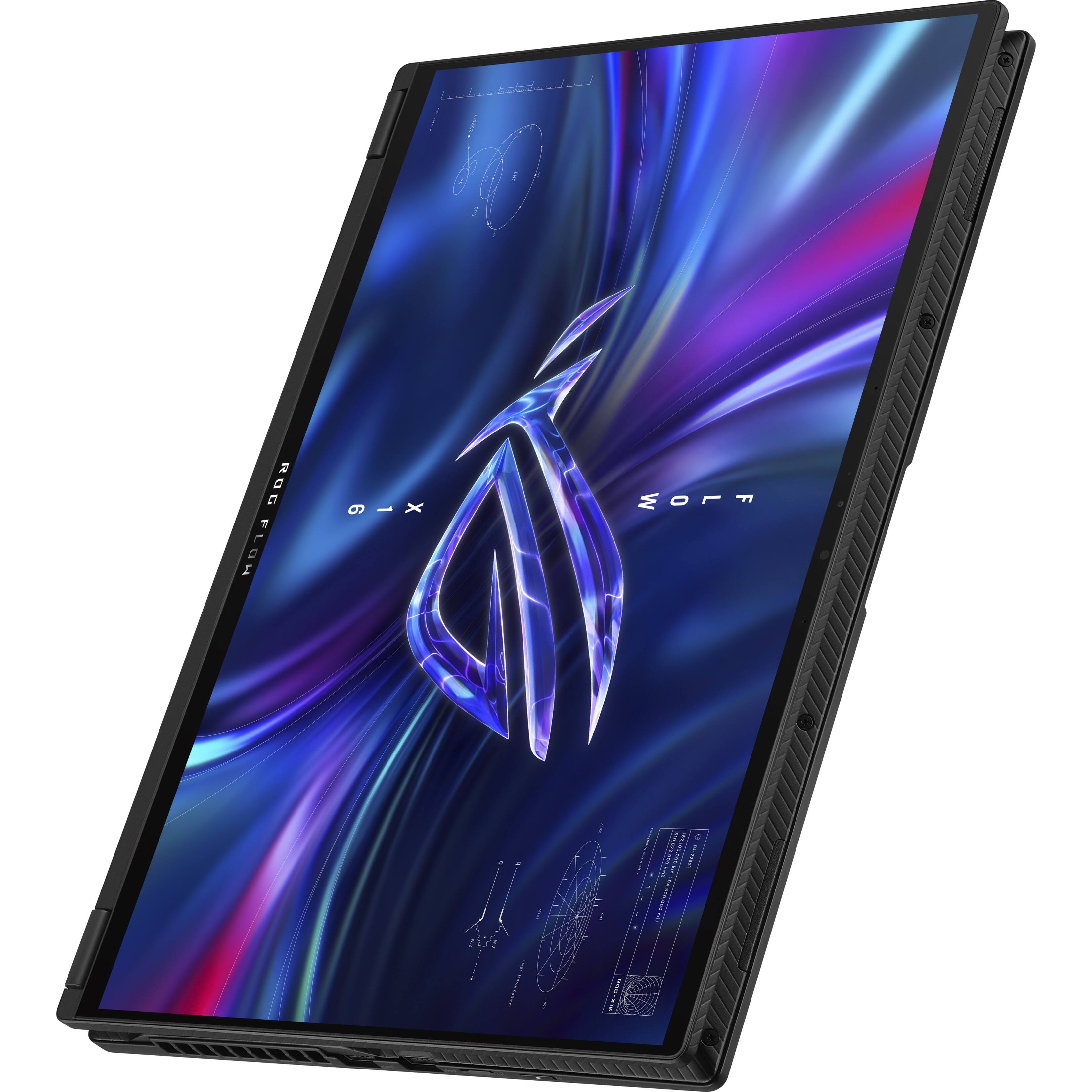
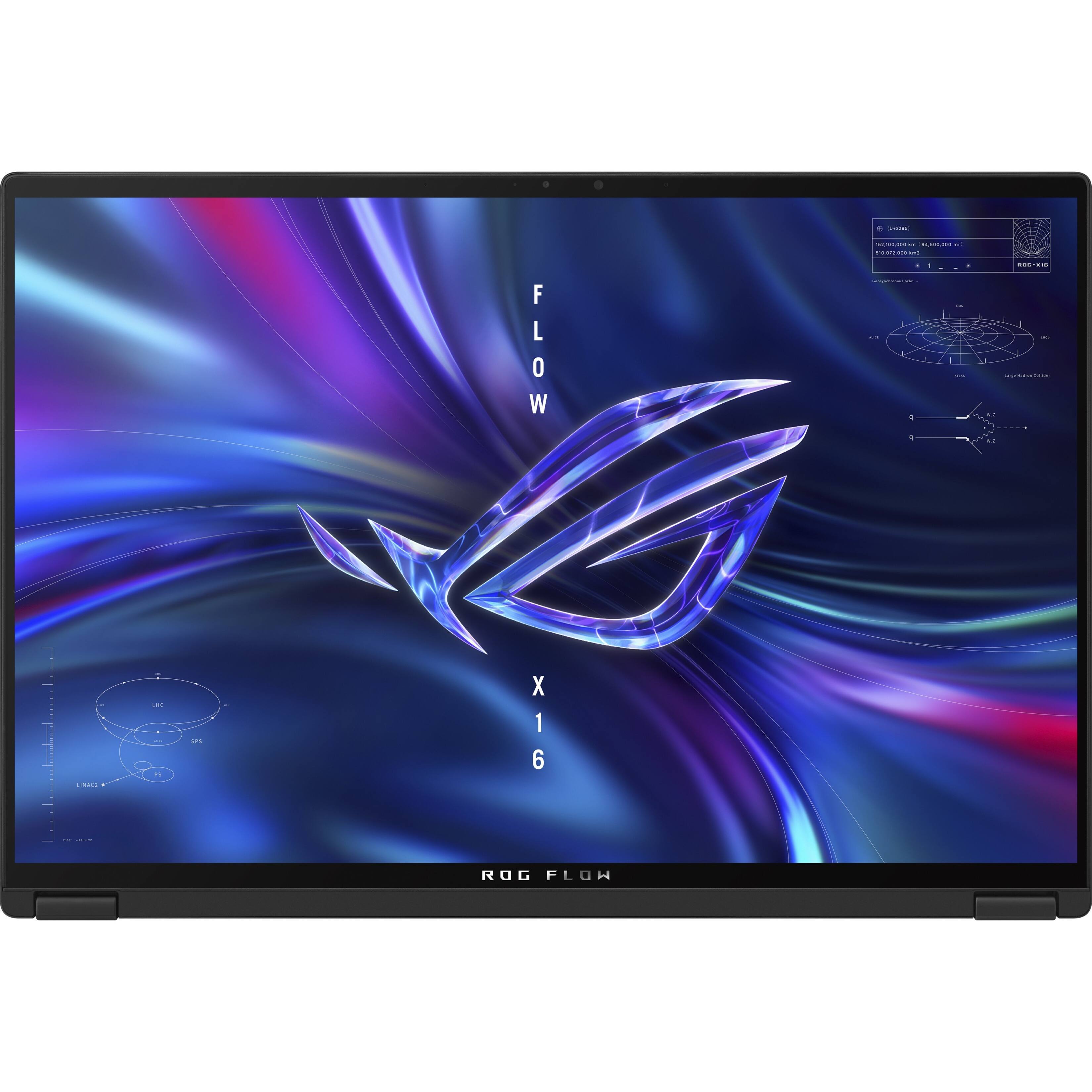
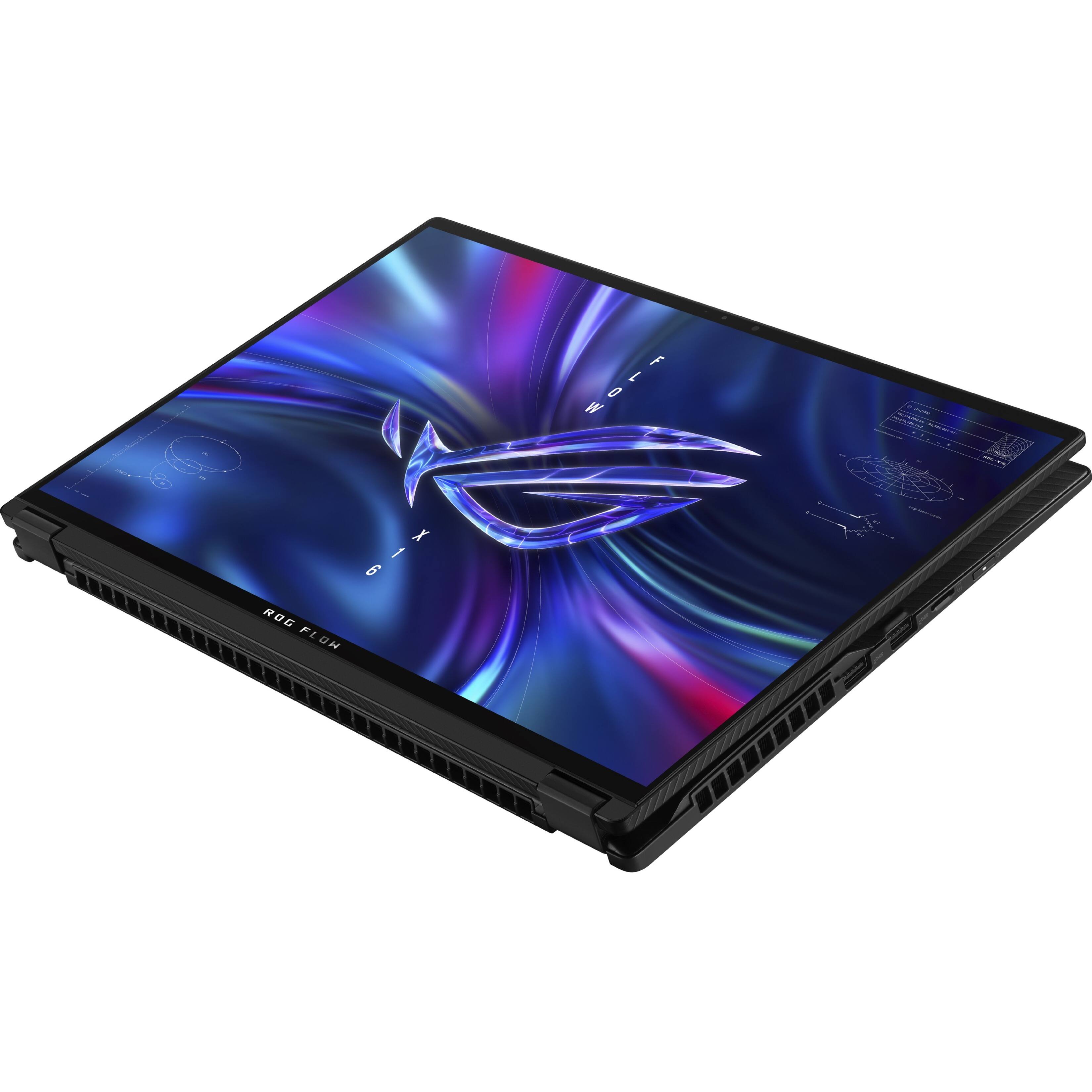
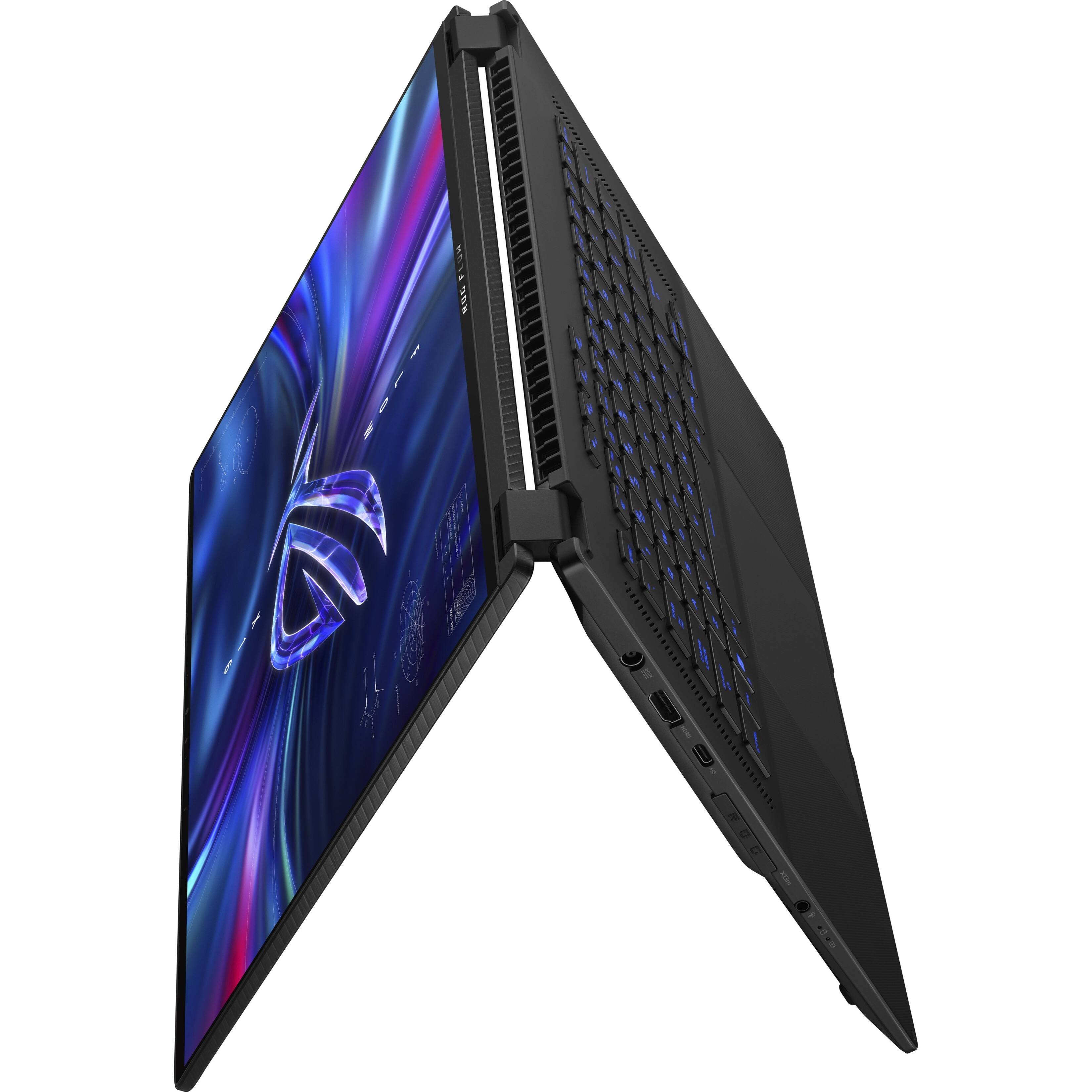
Posted .This reviewer received promo considerations or sweepstakes entry for writing a review.I am a YouTuber who has tested dozens of gaming laptops over the past couple of years. I've used pretty much all the top gaming laptops from the big brands. This one tops them all. No, it doesn't outperform all of them, it simply *outshines* them. (search "Flow X16 review Josh Cravey" for video review) This is a one-of-a-kind, jack-of-all-trades device. It's also priced that way. Because there literally is nothing else like it on the market, so of course it's going to cost more than devices like the Zephyrus G15 or M16. I'd say personally for the extra value it provides, it is worth choosing over those machines. Let's talk about the jack-of-all-trades features. While there are other Flow devices (X13 and Z13), this one is on a different level. First of all, you get the first 16" 16:10 MiniLED gaming display on the market. It goes up to 1100 nits. That is blindingly bright and is not found on OLED displays (and you don't have to worry about burn-in). It handles HDR content beautifully (you have to be in hybrid mode currently for it to work properly - thanks Windows), and the contrast is awesome thanks to the 512 local dimming zones and miniLED technology. You can turn local dimming on and off. Having it on all the time will reveal some blotchiness in gray/black windows, so it's best to leave this feature off when simply browsing/tasking. The color accuracy is top-notch (100% DCI-P3 and nearly 100% Adobe RGB). The 165Hz refresh rate is also buttery smooth and fast. So not only is the display amazing, but YOU CAN TOUCH IT! Pen support works wonderfully in creative applications. Fold the screen back and you can use it like a drawing pad or like a giant iPad for scrolling through webpages in portrait view. Fold the screen into tent mode for better thermals and using it with a controller or external keyboard/mouse. This adds an awesome level of creativity and customizability to the device and for creators. Yes, it's a little heavy and not the most practical thing to use as a tablet, but the option is there and it's nice! Speaking of options, it has good upgradeability. Open it up, and unlike many other thin gaming laptops, you can swap out both slots of RAM! 32GB is already plenty, but it's nice to see this finally being done in thin-and-lights. You can also add in an extra full-size M.2 SSD (I added a 2TB), and you can swap the Wi-Fi card. Oh and you'll see 3 FANS in there too! This is a unique feature of this device and contributes greatly to how cool/quiet it's able to be even with all these powerful components. GAMING Ok, so yes there are better performing machines out there, but they're chunkier, heavier, usually have a giant power brick, and don't include nearly as many premium features. That doesn't mean that the 125-watt RTX 3070Ti is a slouch though. This thing shreds through any game you throw at it. I'm currently playing CyberPunk at 1440p with nearly maxed out settings and DLSS, getting over 70 fps. That's a much better experience than you can get from something like an Xbox/PS5, and it's also about a 20-25% uplift over the RTX 3060 model. FAN NOISE This is part of what sold me the most on this laptop. The temperatures stay well within the spec of the components (70-80C on GPU and 80-90C on CPU under combined load) all while the fans are spinning at half the speed of comparable machines I've used. The 2022 Zephyrus G15 for example, is about twice as loud when gaming compared to this device. You can also very comfortably game in Silent mode or Performance mode, which performs surprisingly well. Oh and it's basically dead silent when you're not gaming, which many other brands are incapable of achieving. BATTERY The battery life is very dependent on drivers and the settings you configure. On battery, most things are automatically switched for you (Optimized/Eco turns the dGPU off, Panel Power Saver lowers the refresh rate, and you should lower the brightness/keyboard brightness for best results). I am able to comfortably get 7-8 hours doing basic tasks or 11 hours completely idle. Doing a little more demanding tasks averages around 5-7 hours, but this is far superior compared to anything from Intel. You also get excellent performance on battery, about the equivalent of being in Silent mode while plugged in, which is still capable of gaming/content creation workloads. PREMIUM FEATURES So this laptop has a lot of cool extra things that set it apart from others in its class. The XG Mobile port for example, allows you to plug in an Asus external GPU for even more performance and future-proofing. The MicroSD card slot is nice for easy storage expansion, THE SPEAKERS ARE NICE! A few tweaks and they sound better than the Macbook 13" models, but not quite as good as 14"/16" Macbooks. Still better than any other brand's gaming laptops I've used. It also has a mux switch for when you want that extra bit of gaming performance (very helpful in competitive games like CS:GO), the webcam is alright in quality, but it does have Windows Hello for a quick sign-in experience. Armoury Crate gives you way more features for fan tuning/performance than other gaming laptop command centers. Also, the overall build quality is just nice. Magnesium alloy is lightweight while being much sturdier than plastic and quite fingerprint resistant. Hinges are also nicely constructed and don't feel wobbly. The keyboard is centered and wonderful to type on. The big glass trackpad is also very nice for super smooth gliding and scrolling. CONCLUSION So overall, this thing is now my daily driver. I've tested Lenovo Legions, MSI GE series, Razer Blades, HP Omens, and many more. This is by far my favorite of all that I've used. It may not be the "best" for everything, but everything it does, it does very well. And some things it does simply cannot be replicated by any other device. Gaming is awesome, content is beautiful on this display, the premium features add a lot to the experience, it's portable, battery life is good, it's touchscreen, you can use it as a tablet, it has lots of thermal/performance customization, it's quiet, you can swap RAM and add more storage, it just does it all. I noticed some reviews saying it requires a bit of a learning curve, and if you don't know much about gaming laptops/Windows OS/swapping drivers/Armoury Crate, then yes, you will need to learn a bit to get the most out of this device. But there are plenty of resources out there (including my own on YouTube - just search "Zephyrus G15 optimization guide"). Anyways, if you're thinking about getting it - you won't regret it! There really is nothing like the ROG Flow X16 out there.
I would recommend this to a friend- Pros mentioned:Screen quality, Speed
Amazing laptop in a small package w/ fan issue
||Posted . Owned for 2 weeks when reviewed.This reviewer received promo considerations or sweepstakes entry for writing a review.4.5 Stars - Perfect laptop for my needs, but does sound like a fan needs repair/will be sending it back RMA in under a month. Assuming the new unit has a corrected fan (no noise), will definitely keep the 4+ score. The unit is otherwise silent under normal loads, incredibly fast for gaming and other just normal tasks. The main reason I am going back to this unit for round 2 rather than a Legion laptop is this amazing screen though. The MiniLED (while having its drawbacks), I personally think looks incredible.
I would recommend this to a friend - Pros mentioned:Ram
I want to love it but...
||Posted . Owned for less than 1 week when reviewed.This reviewer received promo considerations or sweepstakes entry for writing a review.My last few computers have been ASUS. I use them for business, graphics editing, and gaming (both PC and playstation remote play). I wanted to buy a high end gaming computer that had high end processor and graphics card with good RAM and SSD out of the gate that I could still upgrade in a couple years. The appeal of the 2-1 so I could fold it over and use as a drawing pad was big. It's buggy. Unsure if I received a lemon as some of the other reviewers seem to have also had similar troubles out of the box. Bestbuy continues to be sold out, so I am unable to trade it out to see. Some of the issues I experience are: the charging cord stops being recognized/charging and needs to be restarted to fix, the keyboard lags a few seconds and ends up scrolling or repeating last pressed key until you hit ESC, and sometimes windows menus will flash and not allow you to select options.
No, I would not recommend this to a friendBrand response from ASUS Answers
Posted .Dear Metatron,
We're sorry to hear that your unit has charging and Keyboard issues. This is not the quality of service expected from ASUS. Please allow us to make your experience with ASUS a better one. Have you tried updating your Bios to the latest version? Please follow the steps in the FAQ below.
For more information send us an email at [email protected] and provide the link of this review for reference. We’ll do our best to provide a quick resolution to your case. Your feedback is important as it helps with improvements to ASUS Support channels. Please refer to this case number (N2210022476-0002) for us to better assist you.
Thank you for choosing ASUS.
Best Regards,
Ramon
ASUS Customer Loyalty US Support
Troubleshooting - https://www.asus.com/support/FAQ/1008276/
- Pros mentioned:Screen quality
Fits my needs perfectly!
||Posted . Owned for less than 1 week when reviewed.This reviewer received promo considerations or sweepstakes entry for writing a review.So far so good! I recently purchased a 2022 G14 but it was riddled with bugs, so I returned it. The x16 Flow just works. It was quick to set up and does everything I need it to. I don't game but develop in Unity3D every day, use Photoshop and Illustrator, as well as edit videos with DaVinci Resolve. So far, this thing is working very well. It gets warm, but that was expected packing this much power in a thin and light. I needed something portable but also had more screen real estate as I do travel and speak with clients. The screen is very nice and I'm loving the touch screen (one of those features you don't realize you love until you have it). I do miss having a white laptop though, they just look so clean, but I'm really liking the finish on this laptop. The keyboard is a tad shallower than the G14 but still feels very nice. I'd say the G14 trackpad is slightly better, but not by much; this one still feels very nice. Tent mode is pretty slick as I like to type with a mechanical keyboard and it keeps the screen closer to me. Overall, I've been very happy with this purchase. Oh, one thing that I found is that when I lowered the screen brightness all of the way down, there is a lot of blooming around bright colors, and it looks like the screen is broken. To get rid of the blooming, launch Armoury Crate and switch from Multi-Zone to Single-Zone backlight control.
I would recommend this to a friend - Pros mentioned:Screen quality, Speed
Sooooo Great
||Posted . Owned for less than 1 week when reviewed.This reviewer received promo considerations or sweepstakes entry for writing a review.Wow this laptop is so great in many ways. First I’ve tried all these gaming laptops and they all have their faults. Asus hit the mark on many areas we care about. 1. The screen! Mini led 165hz!! 16x10 ratio 2. 3070ti 3. Battery life and usb c charging I actually thing the 6900hx is faster and snappier than the intel chip or equally good. It certainly runs way quieter and cooler. The screen is absolutely amazing. Mini led and so so clear and fast. Get it…..
I would recommend this to a friend - Pros mentioned:Ram, Screen quality
The Ultimate Ultraportable
||Posted . Owned for 3 weeks when reviewed.This reviewer received promo considerations or sweepstakes entry for writing a review.Absolutely gorgeous device, from build quality to specs. The CPU is efficient and cuts through tasks like butter, while the GPU renders impressively quickly. And the screen is gorgeous and responsive to input. In the end, I wasn't ready to upgrade just yet, but I look forward to seeing this with Zen 4 architecture.
I would recommend this to a friend Does NOT work with the 3080 XG Mobile dock
||Posted . Owned for 2 weeks when reviewed.This reviewer received promo considerations or sweepstakes entry for writing a review.I'm having a serious issue with the 3070Ti/mini-LED model of this laptop and the XG Mobile 3080 model of the dock. I also have a Z13 and it works flawlessly with the XG Mobile 3080. However, with the X16 it's as you describe. When doing normal productivity work, it's fine, but when gaming, it'll periodically (maybe every 15-20 minutes or so, not consistent) switch to silent, as if disconnected from the dock, game performance tanks, then it will switch back to turbo and "plugged in" after a second or two, and game performance will recover. With some games, like Final Fantasy XIV, I get immediately kicked from the game server. I have tried turbo mode, performance mode, removing any GPU overclocking in "manual" mode, changing the position of the XG mobile and the X16 to make the cable as flat and straight as possible. Nothing helps. The X16 simply is not stable with the 3080 XG Mobile. I can't speak to whether it works better with a 2022 XG Mobile model or not, as I don't have one. But with the 3080 XG mobile it DOES NOT WORK AS ADVERTISED OR EXPECTED. I am on the verge of very reluctantly and disappointedly returning the X16 to Best Buy. Asus needs to fix this, and if they can't, they need to clarify WHICH XG mobile models are supported and which are not. I've been exchanging messages on Reddit with a user of the 3060 model of the X16, who is having identical issues to me with the 3080 XG Mobile dock and his/her X16. So this is not an isolated issue with my unit. In addition, a user on a discord server mentioned the same issues, and says he has had his X16 unit RMA'ed by Asus twice, and the same issue persists. This may be a design or manufacturing flaw with the X16, or a bad batch of units. It is very disappointing and I hope Asus can fix.
No, I would not recommend this to a friendBrand response from ASUS Answers
Posted .Dear shirokuro73,
We're sorry to hear that you are having issues with XG Mobile Dock. It's unfortunate to hear that your experience did not match your expectations. This is on us. Have you tried updating your Bios to the latest version? Please follow the steps in the FAQ below.
For more information send us an email at [email protected] and provide the link of this review for reference. We’ll do our best to provide a quick resolution to your case. Your feedback is important as it helps with improvements to ASUS Support channels. Please refer to this case number (N2211021303-0001) for us to better assist you.
Thank you for choosing ASUS.
Best Regards,
Ramon
ASUS Customer Loyalty US Support
Troubleshooting - https://www.asus.com/support/FAQ/1008276
Trash
||Posted . Owned for 1 month when reviewed.This reviewer received promo considerations or sweepstakes entry for writing a review.Total piece of junk. Hardware is great but the software is trash. Turns itself off literally every time I put it to sleep, grays out important settings like volume and rotation lock, AMD drivers constantly bug out during video playback. Construction is not what I expect from a $2700 device. Super unhappy. Never had anything close to these issues over YEARS of using a macbook
No, I would not recommend this to a friendBrand response from ASUS Answers
Posted .Dear Chris,
We do understand your concern regarding the laptop not waking up from sleep mode. If it has been in sleep mode for a long time, the power button needs to be pressed and held down until the laptop wakes up successfully. Or, if a recent WINDOWS Update was just installed, it will go into a black screen temporarily while updates are being applied in the System Registry. Another solution is try to shut it down completely by pressing and holding the power button until it power off. Wait for at least 10 seconds then press the power button to power on. Wait until the laptop boot up normally into the Home screen.
The performance or stability issues are temporary during the initial WINDOWS setup and before installing cumulative WINDOWS Update, regardless what brand name of computer this may be. This may take a longer time depending on the network traffic from the update server and the stability of your high-speed internet service. Also, laptop will do several system reboot, black screen temporarily or restart during the update process. Once initial setup and all WINDOWS Update installation completed, system speed or performance will be optimized. Keeping Windows updated will maintain optimum system stability and performance. If the above-mentioned steps were already performed to no avail, please try to run a diagnostics or optimization test using the "My ASUS" utility software or application. If this is not pre-installed on the laptop, please download the application at the Microsoft Store. For details on how to use "My ASUS", please go to: https://www.asus.com/support/FAQ/1041686/.
If you need further assistance with the product, please email me at [email protected] and I would be happy to help. Or, you are most welcome to call Product Support Hotline at: 1(888) 678-3688. Also, you can chat with an ASUS live support agent at: http://bit.ly/AsusLiveChat.
Thank you for choosing an ASUS product.
Regards,
Rodel
ASUS Customer Loyalty
Great 2-1 workstation laptop with stylus support
||Posted . Owned for 1 week when reviewed.This reviewer received promo considerations or sweepstakes entry for writing a review.Great 2-1 workstation with stylus support. I used it to do math calculation by hand, office work, programming, and ml modeling. It does get hot so laptop cooling will be useful. That is one flow of it.
I would recommend this to a friendStopped working in under 2 weeks
||Posted . Owned for 1 month when reviewed.This reviewer received promo considerations or sweepstakes entry for writing a review.I would not recommend this laptop, since it died on me within two weeks after I got it. The mini-led display is too heavy for the hinges and wobbles if you move it. Mini-led screen was disappointing when compared to OLED.
No, I would not recommend this to a friendBrand response from ASUS Answers
Posted .Dear Alex,
We're sorry to hear that your unit is unable to turn on. All ASUS products undergo intensive quality control, testing, and inspections. What you've experienced was not intentional or representative of our brand. Hvae you tried doing a Hard Reset? Please follow the steps in the FAQ below.
For more information send us an email at [email protected] and provide the link of this review for reference. We’ll do our best to provide a quick resolution to your case. Your feedback is important as it helps with improvements to ASUS Support channels. Please refer to this case number (N2210022476-0001) for us to better assist you.
Thank you for choosing ASUS.
Best Regards,
Ramon
ASUS Customer Loyalty US Support
Troubelshooting - https://www.asus.com/support/FAQ/1014276/#:~:text=Press%20and%20hold%20the%20Power,try%20to%20restart%20your%20laptop.
- Pros mentioned:Screen quality
very bright
||Posted . Owned for 1 month when reviewed.This reviewer received promo considerations or sweepstakes entry for writing a review.best laptop and tablet at the same time. the screen is incredible and very bright
I would recommend this to a friend Great laptop, Asus has many great features
||Posted . Owned for 3 weeks when reviewed.This reviewer received promo considerations or sweepstakes entry for writing a review.Excellent excellent gaming laptop One of the things I love the most is you are able to set the battery will charge too, so that the battery lasts a lot longer and does not wear out as quickly. Extremely high quality laptop. Deep rock galactic runs at max frame rate at highest settings easily.
I would recommend this to a friendCame DOA
||Posted . Owned for less than 1 week when reviewed.This reviewer received promo considerations or sweepstakes entry for writing a review.It seems like ASUS has a quality issue throughout their gaming laptops. The screen wouldn’t turn on at first boot up. I tried restarting it and even checking to see if the display cable was disconnected during transportation. I’m super disappointed this got past QC.
No, I would not recommend this to a friendBrand response from ASUS Answers
Posted .Dear MisaelG27,
It's unfortunate to hear that you are having issues with Battery Life and Speakers.All our products do go through an intensive quality control testing process to ensure that customers get units that are in proper working condition, what you've experienced was not intentional. Have you tried updating your Bios? Please attempt the steps from the FAQs below.
If you should have any other concerns or feedback feel free to reach out to us at [email protected]. We'll be happy to provide a quick resolution to your case.
Thank you for choosing ASUS!
Best Regards,
Ramon,
ASUS Customer Loyalty US Support
Troublshooting Battery Life - https://www.asus.com/support/FAQ/1043914/
Troublshooting Speaker Problems - https://www.asus.com/support/FAQ/1015070
- Pros mentioned:RamCons mentioned:Battery life
Some driver issues, works okay most of the time
Posted .This reviewer received promo considerations or sweepstakes entry for writing a review.I bought this laptop through Asus' website for an upcoming work trip. I'm a software engineer and have to run Steam for some of my work. My workstations need to be relatively beefy, so I picked this gaming laptop mostly for its CPU/RAM combo, and to have a dedicated graphics card to keep any graphical load from bogging down the rest of the machine. I've found that on Windows 11, the keyboard will not come back on after suspending it about half the time. You'll need to reboot to use the keyboard again, but since it's a touch-screen, you can reboot without needing to press the power button. The ROG boot sound is deafening, and since Windows likes to automatically update in the middle of the night, be prepared for a "WOOOOSH" at 3am. There's like four different ROG/Asus software packages bundled with this and it's hard to remember what they all do, or if they're even useful. It's difficult to find laptop-specific settings since they're scattered throughout the apps and through various Windows settings. I couldn't get my build scripts running on Windows, so I dual-boot Linux (Fedora). Volume controls are either 0% or 100%. Nvidia drivers are annoying to install, and you need some third-party tools available on GitHub to manage some of the features. Even with these tools, you'll be unable to change many of the settings on Linux and need to boot back to Windows to change some settings. For some reason, even with akmod, every kernel update removes the nvidia drivers and you have to go through the entire process again. On both OSes, the screen looks absolutely awful when using a terminal. There are dark splotchy places that are constantly shifting around. It's capable of running a browser and streaming videos just fine, but so far that's really the only thing I haven't had issues with. Battery life is meh, but I suspect that's normal for gaming laptops. It'll last a few hours, and maybe up to 5 hours if you're just using a browser. Definitely wouldn't buy it again. All my coworkers told me to get a MacBook, and now I see why. Their dev environments just work. I've spent a full week trying to get mine set up and it's still not ready yet, partially due to the driver issues, but mostly just because Windows 11 is unusable for software development (which, admittedly, isn't Asus' fault)
No, I would not recommend this to a friendBrand response from ASUS Answers
Posted .Dear Jake,
I sincerely apologize, on behalf of ASUS, for the issues you've had with this laptop. I recommend keeping drivers updated to their latest available versions, you can find all drivers for your specific model in the link below. If you need additional assistance please feel free to contact our product support, contact details will be linked below as well. We do value our customers and take negative customer service experiences very seriously. We do stand behind our product and we continuously strive to improve our products and processes in order to achieve customer service excellence. For more information send us an email at [email protected] and provide the case number "N2210016121-0002" for reference. We’ll do our best to provide a quick resolution to your case. Your feedback is important as it helps with improvements to ASUS Support channels. Thank you for choosing ASUS.
Best Regards,
Leonardo
ASUS Customer Loyalty US Support
https://rog.asus.com/us/laptops/rog-flow/rog-flow-x16-2022-series/helpdesk_download/
https://www.asus.com/us/support/callus
Over priced
Posted .This reviewer received promo considerations or sweepstakes entry for writing a review.This would have bin such a great computer if they would have priced it at a reasonable price and at this date and time its old with the new Nvidia 4080ti rolling out wait for a deal or get the models
No, I would not recommend this to a friendBrand response from ASUS Answers
Posted .Dear PS5upgrade,
We do understand your concern regarding the price of the laptop.
Considering the cutting-edge technology(ROG NEBULA HDR DISPLAY, PREMIUM DISPLAY SPECS, ROG INTELLIGENT COOLING, CUTTING-EDGE PROCESSOR, RTX REALISM, MUX SWITCH BOOST and XG MOBILE SUPPORT), that were utilized in the hardware design of the laptop, it's pricetag is reasonable.
If you need further assistance with the product, please email me at [email protected] and I would be more than happy to help. Or, you are most welcome to call Product Support Hotline at: 1(888) 678-3688. Also, you can chat with an ASUS live support agent at: http://bit.ly/AsusLiveChat.
Thank you for choosing an ASUS product.
Regards,
Rodel
ASUS Customer Loyalty
- Pros mentioned:Screen quality, Speed
A beautiful piece of tech
Posted .This reviewer received promo considerations or sweepstakes entry for writing a review.I love the touch screen on this thing it's huge and extremely responsive. This thing is fast and looks incredible.
I would recommend this to a friend