Customer Ratings & Reviews
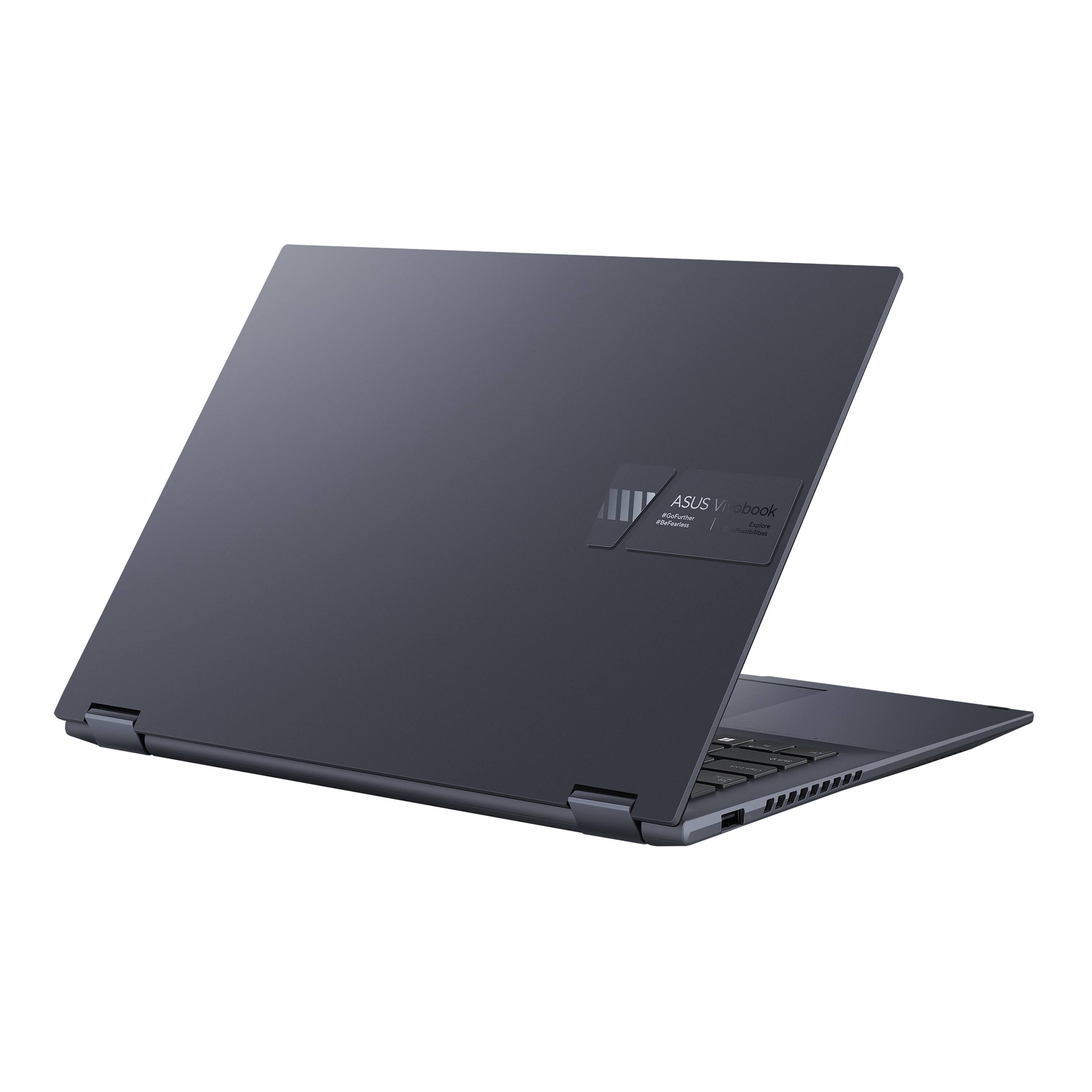
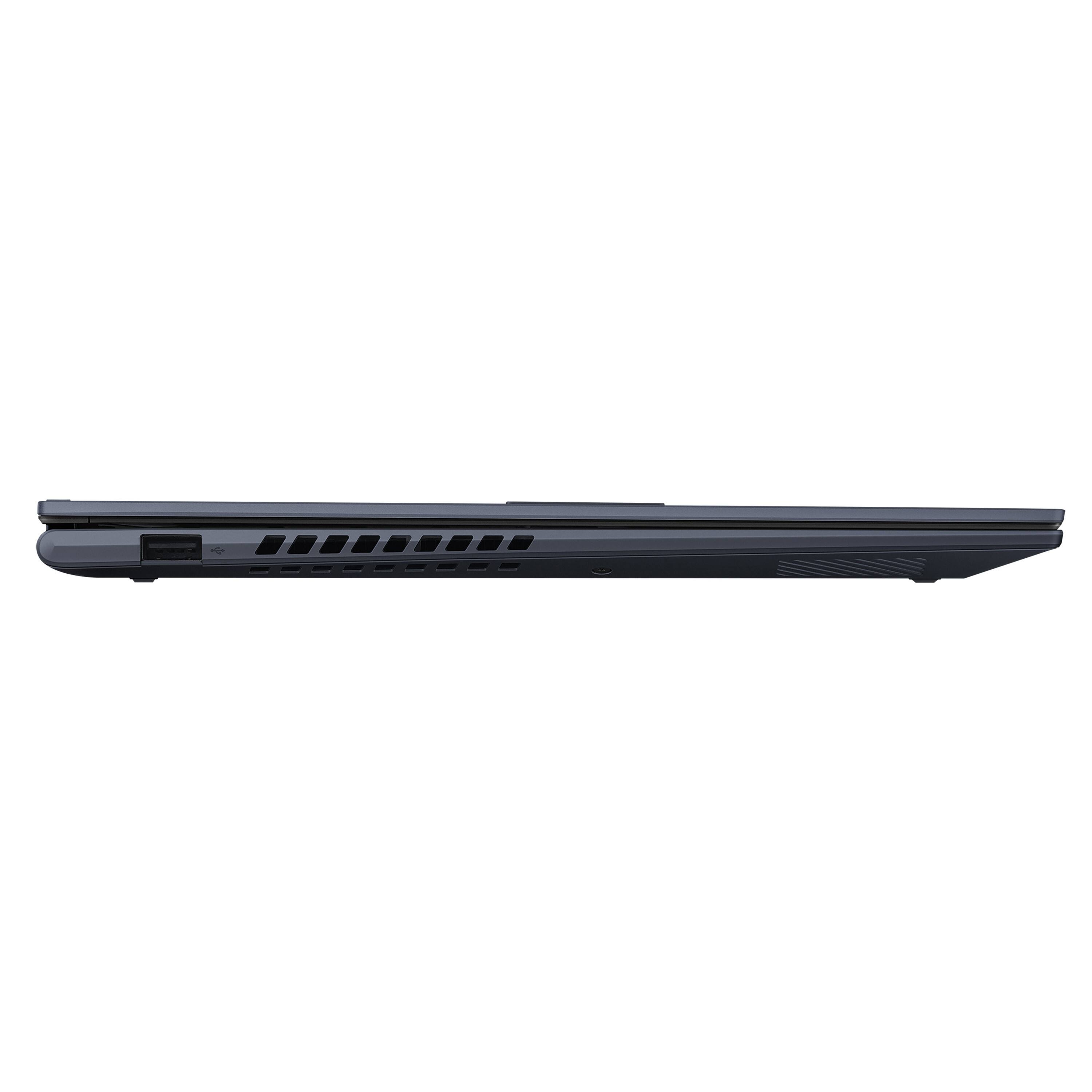
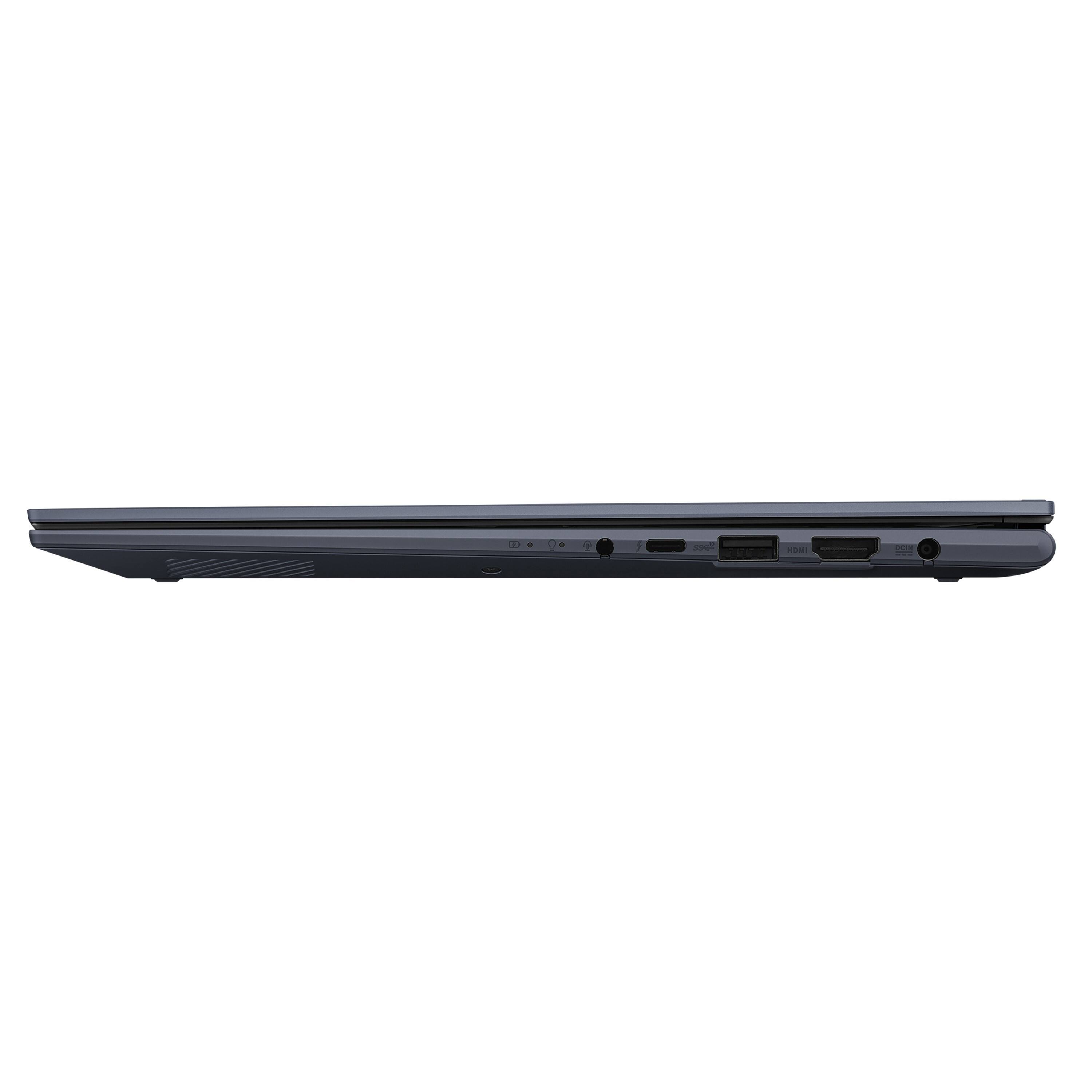
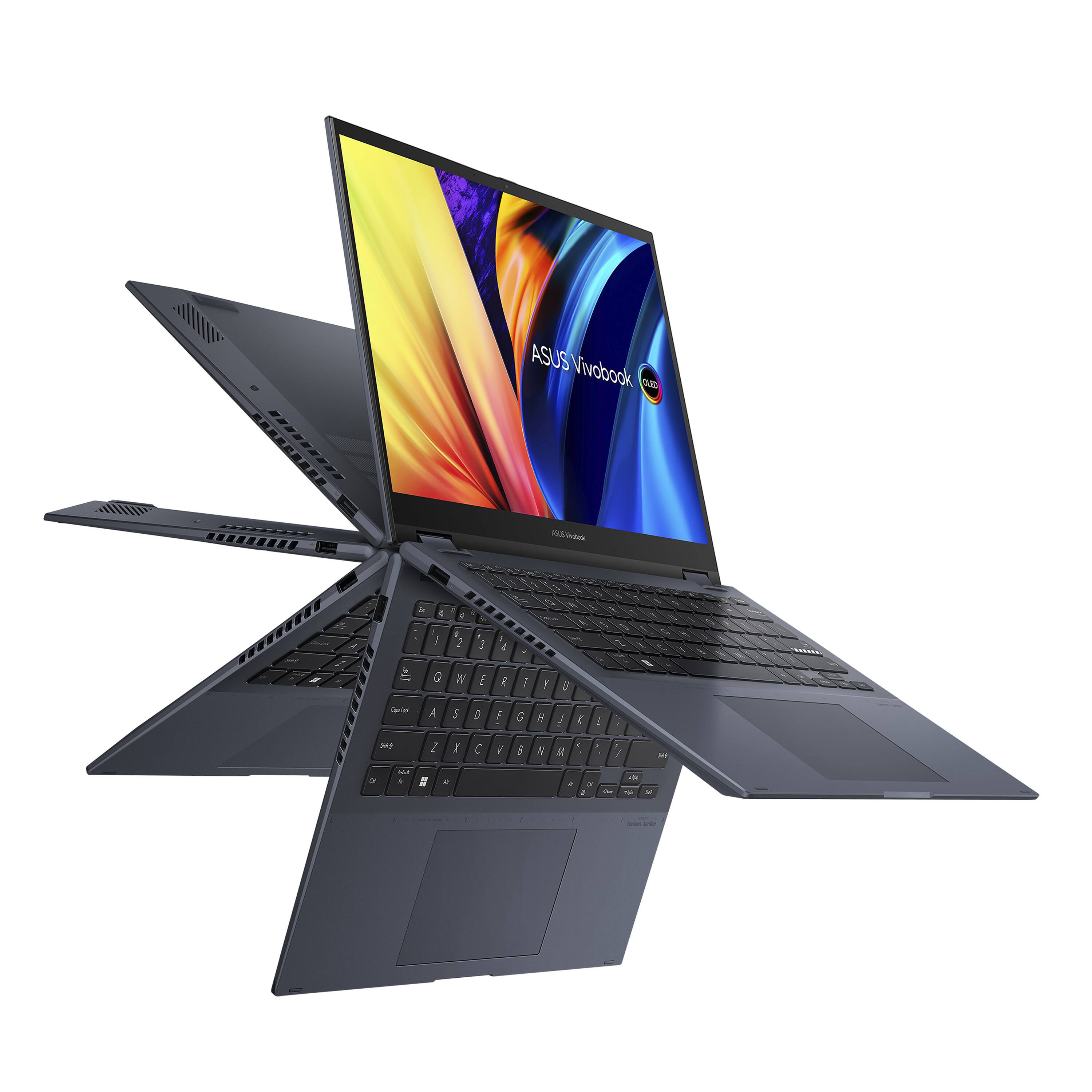
- Model:
- TP3402ZA-DB51T
- SKU:
- 6517453
to a friend
Nope, Pass
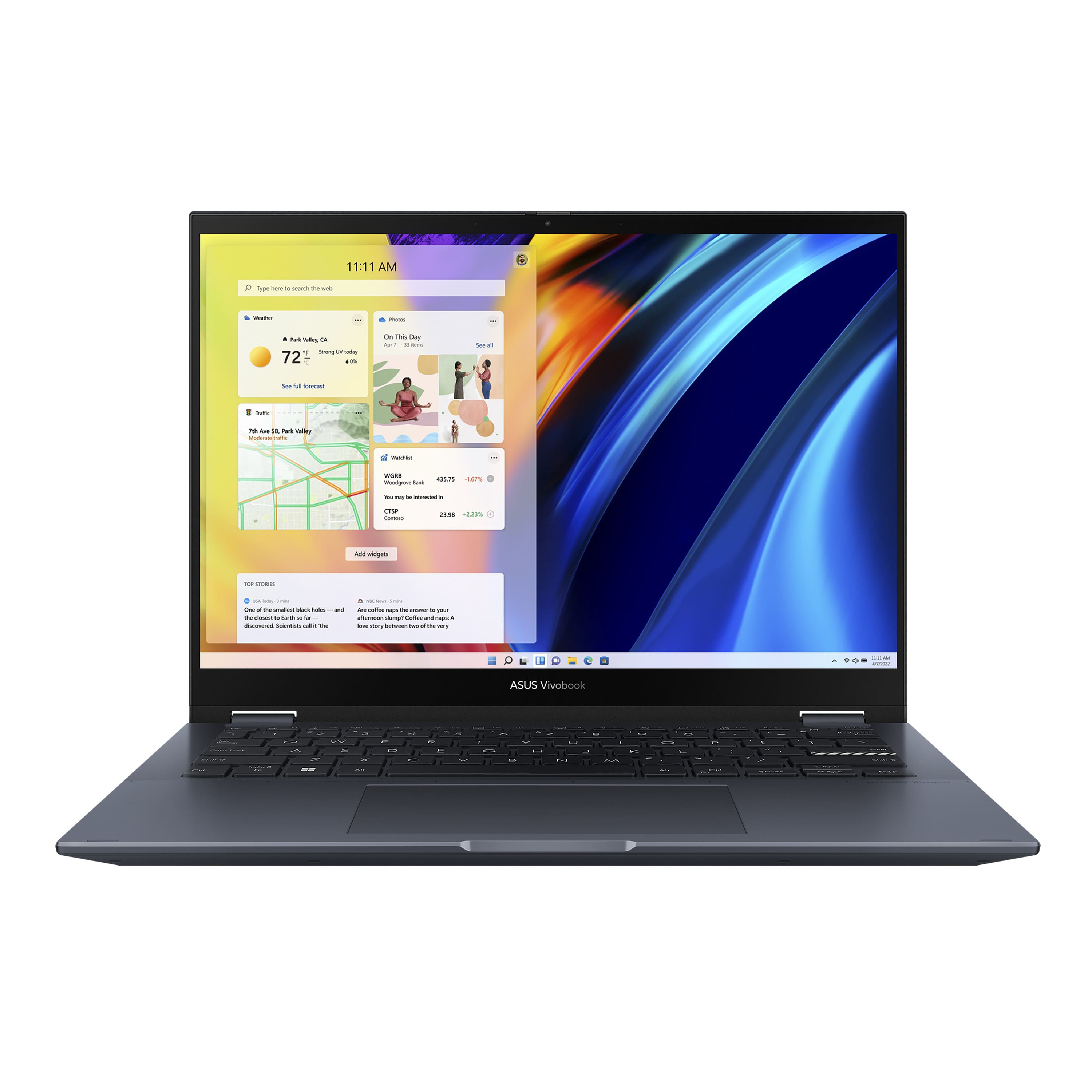
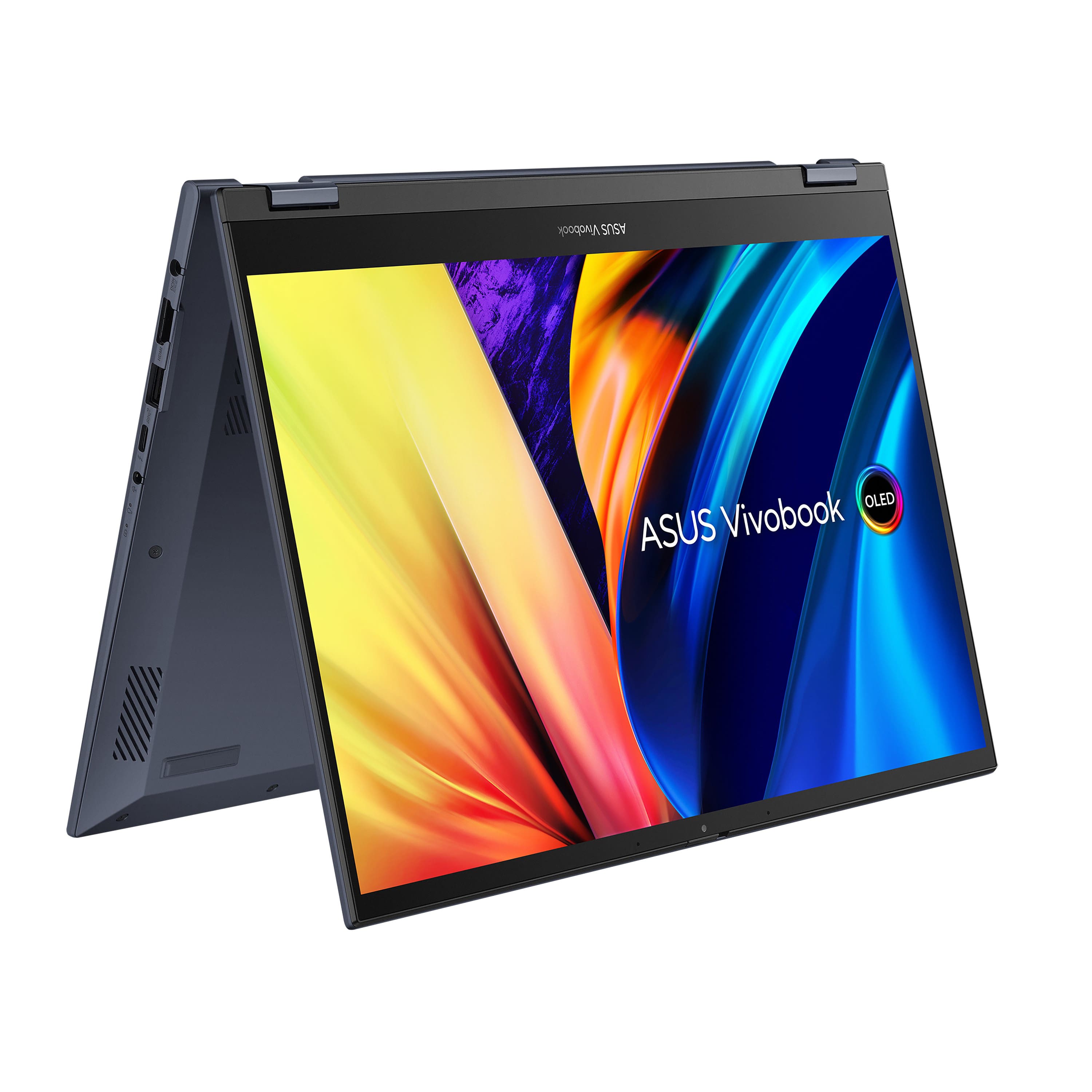
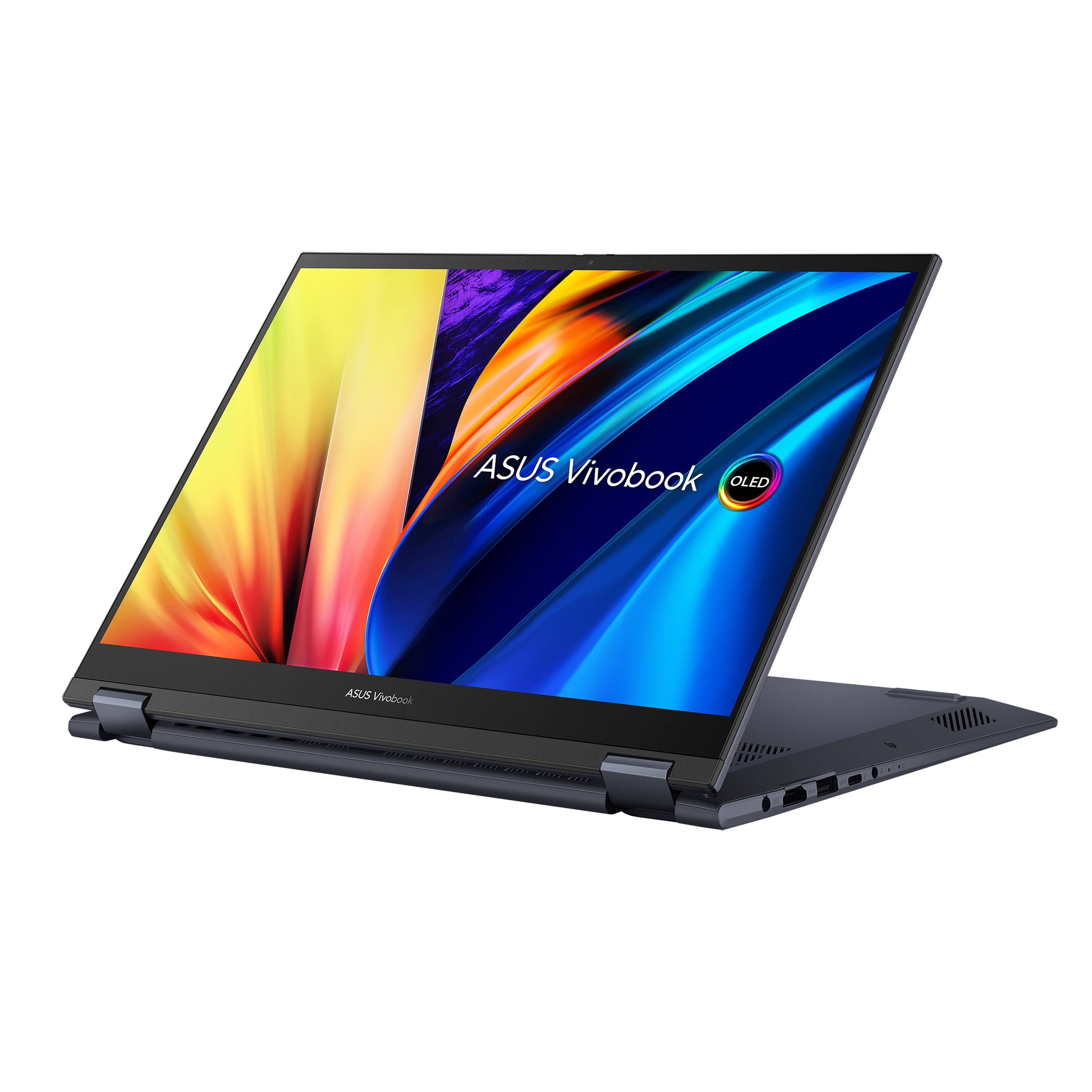
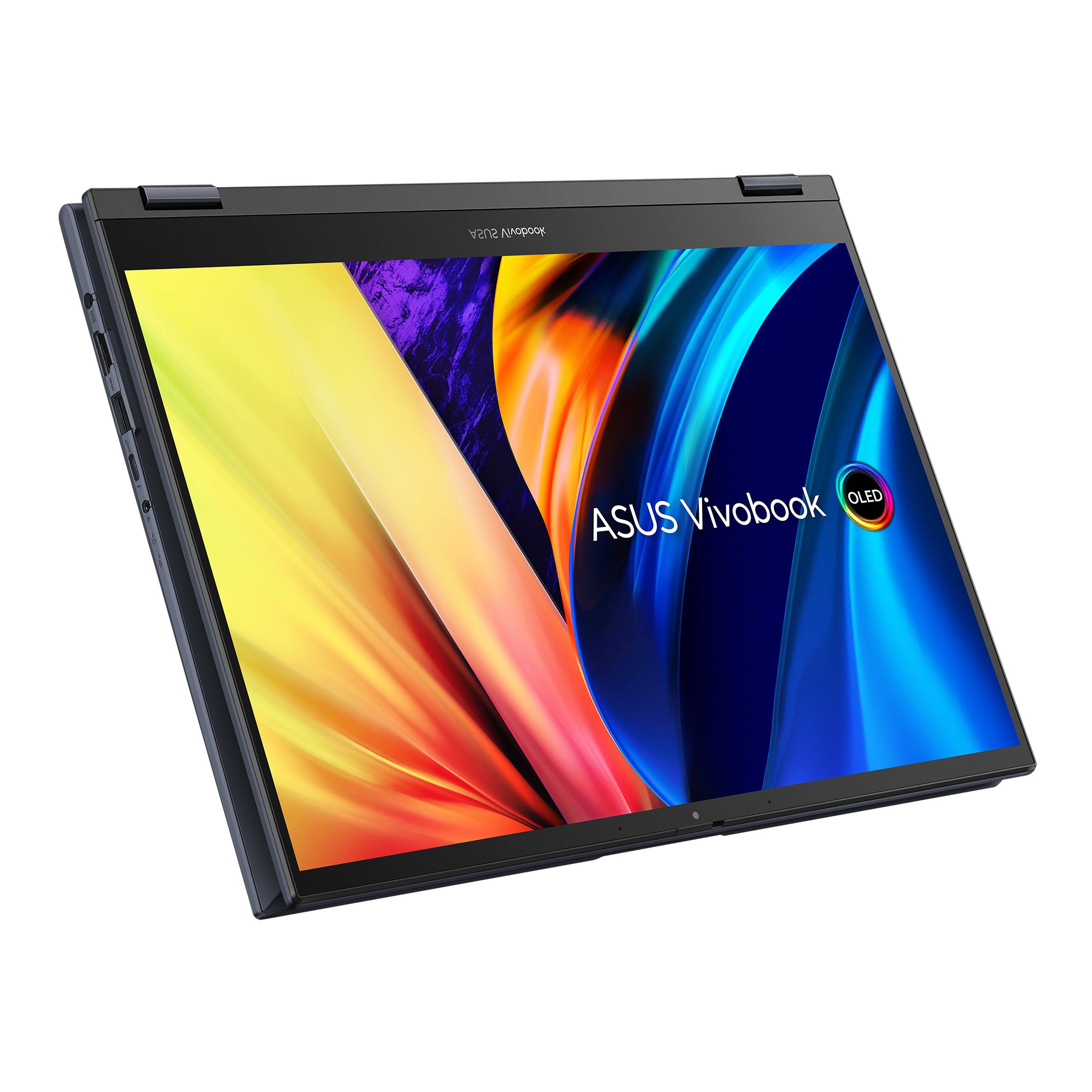
||Posted . Owned for 1 month when reviewed.This reviewer received promo considerations or sweepstakes entry for writing a review.Sorry, I am a ASUS fanboy, but this was a lemon. Out of the box would overheat and blue screen. Tried wiping the OS and flashing the bios, gave up and bought a Dell.
No, I would not recommend this to a friendBrand response from ASUS Answers
Posted .Dear TimY,
We certainly understand your disappointment and the inconvenience this may have caused.
All ASUS products undergo intensive quality control testing and inspections, the blue screen is random problem. It is normal for the laptop, with the same hardware configuration and regardless of the manufacturer, to generate more heat than normal while under heavy load especially during initial Windows setup. When system resource utilization is high, this will generate more heat than normal and tends to trigger the fan to spin at full-throttle. Please ensure the air ventilations are free from obstructions in order to have an efficient air flow for better heat dissipation.
If you need more information or further assistance with ASUS products, please email me at [email protected] and I would be more than happy to help. Or, you are most welcome to call Product Support Hotline at: 1(888) 678-3688. Also, you can chat with an ASUS live support agent at: http://bit.ly/AsusLiveChat.
Thank you for choosing an ASUS product.
Regards,
Rodel
ASUS Customer Loyalty