Customer Ratings & Reviews









- Model:
- UX3407QA-X1P512
- SKU:
- 11342853
Rating by feature
- Battery Life
Rating 4.8 out of 5 stars
- Speed
Rating 4.7 out of 5 stars
- Display
Rating 4.8 out of 5 stars

Very practical and runs beautifully
|Posted .This reviewer received promo considerations or sweepstakes entry for writing a review.This is a great laptop for everyday use that runs very quickly. The mouse is very sensitive and sometimes clicks on items while I'm scrolling because of how quickly it scrolls when I'm sliding my finger on the mousepad. But I love how quickly and easily each webpage opens, even when I have multiple tabs open at one time. The laptop was a cinch to set up and update Windows. Probably took me about an hour to fully set it up and apply all of the window updates. I love setting up a new laptop nowadays because once you sign in with your Microsoft account, all of your apps from previous and current laptops will automatically populate on the new one. The size is perfect too. A nice compact, lightweight fit that will fit in most standard laptop bags. This also comes with a co-pilot AI, which I love using on my other laptop. You can ask anything, and it will give you great information on whatever you are searching. I searched for information on an upcoming trip, and I got some great feedback and information on places to visit on our upcoming trip. The colors and personalization on your webpages are also a beautiful addition to the newer laptops. I love customizing my webpages and adding a little color to brighten them up. Charging was also pretty standard and took me about an hour to get to a full charge at about 30% battery. The battery also lasted a pretty decent amount of time while surfing the web. I scrolled and played around with it for a few hours and it was still above 50% battery. It is very lightweight and the color is a nice tan color that looks great. I would def recommend this laptop to everyone.
I would recommend this to a friendPortable, Powerful, nearly Perfect!
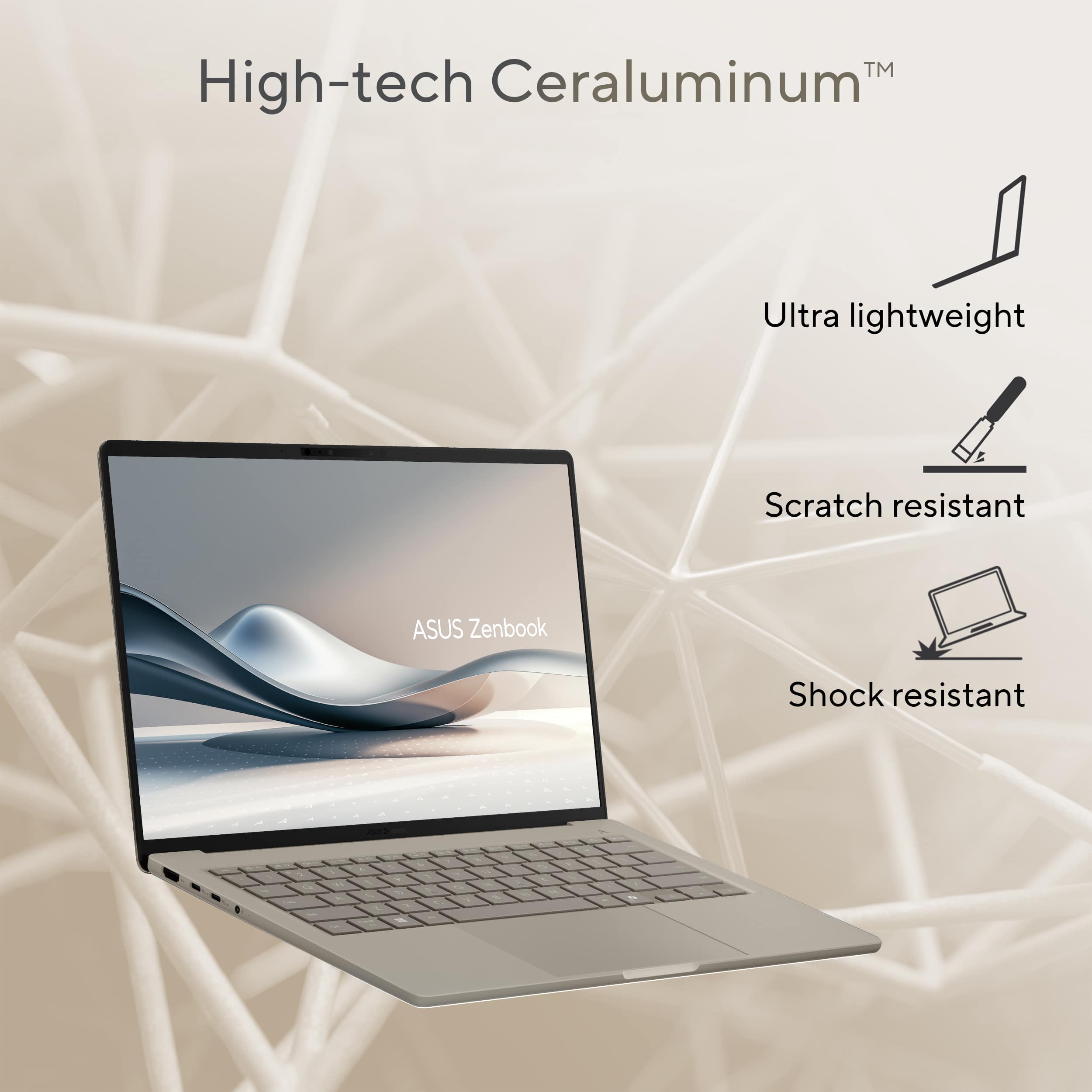
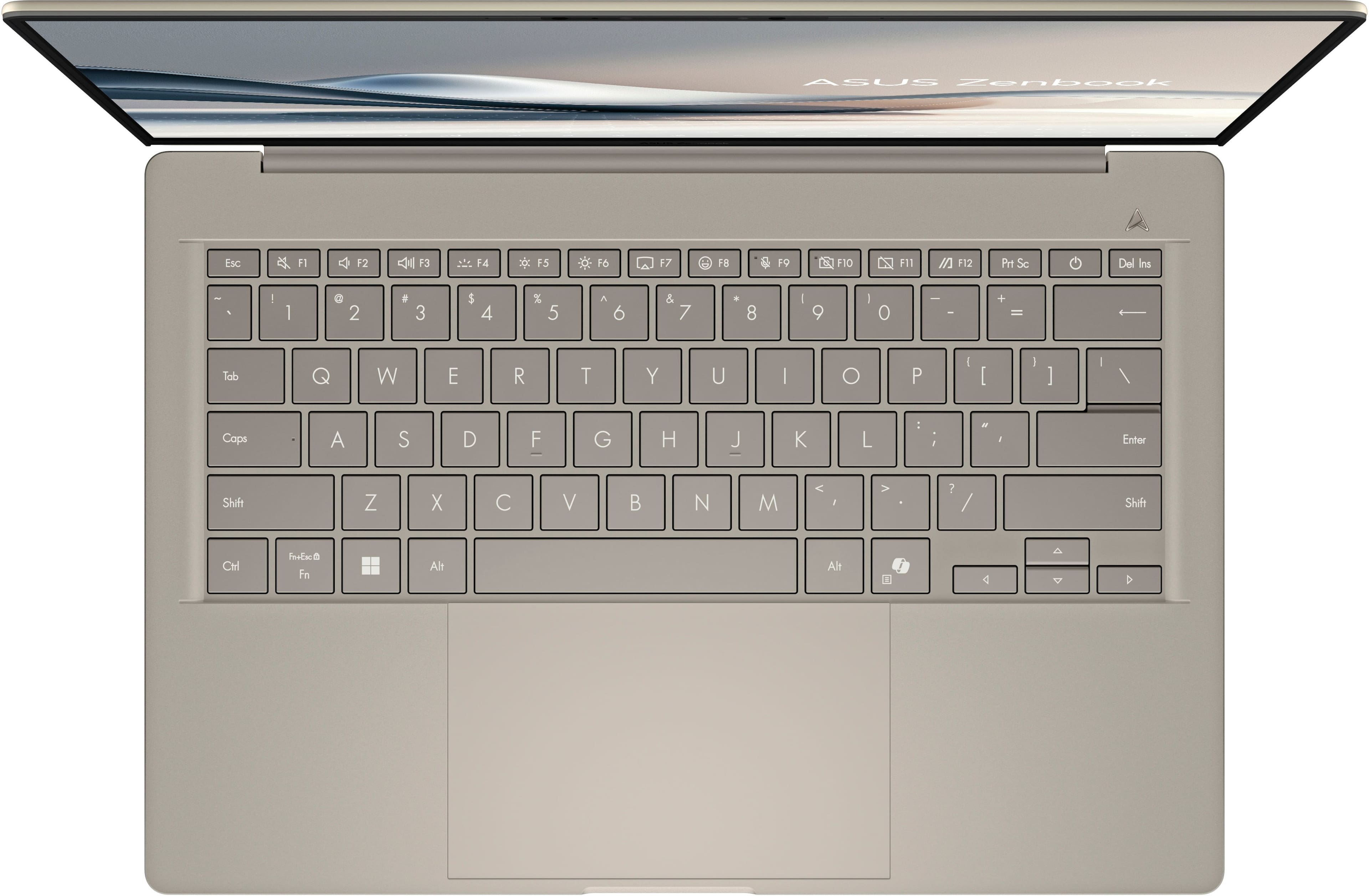
|Posted .This reviewer received promo considerations or sweepstakes entry for writing a review.This beautiful device might be the perfect fit for most people who want a feather weight, competent laptop with the energy to last multiple days on a single charge. I love the look and feel of “Ceraluminum” (made by a mysterious process that bonds ceramic elements to aluminum), which has already proven resistant to fingerprints and scratches. Just the act of lifting the lid with the display with a single finger shows me the attention to quality that was paid by the manufacturer. Speaking of the display, the FHD+ OLED has gorgeous colors and contrast! The resolution is fine for a 14 in screen. Nitpickers bemoan the 60Hz refresh rate, but I in comparison to another laptop I have with a refresh rate twice that, I really don’t see a difference in everyday use. Also, I very much appreciate being able to manage the screen brightness with a trackpad gesture as opposed to reaching for a function button. The Snapdragon X Plus CPU drives the computer’s operations handily. I have yet to hear the fans turn on, even with the initial set-up and updating that is typical for Windows 11. Startup is quick, and the facial recognition works well. I love a cool and quiet computer. While performing standard tasks (Web research, presentation creation, composing articles, emails, etc.) I am getting over 16 hours of real computer use between charges. I am not a computer gamer, nor do I perform video editing. So far, I have not found any productivity apps I use that do not run Windows on ARM natively. That ASUS can pack such a powerful, efficient processor and an ample battery in a package weighing about 2 pounds is astonishing. Typing on the keyboard is a remarkably satisfying experience; this is one of my favorite laptop keyboards, with good key travel, no mushy bouncing, and ample key spacing. The trackpad is mechanical but works very well. So, is this the perfect computer for general use? Note that there is no haptic trackpad, no touchscreen, no fingerprint sensor, and only a 60Hz display refresh rate. Camera and speakers are good, but not outstanding. However, I find none of these “deficiencies” to be deal breakers, as adding any more features would create a heavier, more expensive computer with less battery longevity. I am very happy to have a superb laptop that is easy to carry, has an extremely long battery life and sumptuous display, and that is a joy to type on. It ticks all my boxes!
I would recommend this to a friendGreat laptop at a steal!
||Posted .This reviewer received promo considerations or sweepstakes entry for writing a review.Very good laptop. Waiting for the next sale to get 1 more
I would recommend this to a friendVery good laptop
||Posted .This reviewer received promo considerations or sweepstakes entry for writing a review.Laptop looks very good and it is really performing well
I would recommend this to a friendA little disappointed
||Posted .This reviewer received promo considerations or sweepstakes entry for writing a review.The computer arrived with stains and scratches that can't be removed. It's not brand new (open box); it's used. In fact, setting it up was difficult because it initially asked for an email and wasn't connected to Wi-Fi. It works fine. I don't recommend buying these "open box" items unless you go to the store and see them. I'm disappointed.
No, I would not recommend this to a friendBrand response from ASUS Answers
Posted .Dear KendryE,
Thank you for your feedback.
We certainly understand your disappointment with the quality of the product your received and the inconvenience this may have caused if it did not meet your expectations for an open box item. Normally, we recommend to contact your seller for a resolution if you have aesthetic or cosmetic issues with the laptop you received. Should you need further assistance with the product, please email me at [email protected] and I would be more than happy to help. Or, you are most welcome to call Product Support Hotline at: 1(888) 678-3688. Also, you can chat with an ASUS live support agent from the link: https://www.asus.com/us/support/article/1135/.
Thank you for choosing an ASUS product.
Regards,
Rodel
ASUS Customer Loyalty
Stellar Laptop: More I use it, the more I love it
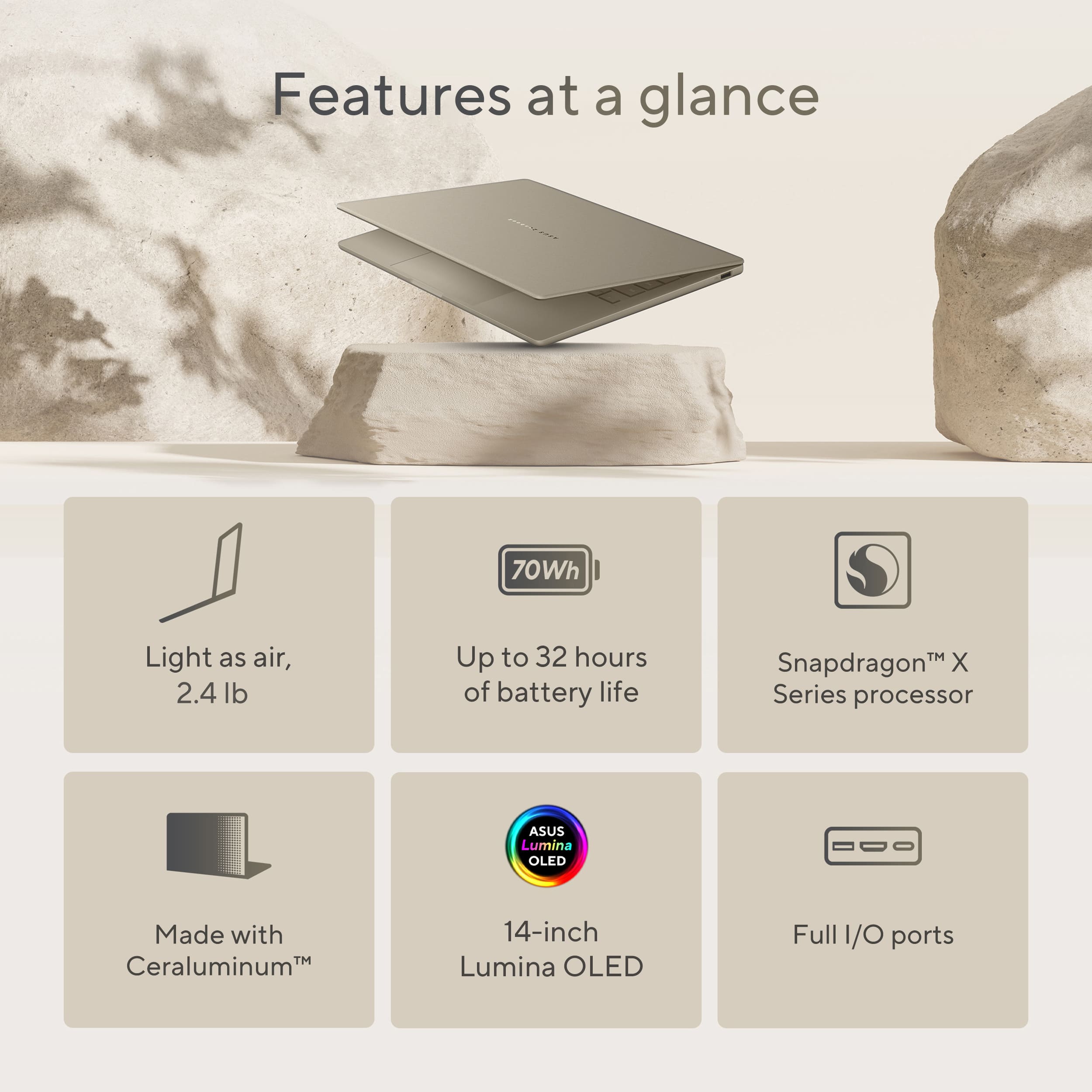
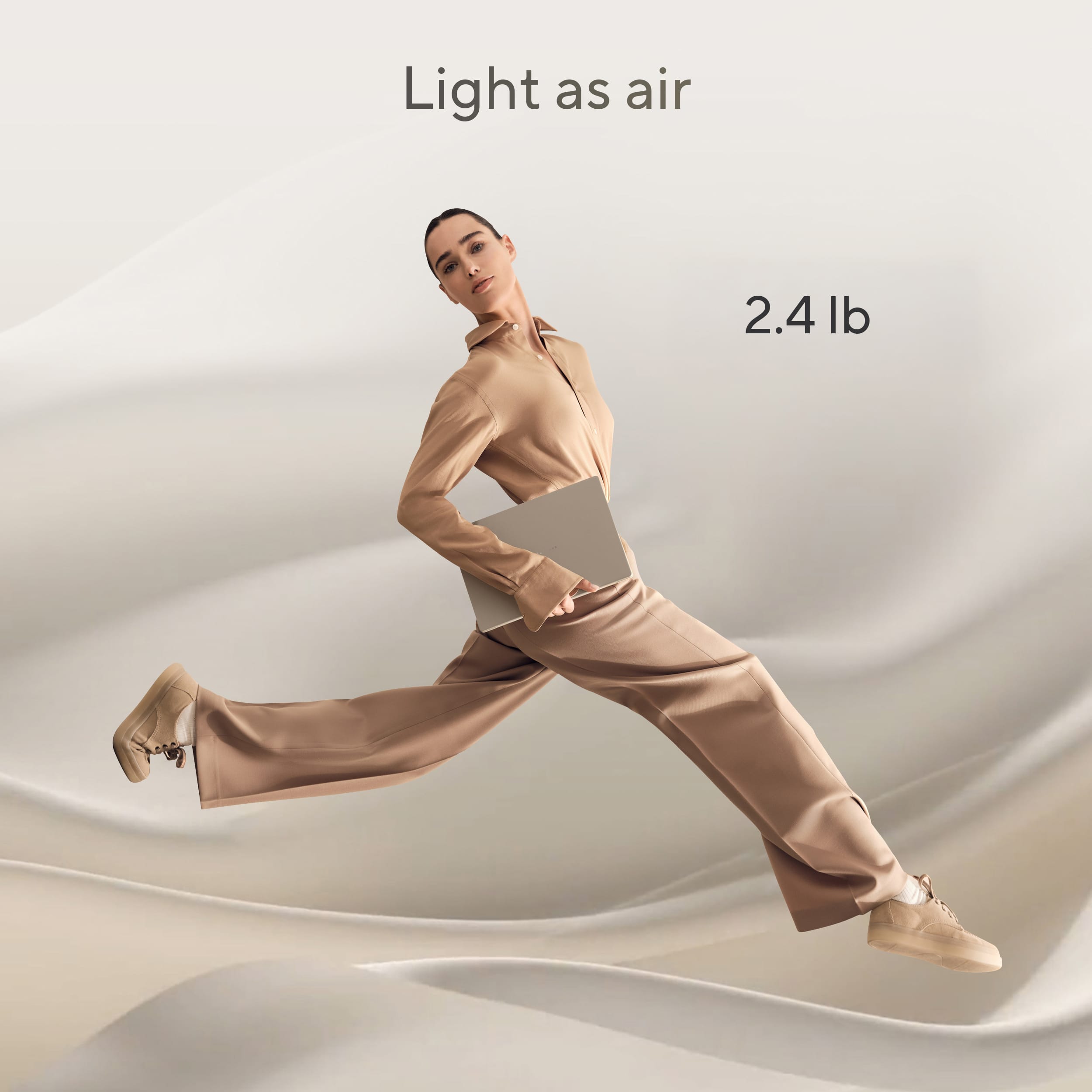
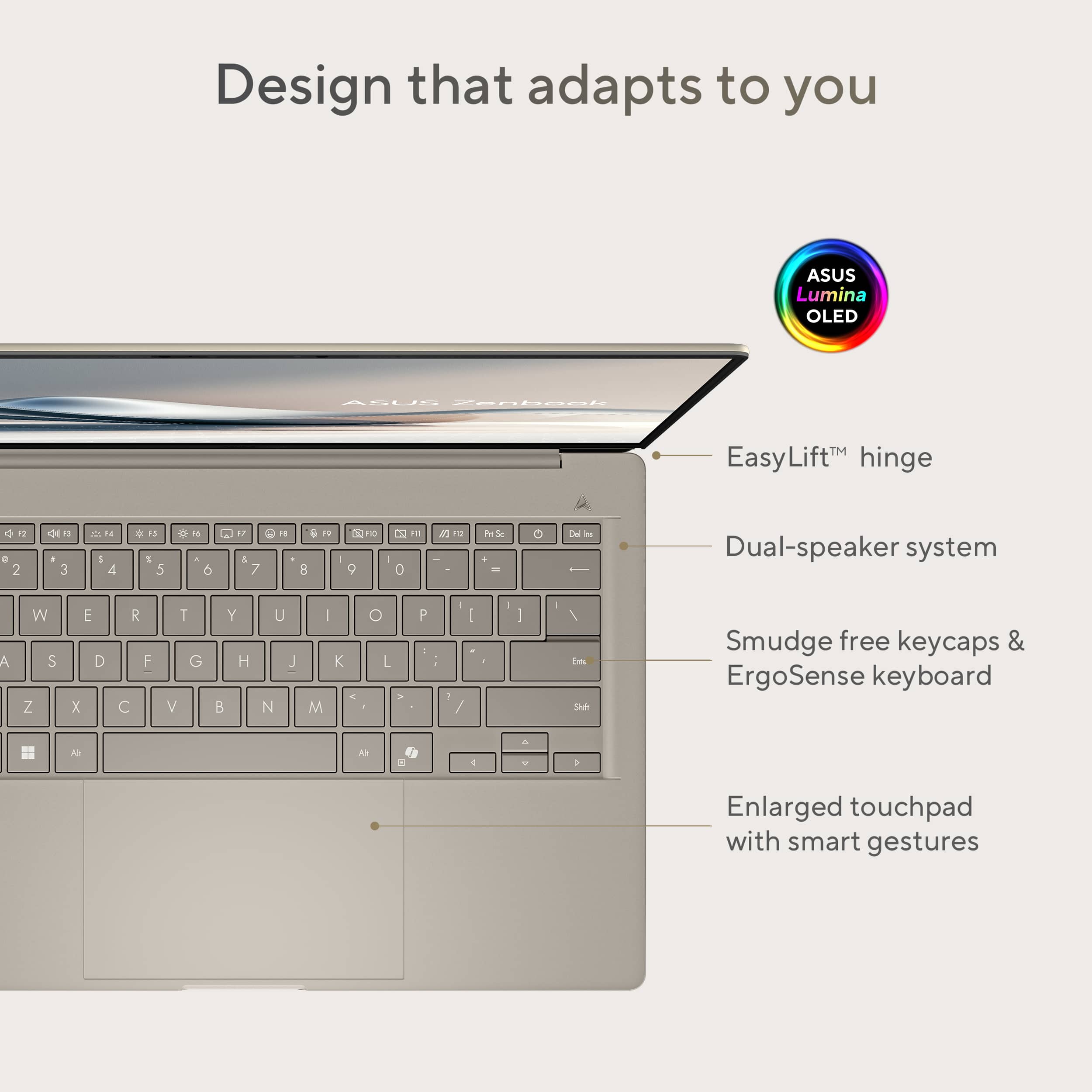
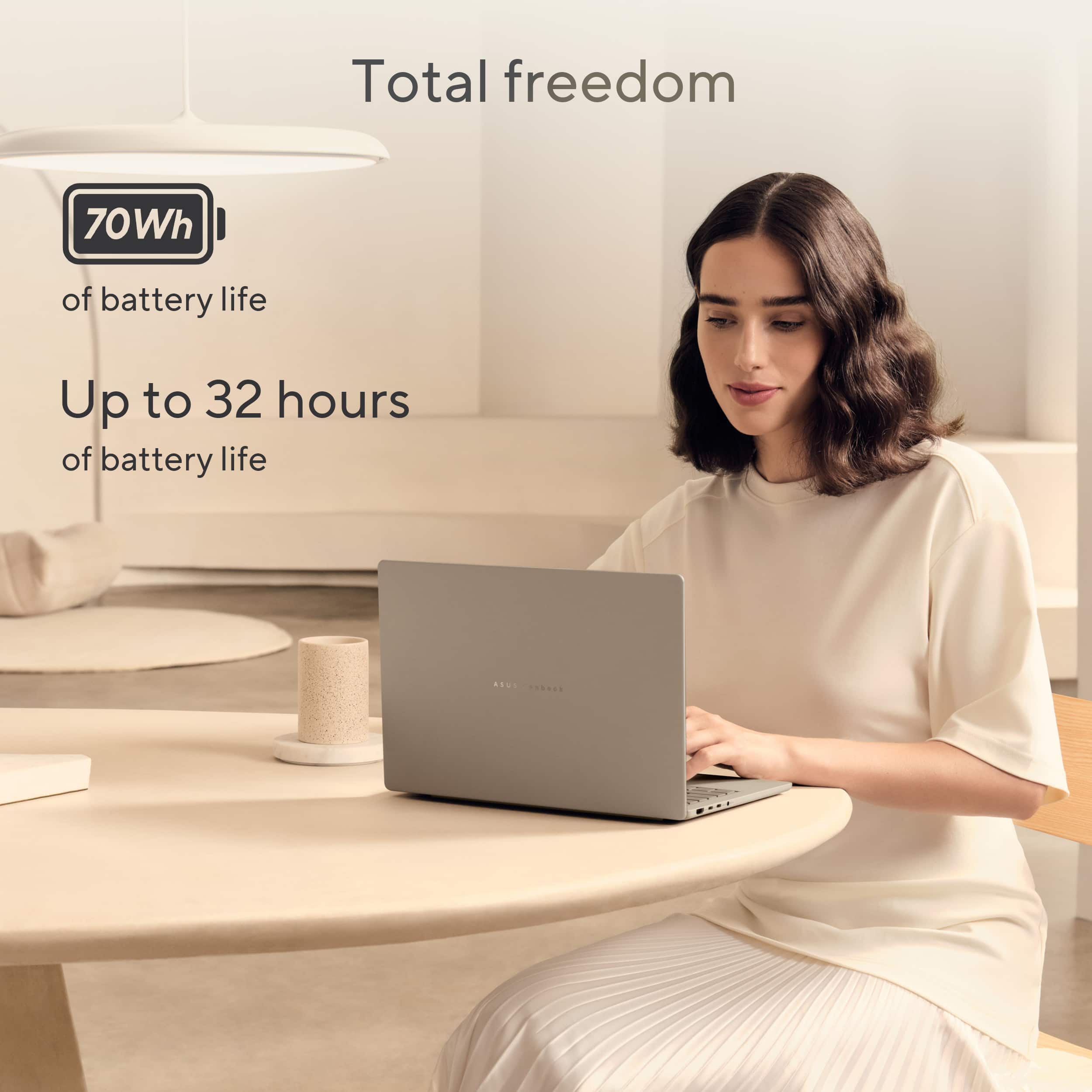
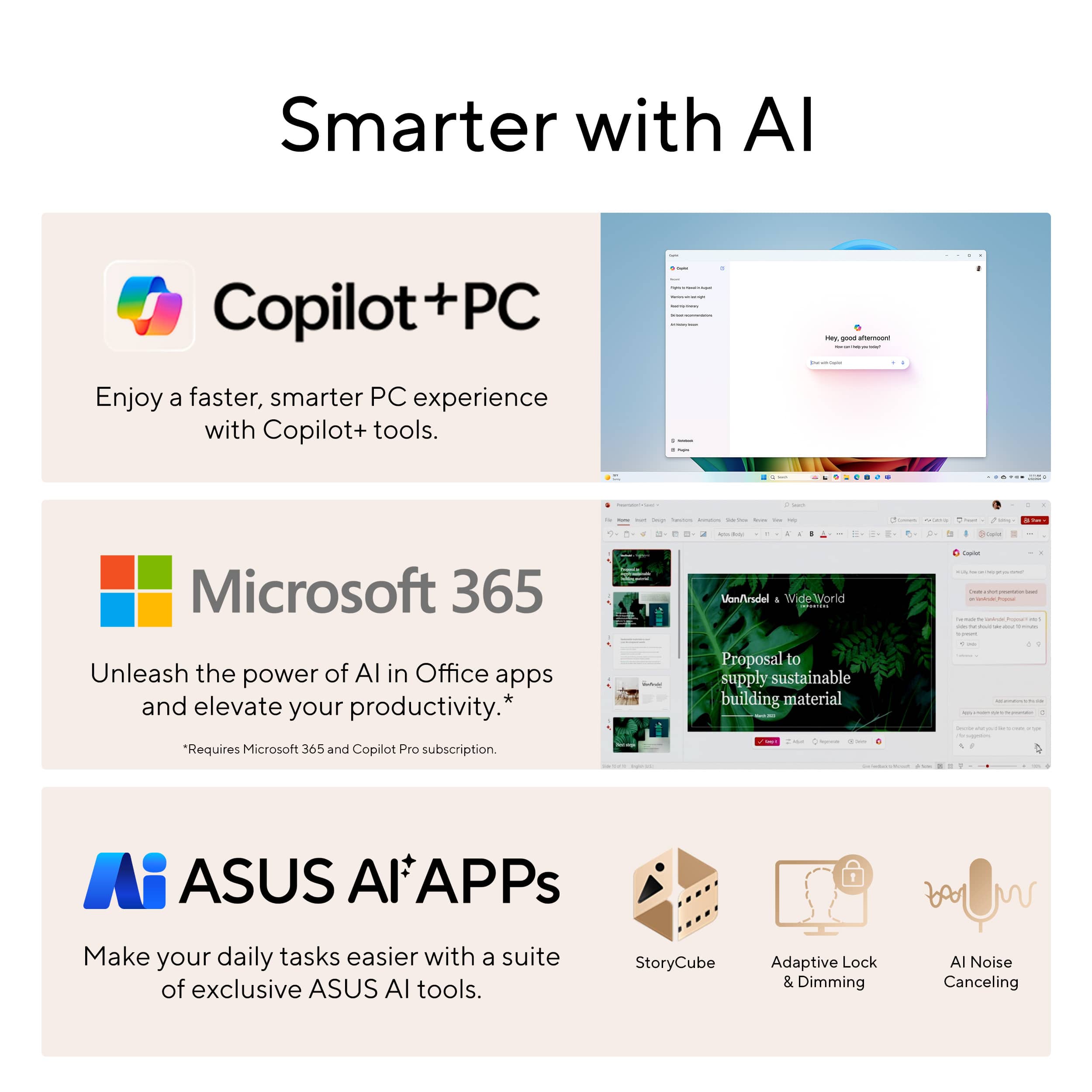
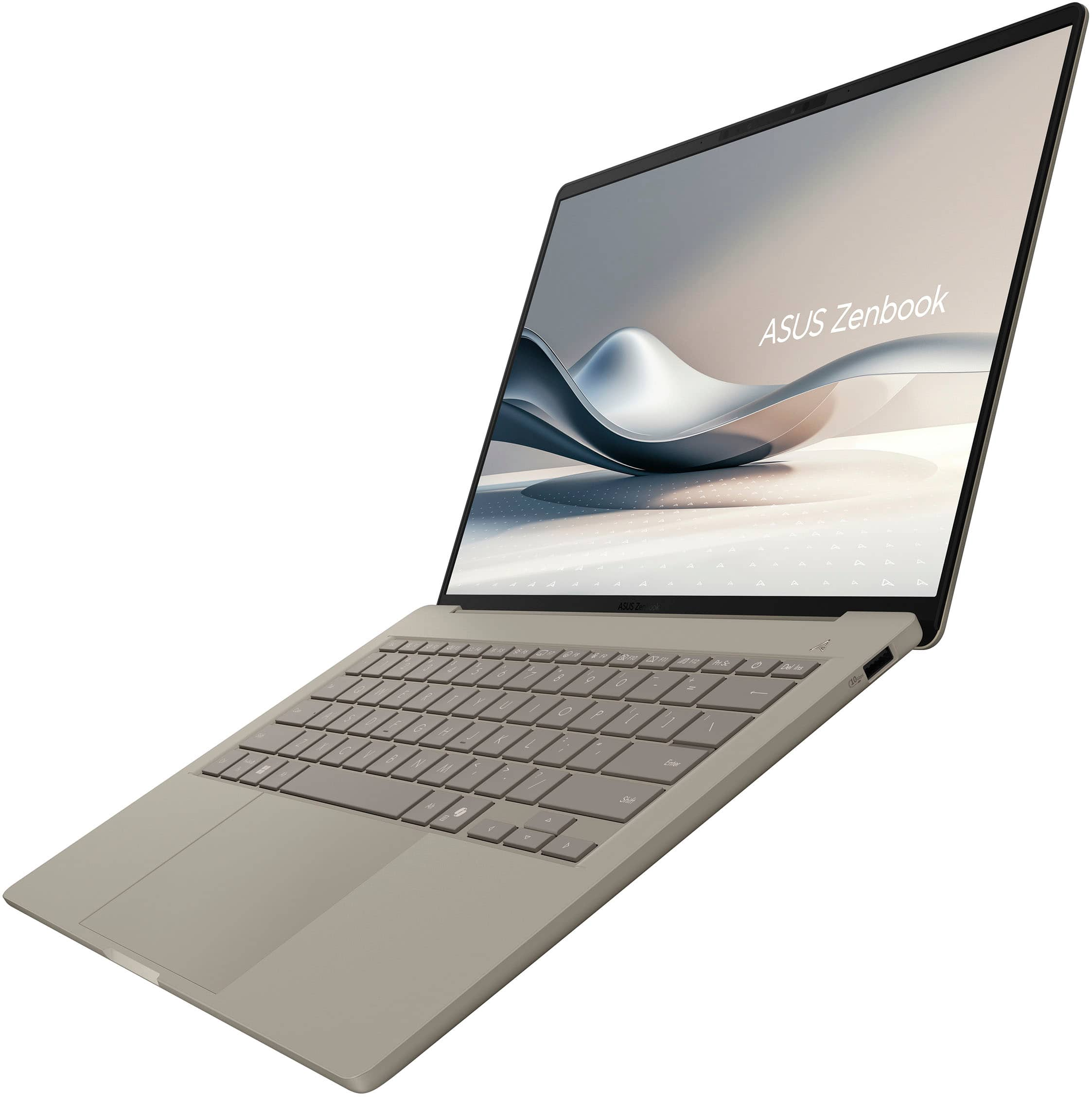
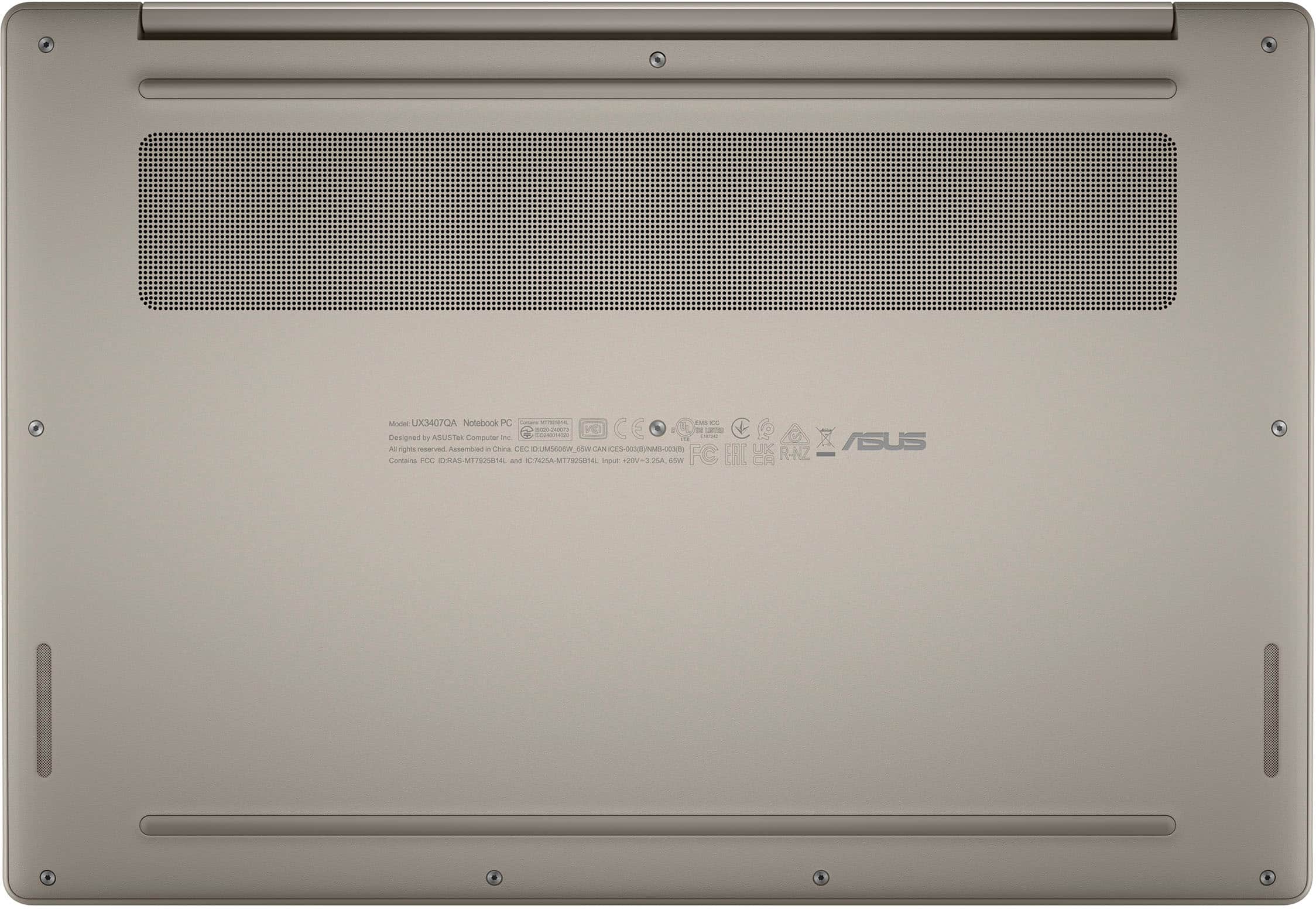
|Posted .This reviewer received promo considerations or sweepstakes entry for writing a review.WEIGHT 10/10: It comes in at 2.4 lbs. Making it one of the lightest laptops on the market. Lighter than the MacBook Air 13” and just a bit heavier than the LG Gram. Which is immediately noticeable and for a portable, productivity machine makes way more difference than I would think. For my job I walk all over the place with my laptop. At times standing and having to do work on it. And manipulating this is truly a treat and provides heavy bias on me continuing to use it over my other more powerful and slightly bigger laptop I was using before. Along with it nailing the screen, trackpad, battery life, compact, non-sharp edges, smudge-resistance, and typing. I think you’ll be hard pressed to find a better portable machine than this one. SCREEN 9/10: It comes with a 14” Lumina OLED WUXGA (1920x1200, 16:10), 600-nit peak HDR, 60Hz, Pantone Validated Display. It does NOT have a touch screen. Which translates to a high-quality display. With it being OLED blacks are stellar. Pantone Validation means very accurate colors. I think the DCI-P3 coverage is like 95 – 100%. Which is excellent. That’s the mode I used it on, and everything was a delight to see. HDR looked great. It is not matte, so reflections are noticeable. But you get increased sharpness which I’ll personally take. Overall, excellent display. KEYBOARD 9/10: It comes with a backlit ErgoSense keyboard with smudge-free keycaps. It’s excellent. I think it is a sweet spot for typing, which I do all day at work. The travel is deep enough to be satisfying, with a nice solid tactile bump at the bottom, pops back up quickly and has just the right amount of mild/moderate activation pressure where you aren’t accidentally making presses. Spacing is excellent. Forces you to be very deliberate. They keys are full size (for the most part). I’m getting about 130 – 150 WPM. Backlight for the keyboard is white, comes in three brightness modes, and is mostly uniform. Have the same kind of soft-rubber feel to them that the whole device has. Which I enjoy the feel of. But the best part is they do an excellent job at minimizing smudges. So, the keyboard, where you rest your palm, the trackpad, and laptops body (such as the lid) all appear clean almost all the time. Making it so you don’t have to constantly wipe it down. TRACKPAD 8/10: It comes with an enlarged trackpad with smart gestures. Which includes unique features such as adjust screen brightness on the right side of the trackpad, volume levels on the left side of the trackpad, and across the top to rewind/fast forward. It is a mechanical trackpad. No glass top. Yet, the material they are using is still very smooth and easy to move your finger on. Avoids smudges well, and it is accurate. Click force is mild/moderate with it being easier the closer to the bottom you get. With that said still not as good as Apple’s trackpad or Surface Laptop 7’s precision haptic trackpad. Which I wish all laptops would adopt. SPEAKERS 7/10: It comes with Dual Super Linear Harman/Kardon speakers. They are on the sides of the laptop near the front, down firing. If you have it on a desk or your lap, they sound a lot better than other scenarios. Sound quality can be dramatically different depending on how you have it setup. I could easily understand speech. They got plenty loud. Music listening was enjoyable depending on the surface. More treble focused, mids were adequate, bass was light but present. There is some vibration in the laptop itself from them. Overall, I’m impressed for a laptop this size and weight. BATTERY LIFE 10/10: It comes with a 70Wh battery that they report will last for 32 hours. I was not getting anywhere near that level of battery. I was getting closer to the 12 – 15 hour mark. That was with mixed usage (watching videos, some demanding tasks, adjusting video brightness from 30 – 100%, backlit keyboard on, balanced profile for battery, outlook, word (white background over black), multiple chrome tabs open, notepad, google chat, and my software for work). Which included me not doing ANYTHING to try and maximize battery life. Which is excellent. But not close to 32 hours. But they report 19.5 hours with mixed usage. Which is closer. To me anything in that 12 – 15 hour mark is stellar. As that will get you through a whole day. Supports 60% in 49 minutes with fast charging. PERFORMANCE 7/10: It comes with a Snapdragon X Plus X1P (8-core, 3.4GHz) processor, 45 NPU TOPS for AI, 16GB LPDDR5X (8533MHz) soldered RAM, Integrated Qualcomm Adreno GPU, Wi-Fi 6E, Fan for cooling, 65W Power Supply, Energy Star Certified, MIL-STD 810H, Copilot+ PC w/ Asus AI Apps (StoryCube, Adaptive Lock & Dimming, AI Noise Cancelling). This scores medium to low high-end on my testing with Cinebench R23 testing and how it feels to use in normal operation compared to my very high-end computers. It does feel noticeably slower than my Snapdragon X Elite laptop, but they are scoring similar in Cinebench R23 which just proves there is more going on behind the scenes than synthetic benchmarks show. But with that said we live in a time where slower is still capable of doing the things most people do on a laptop such as word, emails, video streaming, research, and the ability to run most programs most people will use for work/play without any problems. And this chip is likely at minimum as powerful if not moreso, while also being far more power efficient, than most laptops that are older than 2 years. Making it a very nice upgrade for many. With it being an ARM chip there is some compatibility issues so you’ll want to double check. If you are doing more demanding tasks (video editing, video rendering, gaming, etc.) this isn’t what this laptop was built for. While it may be able to do those things, you’d be better suited going for another laptop. As the cooling for this laptop is limited, as the fan just simply cannot keep up when under extreme load for long periods I can see the processor ramping down to thermal limit. Cinebench R23 Scores: Balanced Battery: Multi-Core: 7832 Single: 1090 Balanced Powered: Multi-Core: 7270 Single: 1111 High Performance Battery: Multi-Core: 7392 Single: 1096 High Performance Powered: Multi-Core: 7344 Single: 1108 (yes balanced and on battery scored higher, I triple checked). I do recommend going into the settings and changing the fan profile from "whisper" to "performance" as my multicore jumped from 5391 to 7832 due to that setting. Single core score was the same. Fan only turned on when stress testing. Otherwise, it was off for normal use. And the fan isn't all that loud and is at the right pitch where it isn't annoying or irksome. It also comes with a quality 512 GB SSD. Actual Gen 4 Speeds. See posted picture for that. RAM is not upgradable. But speedy. 16 GB is a good sweet spot right now. Wi-Fi 6E is slightly behind Wi-Fi 7. Performance showed 1337 down and 1665 up which scores similar to my other Wi-Fi 6E devices but below my 2500/2500 that I’m paying for. BUILD QUALITY/COLOR WAY 10/10: It comes with an EasyLift hinge allowing you to open the laptop with a single finger without lifting up the bottom. Works VERY well. It also stays in place and doesn’t wobble when typing. It is made from Ceraluminum allowing it to be lightweight at 2.4 lbs. The Zabriskie Beige color is attractive. But most importantly help prevent any smudges making the device look clean even under heavy use. This includes the entire laptop (keys and trackpad included). AI FEATURES: Windows is getting more and more AI Features built-in. I think there is great potential here. But also risk. The webcam is improved with this as you have attention features where it will see if you’re looking at the screen, dim it if looking away, or turn off your screen if it notices you walked away and then turn back on when you get near. Also, provides background blur, auto framing, eye-tracking. Webcam quality was solid. Not great, lots of grain, but clear image. As was the microphone. I’d use it for calls. But isn’t premium quality. AI features also include other things like improved search function and all the other features you have seen marketing for with AI. I find the adjustment of battery, screen brightness, camera features, etc. to actually be beneficial. Whereas, the others not as much. But interested to see how this develops over time.
I would recommend this to a friendJust an OK computer nothing groundbreaking
||Posted . Owned for 1 month when reviewed.This reviewer received promo considerations or sweepstakes entry for writing a review.Except the weight of course. It’s lighter than my MacBook Air. Ceraluminum, however, feels a lot like plastic and also has similar chassis flex too. Other than that it’s a decent machine.
I would recommend this to a friendBrand response from ASUS Answers
Posted .Dear Rvbpd,
Thank you for sharing your thoughts on the ASUS UX3407QA laptop. We're glad to hear you appreciate its lightweight design. We understand your concerns regarding the feel and flex of the ceraluminum chassis, and we appreciate your honest feedback. Your input is valuable and will be shared with our product team as we continue to refine our designs.
We stand behind our products and continuously strive to improve our products and processes to achieve customer service excellence. If you require any further assistance, please email us at [email protected] and include the case number "N2507000882-0010" as a reference. We will do our best to resolve your case quickly. Your feedback is very important to us, and it enables us to improve our support channels. Thank you for choosing ASUS.
Best Regards,
Chantae
ASUS Customer Loyalty US Support
I BOUGHT BRAND NEW BUT DIRTY PRODUCT CAME
||Posted .This reviewer received promo considerations or sweepstakes entry for writing a review.I bought this item brand new but i felt like i got open box item. all the edges are so dirty and cant be cleaned. I know i bought it on black friday deals but I definitely deserved better item.
No, I would not recommend this to a friendBrand response from ASUS Answers
Posted .Dear GilbertH,
Thank you for sharing your feedback regarding the ASUS UX3407QA Laptop. We sincerely apologize for the condition in which your device was received. Since this purchase was made through Best Buy, we recommend reaching out to the retailer directly to arrange an exchange or obtain further assistance, as they are best positioned to support you with a return or replacement.
We stand behind our products and continuously strive to improve our products and processes to achieve customer service excellence. If you require any further assistance, please email us at [email protected] and include the case number "N2506017063-0008" as a reference. We will do our best to resolve your case quickly. Your feedback is very important to us, and it enables us to improve our support channels. Thank you for choosing ASUS.
Best Regards,
Chantae
ASUS Customer Loyalty US Support
Outstanding Laptop for work and travel
|Posted .This reviewer received promo considerations or sweepstakes entry for writing a review.I’ve been using the Asus Zenbook A14 for about a week now, and in that time, I’ve put this little laptop through the ringer just for you. For as long as I can remember, Windows machines were either Intel or AMD-based, and you are likely familiar with these processors in your existing laptop or desktop. Now, Windows runs on ARM, the same type of processors that your phone and Apple M series laptops use. They are power-efficient processors that get the job done. This is the first iteration of a Windows on ARM laptop running on the Qualcomm Snapdragon X Plus processor, and I was quite excited to get my hands dirty. Let's start with the basics. Windows on ARM is new, so there should be some tempered expectations. My original goal was to see if the Windows on ARM ecosystem had enough that I could live with an ARM Windows laptop. The short answer is yes, an enthusiastic yes. Outright, I’ll say if you are looking to play video games or use esoteric software, be prepared to be disappointed. While Microsoft does a great job building in a translation layer, ultimately, all programs for Windows would also have to be compiled for ARM. The great thing is that almost all the programs you would normally use today are available for ARM. About 90% of the apps I use are available for Windows on ARM, which is a relief. Having seen what Apple went through the two times they changed processors, I’ll say the Microsoft experience is a tad bit smoother. Most programs you would use are available in the Microsoft Store app, and I understand that Microsoft is installing the ARM version of a given software if available. So what if you don't have an ARM version of a particular software, will it run? Well, that’s a yes or no question. Generally, any programs that require specialized drivers or hardware probes will not work, including a vast majority of games, and specific hardware with older software drivers, like printers and scanners. Most legacy software runs a tad bit slower. There is a marked slower response from non-ARM native applications when loading, and they tend to use more RAM. The good thing is that this laptop does come with 16 gb of RAM. Microsoft actually has a pretty detailed support page on what software is compatible with your new laptop. Head on over to worksonwoa.com, which is listed on Microsoft’s support page, for a list of compatible software. There is a similarly comprehensive list on windowsonarm.org. For the most part, if you aren't an extreme bell curve user, this Windows on ARM will meet your needs. So, how is it to live with? After a week of carrying to work, the coffee shop, and the local pub, I have concluded that this laptop is excellent! First, the laptop's weight of less than 2.5 lb is very telling in how you carry it. The screen is amazingly clear, the touchpad and keyboard are fantastic, and the webcam supports Windows Hello. It reminds me of a MacBook Air, but with a bigger, clearer screen. The battery life on the laptop is fantastic. I went almost 18 hours between charges on a multi-day use. Depending on what you are doing and what brightness level your screen is at, you can probably get to the 32-hour battery life that Asus claims this laptop can do. The speakers on the laptop are a bit tinny for my liking, but they are clear and work well. The wifi chip on the laptop is fantastic, with great range and pickup. So what is the bad on this? Well, in my extended testing, there were a few gotcha’s that I ran into. First off, like I said, not all software is compatible. I found that a few of my legacy programs would not run, and my DVD burner would not be recognised. Qualcomm, which makes the Snapdragon X Plus processor, claims the processor to be 8-threaded, but time and time again, I found it running only six cores out of the eight at 50% when doing critical burn-in testing. The CPU throttles when it gets warm, and the ‘whisper’ mode of the fan needs to be bumped up to performance mode to increase performance. This did not solve the problem of CPU throttling every time, but it did make the laptop more snappy. I never figured out why it did that, but that is not something most users would even find to be an issue. If you weren't looking, you’d think the laptop is very speedy, and yes, it is, just not as fast as the competing M4-based MacBooks. So, where do I stand on this? Do I love it? YES! This has replaced my travel laptop. With summer coming, a lighter laptop goes a long way in making me happy. The laptop is easy to live with, and I love that it's Windows. My previous travel laptop was a Chromebook, which isn't bad but has limitations. Running Windows gives me a familiar experience without the added heft. ARM on Windows shows promise. As the first commercial iteration of an ARM laptop, this is great. I know I’ve seen some other ARM-based servers for the enterprise market, but this was the first consumer-level device that runs ARM on Windows that I have seen on the market. Pros: Battery Life - pushed 18+ hours easily Amazingly clear OLED screen Weight and feel of the laptop Cons Lacks processing power, no comparison to the M4 chip, which is way faster Thermal throttles badly for high CPU activities, needs to set the fan to a higher setting Slow to load and run non-ARM native apps Wish it came with a laptop sleeve No gaming, limited driver issues due to lack of ARM support.
I would recommend this to a friendGreat Features, Excellent Laptop for All Day
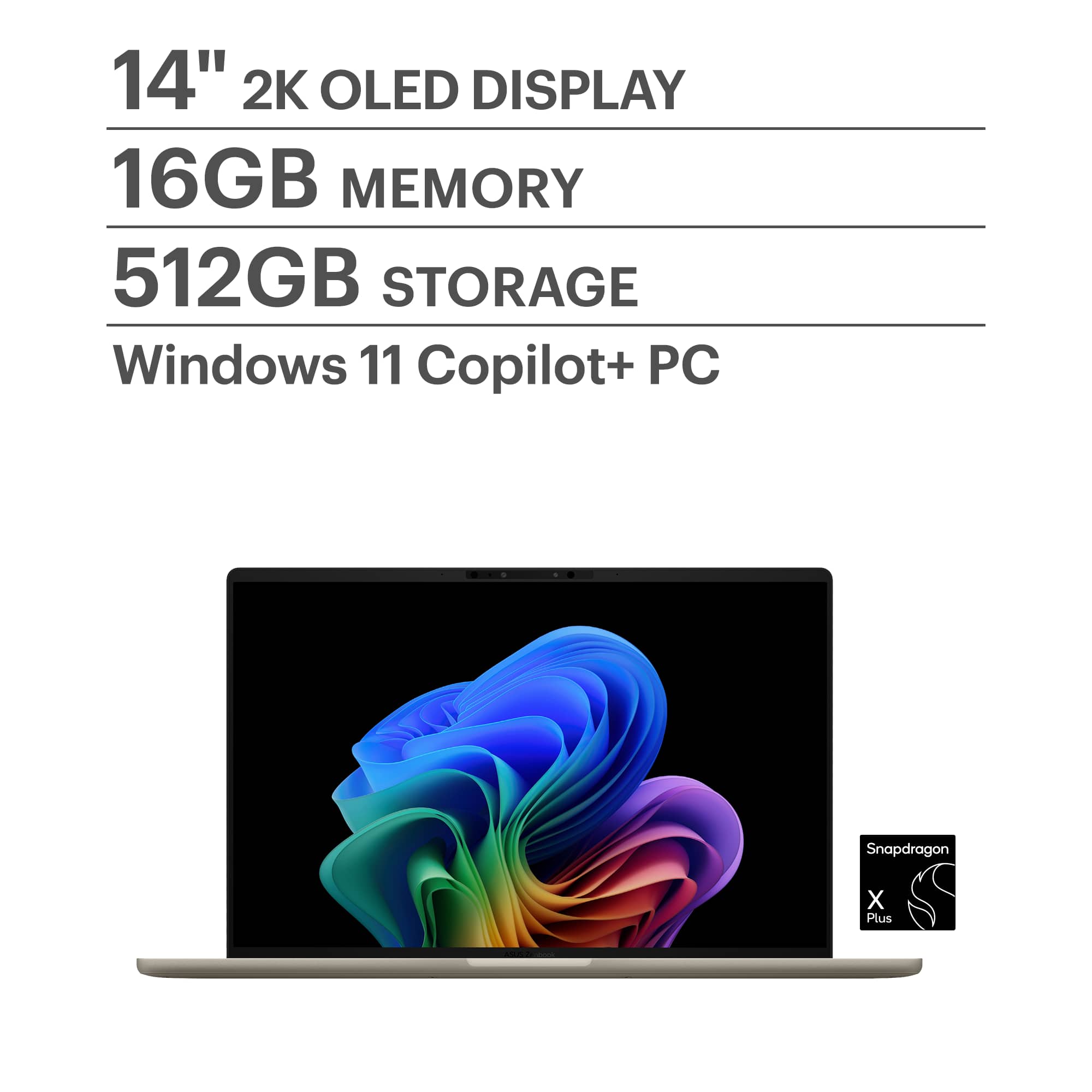
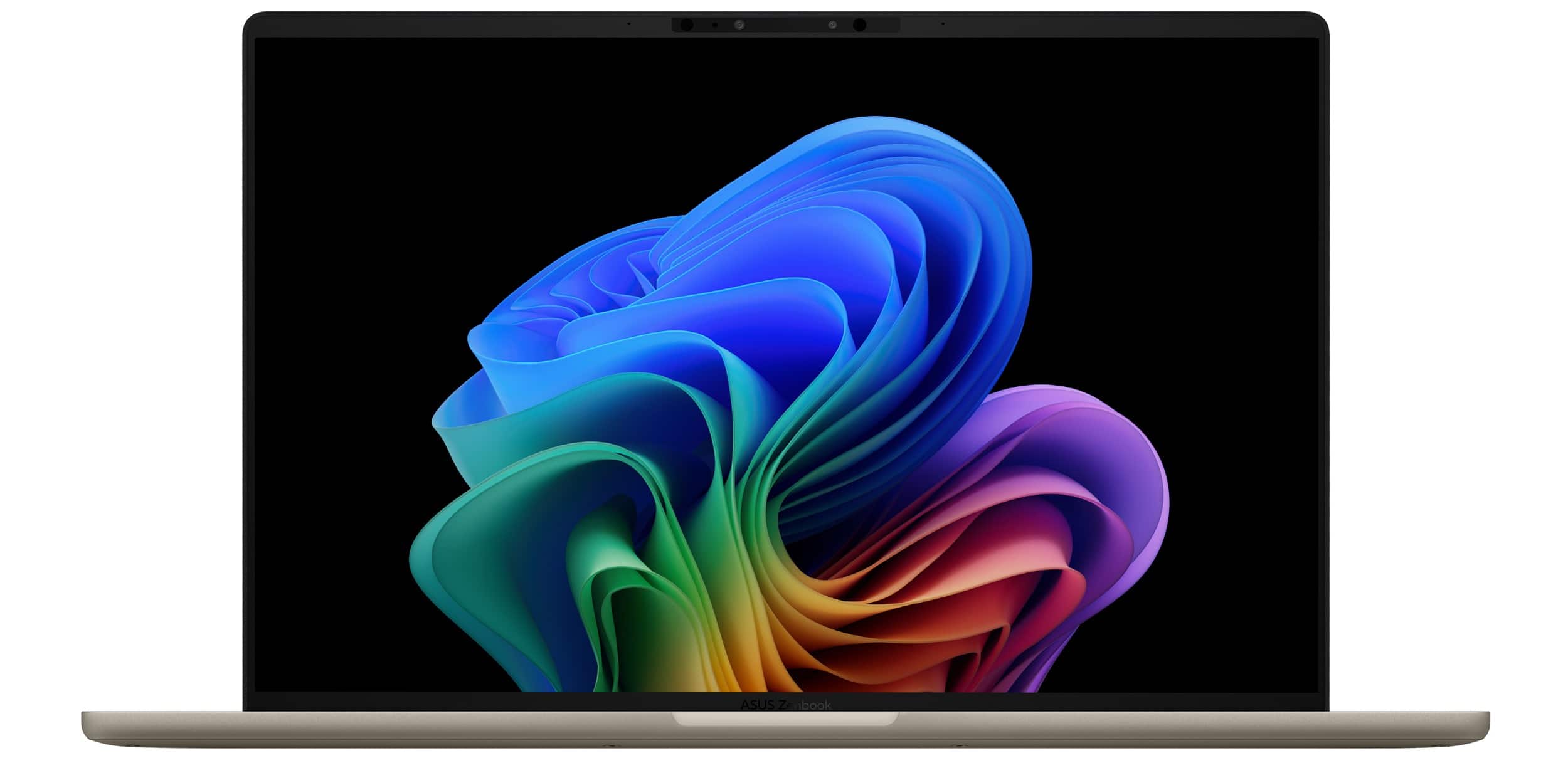
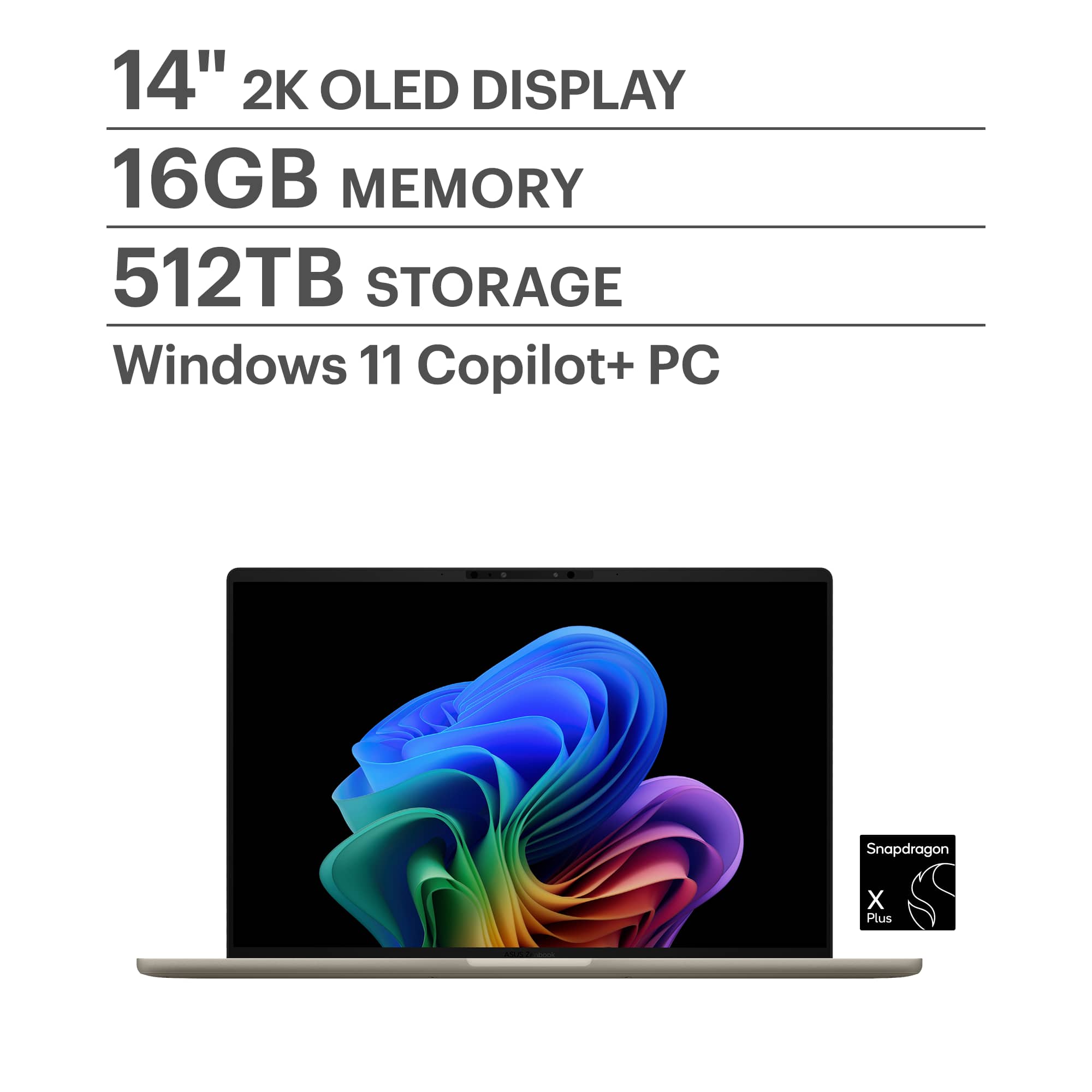
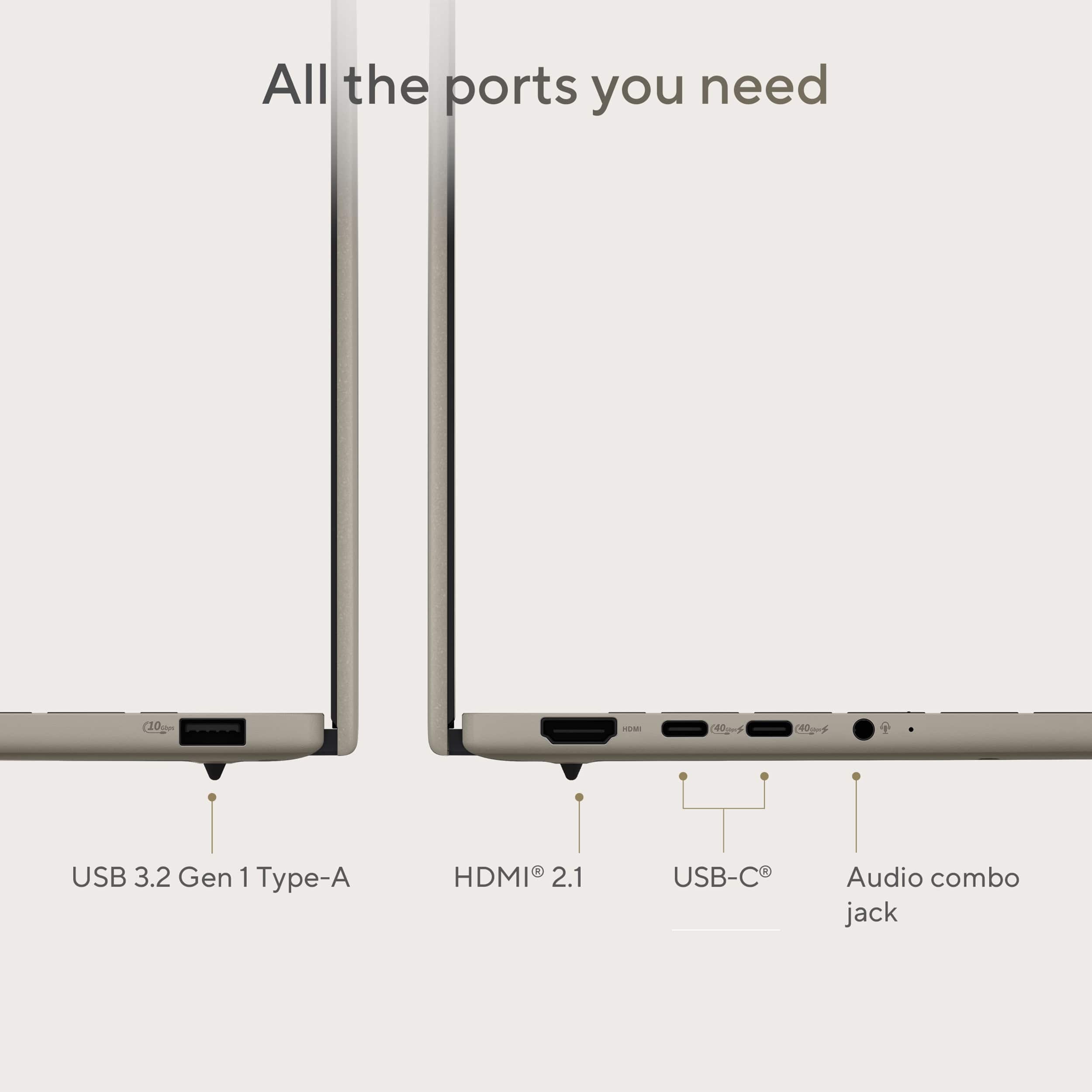
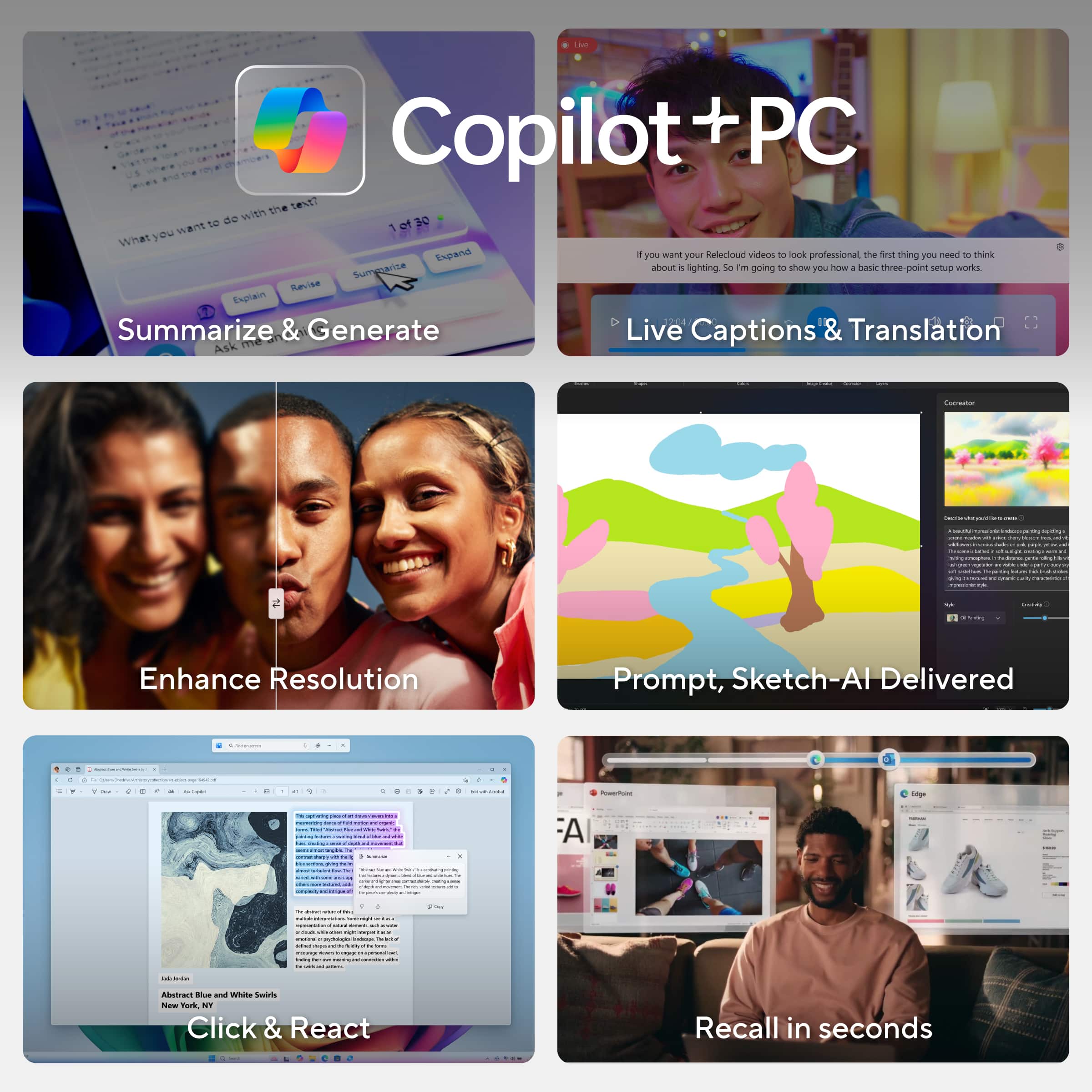
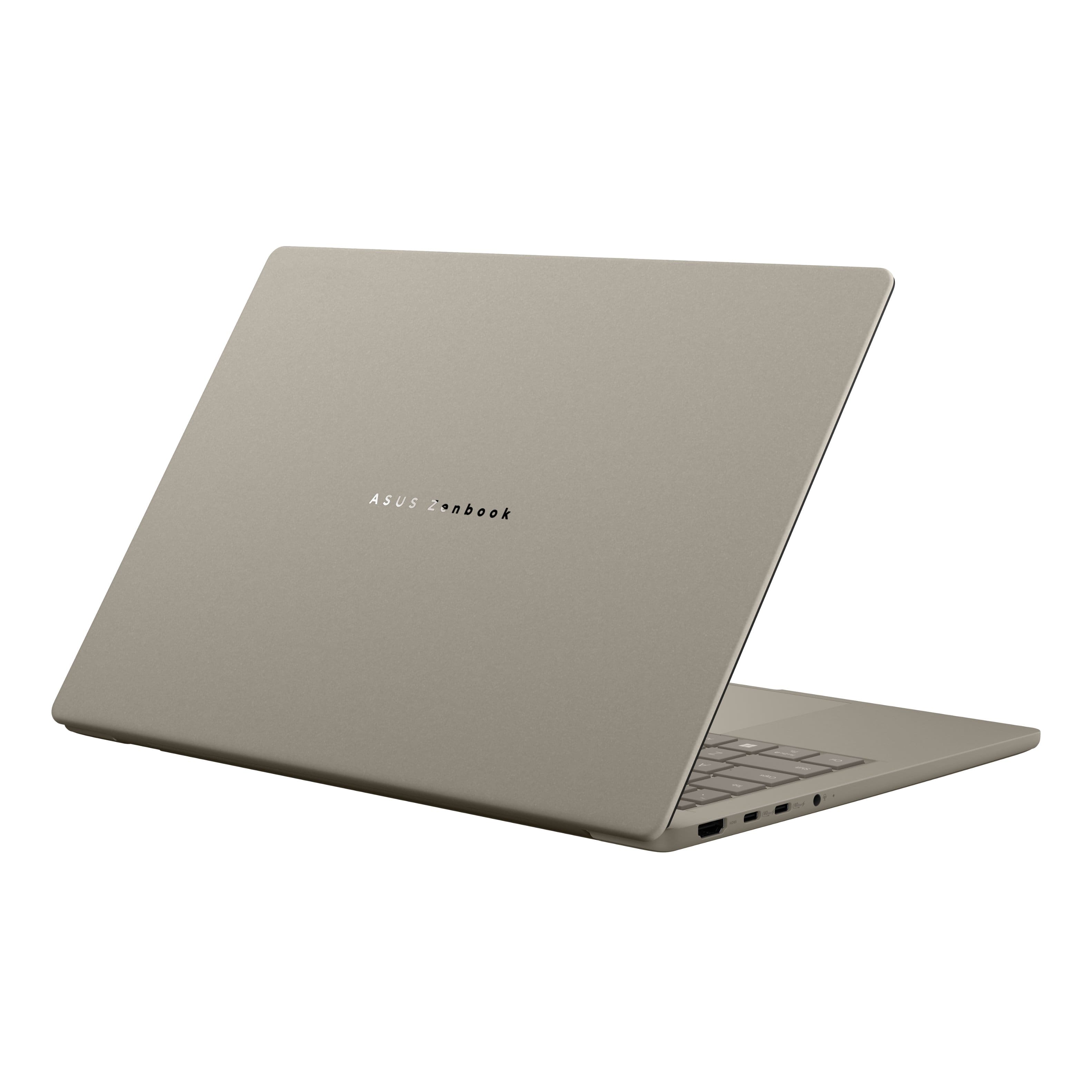
|Posted .This reviewer received promo considerations or sweepstakes entry for writing a review.My first impressions of the ASUS ZenBook A14 are extremely positive. To start, the packaging was very well done and easy to open. The laptop was well protected in the box which was inside of another box that added to the security and overall aesthetics while opening it up. The laptop itself is a nice beige color made of a sleek material known as Ceraluminium that is scratch resistant and extremely lightweight allowing for the laptop itself to be under 2½ pounds of total weight. When lying flat on the table, opening the top cover up was easy and without any drag. At a first glance you see a full-size keyboard with a top F-key bar for controlling various settings from volume to brightness, the camera, microphone and others. Additionally, it is backlit with multiple brightness settings including off to conserve battery life. As you’d expect, there is a touchpad, but this one is multifunctional as you can drag your finger across the top or sides to control screen brightness, volume, and open the built in ASUS “ScreenXpert” settings menu. It has a 14-inch OLED HD display capable of 1920x1200 resolution. There is a 1080P front facing camera with microphone for video calls and recording. Using AI and the camera, the laptop is aware of when you walk away and will lock on its own but, it also wakes when you come back. I like this feature as it saves battery but also increases security for me if I happen to forget to lock the screen. The specifications of this ZenBook are very good. It has a 3.4 GHz Qualcomm Snapdragon X Plus processor which is built to take advantage of various AI capabilities and is capable of 45 TOPS (Trillions of Operations per Second). There is an integrated Qualcomm Adreno graphics card, 16 GB of ram (which is not upgradable), a 512 GB solid state hard drive, along with wireless that has the newer 6E AX standard which is backward compatible. It claims to have a 32 hour battery life and I have no reason to doubt that based on my initial usage. Additionally, there are two Dolby Atmos speakers for sound, which are pretty good for the size of the device. For external connectivity, there is one full-size HDMI port, two Thunderbolt 4 / USB-C 40GB ports, one USB-A port and a headphone jack. Using the HDMI and USB-C ports you can connect up to three monitors which can be very handy for editing videos and photos, working on spreadsheets, or just to dedicate a certain application to a specific monitor. This ASUS ZenBook is specifically designed to take advantage of AI applications such as Copilot which you can use as your personal assistant when trying to write papers, do research, or work on other projects. Another application Windows now comes with is called “Recall” which allows you to go backward in time, so to speak, in case you want to review something you had just seen or maybe something from a couple of hours ago. Besides AI using the camera to lock and unlock the device, ASUS has also included another application to take advantage of it to help improve your experience and productivity. Called “StoryCube”, this application helps to organize all your media files in various categories, allowing you to go to specific photos and videos using timelines, locations, and people. It will automatically group these elements for you and using its AI will create videos, photo albums and various memories that it sees as similar, maybe from a vacation or other event that it has identified as important in some way. Basically, any combination of descriptions, timing or locations are easily pulled up for viewing and use in projects you may be working on in other common applications. Overall, this laptop is straightforward to use and adjust to. As a business user who occasionally engages in photo and video editing, I find that the Zenbook simplifies these tasks and enhances the experience with its user-friendly interface, AI assistance, and easy to use features.
I would recommend this to a friendGreat display and portability
||Posted . Owned for 1 month when reviewed.This reviewer received promo considerations or sweepstakes entry for writing a review.I bought this laptop for portability and light creative work. The OLED display is excellent—sharp and accurate—and the laptop is lightweight and well-built. Performance is smooth for daily tasks, with good battery life and quiet operation. It’s not meant for heavy production, but it’s a solid choice for on-the-go productivity.
I would recommend this to a friend5 starrrr
||Posted . Owned for 5 months when reviewed.This reviewer received promo considerations or sweepstakes entry for writing a review.The ASUS Zenbook A14 is lightweight, sleek, and easy to carry anywhere. The OLED display looks amazing with deep blacks and vibrant colors that really stand out. Performance is smooth for everyday tasks, and the laptop stays quiet and cool while in use. Battery life easily lasts most of the day, making it a solid choice for work or school.
I would recommend this to a friendSolid Workhorse: ASUS - Zenbook A14 14"
|Posted .This reviewer received promo considerations or sweepstakes entry for writing a review.TL;DR: SETUP: It takes some time, like all Windows computers, but follow the onscreen directions, connect to a power supply, and to Wi-Fi. USE: It works well. I like the Copilot integration. USABILITY: It’s a Windows laptop with some Zen and a clear screen. It’s also very light. OVERALL: It works well, battery life is good, it’s lightweight, it uses the full 14” of screen very well, and so far, it’s minimalistic and durable. REVIEW: The unboxing is very Zen…and very appropriate to the name ASUS Zenbook. The outer box contains the laptop in a thick cardboard box that’s well protected, as well as the USB-C charger. Inside the Zenbook box is a postcard and additional information, warranty, etc. It’s a REALLY NICE unboxing experience. Very Apple-like, but maybe even a shade bit nicer (and Apple is always special). The actual, physical laptop feels very durable. The keys have a full “suspension feel” to them, and it almost feels like an external keyboard. The screen is very nice and, comparing to Apple, has a very similar feel in overall quality and nearly in brightness. I like that it has facial recognition, as well. That makes it easier to log on and keep the screen on while using and dim or go into standby when not. Battery life seems good in my tests. I haven’t noticed it lagging in my usage so far (at home and in the car). I have used Word and some smaller Excel files (I haven’t needed to use anything very large since getting the Zenbook). I haven’t used PowerPoint yet. I wish it would have the built-in camera cover, like they have on their Chromebooks, but that’s a minor gripe. As for the overall operating system, it’s very Windows 11. That’s to say good, if you like Windows. I like it, so I’m happy with it. This is a solid laptop that will do most anything you want, is lightweight (which makes it ever more portable). I really like it. It seems like it will be a reliable companion that will give me several years of solid use.
I would recommend this to a friendIdea Laptop for Travel
|Posted .This reviewer received promo considerations or sweepstakes entry for writing a review.The first thing that stood out to me was how the ASUS Zenbook A14 feels surprisingly light in my hands. It is probably the lightest laptop I have ever owned. It has a very attractive minimalist aesthetic and is made from a material called Ceraluminum which feels a little bit like a cross between ceramic and plastic. The material has a matte like texture and seems to be very effective at resisting fingerprints and smudges. The ASUS Zenbook A14 is also MIL-STD 810H rated which implies the laptop should also be very durable. It comes packaged with the following items: The ASUS Zenbook A14 laptop itself A 65W USB-C charger Pamphlets Some important specifications Snapdragon X Plus X1P42100 8-Core CPU Qualcomm Adreno X1-45 GPU Qualcomm Hexagon NPU w/ 45 TOPS 1920 x 1200 60Hz OLED screen 16 GB DDR5 Micron Technology MTFDKBA512QGN 512 GB NVMe PCIe 4.0 SSD Qualcomm FastConnect 6900 Wi-Fi 6e wireless adapter w/ Bluetooth 1x HDMI 2.1 2x USB 4.0 Gen 3 Type-C with support for display/power delivery (40Gbps) 1x USB 3.2 Gen 2 Type-A (10Gbps) 1x 3.5mm Combo Audio Jack Battery Life On the first day, I spent about 3 hours watching YouTube while surfing the internet and the battery had 86% left. I then shut down the laptop for the night to see what sort of power drain I can expect after a shut down. The next day, upon turning on the laptop, the battery had 85% charge left. So, power drain after a shut down seems negligible. I then watched YouTube while working on this review, balancing my checkbook with Quicken and surfing the internet for another 3 hours which left the battery with 65% charge. So, for my typical casual usage pattern, I seem to get about 5% power drain for every hour which extrapolates to around 20 hours per charge. That seems really good to me. It means I don’t really have to worry about recharging for a day or two. Of course, this will vary depending on the workload. Media Consumption The OLED display is excellent. Vibrant colors with deep rich blacks and excellent contrast. Text is very crisp and readable. Watching videos and surfing the internet was very pleasurable. The downward firing speakers are okay and a little better than I expected. I usually prefer up-firing speakers because down-firing speakers can be muffled depending on the surface the laptop is sitting on. During my time with it, the sound was very clear, with a decent soundstage, but lacking a little in bass. It’s probably better suited for casual media consumption than for seriously listening to your music collection. Keyboard and Trackpad The built-in keyboard is backlit and feels very comfortable for typing and the trackpad feels very responsive and accurate. When travelling with the laptop, I feel that I can be very productive using the keyboard and trackpad to do any work. When using the laptop at home, I will normally have it docked and use an external keyboard and mouse. Camera The camera is excellent and much better than many laptop cameras I have used in the past. The image quality is very sharp and low light performance is very good. The ASUS Zenbook A14 would make an excellent laptop for video conferencing.. Performance Overall performance was very zippy. I can have multiple tabs on Microsoft Edge, playing a YouTube video in the background, reconciling financial accounts with Quicken, and working on a document in Google Docs all at the same time without any noticeable slowdowns. Compatibility was also very good. For the majority of my time, If I didn’t know the laptop was using an ARM-based SOC, I wouldn’t have suspected anything. While not 100% perfect, many of the x86/x64 applications that I often use (KeePass 2, Quicken, etc.) worked perfectly. Unfortunately, there were also some applications (such as Kofax PaperPort) that I often use that weren't completely compatible. The x86/x64 applications that seem to have the most problems are ones that use specialized low level device drivers. Copilot The ASUS Zenbook A14 is a Copilot+PC with a dedicated NPU capable of providing 45 TOPS for AI. This helps power the Windows Studio Effects in the Camera app that allows you to select effects such as Automatic Framing, Portrait Lighting, Eye Contact, Background Effects (Standard/Portrait Blur) and Creative Effects (Illustrated, Water Color, and Animated). Some of these effects can be useful (i.e. automatic framing, background blurring etc.) but others seem like they are just there for something fun to play around with or to help give us an idea of what might be possible in the future. I haven’t played around much with other Copilot features, but I did ask Copilot to help me write a letter to the county regarding an inspection process for a building that my elderly parents own. I have no past experience with the inspection process but Copilot helped me by providing a good starting point for the letter and from there, I manually tweaked it for my situation. I was very impressed with Copilot in this task and hopefully, I will learn to be able to use and trust Copilot more for any future similar tasks. Summary Overall, I think the ASUS Zenbook A14 is an ideal travel laptop for light productivity use and media consumption. It’s super light and has great battery life making it ideal for remote work. Right now, I can strongly recommend the ASUS Zenbook A14 as a companion Windows device since it isn’t fully compatible with all Windows applications. Current Windows compatibility is very impressive and as developers write more ARM native Windows applications, I can imagine a day when it can become the only Windows machine you need.
I would recommend this to a friendStunning OLED Display and Incredible Battery Life!
||Posted .This reviewer received promo considerations or sweepstakes entry for writing a review.I’ve been using my ASUS Zenbook for a month now, and it’s easily the best laptop I’ve ever owned – hence the five stars! The OLED display is absolutely breathtaking. Colors pop, blacks are deep and inky, and it’s perfect for streaming shows, editing photos, or just everyday browsing. Everything looks so sharp and vibrant! It’s incredibly lightweight and slim, making it super easy to toss in a bag and take anywhere without feeling bulky. The build quality feels premium too – sturdy yet elegant. Performance is snappy with no lag; it handles multitasking, web tabs, and my usual apps effortlessly. And the battery life? Outstanding – I easily get a full day of use without needing to plug in. The keyboard is comfortable for long typing sessions, and the trackpad is responsive. Overall, this Zenbook exceeded my expectations in every way. Highly recommend if you’re looking for a high-quality, portable laptop!
I would recommend this to a friendA Fantastic Choice for Portability and Performance
||Posted . Owned for less than 1 week when reviewed.This reviewer received promo considerations or sweepstakes entry for writing a review.The ASUS UX3407QA is a standout laptop that strikes an exceptional balance between performance, portability, and user experience. From its robust build to its clean software, this device proves that you don't have to sacrifice quality for convenience. For anyone seeking a laptop that excels at both work and leisure, the UX3407QA is an excellent choice. The Perfect Balance of Portability and Power One of the most impressive aspects of the UX3407QA is its incredible design. The laptop is remarkably light and compact, making it an absolute joy to carry around, whether you're commuting to a coffee shop or traveling across the country. Despite its small footprint, ASUS has not compromised on performance. The general speed of the device is fantastic, handling everyday tasks and more demanding applications with ease. Everything from browsing the web to running productivity software feels fast, fluid, and responsive, ensuring your workflow is never interrupted. Stunning Visuals and Long-Lasting Power The user experience is further enhanced by the laptop's gorgeous screen. The display quality is top-notch, offering vibrant colors, sharp details, and excellent brightness. Whether you're watching movies, editing photos, or simply working on documents, the screen provides a consistently pleasing visual experience. Paired with this stunning display is truly exceptional battery life. The UX3407QA can easily get you through a full day of work or entertainment on a single charge, freeing you from the constant search for a power outlet. This combination of a beautiful screen and long-lasting battery makes it the ultimate device for on-the-go productivity and entertainment. Premium Feel and a Clean Software Experience Durability is another one of the UX3407QA's major strengths. The laptop feels solid and exceptionally well-built, giving you confidence that it can withstand the rigors of daily use. It doesn't feel flimsy or cheap in any way. To top it all off, ASUS deserves praise for its approach to software. Unlike many other manufacturers, ASUS doesn't weigh down the device with a lot of unnecessary, preloaded bloatware. This means you get a clean, streamlined operating system right out of the box, which contributes to the overall speed and stability of the laptop. In conclusion, the ASUS UX3407QA is a masterclass in modern laptop design. It delivers on all the key fronts: a durable and portable design, outstanding performance, a beautiful display, and class-leading battery life, all complemented by a clean software experience. It's a laptop that you can truly rely on.
I would recommend this to a friendThe Ultrabook to get! light, long battery life
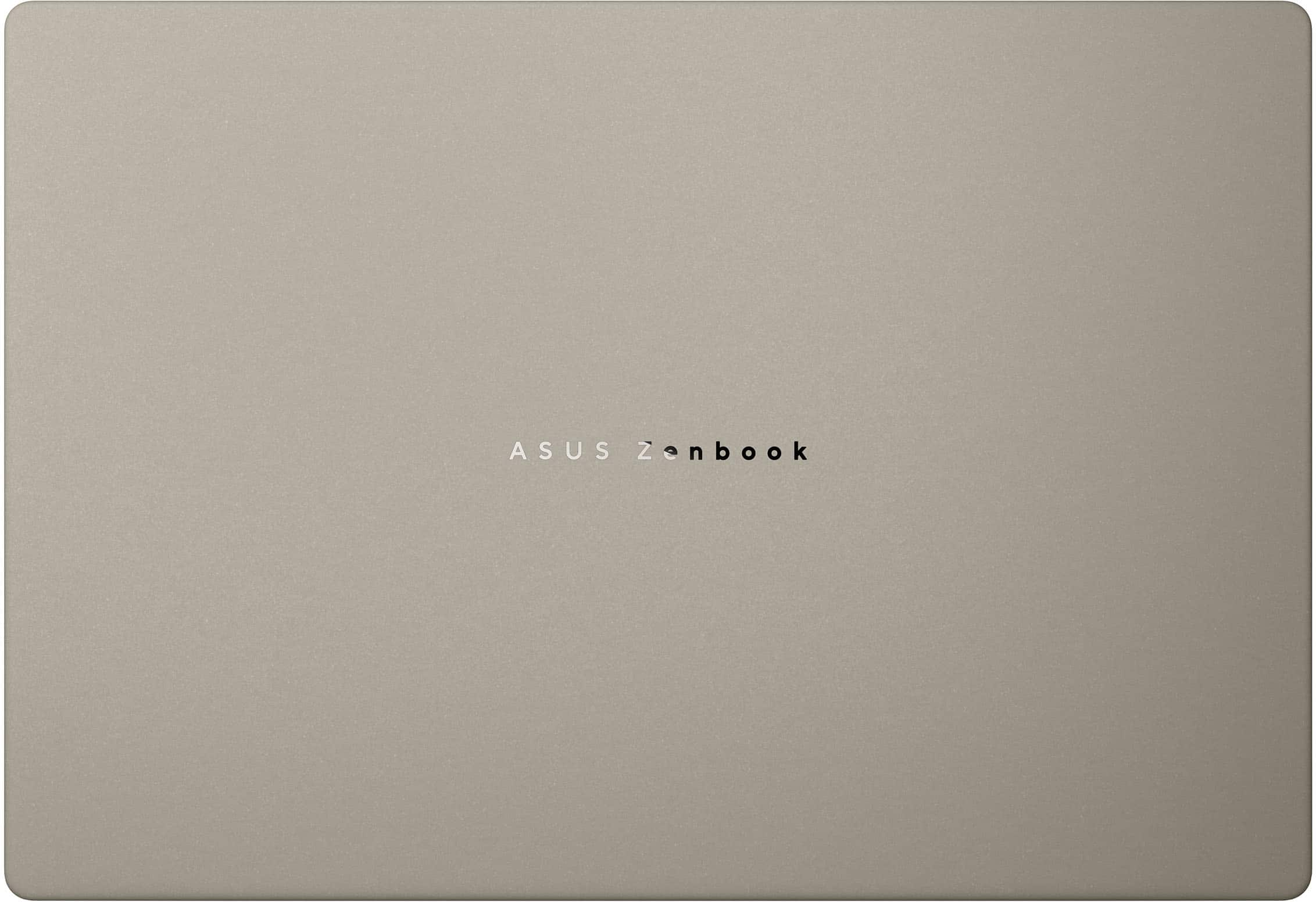
|Posted .This reviewer received promo considerations or sweepstakes entry for writing a review.The new ZenBook A14 powered by the Qualcomm Snapdragon X CPU is a great new Ultrabook from Asus. The Zabriskie Beige color is elegant with a textured feel to the entire case it looks and feels great. The laptop case is made from a lightweight alloy of Ceramic, Aluminum and Magnesium (Ceraluminum) makes this laptop lightweight and strong, weighing only 2.4 lb. The Qualcomm Snapdragon X processor runs Windows 11 well when paired with the 512 GB PCIE 4.0 SSD and 16 GB LPDDR5X ram. The 1080p camera includes IR and face recognition with windows hello was very fast and worked flawlessly. The laptop has a full size HDMI 2.1 port 2 USB C gen 3.2ports and 1 USB A gen 3.1 port and one audio jack. The laptop includes WiFi 6e and Bluetooth 5.3. connectivity A 65w charger is included charging is done through one of the USB C ports. This laptop has an advertised battery life of 32 hours. I was able to use it full time for three 8 hr days and one evening before charging doing a combination of web browsing, streaming and word processing. The OLED screen has good vibrant colors and the Qualcomm Arduino graphics was great for streaming and work activities. The 16:10 format with 1900 x 1200 with 600 nit max and HDR capable make it great for streaming or watching video. It is 60 hz so there is some compromise to keep the cost down but I did not notice any issues. The keyboard has a perfect spacing and the keys have just the right travel and keypress pressure to make this a great for typing. The touchpad is fantastic with integrated controls for video playback by swiping left or right across the top, screen brightness along the right side and audio volume along the left side Asus has really engineered theses well. The sound is good, tuned by Harmon Kardon. It is good for such a slim laptop but the bass is lacking but not absent. It has Dolby Atmos and the tuning really is good. I was really surprised by the sound this laptop can put out given its size. Overall this is an excellent ultrabook and does everything you need it to for work or school and will last long past a normal workday without a charge. It is lightweight perfect for a backpack or briefcase with a bright clear display making it perfect for working or entertainment in all lighting conditions. This is a Copilot PC so it includes Ai goodies like Recall and Cocreator. Copilot can be activated with the dedicated key on the right of the spacebar. The Ai can answer questions, take dictation, do research among other things. I really like this laptop, it may become my favorite for travel. I love the beige color and surface, it does not show fingerprints. Asus has a winner with this Qualcomm Snapdragon X powered laptop!
I would recommend this to a friendThe Future is here!
|Posted .This reviewer received promo considerations or sweepstakes entry for writing a review.The Asus - Zenbook A14 14” FHD+ OLED Laptop PC with Copilot is an awesome little PC that is powered by the Qualcomm Snapdragon XPlus and has 16GB of RAM and a 512GB SSD. This is my first jump into the Qulacom-powered laptops and I really wanted to get my hands on one because they utilize the ARM architecture, the same one used in our mobile phones and tablets, but designed for the added utility and demands from a Laptop. I have been using this Laptop for a little while now and the battery life is second to none. The ARM chips that Qualcomm produces are very efficient compared to the X-86 processors that have been used for years in laptops and Desktops. I have always wanted a Laptop with better battery life and the question I always had with these Qualcomm chips is will they perform well enough for my needs? Well, the answer is yes and I even run a 27” 4K monitor with this little gem and have had no issues even while watching 4K video with it. The Asus Zenbook A14 is a very lightweight and very portable laptop with great battery life. That makes this laptop the Ultimate travel companion and a laptop you can use on the go without having to worry about an outlet being nearby. Another concern I had was Windows software compatibility, yet thus far, I have not run into a single issue with it not working for me. The Zenbook A14 in Zabriskie Beige looks very nice and has a backlit keyboard. I was a little concerned that I would not like the color, but it is very unique and quite attractive. The OLED screen on the A14 is also very nice and gets plenty bright while being slightly higher than 1080p it has plenty of pixels to look fantastic for a 14” Laptop. Honestly just looking at it it is so compact it seems like a 12” laptop to me but it is indeed a 14” which is a testament to the engineering prowess Asus put into this device. The Zenbook A14 also has just the right amount of ports to make working with it easy as well. With two USB-C/Thunderbolt ports, one USB Type A 3.2 and an HDMI 2.1 port. One cool thing to Note that I discovered is that if you plug in a monitor using the USB-C/Thunderbolt port using the provided cable it will send your display signal through and the power going to the monitor will come out through your Display connection and charge the Zenbook A14 at the same time leaving your other USB-C /Thunderbolt port free. Pretty cool stuff right there! This is my new favorite compact, portable and lightweight travel companion. I think it is well worth the money, especially on sale and is definitely a good choice for a casual user.
I would recommend this to a friendCompact for on the go!
||Posted . Owned for 3 months when reviewed.This reviewer received promo considerations or sweepstakes entry for writing a review.This laptop feels light and portable while still being quick for everyday work. The OLED screen is a standout—sharp, bright, and great for reading, emails, and streaming. I like the overall design and how easy it is to carry, especially for travel or moving between rooms. The only thing to watch is app compatibility for your specific tools, but for general use it’s been a strong experience.
I would recommend this to a friendLightweight-Fast-Excellent Battery!
||Posted .This reviewer received promo considerations or sweepstakes entry for writing a review.I bought this laptop for $466 via an open box deal and it might be the best electronic deal I've ever snagged. The Bad: The only negative to report is I bought the open box listed as excellent condition and it was not in excellent condition. There were some scuffs around the edge of the keyboard. I would have listed this in fair condition. But for the price I intend on keeping it. Also, this laptop is not touch screen if that matters to you. The Good: This laptop is light as feather, the lightest laptop I've ever held. The battery will last all day. I don't even need to carry a charger. The 14" OLED screen is perfect for me. It's bright, perfect size for portability and nice for watching movies or YouTube videos in bed. The keyboard feels clicky and responsive, I find it enjoyable to use. I was between this and a Macbook Air and decided to go with the Asus A14. I plan on using remote software to remote into my Mac Mini so I have the best of both worlds. Macbooks with similar specs would cost $850+. I would have paid much more for it and still been happy. My uses are relatively basic, web browsing, email, cloud based LLM, videos. I do not push this machine other than having many browser tabs open (which it handles fine) so if you have more demanding needs I cannot speak to its capability for that. I've read about the differences of the ARM processor, but it has not disappointed me at all. In fact it is lightning fast for my needs. I feel the Asus Zenbook A14 redefined what a laptop can and should be. I highly recommend for most people!
I would recommend this to a friend