Customer Ratings & Reviews


- Model:
- F4U095TT
- SKU:
- 5947892
to a friend
Customers are saying
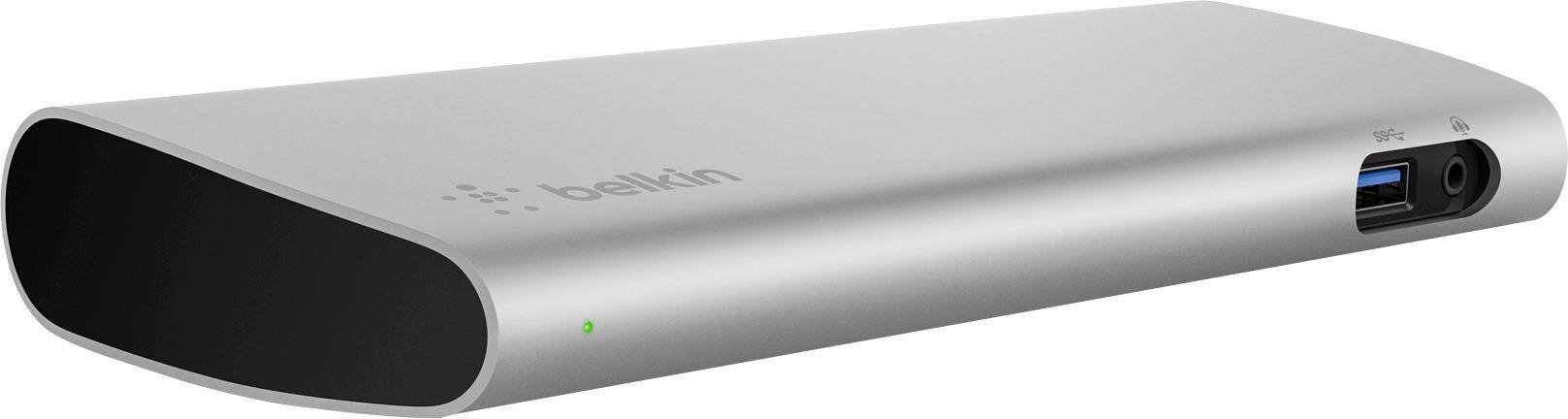
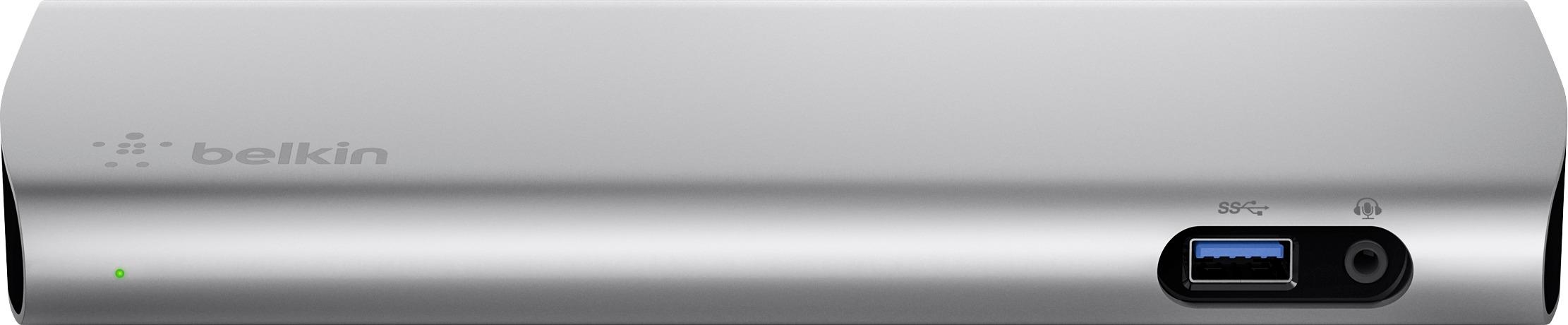
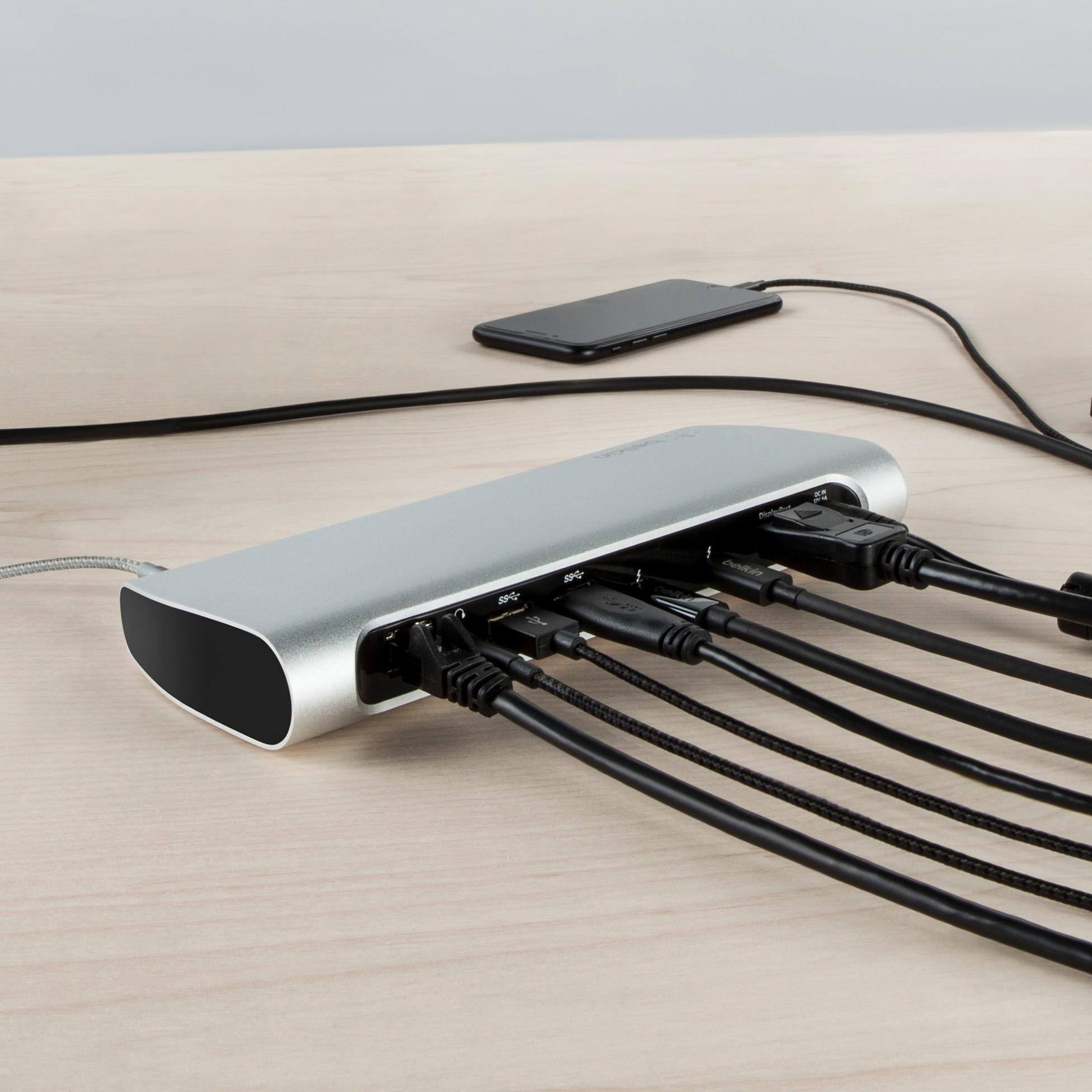
Customers recognize the Thunderbolt 3 Express Dock HD's effective charging capabilities for various laptops. However, a common complaint centers around the limited number of USB-A ports, with users suggesting an increase would improve functionality. The DisplayPort connection also experienced some reported signal issues. More USB-C ports, both front and back, were also requested by several users.
This summary was generated by AI based on customer reviews.
- Cons mentioned:Usb-a ports
Lot of issues when paired with 2018 Macbook Pro
||Posted .This reviewer received promo considerations or sweepstakes entry for writing a review.Was very excited to purchase this docking station to connect my 2018 Macbook Pro with my Dell P2715Q monitors but it all ended in disappointment and return because it ended up having lot of issues. Before I dive into the issues, I should make a note of my setup - I connected monitor one via USB-C on the dock to DisplayPort on the monitor while monitor two was DisplayPort on the dock to MiniDisplayPort. Issue1: Whenever I woke my MBP from more than 5-6 hours of sleep, the monitor DisplayPort-MindDisplayPort never woke up. I had to constantly unplug and plug the monitor to wake it. Never an issue plugged directly into MBP. Issue2: Even though monitor plugged into USB-C port woke fine from sleep, it would take a couple seconds of flickering and jagged images to wake up. Again, never an issue plugged directly into MBP. Issue3: I don't understand why these docks don't have more USB-C ports in the front and the back. Eventually I plan to upgrade all my equipment to USB-C, at which point this $350+ dock will be useless because it only has one USB-C port. There is no future-proofing for such an expensive dock. Issue4: Even though I purchased this dock knowing it doesn't have a built-in SD card reader, I am now of the opinion that for this kind of money, it should come with a SD card reader built-in. Issue 5: The power brick that goes with the dock is massive! Just a little smaller than the dock itself. Very unsightly in my opinion. Having said that, the dock itself is very well made and looks nice sitting on a desk. Just wish it worked better with 2018 MBP and had better port options.
No, I would not recommend this to a friendBrand response from BelkinStaff
Posted .Hi, Sharma76,
Here's something that you can try that might help on the sleep mode concern that you've raised. Try disabling the Auto Select option of the monitor. On the monitor's Input Source, set the Auto Select to OFF. This way the monitor will only focus on the connected port for the awake/sleep signal. Refer to the monitor's manual for more info on how to adjust the monitor's settings. If that won't work, please get in touch with us at BelkinCares@belkin.com with your contact details and a link to this review so we can have our Product Experts look into this.
Regards,
Rosalyn
Belkin Support
Connects a lot, but suffers on wakeup
||Posted .This reviewer received promo considerations or sweepstakes entry for writing a review.Was using with a 2016 MacBook Pro with TouchBar. You can connect a lot of peripherals, making the one cable connection a reality. The problem is with waking from sleep. My4K monitor will not connect without unplugging and then plugging the dock back in again. Sometimes I have to do this multiple times. It also kept one of my external drives awake and spinning.
No, I would not recommend this to a friendBrand response from BelkinStaff
Posted .Hi, brppreacher,
Your feedback is important to us. Please get in touch with us at BelkinCares@belkin.com so we can have one of our Product Experts take a closer look at the behavior of your Thunderbolt 3 Express Dock. Include your contact information and the link to this post for reference.
Regards,
Jay
Belkin Support
- Pros mentioned:ChargingCons mentioned:Usb-a ports
has all the ports I need
||Posted .This reviewer received promo considerations or sweepstakes entry for writing a review.I use this with my MBP. it charges just fine, and the only problem I've noticed is that when I put my MBP to sleep with the lid already closed, sometimes the DisplayPort+ display will not receive the signal. Only the Thunderbolt Display will wake up with the MBP. I usually end up unplugging and plugging it back in to make it recognize the second display again, sometimes I don't bother when I don't need the second display. All of the other ports work just fine.
I would recommend this to a friend - Cons mentioned:Usb-a ports
Good Product
||Posted .This reviewer received promo considerations or sweepstakes entry for writing a review.I bought this to go with my recent MacBook Pro purchase. The dock itself has a good number of ports and works pretty well. The only downsides are sometimes the audio cuts in and out when connected to my extra speakers and I would like to have 1 or 2 more USB 3 ports at this price.
I would recommend this to a friend - Pros mentioned:Charging
Great dock for MacBook Pro
||Posted .This reviewer received promo considerations or sweepstakes entry for writing a review.I currently have two 27 inch envy monitors connected with this dock works great. No complaints easy set up and even charges your MacBook when connected via Thunderbolt 3
I would recommend this to a friend - Cons mentioned:Usb-a ports
Too expensive. But works great.
||Posted .This reviewer received promo considerations or sweepstakes entry for writing a review.I also tried a OWC dock. This should have an SD slot in front, and it REALLY, needs 2 more USB-A ports on the back. 4 at least is important. The longer cable that comes with it is awesome. This is about $50 too much, and 2 ports too few. But it works great with a new macbook pro and a 4K monitor.
I would recommend this to a friend Great product
||Posted .This reviewer received promo considerations or sweepstakes entry for writing a review.like everyone else had issues with monitors on my mac, when i got this new docking the issues continue. i upgrade it my monitors to the latest and the issues when away completely. i like this product cause everything comes live with one cable and it gets charge. now i have an extra charger.
I would recommend this to a friendGood, but why are these things so expensive?
||Posted .This reviewer received promo considerations or sweepstakes entry for writing a review.There must be something I don't understand about the making of these types of devices - they're all so expensive. That being said, this one works fine. I use two 4K monitors with my 2017 MacBook Pro and they both run at full resolution @ 60Hz. My one issue with this device is that sometimes my MacBook wont detect the monitors when I plug it in. The laptop will charge but simply not detect the monitors. I've tried rebooting the MacBook but nothing fixes the issue other than power-cycling the dock itself. Pretty annoying.
No, I would not recommend this to a friendBrand response from BelkinStaff
Posted .Hi,
We appreciate your feedback. It is recommended that you restart both the MacBook and dock whenever you reconnect them so that it will immediately detect your display. If you have further questions or need assistance, feel free to email us at BelkinCares@belkin.com.
We hope to hear from you again.
Regards,
Thaddeus
Belkin Support
- Pros mentioned:Charging
Well made dock
||Posted . Owned for 1 year when reviewed.This reviewer received promo considerations or sweepstakes entry for writing a review.A bit expensive, but works well to connect displays and devices as well as charging! I have had no issues using it daily for over a year now.
I would recommend this to a friend lets me connect external devices as expected
||Posted .This reviewer received promo considerations or sweepstakes entry for writing a review.There are probably better choices around, but this one was available (though not at the closest store) the day I wanted it. It lets me connect the external things I need (time machine drive, external keyboard, traceball, etc.) I haven't used ethernet or high speed USB devices yet, so I can't comment on that.
I would recommend this to a friend- Pros mentioned:Charging
great dock
||Posted .This reviewer received promo considerations or sweepstakes entry for writing a review.Great device to charge Lenovo Yoga laptop. Charges and also connects peripherals well.
I would recommend this to a friend Awesome
||Posted . Owned for more than 2 years when reviewed.This reviewer received promo considerations or sweepstakes entry for writing a review.I use this every day it has never failed and still runs smooth
I would recommend this to a friendWorks as promised
||Posted .This reviewer received promo considerations or sweepstakes entry for writing a review.This worked just as expected. I have had a few glitches. Sometimes It takes a couple of tries to get the screen to connect but it does eventually
I would recommend this to a friendPerfect for MAC!
||Posted .This reviewer received promo considerations or sweepstakes entry for writing a review.I love my hub. When I bought this I was looking for Thunderbolt 3 so I wouldn't be buying a second later on. This hub did exactly what I want and as my needs change, I can foresee this hub continuing with me for years to come.
I would recommend this to a friendDid not work for me
||Posted .This reviewer received promo considerations or sweepstakes entry for writing a review.The premise seems good for someone with MacBook Pro, but the display port connector didn't work for me so I had to return it.
No, I would not recommend this to a friendAMAZING!!! BUY IT!
||Posted .This reviewer received promo considerations or sweepstakes entry for writing a review.This docking station has made my day to day operations so much simpler. I get to work plug in a single cable and I'm up and running in seconds. Just perfect for my needs.
I would recommend this to a friendAwesome
||Posted . Owned for 3 weeks when reviewed.This reviewer received promo considerations or sweepstakes entry for writing a review.These are great for connecting monitor, keyboard, mouse all into 1 hub. We use these in our office to hook up our MacBook pros.
I would recommend this to a friendThe Best Mac Dock!
||Posted .This reviewer received promo considerations or sweepstakes entry for writing a review.I have come to find out, after testing a couple docks...this is the best option for Mac Docks! It has all the connections that you need.
I would recommend this to a friendBought for work
||Posted .This reviewer received promo considerations or sweepstakes entry for writing a review.Bought for work and it works great Makes everything easy when I get in one wire to hook up to laptop and everything works
I would recommend this to a friendPerfect for video hookup
||Posted .This reviewer received promo considerations or sweepstakes entry for writing a review.I purchased this for the docking so I could connect to an external monitor via HDMI. Worked perfectly.
I would recommend this to a friend