Customer Ratings & Reviews

- Model:
- AVC001BTBK
- SKU:
- 6409319
Rating by feature
- Value
Rating 4.6 out of 5 stars
- Quality
Rating 4.8 out of 5 stars
- Ease of Use
Rating 4.9 out of 5 stars
Customers are saying
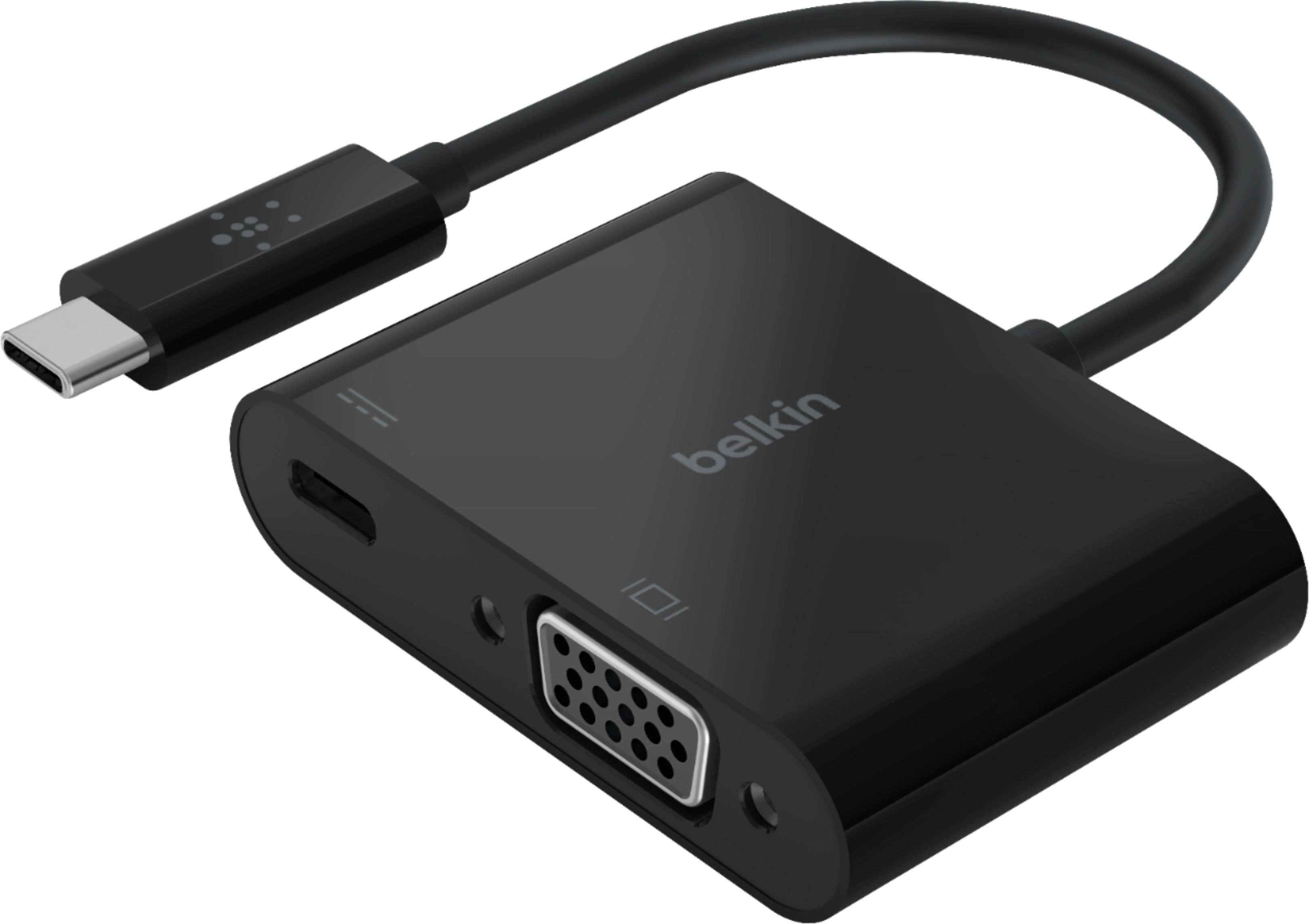
Customers value the compatibility and ease of use of the USB Type C-to-HD D-Sub/USB Type C Cable, frequently praising its seamless setup and functionality with various devices and monitors. They also appreciate the clear and crisp video quality produced, along with the ability to extend their screen to larger displays. The reasonable price point is another frequently cited positive aspect.
This summary was generated by AI based on customer reviews.
Good usb to HD Converter
||Posted .This reviewer received promo considerations or sweepstakes entry for writing a review.Nice unit, doesn't take up much space. Works great
I would recommend this to a friendMulti use for odd jobs
||Posted . Owned for 3 weeks when reviewed.This reviewer received promo considerations or sweepstakes entry for writing a review.Versatile. Bought for Chromebook. Allows for use with different devices.
I would recommend this to a friendWorks like it should but a little expensive.
||Posted .This reviewer received promo considerations or sweepstakes entry for writing a review.Works like it is designed to do. I like that it fits a C USB port. Seems a little expensive to me.
I would recommend this to a friendMonitoradded
||Posted . Owned for 1 month when reviewed.This reviewer received promo considerations or sweepstakes entry for writing a review.Just what I needed! Thanks to staff for helping figure it out with me!
I would recommend this to a friendMultiple monitors for MacBook
||Posted . Owned for 5 months when reviewed.This reviewer received promo considerations or sweepstakes entry for writing a review.Works good for allowing an additional monitor for MacBook Pro.
I would recommend this to a friendFound a better deal
||Posted . Owned for 3 weeks when reviewed.This reviewer received promo considerations or sweepstakes entry for writing a review.I ended up returning this to purchase an Insignia brand at a lower cost. Returned to BB in original unopened box Belkin is a good brand but so is Insignia at a cheaper price. Just being honest...
No, I would not recommend this to a friend- Pros mentioned:Ease of use, Video quality

Is it really this easy?
|Posted .This reviewer received promo considerations or sweepstakes entry for writing a review.So in the box is the adapter and an information leaflet. No, I didn't read it, lol. I did what everyone does, I plugged it into my Ryzen 7 desktop. I know the USB-c port on this PC is limited, so I wanted to see if I got the Windows warning. Yup, this adapter may be limited. So, I try in on my Surface Book 3. Yeah, I know the laptop doesn't support Thunderbolt 3 and I figure it won't work either, but no warning. I just booted up the laptop, so I remove the adapter and give it a chance to fully boot. I then plug the Belkin adapter back in the USB-c slot and again, no warning. Awesome. Let me go get the projector. I have a Epson EX7260 and I'm crammed in my office, so no space to shoot the screen. I make it really small, but in focus and shoot it on a white closet door. I attach a standard VGA cable from the Belkin adapter to the projector and tada, I have the desktop. I can see the cursor mirror the laptop on the closet door, so I go to YouTube and start watching music videos. It does exactly what I expected it to do, mirror the videos on the closet door in focus and nice and brilliant. The blacks are black and the whites are white as it should be! Not really anything else to say except that it was as simple to install as plugging it in. Getting the projector and finding a VGA cable took longer. I'd recommend this to a friend and anyone that needs to use a projector for presentations. Just make sure your laptop USB-c can support the adapter. I think it's either yes or no. It either works or doesn't. In my case, the laptop did and the desktop didn't. Just to be sure, I reconnected it to the desktop and it searches for a computer, but it stays blue and says no signal found. Moving it back to the laptop and Windows chimes and the desktop signal works again. Honestly, I can't think of an easier way to connect a projector to a PC. This adapter is definitely going in the projector bag along with the VGA cable, power cord and USB-A cable. It's a necessity now in my accessory arsenal.
I would recommend this to a friend - Pros mentioned:Screen size
Great VGA adapter
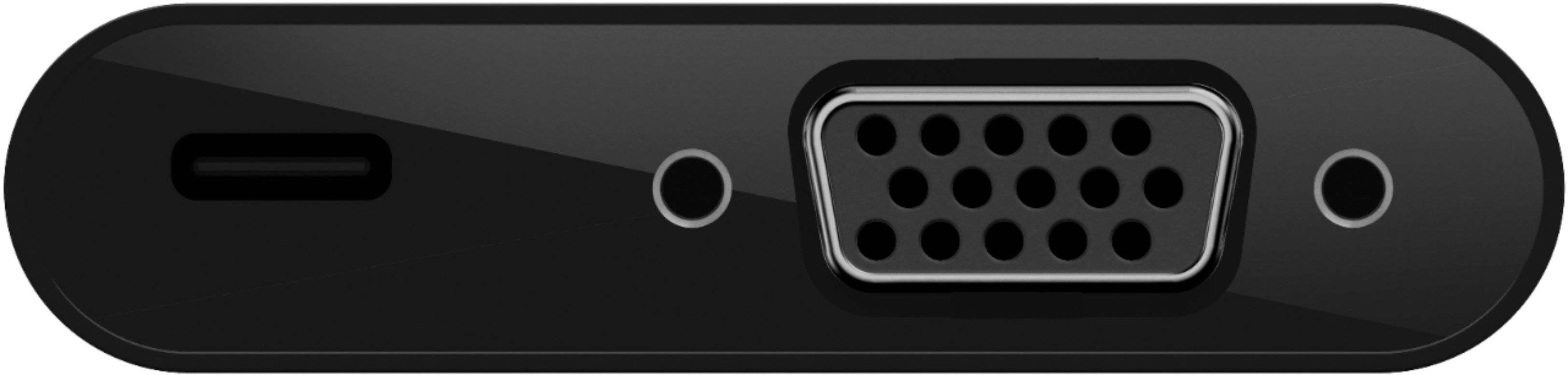
|Posted .This reviewer received promo considerations or sweepstakes entry for writing a review.This USB-C to VGA adapter works and connects without any issues. The connection is solid and the image or video displayed is clear. The 60w USB-C power pass through port allows for charging, which in turn will free up the USB-C port you lost while using the device. The USB-C port port supports Thunderbolt 3. My only gripe is the glossy finish. It’s a fingerprint magnet. Overall it’s a very good adapter for connecting to projector and monitors that have a VGA port.
I would recommend this to a friend - Pros mentioned:Compatibility, Ease of use
Perfect Tool for the Job
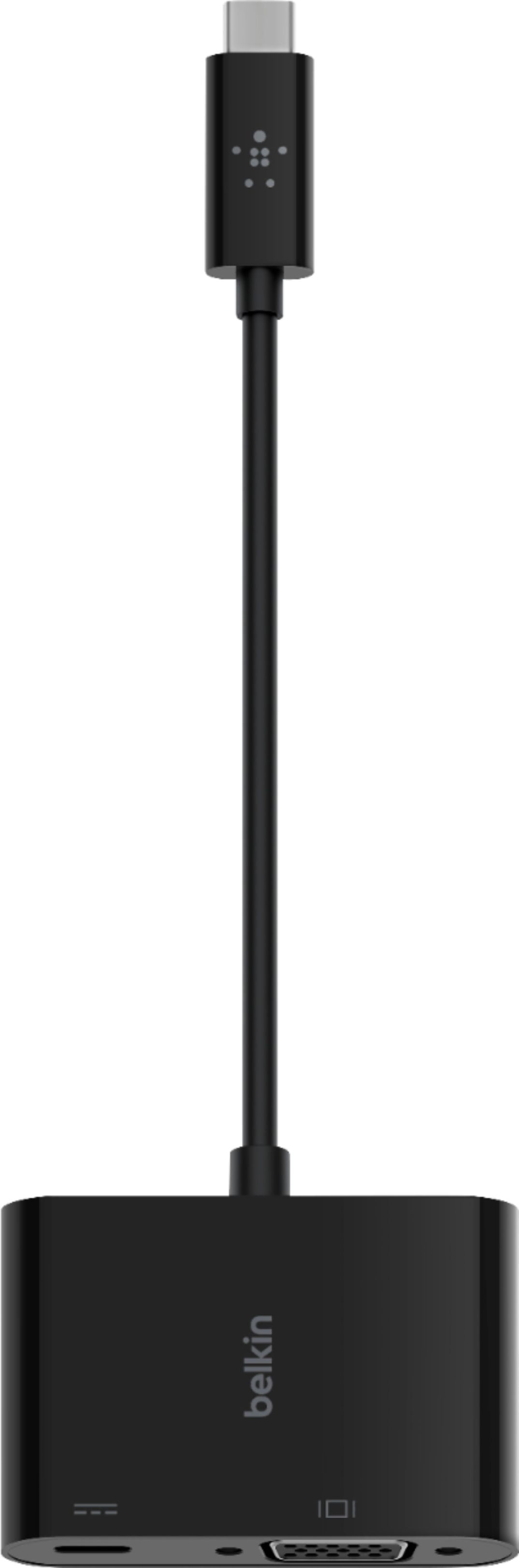
|Posted .This reviewer received promo considerations or sweepstakes entry for writing a review.I am reminded of an episode of Phineas and Ferb when the were talking about Perry the Platypus. Phineas said, "He's just a platypus. He doesn't do much." That is basically what you have here. It's just an adapter. It doesn't do much. However, what it does do, it does very well. This Belkin USB Type C-to-HD D-Sub/USB Type C Cable works perfectly for what you need it to do. This cable easily plugs into a USB-C device and allows you to connect a VGA monitor to your device. And if you have only one USB-C port available and you need it for charging, do not worry. Aside from having the VGA connections, the adapter gives you a USB-C port that you can still use. I have used this with my MacBook Air as well as my Surface Pro. In both cases, all I had to do was plug it into the port and I was off an running. No additional drivers to download, no reconfiguration of my system. Everything works smoothly. The Belkin USB Type C-to-HD D-Sub/USB Type C Cable is a simple but powerful adapter for your system. I recommend it to anyone needing this type of adapter for their workstation.
I would recommend this to a friend Great shape
||Posted .This reviewer received promo considerations or sweepstakes entry for writing a review.Unfortunately this device is not suitable for my laptop. i Don’t know what can i do with that device?
I would recommend this to a friend- Pros mentioned:Screen size
Your experience may vary
|Posted .This reviewer received promo considerations or sweepstakes entry for writing a review.So I'll start off by saying I cannot tell if my varied experiences were because the Belkin adapter was the problem or if it's the multitude of implementations of USB-C by every different manufacturer. I'd guess it's the latter and the adapter works fine when the USB-C port is built correctly. I used a Platinum 95w USB-C PD charger to test the power pass-through. Every laptop I tested the picture on the monitor looked just as good as when plugged into the laptop. This adapter does not seem to have any loss of quality or distortion. The adapter works perfectly on my 2018 HP x360 Envy 15.6" laptop. It plugged right in and everything worked. The monitor came through and the laptop was charging at the same time. My 2019 Dell Inspiron 15.6" 7000 series laptop will work with one or the other. It will pass through charging but only if the VGA port is not used. And if the VGA port is in use it will not pass through charge. Also if the charger is plugged in the adapter first then you plug the adapter into the laptop it will recognize charger over monitor. Third laptop I tested was a 2020 Samsung Galaxy Book Flex Alpha 13". It would recognize the monitor but not the USB-C charger. My caveat to this though is the laptop itself will not recognize the charger directly either because Samsung is a pain with outside chargers. So my guess would be if the USB-C charger works with the laptop it would work through this adapter also. The cool thing with this adapter is with all 3 laptops I tested I was able to set up a 3 monitor array by using the built-in display, a monitor plugged into the built-in HDMI port and a monitor connected to this adapter. If you want a 3 monitor setup, don't mind plugging in an extra cable and don't want to spend hundreds on a multi-monitor docking station this is a great alternative.
I would recommend this to a friend Vision issues
||Posted . Owned for 1 month when reviewed.This reviewer received promo considerations or sweepstakes entry for writing a review.I don’t if was related to power pass through feature it wouldn’t work on any of the USB ports but the one the power adapter hooks into. Other problem I had it didn’t always work with monitor or projector I had.
No, I would not recommend this to a friend- Pros mentioned:Vga
Great little VGA adapter
|Posted .This reviewer received promo considerations or sweepstakes entry for writing a review.First impression: The Belkin USB C to VGA adapter looks very similar to my MacBook adapters from Apple except it is black. The packaging is good, and the cable feels sturdy and not flimsy. Setup: There is no setup, just plug it in and it is connected. Performance: I tested this with my MacBook Pro. Most of my external monitors are HDMI, but at one location it is VGA. With this adapter, I can do my work there on a large external monitor rather than on the laptop screen. The adapter worked as described. As soon as I connected it, I had video. And the USB C passthrough worked as described. I was able to pass data through the passthrough slot but could not get my devices to charge through it. That’s OK with me as they didn’t claim it to be a charging port and I needed this for the VGA adapter, not the extra USB C port. Conclusion: The Belkin USB C to VGA adapter had one job to do and it did it well. It is as easy to use as plugging in a lamp. If you need a USB C to VGA adapter, I highly recommend this adapter. It works and it is inexpensive.
I would recommend this to a friend - Pros mentioned:Ease of use
Very useful adapter
|Posted .This reviewer received promo considerations or sweepstakes entry for writing a review.This Belkin - USB Type C-to-HD D-Sub/USB Type C Cable adapter does exactly what it claims it does. It allows you to connect your USB Type-C devices to an external VGA monitor or projector, while still being able to charge your device via the same USB-C port. I was able to successfully connect a Chrome book to an external VGA monitor and use it to extend my display to it as a second screen, or do screen mirroring to a larger viewing area, all while still charging it with a USB-C charger. I also tested it with Lenovo Yoga 930 laptop that is capable of 4K, but unfortunately VGA displays can only go up to 1080p as expected, but that's still HD. Lastly it also worked fine with a Samsung Galaxy S20 Ultra phone, though it knew it was not a genuine Samsung DEX adapter, which is fine, cause I was still able to use my phone as a light weight "PC" displaying to an external monitor. There isn't much else to say other than it just works, without any special drivers or any other software as long as your device supports video output from its USB-C port.
I would recommend this to a friend - Pros mentioned:Vga
Perfect adapter for USB-C to VGA
|Posted .This reviewer received promo considerations or sweepstakes entry for writing a review.I needed this adapter to connect my Galaxy S20 to an older VGA-only monitor for use as a Dex display. It works perfectly for that purpose (with my bluetooth keyboard and mouse) and allows me to keep my phone charged while using it as a light desktop replacement thanks to the USB-C charging port on this adapter. Belkin packages this adapter with plastic covering all surfaces to keep it in excellent condition until you take it out of the box - a nice touch. I have also used this adapter to connect a laptop with a USB-C port to the same monitor (@1920x1080). In general, any device with a USB-C port that supports display out can use this adapter to connect to a VGA(15-pin D-Sub)-capable display. Note: This adapter does not come with a VGA cable to make the connection to the display, but the cables are inexpensive and easy to come by assuming you don't already have one lying around.
I would recommend this to a friend - Pros mentioned:Screen size
Very Very Good Adapter
|Posted .This reviewer received promo considerations or sweepstakes entry for writing a review.Since receiving this adapter I've tried it with just about every USB-C device I can get my hands on and I can say that it, without a doubt, performs admirably. I was able to work on my 11" iPad Pro's main screen whilst having a video playing externally on my 14" portable monitor. I was able to use it with my 12" Macbook hooked up to a monitor used as an extended screen as well. Then I closed the lid to my Macbook, hooked up an external keyboard/mouse as well and used the monitor hooked up to the adapter as my primary screen. I got the fully expected resolution and refresh rate doing so. Hooking up the adapter to my Windows 10 computer for use with an external monitor performed exactly as well as with my Macbook too. As did using the same computer with the adapter hooked up to my projector. Nice clear and crisp image. Through all of the uses, and I did use it quite a bit, the unit stayed nice and cool, even passing through power over USB-C. I also really like that Belkin provided the screw holes to secure the VGA connector to the adapter. Not all adapters have that and it is a huge pain. So bravo there as well. My reason for 4 stars instead of 5 has to do with the build quality of the product. It feels a bit on the cheap side. The plastic is rather thin and brittle and the cable attached would, in my opinion, be prone to getting worn out pretty quickly with less than careful treatment. If you're one like me that treats your gear with kid gloves, by all means pick up and enjoy this wonderful unit. If not, I'd hold out for a model with a nice braided cable and aluminum body casing.
I would recommend this to a friend - Pros mentioned:Compatibility
made my old monitor and projector usable again
|Posted .This reviewer received promo considerations or sweepstakes entry for writing a review.The Belkin USB-C to VGA+ charge adapter was the solution to hook up an older monitor and an older projector to my laptop to display from my laptop to those legacy devices. there is no setup required, its just plug and play and you instantly see the output from the laptop on the monitor or Projector. the adapter is small enough to fit in my laptop bag when am on the fly and takes literally no space. i recommend this to anyone with an old VGA monitor which can be turned into a secondary screen with this little adapter. its worth every penny.
I would recommend this to a friend - Pros mentioned:Vga
Works perfectly on Chromebook, Windows laptops
|Posted .This reviewer received promo considerations or sweepstakes entry for writing a review.This worked perfectly on my chromebook and windows laptops to connect to a secondary VGA input on my monitor and TV. This saves me the trouble of switching HDMI or DP cables around, and will come in handy when traveling. Quality was fine for VGA. Keep in mind this does not have audio output so you will need to use your laptop's speakers or you will need to come up with some other solution for audio. The USB-C Power Delivery pass through also worked as expected with the 60W adapter supplied with my chromebook.
I would recommend this to a friend Not a good product.
||Posted . Owned for 2 months when reviewed.This reviewer received promo considerations or sweepstakes entry for writing a review.This product did not meet durability expectations. I would not recommend this product.
No, I would not recommend this to a friendBrand response from BelkinStaff
Posted .Hi,
We hear you. The Belkin USB-C to VGA + Charge Adapter is expected to withstand wear and tear, pressure, or damage for at least 2 years. Allow us to look into this further. Please email BelkinCares@belkin.com with a copy of the receipt, your contact information, a photo of the adapter, and the link to your review for easy reference.
Regards,
Mara
Belkin Support
Works great for presenting from a mobile device
|Posted .This reviewer received promo considerations or sweepstakes entry for writing a review.With everyone working remotely due to COVID-19 in my office, I didn't want to go out and buy a bunch of equipment to work from home. I normally use my laptop, but working on it for long periods of time made me miss my wide screen monitor at work. I didn't want to go out and buy a monitor for working from home, so I used this cable along with a VGA cable to connect this to my laptop to my projector. It works great, no connection issues or lag either. Definitely a winner for me.
I would recommend this to a friend