Customer Ratings & Reviews

- Model:
- EX2510
- |
- SKU:
- 6438283
Customer reviews
Rating 4.7 out of 5 stars with 24 reviews
(24 customer reviews)Rating by feature
- Ease of Use4.7
Rating 4.7 out of 5 stars
- Value4.7
Rating 4.7 out of 5 stars
- Quality4.7
Rating 4.7 out of 5 stars
Customers are saying
Customers praise the MOBIUZ EX2510 monitor's 144Hz refresh rate, highlighting its excellent performance with both PC and next-gen consoles at high frame rates. The picture quality also receives positive feedback, with users noting the vibrant images produced by the IPS panel. However, some customers reported issues with individual pixels.
This summary was generated by AI based on customer reviews.
- Cons mentioned:Pixel
Rated 1 out of 5 stars
Dissapointed.
||Posted . Owned for 1 month when reviewed.This reviewer received promo considerations or sweepstakes entry for writing a review.Got it as a christmas gift brand new and it came with a dead pixel on the middle of the screen, the box arrived safely and without bumps, so I guess it’s a factory defect, really disappointed because the monitor is now out of stock, will return it and change it for a monitor form another brand.
No, I would not recommend this to a friend Rated 5 out of 5 stars
Loving it so far! Hope this review is helpful!
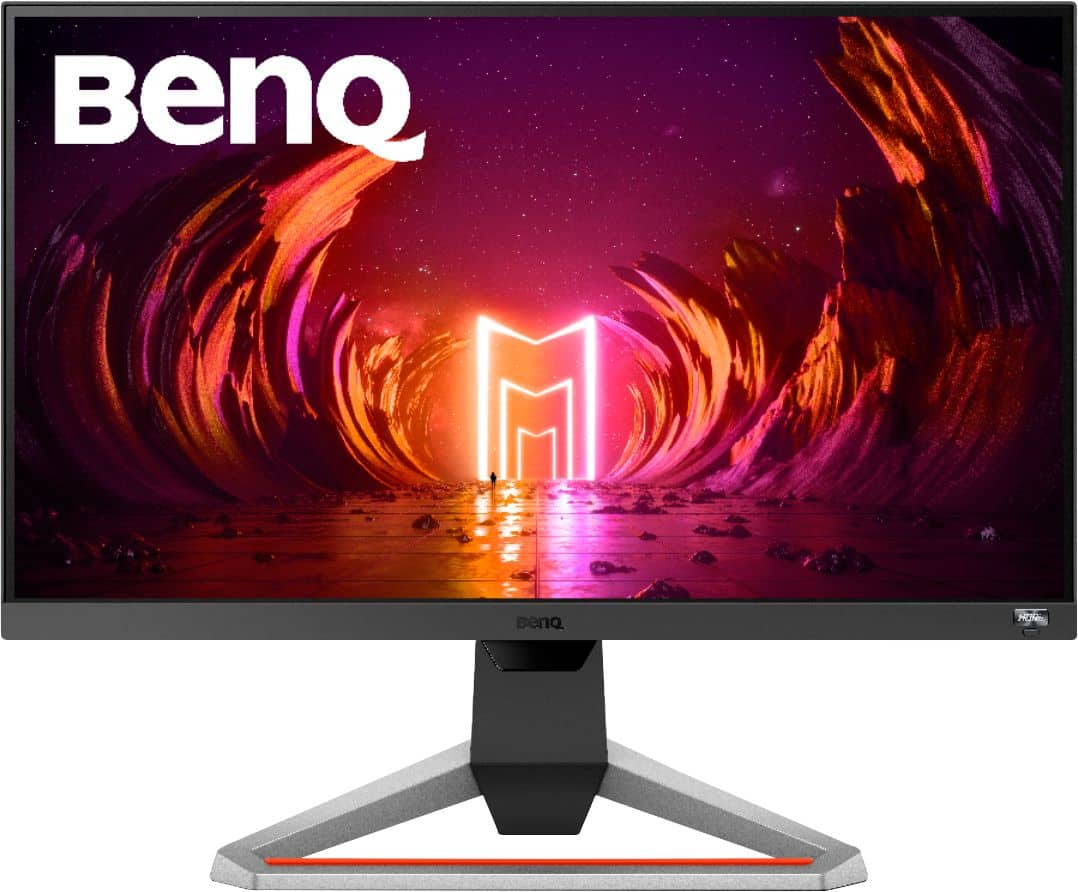
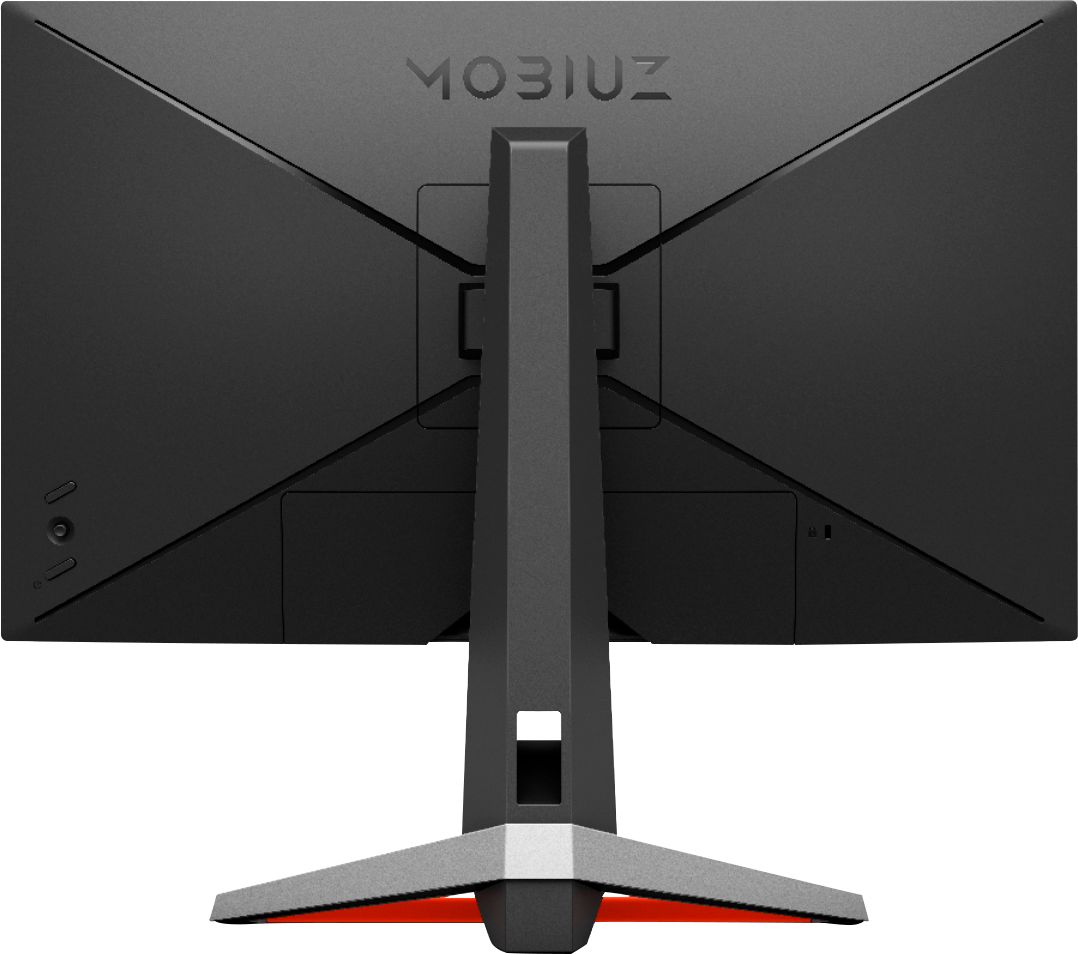
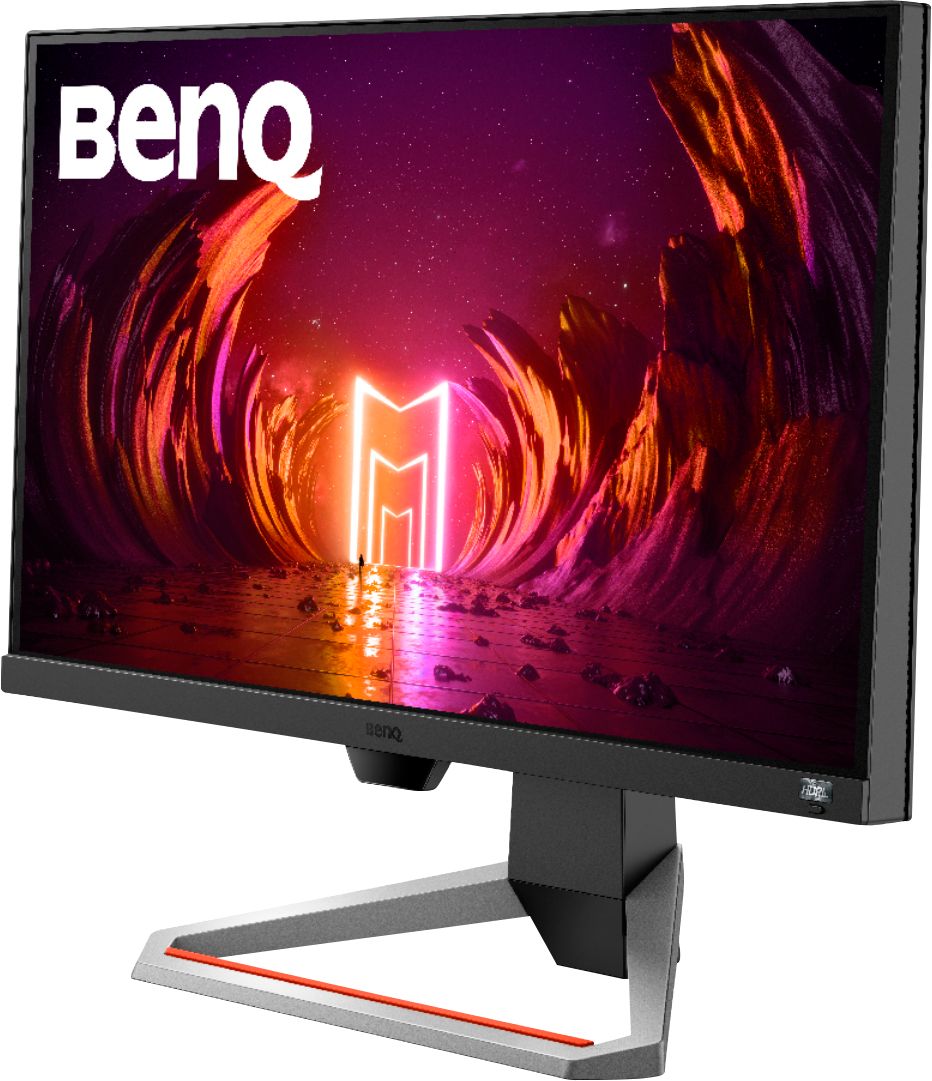
Posted .This reviewer received promo considerations or sweepstakes entry for writing a review.Hello, I am writing this review under no obligation whatsoever, just as a fellow lover of gaming and just electronics in general. I want this review to actually help people with shopping for gaming monitors or with other similar questions so this will be a pretty in depth review but I will try to focus on more of the bigger things that people care about. I know the feeling of being hesitant about buying an electronic and hunting through the internet to find all the reviews possible to answer any questions you might have or to help you make that push towards pressing the buy button. Now, lets get started... A little background info to begin; I have had this monitor for 6 days now and have used it pretty extensively! I got it during Cyber Monday for $220 + tax. I bought this primarily as a gaming monitor but have used it for other purposes as well and will review that as well. I have only played Call of Duty: Modern Warfare, Call of Duty: Warzone, and Call of Duty: Cold War so far on this monitor. I am playing on this monitor with the original Xbox One console (2013 Day One edition). I have been playing on Xbox since the very first Xbox in 2001 and have only played on TVs prior to this monitor. I have been gaming for a long time though. However, I am officially switching to PC gaming next week so I am sure I will have to play with all of my settings on this monitor again. So just keep in mind that I have only experienced this monitor on my original Xbox One (2013) on 1080p @ 60hz and that this is my first time truly gaming on a monitor. Regarding gaming, CoD multiplayer and Warzone look 1000x better than they did when playing on my old 1080p 32" Vizio TV. Way better colors in light and dark scenarios! I play CoD using the FPS color mode as I have found this to look the best. The default settings in general on this monitor are deceiving. Once altering the graphics using the Black eQualizer option paired with the Color Vibrance option, offered by this BenQ monitor, things look vastly different. When using the FPS color mode, you have access to this Black eQualizer setting. When using the Standard color mode (which I use when watching shows, movies, videos) you do not have access to Black eQualizer but it grants you access to another great setting, Light Tuner. This is a great graphic setting under the Standard color mode. Here are the graphic settings I use when gaming: Color Mode: FPS Black eQualizer: 5 Color Vibrance: 15 Brightness: 100 Contrast: 50 Again, this monitor was a huge upgrade from playing Warzone on my 1080p TV. I can actually see things around the map, especially in darker areas! And I am only playing at 60hz and am totally frying people in Verdansk! Imagine when playing at the 144hz this monitor is optimized for! And there is just something about gaming on a 24.5" screen versus a 32" screen. Much easier to game on a 24.5". Aesthetically, I think this monitor excels as well! The bezel around the screen is very thin and discrete which is nice and the control knob on the back of the monitor is sturdy and easy to use when navigating the Menu. I find the monitor stand very modern and nice-looking but mainly sturdy! Not cheap plastic or anything. The monitor rises and lowers with ease with no press of any button. Another plus of this monitor that you won't find with others are the two built-in 2.5W speakers. They are surprisingly good for how small they are. There are three Audio settings: Pop/Live, Cinema. and Game. I use game when gaming casually through the speakers and not using my headset. When watching my show, I use the Cinema option and you do notice a difference in all the Audio options. Cinema definitely offers the most movie/surround kinda feeling with some bass. I have watched The Mandalorian on this monitor and I know that that show can be streamed at 4K when paired with the right technology and internet connection. I watch this on my 4K TV as well. So knowing that this show can be streamed at high settings, I wanted to try it out on here using some of the HDR and HDRi settings. I am not an expert on HDR by any means but here is what I have learned regarding this monitor and the HDR and HDRi settings; I am not a fan. In short, it displays things at HDR: Emulated and just make things entirely too dark. That goes for color modes HDR, Game HDRi, and Cinema HDRi. So if HDR is what you like, then maybe look more into this. I don't know if figuring out how to get true HDR quality and using that will look better. My settings when watching shows, movies, videos: Color Mode: Standard Light Tuner: +5 Color Vibrance: 15 Brightness: 100 Contrast: 50 Gamma: 3 I have played with the Brightness Intelligence Plus option and while it is neat an the light sensor is pretty responsive, I still do not recommend using it unless you really care about your eye care. It just also makes things too dark compared to when the setting is turned off. So another BenQ feature I currently do not utilize. The last big feature I will mention here is the FreeSync Premium. Now, I do not know a lot about this as I have been a console gamer since the start. However, something I immediately noticed when I plugged my Day One Xbox One into this monitor is that it opened up a option in the Xbox display settings that I have never seen before in the past 7 years I have used this console; a checkbox feature called Variable Refresh Rate. Now you can do more research into this but I have done a little because I was not expecting to see that all on my Xbox. I can turn VRR on in the Xbox settings and it looks the same. The monitor does reflect that FreeSync Premium is turned on when I turn it on in the Xbox settings. I do not notice differences, however. This could be because I am on such an old console or the differences are so small that they are almost unnoticeable. If you are playing on Next-Gen Console or PC, I am sure this is an attractive feature to you. So if you did not know not that FreeSync Premium on this monitor works with Xbox One, now you do. I would imagine it would work on the Series X/S too. From what I understand, FreeSync Premium works at a minimum of 120 hz. All in all, I love this BenQ Mobiuz gaming monitor (EX2510)! Picture looks great, speakers sound great for their small size, the monitor itself looks great and is sturdy, and BenQ has been known for making high quality gaming monitor for competitive play which are something I am interested in. You may find some monitors for a little cheaper that deliver 144hz gameplay at 1080p but I consider this monitor a good value for the price. Knowing BenQ makes some of the best monitors is why I decided to opt for this $220 monitor versus a $150 or $200 monitor. Only six days in with this monitor, but I am a happy camper and am looking forward to playing my gaming PC on this monitor when it comes in next week! Being able to game on FHD 1080p at 144hz is going to be a game-changer! I hope this review was helpful to all and if there is any way I can assist, I will try my best! Happy Holidays to all!
I would recommend this to a friend- Pros mentioned:Refresh rate
Rated 5 out of 5 stars
Great for PS5
Posted .This reviewer received promo considerations or sweepstakes entry for writing a review.Bought for my PS5 and I can play at 120fps on certain games! Looks great and I highly recommend this monitor! Built in speakers don’t sound bad at all and a nice touch.
I would recommend this to a friend - Pros mentioned:Refresh rate
Rated 5 out of 5 stars
Would recommend
Posted .This reviewer received promo considerations or sweepstakes entry for writing a review.Highly recommend for the new gen consoles runs 120 hertz cap of the ps5 and Xbox series x at 1080 p greatest budget moniter out there
I would recommend this to a friend