Customer Ratings & Reviews

- Model:
- B0FKPPTHSX
- SKU:
- 6674947
to a friend
$$ Saver
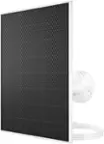
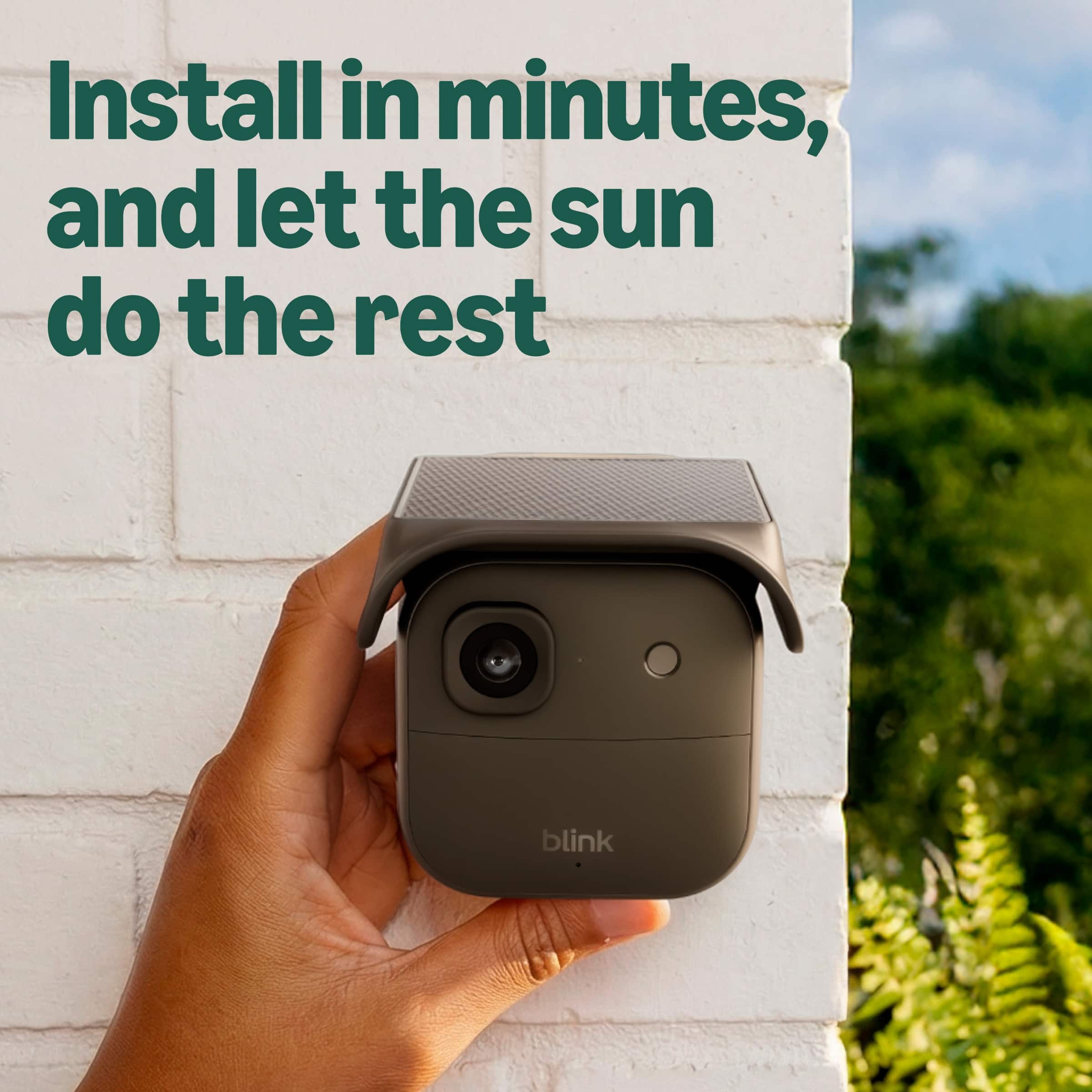
||Posted . Owned for 1 month when reviewed.This reviewer received promo considerations or sweepstakes entry for writing a review.Battery limits camera potentials and drains out fast. Solaris battery pack allows optimal performance for your camera hassle free.
I would recommend this to a friendProduct
||Posted . Owned for 1 month when reviewed.This reviewer received promo considerations or sweepstakes entry for writing a review.My camera solar Doesn’t charge battery what a waste of money
No, I would not recommend this to a friendBrand response from Amazon Devices Customer Support
Posted .Hello Cheryl,
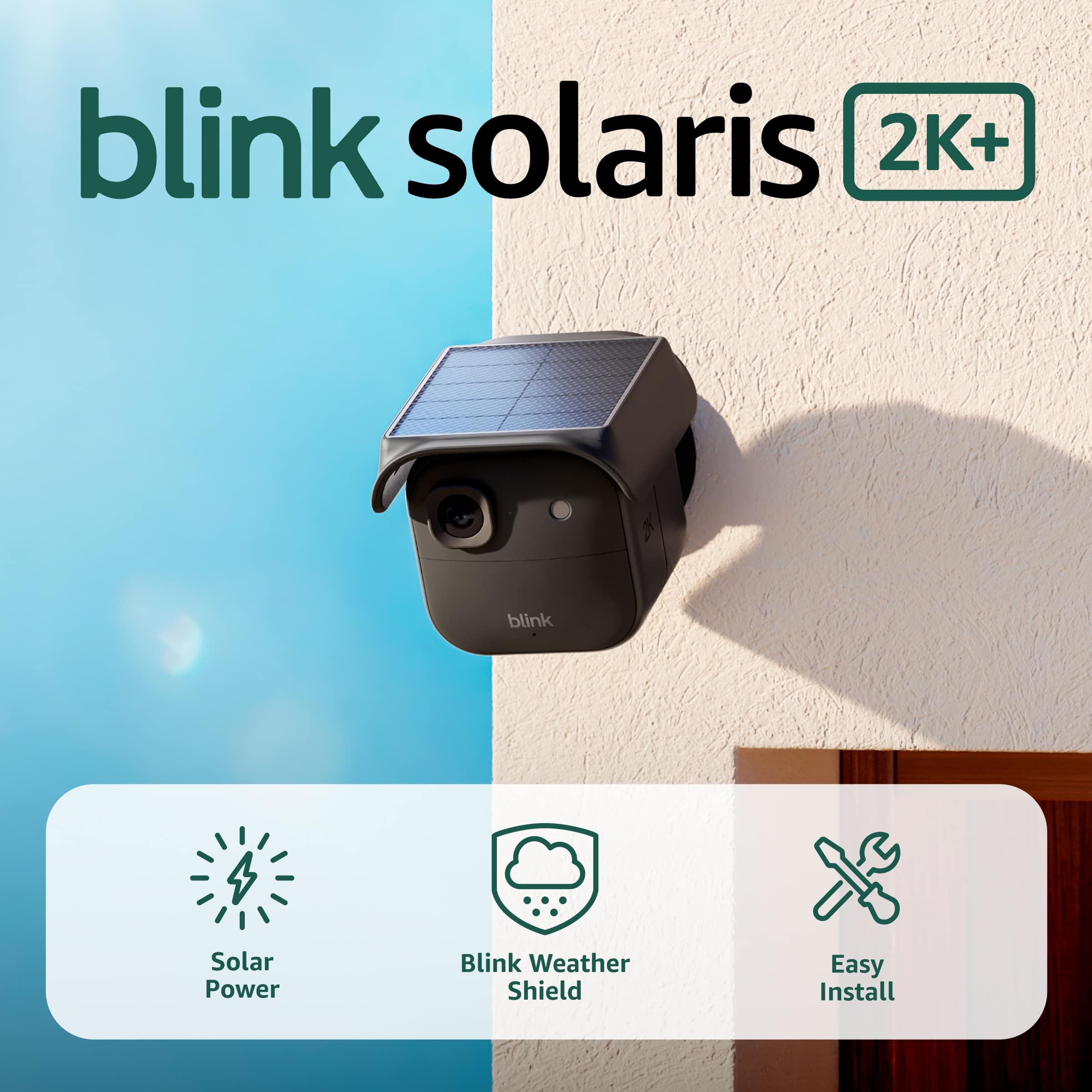
Thank you for your feedback on the Blink Solaris Battery Pack. I'm sorry to hear that the solar panel does not appear to be charging your camera's battery — we understand how frustrating that is, especially when you've invested in solar to reduce maintenance.
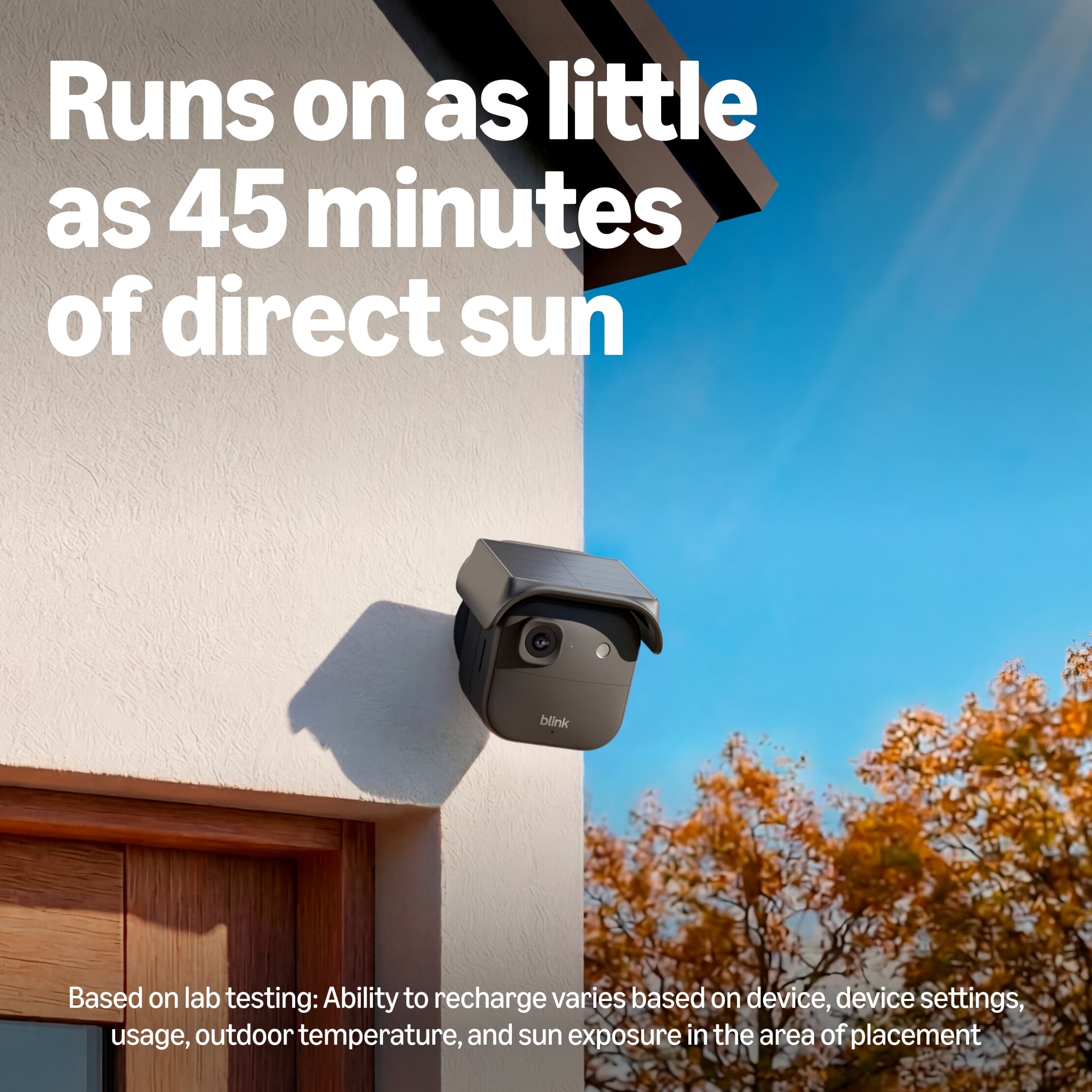
The Blink Solaris Battery Pack is designed to extend your camera's battery life by providing a continuous trickle charge through sunlight, though it's important to note that it works best as a supplement to maintain charge rather than a replacement for battery power entirely. There are several factors that can prevent it from charging effectively. First, placement is critical — the solar panel needs to receive direct sunlight for a minimum of 4–6 hours per day to provide a meaningful charge. If it's mounted in a shaded area, under an eave, facing north, or in a location that only gets indirect light, it will not generate sufficient power. Repositioning the panel to face south (in the Northern Hemisphere) with an unobstructed view of the sky can make a significant difference.
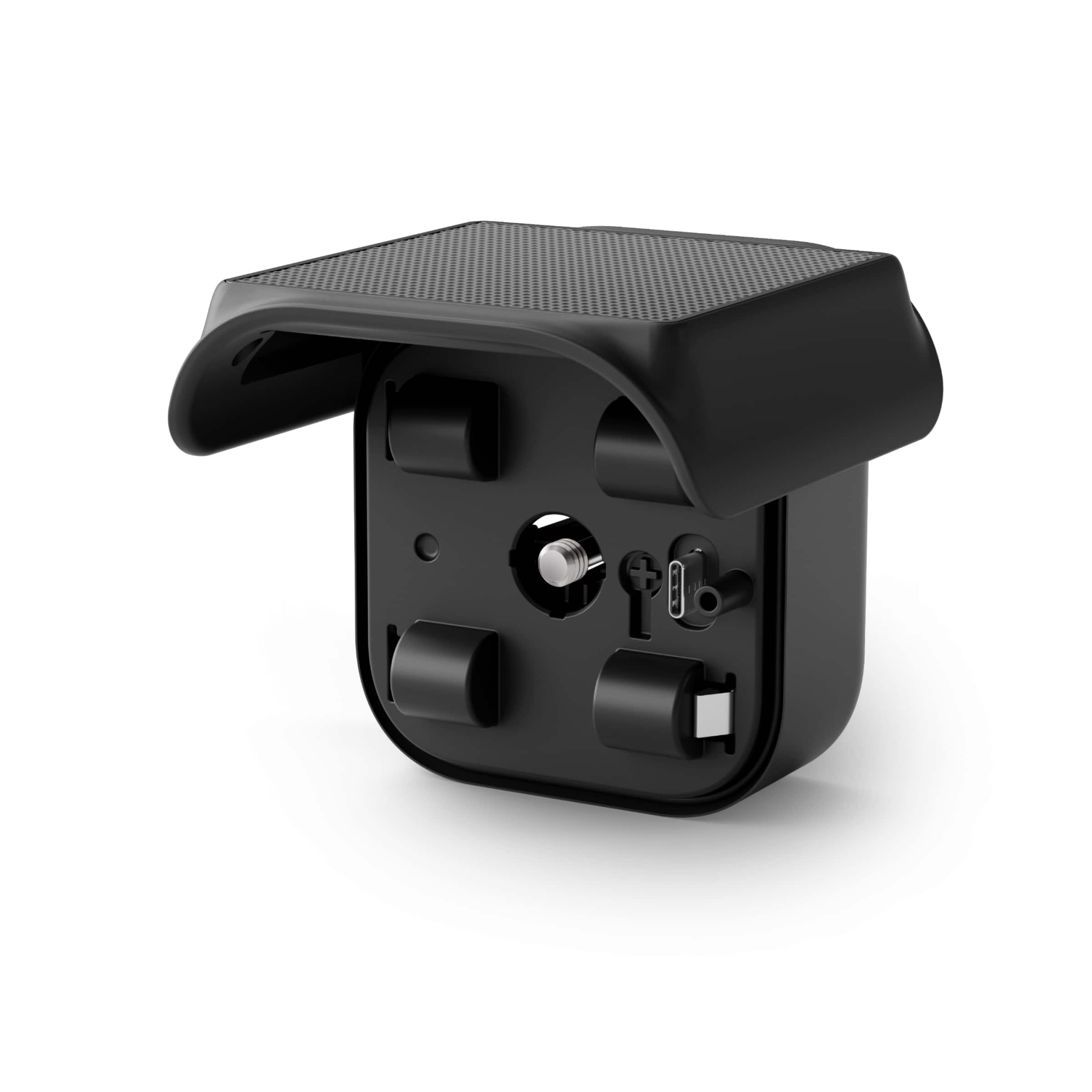
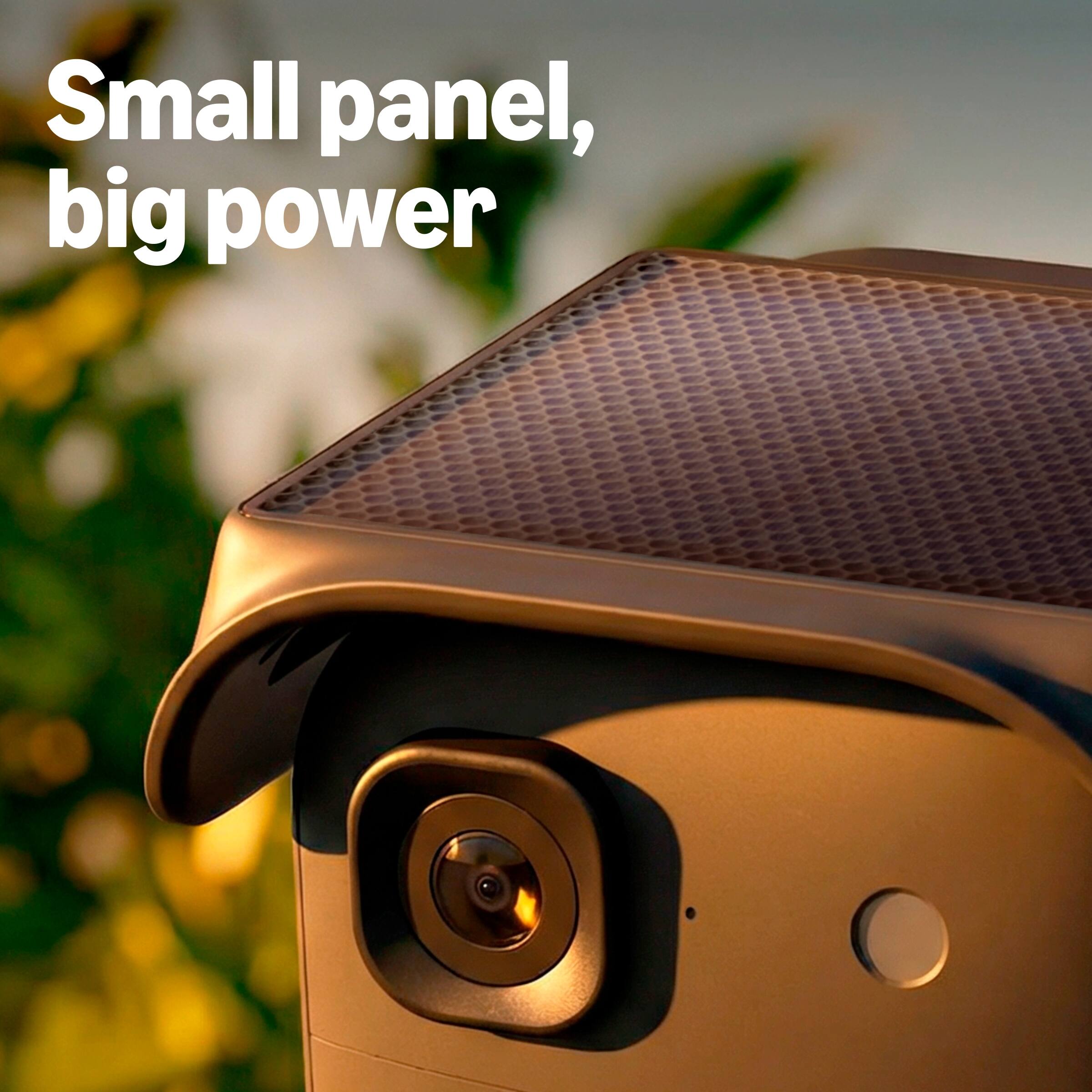
Second, check the connection between the solar panel cable and the camera. The charging cable must be securely plugged into the camera's USB-C port with a firm click — a loose connection will prevent any charge from reaching the battery. Also, ensure there is no debris, dust, or film covering the surface of the solar panel, as even a thin layer of dirt can drastically reduce its output. Wipe the panel clean with a soft, dry cloth.
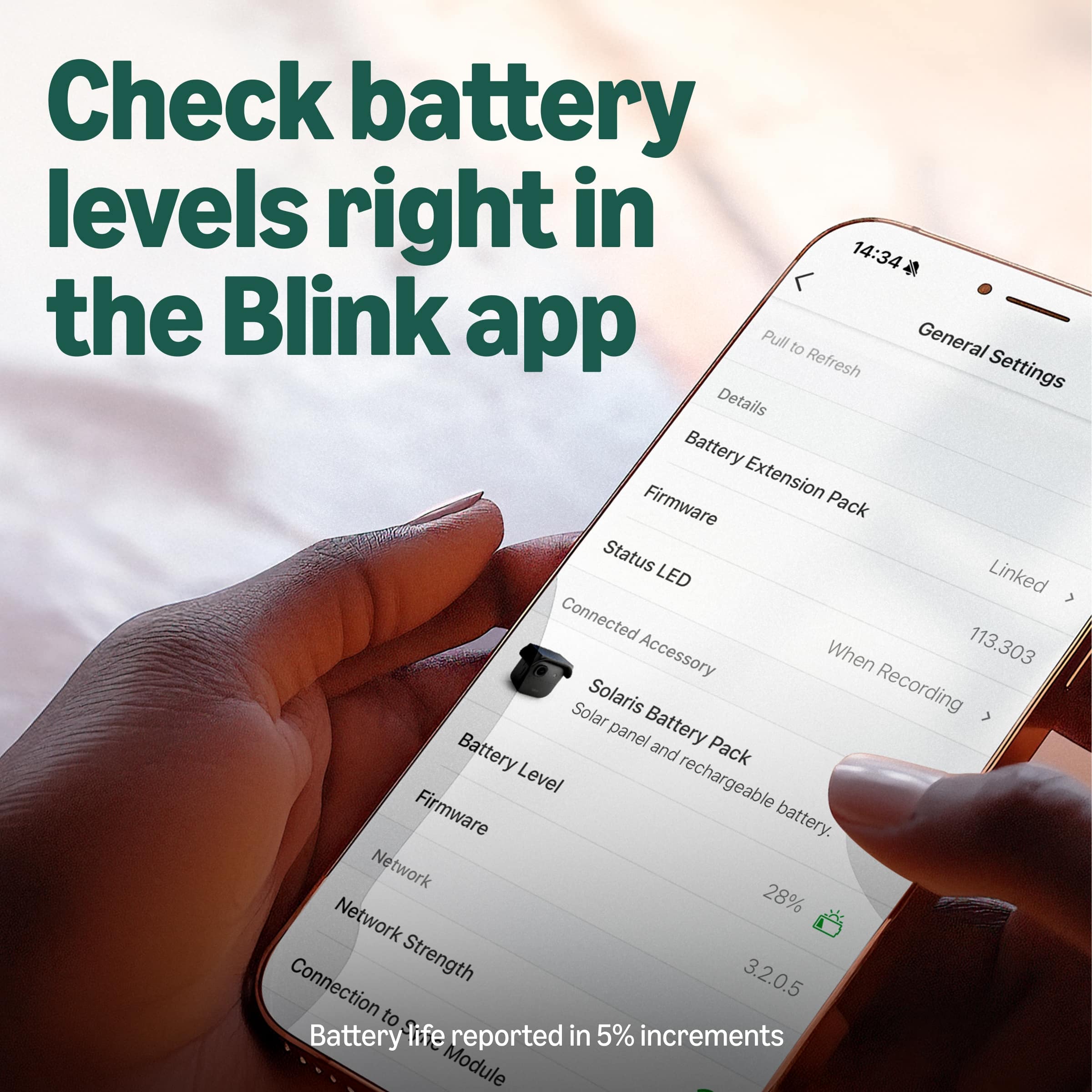
Additionally, check the Blink app to confirm the camera recognizes the solar panel as connected. Go to Camera Settings > Power and you should see a solar panel indicator. If it does not appear, try disconnecting and reconnecting the cable. Keep in mind that during cloudy, rainy, or winter conditions with shorter daylight hours, solar charging output will be reduced significantly.
If you've confirmed proper placement with direct sunlight and a secure cable connection and the panel is still not charging, this may be a defective unit. Blink Customer Support is available 24/7 and can assist with a warranty replacement. You can reach them at 1-833-392-5465 . I hope this information helps, and thank you for sharing your experience.