Customer Ratings & Reviews
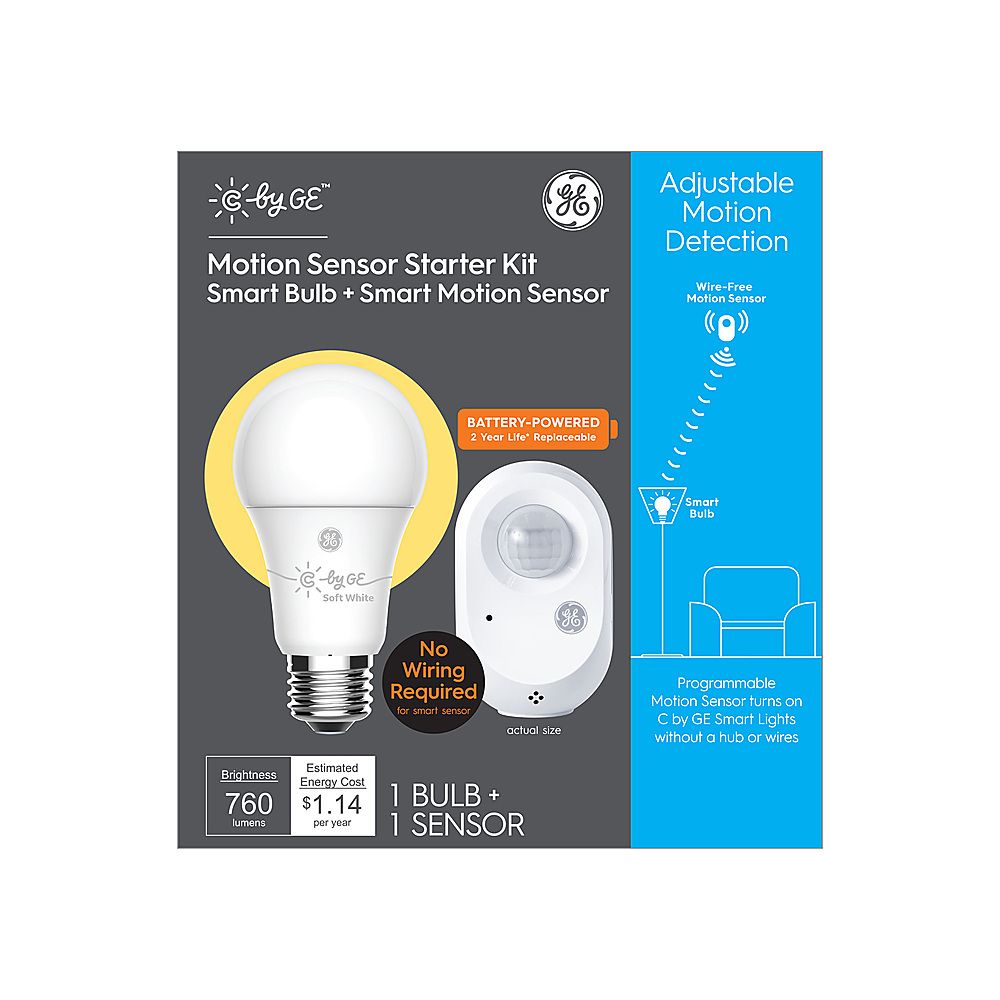
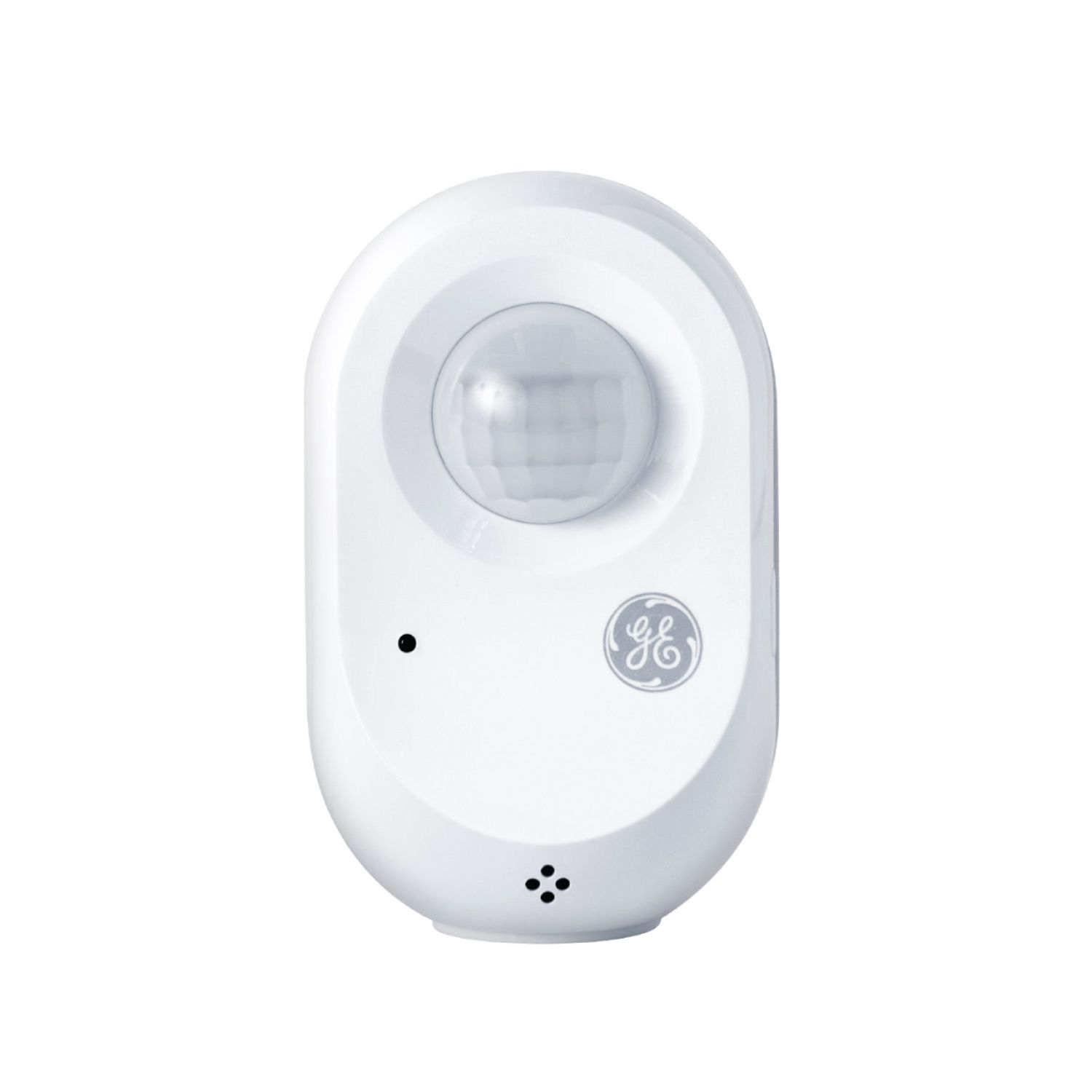
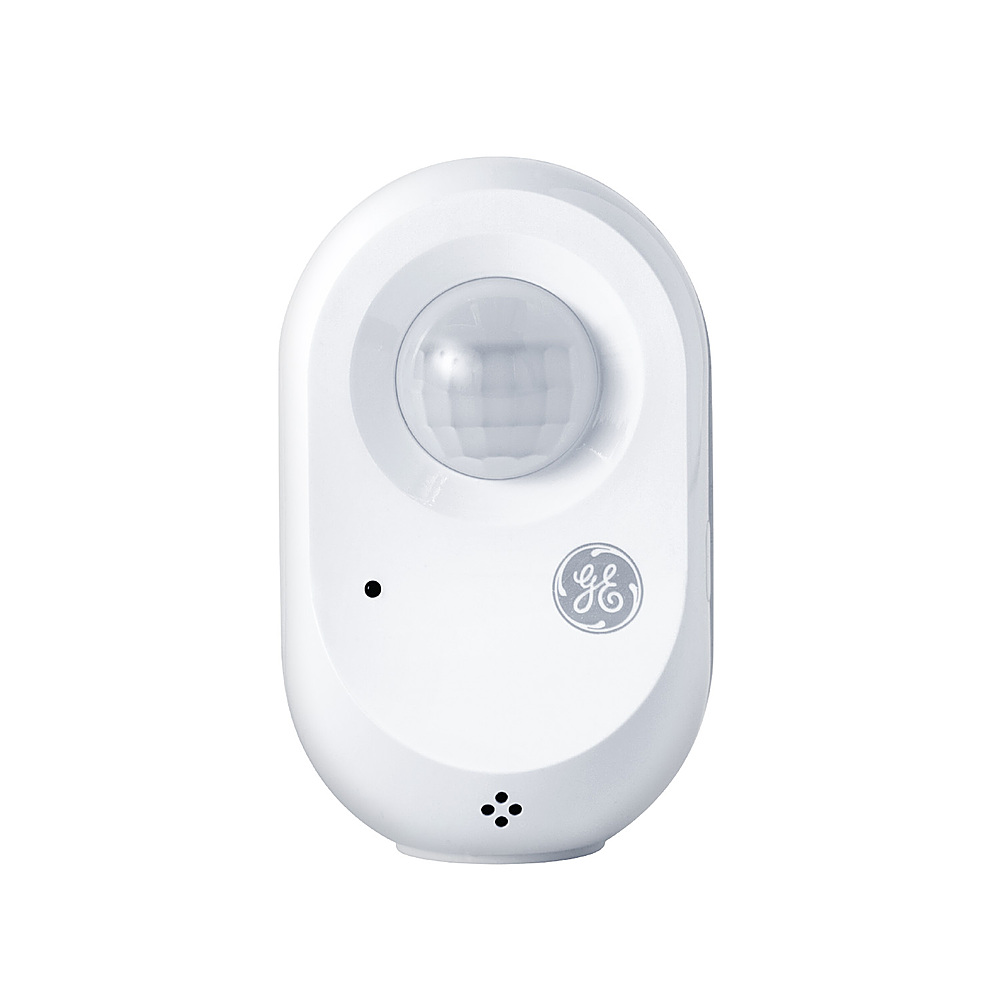
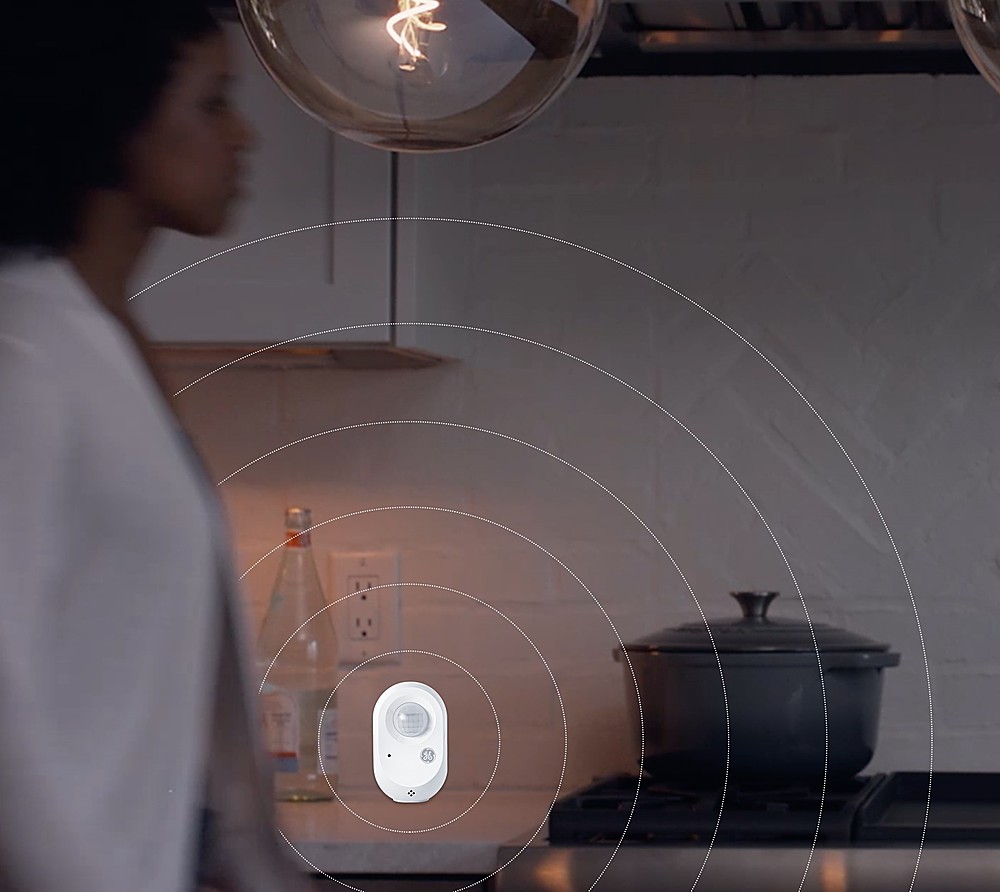

- Model:
- 93124021
- |
- SKU:
- 6411170
Customer reviews
Rating 3.7 out of 5 stars with 3 reviews
(3 customer reviews)to a friend
Rated 5 out of 5 stars
C by GE
||Posted . Owned for less than 1 week when reviewed.This reviewer received promo considerations or sweepstakes entry for writing a review.GRAET PRODUCT EASY TO INSTAL AND VERY GOOD SENSOR
I would recommend this to a friendBrand response from GE Lighting Expert
Posted .We thank you for allowing C by GE to be your choice for smart home lighting. -C by GE Support
Rated 5 out of 5 stars
Easy to link with Alexa
||Posted . Owned for 1 month when reviewed.This reviewer received promo considerations or sweepstakes entry for writing a review.Easy to install & link with Alexa. Would purchase again.
I would recommend this to a friendBrand response from GE Lighting Expert
Posted .We're happy to hear you chose GE for your smart home needs. Thanks for leaving us feedback and welcome to the GE family. -C by GE Support
Rated 1 out of 5 stars
KNown issue with the app
||Posted . Owned for 2 months when reviewed.This reviewer received promo considerations or sweepstakes entry for writing a review.I spent over an hour downloading the app and trying to connect this bulb. Finally I used the Chat feature, which worked well, and the rep told me there was a known issue with connecting products to the app and they are working on a fix. I returned the product.
No, I would not recommend this to a friendBrand response from GE Lighting Expert
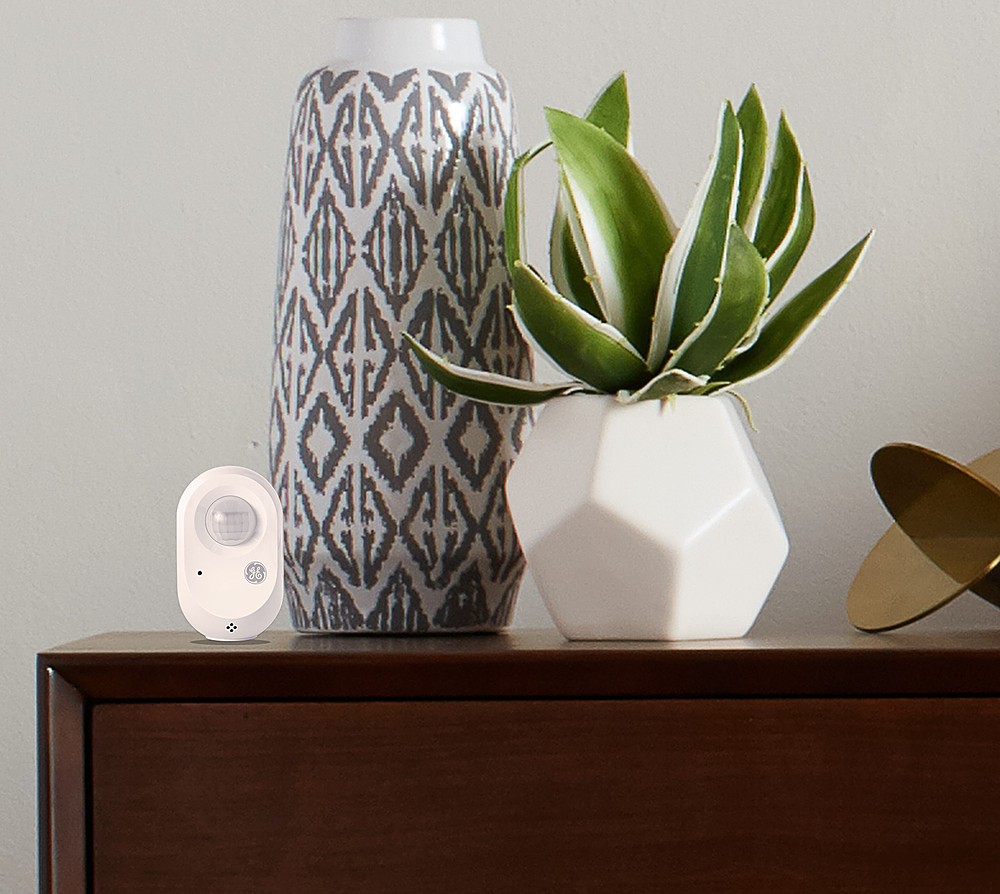
Posted .We certainly do not have a known issue going on with our app, and I'm sorry that the rep told you this misinformation. I would be happy to look into this case for you and get to the bottom of it and get something resolved. The wire free motion sensor requires a C by GE smart bulb to be added to the app and moved into a room in the app with the sensor. If you are not able to add the sensor to the app then the device will need to be reset by inserting a paperclip into the pinhole on the side of the sensor for 3 seconds then taken out. When editing the sensors settings the device will go to sleep after 60 seconds by which you will need to just press the button to wake it up. More info on setting this up can be found here as well as other helpful steps on the side bar. https://support.gelighting.com/hc/en-us/articles/360041076971-Set-Up-Wire-Free-Motion-Sensor-in-the-C-by-GE-App- If you need any further clarification please reach out to us directly at 1-844-302-2943. -C by GE Support
Customer reviews from gelighting
See all gelighting reviewsUser rating, 4.5 out of 5 stars with 28 reviews on gelighting.
4.5(28 reviews)Customer reviews from bestbuy-ca
See all bestbuy-ca reviewsUser rating, 1 out of 5 stars with 1 review on bestbuy-ca.
1.0(1 review)