Customer Ratings & Reviews

- Model:
- C7CDAAS4PW3
- SKU:
- 6421048
Rating by feature
- Value
Rating 3.6 out of 5 stars
- Quality
Rating 4.1 out of 5 stars
- Ease of Use
Rating 4.2 out of 5 stars
Customers are saying
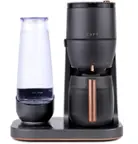
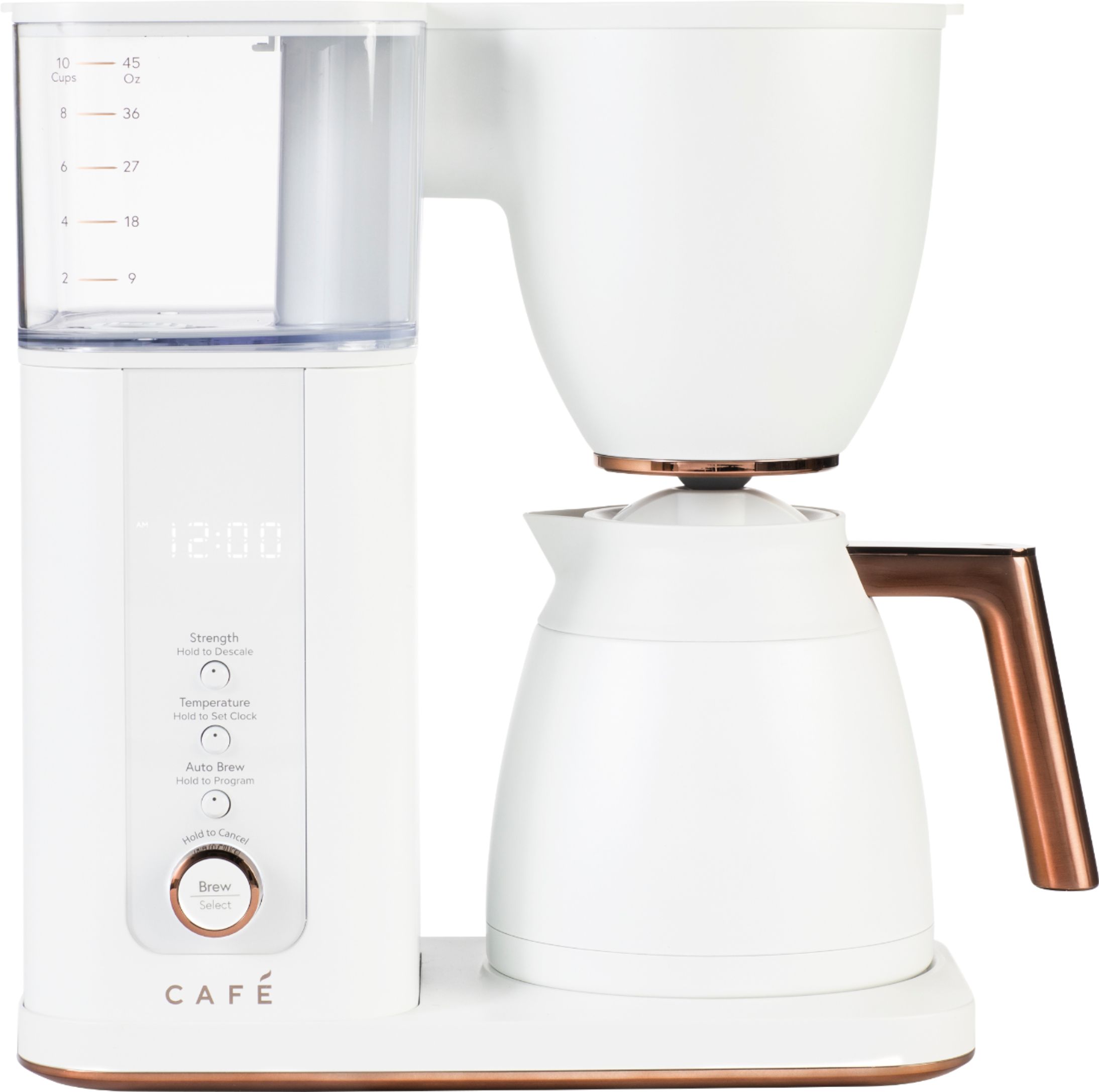
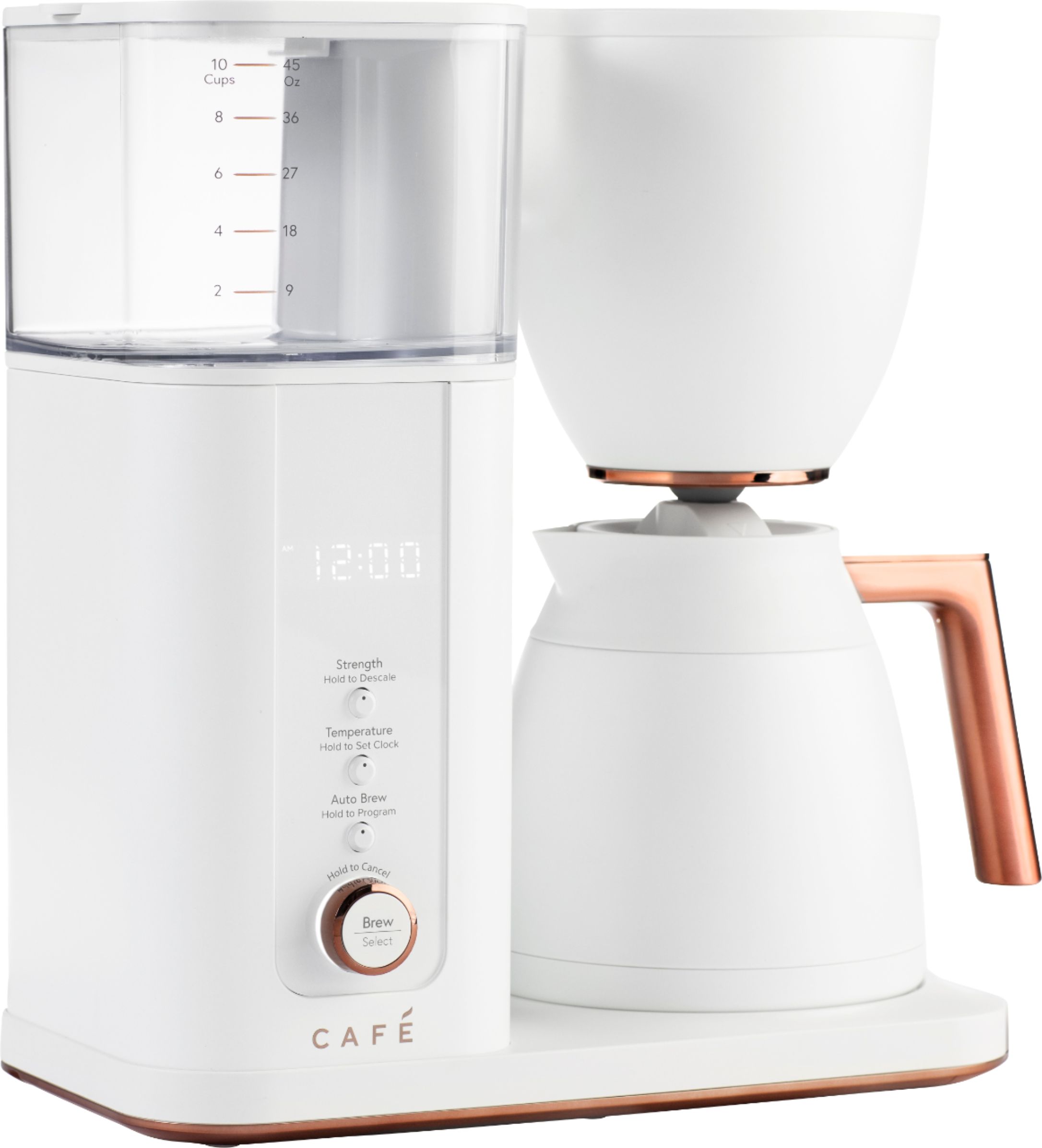
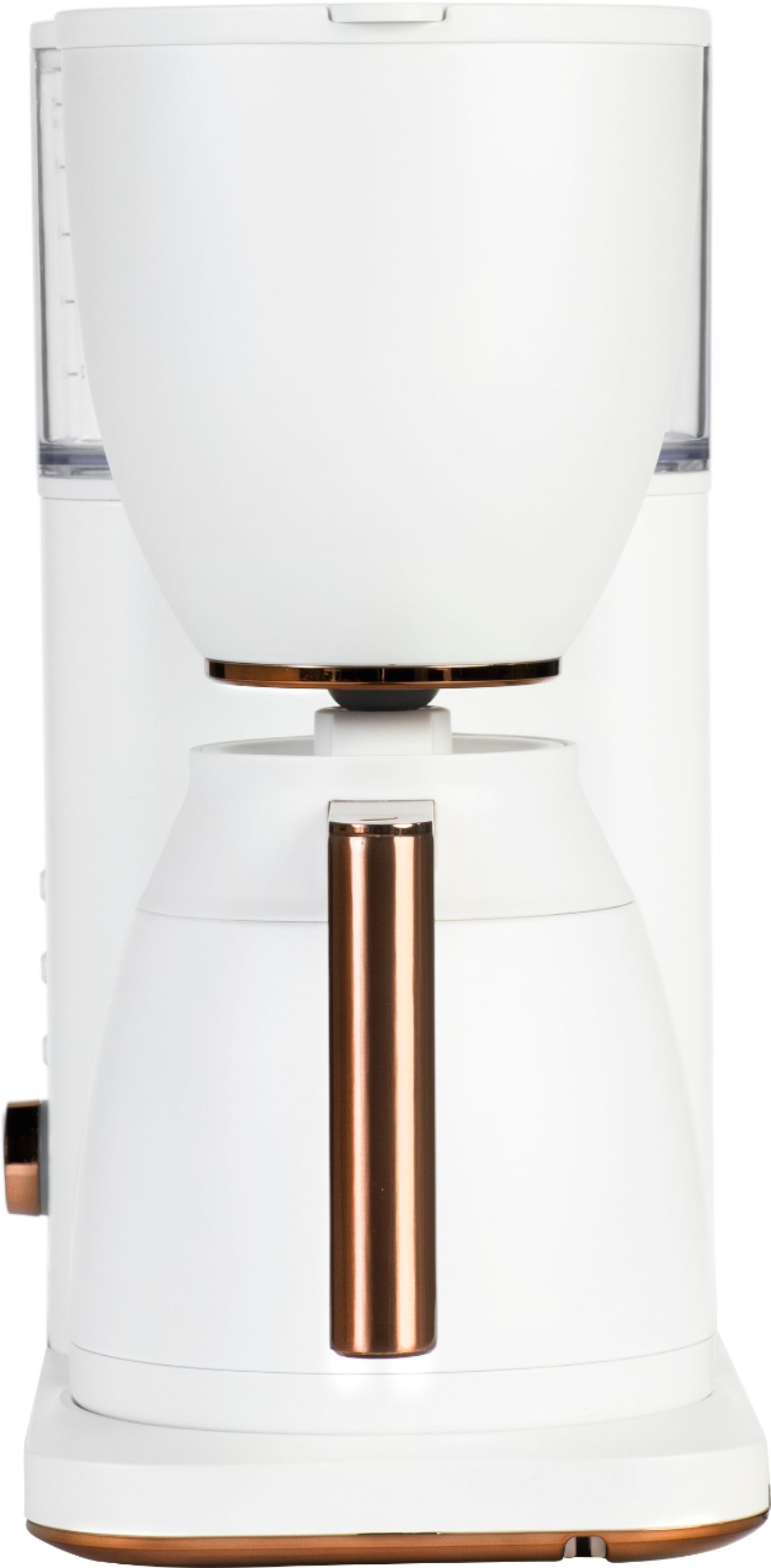
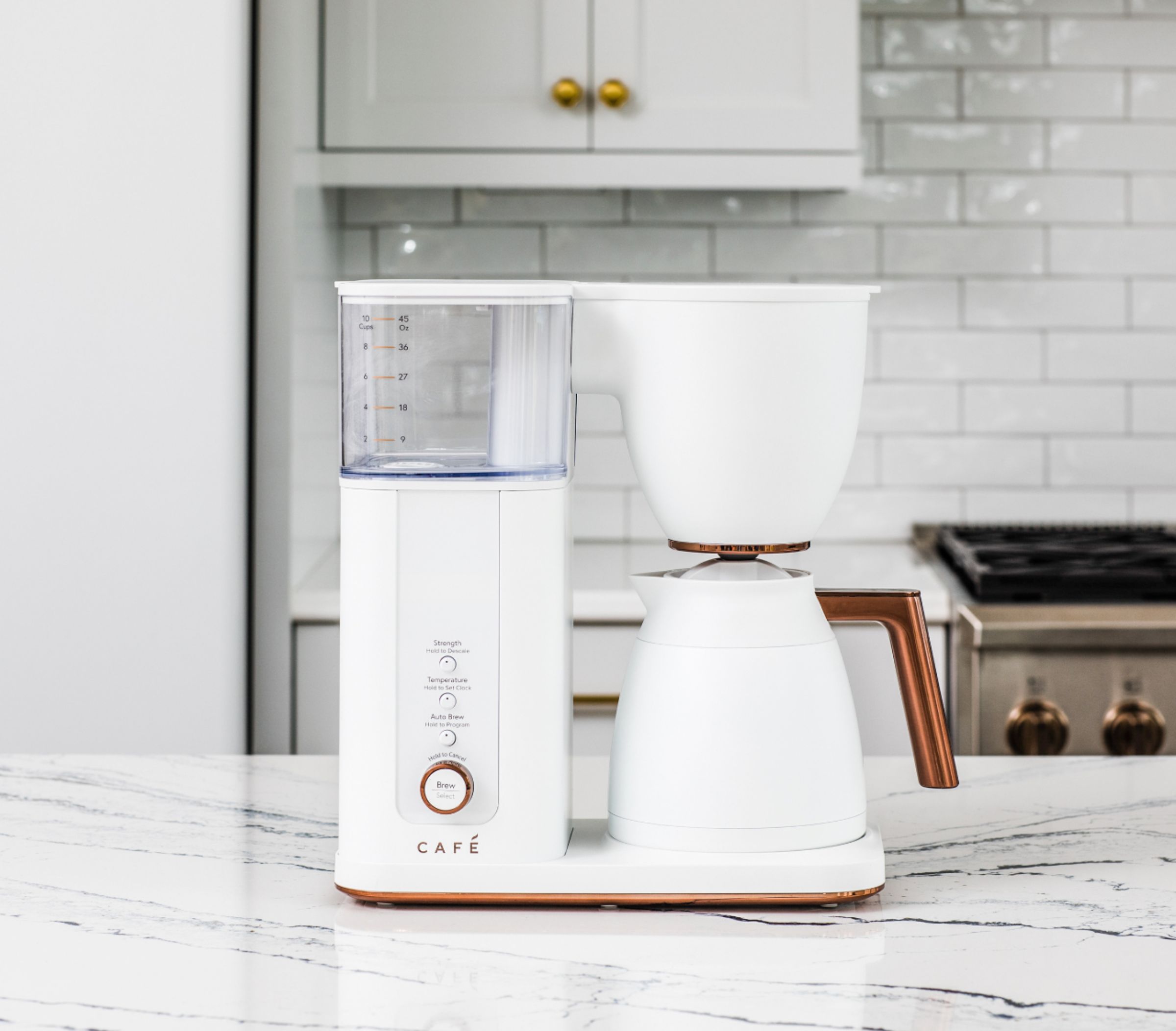
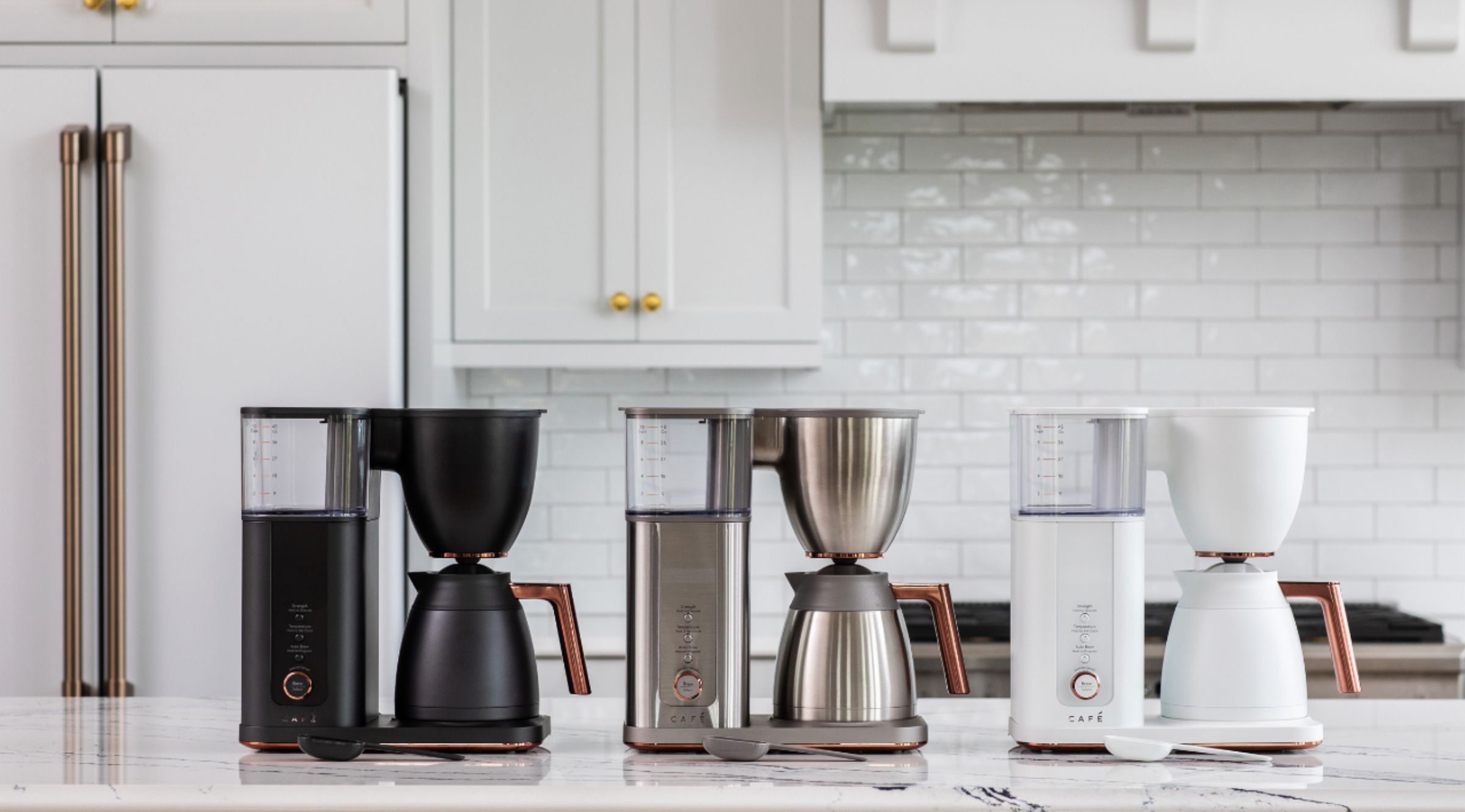
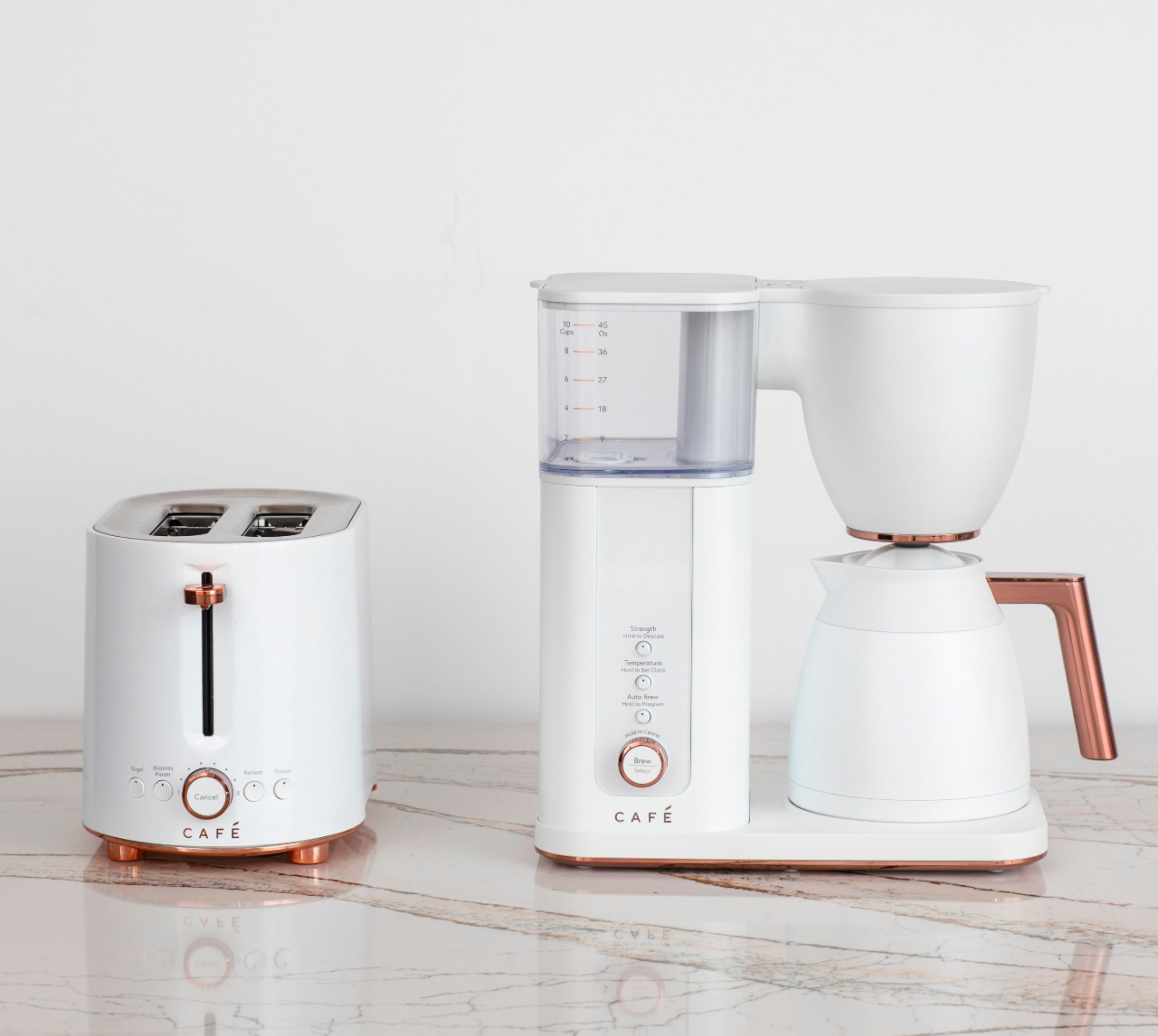
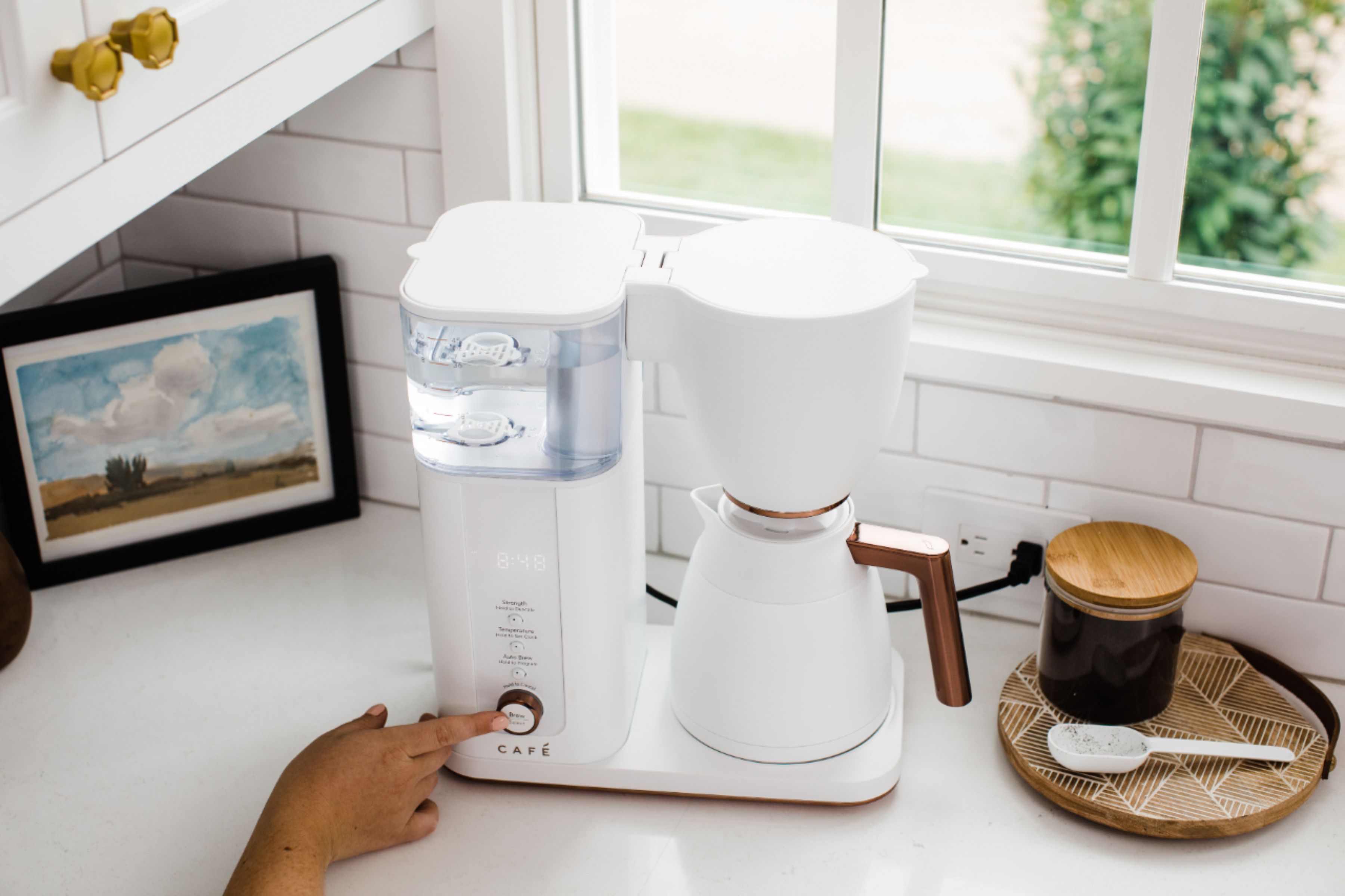
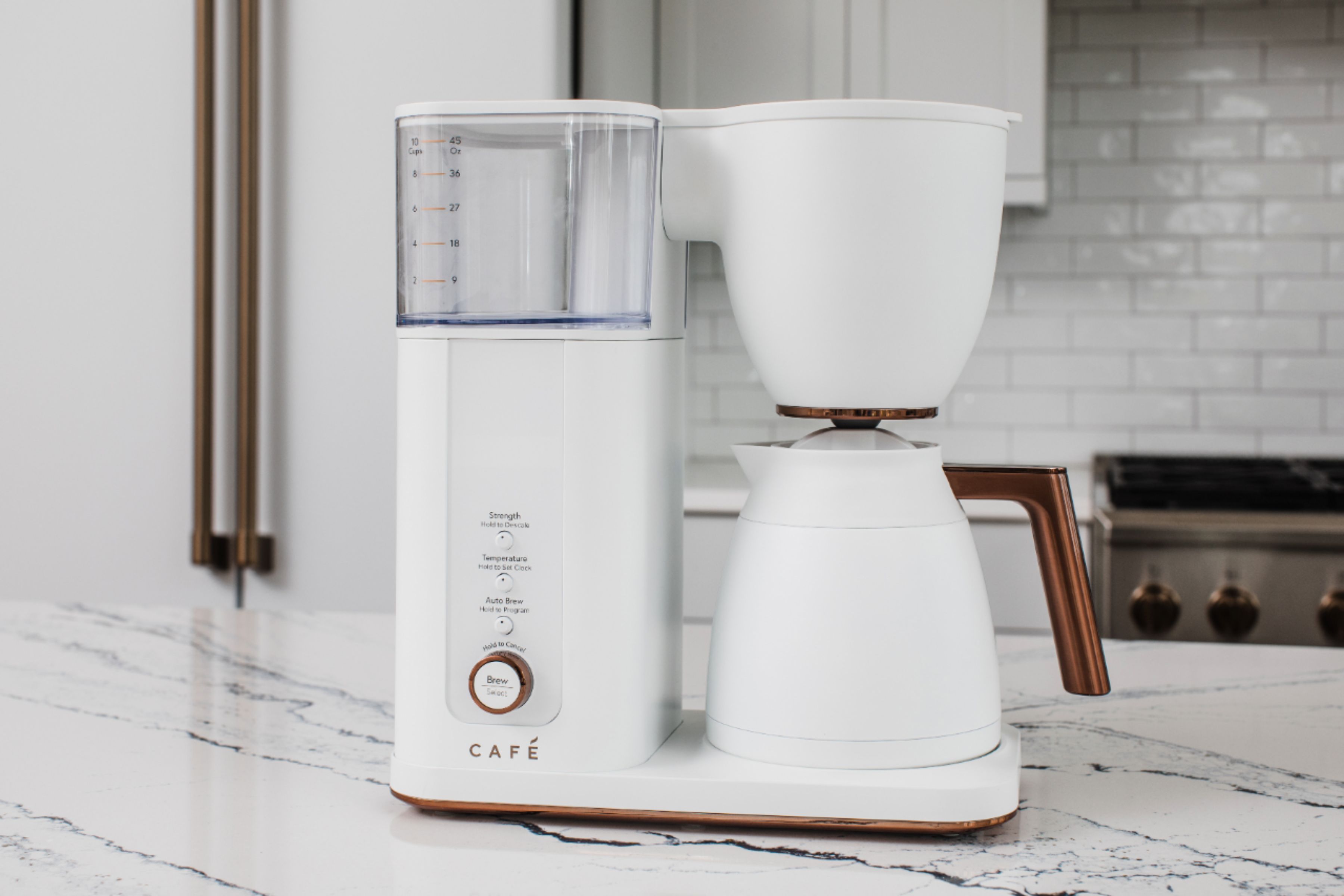
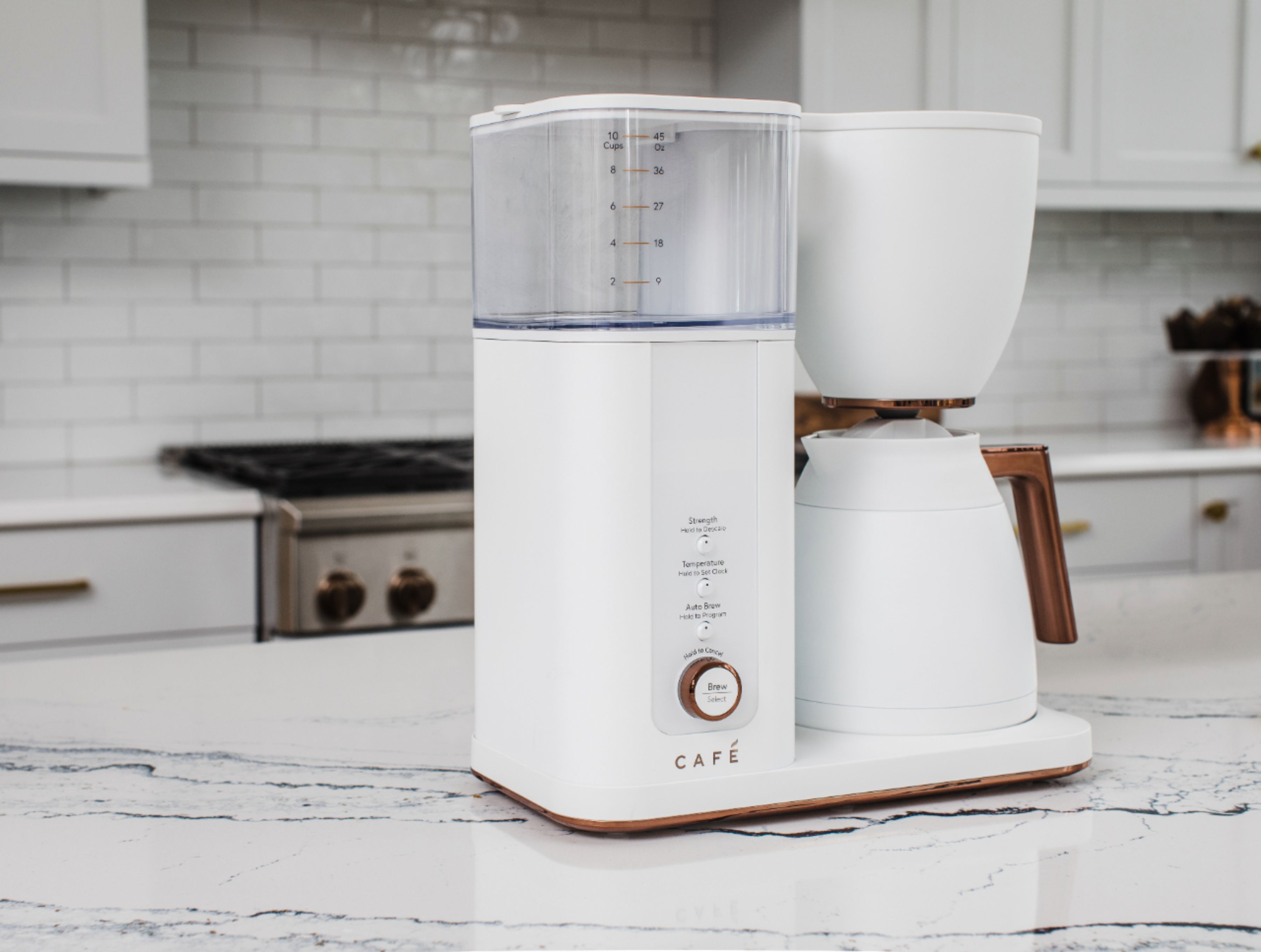
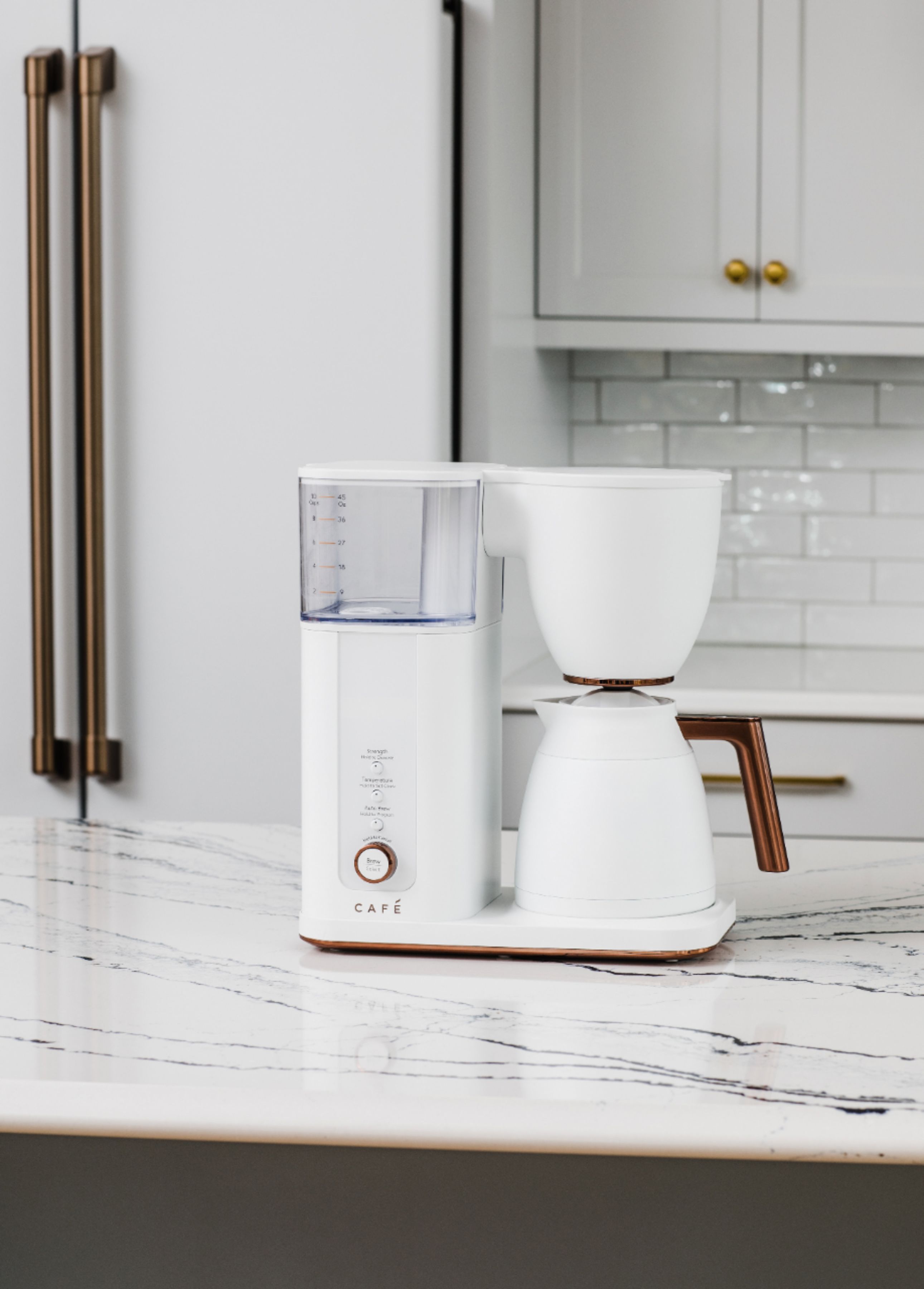
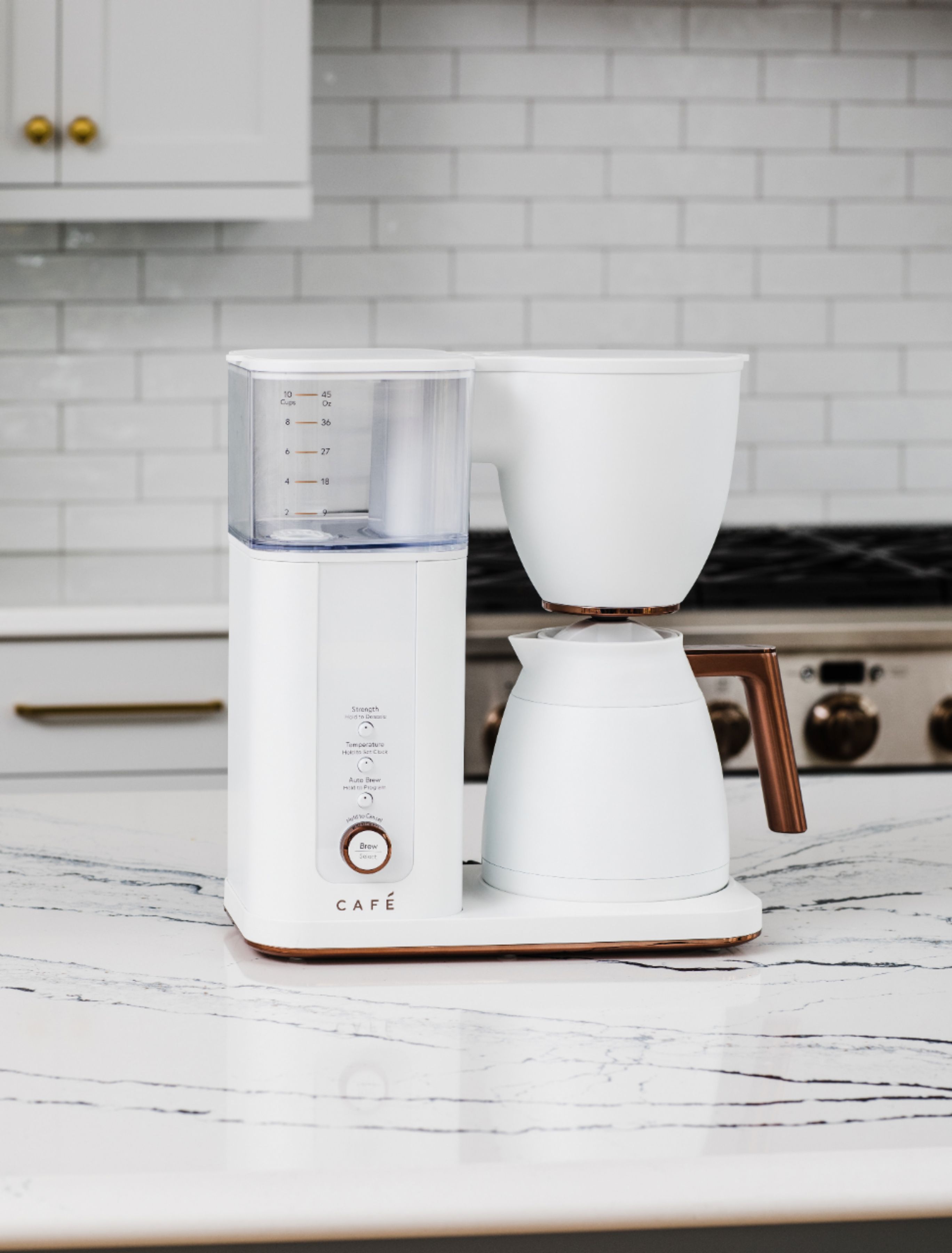
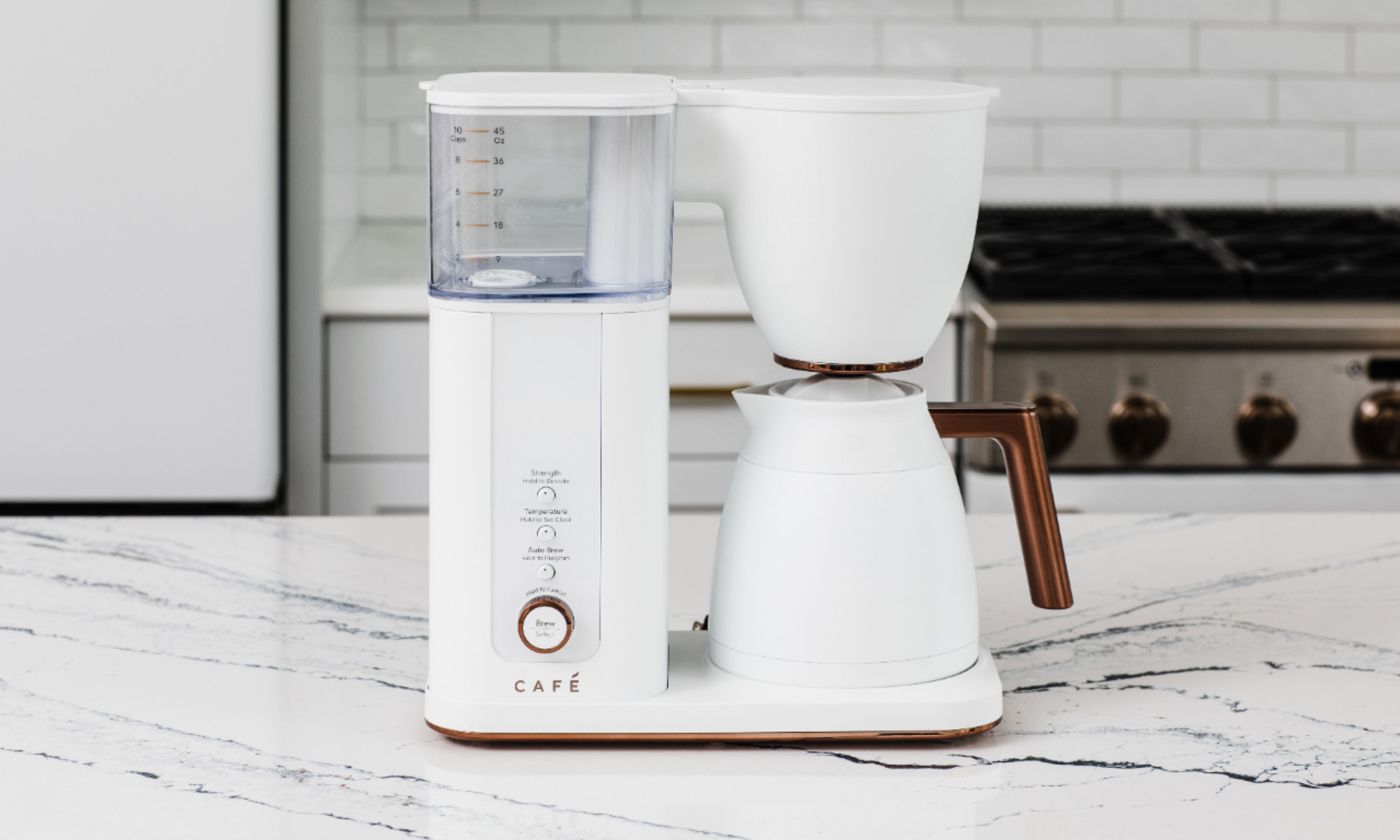
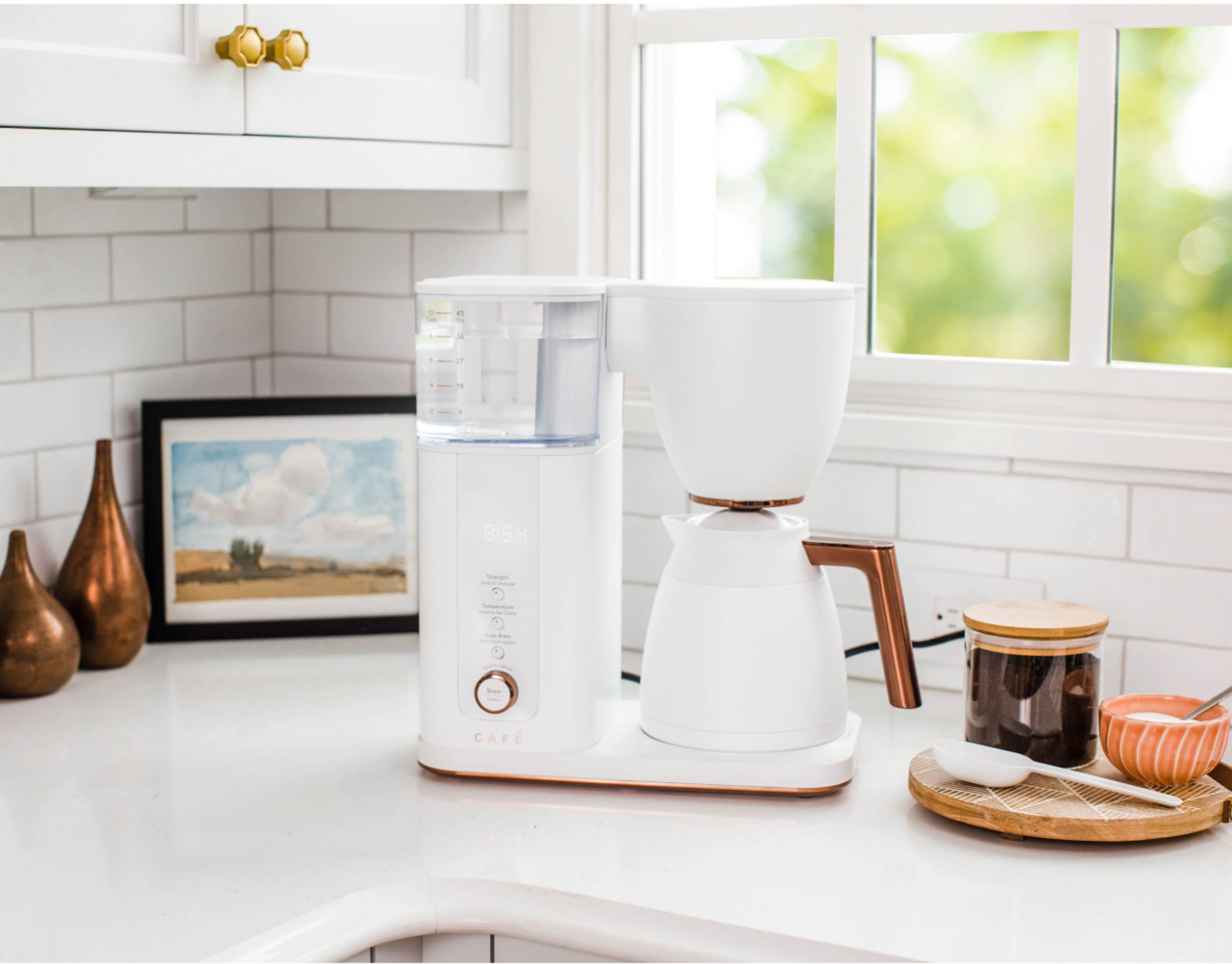
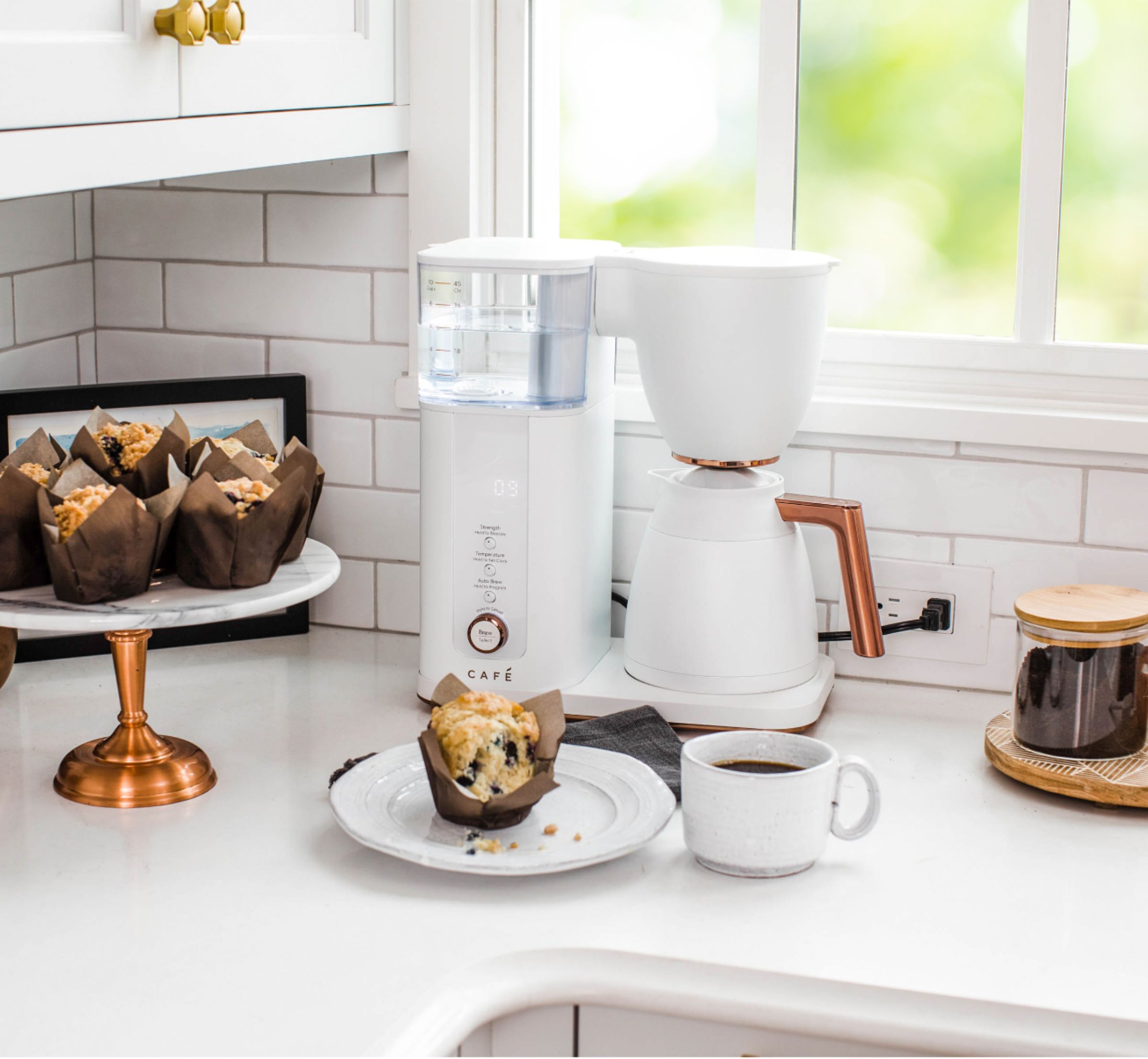
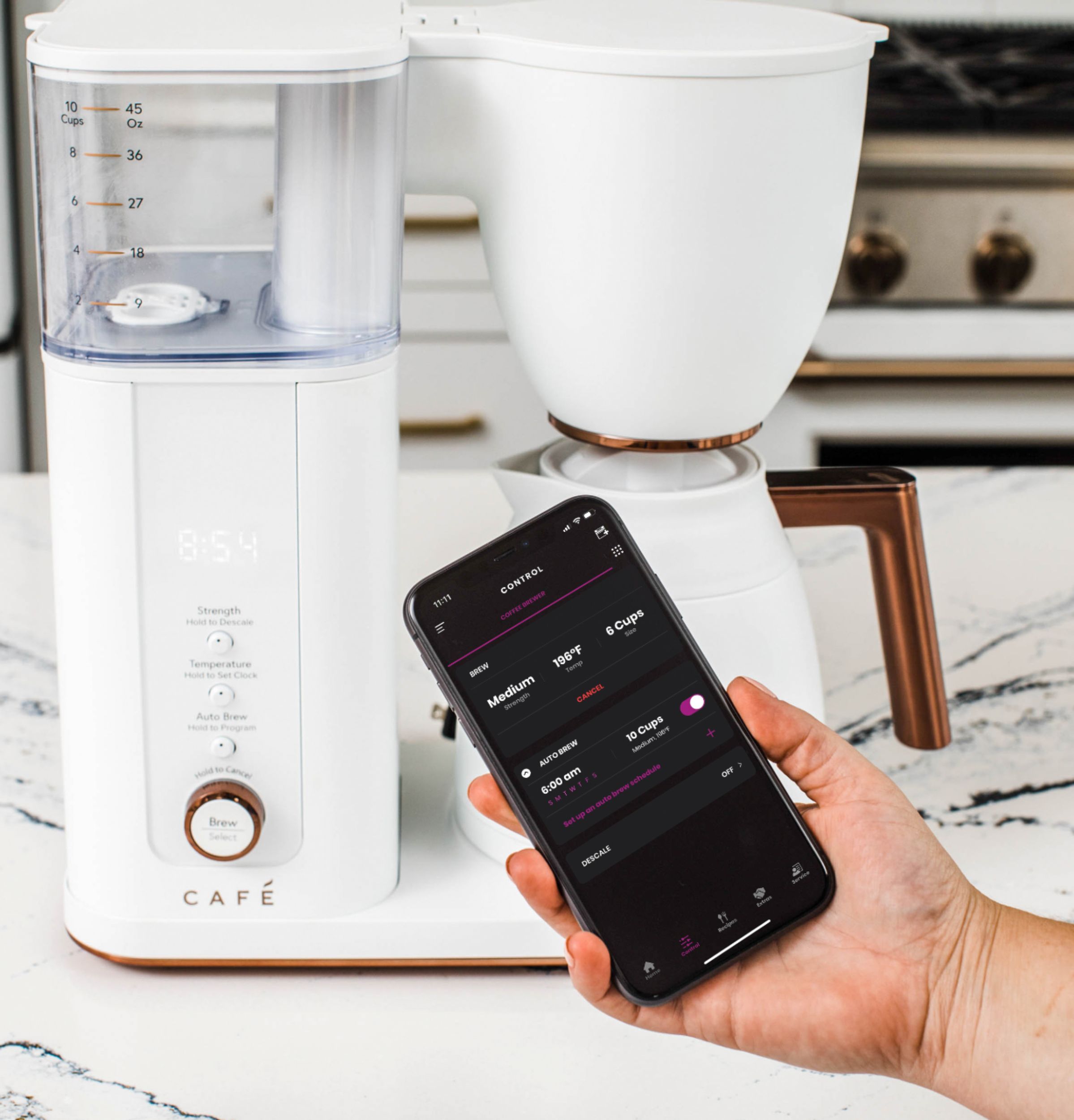
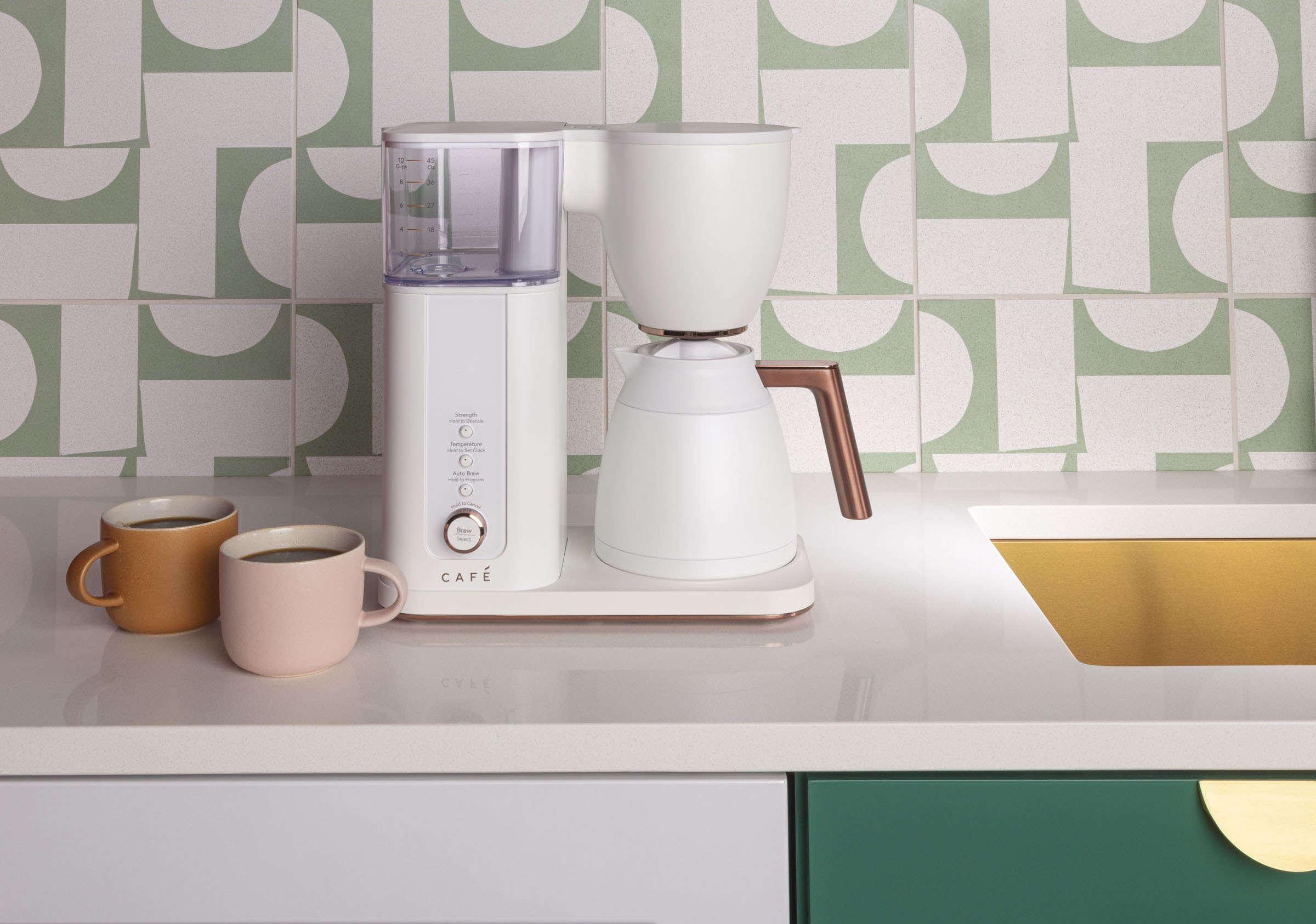
Customers express satisfaction with the Smart Drip 10-Cup Thermal Carafe Coffee Maker, highlighting its excellent coffee quality, elegant design, and ease of use. The temperature control and Wi-Fi connectivity are also appreciated features. Some customers wish for a higher capacity and have noted the absence of a warming plate.
This summary was generated by AI based on customer reviews.
Waste of MONEY
Posted .This reviewer received promo considerations or sweepstakes entry for writing a review.I have had the coffee pot since Christmas. It is only the beginning of February and the coffee pot stopped brewing. The glass pot does NOT keep your coffee hot. I’m not really sure what makes this garbage worth $350!!!!
No, I would not recommend this to a friendBrand response from Cafe Appliances
Posted .Hi there, and thanks for letting us know about this situation. We truly hate to hear you’ve had a concern with the carafe not keeping coffee hot, and the coffee maker is now not brewing. We know how frustrating that must be, especially when the coffee maker is only a few months old. This isn’t the great ownership experience we want you to have. The carafe is designed to keep your coffee hot because of the vacuum sealed, thermal design. It is meant to maintain the heat of the coffee for a minimum of an hour after brewing. Notice of your dissatisfaction with the carafe will be sent to our Design team for review; we value your insight, as we always want to know what our consumers think of our models. Regarding the trouble you’ve had with brewing, you may want to check that the carafe is in place properly; the brewing will pause or not start correctly if the carafe isn’t in place. The top of the carafe needs to be engaged with the drip stop lever on the bottom of the brew basket, or the water won’t flow properly into the carafe. Disconnecting the unit from power for a couple minutes before reconnecting may also help, as this resets the electrical components. We hope that information is helpful, but if you are unable to resolve the issue we have information on the limited warranty available on page 16 of the Use and Care manual. If you think you may need to start a warranty claim, you can call 1-800-430-1757. We are happy to offer assistance any time, if you have any other concerns or inquiries. -Sarah@Café

Poor machine
Posted .This reviewer received promo considerations or sweepstakes entry for writing a review.Coffee isn’t hot once made. Have to microwave after which makes no sense especially for the price. Would not recommend at all
No, I would not recommend this to a friendBrand response from Cafe Appliances
Posted .Hi, we're sorry you're disappointed in this coffee maker. We appreciate your comments on its performance and we'll continue improving this model. Thanks for making us aware of the issue and please reach out to us on social media if you need any further assistance. -Sylvia@Cafe
Ooooooooooooo
Posted .This reviewer received promo considerations or sweepstakes entry for writing a review.Unused so far haven’t find how to turn oooooooooooooooooooooooooooooo
No, I would not recommend this to a friendBrand response from Cafe Appliances
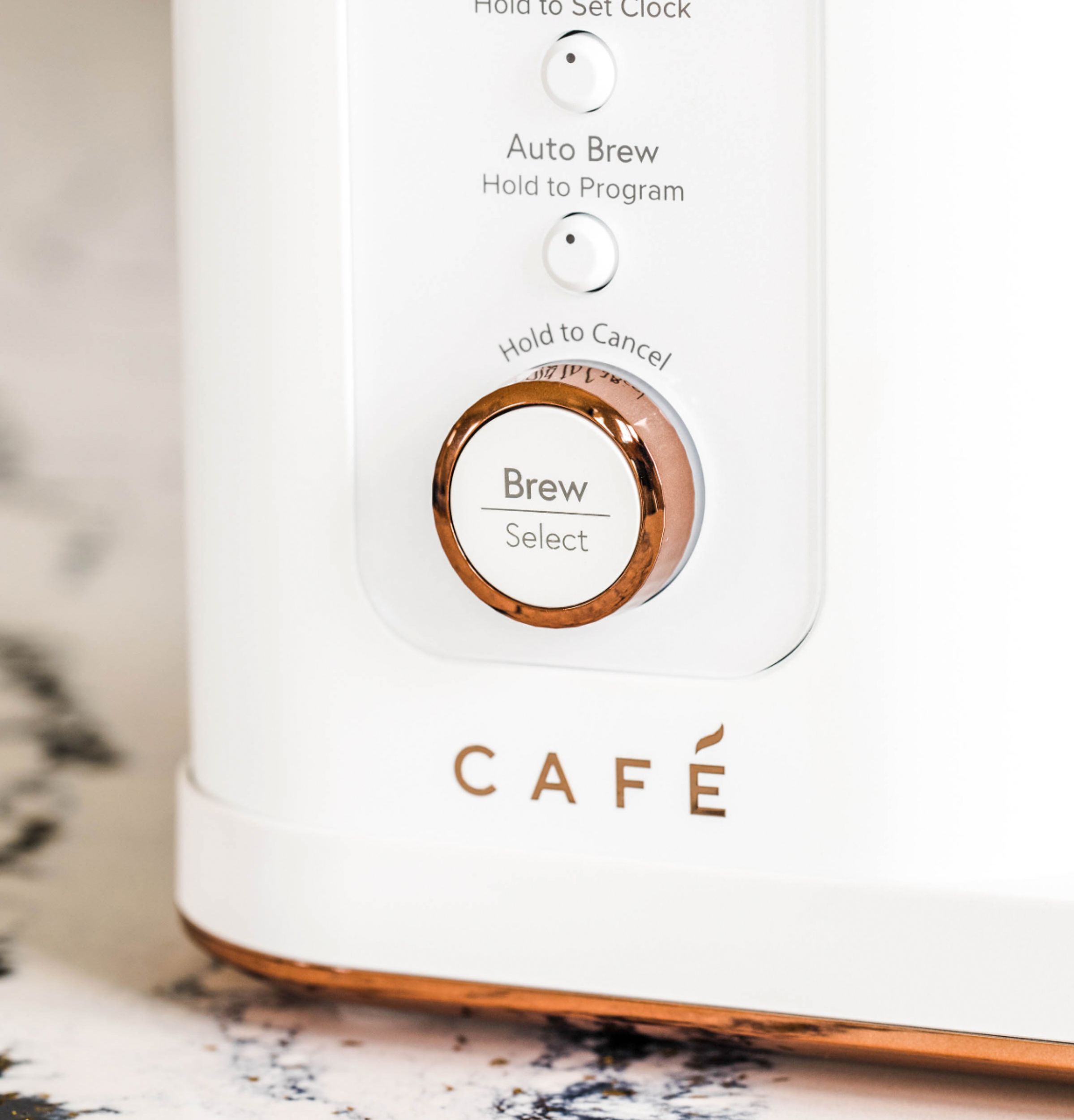
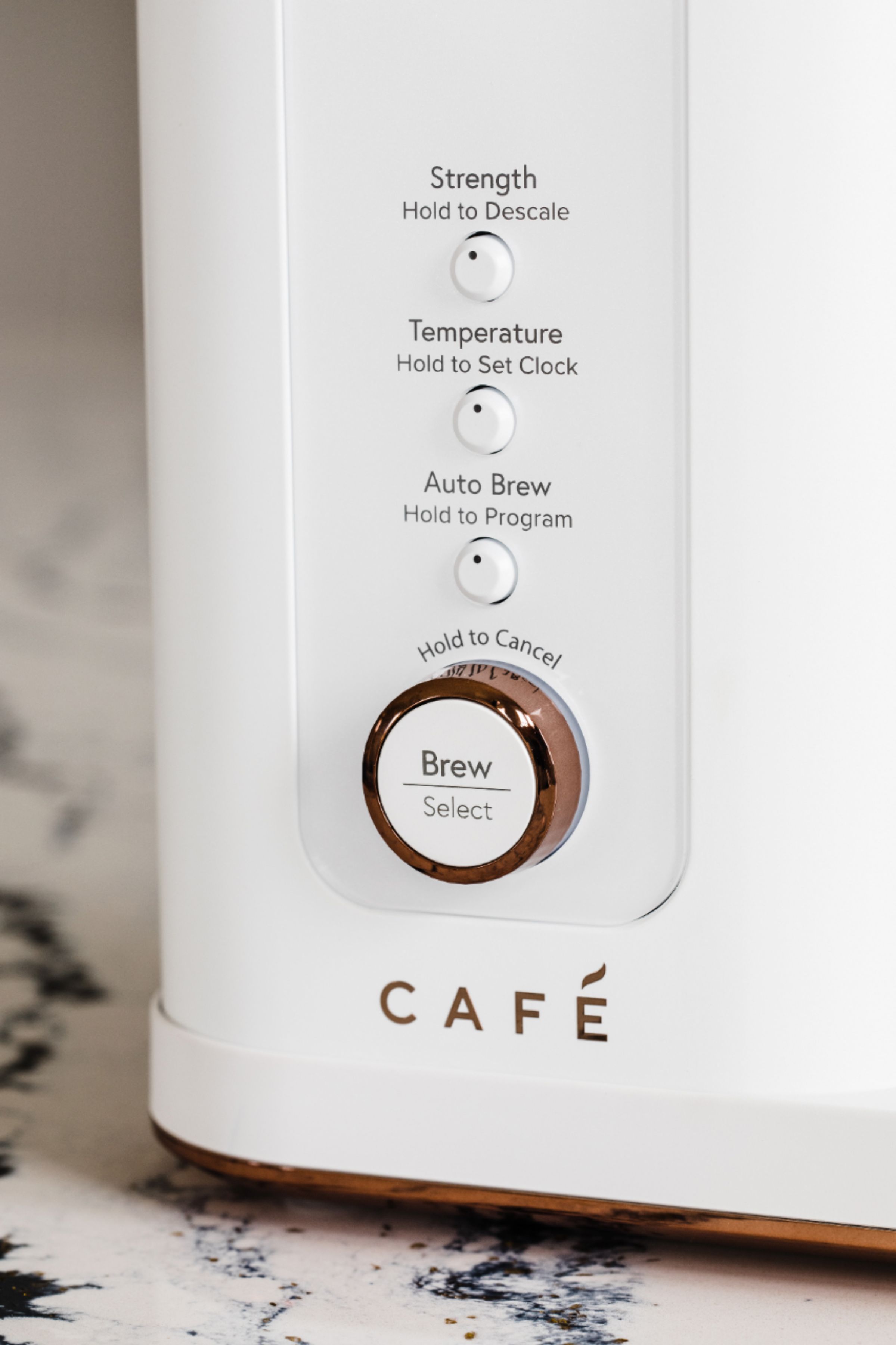
Posted .Hello- We appreciate your purchase and would like to help! Please review the manual starting on page 7-11. To set the clock, push the temperature button and hold for 3 seconds. Clock illuminates on the display and the white dot on the temperature button will illuminate. To set AM/PM: Rotate the Brew/Select knob and push to select. To set the hour: Rotate the Brew/Select knob and push to select. To set the minutes: Rotate the Brew/Select knob and push to select. Please reach out to us via a private message on Social Media and we will be happy to assist you further. Thank you! Joyce@Cafe
Total Crap
Posted .This reviewer received promo considerations or sweepstakes entry for writing a review.Total Crap!!!!!!!!!!!!!!!!!!!!!!!!!!!!!!!!!!!!!!!!!
No, I would not recommend this to a friendBrand response from Cafe Appliances
Posted .Hello there, thank you for reaching out with this feedback. We are very disappointed to hear that this coffee maker has not lived up to your expectations, and we are so sorry for the headache this has caused for you. If you believe that your coffee maker is malfunctioning, we would advise that you reach out to our factory service team at 1-800-GECares (1-800-432-2737) Monday – Friday: 7 a.m. – 10 p.m. ET and Saturday – Sunday: 8 a.m. – 6 p.m. ET. We look forward to assisting you in any ways that we can! -Elliot@Cafe