Customer Ratings & Reviews









- Model:
- CH-9303101-NA
- SKU:
- 6453151
Rating by feature
- Value
Rating 4.5 out of 5 stars
- Quality
Rating 4.5 out of 5 stars
- Ease of Use
Rating 4.7 out of 5 stars
Customers are saying
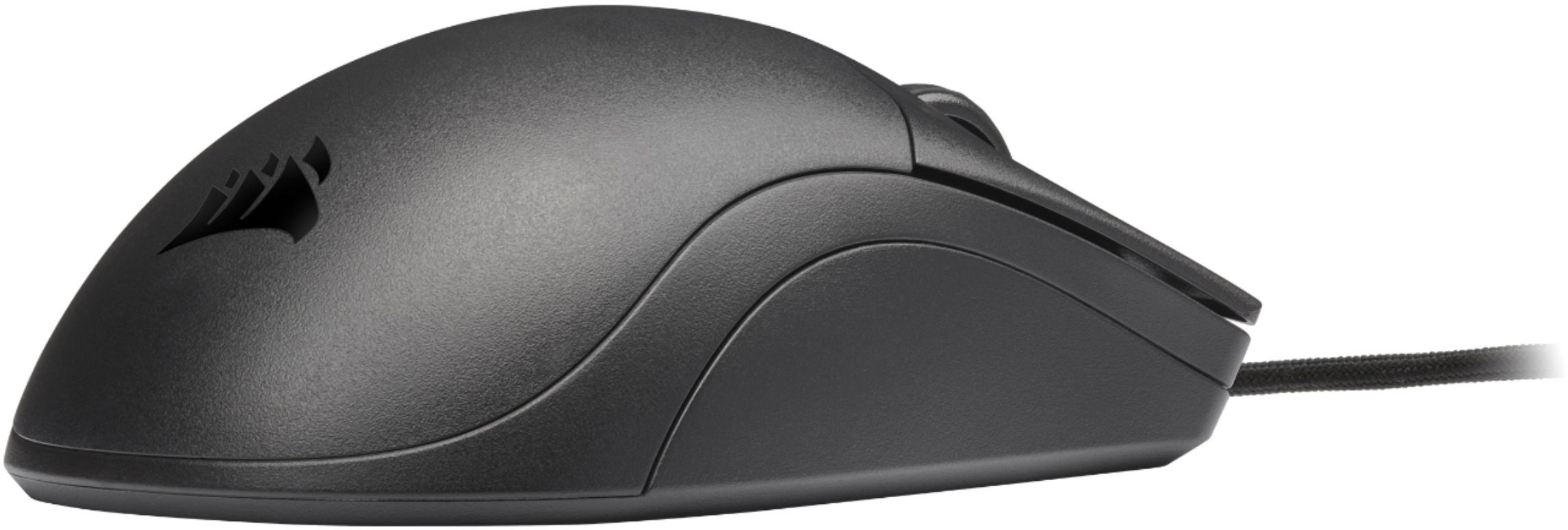
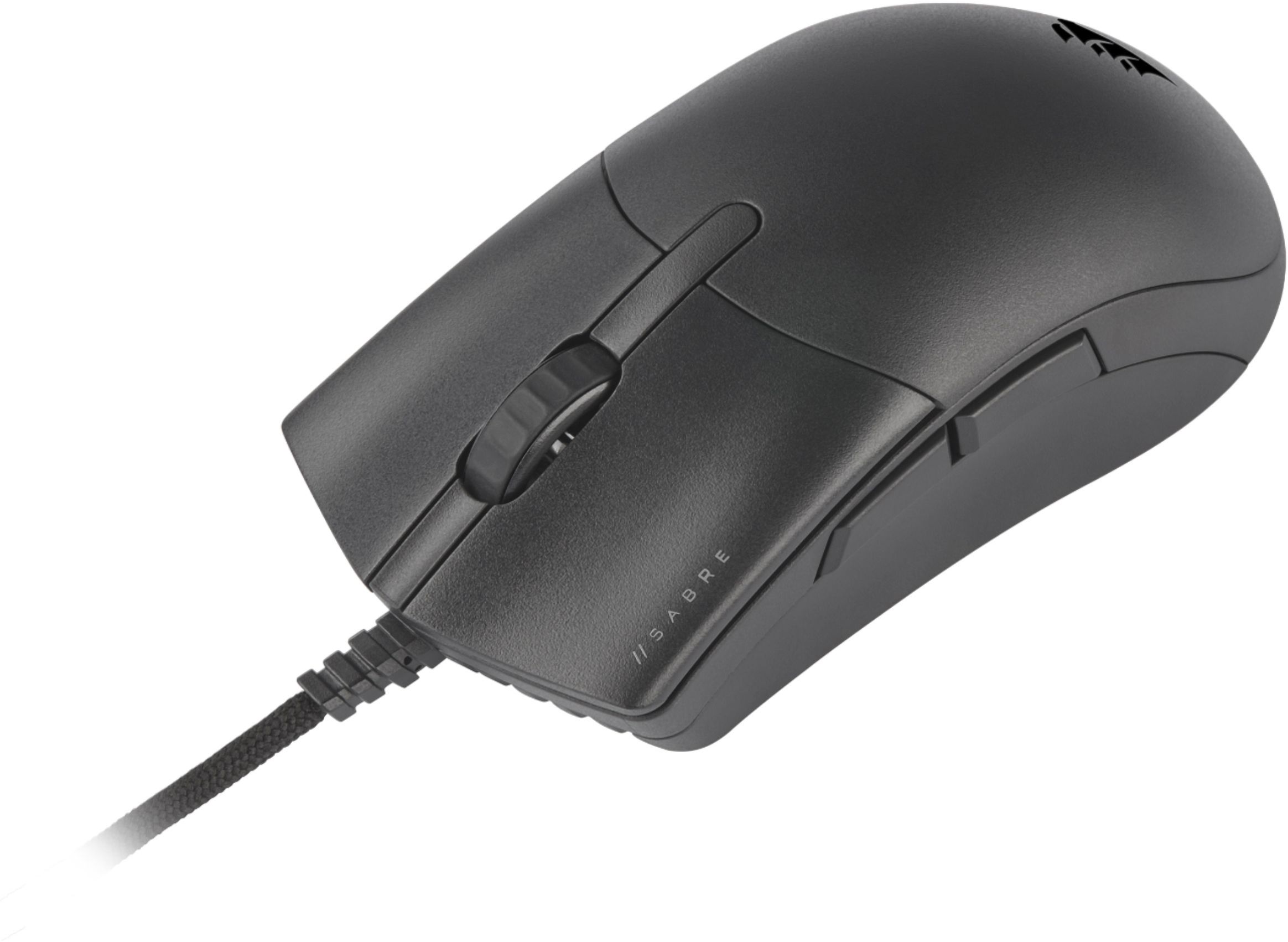
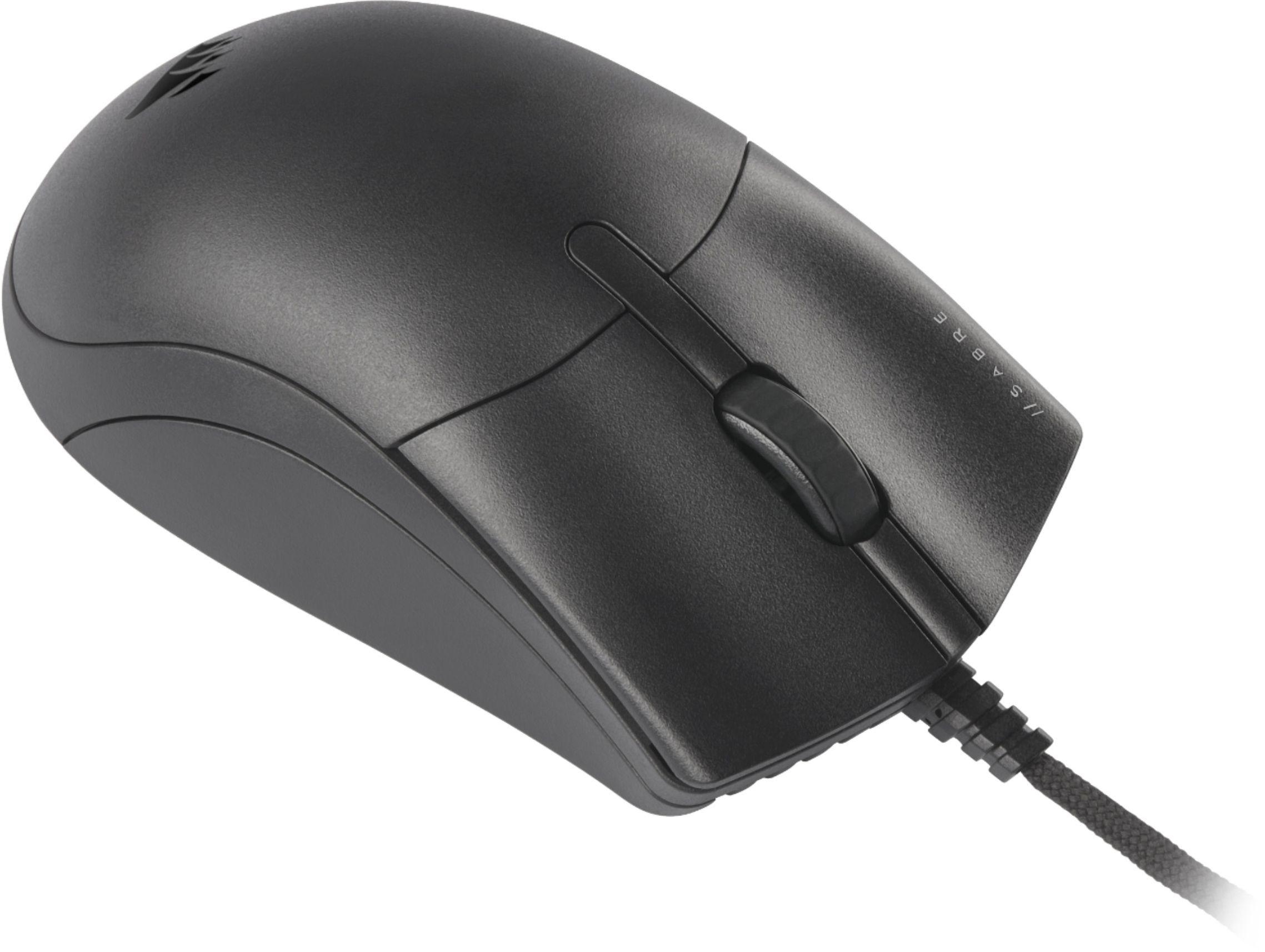
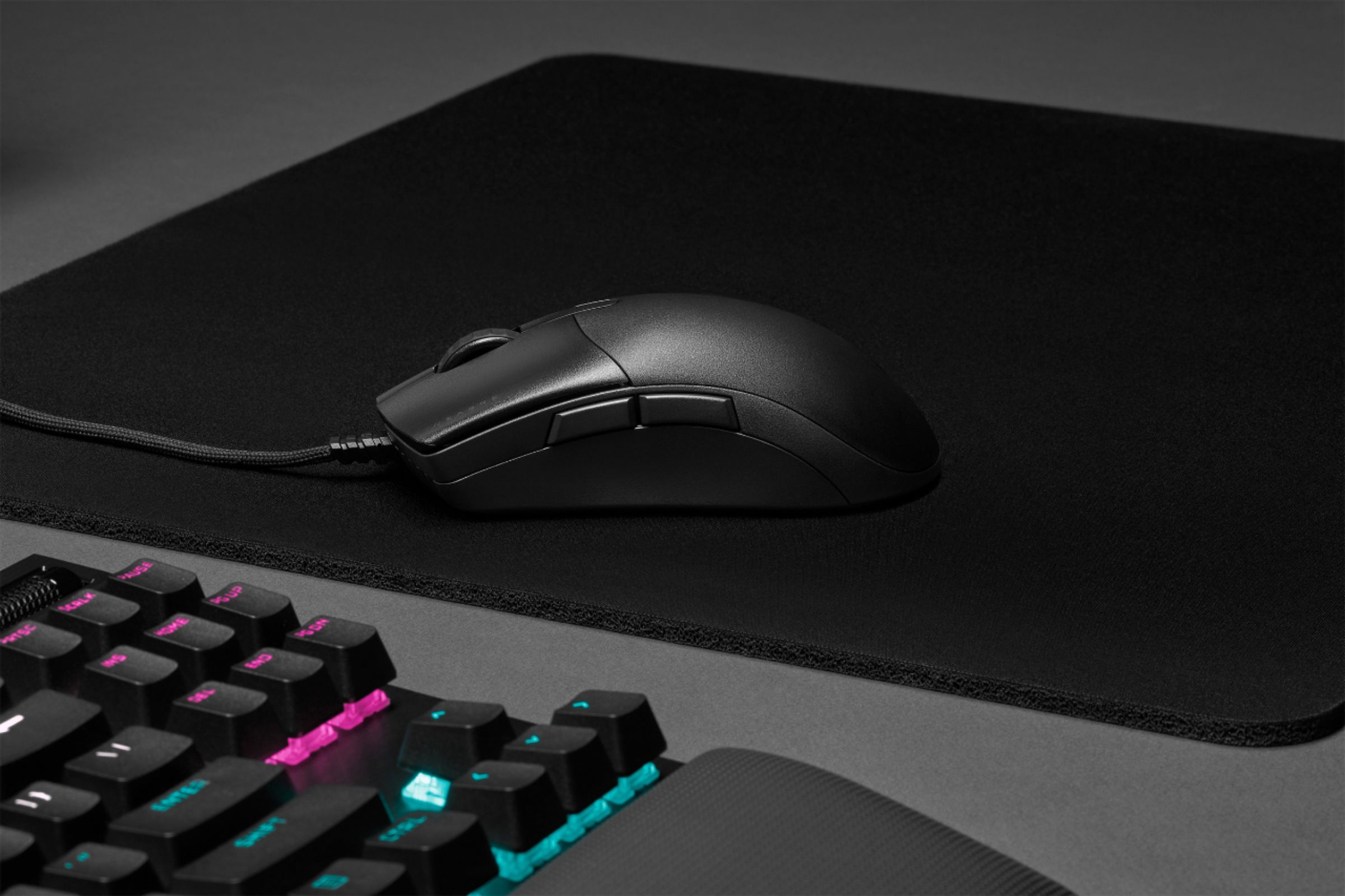
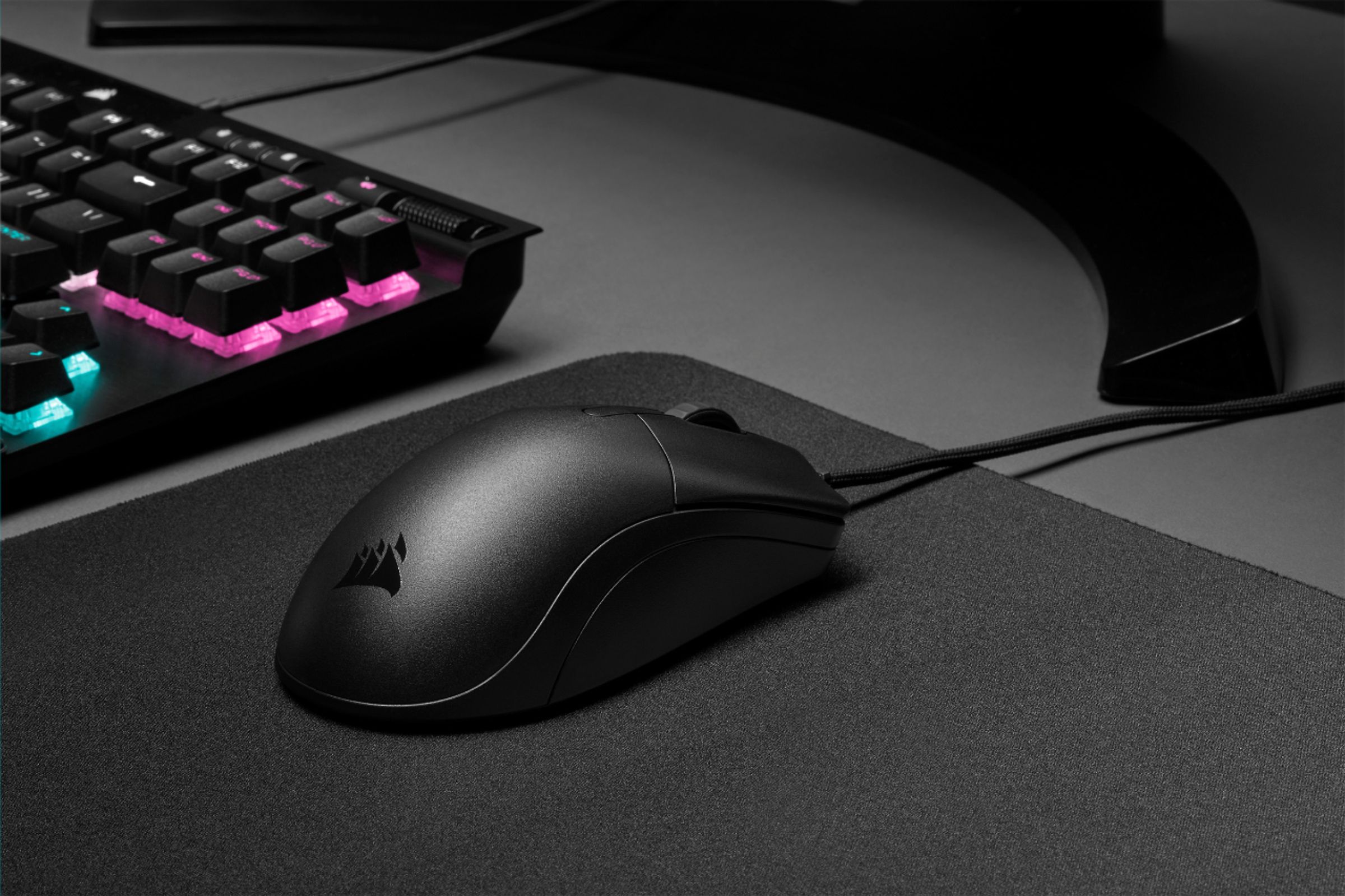
Customers admire the CHAMPION SERIES SABRE PRO's lightweight design and responsiveness, praising its accuracy and comfortable shape for extended use. However, some users find the lack of RGB lighting and the somewhat slippery plastic casing to be drawbacks. The included cable and customizable DPI settings also receive positive feedback.
This summary was generated by AI based on customer reviews.
- Pros mentioned:WeightCons mentioned:Rgb lighting

Good Mouse, Good Comfort
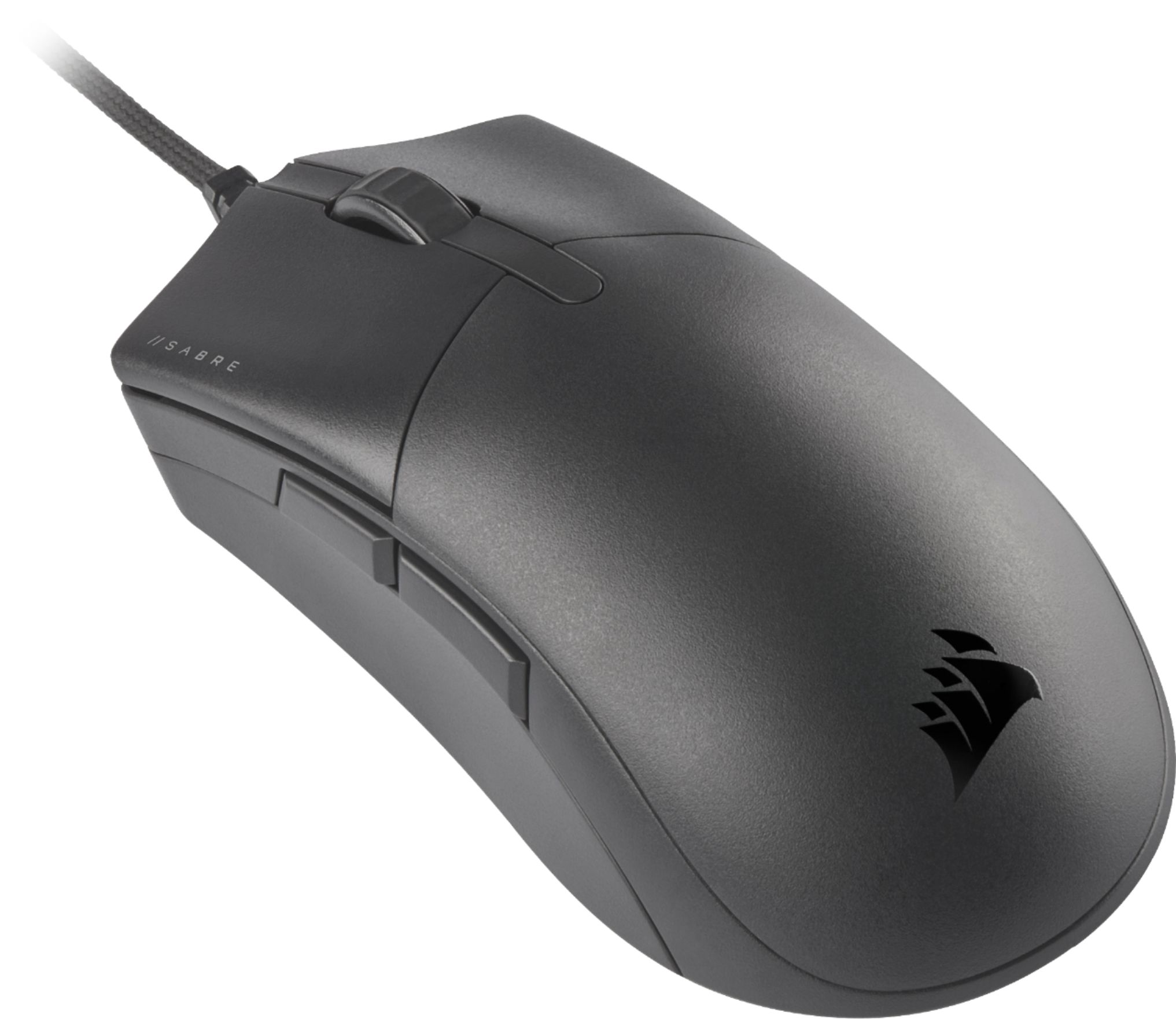
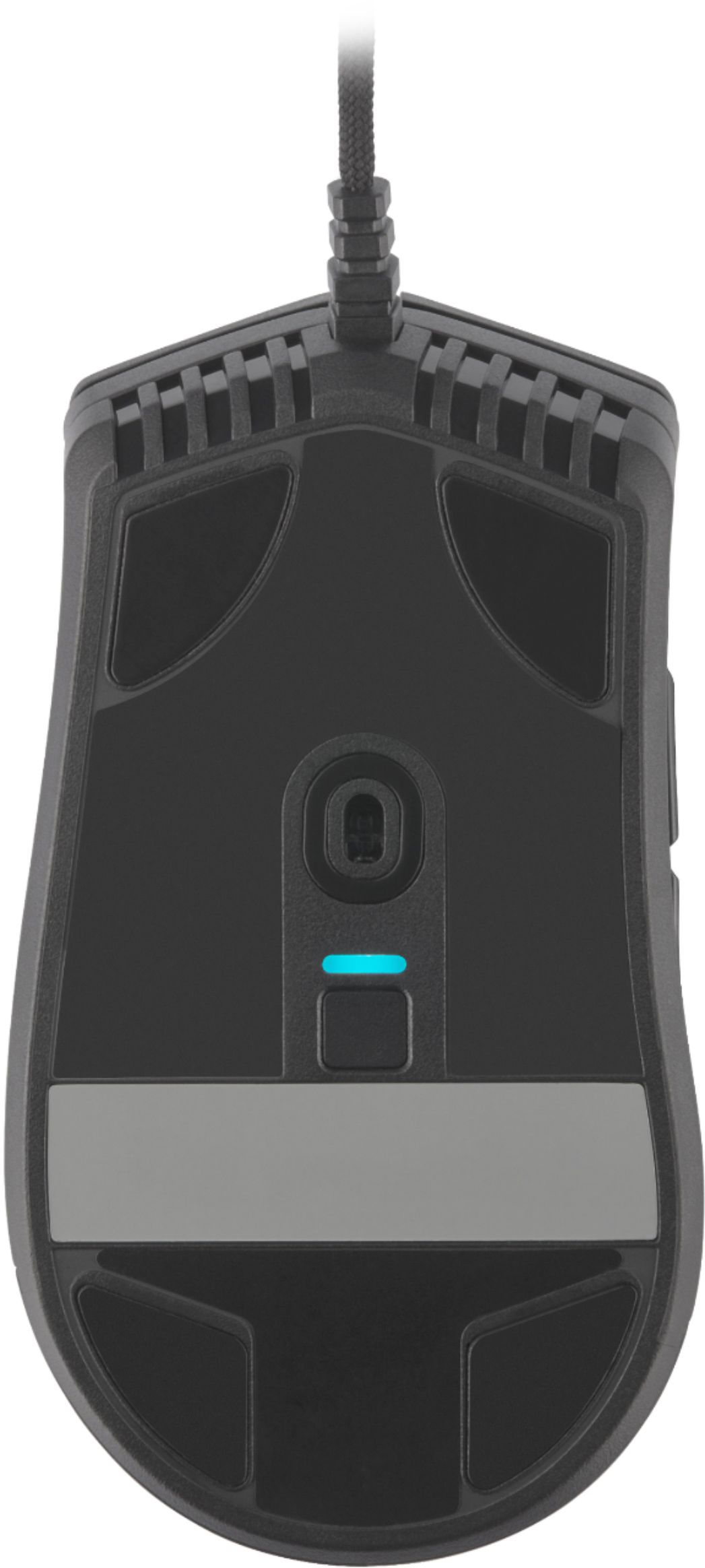
|Posted .This reviewer received promo considerations or sweepstakes entry for writing a review.This is a good mouse. There is nothing about it that will make you not like it. The size is comfortable no matter your grip type. The sensor is very responsive and quite accurate. Button clicks are near instantaneous. Personal opinions follow... I like a heavier mouse. This mouse is light, but so is the cord so it will not force any unexpected movements. I have had other light mice that the cord would move it on the pad because of the weight of the cord or rigidness. That does not happen here. I do like some color to the mouse other than basic black. The only RGB light is on the underside for the DPI. I am not sure I like DPI switches on the bottom of the mouse. I like a quick change possibly mid game. Overall this is a very solid mouse. Each one of my opinion points could be a plus or a minus to you in making a decision. If you like a light understated mouse that responds like a champ, this mouse is a great choice. I will say one place this mouse will rule the other rodents is in the speed clicking. The zero travel click is very impressive.
I would recommend this to a friend - Pros mentioned:Dpi, Weight
Super light and responsive!
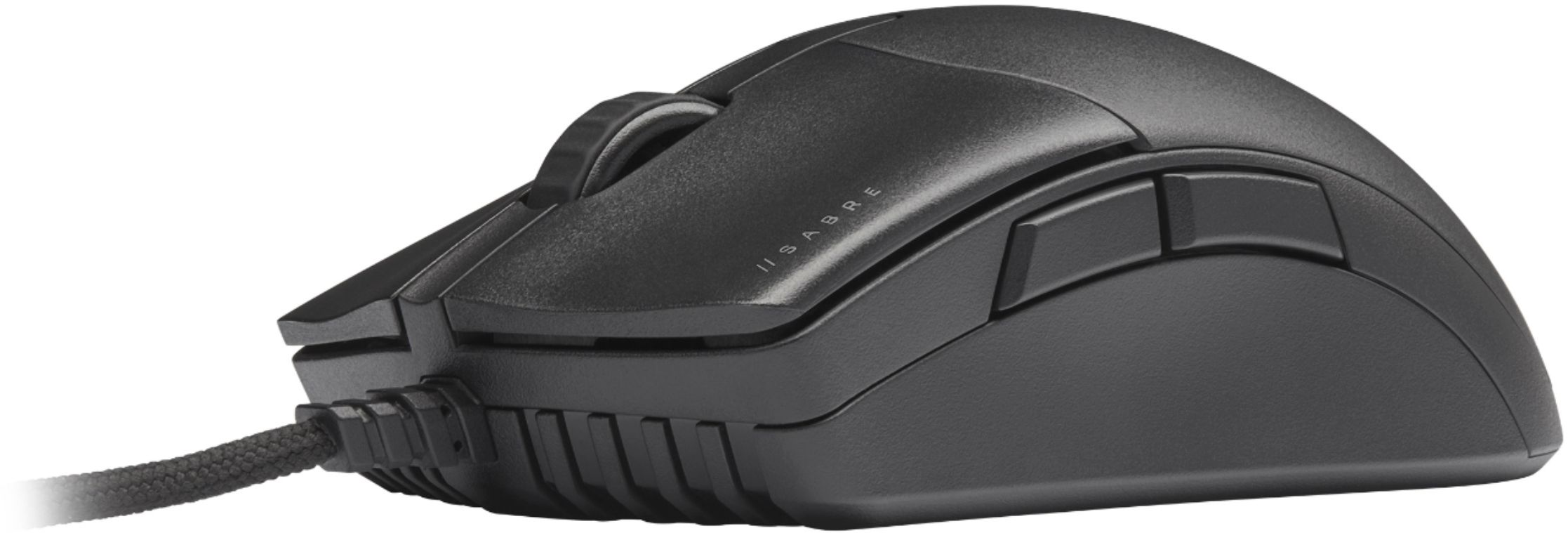
|Posted .This reviewer received promo considerations or sweepstakes entry for writing a review.I have had this Corsair Sabre Pro gaming mouse for a little over a week and I absolutely love it. There are many things to like about this gaming mouse, but the two traits that really stand out is how light weight it is and the incredible response it provides. What adds to the light weight feel of this mouse is the drag-reducing paracord cable. You will also be able to notice who responsive this Corsair Sabre Pro really is. This mouse has left and right quickstrike buttons which provides you with reduced click resistance which translates to smoother and crisper clicks. Those are the two main features that really stand out, but this gaming mouse has other traits that I really like. This gaming mouse has the ability to change DPI very easily. You can customize DPI profiles which allow you to adjust the DPI increments. I also love the smooth glide pads which allow for quick movements. As soon as you really get gaming with this mouse, you will also notice the nice comfy grip of this gaming mouse. Overall, for the price and the performance it delivers, you can't go wrong with the Corsair Sabre Pro.
I would recommend this to a friend - Cons mentioned:Grip
Not a good gaming mouse
||Posted . Owned for 1 month when reviewed.This reviewer received promo considerations or sweepstakes entry for writing a review.Wasn't a fan of this mouse. To light, feels really cheap. Hard plastic is slick and hard to keep a good grip. Returned it.
No, I would not recommend this to a friendBrand response from Corsair Art
Posted .Hi Timmytoby84,
Thanks for the feedback, if you have any further questions about the Sabre PRO, please feel free to contact our support team: support.corsair.com
-Brian
Not as good as it says
||Posted .This reviewer received promo considerations or sweepstakes entry for writing a review.Super cheap made, super big and bulky for such a cheap mouse. Do not recommend for gaming only for a cheap second mouse for a second pc maybe
No, I would not recommend this to a friendBrand response from Corsair
Posted .Hi Trenton,
We appreciate your feedback and understand every user has unique preferences. To help users find a mouse that best suits them, we've developed a Mouse Finder Quiz (https://www.corsair.com/us/en/mouse-finder). If you have any questions or concerns, we'd be happy to help: support.corsair.com
-Albert
Future-proof mouse at a great value.
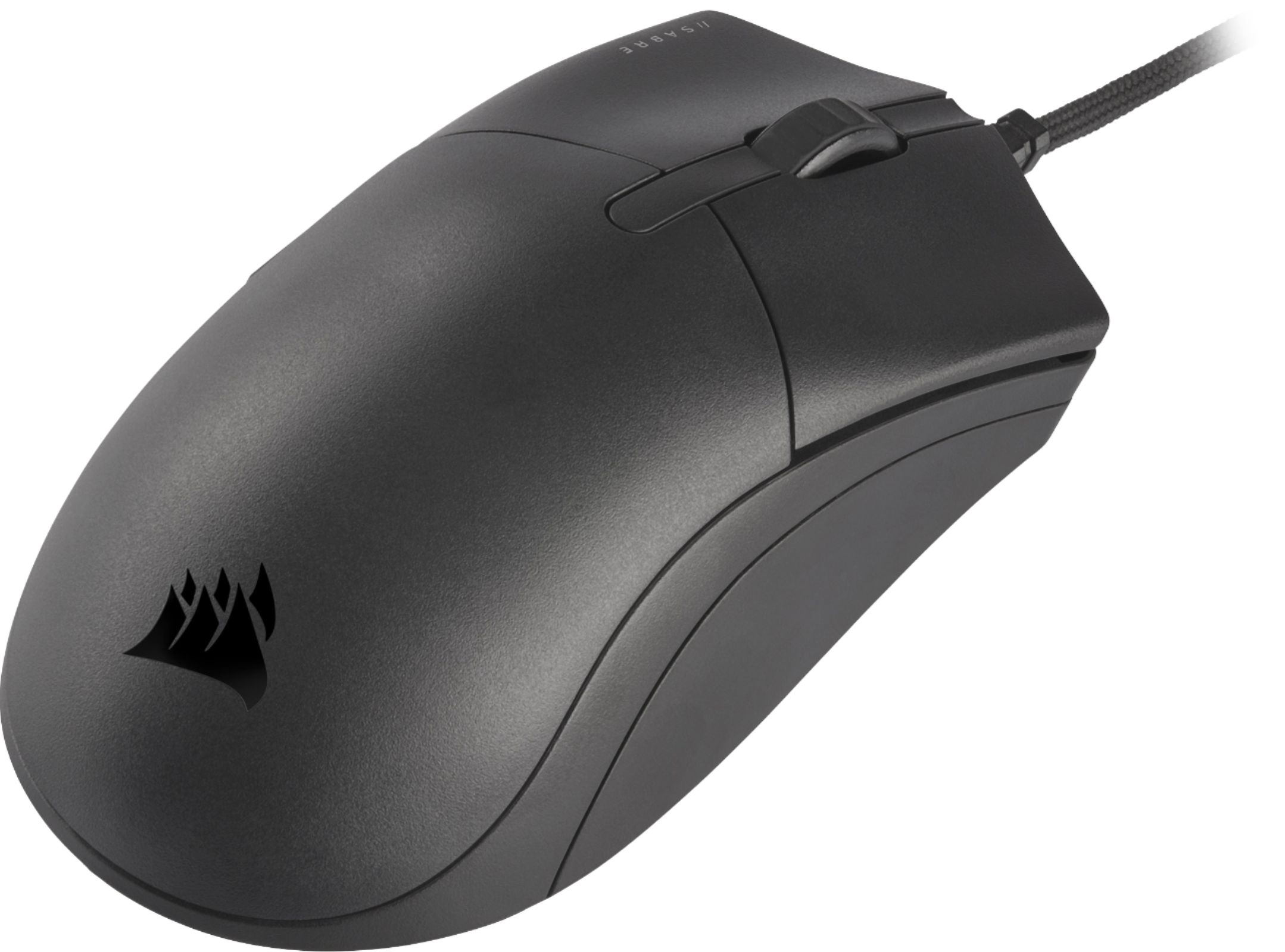
|Posted .This reviewer received promo considerations or sweepstakes entry for writing a review.The Corsair Sabre Pro boasts some very impressive tech and specs. We are talking 8K hyper-polling, which theoretically should reduce or eliminate lag and micro-stutters, customizable DPI settings up to 18K, and “Quickstrike” buttons. But how does that translate to the real-world gaming experience and how much difference does it make? Taking the Sabre out of the box, I was amazed as to how incredibly light the mouse is. It’s almost like there is nothing inside the smooth, matte finish plastic casing. The cloth-weaved cord is also extremely light and produces almost no drag -even when it’s hanging off desk edges, so there should be no need for a bungee at all. It almost feels as if it was a wireless mouse. I also appreciated that there is no RGB to worry about (I have enough of that already). The hardware DPI selector button is located underneath the mouse. Ergonomically, it has that classic design that should fit most people’s hand sizes and grasp styles (claw or rest). The side buttons and top wheel are easily accessible, and I find the mouse quite comfortable for my medium-sized hands. Clicking feels satisfying and it is not overly loud. The scrolling wheel has decent tactile feedback and clicks adequately. Dragging the mouse across both cloth and hard surface pads is very smooth, adding to the “airiness” of the Sabre Pro. I can get aggressive with the mouse sometimes and I think the Sabre Pro will take the beatings and then some. When it comes to performance, it is a bit difficult to explain. Technically, the Sabre Pro is way ahead of most mice. The 8K polling should reduce lag by 8 times compared to my daily mouse and translate to lightning-fast response times and heighten reflexes. I played tons of CS:GO, BF5, Apex, LoL, WoW, and even OSU! ( for twitchy gameplay) and the difference was very subtle. I did notice some improvement, but it was too subjective. Also, in order to truly take advantage of the mouse’s power, you should be running games at 100 fps minimum and have a high-refresh monitor (mine is 1080p at 240Hz). Since I always set my mice between 1.7K and 3K, 18K DPI may be a bit of overkill. Also, a good PC rig may be needed to support such bandwidth (my system is a Ryzen 3600xt-RTX2080ti). Interestingly enough, what made me love this mouse is the design of the Sabre Pro itself. I found it extraordinarily easy to maneuver the mouse across my oversized pad, which increased my in-game mobility and precision. Picking up and dropping the mouse was done effortlessly. The cable is basically non-existent, and the buttons felt incredibly responsive physically. Being compatible with iCUE (Corsair’s app), people can customize their mouse as they wish -especially the DPI and polling rate (yes, sometimes less is better). In the end, the Sabre Pro is a great mouse by Corsair. Although the specs may be a bit more than what most casual gamers may need, it feels great to have a product that may be future-proof at a great price. I may not be a competitive e-sports gamer but found myself enjoying my gaming experience and this has become my daily driver from now on.
I would recommend this to a friendThe Inside is What Counts
|Posted .This reviewer received promo considerations or sweepstakes entry for writing a review.From first glance, this looks like a generic mouse. If it wasn't for the Corsair Logo, this device would be hardly recognizable as a gaming mouse. I wondered what was so special about it until I plugged it in. I saw improved accuracy when playing different FPS and improved response times with casual use. Pros: - Low Latency/Responsive Buttons: Clicking buttons feels almost instantaneous. - Comfortable grip shape: Using this mouse felt very comfortable even when using for an extended period of time. - Out-of-the-box Settings/iCUE software: I didn’t feel the need to tweak any DPI settings out of the box because they were already satisfactory. However, the complimentary software enhanced my experienced by allowing me to tamper with different customizations including macros. - Lengthy/Flexible cable: The attached cable was very long and flexible enough to adjust to my existing setup. Cons: - No RGB: With a "Champions Series" label, one would expect some type of RGB effect. The colors do nothing for ability, but RGB does offer a bit of style and personality. Investing in a gaming setup (prebuilt or self-assembled) is such an expensive endeavor/hobby so we would want to squeeze out every bit of value in whatever component we just purchased (no matter how minor it might be). - Loose USB plug: If the USB end point is plugged into a low-contact area then this is not a major issue. However, a more secure fit would be desired. Mixed Feelings: Build quality is a mixed bag for me. The lightweight design allows me to glide and move quicker. However, this mouse doesn't feel sturdy enough to transport for tournament or gaming sessions unless I have a protective case for it. Overall, this mouse is for the serious gamer who prefers performance over esthetics. I saw improvement in my gaming experience even as a novice PC gamer.
I would recommend this to a friendQuite a responsive little mouse
|Posted .This reviewer received promo considerations or sweepstakes entry for writing a review.I love products like this where big things come in diminutive packages. At face value, looking at this mouse and you think it doesn't look like anything special, but in reality it is the most responsive mouse I have ever owned. Taking the mouse out of the box and at first you are underwhelmed. It is a very plain looking black. No colors, no fancy lights, nothing. Just black. I really like the paracord cable. I have never seen a mouse with this feature and I like the way it looks and feels. Also, with the paracord, it doesn't get hung up like a regular rubber insulated cord would. I will say that the weight of the mouse is off-putting a little. It is extremely light and in my mind, I associate light with cheap. This is not the case with this mouse. Using this mouse is very impressive. The button response is exactly what you'd expect in a high end gaming mouse. They advertise "zero gap" which is supposed to instantaneously transmit your clicks. You can program the buttons using the icue software which allows a level of mouse programming that I have never seen before. It allows you to completely change how the mouse performs and functions. This is something I am not used to and will take some time to figure out exactly how to adjust to meet my needs. I would absolutely recommend this mouse. It is packed full of features and was created with the gamer in mind. 5 stars!
I would recommend this to a friend- Pros mentioned:Weight
Light and super responsive
|Posted .This reviewer received promo considerations or sweepstakes entry for writing a review.The mouse is large enough to be comfortable to use for long periods, yet it is super light. The buttons are very responsive and works well with first person shooter games. It is a switch on the bottom to select low or high response rate to movement. The cord is plenty long enough without being too bulky. It works well on most surfaces with or without a mousepad.
I would recommend this to a friend Adjustable to your needs
|Posted .This reviewer received promo considerations or sweepstakes entry for writing a review.This mouse is a game changer, with an onboard DPI adjustment on the lower part of the mouse makes it seimple to jump from one setting to the other. Also when you download the ICUE software it lets you customize even more. Clicks are precise and fast. Very simple install you can just plug and go and select from the preset DPI oprtions or you can download the software to have even more options. Perfect for gaming and more when you need fast movement and rapid response. The user guide makes it look very simple and it is.
I would recommend this to a friend- Pros mentioned:Cable
Color Me “VERY Unimpressed”
|Posted .This reviewer received promo considerations or sweepstakes entry for writing a review.I don’t want to spoil my disappointment too early…so, it’s just best that, for those considering this mouse, you read my review in its entirety. That’s about all I can say here…but, the review’s title does give a strong hint of what’s to follow. UNBOXING AND INITIAL IMPRESSIONS: Packaging is typical Corsair…mostly cardboard, with one large piece of plastic covering the entire top half of the mouse, and somewhat difficult to remove the mouse from its packaging. While Corsair had done considerably better in the packaging of their keyboards, they, unfortunately, continue to create “problematic” packaging for their mice. Come on, Corsair, I KNOW you can do a better job. So, what’s holding you back? As for “initial impressions”, they’re not good. I was expecting the “new” Sabre to look at least somewhat similar to the previous Sabre. Instead, it looks no different than your basic cheap wired mouse. The only thing helping it “stand out in the crowd”…and, this one point is EXCELLENT…is the cable. The attached cable is unlike any cable I have ever seen on a mouse – it’s incredibly soft, and incredibly flexible. If I were to try and compare it to anything, the only thing that comes to mind is a round shoelace. It’s approximately the same diameter, the same softness, and having the same flexibility. Unfortunately, unless the only thing you care about is the mouse cable, this one incredibly outstanding point won’t be enough to save this mouse from obliteration. SETUP: If you just want the most basic (ie. Typical/normal) functionality, all you need to do is plug the mouse into any available USB port, and you’re done. It’s that simple. If you want the added functionality of multiple DPI settings, that you can switch on-the-fly (ok, not quite…but, I’ll get to that soon enough), then you’ll need to install Corsair’s iCUE software. Once that’s installed, you’re (mostly) good to go. iCUE: As I’ve stated more than a few times in the past, Corsair’s iCue software is the ‘glory’, as well as the ‘bane’, of Corsair Gaming products…however, it has gotten considerably better since its first iteration. QUICK UPDATE: Corsair released their latest update, v3.38.61. I haven’t yet had time to check it out, but I thought it worth reporting…especially for those owning other Corsair iCUE-capable products. Ok…back to your regularly scheduled review….. As I said, it is the ‘glory’, and ‘bane’, of Corsair. iCUE continues to be the most powerful customization software available (the ‘glory’), but, at the same time, it also continues to be difficult to use, and even harder to fully harness the power of (the ‘bane’). Granted, since upgrading to iCUE 3x, it has become somewhat easier to use, so that’s a “plus”. Unfortunately, even if iCUE was the most powerful AND easiest to use, wasting it on this mouse would be a complete waste of your time. USE: So…now we get to the mouse, itself. As I stated, earlier, I expected this new Sabre to at least resembled the previous. Instead, I opened the box, removed the mouse’s “prison” (that complicated-to-remove-things-from piece of cardboard)…and, was greeted with something that looked as if it was teleported from the year 2000. The best comparison I can come up with to another Corsair mouse is the KATAR PRO. When I say “basic” mouse, I REALLY mean it. It has NO special “gaming” buttons. There’s the usual left & right buttons, the usual forward & back buttons, plus the mouse wheel has a button. There is one other button…but, I’ll get to that. Speaking of the scroll wheel, it only ‘clicks’…there is NO button to switch it from “clicky”, to “free-wheeling”. Remember your very first mouse with a scroll wheel? That’s what this scroll wheel is like. The one (and ONLY) “saving grace” is the previously-mentioned cable. At this point, you’re probably asking yourself, “So, what makes this a “gaming” mouse?” that would be its ability to have up to 5 different DPI settings saved to the mouse, and the ability to switch between them. Remember when I said there’s one more button”. Well, that’s what that final button is for. Unfortunately…and, this is a real ‘killer’…Corsair placed that button on the underside of the mouse. That’s right…that means, in order to switch DPI settings, you have to lift the mouse up with whichever had you’re using to control the mouse, then use a finger from the other hand to switch DPI settings, and then you can place the mouse back down to continue your gaming. Honestly, what kind of idiocy is that? This mouse is (supposedly) targeted to FPS players…but, WHO wants to go through all that to chance DPI settings. Other gaming mice…what I would refer to as TRUE gaming mice…have that ability through a button (or buttons) on the top, or side, of the mouse. Placing this button on the bottom is worse than ‘idiocy’…it’s completely unforgivable. FINAL VERDICT: I think I’ve said all I need to say…and, all that I’ve said easily explains my 1-star rating. I really like Corsair products (as I do that other gaming peripheral company…the one that starts with the letter ‘L’)…but, the new Sabre Pro Champion Series mouse is a complete DUD. This isn’t just a “fire, and miss the target”…it’s more like “a round that couldn’t even leave the chamber”. I’ll put it an other way: There is NO way I would recommend this mouse to ANYONE wanting to use it for gaming. If you want a ‘basic’ mouse, for everyday use, then, sure, this could (notice I said ‘could’, and NOT ‘would’) be a good choice. At the same time, there are plenty of ‘basic’ mice on the market, with MUCH cheaper prices (some of them are even made by Corsair), so you’d be better off getting one of those. The END. Oh, wait…to Corsair – WHAT were you thinking? Whoever came up with this piece of hardware? Honestly, I think this whole “Champion Series” is nothing more than a marketing gimmick…a way to sell (mostly) lower-end peripherals at higher prices. My advice to those looking for a new gaming mouse: DON’T waste your money on Corsair’s “Champion Series”. As I said, there are better options, at lower prices, including SEVERAL from Corsair (for example, the Corsair Dark Core mice, the M65 RGB Elite, the Scimitar RGB Elite, and the Nightsword RGB).
No, I would not recommend this to a friendBrand response from Corsair Art
Posted .Hi Panther68,
Thanks for the feedback, if you have any further questions about the mouse, please feel free to contact our support team: support.corsair.com
-Brian
- Pros mentioned:Weight
Great gaming mouse.
Posted .This reviewer received promo considerations or sweepstakes entry for writing a review.Received this in a bundle with keyboard. Good back up mouse, lightweight and compact.
I would recommend this to a friend