Customer Ratings & Reviews



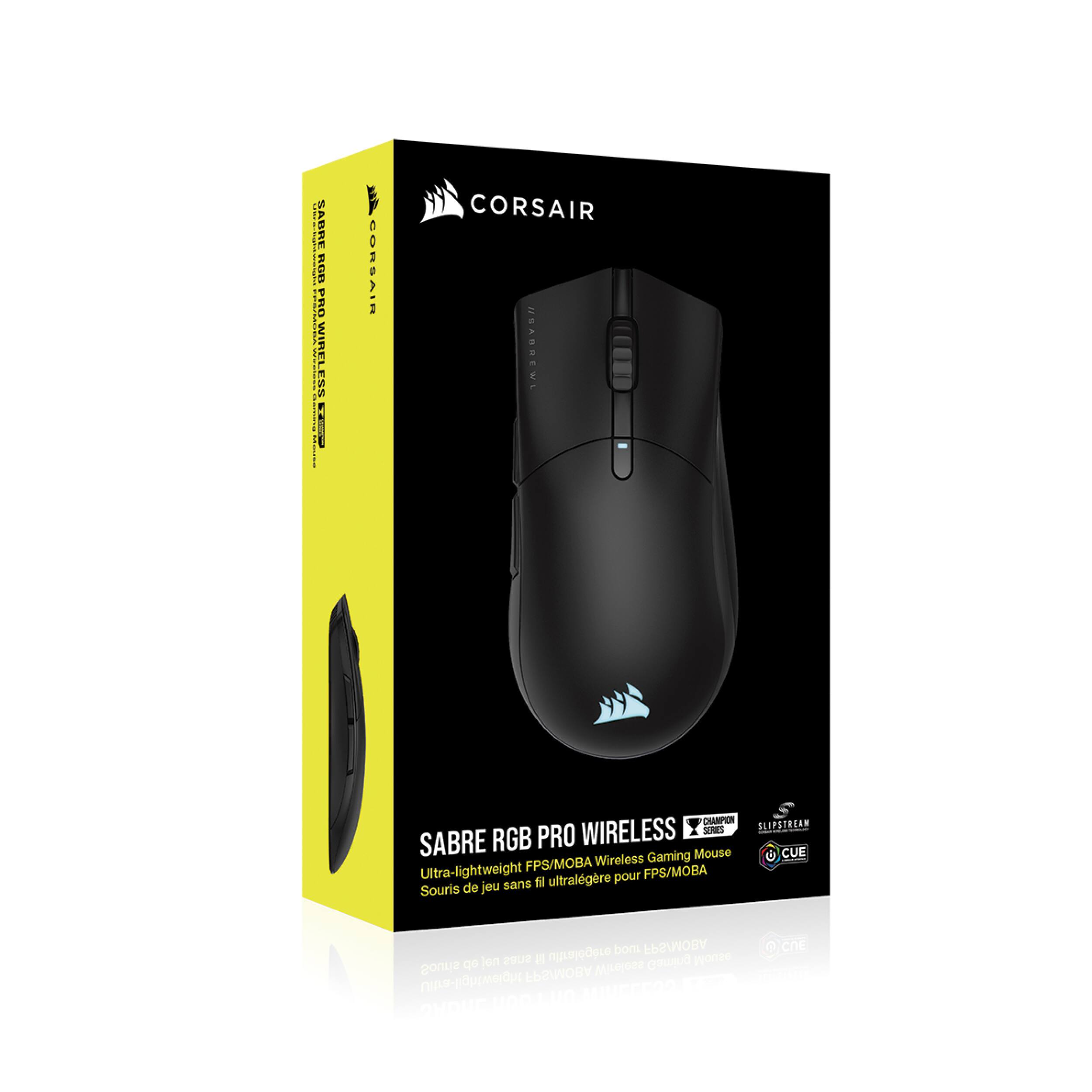


- Model:
- CH-9313211-NA
- SKU:
- 6476960
Rating by feature
- Value
Rating 4.5 out of 5 stars
- Quality
Rating 4.4 out of 5 stars
- Ease of Use
Rating 4.5 out of 5 stars
Customers are saying
Customers commend the CHAMPION SERIES SABRE RGB PRO Lightweight Wireless Optical Gaming Mouse for its exceptional lightweight design, long battery life, and comfortable ergonomic shape. Many appreciate the wireless functionality and responsive performance, finding it suitable for both work and gaming. However, some users experienced issues with the software and found the button placement less than ideal. A few also noted limitations in the RGB lighting options.
This summary was generated by AI based on customer reviews.
- Pros mentioned:Comfort, Wireless
Great Mouse For Larger Hands
||Posted . Owned for less than 1 week when reviewed.This reviewer received promo considerations or sweepstakes entry for writing a review.I have larger hands and have been trying to find a mouse that is comfortable for both gaming and office work. The weight didn't matter much but what i hated from a lot of the gaming mice I've tried is not being able to palm the mouse and having enough support for the right side of my hand. I've gone through several iterations of the G502, G604, G305 Steel Series Rival and many more than I can't remember here. This one seems to have been the most comfortable after checking online for mouse size ratings and the size of my hand. I did have to return the first mouse I got from it dying but this second one has been great so far, will update later if I have any issues. The first one got also had build issues where the case squeaked while I held it but this current one seems to be wokring fine. I know a lot of people are into light mouse right now and many times they can go for a high price, this one is wireless/wired and for about $40 on sale is a really good value. If you have large hands like I do[wear an XL MMA glove for reference] give this mouse a shot.
I would recommend this to a friend - Pros mentioned:Wireless
Great mouse, if not a little on the large side
||Posted . Owned for 1 week when reviewed.This reviewer received promo considerations or sweepstakes entry for writing a review.Exactly what I was looking for, it has bluetooth, USB and a wireless dongle and a nice easy switch to go back an forth, I use each connection for a different purpose so it's nice for that. Was looking at the G Pro wireless but being cheaper and USB C made this a much better choice. I wouldn't consider it lightweight but for the size it's definitely light.
I would recommend this to a friend - Pros mentioned:Wireless
Great mouse for casual and competitive use
||Posted . Owned for 2 months when reviewed.This reviewer received promo considerations or sweepstakes entry for writing a review.Got this mouse for less than $50. Can’t complain with that price. Able to customize the RGB on it and also Wireless mode sounds nice too, though I haven’t tried that yet. Recommended.
I would recommend this to a friend - Pros mentioned:Comfort
Very comfortable and customizable
||Posted . Owned for 1 week when reviewed.This reviewer received promo considerations or sweepstakes entry for writing a review.Very comfortable and customizable mouse. I ran into some issues when connecting via Bluetooth, where the mouse interfered with my headphones and the iCue software could not recognize that it was connected. It works great when using the USB receiver though and I was able to create and store several profiles for the mouse. The profiles are easy to switch and the changeable DPI is really nice.
I would recommend this to a friend - Pros mentioned:Battery life
Phenomenal
||Posted . Owned for 2 months when reviewed.This reviewer received promo considerations or sweepstakes entry for writing a review.Amazing mouse. Got it on sale and has rechargeable battery. Good battery life and wakes up when you move it. May be big for some users.
I would recommend this to a friend Corsair Sabre
||Posted . Owned for 1 month when reviewed.This reviewer received promo considerations or sweepstakes entry for writing a review.Great item for good price. Item was priced at $100 more but I got mine for $40 on a black friday.
I would recommend this to a friend- Pros mentioned:Battery life, Comfort, WeightCons mentioned:Software

An Underdog Takes Top Spot
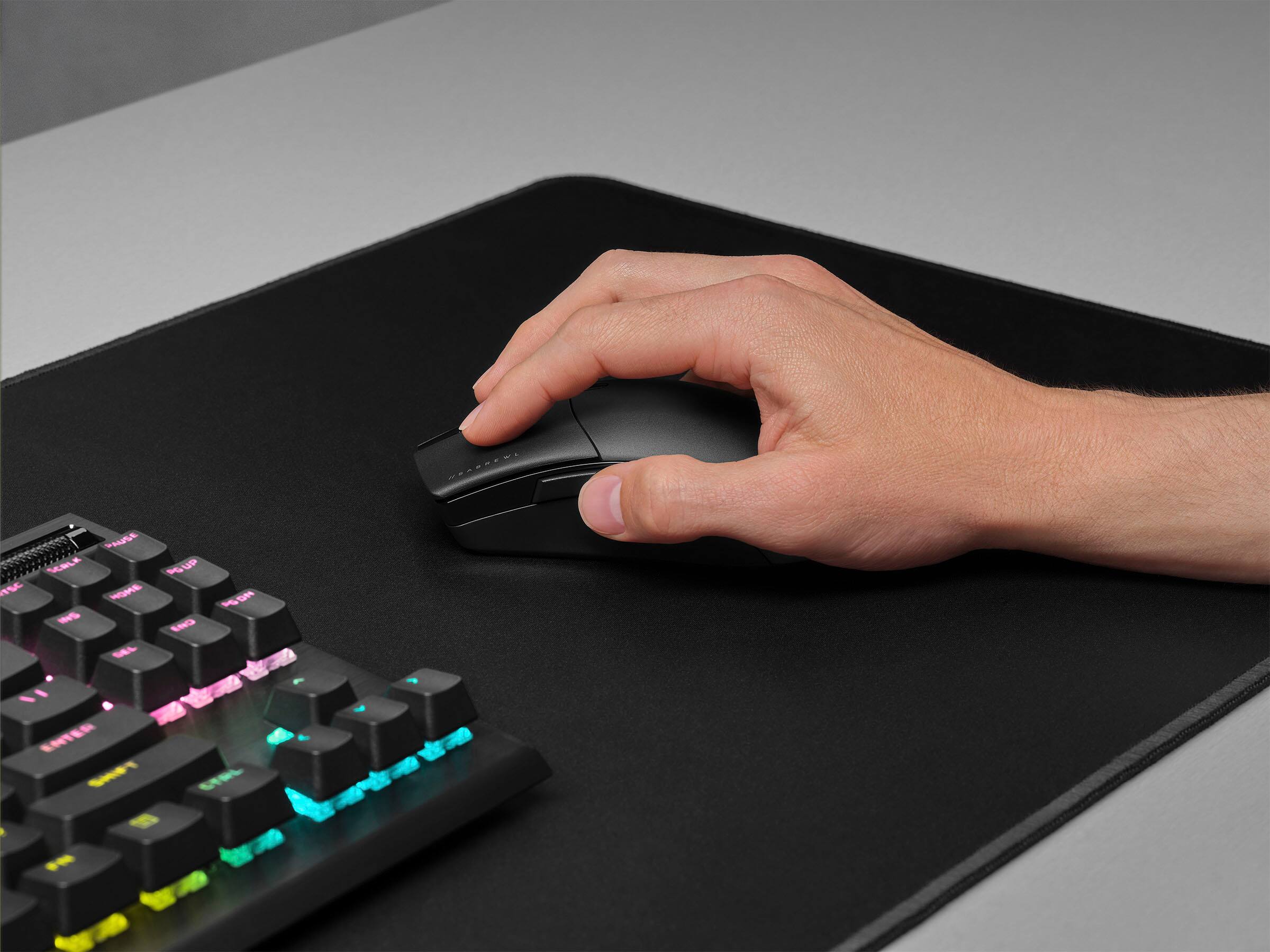
|Posted .This reviewer received promo considerations or sweepstakes entry for writing a review.This is a brilliant large, right-handed, ergo mouse made for medium to large hands that use palm grip. Shape, size and weight are excellent. Primary clicks feel good but can be flat, side clicks are excellent, and scroll wheel is enjoyable. Slipstream wireless supports 2,000 Hz giving a noticeable but mild competitive advantage. It also has Bluetooth 5.0, solid skates, and one of the best sensors on the market allowing you to destroy the competition. Build quality is solid but there is significant noise when shaken but not when stirred. Battery life is pretty good but not great. It comes with a USB C port which is a win but is marred with a horrific rubber cable. It doesn’t have an extender dongle increasing the likelihood of people experiencing issues with the wireless. Sides are slick which means you may want to add some grip tape to combat. Overall, I like this mouse a lot and straight shred with it. It’s an easy recommendation from me. PROS: - Onboard DPI Adjustment?! What?! Hold the DPI Button and then side buttons to change in increments of 50. Stock DPI is 400 (red), 800 (white), 1,200 (green), 1,600 (Purple), 3,200 (cyan). - Polling rate can be 1,000 Hz or 2,000 Hz which I believe only Corsair is doing. Which I appreciate. As higher DPI polling does make a difference and gives a mild competitive advantage. But also uses more power. - Can show battery gauge in notification area which is awesome. But doesn’t show percentage. Which makes me sad. - Can pair to multipoint which means you can connect multiple wireless devices to a single Slipstream USB dongle. - Can change lift off distance from (low, medium, high, calibrated) in ICUE among other things. - 5 onboard memory profiles. - USB C Connector cable. But is not a paracord. Very stiff. Terrible to play with. Absolutely terrible. Thankfully it’s wireless. - Super lightweight at 79 grams for a large mouse, that is wireless, with Bluetooth, and RGB lighting, which is kind of unheard of. - Corsair Marksmen Sensor is a top 3 sensor supporting 50 G acceleration, 650 IPS, 26,000 DPI. Extremely accurate and responsive. I love it. - Corsair Quickstrike buttons with Omron 50 mil switches. Short pre travel, moderate post travel, medium springback force. Leads to a crisp click. But sometimes feel a bit flat. - Bluetooth 5.0 - Two-year warranty - Shape, size, weight, accuracy, and comfort are great. - 100% PTFE glide pads. Four of them on edges and one small one around the sensor. No extras in the box. Glide well. - 60-hour battery life with Slipstream, 90 with Bluetooth. Not bad but not great. CONS: - DPI button is recessed, feels mushy, and I often forget it exists - Doesn’t come with a dock to plug puck into which can cause wireless issues. - Wireless USB Dongle is recessed in the mouse so can be difficult to get out. - Dynamic 2 zone RGB lighting is alright. Struggles with Red, orange, and yellow. But does good with green, cyan, blue, purple, and pink. - No percentage for battery is frustrating. - ICUE can be better. You can find the full in-depth review here: (https://youtu.be/moBsk-_BnYI)
I would recommend this to a friend - Pros mentioned:Battery life, Design, Weight
Light, responsive, accurate
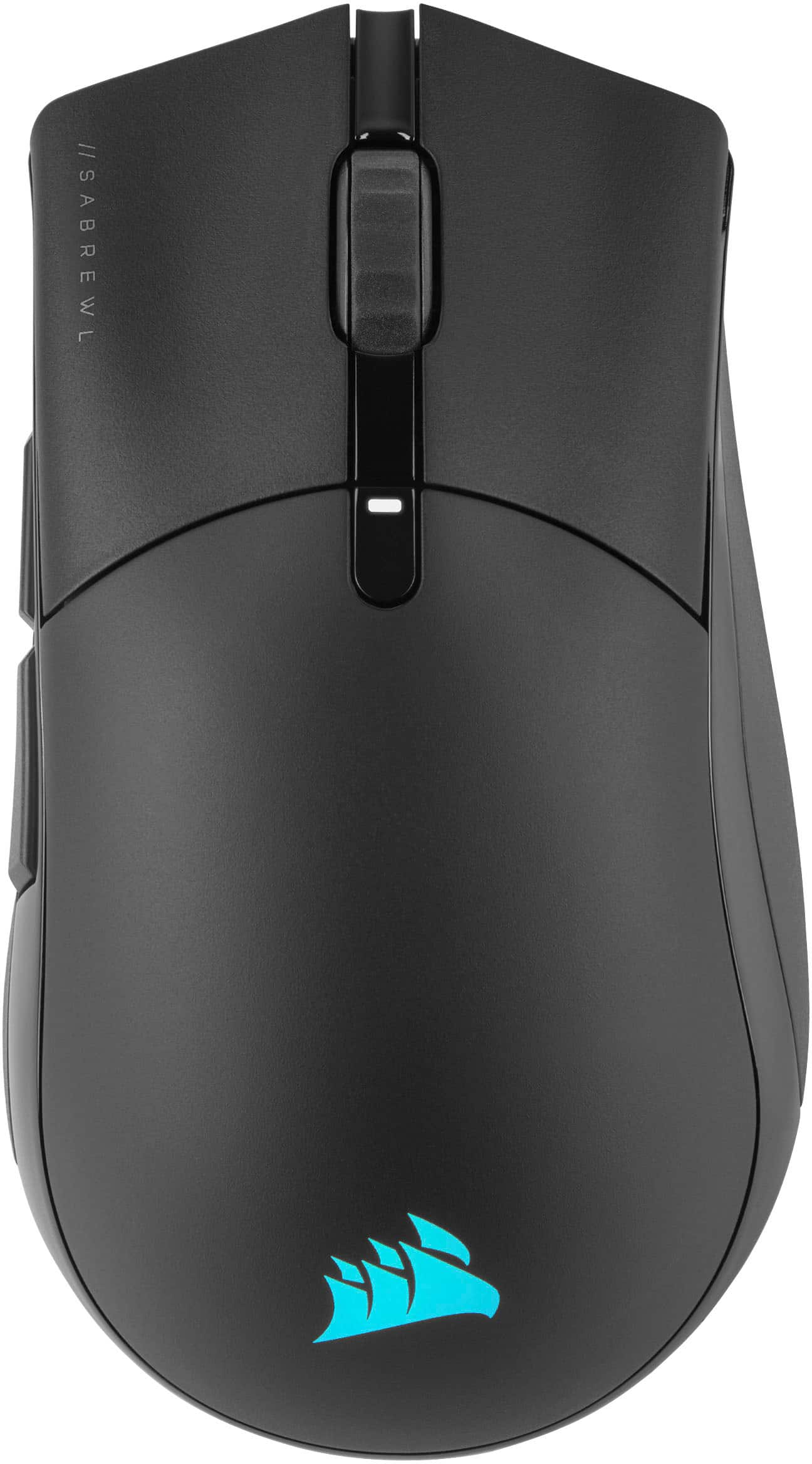
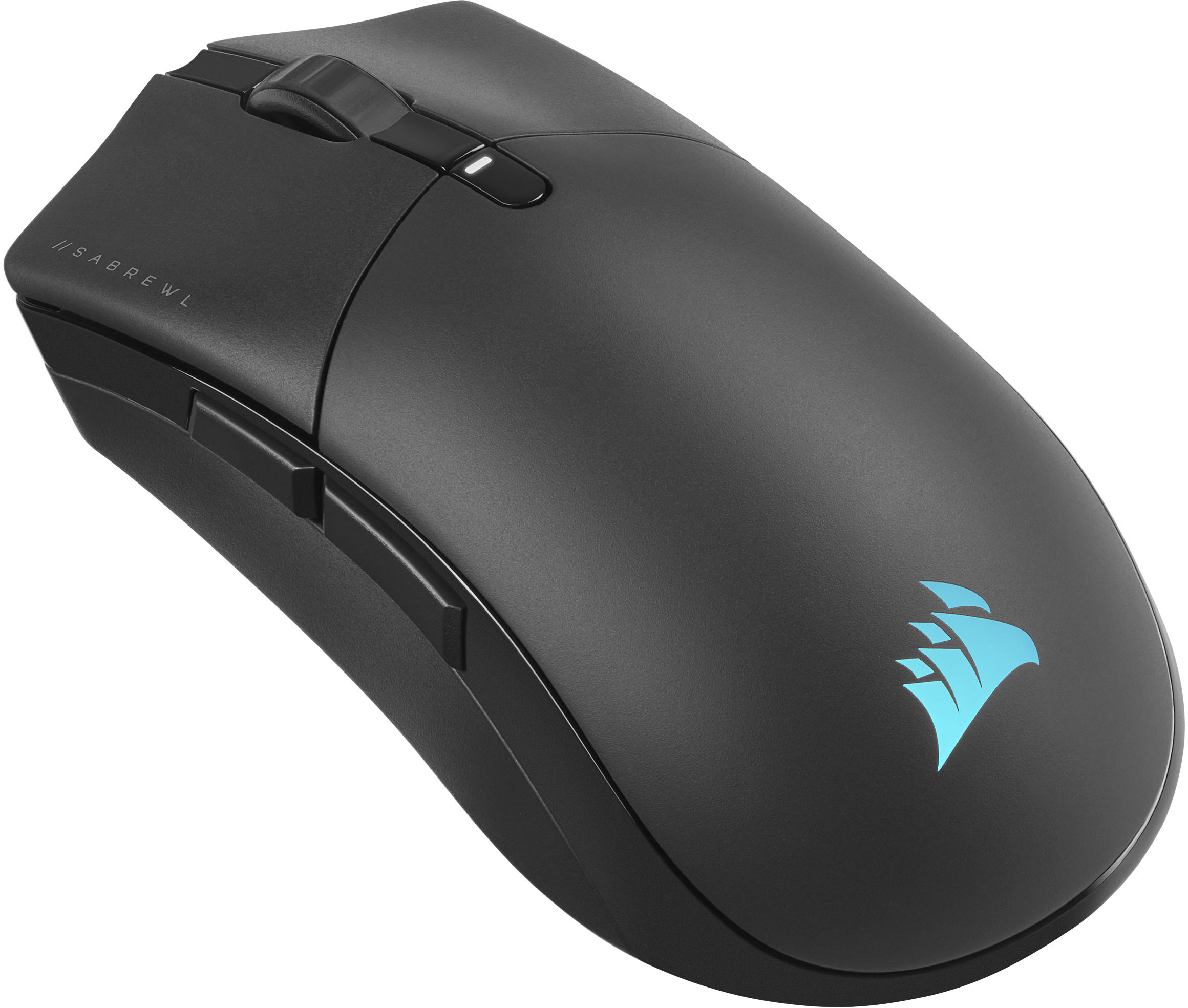
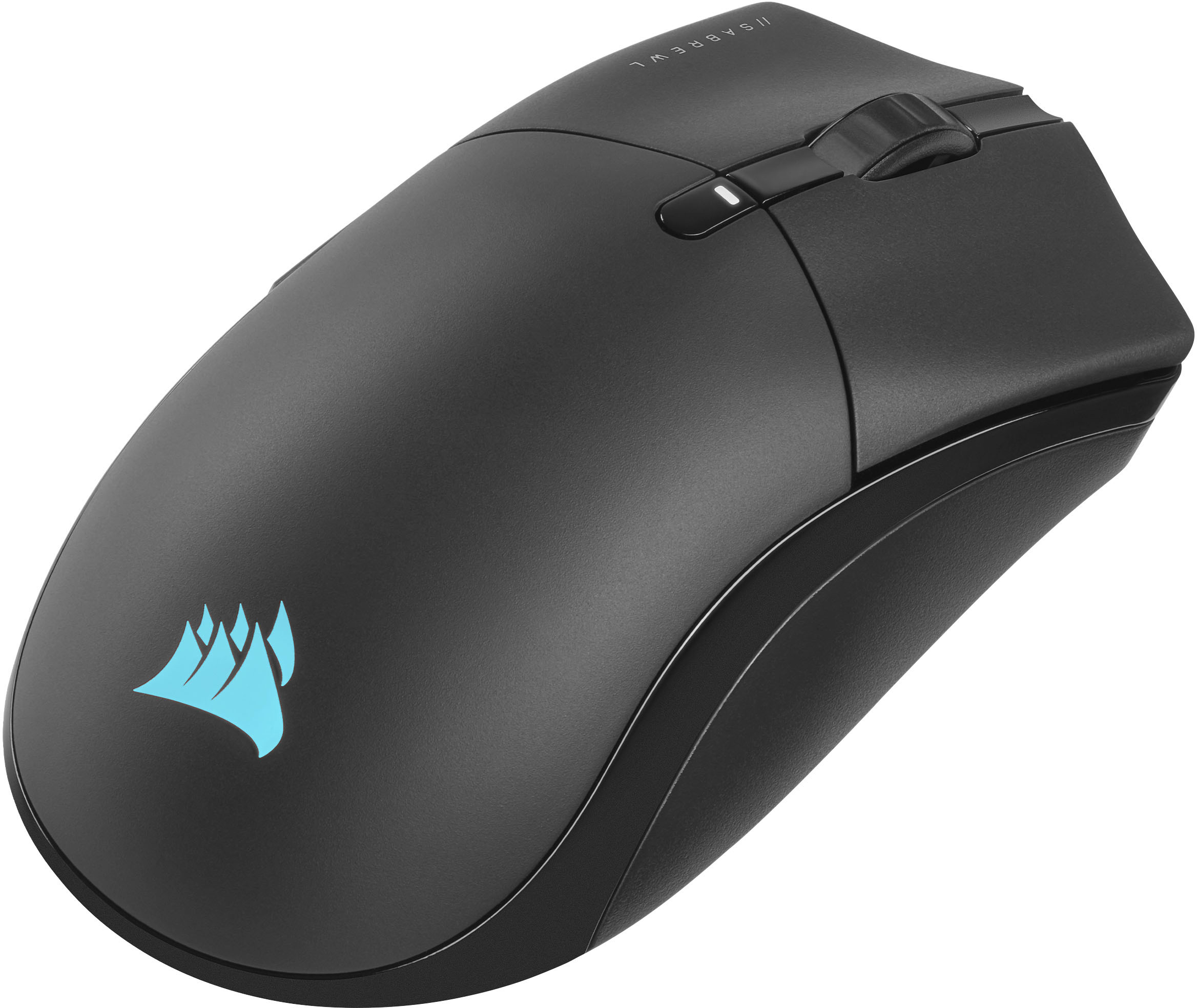
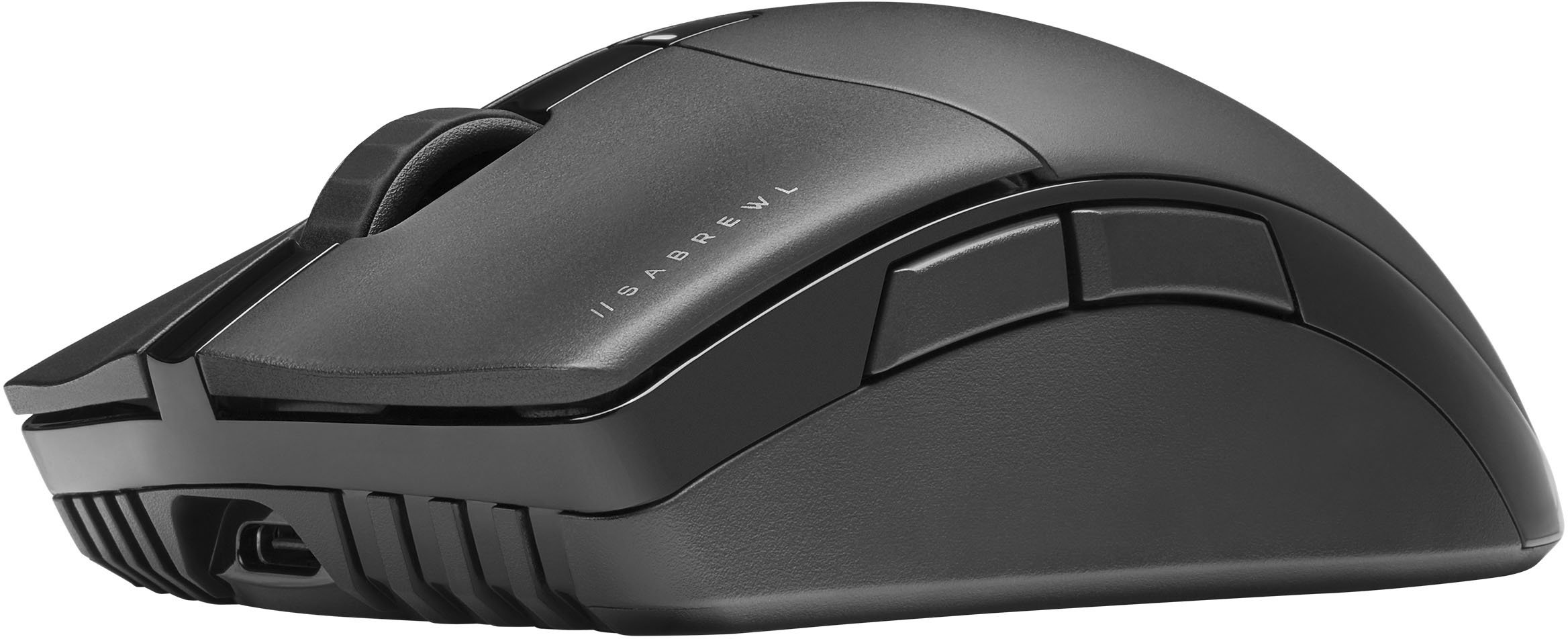
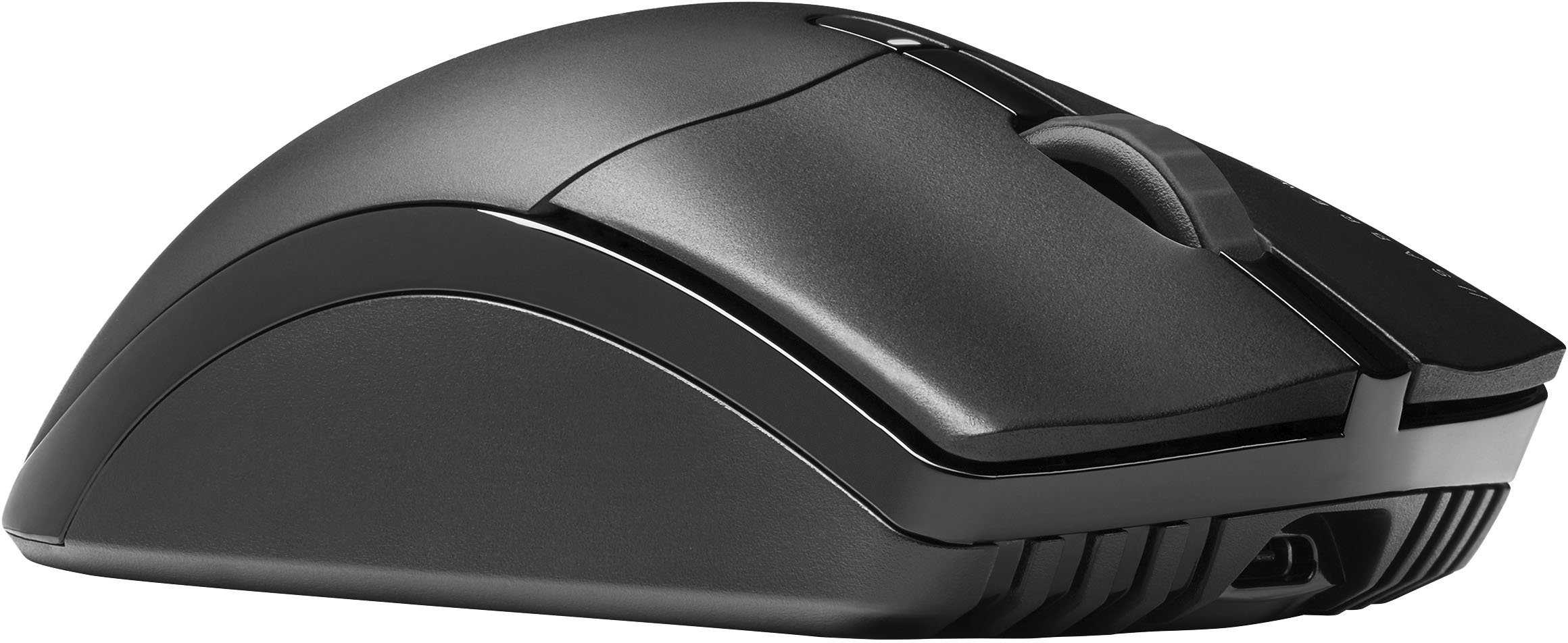
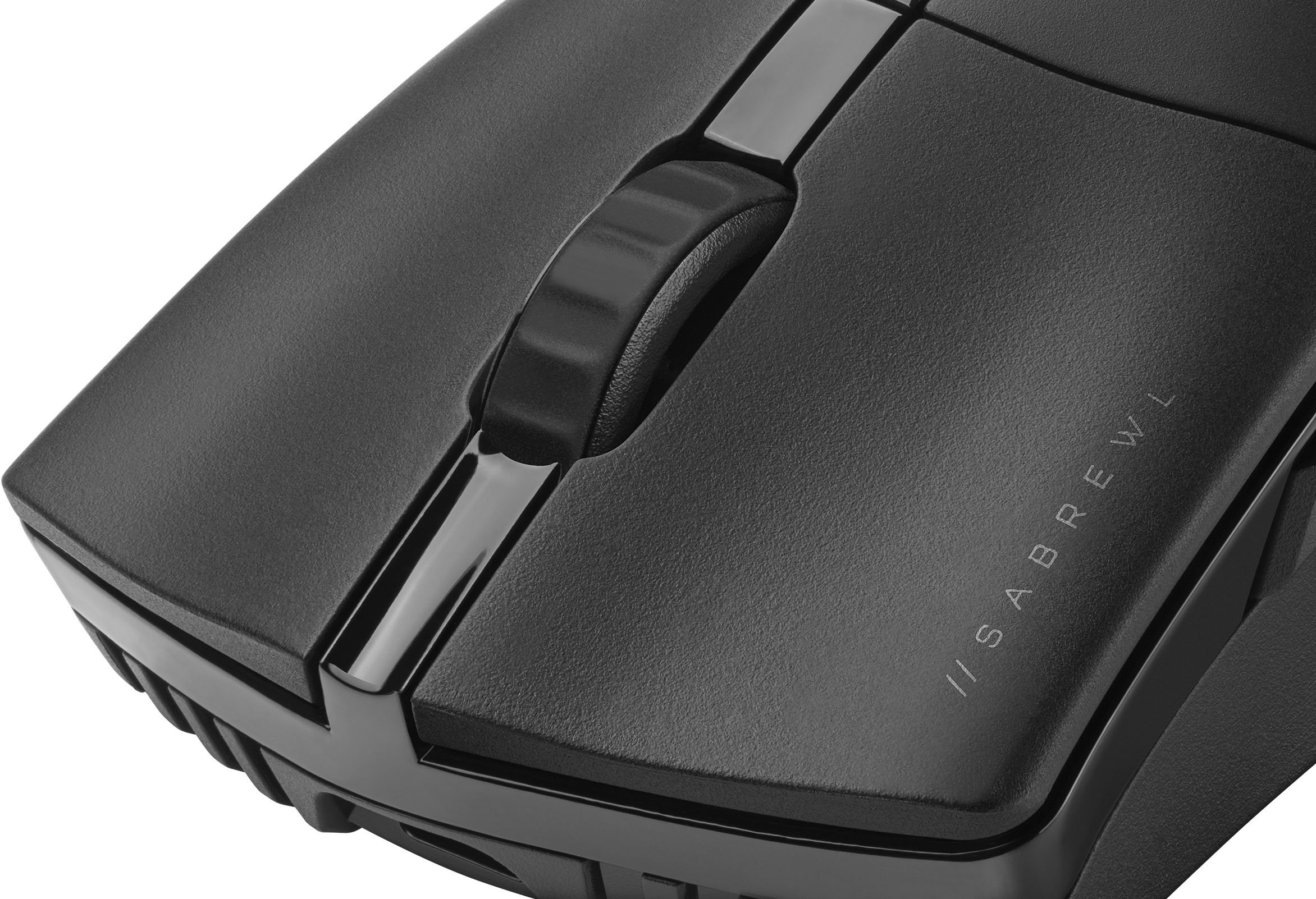
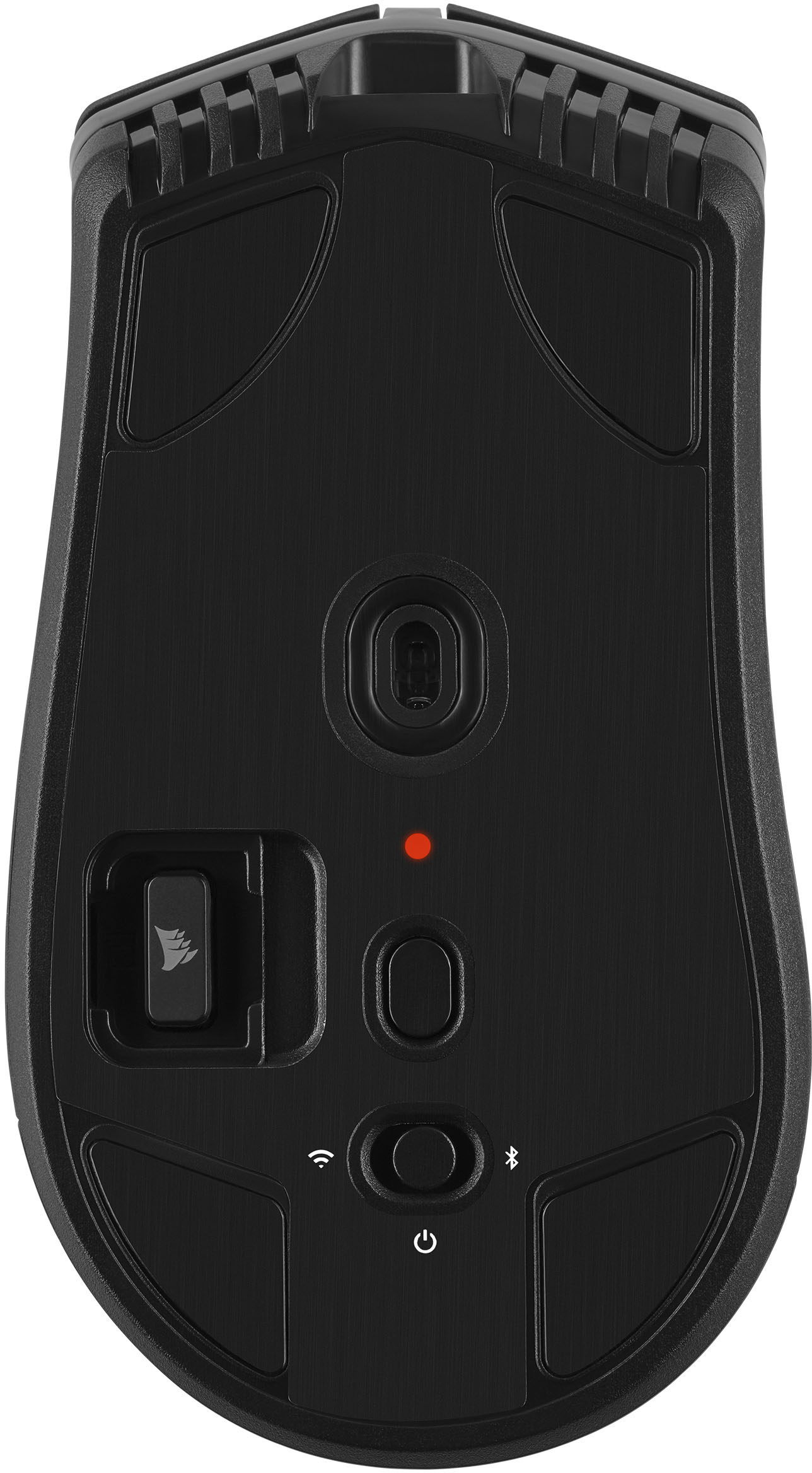
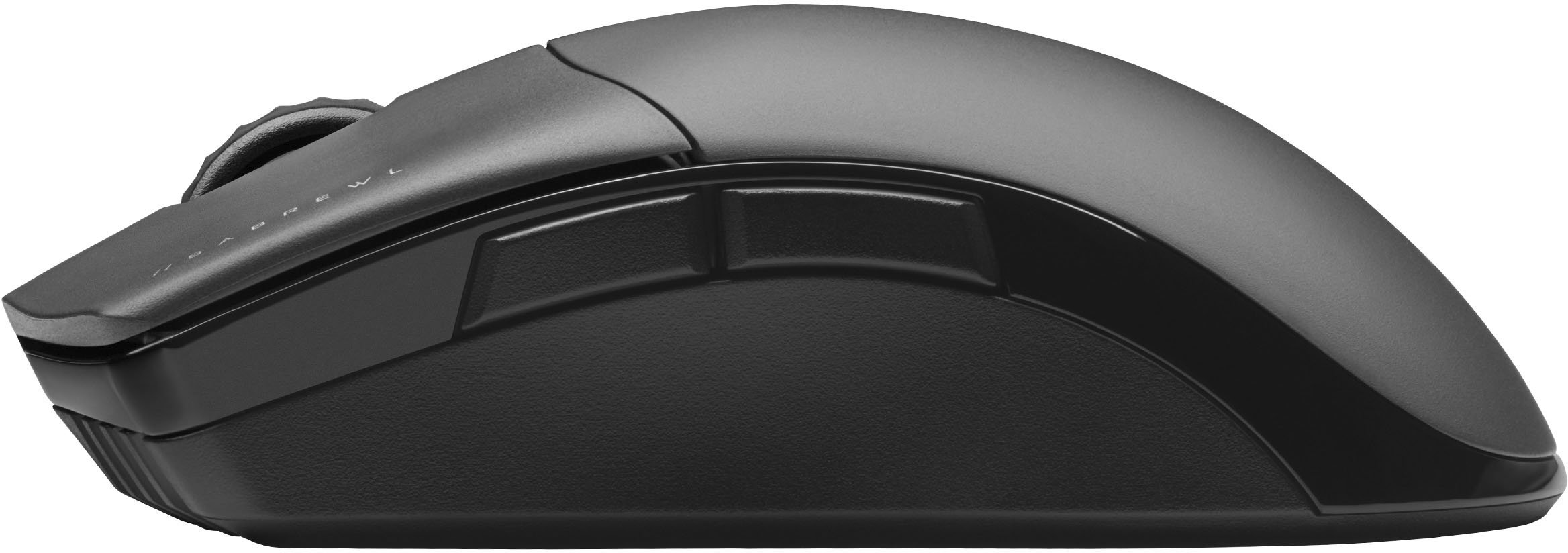
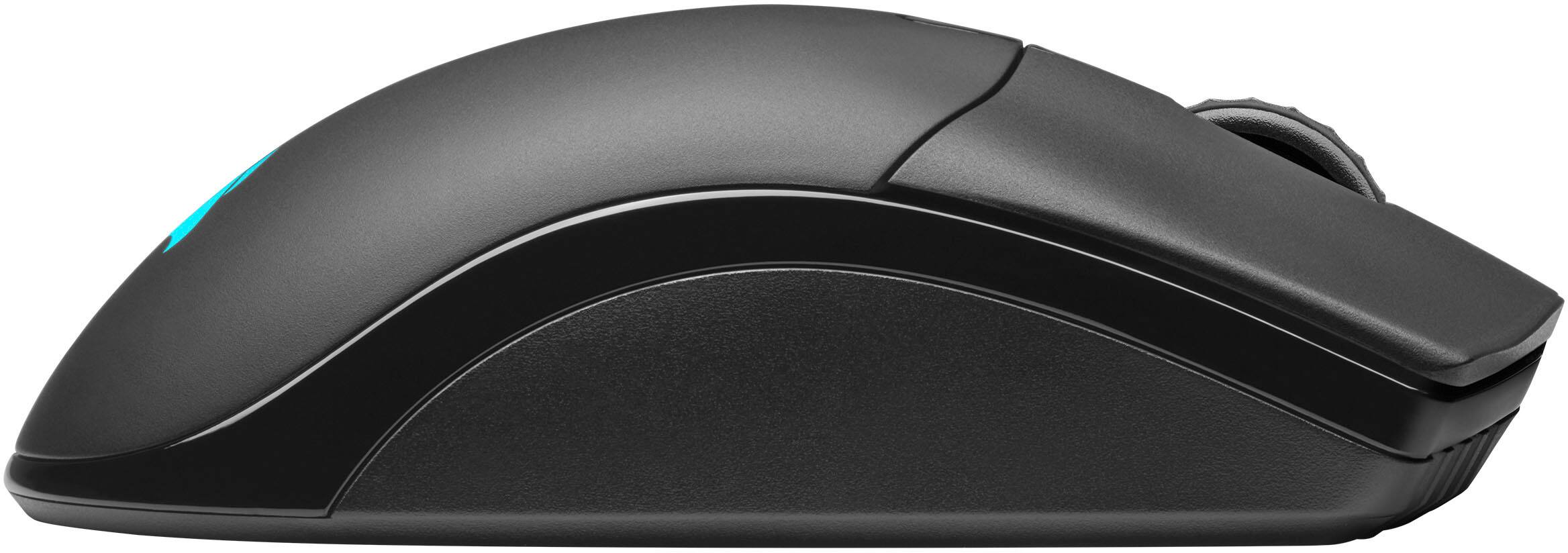
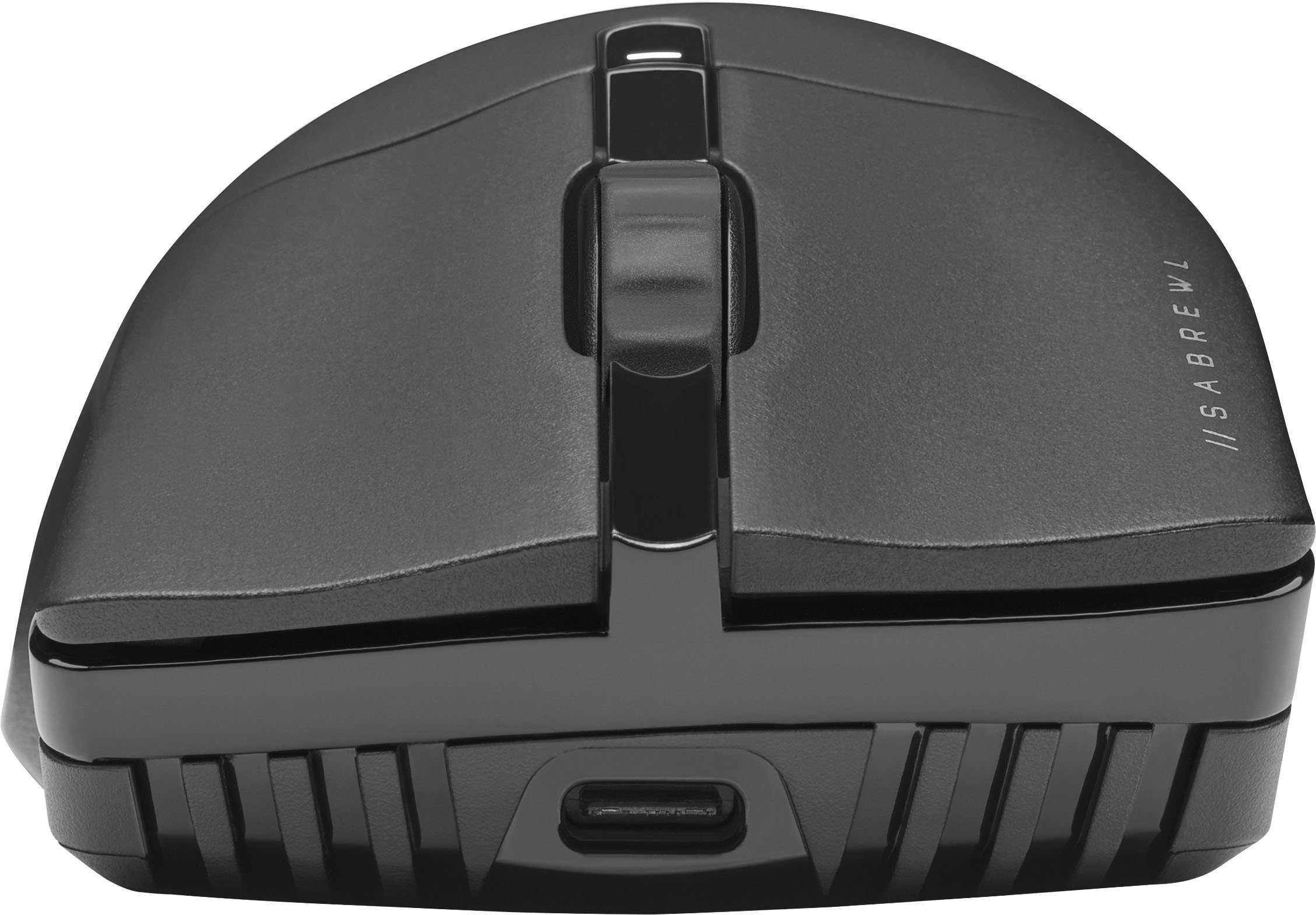
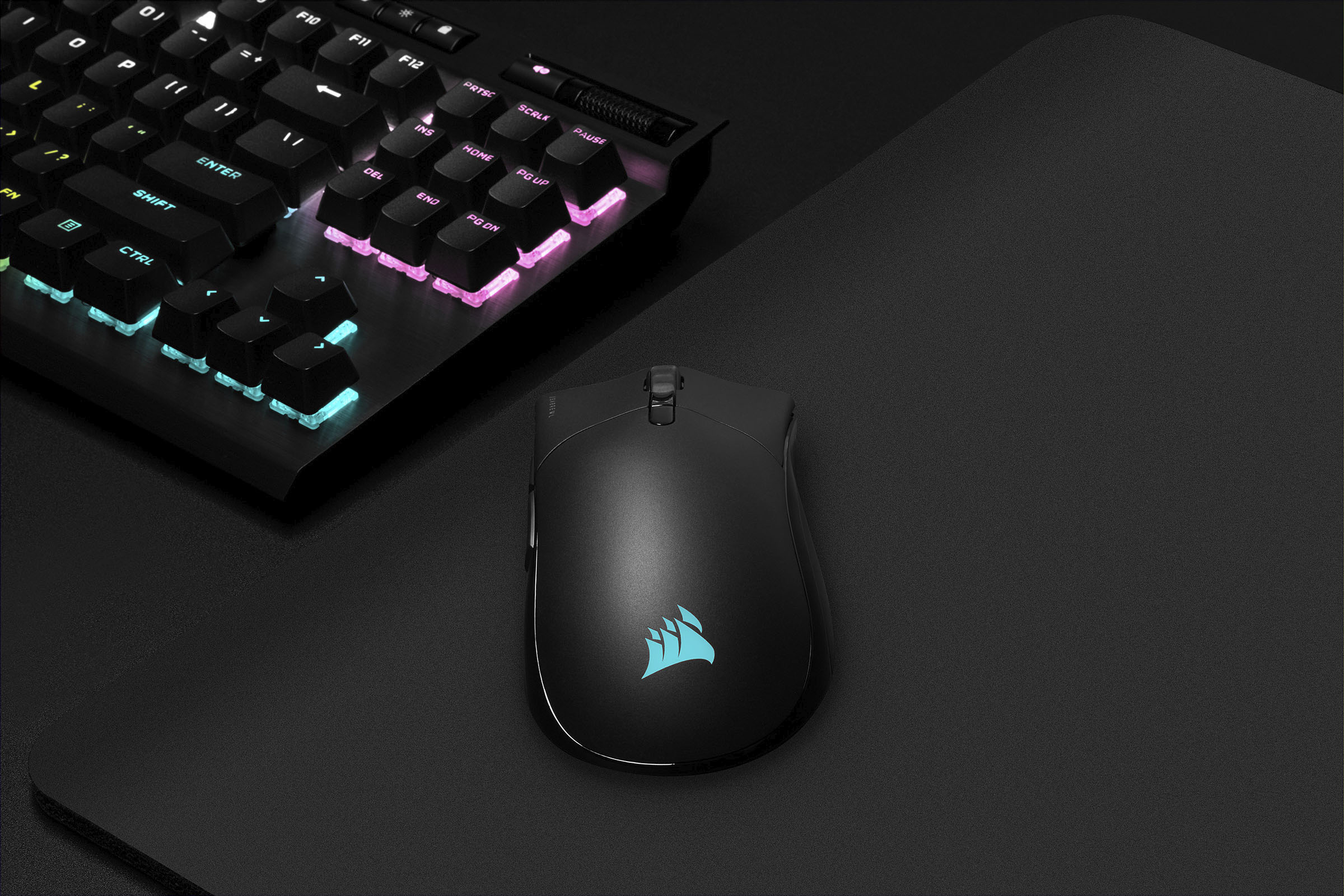
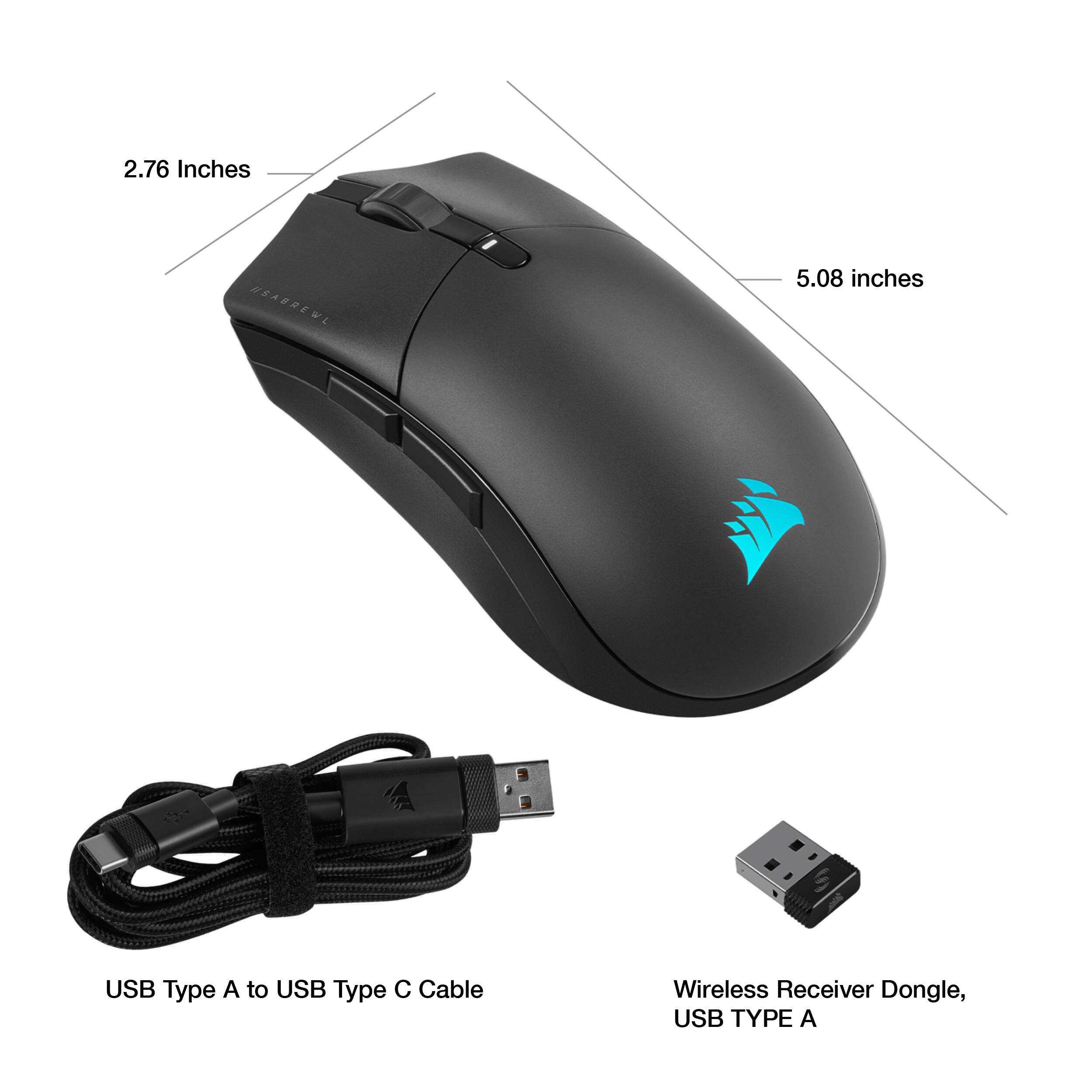
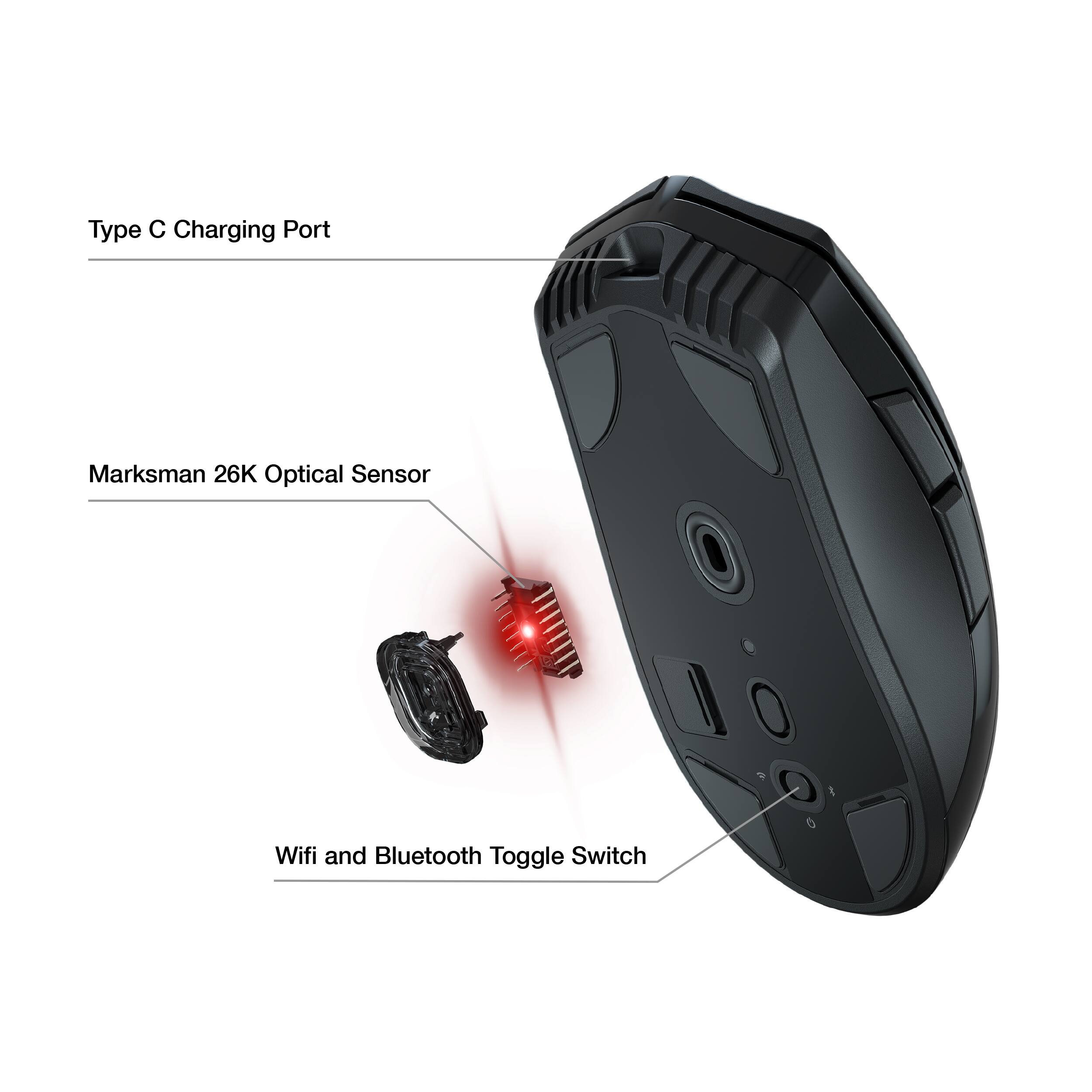
|Posted .This reviewer received promo considerations or sweepstakes entry for writing a review.The Corsair Sabre RGB Pro Wireless Champion Series mouse is feather light, responsive, and easy to customize. It comes with a wireless Slipstream 2.4GHz USB dongle and 6 foot USB-C charging cable. While I was surprised to see that the USB cable was rubber sheathed and not braided fabric, since the mouse is meant to be used wirelessly, the extra drag factor and stiffness of the cable won’t normally be an issue. The mouse can be connected to your computer 3 ways: with the USB charging cable, over WiFi using the Slipstream USB dongle, or via Bluetooth. There’s even a compartment on the bottom of the mouse to store the dongle when you’re on the go, though I wish the door wasn’t fully detachable as it seems easy to lose. The mouse has a simple ergonomic contoured design with 6 buttons: left and right mouse click, clickable scroll wheel, thumb forward and back buttons, and DPI toggle. On the bottom of the mouse are 4 PTFE glide pads which are replaceable and enable the mouse to slide smoothly and effortlessly over a flat surface. The left and right primary mouse buttons use Corsair’s Quickstrike spring mechanism to deliver gapless actuation of the Omron switches beneath, resulting in fast and responsive clicks, especially when executing a series of clicks in quick succession; using them is quite satisfying in terms of feel and responsiveness. The switches are also rated to last 50 million clicks so it should be durable enough to last many years before wearing out. The scroll wheel has a medium incremental feel when rotating that is not too stiff nor too loose, and clicking the wheel enables hyper-fast scrolling with the cursor, but it doesn’t have infinite scrolling on the wheel nor tilt clicking. This mouse has an adjustable polling rate of 125 Hz – 2000 Hz across 5 levels. In practical terms, a higher polling rate means lower latency and better accuracy of mouse movements – perfect for aiming and pinpoint cursor placement when gaming. This may even help creatives with editing, 3D modeling, and art work. Just note that setting the polling rate higher will consume more CPU resources. In order to change the mouse settings and customize the RGB lighting, which appears under the translucent Corsair logo on the palm of the mouse, you’ll need to download and install the iCue software from Corsair’s website. Upon plugging the Wireless USB Slipstream dongle into my computer, the Sabre paired to it immediately without requiring any additional setup. In iCue you can update the firmware, reassign the mouse keys to different actions or complex macros, change the lighting effects, set DPI levels etc. Your settings can be saved directly to the mouse (hardware) or in the iCue software, which would only use those settings while the software is running. You can also create multiple ‘profiles’ and save them both in the iCue software or directly to the mouse (up to 5 hardware profiles). To cycle through the different hardware profiles, just press the profile switch button on the bottom of the mouse, and the status LED will help you determine which profile you currently have selected. The DPI toggle gives you access to 5 stages of DPI from 100 to 26,000 (adjustable in increments or 1) and each of these are indicated by the LED color on the DPI key, also customizable; although you can set a ‘sniper’ DPI as a sixth setting in iCue, the mouse can’t activate that setting unless you remap one of the keys. Also note that some features in iCue are only available to modify when the mouse is connected to your computer via the USB cable, for example, surface calibration, saving hardware profiles, and changing the polling rate. Since I also have Corsair’s K57 wireless keyboard which is Slipstream compatible, I was able to take advantage of the multipoint access feature, so both the Sabre and the K57 were paired to a single WiFi USB dongle; however, you do need enough USB ports on your computer to connect the dongle and all of your peripherals via USB simultaneously in order to set that up in iCue. Overall, my experience using this mouse has been great, whether it’s gaming, creative work, or just browsing the web. The mouse is fast, responsive, and accurate all while being lightweight and wireless. You can even adjust DPI incrementally on-the-fly in increments of 50 for fine tuning, by pressing and holding the DPI toggle and adjusting up or down with the forward or back buttons, and the mouse will automatically save the new DPI level in the current stage. The battery life without RGB enabled is super long, and I’ve gone all week with daily use without needing to plug it in to charge. If you’re really worried about the battery running out when you need it most, you can customize the sleep mode timeout down to 1 minute, toggle it off when not in use, display the Sabre’s battery life in your system tray, and the status light on top will blink red when it needs charging, so you’ll never be caught unawares.
I would recommend this to a friend Slippery but still good
||Posted . Owned for 2 months when reviewed.This reviewer received promo considerations or sweepstakes entry for writing a review.Overall great mouse but I do have one big gripe with it which is that it is very slippery due to the shape and the unusually smooth sides.
I would recommend this to a friend- Pros mentioned:Battery life, Weight
More bang for the buck
||Posted . Owned for 1 month when reviewed.This reviewer received promo considerations or sweepstakes entry for writing a review.Nice light wait had alor of options charging long lasting poqer
I would recommend this to a friend Good mouse for the price.
||Posted . Owned for 6 months when reviewed.This reviewer received promo considerations or sweepstakes entry for writing a review.Works well. Only issue is when I have to charge it.
I would recommend this to a friendGreat mouse
||Posted . Owned for 6 months when reviewed.This reviewer received promo considerations or sweepstakes entry for writing a review.Great mouse extremely lightweight just rather large in size!
I would recommend this to a friend- Pros mentioned:Battery life, WeightCons mentioned:Rgb
Responsive but not easiest to Grip
|Posted .This reviewer received promo considerations or sweepstakes entry for writing a review.The Corsair Sabre RGB Pro mouse has taken me some time to get comfortable with. Yes its super quick and all the buttons react lightning fast but the mouse just doesn’t seem to feel right in my hand. I generally use a palm grip but as things get more intense I find myself using more of a claw grip and its then that the mouse feels less grippy and less comfortable. The upper part of the mouse has a slightly rough matte finish which feels good but the sides are smoother without any type of grip pads on them. The smooth finish helps with the transition from thumb grip to button but the lack of a grippier surface on the sides lessens the feel of a solid grip especially in more rapid movements. If you have large hands and like using a palm grip this may be a perfect mouse for you. There are a lot of things that I like about this mouse. It has 7 fully configurable buttons that can be customized with macros using the iCUE software. The short travel distance to engage and the solid click and release makes these switches feel like they are super-fast. This along with the hyper-polling, adjustable DPI range and its light weight improved my response time and accuracy in game. Changing dpi settings is super quick using the dpi switch on top of the mouse with its built in led indicator. The led indicates via color which dpi preset you have selected. Although the mouse supports both Bluetooth and wireless connectivity you need to use the wireless USB receiver to get Corsair’s sub 1ms transmission speed and 2000hz hyper-polling speed. I have used the mouse in Bluetooth mode on my gaming laptop and I still felt like the mouse was very responsive. When using Bluetooth you can store the wireless dongle inside the mouse so it doesn’t get lost. The rechargeable battery last up to 90 hours without using the RGB lighting. The battery is charged via the usb cable that is provided. The RBG backlighting has some limitations since the only lighting is a Corsair icon on the base of the mouse where your palm sits. So even though you can use the iCUE software to do some customizable color and effects its generally not worth it since your palm hides the lighting. The iCUE software for this mouse is a powerful app and gives you a lot flexibility but its not the most intuitive to use. Using iCUE you can adjust the dpi settings, configure your button assignments including custom macros and create your RGB lighting effects and colors. Also you can do a surface calibration test. The software does have a tutorial option which does help explain the software options. Note that the mouse profiles are saved in the mouse thus to save the mouse profiles you have to hard wire the mouse via the supplied usb cable to your computer.
I would recommend this to a friend Easy to use mouse.
||Posted . Owned for 5 months when reviewed.This reviewer received promo considerations or sweepstakes entry for writing a review.Awesome mouse. Easy to use and fit my hand perfectly. Well priced.
I would recommend this to a friend- Pros mentioned:Weight
Impressive, but the cable could be better
||Posted . Owned for 1 week when reviewed.This reviewer received promo considerations or sweepstakes entry for writing a review.Love this gaming mouse! It is very lightweight and since it is wireless, I can roam around freely without any problems. The cable could be better in terms of material, but overall the product is great!
I would recommend this to a friend - Pros mentioned:Comfort
Great mouse size for big hands
||Posted . Owned for less than 1 week when reviewed.This reviewer received promo considerations or sweepstakes entry for writing a review.Great battery performace and very comfortable for using on long hours. The apps is very good but i don link that it doesn't show the battery % as a number.
I would recommend this to a friend - Pros mentioned:Weight
Fantastic mouse from Corsair
||Posted . Owned for 1 week when reviewed.This reviewer received promo considerations or sweepstakes entry for writing a review.great shape, weight, texture. got a good deal and GSPR and couldnt be happier with my choices. Corsair
I would recommend this to a friend - Pros mentioned:Battery life, Weight, Wireless
reat wireless mouse overall
|Posted .This reviewer received promo considerations or sweepstakes entry for writing a review.Great wireless mouse overall. This is a great wireless mouse, not just for gaming but also for general computer use, including content creation if you use Adobe Creative Cloud software, or any 3D software really. It just feels great in my hand, and looks great with the completely customizable RGB settings, I was a bit surprised at how lightweight the mouse actually is. I have another older one that is significantly heavier. This one is just more comfortable to use. You need to have Corsair’s iCue software installed to set the RGB lighting up on the mouse. There is a button on the mouse to change the polling rate (aka the DPI sensitivity of the mouse). I personally feel the highest DPI setting was way too high for me though you would need to try it to determine what works best on your setup. This mostly will depend on how high resolution a display you have. Now, about the iCue software… It is a bit too much going on, especially if you just want to setup your mouse, and don’t need access to everything else it has to offer. I wish there was a standalone app that just lets you configure the mouse itself. This app will let you also set up other Corsair iCue RGB products. I don’t have any others, but this is how they handle setup on their RGB keyboards, etc. This app will let you customize things like key assignments, lighting effects, what kind of surface you use as your mouse pad, etc. So glad that this mouse not only can connect via their wireless USB adapter, but also via a regular bluetooth connection too. I often move from more than one computer, and at times it is easier to just move the mouse switch on the bottom from wireless to bluetooth, and can instantly move from one computer to the next without having to remove that USB adapter. Also of note, the bottom of the mouse itself has USB-C cable for charging. Also nice, as I don’t have to carry an older micro USB charging cable when on the go for charging. There is a button that will flash when you need a charge, but I seem to be getting great battery life when in wireless mode.
I would recommend this to a friend - Pros mentioned:Wireless
A solid purchase, cordless mice are the way to go
||Posted . Owned for 2 weeks when reviewed.This reviewer received promo considerations or sweepstakes entry for writing a review.A super capable mouse at a great price for black friday! The bluetooth works great!
I would recommend this to a friend - Pros mentioned:Wireless
Good value
||Posted .This reviewer received promo considerations or sweepstakes entry for writing a review.Got it for a very good price. It is wireless and very good for my hand.
I would recommend this to a friend