Customer Ratings & Reviews

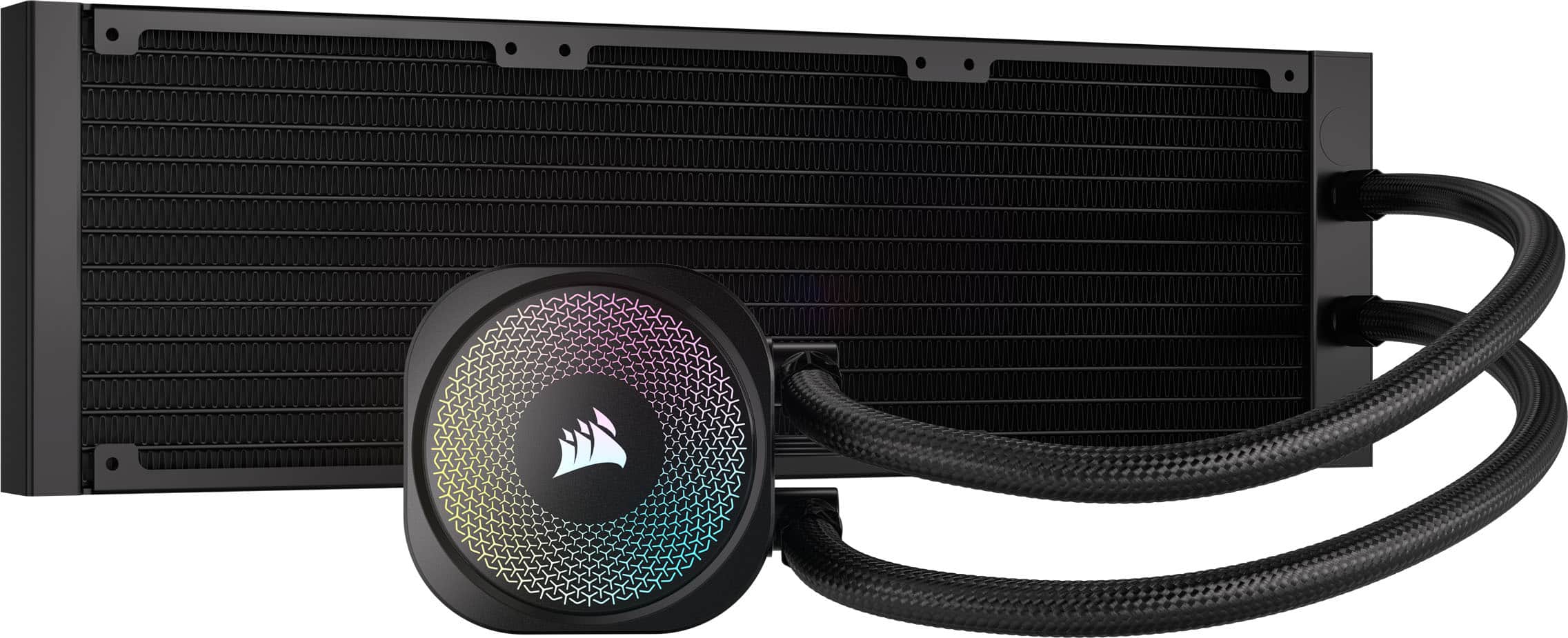
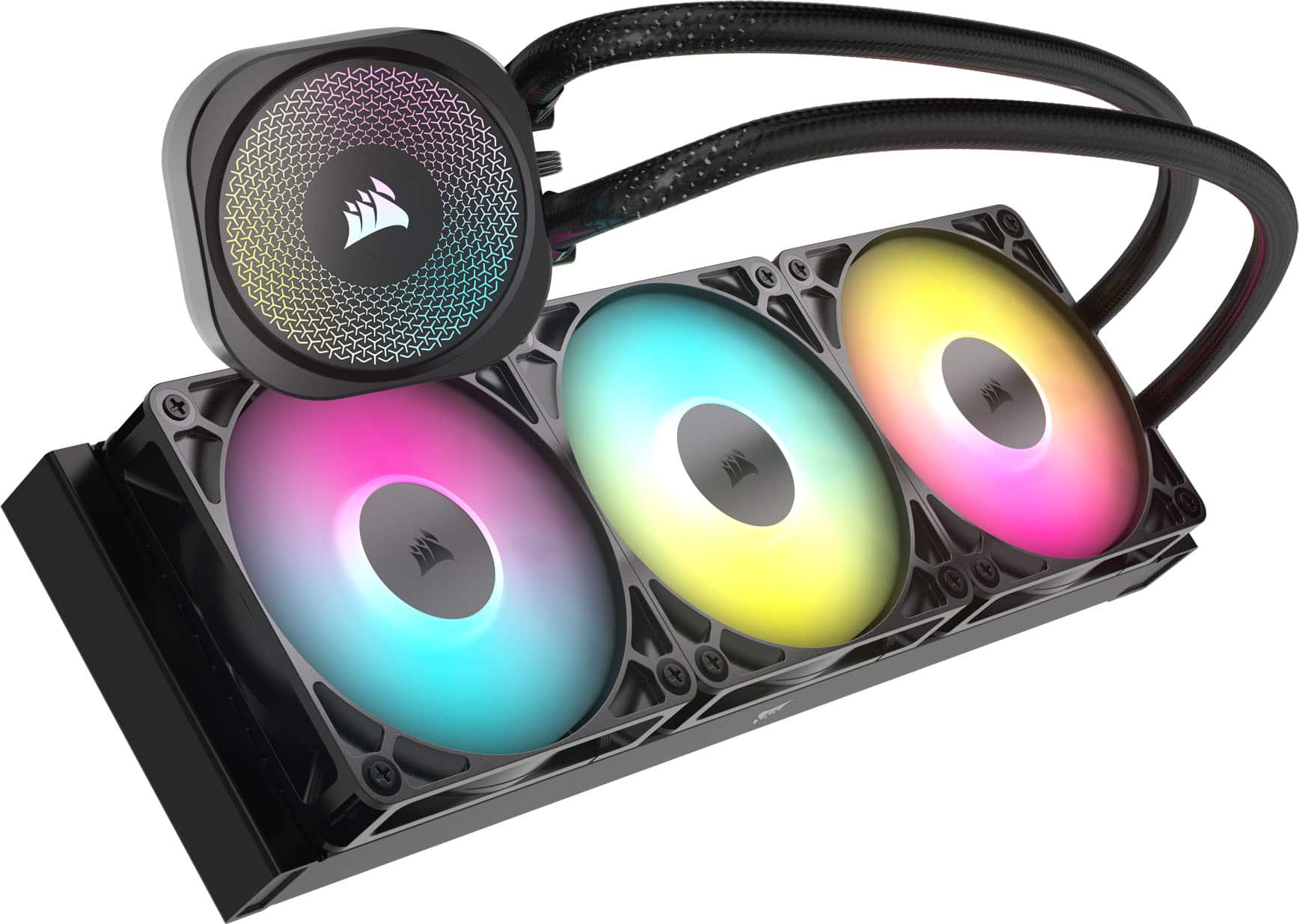
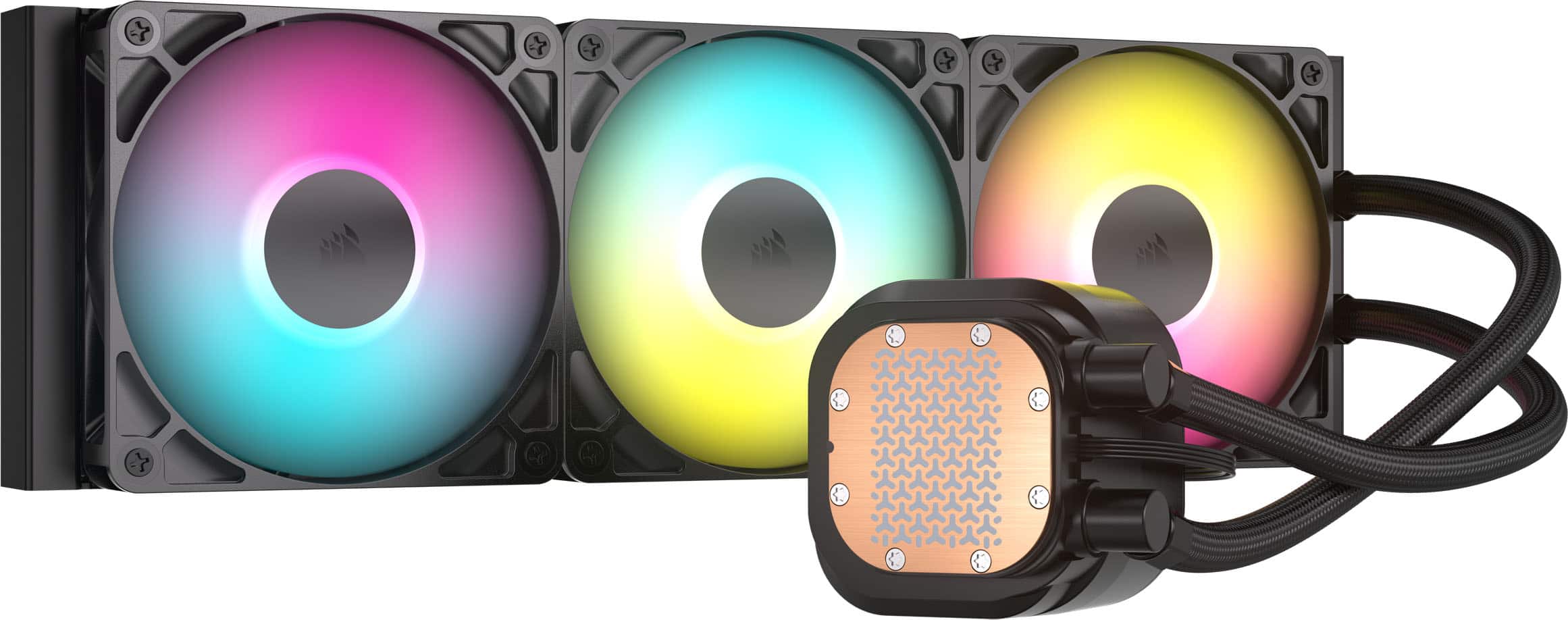
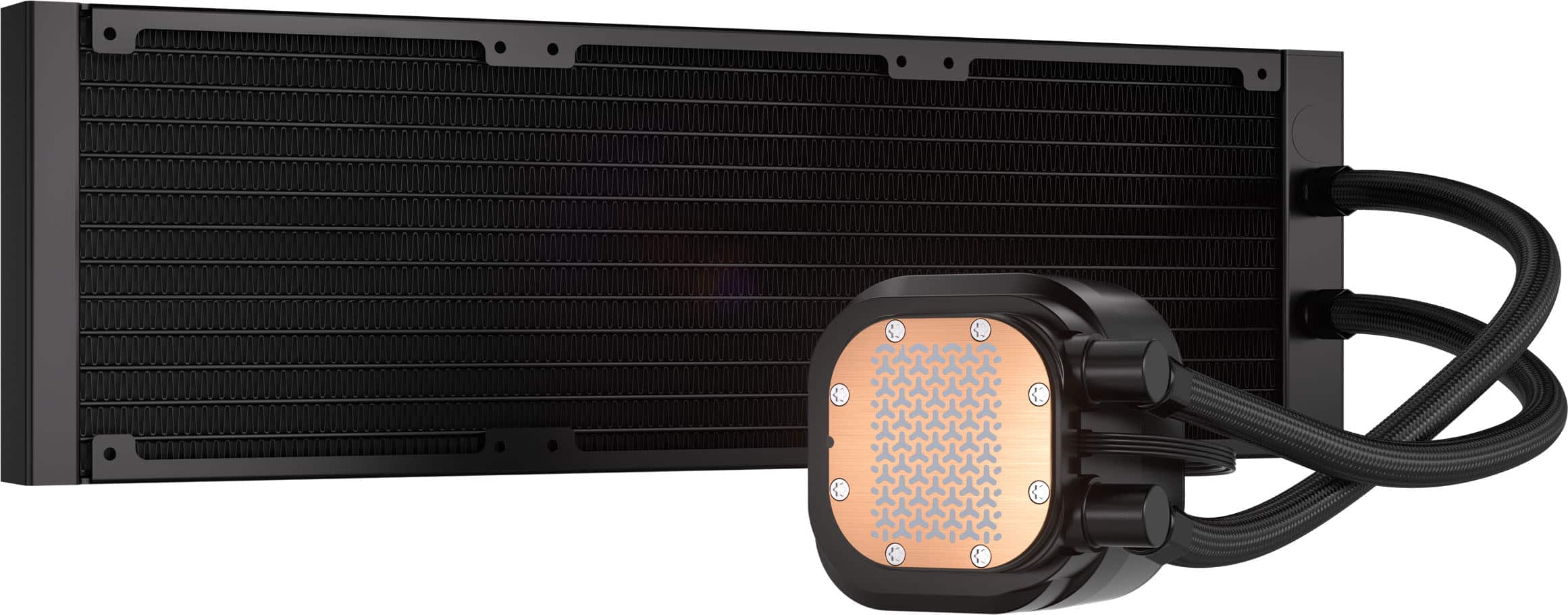
- Model:
- CW-9060093-WW
- |
- SKU:
- 11064610
Customer reviews
Rating 4.6 out of 5 stars with 146 reviews
(146 customer reviews)Rating by feature
- Value4.6
Rating 4.6 out of 5 stars
- Quality4.8
Rating 4.8 out of 5 stars
- Ease of Use4.6
Rating 4.6 out of 5 stars
Rated 5 out of 5 stars
AIO for a First time PC’er
||Posted .This reviewer received promo considerations or sweepstakes entry for writing a review.Fits perfectly in my case, temps have been good to me!
This review is from CORSAIR - NAUTILUS 360 ARGB Liquid CPU Cooler with RS120 ARGB Fans - Black
I would recommend this to a friendRated 5 out of 5 stars
Looks good
||Posted . Owned for 1 week when reviewed.This reviewer received promo considerations or sweepstakes entry for writing a review.Awesome AIO, it is easy to install and keeps my temps down.
This review is from CORSAIR - NAUTILUS 360 ARGB Liquid CPU Cooler with RS120 ARGB Fans - Black
I would recommend this to a friendRated 5 out of 5 stars
BEST AIO CPU COOLER
||Posted .This reviewer received promo considerations or sweepstakes entry for writing a review.Good cpu cooler, keeps my cpu fresh, not hight temperatures & nothing about thermal throttling
This review is from CORSAIR - NAUTILUS 360 ARGB Liquid CPU Cooler with RS120 ARGB Fans - Black
I would recommend this to a friendRated 5 out of 5 stars
The best liquid refrigeration
||Posted . Owned for 2 weeks when reviewed.This reviewer received promo considerations or sweepstakes entry for writing a review.Has a good quality, pretty easy to install, and has a good control
This review is from CORSAIR - NAUTILUS 360 ARGB Liquid CPU Cooler with RS120 ARGB Fans - Black
I would recommend this to a friendRated 5 out of 5 stars
Great for work and gaming
||Posted .This reviewer received promo considerations or sweepstakes entry for writing a review.If you’re building a workstation that doubles as a high-performance gaming rig, the NVIDIA 5070 Gaming Trio is easily one of the best choices out there. Reliable, powerful, and beautifully engineered — this GPU delivers.
This review is from CORSAIR - NAUTILUS 360 ARGB Liquid CPU Cooler with RS120 ARGB Fans - Black
I would recommend this to a friendRated 5 out of 5 stars
Amazing Value!
||Posted .This reviewer received promo considerations or sweepstakes entry for writing a review.Absolutely amazing value for a 360mm AIO, can’t beat the price to thermal performance, outperforms the Arctic Freezer III, only complaint would be the noise beyond 1600-1700 RPM. Pump is dead silent at 100%.
This review is from CORSAIR - NAUTILUS 360 ARGB Liquid CPU Cooler with RS120 ARGB Fans - Black
I would recommend this to a friendRated 5 out of 5 stars
Simply amazing ⭐️⭐️⭐️⭐️⭐️
||Posted . Owned for 1 week when reviewed.This reviewer received promo considerations or sweepstakes entry for writing a review.Got here fast and in a box adequate to its size accounting for bubble wrap. Amazing service as always. Thank you best buy. ⭐️⭐️⭐️⭐️⭐️
This review is from CORSAIR - NAUTILUS 360 ARGB Liquid CPU Cooler with RS120 ARGB Fans - Black
I would recommend this to a friendRated 4 out of 5 stars
Keeps my 9800x3d nice and cool
||Posted . Owned for 3 weeks when reviewed.This reviewer received promo considerations or sweepstakes entry for writing a review.Super good for new cpus and was ok to install only part that is tricky is the daisy chain of 9 cables for fan power and rgb
This review is from CORSAIR - NAUTILUS 360 ARGB Liquid CPU Cooler with RS120 ARGB Fans - Black
I would recommend this to a friendRated 5 out of 5 stars
Good Budget AIO
||Posted . Owned for 3 weeks when reviewed.This reviewer received promo considerations or sweepstakes entry for writing a review.Keeps my cpu colder than my old air cooler the peerless assassin temps don’t go higher than 60 degrees Celsius
This review is from CORSAIR - NAUTILUS 360 ARGB Liquid CPU Cooler with RS120 ARGB Fans - Black
I would recommend this to a friendRated 3 out of 5 stars
Good performance, though a bit noisy
||Posted . Owned for 3 months when reviewed.This reviewer received promo considerations or sweepstakes entry for writing a review.Keeps my 9800X3D nice and cool, though you can spmtimes hear water sloshing around inside it.
This review is from CORSAIR - NAUTILUS 360 ARGB Liquid CPU Cooler with RS120 ARGB Fans - Black
I would recommend this to a friendRated 1 out of 5 stars
No adapter for amd motherboard
||Posted .This reviewer received promo considerations or sweepstakes entry for writing a review.This cooler has a black male connection. My b550 msi gaming plus am4 motherboard only has male connections. There is no place to plug it in to. It has extensions, but no adapter. I have seen the video, it shows how easy it is. But, I was guessing it was an intel motherboard they planned it for. Or I am missing a cable adapter. The brown cable goes in correctly. Same with their rs120 ARGB fans. I know my cable management is none existent lol.
This review is from CORSAIR - NAUTILUS 360 ARGB Liquid CPU Cooler with RS120 ARGB Fans - Black
No, I would not recommend this to a friendRated 1 out of 5 stars
Best Buy shipping used item as new
||Posted . Owned for 2 weeks when reviewed.This reviewer received promo considerations or sweepstakes entry for writing a review.Bestbuy shipped an used item instead of a new one. Photo is when the AIO pump first taken out of the box
This review is from CORSAIR - NAUTILUS 360 ARGB Liquid CPU Cooler with RS120 ARGB Fans - Black
No, I would not recommend this to a friendRated 5 out of 5 stars
Solid AIO.
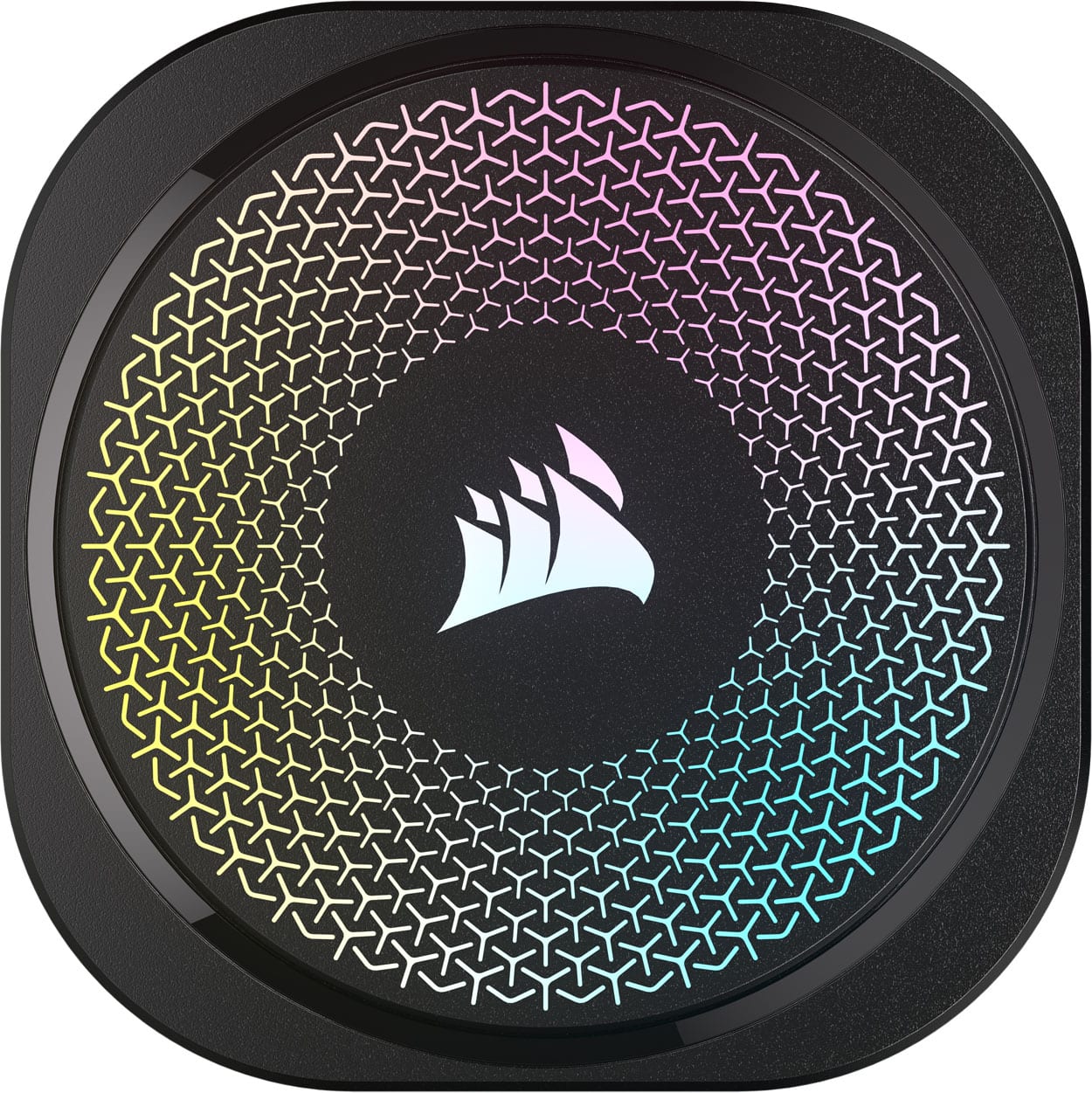
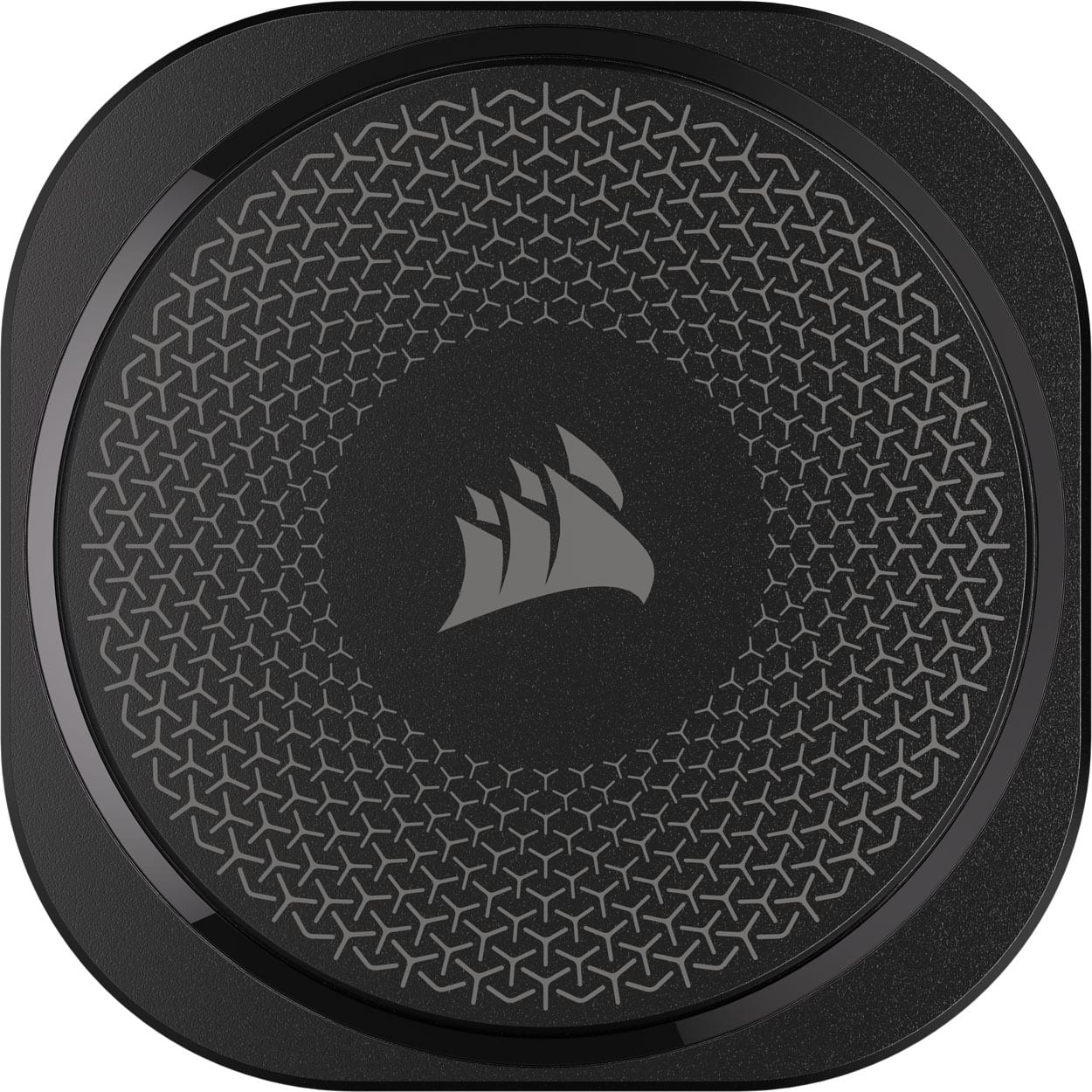
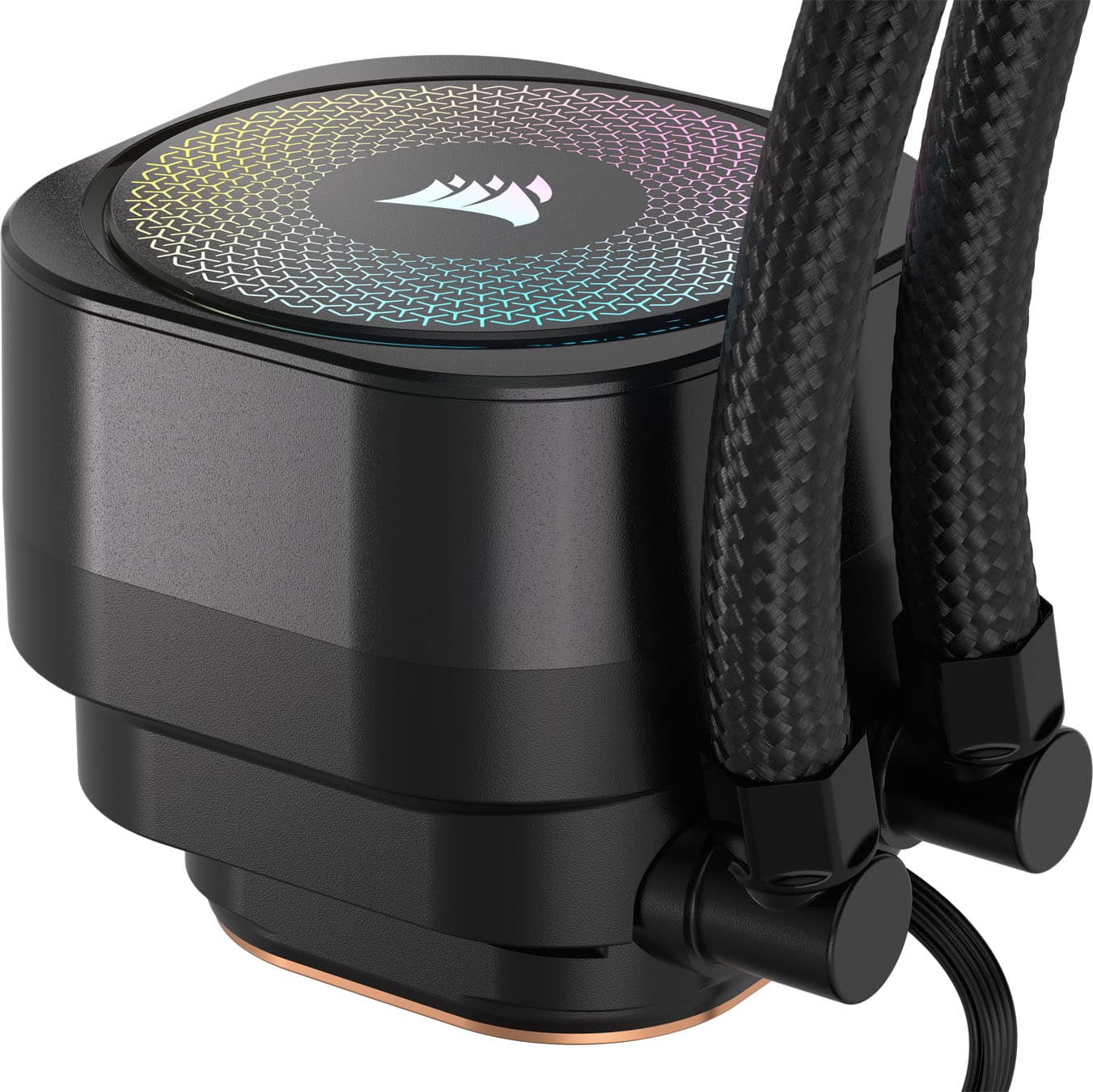
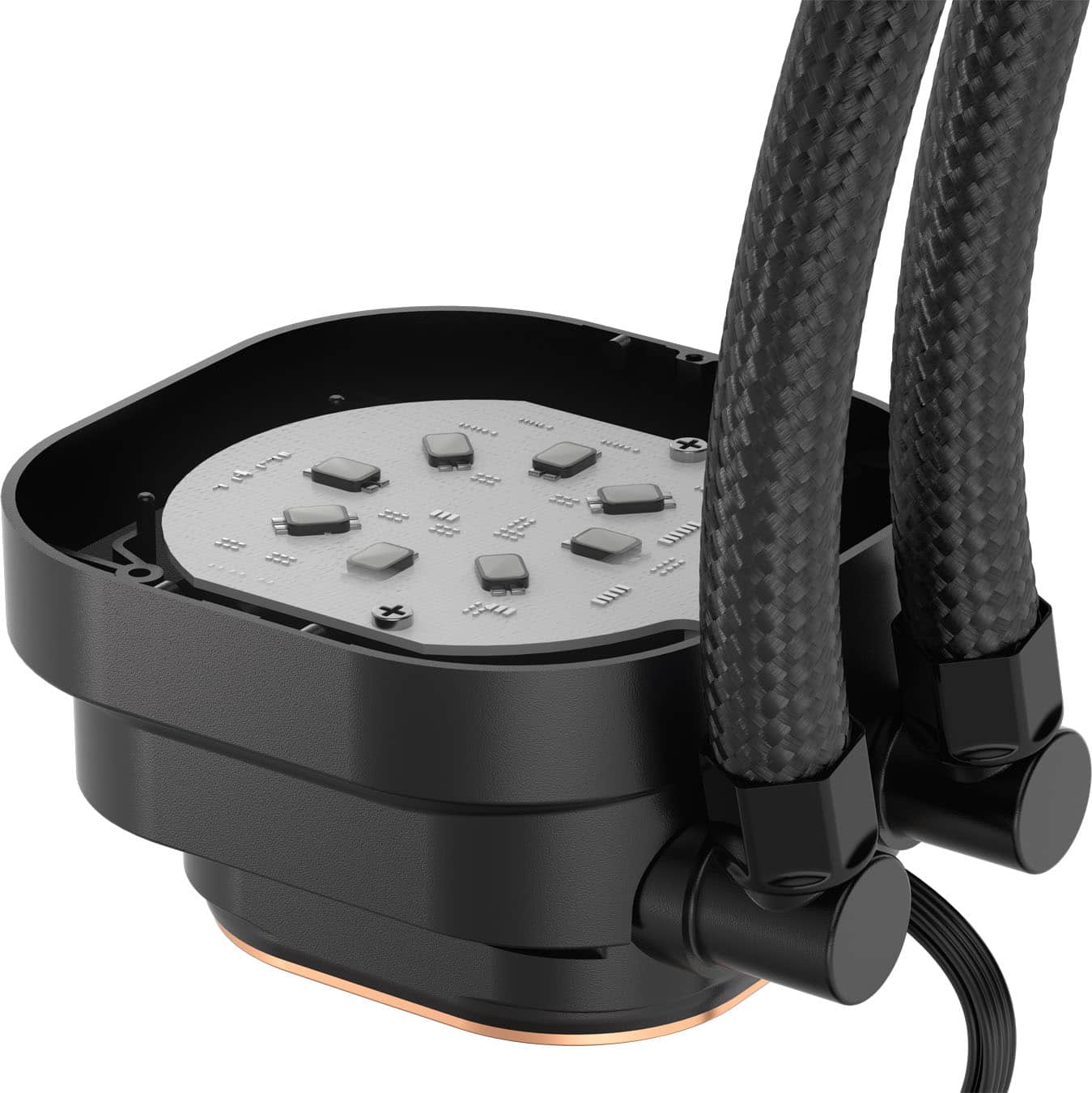
||Posted .This reviewer received promo considerations or sweepstakes entry for writing a review.Can you get cheaper 360 AIO CPU coolers? Absolutely. But I doubt they’ll be this easy to install, especially for AMD users. I found the assembly of this cooler to be straight-forward and easy, which is a change from several others that compete on price (but might have more features, more on that later). What I didn’t find easier here was cable management. You’ll want to do fan installation first. Figure out where you’re placing the radiator first and how the hoses will be oriented. Once done, either install the included fans on the bottom of the radiator. If you’re doing push/pull, make sure you get some of the matching Corsair RS-series fans. Speaking of mounting options, you get 24 through-fan screws so push/pull is definitely easier to deal with here. There are still the 12 standard screws for mounting the radiator to your case, too. Don’t mount the radiator yet though, as you’ll likely need to get to fan and ARGB plugs that will be hidden by the radiator and fans. For Intel systems, there’s an included backplate that has tape to mount to the back of the motherboard. pop the mounting screws in place, then slide the AIO pump/cold plate on and plug in your ARGB and pump connector (usually a grey connector, or labeled option or pump). screw down the thumb screws and you’re done with this step. For AMD systems, remove the cooler mounting clips from your motherboard (save them for later though, as these clips and screws are difficult to find replacements for). screw in the AMD screws, replace the bracket on the pump head with the AMD bracket, slide the AIO pump/cold plate down to the CPU and tighten the thumb screws. Plug in the pump power and ARGB, and you’re done with this step. If you’re mounting the radiator without fans on the no-hose side, use the short screws to mount it up to the case. I go center screws first as it’s less likely to damage the point points. If you’re mounting fans on the no-hose side of the radiator, I’d mount the fans to the case and connect the fans to the motherboard first. Keep in mind that if you’re running push/pull with 6 fans, you’ll either need at least two fan plugs on the motherboard or a fan hub with external power and PWM/tach connection to the motherboard, as motherboard fan connectors typically can’t run more than 4 fans. As you put the radiator in, you can remove one fan screw and replace with a rad screw until all 12 screws are swapped out. So I have mine configured in a push configuration with the three stock fans, installed in a Thermaltake View 270 case with 5 additional intake fans and 1 additional exhaust fan (all Corsair RS series). The cooler is doing a phenomenal job of keeping a Ryzen 5 9600x cool, with temperatures never crossing 68 degrees Celsius, even with warmed air flowing through an overclocked Sparkle ROC A770 16GB video card. If there’s anything at all disappointing about this cooler, it’s the removable light diffuser on the pump/cold plate. Yes, it’s rotatable, but there’s nothing else I can replace it with. I’d like to see options, like a LCD or segmented display. In all seriousness though, for the price, it’s hard to beat the Corsair Nautilus. Can you get cheaper AIOs? Yes. Will they be as easy to install? Probably not.
This review is from CORSAIR - NAUTILUS 360 ARGB Liquid CPU Cooler with RS120 ARGB Fans - Black
I would recommend this to a friendRated 5 out of 5 stars
⭐⭐⭐⭐⭐ Massive Cooling Upgrade Over 120 mm — Keeps
||Posted .This reviewer received promo considerations or sweepstakes entry for writing a review.I swapped out my old 120 mm cooler and installed the CORSAIR NAUTILUS 360 ARGB Liquid CPU Cooler on my Ryzen 9 7900X, and the difference is night and day. No matter how hard I stress the CPU — gaming, rendering, or heavy multitasking — I can’t push temps above 60 °C. That’s a huge improvement from the higher peaks I saw before. The 360 mm radiator combined with the three RS120 ARGB fans keeps airflow strong without sounding like a jet engine. The ARGB lighting adds a clean visual touch, but the real story here is performance: consistent, stable, and very effective cooling even under prolonged load. What stood out: Huge thermal headroom: Ryzen 9 7900X never goes above ~60 °C under heavy stress testing Big upgrade from 120 mm: Dramatically lower temps across all workloads Quiet performance: Fans stay relatively calm and smooth, even under load ARGB lighting: Nice customizable look without compromising airflow Easy installation: Everything went together cleanly with clear instructions What to consider: You need enough case space for a 360 mm radiator More powerful than basic coolers — makes sense for high-end CPUs Added value with Totaltech: As a Best Buy Totaltech member, the 2-year protection made this purchase feel even stronger — great peace of mind when upgrading key components like a CPU cooler. Bottom line If you’re moving up from a stock or smaller 120 mm cooler and running a high-performance CPU like the Ryzen 9 7900X, the CORSAIR NAUTILUS 360 ARGB is a worthwhile step up. It delivers excellent thermals, keeps noise in check, and looks good doing it. I couldn’t push my CPU above 60 °C no matter what I threw at it — that kind of confidence is worth it. Highly recommended for high-end builds or anyone chasing lower, stable temperatures.
This review is from CORSAIR - NAUTILUS 360 ARGB Liquid CPU Cooler with RS120 ARGB Fans - Black
I would recommend this to a friendRated 5 out of 5 stars
Worth Every Penny
||Posted . Owned for 2 weeks when reviewed.This reviewer received promo considerations or sweepstakes entry for writing a review.Easy to connect everything and the CPU install was super easy. Love the changeable brackets. Temps are nice and the fans are super quiet.
This review is from CORSAIR - NAUTILUS 360 ARGB Liquid CPU Cooler with RS120 ARGB Fans - Black
I would recommend this to a friendRated 4 out of 5 stars
Gets the job done.
||Posted .This reviewer received promo considerations or sweepstakes entry for writing a review.1: Cools my 9950x3d just fine in push pull(using pre-applied paste). 2: No quality assurance problems with corsair products so far 3: Noise: nothing bad to point out. 4: Some coolant wooshing every now and then. Doesnt bother me though. Pretty much this was my "Im going to stop stressing over the aio I choose" purchase. Bit more descriptive: Cools my 9950x3d just fine in an intake push pull configuration using 3 extra fans I purchased. I spent too much time researching different AIO's that were in an acceptable price range for me. I just recalled that corsair has never let me down and so I grabbed this. I initially wanted the non rgb version, but I was on a return period time crunch to test other parts I had sitting so I grabbed this version as I could obtain it in time. I wasn't interested in keeping the rgb on but I was pleasantly surprised with how it looked through the front of my case so I just decided to keep it on. I cant really give a quality description on noise levels as the fans my case came with are louder than I would prefer. I do hear coolant noises every now and then, but it doesn't concern me. Its what I expected from the product and I am satisfied with my purchase.
This review is from CORSAIR - NAUTILUS 360 ARGB Liquid CPU Cooler with RS120 ARGB Fans - Black
I would recommend this to a friendRated 5 out of 5 stars
Good quality
||Posted . Owned for 3 months when reviewed.This reviewer received promo considerations or sweepstakes entry for writing a review.Good product. Keeps temps low. Low noise and easy to install
This review is from CORSAIR - NAUTILUS 360 ARGB Liquid CPU Cooler with RS120 ARGB Fans - Black
I would recommend this to a friendRated 5 out of 5 stars
Strong Cooling and Great RGB
||Posted . Owned for 5 months when reviewed.This reviewer received promo considerations or sweepstakes entry for writing a review.This liquid cooler performs very well and keeps CPU temperatures low under load. Installation was straightforward and the ARGB lighting looks great. Fans are quiet and airflow is strong. Excellent cooling solution for high-performance CPUs.
This review is from CORSAIR - NAUTILUS 360 ARGB Liquid CPU Cooler with RS120 ARGB Fans - Black
I would recommend this to a friendRated 5 out of 5 stars
Best quality price relation
||Posted .This reviewer received promo considerations or sweepstakes entry for writing a review.I love it, looks great and keeps the processor so cold that even when gaming it feels like is doing nothing. Only thing I would like to change is the fans for the icue version ones to have lights on the visible side of the fans but is just aesthetic upgrades.
This review is from CORSAIR - NAUTILUS 360 ARGB Liquid CPU Cooler with RS120 ARGB Fans - Black
I would recommend this to a friendRated 5 out of 5 stars
Price to Performance
||Posted . Owned for 1 month when reviewed.This reviewer received promo considerations or sweepstakes entry for writing a review.It is very easy to set up and put in to my computer. The CPU temps have stayed low. I do have trouble customizing the rgb but that could just be on my end
This review is from CORSAIR - NAUTILUS 360 ARGB Liquid CPU Cooler with RS120 ARGB Fans - Black
I would recommend this to a friend