Customer Ratings & Reviews









- Model:
- CH-9127012-NA
- |
- SKU:
- 5713205
Customer reviews
Rating 4.8 out of 5 stars with 808 reviews
(808 customer reviews)Rating by feature
- Value4.4
Rating 4.4 out of 5 stars
- Quality4.8
Rating 4.8 out of 5 stars
- Ease of Use4.7
Rating 4.7 out of 5 stars
Customers are saying
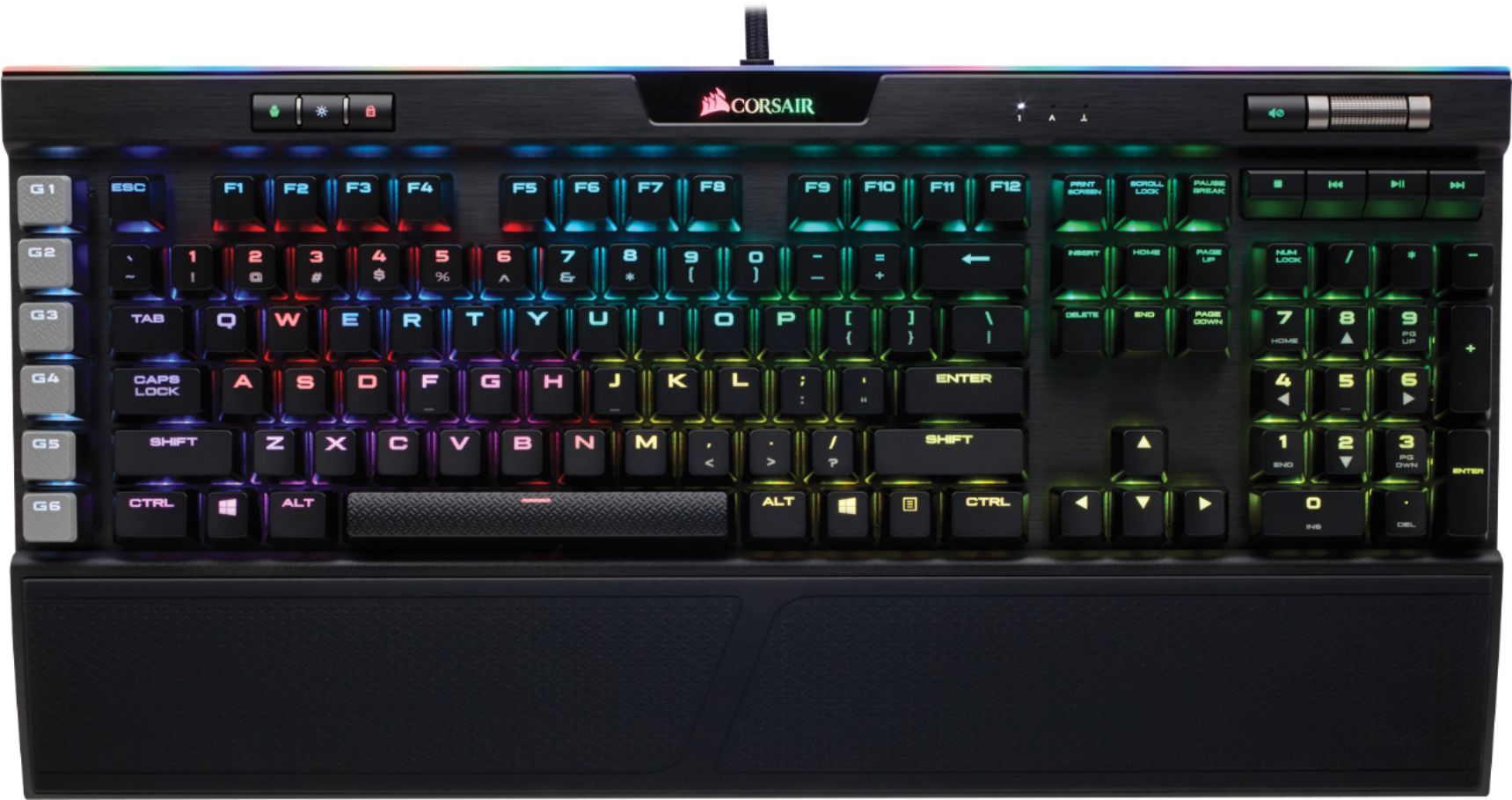
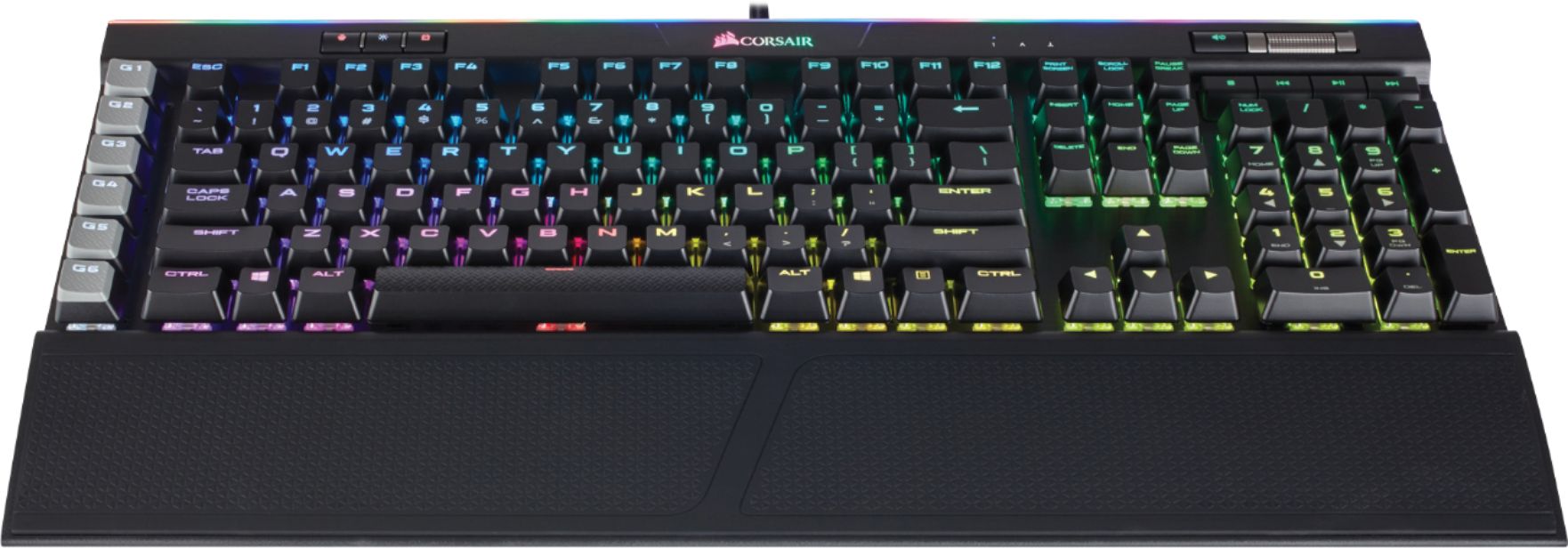
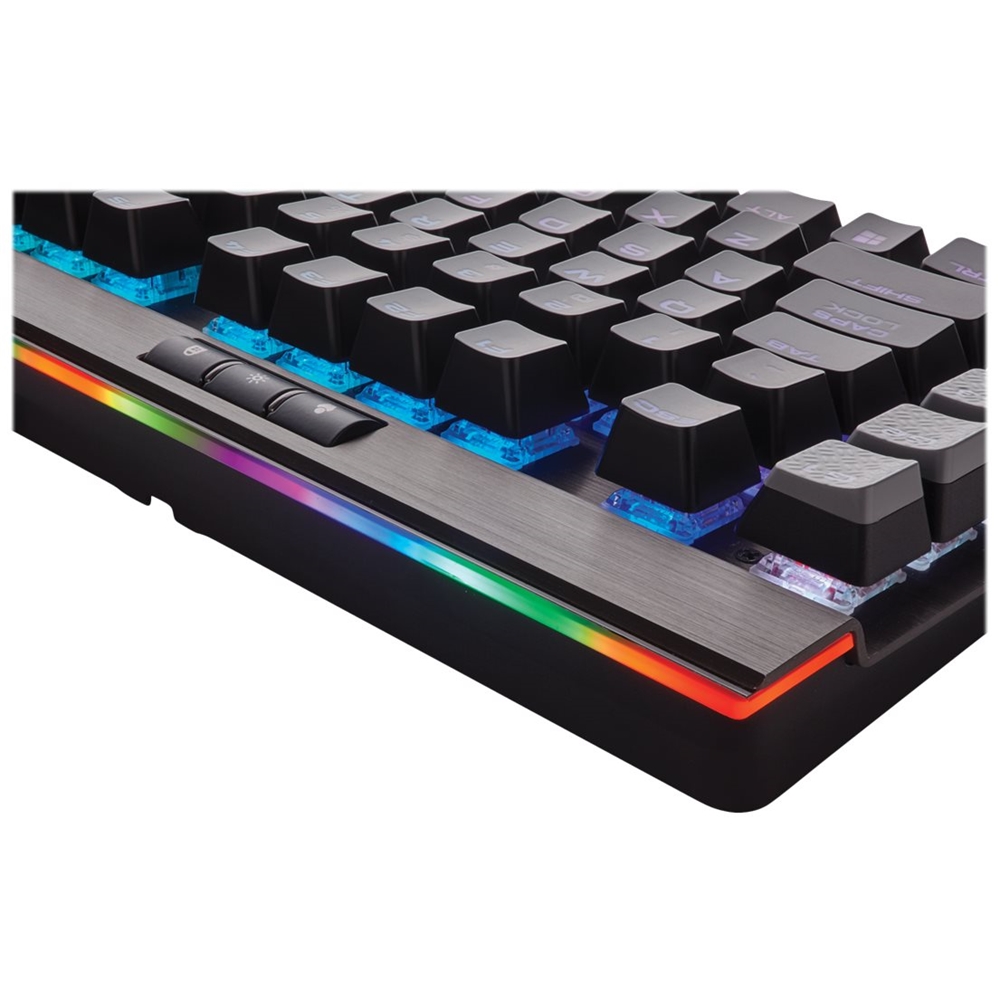
Customers regard the PLATINUM K95 keyboard highly, praising its build quality, RGB backlighting, and key feel. Many appreciate the customizable features and included wrist rest, finding the software intuitive and the typing experience satisfying. However, some customers find the price to be a significant drawback.
This summary was generated by AI based on customer reviews.
- Pros mentioned:Keyboard quality, Rgb backlighting, Switch type
Rated 5 out of 5 stars
Excellent Keyboard
||Posted .This reviewer received promo considerations or sweepstakes entry for writing a review.This keyboard is great. The basic functions of it such as the mechanical keys can be had for a far cheaper price. However I didn’t purchase this keyboard because I want just function. I was looking for form as well. I wanted the rgb and extra bells and whistles and the keyboard delivers. It is built well and looks great as well. I wish the cable was detachable considering the price I would like the option to replace it at some point if by chance something were to happen. This would be my only complaint. I liked the cherry mix red switches I had prior and I like the speed switches even more. They’re just refined red switches. I don’t think they provide any real extra speed but they feel faster and I like the shorter actuation.
I would recommend this to a friend - Pros mentioned:Key feel, Keyboard quality, Rgb backlightingCons mentioned:Price
Rated 5 out of 5 stars
Great mechanical keyboard. Quality construction.
||Posted . Owned for 5 months when reviewed.This reviewer received promo considerations or sweepstakes entry for writing a review.Really LOVE this keyboard. Feels so premium when you open this puppy and the keys are great to the touch. Satisfying mechanical switches and really great software control through iCUE. I think Corsair's lighting management is awesome, works great when you also have other Corsair peripherals (mouse, fans, memory, etc). Similar keyboards from Corsair are available for those with budget-constraints.
I would recommend this to a friend - Pros mentioned:Key feel, Keyboard quality, Rgb backlighting
Rated 5 out of 5 stars
Very Nice! Do your research on MX Keys First
||Posted . Owned for 1 month when reviewed.This reviewer received promo considerations or sweepstakes entry for writing a review.This is the best keyboard I've ever owned. I love the RGB modes available. This uses Corsair's iCue software which I already had installed since I also use Corsair RAM and Fans, and the keyboard was recognized automatically with no issues. You can store up to 3 profiles on the keyboard as well so you can bring your keyboard profiles with you if that's your thing. If you are just getting started with mechanical keyboards like I was, make sure you research Cherry MX keys and the many types. I went with the Brown keys since they have a nice feel but aren't as loud as the blues. They do make silent keys now, but they are much more expensive so I just installed some o-rings underneath my keys which significantly dampened the noise further (I just don't want to annoy my partner.) Some of you may like the clickety clack though so this may not be an issue for you. This K95 model has 6 macro keys, which is very useful to me as a photographer. I have assigned these to help me add shortcuts to my keyboard to help improve my workflow. In summary, this keyboard is amazing and has everything you need.
I would recommend this to a friend - Pros mentioned:Keyboard quality, Rgb backlighting
Rated 5 out of 5 stars
Durable and Just Gorgeous!
||Posted .This reviewer received promo considerations or sweepstakes entry for writing a review.It was my gotta have for Christmas this year and I couldn't wait and wrap it! Definitely expensive, but the quality is obvious and the colors are transcendent. Ease of use is high and with a little help from YouTube unique effects were easy to master. Get yours on a Best Buy sale and enjoy!
I would recommend this to a friend - Pros mentioned:Keyboard quality, Rgb backlighting
Rated 5 out of 5 stars
Expensive but worth it
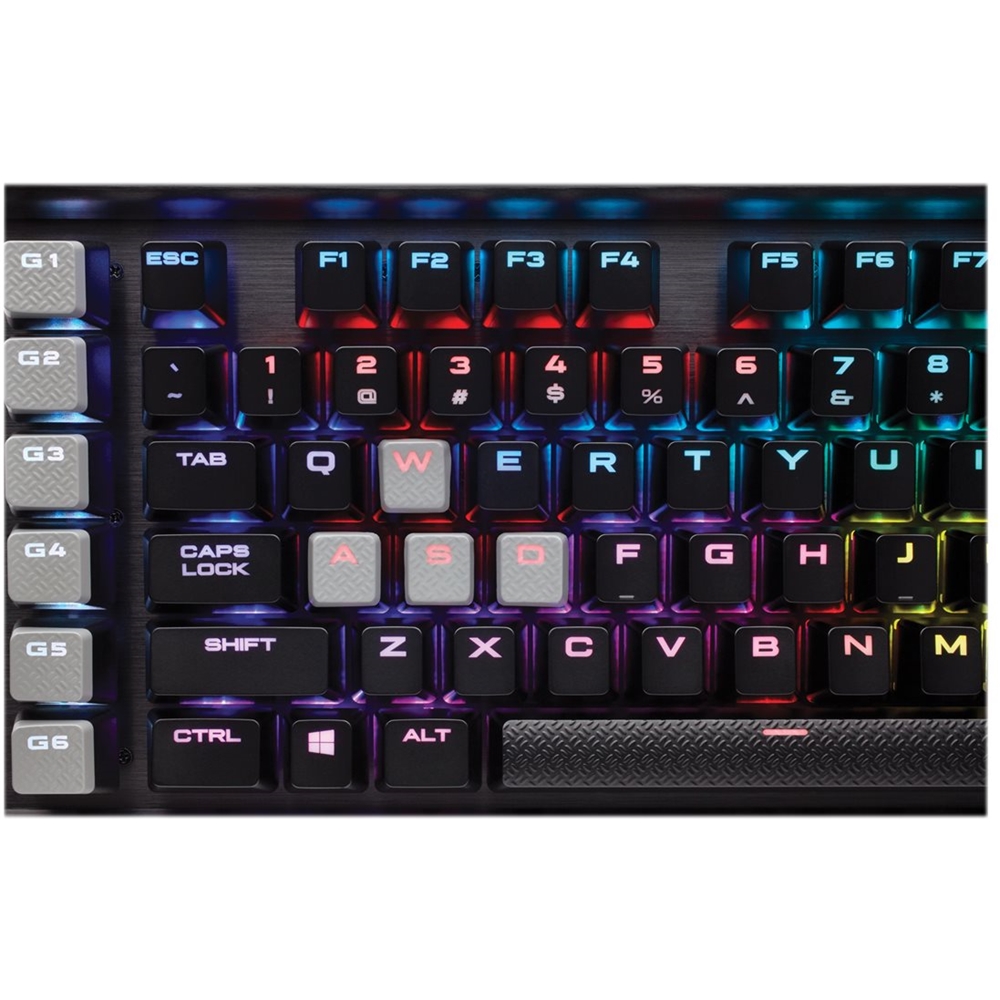
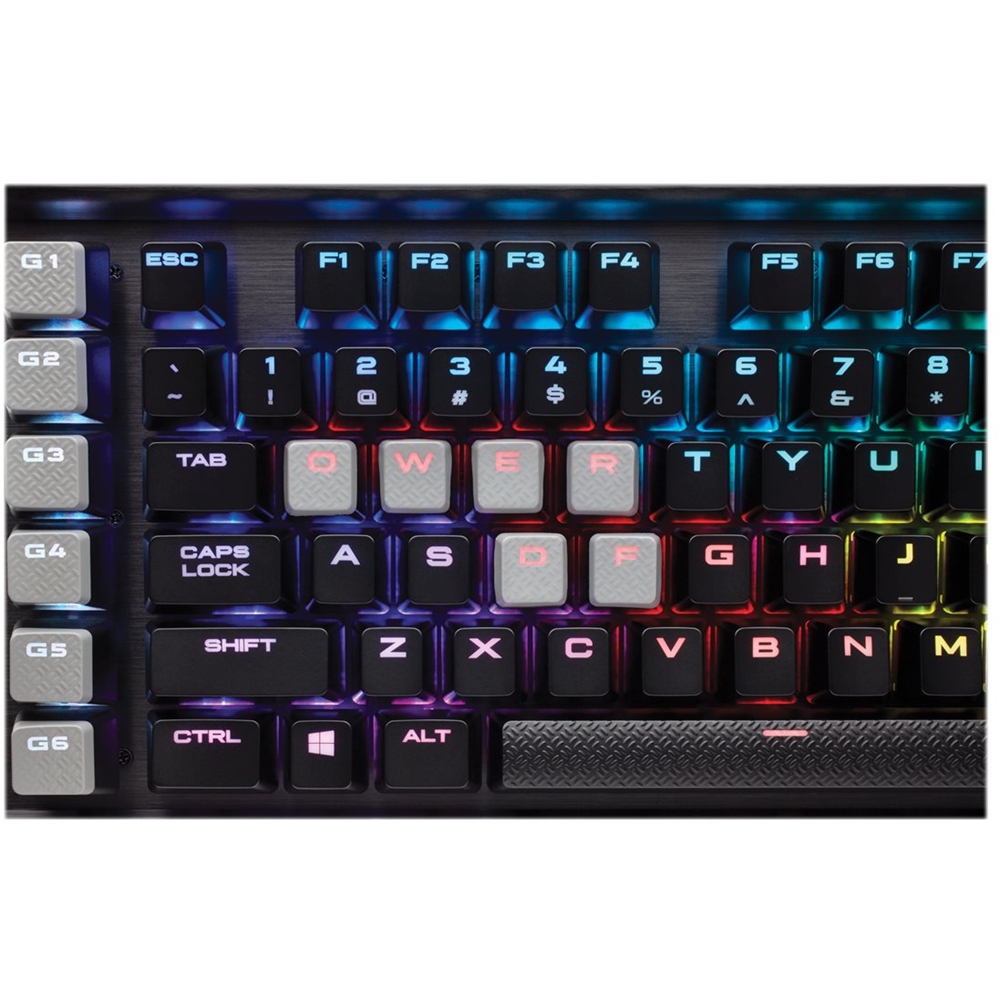
||Posted .This reviewer received promo considerations or sweepstakes entry for writing a review.I was hesitant to buy a 200 dollar keyboard when there are so many other options out there. I’ll list the pros and cons and explain why I chose this keyboard. Pros: Healthy supply of RBG effects Build quality is excellent USB passthrough Extra programmable keys Fully mechanical Cons: Pretty large, not good for small desks Mechanic keyboards are loud Expensive Overall I’ve been using this Day in and day out for about a month. Zero regrets spending the amount I did on it. The keys are also interchangeable and the board comes with grippier WSD keys which is awesome for Gaming. The only actual problem I have is that the keyboard(with any mechanical board) is very loud for normal typing. If you can live with the button sounds this or any other Corsair keyboard is for you! I’d also recommend the k75 RBG as well.
I would recommend this to a friend - Pros mentioned:Key feel, Keyboard quality, Rgb backlighting
Rated 4 out of 5 stars
Keyboard is great, Software could be better
||Posted .This reviewer received promo considerations or sweepstakes entry for writing a review.The keyboard has a very solid metal construction and comes with a great wrist-rest. The feel and sound of the keys when typing is great and works perfect when typing or playing games. The volume wheel is great for on-the-fly volume adjustments. Keyboard also has track controls if you are listening to music and wish to change tracks or even pause/stop the music. Has built in lighting effects but to get the most out the lighting effects the software download is necessary. Software is okay. Lighting effects are very controllable with the software and you can also use it to program macro keys. Software has crashed a couple times on me unfortunately but will usually open back up easily with no problems. Had the keyboard since December 22nd and it's now February 18th and the software has probably crashed a total of three times so essentially once a month. Software improvements are needed but the software isn't required to use the keyboard so it isn't really a major problem.
I would recommend this to a friend - Pros mentioned:Keyboard qualityCons mentioned:Price
Rated 5 out of 5 stars
Very high quality
||Posted .This reviewer received promo considerations or sweepstakes entry for writing a review.This is my favorite keyboard. I had an old 2012 razer blackwidow ult until it finally died in a cup of juice from my 3 year old. It was a great keyboard in itself. I was tempted to go razer again but I did a little researcher and decided to treat myself. I'm a big PC gamer so buying a top of the line keyboard is a no brainer. Im on my PC everyday so why not have high quality products to enjoy my favorite hobby? Well I must say this keyboard is great. It's obviously expensive and yes you can find great keyboard for a lot less. However, if you are on your PC every day for hours like I am. Why not treat yourself to a high quality keyboard?
I would recommend this to a friend - Pros mentioned:Key feel, Rgb backlighting
Rated 5 out of 5 stars
Looks Great
||Posted .This reviewer received promo considerations or sweepstakes entry for writing a review.I wasn't looking for a gaming keyboard strictly for gaming. I build computers for fun and wanted a keyboard with RGB lighting to show off my systems. I figured I'd get a good keyboard and the Corsair brand had a good reputation. I thought all RGB keyboards were about the same so I simply picked this one up on a whim. In the store, they all looked about the same in terms of colors and effects. When I got it home, however, I was blown away by the intensity of the lighting. I suppose the florescent lights in the store wash out the brightness and intensity of the LED lighting on the keyboard. I like the colors so much that I leave them on all night just to highlight the room. I have since added a Corsair RGB mouse and even a Corsair RGB mouse pad to complete the ensemble. The keys feel great but are loud. If you play at night near others sleeping (dorm mate or spouse) this could be a problem. There are some mechanical keyboards that claim to be silent but I tried them and they are still pretty loud. Your experience may vary. BTW, it comes with a nice wrist rest that is removable. There is a USB pass-through but it requires plugging in another USP connector on the same cable, so it ties up a USB port on the computer end. The cables are thick and sturdy but also a little stiff at first.
I would recommend this to a friend - Pros mentioned:Keyboard quality, Switch type
Rated 5 out of 5 stars
Best keyboard I've ever tried
||Posted .This reviewer received promo considerations or sweepstakes entry for writing a review.I got this keyboard to replace my Strafe RGB. I love the brown switches and now regret ever having gotten the Strafe with Red Silents. The clicking is nice but not too loud in my opinion. It's extremely responsive and the light bar up top is really nice. The volume control feels really high quality and I enjoy using it over having a fn shortcut like the Strafe. The aluminum build is also a great touch and makes the whole unit feel really solid and high quality.
I would recommend this to a friend - Pros mentioned:Keyboard quality, Rgb backlighting, Switch typeCons mentioned:Price
Rated 5 out of 5 stars
Amazing keyboard for gaming or typing in general.
||Posted . Owned for 2 months when reviewed.This reviewer received promo considerations or sweepstakes entry for writing a review.The rgb lighting is amazing, the switches have the perfect balance for gaming, coding, and day to day typing. The usb pass through is great, the macro keys are easy to program and the keyboard itself is comfortable. My only complaint isthe price if you don't get it on sale.
I would recommend this to a friend - Pros mentioned:Keyboard quality, Rgb backlighting, Switch type
Rated 5 out of 5 stars
Great Keyboard
||Posted .This reviewer received promo considerations or sweepstakes entry for writing a review.I purchased the PLATINUM K95 to replace a keyboard I have had for 2 and a half years and I loved until it died one day without notice. I wasn't going to buy the same keyboard as it cost $200 and I didn't feel it was worth the cash and I am glad I didn't because this K95 is the best keyboard I have ever used and I have spent a lot of money on gaming keyboards. The software is better than most and the keyboard feels solid with a large font on the keys which is really easy to see and they light up really nice and its an even light all the way across the keyboard. These brown switches are a little quieter than my last keyboard (it also had brown switches) which is a welcome change and the actuation is perfect for me. Of course, only time will tell if it's really worth the premium price but I am very happy I went with it
I would recommend this to a friend - Pros mentioned:Keyboard quality, Rgb backlighting
Rated 5 out of 5 stars
Corsair K95/K55/etc. always a good buy
||Posted . Owned for 3 months when reviewed.This reviewer received promo considerations or sweepstakes entry for writing a review.corsair Kwhatevers are ALWAYS good to me. I love the keyboard, love the design with the side keys, the volume scroll, the wrist rest, the lighting...the only thing that's annoying is the windows disable button and the other lockout buttons. Especially since the first time someone uses it or maybe the first time plugging it in and re-using it it's not made clear at all what the key does and when it's activated. My friend and I both got confused the first time we used the keyboard and didn't understand why our windows keys were't working. Just wish it were a tad more obvious or emblazoned somewhere on the box or keyboard so that we were super aware of what that button did and whether or not we'd accidentally hit it at some point and activated the key lock.
I would recommend this to a friend - Pros mentioned:Keyboard quality, Rgb backlighting
Rated 5 out of 5 stars
Great Mechanical Keyboard
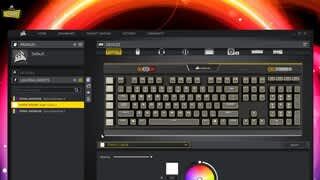
||Posted .This reviewer received promo considerations or sweepstakes entry for writing a review.Pros: -Build Quality -Customization (RGB & Macros) -USB Passthrough -Cherry Switches Cons: -Price -Software Compatibility This keyboard is built like a tank, and feels very premium. The aluminum deck feels very rigid and heavy, giving it the kind of quality feeling that you should expect from one of the most expensive mainstream keyboards on the market. The USB passthrough is an awesome addition that isn't found on as many enthusiast keyboards as it should be. It allows for plugging in peripherals to the keyboard instead of the PC case, which is much more convenient for things that often get unplugged/plugged in or things that may have a shorter cable. It's important to note that this still requires *two* USB ports on the PC (one for the keyboard and one for the passthrough), and the cable forks at the end to be plugged in. The software (Corsair Utility Engine or newer iCUE) allows for a lot of customization options for lighting, as well as macros for not only the 6 G-keys, but for any key on the keyboard. You can store 3 profiles on the keyboard's flash memory, which is nice if you use it for more than one PC, however, the hardware profiles are not quite as customizable as the software ones. You can still program macros and such, but the lighting effects options get a bit toned down. The media controls are convenient, especially the volume scroller, but when using browser-based media like Spotify or Pandora, I've found that the media keys (play/pause) sometimes do not work, though it may be a software/driver issue. On the topic of software/drivers, I have had lots of compatibility issues with having Corsair's software AND Logitech Gaming Software installed simultaneously. I think the issues have to do with virtual peripheral driver (used for macro execution) conflicts between the two, but basically it results in programmed macros no longer functioning. My work around for this was to assign all macros that I need to my mouse (Logitech G900), and then uninstall Logitech Gaming Software. Overall, a fantastic mechanical keyboard. The only other mechanical keyboard that I own is the Razer Chroma Tournament Edition, which is convenient when gaming because it lacks a numberpad, but for general use and productivity, the macro keys and the numberpad on the Corsair K95 come in handy.
I would recommend this to a friend - Pros mentioned:Keyboard quality, Rgb backlighting, Switch type
Rated 5 out of 5 stars
Great in every way
||Posted . Owned for 1 week when reviewed.This reviewer received promo considerations or sweepstakes entry for writing a review.Best keyboard I've bought or used. It's responsive, comfortable, durable, and of course, it looks amazing. Hey, do you like the keys to click when you type? Of course you do. You'll love this keyboard's Cherry MX Brown Switches. The macro keys are easily accessible: their location makes them easy to find and incorporate into your play. The volume control wheel gives you easy control while keeping the design sleek and elegant. I don't have a single complaint about this keyboard. The RGB lighting is stunning, and the iCue software allows for total customization with a gratuitous number of lighting options.
I would recommend this to a friend - Pros mentioned:Key feelCons mentioned:Price
Rated 5 out of 5 stars
My son is in love!
||Posted .This reviewer received promo considerations or sweepstakes entry for writing a review.I bought this keyboard for my son as a holiday gift and he is over the moon about it. He said the keys are super responsive and the lights put him in a great mood (not easy to do with a 16 year old). It is a lot of money for a keyboard but it was the only thing he wanted and I am very pleased with the purchase.
I would recommend this to a friend - Pros mentioned:Key feel, Rgb backlighting, Software
Rated 5 out of 5 stars
RGB RGB RGB
||Posted .This reviewer received promo considerations or sweepstakes entry for writing a review.Oh yeah! This thing is so pretty! I do alot of gaming at night and hate to turn on the lights to play. So I invested in a light up keyboard. This thing looks so good at night and provides plenty of light. The keys feel great and it's a joy to type. Ive used some cheap keyboards in the past. I will never go back after using this. The software makes the lighting customizable. There is alot of dofferent of effects. Setup was quick and evn the USB plug feels nice when sliding it into the jack. Also the adjustment for the volume on the top of the keyboard is a nice feature when tuning the volume in your headset depening on the situation in game.
I would recommend this to a friend - Pros mentioned:Rgb backlighting, Switch type
Rated 5 out of 5 stars
Worth it
||Posted .This reviewer received promo considerations or sweepstakes entry for writing a review.In my opinion it is worth the money. I love the cherry red sensitive switches, clicks keys but not as loud and obnoxious as something like the razed black widow or whatever. Lights and customizable macros for keys is a huge plus. No regrets buying this somewhat expensive keyboard!
I would recommend this to a friend - Pros mentioned:Keyboard quality, Rgb backlighting
Rated 5 out of 5 stars
amazing feel and look
||Posted . Owned for 6 months when reviewed.This reviewer received promo considerations or sweepstakes entry for writing a review.This was my first mechanical keyboard, and I don't think I will ever need another one. Has everything I wanted, keys are well illuminated and the custom lighting you can do on it is endless! (lots of pre-made custom lighting effects online you can download onto this). The feel of the keys is perfect, great feeling response. Double sided wrist wrest is a big plus too. One of the things I wanted my new keyboard to have was the onboard media buttons vol volume, play, pause, and this has got it as well. Highly recommend this premium keyboard!
I would recommend this to a friend - Pros mentioned:Keyboard quality
Rated 5 out of 5 stars
Very well built
||Posted .This reviewer received promo considerations or sweepstakes entry for writing a review.I bought this keyboard as a replacement to my Logitech G15 gaming keyboard. I had the logitech for about 15 years and loved it but wanted to move into the mechanical world. I first purchased the K70 but Best Buy only had the rapid fire switches. They were so sensitive you could blow on them for input. I took that one back and bought the K95 because it had the MX Cherry brown switches.Corsair sells all of their keyboards in the full selection of switches for preference but Best Buy seems to select one switch type for each model they carry. The K95 is solid, aluminum construction. It is comfortable. The LED's are fully customizable. I love the metal volume roller and the multiple profile support. In the end if you don't care about the the macro keys on the left, the K70 is just as good and less expensive.The K95 platinum is lacking the bios switch offered on the K70 which means this keyboard is not detected in some PC BIOS's.
I would recommend this to a friend - Pros mentioned:Software, Switch typeCons mentioned:Price
Rated 5 out of 5 stars
Best Mechanical Keyboard
||Posted .This reviewer received promo considerations or sweepstakes entry for writing a review.I have been through many mechanical keyboards, trying to find the perfect one. This is by far the one. I love the MX Cherry Brown switches. These switches are perfect for the "hybrid" user. People who game and type a lot. Having a USB pass through is perfect for the user of wired headphones or just the ease of access for a USB port. The corsair software is very granular. It takes some getting used to but is by far some of the best software for I/O devices. The only con is the price. It is pricey for sure but you are getting what you pay for. I highly recommend this keyboard.
I would recommend this to a friend