Customer Ratings & Reviews










- Model:
- CH-9127012-NA
- |
- SKU:
- 5713205
Customer reviews
Rating 4.8 out of 5 stars with 808 reviews
(808 customer reviews)Rating by feature
- Value4.4
Rating 4.4 out of 5 stars
- Quality4.8
Rating 4.8 out of 5 stars
- Ease of Use4.7
Rating 4.7 out of 5 stars
Customers are saying
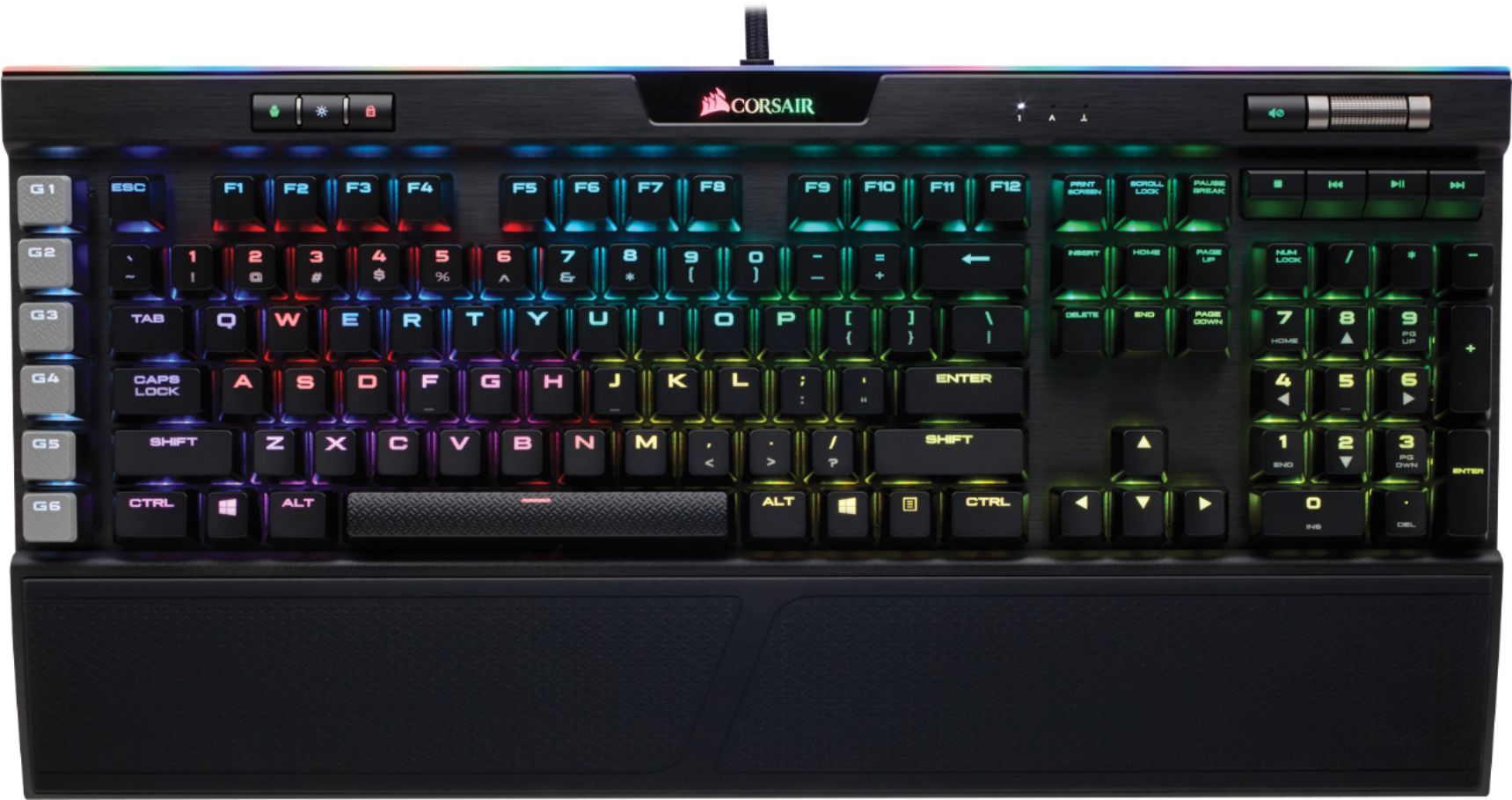
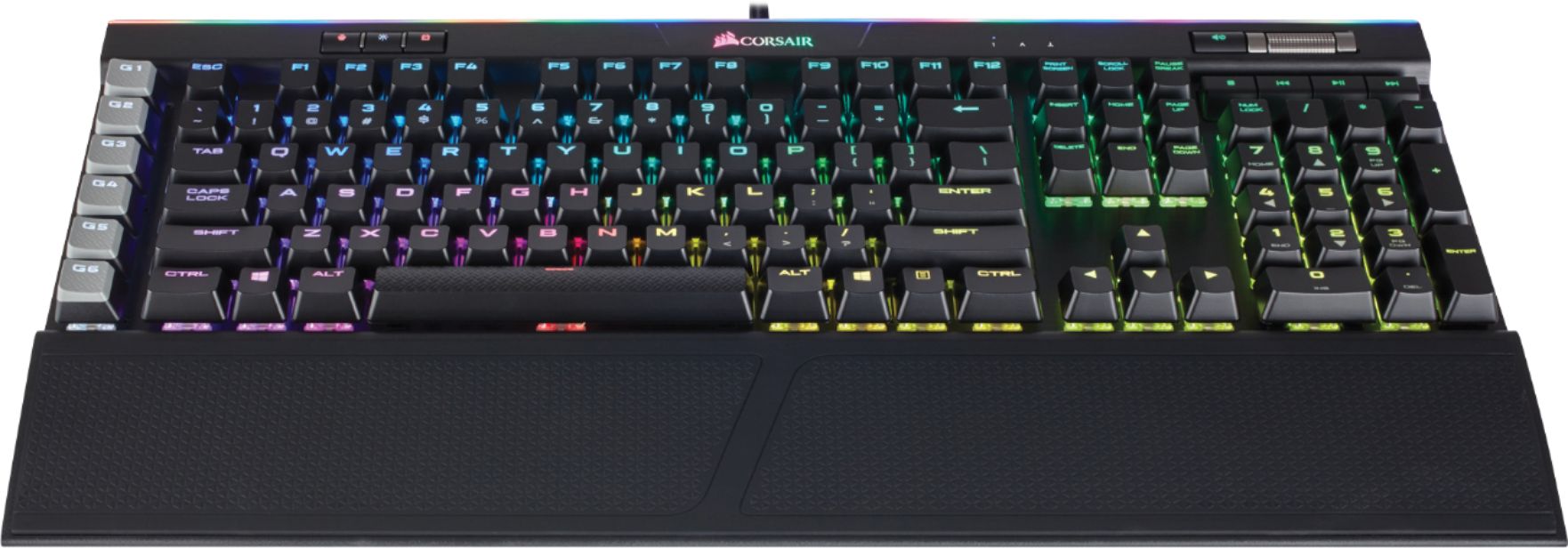
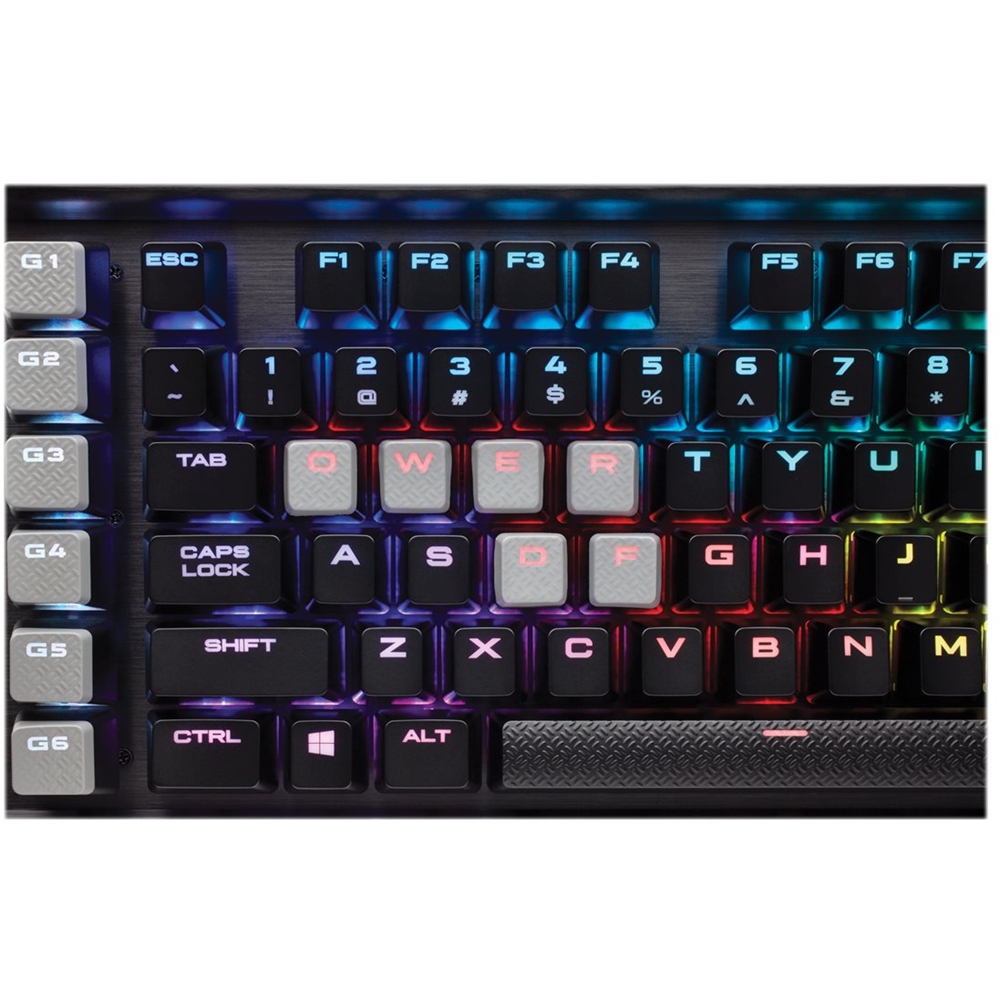
Customers regard the PLATINUM K95 keyboard highly, praising its build quality, RGB backlighting, and key feel. Many appreciate the customizable features and included wrist rest, finding the software intuitive and the typing experience satisfying. However, some customers find the price to be a significant drawback.
This summary was generated by AI based on customer reviews.
- Pros mentioned:Keyboard quality, Rgb backlighting, Software
Rated 5 out of 5 stars
Platinum review about the K95 Platinum
||Posted . Owned for 1 year when reviewed.This reviewer received promo considerations or sweepstakes entry for writing a review.Great Keyboard, wonderful feel. Good lighting, good software.
I would recommend this to a friend - Pros mentioned:Keyboard quality, Rgb backlighting
Rated 5 out of 5 stars
Awesome keyboard
||Posted .This reviewer received promo considerations or sweepstakes entry for writing a review.Love this keyboard. Upgraded to this from Razer Chroma V2 and though the keys are not as clicky as the Razer, it is sufficient enough. Though the reason i upgraded to this was mainly the RGB fearures of the keyboard and to match my mostly corsair setup, I have to admit this keyboard exceeded my expectations. If your looking for an awesome keyboard, this one is the one you need to have.
I would recommend this to a friend - Pros mentioned:Keyboard quality, Rgb backlighting
Rated 5 out of 5 stars
Not just for gamers
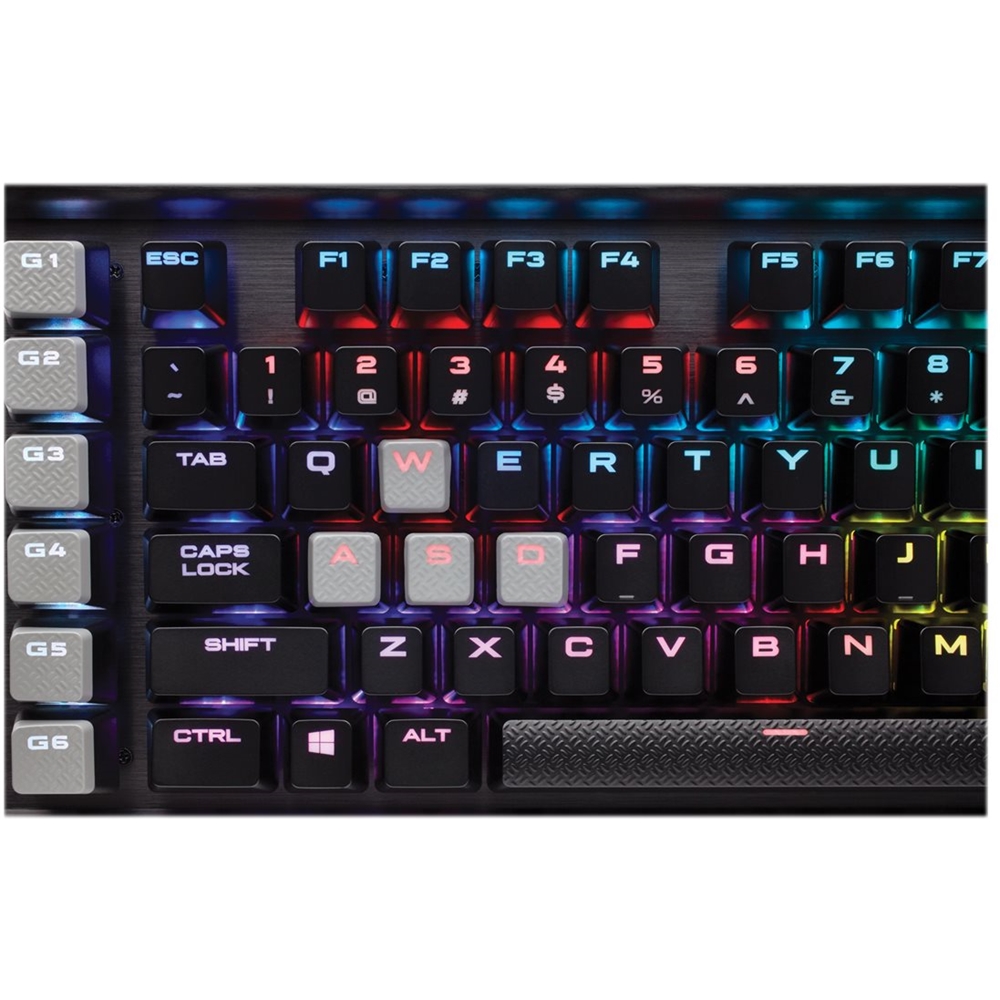
||Posted . Owned for less than 1 week when reviewed.This reviewer received promo considerations or sweepstakes entry for writing a review.I'm not a gamer but need a lighted keyboard since my study is low light. Being able to color code the keys is a great feature. The delete key was sometimes hard to find but making it red makes it stand out. There are only 6 macro keys but having more would just make it difficult remembering which key did what. The only negative is it is louder than you standard keyboard.
I would recommend this to a friend - Pros mentioned:Keyboard quality, Rgb backlighting
Rated 5 out of 5 stars
excellent mechanical keyboard.
||Posted .This reviewer received promo considerations or sweepstakes entry for writing a review.I'm telling the truth. This corsair keyboard worth every penny. I tried to use Razer and Logictech, hyperX, steel series mechanical keyboard, when I typing on it, I don't feel satisfy. I don't feel good. I bought this corsair keyboard I type on it , it smooth, RGB lighting is so beautiful. I'm very satisfy with corsair. I bought it on sale $150 , saved $ 50 bucks. man. I love it. you get what you pay for.
I would recommend this to a friend - Pros mentioned:Keyboard quality, Rgb backlighting
Rated 5 out of 5 stars
Love it
||Posted .This reviewer received promo considerations or sweepstakes entry for writing a review.Top of the line keyboard at this price point you can’t expect anything different than high quality and it is. Love the RGB lighting, very customizable. The only down side to this keyboard to me is the wrist rest is not too bad not big deal but I wish it was like the Razer Huntsman Elite keyboard which is leather and very soft compared to the Corsair which is some type of rubber.
I would recommend this to a friend - Pros mentioned:Keyboard quality
Rated 5 out of 5 stars
Great quality keyboard from Corsair
||Posted . Owned for 1 month when reviewed.This reviewer received promo considerations or sweepstakes entry for writing a review.I am coming from a blue switch keyboard (loud with tactile feedback) and I wanted to still have that feeling when I type/game. Brown switches are the happy medium I was looking for in my next keyboard. Got it during Black Friday sales would not pay full price for it but it is a solid keyboard. Space bar feels solid as do the other keys. Macro G keys are a nice touch and the volume wheel feels very high quality. I definitely recommend if you’re in the market for the first time for a mechanical keyboard, try various switches on other keyboards in the store before purchasing an expensive one like this so you’ll know if you like the feel of a certain type over another. My only gripe was I had saved some macros in icue’s library section (outside of a profile I had created) and it ended up messing up other keys like my esc key wouldn’t work in games correctly or my alt key would act like I hit it twice after one keystroke. It’s a known issue with icue’s software and as long as you stick to just the profiles you’ve created for games it’ll be fine. Once I removed the saved macros my keyboard worked fine. But if you have been looking for a high end brown switch keyboard with media controls and a little bit of RGB love like me this is a great keyboard.
I would recommend this to a friend - Pros mentioned:Keyboard quality, Rgb backlighting
Rated 5 out of 5 stars
Flagship Keyboard lives up to its Name
||Posted .This reviewer received promo considerations or sweepstakes entry for writing a review.I find the Corsair K95 Mechanical Keyboard to fulfill every expectation I had and then some. The RGB lightshow is wonderful and the response and usability of this fine keyboard is excellent. The quality shows the minute you see and unbox this board and it just keeps getting better. So glad I spent a little extra for the thrill of owning arguably one of the best RGB keyboards available today.
I would recommend this to a friend - Pros mentioned:Keyboard qualityCons mentioned:Price
Rated 3 out of 5 stars
Not worth the price
||Posted .This reviewer received promo considerations or sweepstakes entry for writing a review.So I got this keyboard because I was ready for an upgrade from the K55, but little did I know it was a small upgrade for the big price point. I would have rather got the K70 RapidFire. It was a well built and awesome keyboard but it was not worth the price.
No, I would not recommend this to a friend Rated 5 out of 5 stars
This is a great keyboard.
||Posted .This reviewer received promo considerations or sweepstakes entry for writing a review.I bought this keyboard to replace another backlit wired keyboard that came with a gaming computer I use for video editing, 3D design and 3D printing. The old keyboard was OK but was not comfortable to use for long periods of time, the backlighted switches were not bright enough and although I didn’t know it, it had a bad feel on the keystrokes. I always felt gamers who complained about how their keys felt must be snowflakes. Now that I have switched to the Corsair my eyes have been opened. Typing on this keyboard just feels good. If you are used to standard keyboards you won’t understand until you try it. The switches used in this keyboard are amazing. The backlighting is much brighter than my old keyboard allowing me to comfortably edit video in a darkened room. While the included wrist rest significantly increases the footprint, it makes long use sessions a joy. The USB cable is slightly thicker than usual, but that allows a separate USB port on the side of the keyboard. I wanted a wired keyboard so I wouldn’t have to worry about batteries or recharging while using maximum backlighting. This keyboard has multiple other features that a gamer or power business user could probably explain but even with my limited use of the features it is well worth the purchase price. It will spoil you. I am buying more for my other PCs.
I would recommend this to a friend- Pros mentioned:Key feel, Keyboard quality
Rated 5 out of 5 stars
Great keyboard
||Posted .This reviewer received promo considerations or sweepstakes entry for writing a review.I have been using keyboards for a long time. Logitech or razor has usually been my go to. I kept reading about mechanical keyboards. I wanted a good one so I read a lot of reviews. I am beyond happy with the k95. Best Buy even price matched for me. I love all of the lighting and I love the macros. The keys do feel way better to type on. Great well designed keyboard.
I would recommend this to a friend Rated 4 out of 5 stars
A few improvements over the original K95 RGB
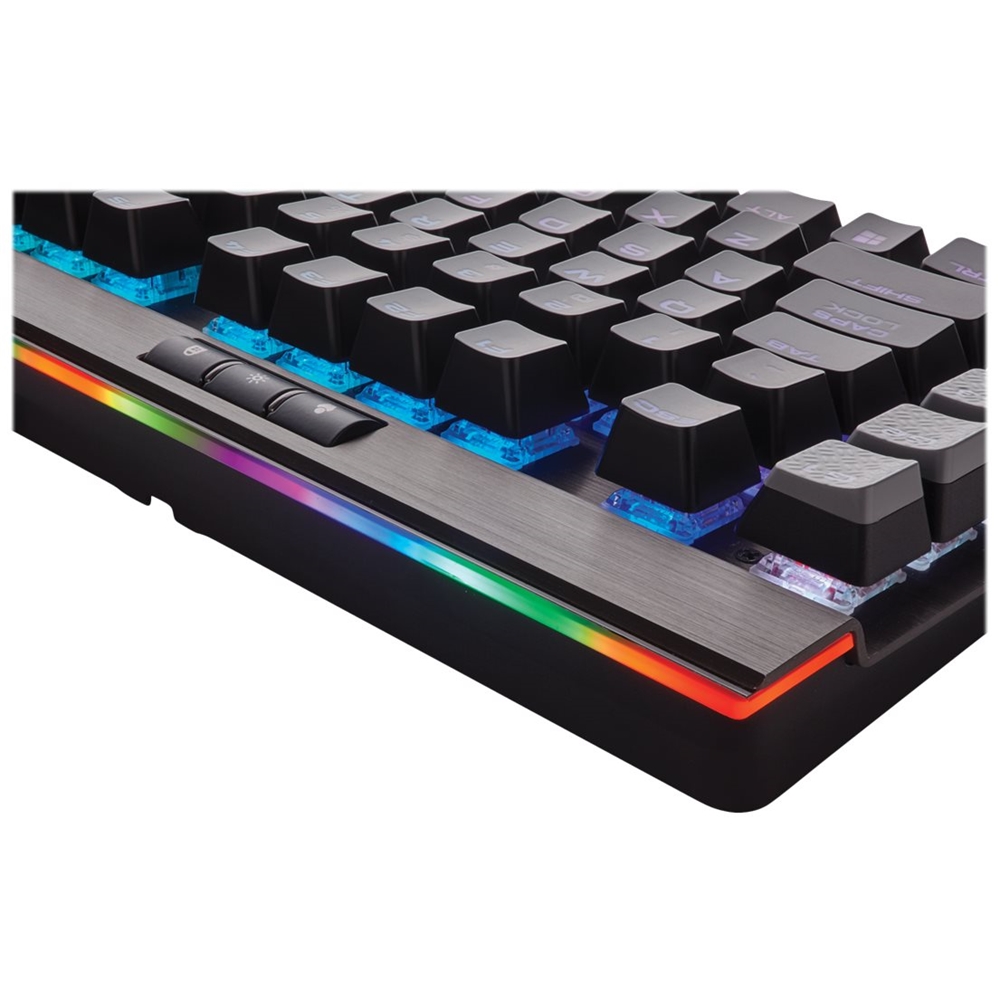
||Posted .This reviewer received promo considerations or sweepstakes entry for writing a review.As the review summary suggests, I purchased this keyboard to replace a (still working) K95 RGB keyboard which I've since passed along to my nephew. My primary reason for the change was that I've decided that I prefer the Cherry MX Brown switches, as opposed to the Red switches on my old K95 keyboard. For me, the "browns" seem better for general-purpose use, but are still good for gaming. (My nephew is a hard-core gamer and prefers the red switches.) Other than the switches, the K95 Platinum offers a few (arguably minor) improvements, Perhaps the biggest change is that you can now store up to three profiles on-board, using the keyboards own internal 8Mb memory. These are referred to as "Hardware Profiles" and although they can't store as many effects as the software profiles, they're able to run even without having the Corsair CUE software running. This could be a benefit on slower PCs which may be more sensitive to CUE's CPU overhead. Other Platinum changes include a USB (2.0) pass-through port, a "LightEdge" (a multi-zone LED strip across the top of the keyboard), and slightly larger key fonts. Although (as of this writing), the product description (on BestBuy.com) claims that this keyboard has 18 programmable G-Keys, it does not. The K95 Platinum features only 6 programmable G-Keys (which is probably still fine for most folks). As a result, the Platinum model is a bit smaller than its predecessor. The CUE software, despite being recently updated, still has a bit of a learning curve, but it gives you the freedom to create unique lighting profiles. One thing worth noting ... in order to operate, this keyboard must be plugged into either one USB 3.0 port OR into two USB 2.0 ports. (The keyboard's cable splits into two USB connectors.) Furthermore, if you intend to use the USB pass-through port, you'll need to have both of the keyboard's connectors plugged in, so ultimately you won't be gaining an extra USB port. Overall though this keyboard is very well built and is a pleasure to type on. I'm guessing that most folks that already own the original K95 RGB won't have a compelling reason for purchasing the Platinum version. For first-time buyers however, and those that are interested in the few improvements, this keyboard is certainly worth your consideration.
I would recommend this to a friend- Pros mentioned:Keyboard quality, Switch type
Rated 5 out of 5 stars
Corsair makes the best keyboards
||Posted . Owned for less than 1 week when reviewed.This reviewer received promo considerations or sweepstakes entry for writing a review.Only bought this to replace my K70 so I could make use of the extra macro keys. That K70 lasted me years and had no signs of stopping, so I have no doubt this keyboard is just as rugged. The design is great and the brown switches feel nice! I previously had Rapidfire switches, love those too I’d say they’re better for fast paced gaming.
I would recommend this to a friend - Pros mentioned:Keyboard qualityCons mentioned:Price
Rated 5 out of 5 stars
Build quality is outstanding!!
||Posted .This reviewer received promo considerations or sweepstakes entry for writing a review.$200 for a keyboard is a bit silly but this product is worth every penny. The materials used in building this keyboard is outstanding. Every inch of the keyboard has been carefully crafted for the best gaming experience. The only issue I have with the keyboard is how loud the keys make when playing, very clicky. If you can find on sale, this premium product is a steal.
I would recommend this to a friend - Pros mentioned:Keyboard qualityCons mentioned:Price
Rated 5 out of 5 stars
great product
||Posted .This reviewer received promo considerations or sweepstakes entry for writing a review.i had a older gen k70 before, i broke the back latch in a rage of cs match awhile ago, decides to treat myself the k95 for chrismas. it is a very sturdy keyboard, use to be over 200 dollars but i got it for around 180, it is very premium, the price is steep but u pay what u get. one of the best mechanical keyboard for gaming in general on the market
I would recommend this to a friend - Pros mentioned:Rgb backlighting, Software
Rated 5 out of 5 stars
Cherry MX Switches!
||Posted .This reviewer received promo considerations or sweepstakes entry for writing a review.First off, if you don't like audibly clicky keyboards this one is not for you (try one MK 70 instead). This keyboard has Cherry MX Brown switches which are very clicky, and satisfying to press. It is fully RGB backlit, and the iCue software is easy to use. Programing the 6 extra keys is a little tedious, but overly difficult.
I would recommend this to a friend - Pros mentioned:Keyboard quality, Rgb backlighting
Rated 5 out of 5 stars
Great keyboard
||Posted .This reviewer received promo considerations or sweepstakes entry for writing a review.I needed a new keyboard to replace my aging Logitech G510. While this doesn't have as many programmable macro keys, they keyboard itself is much better. The multi-color lighting for the keys is a nice touch as well. While it is definitely a pricey keyboard, I would definitely recommend this to anyone in the market for a gaming keyboard.
I would recommend this to a friend - Pros mentioned:Keyboard quality, Switch type
Rated 5 out of 5 stars
Great switches, not loud
||Posted . Owned for 1 month when reviewed.This reviewer received promo considerations or sweepstakes entry for writing a review.Needed a new keyboard when my blackwidow started having issues, and this was quite a nice upgrade. ive never been a huge fan of icue and that still stands but the switches in this keyboard are great. The wrist pad is also more comfortable than i thought it would be. I highly recommend this keyboard to people
I would recommend this to a friend - Pros mentioned:Keyboard quality, Rgb backlighting
Rated 5 out of 5 stars
Beautiful
||Posted .This reviewer received promo considerations or sweepstakes entry for writing a review.I spilled water on my k70 keyboard. Went out on a whim and purchased the RGB K95. This thing rocks! The profiles you can download from the community is amazing. It has light profiles like tetris and the matrix! Then I found out that my k70 keyboard still works after half a cup of water was dumped on it. Corsair makes pretty good stuff.
I would recommend this to a friend - Pros mentioned:Keyboard quality, Rgb backlighting
Rated 5 out of 5 stars
Great Keyboard
||Posted .This reviewer received promo considerations or sweepstakes entry for writing a review.Great keyboard with the cherry brown switches. Feel is great without the clacky noise of the blues. Macro keys are easy to use and after about 15 minutes with the software it easy to setup profiles with Macro's and RGB lighting. One thing to note is this keyboard is big so make sure you have the room on your desk.
I would recommend this to a friend - Pros mentioned:Keyboard quality, Switch type
Rated 5 out of 5 stars
Best keyboard I’ve ever used
||Posted .This reviewer received promo considerations or sweepstakes entry for writing a review.I’ve alwasy had Razer keyboards (usually the BlackWidow series) and now I don’t think I’ll ever go back. This keyboard is far superior in almost every way. Coming from cherry MX blue and green switches, the MX speed switches are far better feeling (imo) but they do lack the clicky sound. 10/10 would/will buy again.
I would recommend this to a friend