Customer Ratings & Reviews
Customer reviews
Rating 4 out of 5 stars with 2 reviews
(2 customer reviews)to a friend
Rated 5 out of 5 stars
The absolute Best Mechanical Gaming Keyboard!
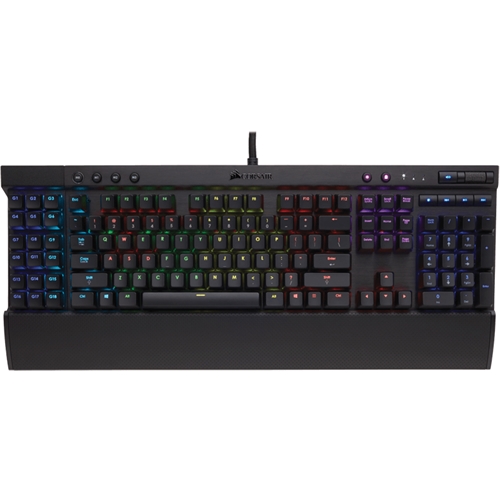
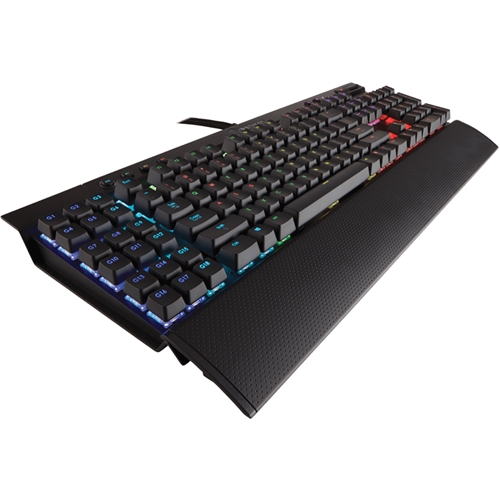
||Posted .This reviewer received promo considerations or sweepstakes entry for writing a review.Okay. This is the second one of these I have had. The first one is currently still in use on my older system. First off the feel. if you have never used a REAL mechanical keyboard, you have to try one... There is a world of difference in both ergonomics and sound. The tactile feedback and sound of a good mechanical keyboard make it a lot easier to ensure you have properly hit the key and will actually improve your typing over time. Next up the construction... This beast is built to last. It has a real metal shell for the ultra high durability. a professional gamer or PC enthusiast really needs. Next, the cool... And by "Cool" I mean it. This keyboard is cool. It's RGB lighting system allows for an infinite combination of color lighting options. I have mine set up to have the main alphanumeric keys glow a bright light blue except when they are hit. When a key is hit, it will go pure intense white for a second to let you know it's been hit. Add in pulsating effects, rainbow waves etc, and you have a very very COOL keyboard. It is a bit pricey granted, but it will definitely outlast many cheaper keyboards.. Highly recommended!
I would recommend this to a friendRated 3 out of 5 stars
Great features but subpar build quality
Posted .This reviewer received promo considerations or sweepstakes entry for writing a review.I have owned this keyboard for two years now and overall like it. I was fully enjoying it until LED diodes started to no longer light up after about a year of ownership. The pattern of burn out seems to be keys I use most frequently like the letter keys and numpad. Overall, slightly over half of the keys are no longer able to light up. My reason for purchasing this keyboard was to have the ability to send macros without needing to install a special driver and/or software. For that purpose it has served me well. Pros: - Macro keys work without special drivers (including in BIOS or UEFI setup screens). -Macro key placement is ideal. -Macro keys are less tall than the main keys to avoid confusion to your fingers when typing. -Braided cord has remained unfrayed after two years and running -Cherry MX Red keyswitch type is a good balance of noise and tactile feedback Cons: -LED diodes are poor quality and burn out easily after a year of ownership -The optional software has a poor interface -Have to use third party software if you wish to setup macro keys for uncommon keys such as F13 through F24, there is no way to enter them manually. -Key caps feel cheap in material quality. -There are openings that expose the PCB such as under the spacebar where dirt can easily get deposited.
No, I would not recommend this to a friend