Customer Ratings & Reviews
- Model:
- CH-9304211-NA
- |
- SKU:
- 11500502
Customer reviews
Rating 4.5 out of 5 stars with 1208 reviews
(1,208 customer reviews)Rating by feature
- Value4.4
Rating 4.4 out of 5 stars
- Quality4.6
Rating 4.6 out of 5 stars
- Ease of Use4.4
Rating 4.4 out of 5 stars
- Pros mentioned:Programmable buttons
Rated 4 out of 5 stars
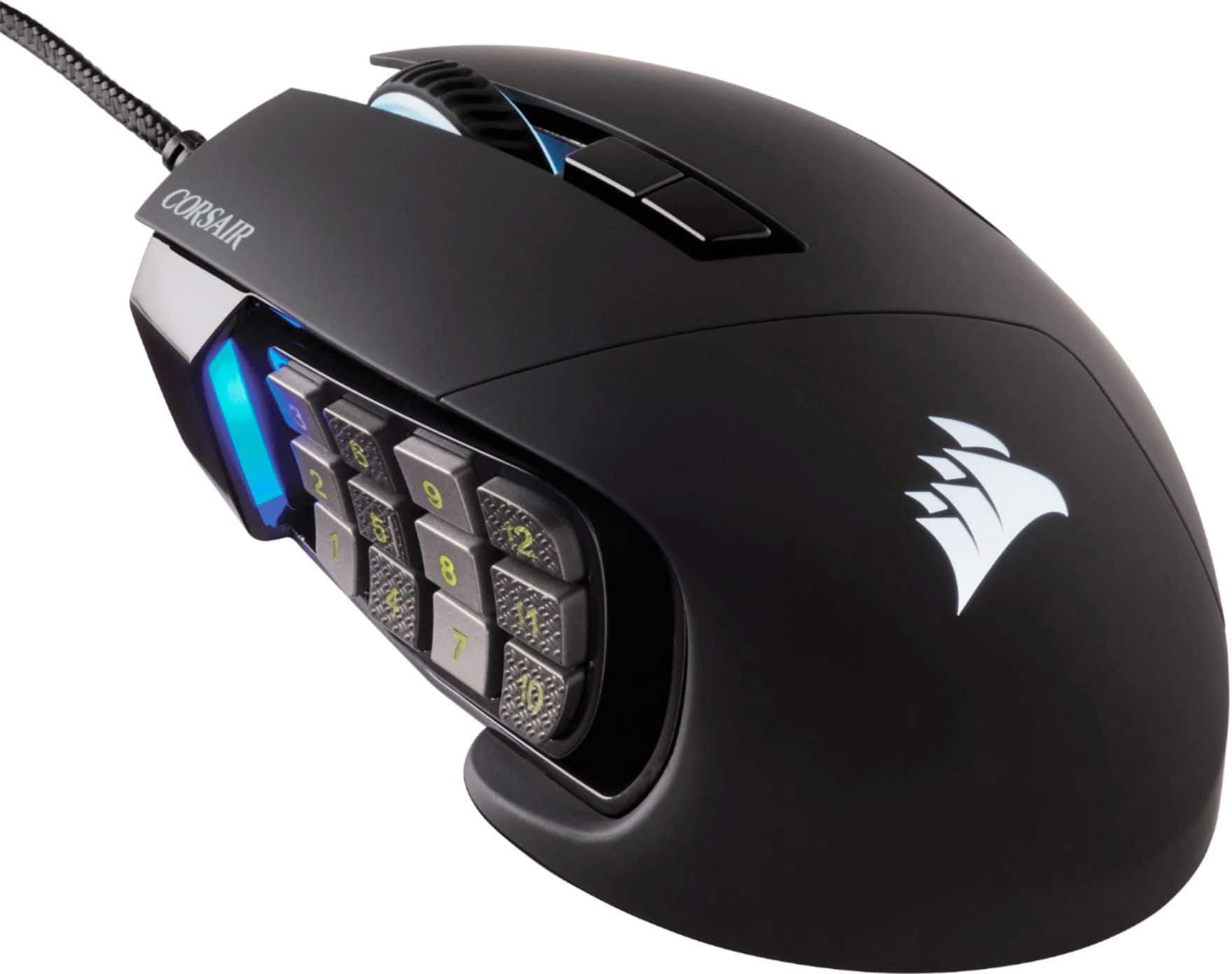
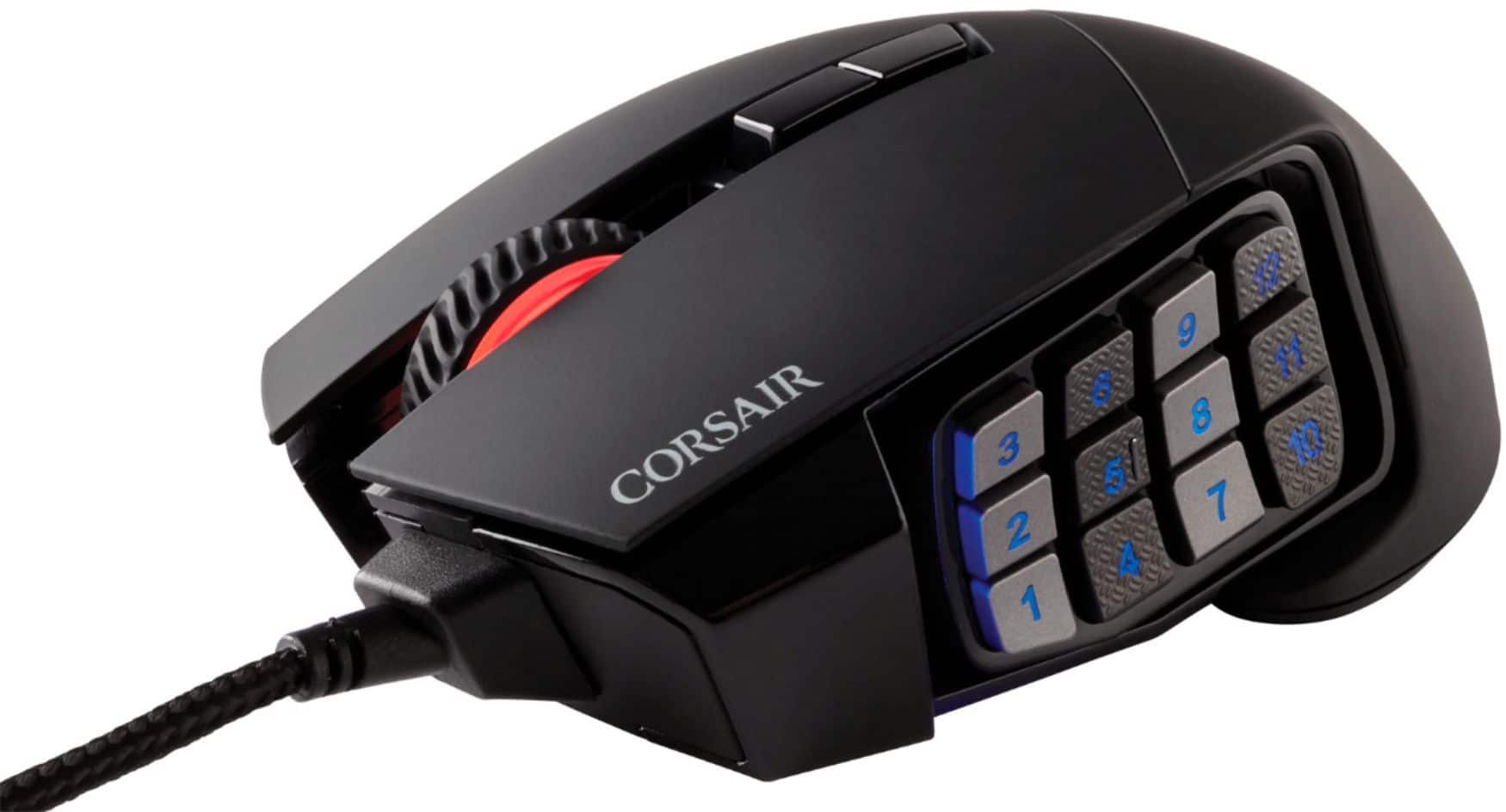
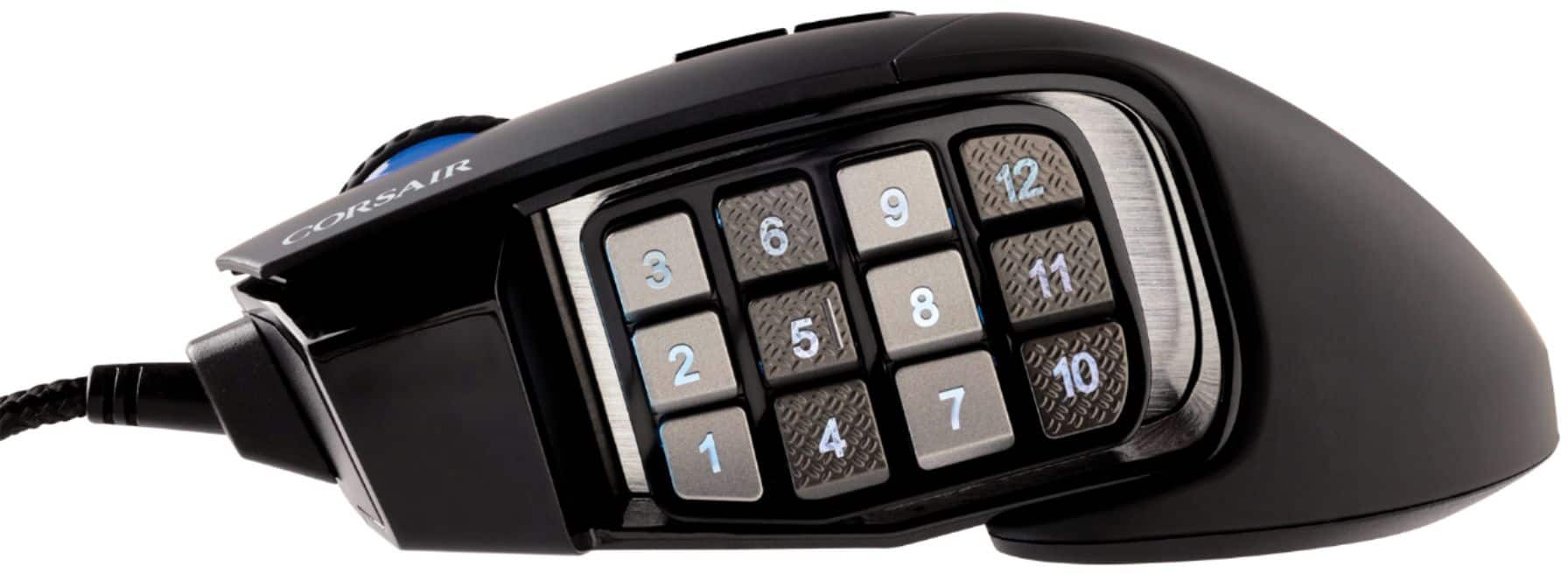
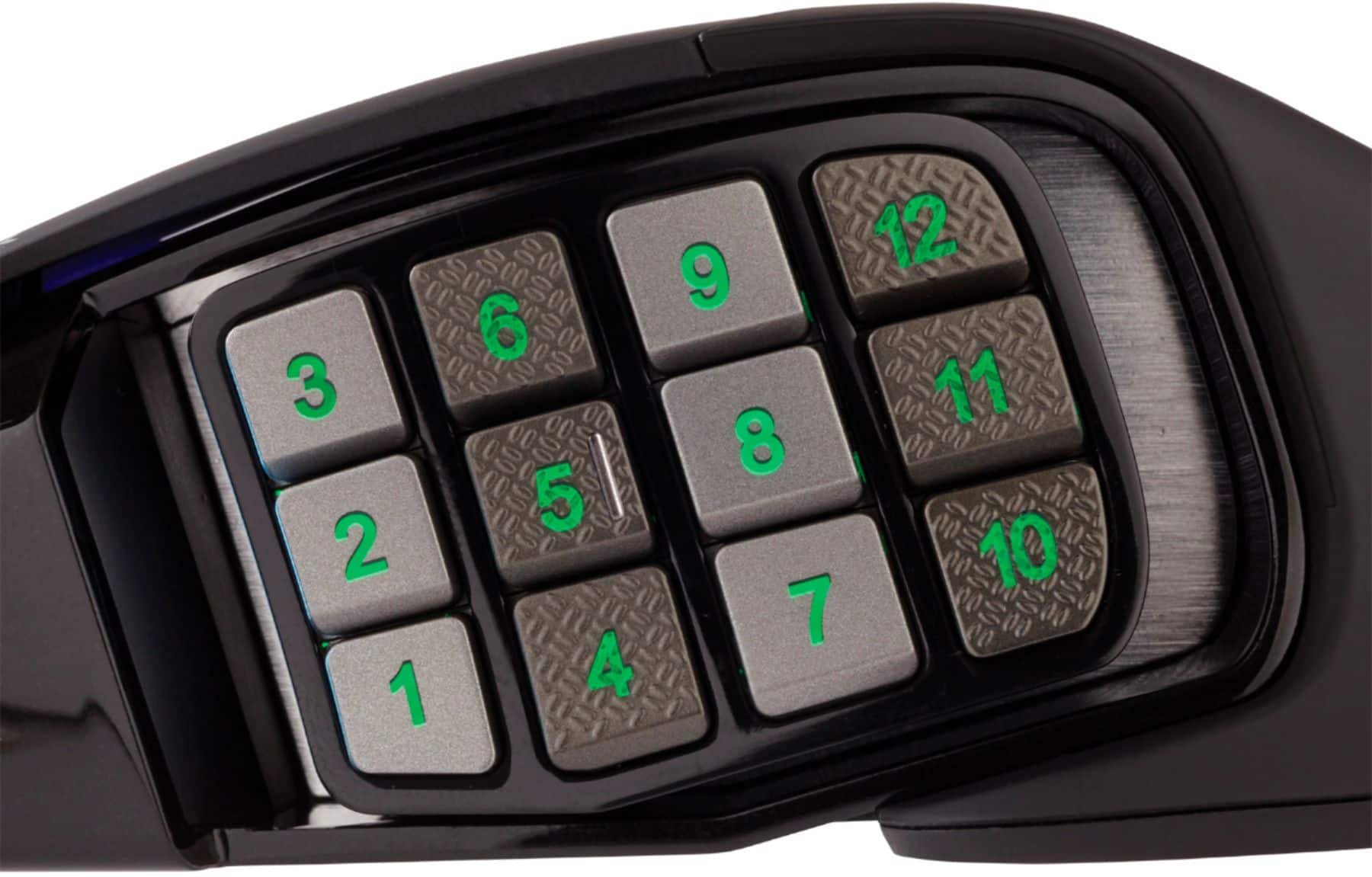
enjoy 12 side buttons.
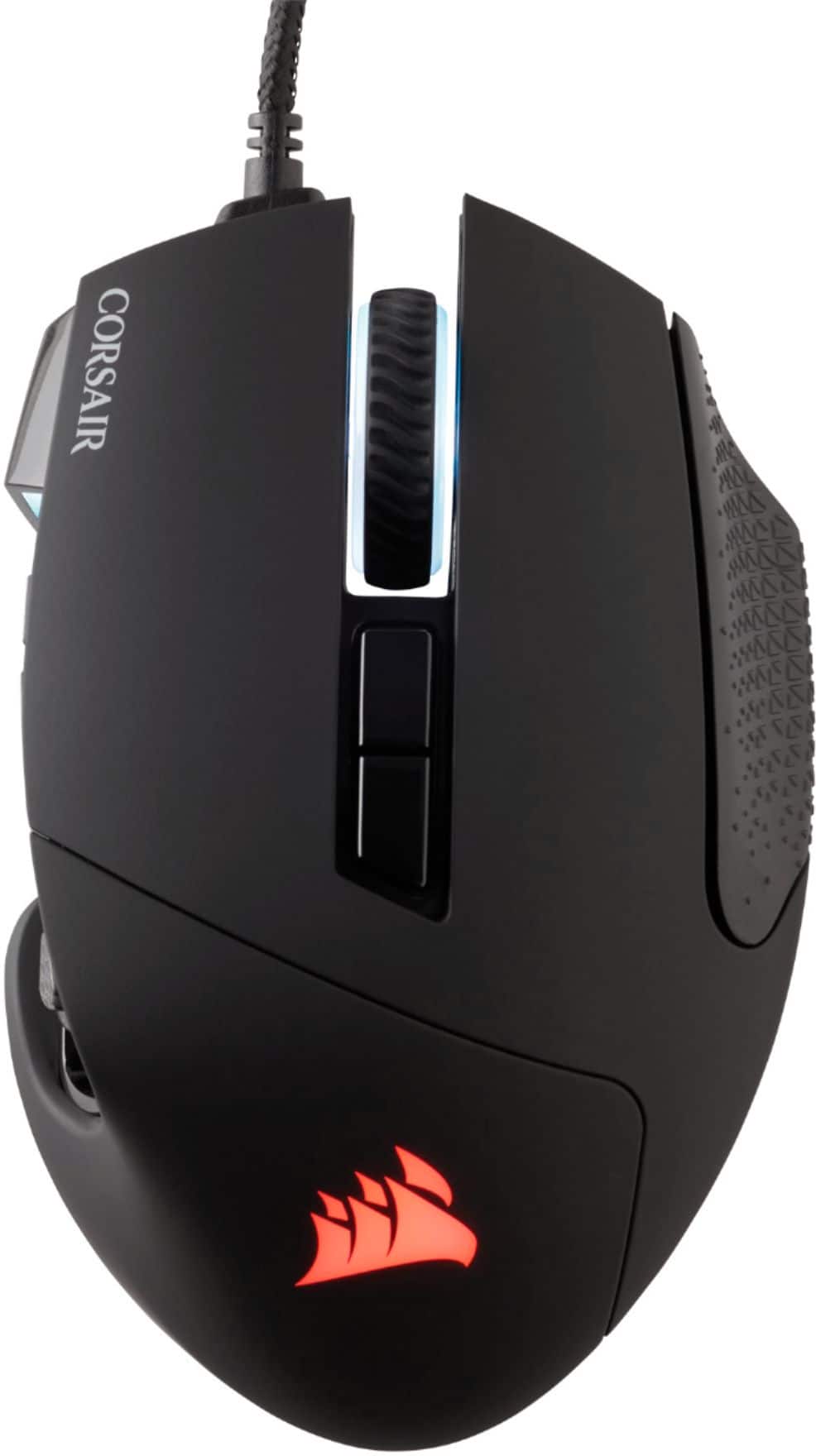
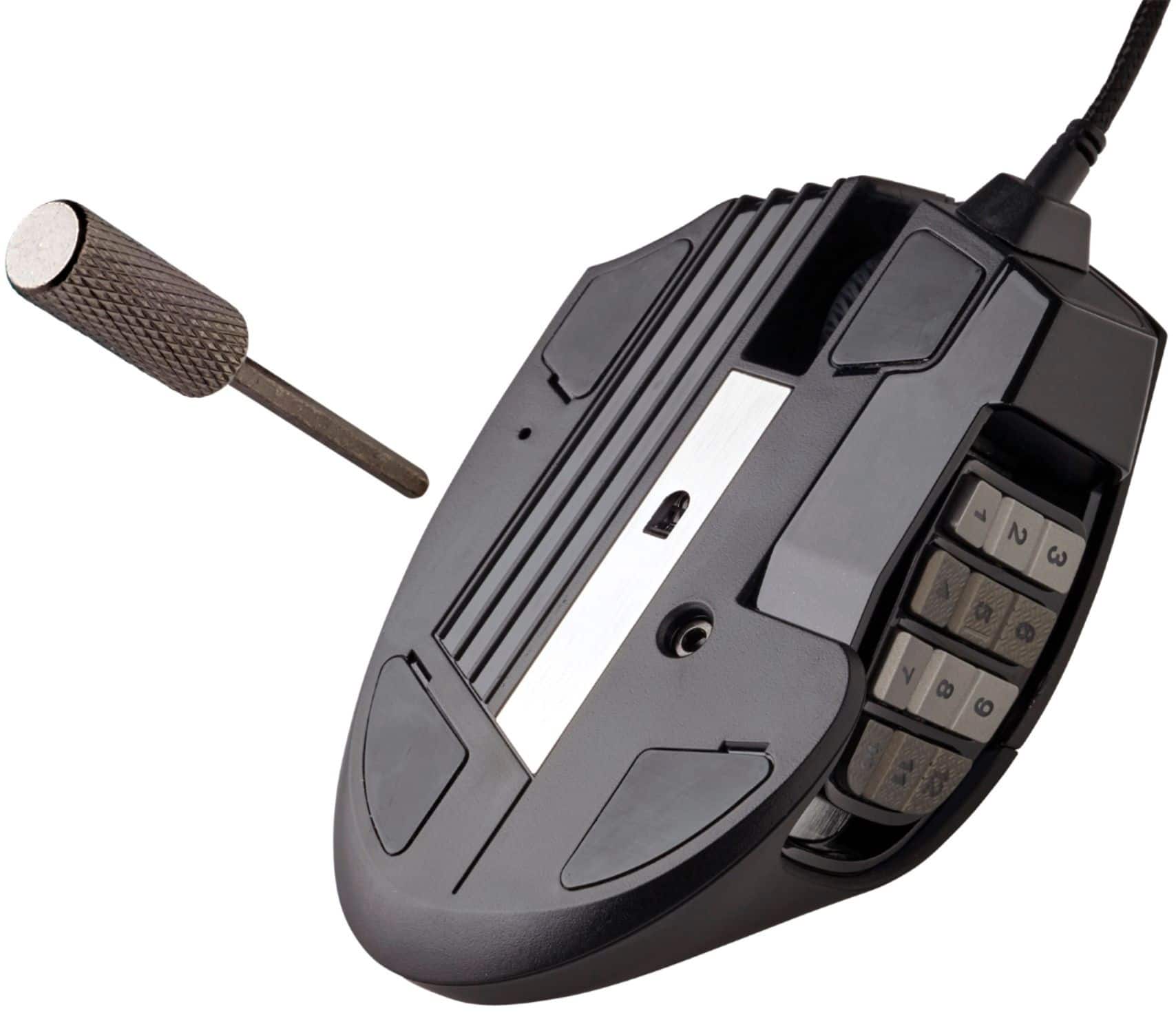
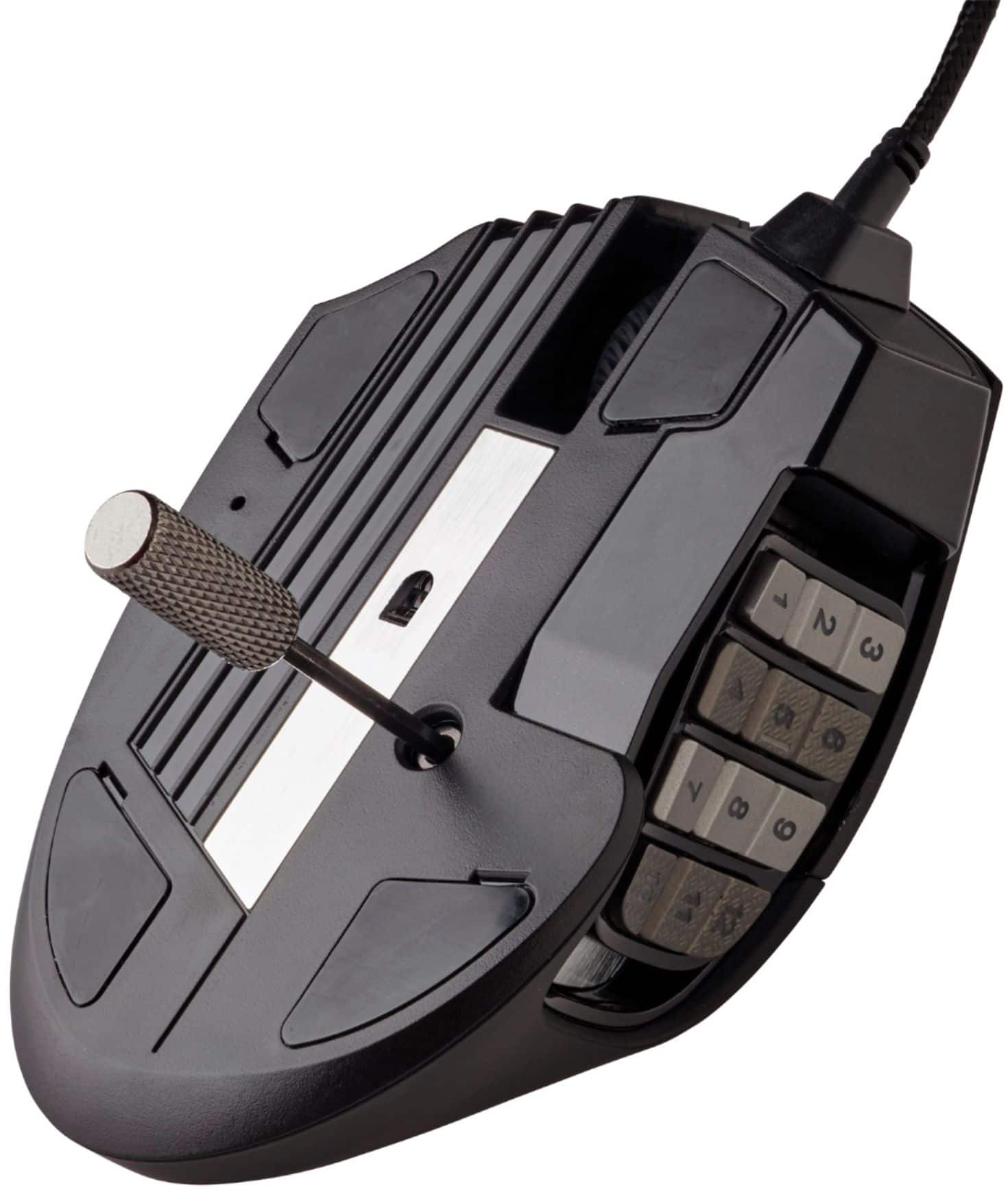
||Posted . Owned for 1 year when reviewed.This reviewer received promo considerations or sweepstakes entry for writing a review.It's very comfortable. I love being able to customize The side buttons and center. The two bu ttons below the scroll wheel are customizable as well. It comes with one of then to change profile and the other to change PDI. I just changed it so both are PD I up/down instead of rotate. My right click is becoming touchy now though.
This review is from CORSAIR - Scimitar RGB Elite Wired MOBA/MMO Optical Gaming Mouse with 17 Programmable Buttons - Wired - Black
I would recommend this to a friend - Pros mentioned:Overall performance, Programmable buttons
Rated 5 out of 5 stars
10/10
||Posted . Owned for 3 weeks when reviewed.This reviewer received promo considerations or sweepstakes entry for writing a review.Excellent quality. Looks great. Intergrated well with all the other rgb components due to the software. Adjustable position side panel is nice for having large hands. All buttons fully customizable.
This review is from CORSAIR - Scimitar RGB Elite Wired MOBA/MMO Optical Gaming Mouse with 17 Programmable Buttons - Wired - Black
I would recommend this to a friend - Pros mentioned:Programmable buttons
Rated 4 out of 5 stars
Great for gaming!
||Posted . Owned for 5 months when reviewed.This reviewer received promo considerations or sweepstakes entry for writing a review.Is this mouse has really changed out the way that I play games and approach MMOs and survival crafting games. Having all the extra buttons at a moment's notice on the mouse is super convenient. The only reason this did not get a five star for me is that it can take a lot of getting used to to press the buttons and sometimes where I rest. My thumb is pretty uncomfortable but it's the most apt place to be able to hit all of the buttons.
This review is from CORSAIR - Scimitar RGB Elite Wired MOBA/MMO Optical Gaming Mouse with 17 Programmable Buttons - Wired - Black
I would recommend this to a friend - Pros mentioned:Ergonomics
Rated 5 out of 5 stars
Great mouse!
||Posted . Owned for 3 weeks when reviewed.This reviewer received promo considerations or sweepstakes entry for writing a review.This mouse fits perfectly in my hand. The number buttons on the side are easily reached by my thumb. I have no issues with hitting multiple numbers. You can bind the numbers to any key on the keyboard as well. Corsair has become my go to brand for gaming/electronic products.
This review is from CORSAIR - Scimitar RGB Elite Wired MOBA/MMO Optical Gaming Mouse with 17 Programmable Buttons - Wired - Black
I would recommend this to a friend - Pros mentioned:Programmable buttons
Rated 5 out of 5 stars
Surprise Accessibility Aid and a gaming mouse!
||Posted .This reviewer received promo considerations or sweepstakes entry for writing a review.Bought this as an accessibility aide and it has been stellar! The 12 side buttons are all programmable and you can set up different profiles via the app. Excellent purchase when you only have one hand to utilize the computer due to injury
This review is from CORSAIR - Scimitar RGB Elite Wired MOBA/MMO Optical Gaming Mouse with 17 Programmable Buttons - Wired - Black
I would recommend this to a friend - Pros mentioned:Programmable buttons
Rated 5 out of 5 stars
Amazing
||Posted . Owned for 8 months when reviewed.This reviewer received promo considerations or sweepstakes entry for writing a review.Best mouse ive every used for gaming, the extra buttons make for easy use of abilitys
This review is from CORSAIR - Scimitar RGB Elite Wired MOBA/MMO Optical Gaming Mouse with 17 Programmable Buttons - Wired - Black
I would recommend this to a friend - Pros mentioned:Programmable buttons
Rated 5 out of 5 stars
Good mmo mouse
||Posted . Owned for 9 months when reviewed.This reviewer received promo considerations or sweepstakes entry for writing a review.If your into mmo's or in need of a mouse with an array of buttons, look no further. I've been using this mouse for almost a year and it's really helped in taking my gaming to a whole other level. Feels comfortable and light. I will say that sometimes the drivers/app may cause some games to crash so if you are experiencing game crashes, uninstall the app.
This review is from CORSAIR - Scimitar RGB Elite Wired MOBA/MMO Optical Gaming Mouse with 17 Programmable Buttons - Wired - Black
I would recommend this to a friend - Pros mentioned:Programmable buttonsCons mentioned:Scroll wheel
Rated 4 out of 5 stars
Love it but, the Mousewheel.
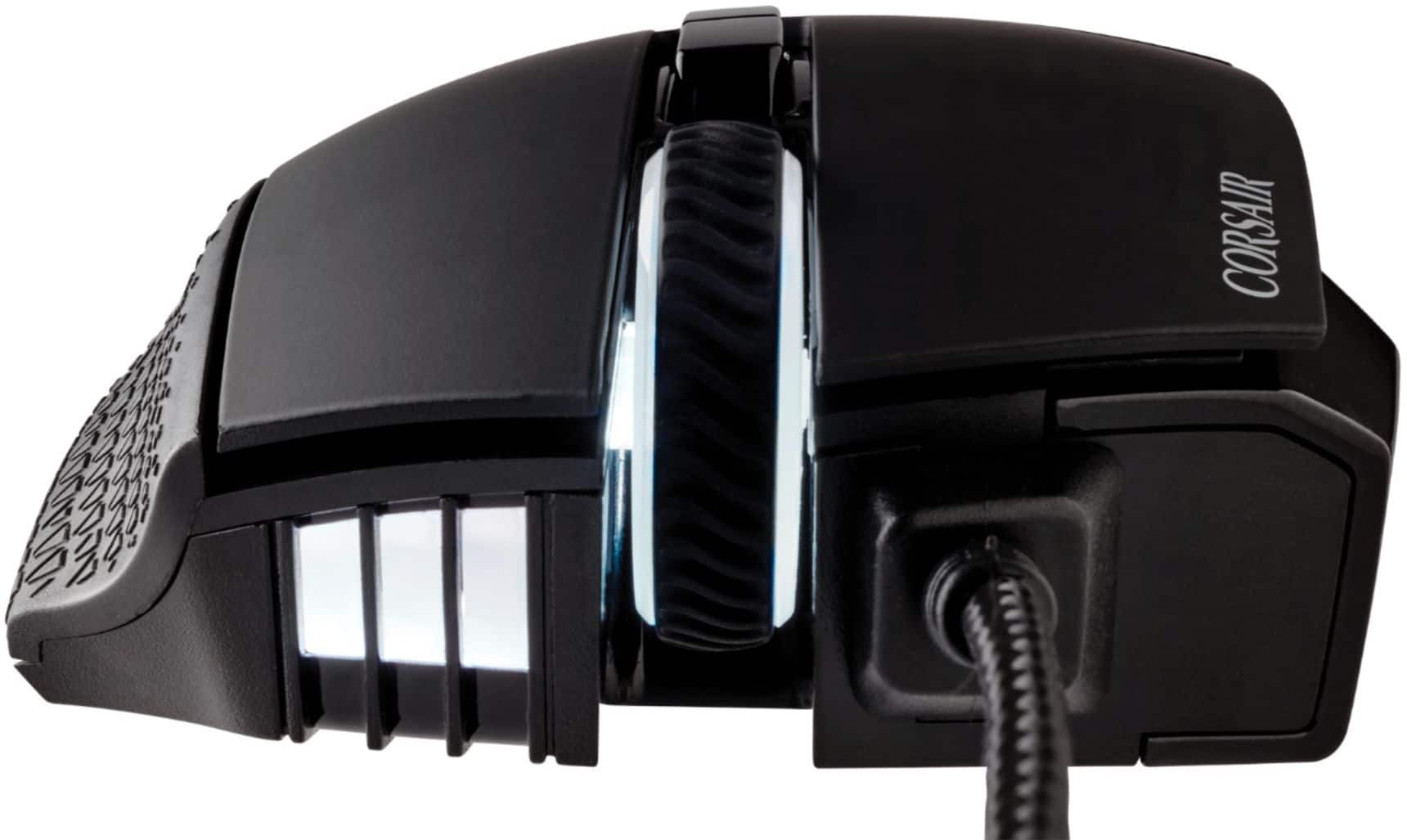
||Posted . Owned for 3 weeks when reviewed.This reviewer received promo considerations or sweepstakes entry for writing a review.I love this mouse but, the mousewheel notoriously breaks. I've become so dependent on the side buttons and I wish they'd restructure how the mouse wheel is made.
This review is from CORSAIR - Scimitar RGB Elite Wired MOBA/MMO Optical Gaming Mouse with 17 Programmable Buttons - Wired - Black
I would recommend this to a friend Rated 4 out of 5 stars
almost perfect
||Posted . Owned for 2 weeks when reviewed.This reviewer received promo considerations or sweepstakes entry for writing a review.bought this mouse because i have always prefered MMO/RPG style games. I have owned multiple different brands of this same style of mouse. I purchased the corsair due to the fact that my PC setup is almost completely Corsair. I have to say that I am pleased with this product. Feels quality, the RGB is very bright, accurate and transition very smoothly from color to color compared to other similar devices. I have two complaints about this mouse. I love the idea of the side buttons moving/sliding forward and backward to find best fit. However I have my number keys pulled almost all the way back toward my palm which in theory should raise the buttons back and up.. I still find it very hard to get my finger cleanly on the 1 key as my thumb is hitting my mouse pad and the 2 key instead. ther is no fix i have found for this yet. Possibly different mouse pad or sliders/ feet on the bottom of the mouse. This has nevr been an issue on any other mouse of similar style i have tried from other brands, even much cheaper brands. second issue is the right and left mouse buttons are very sensitive. i find myself holding or randomly clicking the mouse without meaning to or even noticing sometimes
This review is from CORSAIR - Scimitar RGB Elite Wired MOBA/MMO Optical Gaming Mouse with 17 Programmable Buttons - Wired - Black
I would recommend this to a friendRated 5 out of 5 stars
Amazing
||Posted . Owned for 1.5 years when reviewed.This reviewer received promo considerations or sweepstakes entry for writing a review.The mouse feels and clicks smoothly,Don’t even have to click down with the slightest of pressure. Very responsive and with the customizable DPI button you can change sensitivity with ease, recommend for all everyone either just starting your PC journey or a season Veteran.
This review is from CORSAIR - Scimitar RGB Elite Wired MOBA/MMO Optical Gaming Mouse with 17 Programmable Buttons - Wired - Black
I would recommend this to a friend- Pros mentioned:WeightCons mentioned:Software
Rated 4 out of 5 stars
Overall good. Software isn’t most user friendly.
||Posted . Owned for 1 month when reviewed.This reviewer received promo considerations or sweepstakes entry for writing a review.It’s a solid overall MMO/MOBA mouse. Light, but sturdy. My only real complaint is that it’s software for keybinds and lighting effects etc. is not the most user friendly. You have to save after assigning each button and open a new action before starting the next. Also the light in front of the side buttons color change options are not found in ‘lighting’ rather in DPI.
This review is from CORSAIR - Scimitar RGB Elite Wired MOBA/MMO Optical Gaming Mouse with 17 Programmable Buttons - Wired - Black
I would recommend this to a friend - Pros mentioned:Programmable buttons
Rated 5 out of 5 stars
cost effective
||Posted . Owned for 8 months when reviewed.This reviewer received promo considerations or sweepstakes entry for writing a review."The CORSAIR Scimitar RGB Elite is a game-changer for WoW. Its 17 programmable buttons handle macros flawlessly, streamlining combat and inventory management. The optical sensor is precise, and the ergonomic design feels great during long raids. RGB lighting adds flair. A must-have for MMO players!"
This review is from CORSAIR - Scimitar RGB Elite Wired MOBA/MMO Optical Gaming Mouse with 17 Programmable Buttons - Wired - Black
I would recommend this to a friend Rated 5 out of 5 stars
Fantastic buy (work or gaming)
||Posted . Owned for 3 months when reviewed.This reviewer received promo considerations or sweepstakes entry for writing a review.I love this thing, whether it be for gaming or work, this mouse is the best one I’ve ever had. The buttons are definitely big enough to be easy to locate and use, but not too big that you’ll have a hard time finding comfortable hand/finger placement when not wanting to use them. The iCue app is fantastic as well, it’s a great way to connect all of your Corsair devices and manage them with ease.
This review is from CORSAIR - Scimitar RGB Elite Wired MOBA/MMO Optical Gaming Mouse with 17 Programmable Buttons - Wired - Black
I would recommend this to a friendRated 5 out of 5 stars
Corsair is SO much better than Razer
||Posted . Owned for 7 months when reviewed.This reviewer received promo considerations or sweepstakes entry for writing a review.The Corsair Scimitar RGB elite is a great replacement for Razer's Trinity. Corsair also has chosen to continue native MacOSX support, so if you're a Mac person that wants these features, kick Razer to the curb (which I advise to do regardless given their experienced-for-years but no other options around quality, customer support, etc). Software is where things are also so much better than Razer. Even when they did "support" Mac, it was clunky, buggy, and didn't even support all their device lines' features. Razer sure has some great marketing, though. Corsair's iCUE is pretty easy to set up, and has supported everything I've needed. So far it's only my mouse, but at some point when I upgrade my headset and keyboard, I will be getting Corsair.
This review is from CORSAIR - Scimitar RGB Elite Wired MOBA/MMO Optical Gaming Mouse with 17 Programmable Buttons - Wired - Black
I would recommend this to a friendRated 4 out of 5 stars
Good mouse, especially for price
||Posted . Owned for 1 year when reviewed.This reviewer received promo considerations or sweepstakes entry for writing a review.Lasted 2 and a half years, good for MOBAs, a little wonky for other things. Overall generally decent mouse.
This review is from CORSAIR - Scimitar RGB Elite Wired MOBA/MMO Optical Gaming Mouse with 17 Programmable Buttons - Wired - Black
I would recommend this to a friend- Cons mentioned:Scroll wheel
Rated 4 out of 5 stars
Amazing mouse with low longevity
||Posted . Owned for 1 week when reviewed.This reviewer received promo considerations or sweepstakes entry for writing a review.I've been buying scimitars for MMOs since they released, and now I cannot buy any other mouse. It's fantastic. The only caveat is that the clickpads wear down and the scroll wheel stops working way sooner than it should for a AAA company mouse. I feel like, with heavy gameplay every day, these should last 5 yrs. Mine ususally only last 2-3.
This review is from CORSAIR - Scimitar RGB Elite Wired MOBA/MMO Optical Gaming Mouse with 17 Programmable Buttons - Wired - Black
I would recommend this to a friend - Cons mentioned:Software
Rated 5 out of 5 stars
I love this thing!
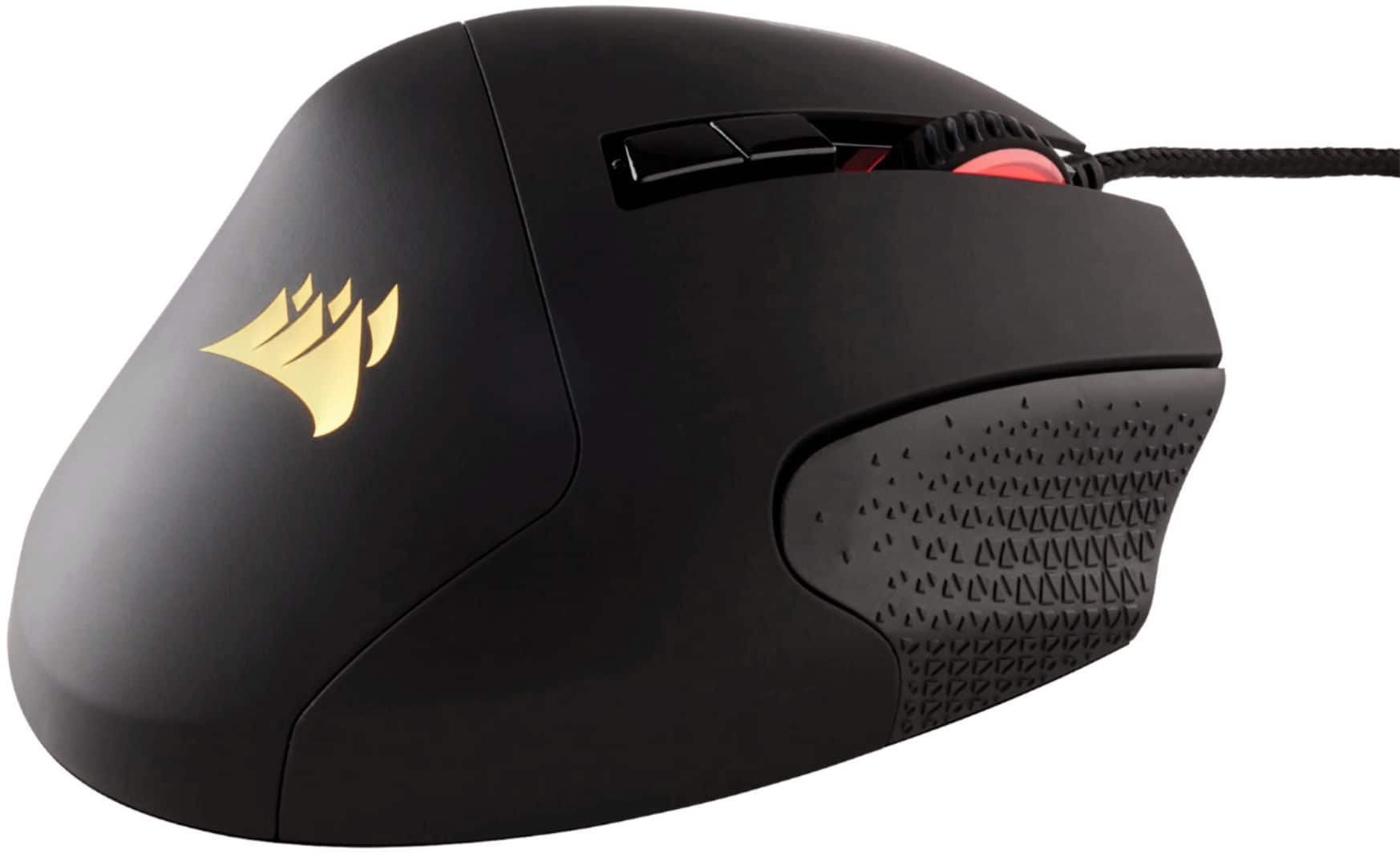
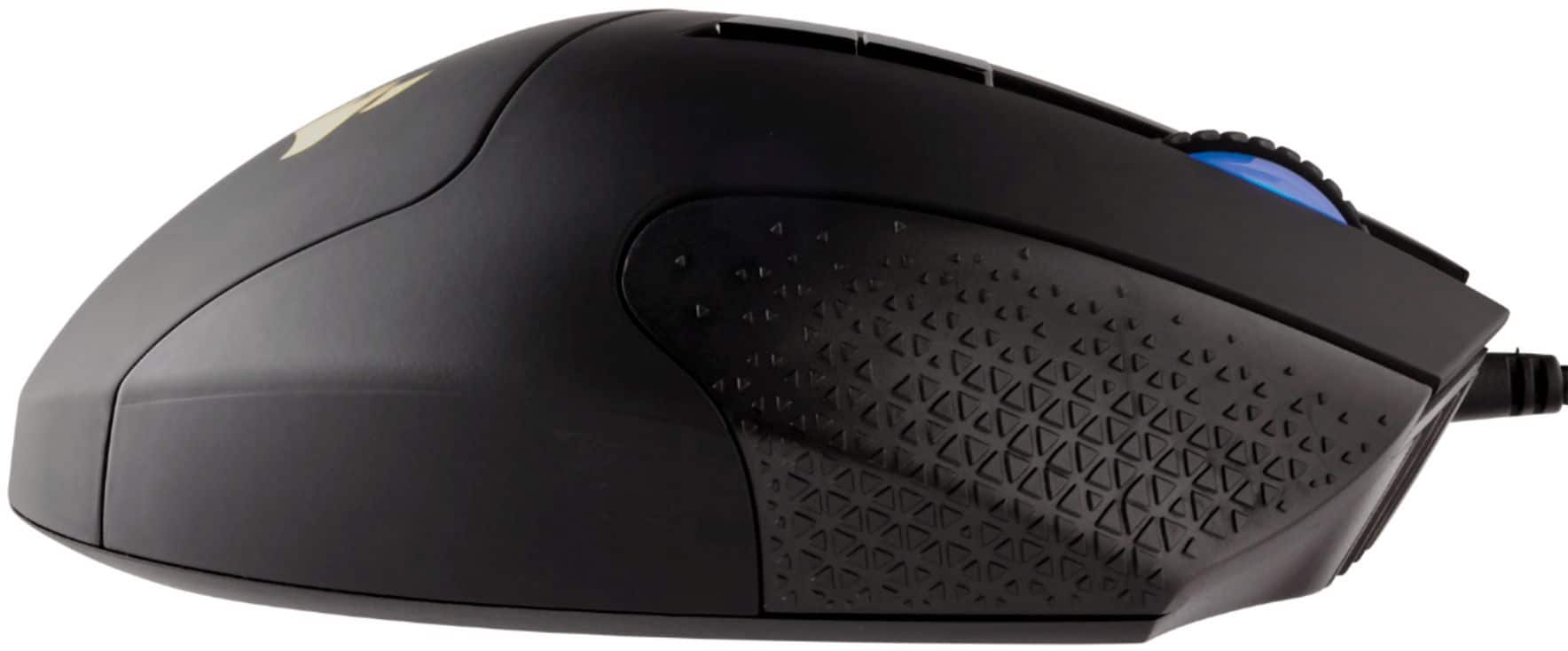
||Posted .This reviewer received promo considerations or sweepstakes entry for writing a review.I have used Razer Nagas for quite a while now. I love the design, but don't care for the build quality. So when I needed a new KB, I snagged this along with it to simplify software (both are Corsair). The build quality is amazing! The movable thumb buttons make it nice for my big hands. The textured right side really helps me hold on (something I've never thought about until I got this mouse). The issue is the software. Razer might build junk, but their software was on point. This is a cluttered mess. Tons of options...almost too many. I have to assign keys in the software, and then assign them again and save it to the mouse. So you're doing everything twice. The DPI doesn't want to switch. You click it, it says it switched, but it didn't. Change the color...nope. And the side buttons, why do they not just default to the number bar at the top of the KB? Razer does. But no, I had to program each button TWICE. And if the profile in the software doesn't exactly match the hardware saved profile you will get prompted a LOT to fix this. I have the exact same profile on both except the lighting. I want the mouse to be darker when the PC is locked. Only difference. It really bothers the software! All-in-all, I do like this and would recommend it. Just get ready for some Google searches on how to deal with the software.
This review is from CORSAIR - Scimitar RGB Elite Wired MOBA/MMO Optical Gaming Mouse with 17 Programmable Buttons - Wired - Black
I would recommend this to a friend - Pros mentioned:Programmable buttons
Rated 5 out of 5 stars
Mouse
||Posted . Owned for 6 months when reviewed.This reviewer received promo considerations or sweepstakes entry for writing a review.Feels comfortable in the hand and buttons are easy to key bind along with mouse sensitivity buttons
This review is from CORSAIR - Scimitar RGB Elite Wired MOBA/MMO Optical Gaming Mouse with 17 Programmable Buttons - Wired - Black
I would recommend this to a friend Rated 5 out of 5 stars
awesome mouse
||Posted . Owned for 3 weeks when reviewed.This reviewer received promo considerations or sweepstakes entry for writing a review.This mouse is amazing. I've had it for 10 years. I broke my last one when I spilled tea on it, and had to rebuy it 10/10
This review is from CORSAIR - Scimitar RGB Elite Wired MOBA/MMO Optical Gaming Mouse with 17 Programmable Buttons - Wired - Black
I would recommend this to a friend- Pros mentioned:Programmable buttons
Rated 5 out of 5 stars
Great mouse time
||Posted . Owned for 1 year when reviewed.This reviewer received promo considerations or sweepstakes entry for writing a review.Great mouse. Like the buttons and the feel of the it.
This review is from CORSAIR - Scimitar RGB Elite Wired MOBA/MMO Optical Gaming Mouse with 17 Programmable Buttons - Wired - Black
I would recommend this to a friend