Customer Ratings & Reviews
Customer reviews
Rating 4.5 out of 5 stars with 2 reviews
(2 customer reviews)to a friend
Rated 5 out of 5 stars
Shaky start but good
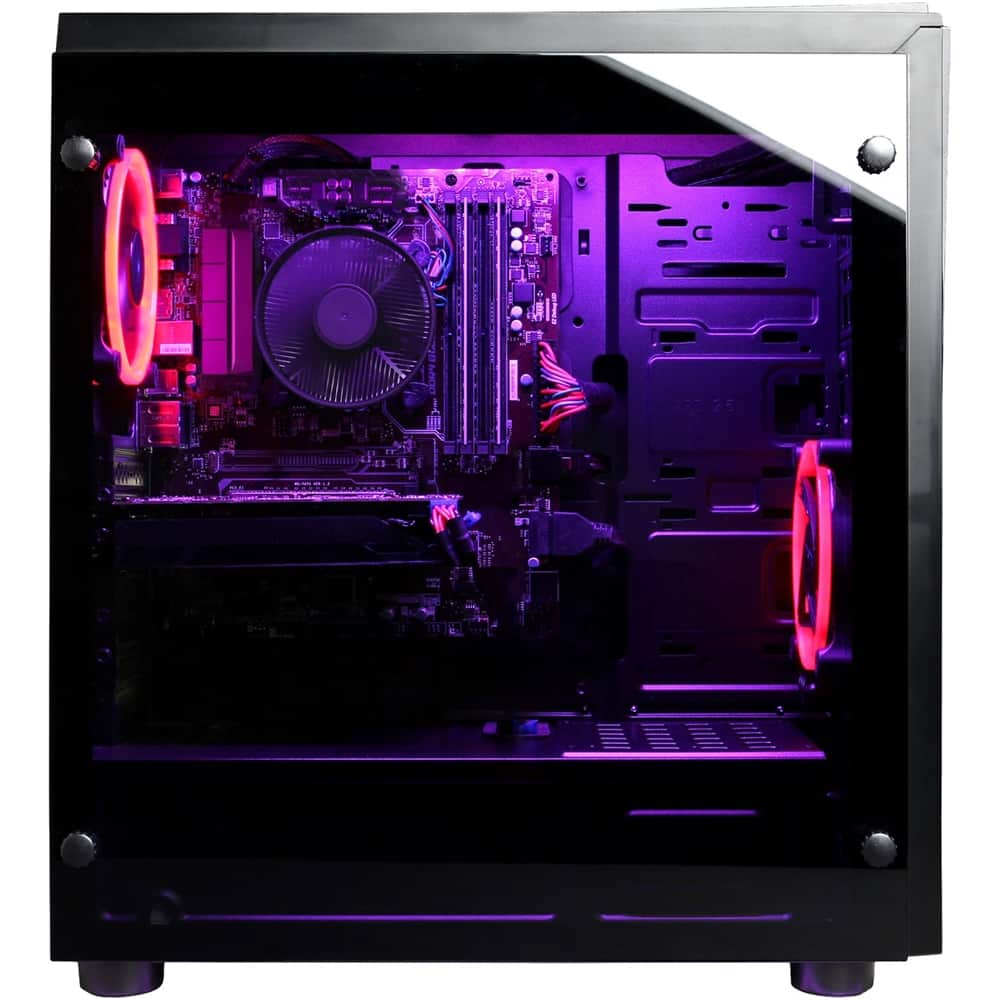
||Posted .This reviewer received promo considerations or sweepstakes entry for writing a review.This has been a great system so far ( only had it a few weeks so far ). I ordered the system in store to be shipped to the store for pickup 2 weeks later, System arrived on schedule, brought it home and the system would not turn on every time. I could not reseat many of the cabels because there is a metal plate in the bottom of the case I would have had to remove. So I brought it back to Best Buy and they reseated the cables and everything has been good since ( they did not charge at all ). Ordering this way worked out well. No complaints system has great performance.
I would recommend this to a friendRated 4 out of 5 stars
Gamer, Don't Be Lazy, Do It Right The First Time!
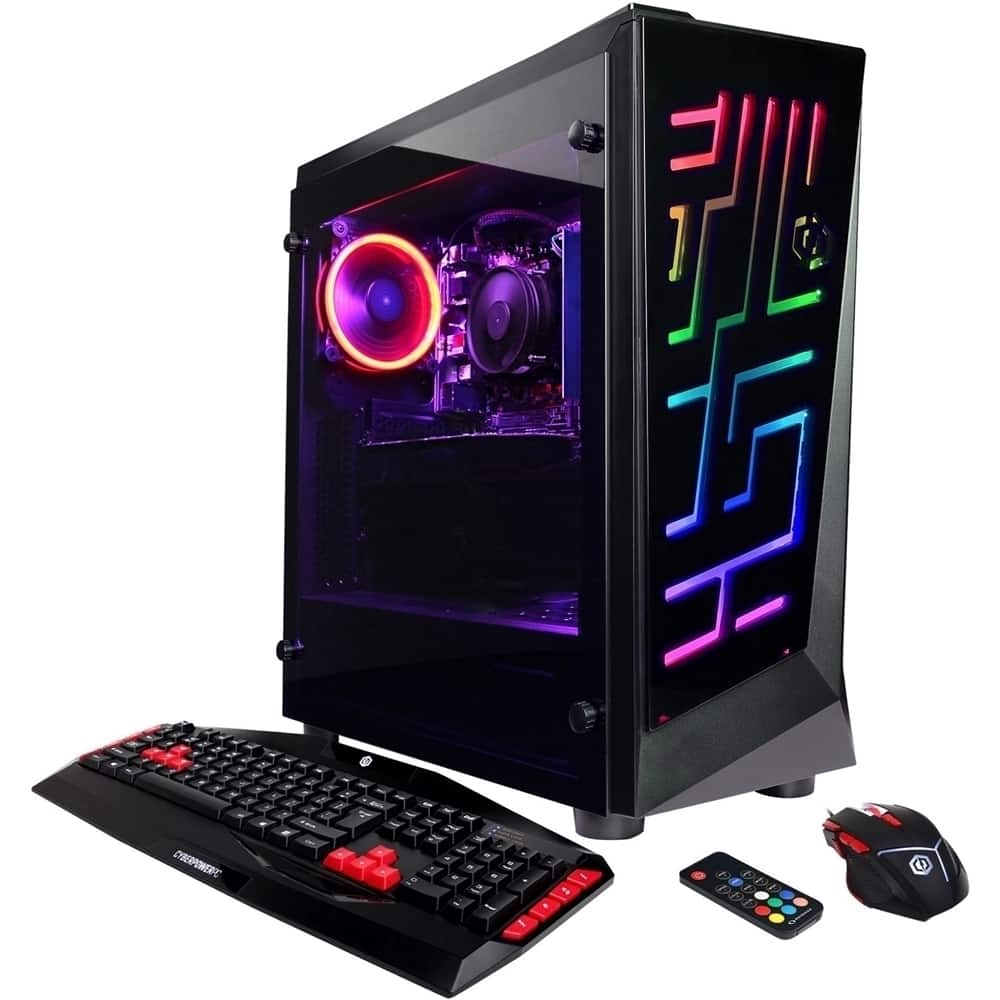
Posted .This reviewer received promo considerations or sweepstakes entry for writing a review.A great idea (concept) and cool looking design features for this Cyberpower gaming rig. Purchased and picked up this (in stock inventory) from Best Buy local store. Brought her home and with a few tweaks, updates and drivers’ issues, I was having fun. (happy gamer). -Personally, the R-G-B LED lighting features are NOT really that important to me. It is a "WOW" factor for the friends and family members. CON: -My suggestion; (to all the graphics card and Main board companies): There has to be a better solution to support the (tail) end of the larger and more power full PCIe slot cards. The installation of a long and heavy weighted graphics card is not ideal, to a consumer that is required to move a lot (example: military members) The weight of the PCIe slot card(s) places an unwanted amount of stress on the main board. My Situation: I am not complaining about the Best Buy or Cyberpower experience. Both companies went above and beyond to assist me promptly. Probably because I didn't act like a jerk on the phone? (My opinion) - I am a part of the 1% (military) members that will have to move a lot. The first time I moved this PC from home to home, I noticed the Graphics card (tail end) was starting to droop/sag from the weight overcoming the installation (cantilever) design. The installation method and possible flexing of this large card during transit cannot be good. I ensured the PC was horizontal main board side down. Doing so gave me piece of mind that the cards were NOT going to flop around in the box. I know its safe to ship a PC, afterall Best Buy originally received this PC via a shipment? -The power button became useless and would NOT power up the PC. (Aggravating, I know) I felt bad for blaming the power button, but it's not the buttons fault? - (I had not opted to purchase the Geek Squad protection plan at time of purchase) I took the PC to see the Geek Squad knowing that they were under no obligation to assist me without charging for their time/service. The Squad "hooked me up" and eliminated the power supply as the culprit and the power button. The report that all circuits (12V, 5V, and the 3V) were providing power within limits. And additionally, as a courtesy of the Squad, all the cards were re-seated, (luck?), the PC started right up. The Geek Squad did me right without charging me for their opinions and time. They did recommend contacting Cyberpower for this issue. Sure enough a few weeks later, same re-occurring problem. No power up with the push button. MY TAKEAWAY(And only my takeaway! (DO NOT try this with your electronics, as I am not liable for your actions: -I could have saved (a lot) of time if I had chosen to by the Geek Squad protection plan at time of purchase. -The big ole' super powerful gaming rig with giant graphics card can really stress the main board. I would probably seek expert level advice of the manufacture before moving a PC over a long trip -Register my PC immediately, don't wait until a warranty issue or troubleshooting ticket to do so. That took away an hour of phone, email, scanning and online time to satisfy for the (Return Material Authorization) RMA. -Ensure that I have a permanent shipping address (parents address) That way when I move from house to house, I don't require to complete a form requesting change of permanent address. you only get one change. This took me another hour of completing before I could submit and now, I am still waiting 6 hours later for the RMA authorization code. - Although the PC is covered under warranty, I will still have another 7-21 Days turnaround for the repairs. **Don't be lazy, take the time to do it right, the first time!
I would recommend this to a friend