Customer Ratings & Reviews
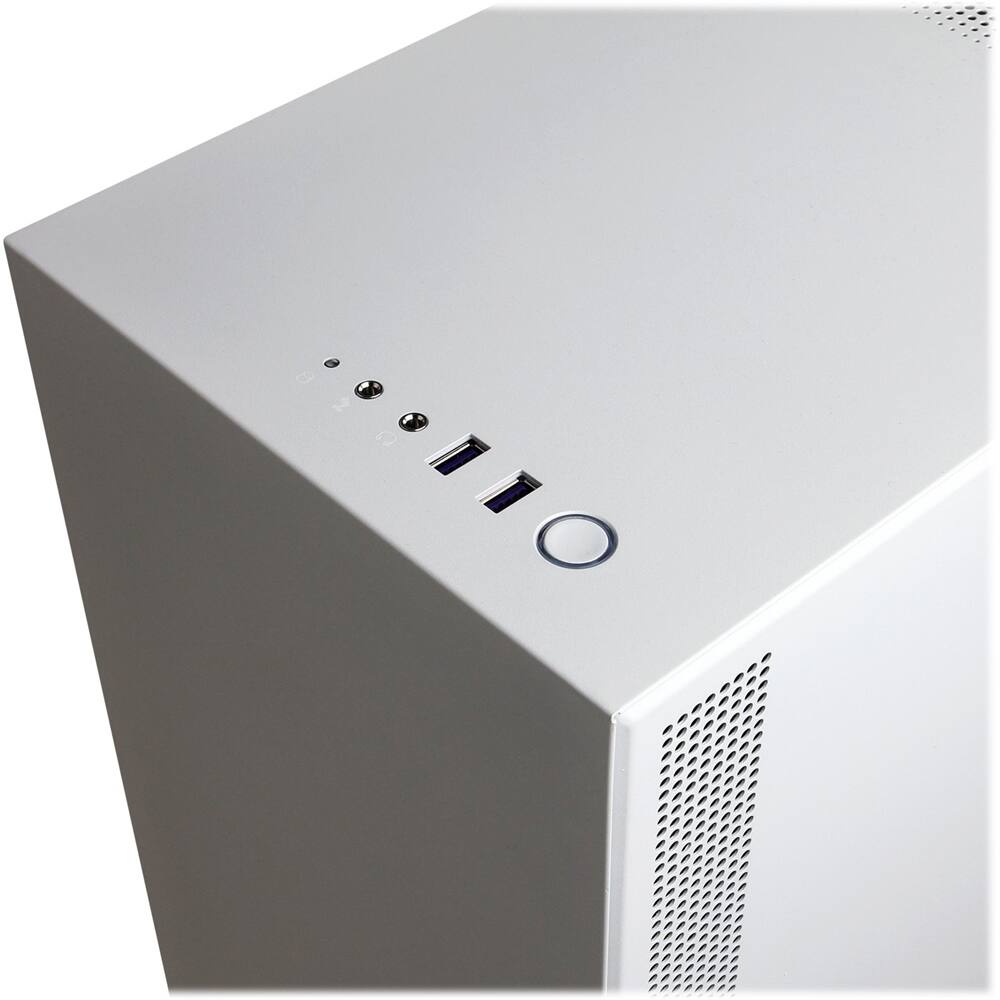

- Model:
- SLC8960CPGV2
- |
- SKU:
- 6360116
Customer reviews
Rating 4.4 out of 5 stars with 9 reviews
(9 customer reviews)to a friend
Customers are saying
Customers are positive about the performance of the Gaming Desktop - Intel Core i7-9700K - 32GB Memory - NVIDIA GeForce RTX 2070 SUPER - 2TB Hard Drive + 500GB SSD. Users report that it handles demanding programs and games with ease, providing excellent performance for both gaming and professional software. The system's speed and ability to run applications smoothly are frequently praised. There are no reported negative customer experiences.
This summary was generated by AI based on customer reviews.
- Pros mentioned:Performance
Rated 5 out of 5 stars
This PC is awesome!
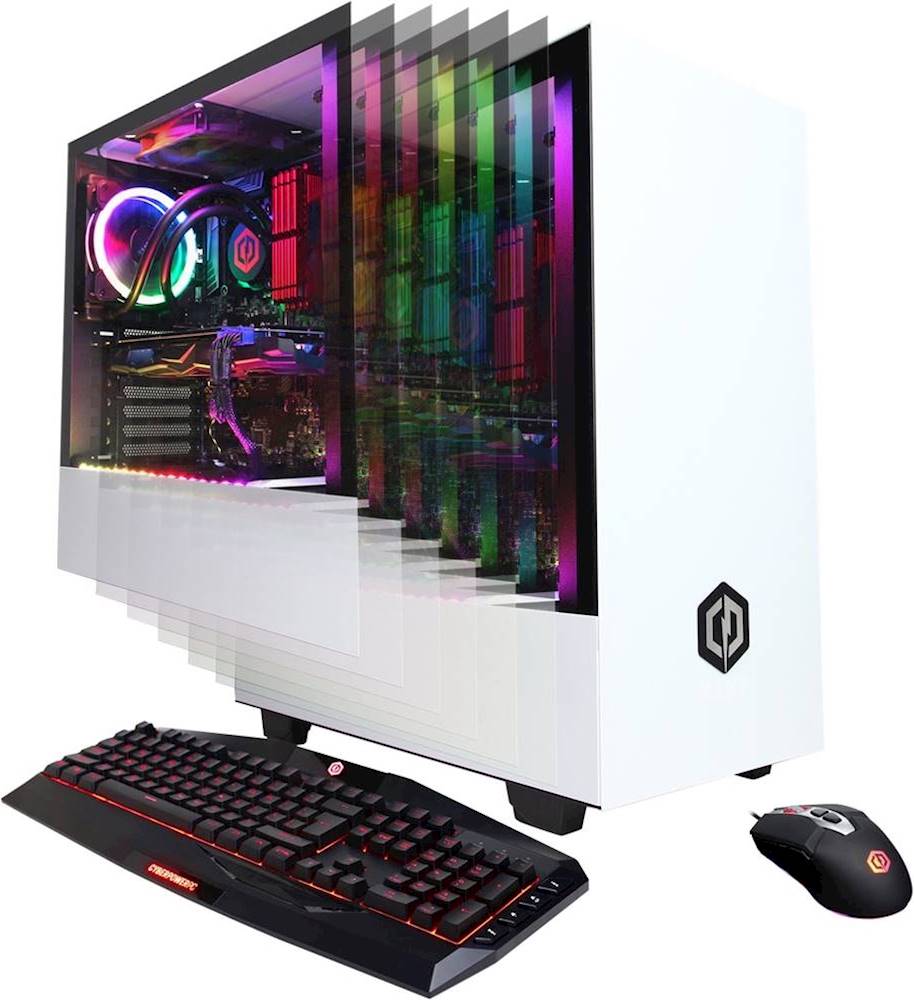
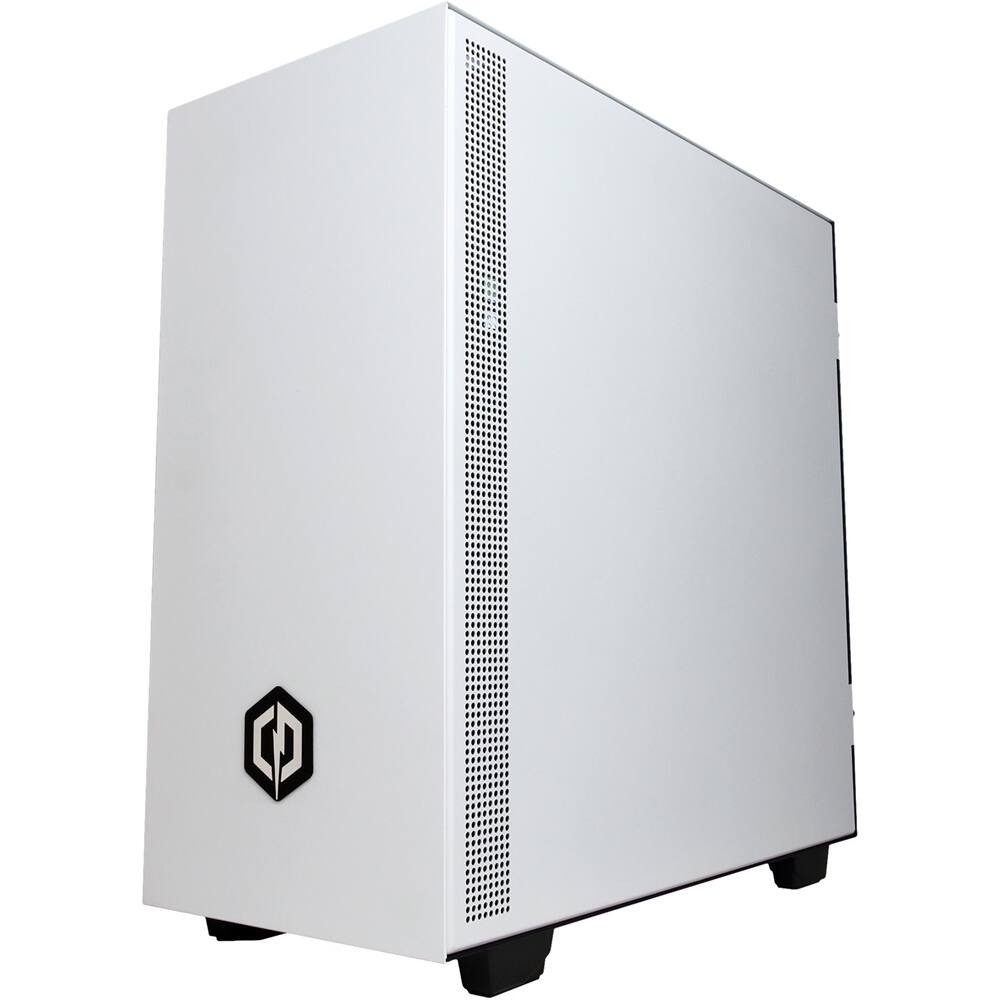
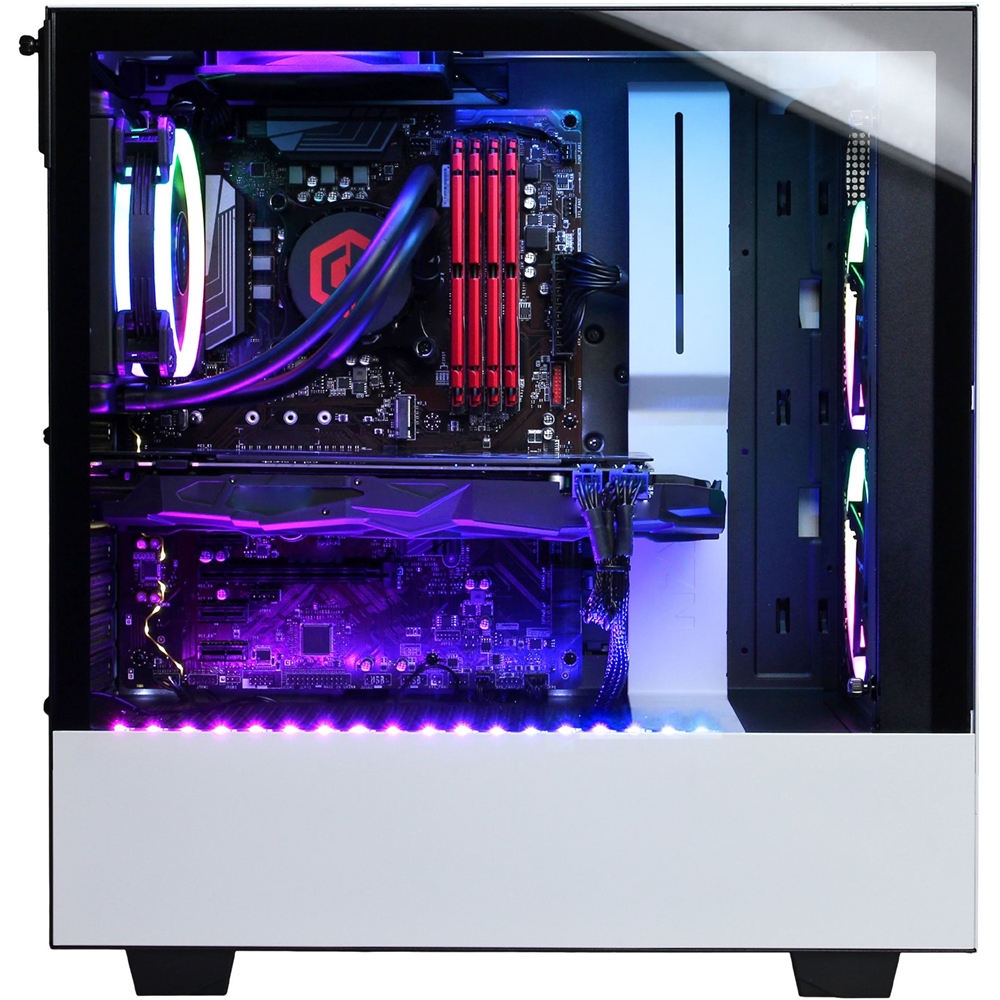
||Posted . Owned for 2 weeks when reviewed.This reviewer received promo considerations or sweepstakes entry for writing a review.I've been using an MSI GS63VR 6RF stealth pro for a few years now. I forgot how much I missed having a gaming desktop. This thing is a beast! It'll handle all the top games right out of the box. Though there is room to overclock if you desire. Not only does this pc perform, but it looks great too! The stock photos don't do it justice. I attached the results I did with 3Dmark. This was the results with no overclocking performed.
I would recommend this to a friend Rated 4 out of 5 stars
Great PC
||Posted . Owned for 1 month when reviewed.This reviewer received promo considerations or sweepstakes entry for writing a review.I purchased this to replace my 2008 build and has been nothing but amazing. The best part was that the 2070 Super was newer than the 2080 already out. Only thing I wish they'd add into this was an el gato capture card. The keyboard and mouse are terrible which is why they're free. My advice cut your losses and but a new mouse and keyboard. Took a star off due to the mouse and keyboard. When you spend $1900 on a pc you should be getting better quality for your mouse and keyboard instead of a $10 keyboard and $20 mouse. So I bought the competitor's stuff instead Logitech thanks for the help.
I would recommend this to a friend- Pros mentioned:Performance
Rated 5 out of 5 stars
Works just as imagined
||Posted . Owned for 1 month when reviewed.This reviewer received promo considerations or sweepstakes entry for writing a review.Easy to set up, fast and fun to look at. Handles my graphic design software with ease.
I would recommend this to a friend Rated 5 out of 5 stars
Great machine
||Posted . Owned for 3 weeks when reviewed.This reviewer received promo considerations or sweepstakes entry for writing a review.I've had this for almost 1 month already. I haven't had any problems. The graphics are awesome. I only play 1 online video game and it has delivered on the specs it has. Everything works well. I hope its lasts me for a while. I love the lights on it and the clear case.
I would recommend this to a friend- Pros mentioned:Performance
Rated 5 out of 5 stars
Powerful Computer!
||Posted . Owned for 1 month when reviewed.This reviewer received promo considerations or sweepstakes entry for writing a review.This is my second Cyber PC. The first one lasted 8 years with no issues at all. This computer will run demanding programs with settings maxed out with no problem. Great buy!
I would recommend this to a friend Rated 3 out of 5 stars
2nd Monitor Hook Up ??
||Posted . Owned for 2 months when reviewed.This reviewer received promo considerations or sweepstakes entry for writing a review.For the amount I spent on this computer I would expect some way of connecting a 2nd Monitor. Neither Cyber Power PC or Best Buy could help me with this issue. The previous Lap Top and Desk top I purchased all had a means of doing so with two HDMI Cables. In addition an older Cyber Power PC I had from 2012 also had two HDMI sockets for two Monitors. VERY DISAPOINTED when I was told I had to buy a spliter box. SERIOUSLY !!!
No, I would not recommend this to a friendBrand response from CyberPowerPC Brand Expert
Posted .Dear Phil123,
We are sorry to hear about your experience and apologize for any inconvenience this may have caused. In order to utilize dual monitors, you will need to use the available ports on the video card. If you video card only has one HDMI port, you will need to use the other available ports, such as the DVI or DisplayPort using another cable or adapter. If you are still experiencing this issue, please do not hesitate to contact our tech support agents at your earliest convenience so they can look into the matter further.
Tech Support:
(888)937-5582
Hours of Operation:
M-F: 8:30AM - 6:00PM PST
Sat: 9:30AM - 3:00PM PST
-CyberpowerPC Support
Rated 5 out of 5 stars
AWESOME OC
||Posted . Owned for 3 weeks when reviewed.This reviewer received promo considerations or sweepstakes entry for writing a review.This Pc is great so far, handles multiple games and vr games with ease, would recommend
I would recommend this to a friend- Pros mentioned:Performance
Rated 5 out of 5 stars
Use as a workstation
||Posted . Owned for 1 week when reviewed.This reviewer received promo considerations or sweepstakes entry for writing a review.This PC gives you a good performance with with CAD & Graphic software's.
I would recommend this to a friend - Pros mentioned:Performance
Rated 3 out of 5 stars
More than a beginners computer
||Posted . Owned for 2 months when reviewed.This reviewer received promo considerations or sweepstakes entry for writing a review.Purchased for gaming and like it. It’s nice used for short time so far
I would recommend this to a friend