Customer Ratings & Reviews
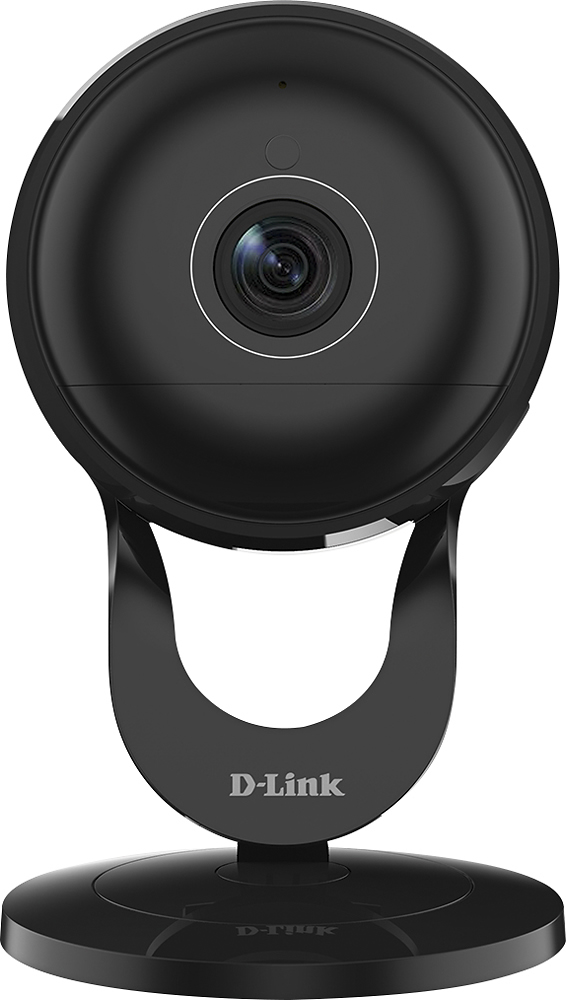
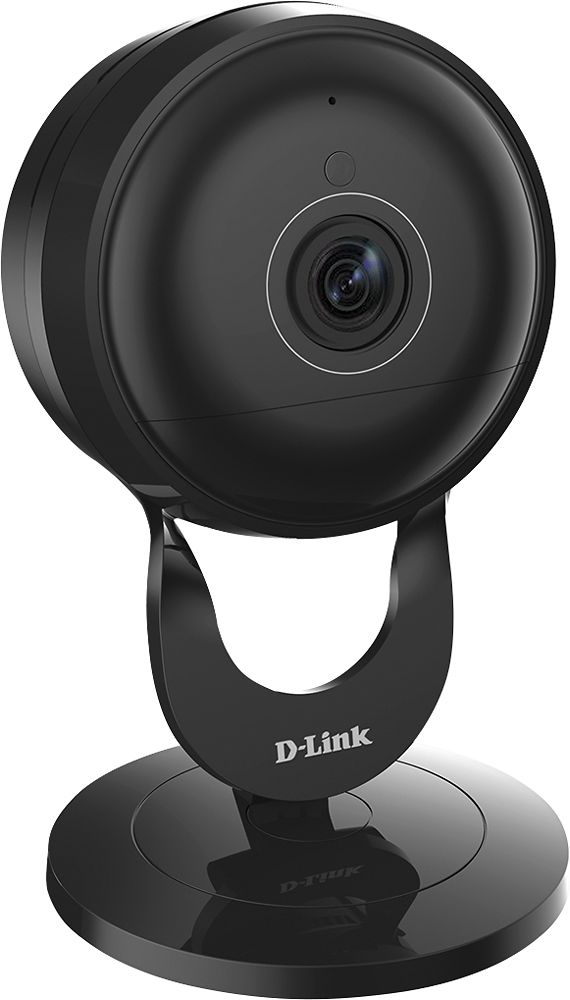

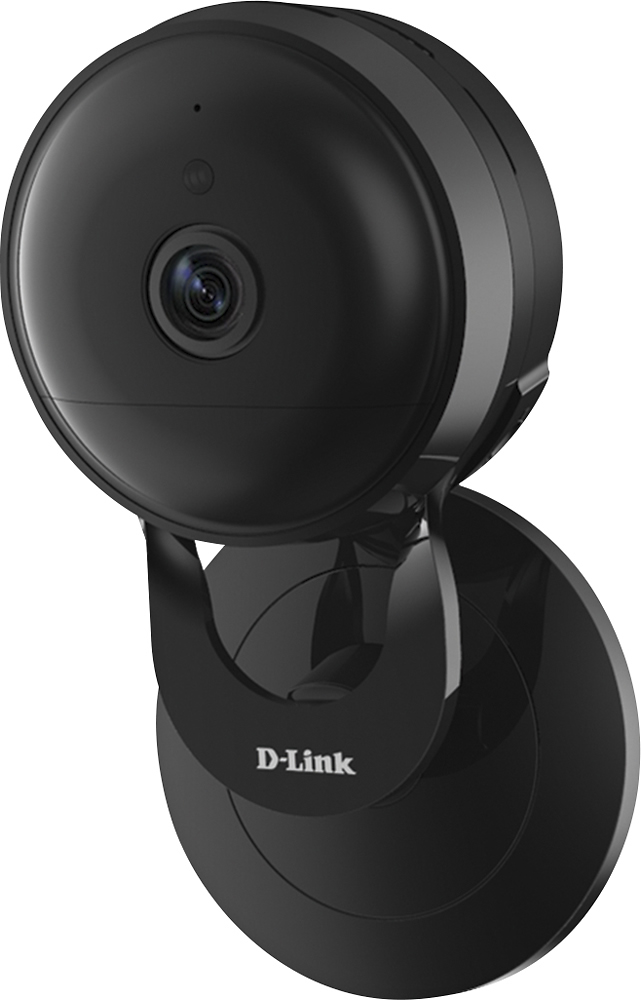
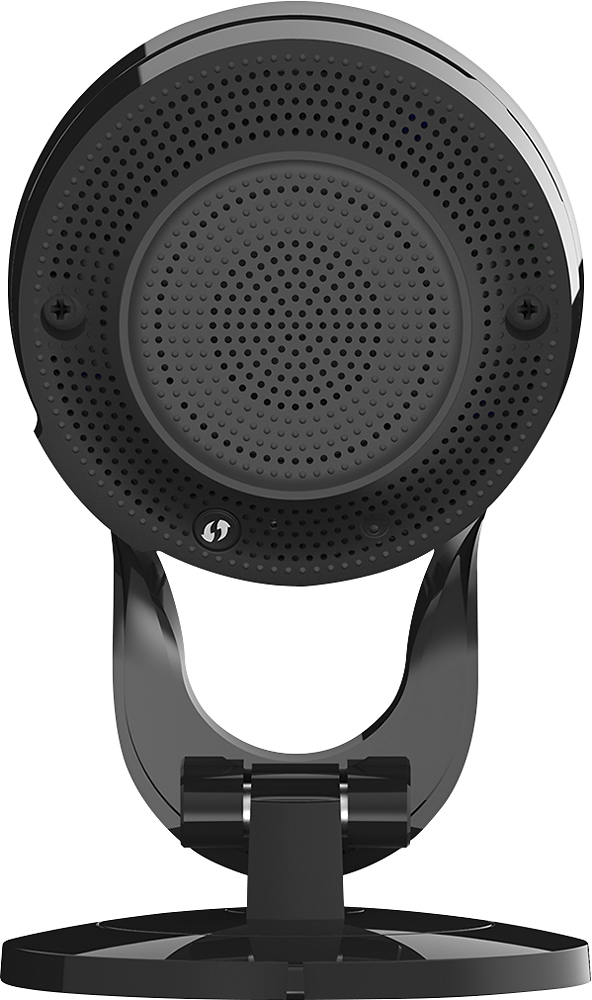
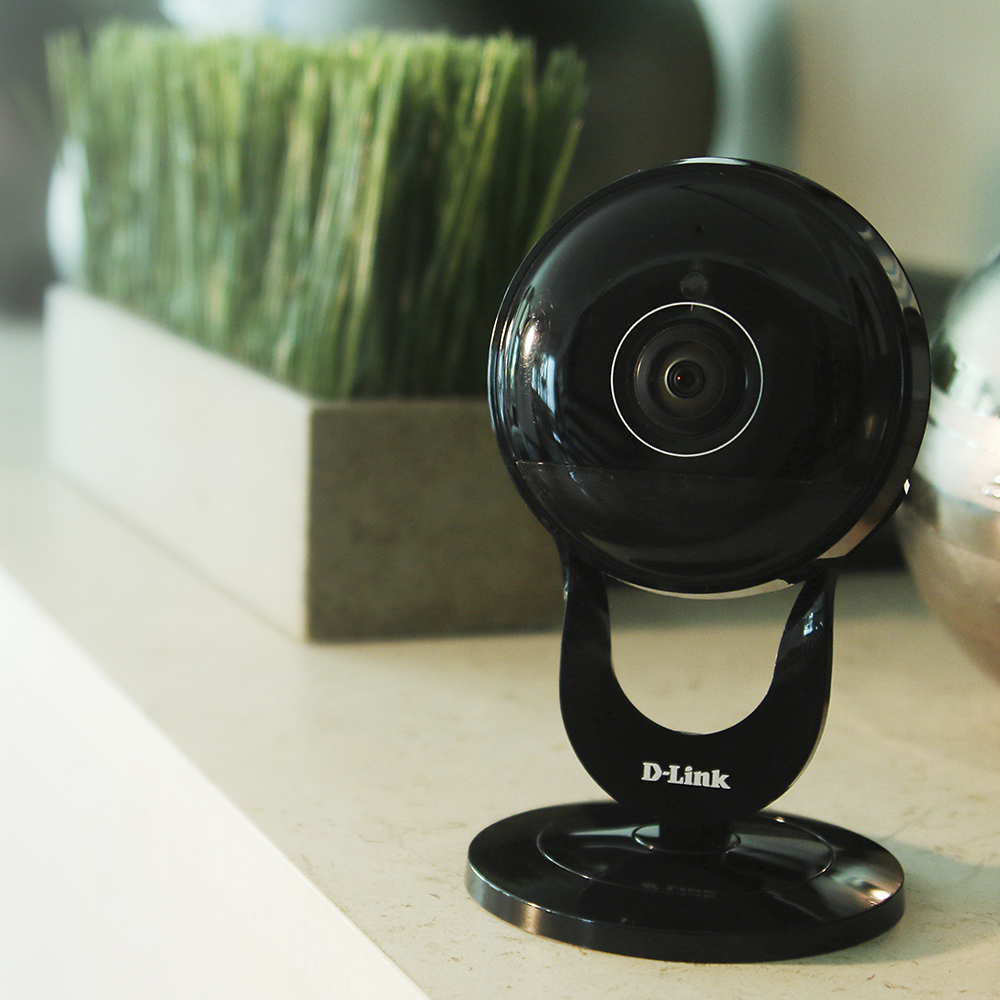

- Model:
- DCS-2630L
- SKU:
- 4561435
to a friend
Customers are saying
Customers are satisfied with the camera's excellent picture quality, ease of use, and wide field of view, frequently praising the 180-degree viewing angle and effective night vision. However, some users experienced difficulties with Wi-Fi connectivity and SD card functionality. The setup process was generally considered straightforward, though some users reported challenges.
This summary was generated by AI based on customer reviews.
- Pros mentioned:Camera quality
HIGHLY RECOMMEND
Posted .This reviewer received promo considerations or sweepstakes entry for writing a review.I have owned several DLINK wireless cameras....This one by far is the best.. Picture quality....180 degree wide angle lens and two way audio.. Marvin (Badge#AR004612) helped me with the setup as I was not familiar with my new UVERsE router and the location of the WPS button. He walked me thru the process. Easy to setup and by far the best camera I have used to date.
I would recommend this to a friend Checks all the boxes
Posted .This reviewer received promo considerations or sweepstakes entry for writing a review.This is my first surveillance camera and has everything I was looking for home monitoring. Wireless AC, wide view, large local capacity with micro SD. I set up attaching to my DLink AC3200 router and tweaked alerts in under 2 hours. Spent more time determining placement than actual set up. I configured email snapshot motion alerts and if I want to see more then use the dlink iphone app to view 1 min video at the timestamp. I'm accustomed to the Dlink web admin screens from the Dlink router and print server I have so I did not find this hard at all.
I would recommend this to a friend- Pros mentioned:Camera quality
Excellent streaming video
Posted .This reviewer received promo considerations or sweepstakes entry for writing a review.read a lot about the camera before buying, the company builds quality products. took a little bit to get it set up, the phone support is EXCELLENT. thanks to agent ID# AR004296 she was very polite and helpful. camera did a firmware update right away the picture is super good.
I would recommend this to a friend - Pros mentioned:Camera quality
good quality hardware and software
Posted .This reviewer received promo considerations or sweepstakes entry for writing a review.My primary goal was to find a wifi camera I could connect to my existing Synology drive. Setup was pretty straight forward, follow the instructions and you will be ok. The camera itself is good quality, the auto focus seems to run a bit slow, but once in focus the quality is good. Having the ability to either connect the camera through the Synology surveillance suite or point a browser directly to the IP of the camera is great. Areas of improvement would be to fix the noise when the camera switches/turns on or off the IR LED's there is a loud click and the speed of focus.
I would recommend this to a friend - Pros mentioned:Wide angle
Great Camera and Customer Service
Posted .This reviewer received promo considerations or sweepstakes entry for writing a review.Great camera, the HD quality is amazing and the wide angle is a must have. I'm bought 2 of these since I liked it so much. I'm able to view the rooms in it's entirety when I'm away from home. One of the cameras stopped working after a few months but I called into customer service and they were able to fix the issue within 20 minutes. Breagan badge# AR004214 was very knowledgeable as he assisted me with this. I'm not sure if you can ask for him when you call in but I would highly recommend asking for him for setting up with your camera! As a side note I'm very satisfied with Dlink, I own 4 HD's and 2 non HD's from Dlink. (I Recommend getting HD's since they are much clearer)
I would recommend this to a friend CAMERA IS OUTSTANDING ALONG WITH THE TECHNICAL SUP
Posted .This reviewer received promo considerations or sweepstakes entry for writing a review.I JUST PURCHASED A DCS-2630L today from Best Buy and love it. Leny (ID # AROO4627) helped with the start up and was outstanding. The primary reason I purchased a D-Link security camera was due to all the positive reviews from the customers and I was not disappointed. The picture was excellent and when we went to dinner, I had no troiuble bringing it uo on my 5s iPhone. Thanks again to Leny
I would recommend this to a friendAwful Product Rushed to Market
Posted .This reviewer received promo considerations or sweepstakes entry for writing a review.Absolutely terrible product. Tried setting up on two different networks at home and work, which both have accommodated numerous devices from numerous manufacturers, and this piece of junk failed to work in every situation. Four hours of my life lost on this. Do not, do not, do not by this and don't think that technical support will be able to solve your problem. This device simply doesn't work on, I can speak to personal experiences, Apple and Cisco routers.
No, I would not recommend this to a friendBrand response from D-Link Support
Posted .D-Link appreciates the honest feedback as we really do appreciate the input and we want to apologize for the problems you are currently encountering with the camera. To ensure your issues get resolved, we would like for you to visit the provided link below and fill out the detailed form within the next 10 days. By doing so, one of our agents will have the necessary information to contact you directly so they may help you.
http://supportrequest.dlink.com?id=af87b963e60e481dbda57b95f9e25f43&token=dbe0f99a68504127ba9aefab7d4af61f
We look forward to working with you.
Worst User Experience
Posted .This reviewer received promo considerations or sweepstakes entry for writing a review.Bought this a couple weeks ago and still trying to get it set up! For $180 this should, for the most part, be plug and play. Like others, once I got a D-link rep they were very helpful and professional. However, even with their support it took over an hour and it still failed the last step. Tonight I had to do yet another reset (little pin hole) and start from scratch. Finally got it "setup" and now it wants to upgrade firmware.. Surprise it failed.. This will be my last attempt and this is going back.. I chose this model for the 2 way speaker, which i've yet to have an opportunity to try. D-link documentation is lousy and from what I can tell the d-link lite app is definitely 'lite'. Definitely disappointed in this product - it it were $35 then i'd be "you get what you pay for".. not this time.
No, I would not recommend this to a friendStay away!
Posted .This reviewer received promo considerations or sweepstakes entry for writing a review.I wasted an hour of my life trying to get this thing to work. First, the Android app crashes by LG G3 phone EVERY TIME during the camera setup process. Then I switched to an iPad and the app could never find the camera after setup was complete. Resetting the camera and starting all over again did nothing. This thing just doesn't work.
No, I would not recommend this to a friendBrand response from D-Link Support
Posted .We want to thank you for the review and we are sorry to hear that you unable to setup the camera. Based on your review, we would like to set up a convenient time for one of our agents to reach out to you directly so they may help you resolve any problems you are experiencing. Please visit the provided link below, which expires in 10 days, and fill out all the information required.
http://supportrequest.dlink.com?id=57f2138cdd524e8584f61a94fed50428&token=592e00f51b6946cca57a90bbf8b5198c
We look forward to working with you.
Bad quality assurance
Posted .This reviewer received promo considerations or sweepstakes entry for writing a review.I bought this camera from bestbuy last week. The camera failed to configure. I tried both iOS 9.2 and Andriod 5.1 but it still fails. The only thing that works is the access thru a web browser. I tried to update the latest firmware hoping that the iOS and Andriod app would work but that didn't work either. I tried to set it up without connecting it to the cloud i.e. as a local camera and that failed too. I think if i go back and purchase another one from a different batch it might work. It just seems that there is a software glitch that prevents the camera from being discovered thru bonjour/upnp. I attribute this to poor quality assurance on d-link.
No, I would not recommend this to a friendBrand response from D-Link Support
Posted .D-Link wants to thank you for the comments and the review and we want to apologize for the setup issues you are experiencing with the camera. Based on the information you have provided, we would like for one of our tech support specialists to get in contact with you so they may work with you to figure out solutions to your issues. For to happen, you will need to visit the unique link below, which will work for the next 10 days, and fill out the necessary information on the form.
http://supportrequest.dlink.com?id=ee46fd8c1409420fb3c1a91dbcf2465f&token=11a3b302db524528a038f1b39b5701c7
We look forward to working with you.
Detection problems limit usability
Posted .This reviewer received promo considerations or sweepstakes entry for writing a review.I’ve had two of these cameras operating for about 2 weeks now and have had to turn off most of the intruder detection features due to frequent false alarms. Most annoying is that each camera generates a false alarm at least twice a day when the camera automatically switches between full color mode and low-light monochrome mode as it does every morning and evening. On overcast days it occurs additionally during daylight hours. The solution to this problem has been to turn off motion detection based on video frame comparison thereby relying only on the PIR for infrared heat detection. Right there I’ve lost half of the motion detection capability of the cameras. The color / mono mode switch also causes a problem with the sound detection feature. When the mode changes as a function of ambient light, what sounds like an internal relay trips making a very audible sound. This triggers the sound detector and more false alarms. This occurs sufficiently often that I’ve had to turn off sound detection altogether. Lowering the sound detection threshold is insufficient. The end result is that a camera with two modes of motion detection and one mode of sound detection must be used with only the PIR motion detection enabled in order to have an alarm have any meaning. A camera feature that influenced my purchase is the ability to FTP snapshot data to a local drive. It works quite well for me in that I was able to install an FTP server app on an unused Android phone to receive the data. I hoped that if the camera was taken during an intrusion that I’d have the snapshot data both in a mail message AND on the FTP server. While generally pleased with how it works, the camera permits a triggered video clip to be either e-mailed OR FTP’d but not both. Photo snapshots on the other hand can be sent to both an e-mail address AND the FTP server. An inconsistency that imposes another functional restriction. (I use Free FTP Server by SQZSoft as it provides a method for setting the Passive Mode external IP address so that the server can be accessed while away from your local network.) For recording to the internal SD card I have set the video to 1920x1080 at 15 frames per second and I am able to record about 5.5 days of continuous recording on a 64GB card. I am very satisfied with this. Another feature I like is the ability to schedule a camera reset by time of day and day of week, just in case the software hangs up. Also, via the phone app you can request a notification on your phone if the camera goes offline. Lastly, my first camera setup was exceptionally easy with no problems whatsoever. My second camera was returned to Best Buy for exchange because it would repeatedly disconnect from the network resulting in numerous offline notifications. The third camera came packaged with the wrong QR scan code card so I was unable to connect to the camera initially. Once I discovered what was wrong a call to D-Link technical support was answered quickly and very efficiently. The support I received was excellent.
No, I would not recommend this to a frienddon't be an early adopter
Posted .This reviewer received promo considerations or sweepstakes entry for writing a review.Take a long time to set up. I've returned 2 and counting because the audio stops working and becomes only static and DLink tech support has no idea how to remedy the situation. Gonna give my remaining 6 a shot because it's the only camera that supports local recording up to 128gb and it's got AC wifi
No, I would not recommend this to a friendBrand response from D-Link Support
Posted .We thank you for your review as we do value and appreciate your comments. We want to apologize on the behalf of our technical support team for not being able to resolve your issues . We take great pride in product and service and would like to obtain further details to understand that issues you have stated. Please visit the link below, which is good for the next 10 days, and fill out the form so we may have a technical support specialist get in touch with you directly:
http://supportrequest.dlink.com?id=a243aedf83c44464af4686866b764f53&token=d1b29358279b4d0cb15eeefb6ee9d508
We hope to hear from you soon.
Not worth it.
Posted .This reviewer received promo considerations or sweepstakes entry for writing a review.Got this for Christmas, then read the reviews. It sat on the desk a few days because it did not have stellar reviews. Bored on New Years Day I decided to give it a go. I tried for 40 minutes to get it to work using the directions supplied. Then called support and spent 45 minutes on the phone doing everything they wanted to try. I have a large wifi network in my home and everything works great. The support guy wanted me to basically change everything I have in an attempt to get this to work and no way am I rolling that dice with the poor reviews we may not get anything to work after he's done. So its headed back to BestBuy in the morning.
I would recommend this to a friend- Pros mentioned:Ease of use
Returned to Store
Posted .This reviewer received promo considerations or sweepstakes entry for writing a review.I attempted to get this camera working on 2 different occasions. Unsuccessful both times after spending 2-3 hours on phone support with Dlink and trouble shooting. The camera was showing up on my network, and connected. What I attempted or did: - Updated Firmware, didn't help - First attempt was on a Dual Band Router-no help -Upgraded to a new AC3200 Triband DLink router - no help - Used Samsung S7 smartphone app - no help Returned camera to BestBuy and purchased the Samsung SmartCam Pro for same price and was up and running in 5 minutes. How do you explain it? It wasn't me or my equipment it was the camera or I received a defective item. Too bad I like DLink for their routers. Food for thought....If you have to go through all this to try to force something to work, what happens when the power goes out or you swap out routers and have to connect again? Now you cross your fingers or get out your credit card for the support that probably expired. Give me Plug-and-Play Tech any day.
No, I would not recommend this to a friend Technical support
Posted .This reviewer received promo considerations or sweepstakes entry for writing a review.The technical support was great and I was very satisfied Cas No. C6761219 , tech ID AR004273.
I would recommend this to a friendGreat Camera
Posted .This reviewer received promo considerations or sweepstakes entry for writing a review.Ref. # C6826412, Agent ID # AR004620 Very helpful.
I would recommend this to a friend- Cons mentioned:Wi-fi
Complete waste of money!
Posted .This reviewer received promo considerations or sweepstakes entry for writing a review.This camera is a complete waste of money. It has not worked properly since the second week I've had it. The video is always choppy. Lately, it has started kicking itself off the wi-fi making it unusable. Today, I had to reset it and now no video comes through even though it's showing the green light on the back. It's a shame I can't return it now. I'll just eat the 159 dollars and go get the Nest cam. A friend has that one and raves about it. DO NOT BUY THIS CAMERA!
No, I would not recommend this to a friend OK quality
Posted .This reviewer received promo considerations or sweepstakes entry for writing a review.I bought this camera thinking it would be super high quality. Unfortunately, it was not that great. The low light images were below expectation. The 180 degree tends to be a super fish-eye image as well.
I would recommend this to a friendGoes Offline Suddenly
Posted .This reviewer received promo considerations or sweepstakes entry for writing a review.I needed DLink's Tech Support to get it setup on my Verizon 5G network. This camera dos not work directly with any high spreed network (like Verizon's 5G). Fortunately, via a manual setup it will work at the router's lower speed network address. But, don't assume pressing he "WPS" button on any high spreed router will get it to connect. After an hour with TS, it was configured and all seemed fine. We even upgraded the Firmware. Over the next couple of days this camera suddenly went "offline" a couple of times a day. The remedy is to either use a paperclip to press the Reset button, or the power cord unplg/replug routine. The problem with this is - YOU CAN NOT RELY ON THE CAMERA WHEN YOU ARE AWAY ON A TRIP OR AT ANYTIME OUT OF THE HOUSE! Therefore, it's not a reliable source of security. It's a cheap camera with a wide view - but you need to be present to put it back online for it to work. I tried surge protectors, battery backup system, etc. Nothing remedies this flaw. And DLink would never address this issue despite several attempts to solve the problem. Bottom line - buy another brand!
No, I would not recommend this to a friendBrand response from D-Link Support
Posted .We thank you very much for the honest feedback and we want to apologize on the behalf of our technical support team for being unable to resolve your issues. If you are willing to work with again, we can have one of our high level engineers contact you directly and troubleshoot with you. For this to happen you will need to visit the provided link below and fill out the information required on the form. By completing it within the next 10 days, we will have the necessary information to reach out to you directly.
http://supportrequest.dlink.com?id=548c7f1cbc9d4c01a981cd8681ad1253&token=e48d79a297374bf9bf2664627a9bbcdc
We hope to hear from you soon.
GARBAGE!!!!!!!
Posted .This reviewer received promo considerations or sweepstakes entry for writing a review.Installation instructions on the MY DLINK Lite app were next to useless. Finally played around for much longer than I wanted to and got it to connect to my brand new AC 1900 high strength router about 10 ft away. It would never stay connected. I could not connect remotely from my phone. The my dlink website used for making the settings will not work on Microsoft edge - which you will get automatically if you upgrade to windows 10. I had to switch over to fire fox. I tried to get some help from customer support, still won't stay connected. luckily it is still within the return period (only 15 days) so it will go back and I will try another brand.
No, I would not recommend this to a friend