Customer Ratings & Reviews
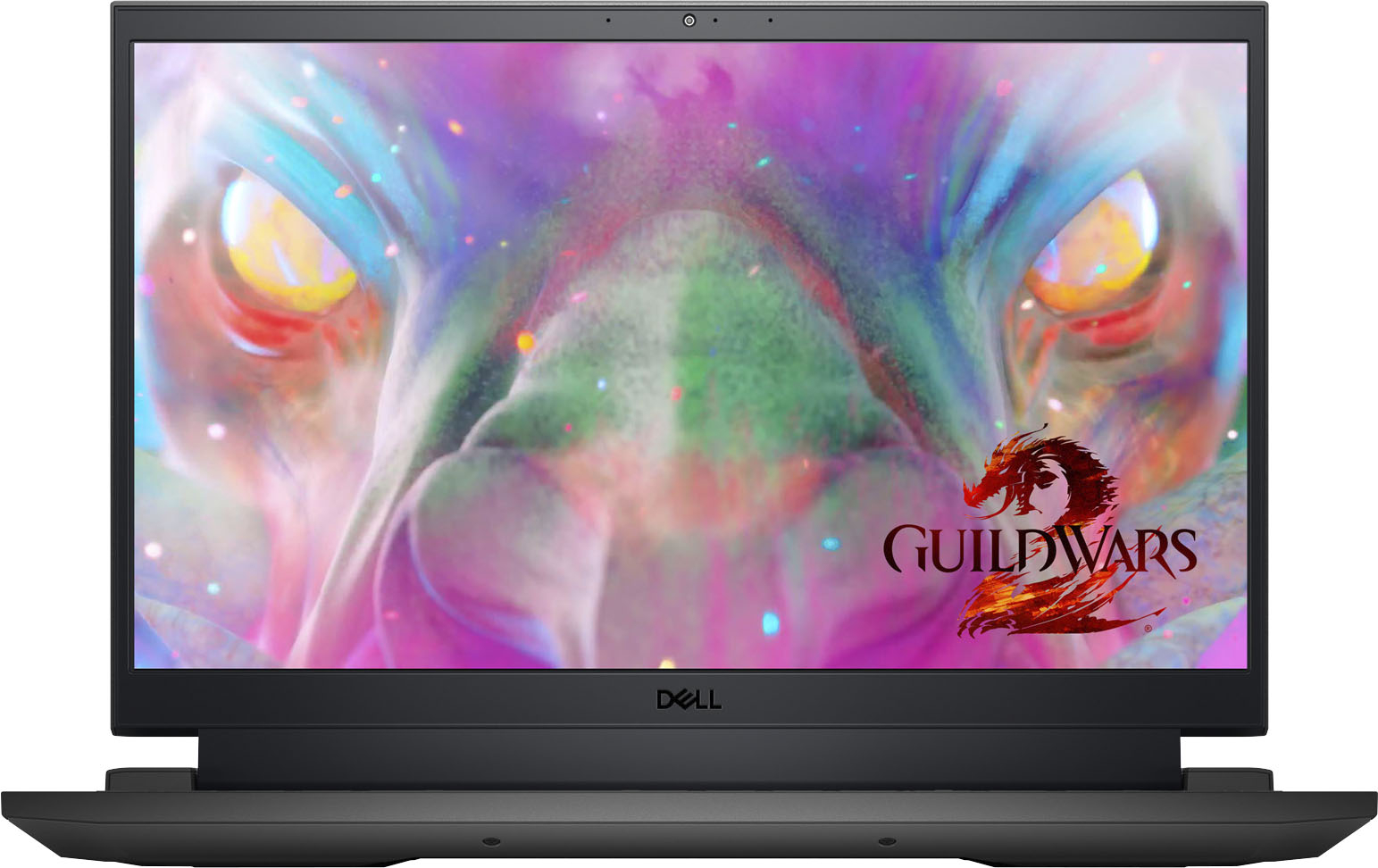
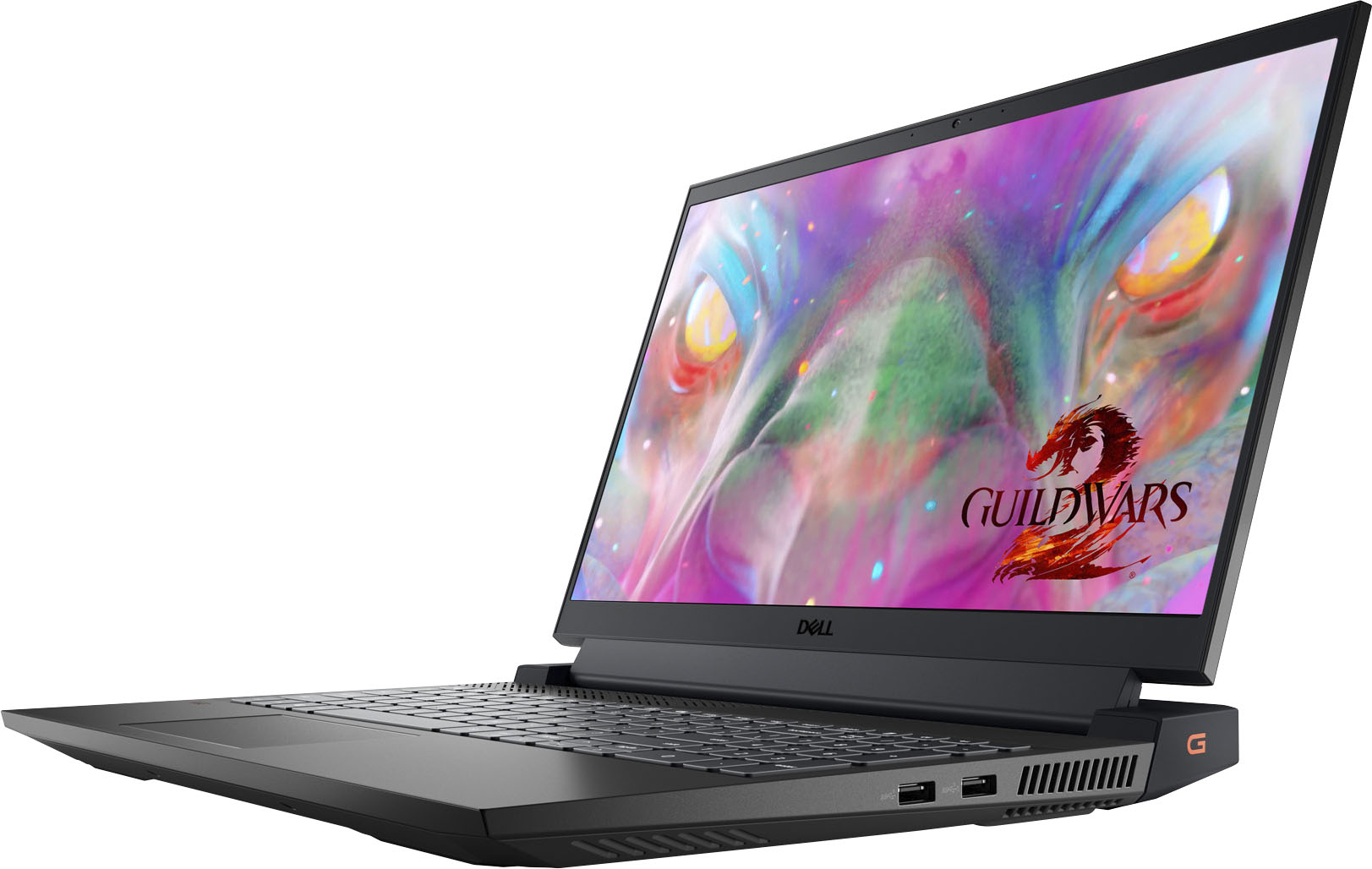
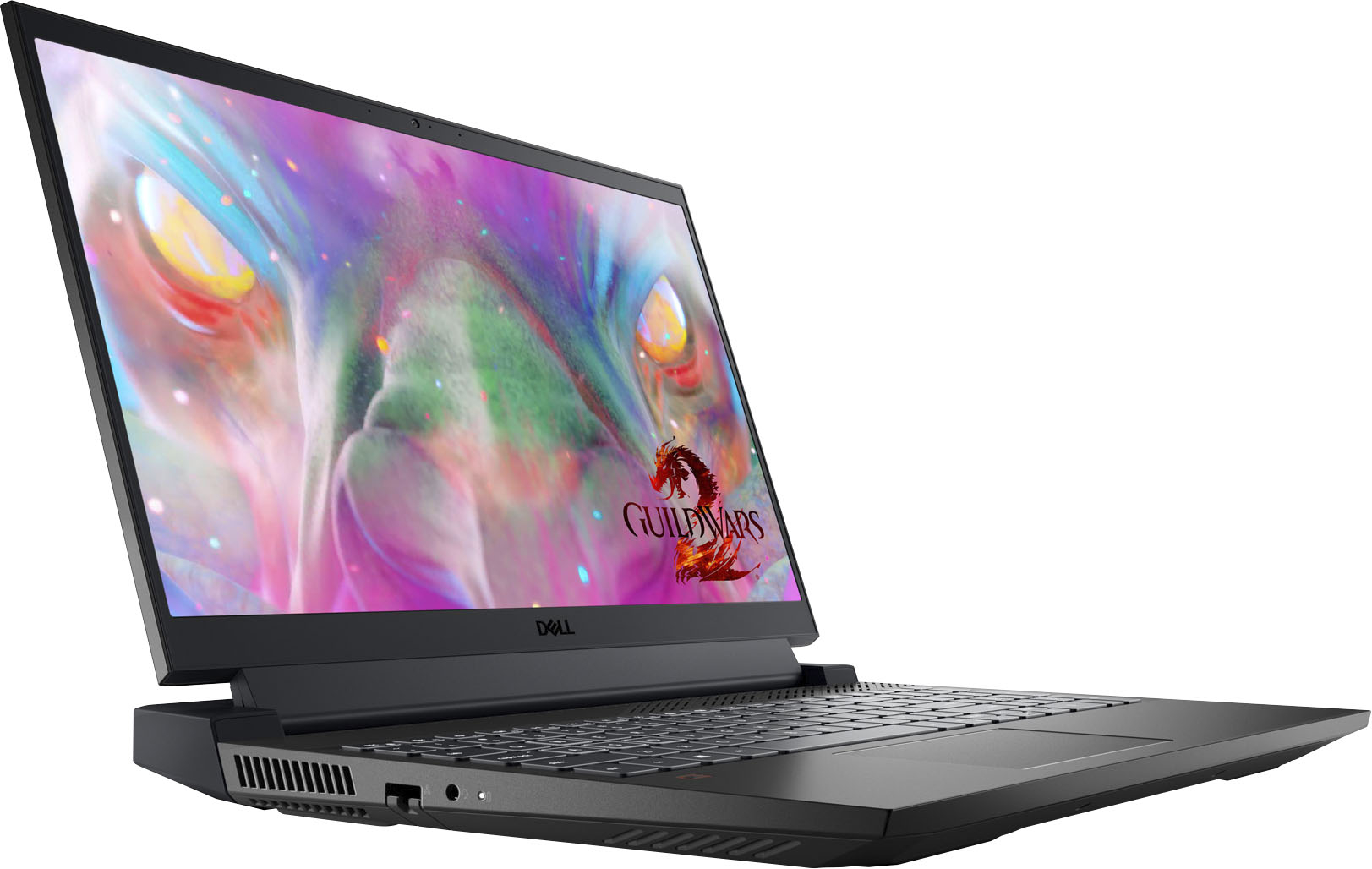

- Model:
- G15SE-7170BLK-PUS
- SKU:
- 6473556
Rating by feature
- Battery Life
Rating 3.6 out of 5 stars
- Speed
Rating 4.6 out of 5 stars
- Display
Rating 4.7 out of 5 stars
Customers are saying
Customers regard the G15 15.6" FHD Gaming Laptop's performance and graphics capabilities very favorably, with many praising its ability to run demanding applications and games smoothly. The display also receives positive feedback for its quality. However, concerns exist regarding battery life and potential motherboard issues.
This summary was generated by AI based on customer reviews.
- Pros mentioned:Performance
Good Dell Laptop
||Posted .This reviewer received promo considerations or sweepstakes entry for writing a review.The Dell Laptop is good overall, I think you expect a lot more but you can tell you have a good computer. Great for games, for Work from home, etc.
I would recommend this to a friend - Pros mentioned:Ram
Few hiccups out the gate, smooth sailing after
||Posted . Owned for 3 weeks when reviewed.This reviewer received promo considerations or sweepstakes entry for writing a review.I am a broadcast engineer, part of my duties is some IT work like settong up workststions and laptops. I have been wary of Dell but for the price and specs i took a leap to ge this for home use. Setting up it got stuck on "attempting repairs" after a few resets and troubleshooting, i just did a fresh reinstall of Windows 11 and removed the recovery partition and its been great since. There is a 2nd m.2 slot available for additional storage and plan to do that in a few months. Probably same for the ram.
I would recommend this to a friend - Cons mentioned:Battery life
Recommend to all!
||Posted . Owned for 1 month when reviewed.This reviewer received promo considerations or sweepstakes entry for writing a review.Excellent gaming laptop! Screen has very sharp and crisp display. Only cautious is langing issuse with battery life. For whatever reason lag happens when close to dying just ensure you are always near charging cable!
I would recommend this to a friend - Pros mentioned:Graphics, Performance
Best laptop I ever had
||Posted . Owned for 1 month when reviewed.This reviewer received promo considerations or sweepstakes entry for writing a review.Excelent performance. Great deal, nice graphics and capacity. Won't regret it.
I would recommend this to a friend Very fast!
||Posted . Owned for 1 year when reviewed.This reviewer received promo considerations or sweepstakes entry for writing a review.Very fast and no problems. I purchased this laptop more than a year ago and still running the same as when I powered up the 1st time.
I would recommend this to a friend- Pros mentioned:Performance, Speed
Buy it!
||Posted . Owned for 1 month when reviewed.This reviewer received promo considerations or sweepstakes entry for writing a review.Computer works great! Fast processing and smooth running of all apps and programs
I would recommend this to a friend G15/5511 Special Edition Gaming Laptop MY Review
||Posted . Owned for 2 months when reviewed.This reviewer received promo considerations or sweepstakes entry for writing a review.I purchased this laptop about 2 months ago on sale (G15/5511 Special Edition- $999.99). It took me trying a couple of different brands before settling on this one. The build quality, design (not overly gamy but unique and can be used in a business environment), specs and responsiveness of this laptop are the top 4 best things about it. The only drawback I would say is the battery life- it's decent perhaps getting better depending on what you have running. Then again, I haven't come across any laptops over the years where it didn't need to be plugged in at some point while being used. Also, the storage could've been better- but that is easily remedied. That being said, I wouldn't change my purchase. The responsiveness of the laptop (i7/11800H) is phenomenal and I haven't experienced any lags; the display (good size) / dedicated graphics (NVidia GeForce RTX 3050 Ti) quality is excellent; the cooling fans all work as they should; UEFI Bios; it also has the RGB lit keyboard that can be customized to display different colors and effects. I've future proofed it a bit by upgrading to 32 GB of ram and adding a 2nd 2tb Samsung 970 Evo Plus SSD using a M.2 2280 support bracket without having to remove the M.2 2230 drive that the laptop originally shipped with. The system recognizes both drives and I've had no compatibility issues. This laptop has a total of 2 PCIe slots for SSD type storage. Something to take into consideration: the M.2 2230 SSD's are much more expensive than the M.2 2280's and, at least for me, very hard to find. The largest M.2 2230 I've found to date has only been 1tb and upwards or $300+.
I would recommend this to a friend- Cons mentioned:Motherboard
Piece of junk
||Posted . Owned for 2 months when reviewed.This reviewer received promo considerations or sweepstakes entry for writing a review.This laptop is a piece of junk, after 3 months of use stop working, the computer doesn't turn on anymore and the only solution from Dell support is to replace the motherboard. Don't waste your money buying Dell laptops
No, I would not recommend this to a friendBrand response from YourDellTeam
Posted .Hey Roger,
We value your feedback and want to thank you for taking the time to leave a review of your Dell G15 Gaming Laptop. We are sorry to hear that your device will not power on after a few short months. That is not the type of feedback we like to hear from our customers, or the type of product Dell intends to deliver. We would love to help you. Below I have provided the toll-free number and chat link to our support team. At your convenience we recommend reaching out so that we can help you.
Should you need further assistance; we recommend that you contact Dell directly with the information below.
Chat or call: https://bit.ly/DellSupportTeam
Phone number to Dell: 1-800-624-9896.
Regards,
Summer@Dell
Awesome Product!
||Posted . Owned for 1.5 years when reviewed.This reviewer received promo considerations or sweepstakes entry for writing a review.It has been a really good laptop all around since the get go.
I would recommend this to a friend- Cons mentioned:Battery life
Decent Laptop, Very Poor Battery
||Posted . Owned for 2 weeks when reviewed.This reviewer received promo considerations or sweepstakes entry for writing a review.Overall good laptop. Runs plenty of games on high settings. Biggest problem is the very bad battery life. Just running very light, non demanding games drains the battery in just an hour.
No, I would not recommend this to a friendBrand response from YourDellTeam
Posted .Hello Sdrummond43,
Thank you very much for your valued feedback. We are glad you like the performance of your Dell G15 gaming laptop, but we are sorry to hear that you are not too happy with its battery life.
I have included steps to help improve the battery performance of your laptop:
1. On the taskbar’s notification area, right-click the Battery icon.
2. On the options list, click Power Options.
3. Select a power plan on the battery meter, such as Power Saver or Balanced. Windows 10 has a built-in 'Battery Saver' mode that can be activated to extend your system's battery life. The Battery Saver mode will monitor and limit background activity and other features such as push notifications. You do have the option to enable or disable this mode within settings or within advanced Battery Saver settings, you can customize the mode to best suit your needs.
a) Click on the Action Center icon in the taskbar and select the tile for Battery Saver.
b) If running Cortana then type Battery Saver into the search box and select from the results.
Within the Battery Saver settings page, you will be able to turn on and off the feature and customize the feature to best meet your needs.
c) Turn the Battery Saver On or Off.
d) Additional settings are available via the Battery use and Battery saver settings links.
e) Battery use shows further info on apps and their power usage.
f) Battery Saver Settings screen allows you to customize further Battery Saver feature.
How to Improve the Performance of a Dell Laptop Battery: http://dell.to/2vfXWf4
If the issue with your gaming laptop is still not resolved after utilizing the troubleshooting options above, please contact the Dell Support Team at 1-800-624-9896 for further guidance.
Best,
Katarina@Dell
Should you need further assistance, you can contact Dell directly with the information below.
Chat or call: https://bit.ly/DellSupportTeam
Phone number to Dell: 1-800-624-9896
Not worth the money.
||Posted . Owned for 8 months when reviewed.This reviewer received promo considerations or sweepstakes entry for writing a review.I bought this in april 2022. This is now the second time it completely died on me. The first time was in November. Geek Squad "repaired" it and sent it to me December 5th. It is January 4th as im writing this. Geek squad even stated in their own paperwork my laptop looked brand new. Its not misuse, this thing is actual garbage. I want my money back.
No, I would not recommend this to a friendBrand response from YourDellTeam
Posted .Hey Statisticalgem,
We want to thank you for taking the time to leave a review of your Dell Gaming Laptop. We are sorry to hear that you are experiencing an issue with your device and that it does not meet your expectations. That is not the type of feedback we like to hear from our customers. We have noted the details of your statement and will use them to improve our current and future products.
Should you need further assistance; we recommend that you contact Dell directly with the information below.
Chat or call: https://bit.ly/DellSupportTeam
Phone number to Dell: 1-800-624-9896.
Best Regards,
Summer@Dell
- Pros mentioned:Performance
Amazing
||Posted . Owned for 1 week when reviewed.This reviewer received promo considerations or sweepstakes entry for writing a review.It is very good, it runs all the games in ultra at more than 100fps
I would recommend this to a friend - Pros mentioned:Speed
Laptop my stop
||Posted . Owned for 7 months when reviewed.This reviewer received promo considerations or sweepstakes entry for writing a review.Great speed and memory for the price. Auto updates seem to lock it up.
I would recommend this to a friend - Cons mentioned:Motherboard
Major Issues
||Posted . Owned for 3 months when reviewed.This reviewer received promo considerations or sweepstakes entry for writing a review.There are serious power and motherboard issues with this machine. It is not dependable.
No, I would not recommend this to a friendBrand response from YourDellTeam
Posted .Dear Valued Customer,
We appreciate you taking the time to leave us your review. We are sorry to hear that you are not happy with your Dell G15 gaming laptop because its motherboard is failing and you are experiencing power issues with this computer. We will share your comment with our quality team, so future improvements can be made.
To help with these issues, please contact Dell Support Team at the information provided below at your earliest convenience so we can help you to resolve these issues.
Best,
Katarina@Dell
Should you need further assistance, you can contact Dell directly with the information below.
Chat or call: https://bit.ly/DellSupportTeam
Phone number to Dell 1-800-624-9896
Awesome
||Posted .This reviewer received promo considerations or sweepstakes entry for writing a review.It was just as expected! Easy to setup! Great to use!
I would recommend this to a friend- Cons mentioned:Battery life
Don't buy this
||Posted . Owned for 5 months when reviewed.This reviewer received promo considerations or sweepstakes entry for writing a review.This is a horrible laptop for the specs it has. It freezes, has had a terrible battery life from the start, it has an issue with the keyboard driver that causes the keypad to stop at least every other time I use it and I have tried so many things to fix this. Now, after four months of use at my home desk for work, its screen appears to be going out..... DO NOT PURCHASE
No, I would not recommend this to a friendBrand response from YourDellTeam
Posted .Hello JenL,
Thank you very much for your valued feedback. We are sorry to hear about all the issues you have come across with your Dell G15 gaming laptop. This is certainly not the experience that we like to hear from our customers. We appreciate your feedback and will use it to help improve our current and future products.
Below I have provided a list of solutions for the freezing issue, along with a link to the full article, should you need further information.
Resolutions
1. Run a Computer Diagnostic. To determine if your computer is experiencing a hardware problem, run the Dell Preboot System Assessment (PSA) Diagnostics. For information on how to run Diagnostics, and to determine the issue, refer to Dell Knowledge Base Article: http://dell.to/2iaiujA
2. Check Safe Mode for Symptoms. To boot into safe mode, please follow the instructions below:
a) Start the computer.
b) Tap 'F8' on the keyboard immediately and every one second until the Dell logo screen disappears. From there you will see the Windows Advanced Options Menu on the screen. (If the Windows Advanced Options Menu does not appear, restart the system and try again.)
c) Select Safe mode with Networking and press Enter.
d) Log on as the administrator or as a user with administrative access.
e) Open applications and test the computer in safe mode. If the symptoms exist in safe mode, please continue the troubleshooting steps in this article. If the symptoms do not exist in safe mode, the issue is likely related to a driver or software and you may wish to complete step 3 to see if you are able to resolve the lockups or freezing.
3. Check for Malware. Malware (Virus, Spyware, etc.) can definitely cause a Windows system to lock up or appear to hang. To check for malware on your system and to ensure that your computer is up to date on security software, visit Dell Knowledge Base Article: http://dell.to/2wWP1zI.
You can read the full article here: https://dell.to/3rTldMZ
We also recommend making sure your BIOS is up to date on your PC. I have given you a link to the Drivers and Downloads page for your computer so you can check for and do applicable updates.
Drivers and Downloads Page: https://dell.to/3PFo48k
To help with a battery performance issue, we recommend changing the Power Plan:
1. On the notification area of the taskbar, right-click the Battery icon.
2. On the options list, click Power Options.
3. Select a power plan on the battery meter, such as Power Saver or Balanced. Windows 10 has a built-in 'Battery Saver' mode that can be activated to extend your system's battery life. The Battery Saver mode will monitor and limit background activity and other features such as push notifications. You do have the option to enable or disable this mode within settings or within advanced Battery Saver settings, you can customize the mode to best suit your needs.
a) Click on the Action Center icon in the taskbar and select the tile for Battery Saver.
b) If running Cortana then type Battery Saver into the search box and select from the results.
Within the Battery Saver settings page, you will be able to turn on and off the feature and customize the feature to best meet your needs.
c) Turn the Battery Saver On or Off.
d) Additional settings are available via the Battery use and Battery saver settings links.
e) Battery use shows further info on apps and their power usage.
f) Battery Saver Settings screen allows you to customize further Battery Saver features.
You can read the full article here - http://dell.to/2vfXWf4
To help with the screen issues, we recommend following these troubleshooting tips:
1. Run the automated tools in SupportAssist to ensure that the drivers and BIOS are up to date and your computer is optimized
2. Verify display or video issue on an external monitor
3. Check for physical damage on the LCD screen
4. Run hardware diagnostics on the LCD screen
5. Verify the display or video issue in Windows Safe Mode
6. Download and install Microsoft Windows Updates
7. Change the video or display settings, and adjust the brightness
8. Touch screen troubleshooting
9. Run a Video Stress Test using Dell SupportAssist
10. Perform a Windows System Restore
11. Restore the computer to factory defaults
The whole article on this subject can be found here:
How to Troubleshoot Display or Video Issues on a Dell Laptop: https://dell.to/3pE7wm4
After utilizing the troubleshooting options provided, if the issues are not resolved, please contact Dell Support Team for further guidance here: 1-800-624-9896.
Best,
Katarina@Dell
Should you need further assistance, you can contact Dell directly with the information below.
Chat or call: https://bit.ly/DellSupportTeam
Phone number to Dell: 1-800-624-9896
Great Laptop for a great price!
||Posted . Owned for 3 weeks when reviewed.This reviewer received promo considerations or sweepstakes entry for writing a review.Great laptop for the price. The cosmetic part looks amazing. Really love all thr features at a great price. I have purchased dell before and I am amazed the durability of dell laptops.
I would recommend this to a friendAlways happy with Dell.
||Posted . Owned for 3 months when reviewed.This reviewer received promo considerations or sweepstakes entry for writing a review.Always happy with Dell. I've purchased seven of the G15 for engineering team. They've been great, well-performing laptops without issue.
I would recommend this to a friendWindows 11 needs to go
||Posted .This reviewer received promo considerations or sweepstakes entry for writing a review.The specs are great but windows 11 takes up half the space.
No, I would not recommend this to a friendBrand response from YourDellTeam
Posted .Hi Brian,
Thank you very much for your valued feedback. We are glad you are happy with the specs of your Dell G15 gaming laptop but we are sorry to hear that you are not too happy with its operating system.
Just for your reference, I have provided two links to articles that has the specs and system requirements for Windows 11 and some tips and tricks for Windows 11.
Windows 11 Specs and System Requirements: https://bit.ly/3nyMmF3
Windows 11 Tips and Tricks: https://bit.ly/3CQXeUa
If you need any technical support in the future, please don’t hesitate to contact Dell Support Team at the information provided below.
Best,
Katarina@Dell
Should you need further assistance, you can contact Dell directly with the information below.
Chat or call: https://bit.ly/DellSupportTeam
Phone number to Dell: 1-800-624-9896
Unexpected but works well
||Posted . Owned for 3 weeks when reviewed.This reviewer received promo considerations or sweepstakes entry for writing a review.Wasn't exactly what we were looking for, but turned out to work well for home use.
I would recommend this to a friend