Customer Ratings & Reviews

- Model:
- i5505-A753GRY-PUS
- SKU:
- 6409421
Rating by feature
- Battery Life
Rating 3.6 out of 5 stars
- Speed
Rating 4.2 out of 5 stars
- Display
Rating 4.0 out of 5 stars
Customers are saying
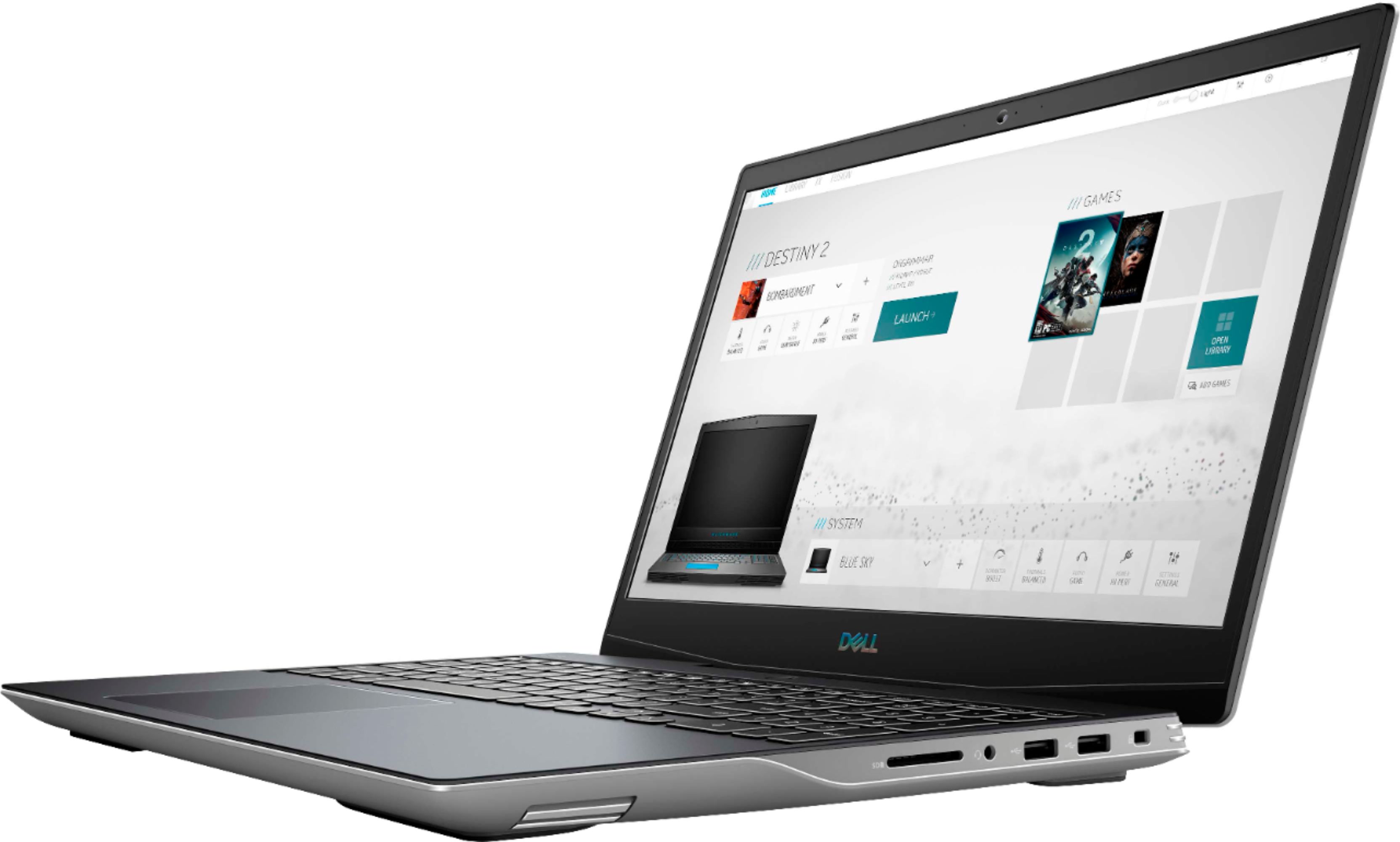
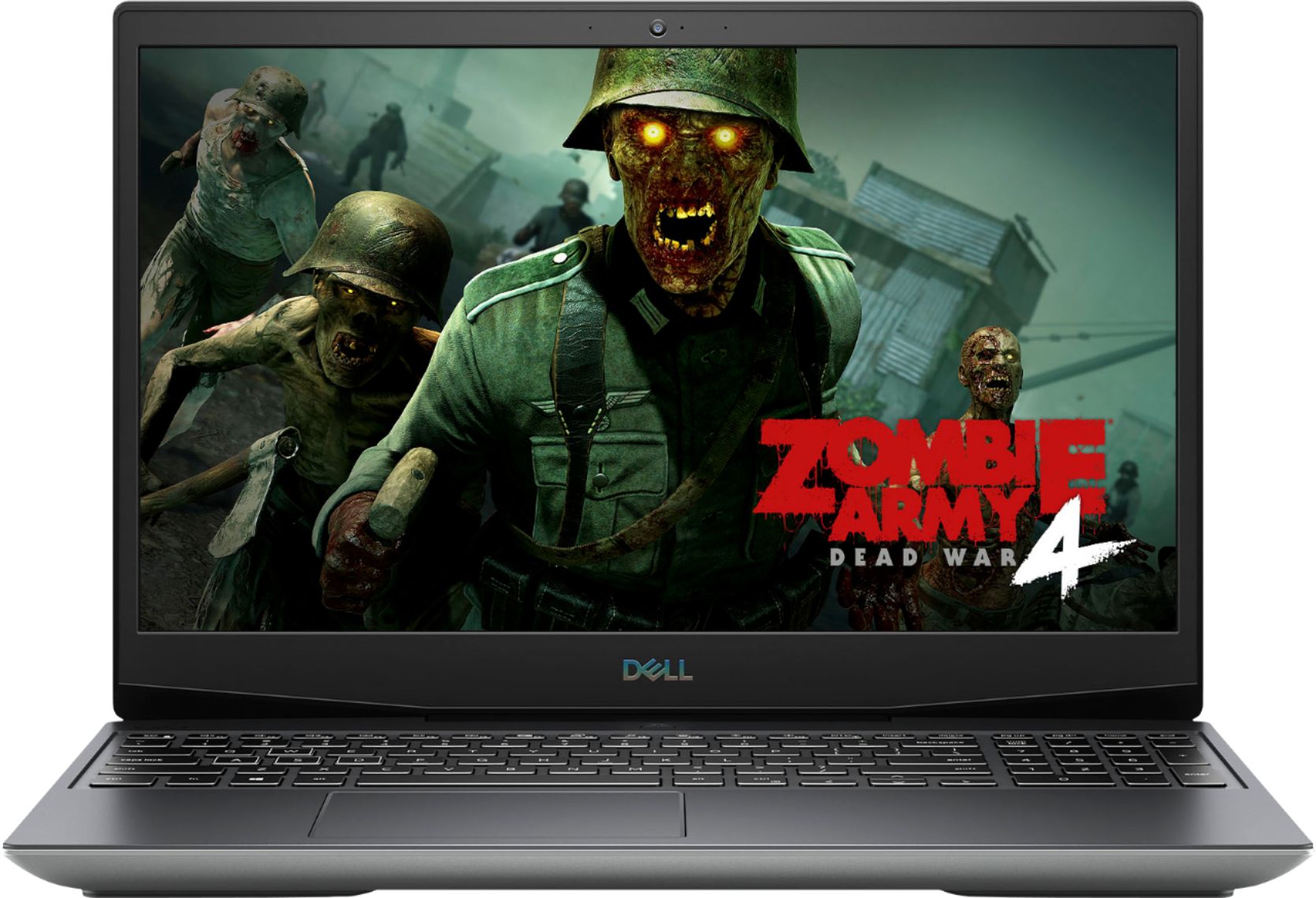
Customers consistently note the strong performance and impressive graphics capabilities of the G5 15.6" Gaming Laptop, along with positive feedback on its SSD speed and backlit keyboard. However, many reviews cite significant drawbacks regarding its heat generation, battery life, and fan noise. Some also mention concerns about the build quality and weight of the device.
This summary was generated by AI based on customer reviews.
- Cons mentioned:Build quality, Heat
Great laptop, but gets very Hot.
||Posted . Owned for 1 week when reviewed.This reviewer received promo considerations or sweepstakes entry for writing a review.Well-built Laptop, albeit a bit too 'plastic-y'. Pretty good for gaming and daily use. Screen/display is not the best, has no anti-glare coating. Laptop gets VERY hot during use. Without a good active cooling pad, I would not game on it. It gets hot enough to almost burn your fingers through the keyboard. After I added a 3-fan active cooling mat under, it kept it manageable.
I would recommend this to a friend - Cons mentioned:Battery life, Heat
Reasonably happy
||Posted . Owned for 3 weeks when reviewed.This reviewer received promo considerations or sweepstakes entry for writing a review.I’ve had the computer for about a month now. I really like the amount of storage space. It does get really hot having it on your lap after a while. My biggest complaint is the battery. It’s performance is ridiculous short. It will last two hours at most. I researched this feature and despite what reviews may say, the battery life is extremely short.
I would recommend this to a friend - Pros mentioned:Graphics, SsdCons mentioned:Build quality
Not great
||Posted . Owned for 10 months when reviewed.This reviewer received promo considerations or sweepstakes entry for writing a review.I do not recommend this laptop. Bought it for video editing and other basic functions and because of the SSD and upgradeable ram. Computer fell once from 1 foot in the air and it was inside a padded laptop backpack and it has had major problems ever since. I realize it was my fault, however, any laptop that can't handle a single small distance drop whilst in a padded object is very poorly built. And even before dropping it, much of the time it would be slow to load things that weren't even demanding on the computer like editing photos. I will say that the laptop has some nice features and great graphics, however with the unreliability of it, I am extremely unhappy.
No, I would not recommend this to a friend - Pros mentioned:Graphics, Speed
Not a bad choice for me
||Posted . Owned for 1 month when reviewed.This reviewer received promo considerations or sweepstakes entry for writing a review.Good, fast and capable of doing what I need. As advertised it can get a bit warm when operating at higher speeds. Do like the variable processor speeds (Boost). Don't care for the Massive power device - is this really necessary!!!!! Graphics are excellent. Set up was a real pain!!!! After that It seems to work well enough.
I would recommend this to a friend - Pros mentioned:Speed
Laptop is good
||Posted . Owned for 1.5 years when reviewed.This reviewer received promo considerations or sweepstakes entry for writing a review.Really love this laptop. Speed and quality is really good.
I would recommend this to a friend - Pros mentioned:Ssd
The little Dell that could.. sort of.
||Posted . Owned for 3 weeks when reviewed.This reviewer received promo considerations or sweepstakes entry for writing a review.This is a very powerful laptop that is unfortunately crippled by software but that’s ok. Sounds crazy but I’ll explain! Upon receiving I booted it up and spent the first hour making sure the systems drivers and software were up-to-date. I would get this hitch ever so often that was very annoying so I opened task manager and noticed every time this happened the 8 core 16 thread cpu was spiking at 100%! Looking at utilization showed that Dell’s backup & recovery software was the culprit so I removed that and the issue went away. Next I fired up a game and the computer immediately black screened and rebooted. I assumed drivers and confirmed that everything was up to date with Dell and tried several more times with the same results. Fired up YouTube and attempted to watch a tech review about the laptops “issue” but it was very jittery. Finally got fed up and uninstalled all the Dell bloat-ware (except AlienwareCC: needed for RGB keyboard) and ddu’d the drivers. Went to AMD website and found newer drivers for this specific laptop not listed by Dell and downloaded those. System now recognizes its own previously unknown Freesync display and games extremely well. If you know your way around a thumb drive and windows creation tool this can be a great machine... 144hz Freesync enabled IPS display with 8GB of memory (upgradeable), and mine came with a WD nvme (dram-less). Has (2) m.2 slots supporting up to 1TB of pcie gen 3x4 up to 80mm. You can install a 2.5” SSD with an adapter (not supplied) but why would you with m.2 support. I really want to recommend this machine because on paper it’s an absolute beast. But smart-shift (cycles between APU and GPU for efficiency) is new-ish, temperamental and unreliable. IPS backlight bleed in excess of the most lax levels of QC failure. And the amount of work required to make it usable give reason enough for most people to return it as I should have.. The memory and storage upgrades showed up the day I got this review request so now you know what I’m doing. Best I can do is arm you with my experiences and let you decide on your own. Enjoy!
I would recommend this to a friendBrand response from YourDellTeam
Posted .14characters,
Thanks for your review and we're sorry about the performance issues that you've had with your new computer. We'd also recommend that your download the BIOS update and consider the troubleshooting steps on these page that is specific to Dell's G Series laptops: https://dell.to/3jgQlm6.
Best,
Bryan
1-800-624-9896
- Cons mentioned:Heat
Amazing laptop
||Posted . Owned for 4 months when reviewed.This reviewer received promo considerations or sweepstakes entry for writing a review.This laptop has brought me so much joy. I have been able to dive into the world of PC gaming and it is amazing. It can handle most games on high resolution settings or even ultra resolution settings. Aside from it's graphical capabilities it is also streaming ready and VR ready those experiences were also amazing. The only bad thing I would say is that to keep the backlight on forever on the integrated keyboard you must go into the UEFI settings and for a generic user that was very hard finding how to do and I believe it should have come with instructions on how to do that. This laptop also gets really hot to the point that when you touch it you have to remove your hand immediately unless you want to burn your hand or fingers but this is also a good thing because it is doing what it's suppose to: expel the heat from the system.
I would recommend this to a friend - Pros mentioned:Keyboard, Performance
Strong
||Posted . Owned for less than 1 week when reviewed.This reviewer received promo considerations or sweepstakes entry for writing a review.This is a pretty cool laptop didn't know but it also comes with a background lit keyboard that you can change the color to. It also is a ok laptop it can run call of duty black op's 2 zombies smoothly, Fortnite is ok I get about 200 fps on creative but in solo's and squads it run's about 60 to 100.
I would recommend this to a friend - Pros mentioned:PerformanceCons mentioned:Build quality
Good. Not great.
||Posted . Owned for 2 weeks when reviewed.This reviewer received promo considerations or sweepstakes entry for writing a review.This laptop was great, for what it is. It is made of plastic, does not feel high quality, but may surprise you at it’s performance on current games. The SSD being 512gb feels very limiting, I recommend purchasing an external hard drive as well because this laptop runs out of space FAST!
I would recommend this to a friend - Pros mentioned:SpeedCons mentioned:Battery life, Heat
Meh
||Posted . Owned for 1 year when reviewed.This reviewer received promo considerations or sweepstakes entry for writing a review.Way too many software problems and constant upkeep for displaying anything, pretty fast but eats a lot of battery. The Alienware program it came with doesn’t work at all unless you like your key borad light settings but other than that the software won’t do anything else in which it was intended to do a lot more. Constantly having screen flickering and overheating. Games constantly crash. Even though it’s up to date. Overall I would say this laptop brand new is only worth $500 compared to the $1300 I paid for it
No, I would not recommend this to a friend - Pros mentioned:KeyboardCons mentioned:Heat
its a great machine
||Posted . Owned for less than 1 week when reviewed.This reviewer received promo considerations or sweepstakes entry for writing a review.nice machine, The webcam installed in the screen is from 1985. just saying don't expect a lot from it. does get warm but doing CAD and bluray on the add on usb 3.0 reader you really don't notice. the keyboard is fun supports wide range of colors, brightness levels, and themes, was a cool surprise because i didnt find the buttons for it, until a lot later. for a gaming laptop you would belive that you would have spacce but no the M.2 there are 2 slots but the system only handles 1 tb its either 1 -1tb or 2- 512's. charging options are nice. and i kinda wished the gpu2 could be set as the primary.
I would recommend this to a friend - Pros mentioned:Performance
Great performance, but so hot it burned me
||Posted . Owned for 3 weeks when reviewed.This reviewer received promo considerations or sweepstakes entry for writing a review.This is a very nice laptop. Super sturdy, and the screen is really nice. Excellent performance (Cinebench r20 benched faster than my DESKTOP 2700x) But, dell really took this to the limit thermally. CPU temps max at 103 degrees C before throttling. I had 2 options, undervolt the cpu, which got the temps to 95 degrees C at a cost of about 15% performance or get a laptop cooler so it doesn't directly rest on my lap. I tried both, I went with the cooler cause if I'm going to drop $1000 on a gaming laptop I want all the performance I can squeeze out of it.
I would recommend this to a friend - Cons mentioned:Build quality
A decent laptop by the shell is weak plastic.
||Posted . Owned for 3 weeks when reviewed.This reviewer received promo considerations or sweepstakes entry for writing a review.I've only had this for about two weeks. It seems like a decent laptop but the plastic is shockingly cheap. It carefully removed the bottom case with a plastic pry tool to look at what spaces it has for what drives, and upon putting the plastic back together, a couple of tabs broke off. They used some pretty brittle plastic. Made in China of course but Dell could have done better with the plastic quality. I hope the components aren't as inferior as the plastic body is. I'm coming back to Windows from Mac and those computers have way better build quality. Maybe I should have waited a year to put a review up for this.
No, I would not recommend this to a friend - Pros mentioned:PerformanceCons mentioned:Heat
good computer for the price, gpu is nice too
||Posted . Owned for 3 months when reviewed.This reviewer received promo considerations or sweepstakes entry for writing a review.CRashes sometimes but overall solid performance.. Overall it could have a little more fan holes on the bottom as the unit does get hot easy....
I would recommend this to a friend - Pros mentioned:Keyboard, PerformanceCons mentioned:Battery life, Weight

Performs great - after updating
|Posted .This reviewer received promo considerations or sweepstakes entry for writing a review.Here's my summary: This heavy laptop performs incredibly well (once updated), and even the 8GB RAM doesn't appear to be a hinderance. If you want to get the most out of it, pair it with a gaming keyboard and mouse. Details if you want to bother reading: If you purchase this product, as soon as humanly possible, run the Dell Updater. I had not done so and ran into the following issues immediately after Windows was setup: -Black screens -Keyboard getting excessively hot -Bluetooth would stop working (Windows would also say the machine didn't have Bluetooth capability) After running the updates, all of those issues seem to have been resolved. Updates included BIOS update, as well as the Radeon software being installed (properly?). As this is a gaming laptop, I also wanted to note I had an issue with the base image from Dell in which I was seeing errors related to the MS Visual C++ Redistributable. I had to go through Add/Remove Programs and repair the install of each of the versions of it to resolve the issue. That being said - now the machine seems to be running in top form. Standard Windows 10 functionality all works as expected. Connected to home wireless without an issue - nice that the laptop does come with an Ethernet port as well. I tested the following games which all ran without issue: -Fortnite -Slay the Spire -PUBG (on Ultra video settings) -Hello Neighbor -World War Z -Civ VI I got XCom Chimera Squad to run up until it crashed at mission start due to a video issue. I'm not going to necessarily blame the laptop in this case, as that game has been known to be 'buggy'. The sound in the laptop in exceptional, however I think most gamers will be wearing a headset anyway. The screen is very sharp and I didn't experience any tearing or lag of any kind in the games mentioned. It's not huge, but what can you expect from a laptop? There are certain things that you want in a laptop. There are hits and misses here: Battery Life - my estimation is you're going to get about 4 hrs of gaming time on full charge. Weight - the laptop is HEAVY. Add the massive power block, and you're talking about toting around some real weight here. Some other observations: -The main power button feels chincey/clunky. -The keyboard is nice and clicky, with the backlighting options being fine but unnecessary for me. -The touchpad is not in a good spot. If you use WASD keys on the laptop, you palm will touch it. I encourage you get a mouse and disable the touchpad will a mouse is connected in Settings. Both Radeon and Alienware Command Center software get installed as part of the base package. They both seem to want to 'help' in regard to how games run, but I have to admit I didn't see much help from either. If I used the Radeon options, things just kind of look weird at times in PUBG. The Alienware software would just disable itself when playing Slay the Spire - no idea why.
I would recommend this to a friend - Pros mentioned:Graphics, Performance
VERY GOOD
||Posted . Owned for 3 months when reviewed.This reviewer received promo considerations or sweepstakes entry for writing a review.I make digital art but also game so I was looking for a good gaming laptop. I was recommended this brand and I was not disappointed! I love this thing. I can play GTA V with no issues and I can make my drawings 600dpi and more without lagging my computer. I definitely recommend if you're looking for a powerful laptop. Also, the picture on it is really good thanks to the graphics card. It's perfect for what I wanted it for.
I would recommend this to a friend - Pros mentioned:Speed, Ssd
Great computer for the money
||Posted . Owned for 1 month when reviewed.This reviewer received promo considerations or sweepstakes entry for writing a review.I did not buy this computer for gaming, but I love it so far. It is really fast, its a great size and it did not come with very much bloatware which we a bonus. I did add another 16 Gig of ram and someday will want to add a second SSD in the other slot. I wish they would just put one 8 meg ram stick in one slot rather than two fours to make up[ the 8 GB it comes with. Its a waste to have to remove ram in order to add more ram but oh well.
I would recommend this to a friend - Pros mentioned:Graphics, Keyboard, Performance
Built From the Ground UP for GAMING
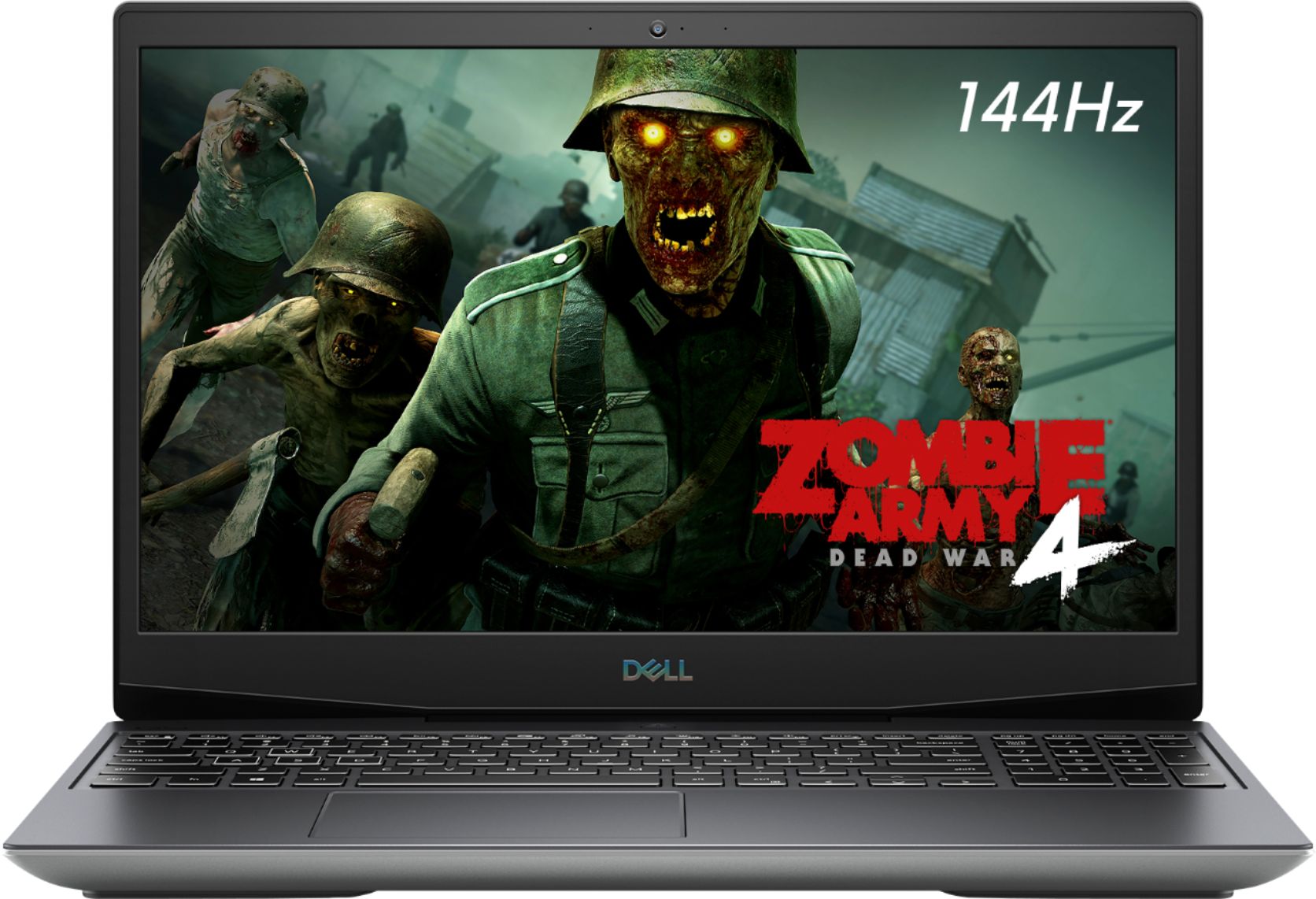
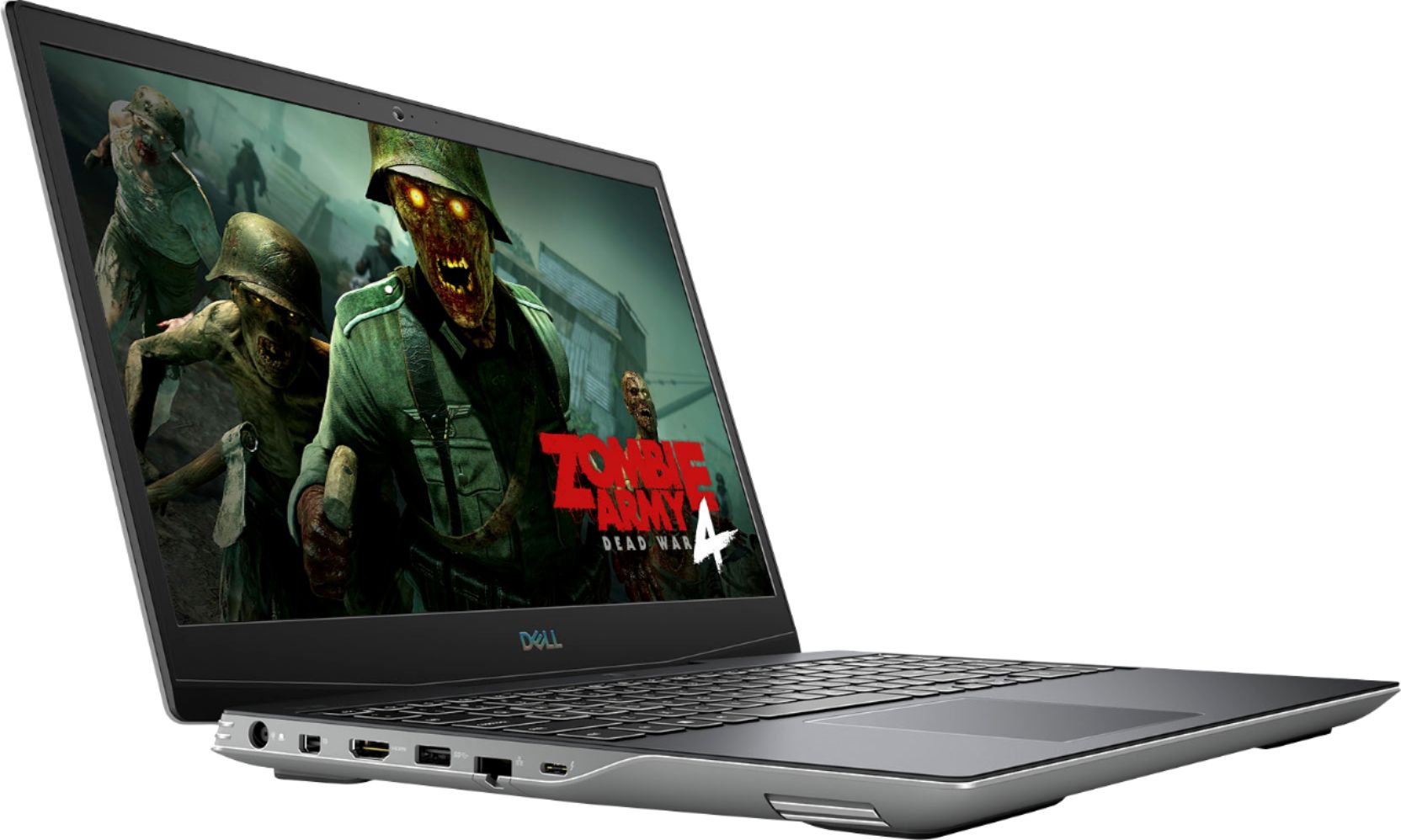
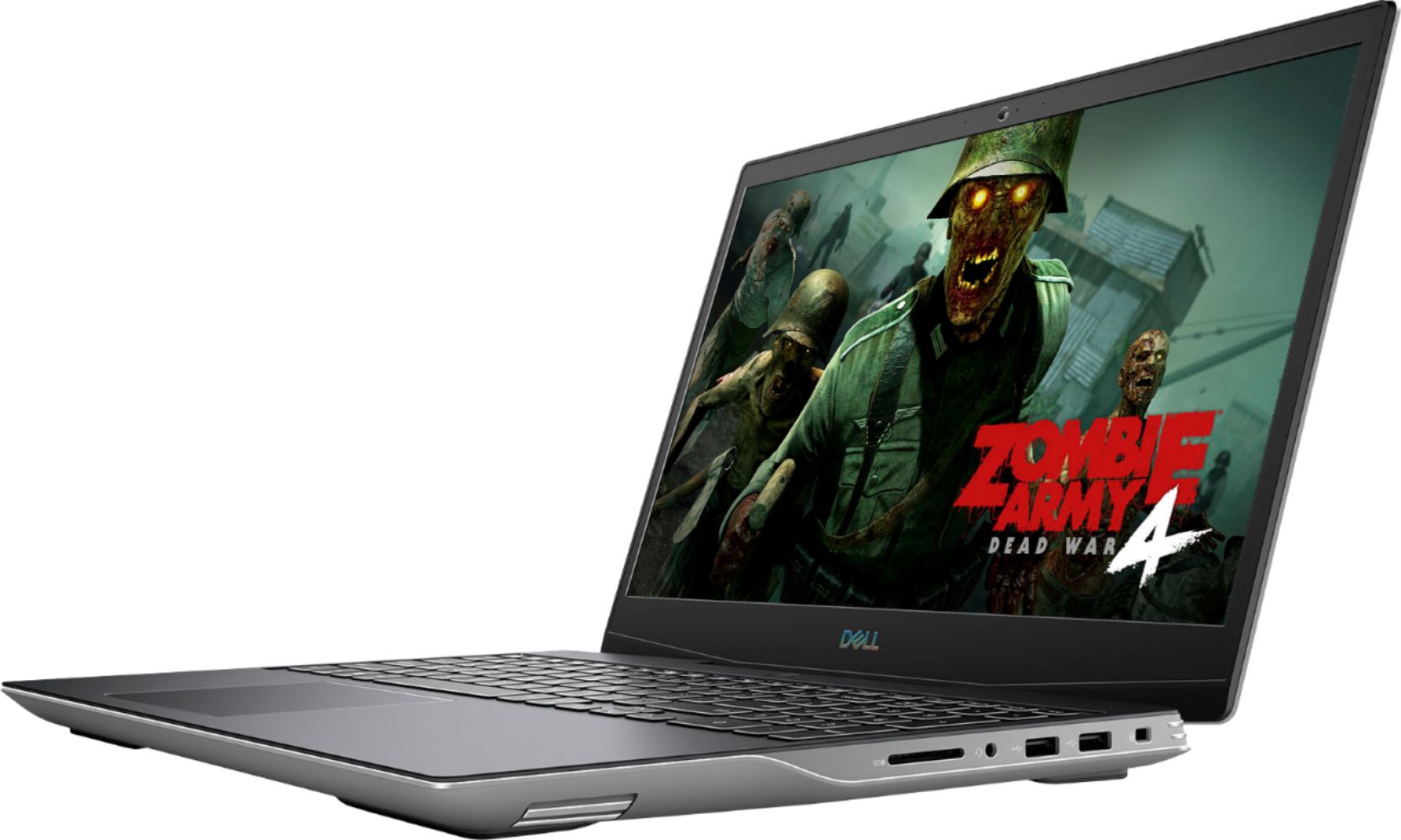
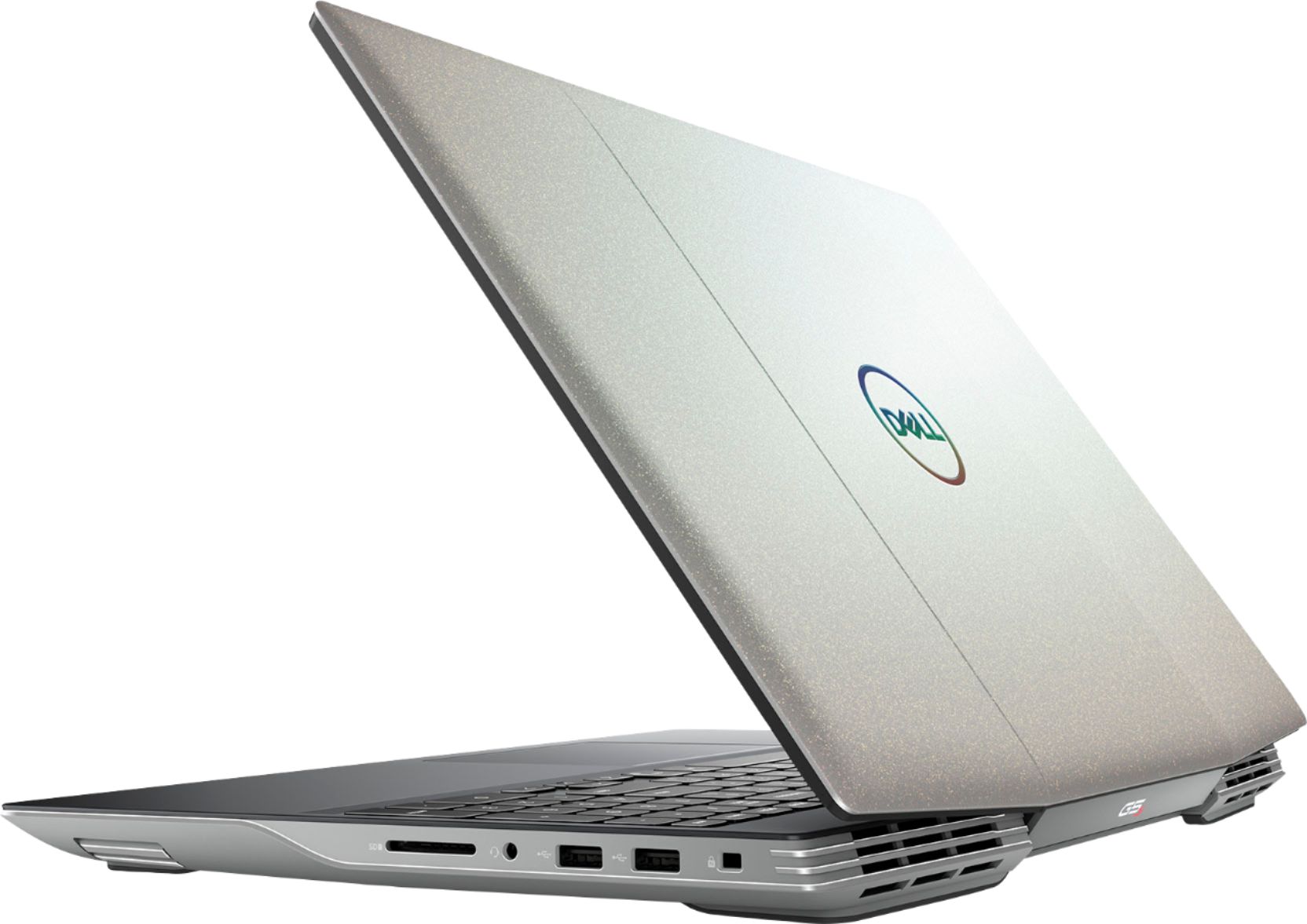
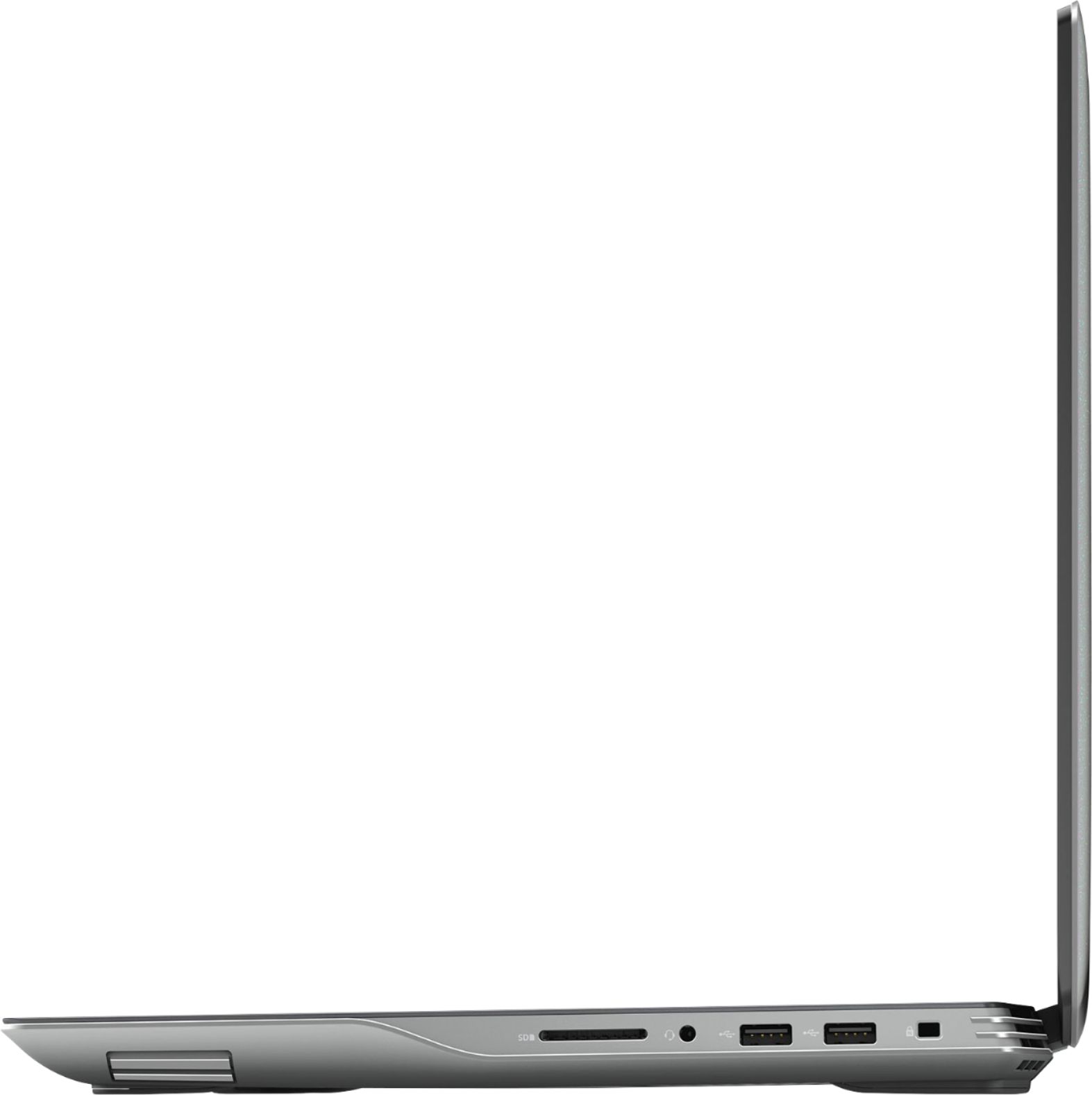
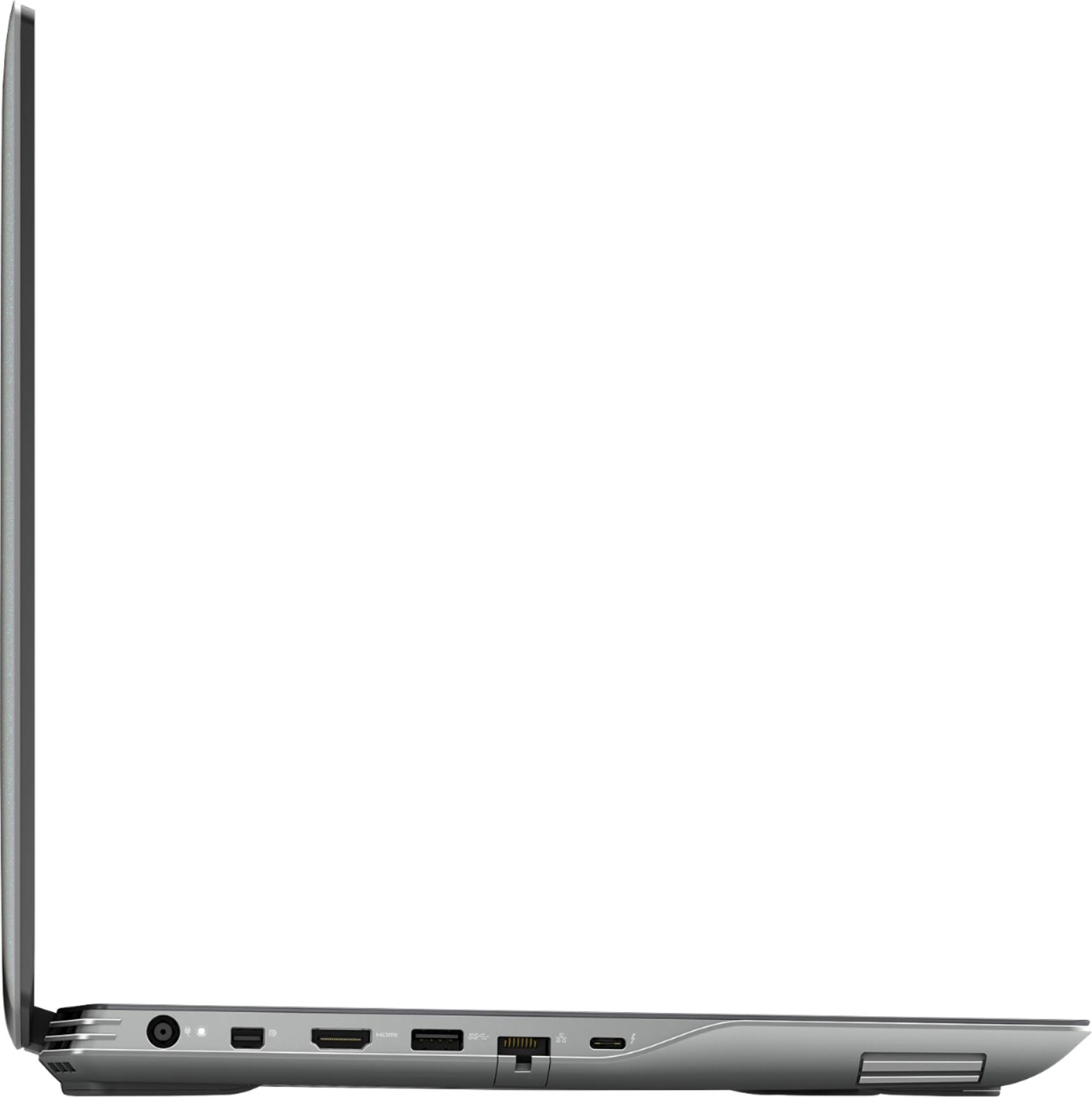
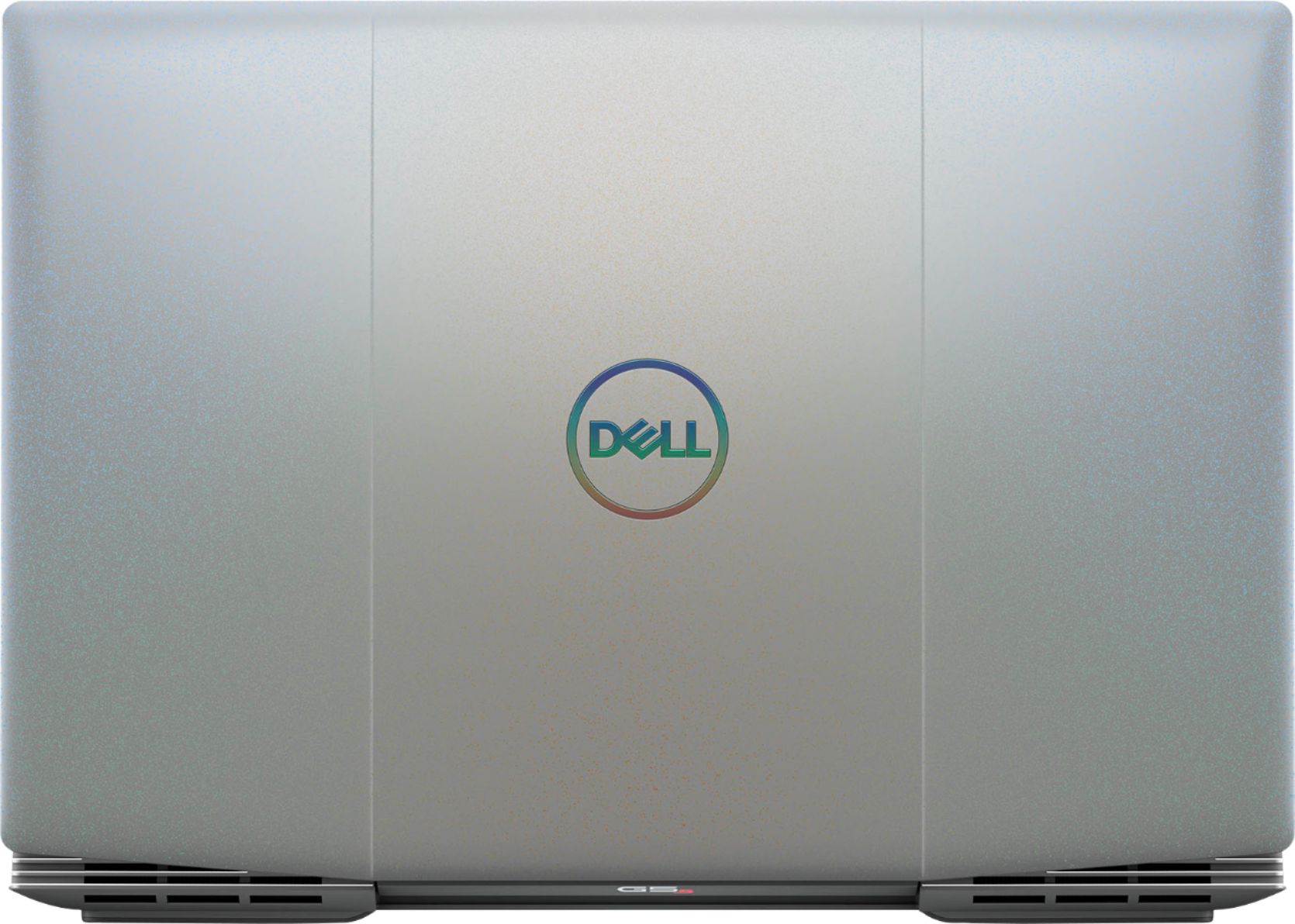
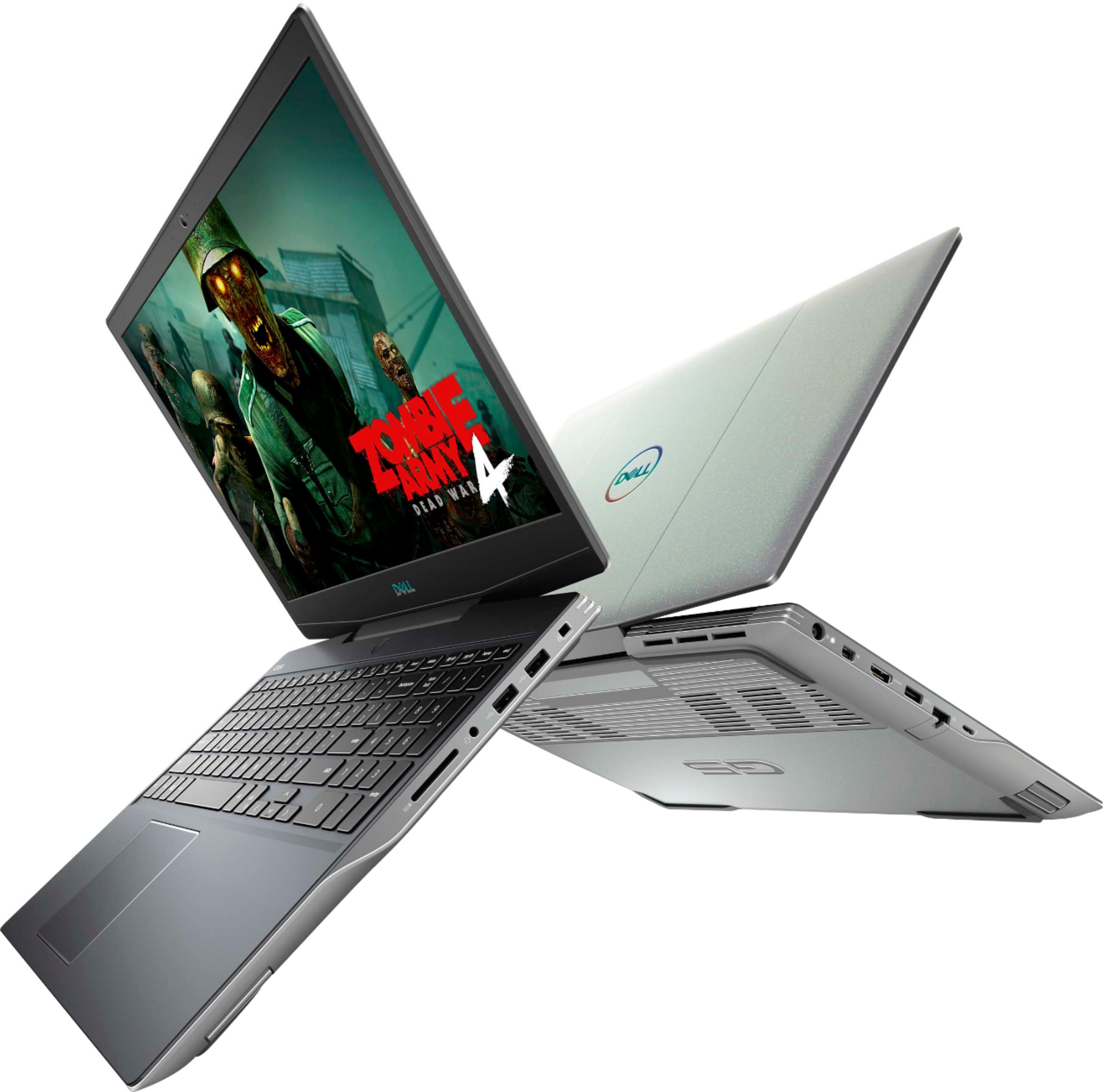
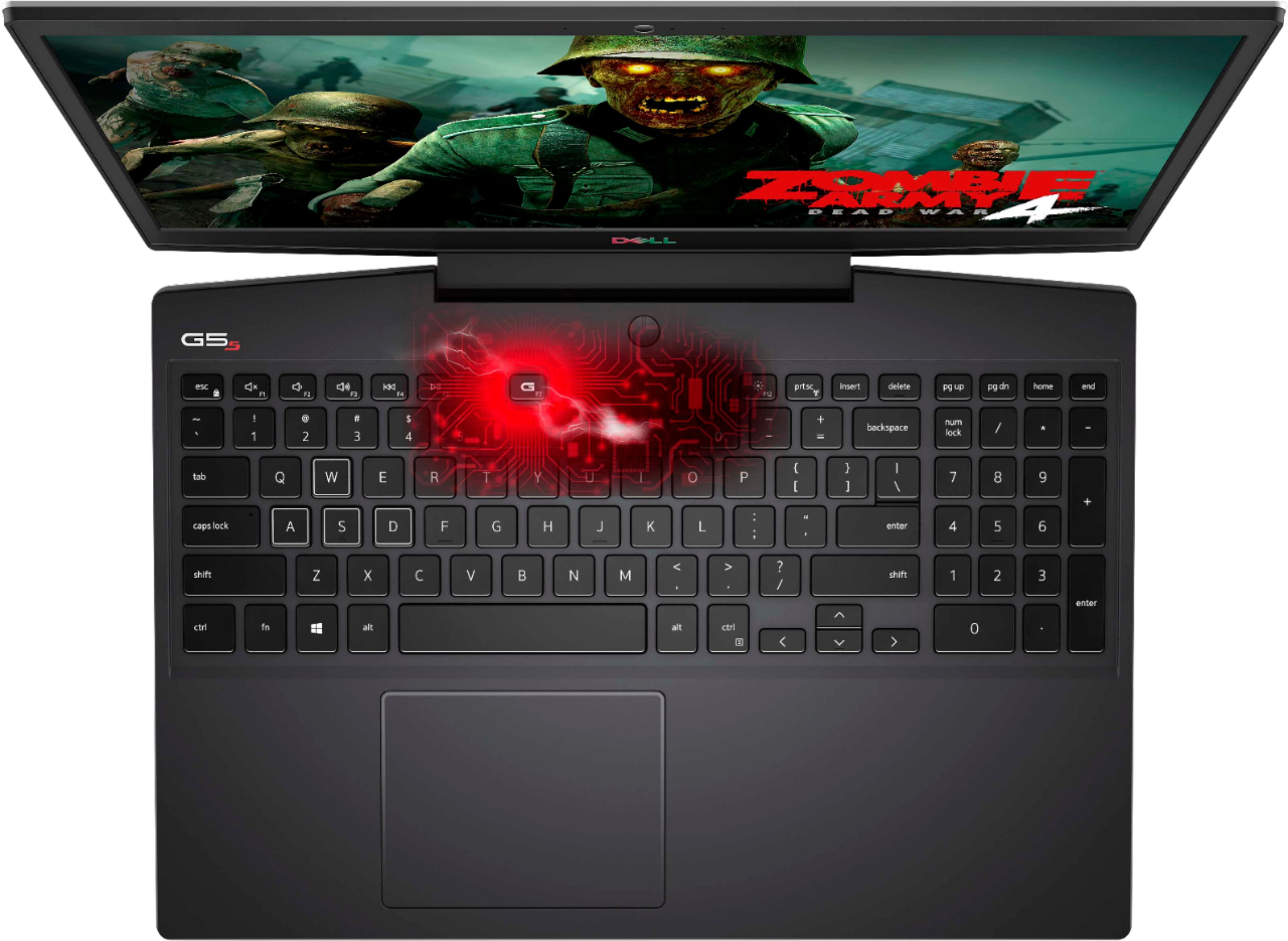
|Posted .This reviewer received promo considerations or sweepstakes entry for writing a review.Dell built this computer from the ground up for gaming. It doesn’t “WOW” with its exterior appearance by any means, but it delivers a “Big Wow” on its combination of performance, graphics, available ports, Alienware software, and ability to kick into high gear and maintain with just a couple of clicks. Weighing just 5.51 lbs. (additional hard drives, memory would add to this) it is .85” high, with a width of 14.4”, and a depth of 10”. Its overall design is a little clunky in comparison to Dell’s sleeker Inspiron laptops, but this G5 does sport a Silver-Tone cover which gives it some ‘high tech’ appeal. Out of the box, I had to set it up by going to Dell Support and updating the drivers, etc. This was an easy and simple process with no glitches, it just needs to be done as the first thing you do with this G5 Gaming Workhorse. Then I was pleasantly surprised at what came next. With the combination of the Next Generation Ryzen 7 4800H mobile CPU which boast 8 physical cores and 16 logical processors, the dynamic visuals delivered by the AMD RX5600M graphics card, and the 512 GB SSD hard drive which also uses NVMe protocol to speed up the boot, Dell has created a super nice gaming laptop at a very competitive price point. But not by any means is that all that the Dell G5 15.6 Gaming Laptop has to offer. Add the new AMD SmartShift technology which automatically distributes power between the CPU and GPU during intensive tasks and gameplay, and you have a product that rates on the 3DMark Time Spy (measurement of FPS or Frames Per Second) as a Level 3 (Kick it into High Gear). Level 3 allows one to play all popular game titles with the same graphic settings as Level 2 and many more games at a max graphic setting of 1440p resolution. This test that measures FPS is ran on all PCs with games running in 1080p resolution and settings set to medium quality. The test can also test the more powerful PCs with games running in 1440p resolution as the highest graphical settings. Using this test on the Ryzen 7 processor and Radeon RX5600M graphics card together, allowed the G5 to deliver FHD and Quad HD frame ratings. To elaborate further, when the G5 was tested the Full HD 1080p measured to delivered 140+ FPS and the Quad HD 1440p measured to deliver 70+ FPS. The laptop does get hot during intense play, but Dell has tried to augment this by adding two fans to cool the system. Two other great features of the laptop are the 144 Hz display which supports HDR video playback and a backlite keyboard that can be controlled by an LED LCP panel. I also appreciate the function and the numeric keys on this keyboard as they are not always present anymore. By downloading the Alienware software, the keyboard can be color coded up to four colors or it can virtually be any color you wish it to be. The Alienware Command Center allows for the use of preset colors or customization. Here you can also see statistics, information about your gaming and games, customize several other features and also control how your laptop performs. Dell’s design process in designing this laptop has seemed to have thought through everything needed to perfect your gaming. There is guaranteed power, dual fans for cooling, graphic card ‘Smart Shift Technology’ that automatically distribute power between the CPU and GPU and lets one game at higher settings with clearer details and consistent, uninterrupted video. Then Dell equipped all of this with a Solid-State Drive allowing for increased memory and stability. The system's memory of 8 GB might seem a little small, but so far it is apparently adequate. Memory expansion slots are available as are the numerous ports to support any and all peripherals and internet connections. Ports include two (2) USB 2.0, one (1) SuperSpeed USB 3.2 Gen 1, one (1) mini DP, one (1) Standard SD card, one (1) Headset Jack, a full HDMI 2.0, an RJ45 Ethernet port, and one (1) USB-C Display Port. And of course, the G5 also has wireless and Bluetooth as well as a wedge lock slot. Individualize this gaming device with your favorite game controller and headphones and get ready to enhance and take your gaming experience to the next level with this well designed, thought through system that has been built for endurance and speed and built to deliver incredible graphics. Even though it was built for and is a gaming laptop, it also has many features of a graphics computer and would be a great use for digital video, audio editing, or even drawing 2D and 3D perspective renderings. I really appreciate this laptop as an end product of the design process; and how well each component of the system was thought through, and then how well the components of the system interact with each other. When you use this product, you can truly feel its strength and power, and you can see the results. The price point is hard to beat for all of the amenities this laptop has to offer. I highly recommend it.
I would recommend this to a friend - Pros mentioned:PerformanceCons mentioned:Heat
Great performance for this price point!
||Posted . Owned for 1 week when reviewed.This reviewer received promo considerations or sweepstakes entry for writing a review.We bought this to replace my wife's older desktop and were looking at both new desktops and laptops. This was better priced than any for this sort of performance by far! It does get loud as it has to try to stay cool, byt we found that putting a laptop cooler under it helped with the noise a lot so it seems fairly efficient. It is out performing my I7 8700x with Geforce 1070 by a good margin actually well worth the price here.
I would recommend this to a friend - Pros mentioned:PerformanceCons mentioned:Heat
Decent laptop
||Posted . Owned for 1 week when reviewed.This reviewer received promo considerations or sweepstakes entry for writing a review.This laptop is a pretty decent purchase. It's got a few minor issues like running extremely hot, but its performance makes up for that.
I would recommend this to a friend