Customer Ratings & Reviews




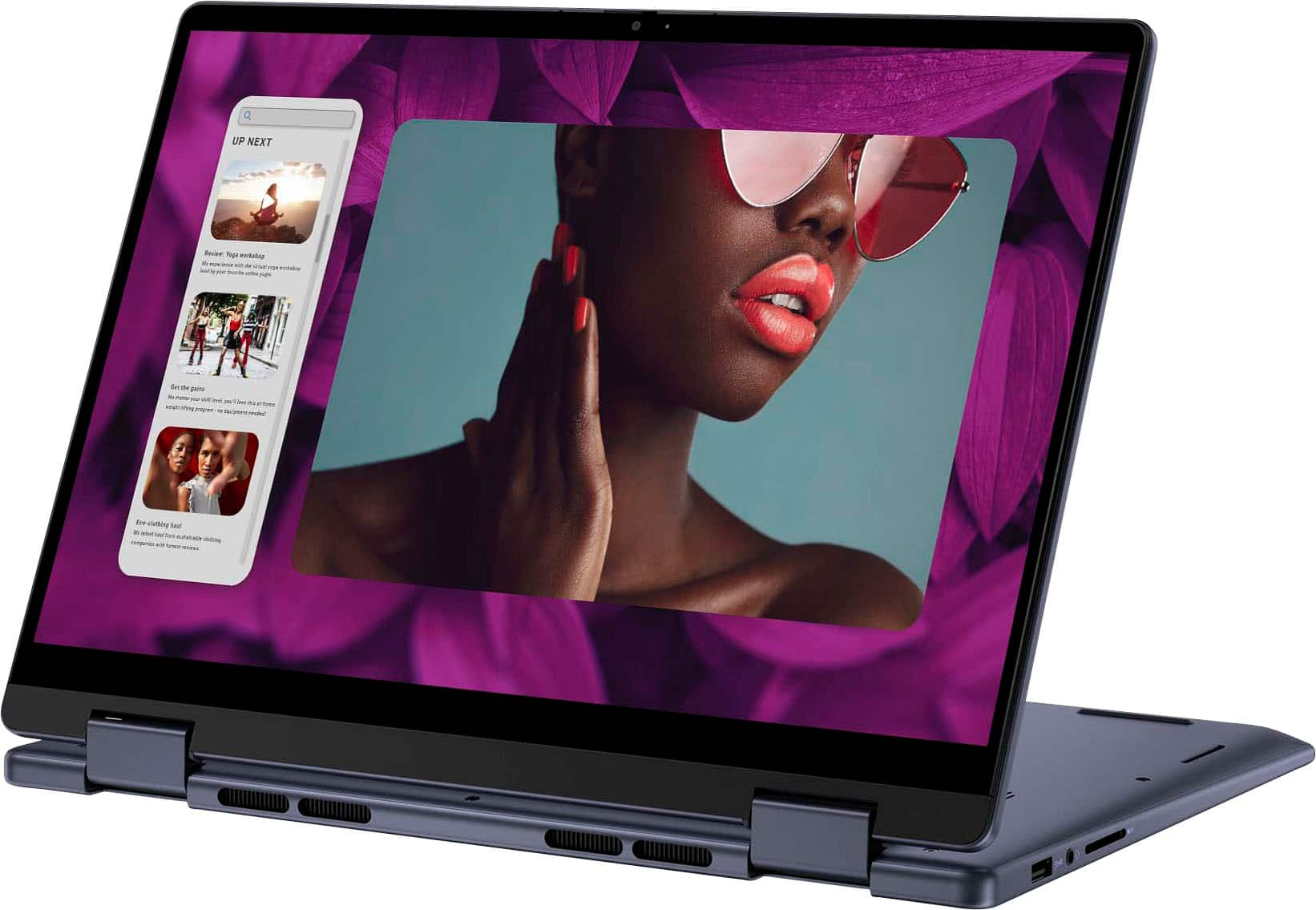

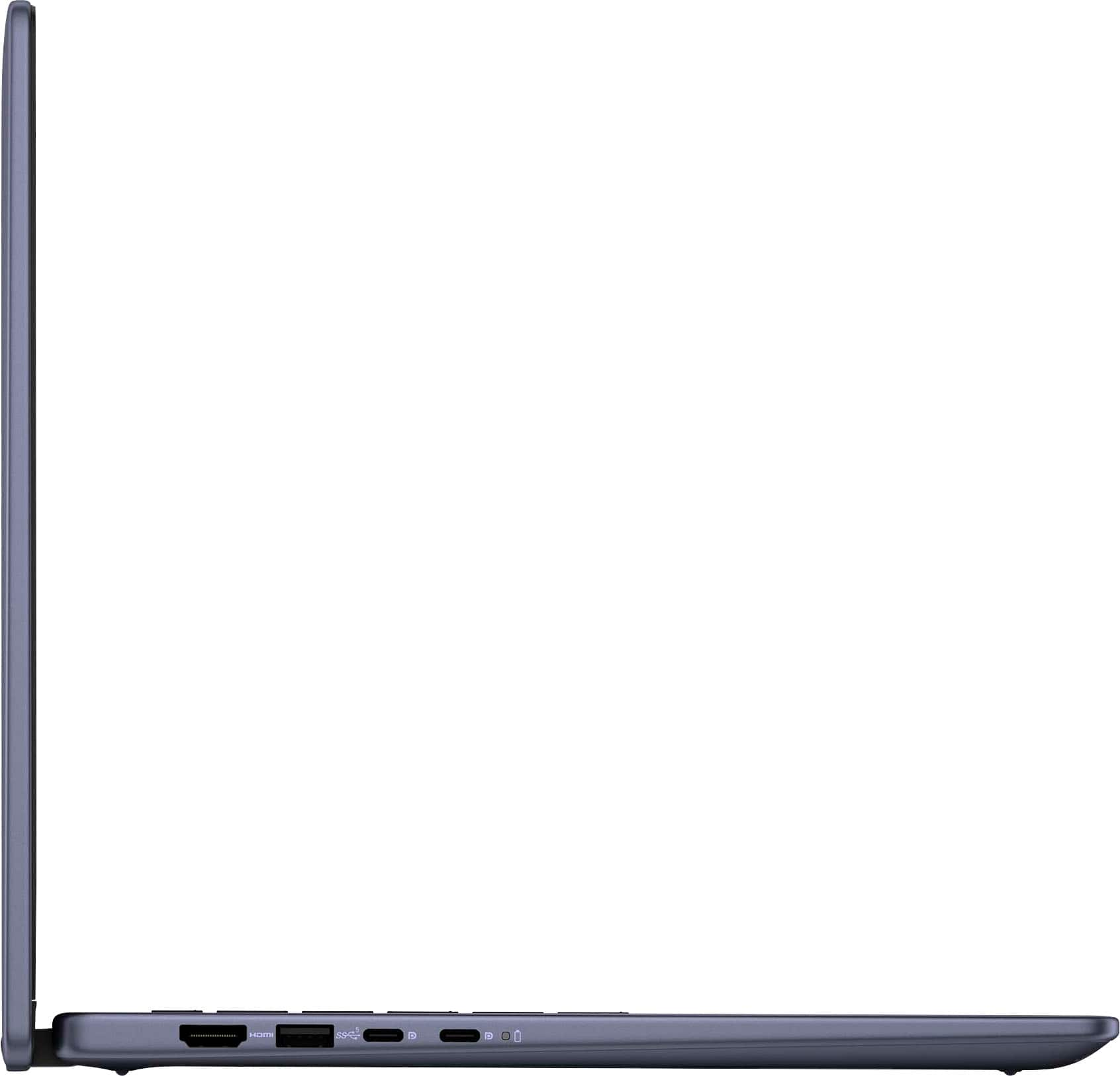



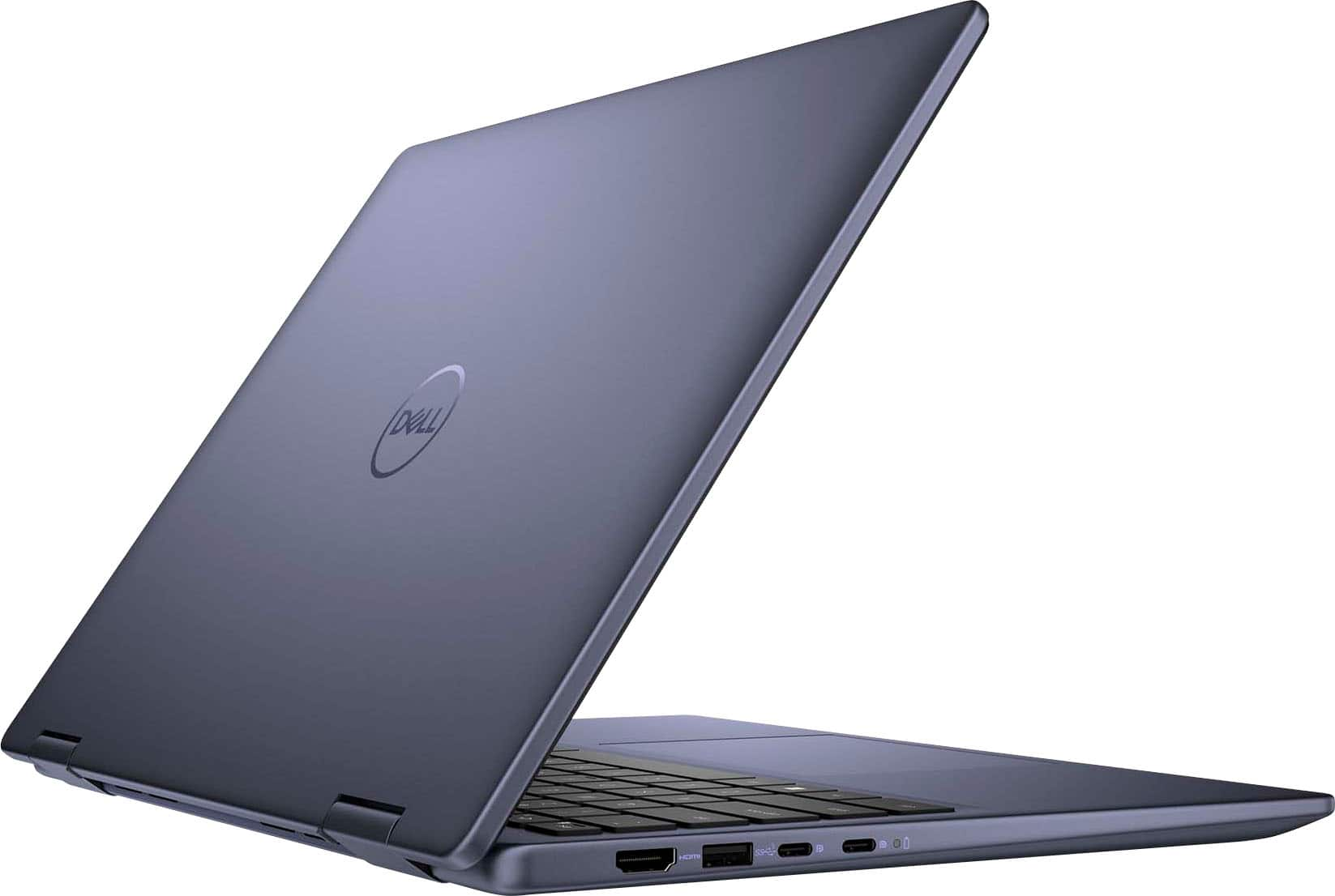

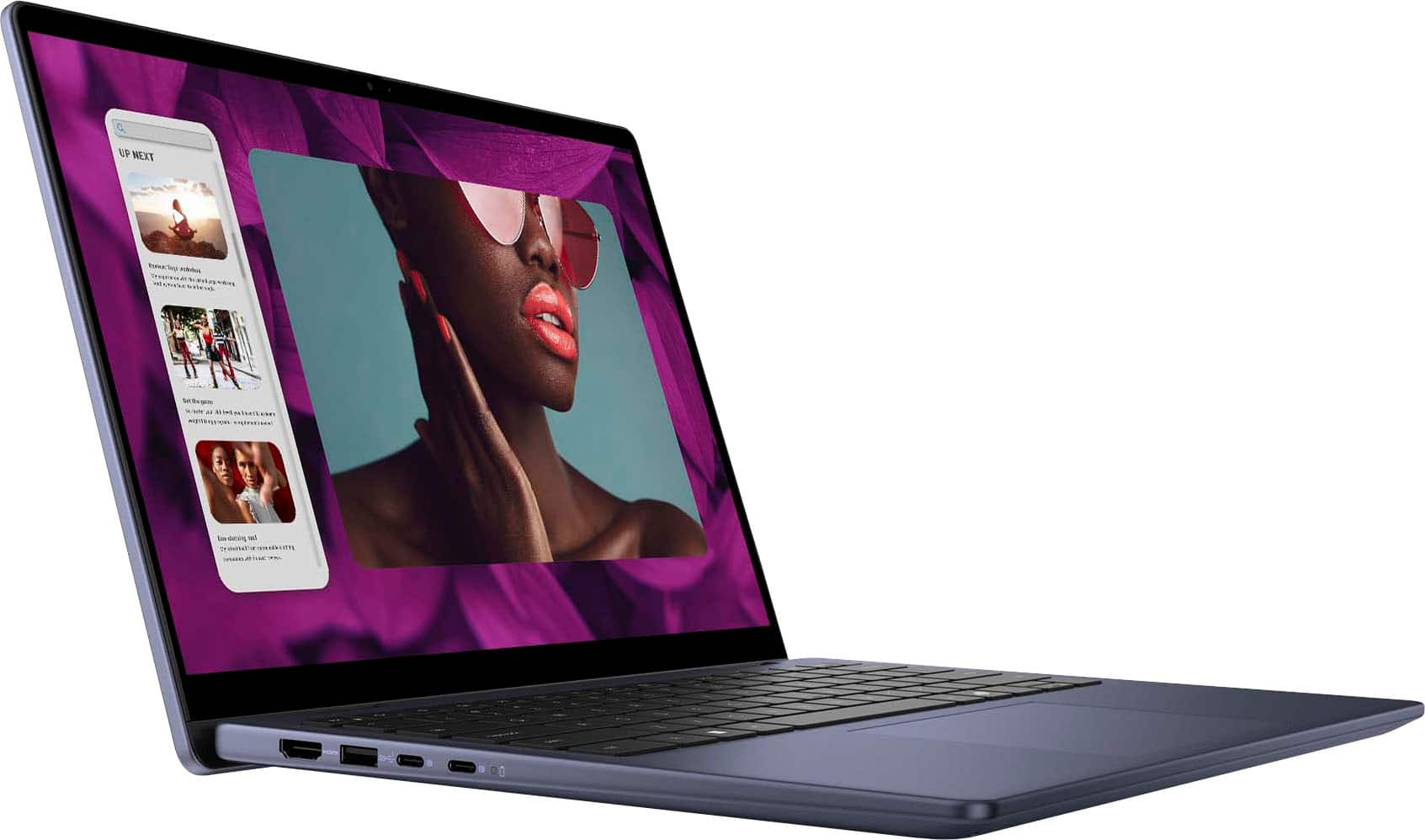


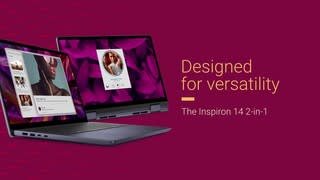

- Model:
- i7445-5333BLU-PUS
- SKU:
- 6576719
Rating by feature
- Battery Life
Rating 4.5 out of 5 stars
- Speed
Rating 4.5 out of 5 stars
- Display
Rating 4.6 out of 5 stars
Customers are saying
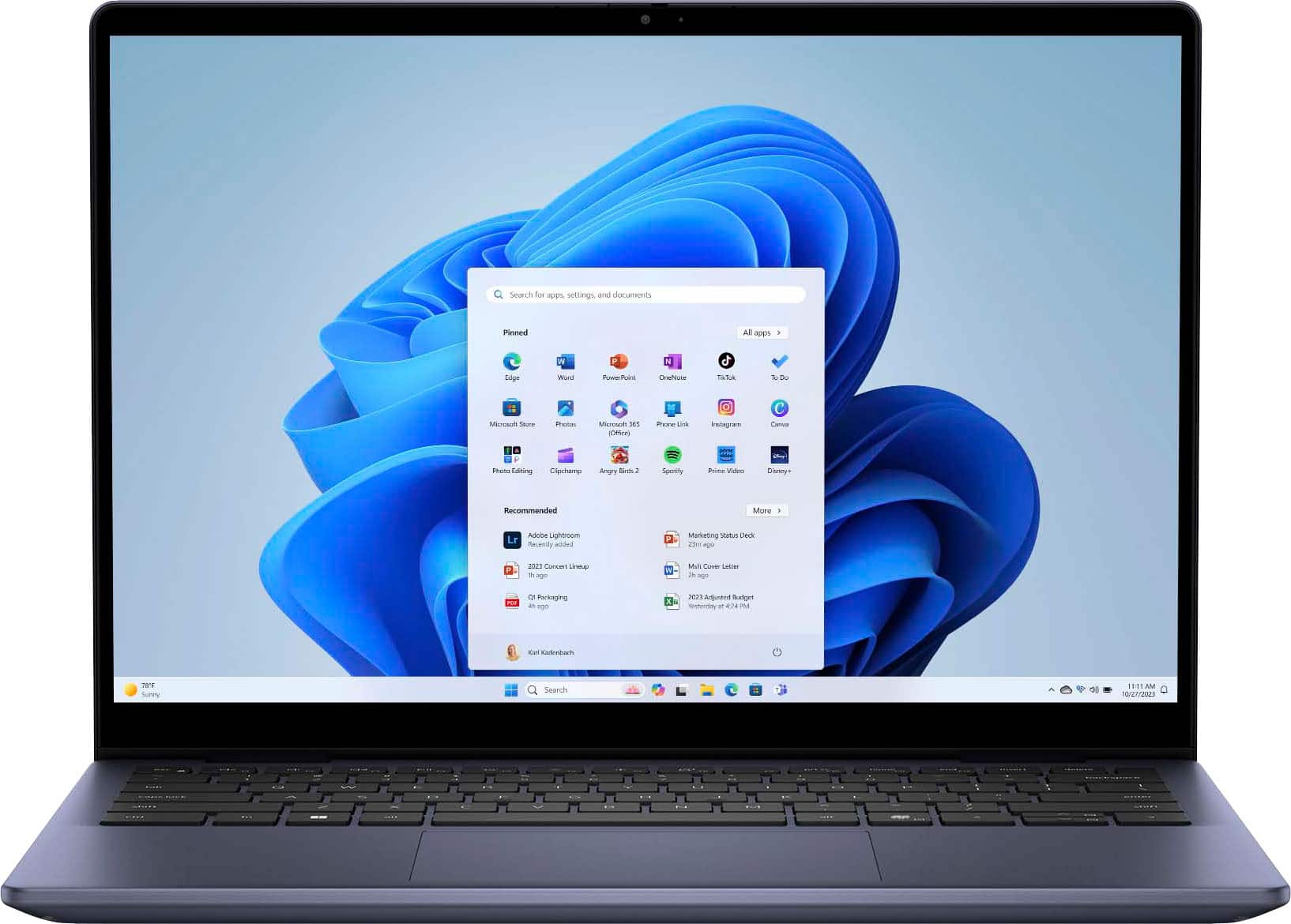
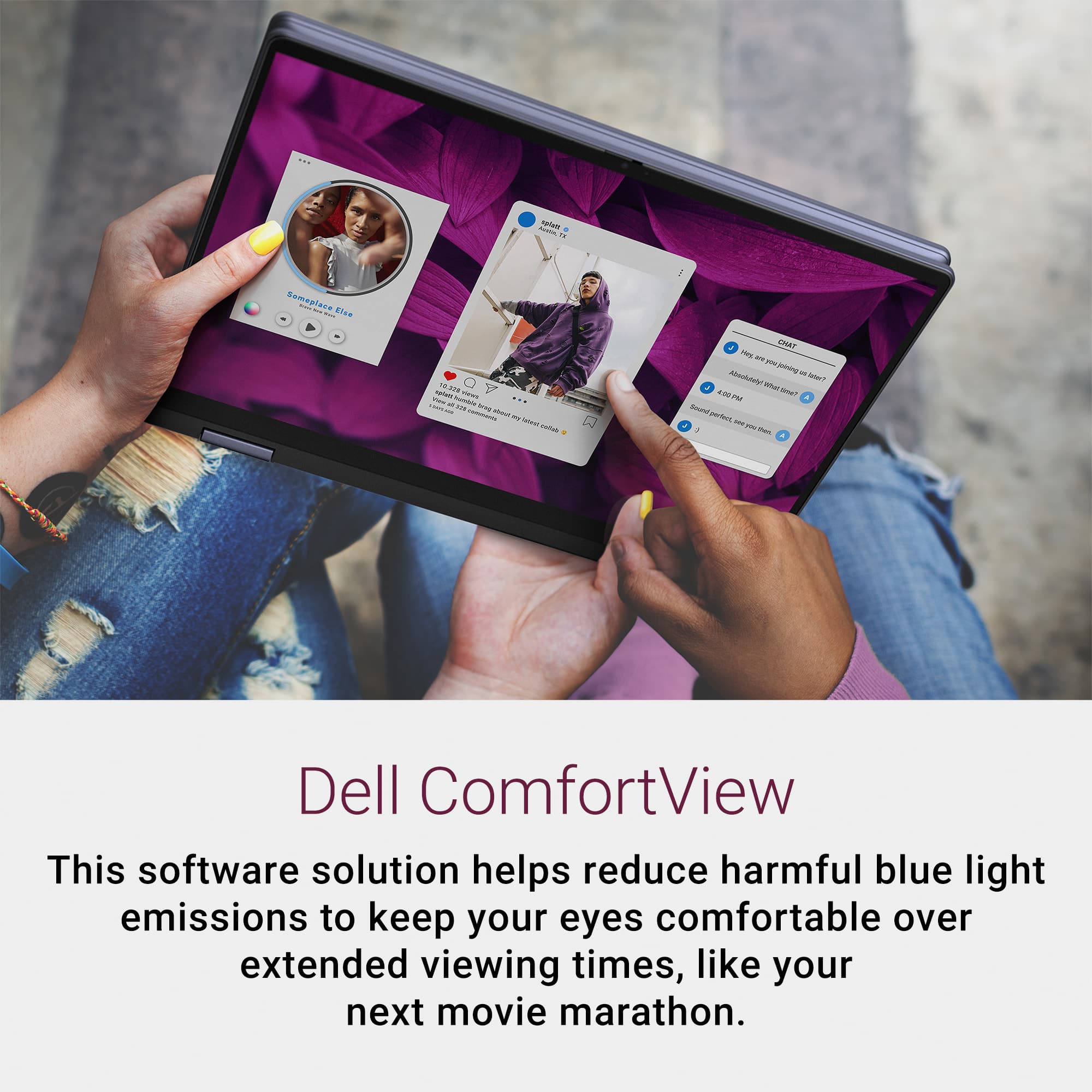
Customers value the Inspiron 14 for its excellent overall performance and adequate processor speed. Many appreciate its portability, good battery life, and fabulous touchscreen. Some customers have expressed concerns about the weight and fan noise.
This summary was generated by AI based on customer reviews.
High performance
||Posted . Owned for 3 weeks when reviewed.This reviewer received promo considerations or sweepstakes entry for writing a review.My sell labtop is performing at high speed and the resolution is phenomenal. The keys are very responsive and overall high quality.
I would recommend this to a friendMy New Dell Computer: Good or Bad
||Posted .This reviewer received promo considerations or sweepstakes entry for writing a review.I just bought a Dell computer, but I’m not sure if it’s good or bad yet. It looks nice and works fine so far, but I still need more time to see how it performs. I hope it lasts long and helps me with school and work. Wish me luck!
I would recommend this to a friendMade the switch
||Posted . Owned for 3 weeks when reviewed.This reviewer received promo considerations or sweepstakes entry for writing a review.So happy I made the decision to go with this laptop. It's making my life so much easier.
I would recommend this to a friend
Plagued by Wi-Fi disconnects
|Posted . Owned for less than 1 week when reviewed.This reviewer received promo considerations or sweepstakes entry for writing a review.I was hopeful trying this computer out, as I got it at a great price and had high hopes. The build quality is great, and I was impressed with that; however, that's where it stops due to the terrible Wi-Fi capability. Immediately after setting it up, I noticed the speed and connectivity issues weren’t due to my connection but the laptop’s Wi-Fi card. It will continuously connect and disconnect. After troubleshooting for two days, I had to manually disable the Roaming Aggressiveness to have it be somewhat stable but too slow to consider keeping. If the Wi-Fi didn't disappoint, it would have been a steal.
No, I would not recommend this to a friendVERY DISAPPOINTED WITH THIS LAPTOP’S PERFORMANCE
||Posted . Owned for 2 months when reviewed.This reviewer received promo considerations or sweepstakes entry for writing a review.This laptop is garbage, do not buy!!! Very glitchy and annoying to use on a daily basis. The touchscreen was supposed to be an added benefit, but just makes life harder with all of the contact glitches and how often it takes a million years to start back up after just going to sleep!! And the battery life is definitely shorter than expected, plus I’m unsure why the computer keeps restarting or freezing while doing basic things like using a web browser. So disappointed, would have rather spent an extra couple thousand to invest in a good MacBook!
No, I would not recommend this to a friend- Pros mentioned:Battery life, Touchscreen

Your New Laptop for School or Work
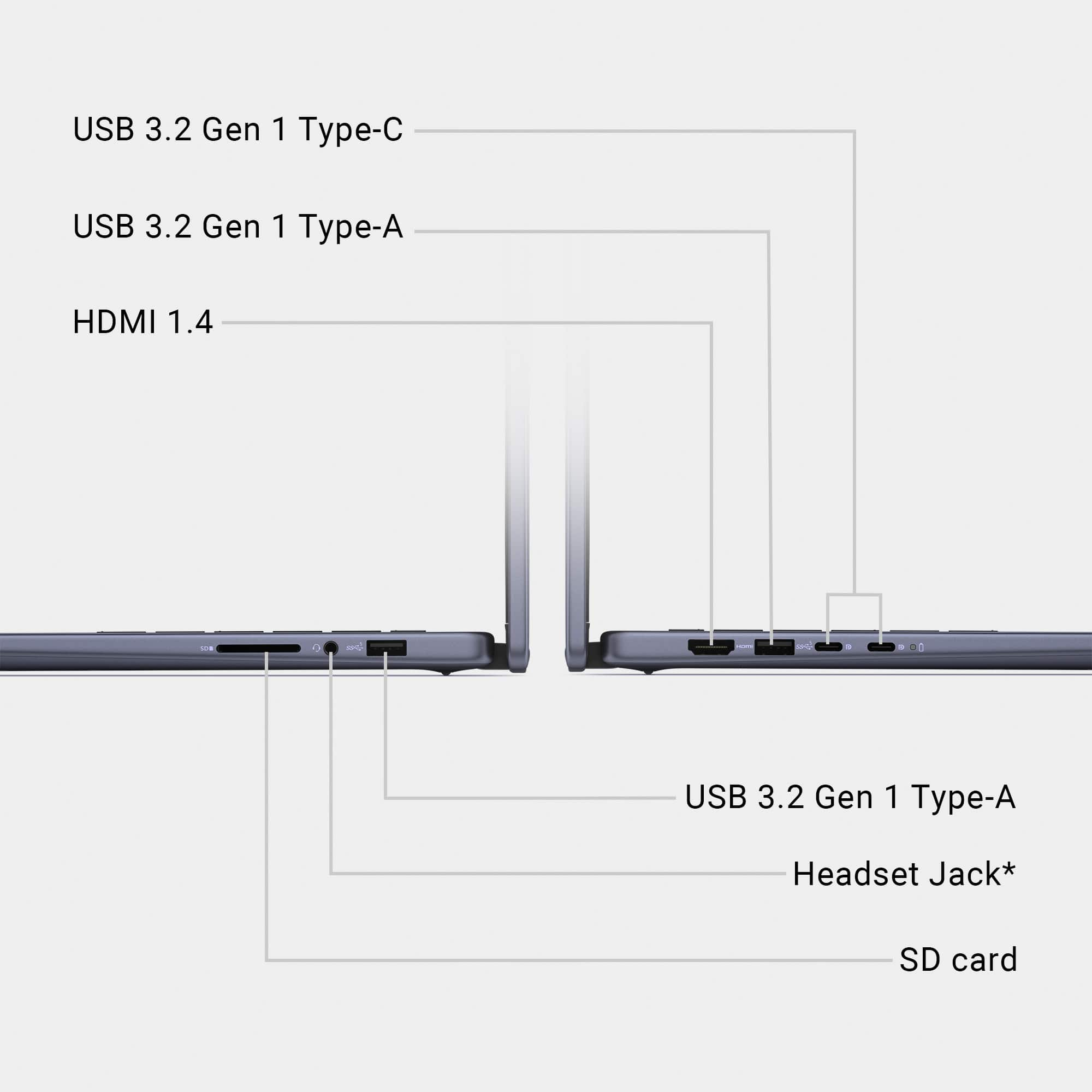
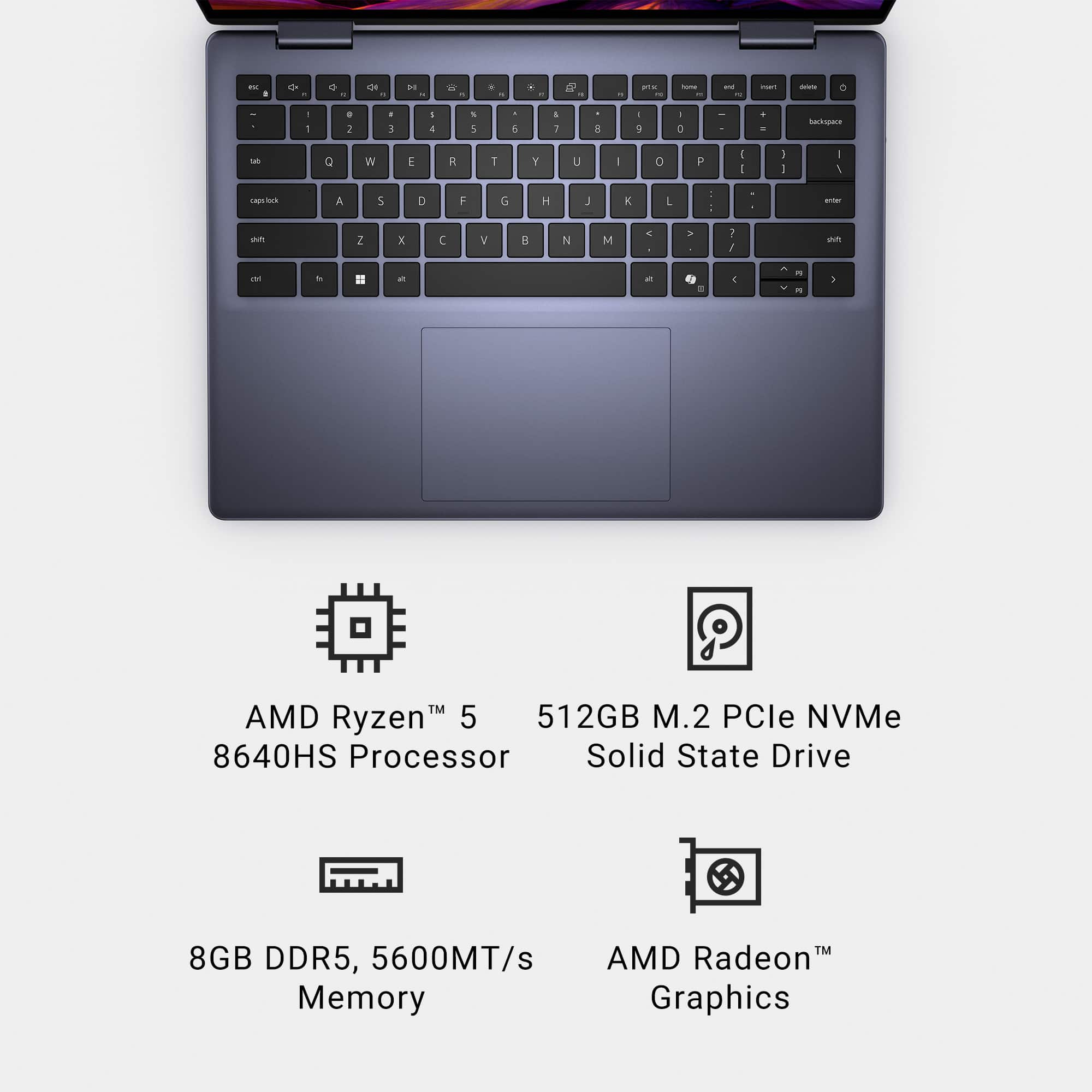
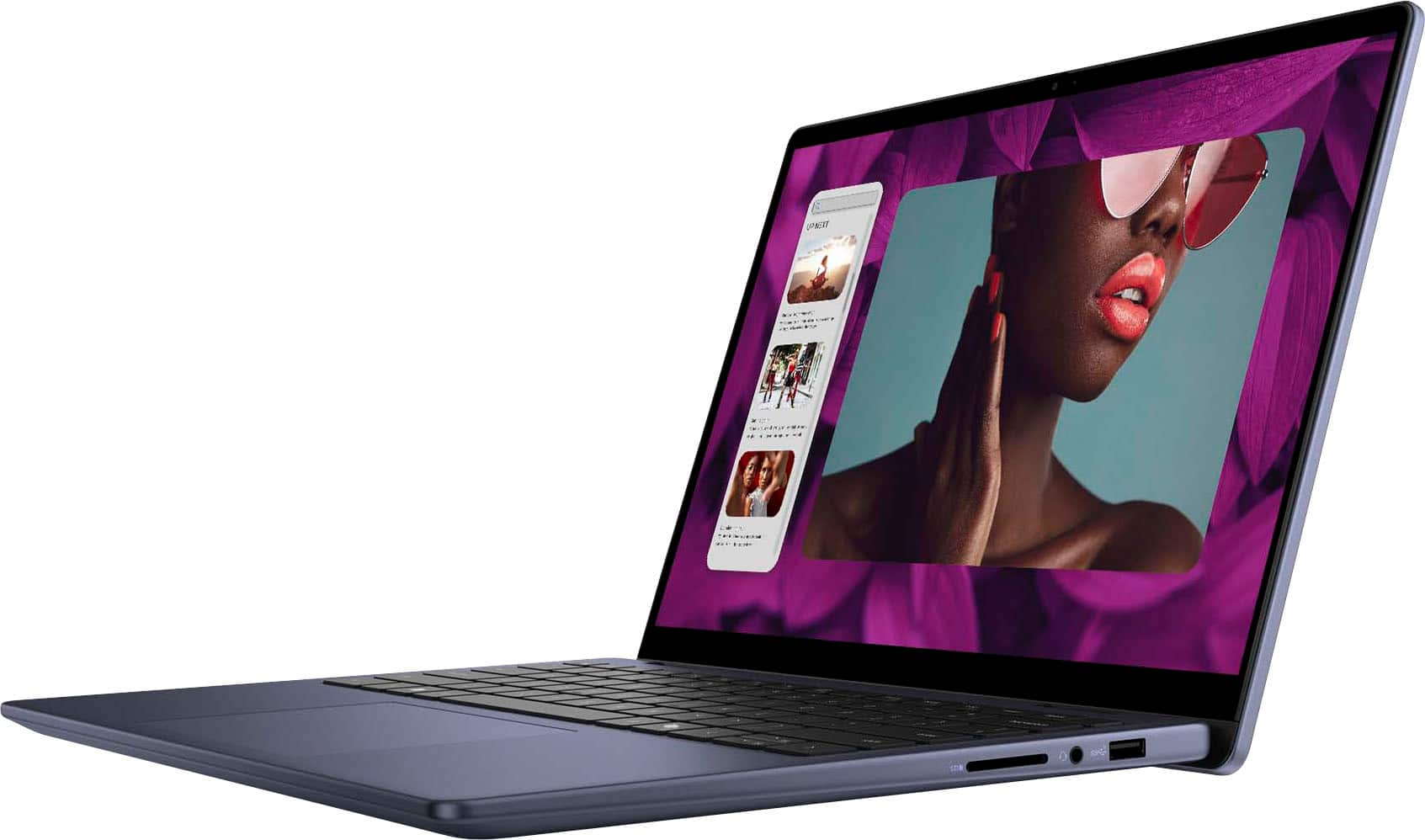
|Posted .This reviewer received promo considerations or sweepstakes entry for writing a review.The Dell Inspiron 14 Model 7445 is a solid laptop for work or school. The computer is quick to boot up, comes with minimal bloatware, and performs well. I had some misgivings about a machine with just 8GB of RAM, but this machine surprised me. I have also been impressed with battery life. If I had any nitpicks, it would be the inclusion of a standard SD card slot as opposed to a more streamlined MicroSD card slot. Still, I have really enjoyed this laptop. UNBOXING: Inside the box, you get the laptop and a 65W USB-C power adapter. The 7445 is an AMD based system. It comes with 8GB of RAM, a Ryzen 5 8640HS processor, and a Radeon 760M graphics. There are two USB-C ports, but one of those ports will be used for the AC adapter. There are also two USB-A ports, a headphone jack, and the SD card slot. The webcam has a physical privacy toggle. The power button comes equipped with an integrated fingerprint scanner. There is no wired LAN port. If you need to be hooked up to landline for work, you may want to purchase a docking station or a USB-C to ethernet adapter. EXPERIENCE: This has been an impressive laptop. It is fast. The screen looks good. If I had a nitpick on the screen, it would be that there is a small amount of light bleed noticeable on black screens. It has not been enough to bother me and colors look good. Audio is impressively loud. The fingerprint reader has been very reliable. The keyboard is super comfortable and responsive. I think Dell makes my favorite laptop keyboards; they just feel right. The keyboard has button to activate Microsoft’s Copilot next to the bottom right “ALT” key. I am still acclimating to AI integration, but Copilot has been helpful. It quickly provided a good deal of information and sources to the questions I posed. I really have been impressed by the battery life. The Dell 54Wh battery lasts quite a while. I got close to four hours with some pretty demanding streaming and internet browsing. With less demanding applications, I could see the battery lasting much longer. College students could easily get through their entire class day on a single charge. The 7445 is not terribly heavy, but it is not light, either. I enjoyed my time with tablet mode, but you do notice the weight when you compare this laptop to a tablet. Still, touch screen works well. Tablet mode is a nice feature to have. In my experience, the laptop has never gotten terribly hot. Thermals have been good on the laptop and the charger. HOW EASY IS IT TO UPGRADE?: The dell support documents on dell.com state that the machine can support up to 16GB of RAM or 8GB per RAM slot. The included RAM is an 8GB DDR 5 SODIMM running at 5600MHZ made by SK Hynix. Currently, there are two NVME slots built into the motherboard. One is currently using a 2230 512GB Micron NVME HD. The other slot is occupied by the Realtek 8852CE WIFI 6E card. If you want to add storage space, the machine is limited to 1TB maximum drives according to the support documentation. I have not evaluated myself, but it appears that the machine could support a 2280 with some slight reconfiguration of the bracket that holds the 2230 drive in place. So, the short is you could expand the storage from 512GB to 1TB and add another 8GB of RAM. GAMING?: Eh…. Probably not. This is not a gaming laptop. It is a daily work horse. It is great as a daily work / school PC. Having said that, you could stream games over GeForce Now or XBOX Cloud Gaming. CONCLUSION: This will be my new work laptop. It is small and just light enough for travel. The battery life is great. The screen is good. I will upgrade the RAM to 16GB, but I can recommend the laptop even with just the 8GB included. This is a solid laptop. I can easily recommend it. 4.5/5
I would recommend this to a friend - Pros mentioned:Battery life, TouchscreenCons mentioned:Weight
Nice Machine! BUILT TOUGH! Performance Is Great!
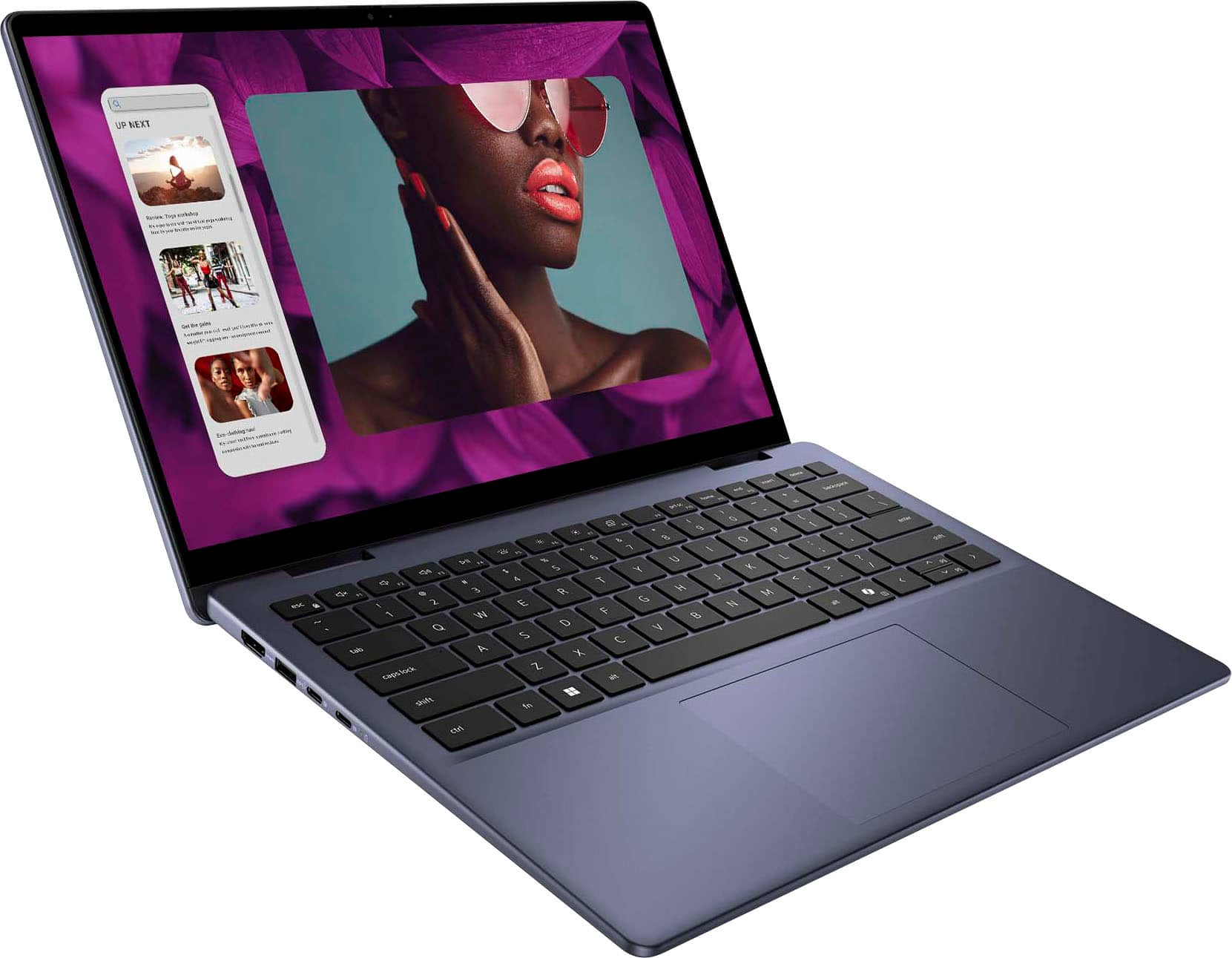
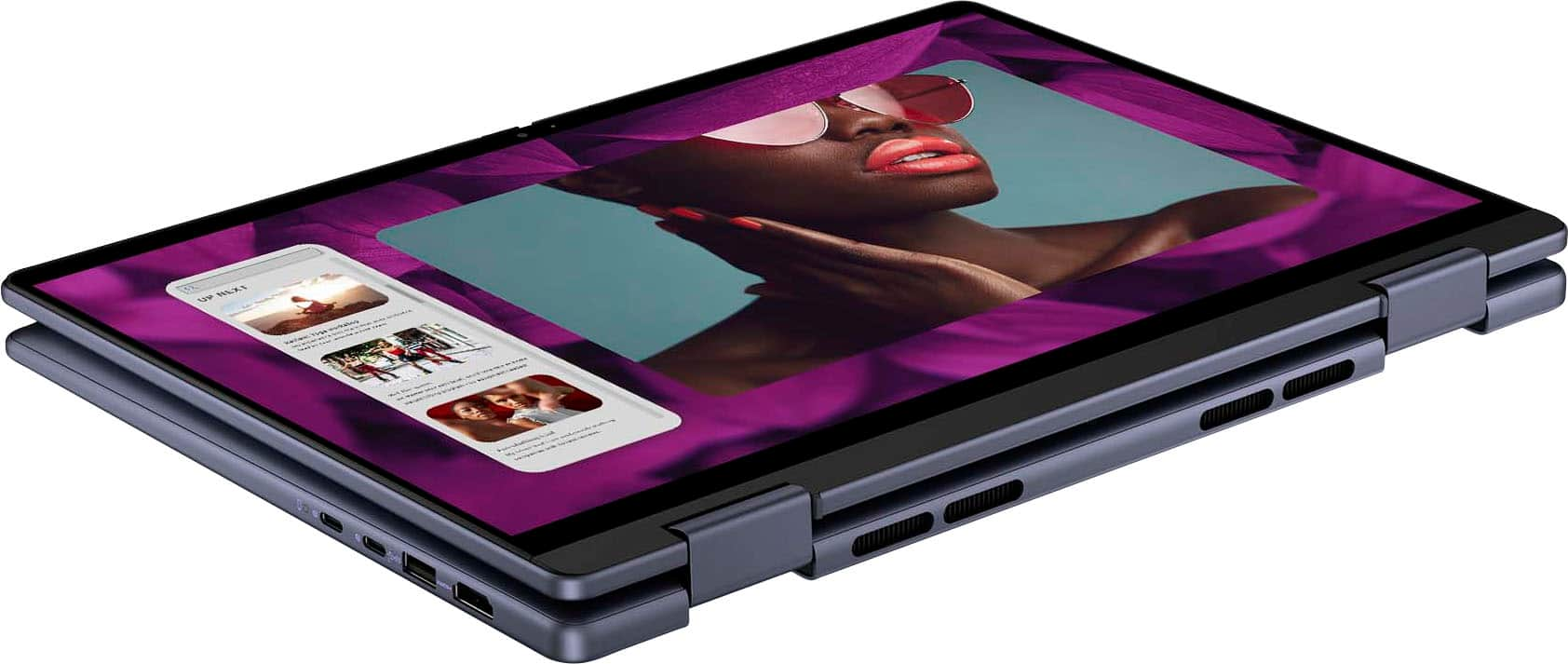
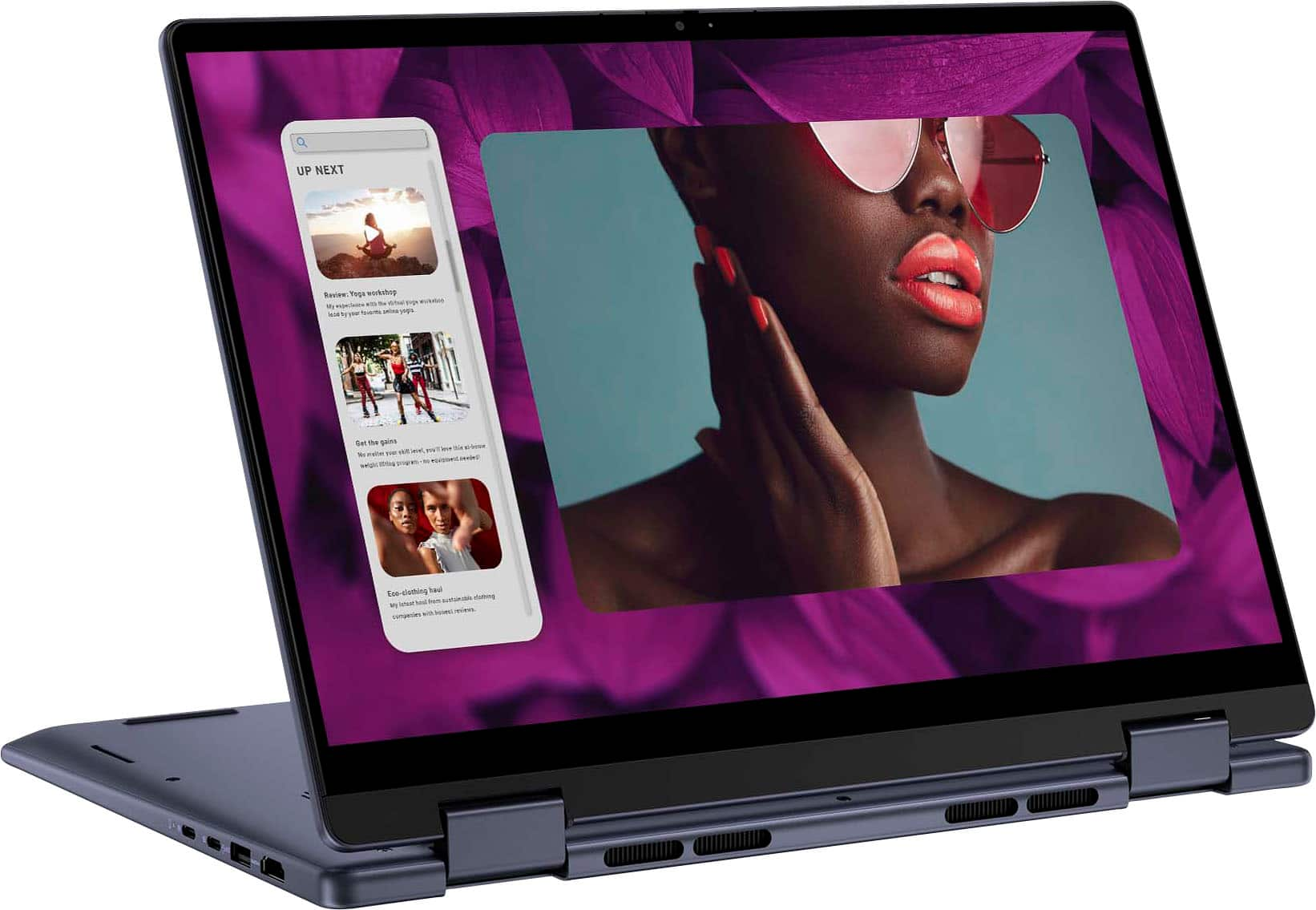
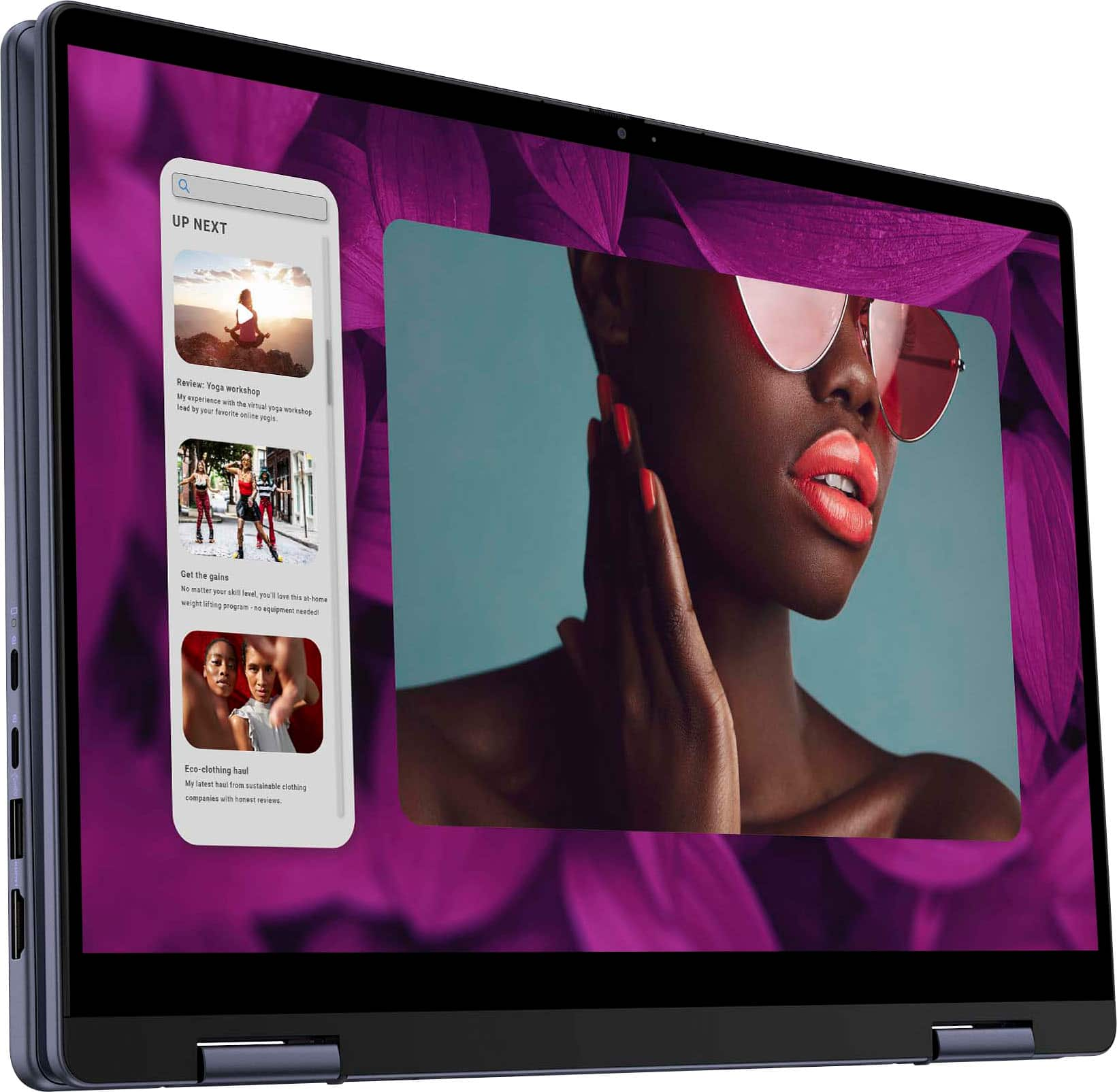
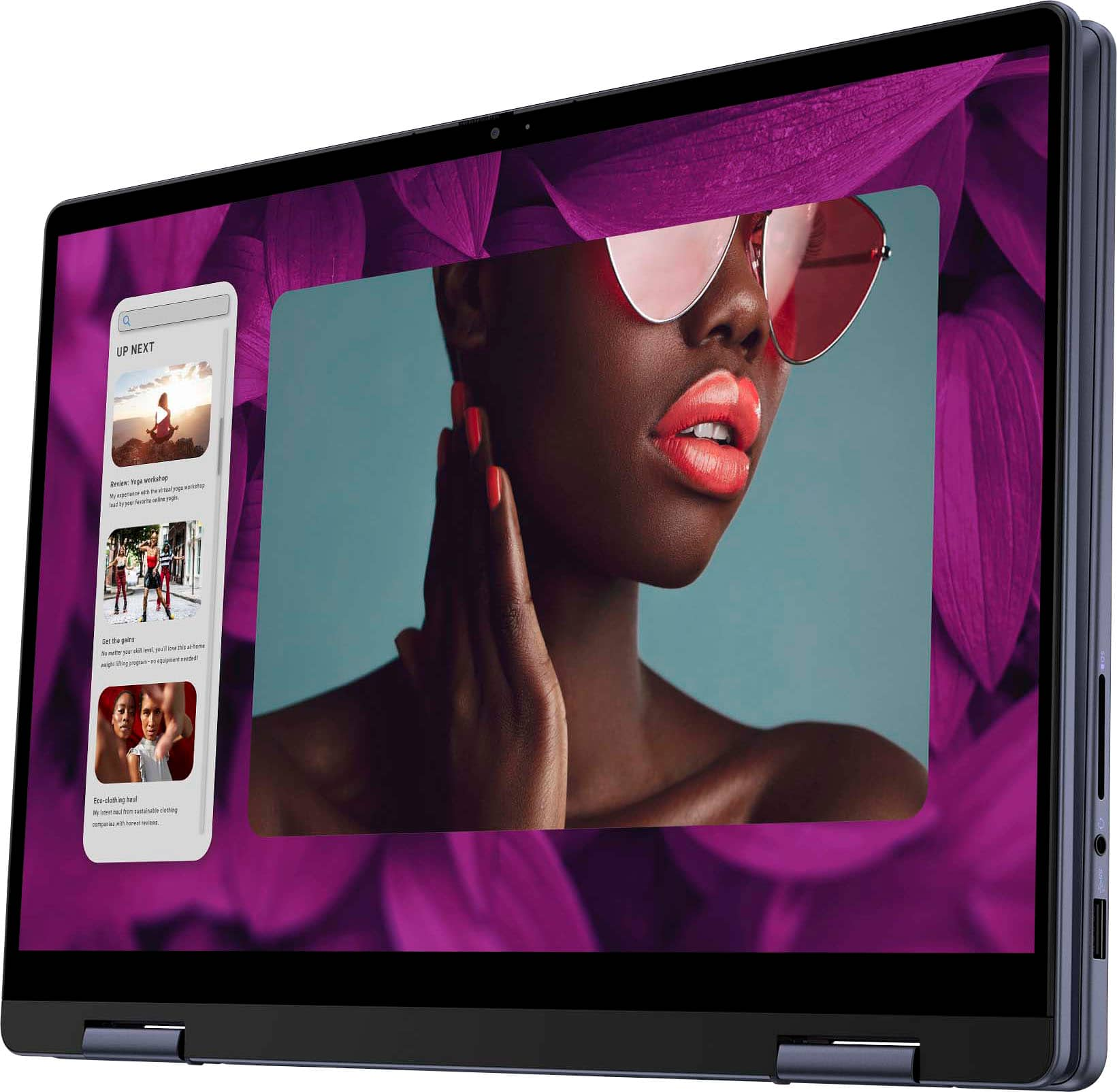
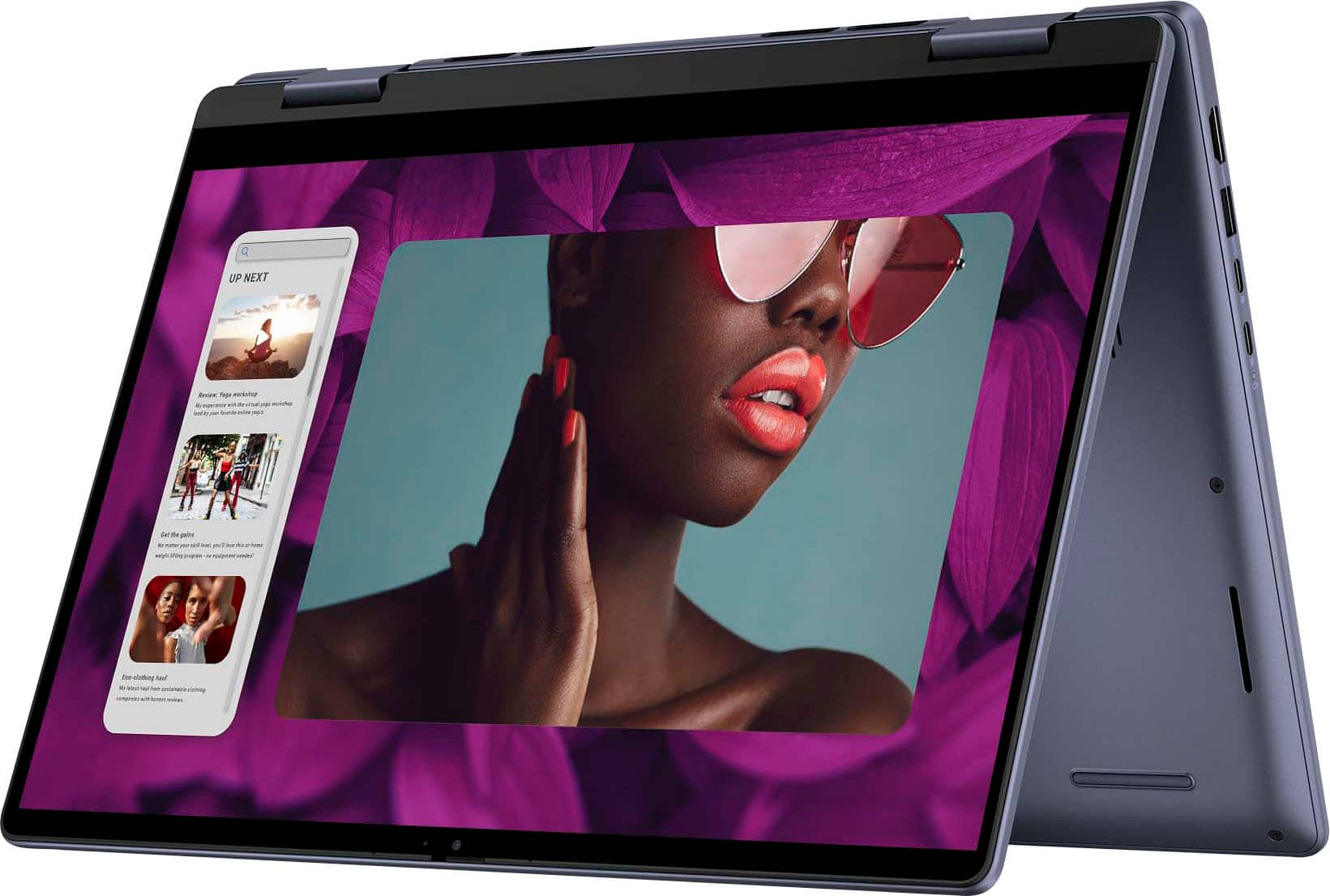
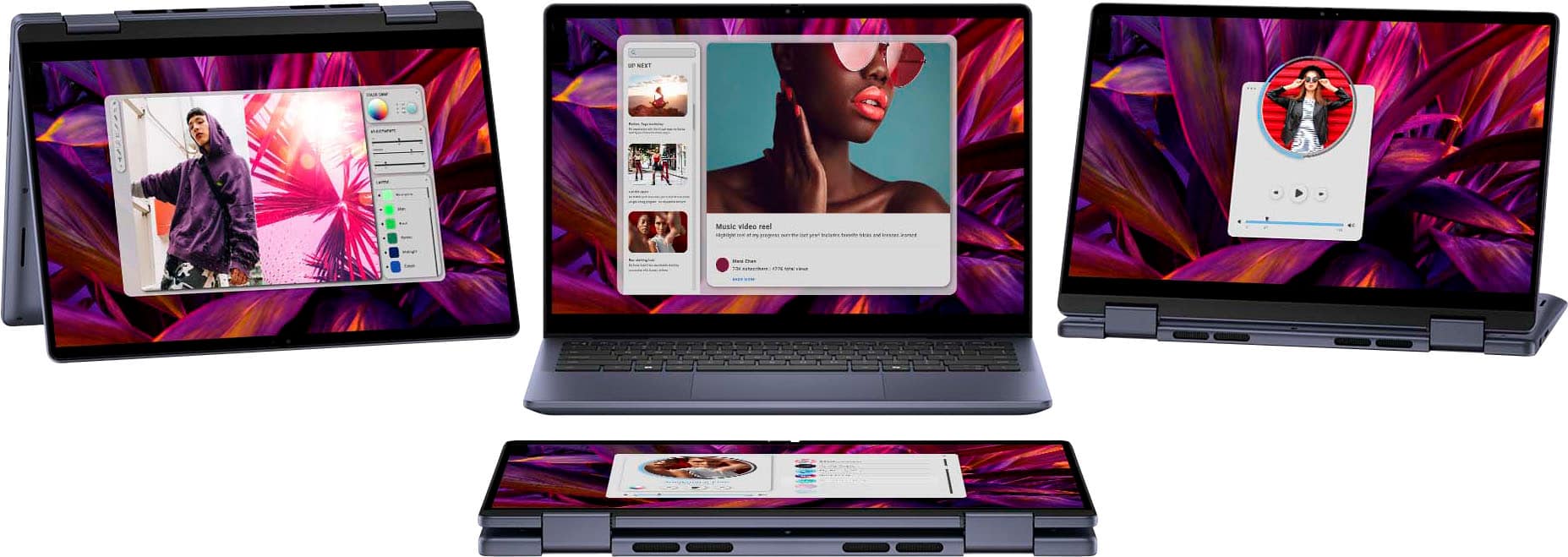
|Posted .This reviewer received promo considerations or sweepstakes entry for writing a review.First off, I didn’t think I would like the Midnight Blue as I traditionally go with the Black and Silvers on laptops but the Blue is REALLY NICE and I like it A LOT! This 2 in 1 feels like it is built like a tank! The entire thing feels SOLID. I am not scared when flipping the screen from laptop mode to tablet mode and back again. Nothing creaks, squeaks or feels like it is going to break! I love that the charger is set up at 65 watts so that it doesn’t take forever to get it charged up and the use time on it is very good in high performance mode and can be extended with other power saving modes and settings if I need to use it for an extended period of time for basic tasking that doesn’t require all the settings to be maxed out. Switching modes is easy with the built in software from DELL and Windows. I LOVE that it includes an HDMI, TWO USB C PORTS that are capable of both being charging ports, TWO USB A (one on each side) that are FAST, a headphone jack and an SD Card Reader Slot. That covers everything most of us need nowadays, especially if I am moving and grooving. I have all the inputs I need to be efficient and effective while on the go. One of my favorite features of the machine is the FINGERPRINT READER and its integration into Windows Hello! It works FLAWLESSLY and it is so much faster and more convenient than entering a password or PIN every time I need to get into the OS. This is a great machine for general tasking and everyday work both locally and online. The machine does start to struggle a little with more intensive applications like Microsoft Clipchamp/Video Editing which, to be honest, I did not expect. I have been running a Intel i5 with 12 GB RAM since 2019/2020-ish and it handles everything along those lines with only a slight stutter once in a while and on this Ryzen 5 with 8GB is definitely more noticeable and slows the process of editing down while waiting on the machine to figure itself out and allow my next move in the process. Being that this is 4 years newer I really thought the multicore and threaded RYZEN 5 would be MORE Capable than my old i5 and that the 4GB of RAM difference wouldn’t be that big of a deal. Sadly, it is and if I were to continue using this machine for more intensive applications like video editing and casual gaming, I would REALLY consider adding RAM or, knowing what I know now, I would select a version with more RAM and I am actually leaning toward maybe even wanting to stick with Intel and getting the i5 or better in this machine. For users that do not do this intensive processing like I do occasionally this machine is MORE THAN up to the task of everyday work. It will handle being online, multiple tabs, having open spreadsheets and documents and solitaire and a few other things just fine with no issue whatsoever. Again, the build of this machine is TOP NOTCH and solid. There is no plastic creaking or bending and even the keyboard cover around the keys is a metal piece that feels durable and not flexible or iffy. Typing is comfortable once I got used to how far away the backspace key was compared to the keyboard I am used to. I do not miss the side number keys as much as I thought I would and without those and this machine being a 14 inch screen, it allows for a more compact unit overall making moving around with it much less cumbersome than with my 15.6 inch laptop. Also, it is a “512GB Solid State Drive” of which only 391 GB is actually usable. I really expected that number to be a little better and in the range of 450-475GB usable. I am really not sure where the 121GB is being used here and that was a little bit of a let down if I am being honest. Lastly, the machine handles the heat really well. Nothing close to hot, but a little more than warm. It flows everything out the back from the underside of the keyboard. This machine has the added benefit of tablet mode, which is why this was initially so attractive to me. It is 14 inches and that puts it in a space bigger than my tablet but smaller than my “primary” laptop and I thought this would be perfect for moving around and also when meeting with clients to go over plans and having them review contracts and “sign on the screen.” Here’s where I start to take away points on the machine a little. The graphics inside of the Windows OS look more poor than expected in tablet mode. Video playback and pictures do well but the OS windows look almost like an outdated machine to me. This is a WINDOWS issue I believe and has nothing to do with the graphics driver on this machine. Second is, I really wish this came with a stylus or pen so that working in tablet mode would be capable out of the box. I know this can be purchased separately but being this is my first 2 in 1 machine, I wasn’t even thinking that I would need to buy a pen to use it the way I wanted to because all of my other machines, like my tablet, have come with a pen included, out of the box. Not so much a hit against the machine but looking at the big picture….performance, price point etc. a pen would have made this a better value in my opinion. While on the topic, the price point is much higher than my HP 256GB SSD, i5 with 12 GB RAM that is 15.6 inches and picked up 4 years ago and this DELL performs less than the HP machine but for more money. I like the machine overall, the feature upgrades and the 2 in 1 mode and I understand there is a premium attached to all those features, plus I REALLY LIKE the build QUALITY but it doesn’t “excite” me, if that makes sense. I guess I am really hung up on the expectation that this RYZEN5 being newer and more cores was going to make my old machine look like an antique and it does not. However, with all that being said, the more and more that I use the DELL, the more and more I like it for everyday tasking. It hasn't skipped a beat while in use for “normal people” everyday use and only started to show signs of struggle when pushing it with higher demand tasking and applications. OK, OK, OK all that babble out of the way and let’s move on. Do I like it? Yes, I like it! …and I would recommend it to students of any level, high school or above and users who need a machine that will expertly handle daily tasking and internet use. Anyone who travels and wants to work or play on the go or watch a movie or video online. It works perfectly for all the general tasking we all do nowadays and it handles all that processing and performance with excellence. Users that need to do picture and video editing, CAD modeling etc. that require more resources to perform appropriately on the system then I would suggest this machine but with a higher grade processor and RAM numbers. This machine, with the AMD RYZEN5, AMD RADEON Graphics, 8GB Ram and 500GB Solid State Drive is more than enough for most people and I would suggest it and recommend it to and for most average users. The 2 in 1 is a nice feature to have access to and comes in really handy. I have used it very often since getting the machine and I really like that feature, although due to the high build quality here, the machine can become a little heavy to handle in tablet mode for extended periods. Overall, I really like the machine and I am happy to have it in my arsenal. It is really helpful with running my business and working with clients and is not a chore to cart around with me everywhere I go. Oh, the touch screen is SUPER GOOD! Very responsive, easy to clean and look great when viewing anything but the actual windows, in the windows system while in tablet mode and I love the on screen keyboard in tablet mode! It works very well. Video and everything else looks fantastic! I like being able to flip the keyboard to key side down and watching videos. It gets the keyboard out of the way and makes it look more like just a display is in front of me. It takes away that feeling that I am watching a movie on a computer and makes it feel more like I am watching it on a proper display. All things considered, I would buy this again. It is a really well built machine that handles 100% of the normal workload demands that I need it for and it does better than my tablet when switching back and forth between programs when meeting with clients and switching between pictures, drawings, tables, contracts and editing those in real time. I never have to wait for it in those situations and it keeps me looking professional. I know I have said it a lot already, but being a Contractor, I am in some places that I do not necessarily want to take nice tech with me into and this being built as good as it is I do not worry about it. I like having a machine that I can rely on that I do not have to be delicate with like some of the other stuff I use. This is one tough cookie and its a PC, its a laptop, its a tablet, it's a movie display, and so much more. I genuinely like the machine and if my last one is still good after 4-5 years this one should last me double that easily as long as a wrecking ball doesn’t take it out prematurely.
I would recommend this to a friend - Pros mentioned:Battery life, Processor speed, Touchscreen
Perfect Laptop for School or Work
||Posted . Owned for 2 weeks when reviewed.This reviewer received promo considerations or sweepstakes entry for writing a review.The Dell Inspiron 14 2-in-1 is an excellent all-around laptop that caters to users who need versatility, performance, and a sleek design, all without breaking the bank. The standout features of this model, including its powerful AMD Ryzen 5 processor, crisp 14-inch Full HD touch display, and impressive storage options, make it a solid contender for anyone in the market for a mid-range laptop. Here's a closer look at its strengths and weaknesses: Pros: Design & Build Quality The Midnight Blue color gives this laptop a professional, yet stylish look. It's slim, lightweight, and easy to carry, making it an ideal option for students or professionals on the go. The 2-in-1 functionality allows it to flip into tablet mode, which is great for presentations, drawing, or just enjoying media. Display The 14" IPS LED FHD touch screen is vibrant, sharp, and offers good color accuracy and wide viewing angles. The touch functionality is responsive and smooth, perfect for navigating Windows 11, drawing, or interacting with apps that support touch input. The full HD resolution (1920x1080) provides a crisp experience for both work and entertainment. Performance Powered by the AMD Ryzen 5 5500U processor, this laptop delivers solid performance for everyday tasks, such as web browsing, word processing, and media consumption. The 8GB of RAM ensures smooth multitasking, while the 512GB SSD provides fast boot times and ample storage for files, apps, and games. Battery Life The laptop provides decent battery life (around 7-8 hours depending on usage), which is great for a day of work or classes. The 2-in-1 design allows you to use it in a more energy-efficient tablet mode if you need to extend the battery for lighter tasks. Portability Weighing in at around 3.4 pounds, it's very portable and doesn’t feel overly bulky, especially considering the versatile design. It's an excellent option for those who need a laptop that can switch from a traditional laptop to a tablet for creative work or entertainment. Cons: Performance for Heavy Tasks While the Ryzen 5 processor is good for everyday tasks and moderate multitasking, it can struggle with more demanding workloads like high-end video editing or gaming. If you're a power user, you may need to look for a laptop with more processing power or dedicated graphics. Audio Quality The sound quality from the built-in speakers is decent for casual use, but it's not especially loud or clear. If you're someone who regularly watches movies or listens to music on your laptop, consider using headphones or external speakers for a better audio experience. Keyboard & Trackpad While the keyboard is comfortable to type on for most tasks, some users might find the key travel a bit shallow, which could affect typing comfort during long sessions. The trackpad is responsive, but can occasionally feel a bit small compared to other laptops in this category. No Dedicated Graphics Card The absence of a dedicated GPU means that this laptop is not suitable for gaming or graphics-intensive tasks. The integrated AMD Radeon graphics are fine for casual gaming and media consumption but won't support more demanding titles or professional design applications. Conclusion: The Dell Inspiron 14 2-in-1 is an excellent choice for users who need a portable, stylish laptop that can handle everyday tasks with ease. It offers solid performance, a high-quality touchscreen, and a versatile 2-in-1 design at a reasonable price point. While it’s not the best option for power users or gamers, its balance of portability, display quality, and performance make it a great value for students, remote workers, or anyone looking for a dependable all-rounder. If you're in the market for a functional laptop that doesn't compromise on style or performance for typical tasks, this Dell Inspiron 14 is definitely worth considering.
I would recommend this to a friend - Pros mentioned:Processor speed
A Pleasant Surprise!
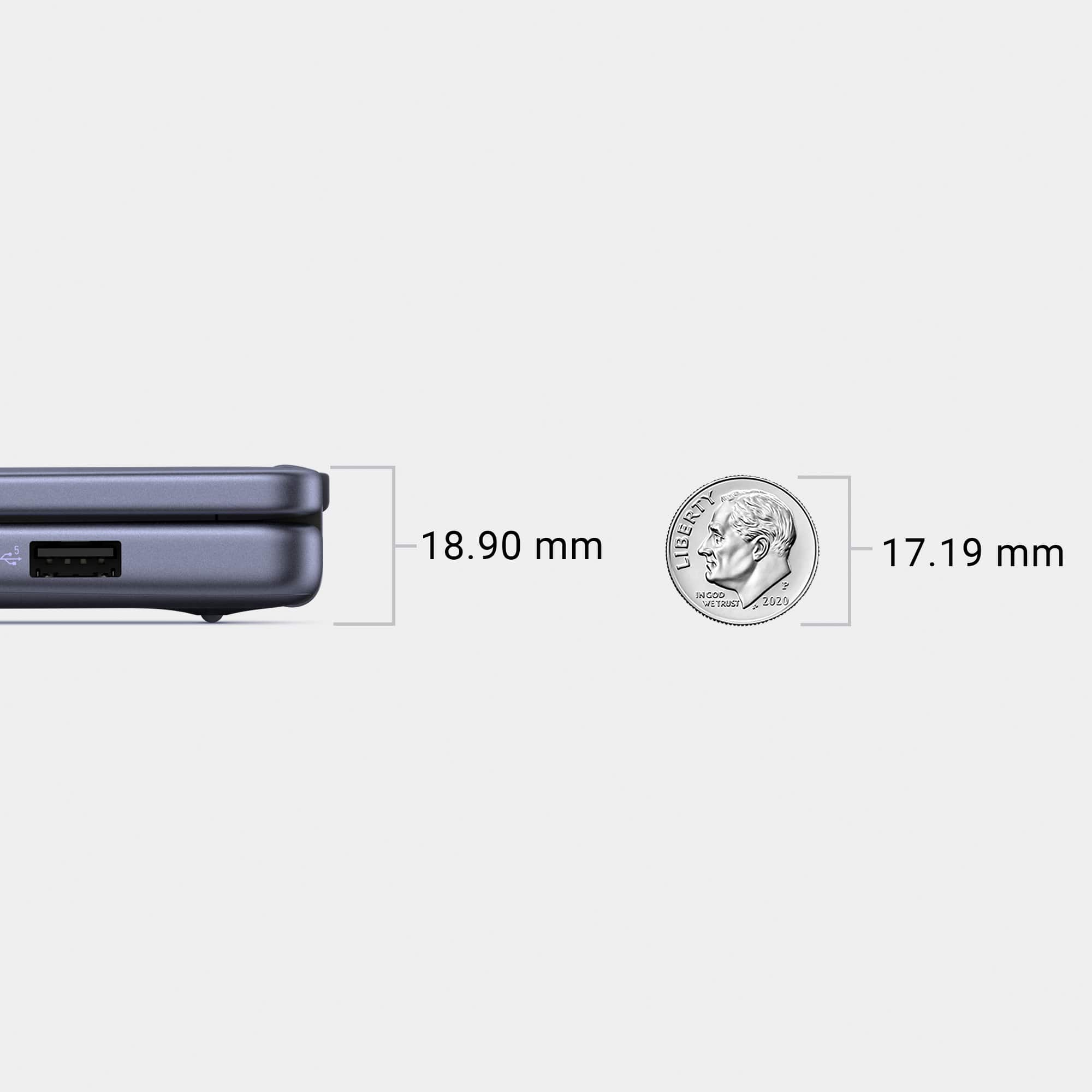
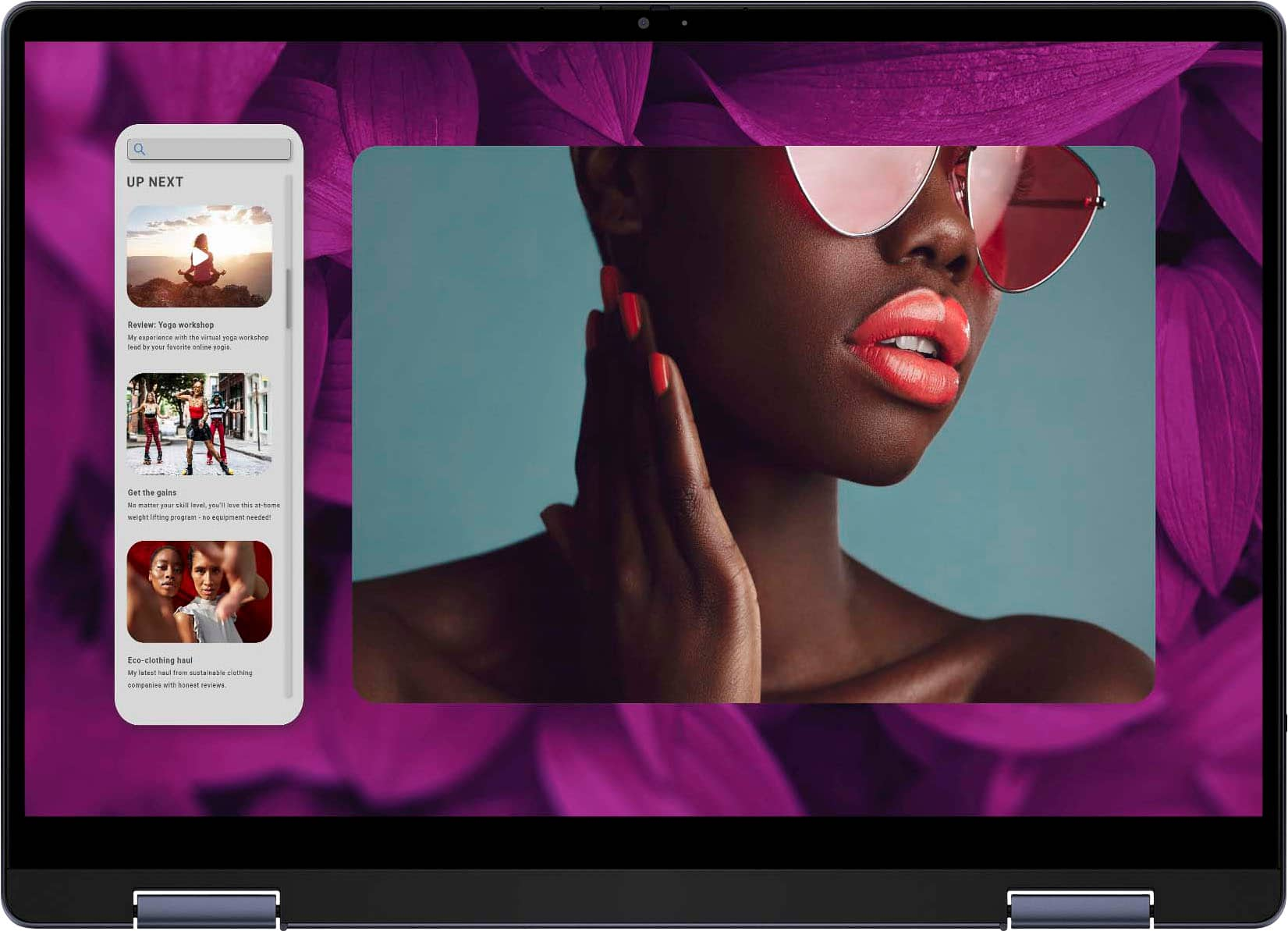
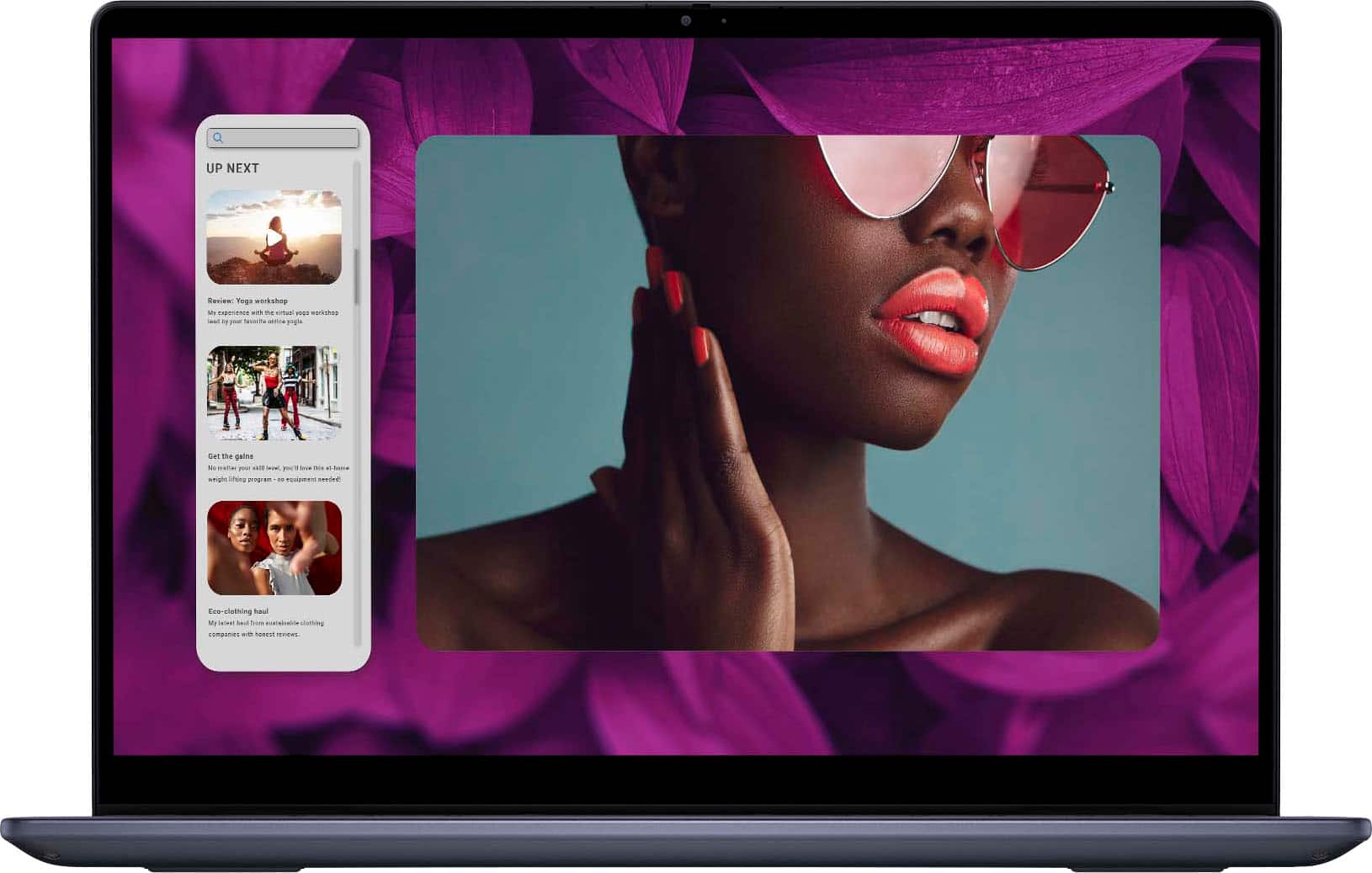
|Posted .This reviewer received promo considerations or sweepstakes entry for writing a review.I have followed the Dell Inspiron series for years, but have never owned one. The price for what you pay is great for an all-around laptop. I will start with what this device is not. This laptop is not for a professional user who wants to crush content creation. That isn't to say you can't edit photos or videos on this laptop because you can. But you would want a more capable device with a color-accurate screen for those purposes. The Unboxing was simple with no thrills. The build of the Inspiron 14 2-in-1 is quite good. A mix of metal and plastic makes it a sturdy laptop. It has rounded corners and edges which you rarely see on laptops in this price range. You can't open the laptop with one hand being a 2-in-1. The screen hinges are very sturdy. With very little wobble. The touch screen works and I didn't have any problems when it came to this functionality. The ports are what I consider the standard for a laptop. You get two USB-A (5Gbps) ports and two USB-C (10Gbps) ports. Both USB-C ports can charge and do 1.4 display out. You get an SD card slot and a weak HDMI 1.4 port. Come on Dell this is 2024 no HDMI port should be 1.4... You also get an audio jack. The CPU is the Ryzen 5 8640hs. I think this is a remake of one of their last year's CPUs. Anyways the 6 core and 12 threads are more than enough for everyday usage. No stuttering or lagging while checking emails, browsing the web, or video playback. It easily plays 4k videos at 60fps. The CPU also comes equipped with better internal graphics. So if you want to do some minor graphical work, you can. The typing experience was fine in my opinion. It's no mechanical keyboard but it does have a shallow depth to the key presses. It does have backlighting which works well in a dark-lit room. I do hate the Microsoft copilot key you get on the new laptops in 2024. You can upgrade the RAM which is a plus in any laptop. I think this is the best decision Dell made with this one. The first thing you should do is add more RAM since it only comes with 8 GB of RAM. Which isn't enough for basic tasks in 2024. The max the laptop said was 64GB of RAM when I checked. The audio sound was good as well. The laptop gets loud with down-facing speakers. Not the best but certainly not the worst. More than fine for watching videos. WIFI 6E card and SSD are both upgradable. The Negatives, man this thing came with bloatware... McAfee (CrapAfee), Microsoft Teams, Onedrive, etc. Uninstall all this garbage like I did. I hate that companies put all this crap on your device. All it does is take up space and run in the background. Uninstall this if you buy this device. Second, the trackpad is lacking. It is the worst I have experienced, but you can always use an external mouse. It is loud and just feels cheap. I would say this is the weak point of the laptop. Third, the 1.4 HDMI port... Dell is just being cheap here. Lastly, the screen's color accuracy. I think the manual says 45% accuracy. I know this is not a premium laptop but you can do better. The bonus is there are different color profiles you can adjust to get a somewhat better experience. Overall, this is a good everyday laptop. It is the right size at 14 inches. Not too heavy under 4lbs. Great for upgrades later on. Decent build quality with rounded edges. A passable typing experience. With the benefits of a touchscreen. With a few minor faults which I can live with. The Dell Inspiron 14 2-in-1 has become my new everyday laptop.
I would recommend this to a friend - Pros mentioned:Overall performance, Portability, Processor speed
Versatile, Fast, and Great Display Quality
||Posted .This reviewer received promo considerations or sweepstakes entry for writing a review.I’ve been using the Dell Inspiron 14 2-in-1 and have been very impressed with its performance and flexibility. The 2K touchscreen display is sharp and vibrant, making everything from everyday work to streaming and browsing look great. The 2-in-1 design is smooth and sturdy, allowing me to easily switch between laptop and tablet modes depending on what I’m doing. Performance has been excellent thanks to the AMD Ryzen 5 8640HS processor. Apps load quickly, multitasking is smooth, and the system handles daily tasks with ease. The 512GB storage provides plenty of space, and startup times are fast. The keyboard is comfortable to type on, and the touchpad is responsive and accurate. What I like most is the balance of power, portability, and versatility. It’s lightweight enough to carry around, yet powerful enough for work, school, and everyday use. Overall, this Dell Inspiron delivers strong performance, a beautiful display, and flexible functionality, and I would definitely recommend it to anyone looking for a reliable 2-in-1 laptop.
I would recommend this to a friend - Pros mentioned:Portability, Processor speedCons mentioned:Weight
Amazing midrange portable laptop
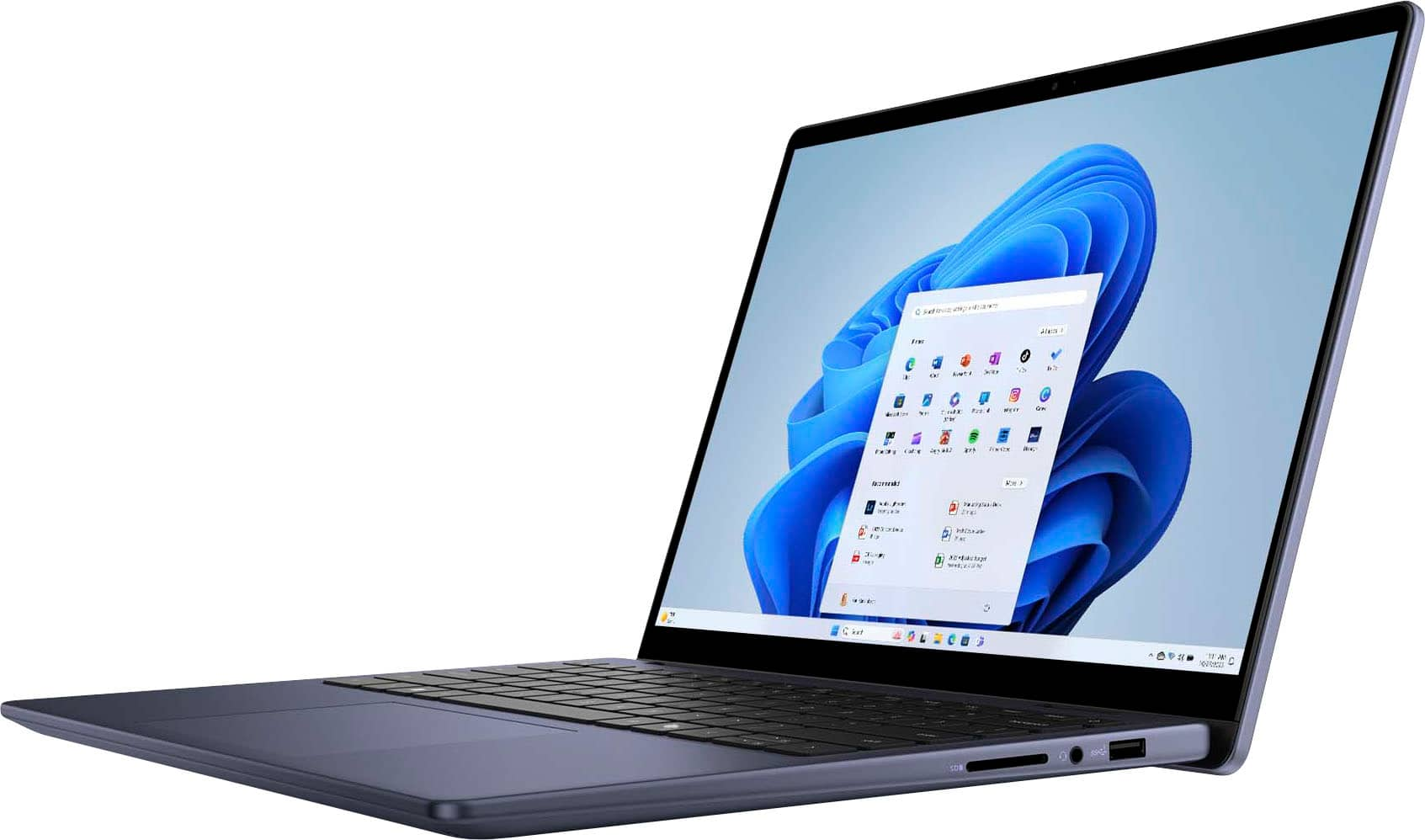
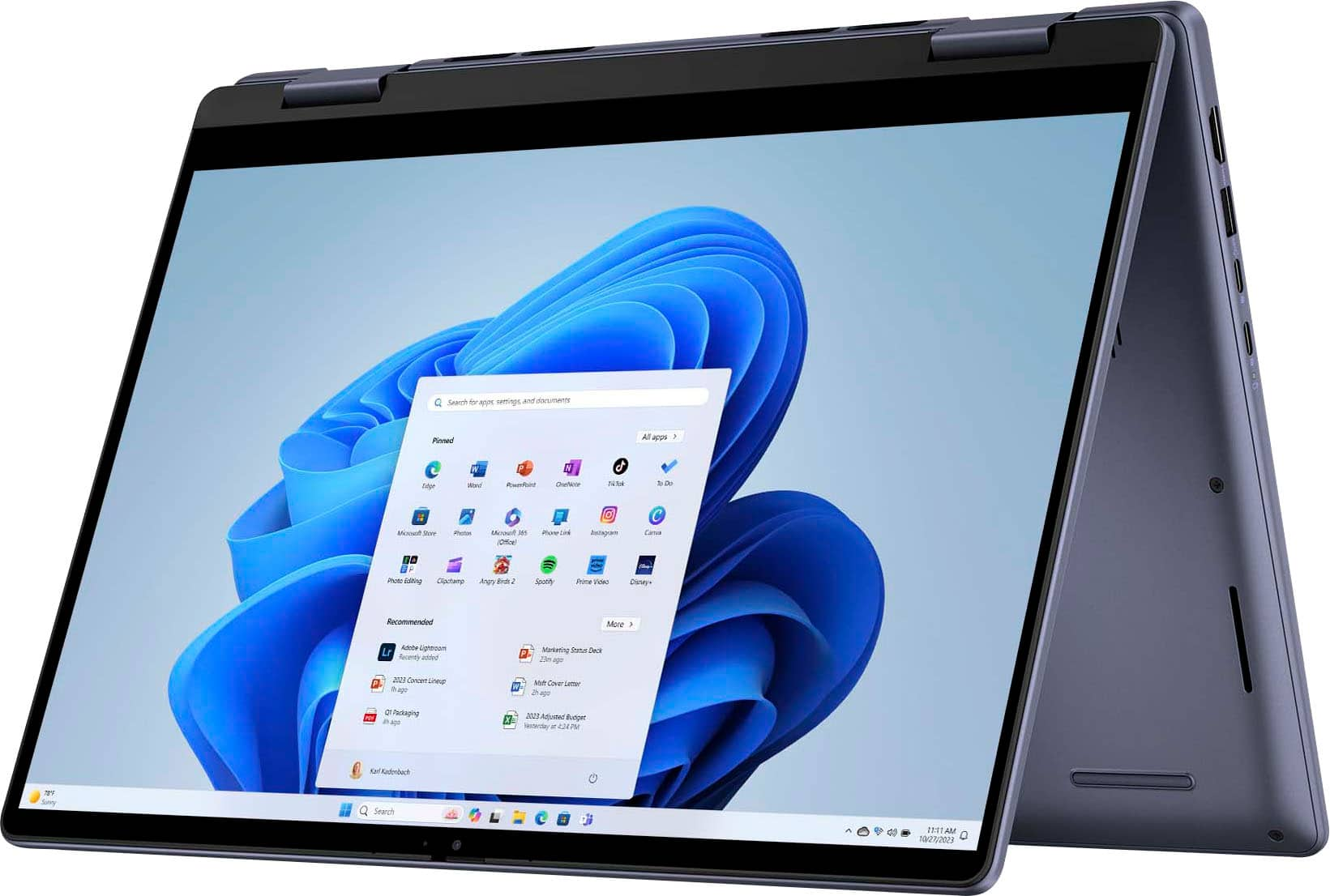
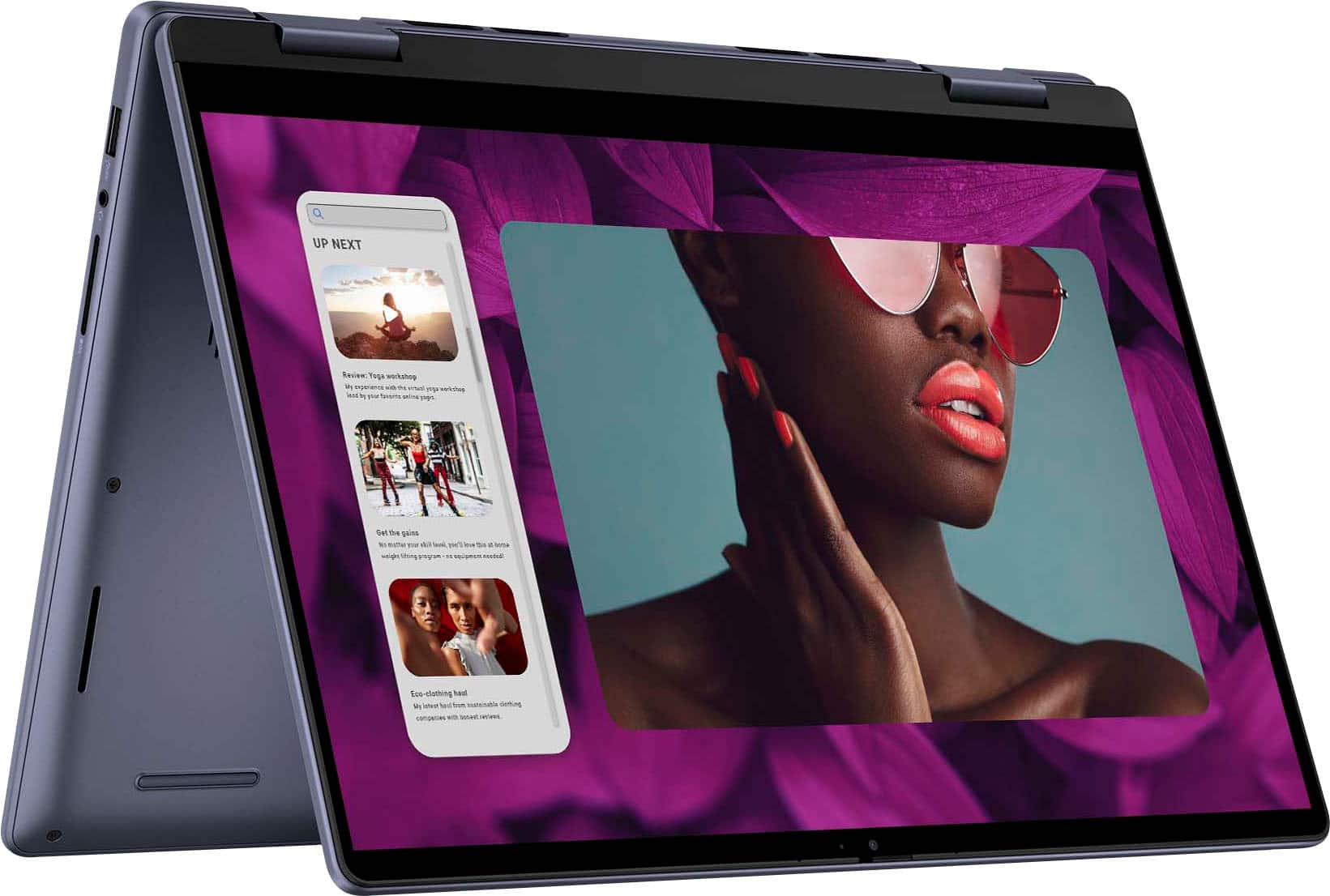
|Posted .This reviewer received promo considerations or sweepstakes entry for writing a review.There's a bit of a new advent of technology happening with computer hardware because of AI. This laptop is one of the devices that has the ability to take advantage of that due to its integration of AMD's latest Ryzen platform and integrated graphics. While maybe not the most powerful option, honestly even midrange devices are hugely capable when compared to even 1-2 generation older devices. --Packaging-- To start, the packaging is very basic, it's packed and shipped in a basic brown box, no bells and whistles here, but it is a midrange laptop, not an ultra-high end premium device. That said, I do appreciate that the packaging calls out that it is from 100% recycled content, showing Dell is living into its promises of sustainability. I get that isn't important for a lot of people nor does it have any bearing on the hardware itself, but it's still something of note. --Build Quality-- I have to say this was one of the things that stood out to me first. Once you get the laptop out of the box you can feel how solid it is. There's not a lot of flex to the casing, the hinge for the screen is solid, and in general it just 'feels good' in the hands. I will say that it's a touch heavier than I would expect, but it's not an ultraportable so having a little more weight behind it is fine, that also means you're not getting an ultraportable's level of performance, no 'U' processors in this device. --Setup and Use-- Dell is following the general industry in that they are not packing it full of bloatware anymore. Outside of some general support EULA acceptances during the setup, it's mostly a vanilla Windows 11 experience. I will say the screen is very bridge and very vivid. It's nice to have a FHD+ (1920x1200) screen on a smaller form factor (14"). I would argue that any higher is extraneous, but this is beautifully sharp and easy to see and manage (no need to go into settings and increase the scale unless you just want to). The device itself is snappy. The 512GB SSD and Ryzen 5 8640HS deliver plenty of speed for anything most users, particularly in the market segment this is aimed at will need. It's not a gaming laptop, but for business use, general home use and 'on the road' use, this is a quick laptop. And as I mentioned above, even a Ryzen 5 of this generation is going to give you similar performance to Ryzen 7 performance of previous gens. That's not to say you *cant* play games on it, sure you can, it still has the iGPU, it's just not excessively powerful, but at lower resolutions it can hold it's own if you just want to play something lightweight or turn down your graphics settings a bit. As for the screen, as I mentioned it's beautiful, it is also touchscreen and capable of being flipped around to use in a tablet style form. I know Windows isn't the best when it comes to tablet type functionality, but if you so desire, it's capable, plus putting it in that 'tent' style orientation can also give you a clutter-free way to watch some videos while taking up less space. --Overall-- If you're in the market for a nice powerful portable laptop and don't intend to do any real gaming with it, just need something quick with a nice screen to get the job done, this is more than up to the task. It's a great midrange laptop and has no real shortcomings. I strongly recommend this for anyone in the market for a good general use laptop
I would recommend this to a friend Not worth your money
||Posted . Owned for 1 month when reviewed.This reviewer received promo considerations or sweepstakes entry for writing a review.I bought this on Black Friday over all this laptop is the worst I’ve ever gotten. When you charge the laptop makes this loud sound like those old DVD player and sometimes when I turn it on it’s a black screen with the keyboard lights up or it shows that: (see picture) which I have to restart continuously
No, I would not recommend this to a friend- Pros mentioned:TouchscreenCons mentioned:Weight
It does support an active stylus
|Posted .This reviewer received promo considerations or sweepstakes entry for writing a review.It is an awesome computer, just be aware one star removal is for McAfee, I do not want it, but the only seemingly permanent way to get rid of it is to download a program from McAfee to remove it. This is the perfect multipurpose device, its 2-1 one design allows you to mark up with a pen, type like a normal computer, game a little, and use it for some time without needing to find power. Screen: The screen is big and usable for work or play. It is a touch screen and supports digital pens. I found Dell AES pen that didn’t work great, but then I tried a USI2.0 pen I have for a Chromebook, and it worked perfectly including the ‘eraser’ on the top. That is one problem I have with Dell is the pen compatibility is buried so deep it is seemly impossible to find if the laptop even supports it before you actually just try it. Keyboard: The keyboard has decent travel and is comfortable enough to type on. For extended typing I prefer my ergo keyboard, but this does work for on the go and medium length typing sessions. Mouse: The touchpad is a decent size and easy enough to use, I don’t hit it while I’m typing and the multi finger shortcuts such as three to switch between apps works great. Gaming: While this obviously isn’t a gaming machine it works for the casual to specific gamer type, you might just have to sacrifice some graphics or not play the most graphic heavy games. Stuff like Minecraft, Roblox, and Fortnite work great. Ports: It has an HDMI, 2 USB A, 2 USB C, Aux, and SD ports, I wish there was a USB C on each side but the selection is good for a slim laptop. Design: The design is slim, heavier than other laptops this size that I’ve used but also a little more capable too. I love the color; blue is a nice color option in my opinion. The fingerprint reader could be in a slightly better position, but it works. I did have to warn my wife not to press hard though as she put the computer to sleep the first time she tried to use it, hopefully that will only happen once for most users. The copilot button I thought was kind of dumb, but it’s just like a dedicated search button if what your looking for is decently straight forward. Just remember with AI, garbage in is garbage out and there is a lot of garbage on the web and depending on how you ask a question it can feed all that garbage as fact; it is a powerful tool, which can be mishandled easily, but I have been using it more than I figured I would. Overall: A computer like this is the perfect computer for school, work, or play. It can handle things like adobe elements (non-professional to maybe semiprofessional level video and photo editing), autoCAD, mathCAD, matlab, and other programs. Taking notes with a mixture of handwriting and keyboarding is possible and you have full OneNote capabilities which is awesome. The camera has a built in cover for privacy minded individuals and besides some bloatware I believe this is the perfect machine for everyday use.
I would recommend this to a friend - Pros mentioned:Battery life, Touchscreen
Work or School this would be a great laptop
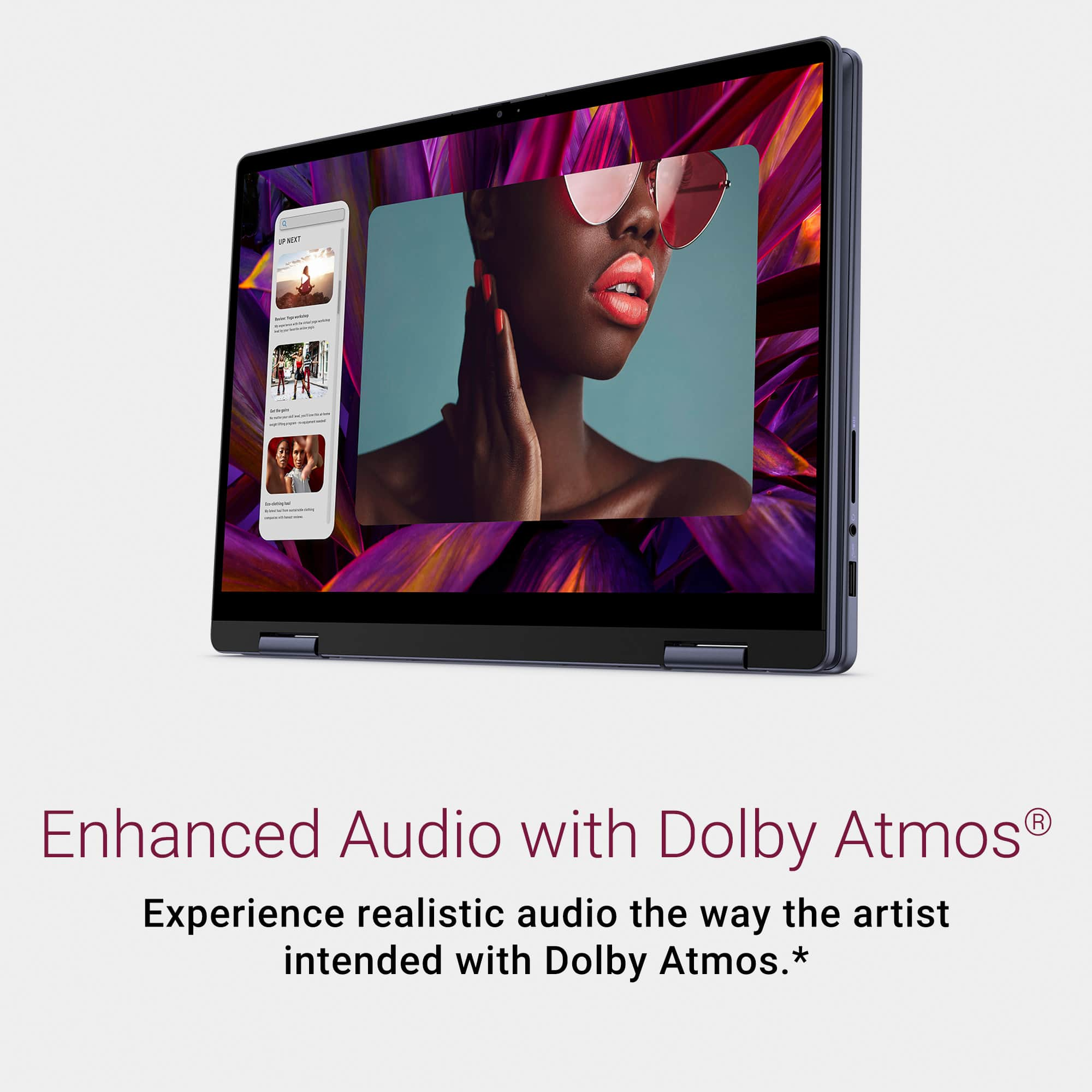
|Posted .This reviewer received promo considerations or sweepstakes entry for writing a review.I had last year's model of this laptop and it's still going strong. This one has similar but newer specs and a different color. The first few days I had this one it had a problem of not fully turning on or going into sleep mode. When turning on you could see the keys light up, but nothing appeared on the screen then the keyboard lights would turn off. I highly recommend that you do all the updates and even Bios update before using this computer. Once I did that it fixed the issues I had and now the computer works perfectly. I downloaded an app from Dell called supportassist, this app allows you to get a complete picture of your computer with updates. I'm not sure why it wasn't installed from the factory but I would recommend using it. What I really like this computer is the keyboard, screen size, and that it can turn into a tablet. The touch screen is very responsive and works just like a table. When you have the computer in tablet mode it disables the keyboard and track pad. I mostly use tablet mode when playing games or watching videos. The programs I use for work are Microsoft products, zoom, and remote desktop. All the programs have performed flawlessly. When you have lots of programs open the fan does spool up, it's not overly loud, but it can be heard if in a quiet space. If you are a heavy user, you will want to upgrade ram to 16gb. The 8gb included is okay, but this computer would work better with more ram as it is upgradeable. The built in camera works fine for zoom or team's meetings. I wasn't overly impressed as the image was a little grainy and washed out. It's fine for meetings, but if you are doing a job interview, I would get an external webcam. The built in webcam also has a slid cover so you can easily keep the camera blocked when not in use. The speakers are actually pretty nice for a laptop. I have a gaming laptop that has a few speakers and while it sounds okay, this laptop with only two speakers sounds just as good. I believe this is because this laptop has Dolby Atmos built in and you can use it for the built in speakers or headphones. I was able to turn the volume to max on a tv show and there was no static or crackling sounds. The audio was clear and was able to hear it around my living room without any issue. It does have a built-in headphone jack if you would prefer to use a wired headphone. Battery life has also been pretty good. I use youtube tv to watch tv while working. On battery power with the screen brightness at 75% I was able to get 5 hours of video time with about 20% battery left. I thought this was pretty good for such a small light weight laptop. This computer did have some bloatware preinstalled. I'm not sure if this was dells doing or if windows decided to install programs. I spent some time going through and deleting the stuff I would never use. I did keep the Dell specific applications as those are usually helpful for updates and configurations. The power button is also a finger printer reader. It works very well and is easy to use, I honestly wish more computers had this feature instead of typing a pin or password. The rest of the keyboard is pretty standard, but I do find it easy to type on this computer. The mouse pad works great and has a nice click sound when you select something. Overall, I really like this laptop and would be great for someone who needs a laptop for school or work. It's a great size but still small enough to slide into a bag and light enough to not even notice it's in your bag. The power block is also small and takes up little space. If you are heavy into playing graphic intense games this is not for you.
I would recommend this to a friend - Pros mentioned:TouchscreenCons mentioned:Weight
Best 2-in-1 Laptop on the market
||Posted . Owned for 2 weeks when reviewed.This reviewer received promo considerations or sweepstakes entry for writing a review.This is the THIRD Inspiron 2-in-1 that I've purchased. (And I've advised two siblings to buy them as well, as it's a unique laptop/tablet!). Obviously, I like this machine. My first one I bought in 2014, then another in 2019, so thought it time I bought another. I actually still have the previous two, and usually get extended warranties as well. (Dell and BB both have GREAT warranty support.) The 2019 is still going strong, but I wanted a newer processor and more RAM and storage. One thing *I* do when checking out laptops is check on the thickness (is it less than an inch) and the weight. (Get it as close to 3lbs or less as you can.) Obviously, the more horsepower and better graphics you get, typically the heavier it's going to be. It's very hard to get a bespoke graphics card into a laptop and be able to play the latest games...and still get under 4-5lbs. Usually, it's very pricey or just not that good. (Eventually we'll get there, but it hasn't happened yet.) This one is about 3.75lbs. You can find lighter ones, but you likely won't find a lighter laptop with a touch screen, that's 2-in-1 (literally can turn the thing flat and use it as a tablet) - and still have a 14-15" screen. It's just not physically possible yet. I wanted all of the above, even back in 2014 when I bought my first one, and it's why I keep coming back to this model. Side note: I've done IT professionally, building servers and clients and now AWS in the cloud for over 25 years. So, I know my way around computers, as they say. Cool features: Backlit keyboard - love that. Touchscreen (necessary, obviously, if you turn the thing all the way 'round in tablet fashion). B/c it can turn all the way round, you can flip it on it's size and the "tablet" has a stand. The keyboard automagically turns off when you flip it around so no worries about accidentally hitting keys while you're in tablet mode. Finally, it's compatible with the various Dell pens you can get, which is great for writing. (My daughter has a bigger screen than this, but she uses it for taking notes in her classes, and is the only one "allowed" in her college class b/c it lays flat on the desk and she has a "pen" taking notes!) OH, and the Dolby sound is actually pretty decent. I usually don't like laptop speakers but these have some heft! One thing about the size - they offer it with bigger screens, but I find the 14" to be the sweet spot for a laptop. (Maybe 15" but they don't offer this model in that size.) Once you get to 16" you're carrying around considerably more and it feels less like a large tablet and more like ...a laptop. This is a GREAT laptop for anything but gaming. It's even easier to expand than earlier versions (if you want more than 8GB of RAM and more space, it's only got 8 tiny phillips head screws on the back, and it has two lots. Grab a 32GB DDR5 kit (two laptop sized RAM chips) and you're good to go. Super easy to snap in. I did it for less than $100. I added a 2TB NVME drive and again, this is PCIE 4 instead of the older PCI3 so this thing is FAST. Be sure to get PCIE 4 to take advantage of it. It's also very accessible, and like most DELL machines, they don't solder the stupid thing in like some laptop makers. If you use a Samsung, they (and Western Digital, which I got in my case and is what came with this) they'll give you software to dupe the drive. If you want to clone the drive in this onto a newer, larger "disk" (it's an NVME drive which looks like a RAM stick) - you'll need some type of adapter. Something like this (from Best Buy): https://www.bestbuy.com/site/insignia-m-2-nvme-to-usb-c-ssd-enclosure/6500317.p?skuId=6500317 Again, that's only if you want to expand the disk space. Honestly, it's plenty with the half TB that comes with it, unless you're installing a LOT of applications. These days, with so much stored in the cloud or run off the cloud, it seems unnecessary. But the 16 or 32GB of RAM expansion is always helpful. Anyway - I am not a Dell salesperson - I've just used their products (not exclusively - as I've bought Lenovo, Asus and HP laptops in the past as well) but as mentioned, their warranty is top notch (have used THAT as well, as far back as 2007) and their products are reliable. Happy laptop hunting!
I would recommend this to a friend - Pros mentioned:Portability, Processor speed, Touchscreen
Smooth Performance and Compact Design
||Posted . Owned for 9 months when reviewed.This reviewer received promo considerations or sweepstakes entry for writing a review.I’m very satisfied with the Dell Inspiron 14" 2K 2-in-1 Touchscreen Laptop. The laptop arrived on time and was well packaged. Setup was easy, and everything worked perfectly from the start. The 2K touchscreen display is sharp and responsive, and the 2-in-1 design is great for both work and casual use. Performance with the AMD Ryzen processor is smooth for multitasking, browsing, and everyday productivity. The build quality feels solid, and the compact size makes it easy to carry. Overall, this is a reliable and versatile laptop with great value. Very happy with the purchase and would recommend it to others.
I would recommend this to a friend Mid in every way
|Posted .This reviewer received promo considerations or sweepstakes entry for writing a review.The Dell Inspiron 14 2-in-1 is, on almost every front, a perfectly average computer. There is nothing spectacularly offensive about it, but there is also nothing spectacular, either. Starting with the processor, the AMD 5 8650HS is pretty mid-range. Good enough for office work, browsing the web, and other lighter tasks. The speakers are surprisingly loud, although the hubbub surrounding the "tuned by Dolby Atmos" really fell flat in my opinion; they sound fine, but I wouldn't say they're brag-worthy and I would still suggest headphones. Switching between the tablet and laptop mode is intuitive and seamless, with the hinge feeling fairly solid. The neutral color makes it a great fit for professional settings and is pleasant but not eye-catching. The I/O is also decent, but not outstanding in number or variety. A few features did stand out positively, though! For one, the Inspiron 14 has a good amount of repairability and upgradeability, with the option to upgrade and replace the SSD, RAM, and wifi card. Using USB-C charging instead of a proprietary charger seems like a given, but it too was a pleasant surprise given how "dated" this laptop felt in general. The emphasis on sustainability was appreciated, with sustainable materials used to build the laptop and the packaging, plain though it was, being made of entirely renewable and recyclable materials. I also found that the general build quality was good, feeling nice and sturdy - you could easily toss it into a bag without much concern. Unfortunately, quite a few features stood out more negatively. The most major one was the screen, which was fairly dim and unimpressive. While the 16:10 aspect ratio may be preferable to some, I greatly prefer 16:9 and the 45% NTSC color accuracy is just objectively bad. The screen is visibly inaccurate and comes off as dull and faded. At just 250 nits, using this indoors can be a struggle with indoor lighting, never mind outdoors. Another downside is the keyboard, which is fine but has a somewhat undesirable layout in my opinion. That, combined with a just-okay typing experience and the dedicated Copilot key, makes it hard to rate the keyboard positively. The trackpad, too, is a negative experience - though notably moreso than the keyboard. I found that it wasn't terribly responsive and simply didn't feel good to use. The presence of bloatware (hi, McAfee) and an intrusive Microsoft Office trial prompt during setup detract from the initial user experience, though these aren't necessarily specific to this laptop. I did find the laptop to feel dated as well, though I couldn't explain why. At just under 4lbs, it's also more in the "average" range for a laptop...yet it feels thicc and heavy in the hand. The HDMI 1.4 port means you are limited to 1920x1080p output, and even the charging brick is reminiscent of the bulky bricks of old. As an aside, gaming was also a bit difficult on this machine; testing with Slime Rancher, there was noticeable lag and stuttering, and the screen made the game look lifeless. I hesitate to fault the Inspiron 14 for this since it isn't marketed at all for gaming, but it is worth mentioning that even lighter casual gaming is going to be a bit of a struggle for this laptop. All of these make the Inspiron 14 feel less contemporary, in stark contrast to the future-focused push for AI that Dell is going for. The battery life is again average, though I would be shocked if it regularly achieved the quoted 10 hours of battery life under normal use. Depending on workload, I could see this lasting four or five hours before needing a top-up, and it takes three-ish hours to charge to full. Suitable for taking on-the-go to work in a shorter burst, such as working in a café, but for a long study session you will want to be close to the wall. I also found the wireless card to be merely adequate; connection speeds were slower than on my phone, and you could feel it in use, especially in the increased time downloads took compared to normal. For students and workers, the webcam and mic are again serviceable but nothing to write home about. In a test call, I could see and hear myself and I found the Dell background noise reducer to do a fair job. That said, the webcam presents yet another major drawback for this device: it doesn't support Windows Hello (face sign-in). While that may be a mere inconvenience for others, for me this is a dealbreaker in a modern laptop. In conclusion, there is nothing so wrong about the Inspiron 14 that I can't bring myself to recommend it. That said, there is nothing so great about it that I want to recommend it to everyone, either. This would be a great device for an office worker wanting some freedom from the desk or for a student wanting a sturdy 2-in-1 to chuck into a bag and study on the go. I also think it would be a fantastic fit for older adults who want the functionality of a PC with the portability and ease of use of a touchscreen tablet. But for anyone wanting a vivid, bright screen for content consumption or creation; for professionals needing a more powerful machine or a color-accurate screen; for someone wanting a more "sexy" laptop to show off - the Inspiron 14 is just not it.
No, I would not recommend this to a friendBest Laptop for the Money
Posted .This reviewer received promo considerations or sweepstakes entry for writing a review.I paid $475 for this laptop a week ago. Today on 1/21/25, I saw that it dropped further to $399. I believe a lot of reviews are being hyper critical of this laptop. Yes, 8gb of DDR5 ram is too low, but it's still functional. I upgraded the ram to 2x Crucial 16gb of DDR5 SO-DIMM RAM. This totals to 32gb of DDR5 ram. If you were to buy this today. You have a GREAT laptop for $495 plus tax with the RAM upgrade. As I type this review, I have 4 windows open, and the power is not being strained at all. Unless you're doing heavy gaming or work that requires a better processor or graphics card, then this should be able to handle anything else you throw at it. If this can't handle it, then it's probably an issue with the buggy software. Most laptops have soldered RAM nowadays, but you can upgrade both the SSD or replace the 8gb of RAM as needed with this laptop. I don't need a ton of storage on my laptop, so the 512gb SSD was fine for me. I use my laptop on a dock when I'm at home or work. I have a 1tb drive attached to the dock, so storage is not an issue. I also have 100gb of Google Drive for $2 a month when I'm on the go. I don't think there is any other laptop in this price range with these specs, backlit keyboard, fingerprint scanner, LED / FHD screen, 2-1 tablet option, dock capable, 3.2 gen 2 USB ports, 65w charger, ram / ssd upgradeable, etc. I truly believe DELL made this laptop with the 8gb of RAM and 512gb ssd for a low price point, but they re-designed it to be upgradeable. Which is KEY for any laptop with mid-level specs. Tip for muted screen colors - Open up the "MyDell" app and change the display settings. You can saturate the colors in one of the preset settings. This will immediately make the screen much brighter and colorful. I noticed other reviews complained about the colors, but I believe they went for a more natural tone setting from the factory. Tips for unlocking performance - Change all of the settings to "Performance". All laptops are set to "Balanced" or "Power Saving" settings from the factory. This won't let you use your laptop to it's full potential to save battery. Remove MacAfee - Google MacAfee tool removal. Download the software from their website. MacAfee and all of the bloatware makes all laptops / PCs run poorly. I use windows defender, and I've never had any issues. ***Thanks to the other user for the review that recommended the Crucial 2x 16GB DDR5 upgrade totalling 32gb of RAM.***
I would recommend this to a friendTLDR: The Competitions’ Products are Better Value
|Posted .This reviewer received promo considerations or sweepstakes entry for writing a review.SPECS Ryzen 5 8640HS (6-Cores / 12-Threads) 8GB DDR5 5600MHz RAM 1920 x 1200 Resolution 512GB NVMe SSD Port Selection 2 - Gen 2 USB-C supporting Power Delivery & DP 1.4 output 2 – USB-A Ports 1 – HDMI Out (HDMI 1.4) Does NOT support 4k out 1 – SD Card Slot 1 – 3.5mm Audio Jack INITIAL CONFIGURATION & INSTALLED APPS The new Dell 7445 is the next evolutionary step forward compared to the Dell 7435 (which I reviewed last year). Externally, the new 7445 nearly mirrors the older 7435, save for some new colors. Even the port selection is nearly identical. Dell ships the 7445 without a lot of bloatware, but unfortunately, continues to bundle McAfee with their products. Aside, from McAfee and some proprietary Dell diagnostic software, installation is clean. DISPLAY AND KEYBOARD The 14” display is crisp and clear. The touchscreen supports a resolution of 1900 x 1200, but is limited to a max brightness of only 250 nits. The display having a glossy screen, has quite a bit of glare. While the display can be calibrated to fairly good results, compared to the 7445’s competition, it is sub-standard and lackluster. Not only does it have a max brightness of 250 nits, but the colors also just seem dull and subdued. Yes, it will achieve decent D65 color reproduction, but it just can’t hang with the competition. Their displays, many now being OLED, just leave the poor little Dell looking washed out and dingy. Not only that, the Dell can’t control its blue levels as brightness increases, only making the color errors and dinginess look even worse. Like last year’s model, the 7445 carries over the same keyboard and track pad as last year. It is backlit and is pleasant to use. For a membrane style keyboard with no texture on the keys, the keyboard is still quite nice feeling. UPGRADEABILITY This is one area where I knocked last year’s model. Dell wisely corrected their mistake and made this year’s 7445 upgradeable. The new 7445 now has 2 SO-DIMM slots that are accessible for the purchaser. One of the first things I did after getting the laptop is install 2 sticks of 5600MHz Crucial DDR5 RAM into the laptop. It helped relieve system resources considerably and made the laptop much more enjoyable and speedier. The 7445 comes with a 512GB 2230 NVMe installed from the factory. It too, is easily accessible for upgrade. The 7445 will accommodate either a 2230 or a larger 2280 sized drive. A nice feature, as 2280 drives are far more common and cheaper to buy. Unlike last year’s 7435, the throughput of the SSD is much improved. The 7435 only achieves approximately 1800MB/s throughput, while the new 7445 ups throughput from the drive to over 4000MB/s. A substantial and immediately noticeable increase when using the devices back-to-back. It is worth noting that if you buy this laptop hoping to swap in a faster NVMe drive for improved performance. Don’t waste your time. I tried swapping the factory installed drive for a much faster 1TB NVMe drive. A drive that I’ve easily reached speeds approaching 7000MB/s in other platforms. Not so with the 7445. The system and bus are the bottlenecks with the 7445, not the drive. Even the fastest of my drives failed to improve data throughput compared to the original SSD. Unlike prior years, even the Wi-Fi model is easily accessible for upgrade. The Realtek module installed in the 7445 supports the latest Wi-Fi 6E standard, utilizing the available 6GHz band. I had no issues and received consistent and very fast speeds over either the 5GHz or 6GHz spectrum. BATTERY LIFE I’ve been averaging approximately 3 hours of battery life. Give or take depending up on what I’m doing. Normal surfing will get me a little over 3.5 hours, while streaming video has gotten me less than 3 hours, especially if I must crank up that dim screen to see the videos. CONCLUSION In the end, would I recommend this laptop? No. Not that it is a bad laptop. It isn’t. The problem is that while Dell has rested on its laurels, Dell’s competition has not. Dell’s competitors offer better products, at similar price points, with better features and amenities. One competitor in particular, offers an OLED screen option near this price point, that is so good, it makes the 7445 look like a CRT TV. Not only that, but several other options are also out there that allow for 4k output via the USB-C port. While I spoke positively of the 7435 when I got it, I can’t do the same for the 7445. Had Dell’s competitors played stagnant throughout the year, this review would most like be different. However, the competition has progressed to the point that the Dell does not offer a good value for the money. NOT RECOMMENDED
No, I would not recommend this to a friendBrand response from YourDellTeam
Posted .Hello NAMO,
We would like to thank you for taking the time to leave us your review. We are sorry to hear that you are not 100% satisfied with your Dell Inspiron 14 2-in-1 Touch Laptop.
Furthermore, we always strive to get better and reviews like yours help us develop products our customers love.
Your feedback with regard to the features and possibilities for upgrade will be shared with our quality team for consideration in future improvements.
If you are experiencing any issues or have any concerns or questions, please do not hesitate to get in touch with Dell using the information provided below so that we can help you resolve the issue to your satisfaction.
Chat or call: https://bit.ly/DellSupportTeam
Phone number to Dell: 1-800-624-9896
Best,
Minhaj@Dell
DURABLE but performance is handicapped w/ 8GB RAM
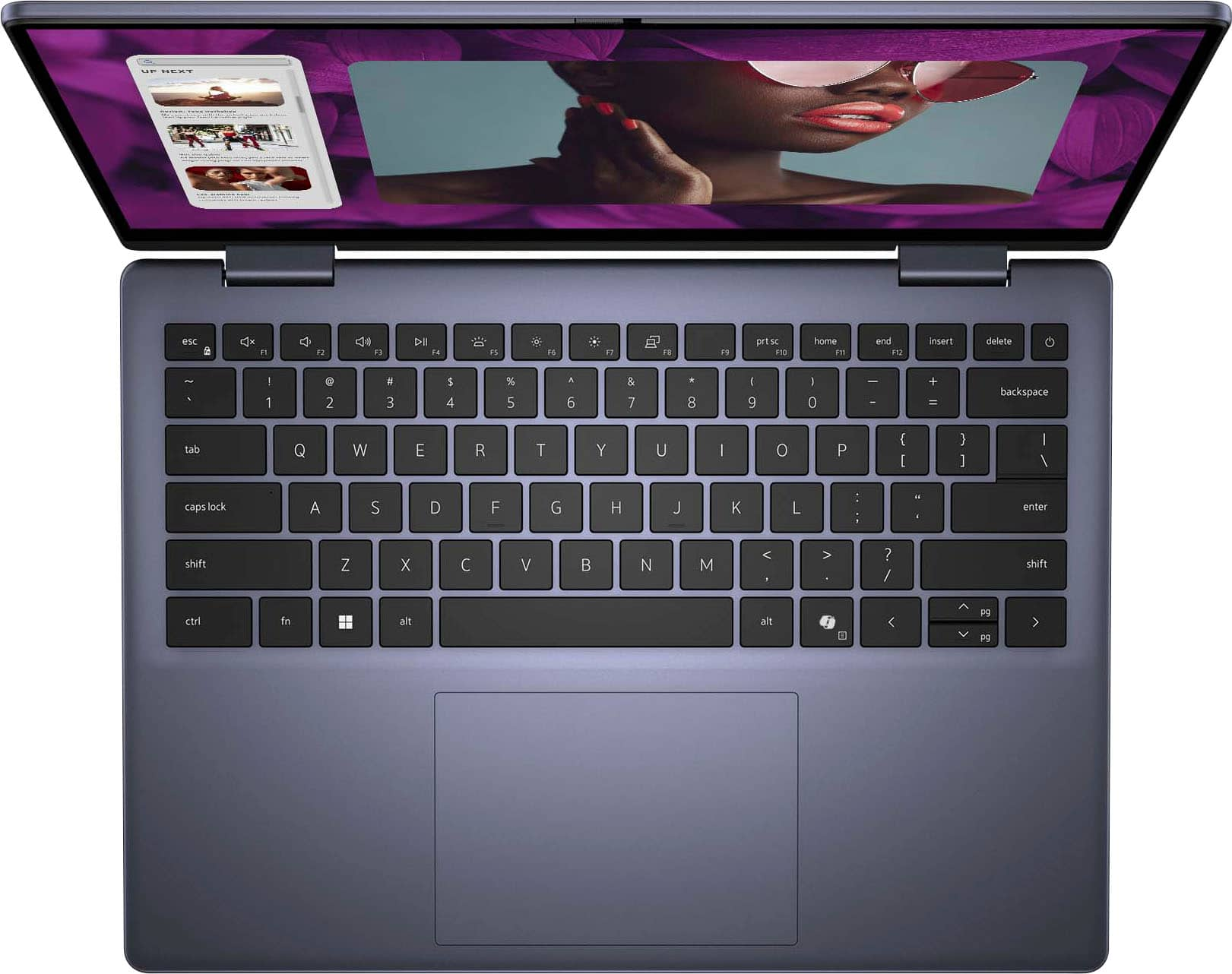
|Posted .This reviewer received promo considerations or sweepstakes entry for writing a review.Having reviewed many Windows based laptops over the past few years I continue to be amazed Moore’s Law continues. Premium features from prior years trickle down to mid level and even entry level products, while the prices offer more affordability unheard of such a short time ago. This machine follows in similar fashion, adding fingerprint scanner, tablet mode, etc. While There is much to like with this new offering from Dell, it is not without a few complaints. First up for me is the build quality surpassed the competition and many fragile laptops I have owned that always seem to exhibit damage after an accident or two. This machine is Uber sturdy and solid, in fact it survived a fall from a patio chair while charging (battery life could be better btw) to a hard wooden deck after my dogs were alerted to a chipmunk or squirrel in the back yard. Fearing my new laptop might have cracked screen, dented casing, picked it up and not a scratch nor ding. Wow, Off to a great start. The more I used it however some of the compromises made an appearance. The fingerprint scanner is great, … when it works, but I found myself entering my pin more than I hoped. Sometimes it unlocked immediately, while other times I submissed in frustration, re-adjusting my grip and index finger placement. All of my other Windows laptops are intel based, so this was my first Ryzen processor. For basic email and web browsing most students would likely need nothing more. However I feel the performance is hindered considerably with anything more computational;, compiling code, graphics rendering, even audio processing using Overloud TH-U amp simulator showed signs of strain. Some of this I blame on the paltry 8 GB RAM instead of 16 GB available in competitor products at the same or lesser price points. I am not sold on AMD integrated graphics, nor integrated in general, favoring Nvidia graphics cards with powerful coprocessors and high expectations. I also took slight issue with the Trackpad, while large it feels clunky. I am accustomed to gentle tap to activate (disclaimer : MacBook user). This requires much firmer press, something I’m sure I could acclimate to , so discount the awkwardness in my particular use-case. Having reviewed what some consider a dim OLED screen on another model, I expected this non-Oled to be much brighter. I was sadly mistaken. Using it in a lit controlled media room was fine, but outdoor usage my experience was challenging. After iPad tablet went into thermal protection playing simple video poker, switch over to the Dell right? This was frustrating, largely the limited 250 nits brightness (half or quarter what others offer) and somewhat the glare that I usually don’t fret over. On the bright side (pun :) this machine did not overheat despite the midnight blue color. Specs *8 GB RAM *512 GB SSD *AMD Ryzen 5 proc *14-inch touch screen *1920x1080 video resolution Pros + sturdy + durable + fingerprint scan + backlit keyboard + tablet responsiveness + dual-purpose function keys -F1 Mute -F2 Vol - -F3 Vol + -F4 Media Play Pause -F5 Backlit keys (3 levels) -F6 Screen dim -F7 Screen bright -F8 Secondary Screen mgmt -F9 (unassigned) -F10 Print Screen -F11 Home -F12 End + upgradeable RAM + upgradeable SSD + large trackpad + midnight blue color beautiful Cons -only 8 GB RAM -screen brightness -dim display appears dull -not OLED w/ better blacks -weight nearly 4 lbs -lack of eARC for AVR / TV -lack of Face ID unlock (software?) -2009 HDMI 1.4 vs 2017 HDMI 2.1 -limited display resolution 1920x1080 -short throw travel keys -fingerprint sensor sensitivity -trackpad clunky, hard presses -like all DELL PCs, pre-installed McAfee software Conclusion *This DELL Inspiron is a solidly built machine, making to a jack of all trades, unfortunately master of none. While a bit on the heavy side, it remains a portable option with a decent balance for general computing tasks; students, less delicate youth, construction workers, and similar trades. However anything more than basic usage the shortcomings will become more apparent. Heavy duty power users, content creators, to performance seeking users will like;y benefit far more from the upper end of Dell’s or others lineups, with intel chips, dedicated graphics, and 16 GB RAM minimum. These machines will likely include a brighter OLED display with much more visual *pop* too making them a better long term bargain. Recommendation : Buy if durability supersedes performance needs, others pass.
No, I would not recommend this to a friendBrand response from YourDellTeam
Posted .Hello TechReviews,
We would like to thank you for taking the time to leave us your review. We regret to hear that you are not completely satisfied with your Dell Inspiron 14 2-in-1 Touch Laptop. This is certainly not the experience we like to hear from our valued customers.
Furthermore, we always strive to get better, and reviews like yours help us develop products our customers love. Your feedback will be shared with our quality team for consideration in future enhancements in products.
If you are experiencing any issues or have any concerns or questions, please do not hesitate to get in touch with Dell using the information provided below so that we can help you resolve the issue to your satisfaction.
Chat or call: https://bit.ly/DellSupportTeam
Phone number to Dell: 1-800-624-9896
Best,
Minhaj@Dell