Customer Ratings & Reviews

- Model:
- i5502-7276SLV-PUS
- SKU:
- 6439290
to a friend
Customers are saying
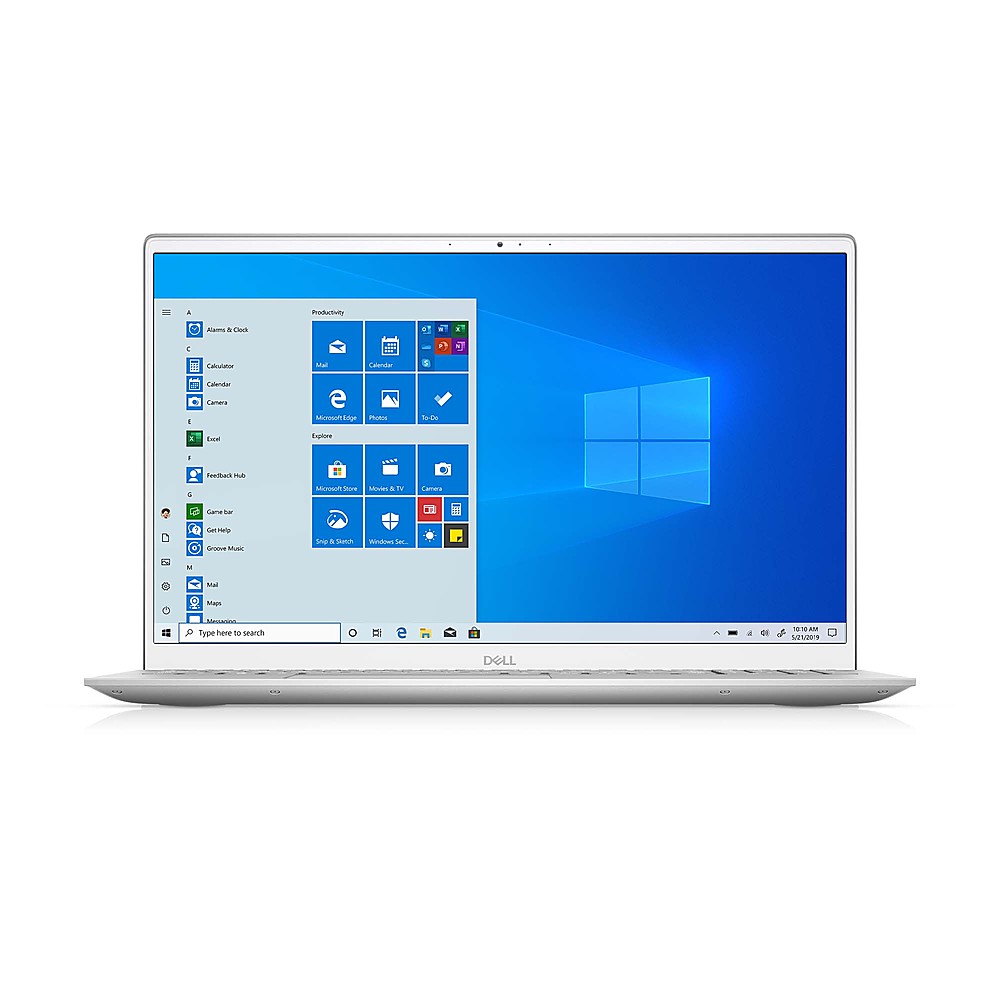
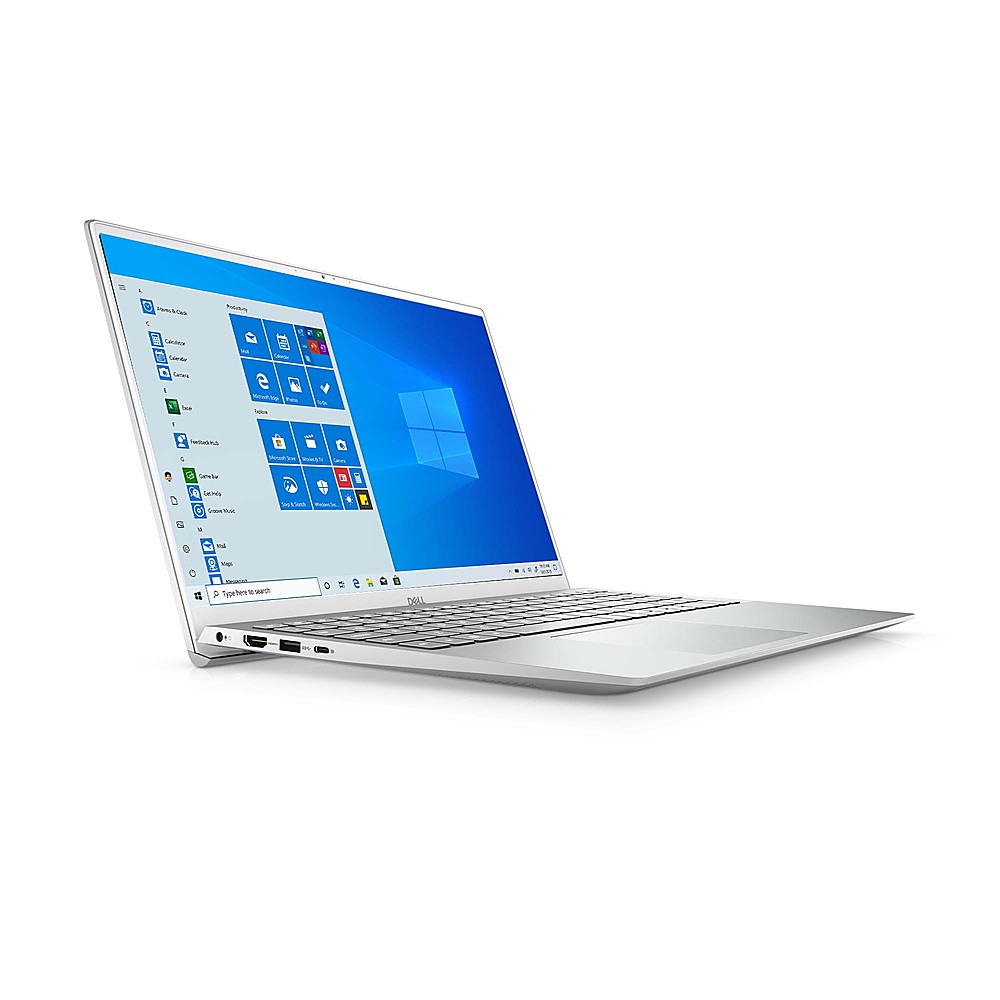
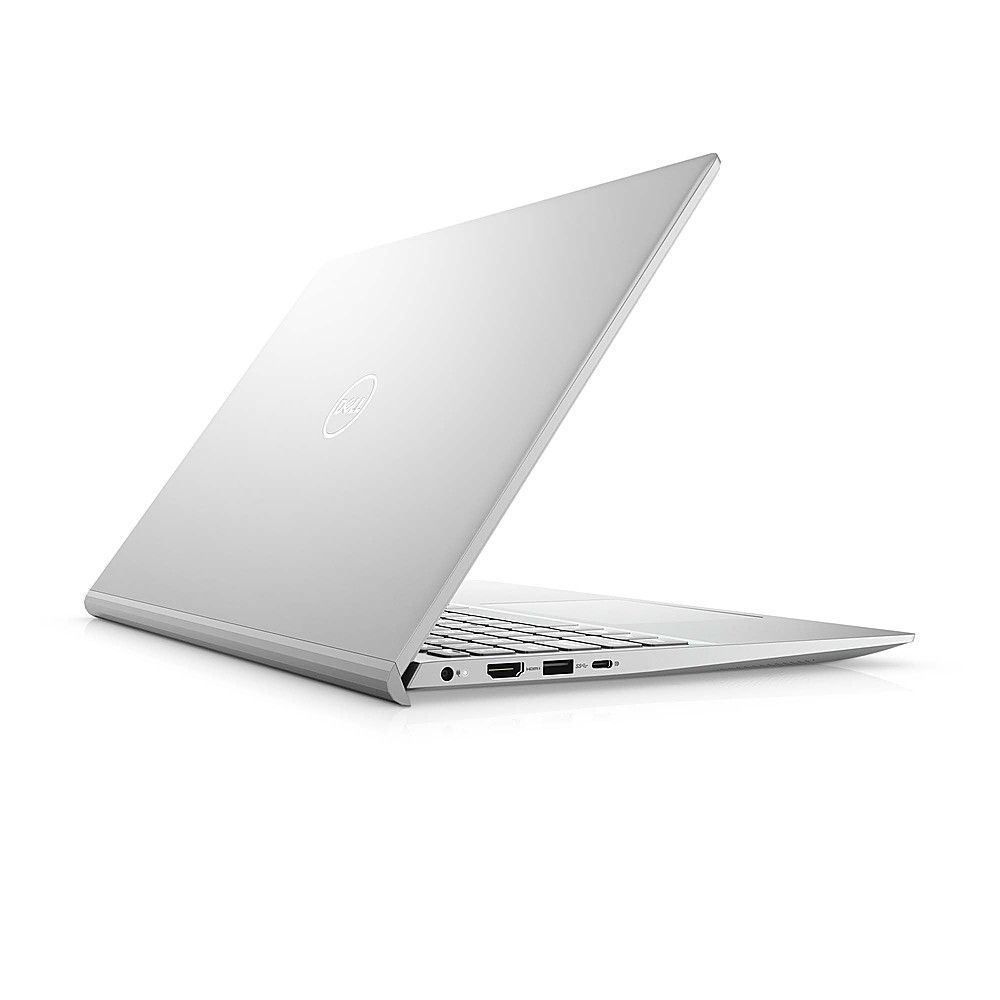
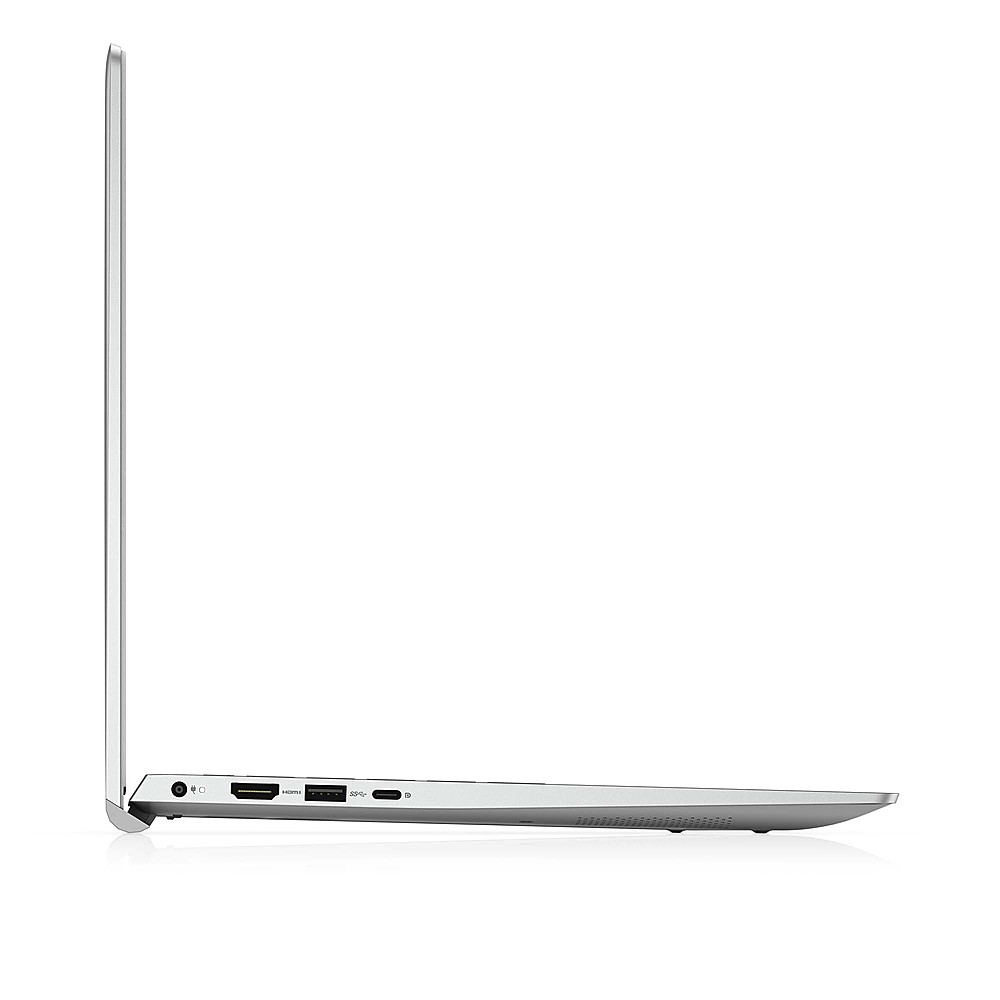
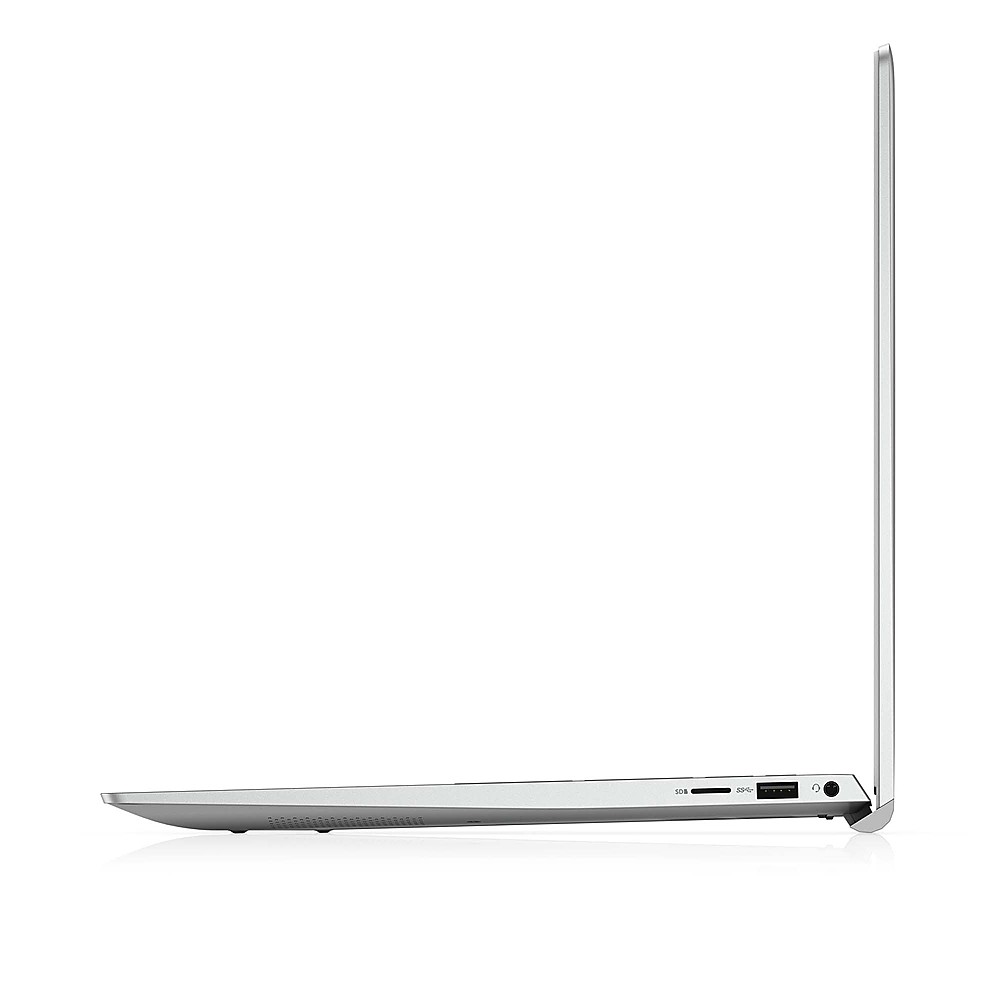
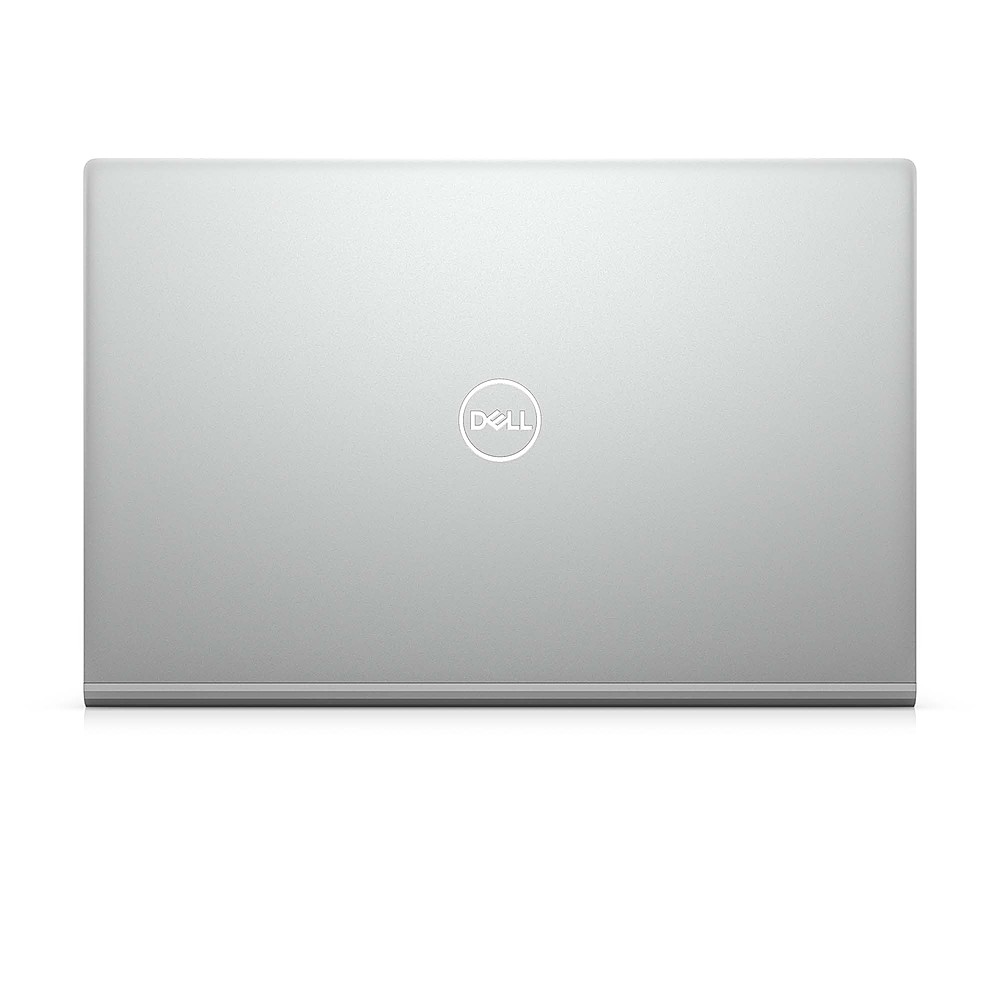
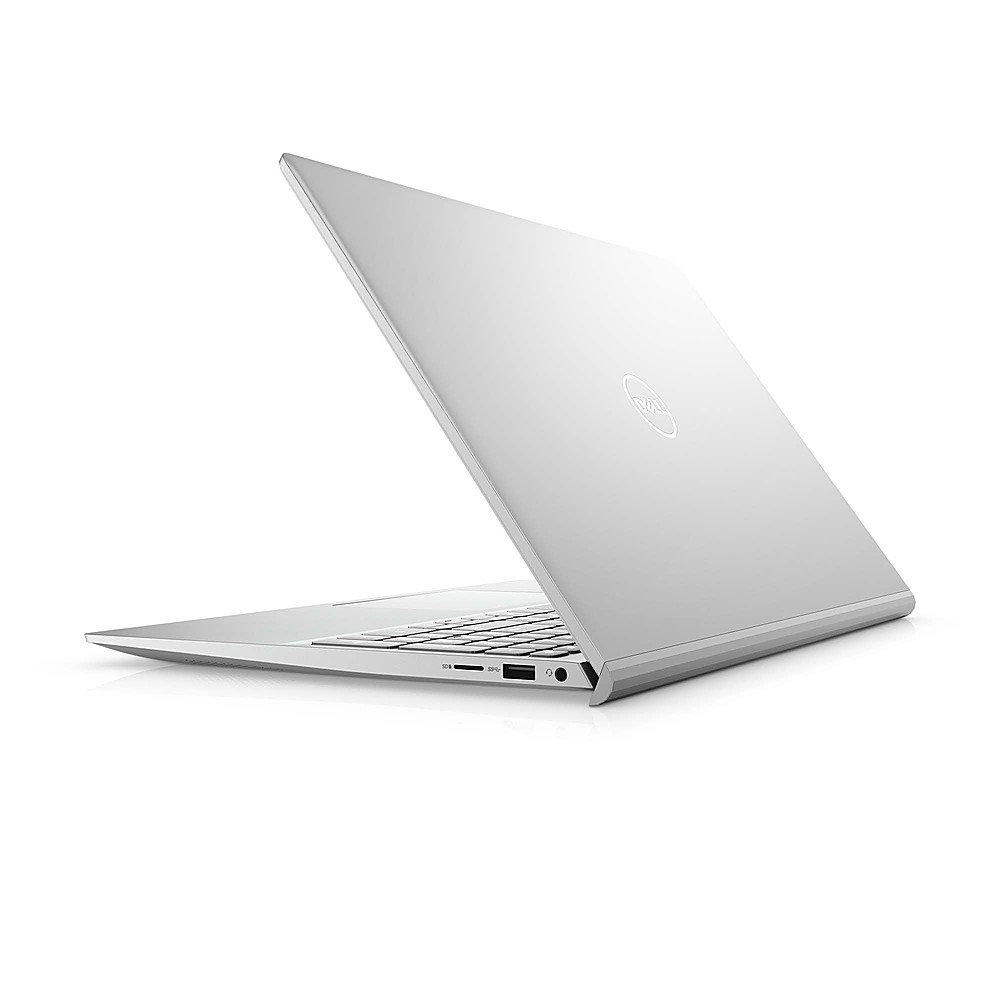
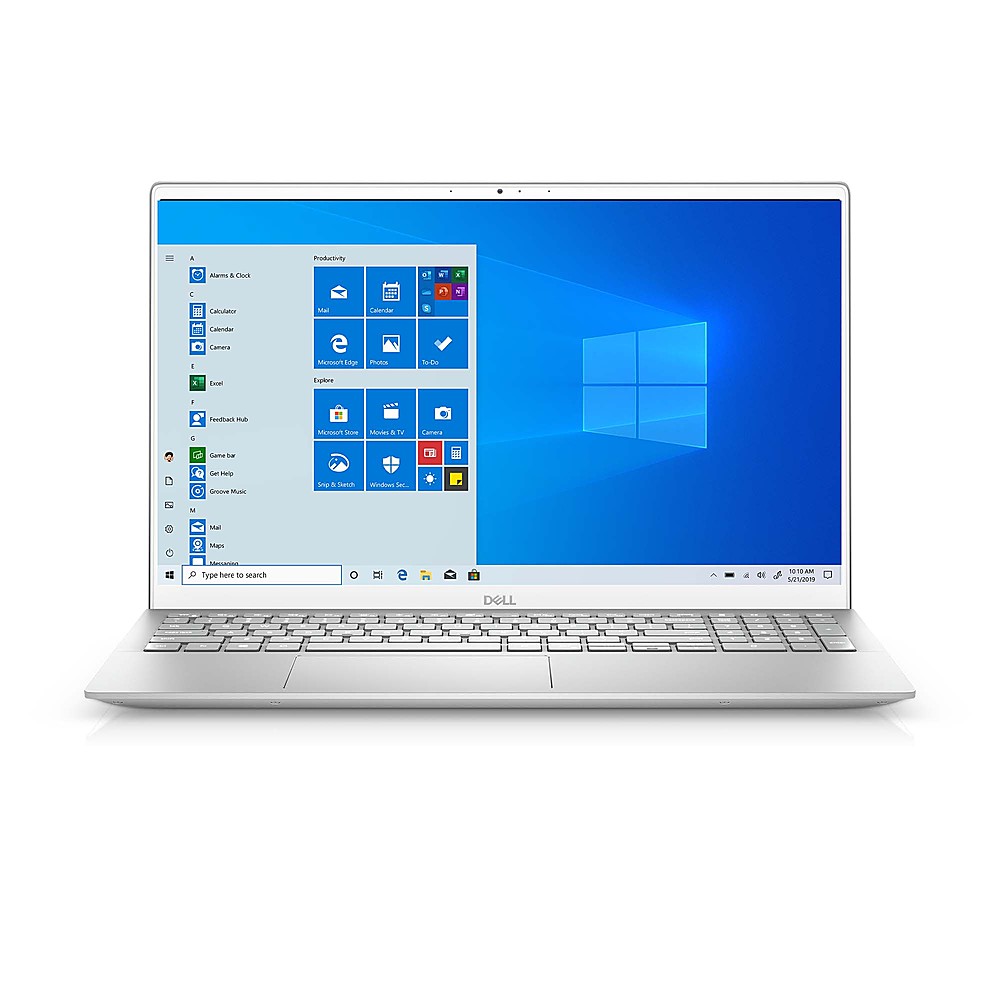
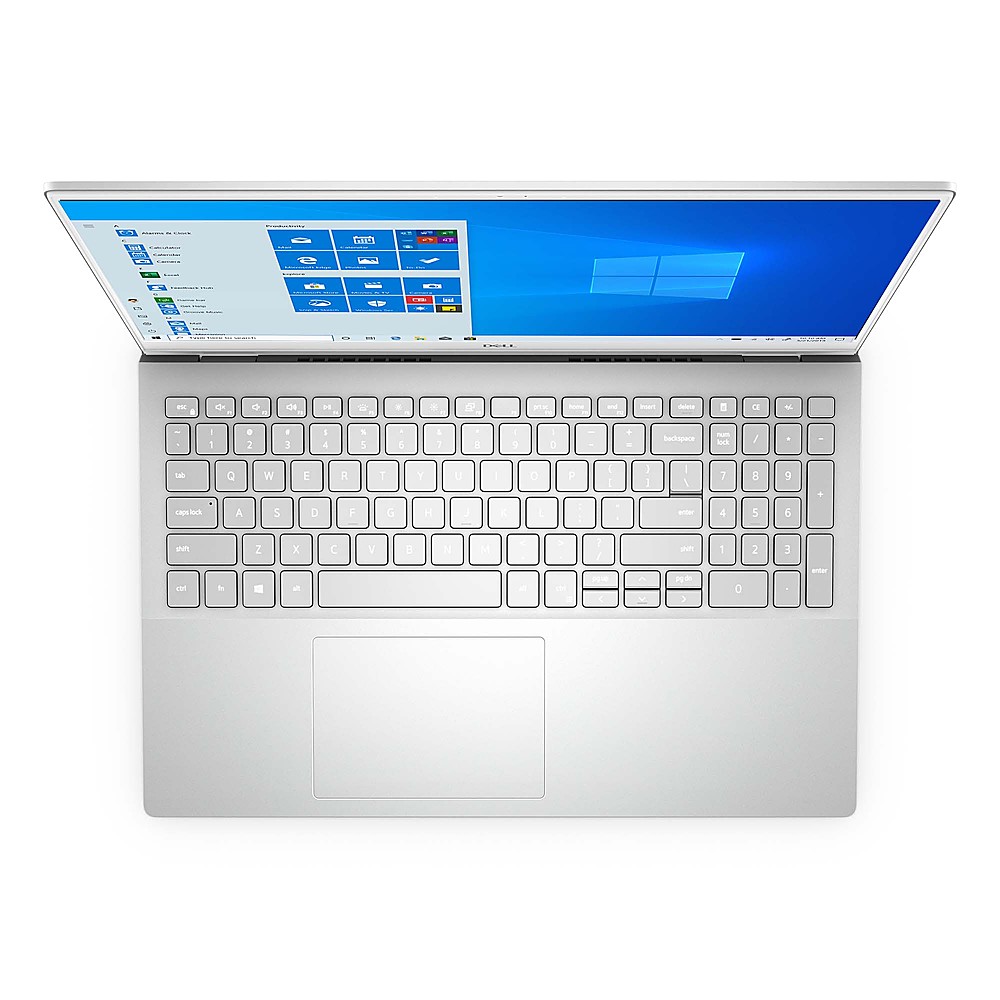
Customers recognize the Inspiron laptop for its lightweight design and sleek appearance. The 15.6-inch screen is also a popular feature among users. However, some customers have expressed concerns about the keyboard, finding it tricky to type on.
This summary was generated by AI based on customer reviews.
I love it!
||Posted . Owned for 3 weeks when reviewed.This reviewer received promo considerations or sweepstakes entry for writing a review.I love it. It is light and easy to carry. It does everything I need it to do and then some. It has more than enough memory for what I need.
I would recommend this to a friendGreat midrange laptop
||Posted . Owned for 1 month when reviewed.This reviewer received promo considerations or sweepstakes entry for writing a review.Works great. Useful for school and zoom meetings with great quality. Nice big screen useful for entertainment purposes
I would recommend this to a friendnew laptop user after desktop
||Posted . Owned for 1 month when reviewed.This reviewer received promo considerations or sweepstakes entry for writing a review.so far so good - I like the new device, am still learning the new features
I would recommend this to a friendLaptop
||Posted . Owned for 1 month when reviewed.This reviewer received promo considerations or sweepstakes entry for writing a review.It’s light and no noise on the fan, my nephew love it for his school.
I would recommend this to a friendGood laptop
||Posted . Owned for 1 month when reviewed.This reviewer received promo considerations or sweepstakes entry for writing a review.good one as expected. it has a sleek design at such a price point.
I would recommend this to a friendGreat computer at the right price.
||Posted . Owned for 3 weeks when reviewed.This reviewer received promo considerations or sweepstakes entry for writing a review.As specified. Delivered almost a week early. Just as ordered.
I would recommend this to a friendGreat product
||Posted .This reviewer received promo considerations or sweepstakes entry for writing a review.Great price, Great product and great performance ok ok
I would recommend this to a friendBest laptop
||Posted . Owned for 1 month when reviewed.This reviewer received promo considerations or sweepstakes entry for writing a review.Best laptop ever! I ordered for my sons,online class
I would recommend this to a friendTouchpadStoppedWorking
||Posted . Owned for 1 month when reviewed.This reviewer received promo considerations or sweepstakes entry for writing a review.The touchpad stopped working less than two months after my purchasing. Best Buy was no help either.
No, I would not recommend this to a friendInstructions would be nice
||Posted .This reviewer received promo considerations or sweepstakes entry for writing a review.The laptop came with no instructions. I used it about five times so far. The laptop now has a sideways smile face says something went wrong and a QR scan. I haven't had time to troubleshoot my less then a month old laptop that is not working
No, I would not recommend this to a friendBrand response from YourDellTeam
Posted .Hello Unhappy,
We are sorry to hear you are experiencing difficulties using your device. Below are some tips to ensure you have the best experience possible.
1. For general questions regarding operating Windows 10, we suggest you explore the included 'Tips' application.
2. We recommend you keep your firmware up to date by regularly using the suite of tools found within the 'SupportAssist' application.
3. To troubleshoot your error, please capture the error code and visit the support page for your Inspiron for to research solutions.
As always, you are more than welcome to contact Dell Support should you need further assistance.
Best Regards,
Anthony P.