Customer Ratings & Reviews


- Model:
- I5575-A214SLV-PUS
- SKU:
- 6239201
Rating by feature
- Value
Rating 4.1 out of 5 stars
- Quality
Rating 4.0 out of 5 stars
- Ease of Use
Rating 4.3 out of 5 stars
Customers are saying
Customers often highlight the Inspiron 15.6" Touch-Screen Laptop's touch screen as a convenient feature. Many also appreciate its budget-friendly price point and solid performance. However, some users have concerns about its battery life and slow hard drive speed.
This summary was generated by AI based on customer reviews.
- Pros mentioned:Touch screen
This is an amazing laptop for a low price. Easy.
||Posted .This reviewer received promo considerations or sweepstakes entry for writing a review.Gorgeous, amazing,fast laptop! Exceeds my requirements. Love the TOUCH SCREEN feature as it makes for faster and more efficient navigation.
I would recommend this to a friend - Pros mentioned:Price
Great laptop
||Posted .This reviewer received promo considerations or sweepstakes entry for writing a review.For the price, it is amazing. Love the features and it runs great
I would recommend this to a friend - Pros mentioned:Price
Good
||Posted .This reviewer received promo considerations or sweepstakes entry for writing a review.Is an ok computer for the price and does everything I need it for
I would recommend this to a friend Great inexpensive laptop
||Posted .This reviewer received promo considerations or sweepstakes entry for writing a review.I have and iPad and iPhone all Apple products for on the go. I needed a laptop for school (college) Bc there are some textbook websites I do homework on that needs more than an iOS system. Only use it 2-3 times a week for homework. It’s vwry heavy but I like it only Bc psychologically it makes me think it’s more durable which compared to a MacBook they both break if they fall and ones lighter than the other so it doesn’t mean anything if ones more durable then the other in comparison by weight. It was within my budget so it’s good for school and Microsoft office apps. I do not vary it in my bag it’s to heavy tho I leave it on my desk
I would recommend this to a friend- Pros mentioned:Price
Questionable Performance
||Posted .This reviewer received promo considerations or sweepstakes entry for writing a review.Great looking laptop and easy to setup. Disappointed in the Ryzen 2nd gen processor. It performed more like a 1st generation Ryzen. I have used the 2nd gen Ryzen before and not experienced the lag in response as I did with this laptop. Still a great laptop for around $400.
I would recommend this to a friend Good for productivity
||Posted .This reviewer received promo considerations or sweepstakes entry for writing a review.excellent PC. overall good for beginning gamers, works great
I would recommend this to a friend- Pros mentioned:Speed
Great computer for student
||Posted .This reviewer received promo considerations or sweepstakes entry for writing a review.This computer has good battery life and is pretty fast.
I would recommend this to a friend - Cons mentioned:Battery life
Not the best /not the worst
||Posted .This reviewer received promo considerations or sweepstakes entry for writing a review.This computer does what I need it to which is basic functions. The set up was crazy and I needed The Geek squad to help remove all the adware. Battery only lasts 4 hours, which was a little disappointing. I would recommend spending a little more for a little upgrade.
No, I would not recommend this to a friendBrand response from YourDellTeam
Posted .Hello ReadingMom1,
We appreciate your feedback and we're glad that the Geek Squad was able to help you. We'd recommend the following tips to help with your computer's battery life:
Change the Power Plan:
1. On the notification area of the taskbar, right-click the Battery icon.
2. On the options list, click Power Options.
3. Select a power plan on the battery meter, such as Power Saver or Balanced. Windows 10 has a built in 'Battery Saver' mode that can be activated to extend your system's battery life. The Battery Saver mode will monitor and limit background activity and other features such as push notifications. You do have the option to enable or disable this mode within settings or within advanced Battery Saver settings, you can customize the mode to best suit your needs.
a) Click on the Action Center icon in the taskbar and select the tile for Battery Saver.
b) If running Cortana then type Battery Saver into the search box and select from the results.
Within the Battery Saver settings page, you will be able to turn on and off the feature and customize the feature to best meet your needs.
c) Turn Battery Saver On or Off.
d) Additional settings available via the Battery use and Battery saver settings links.
e) Battery use shows further info on apps and their power usage.
f) Battery Saver Settings screen allows you to customize further Battery Saver feature.
You can read the full article here - http://dell.to/2vfXWf4.
Dell's Support Assist App will also help with your setup and ensure that you have the most up to date software and drivers.
Best,
Bryan
1-800-624-9896
- Pros mentioned:Storage
great laptop for college
||Posted .This reviewer received promo considerations or sweepstakes entry for writing a review.this is an excellent laptop for college as well as for fun stuff like gaming. plenty of storage with ability to add on more memory if needed. love Windows 10
I would recommend this to a friend Good buy for mid-level performance
||Posted .This reviewer received promo considerations or sweepstakes entry for writing a review.The only reason I don’t give this a 5star rating is because it doesn’t come with a SSD, but there is a slot for it. I saved money buying this laptop and having it installed by geek squad vs purchasing one of equal specifications already included.
I would recommend this to a friend- Pros mentioned:Touch screen
Good laptop
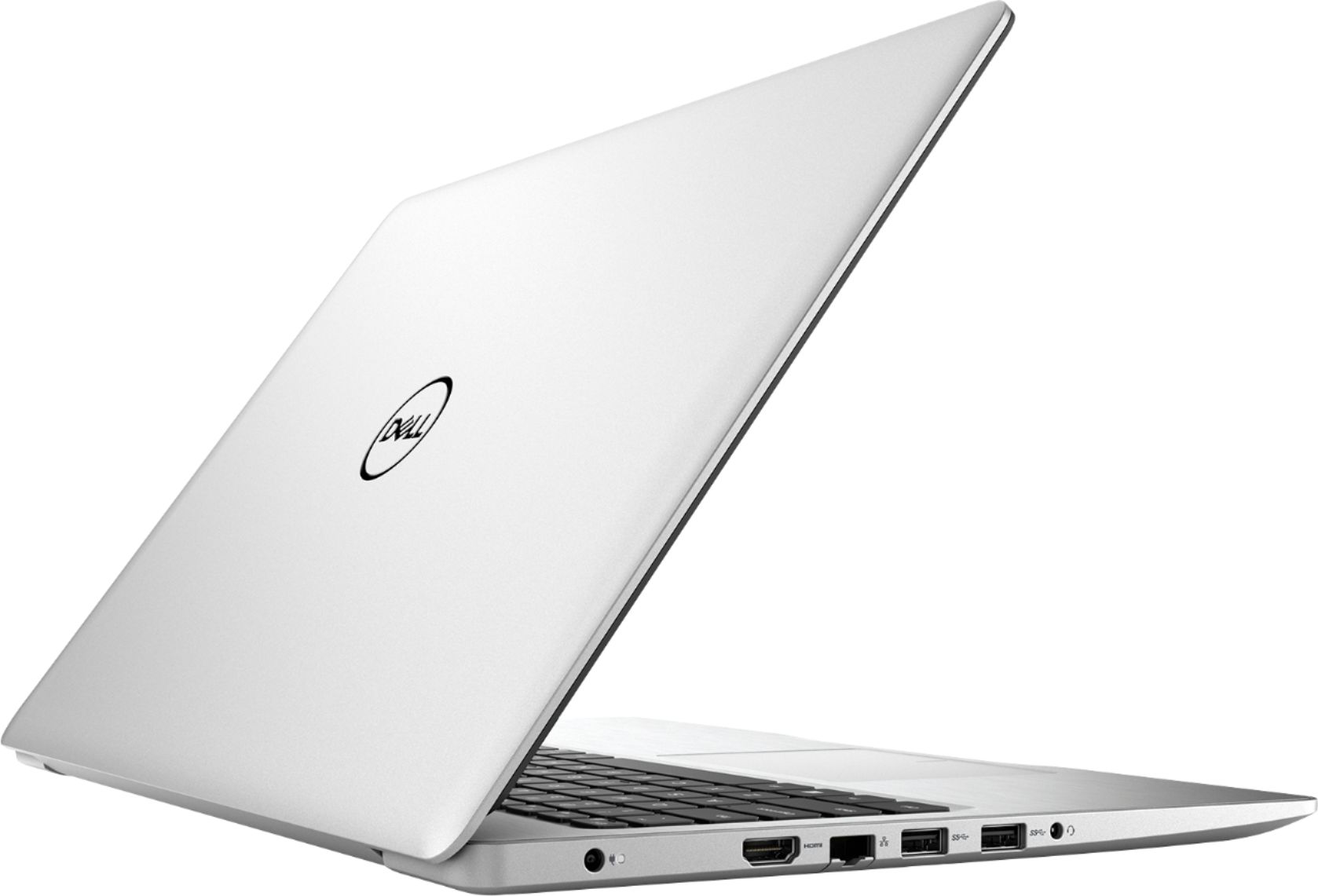
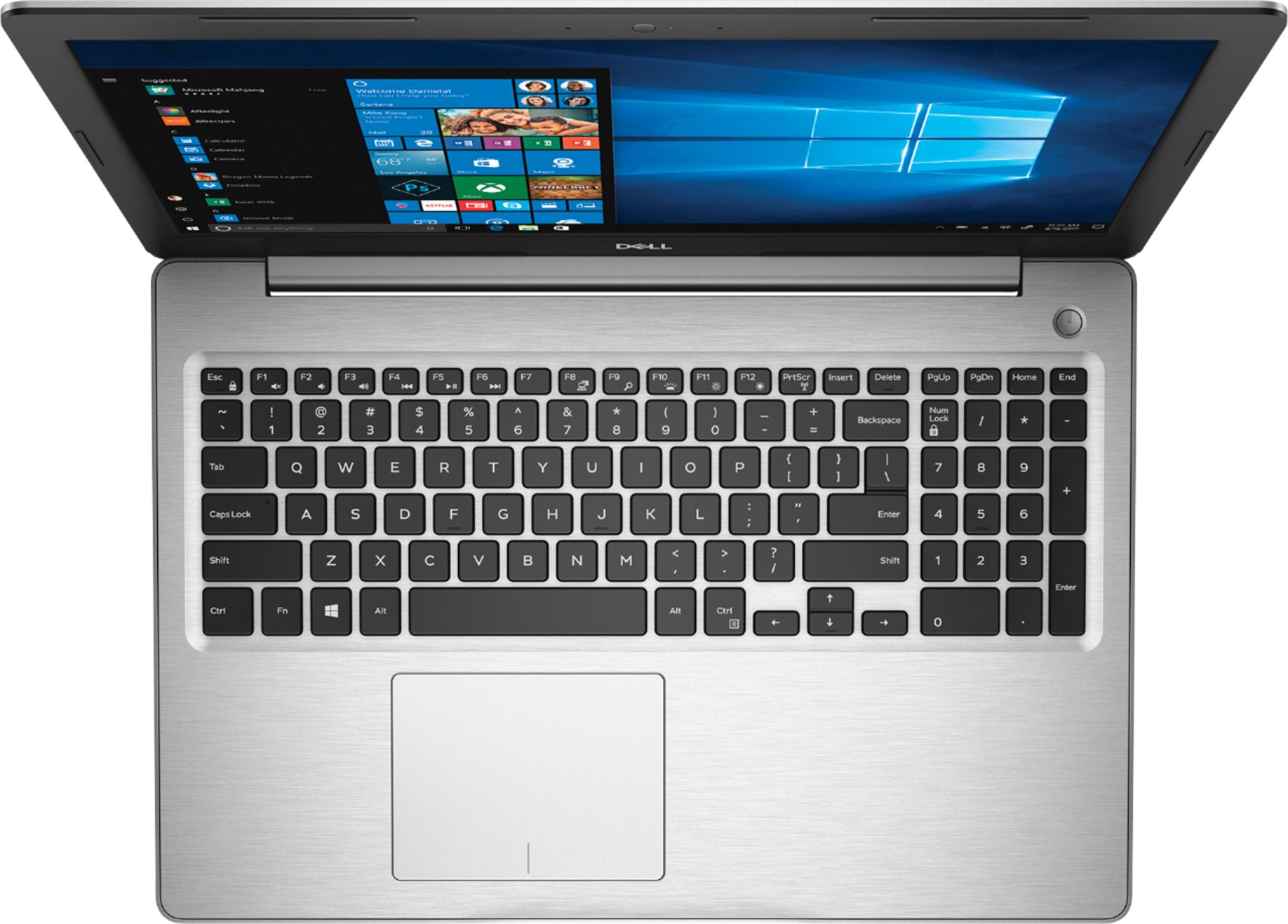
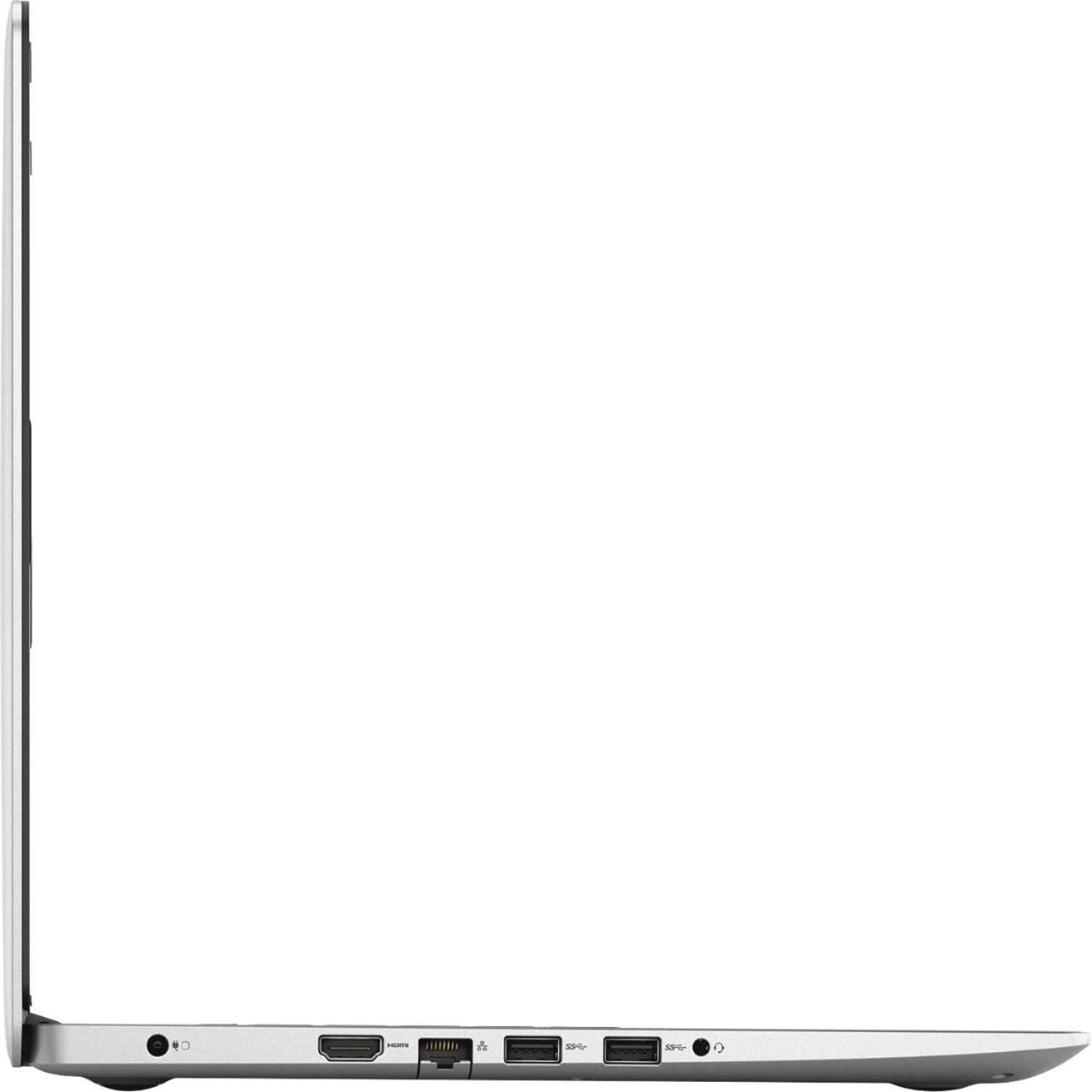
||Posted .This reviewer received promo considerations or sweepstakes entry for writing a review.Laptop works fine over all. Keys light up for dark areas of use. Most new ones are short on usb ports, this one has three. It was a factor in purchasing.
I would recommend this to a friend Very good laptop, exactly what we needed.
||Posted .This reviewer received promo considerations or sweepstakes entry for writing a review.This lap top was for my son to use at school. He has found it to be very easy to use and exactly what he wanted. He can even play the games he has on it.
I would recommend this to a friend- Pros mentioned:Price
Great deal
||Posted .This reviewer received promo considerations or sweepstakes entry for writing a review.Super fast and what a steal for the price. Great for home or even office use.
I would recommend this to a friend Great computer for the price
||Posted .This reviewer received promo considerations or sweepstakes entry for writing a review.I purchased this computer for my H.S. daughter and I actually like it better than the Dell Inspiron 17 that my hubby bought me at Christmas. It has more user friendly features. For instance, for people like me who are not computer people, a simple start button is right on the top of the key board. That's it, simple. Also, I love that it was already loaded with everything unlike the HP I bought her 3 years. The large screen is crisp and clear and when not doing homework, Netflix movies are very clear and a decent watch on this screen. Great buy for the price.
I would recommend this to a friend- Pros mentioned:Price
Rob1
||Posted . Owned for 1.5 years when reviewed.This reviewer received promo considerations or sweepstakes entry for writing a review.This was for the wife, doesn’t like the desktop. Great product for price and is really enough computer for her needs.
I would recommend this to a friend Solid Computer
||Posted .This reviewer received promo considerations or sweepstakes entry for writing a review.I bought this computer, got it home and set it up and then shut it off for the night. I went to turn it on the next day and ended up with a black screen and nothing visible except the mouse cursor. I took it back to the store and when the manager went to turn the computer on it came up to a blue screen so he took the computer back easily which was a relief. I was also given a new computer (same model) with an additional 10% discount which made things even better. I’ve had this second computer for 3 weeks now with no problems what so ever. The only reason I don’t rate the computer higher is because I’m not sure that whatever the issue was with the first computer won’t happen again. However, the staff at Best Buy was awesome and reassuring so I was willing to give it another chance.
I would recommend this to a friendBrand response from YourDellTeam
Posted .Jasmine,
We're sorry to hear about the initial problem that you had with your computer. If you'd like to diagnose a Blue Screen Error in the future you can follow these steps:
1. At the desktop, click the Search the web and Windows box and type "problem reports".
2. Select View all problem reports to view a list of errors that have occurred on your computer and possible solutions for them, such as updating drivers, flashing your system BIOS, or checking for updates to the software.
3. Under the Source column, look for Windows and under Summary, look for Shut down unexpectedly.
4. Right-click the line item and select Check for a solution.
We'd also suggest checking to make sure that your software and drivers are up to date on Dell's Product Page - https://dell.to/2P2lKts.
You can read the full article here - http://dell.to/2u98Cct.
If you have trouble starting your computer, try these steps:
1. If the computer is displaying the Dell logo and does not move past that point, it has probably failed POST.
2. If the power indicator lights up and it is amber or orange, this is usually an indicator that it has failed POST.
3. If you see text on a black screen, the computer is currently performing the POST. If the computer stays in that condition and does not move past it, it has probably failed POST.
4. If the video screen displayed anything at all during the startup process but is now black, this probably indicates that the computer failed POST.
5. If the computer is beeping or if Caps/Num/Scroll Locks are flashing, note if there is a particular pattern in which it beeps or flashes.
6. If the computer is not beeping and caps/num/scroll locks are not flashing, unplug all connections and remove all media communication devices (e.g. external monitors); reconnect one at a time and check if the computer functions.
7. For a notebook, press and hold the Fn key and then press the power button. This starts the pre-boot testing and will launch ePSA. In case you have a Desktop at the Dell logo screen tap the F12 key to enter One Time Boot Menu and use the arrow keys to highlight Diagnostics and press enter.
You can read the full article here - http://dell.to/2uj1Sby.
Best,
Bryan
1-800-624-9896
- Pros mentioned:Touch screen
Especially like the touch screen
||Posted .This reviewer received promo considerations or sweepstakes entry for writing a review.The slender profile is practical and elegant, and the touch screen is just what I've been waiting for in a true lap top. Thank you, DELL!
I would recommend this to a friend - Pros mentioned:Touch screen
Great laptop for student
||Posted .This reviewer received promo considerations or sweepstakes entry for writing a review.This was a gift for my high school age daughter. She loves it.
I would recommend this to a friend - Pros mentioned:Touch screen
Dell - Inspiron 15.6" Touch-Screen Laptop - AMD Ry
||Posted .This reviewer received promo considerations or sweepstakes entry for writing a review.Dell - Inspiron 15.6" Touch-Screen Laptop - AMD Ryzen 5 - 8GB Memory - 1TB Hard Drive - Platinum Silver is great and I love my laptop
I would recommend this to a friend - Pros mentioned:Touch screen
Labtop
||Posted . Owned for 6 months when reviewed.This reviewer received promo considerations or sweepstakes entry for writing a review.The product was great and I love the buttons and how much more interactive and engaged they are with the best touch system.
I would recommend this to a friend