Customer Ratings & Reviews







- Model:
- i7500-7357SLV-PUS
- SKU:
- 6409067
Rating by feature
- Battery Life
Rating 4.5 out of 5 stars
- Speed
Rating 4.7 out of 5 stars
- Display
Rating 4.4 out of 5 stars
Customers are saying
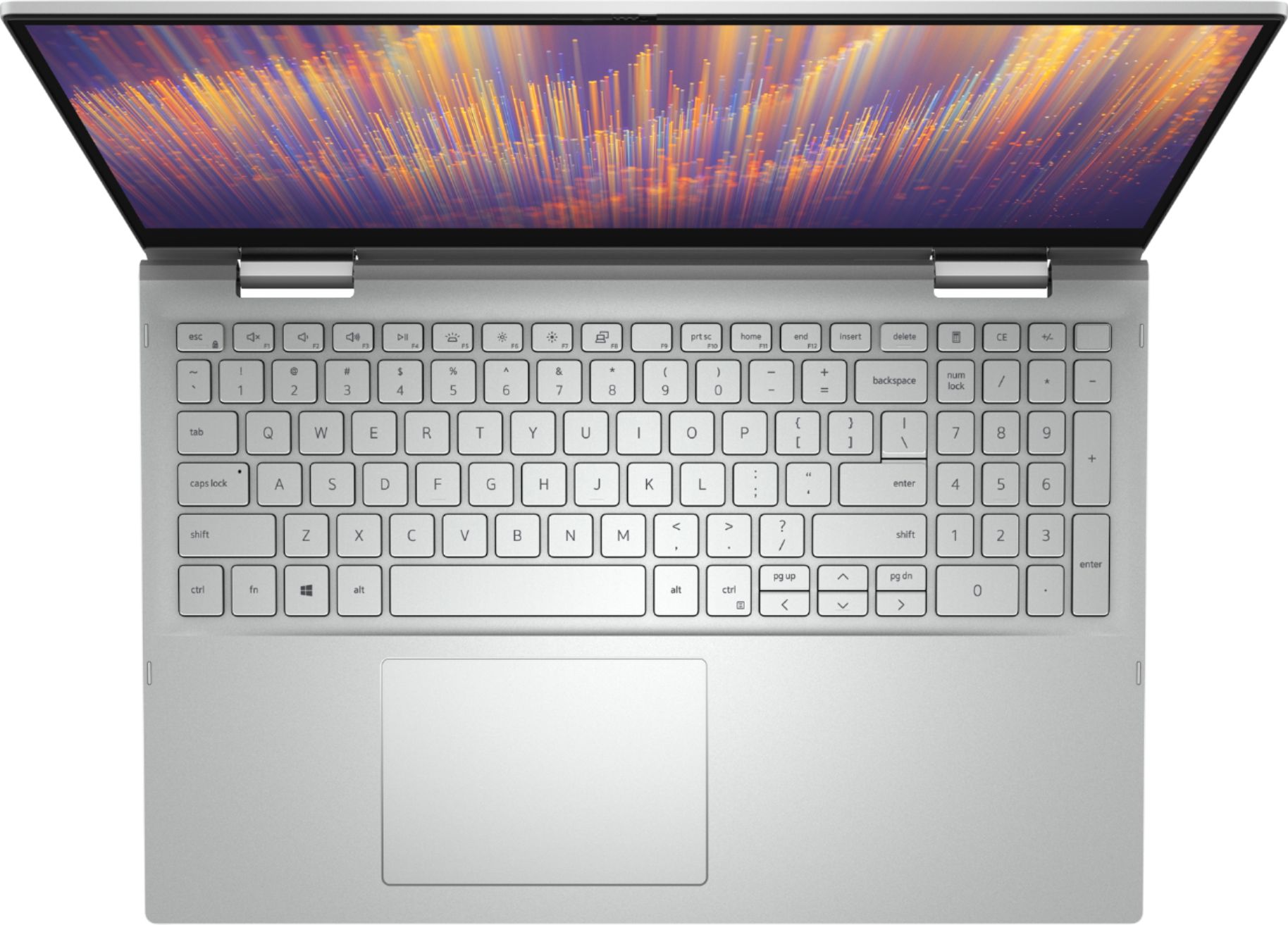
Customers commend the Inspiron 15 7000 2-in-1 laptop for its responsive touch screen, user-friendly interface, and lightweight design. They appreciate the fast processor, great performance, and ample storage space. However, some users have experienced issues with the microphone and overheating.
This summary was generated by AI based on customer reviews.
Not bad
||Posted . Owned for 7 months when reviewed.This reviewer received promo considerations or sweepstakes entry for writing a review.I got mine 7 month ago for college classes it’s good but the only bad thing is my mic is a— and the camera quality ain’t the best for 1.3k I expected better you know.
No, I would not recommend this to a friend- Pros mentioned:Speed
Love it
||Posted . Owned for 1 month when reviewed.This reviewer received promo considerations or sweepstakes entry for writing a review.The software work very good , it run very fast and easy to use.
I would recommend this to a friend Dell 2 in 1
||Posted . Owned for 2 weeks when reviewed.This reviewer received promo considerations or sweepstakes entry for writing a review.So far so good. Hopefully will last longer than the Asis this replaced. Clear screen, good sound but keyboard lighting not bright. Screen washes it out. Not sure why I need Alexa on a laptop and fingerprint works sometimes
I would recommend this to a friendBest Laptop I have owned
||Posted . Owned for 6 months when reviewed.This reviewer received promo considerations or sweepstakes entry for writing a review.This is the best laptop I have owned. The size is convenient and easy to move around. I wish I had the service to explain how it works byt due to Covid-19 I received no help what-so-ever. I have had to struggle to learn things for my self. But, the laptop is great.
I would recommend this to a friend- Pros mentioned:Easy to use
nice laptop for work
||Posted . Owned for 3 weeks when reviewed.This reviewer received promo considerations or sweepstakes entry for writing a review.nice laptop and easy to set up and use. exactly what I needed.
I would recommend this to a friend - Pros mentioned:Speed
Great laptop
||Posted . Owned for 4 months when reviewed.This reviewer received promo considerations or sweepstakes entry for writing a review.Awesome laptop with plenty of speed and easy to navigate
I would recommend this to a friend - Pros mentioned:Processor
Fast with nice screen.
||Posted . Owned for 1 week when reviewed.This reviewer received promo considerations or sweepstakes entry for writing a review.Fast processor, nice screen and comfortable keyboard/mousepad.
I would recommend this to a friend great insides, so so design on the outside
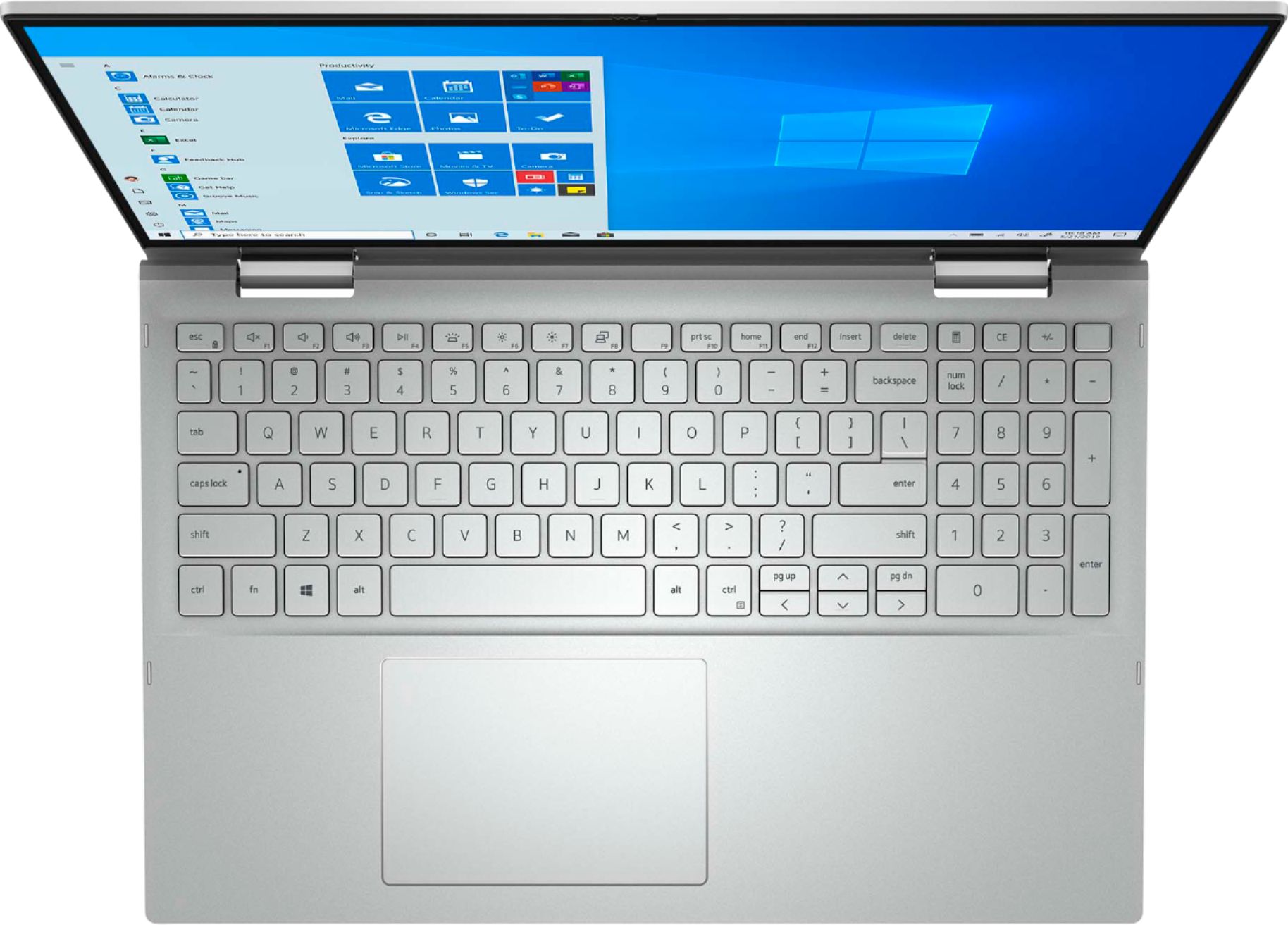
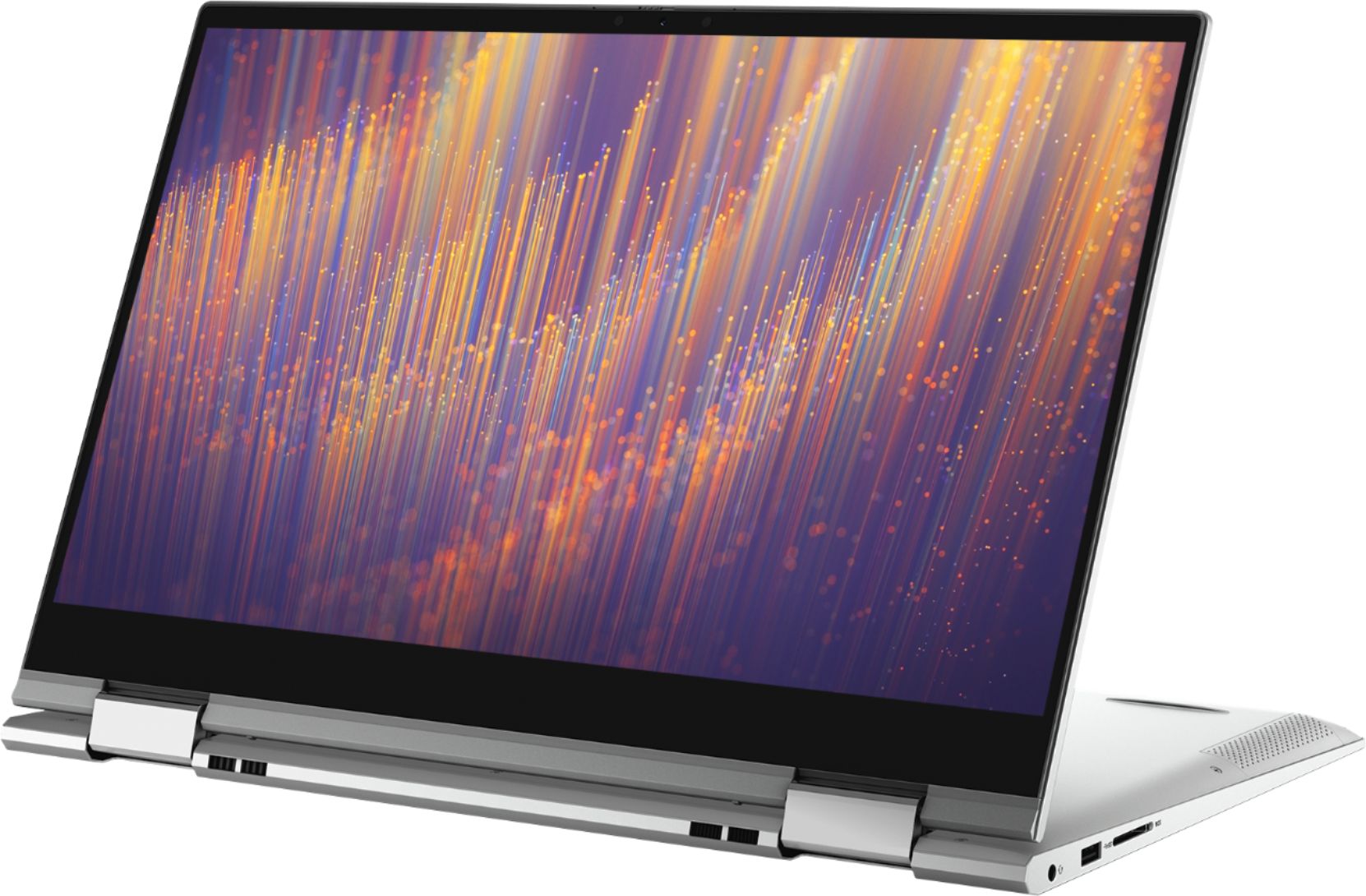
||Posted . Owned for 1 month when reviewed.This reviewer received promo considerations or sweepstakes entry for writing a review.I like the computer's performance, but the design has a couple of flaws: 1) There is a number pad, which means the keyboard is shifted to the left, which means your hand is always resting on the mousetracking pad -- something you may not notice right away, but is quite annoying 2) when you switch it to table mode the keys are just hanging out on the back all unprotected. I guess that is maybe how all 2 in 1's work, but since it's my first, I am surprised there isn't some kind of plastic shield or something for the keys. 3) clicking on the trackpad is pretty wierd. you have to be way down to do a left click.
No, I would not recommend this to a friendBrand response from YourDellTeam
Posted .Becca,
Thanks for your review and we're sorry that the design of your new 2-in-1 is taking a little while to get used to. If you have any technical questions about your computer you can check our Product Support Page here: https://dell.to/34WIbuO.
Best,
Bryan
1-800-624-9896
- Cons mentioned:Microphone issue
Problems with microphone on zoom meetings
||Posted . Owned for 1 week when reviewed.This reviewer received promo considerations or sweepstakes entry for writing a review.Everything seems well except on zoom meetings my microphone goes in and out. It seems like a small complaint, but with today’s times, this is a crucial part of the puzzle.
I would recommend this to a friendBrand response from YourDellTeam
Posted .Rpraer,
Thanks for your review and we're sorry to hear about the microphone issues that you've been experiencing. Dell recently released a RealTek High Definition Driver update that should help with the microphone issues that you're having: https://dell.to/3gMyl1H.
If you need additional assistance please reach out to Dell's Technical Support Team: http://dell.to/2sH7Qlm.
Best,
Bryan
1-800-624-9896
- Pros mentioned:Processor
Fast and very lightweight.
||Posted .This reviewer received promo considerations or sweepstakes entry for writing a review.Great product. Replaced my 10 inch tablet. Fast Intel I7.
I would recommend this to a friend great 2in1 for students
||Posted . Owned for 1 week when reviewed.This reviewer received promo considerations or sweepstakes entry for writing a review.this wasn’t the original laptop i was looking to buy but i am really glad i saw this one i love it it has a great appearance and runs well and it has an average battery life overall i’d say it’s well worth the price
I would recommend this to a friendA big pricey but good product.
||Posted . Owned for 2 weeks when reviewed.This reviewer received promo considerations or sweepstakes entry for writing a review.I guess everything has gone up in price during the pandemic. So I was surprised at the total price of my purchase: a 2 in 1 laptop and some software and protection insurance. But the computer seems to be good quality and easy to set up and use. And the purchase process was very simple, ordering online and picking it up at the door.
I would recommend this to a friendNice laptop.
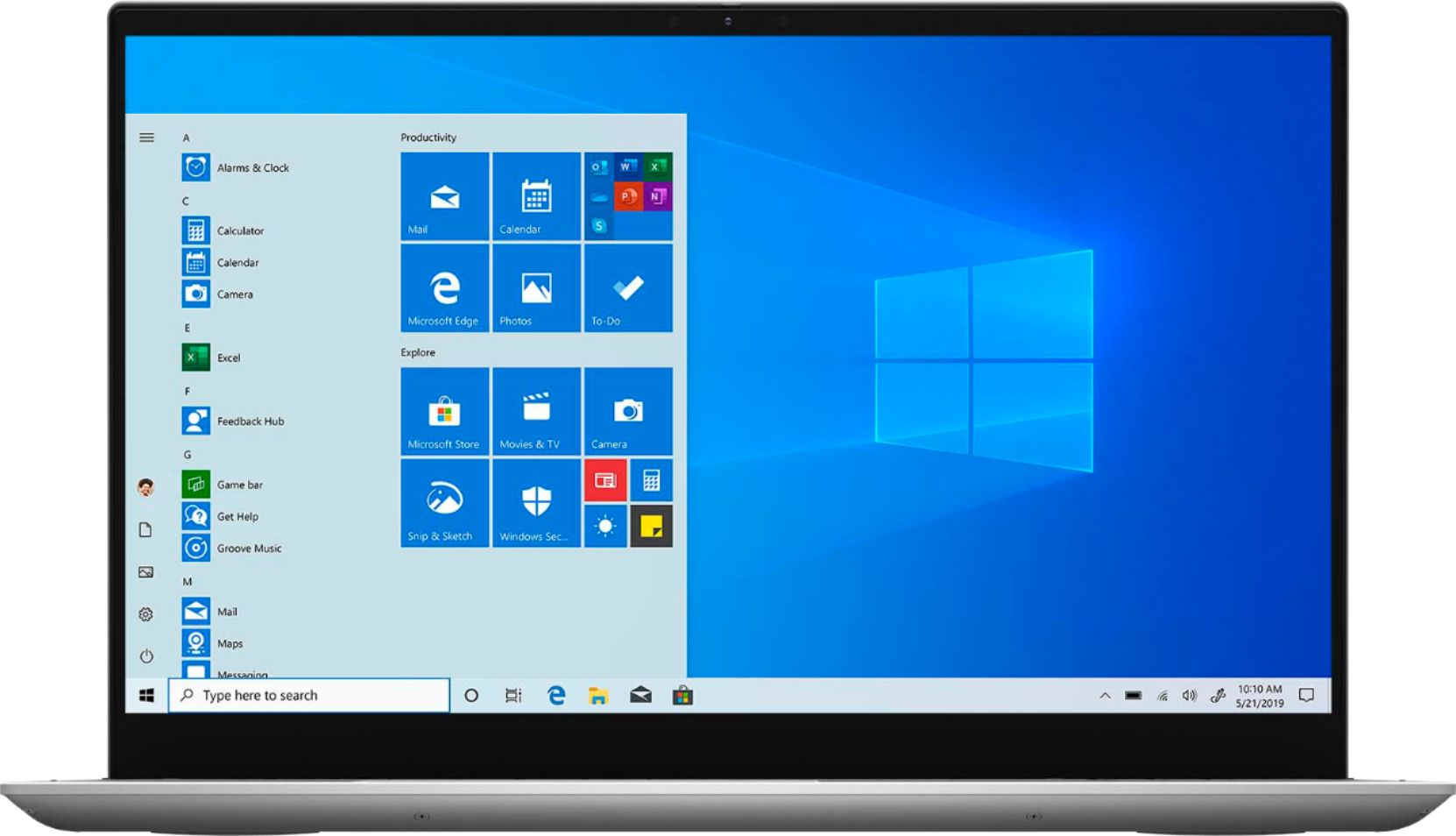
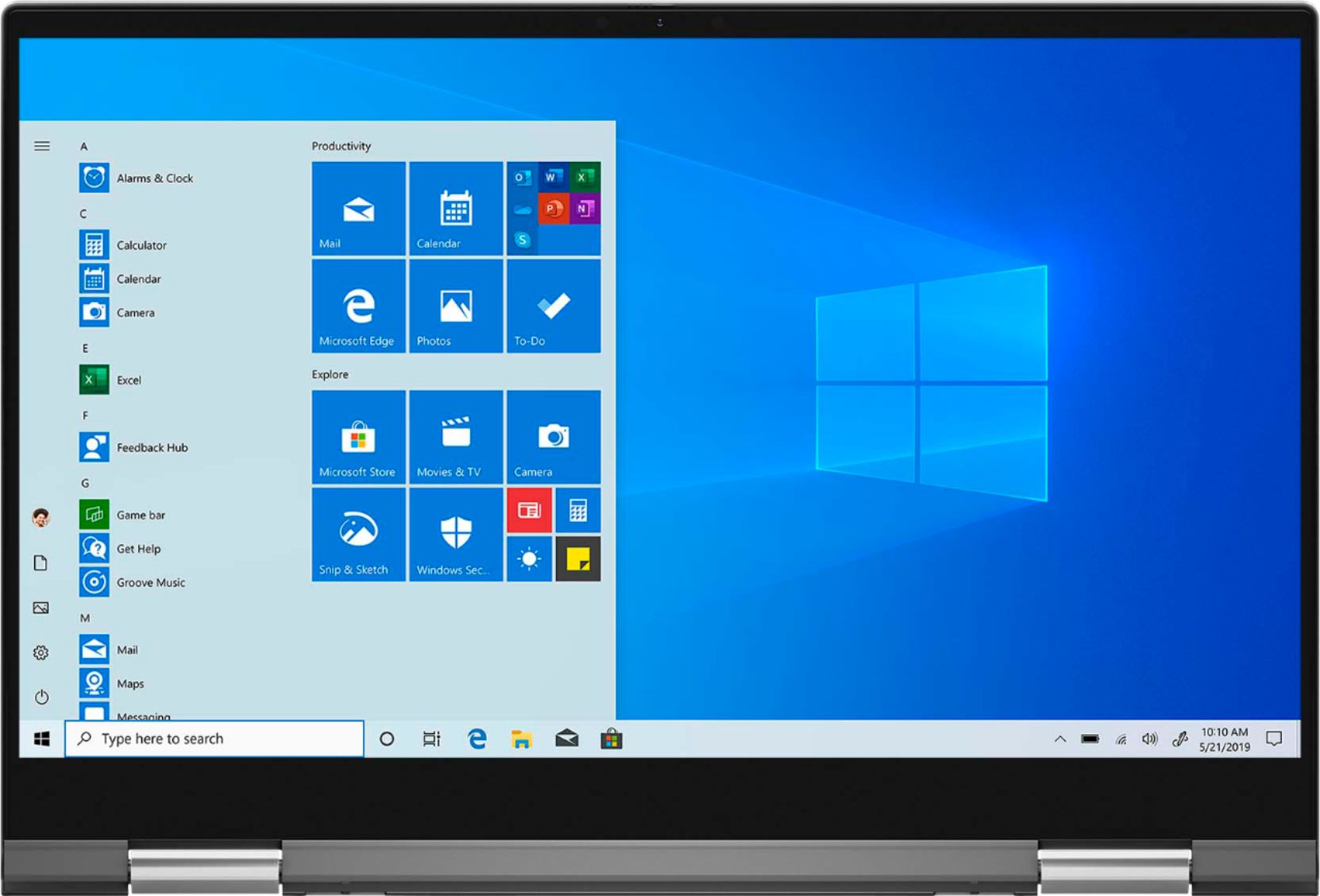
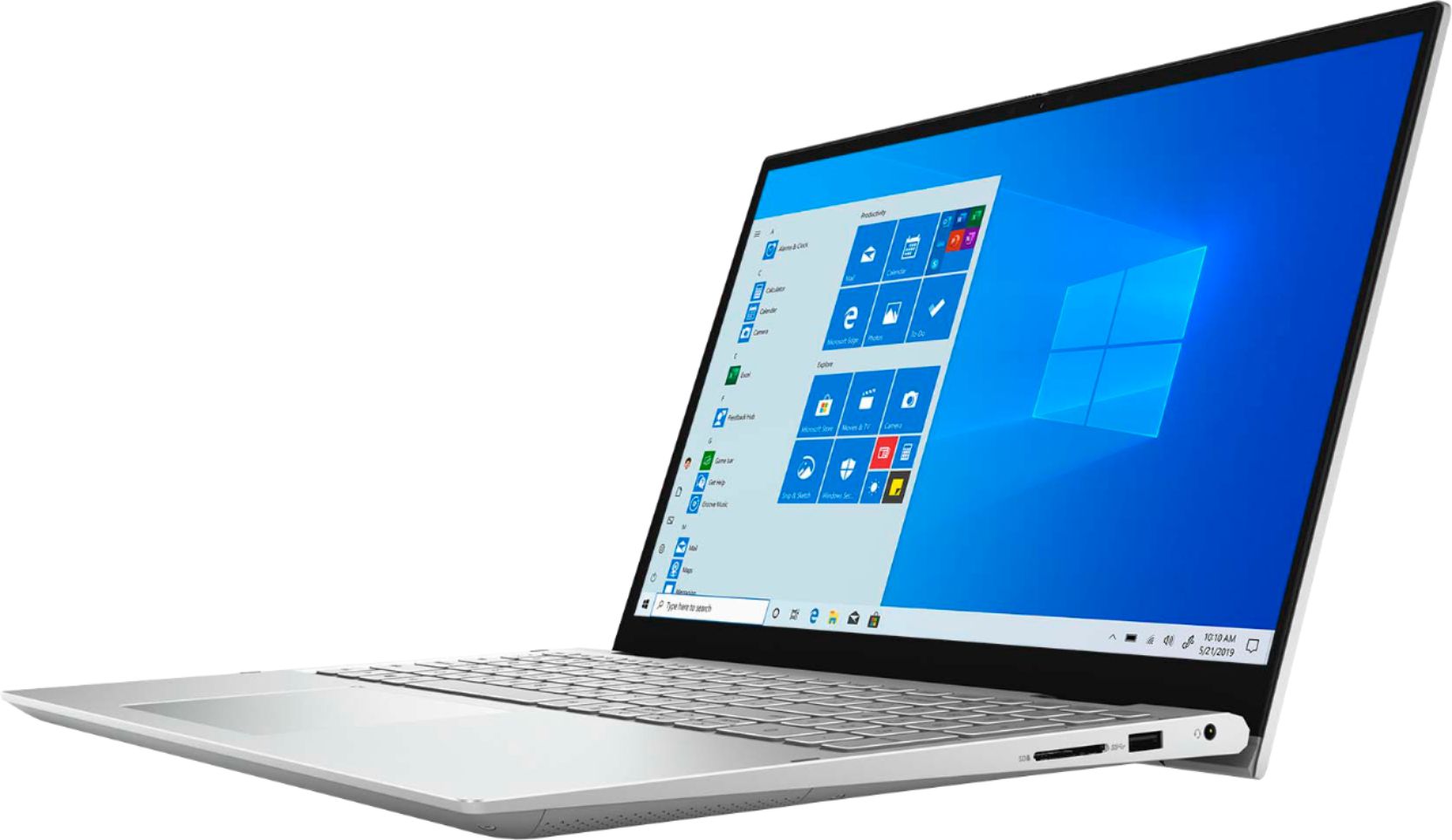
||Posted .This reviewer received promo considerations or sweepstakes entry for writing a review.Dell - Inspiron 15 7000 2-in-1 15.6" Touch-Screen Laptop - Intel Core i7 - 16GB Memory - 512GB SSD + 32GB Intel Optane - silver Is a nice laptop. It handles all basic programs well. Good for basic use.
I would recommend this to a friend- Pros mentioned:Easy to use
Love it
||Posted . Owned for 2 weeks when reviewed.This reviewer received promo considerations or sweepstakes entry for writing a review.Computer is so easy to use. Best computer ever.
I would recommend this to a friend - Cons mentioned:Battery life
Almost perfect
||Posted . Owned for 1 month when reviewed.This reviewer received promo considerations or sweepstakes entry for writing a review.Everything about this laptop is great so far, but for some reason mine won’t work unless it is plugged into an outlet! It won’t hold a charge at all!
I would recommend this to a friendBrand response from YourDellTeam
Posted .KatelynJ,
We're sorry to hear about the issues that you're having with your computer's battery. Here are some tips to help extend the life of your computer's battery:
Change the Power Plan:
1. On the notification area of the taskbar, right-click the Battery icon.
2. On the options list, click Power Options.
3. Select a power plan on the battery meter, such as Power Saver or Balanced. Windows 10 has a built in 'Battery Saver' mode that can be activated to extend your system's battery life. The Battery Saver mode will monitor and limit background activity and other features such as push notifications. You do have the option to enable or disable this mode within settings or within advanced Battery Saver settings, you can customize the mode to best suit your needs.
a) Click on the Action Center icon in the taskbar and select the tile for Battery Saver.
b) If running Cortana then type Battery Saver into the search box and select from the results.
Within the Battery Saver settings page, you will be able to turn on and off the feature and customize the feature to best meet your needs.
c) Turn Battery Saver On or Off.
d) Additional settings available via the Battery use and Battery saver settings links.
e) Battery use shows further info on apps and their power usage.
f) Battery Saver Settings screen allows you to customize further Battery Saver feature.
You can read the full article here - http://dell.to/2vfXWf4.
Best,
Bryan
1-800-624-9896
Dell Computer
||Posted . Owned for 1 month when reviewed.This reviewer received promo considerations or sweepstakes entry for writing a review.the computer did not work properly and I had to call support. Sometimes it still freezes but I am not able and willing to debug the problem.
No, I would not recommend this to a friendBrand response from YourDellTeam
Posted .Delluser47110815,
Thanks for your review and we're sorry to hear about the issues that you're having with your new computer. Here are the steps to help diagnose the freezes on your computer:
1. Run a Computer Diagnostic. To determine if your computer is experiencing a hardware problem, run the Dell Preboot System Assessment (PSA) Diagnostics. For information on how to run Diagnostics, and to determine the issue, refer to Dell Knowledge Base Article: http://dell.to/2iaiujA.
2. Check Safe Mode for Symptoms. To boot into safe mode, please follow the instructions below:
a) Start the computer.
b) Tap 'F8' on the keyboard immediately and every one second until the Dell logo screen disappears. From there you will see the Windows Advanced Options Menu on the screen. (If the Windows Advanced Options Menu does not appear, restart the system and try again.)
c) Select Safe mode with Networking and press Enter.
d) Log on as the administrator or as a user with administrative access.
e) Open applications and test the computer in safe mode. If the symptoms exist in safe mode, please continue the troubleshooting steps in this article. If the symptoms do not exist in safe mode, the issue is likely related to a driver or software and you may wish to complete step 3 to see if you are able to resolve the lockups or freezing.
3. Check for Malware. Malware (Virus, Spyware, etc.) can definitely cause a Windows system to lock up or appear to hang. To check for malware on your system and to ensure that your computer is up to date on security software, visit Dell Knowledge Base Article: http://dell.to/2wWP1zI.
You can read the full article here - http://dell.to/2tW5m33.
Best,
Bryan
1-800-624-9896
Install all drivers first
||Posted . Owned for less than 1 week when reviewed.This reviewer received promo considerations or sweepstakes entry for writing a review.This was a pretty seamless install, but the battery was giving an error and not charging until I checked the help site and was directed to install a handful of drivers. No issues after that. Pretty standard Dell laptop. I needed something that could handle complex data analysis and this does the job.
I would recommend this to a friendBest decision I could have made.
||Posted . Owned for 1 week when reviewed.This reviewer received promo considerations or sweepstakes entry for writing a review.There has been an adjustment period, but am glad now that I am use to it that this is the one I got. I was thinking of buying one of the Microsoft computers as I do art work and wanted something that would work with Adobe and would work like a table it I want. This one has been working great so far.
I would recommend this to a friendlaptop
||Posted . Owned for 4 months when reviewed.This reviewer received promo considerations or sweepstakes entry for writing a review.Got it for my daouther, for college and she has enjoy it so much, it work find with evrything and all her studys,watching movies is a plus,nice and reliable to handle all her work.
I would recommend this to a friendLOVE IT!!!!!’
||Posted . Owned for 3 months when reviewed.This reviewer received promo considerations or sweepstakes entry for writing a review.I bought a laptop a year and a half ago, I was furious when it literally DIED! It was an HP and I rarely used it because it was to heavy. It was used to load pictures from my phone & camera. So with that said, I bought this DeLL and I love it!!! Would highly recommend!!!
I would recommend this to a friend