Customer Ratings & Reviews
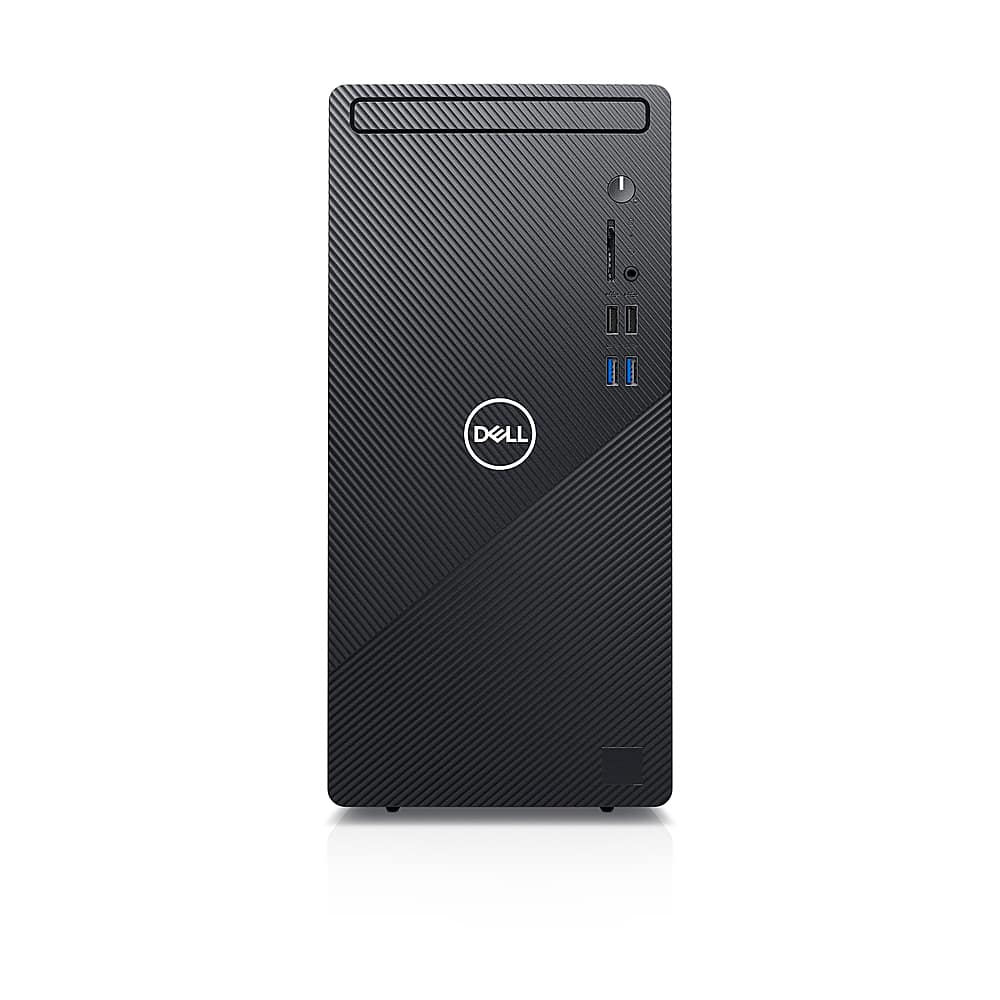
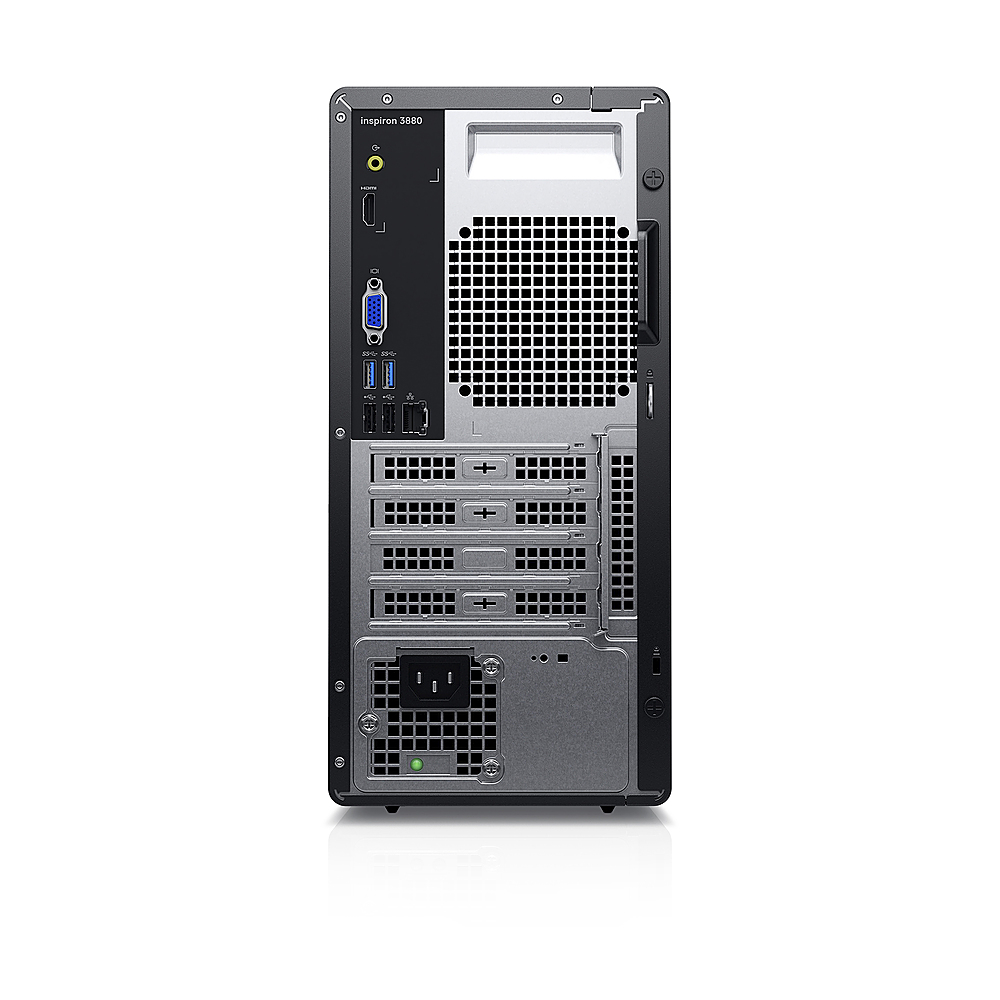




- Model:
- i3880-5869BLK-PUS
- SKU:
- 6416006
to a friend
Customers are saying
Customers value the Inspiron 3000 Desktop's ease of use and setup, with many praising its smooth and efficient performance. The affordable price point is also frequently highlighted as a positive aspect. Positive feedback also mentions the sufficient RAM and pre-installed Windows 10 Pro.
This summary was generated by AI based on customer reviews.
Dell desktop
||Posted . Owned for 3 months when reviewed.This reviewer received promo considerations or sweepstakes entry for writing a review.Good deal. Easy hookup like most modern ones are. Had everything in box. Keyboard kind flimsy.
I would recommend this to a friendGreat
||Posted . Owned for 11 months when reviewed.This reviewer received promo considerations or sweepstakes entry for writing a review.Standard computer for school use and basic gaming!
I would recommend this to a friend- Pros mentioned:Price
Good computer for everyday use...not super fast
||Posted . Owned for 3 weeks when reviewed.This reviewer received promo considerations or sweepstakes entry for writing a review.Nice machine for everyday use at a good price. Like that there are 8 total USB ports. Wish I would have gone with a AMD CPU....this machine seems a little sluggish when compared to the HP with AMD processor I am replacing.
I would recommend this to a friendBrand response from YourDellTeam
Posted .Hello,
Thank you for your review. We are sorry to hear you are experiencing an issue with the performance of your PC. We recommend limiting your start-up programs and uninstalling any unwanted applications. I have provided steps on how to do both below.
Limit startup programs:
1. Close all open windows.
2. Press CTRL + Shift + ESC key together on the keyboard.
3. In the Task Manager window, click the Startup tab.
4. Select the program or application that you want to disable from loading during startup.
5. Right-click and select Disable.
6. Repeat Steps 4 & 5 for all the programs or applications that you want to disable from loading during startup.
7. Restart your PC.
Uninstalling or removing software or applications that you do not use or do not need from your PC can help speed up your PC. Applications may include background processes, system services, context menu entries, and other things that can slow down your PC. Uninstall applications you no longer need using Programs and Features (previously called Add/Remove Programs). Unnecessary applications occupy space on your hard disk drive. I have provided the steps on how to uninstall applications below.
1. Press the Windows logo key + R on the keyboard.
2. In the Run dialog box, type appwiz.CPL and press the Enter key.
3. In the list, select a program and click Uninstall.
Additional Performance Troubleshooting: http://dell.to/2tSulGV
For additional support, please call Dell directly at 1-800-624-9896
Best,
Lexy@Dell
Chat or Call:
https://bit.ly/DellSupportTeam
New Delll computer
||Posted . Owned for 1 month when reviewed.This reviewer received promo considerations or sweepstakes entry for writing a review.Ordered online. Delivery was as promised. Very happy with my purchase.
I would recommend this to a friendNot happy with Windows 10 or Dell
||Posted . Owned for 1 month when reviewed.This reviewer received promo considerations or sweepstakes entry for writing a review.Not happy with the computer. I do not care for the voice that starts up when starting computer; can't find way to silence. Secondly, every time this computer updates it loads a generic driver for my Western Digital hard drive; I must manually go to the Systems -> advance settings to turn off this feature but once another update is installed the system reverts back to default; meaning I must go back into the System - Advance settings to again tell it not to change the driver and then restart computer again. Very annoying and frustrating issues. In addition, had to buy speakers for computer since sound was so low.
No, I would not recommend this to a friendBrand response from YourDellTeam
Posted .bettyboop,
Thanks for your review and we're sorry to hear about the issues that you're having with your new desktop. If you would still like to turn off the Cortana voice that comes with Windows 10 you can follow these steps in this article: https://bit.ly/2Ur6QBu.
If you are having any performance issues we'd recommend checking the available driver and software updates for your desktop here: https://dell.to/3nA7edt.
Best,
Bryan
1-800-624-9896