Customer Ratings & Reviews
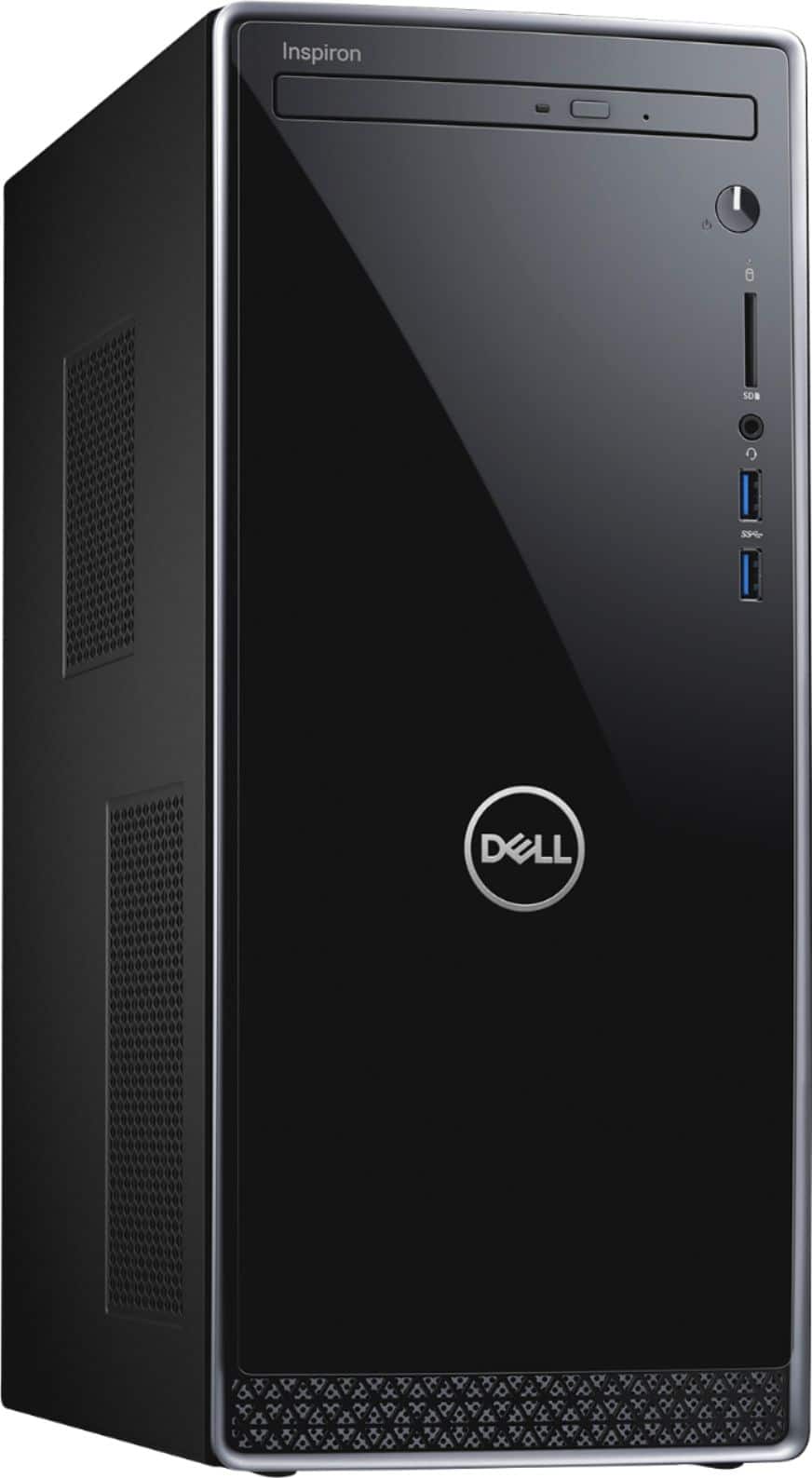
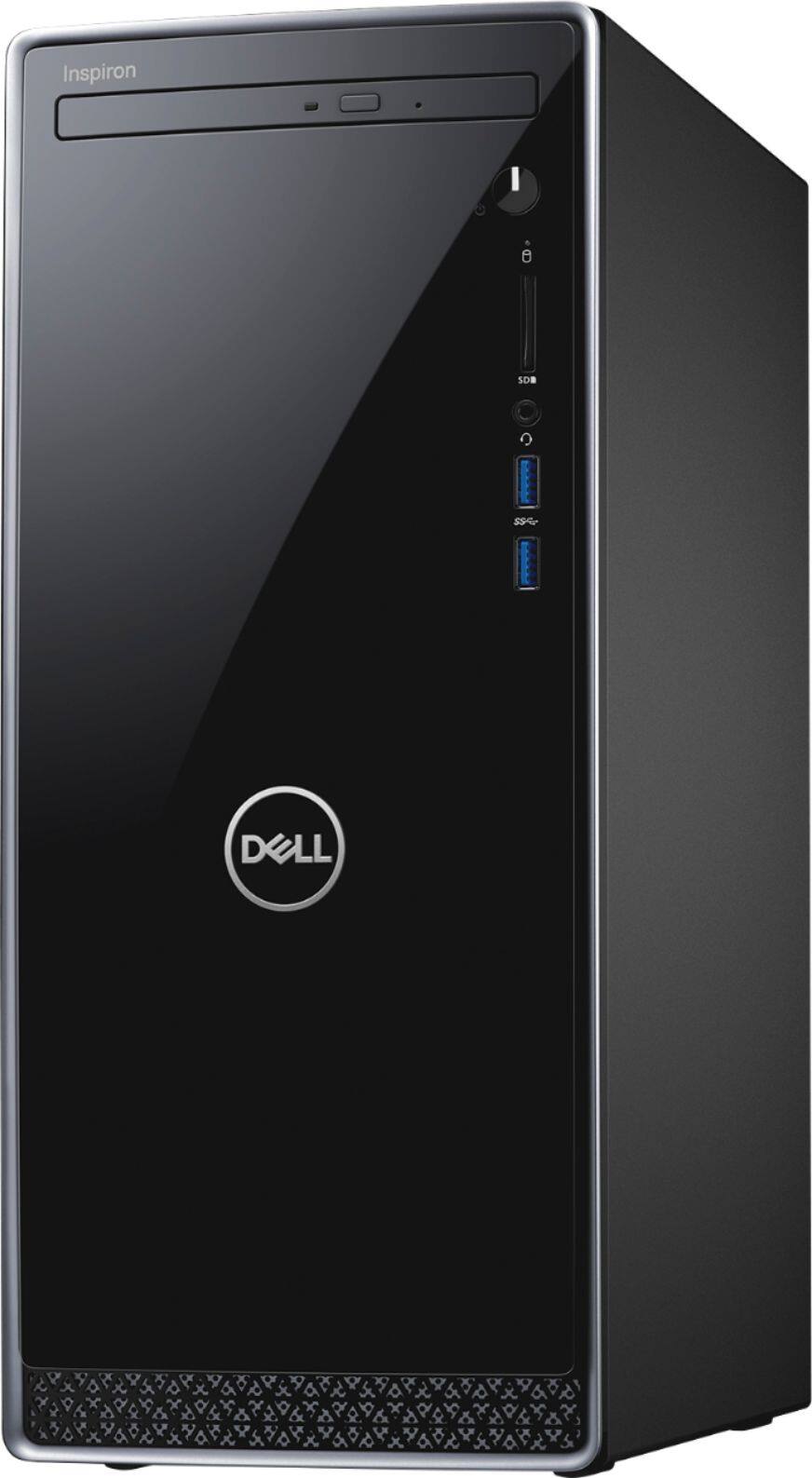
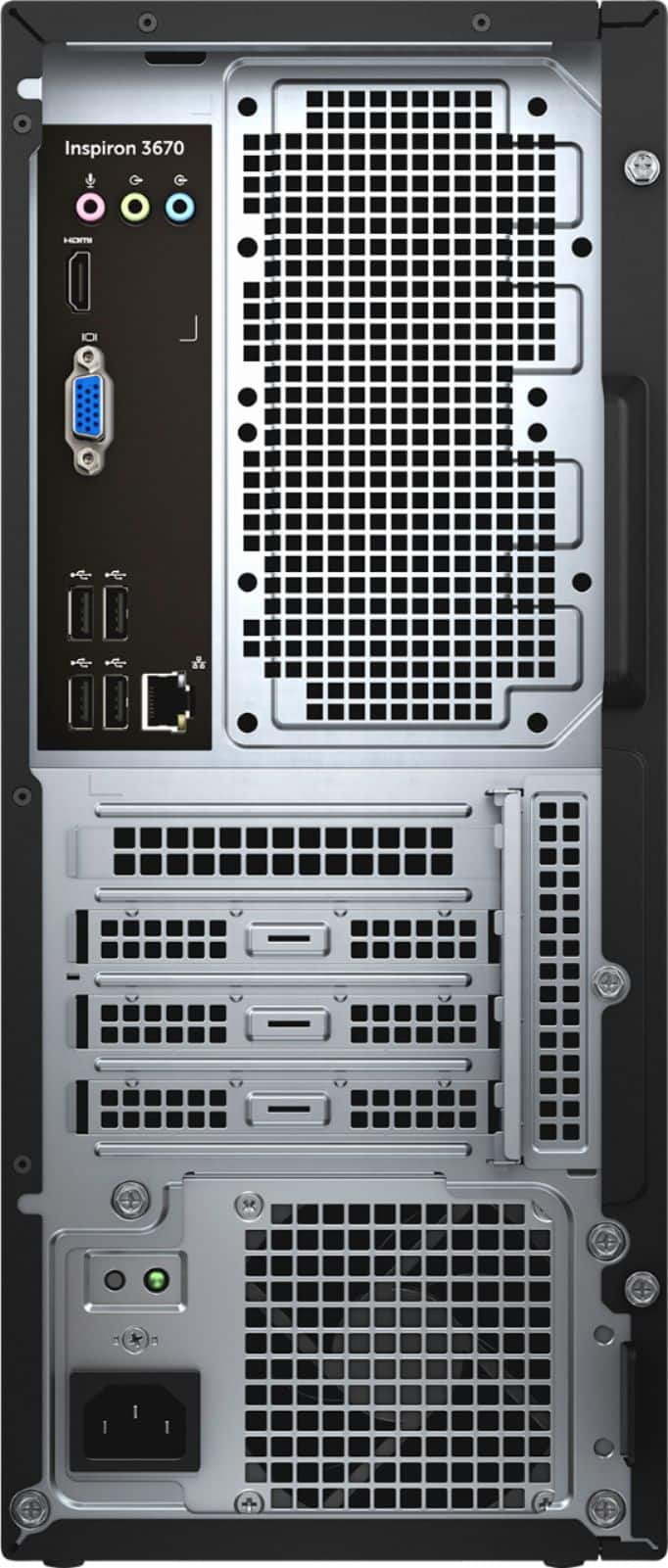
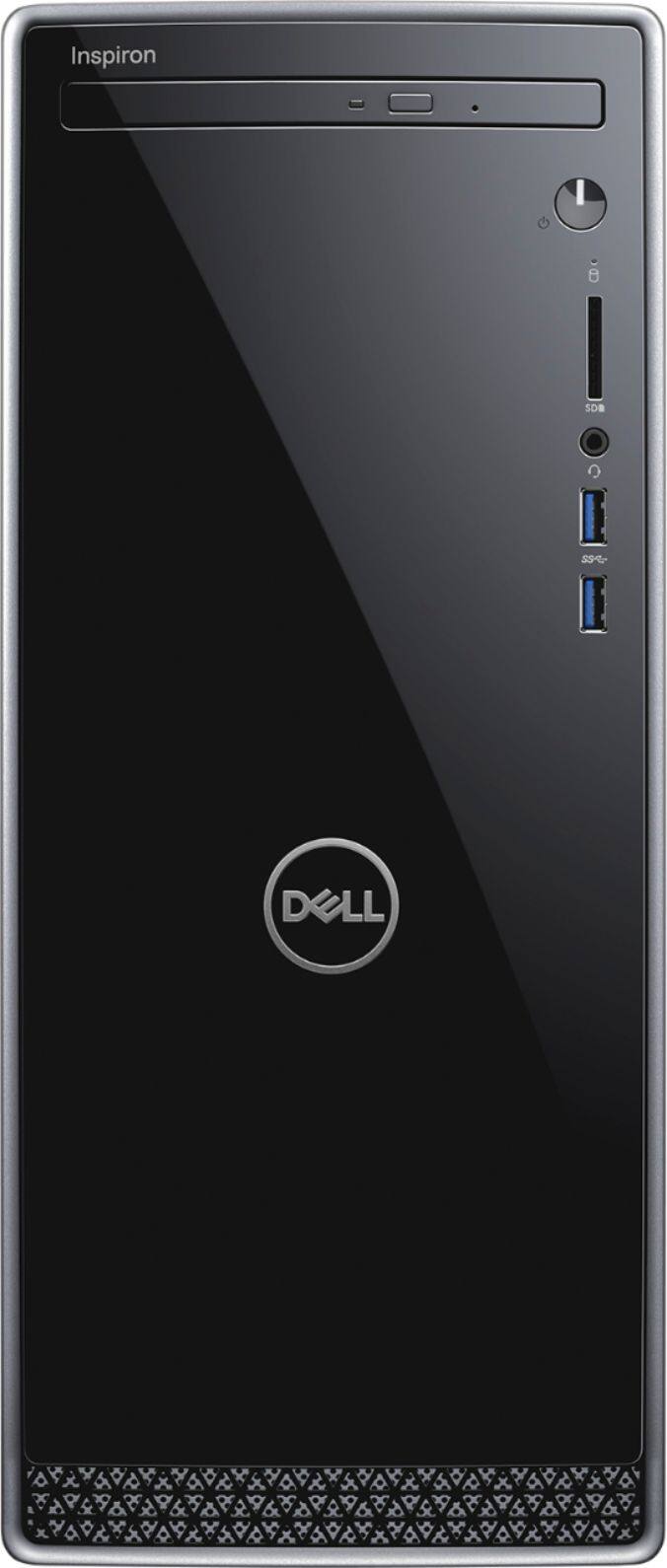

- Model:
- I3670-5790BLK-PUS
- SKU:
- 6334301
Rating by feature
- Value
Rating 4.5 out of 5 stars
- Quality
Rating 4.6 out of 5 stars
- Ease of Use
Rating 4.6 out of 5 stars
Customers are saying
Customers appreciate the Inspiron Desktop's performance, ease of use, and fast boot times thanks to its SSD. Many also praise its affordability and quiet operation. While some users expressed minor concerns about the CD drive's durability and the pre-installed operating system, the overall feedback is overwhelmingly positive. The compact size is also a frequently cited advantage.
This summary was generated by AI based on customer reviews.
Item came
||Posted . Owned for 1 month when reviewed.This reviewer received promo considerations or sweepstakes entry for writing a review.Item came. Buy computer if you need one for the family.
I would recommend this to a friendGood for its job
||Posted .This reviewer received promo considerations or sweepstakes entry for writing a review.Can't go wrong with Dell PC for general office use.
I would recommend this to a friendNewer and no problems
||Posted . Owned for 3 weeks when reviewed.This reviewer received promo considerations or sweepstakes entry for writing a review.I like . Fit my needs... worked ok not much setup.
I would recommend this to a friendWorks as expected
||Posted . Owned for 1 month when reviewed.This reviewer received promo considerations or sweepstakes entry for writing a review.Nothing fancy. Could use usb 3.0 ports on the back side.
I would recommend this to a friendNice desktop for teen
||Posted . Owned for 3 weeks when reviewed.This reviewer received promo considerations or sweepstakes entry for writing a review.It's not a powerful gaming desktop, but does the job
I would recommend this to a friendGood starter computer
||Posted .This reviewer received promo considerations or sweepstakes entry for writing a review.Works great for basic computer use, not for gaming
I would recommend this to a friendseems good
||Posted . Owned for 2 weeks when reviewed.This reviewer received promo considerations or sweepstakes entry for writing a review.we had hp before this is 1st dell hope it lasts as long
I would recommend this to a friendNot enough Memory. 260GB just isn't enough.
||Posted . Owned for 1 month when reviewed.This reviewer received promo considerations or sweepstakes entry for writing a review.My 8 year old PC that I was replacing had nearly 1000GB Memory. This has only 260GB, which makes it a fancy Calculator, but not good for much of anything else. I had to take it back and get something else.
No, I would not recommend this to a friendGood
||Posted . Owned for 1 month when reviewed.This reviewer received promo considerations or sweepstakes entry for writing a review.Good, wish there was more memory, otherwise fine..
I would recommend this to a friendIt does the work
||Posted . Owned for 3 weeks when reviewed.This reviewer received promo considerations or sweepstakes entry for writing a review.This is a good product for a beginner. xxxxxxxxxxxx
I would recommend this to a friendGood Computer for our use
||Posted . Owned for 1 month when reviewed.This reviewer received promo considerations or sweepstakes entry for writing a review.Came into the store, the store person was helpful.
I would recommend this to a friendNope.
||Posted . Owned for 3 months when reviewed.This reviewer received promo considerations or sweepstakes entry for writing a review.This doesn't even compare to the computer I had to replace. There is not enough storage memory, USB ports, and keeps freezing up when on the Internet. I would not recommend or buy again.
No, I would not recommend this to a friendBrand response from YourDellTeam
Posted .Dear Valued Customer,
Thanks for your review and we're sorry that you're struggling with the storage and available ports on your new computer. If you need additional storage on your computer we'd recommend saving documents to the cloud with a program like Microsoft OneDrive. If you'd like additional USB ports you can buy an adapter that will expand your available USB ports.
Lastly, here are some tips for diagnosing the freezes that you're experiencing on your computer:
1. Run a Computer Diagnostic. To determine if your computer is experiencing a hardware problem, run the Dell Preboot System Assessment (PSA) Diagnostics. For information on how to run Diagnostics, and to determine the issue, refer to Dell Knowledge Base Article: http://dell.to/2iaiujA.
2. Check Safe Mode for Symptoms. To boot into safe mode, please follow the instructions below:
a) Start the computer.
b) Tap 'F8' on the keyboard immediately and every one second until the Dell logo screen disappears. From there you will see the Windows Advanced Options Menu on the screen. (If the Windows Advanced Options Menu does not appear, restart the system and try again.)
c) Select Safe mode with Networking and press Enter.
d) Log on as the administrator or as a user with administrative access.
e) Open applications and test the computer in safe mode. If the symptoms exist in safe mode, please continue the troubleshooting steps in this article. If the symptoms do not exist in safe mode, the issue is likely related to a driver or software and you may wish to complete step 3 to see if you are able to resolve the lockups or freezing.
3. Check for Malware. Malware (Virus, Spyware, etc.) can definitely cause a Windows system to lock up or appear to hang. To check for malware on your system and to ensure that your computer is up to date on security software, visit Dell Knowledge Base Article: http://dell.to/2wWP1zI.
You can read the full article here - http://dell.to/2tW5m33.
Best,
Bryan
1-800-624-9896
- Pros mentioned:Speed
Good for a student
||Posted . Owned for 1 month when reviewed.This reviewer received promo considerations or sweepstakes entry for writing a review.Fast machine, but 12GB/256GB is not enough for a home machine used by a few family members. Best used by a student who will be the only one using the machine.
No, I would not recommend this to a friendBrand response from YourDellTeam
Posted .SuperBonBon,
Thanks for your review. If you're looking to see if your computer can perform any better for you we'd recommend running the Windows Performance Troubleshooter:
1. Close all open windows.
2. Press the Windows logo key + X key on the keyboard.
3. Click Control Panel.
4. Click System and Security.
5. Under Security and Maintenance, select Troubleshoot common problems.
6. Under System and Security, click Run maintenance tasks.
7. Follow the on-screen instructions and prompts to complete the process.
8. Restart the PC.
You can read the full article here - http://dell.to/2tSulGV.
Best,
Bryan
1-800-624-9896
Defected product delivered.
||Posted . Owned for less than 1 week when reviewed.This reviewer received promo considerations or sweepstakes entry for writing a review.Defected product delivered. Contacted DELL tech support and they told me to buy $150 service plan to resolve this issue. Ridiculous, I am returning this for refund. No more DELL!
No, I would not recommend this to a friendOkay computer
||Posted . Owned for 3 months when reviewed.This reviewer received promo considerations or sweepstakes entry for writing a review.This computer is okay. It just crashes when I open up too many windows at once. I build websites, so it was a little challenging to have to save my work really often, or it will crash and make me start all over.
No, I would not recommend this to a friendBrand response from YourDellTeam
Posted .mammatc,
We're really sorry to hear about the crashes that you're experiencing on your computer. We'd recommend diagnosing the crashes with these steps:
1. At the desktop, click the Search the web and Windows box and type "problem reports".
2. Select View all problem reports to view a list of errors that have occurred on your computer and possible solutions for them, such as updating drivers, flashing your system BIOS, or checking for updates to the software.
3. Under the Source column, look for Windows and under Summary, look for Shut down unexpectedly.
4. Right-click the line item and select Check for a solution.
We'd also suggest checking to make sure that your software and drivers are up to date on Dell's Product Page - https://dell.to/2LBc0Up.
You can read the full article here - http://dell.to/2u98Cct.
Best,
Bryan
1-800-624-9896
It’s just ok, thought it would be easier to set up
||Posted . Owned for 2 weeks when reviewed.This reviewer received promo considerations or sweepstakes entry for writing a review.A lack of specific instructions to set this up was frustrating. It operates fine though. The key board is on the cheap side and for the money spent, it should have been of better quality.
No, I would not recommend this to a friendBrand response from YourDellTeam
Posted .Rocket12,
Thanks for your review. We're sorry that the instructions for your desktop were not easier to follow. Here's a link to where you can find more documents about setting up your computer: https://dell.to/2IBgX2K.
Best,
Bryan
1-800-624-9896
Good for work
||Posted . Owned for 3 weeks when reviewed.This reviewer received promo considerations or sweepstakes entry for writing a review.purchased this open box and was working fine then my Bluetooth connection was gone had to contact Dell to assist me in reinstalling windows
I would recommend this to a friendBrand response from YourDellTeam
Posted .Deedee,
Thanks for your review. We're sorry to hear about the Bluetooth connection issue that you had. If you have this concern in the future you can follow the steps on this site: https://dell.to/3bHojMR.
Best,
Bryan
1-800-624-9896
dell desktop
||Posted . Owned for 1 month when reviewed.This reviewer received promo considerations or sweepstakes entry for writing a review.It is an alright desktop, but over priced. It is hard to navigate though all the unwanted apps on it
I would recommend this to a friendBrand response from YourDellTeam
Posted .commander,
Thanks for your review. We're sorry to hear that you're not completely happy with your computer. If you'd like help continuing to setup your computer you can run the Dell SupportAssist app.
If you have any questions about your computer you can check our Product Support Page here: https://dell.to/2mpf8IW.
Best,
Bryan
1-800-624-9896
Returned
||Posted . Owned for 1 year when reviewed.This reviewer received promo considerations or sweepstakes entry for writing a review.I believe I returned this as soon as possible due to the space inside. I ended up buying parts to build one from the bb website.
No, I would not recommend this to a friendUnit was defective
||Posted . Owned for less than 1 week when reviewed.This reviewer received promo considerations or sweepstakes entry for writing a review.Went thru loading info and the first time I needed to restart the computer. Unit would keep going to the bios screen. Would never run the drive. Went thru all the info I could find on this issue and still the same. You hit close and the unit would shut down and restart and go right back to bios screen. Online it seems it may be a common issue. Too bad. And bestbuy was no help at all. Very disappointed from when unit was to be delivered to when it as delivered at 8pm. Very sad..
No, I would not recommend this to a friendBrand response from YourDellTeam
Posted .Unhappy,
Thanks for your review and we're sorry to hear about the setup issues that you've been having. We'd recommend running Dell's SupportAssist app to help with the setup of your computer and to ensure that you have all of the latest drivers and software downloaded. You can also reach out to Dell's Technical Support Team here: http://dell.to/2sH7Qlm.
Best,
Bryan
1-800-624-9896