Customer Ratings & Reviews
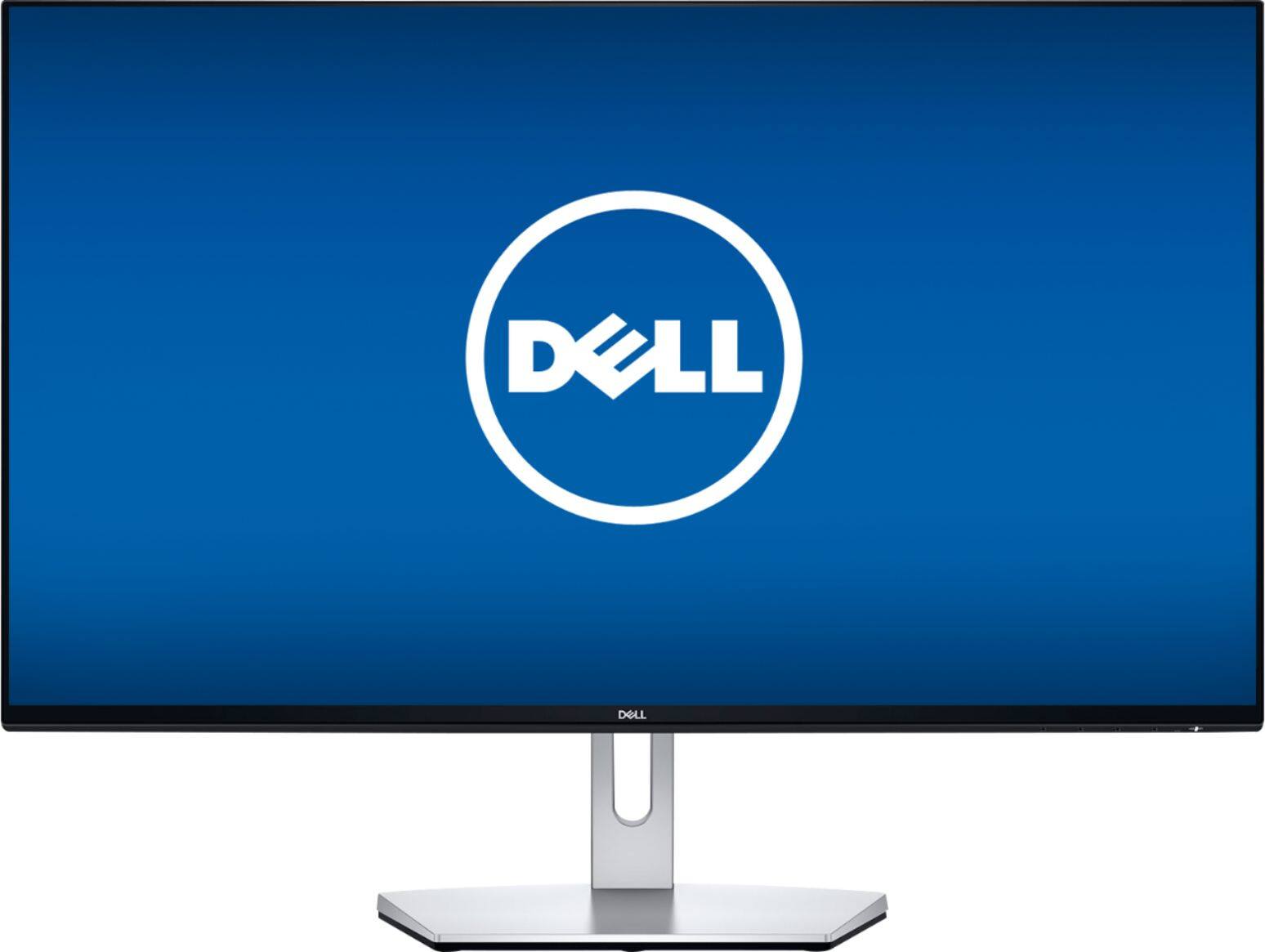
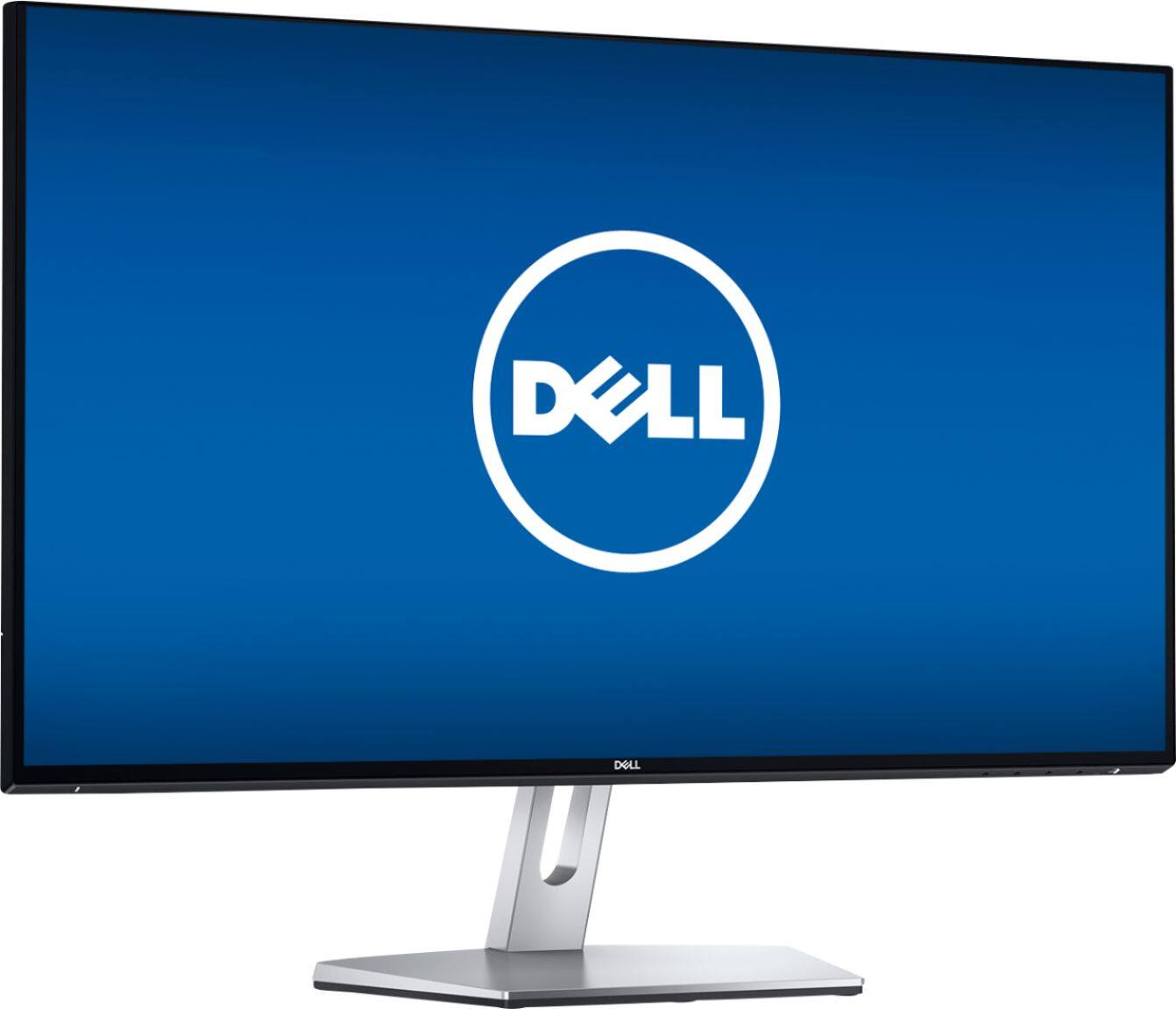
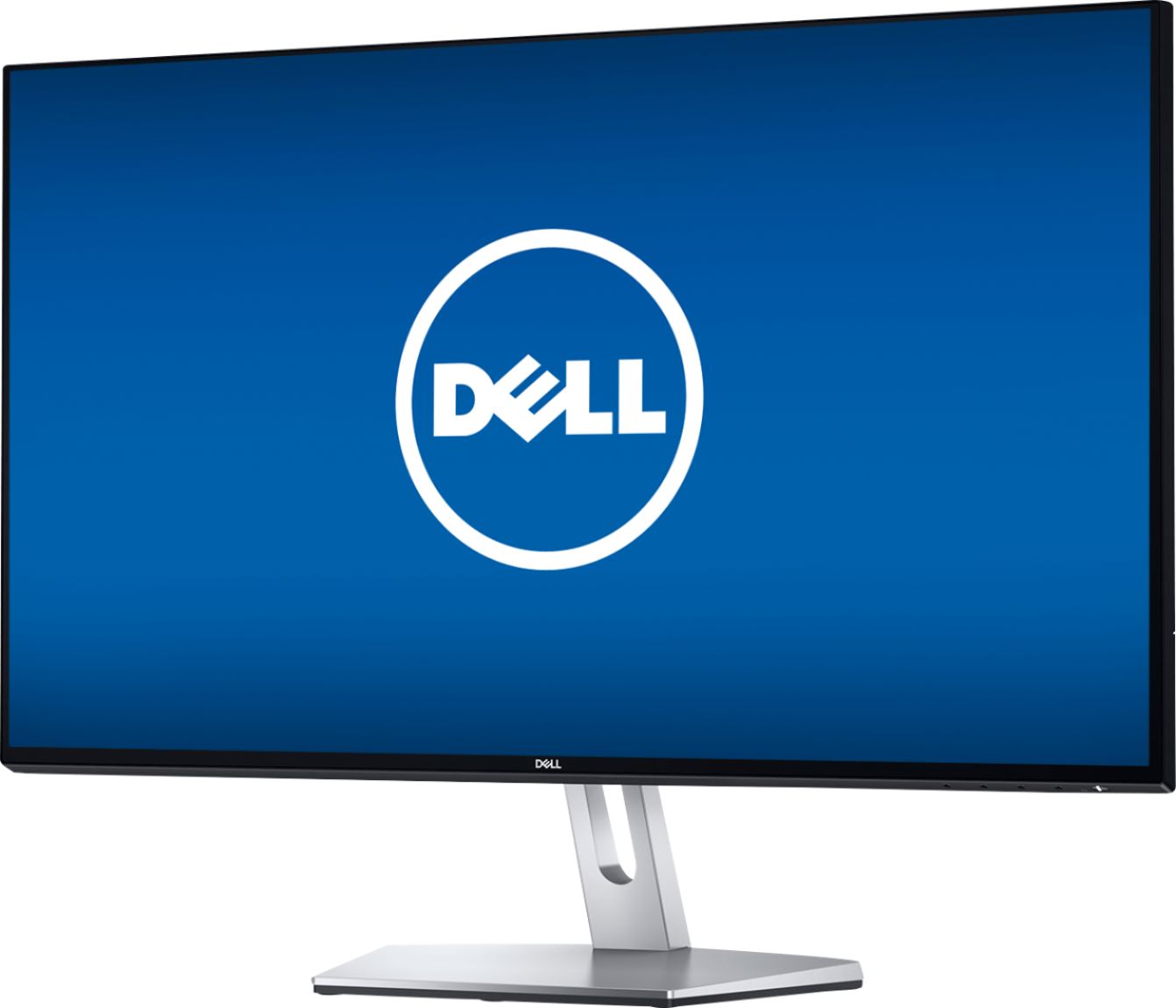
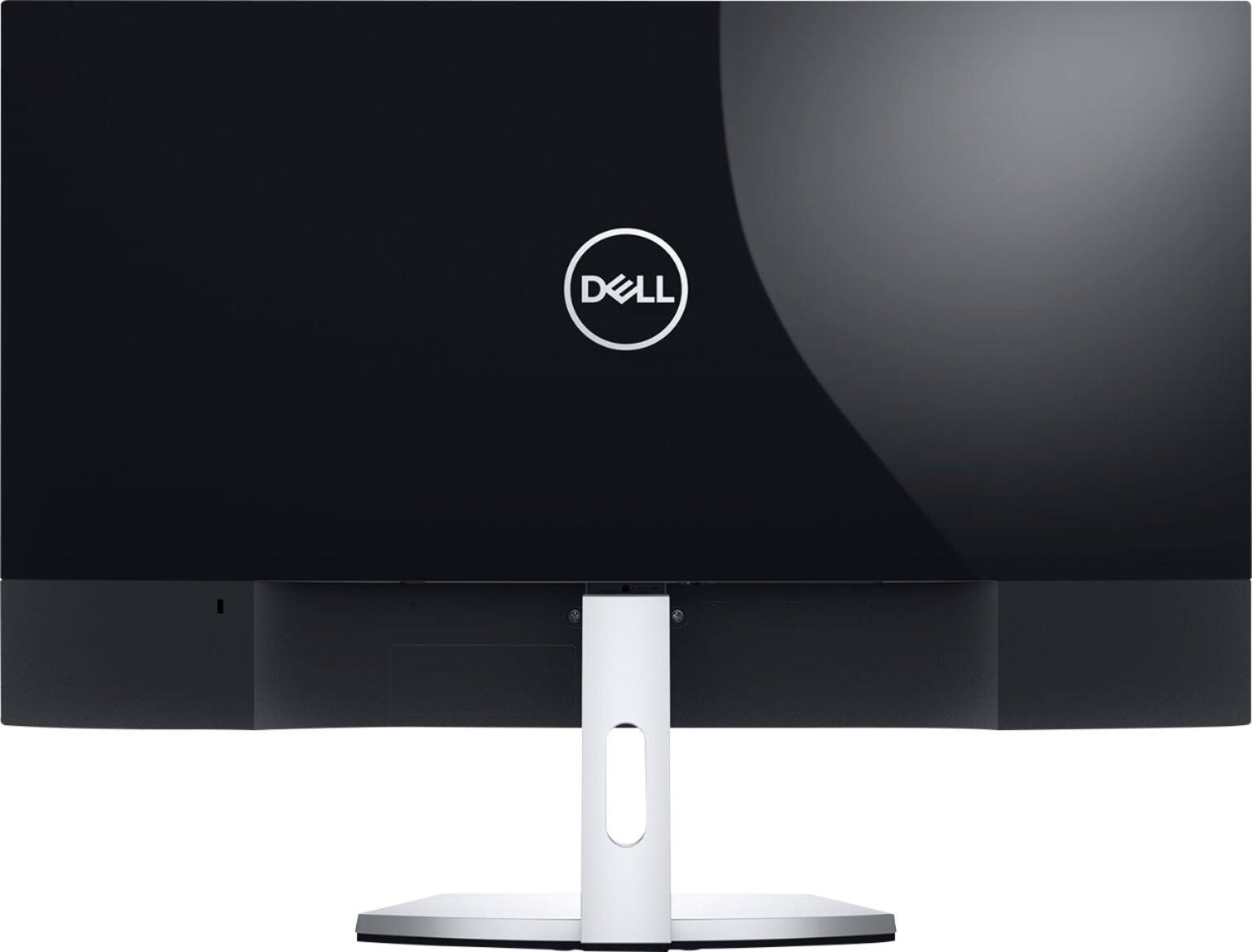

- Model:
- S2719NX
- SKU:
- 6237637
Rating by feature
- Ease of Use
Rating 4.6 out of 5 stars
- Value
Rating 4.4 out of 5 stars
- Quality
Rating 4.5 out of 5 stars
Customers are saying
Customers appreciate the large screen size and ease of use of the S2719NX monitor. Many also highlight the good resolution and affordable price as positive aspects. However, some users point out limitations in the refresh rate, especially when using HDMI, and the lack of built-in speakers. The stand's design and limited HDMI ports were also mentioned as areas for potential improvement.
This summary was generated by AI based on customer reviews.
Nice monitor for the price
||Posted .This reviewer received promo considerations or sweepstakes entry for writing a review.If you just need a secondary monitor and not looking for a gaming monitor, this would be a good one worth considering. Colors are good so is the brightness. The only thing I didn't like about it is the lack of VESA mounting options which the other Dell monitors we have in the house have. But I'm using this for my desk in my classroom so not a deal breaker. Has 2 HDMI inputs and an audio output. That's it. This is a no-frills 27-inch monitor.
I would recommend this to a friend- Pros mentioned:Screen size
Great Screen!
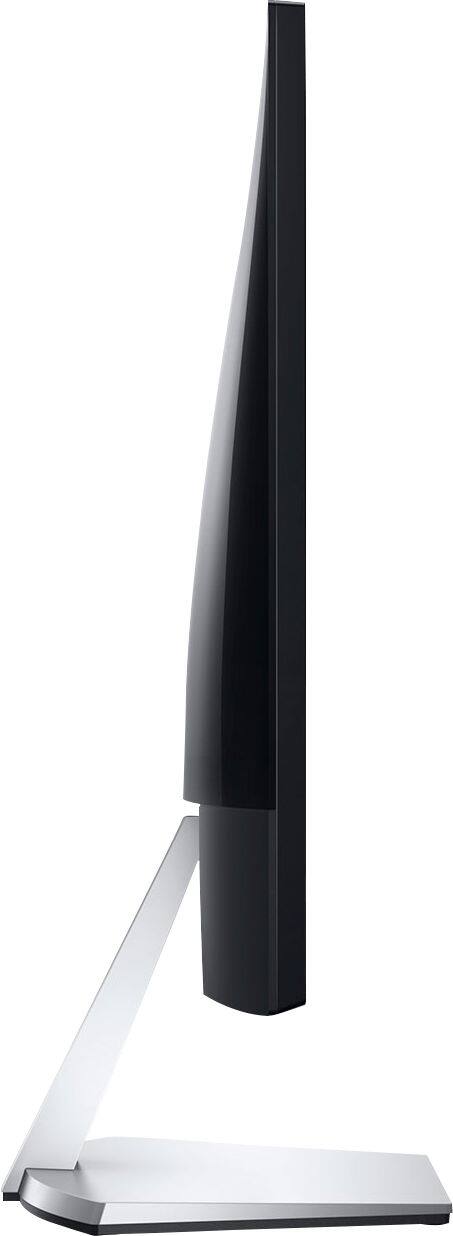
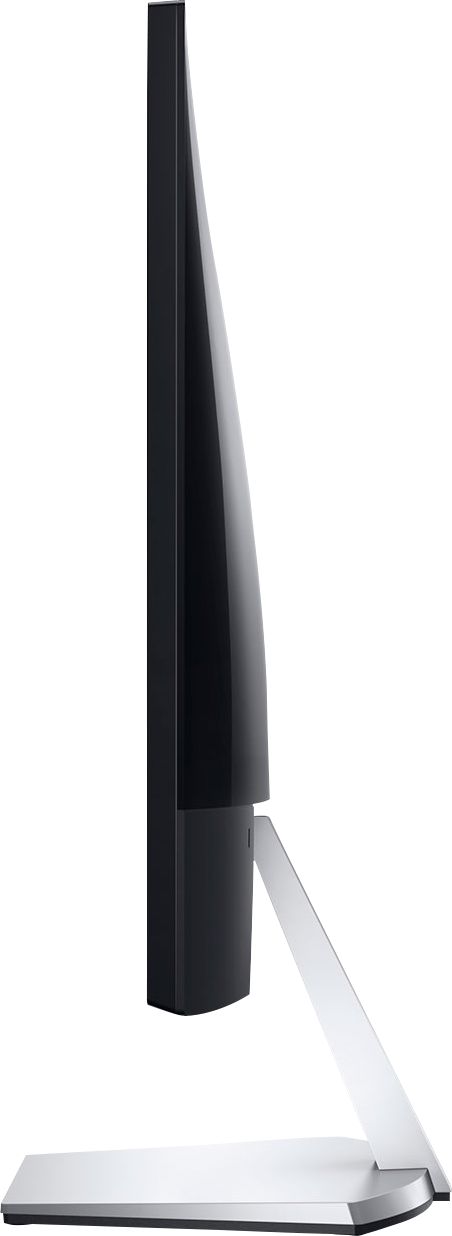
||Posted .This reviewer received promo considerations or sweepstakes entry for writing a review.Bought 2 of these monitors for a dual monitor setup. Screens are pretty great for the price. My only complaint is the limited movement. They can only move forward and backwards just a bit. There's no movement up or down. I had to reconfigure my desk to be able to accommodate these as they are rather tall.
I would recommend this to a friend - Pros mentioned:Screen size
Good enough
||Posted . Owned for 7 months when reviewed.This reviewer received promo considerations or sweepstakes entry for writing a review.Bought this only on sale for $119. the screen has a matte finish and it's not edge to edge like the S2715H but can be calibrated to match the S2715H. It also doesn't for the VESA adapters for the S2715H even if Amazon says it does. Picture quality is good. Again take time to calibrate the display for best performance.
I would recommend this to a friend - Cons mentioned:Hdmi, Stand

Great value per $; great PnP & 1080p performance
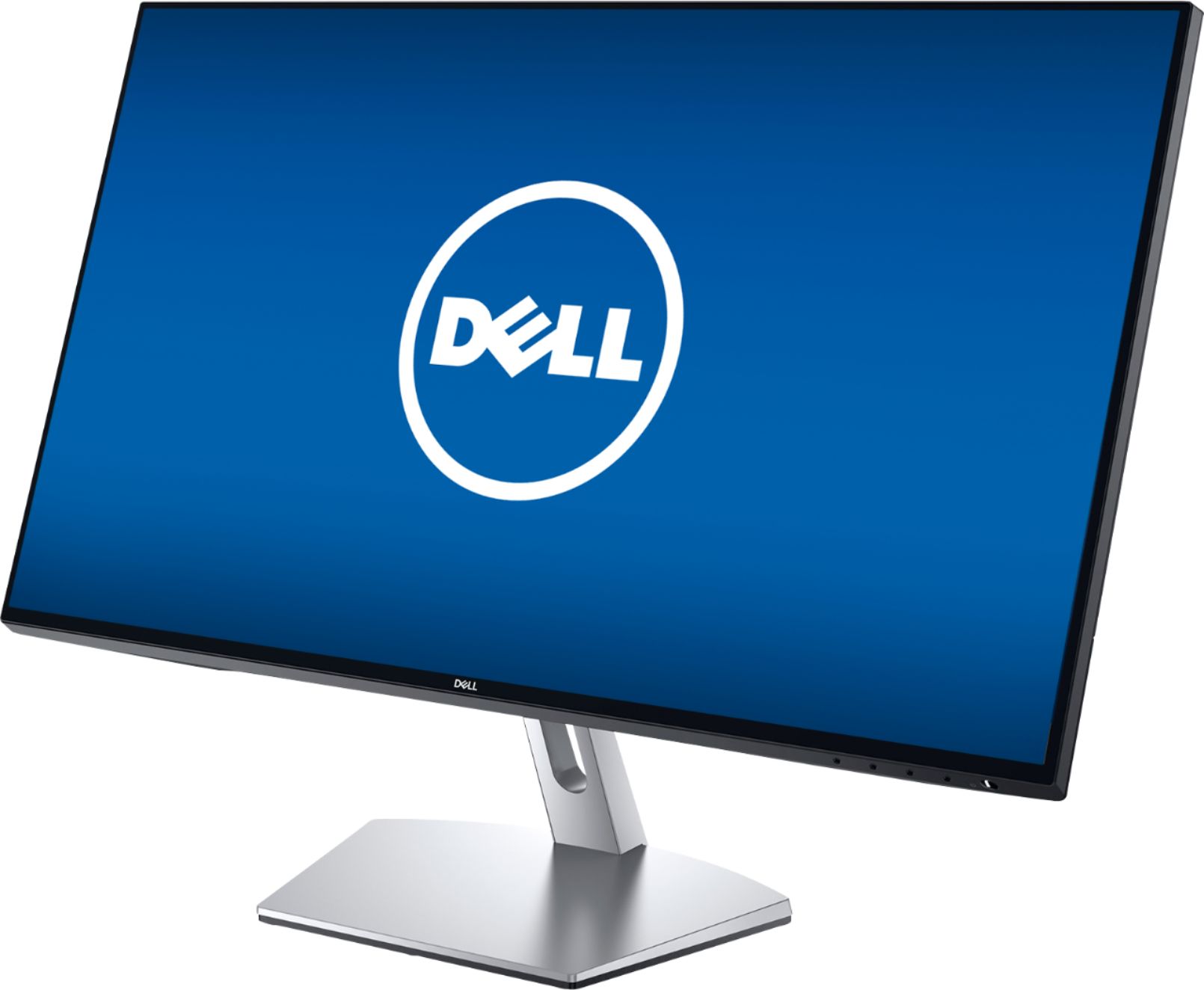
|Posted .This reviewer received promo considerations or sweepstakes entry for writing a review.PROs: - Completely tool-less assembly; the one captive screw on the bottom of the stand has a thumb screw wing to lock the vertical support into the base plate--snap the whole stand into the bottom of the display and you're done - More outstanding QC from Dell--no dead/stuck pixels whatsoever - Interesting screen coating--not super-shiny like a cell phone, but not a hazy matte finish either--actually works well to help colors pop without acting like a mirror to every light-source in the room - Simple, understated physical appearance--uniform black-band forms a thin bezel around the entire screen w/a single LED power status light in the lower right--that's it; un-flashy and uncluttered, it gets the job done without drawing any attention to iteself - Typical of IPS displays, the horizontal viewing angle is actually quite good - No noticeable (or at least intrusive) backlight bleed-through--though this doesn't have inky blacks of an OLED monitor, there were no obvious "hot spots" in the corners or along the edges - Incredibly accurate colors once set properly; I was able to get within 2 degrees of 6500K after some minor tweaking of the RGB sliders - Dual HDMI inputs (with included HDMI cable--thank you), selectable RGB and YPbPr color-space options, and aspect ratio choices (16:9, 4:3 & 5:4) make this a perfect choice for a dual-purpose setup as both a PC and DVD/Blu-Ray player monitor - Menu options for screen response time (from Normal to Super Fast) might actually be useful for gamers picking up this monitor as a budget option CONs: - If you like your environment to be free of extraneous detail, this is the monitor for you--like most screens with hidden/unlabeled menu buttons, you can’t really tell which button you’ve pressed until you see the results first on the OSD display - Though there was no egregious back-light bleed, the trade-off was more of a grey than black background when blanked--letter-boxed videos will be bordered by something a bit brighter than a totally black screen - No arm/wall mounting options whatsoever (which is too bad as these would make for GREAT multi-monitor displays) and the included stand only tilts a few degrees forward and several back--no rotation or elevation options at all so I hope you like the height the stand gives you because that's all the choice you get - The attachment point of the stand to the back of the monitor is a small one--it makes for easy assembly but not a very firm feeling like Dell's usual "snap-this-big flat plate into the rear of the monitor" attachment scheme; prepare for some "wiggle" when you start using the menu buttons - The online manual refers to features this monitor regrettably doesn't have like Dynamic Contrast, Hue and color Saturation menus...the manual doesn't make it clear which of the OTHER models mentioned these might actually apply to (though you probably won't miss them much anyway) - The base is kind of...strange--it's a large, flat, almost pentagon-shaped slab that actually takes up a lot of desk-top space; it's serviceable but not really all that stylish (though in fairness, maybe you can use it a as a platform for a tape dispenser, stapler, or some Funko Pop figures!) Technically I'd consider this more like a 4.5 star monitor (in its class)--it is a simple to use, simple-to-configure, great-performing plug-and-play monitor, especially if your needs don't extend beyond 1080p. You get everything you need in the box to get things off to the races; on sale, you'd be hard pressed to get a better value for all that screen real estate. Some of the video-oriented menu choices like aspect ratio and color-space options even make this monitor a decent choice for a small entertainment-center (think dorm or dual-purpose office/guest room). With that in mind, however, it's regrettable that the user must futz with the RGB sliders to get colors accurately dialed-in (note that the 'Warm' and 'Game' color profile settings actually have reasonably even/uniform target RGB color levels if you're looking for a built-in profile to use). Nevertheless, the monitor is definitely capable of rendering VERY accurate colors when all is said and done, and the additional viewing modes will likely satisfy most people coming at this with a plug-and-play/set-it-and-forget-it mentality. That, plus the pleasantly (somewhat) anti-reflective screen coating, really do make this monitor a solid choice for budget-conscious computing in a home/office setting with little specialized needs for things like high refresh rates, game-oriented smoothing technologies (FreeSync/G-Sync), or multi-screen setups. Speaking of out-of-the-box, here's a rundown of the non-adjustable color modes I measured out of the box after 1-2 hours of warm-up time (for any who might really care about such things): - Standard: a bit under-saturated on red and over saturated on blue (7525K) - ComfortView: deeply cut blues with a massive bump in green (5572K) - Movie: deeply dialed back in the reds, a slight cut in green, and a huge bump up in blues (10708K) - Game: just a tad bit of de-emphasis in reds and a hint of green push (7270K) - Warm: red and greens together were just a hair high with blues just a hair low (5880K) - Cool: big drop in reds, a small cut in greens, and massive blue push (10716K)
I would recommend this to a friend - Cons mentioned:Refresh rate, Speakers, Stand
Basic Monitor, Limited Connections
|Posted .This reviewer received promo considerations or sweepstakes entry for writing a review.Depending on what you plan to use this monitor for you will either be very happy or very disappointed. If you plan to have a monitor for business, basic activity or size of screen it fulfills the need perfectly. However if you are looking for a monitor for gaming, video editing, photo editing, movie viewing and sharpness then avoid this monitor completely. Pros: Lightweight / Easy Setup Thin Size Monitor Menu Navigation Power Cable Length HDMI Cable Included Cons: Price Only 2 HDMI Connections No DVI Connection No Speaker Monitor 60Hz Refresh Rate Color Depth / Sharpness Stand Only Tilt Adjustable ::Setup:: Setup and install was very easy, the stand has a connection that guarantee's only one way to connect together and insert into the back of the monitor. The stand itself only allows for tilting and does not have the ability to increase in height. The Monitor is lightweight and skinny allowing for easy movement around the table surface. ::Monitor Connections:: Will start of stating that if this is for a business or work environment this monitor is perfect, as you want limited connections for devices being on the production floor. (Security Reasons) Otherwise if you are planning to use this for personal use you will find a huge challenge with only having 2 HDMI connections / No DVI / No Audio / No USB Connectors in the back. DVI cables are vital for refresh rate and throughput as they are able to handle larger bandwidth versus HDMI cables. ::Monitor Menu Navigation:: The Menu is easily accessible and easy to navigate to make whatever changes are needed. Basic Menu, No learning curve and easy to save changes. ::Monitor Picture:: If the monitor is only being used for MS Office work, PDF, Web and traditional office work then this monitor works perfectly. However this is where it struggles most if performing any multimedia activities as the color depth, refresh rate and ms response time are under-performing. For those who find themselves experiencing headaches after time viewing a monitor need at minimum 60Hz. Using 3rd party software discovered at times monitor will drop a few below 60Hz due to limitations of HDMI bandwidth cable when playing a game or watching 4K movie. This may not be good for those who need a constant high refresh rate to prevent headaches. Also noticed small instances of screen tearing when playing high graphic games or running video editing software. The advertisement said it is capable to run at 76Hz BUT there is a catch, you must run it at a lower resolution which defeats the purpose. Color depth is average, you will start noticing a fade / lack of color depth when editing pictures or watching dark setting movies. Overall the price, limited capabilities and the misleading advertisement of 76Hz is what caused me to mark it to 3 stars. For the same price ($300 as of this article) you can buy a competitors monitor with a 144Hz refresh rate, deeper color depth, 27 inch that is on this bestbuy.com website.
No, I would not recommend this to a friendBrand response from YourDellTeam
Posted .Hello TechTux,
Thank you so much for your thorough review of your new Dell monitor. If you have technical questions related to your monitor in the future we'd recommend that you check out our Product Support Page here: https://dell.to/2NcFuwV.
Best,
Bryan
1-800-624-9896
- Pros mentioned:Screen sizeCons mentioned:Refresh rate
Decent Monitor with Flaws
|Posted .This reviewer received promo considerations or sweepstakes entry for writing a review.I was looking for a monitor to connect both a MacBook and PC to, and this Dell monitor looked like a good choice. It looks great and set-up was simple. The quality of the picture is very nice and thin bezels give it a modern look. This is only 1080p, but it still looks great. The screen is glossy (which I prefer over matte) so find an area that won't produce too much glare. Now, this monitor states 75 Hz. Connecting my gaming laptop (with an RX 580) to it first using a regular HDMI cable did not result in 75 Hz in the Windows Display settings. Another reviewer stated that to get the higher refresh rate, you need to use a Mini Display Port to HDMI cable, which I did. This still did not result in the higher refresh rate using 1080p resolution. Downgrading the resolution to a blocky 1600x900 finally gave the option for 75 Hz. I don't think it should be advertised on the main product page as a 75 Hz monitor as it is a bit deceiving if you need to degrade resolution for it. Furthermore, the build quality of this monitor is not the best. It seems to be made mostly of cheap plastic. Out of the box, the back side of my monitor seemed to be separating from the rest of it. Time will tell how well this screen holds up. If you are in the market for a 1080p monitor with great picture quality, glossy display, and small bezels, then this is a great choice. But, for gamers who are looking for a 1080p 75 Hz monitor, look somewhere else as this display is not that.
I would recommend this to a friendBrand response from YourDellTeam
Posted .Hello KMont1234,
We're sorry to hear that your new Dell monitor is not meeting all of your needs. If you do have additional questions about your monitor you can check our Product Support Page here: https://dell.to/2NcFuwV.
Best,
Bryan
1-800-624-9896
- Pros mentioned:Screen sizeCons mentioned:Speakers
Good quality, average features
|Posted .This reviewer received promo considerations or sweepstakes entry for writing a review.Out of the box there is very little you need to worry about. Aside from cables, there are just 3 parts to assemble: Screen, monitor base, monitor post. The post assembles to the base without tools (thumb screw) and the screen slips onto a latch. The power is in two parts. The cord to the wall is NEMA 5-15-P male (3-prong USA) with an IEC 320 C13/C14 female ("computer" plug). The power supply is external (i.e. a "power brick") with a DC male connector. Once powered on and connected to an HDMI source, the onscreen menu asked only one question: Preferred language. It seamlessly connected to my only source: HDMI from a laptop. Initial impressions: Monitor is thin, screen is bright, big and has very little waste as the bezel is nearly nonexistent. Image fills all but approximately 1/4" of the screen. Black is dark enough on the default setting. Cycling through the preset color/brightness values, COMFORT seems a bit too yellow, MOVIE is the whitest--almost with a blueish tint, GAME appears the brightest, WARM is a nice "half-bright" with a slightly red hue, and COOL is essentially "half-bright" with a slightly blue hue...in my opinion. Also worth note is that the monitor menu commands will appear regardless of the menu button pushed. Menu options are exactly what you would expect from a monitor (presets, reset, brightness up/down, sharpness up/down, color settings, input options, etc.). Power button was hard to find at first (bottom right). My previous monitor was matte and had no reflection. At times it would feel dull compared to a cell phone screen but at the same time, my matte monitor had zero glare. This monitor has a screen that somewhere between my old matte monitor and my cell phone. Not too reflective but coming from matte monitor I am struggling to see past the slight reflections in my office. Viewing angles are good (about 160° in my opinion). As for drawbacks: No VESA mount (I guess Dell only wants you to use one monitor at a time and only on a stand). Additionally, you cannot rotate the monitor on its stand--landscape mode only. The base is a bit big. You have about 3.5" of clearance and about 6" of depth on the base. Other things worth pointing out about this particular model are: -- Audio input via HDMI but no built-in speakers. (There is an 1/8th inch audio out to connect to speakers if you wish but according to the owner's manual, headphones are not supported through that jack. I can neither confirm nor deny whether the audio out works for headphones, but it did push audio to external desktop PC speakers.) -- No VESA mount (as noted previously). -- No VGA, DVI inputs. Only HDMI inputs. -- 1080 support. Not 4K. -- One HDMI cable included. Approx. 5' in length. Male-Male. Final thoughts: If you are looking for a basic, decent quality 27" monitor with HDMI inputs and no sound, the Dell S2719NX is worth considering especially if you can get it on sale. If you need more input options, 4K/HDR, audio, or VESA mount capabilities, however, you should look elsewhere. Lack of VESA mount, possible lack of headphone support, and lack of speakers for the price are the main reasons for 3-stars.
I would recommend this to a friendBrand response from YourDellTeam
Posted .Hello BenisJ,
Thanks for your detailed review. We're glad that most of the product specifications are meeting your needs. If you have additional technical questions about your monitor you can check our Product Support Page here: https://dell.to/2NcFuwV.
Best,
Bryan
1-800-624-9896
- Pros mentioned:Screen sizeCons mentioned:Speakers
Average monitor in good size
|Posted .This reviewer received promo considerations or sweepstakes entry for writing a review.Very easy unboxing and stand assembling setup is not requiring any tools (thumb/twist screw). Monitor comes with power supply cord (brick on cord like on laptop’s cord) and one HDMI cord. 2 full size HDMI ports are useful in case you are sharing this monitor with two devices such as desktop and laptop. This monitor has several color modes which you can use depending on your viewing preferences or based on what or how is used for (Standard, ComfortView, Movie, Game, Warm, Cool and Custom Color mode). My monitor unfortunately has one “whitish” spot with some kind of color bleeding and sometimes when screen is dark I can also see color bleeding in all 4 corners as well. I would say average 1080p monitor which I cannot rate more than that - average. PROS: - Frameless design – Slim bezel design looks nice and modern - Size – 27” it’s very good size, not small and not too big either - LED ISP screen – Energy efficient screen which improves viewing from different angles CONS: - No VESA Mount – I would prefer VESA mounting on all my displays. I think most people would. - COLORS – Colors are not bad but I really cannot find any preferred settings that could be used for both video and text. I have to keep switching modes depending on what am I doing. Maybe it’s my eyes. - No Speakers – This is a big minus. This also limits screen purposes such as use with some game consoles. Audio jack is kind of useless - Limited Ports – I would always prefer HDMI as primary connector but DispayPort or DVI connector should be available for those who are using multiple displays and docking stations.
No, I would not recommend this to a friendBrand response from YourDellTeam
Posted .Hello Erik77,
Thanks for your review. We're happy to hear that for the most part your monitor is performing well for you. If you'd like help with the adaptive screen coloring on your monitor you can follow these steps:
Windows can adjust the brightness of the display based on how much light is reaching the system's ambient light sensor. This feature is referred to as 'adaptive brightness' and it can be disabled in Windows. Here are some steps to adjust this feature:
1. In the Search box, type Settings.
2. Touch or click Settings (Modern application).
3. Touch or click System.
4. On the Display screen find the Adjust my screen brightness automatically option.
5. Touch or click the slider to toggle the option on or off.
6. Touch or click Apply.
7. Close the System window.
You can read the full article here: http://dell.to/2vjtPzg.
We hope this helps give your monitor more consistent coloring.
Best,
Bryan
1-800-624-9896
Vivid Colors, Good resolution
|Posted .This reviewer received promo considerations or sweepstakes entry for writing a review.I do occasional photo editing. Mostly office applications and texts. This screen has indeed true colors response and can do the job properly. Light and colors are not aggressive for the eyes. What I like the most: it is powered by a 12V power supply. I'll be replacing it with a direct DC connector to a 12V battery (instead of using UPS Backup). For me, the screen has enough connections (2 HDMI) that's what most new devices are using. The screen position is good. Not too high and not very low. Sturdy base and enough flexibility. When driving the sound through HDMI, you still can use the audio jack connector to connect to headphone or external speakers. It has an advanced screen control system (like any other computer screen). Buttons are well placed/hidden in the lower side of the screen. It came with HDMI cable, which is really appreciated and good to have when needed (saved me time and effort to get one). It is indeed a good way to go!
I would recommend this to a friend- Pros mentioned:Screen sizeCons mentioned:Refresh rate
Quality for Low Price
||Posted .This reviewer received promo considerations or sweepstakes entry for writing a review.It doesn't have an crazy bells and whistles, no HDR support or super high resolution or refresh rate, but colors are crisp. The tiny bezel is fantastic, and with a semi-gloss screen, it is a great monitor for movie viewing (provided lighting is proper) and it also gives the impression of the screen space being bigger than it is. Works right out of the box aside from a few menu tweaks which are surprisingly comprehensive. It's a good monitor for the price and looks great. A fantastic choice to live with after having a huge ten year old plastic monstrosity, and bridging the gap to higher resolutions. One note: it advertises 75hz refresh rate, this is ONLY possibly over a Display Port cable, not an HDMI cable. Also no built in speakers but it does have a 3.5mm jack for external speakers
I would recommend this to a friend - Pros mentioned:Screen size
...not a bad monitor perse...
||Posted .This reviewer received promo considerations or sweepstakes entry for writing a review.This is not a bad monitor perse, but in this day and age, I wanted a monitor with better screen resolution, therefore, I opted for a Samsung 4k monitor that was only about $100 more. I have nothing against Dell, but I found the build quality on the Samsung to be much better, perhaps this has to do with the difference in price, or maybe my monitor was just defective or poorly built. The monitor has a white light on the bottom right corner of the screen that due to panel gaps was constantly visible (I think it is originally meant to shine downwards to light up the main button at night or in poor light conditions) and distracted from the screen, especially at night, it was basically in my eye line. Comparing this to the Samsung that I now have, the light on the Samsung is blue and can be turned off, (blue is better than white, easier on the eyes) I did not really investigate as to whether it could be turned off in the Dell since I promptly returned it. Regardless, turning it off wouldn't have helped the panel gap, small as it may have been, it showed poor workmanship. There was also a small scratch in the side of the panel, the scratch was very small but still, c'mon. The bezels were very thin which is a plus, the ones on my Samsung are about 3 times as big, but when it comes to monitors I don't care since they are fixed on a desk. Laptops are a different story. The screen is good, it's acceptable, it's HD. If you can get it for less than $150, it's good, I guess. For comparison's sake, I got my Samsung 4k for $279 on sale, it's also a 28-inch monitor, TN panel but I absolutely love it. I'm giving it 4 stars because I'm a benevolent reviewer and like I said, for less than $150, if you're on a budget, it's good. Regardless I can't stress how much better 4k is, not seeing the pixels is lovely, it makes reading easier. Sure, things are smaller and you'll be resizing web pages every now and then, but it's not really that much of hassle (Ctrl +/-).
I would recommend this to a friend - Pros mentioned:Ease of use, Screen size
Wonderful for Old Eyes
||Posted . Owned for 3 weeks when reviewed.This reviewer received promo considerations or sweepstakes entry for writing a review.I love my monitor! It is exactly what I was looking for. It is the right size for my desk and it is large enough that I can adjust it for old eyes. The colors are great. Easy set up and connection to my computer.
I would recommend this to a friend - Pros mentioned:Ease of use, Screen size
New Dell owner
||Posted .This reviewer received promo considerations or sweepstakes entry for writing a review.Always been an HP owner but couldn’t pass up on the deal Best Buy had on this product. Monitor was easy to set up with my new computer. Nice, sleek look on my desk and large enough to read from a good distance while doing other things at my desk . Hope to enjoy it for years to come!
I would recommend this to a friend - Pros mentioned:Ease of use, Screen size
Great monitor
||Posted . Owned for 1 year when reviewed.This reviewer received promo considerations or sweepstakes entry for writing a review.This was a company purchase and the size was just right for viewing drafts and plans. The picture is high quality and it was easy to set up with our desk top system.
I would recommend this to a friend - Pros mentioned:Price, Screen size
Awesome Monitor, great deal!
||Posted .This reviewer received promo considerations or sweepstakes entry for writing a review.Originally was going to buy the smaller monitor, but then saw that this one was bigger AND $12 cheaper! Score! My Son uses it for gaming & loves it! No issues whatsoever.
I would recommend this to a friend Big Improvement
||Posted . Owned for 1 month when reviewed.This reviewer received promo considerations or sweepstakes entry for writing a review.I've had this monitor for about one month now. This 27" monitor is a big improvement over my 24" I had been using. Color is really nice. No complaints so far.
I would recommend this to a friend- Pros mentioned:Resolution, Screen size
Great monitor
||Posted . Owned for 1 year when reviewed.This reviewer received promo considerations or sweepstakes entry for writing a review.This monitor is one of the best I've ever used. It is big and has an amazing resolution. Great quality and would definitely recommend.
I would recommend this to a friend - Pros mentioned:Ease of use, Resolution
Great Picture.
||Posted . Owned for 1 month when reviewed.This reviewer received promo considerations or sweepstakes entry for writing a review.Purchased this for work. As an Accountant I spend a lot of time looking at my computer screen. Resolution is great and set up was easy.
I would recommend this to a friend Nice Monitor
||Posted .This reviewer received promo considerations or sweepstakes entry for writing a review.Bought this on sale, and it's a nice 27" monitor. Looks nice on the desk and I like that the monitor is raised and not very low. Easy to connect to my laptop
I would recommend this to a friend- Pros mentioned:Screen size
Outstanding price and clarity
||Posted . Owned for 3 weeks when reviewed.This reviewer received promo considerations or sweepstakes entry for writing a review.It's hard to overstate the positive aspects of a high-quality monitor. This particular monitor is so clear you almost feel like you could reach into it additionally I've noticed that most newer models this one included appear to draw very little power and don't get warm a key issue in a tight office. Also del has finally dealt with the ridiculously over complex monitor stand. This was the easiest to set up two clicks and we were ready to go. All in all probably the best monitor I've purchased ever.
I would recommend this to a friend