Customer Ratings & Reviews

- Model:
- S2719NX
- SKU:
- 6237637
Rating by feature
- Ease of Use
Rating 4.6 out of 5 stars
- Value
Rating 4.4 out of 5 stars
- Quality
Rating 4.5 out of 5 stars
Customers are saying
Customers appreciate the large screen size and ease of use of the S2719NX monitor. Many also highlight the good resolution and affordable price as positive aspects. However, some users point out limitations in the refresh rate, especially when using HDMI, and the lack of built-in speakers. The stand's design and limited HDMI ports were also mentioned as areas for potential improvement.
This summary was generated by AI based on customer reviews.
Great for college dorm room.
||Posted .This reviewer received promo considerations or sweepstakes entry for writing a review.It's a perfect size and display for a college dorm
I would recommend this to a friendNICE MONITOR FOR GENERAL USE
||Posted .This reviewer received promo considerations or sweepstakes entry for writing a review.USING WITH LAPTOP FOR WORKING FROM HOME, AND WORKS WELL.
I would recommend this to a friendnot the one we wanted
||Posted . Owned for 1 week when reviewed.This reviewer received promo considerations or sweepstakes entry for writing a review.Despite help from a sales person and a description of the intended purchase, this despite emphasizing the model to the salesperson. We returned this one so we had it only briefly. Picture not as crisp as we wanted it.
No, I would not recommend this to a friend- Pros mentioned:Ease of use, Screen sizeCons mentioned:Hdmi

Good Monitor Overall
|Posted .This reviewer received promo considerations or sweepstakes entry for writing a review.I was a little skeptical about this monitor at first, but for my purpose of use of this monitor - using it as a second monitor for web browsing, office tasks, watching some videos - this monitor gets the job done. It would easily accomplish tasking these things as a primary monitor as well. Although image and quality-wise for a 27 inch monitor ideally should be at 1440p/2k resolution, I am satisfied with this monitor. The menu is also easy to use and customize settings to your liking. There are also "pre-set" color settings that you can kind of use, such as "movie" and "game" and a couple more. One thing that I was somewhat not satisfied with was that this monitor is not Vesa compatible, but you know that by looking at model description. I hope that all monitors have this functionality in the future because quite a few consumers have dual monitor set-ups at home or at work.
I would recommend this to a friend - Cons mentioned:Eye strain, Refresh rate, Speakers
Sleek styling Rich Vibrant picture
|Posted .This reviewer received promo considerations or sweepstakes entry for writing a review.I have a Dell laptop and wanted to add this larger screen for photo editing. I love Dells customer care and have had absolutely no problems with their products before. This was an easy connect. The color is rich and vibrant. Pros: I am in front of a computer at work, home, and school.. this has a flicker free display which is easier on your eyes. Less eye strain which is noticeable my other monitor I have I use a glare protector but haven't needed one with this monitor. Easy HDMI connection and setup out of the box only takes a few minutes Cons: I hate to beat a dead horse but as many others have stated : its stated of having a 75hz refresh rate but this can only be achieved using a Display Port cable. I would've have liked some internal speakers as well Overall it's a nice lil monitor with a great picture. Did I mention IT NEEDS SPEAKERS haha
I would recommend this to a friend Not impressed
||Posted .This reviewer received promo considerations or sweepstakes entry for writing a review.I ended up returning this monitor. Was not happy with the look and functionality. Will end up buying the HP Envy compared monitor.
No, I would not recommend this to a friendPixels way too obvious...
||Posted . Owned for 1 week when reviewed.This reviewer received promo considerations or sweepstakes entry for writing a review.I've owned a lot of monitors over the years, and this one looked great when I set it up. However, after using it for a while, I noticed that the pixels were way too pronounced, and ended up giving images (especially text) an odd look. Thought I would get used to it after a few days, but just could not. Ended up returning it.
No, I would not recommend this to a friendnot bad for the money
||Posted . Owned for 1 month when reviewed.This reviewer received promo considerations or sweepstakes entry for writing a review.great for the kids or students or just checking the internet
I would recommend this to a friendBrand response from YourDellTeam
Posted .yugoslavia,
We're happy to hear that you're satisfied with your new monitor. If you have any questions about it you can check our Product Support Page here: https://dell.to/2NcFuwV.
Best,
Bryan
1-800-624-9896
- Pros mentioned:Ease of use, Screen size
Plug & Play Ease
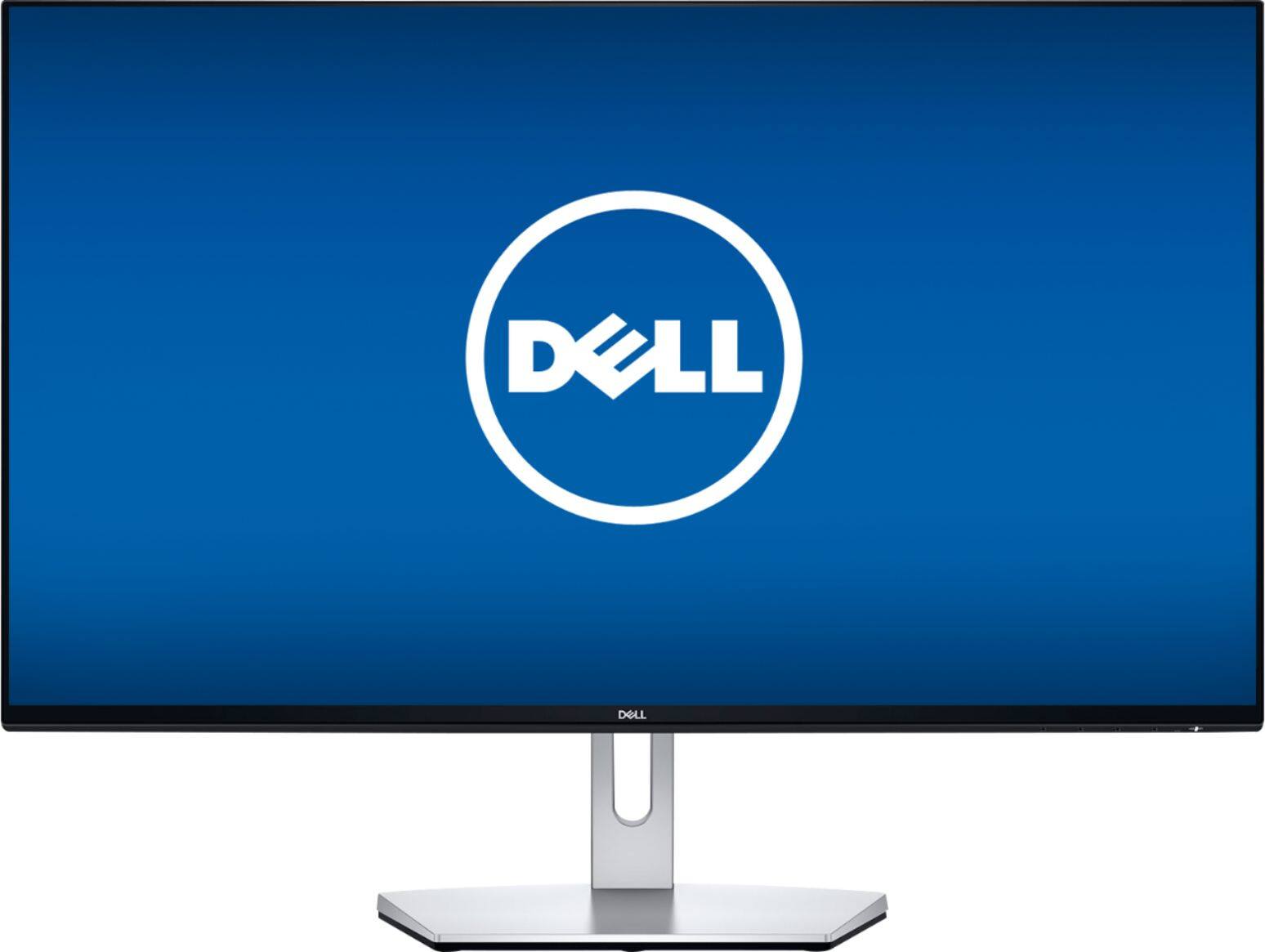
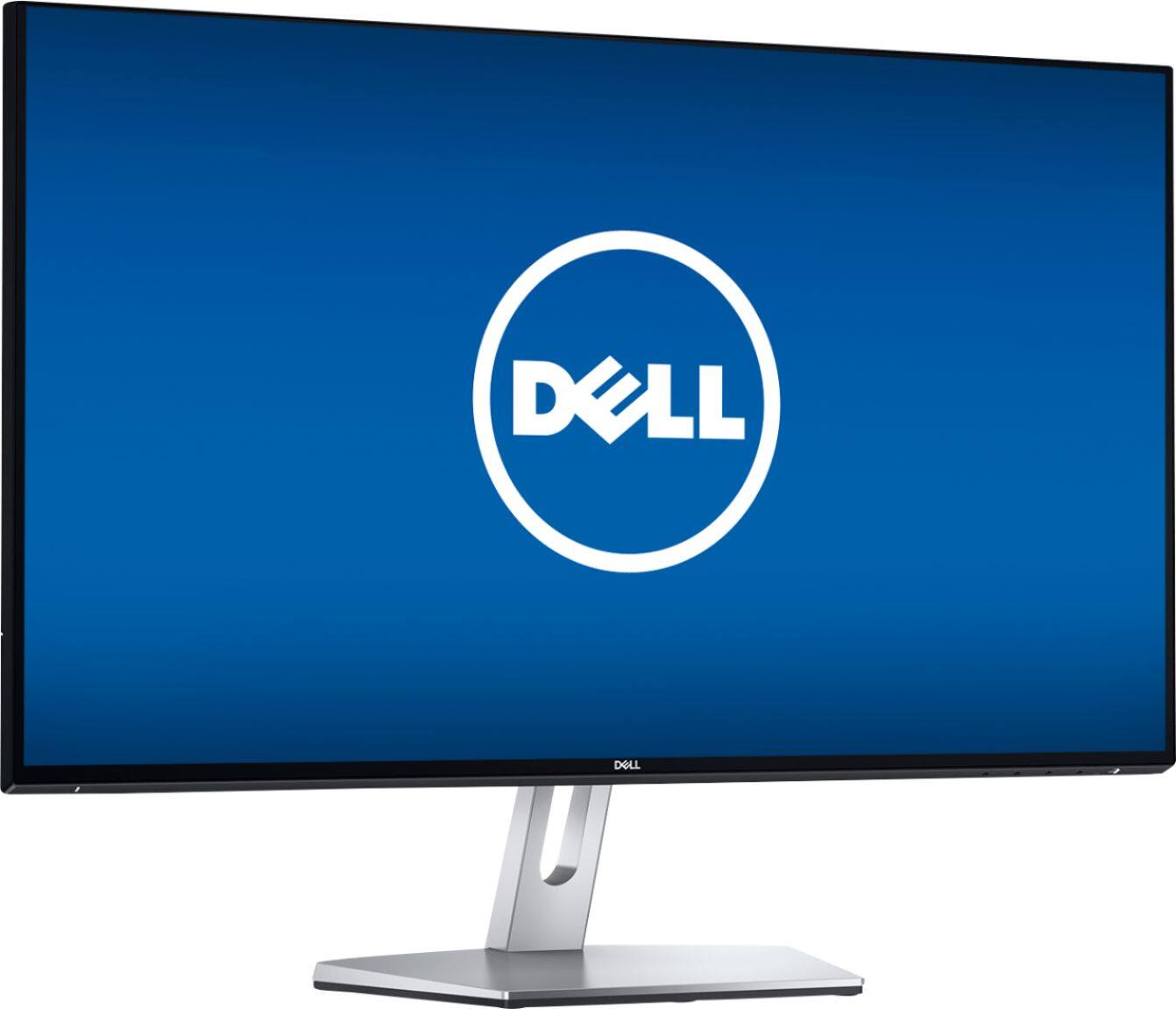
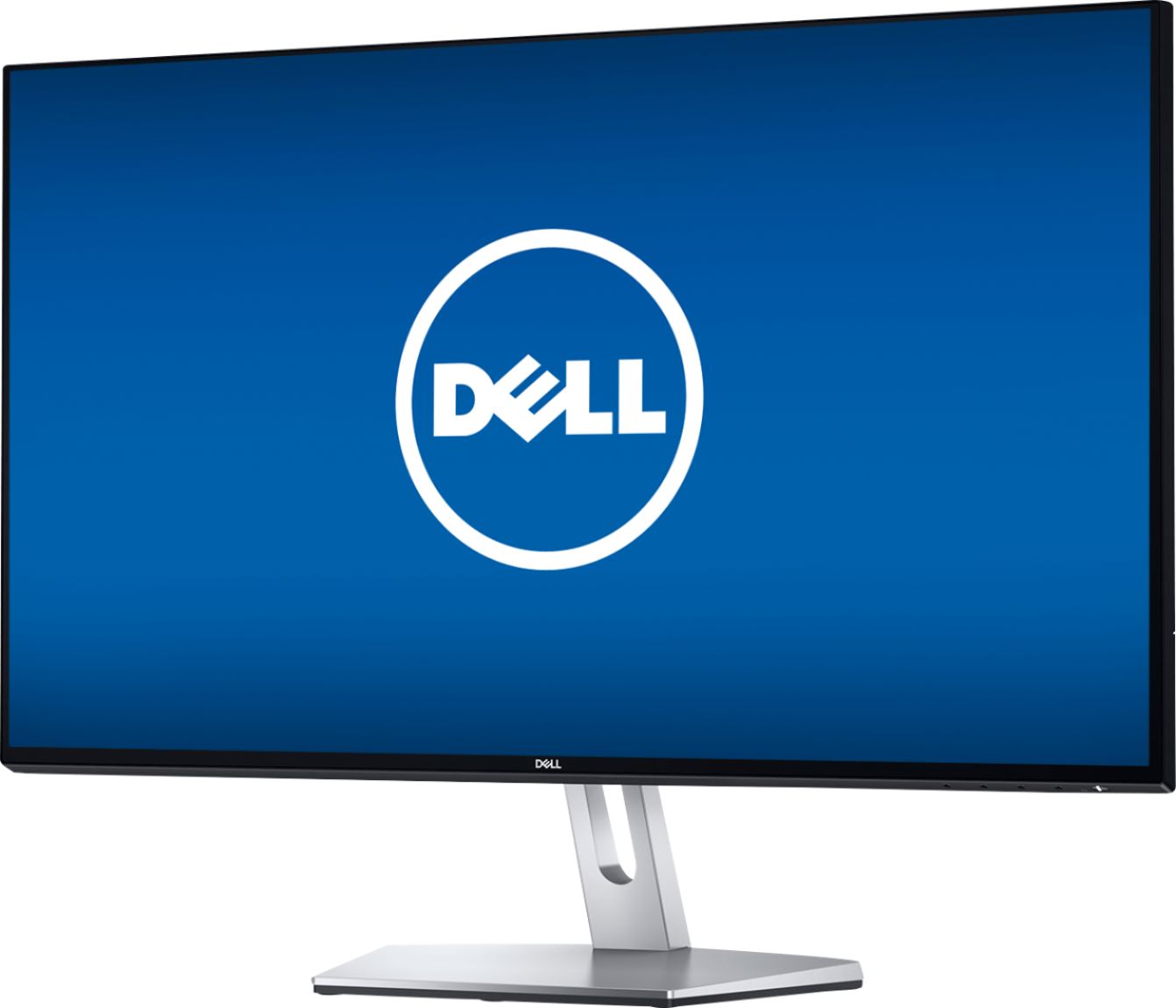
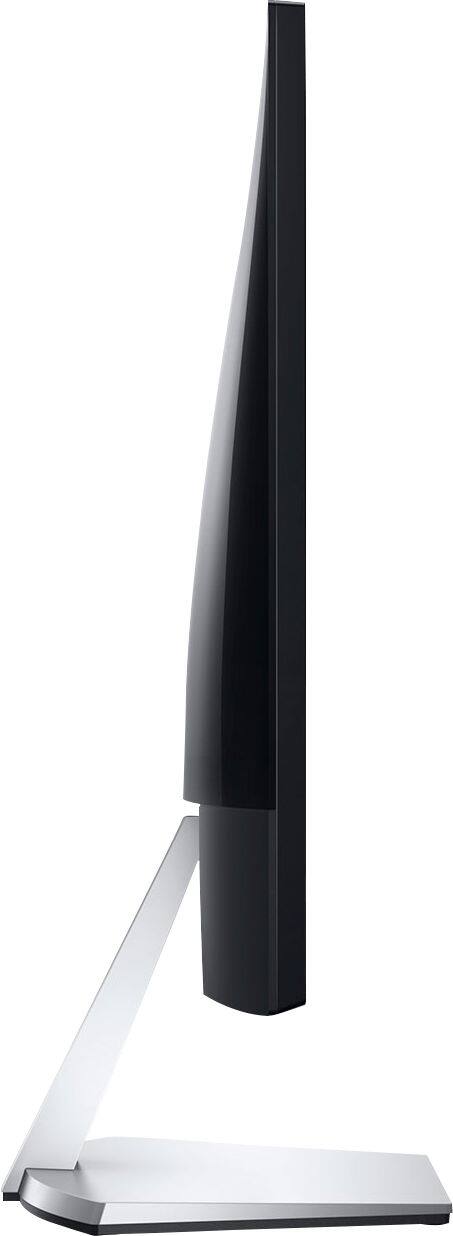
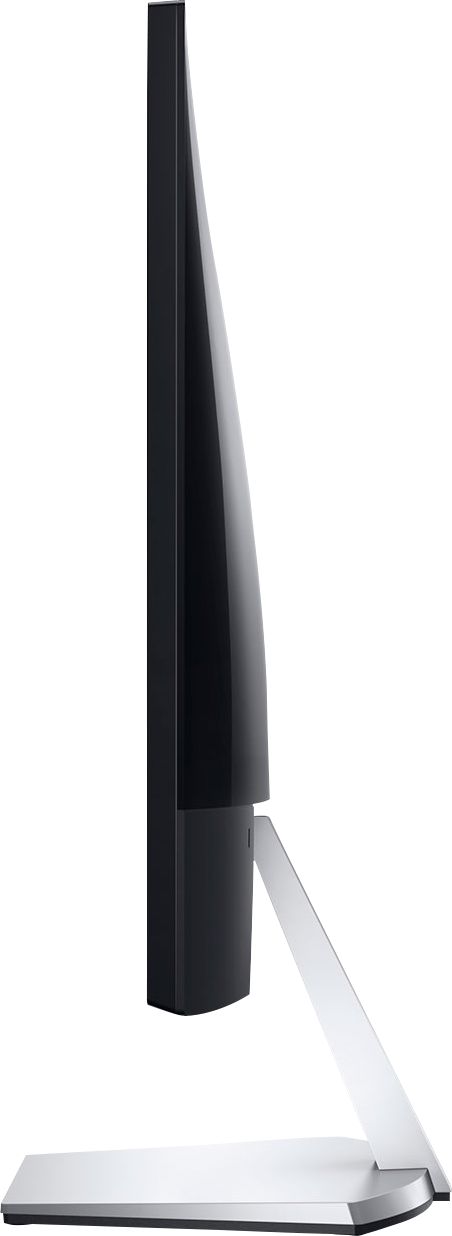
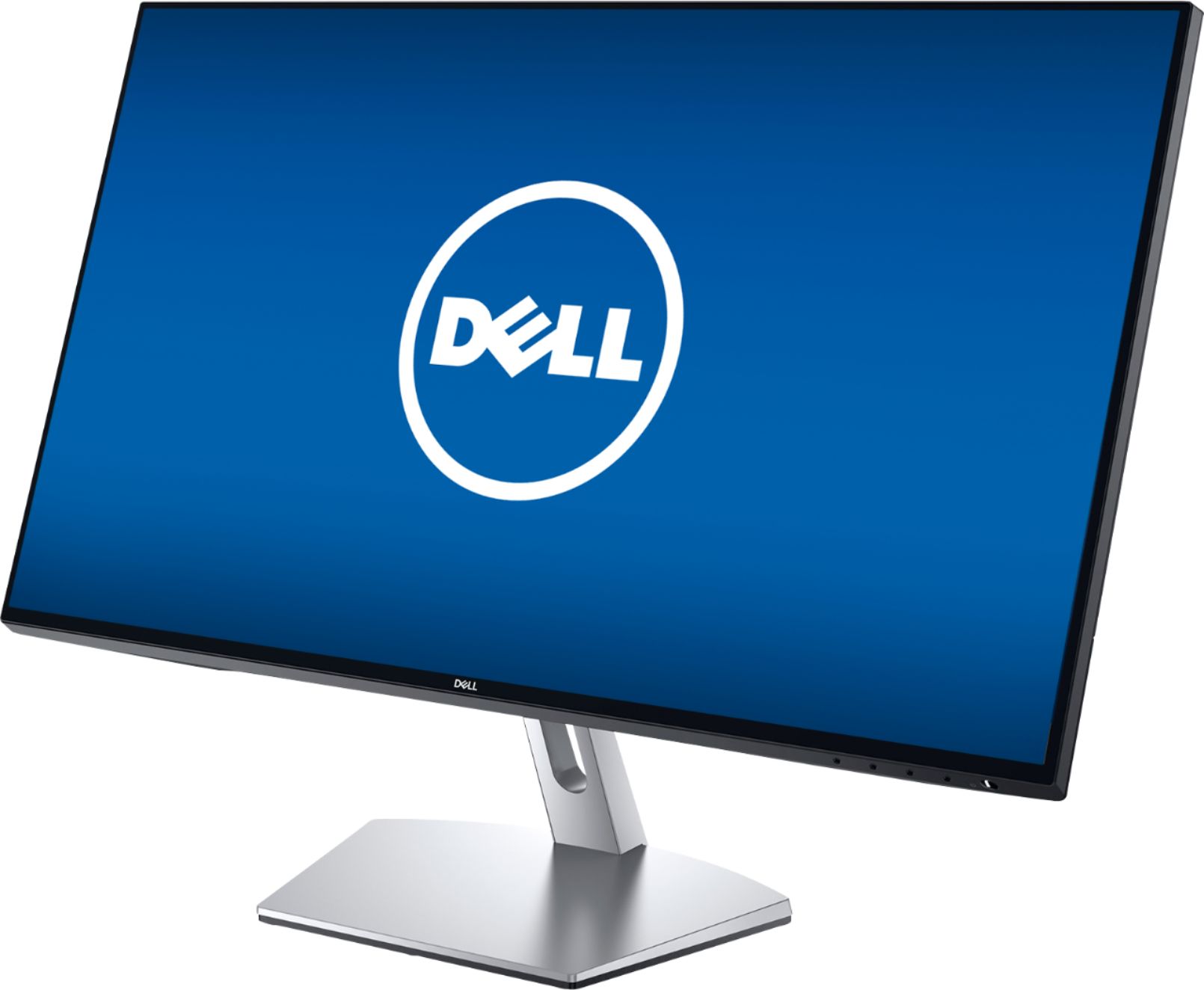
|Posted .This reviewer received promo considerations or sweepstakes entry for writing a review.I am a graphic designer who spends a lot of time looking at a computer monitor. My primary monitor is 5K, but I wanted a secondary monitor that has an easy setup, a good-sized and easy-on-the-eyes display, and provides high quality performance when I am on my Windows PC working with Office applications and occasionally with Adobe Photoshop and Illustrator. This Dell S2719NX has fulfilled all these criteria. I particularly like the very thin profile of the Dell S2719NX and its quarter-inch screen frame. Its base and structure feel solid and non-tippy, while the entire monitor is light enough for me to move it around within my office, which I occasionally need to do. I have found the screen tilt ample for attaining a good viewing angle. The screen has a low-reflection surface that is somewhere between glossy and matte in appearance, and it is giving me sharp, clear visuals while producing no glare or reflections in my brightly lit office. There is no internal speaker system, which I don’t miss, but there is an output for attaching speakers. The appearance adjustment buttons are accessible but out of the way on the lower right side of the screen, and I have found them easy and intuitive to use. As other reviewers note, the Dell S2719NX is HD but lacks the resolution of a 4K or my 5K monitor and has no VESA wall mount, but it is performing well to my needs and likely will fulfill the performance, quality, and cost needs for many.
I would recommend this to a friend - Pros mentioned:Screen sizeCons mentioned:Hdmi
Solid monitor if you don't need audio
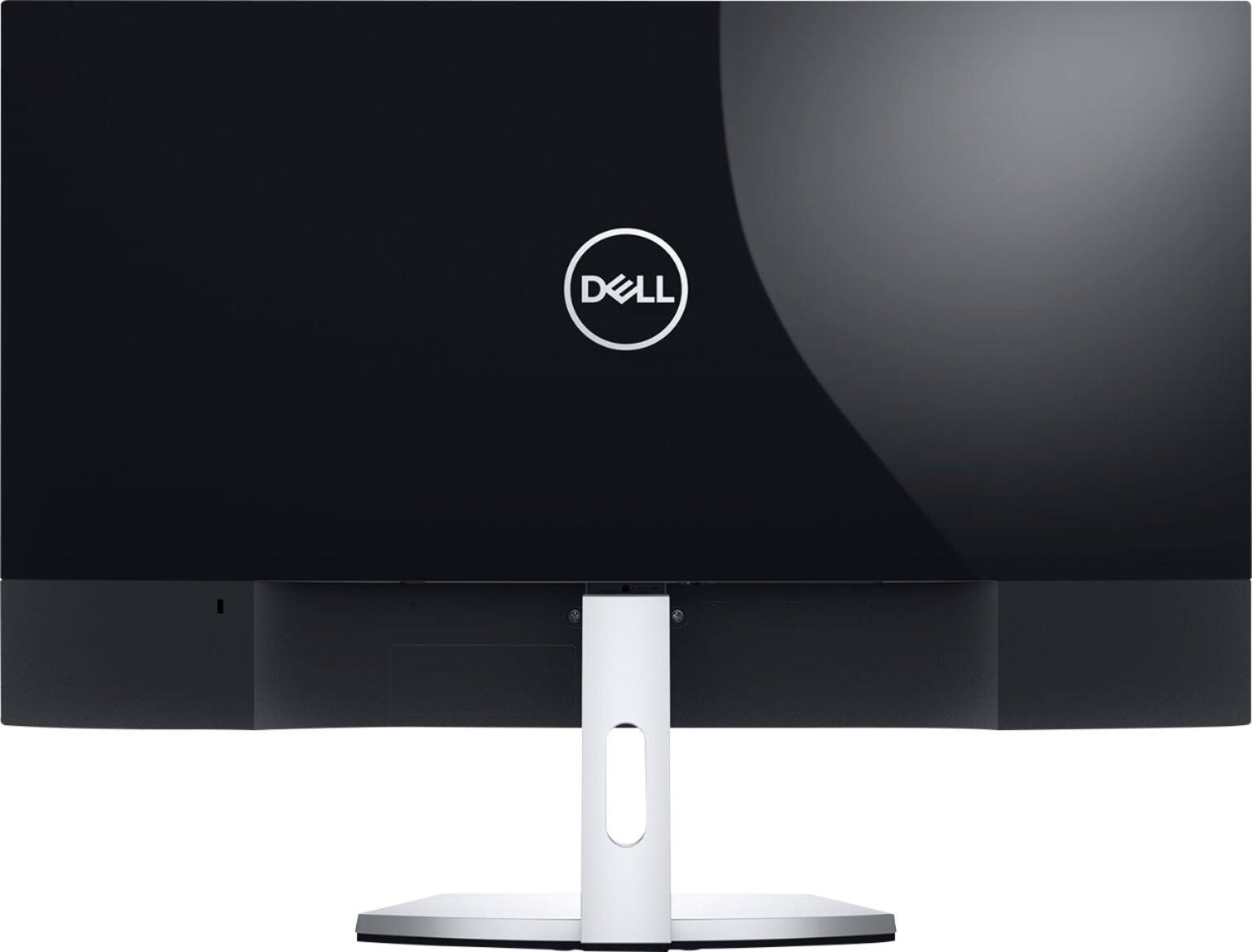
|Posted .This reviewer received promo considerations or sweepstakes entry for writing a review.Disclosure: I received this Dell monitor in return for writing a review. I do not currently need it, but it is always nice to have a backup monitor in case one of your current monitors should fail. We are currently using five monitors in our house, and the Dell S2719NX is probably better than two of them. But unless one of the users in our household wants to trade for it, it will remain in a backup role, One thing that worried me initially when I lifted the monitor out of the box is that I heard a very faint rattle inside of it. I gentle tilted it back and forth, and, indeed, it sounded like some small part was loose. This might say something about quality control. But when I booted up with the monitor there was no problem with its performance. However, I did experience some confusion with the menu. The monitor asked what language I wanted, and I could not for the life of me figure out how to choose English. There are several buttons underneath the display to the left of the power on/off button, none of them labeled. When I hit one of the buttons, some icons appeared above them and I wasn't sure what to do next. I could not click them with the mouse, and the monitor is not a touch screen so touching the icons would do nothing. I referred to the documentation that came with the monitor, and it was useless--just pictures without words. Finally, after continuously playing with the buttons for awhile, it became clear that the little icons that appeared above the buttons were labels for what each button would do the next time it was pushed. And you still had to figure out what the iconic symbols stood for. It would have been so helpful to have this menu system explained in the documentation. The quality of the visual display was very nice, as I expected. But a funny thing happened when I tried to play a video--no sound. The problem was that the display connects only with an HDMI cable, and when Windows 10 on my computer saw the connection, it assumed that the Dell was going to provide audio, and it switched my audio settings to the Dell. But there is no sound with the monitor. So I had to go to my sound control panel to change the audio back to the computer's normal system. I know that HDMI is now the standard for monitors, but it is kind of strange to have an HDMI connection but no audio. My favorite monitor has three different connections, VGA, DVI, and HDMI. I actually have three different computers plugged into it so I can share among them. The Dell S2719NX cannot do anything like that, as it has only two HDMI connections. I do have a DVI to HDMI connector, and tried connecting my old desktop with DVI output to the Dell S2719NX with the connector. It worked fine. So, the Dell S2719NX is an okay, average, basic monitor with no frills. If this is what you need, I would recommend it.
I would recommend this to a friendBrand response from YourDellTeam
Posted .Drj5j,
Thanks for your review and we're glad that for the most part you are enjoying your new Dell monitor. If you have additional questions about how to use your monitor you can check our Product Support Page here: https://dell.to/2NcFuwV.
Best,
Bryan
1-800-624-9896
- Pros mentioned:Screen sizeCons mentioned:Hdmi
Pretty, But LImited
|Posted .This reviewer received promo considerations or sweepstakes entry for writing a review.This is the kind of product you feel bad ranking low. It looks great, has a super thin bezel, great contrast and rich color. Support for multiple inputs as well. The monitor stand looks nice enough for you to be happy setting this up on your desk, and that's good because the monitor is not VESA compatible, there is no way to use this monitor except with the included stand..So if you're looking to take advantage of those thin bezels for a near seamless multi-monitor setup you're going to need a LOT of desk space dedicated to stands. The other major issue I had with this monitor that folks need to be aware of is that it ONLY accepts HDMI input, obviously you can get a DPORT/HDMI or HDMI/DVI converter to meet your needs but I was really surprised the DPORT wasn't an option given how ubiquitous it is. Given that I have it now I'm doing what I can to make it work, the screen real estate you get in 27" makes it easy, but I had to buy an adapter to hook it up and I couldn't use my existing monitor mount to support multiple monitors so my use is a little reluctant in the end. Again, that's a shame because beyond those limitations this monitor looks great and functions well.
No, I would not recommend this to a friend - Pros mentioned:Price
A reasonably good display
|Posted .This reviewer received promo considerations or sweepstakes entry for writing a review.The Dell 27 S2719NX Monitor is a good economical monitor to provide more working real estate. Whether as a secondary larger display screen, or a good replacement for an existing smaller monitor, Dell sends this 27” monitor ready to go out of the box, equipped with an included HDMI cable, two HDMI connections, and an audio connection for speakers (which are not included). I recommend connecting speakers to the monitor as HDMI provides both audio and video signal for your movie or music listening. Setup is very easy for anybody, right out of the box. There is a stand that is assembled in two pieces, with thumb screws to assemble together, and then slide into the back of the monitor. If you want to use VESA monitor mounts, you will need to use adapters as VESA is not a built-in option on this monitor. The display can be tilted on the included stands for desired viewing. Controls are just under the bottom right bexel. There are several preset modes to choose from, and although the default was fine, I changed to Movie mode which was a good all-around setting. The maximum display resolution for the Dell is 1920 x 1080, which is reasonable for everyday use. I displayed a couple of applications top-to-bottom across the significant real estate. It is good for a secondary screen. I was able to zoom in to text and see very clearly, as well as zoom out to show more documents. I played a couple of different movies, primarily Avengers Infinity War. There was virtually no lag or pixilation on the screen, even when playing in full screen or on top alongside my Microsoft Word application. I did not do much gaming—primarily I used Starcraft Wings of Liberty, and the displayed graphics were clear and not pixeled. You will have to rely on heavier gamers for a review about those capabilities. I say this, having used another monitor rated for HD display that had significantly higher desktop resolution, I was not as excited about using this display. The advantage of this monitor is its relatively low cost. However, you will not be able to display HD video on this monitor—SD looks reasonably good but where you can afford the difference in cost, an HD monitor may be the better choice. If you can spring for the price difference, go for an HD monitor of comparable screen size, so you can get the higher resolutions. I would give this monitor a rating of 3 or maybe 3.5 out of five stars.
I would recommend this to a friendBrand response from YourDellTeam
Posted .Hi Bjm24,
Thanks for your honest feedback. We'd recommend checking out our Product Support Page if you have questions about your new monitor in the future: https://dell.to/2NcFuwV.
Best,
Bryan
1-800-624-9896
Poor resolution
||Posted .This reviewer received promo considerations or sweepstakes entry for writing a review.Bought this FHD monitor as an economical option to plug into one of several 4K Laptops in the family. The loss in resolution between laptop screen and this monitor was an unacceptable distraction. Returned the monitor and tried a competitor's 4K monitor which was also unacceptable due to faded image. Finally settled on a Dell 2K monitor with great results.
No, I would not recommend this to a friendBrand response from YourDellTeam
Posted .Hi Dusty,
Thanks for your review and we're sorry to hear that you ended up returning your monitor. If you experience any issues with your new Dell monitor you can always reach out to our Dell Technical Support Team here: http://dell.to/2sH7Qlm.
Best,
Bryan
1-800-624-9896
Display
||Posted . Owned for more than 2 years when reviewed.This reviewer received promo considerations or sweepstakes entry for writing a review.The display was not to my liking. I had to return the screen.
No, I would not recommend this to a friend- Pros mentioned:Ease of use, Screen size
Great Looking Monitor
|Posted .This reviewer received promo considerations or sweepstakes entry for writing a review.First off, this monitor is super easy to assemble. From opening the box to having it put together took under 5 minutes. The black and silver coloring combined with the super thin, borderless screen really raises the aesthetic quality of the monitor. The HD quality really brings the images and videos to life, and with a major size upgrade from my last monitor, it just makes everything easier to see and causes less strain on my eyes. This is a fantastic monitor, especially if you spend a lot of time watching video or playing games.
I would recommend this to a friend - Pros mentioned:Resolution, Screen size
Great Monitor
|Posted .This reviewer received promo considerations or sweepstakes entry for writing a review.This 27 inch monitor from Dell is great for most things. With a resolution of 1080p, articles and video look nice and crisp. When it comes to gaming the monitor's lower ppi (due to size) makes edges in games look jagged, even with the highest anti-aliasing possible. Other than that, the colors are pretty good but did require a little bit of tweaking in the software. So overall this monitor is great as long as you're not gaming.
I would recommend this to a friend 6 months later not working
||Posted . Owned for 8 months when reviewed.This reviewer received promo considerations or sweepstakes entry for writing a review.Open box out of luck. Spend more money for closed box.
No, I would not recommend this to a friend- Pros mentioned:Screen size
Like it enough I just bought another.
|Posted .This reviewer received promo considerations or sweepstakes entry for writing a review.Not a gamer, mainly use a PC for web, work [spreadsheets, docs, light graphics] and occasional NetFlix viewing so state-of-the-art monitor features and performance are lost on me. This isn't a gaming-oriented monitor anyway. I can best summarize my impression with this monitor by my picking up another when my BB store opens.tomorrow morning. It's also a plug for BestBuy.com. As in everything, YMMV but for some healthy screen-real estate on your desk, esp with it now on sale, this is a no-brainer deal.
I would recommend this to a friend - Pros mentioned:Screen size
Was expecting more
|Posted .This reviewer received promo considerations or sweepstakes entry for writing a review.I'll get right to the point and say this monitor is not as impressive as I was expecting. The monitor I mainly use is also a Dell and I absolutely love it so I was expecting to love this one also. The first thing I realized I did not like about it is the stand it has and its limited functionality. The screen can only be tilted upward or downward, not raised up or down. Nor can it spin unless actually moving the whole stand itself. For some people this limited movement may not be a big deal, however for me I prefer to at the very least be able to raise and lower it as well as tilt. Another grievance I have for this monitor is the lack of at least one usb port. Nearly all the other monitors I have come across, even ones much cheaper than this one, have had at least one usb port. They are very convenient to have for uses like a phone or device charger port, bluetooth mouse/keyboard, or even a backlight strip. In order to have one on this monitor, I have now had to look into getting a cable that will go into the hdmi port, and then a converter on that one to make a usb port. Really just surprising Dell did not put at least one on this monitor. When it comes to the screen quality of this monitor, again, I was expecting more. Overall the screen feels like it has a haziness to it, I have messed with the settings as much as I could, eventually bringing it to the exact same color, contrast, and brightness settings as my other dell, and my other dell just has a better look to it, but that is to be expected as it is a 4k model (U2718Q). But if someone does not have a monitor right next to this one to compare it to, then this monitor can be satisfactory. I decided this monitor would be great for anyone who does like to medium computer use, online searching and such. I have no problem how this monitor looks when using it for things like the internet. If someone is looking at this monitor for high quality movie watching , or video or picture editing, this is not that monitor for them. The quality is just not there if someone is looking closely at colors and edit settings. Overall this monitor is an okay monitor, but I consider it to be priced way too high for what it is and the quality it has.
No, I would not recommend this to a friendBrand response from YourDellTeam
Posted .Katie,
We appreciate your review and we're sorry to hear that you're not satisfied with your new monitor. If you'd like to adjust the automatic color settings on your monitor we'd suggest the following steps:
Windows can adjust the brightness of the display based on how much light is reaching the system's ambient light sensor. This feature is referred to as 'adaptive brightness' and it can be disabled in Windows. Here are some steps to adjust this feature:
1. In the Search box, type Settings.
2. Touch or click Settings (Modern application).
3. Touch or click System.
4. On the Display screen find the Adjust my screen brightness automatically option.
5. Touch or click the slider to toggle the option on or off.
6. Touch or click Apply.
7. Close the System window.
You can read the full article here: http://dell.to/2vjtPzg.
Best,
Bryan
1-800-624-9896
- Pros mentioned:Screen size
Stylish, sharp, bright, and a great price!
|Posted .This reviewer received promo considerations or sweepstakes entry for writing a review.Review for Dell - S2719NX 27" IPS LED FHD Monitor - Black/Silver This monitor works great! Easy to unbox and assemble in minutes. Biggest surprise: how nice and bright it is. I’m replacing a smaller, older model, so this might be the new normal, but everything on this monitor looks bright and clear. The small, but sturdy stand is great on the desktop - puts the monitor at a perfect height. Plus, the easy tilt makes for perfect fine tuning of viewing angle. The exceptionally small (1/4”) bezel all around maximizes the screen space. Great for watching videos, and for me -- producing them!
I would recommend this to a friend