Customer Ratings & Reviews
Customer reviews
Rating 4 out of 5 stars with 4 reviews
(4 customer reviews)to a friend
Rated 5 out of 5 stars
This is an incredible monitor.
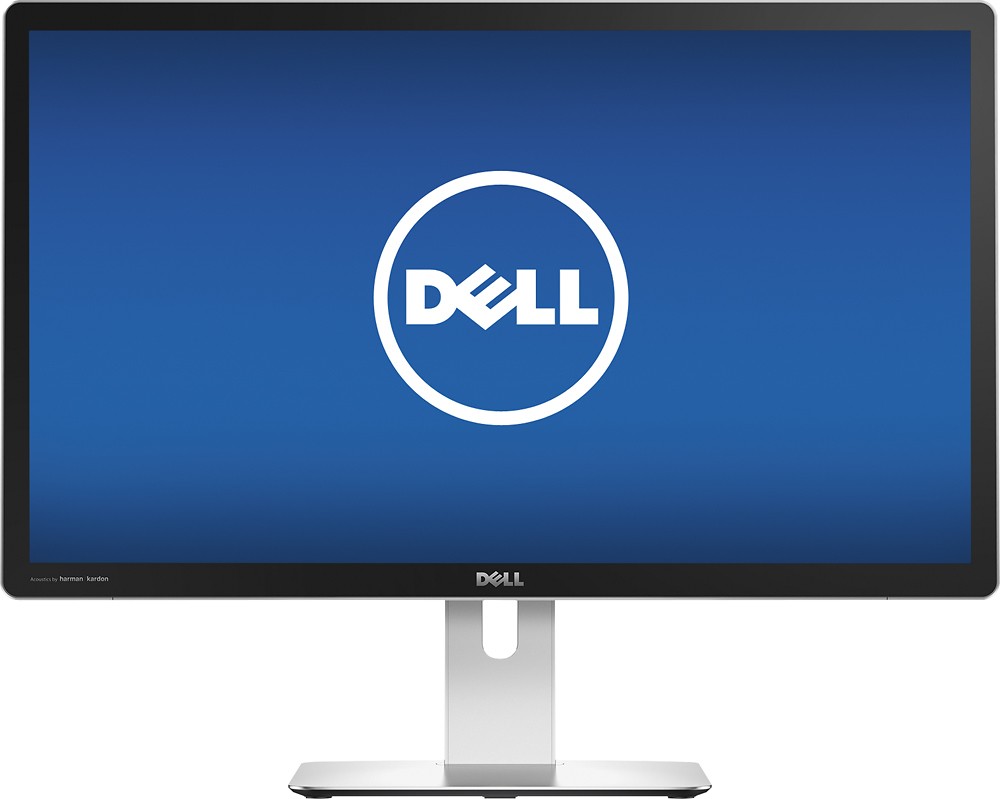
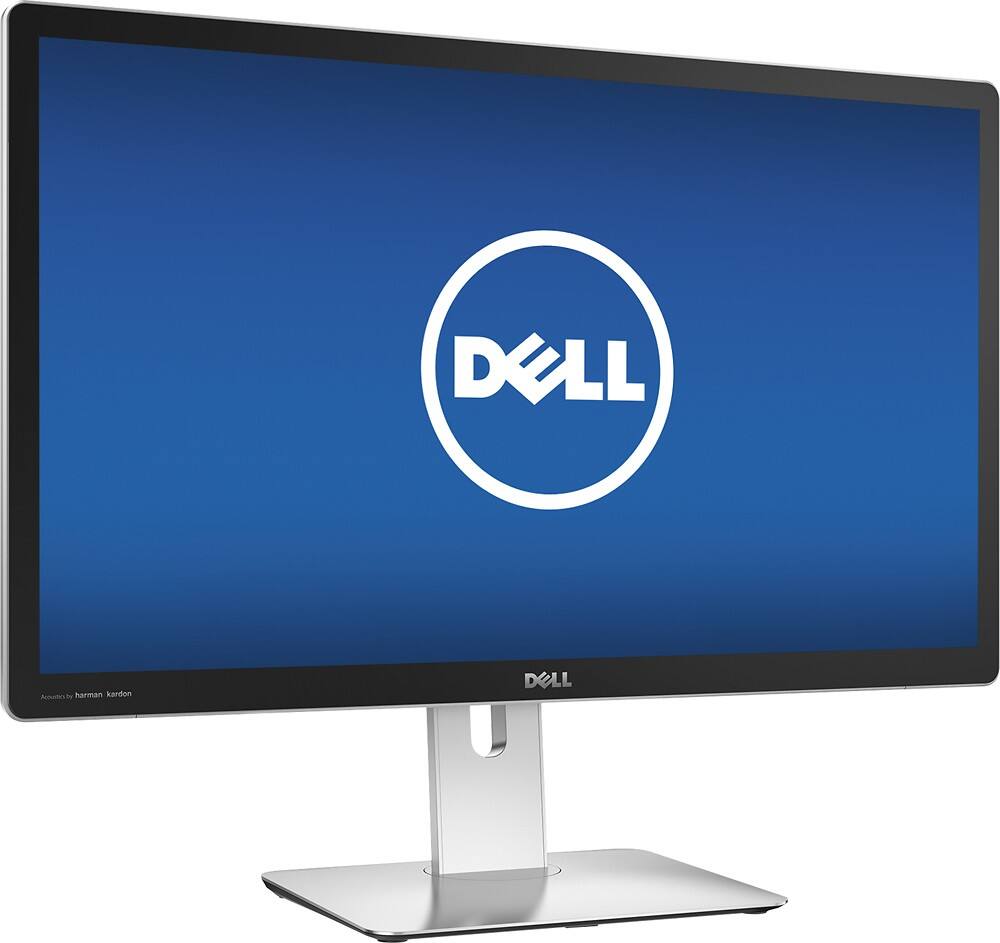
||Posted .This reviewer received promo considerations or sweepstakes entry for writing a review.My LCD Cinema display finally died. I researched monitors and decided to settle for a Dell 4k. When I set it up with my new Mac Pro - 6-Core Intel® Xeon® Processor, it didn't cut it. Best Buy let me trade up to the Dell - Ultrasharp Up2715k 27 Ips Led 5k Uhd Monitor. It is even better than the Cinema display I was using.
I would recommend this to a friendRated 5 out of 5 stars
This computer is an excellent computer!!!!!
Posted .This reviewer received promo considerations or sweepstakes entry for writing a review.It is a great computer, because it can be use or many different things.
I would recommend this to a friendRated 5 out of 5 stars
It looks cool.
Posted .This reviewer received promo considerations or sweepstakes entry for writing a review.I wanted to play Slither.io, so I spent my allowance on this. It looks really cool with my computer.
I would recommend this to a friendRated 1 out of 5 stars
Not for Mac users.
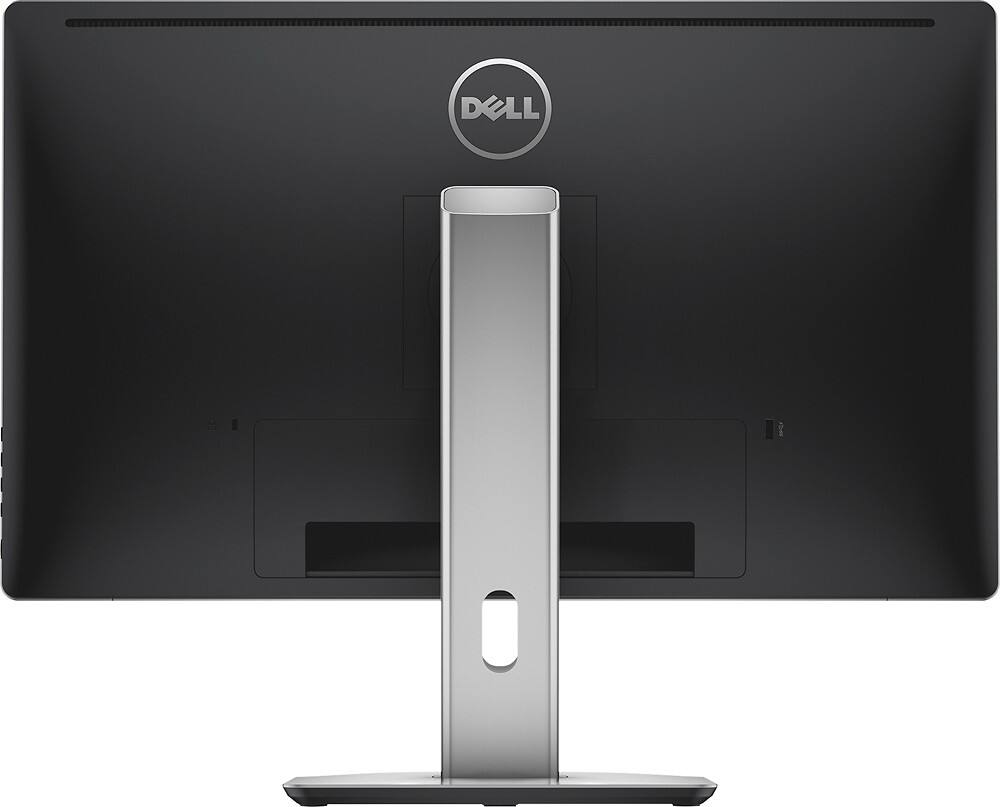
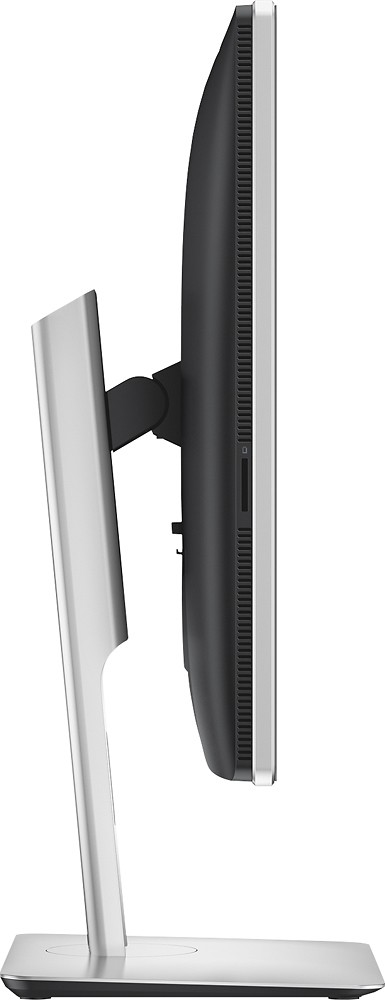
Posted .This reviewer received promo considerations or sweepstakes entry for writing a review.I should preface my review by noting that I am coming from an older 24-inch Cinema Display so a lot of my opinions and views will be based on my experiences with that display and using this Dell monitor with a Mac. PROS: - Higher pixel density that more closely matches my 13" MacBook Pro with Retina for better clarity (this monitor is 218 vs. my MacBook's 227). - Higher resolution, especially since it's a widescreen display. With the Split View feature in macOS Sierra, this means I cane easily align two program windows side-by-side which, for me, emulates a dual monitor experience. - Height-adjustable and the monitor's "arm" or built-in stand swivels to support multiple viewing angles. - USB 3.0 ports for my storage drives and iPhone syncing cables. - Cable management built into the monitor's "arm", because this guy doesn't like clutter or cables everywhere. CONS: - Sound quality. The best analogy I could give you, is my Cinema Display sounded like a premium audio system in a car. The Harman Kardon sound like a stock audio system in a car. I listen to a lot of music while I work which is why this is up high on the con list. Also, while on the note of sound, I've had this monitor for two weeks and the speakers are already making gargling noises. - No webcam or microphones built in. Because of how my laptop is positioned in my setup this means I cannot take advantage of FaceTime, Dictation or Siri. - Cheap construction. My Cinema Display was 90% aluminum and 10% glass. Comparatively (for double the price at that), this display is unapologetically plastic and cheap-feeling/looking. - The color, white balance and brightness on this monitor are all over the place on this monitor outside of the box. The color is changeable in System Preferences by choosing a different profile, but the default does not look good at all. The brightness I turned down to about 50% and it's still really bright for me. ISSUES WITH OS X: - It should be noted that Dell has a webpage for this monitor that discusses issues you should expect when using it with OS X. The main issue they highlight is that most Macs won't drive the 5k resolution at all and most will only drive 4k thru use of the Mini DisplayPort or HDMI (which the benefit to both is that they can drive video and audio thru a single channel which means you run one cable for both video and audio which = less cables/clutter!). The main issue I found with mine is that it would not sleep at times, often running all day. Other than that there is an awkwardly longer amount of time between the time when you move your mouse or press a key and the time the monitor actually responds and starts waking up for usage. All-in-all I think I'm going to end up returning this display. It hasn't worked out for me as much as I would've hoped and considering you can't run the display in higher than 4k resolutions for most Macs, the cons outweigh the pros when comparing to searching around and trying to locate a Thunderbolt Display for half the cost.
No, I would not recommend this to a friend