Customer Ratings & Reviews





- Model:
- XPS9365-7002SLV-PUS
- SKU:
- 5709803
to a friend
Customers are saying
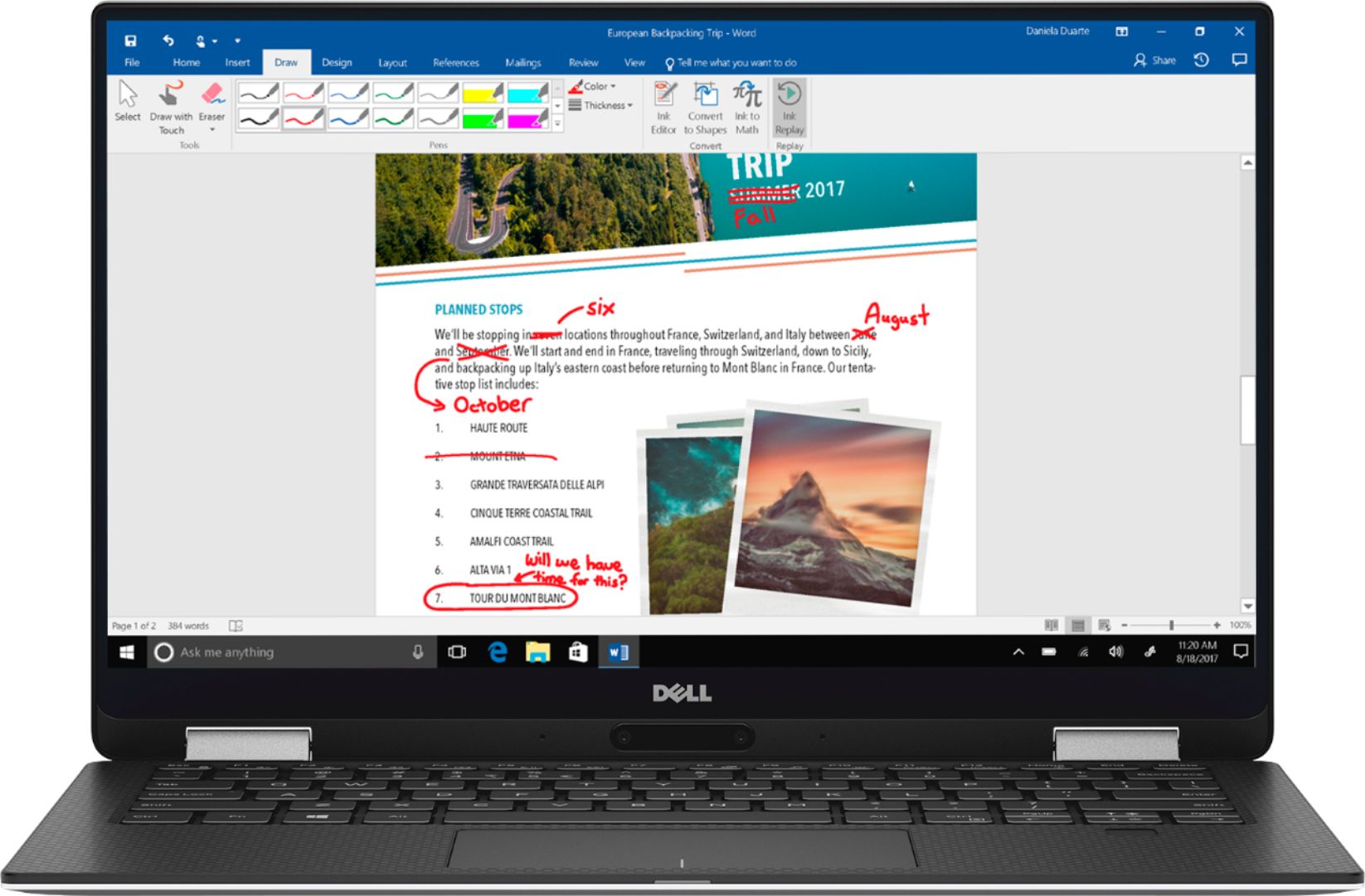
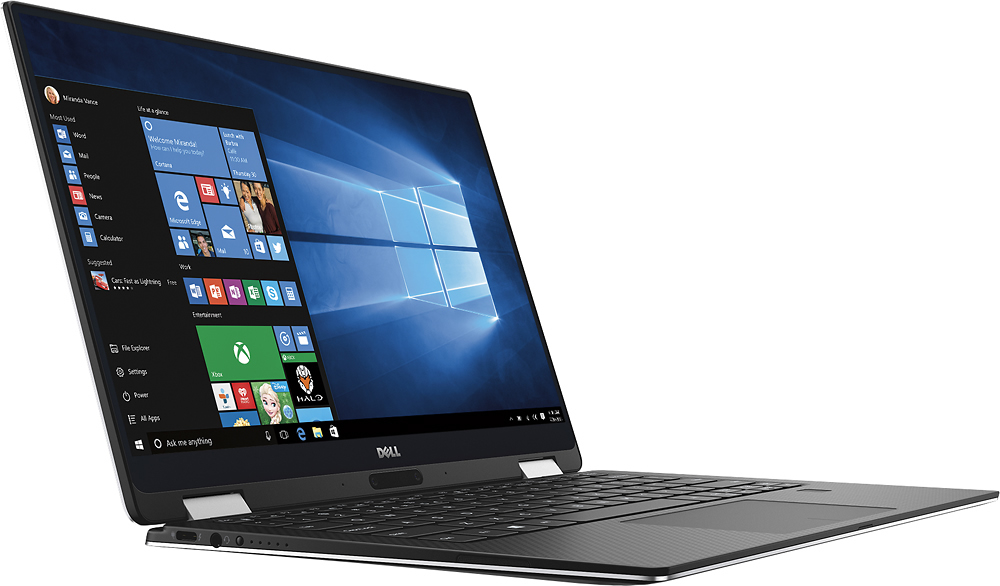
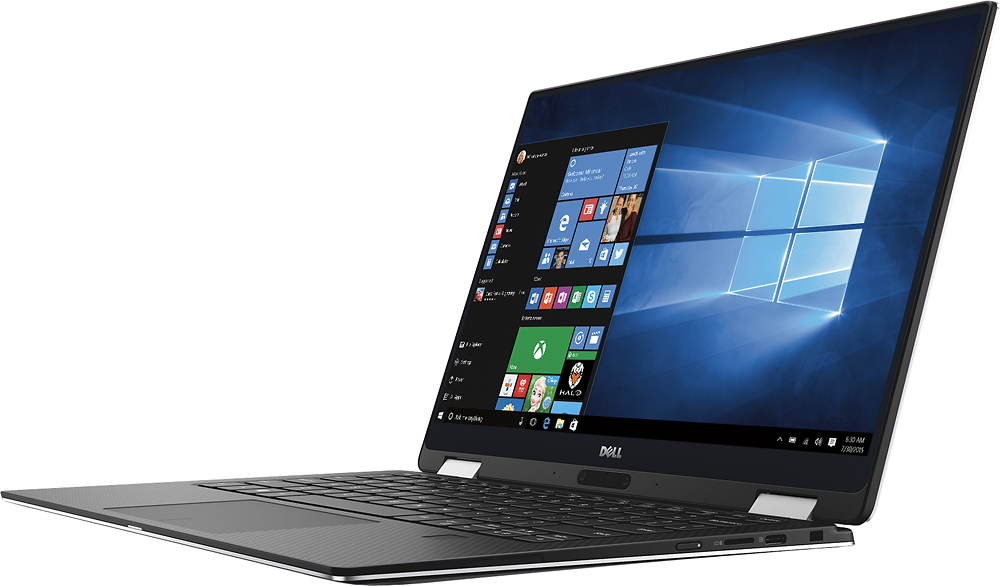
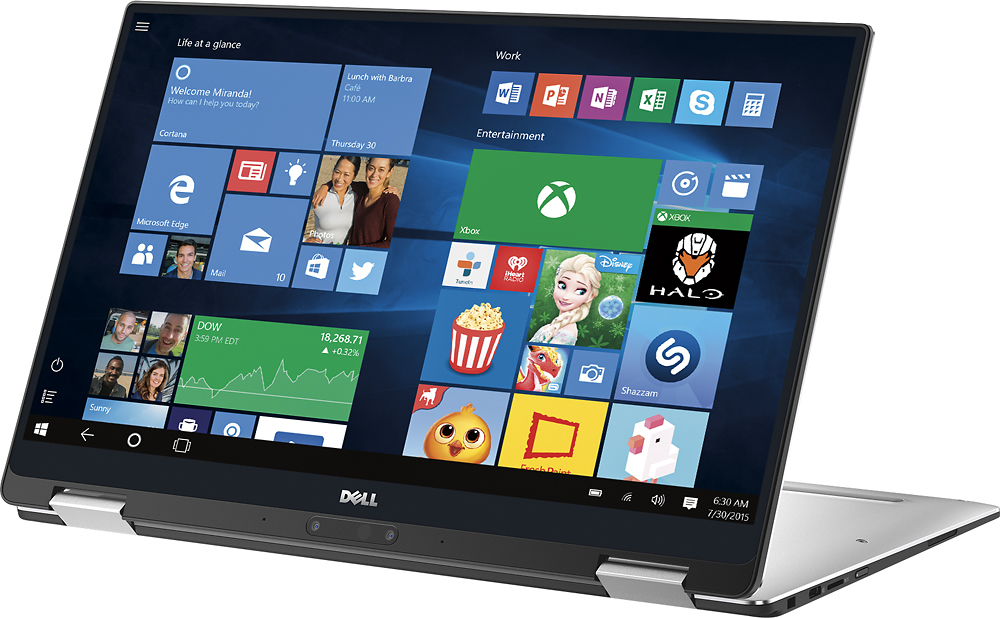
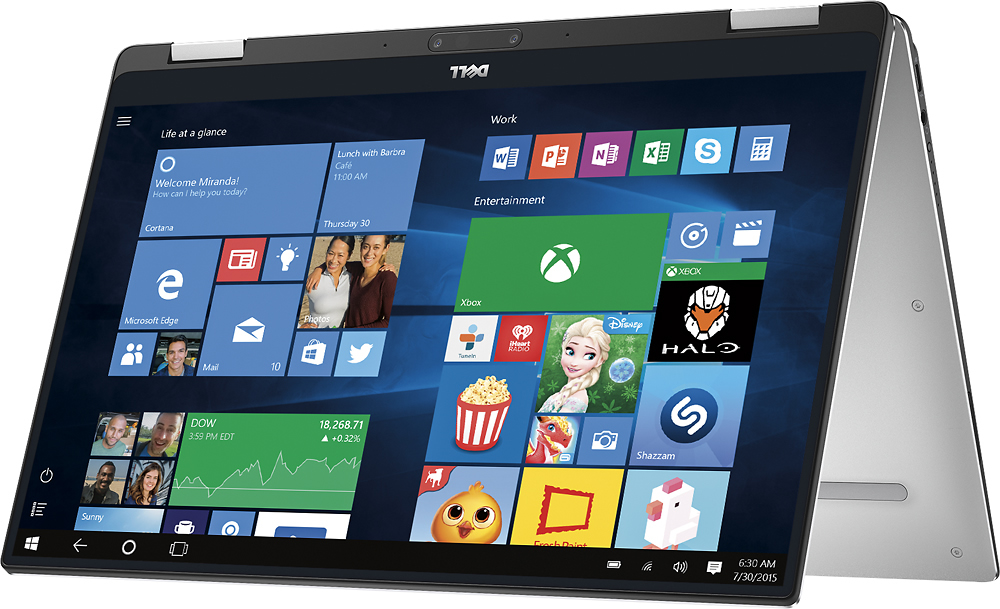
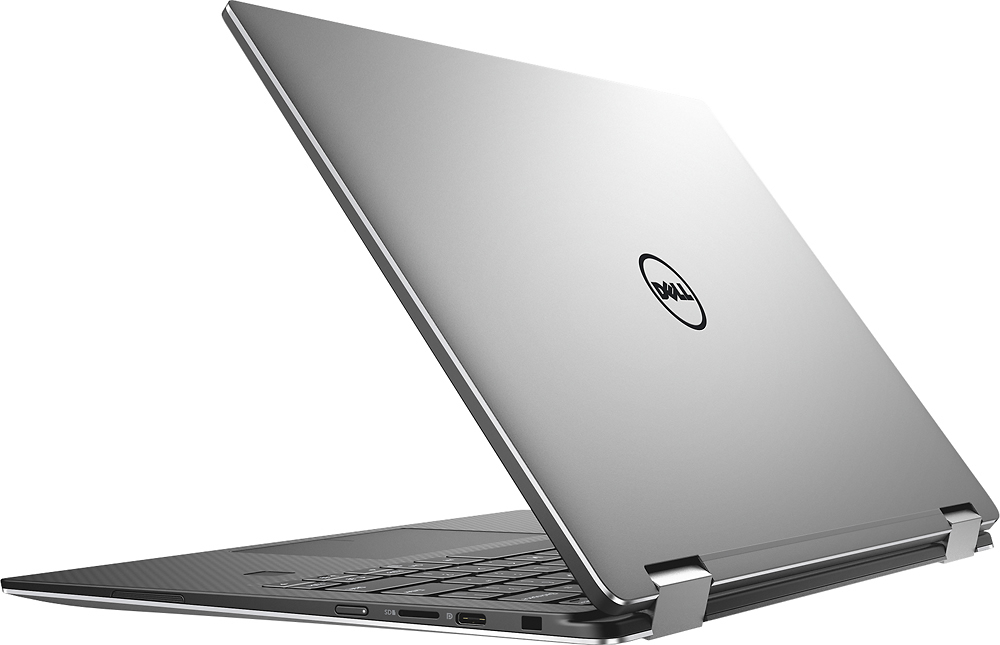
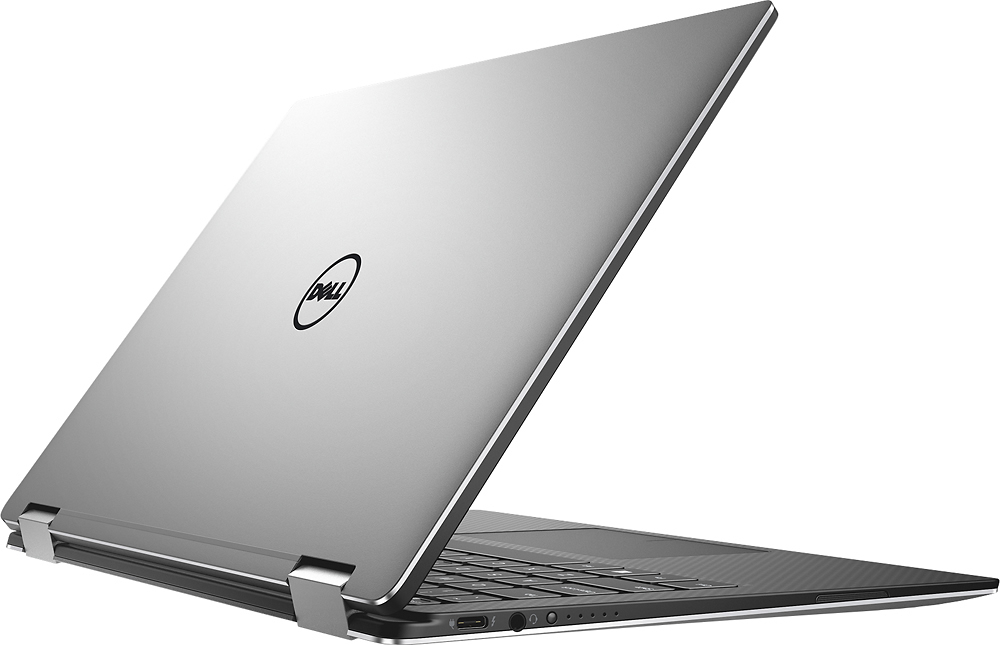
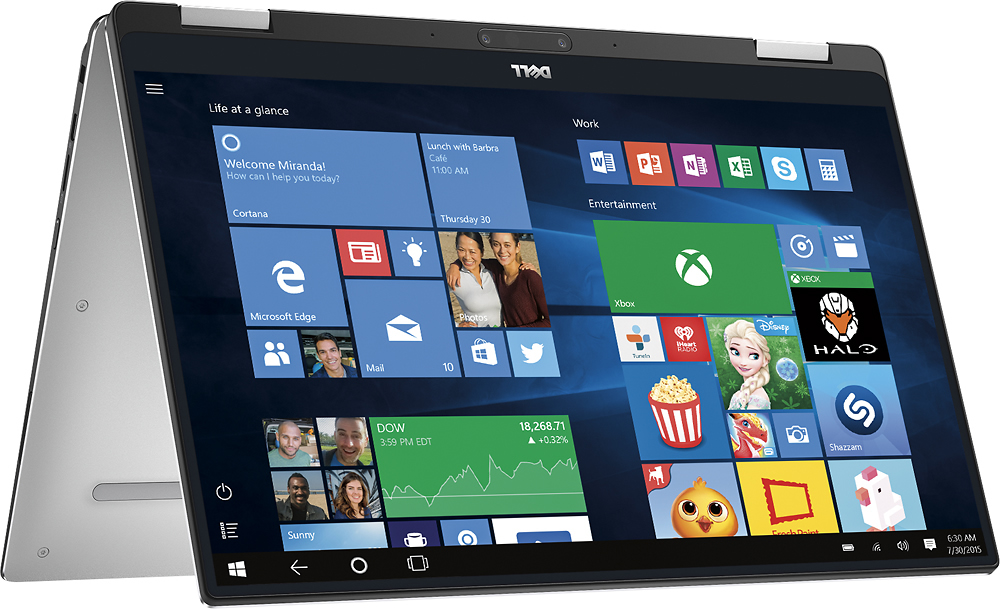
Customers recognize the XPS 2-in-1 laptop for its exceptional display, lightweight design, and fast performance. They appreciate the excellent performance and small size of the laptop, making it highly portable. However, some users have concerns about the battery life not meeting expectations and the laptop heating up quickly.
This summary was generated by AI based on customer reviews.
- Pros mentioned:Display
Got a great deal on open box!
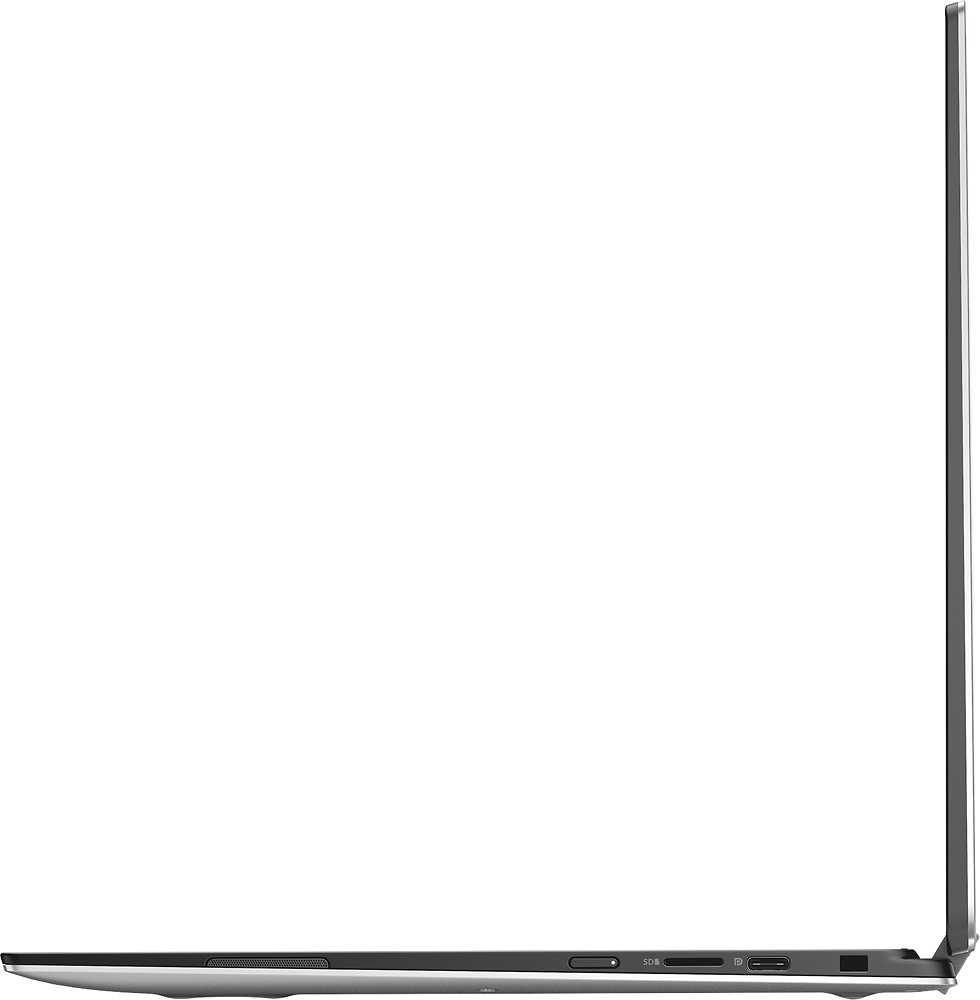
||Posted .This reviewer received promo considerations or sweepstakes entry for writing a review.Very nice laptop with enough processing power for everyday tasks. Great battery life and beautiful display. Just know that you will need USB-C to USB-A adaptors.
I would recommend this to a friend - Pros mentioned:Display
Awesome product by Dell
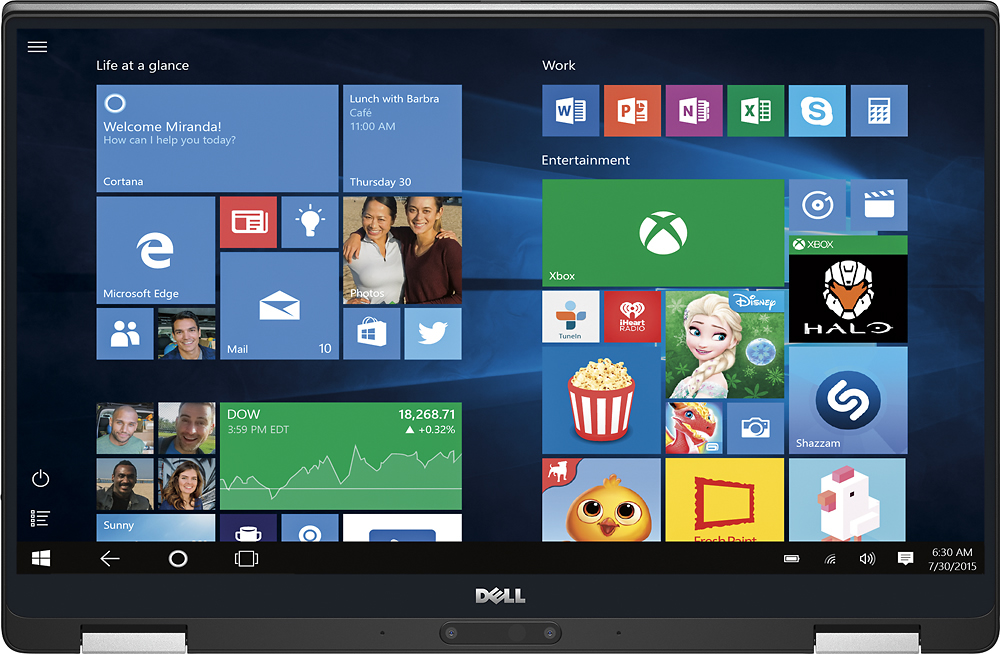
||Posted .This reviewer received promo considerations or sweepstakes entry for writing a review.I got this laptop to upgrade my old hp one. It’s really good product. Nice look n feel. Good RAM management. Loving QHD+ display. I ll recommend this product
I would recommend this to a friend - Cons mentioned:Battery life
Okay
||Posted .This reviewer received promo considerations or sweepstakes entry for writing a review.It's alright, battery sucks. Kinda slow, But gets the job done. I would return it but my 14 day return window passed sooo yeah. Still paying it off so that's no fun
No, I would not recommend this to a friendBrand response from YourDellTeam
Posted .Hi XpsOwner - Thanks for your recent Dell laptop purchase. We're sorry to hear about the issues that you've been facing with it. In order to help improve the battery life we'd recommend the following:
Change the Power Plan:
1. On the notification area of the taskbar, right-click the Battery icon.
2. On the options list, click Power Options.
3. Select a power plan on the battery meter, such as Power Saver or Balanced. Windows 10 has a built in 'Battery Saver' mode that can be activated to extend your system's battery life. The Battery Saver mode will monitor and limit background activity and other features such as push notifications. You do have the option to enable or disable this mode within settings or within advanced Battery Saver settings you can customize the mode to best suit your needs. 1. Click on the Action Center icon within the taskbar and select the tile for Battery Saver. 2. If running Cortana then type Battery Saver into the search box and select from the results.
Within the Battery Saver settings page you will be able to turn on and off the feature and customize the feature to best meet your needs. 3. Turn Battery Saver On or Off. 4. Additional settings available via the Battery use and Battery saver settings links. 5. Battery use shows further info on apps and their power usage. 6. Battery Saver Settings screen allows you to customize further Battery Saver feature.
You can read the full article here - http://dell.to/2vfXWf4.
If you're still experiencing slowness with your new XPS here are some things to try:
Delete temporary files and directories
1. Click Start, then in the search bar type "disk". Disk Cleanup should appear on the menu above the search box.
2. Run disk cleanup and eliminate unneeded temporary files (Search results, Internet Cache and other windows temp files you may no longer need)
3. Select files you want to delete then click OK to start the cleanup process. Uninstall applications you no longer use 1. Open the Programs and Features application in Control Panel. 2. Scan the list of applications installed for ones that you no longer use. 3. Highlight any application you no longer use and then click the uninstall button at the top of the list. Follow the prompts to uninstall.
4. Repeat for each application you want to uninstall.
5. Move large files and/or seldom used files to backup media (Photos, Music you seldom listen to, application downloads after the application has been installed etc.).
6. Empty the Recycle Bin.
Here's the full troubleshooting article - http://dell.to/2tSulGV.
We hope these tips help your computer perform the way you had hoped it would. - Bryan
- Pros mentioned:Design
Outstanding laptop - been a great machine
||Posted . Owned for 1.5 years when reviewed.This reviewer received promo considerations or sweepstakes entry for writing a review.This has been the best laptop I’ve had. It is thin, light, holds battery well, plenty of power, and has a great screen.
I would recommend this to a friend Great Computer
||Posted .This reviewer received promo considerations or sweepstakes entry for writing a review.Love the size and features of this computer. The salesman was great and the store had the item in stock for me to purchase right away.
I would recommend this to a friendso far, so good
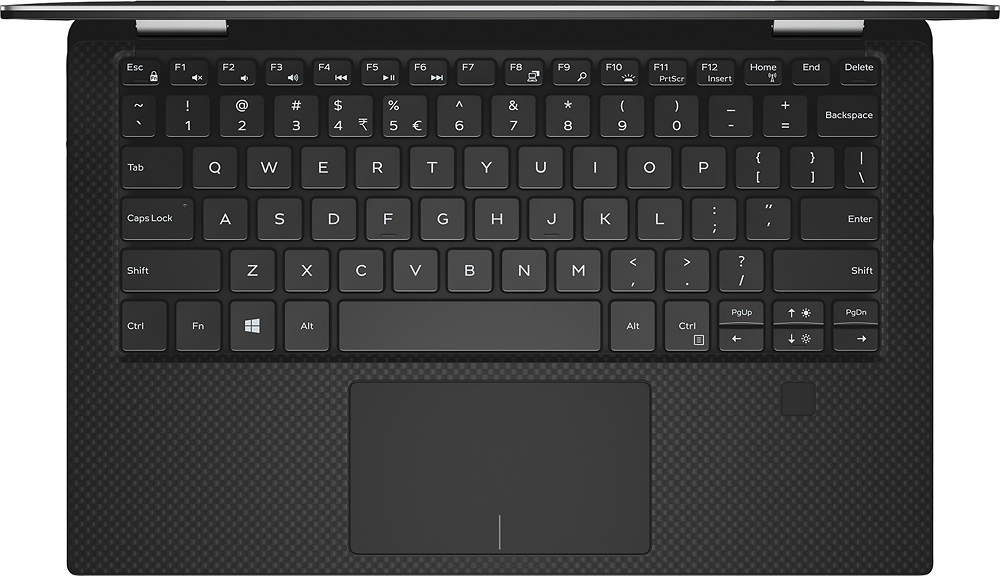
||Posted .This reviewer received promo considerations or sweepstakes entry for writing a review.we converted to a PC after more than two decades with Macs. The trackpad is a little touchy, but other than that, we've been pleased with the functionality of this machine.
I would recommend this to a friend- Cons mentioned:Heats up quickly
Open box - returned
||Posted .This reviewer received promo considerations or sweepstakes entry for writing a review.My friend bought this open-box item which was a good deal, but had to return since the laptop used to heat-up very quickly.
No, I would not recommend this to a friend Slow
||Posted .This reviewer received promo considerations or sweepstakes entry for writing a review.If you are looking for a 2 in 1 that isn’t good at either thing this is for you. I bought it because I liked how thin it was, that it had a lot of memory, had an i7 processor and was a touch screen with usb c drives. It was one of the slowest lap tops I’ve ever used! If you have more than one window open it’s basically useless. It also seemed to be a bit off as a tablet. Maybe I’m just used to the way my iPad responds but on this is felt like you clicked and waited forever. I returned it after 1 week.
No, I would not recommend this to a friendBrand response from YourDellTeam
Posted .Larryd313, We're sorry to hear that you've returned your Dell 2-in-1 already. If you do experience slowness with Dell devices in the future we'd recommend the following:
Delete temporary files and directories
1. Click Start, then in the search bar type "disk". Disk Cleanup should appear on the menu above the search box.
2. Run disk cleanup and eliminate unneeded temporary files (Search results, Internet Cache and other windows temp files you may no longer need)
3. Select files you want to delete then click OK to start the cleanup process. Uninstall applications you no longer use 1. Open the Programs and Features application in Control Panel. 2. Scan the list of applications installed for ones that you no longer use. 3. Highlight any application you no longer use and then click the uninstall button at the top of the list. Follow the prompts to uninstall.
4. Repeat for each application you want to uninstall.
5. Move large files and/or seldom used files to backup media (Photos, Music you seldom listen to, application downloads after the application has been installed etc.).
6. Empty the Recycle Bin.
You can read the full article here - http://dell.to/2tSulGV. - Bryan
Great computer for a college student.
||Posted .This reviewer received promo considerations or sweepstakes entry for writing a review.Solid, well built computer. I find the tablet mode very useful. The weight is just what i was looking for, not too heavy, good enough to go from class to class.
I would recommend this to a friend- Pros mentioned:Fast
Great Laptop
||Posted .This reviewer received promo considerations or sweepstakes entry for writing a review.Great laptop. Nice and portable and folds all the way over. Don’t need to worry about speed with this which is nice.
I would recommend this to a friend - Pros mentioned:Lightweight
Great computer
||Posted . Owned for 1.5 years when reviewed.This reviewer received promo considerations or sweepstakes entry for writing a review.It’s awesome for work and travel because it’s small and fits on the airplane seat trays.
I would recommend this to a friend Great laptop, XPS 13 i7 7th gen.
||Posted .This reviewer received promo considerations or sweepstakes entry for writing a review.Great laptop. Met my expectations, fast, and easy to use. Made my transition from Windows 8.1 tolerable. Not a fan of Windows 10, has a way of keeping me signed on, which I don't like, and this OS makes me feel like Big Brother is watching my every move. But the laptop, Wow, great product. Keep it up Dell, XPS models appear to be your best and the best as compared to other brands.
I would recommend this to a friendGreat laptop
||Posted .This reviewer received promo considerations or sweepstakes entry for writing a review.The size, battery life, and screen quality make this laptop well worth the money.
I would recommend this to a friend- Pros mentioned:Fast
Excellent computer
||Posted .This reviewer received promo considerations or sweepstakes entry for writing a review.Does everything that I need it to do. Love the speed compared to my last HP.
I would recommend this to a friend great 2n1, very happy!
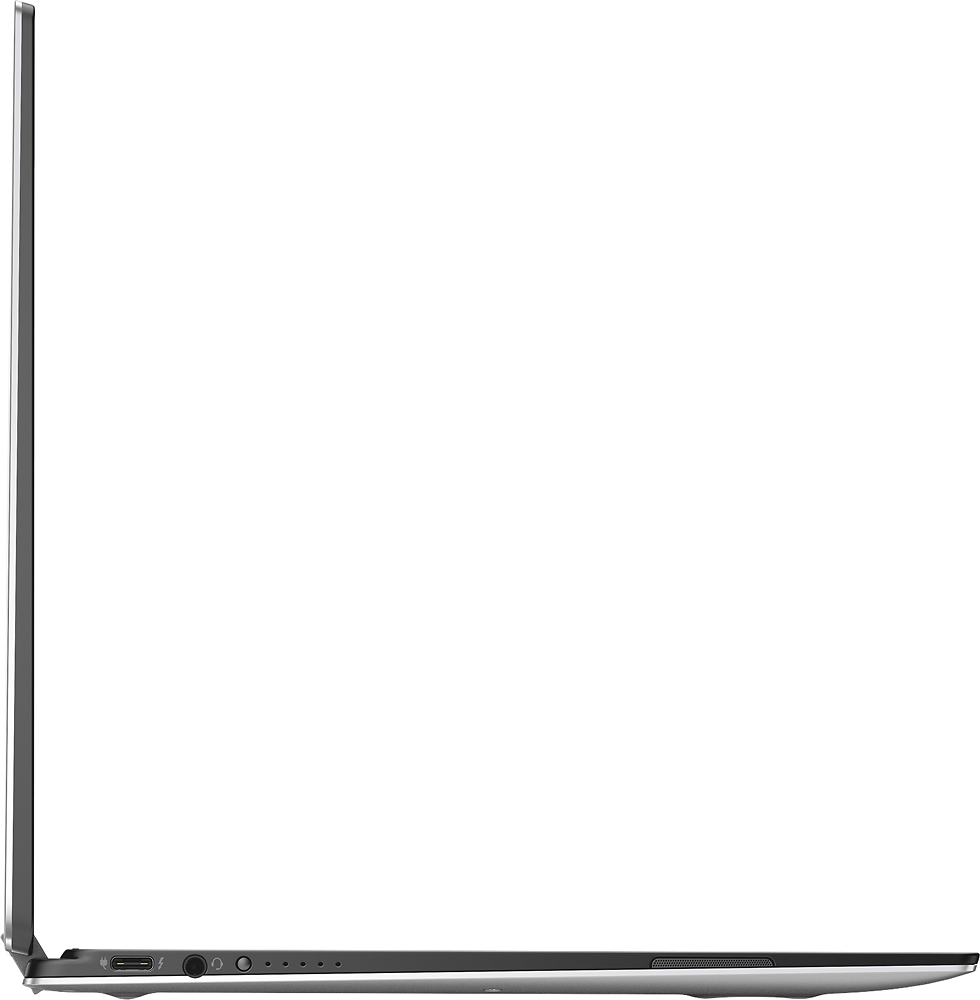
||Posted .This reviewer received promo considerations or sweepstakes entry for writing a review.My only negative is the limited number of ports. You have to buy adapters to use a wireless mouse and standard USB devices.
I would recommend this to a friendCompact & reasonably fast
||Posted .This reviewer received promo considerations or sweepstakes entry for writing a review.Excellent weight and slimline. Keyboard is comfortable. Computer is responsive with great screen view and back lighting.
I would recommend this to a friend- Pros mentioned:Design
Great product
||Posted .This reviewer received promo considerations or sweepstakes entry for writing a review.XPS - best in dell. Best design and Screen quality is excellent.
I would recommend this to a friend - Pros mentioned:Fast
Fast and Quiet
||Posted .This reviewer received promo considerations or sweepstakes entry for writing a review.A huge leap from the previous XPS. Very fast and reliable.
I would recommend this to a friend Lot of Punch in Small Package
||Posted .This reviewer received promo considerations or sweepstakes entry for writing a review.Worked with my niece to pick this up for her 1st year of college. Plenty of horsepower for a college student, great size, 2 in 1 functionality, and great screen. Came close between this and HP Spectre a360, and while 360 has a bit better i7 than XPS i7, the XPS just seemed to be more solidly built. So far, she loves it.
I would recommend this to a friend- Pros mentioned:Fast
Great laptop
||Posted .This reviewer received promo considerations or sweepstakes entry for writing a review.Great product, love the design and the weight. Fast.
I would recommend this to a friend