Customer Ratings & Reviews



- Model:
- XPS9365-7086SLV-PUS
- SKU:
- 5711031
Rating by feature
- Value
Rating 4.3 out of 5 stars
- Quality
Rating 4.3 out of 5 stars
- Ease of Use
Rating 4.4 out of 5 stars
Customers are saying
Customers enjoy the XPS 2-in-1 laptop for its light weight, fast performance, and long battery life. They appreciate the high-quality screen and sleek design. However, some customers have concerns about the limited number of ports, the price, and the placement of the power button.
This summary was generated by AI based on customer reviews.
Beautiful Computer
||Posted .This reviewer received promo considerations or sweepstakes entry for writing a review.The computer is fantastic, just what I was looking for. I dislike the Operating System, but that has nothing to do with the computer itself.
I would recommend this to a friendGreat machine
||Posted .This reviewer received promo considerations or sweepstakes entry for writing a review.There was a sleep issue when closing the lid but it's great now that it's gone.
I would recommend this to a friendAwesome!
||Posted .This reviewer received promo considerations or sweepstakes entry for writing a review.Have had it for a few months now and really find it useful! Does everything I wanted it to. Would recommend to anyone looking for a 2 in 1
I would recommend this to a friendGreat efficient work laptop
||Posted .This reviewer received promo considerations or sweepstakes entry for writing a review.Love it, I needed something portable fast reliable and efficient. I had purchased a windows surface pro before and this dell is way better.
I would recommend this to a friendNice laptop
||Posted .This reviewer received promo considerations or sweepstakes entry for writing a review.This laptop is almost perfect. The only thing it needs is more memory.
I would recommend this to a friendit's a dell baby
||Posted .This reviewer received promo considerations or sweepstakes entry for writing a review.love the device. highly rated for college students. not too heavy. ssd in case it gets dropped. should last all 4 years (hopefully!)
I would recommend this to a friendTricked me into buying an opened Dell laptop
||Posted .This reviewer received promo considerations or sweepstakes entry for writing a review.Spent lot of money buying an open box Dell Laptop computer. 4 months later I have already had to replace screen and now the sound has gone out. Had more problems with this computer than I have had with all others combined in 10+ years.
No, I would not recommend this to a friendGreat computer
||Posted .This reviewer received promo considerations or sweepstakes entry for writing a review.This computer is great compact. Strong but not powerful enough for my application I need a computer that has a graphics card :/
I would recommend this to a friendGreat build quality
||Posted .This reviewer received promo considerations or sweepstakes entry for writing a review.Best Windows machine I've used in years. Not a developer level machine, but a strong everyday computer for standard web and office work.
I would recommend this to a friendGreat performsnce
||Posted .This reviewer received promo considerations or sweepstakes entry for writing a review.Great product .. quick, responsive and all the needed extras
I would recommend this to a friend- Pros mentioned:Battery life, Performance

Small and Powerful 2-in-1 (Mostly 1)
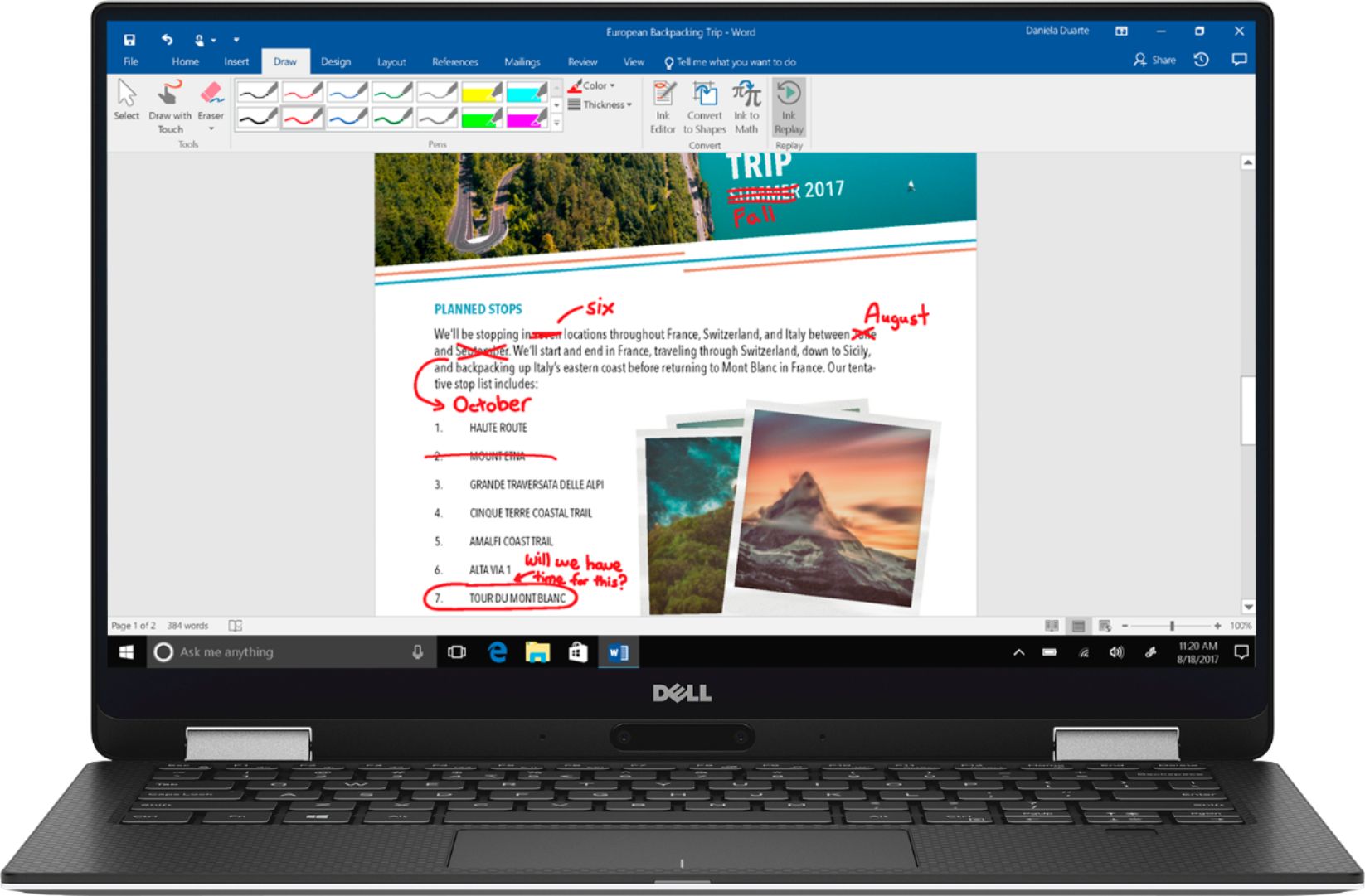
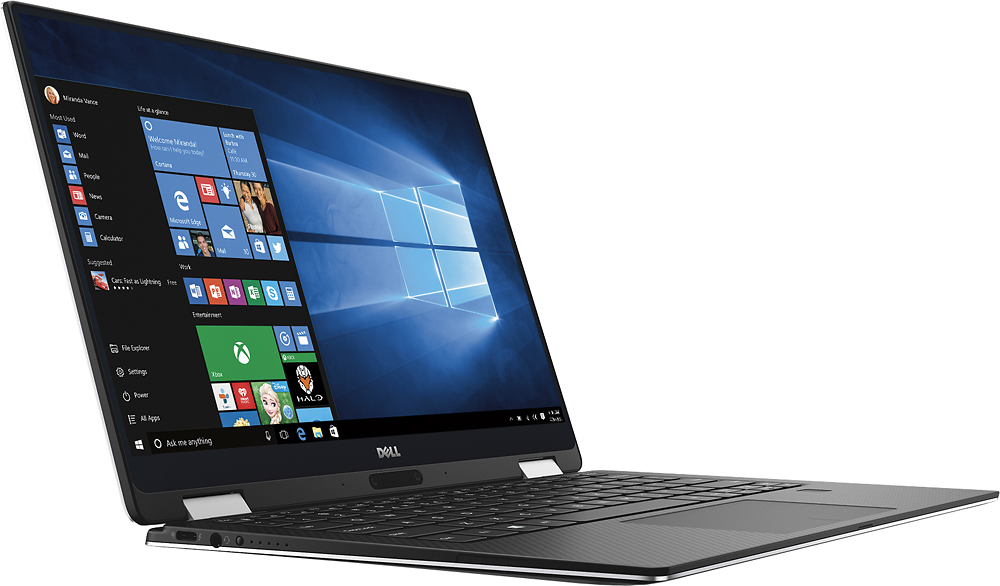
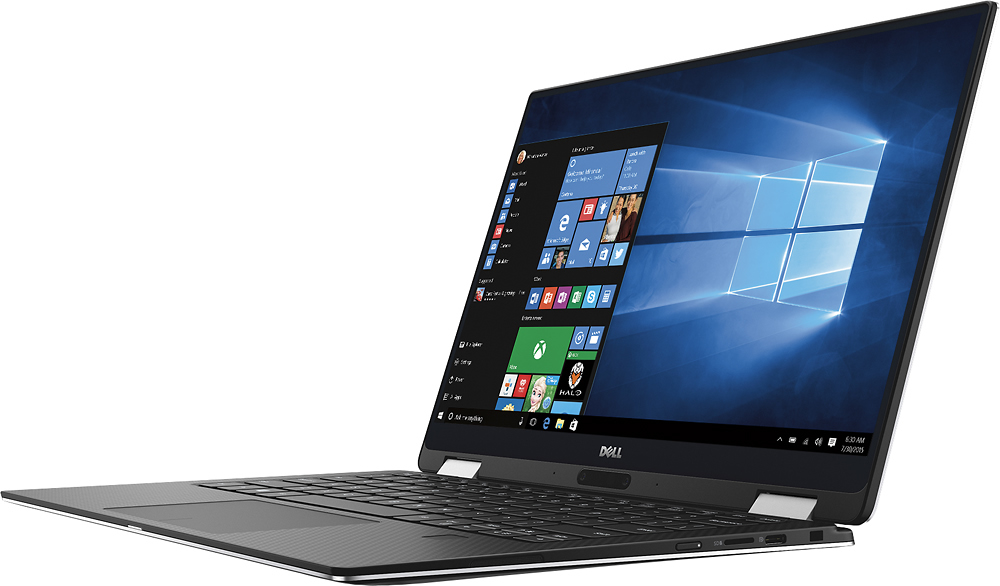
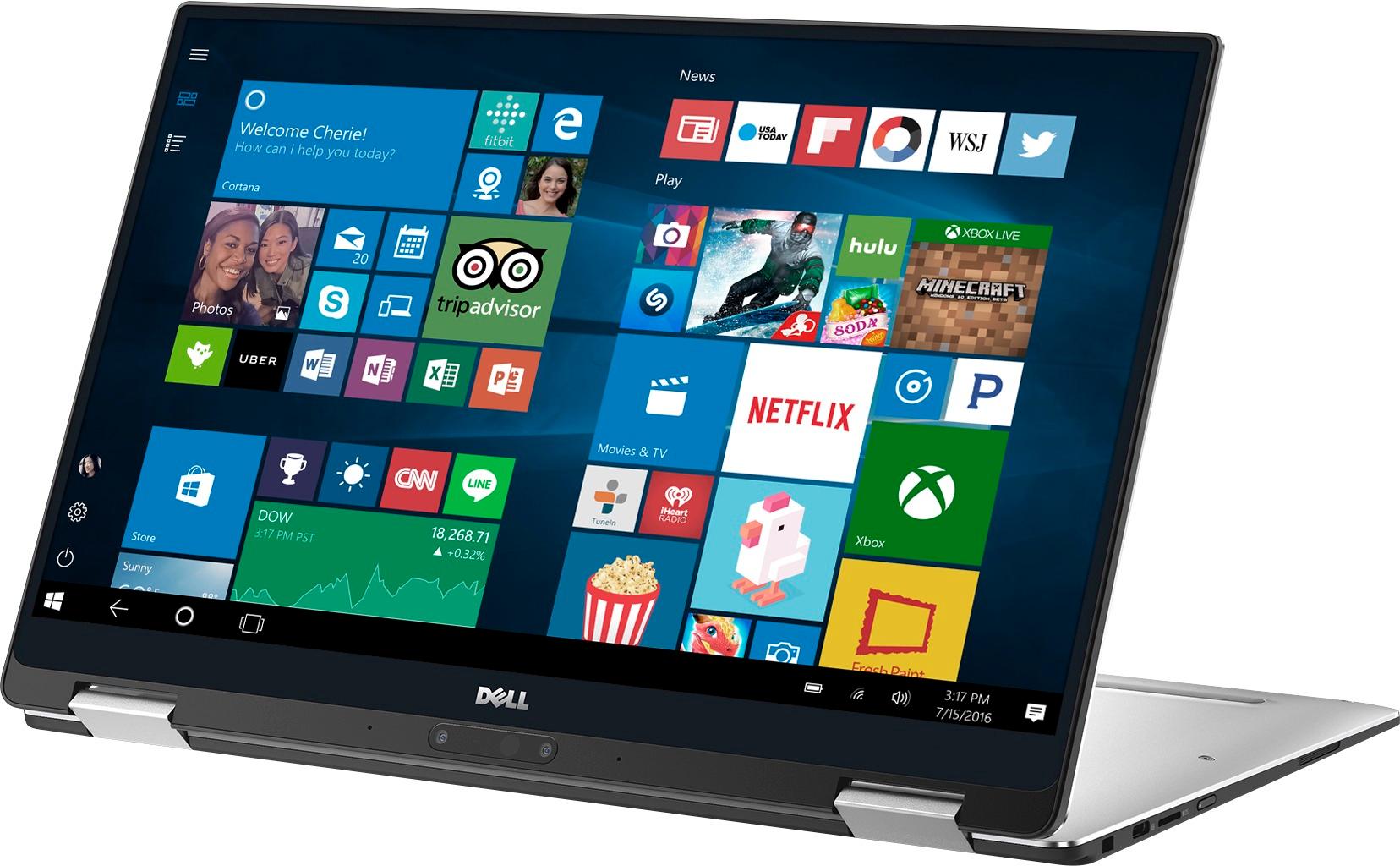
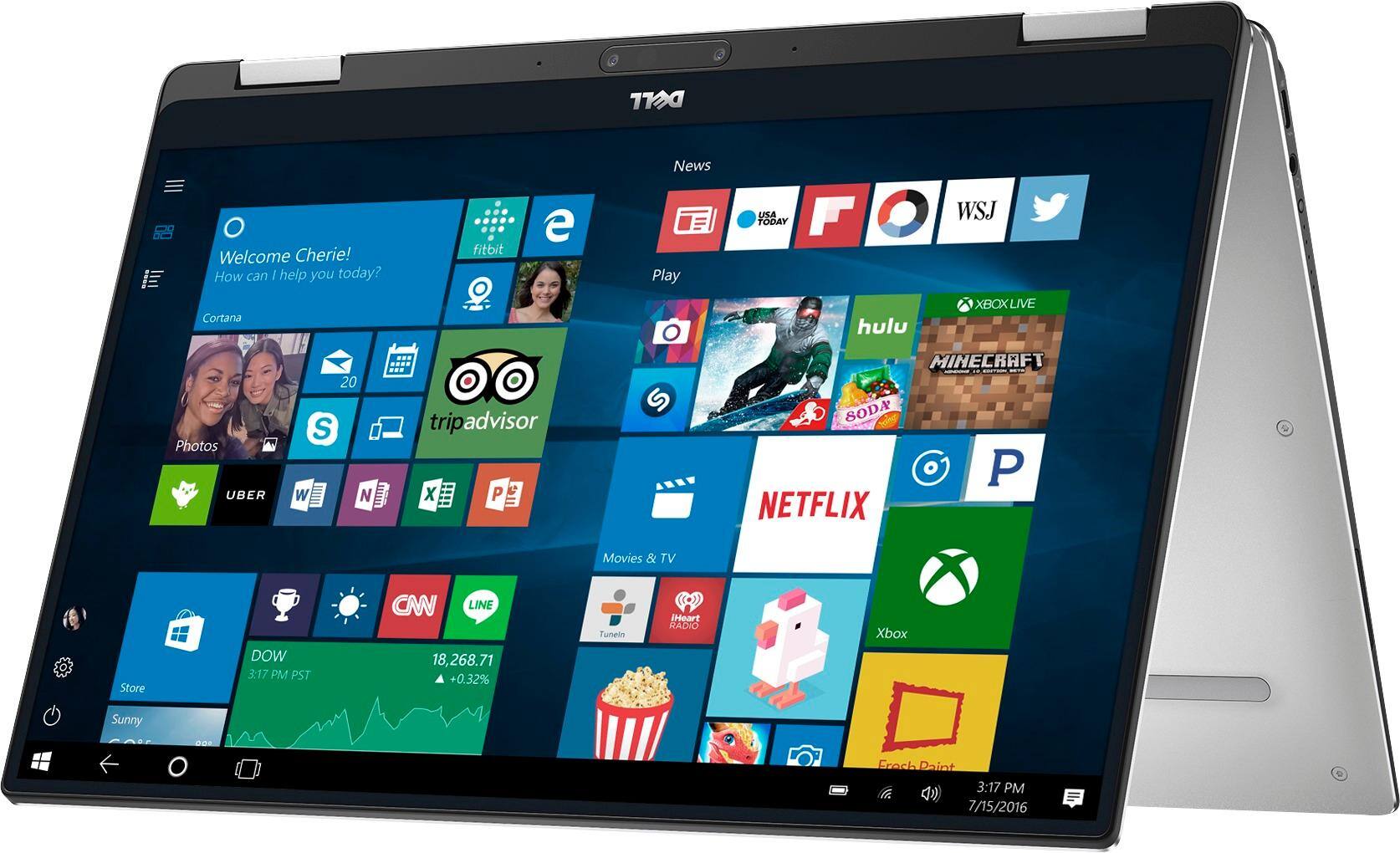
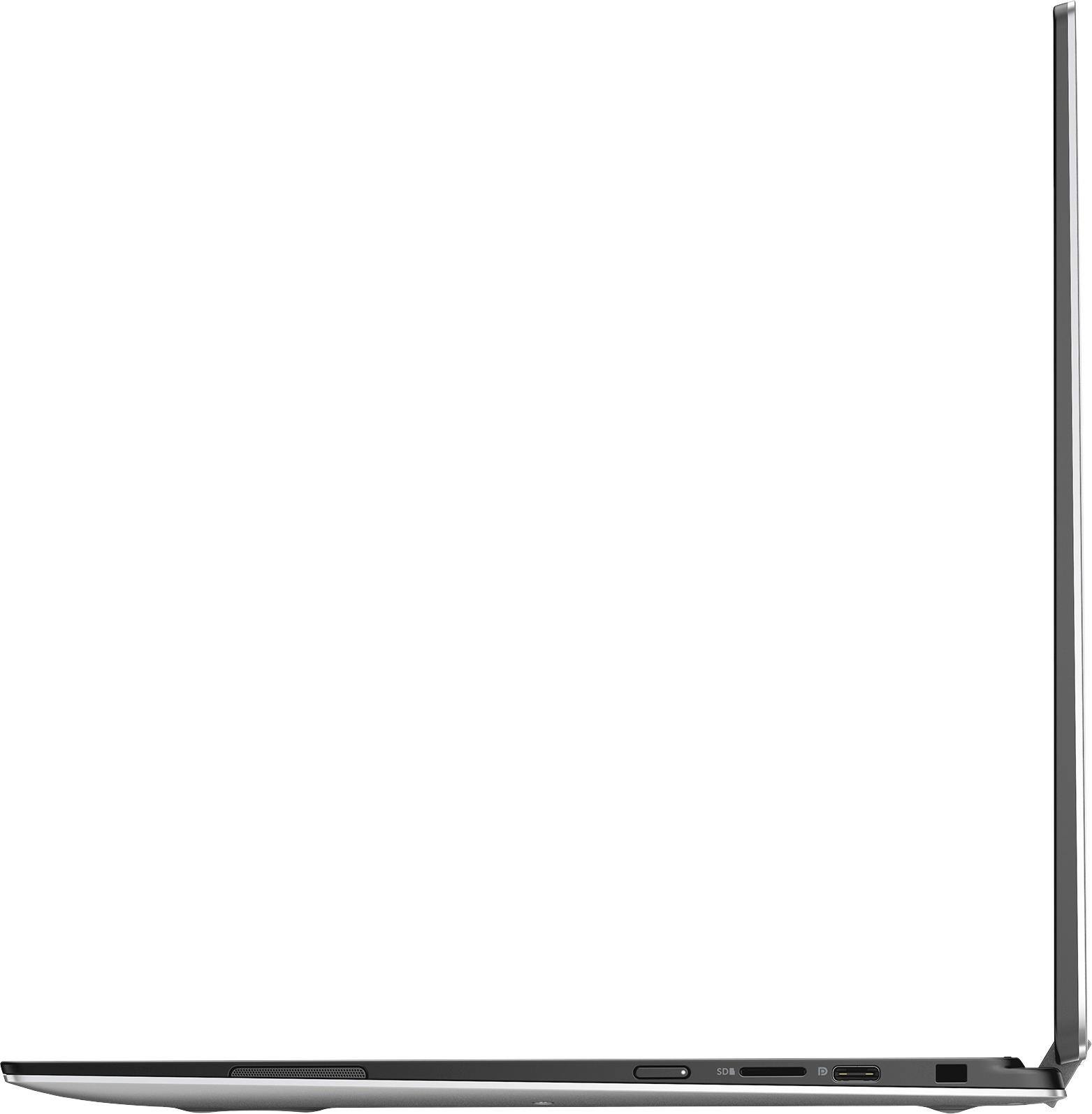
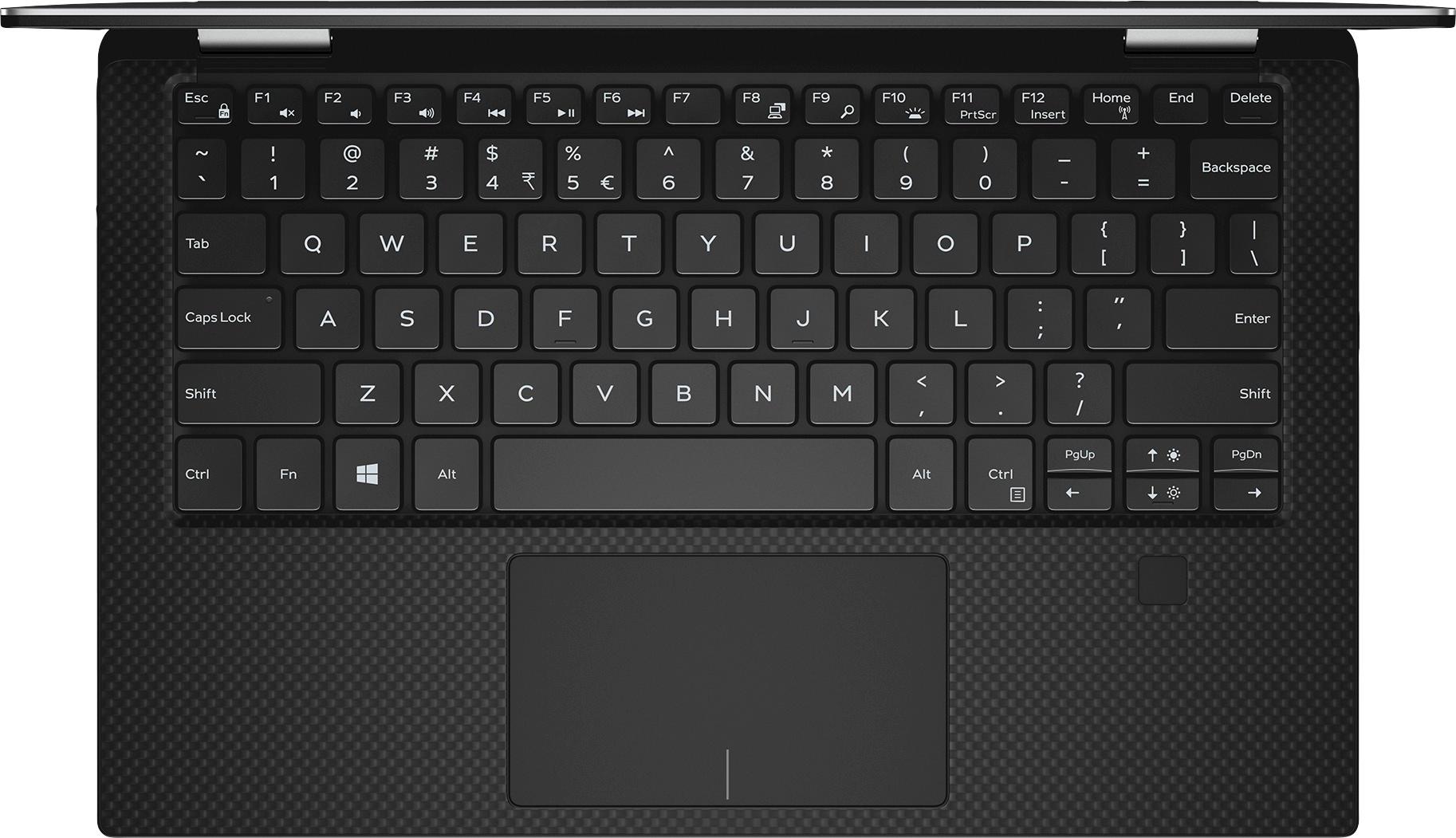
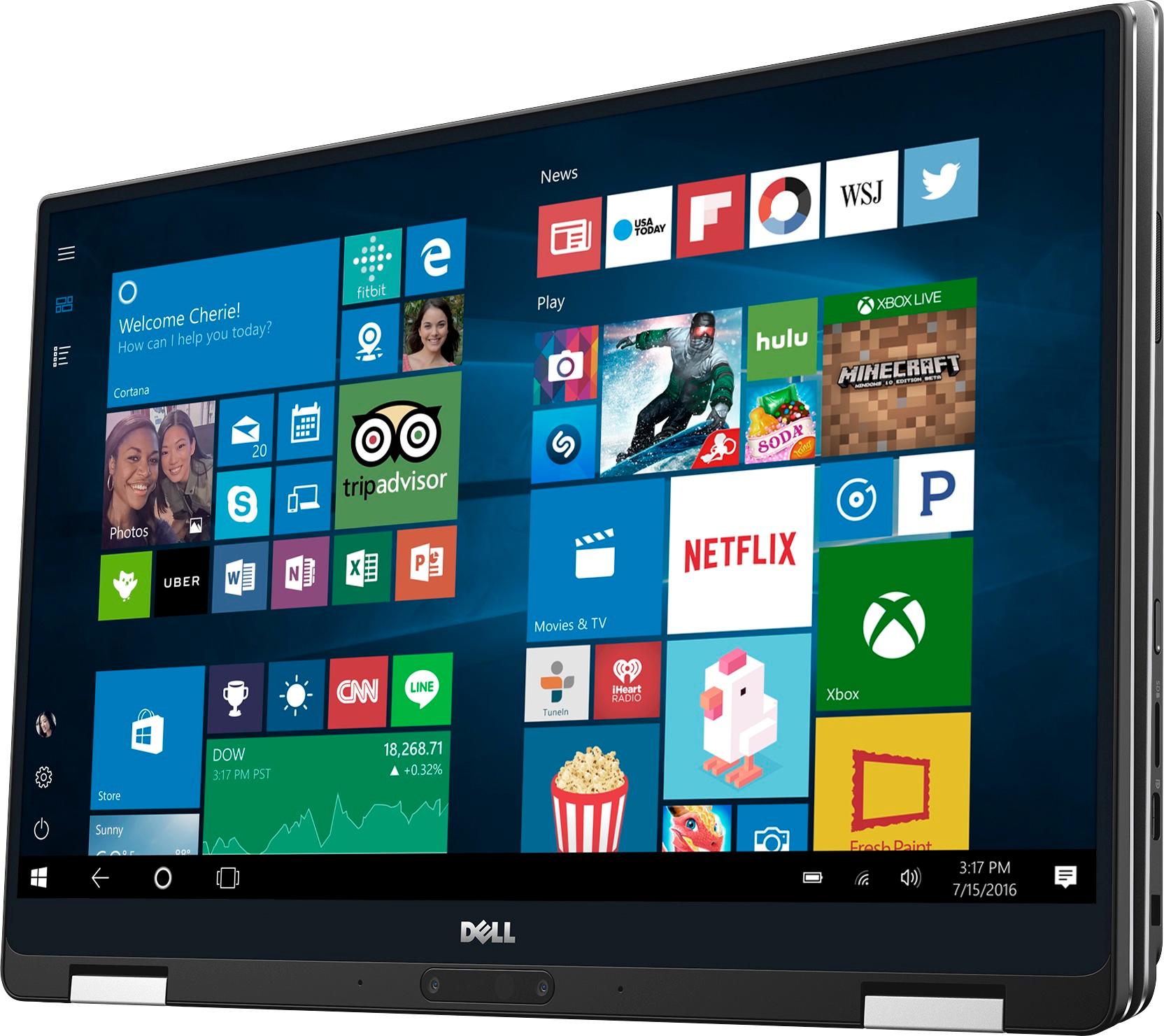
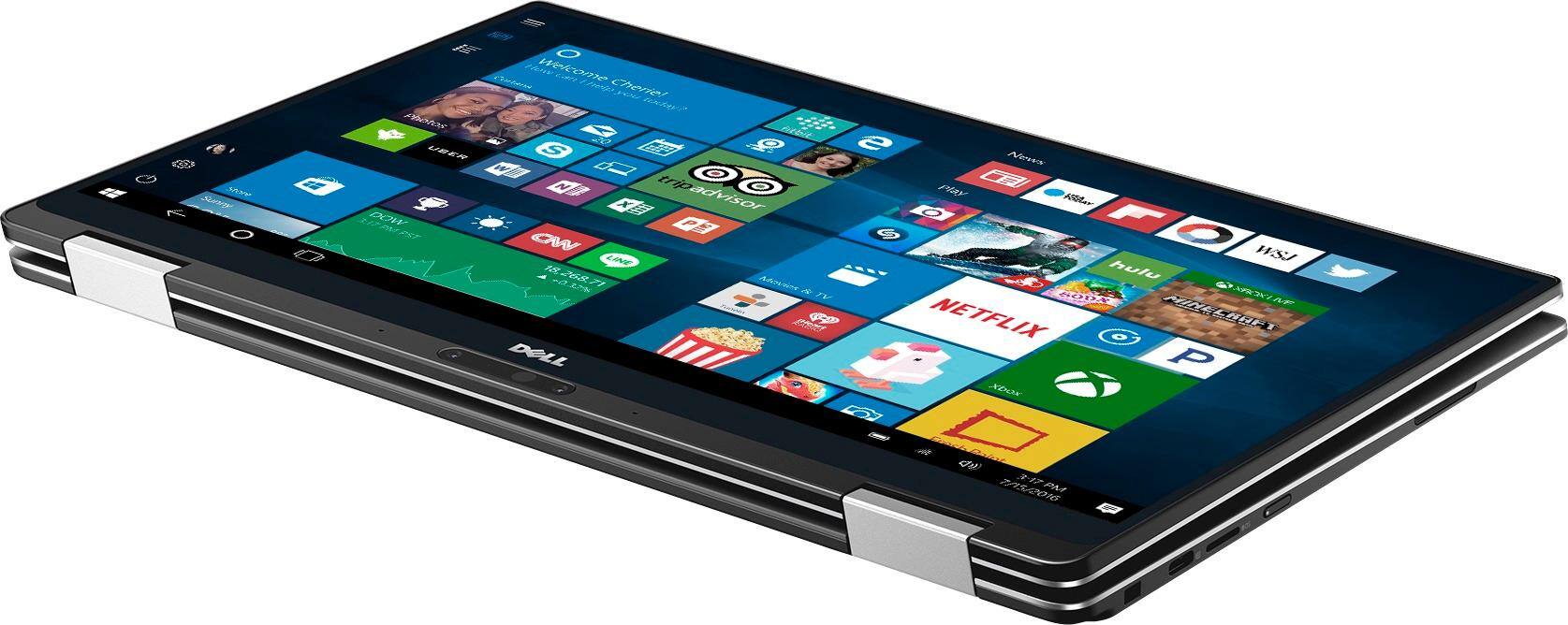
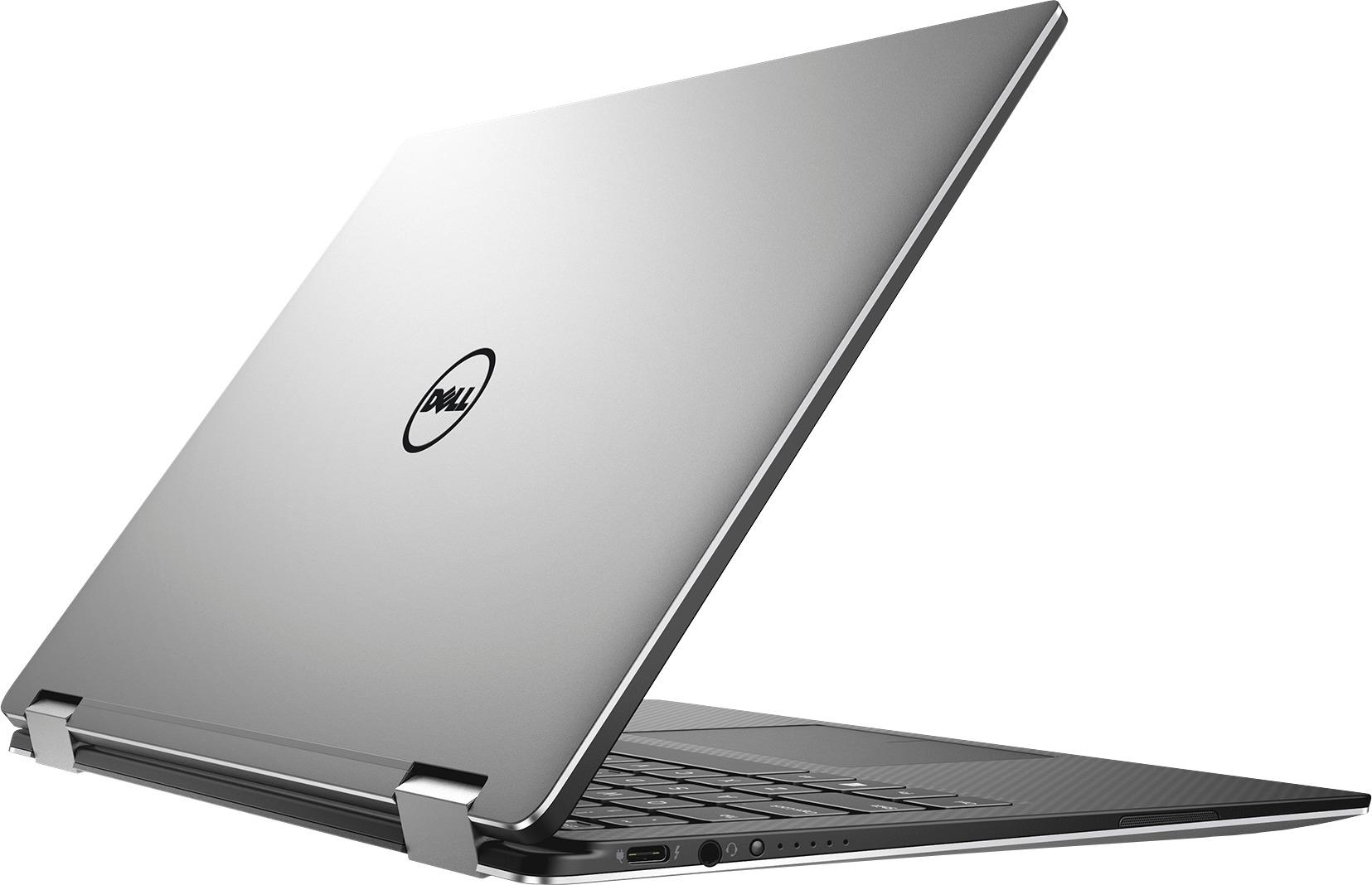
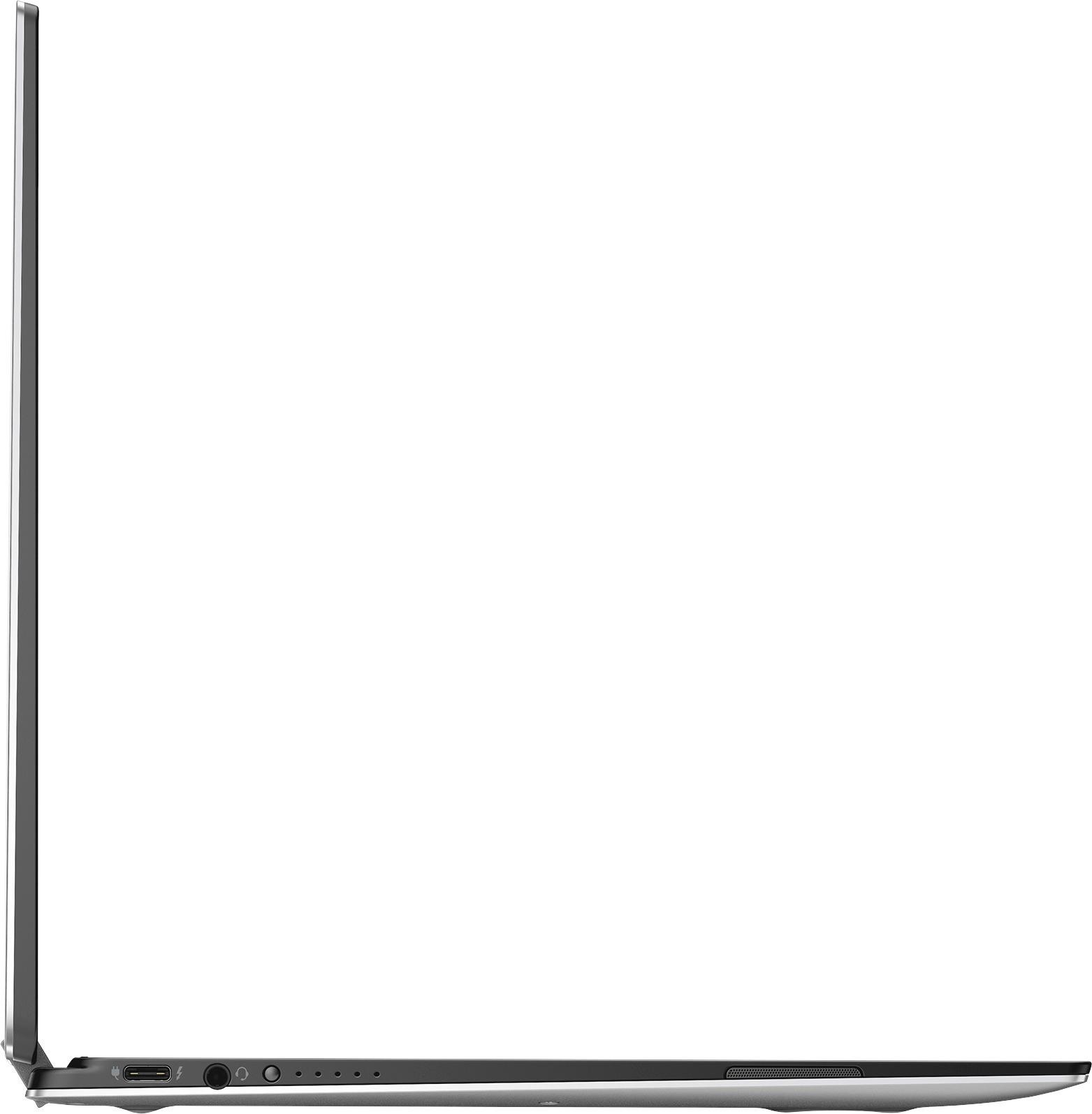
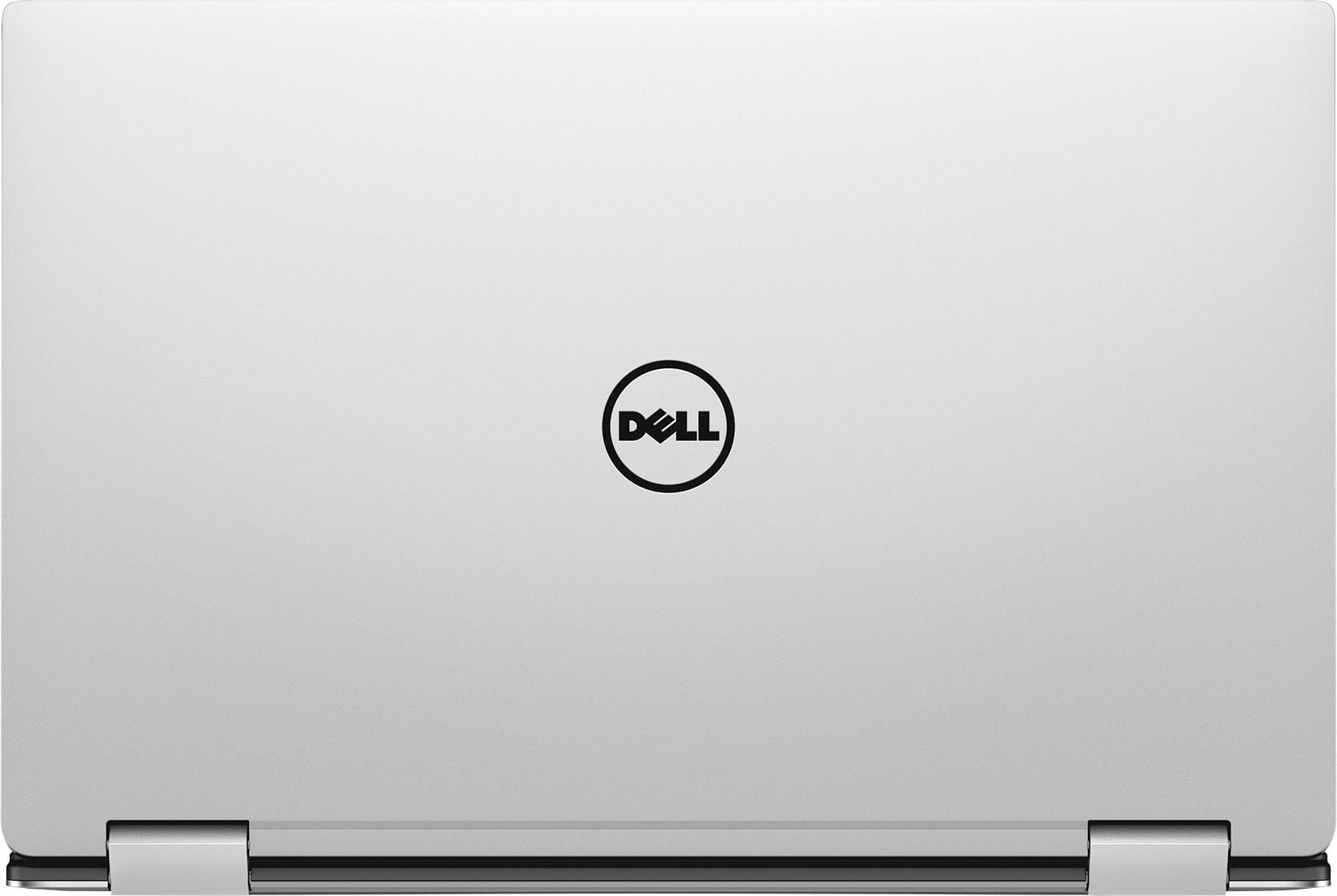
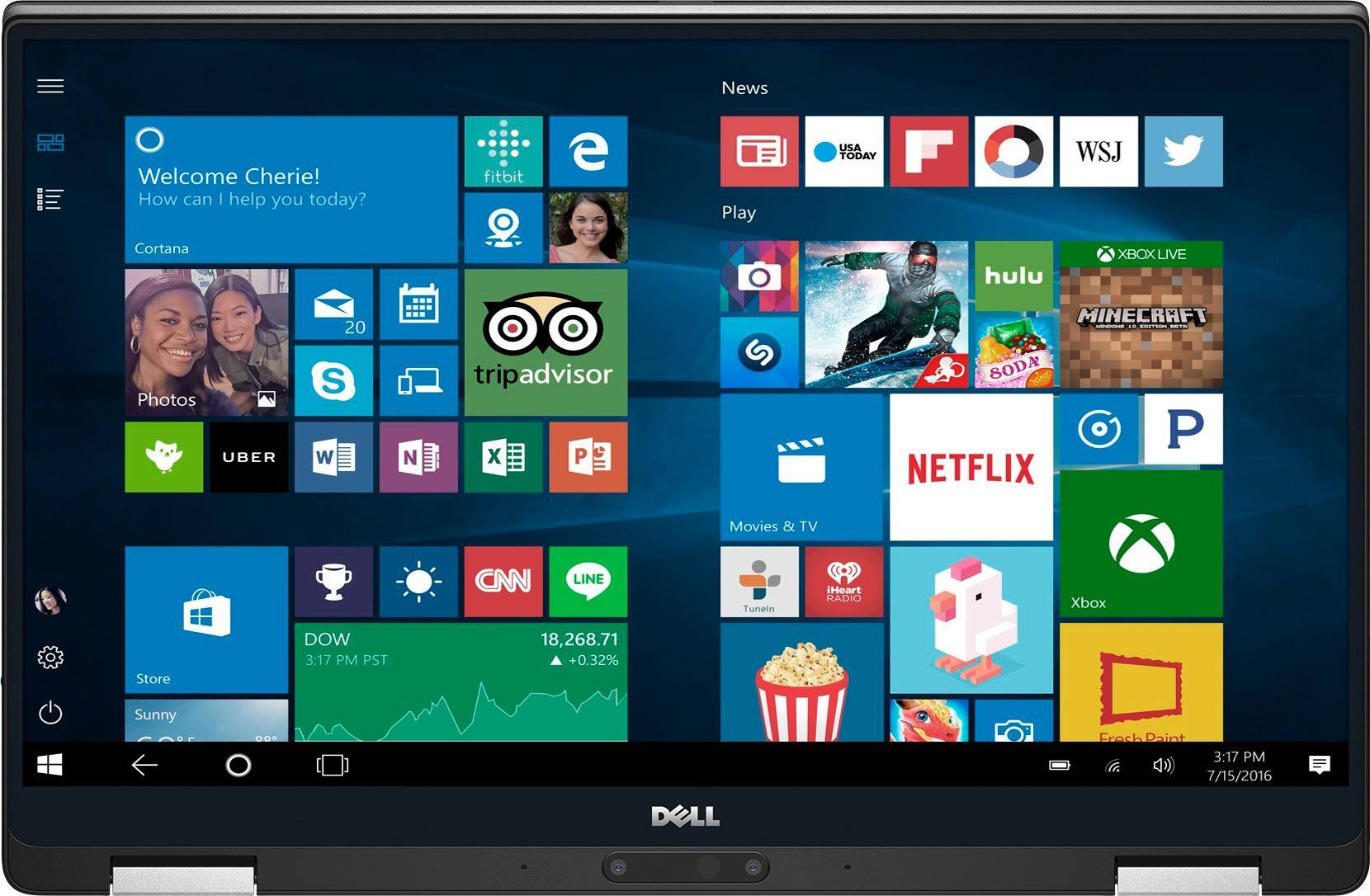
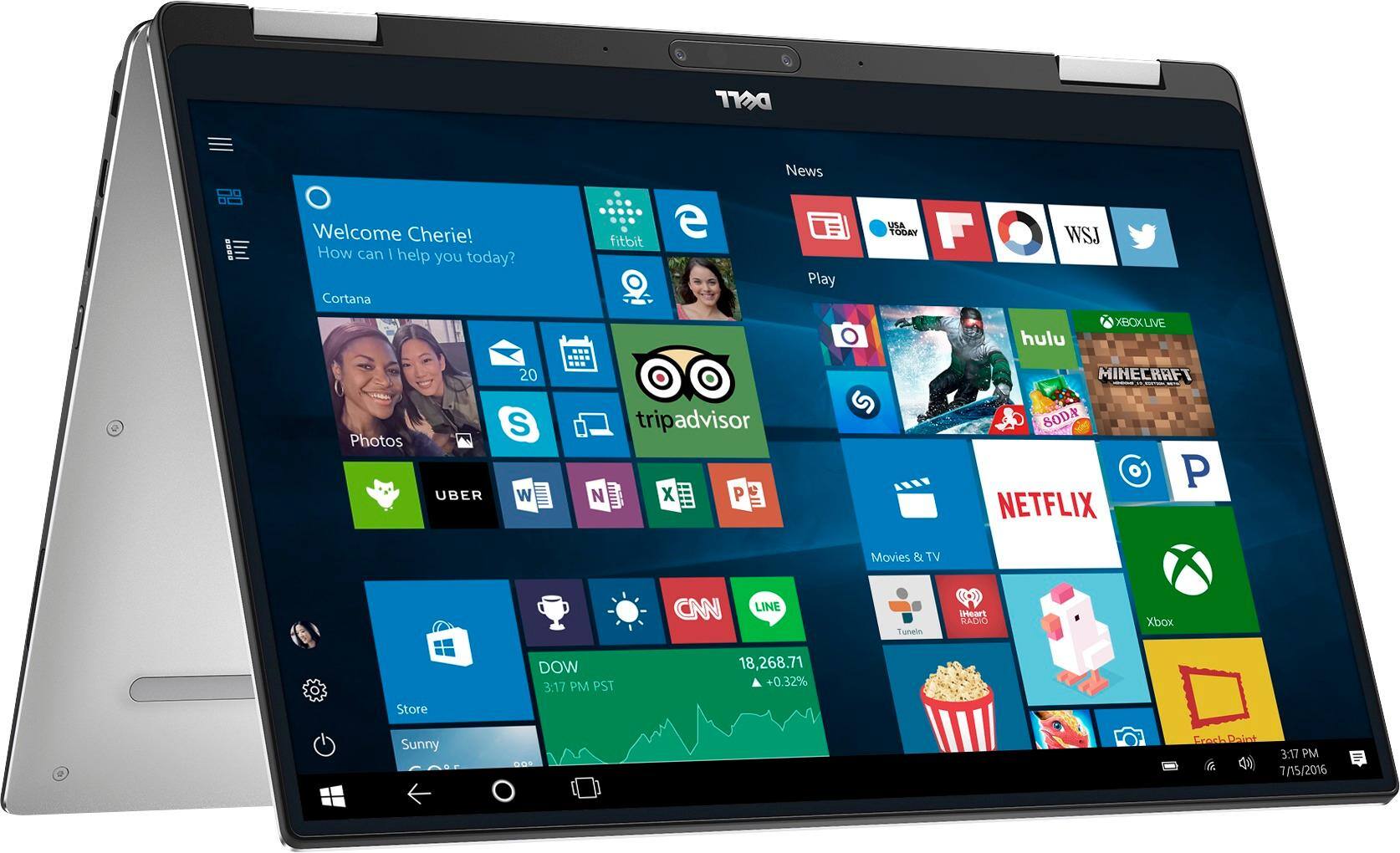
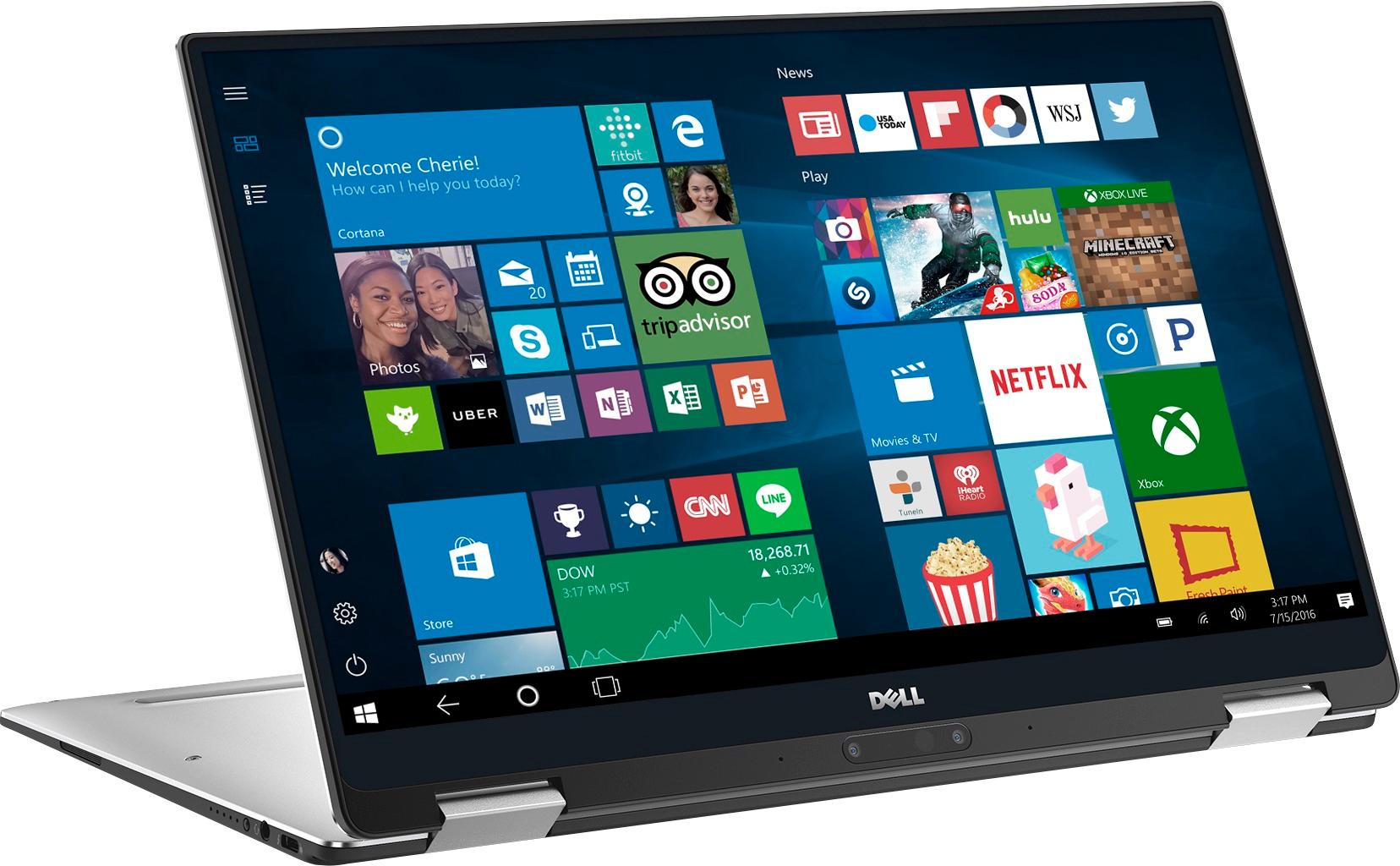
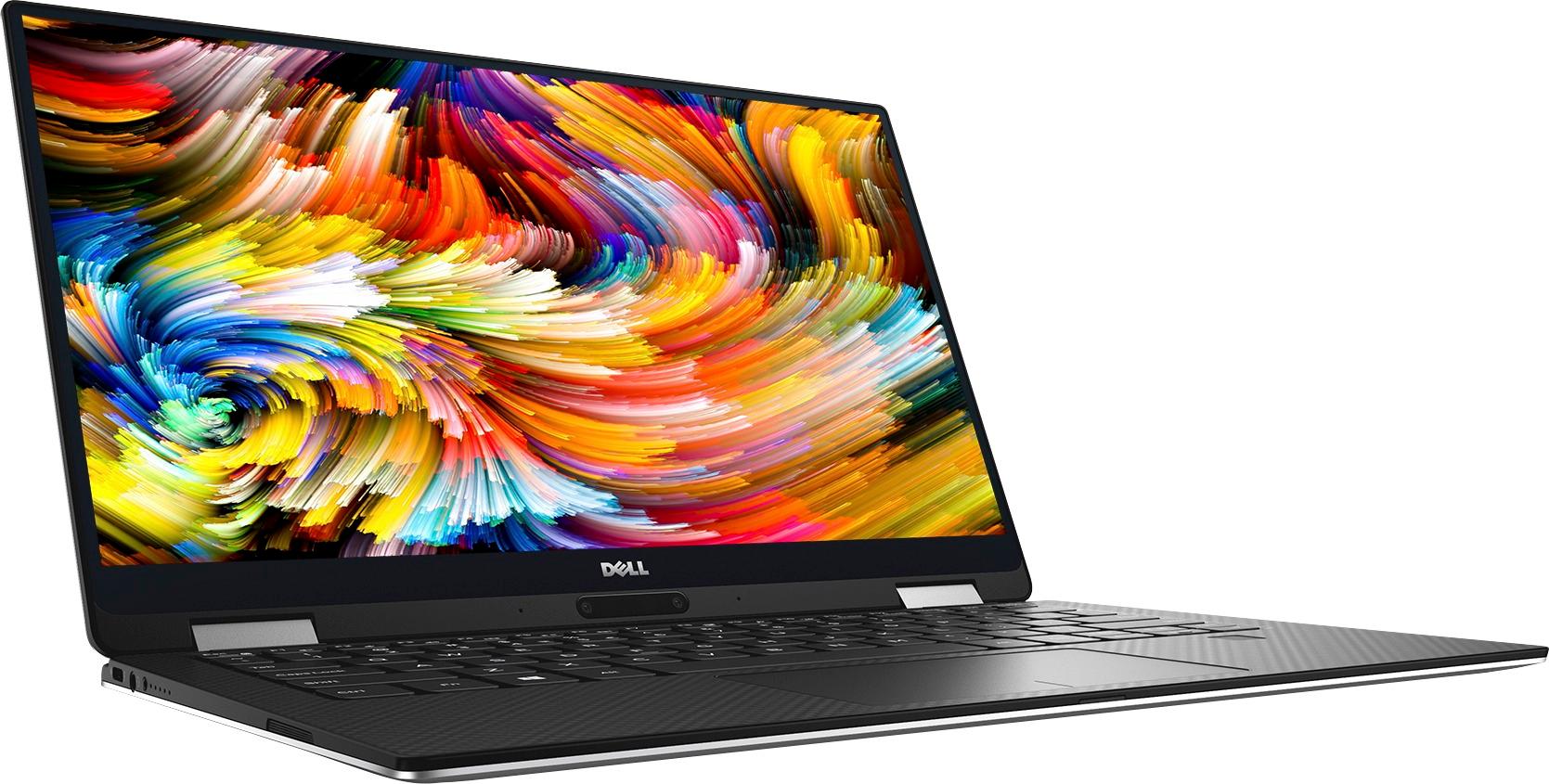
|Posted .This reviewer received promo considerations or sweepstakes entry for writing a review.Outside of possibly the HP Spectre x360, I don’t think I’ve used a Windows laptop that’s as nice as the Dell XPS 2 in 1. It’s so much smaller than you’d think it would be and powerful enough to do pretty much anything outside of heavy media and gaming without a hiccup. Starting with the physical, this is a 13.3” laptop packed into a frame that’s only a tiny bit bigger than the 12” MacBook. This is mainly accomplished by reducing the bezels in the display. There are hardly any borders around the main display and the webcam is moved down near the hinges (more on that later). It’s really striking to look at. The outside is all aluminum and the area where the keyboard lives is a soft touch carbon fiber pattern. I’m more a fan of the aluminum look all around, but the carbon fiber pattern does look nice and it’s much more comfortable on the hands than cold metal. The entire package feels solid and well put together. The hinge feels strong and keeps the screen stable while still making it easy to move. All the serial number and regulatory information is on the bottom of the laptop hidden underneath the XPS nameplate, which I thought was a neat touch. The one thing that has bothered me is this thing is a royal pain to actually open from close. There’s no notch on the lid to get your finger under and you need both hands to get it open. It’s not hard to open once you get a grip on it, but I wish they’d left even a small gap in the lid to get your finger under. For ports, you get two USB Type C ports (one of which is Thunderbolt 3), a headphone jack, and a micro SD slot. The USB ports are positioned on either side of the laptop and either can be used to charge it with the included 30 watt USB-C charger. Being able to charge on either side of the laptop is nice and with the charger being USB-C you have the freedom to use any other charger or even a portable charger. I wish they could have included a USB-A port, but Dell was nice enough to put a USB-C to USB-A dongle in the box, so that will get me by until the rest of world gets onboard with USB-C. The keyboard and trackpad are just about perfect. The keys are backlit, well-spaced, and have great travel. My only complaint about the keyboard is that the Page Up/Down keys are positioned right next to the arrow keys and it’s pretty easy to press them accidentally. The trackpad works great and has a good click feel all around it. Besides that, you also get a fingerprint sensor, which works great and is way easier than logging in with a password. The 1080p display is plenty sharp for its size and it has good colors. There’s a higher resolution one available that’s 3200x1800, but I don’t think it’s a must-have upgrade. The touchscreen works well, but in my personal use I tend to keep to the trackpad, especially with how great it is. Though a pen is not included, it does support an active pen input that you can get from Dell separately. Sitting centered below the display is the webcam and it’s not good. The quality is just okay and it looks at you from a pretty unflattering angle in laptop mode. The only way to really use it in my mind is to flip it into ‘tent’ mode, but then you lose access to the keyboard and trackpad. I don’t do much with the webcam, so it’s not a huge issue for me, but if you do a lot of video conferencing I would call this problem bad enough to avoid this laptop entirely. Performance all around was snappy. My model has the Core i7, 16GB of RAM, and a 256 GB PCIe SSD. It should be noted that the i7 processor that Dell uses is a fan-less model has a base clock speed of only 1.3 GHz, but a ‘turbo’ frequency of up to 3.6 GHz. My usage of browsing multiple tabs, watching videos, and playing a couple of light games didn’t show any signs of slowdown whatsoever. It definitely feels like an i7 to me. Not having a fan is nice too; I did notice it got a little warm after continuous use, but not uncomfortably so. Battery life was also great and my usage got me around a full day of use. This is the first laptop I’ve had where that didn’t give me the anxiety of always feeling like I need to plug it in. You get Windows 10 Home preinstalled. It’s got a little bit of bloatware, but it was easily uninstalled. One item to note for anyone considering this is to update your Wi-Fi drivers when you get it. For me at least I was getting terrible Wi-Fi speeds until I could download the latest driver. After that no problems. Though it is a 2 in 1 laptop, I found myself pretty much just using it as a laptop. Being able to flip the screen around is nice when you’re laying down on the couch, but the screen is just too big to comfortably use as a tablet for a long period of time. I think I’d do fine with the regular XPS, but the 2 in 1 functionality is a nice bonus and I don’t mind it as long as it doesn’t hinder the laptop functionality. I’d definitely recommend looking at the XPS 2 in 1. You get a lot of portability with some real power behind it. The only thing that really kills me about this thing is the webcam, but I can forgive that because I don’t use it.
I would recommend this to a friend So cool
||Posted .This reviewer received promo considerations or sweepstakes entry for writing a review.I’m glad I gave this a shot. The touchscreen and ability to flip it into a tablet makes this computer so cool to use.
I would recommend this to a friendSuper Complete
||Posted .This reviewer received promo considerations or sweepstakes entry for writing a review.It has it all on one... Great for gamers, students and home
I would recommend this to a friendVery effective for sales and marketing
||Posted .This reviewer received promo considerations or sweepstakes entry for writing a review.Effective and efficient for marketing work on the go
I would recommend this to a friend- Pros mentioned:Performance
Here's How to Fix the Glitches
|Posted .This reviewer received promo considerations or sweepstakes entry for writing a review.It is without a doubt that the Dell XPS 2-in-1 is is an attractive, state of the art ultra portable laptop. This laptop sells itself upon first touch as I was impressed with the sleek, all around smooth aluminum looking finish. It is a feather weight, weighing in at only 2lbs 11oz when I measured it on my well-calibrated scale. Build quality is superb. The frame of the laptop is very rigid, the hinges are sturdy, and all the exterior parts are finely mated together with tight tolerances. The 1920x1080 HD Infinity Edge display is bright, vivid, sharp, and reproduces colors very well. I also like the fact that the display can be viewed from large viewing angles. The keyboard is responsive and doesn't cause me any fatigue through long typing sessions. The backlit keyboard is a nice feature that is included in this laptop. Along the left edge of the laptop you will find a USB Type-C interface, headphone jack, and battery charge status lights. Along the right edge is another USB Type-C interface, micro-sd card reader, power button, and security cable slot. There is a speaker grille on both the left and right edges. What I found interesting on the Dell XPS 2-in-1 is that the web camera and microphone are located on the bottom edge of the screen. In my experience with laptops, they have always been located at the top edge of the screen. However, I noticed that the location of the webcam at the bottom of the screen did not affect the view as I was able to see my entire face. I was concerned that only the lower half of my face would show up through the webcam on the screen with the camera located at the bottom. Okay then, onto performance. Out of the box, it is really a 3 out of 5 star laptop at the start. Let me explain. The laptop is actually handicapped by glitchy software and outdated firmware. This is why you see some of the negative review comments. I had the same experience as those folks. First, there is the adaptive brightness issue. The laptop screen will continually and automatically step up or step down the brightness on the screen. Going into the power options to turn off adaptive brightness does nothing. It continues to automatically make brightness adjustments and is just plain annoying. The second issue is that there is a problem with the wifi driver firmware that comes with the laptop from the factory. The wifi signal is very spotty. The signal bars sometimes shows one or two strength bars or even drops wifi altogether when I know that it should be showing full wifi strength. I compared it to my other laptops and smartphones which were showing full strength at the same distance from my router, all with no physical obstructions from the device to the router. The third issue is that I noticed that the battery was draining very fast. In a matter of twenty minutes, it drained down approximately 10% even when I was not doing any intensive operations, merely browsing the web. The fourth issue is that the brightness adjustment which is made by pressing the combination of the Function key and either the up or down arrows, is extremely laggy. I would press the key for the brightness adjustment, and it would take a second or two to register in the computer to make the adjustment. The fifth issue is that I hear an odd static, scratchy noise that can be heard in the machine, sounds like something is spinning inside the laptop. It is audible in a quiet environment and this is heard from a regular sitting position. It was not like I had to put my ear up to the machine to hear it. I'm disappointed that Dell did not do a better job performing quality assurance and quality control before releasing this laptop to the consumer. After all, this is a premium machine that they should have spent a few minutes testing. I was able to identify these problems during my first twenty minutes of using the laptop. However, the Dell XPS 2-in-1 does redeem itself, mostly. I'm going to now tell you how to fix the first four issues I mentioned above. You will need to open the Dell Support Assist software or go directly to the Dell product support Driver and Download webpage and download the updated BIOS, FirmwareUpdate Utility for Enabling/Disabling Dynamic Backlight Control software, a few Network Driver firmware updates, Chipset software updates, etc. If you are using the Dell support webpage, it will ask you for your Service Tag number. You can locate your service tag number for the XPS 2-in-1 underneath the laptop by opening the little rectangular flap with the XPS imprint. I would suggest you download the 'Urgent' and 'Recommended' files. After installing the updated drivers and software and re-booting the laptop, you will be amazed at how the first four issues have now disappeared. The Dell XPS 2-in-1 finally comes to life, rewarding you by being a responsive and blazing fast ultraportable laptop that it should have been right from the factory! The battery drain has been managed, the adaptive screen brightness issue is fixed, the brightness adjustment response well, and the wifi signal strength is strong and robust. At this point I believe the XPS deserves an additional star, bringing my review to 4 out of 5 stars. The laptop is an excellent performer. I used Photoshop on it and adjustments were reflected on the photos instantaneously. Here are some other things that I observed. I mentioned that the laptop has a USB Type-C connector on both the left and right edge. It turns out that you can charge your laptop from either connector. Next observation is that the laptop is screwed in from the bottom by security screws. For the tinkerers out there, it's not your standard Philips head screws, so you will need special security star-type screw drivers to open the bottom panel of the laptop to explore the hardware inside. Third observation is that since you won't be able to open up the bottom panel easily, this means that the battery is not user replaceable. You will need to purchase an external battery charge pack for those times you will be far away from a wall outlet. Another thing to take note is that the laptop comes with a USB Type C to USB Type A adapter. This means you will be able to connect peripherals to your laptop like flashdrives, external hardrives, or an external DVD/CD drive. Overall, I think this is a solid laptop provided that the drivers and software are properly updated. It can definitely go toe to toe with its competitors in the ultraportable class.
I would recommend this to a friend My Laptop
||Posted .This reviewer received promo considerations or sweepstakes entry for writing a review.This laptop is good but the only disadvantage is it's size.
I would recommend this to a friendExcellent laptop
||Posted .This reviewer received promo considerations or sweepstakes entry for writing a review.This laptop is very stylish, fast and light. It can also be used as a tablet and the touchscreen is very responsive.
I would recommend this to a friendgood premium design laptop
||Posted .This reviewer received promo considerations or sweepstakes entry for writing a review.laptop works great for student and business purposes
I would recommend this to a friendGreat Computer
||Posted .This reviewer received promo considerations or sweepstakes entry for writing a review.We bought this computer for our college daughter who is studying computer science. It's just want she needed.
I would recommend this to a friendGreat desl
||Posted .This reviewer received promo considerations or sweepstakes entry for writing a review.My daughter is thrilled with her computer and I am very happy that you price match and gave me 24 months to pay.
I would recommend this to a friend