Customer Ratings & Reviews



- Model:
- XPS9365-7086SLV-PUS
- SKU:
- 5711031
Rating by feature
- Value
Rating 4.3 out of 5 stars
- Quality
Rating 4.3 out of 5 stars
- Ease of Use
Rating 4.4 out of 5 stars
Customers are saying
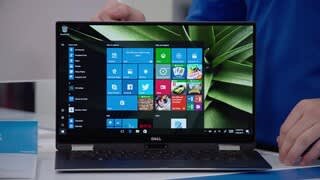
Customers enjoy the XPS 2-in-1 laptop for its light weight, fast performance, and long battery life. They appreciate the high-quality screen and sleek design. However, some customers have concerns about the limited number of ports, the price, and the placement of the power button.
This summary was generated by AI based on customer reviews.
- Pros mentioned:ScreenCons mentioned:Ports, Processor

Very Strong Y Series Laptop - Could be Even Better
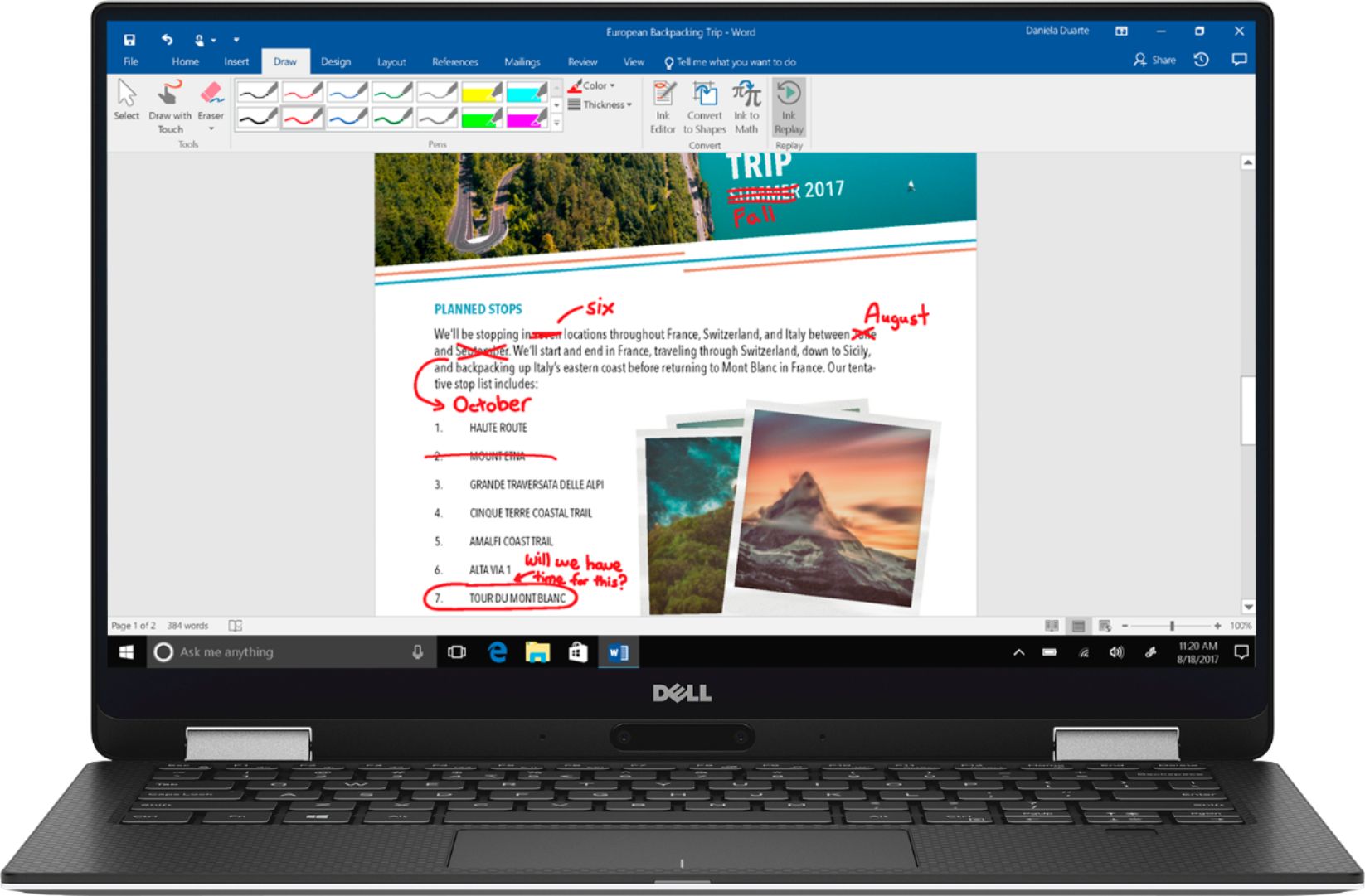
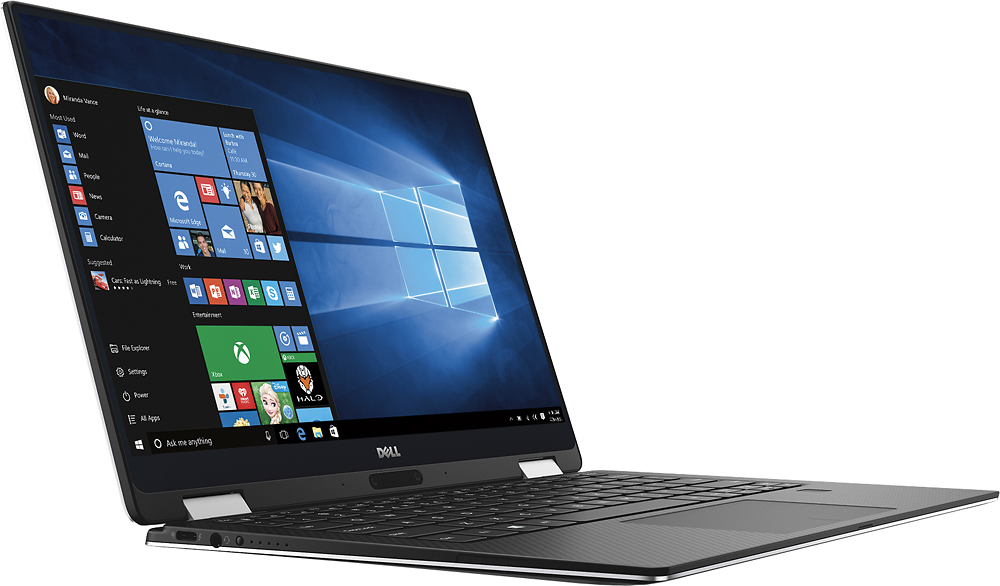
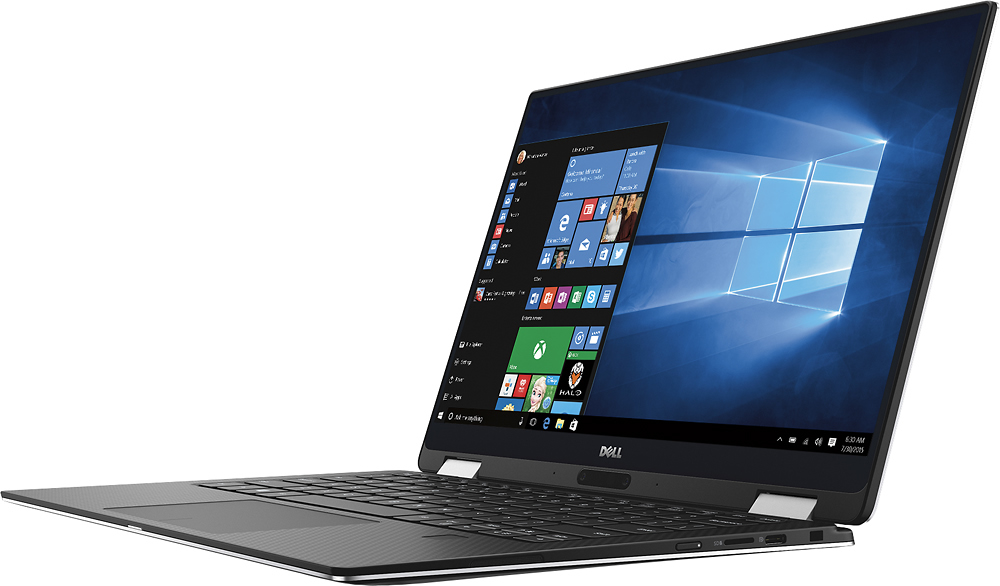
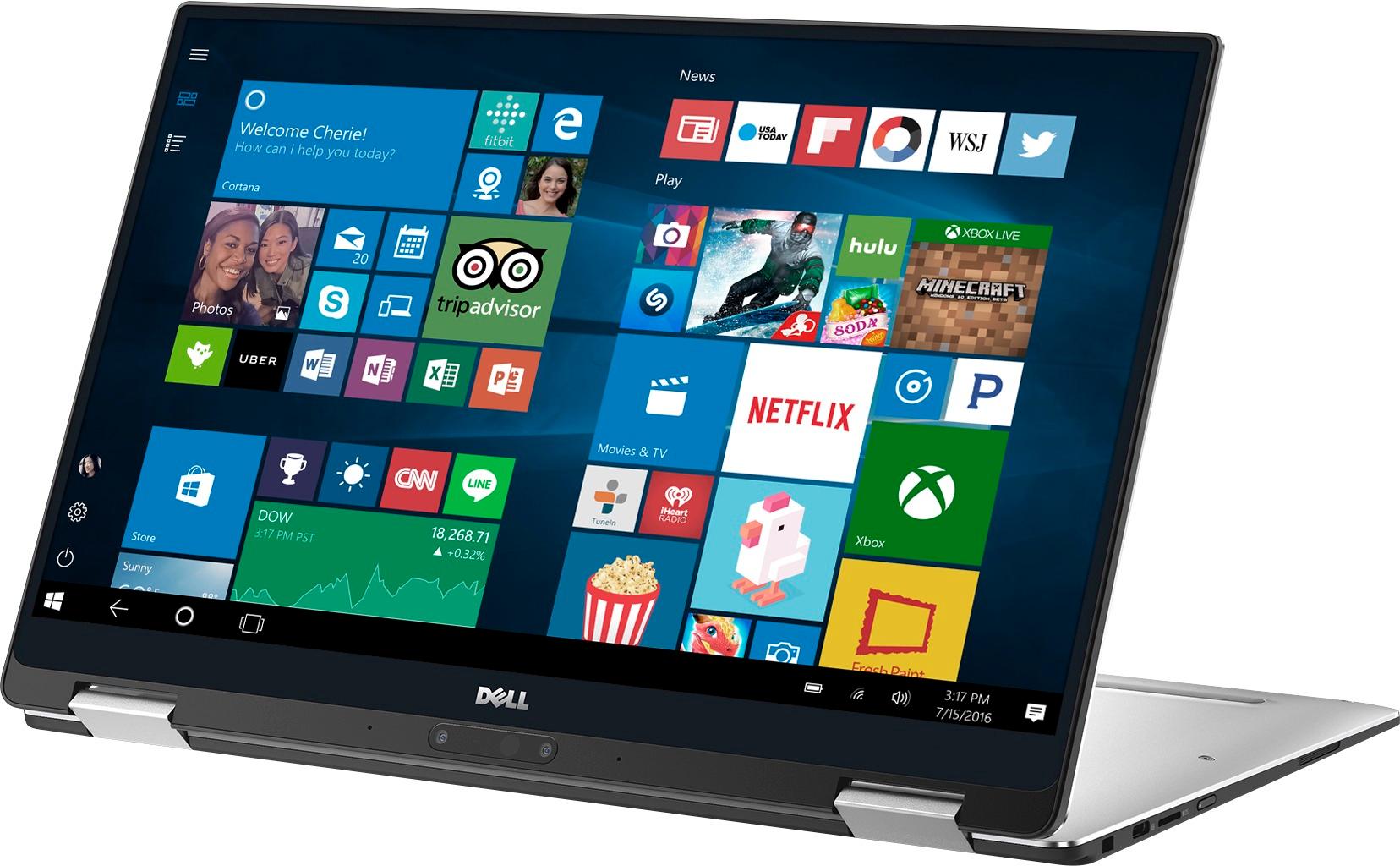
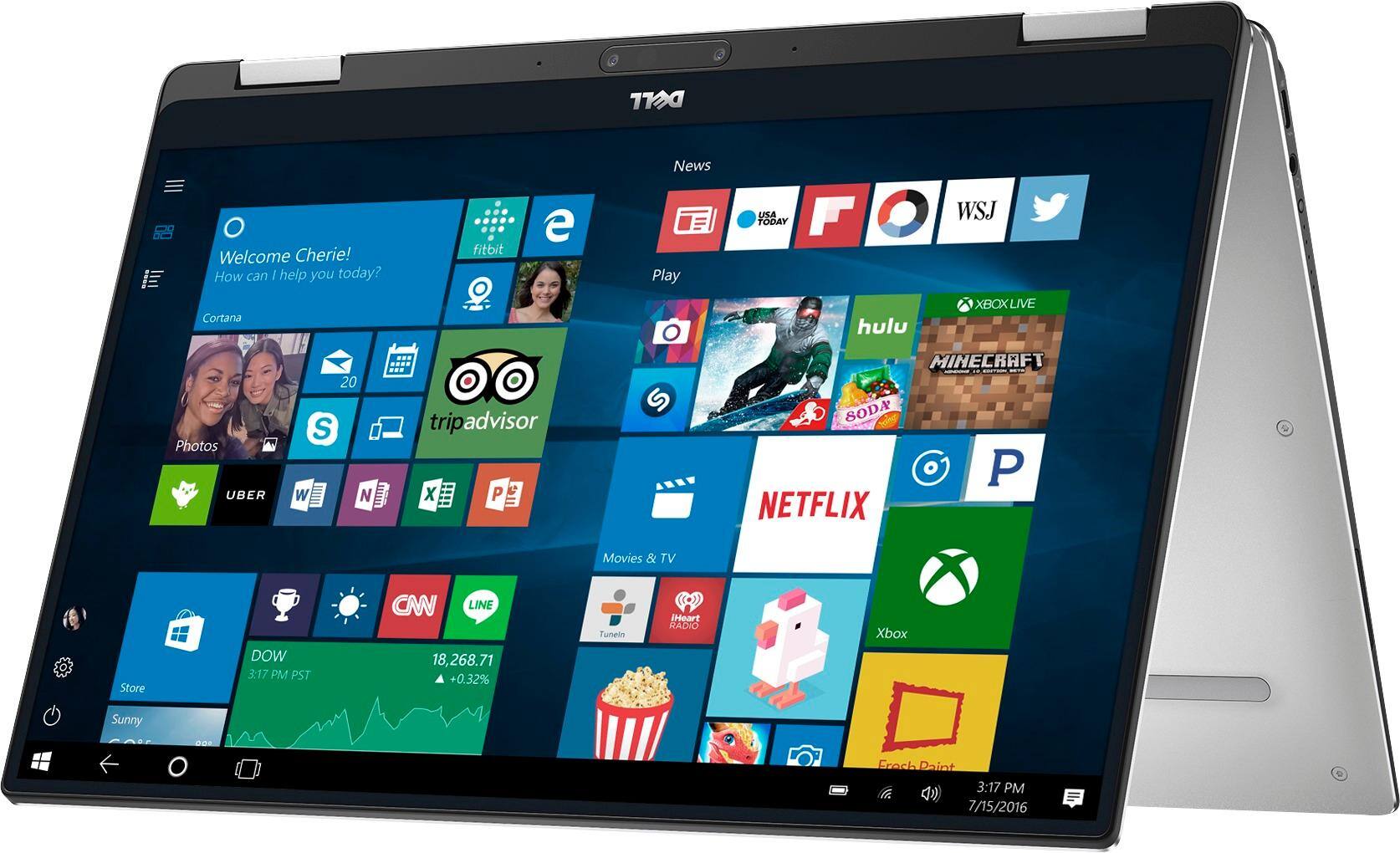
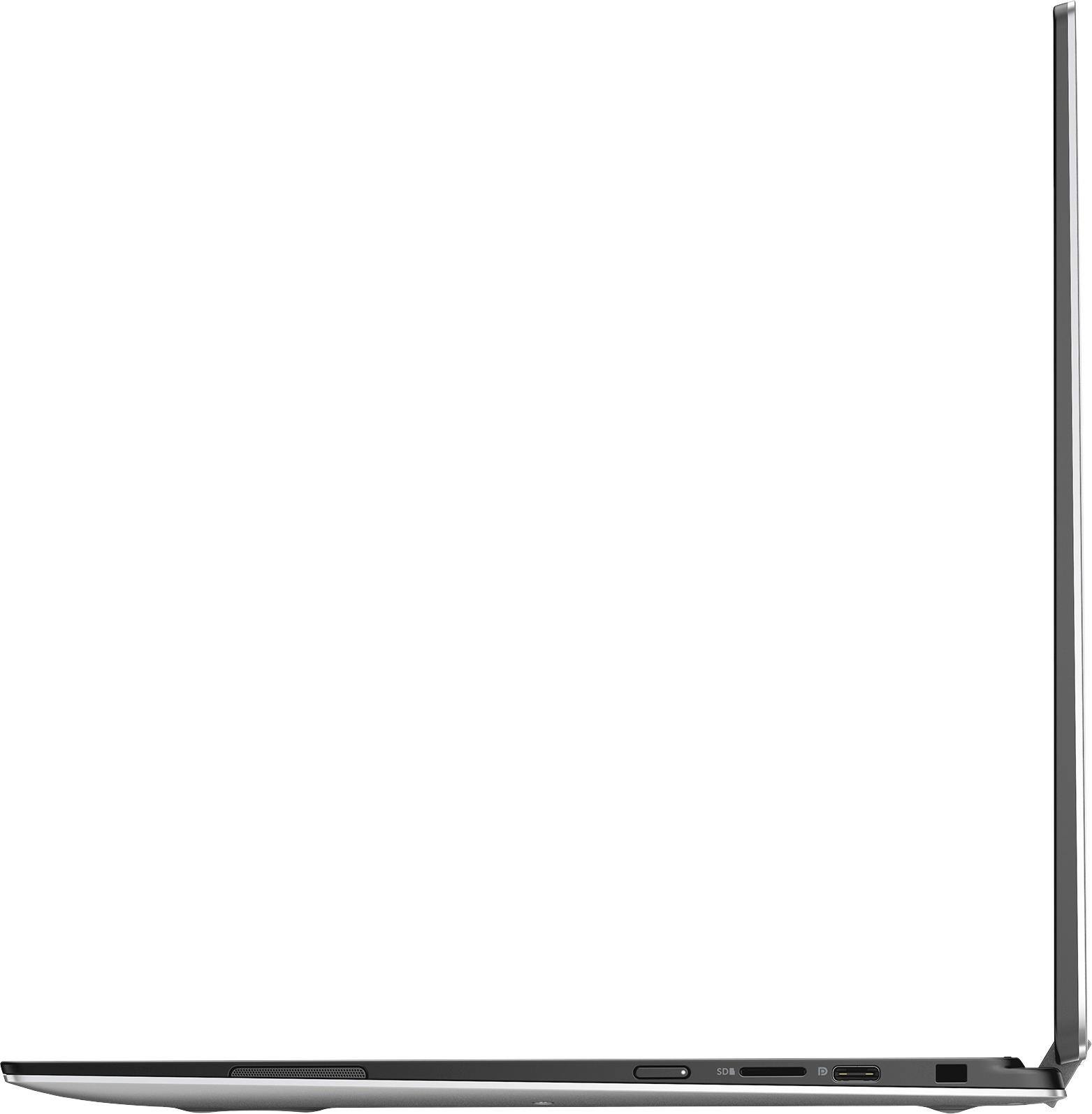
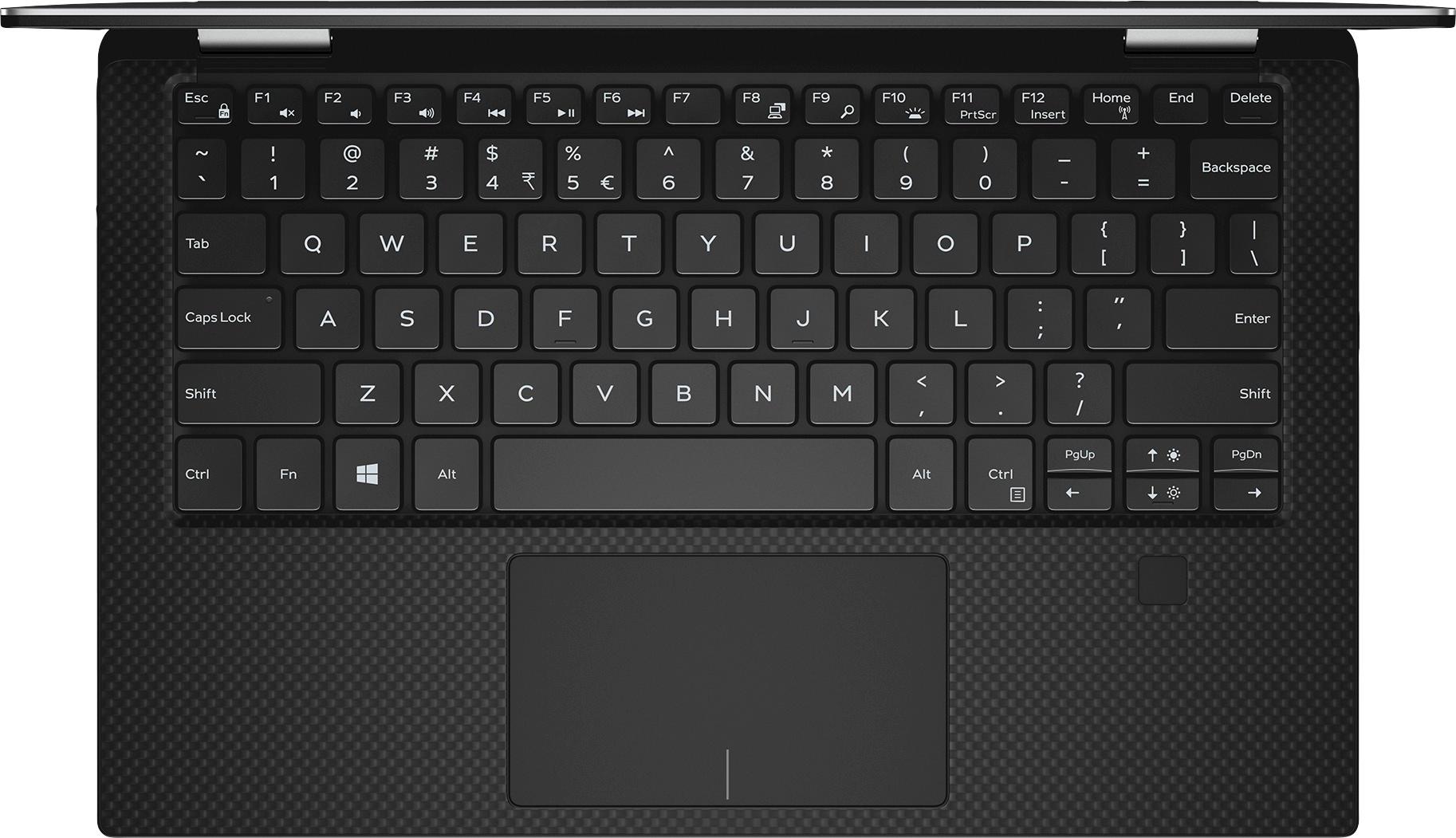
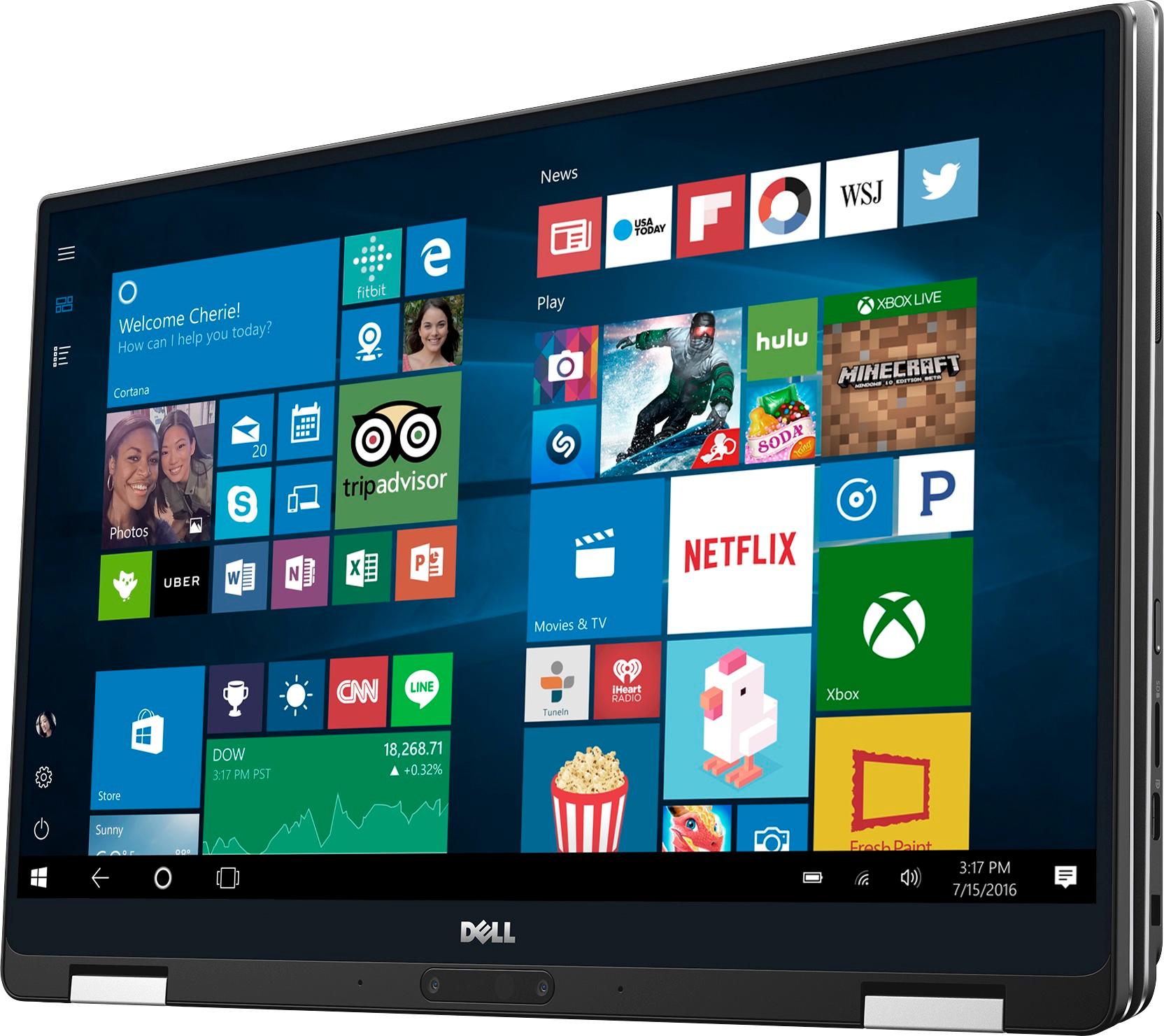
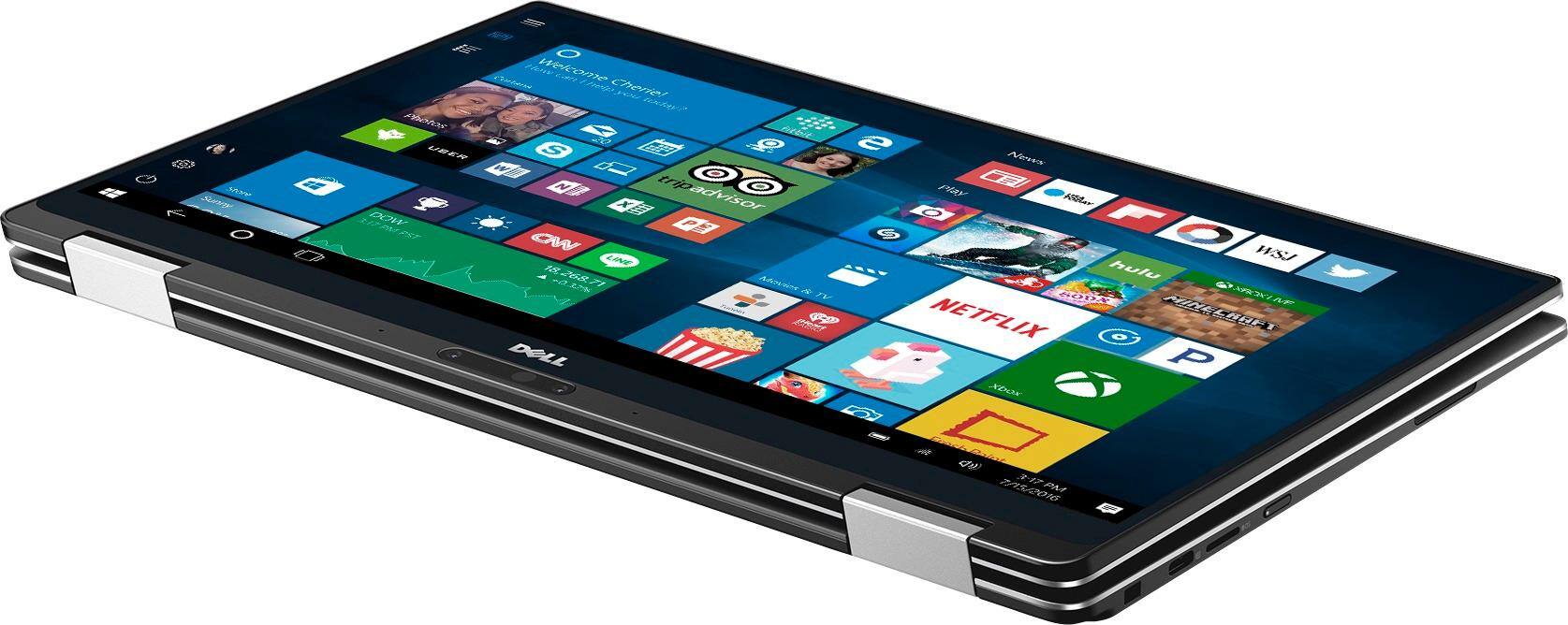
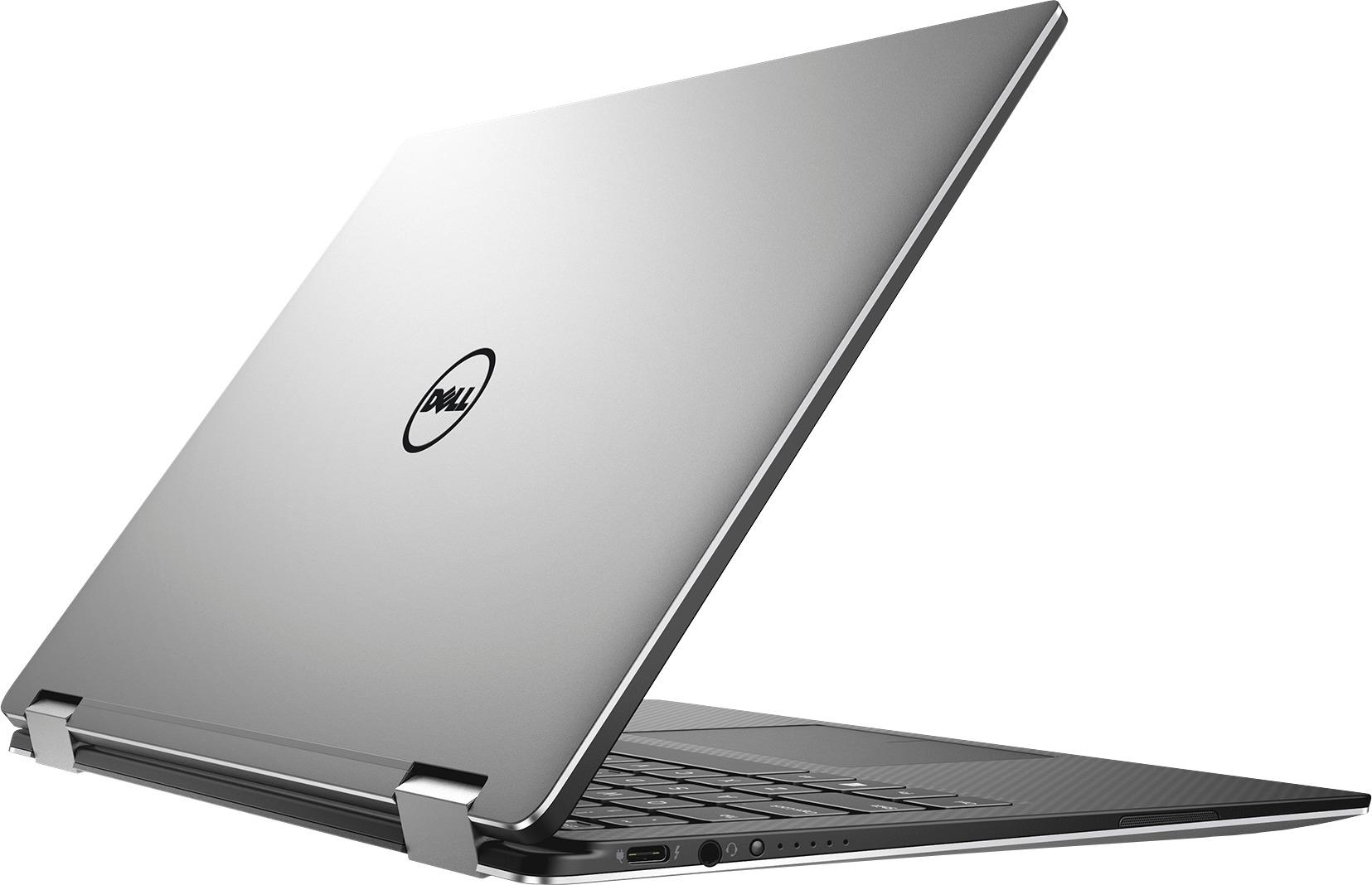
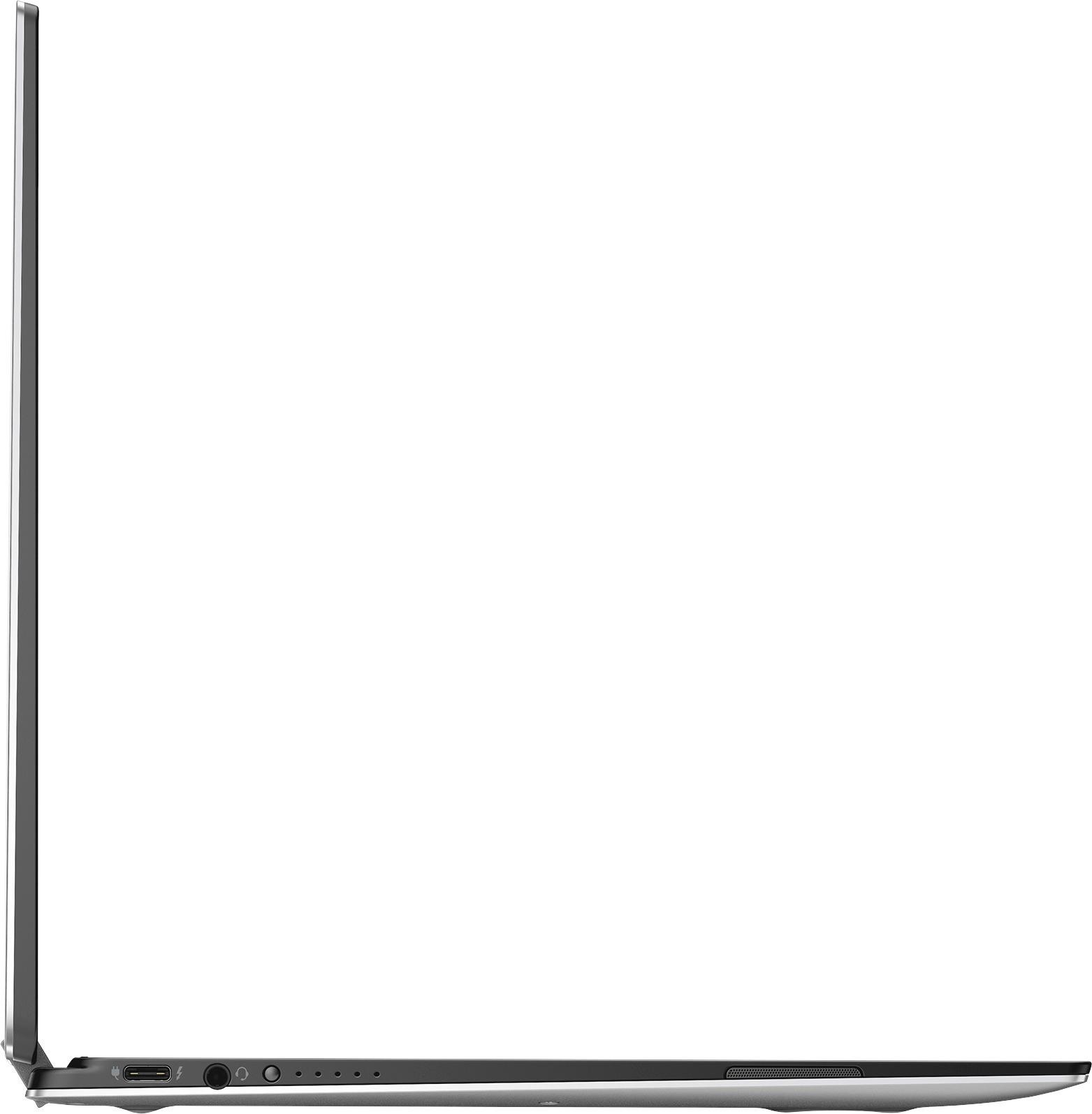
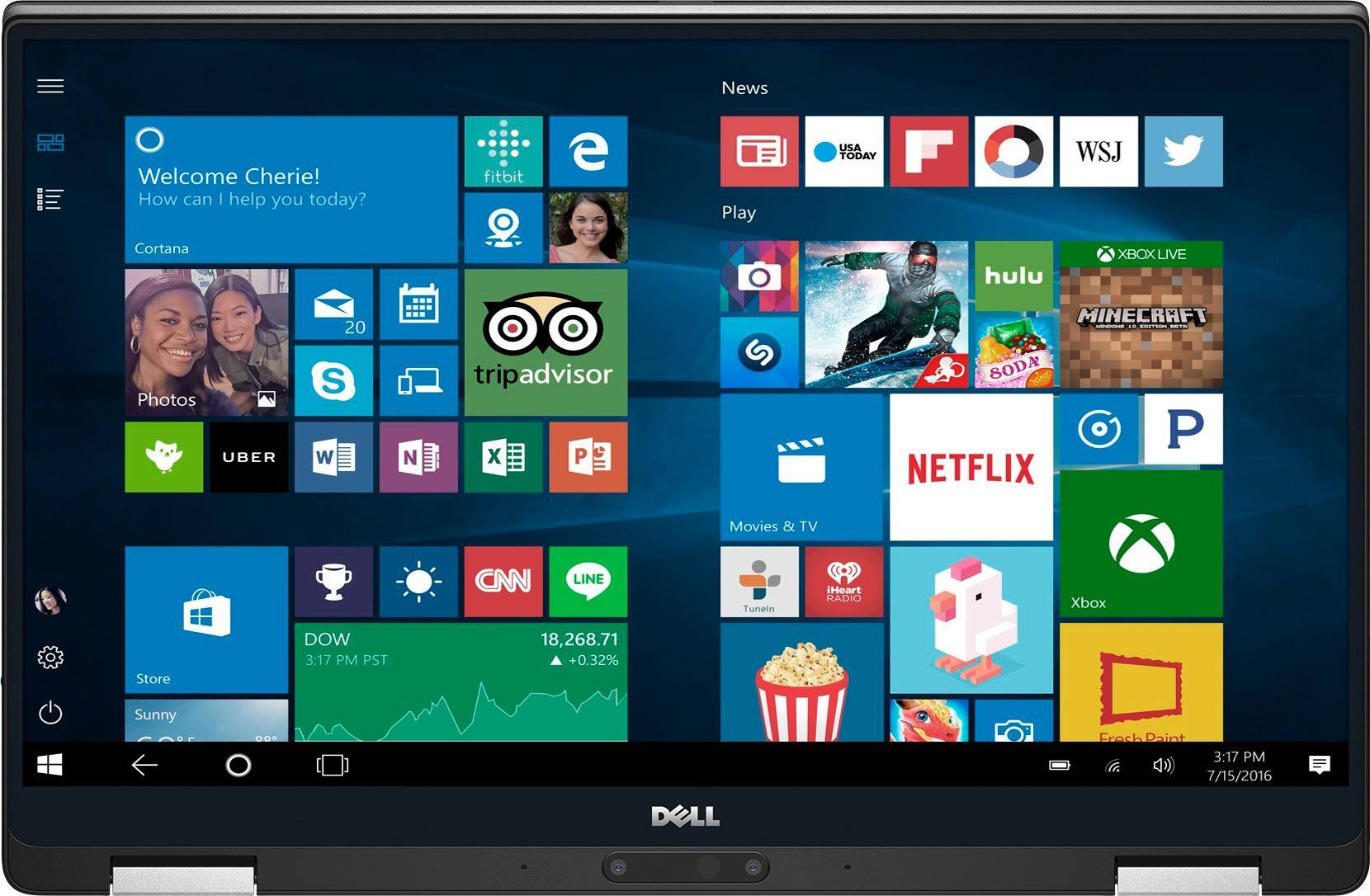
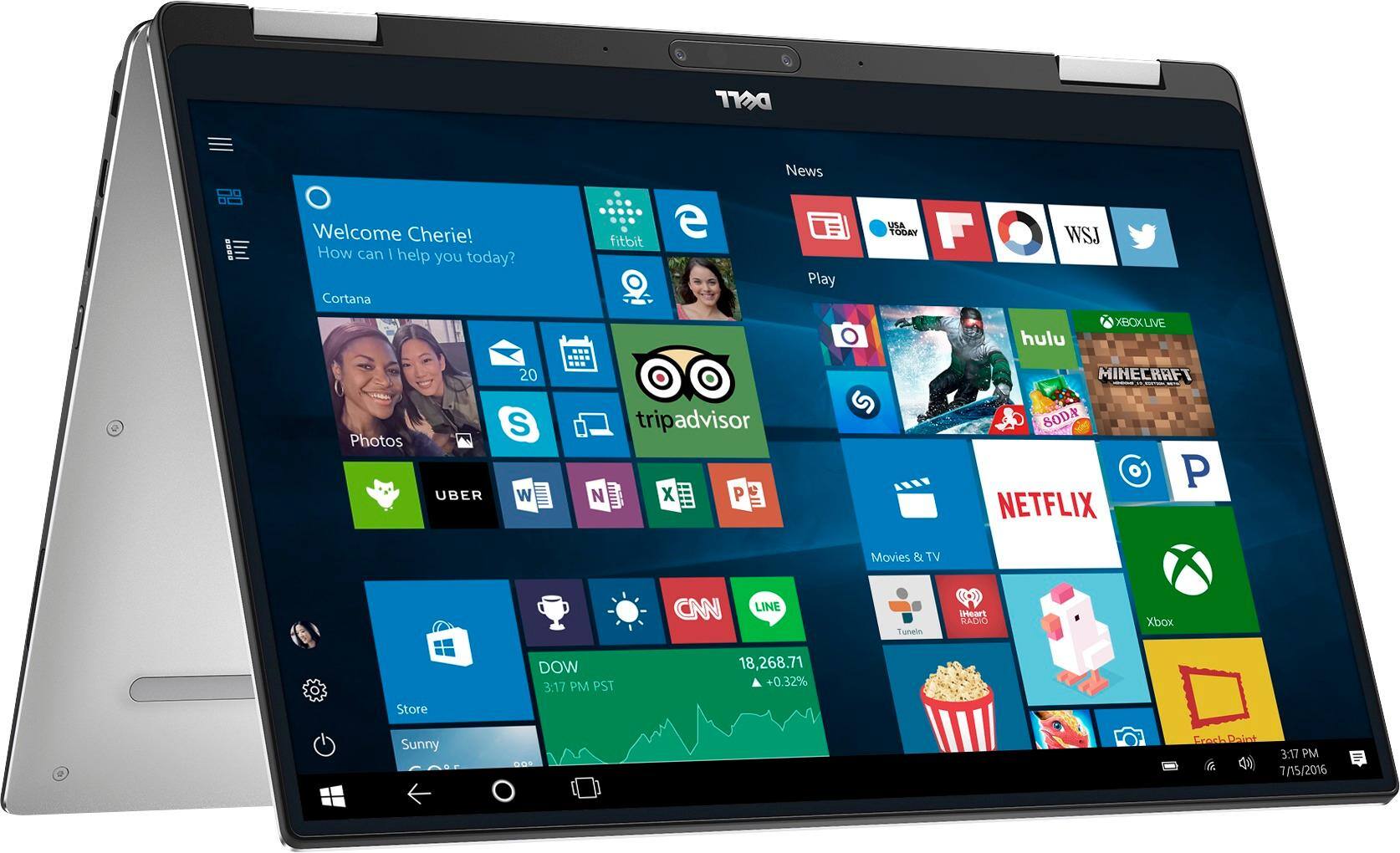
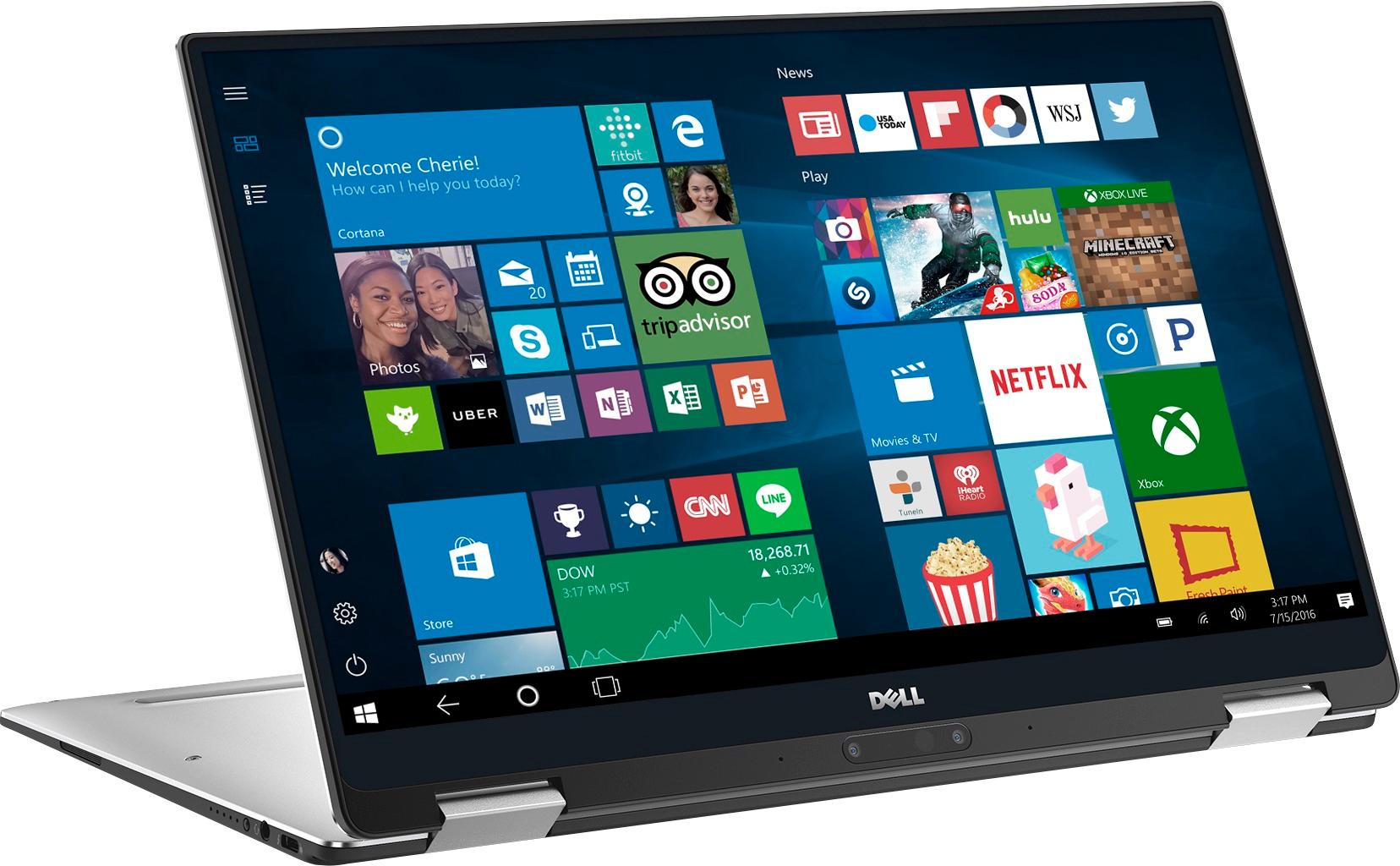
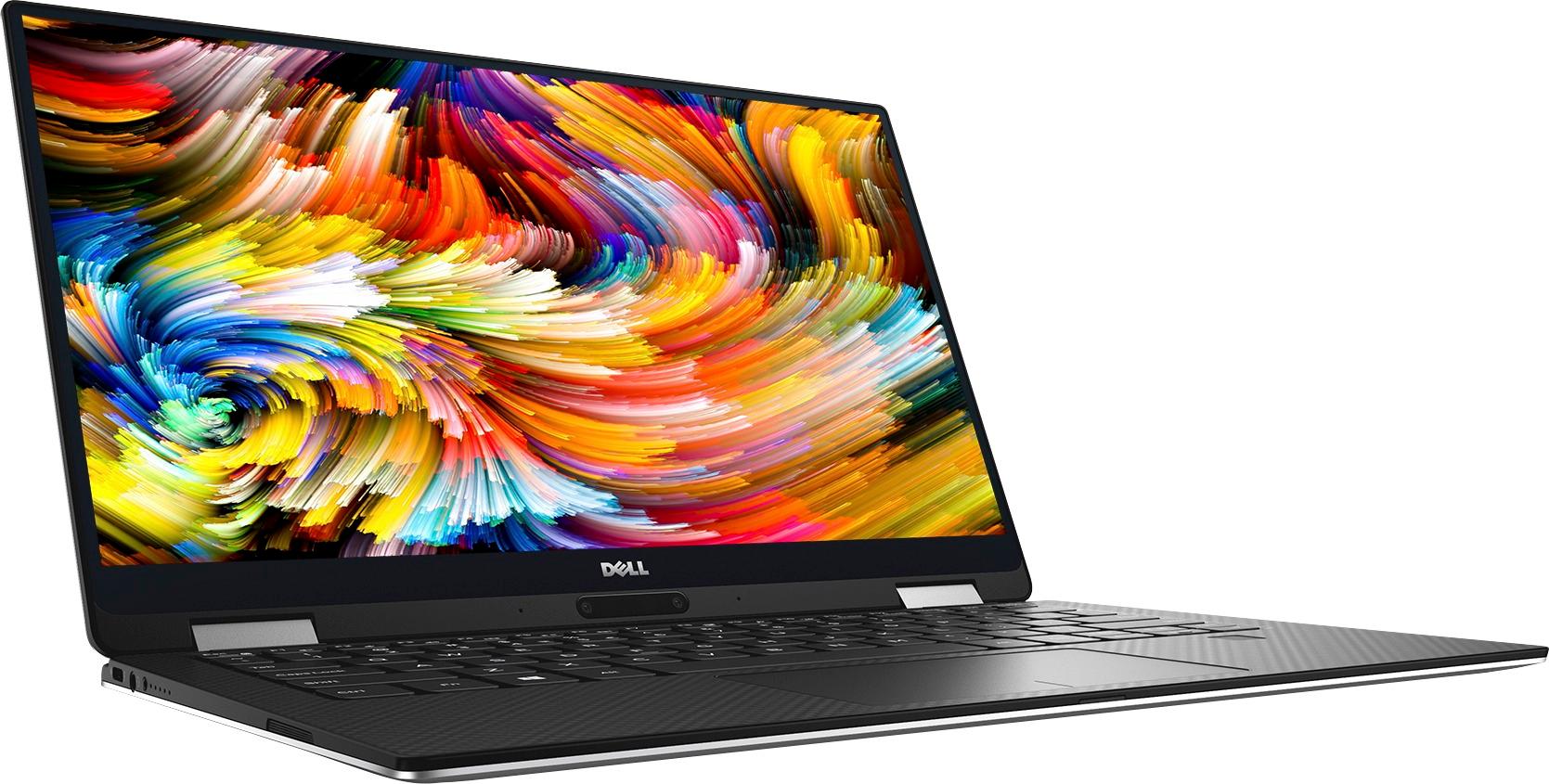
|Posted .This reviewer received promo considerations or sweepstakes entry for writing a review.The Dell XPS 13 is a gorgeous 2-in-1 laptop that ticks most of the right boxes. The particular version I’m reviewing has excellent specs: 13.3-inch screen Intel Core i7 Y Series processor 16GB RAM 256GB SSD The lush edge-to-edge HD screen is truly beautiful. Dell’s “Infinity Screen” design makes this 13-inch laptop roughly the same size as many 11-inch laptops. It also makes the laptop look pretty futuristic and just plain cool. The screen also does a very nice job with images. Colors are rich without being overdone. The screen is a touchscreen, and works as it should. The refinement continues with the keyboard, which is satisfyingly easy to type on. The keys are backlit and look and feel good. The keys have good travel depth, and overall it feels like the keyboard in a larger machine, rather than what we usually find crammed into a thinner laptop. Speaking of depth, the XPS, is pretty thin. At only 0.54 inches at it’s thickest point, it is thinner and lighter than many premium competitors. Overall, the XPS weighs only 2.7 pounds, although if feels extremely solid. One of my biggest complaints with Windows-based laptops has been the trackpads. I am happy to report the trackpad on the XPS is very good. It does a great job recognizing gestures, and multi-finger swiping works perfectly well. The newest trick for the XPS is functioning as a 2-in-1. The prior generation was a pure laptop, and an excellent one, at that. The new XPS is also an excellent laptop, but now expands functionality with two hinges that allow you to pivot the screen all the way around. You can use the XPS as a regular laptop, in tent mode, tablet mode, or stand mode. Early 2-in-1 laptops suffered a significant degree of wobble in different modes. The XPS feels solid at all angles and the hinges seem very sturdy. I have never really found impressive audio on a laptop. Then again, I’m a bit of an audiophile - my desktop computer has a subwoofer and multiple speakers hooked up to it. But the sound here is pretty good for a laptop. The speakers remain clear, albeit a bit thin, even at higher volumes. That, alone, is a feat most laptops can’t handle. You can also, of course, customize the sound to better suit your liking. The XPS includes a fingerprint reader, and it works decently well. It also includes an infrared camera, which means you should be able to login via Windows facial recognition at some point, but that option is not currently enabled. I greatly appreciated the relative lack of bundled software. The software that is bundled with the XPS seems generally helpful and unobtrusive. The power cable is well-designed and - dare I say - attractive. The cable can wrap around the svelte charging block and has a cable keeper attached so you can keep it looking neat. Charging is via a Thunderbolt 3 port. It is quick. In terms of trade-offs, there are only a few, but they are worth noting: 1. The front camera is, curiously, placed at the bottom of the screen. This means anyone you video conference with will be looking up your nostrils. The fix is to switch the computer to tent mode, which then moves the camera to a natural top-side position. I presume this design is due to the very thin top bezel around the screen. 2. The processor, while an Intel i7, is the Y Series Kaby Lake mobile processor with no option for the U Series traditional laptop processor. While Dell has done an excellent job configuring the Y in the XPS, it is no match for the U, when it comes to raw power. Of course, this also means the Y should use less battery. Although the Y doesn’t need a fan, it can get a little warm under a constant load, but it never seems to get super hot. At this price range, though, I expect at least a U Series option. That said, Dell has tuned this machine extremely well for performance, and it handled all normal tasks quickly and without any strain. 3. There are no full-sized USB ports and the computer does not have a a full-size SD card slot. It does have a USB-C port, micro-SD slot, headphone jack, and Thunderbolt 3 port. It comes with a USB-C to USB-A adapter, which is handy for legacy devices, such as the various flash drives we have in our house. 4. To achieve a thinner profile, the new XPS has a smaller battery than the older XPS. I’ve seen tests showing roughly 8.5 hours of battery life, which seems good, but not spectacular for a Y Series machine. Part of this is because Dell has tuned the setup here for performance. It is faster than other Y Series machines I’ve tried, but also eats battery a little more quickly. For comparison, battery life comes in about about an hour less than the well-known competitor named after a fruit (which also uses a mobile processor) and surprisingly a little less than some slightly beefier Windows-based competitors that actually have the U Series chips. I’d say battery life is sufficient to get you through most days, though. It should work well enough for business travellers and students. Still, I’d rather have another tenth of an inch thickness and a little more weight if that’s what it took to drive the battery up another two hours or so. 5. Lastly, and perhaps most annoying on a recurring basis, there is no easy way to open the XPS. Most laptops have an indention or cut-out in the shell, but the XPS does not. You have to pry it open with fingernails, really. I don’t understand the design intent here. You’ll note I titled that section trade-offs rather than negatives. These issues are really choices Dell made to achieve what they felt was a better purpose. So, while I might have preferred a larger battery and full-sized ports, they had design goals in terms of look and weight and performance they wanted to achieve. The only things I consider true negatives are the lack of a U Series processor option and how unnecessarily difficult it is to open the XPS. While I would strongly prefer a U Series option, particularly at this price point, they valued the fanless design and sleeker profile. Dell has optimized this machine for performance as well as anyone can with a Y Series, but it simply isn’t enough for power users. However, to be fair, it really did handle every day-to-day task I threw at it very well. Installation of programs was quick and painless. Video playback was free of stuttering. In terms of a Y Series processor, this is the best performance optimization I’ve seen. If there were a U Series option, the XPS would have my highest recommendation. With the Y Series, I still recommend it if you can find it on sale. The RAM, SSD drive, and performance tuning help cover the gap for all but serious power users and gamers. All in all, this is a very nice little computer. It’s gorgeous and looks and feels very well made. I am impressed with the design and feel, despite my significant disappointment with the lack of a U Series processor option and my complaint about how difficult it is to open. This will be my son’s primary computer as he goes off to college this fall, and he is very excited to have it. I'd really call this 3.75 stars, but since I can't do that, I've listed it as 4 stars.
I would recommend this to a friend - Pros mentioned:Light weight, Screen
Great laptop
||Posted .This reviewer received promo considerations or sweepstakes entry for writing a review.Great laptop. Fast and easy to use. Versatile as a laptop or tablet Touch is great Enjoying the lightness of the laptop and the keyboard that lights up
I would recommend this to a friend - Pros mentioned:Fast, Light weight
Great 2-in-1 laptop
||Posted .This reviewer received promo considerations or sweepstakes entry for writing a review.Meet my expectation for 2-in-1 laptop, which is light, easy to use, and fast.
I would recommend this to a friend - Pros mentioned:Fast, Screen
Sleek, stylish and super lightweight
||Posted .This reviewer received promo considerations or sweepstakes entry for writing a review.Bought this laptop just yesterday. I'm impressed by the screen, the styling and the speed to startup etc. Will update as I use it in the next few weeks.
I would recommend this to a friend Great speed and features
||Posted .This reviewer received promo considerations or sweepstakes entry for writing a review.I’m dedicated iOS but...needed windows for one particular job. It gets the job done and live so up to the expectations of any Windows based product
I would recommend this to a friend- Pros mentioned:Performance
Dell has a winner with the XPS
||Posted .This reviewer received promo considerations or sweepstakes entry for writing a review.The device is great - looks awesome, feels awesome, performs awesome. I'm making my comparison to the Apple MacBook line and the Dell XPS is right on par with that system. I do love that Windows 10 allows for touchscreen capability. That interaction ability on the XPS is smooth and fast. Dell doesn't have a lot of bloatware installed - which is a great thing. What Dell does have installed from a software and chip integration perspective actually differentiate their devices from any others on the market. Go get it.
I would recommend this to a friend - Pros mentioned:Performance
Compact and powerful
||Posted .This reviewer received promo considerations or sweepstakes entry for writing a review.This ultra book is very compact which makes it easy to slip in a bag for everyday travel. In my experience this smaller size has not effected the quality and performance of this laptop in any way. I mostly use mine for video editing and have noticed no slowdown. The ability to use this as a tablet and pedestal have been invaluable in on the go editing!
I would recommend this to a friend Nice machine.. it can be lighter
||Posted .This reviewer received promo considerations or sweepstakes entry for writing a review.There was a drama for me. The first one I bought had a trackpad issue. Returned and bought this model in an open box. The box was sealed by the geek squad tape but it was missing the inner box and all documentation. No big deal. But when the charger didn't charge, it was a problem. I knew what the genuine dell charger looks like and the charger in this open box was not that charger. It was some made in china (not that the genuine one is not made in china) generic one with no dell logo to be found on. Took it to the customer service, they found the chrager adapter was faulty but told me to contact Dell to get a replacement. That was little too far fetching. If it were an open box, it seems like best buy was in charge of making sure what was returned is original and in working condition. At the end of the day, cs agent got us a spare charger from a different brand. The laptop is working great. I have Not updated the touchpad driver not to break it. The screen looks great. The keyboard feels amazing. The only drawback for me is the thickness and weight. I have a macbook 12 inch. Compared to that one, this thing is thicker, heavier and slightly less pretty. But hey, it has i7, 16 ram, 512 ssd. That is more of macbook pro spec. This is a petite beauty compared to MBP
I would recommend this to a friendExcellent on all fronts except battery life
||Posted .This reviewer received promo considerations or sweepstakes entry for writing a review.I have had this laptop for a few weeks now. So far, it has met my expectations. It is very small and sleek but packed with lots of power and memory (16GB). It also has the 7th i7 Core processor. I have not used the USB or Thunderbolt ports yet, so I can not comment on that. It does boot up relatively quickly. My only gripe is that the battery does not last 12 hours. I believe that is what they advertised it as. However, in my use case, it runs for abour 4 to 5 hours, then shuts down when the battery dips below 6%.
I would recommend this to a friend- Pros mentioned:Fast, Light weight
Great Laptop
||Posted .This reviewer received promo considerations or sweepstakes entry for writing a review.I love my new Dell laptop it's light weight and lightning fast, i would highly recommend to anyone in the market for a new laptop!
I would recommend this to a friend - Pros mentioned:Fast, Light weight
Fast, Sleek, and Long Life
||Posted .This reviewer received promo considerations or sweepstakes entry for writing a review.Great little laptop for what i need. Its very light, so light you don't even notice its with you. With the Added SSD its fast.
I would recommend this to a friend - Pros mentioned:Screen
Best Laptop ever
||Posted .This reviewer received promo considerations or sweepstakes entry for writing a review.not too big and not too small, perfectly fit for a college student's life. The screen is amazing and the keyboard feels very neat.
I would recommend this to a friend - Pros mentioned:Fast, Light weight
Great computer
||Posted .This reviewer received promo considerations or sweepstakes entry for writing a review.I have only had this laptop for a couple of weeks but so far it has been awesome. Super light, fast, easy to use.
I would recommend this to a friend - Cons mentioned:Processor
Great product but could be better.
||Posted .This reviewer received promo considerations or sweepstakes entry for writing a review.Overall, this laptop is great. The only thing I wish Dell had done is to use a better 7th generation processor. While I am not an expert, I would love to have seen them incorporate the same processor used in the traditional XPS 13. Also, due to the edge to edge display, the computer is somewhat difficult to handle when in tablet mode.
I would recommend this to a friend Touchy and missing keyboard cover
||Posted .This reviewer received promo considerations or sweepstakes entry for writing a review.Tries to think for you way to much. No cover for keyboard when using as a tablet
No, I would not recommend this to a friendSLOW, unresponsive keyboard/touchpad, dim display
||Posted .This reviewer received promo considerations or sweepstakes entry for writing a review.Bought this after having issues with the HP Spectre. While the Specre is smaller and lighter, the XPS 13 has a MUCH larger screen (even though both are 13.3"). The actual lengthxwidth dimensions of the XPS' infinity screen make a big difference. The trade off is the placement of the camera. Overall, I am unhappy with slow performance, poor screen quality, and unresponsive keyboard/touchpad. The only saving grace is the large display. CONS: -Painfully sloooooow startup. Even though this has 16GB/256GB and a 3.6gHz 7th gen i7 processor, it is MUCH slower than the 8GB/256GB/2.5gHz 6th gen i7 HP Spectre I owned. According to Geek Squad, this is b/c it tries to save power and basically runs like a 1.6gHz processor!! -Awful keyboard/keys and touchpad. Even after fiddling with the mouse/keyboard settings to be quick and responsive, the keys are delayed and the touchpad takes a lot of pressure to respond. This is frustrating when I'm trying to type and click/drag. Very frustrating to have to correct the spelling mistakes because the keys did not originally register or b/c the cursor keeps jumping while I type (not due to accidentally touching the trackpad) -Also, this came with some odd mouse/keyboard settings. Even after updating the drivers, Geek Squad support was perplexed about how this laptop could only recognize basic mouse properties (it basically didn't recognize the touchpad). With GS troubleshooting (took at least 30min of trial and error), not much could be changed. -Hard to open. Because of its streamlined design, opening this is a pain. There's no indentation at the lip, it's too slippery. -Doesn't come with more than one power option! Only option is "balanced." Had to call Geek Squad to add the "low" and "optimized" settings. -Touchscreen is super annoying. When using it in desktop mode and picking up the laptop, it's easy to accidentally close windows due to the infinity display. No way to automatically disable tablet mode and/or automatically enable desktop mode. This can be manually turned on/off in HKEY settings (google for specific instructions). -Display contrast is not good. When watching movies, dark scenes are hard to see. Even at its brightest, it is dim in comparison to the HP Spectre (nits/watts). Likely due to this being an LCD display -Battery indicator is below touchpad. This is a bright light that you can never turn off. It's distractingly bright. The only nice thing about it is that it turns orange at low battery. -Screen brightness has to be controlled with the Fn key. IMO this is just annoying. -Power adapter indicator light is ALWAYS on, even when not plugged in -Backlit keyboard doesn't automatically adjust with ambient lighting -Speakers on bottom make it tough to hear in tablet/tented mode -Heavy in comparison to other ultrabooks -Chin cam makes for very unflattering photos/video. They've repositioned it to the center, but it is still unflattering -Slow charging. When re-charging, it takes at least a couple hours to fully charge -When on dimmest setting, display is less bright than HP Spectre's dimmest setting. Wish it would get even dimmer (I like to play movies while I sleep). Problem solved: I've programmed it to "do nothing" when I close the lid. PROS: -Loud enough (desktop mode only). However, it's still not super loud and the speakers are on the bottom. Thus, when in tablet/tented mode watching movies, it is hard to hear. -Even though it's compact, the screen is large! Much larger than the 13.3" of the HP Spectre (both in width and in length). Dell maximizes the space well (check out the HP Spectre display and how the "HP" logo takes up too much space from the hinge to the taskbar. Too much bezel) -Power adapter charges more quickly than using the HP Spectre's power adapter, but it's still quite slow. Takes >2hrs to fully charge -Can sill hear fan, but it's not as loud as the HP Spectre IMO -Doesn't get as hot as the HP Spectre. Still gets hot/warm on the bottom, but it won't burn you like the Spectre! Actually, it's kind of nice in the winter. I use it to warm up my cold feet/hands (no joke) -Wireless card is great! Picks up tons of networks b/c it's got a Killer AC wireless card (gamers use) -Springy keyboard (1.2mm) BUT because it is actually unresponsive/delayed when I press on the keys, it makes the lovely Lenovo keyboard unusable Returning due to slow processing speed, keyboard/mouse issues, and dim display.
No, I would not recommend this to a friendGood but not great
||Posted .This reviewer received promo considerations or sweepstakes entry for writing a review.I have the laptop for a couple of months and it frequently shuts down on boot up and the power button is on the side. Its small and you are not relatively sure how long to push so you tend to hold it until the start up which may have caused some of the issues. I already had the heat shield replaced by Dell because of an overheating issue while charging but that seems to fix the issue.
I would recommend this to a friendBrand response from YourDellTeam
Posted .Hello Adam, Thanks for your review. We're glad that Dell support has already helped with some overheating concerns that you had. Here are some tips if you experience overheating in the future: Tips for Proper Usage:
1. Dell does not recommend placing portable systems directly on your lap. Due to reductions in the thickness of modern portable systems, heat transfer can be an issue.
2. Using a portable system (Laptop) on a hard, flat, non-cloth surface will increase airflow and reduce heat from underneath and inside the system.
Using the portable system on blanket, pillow, or other type of cloth will cover up the fan cause the computer to overheat and can cause permanent damage.
3. It is recommended to use the portable system in a Room temperature of 0°C to 35°C (32°F to 95°F) with a Humidity level no greater than 90%.
4. Use compressed air to clean the vents on a regular basis.
5. Using a cooling pad can decrease heat and increase performance.
6. If you want to know the temperature limitations for your system, go to the Dell Support Website, look up your system model then open the user guide under the manuals link.
You can read the full article here - http://dell.to/2uJ8AdG.
We hope this helps you in the future. - Bryan
- Pros mentioned:Battery life, Performance
Great Laptop!
||Posted .This reviewer received promo considerations or sweepstakes entry for writing a review.Very portable, impressive performance. Screen graphics is awesome. Battery life is also a great plus!
I would recommend this to a friend - Pros mentioned:Battery life
Constant Updates
||Posted .This reviewer received promo considerations or sweepstakes entry for writing a review.There are constant BIOs updates that are supposed to help the machine run better. Audio is a bit of an issue as it tends to cut in and out as you keep your computer on longer and then you have to restart the machine. Otherwise, holds it's battery quite well and has a brilliant display.
I would recommend this to a friend Great convertible laptop
||Posted .This reviewer received promo considerations or sweepstakes entry for writing a review.I was looking for major processing power in a small light machine, and the XPS is exactly what I wanted.
I would recommend this to a friend