Customer Ratings & Reviews
- Model:
- XPS8930-7309BLK-PUS
- SKU:
- 6297712
to a friend
Customers are saying
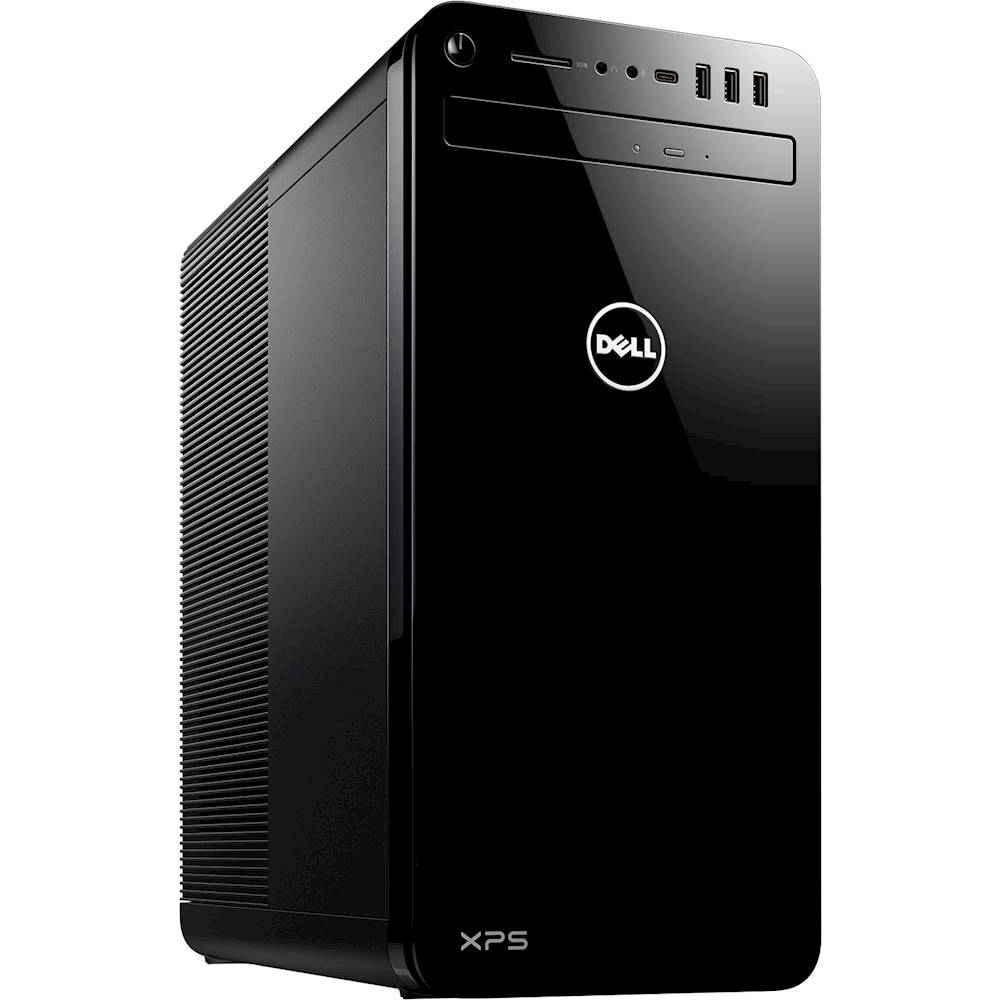
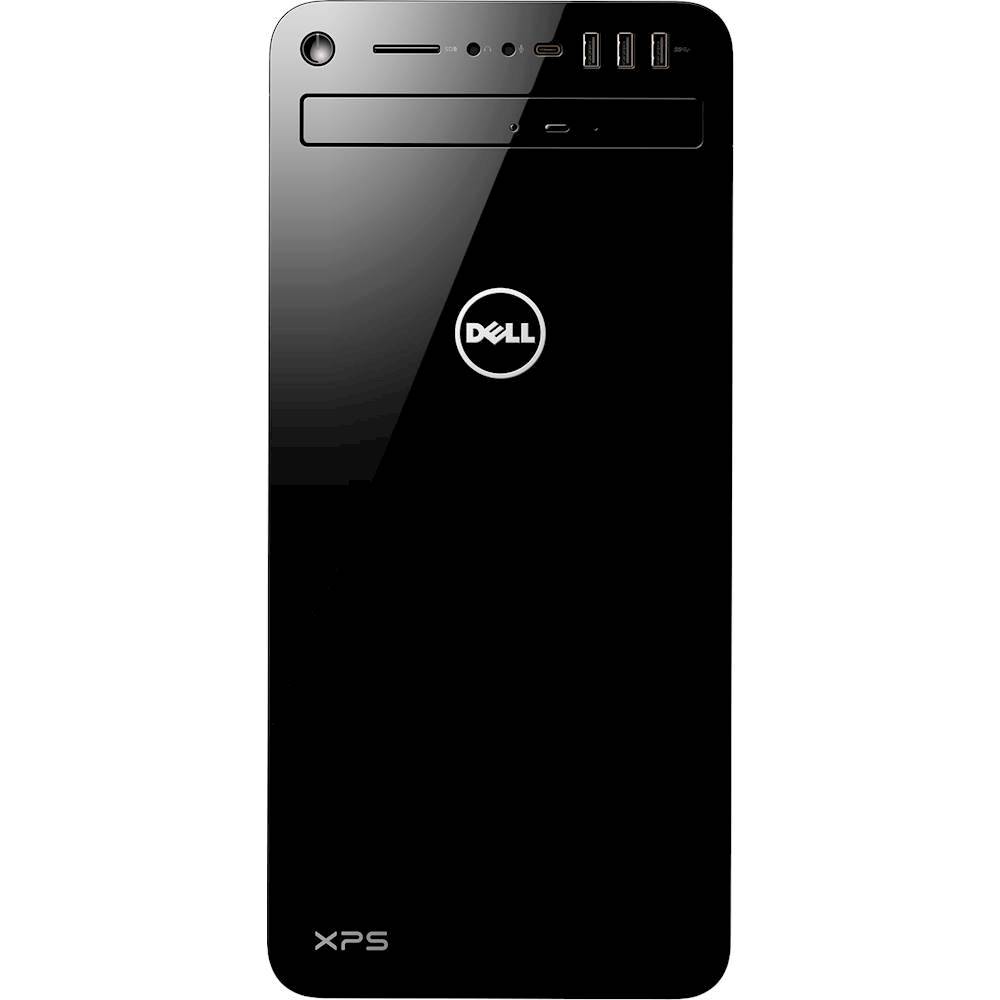
Customers are enthusiastic about the ample storage capacity of the XPS Gaming Desktop, citing its ability to handle large media libraries and accommodate additional drives. Positive feedback highlights the computer's capacity as a significant advantage, particularly for users with extensive digital files. The large storage space is seen as valuable for both work and personal use. No significant drawbacks were reported by customers.
This summary was generated by AI based on customer reviews.
- Pros mentioned:Storage
Good product
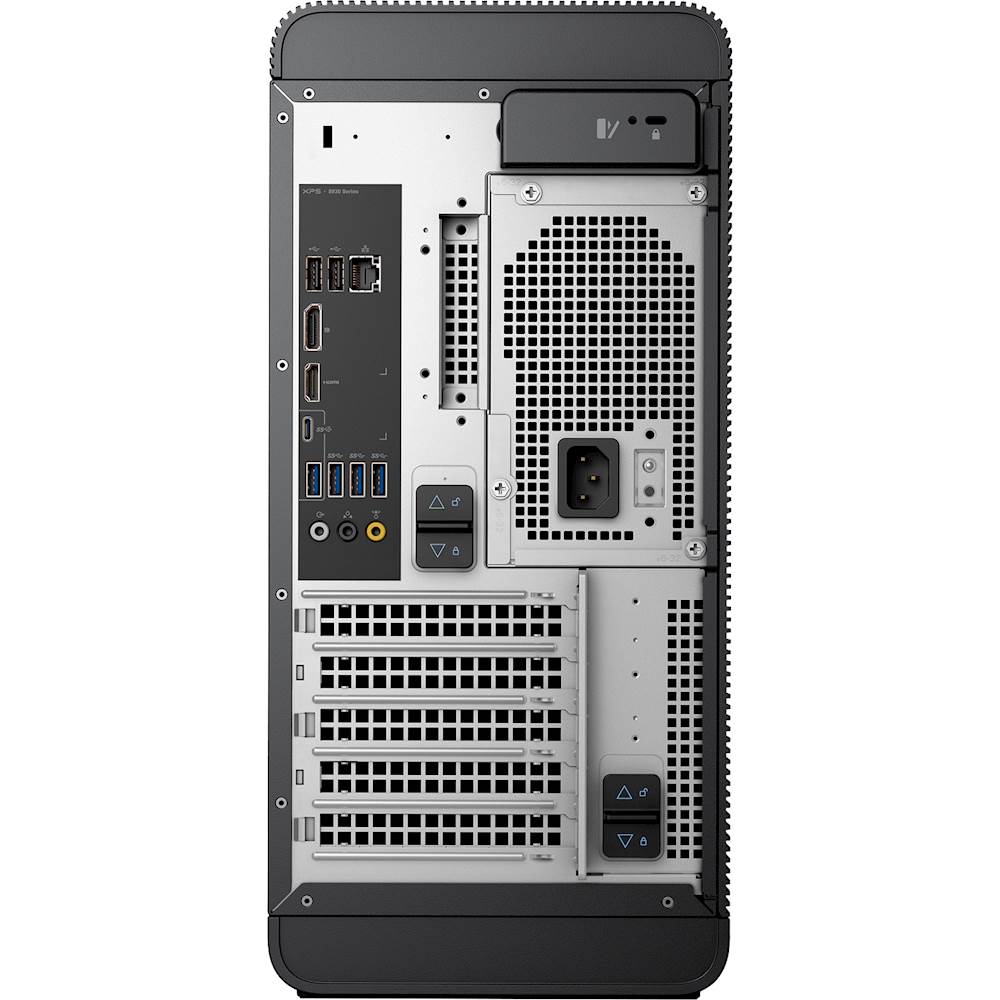
||Posted .This reviewer received promo considerations or sweepstakes entry for writing a review.This is a great desktop it was easy to set up . About 30 minutes and I was up and running. It is faster than my previous desktop. I like the way it is easy to get into, There is plenty of room for extra drives or anything else you need to add, The graphics are really clear. All and all this is just a good solid desktop for what ever your needs. This is my first new dell always liked the brand, so I decided to go for a new one. Really glad I did.Don't think you'll be disappointed .
I would recommend this to a friend My older Dell is better
||Posted .This reviewer received promo considerations or sweepstakes entry for writing a review.I purchased this for my wife for Christmas. She is an amature photographer. I must say it is sleek, and pretty, but it is extremely quirky. It took several attempts to get it started, and set up. It kept freezing, and needed to be restarted. I hate to take stuff back, so I stuck with it, and spoon fed it awake. Every now and then it will just go black, and won't wake up. Go through the process again. I'm glad it's my wife's, and she is more patient than I. It would have gone through a window if I had it.
No, I would not recommend this to a friendBrand response from YourDellTeam
Posted .John,
Thanks for your review. We're sorry to hear about the issues that you've been having with your wife's new computer. Here's how you can diagnose freezing on your computer:
1. Run a Computer Diagnostic. To determine if your computer is experiencing a hardware problem, run the Dell Preboot System Assessment (PSA) Diagnostics. For information on how to run Diagnostics, and to determine the issue, refer to Dell Knowledge Base Article: http://dell.to/2iaiujA.
2. Check Safe Mode for Symptoms. To boot into safe mode, please follow the instructions below:
a) Start the computer.
b) Tap 'F8' on the keyboard immediately and every one second until the Dell logo screen disappears. From there you will see the Windows Advanced Options Menu on the screen. (If the Windows Advanced Options Menu does not appear, restart the system and try again.)
c) Select Safe mode with Networking and press Enter.
d) Log on as the administrator or as a user with administrative access.
e) Open applications and test the computer in safe mode. If the symptoms exist in safe mode, please continue the troubleshooting steps in this article. If the symptoms do not exist in safe mode, the issue is likely related to a driver or software and you may wish to complete step 3 to see if you are able to resolve the lockups or freezing.
3. Check for Malware. Malware (Virus, Spyware, etc.) can definitely cause a Windows system to lock up or appear to hang. To check for malware on your system and to ensure that your computer is up to date on security software, visit Dell Knowledge Base Article: http://dell.to/2wWP1zI.
You can read the full article here - http://dell.to/2tW5m33.
If you have any questions about the computer you can visit our Product Support Page here: https://dell.to/2tQoFfw.
Best,
Bryan
1-800-624-9896
- Pros mentioned:Storage
lots of memory
||Posted . Owned for 1 month when reviewed.This reviewer received promo considerations or sweepstakes entry for writing a review.A good computer for the money. We don't use the gaming features, but it is able to support the large picture, video and music libraries we have. Still migrating files from our old computer, but overall, it's a great product.
I would recommend this to a friend This PC is much faster than my old one.
||Posted .This reviewer received promo considerations or sweepstakes entry for writing a review.I bought this PC to replace my old Alienware PC. I am happy with it so far. I am a little afraid to let Dell to any upgrades after their disaster with the new BIOS release that fried my motherboard on the first one I got. I got the new one and without that update it runs great.
I would recommend this to a friend- Pros mentioned:Storage
Disappointed
||Posted .This reviewer received promo considerations or sweepstakes entry for writing a review.If you are thinking that this new computer is going to "blow away" your eight-year old computer, you're going to be disappointed. Sure it has more capacity, more storage, more USB ports, but it is no speed demon. Don't get me wrong. It's a great computer -- if you just want a new computer.
No, I would not recommend this to a friendBrand response from YourDellTeam
Posted .Pat251,
Thanks for your review and we're sorry that your computer is not running as fast as you hoped it would. We'd recommend running the Windows Performance Troubleshooter to see if there are ways to speed up your computer:
1. Close all open windows.
2. Press the Windows logo key + X key on the keyboard.
3. Click Control Panel.
4. Click System and Security.
5. Under Security and Maintenance, select Troubleshoot common problems.
6. Under System and Security, click Run maintenance tasks.
7. Follow the on-screen instructions and prompts to complete the process.
8. Restart the PC.
You can read the full article here - http://dell.to/2tSulGV.
Best,
Bryan
1-800-624-9896
I love it once I get all of my data transferred
||Posted . Owned for 3 weeks when reviewed.This reviewer received promo considerations or sweepstakes entry for writing a review.It is bigger than my 16 year old slimline PC. Once I get all my data transferred and have it set up the way I had in the past, I will have to get used to all the new bells and whistles that I have not had before, since I was using MS Office 2007 and Windows 7. It will be great. I expect that this will be my last PC.
I would recommend this to a friend- Pros mentioned:Storage
Good computer for working
||Posted .This reviewer received promo considerations or sweepstakes entry for writing a review.It’s a good computer for working worth the money if you’re going to be storing a lot of stuff but yet need a fast computer
I would recommend this to a friend Good upgrade from my old Studio
||Posted .This reviewer received promo considerations or sweepstakes entry for writing a review.Only problem so far is the side door. Was hard to get off and still haven't been able to get it back on!
I would recommend this to a friendFast!
||Posted . Owned for 1 month when reviewed.This reviewer received promo considerations or sweepstakes entry for writing a review.I love how fast this is. Was very easy to set up.
I would recommend this to a friendGood product
||Posted .This reviewer received promo considerations or sweepstakes entry for writing a review.Good Product for our church’s new video presentations.
I would recommend this to a friendHusband loves his gaming desk too
||Posted . Owned for 3 weeks when reviewed.This reviewer received promo considerations or sweepstakes entry for writing a review.Geek squad is awesome they set it up for us. They were very helpful
I would recommend this to a friendA great computer.
||Posted . Owned for 7 months when reviewed.This reviewer received promo considerations or sweepstakes entry for writing a review.I just love this computer. It is powerful and very fast.
I would recommend this to a friend