Customer Ratings & Reviews
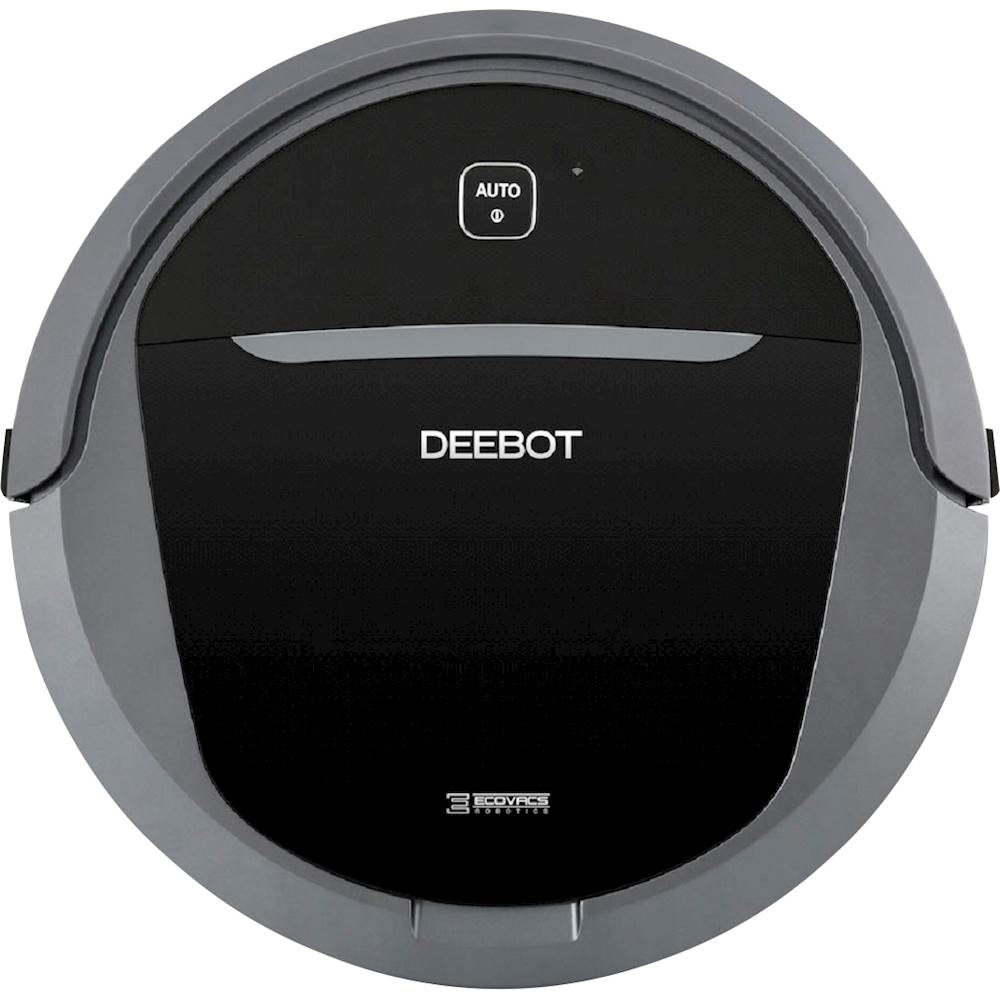
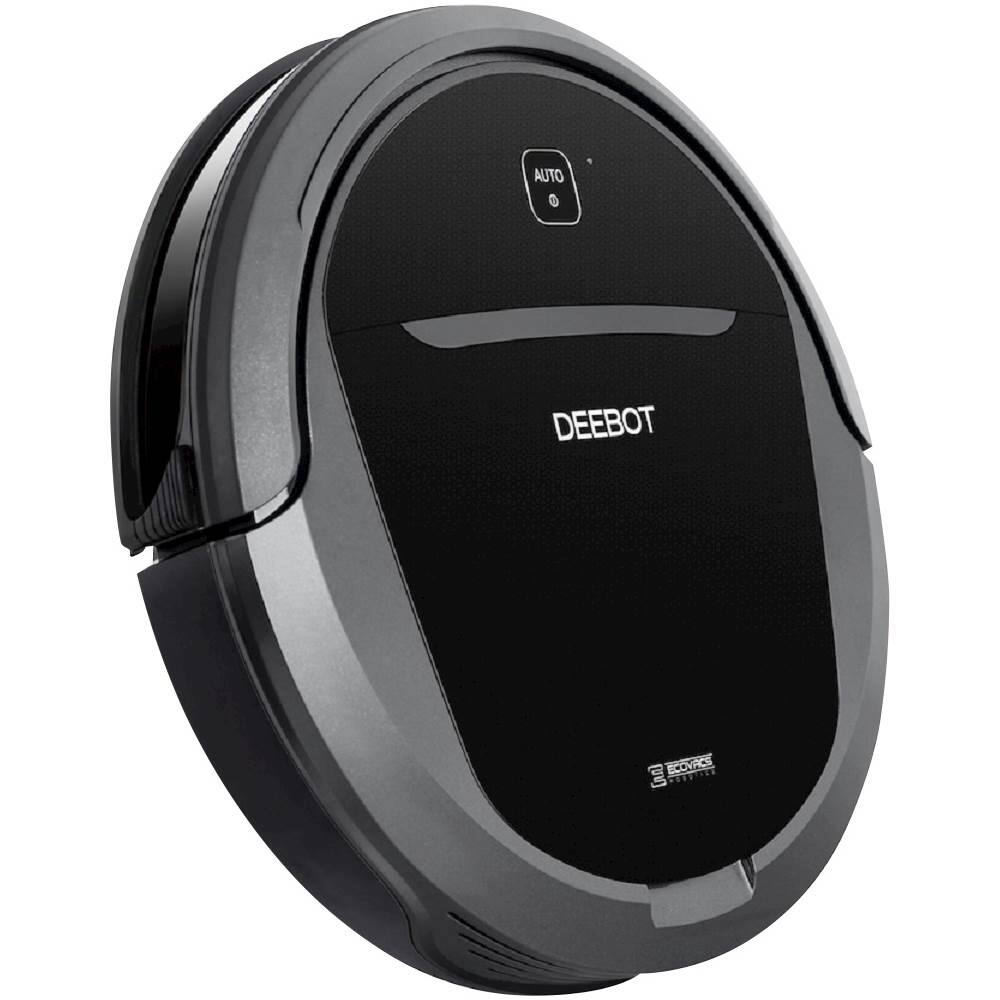
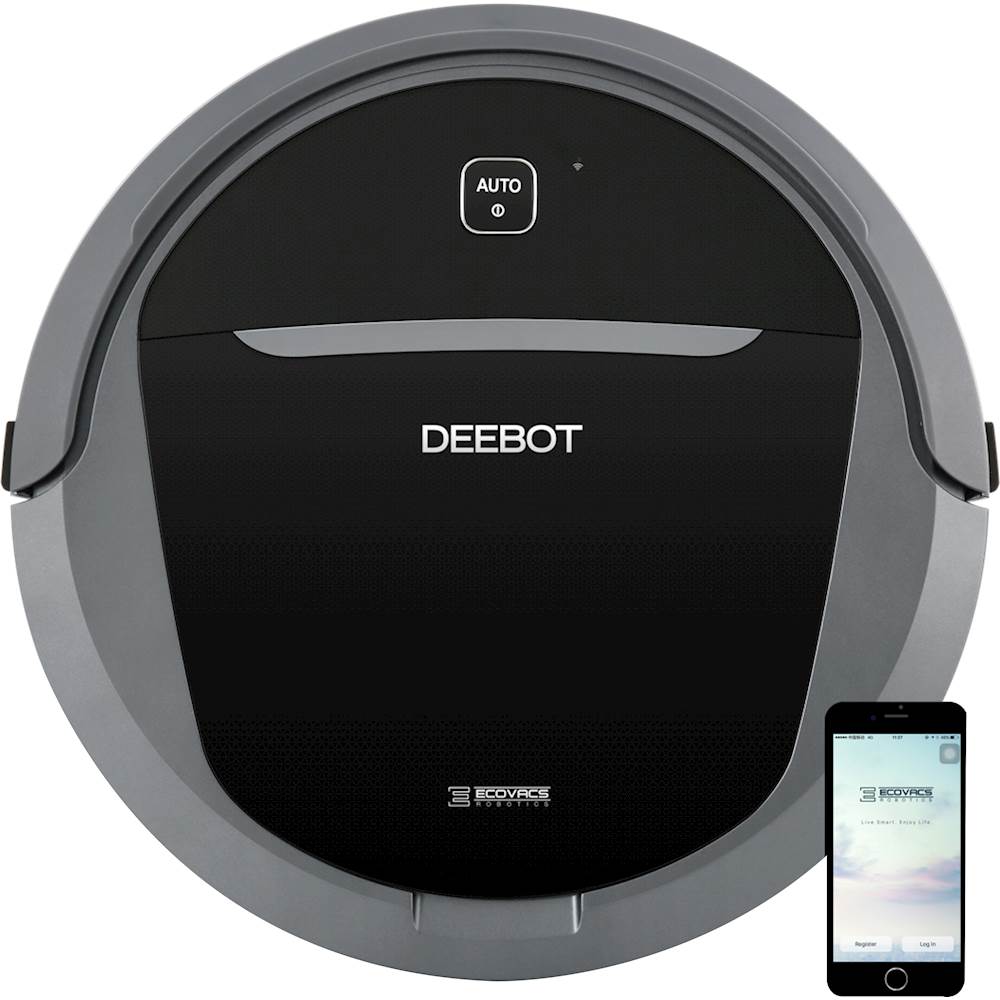
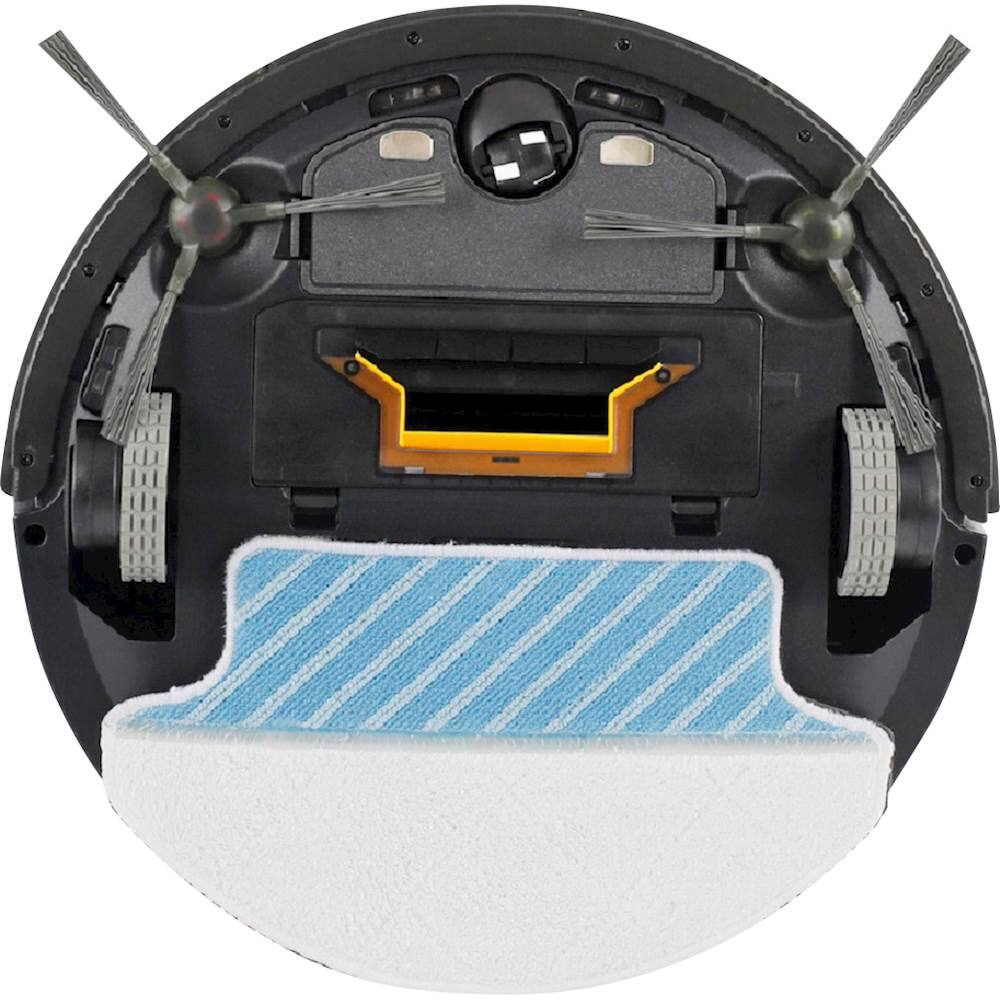
- Model:
- M81PRO
- SKU:
- 6052707
to a friend
Customers are saying
Customers frequently mention the positive battery life and quiet operation of the DEEBOT M81Pro. The cleaning performance and ease of use also receive praise, although some users note challenges with navigation, particularly around furniture and obstacles. Many appreciate its suction power and ability to clean various floor types. However, improvements in navigation could enhance the overall user experience.
This summary was generated by AI based on customer reviews.
- Pros mentioned:Battery life, Noise level, Suction powerCons mentioned:Navigation

Solid Choice for a Robot Vacuum, plus It Mops!!!
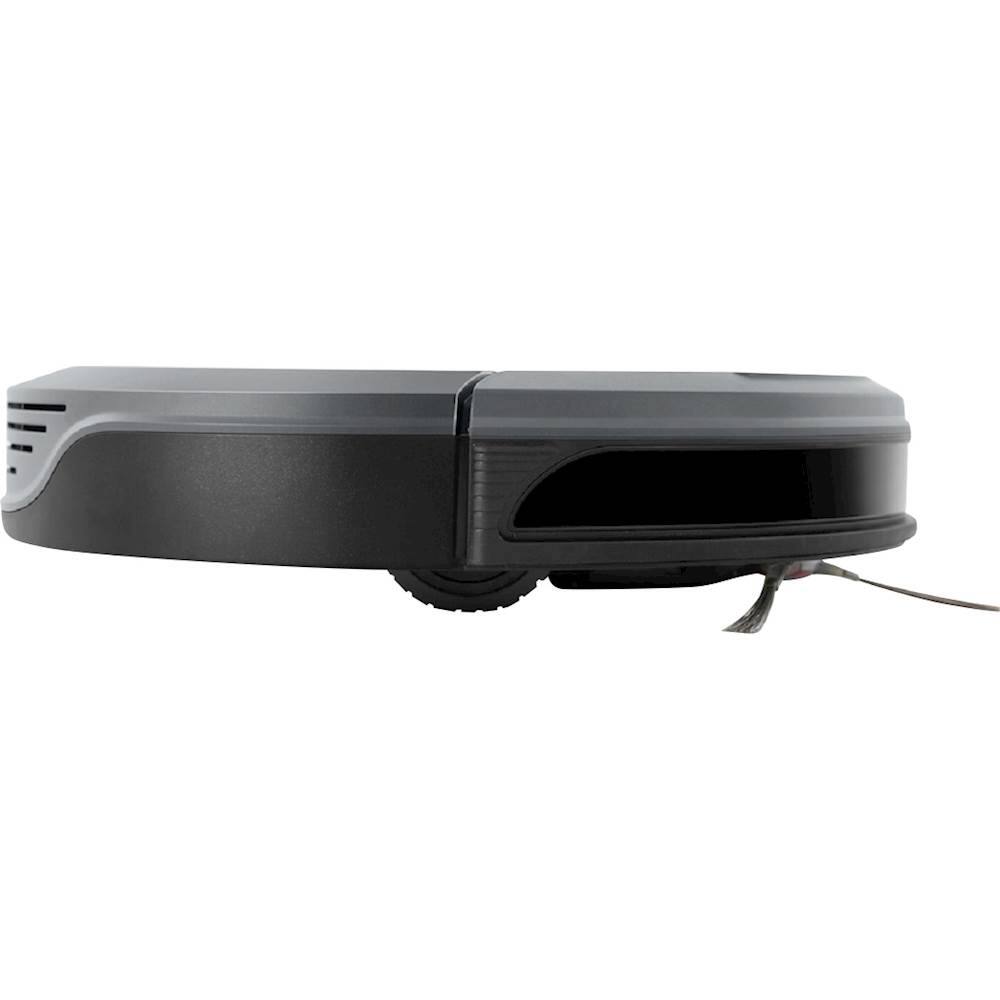
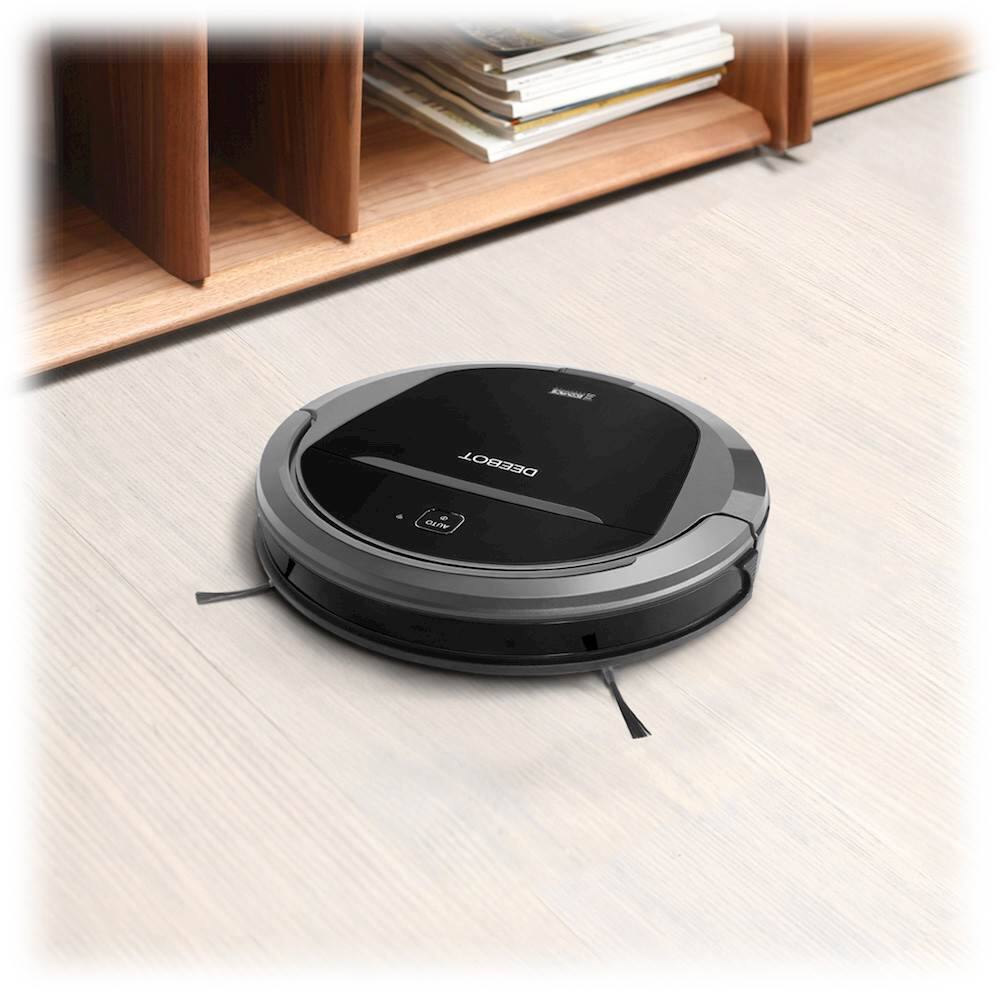
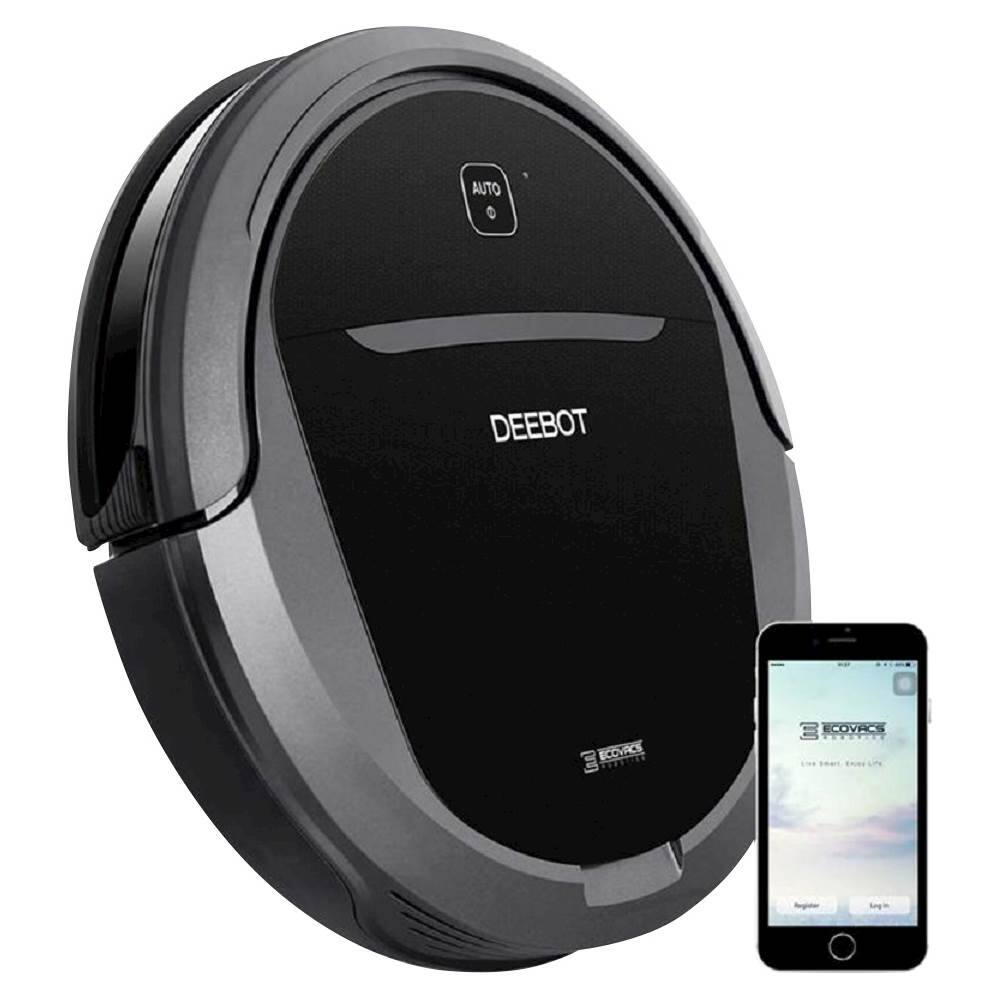
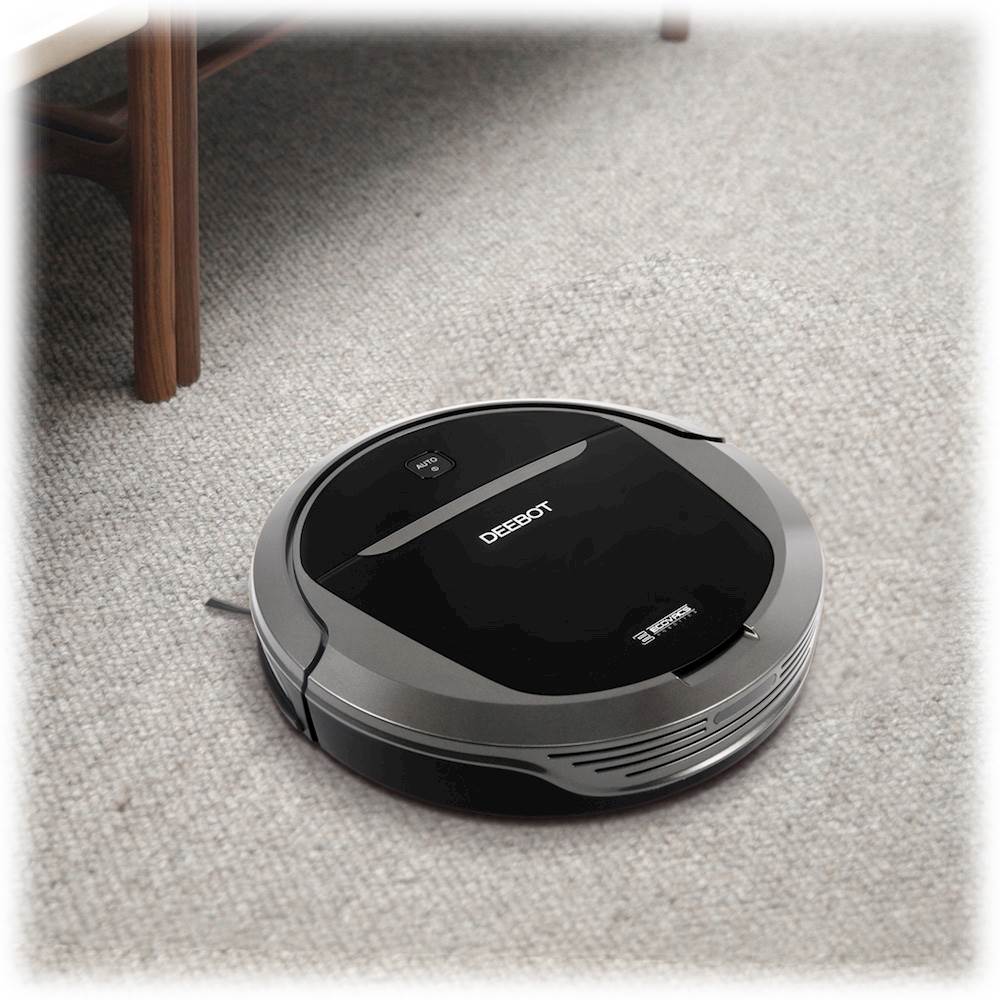
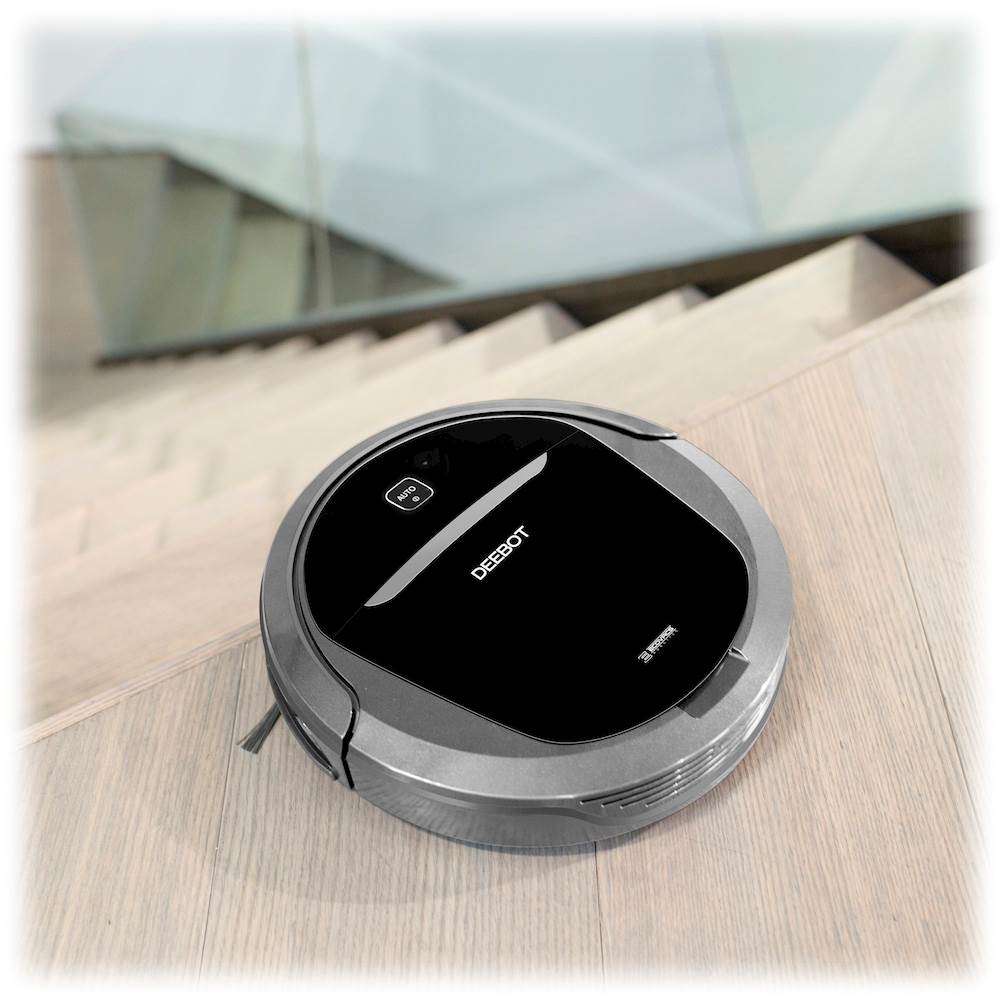
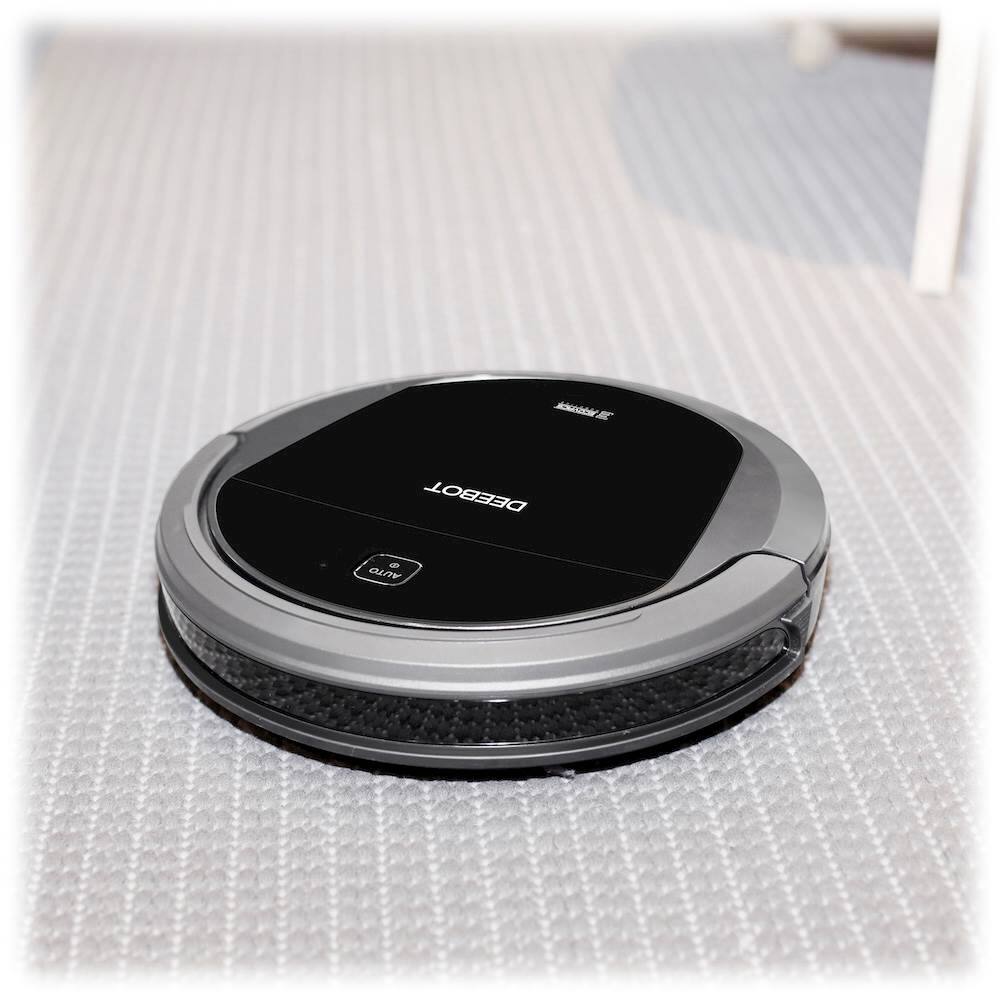
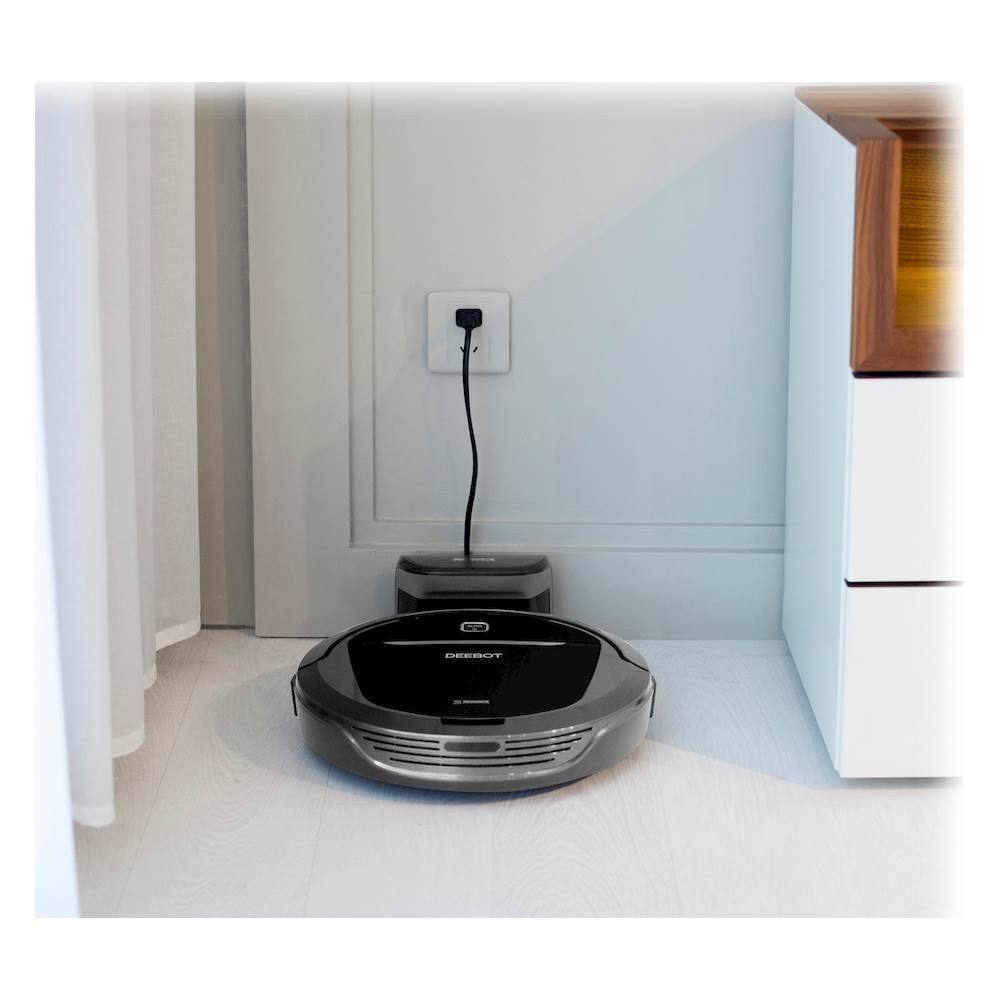
|Posted .This reviewer received promo considerations or sweepstakes entry for writing a review.I have always liked vacuums and have owned quite a wide variety over the years. You name it, I have probably owned at least one (Bissel, Dirt Devil, Electrolux, Eureka, Shark, Hoover, Miele, Oreck and probably a few other brands!) I like the sound and effect of a powerful vacuum pulling up dust and dirt from my carpets and floors. What I hate is dragging out a heavy machine or finding a way to shove it back into a crowded closet. But I have never had a robotic vacuum until now. I had always questioned the ability of robot vacuums to really clean the carpets and floors automatically. Are they more a toy than a tool? How hard are they to use? Do they seem durable? So this was my very skeptical attitude when I added the Ecovacs Deebot M81 Pro to my household equipment. The vacuum was shipped to me and I feel that one important measure of quality is how well the manufacturer packs a piece of technology. On this score Ecovacs gets an A+. The outer shipping box exactly fits the inner box, holding it safely during transit. The inner box contains shock-absorbing materials and the vacuum itself is carefully covered with protective plastic on all important surfaces. When you remove the Deebot from the box you will be impressed by the quality of its finish. It looks like the sophisticated high-tech device that it is, but it also looks very solid. The main driving wheels have a thick rubber tread and are about 5/8” wide so it gets excellent traction. The color is a nice combination of deep silver and black. The power/charging light is a deep blue which changes to red when the battery needs recharging. Packed in the box in addition to the Deebot robot vacuum, there is a power station dock, a high capacity battery, two sets of side-sweeping brushes, a direct suction attachment, a wet/dry reservoir attachment, two wet/dry cleaning cloths, a measuring cup, an extra high efficiency filter with sponge insert, a full function remote control, an instruction manual and a quick set-up guide. Setting up the Deebot is really easy. Position the power station dock against a wall and plug it in. I put mine under a low table along one wall. That meant that the Deebot would be hidden while on its charging base but always ready for action. Then strip off the protective plastic from the vacuum, insert the large battery into the bottom of the unit, snap on the red and green side-sweeping brushes and you are ready! It was pretty intuitive to assemble and once you do, pressing the “Auto” button on the unit or on the remote control brings the robot to life. It smoothly pulls away from the charging dock then begins its search and destroy mission against the dirt on your floors. The Deebot is less than 3” tall and a slightly under 14” wide so it will easily travel under most furniture and between chair legs. It is amazingly quiet (about the same noise level as an electric razor) and makes a low purring noise as it travels around the room. For those who own pets you know that most dogs regard vacuums are their mortal enemies and feel the irresistible need to bark and snap at them as you try to clean the carpet. But my Yorkie just watched the Deebot roll around, followed it for a while but apparently decided that it posed no danger to her family or her home! Dog compatibility? Again, A+! But does it work? Yes – very well! In my condo I have a mixture of hardwood floors, granite floors and one carpeted bedroom. There are thresholds between several of the rooms because some of the floors are at slightly different heights. The Deebot M81 Pro effortlessly drove around the apartment, climbed over the thresholds and diligently vacuumed every available open space. My condo is pretty large so I closed off some rooms and let the Deebot concentrate on specified rooms each time. I thought my apartment was pretty clean at the start, but after about 30 minutes I checked the internal dust collection bin and was surprised to see that it was full. Every time I started the robot vacuum it found more dirt, dust, hair than I would have thought possible. The fact that the Deebot goes under couches, dressers, tables and chairs probably accounts for the impressive amount of dirt it collects. After vacuuming, just lift out the bin, flip it open and dump it into a waste basket. I would suggest rinsing out the collection bin after every three or four uses. The filter has a sponge which can also be washed. If you are using the roller brush you may find that hair will be caught on it. But the roller brush removes easily and it was no trouble to clean off any trapped hair. If you want to avoid this problem entirely just use the direct suction base rather than the brush base. Operation is very easy. On the remote you can simply press “Auto” and the robot vacuum will start working, feeling its way around your home, going under or around your furniture and making multiple passes over all surfaces. When it judges that it has completed cleaning it returns to the charging dock. You can also select other cleaning modes. “Intensive” raises the suction level and brush speed. “Edge cleaning” keeps the robot at the perimeter of the rooms where most dust bunnies will hide. “Spot cleaning” vacuums in a spiral pattern in a small area for about 5 minutes. In addition, you can schedule cleaning at programmed times The Deebot will run for about 90-100 minutes before the battery begins to weaken. At that time it will automatically return to the charging dock and recharge the battery. If at any time you want to end the cleaning, just hit the “Home” button and the Deebot will find its way back to the charging dock. In addition to the included IR remote control you can download a smartphone app from Ecovacs which duplicates the functions of the IR remote control but also adds some additional features. For example, you can set a “Do Not Disturb” time which causes the robot to shut down and return to base at a designated time. You can also see the battery charge status and an estimate of the remaining life of the brushes and filter. The app also gives Amazon’s Alexa the ability to control the Deebot. Now one feature which the Deebot M81 Pro has which I have not seen on other robot vacuums is the ability to damp mop a floor. I was really interested in this because most of my floors are not carpeted. Using this feature is really easy. Just put water (or a combination of water and a floor cleaning solution) into the Wet/Dry Reservoir, attach one of the two included cleaning cloths and then snap the unit onto the bottom of the Deebot. Then just start any cleaning cycle in the room you want to damp mop and it will do a pretty good job of cleaning that floor. The cleaning reservoir will only hold enough water for about 5-10 minutes of use but it is easy to refill. The damp mop feature alone is enough to set this robot vacuum above its competitors. I do have to say that robot vacuuming is not perfect. Due to its round design it really can’t get into every corner so some follow-up hand cleaning will be necessary. But overall, you should be very impressed by the quality of its unobtrusive, automatic cleaning efforts. And, yes, it is super fun to watch it run around your home! Entertainment/Geek coolness score? A+++!
I would recommend this to a friend Great little bot for the price
||Posted .This reviewer received promo considerations or sweepstakes entry for writing a review.I researched a lot of robot vacuum cleaners before purchasing this one. Best Buy had it on sale, so I thought I would give it a try. The price point was in my range, and for the money this little guy does a great job of cleaning. It uses a random path to clean, and eventually gets it all. It does have a few sensors to help it find it's way: bump, infrared to detect obstacles, and step to prevent falls. It cleans 800 sq ft in about 45 min. Easy to empty dust bin is a cinch. HEPA filter to keep it in. And a mopping attachment that does a pretty decent job and cleaning up more than dust. Only thing it doesn't have is a "room mapping" feature, but for the extra money to get that feature, I'll pass. All-in-all a great little bot. Would buy again.
I would recommend this to a friend- Pros mentioned:Battery life
Excellent Vacuum at a Reasonable Price
|Posted .This reviewer received promo considerations or sweepstakes entry for writing a review.There are a handful of robotic vacuums on the market these days. This one falls in the middle of the high end and low end from a price perspective. With performance, it leans toward the high end, making it a good value purchase. My other robotic vacuum has ledge sensors that prevents it from vacuuming over anything black. This prevents me from using it in my living room which has a carpet with multiple black circles. This was very annoying and I didn't have that problem with his unit. It will go anywhere you need it to go, over multiple surface types. For cleaning purposes, this model performed almost as well as my more expensive model vacuum. Suction power seemed to be just a hair less. With this unit, and all robotic vacuums, just make sure you are changing the dust bin frequently and also cleaning the filter. It will improve the life of your unit and cleaning will be more efficient. This vacuum seemed to have solid programming that allowed it to cover all areas without missing any spots. There are several modes you can use to get the job done. Spot cleaning is my favorite for cleaning up the living room where the kids have had snacks. The app is very handy for programming how and when you want to clean. Battery life was up to par, and allowed me to clean the entire first story of my home on one charge. I have not yet tried out the mopping feature but I look forward to doing so. Most other offerings do not have this capability so it helps this model stand out due to that versatility. Overall, this is a solid buy and a great starter vacuum for those that aren't willing to spend up to $700 for the best options out there.
I would recommend this to a friend Budget Robot Cleaner with Promise
|Posted .This reviewer received promo considerations or sweepstakes entry for writing a review.The DeeBot M81 Pro shows some promise, with a wide array of robot vacuums to choose from, there's bound to be trade offs somewhere. From a plus side, the M81 has a dual brush setup, making it easier to clean the floor and capture dirt and debris easier than a single brush option. It also comes with a remote to enable executing the different cleaning modes and WiFi setup. The real values for me in the M81 were in the ability to make it a robot mopper using the included mop attachment and the location of the dust bin. Where most robot vacuums have their dust bins located at the rear and sometimes prompt the user to turn the unit over, the M81's dust bin is located conveniently on the top of the unit for easy empty. The M81 also comes with a companion app that you need to install if you want to create an account and link the Alexa skill to use with Alexa. I’ve found this interaction to be somewhat clunky. I’ve tried renaming my robot several times and even though the skill is linked, Alexa still can’t find the M81 to start cleaning. That’s where the trade offs come in, from a purely robot vacuum stance, this thing works fine with some additional perks. If you’re replacing or purchasing your first robot vacuum, then the M81 is a great contender for homes without Alexa. For those like me who have come to rely on smart home automated and executed tasks, it’s a detractor when a marquee feature doesn’t work as advertised.
I would recommend this to a friend- Pros mentioned:Ease of use
Good robotic vacuum & Mop
|Posted .This reviewer received promo considerations or sweepstakes entry for writing a review.This robotic vacuum was easy to set up, except the WiFi connecting through the app wasn’t connecting correctly, other than that I used this robotic vacuum to clean my wood floors and mop. The vacuum remote control can also be use to turn the vacuum to different directions, schedule cleaning and to send the robotic vacuum back to its charge station. The first Time I used it , it didn’t clean completely my floors , but I guess it’s becuase of to many obstacles on the floor. This vacuum also feature a pad so you can mop your floors with, just change the attachments, fill the attachment with some water and the vacuum mop your floors. Everything works great on this robotic vacuum with an exception of the application and the connections with WiFi, but you don’t need that to clean your floors, the app is just for you to control and set up your vacuum through your app, but I just use my remote control.
I would recommend this to a friend - Cons mentioned:Navigation
Not for all homes...
|Posted .This reviewer received promo considerations or sweepstakes entry for writing a review.The DEEBOT M81 Pro is a promising take on the robot vac market, offering Alexa integration and an assortment of cleaning modes (auto, spot, edge, max). The M81 Pro includes the standard main brush option, a direct suction option, 4 side brushes ( 1 spare set), remote control, dock, an ‘advanced’ wet/dry reservoir with 2 cloths, and a measuring cup. The direct suction option is for everyday cleaning and to reduce hair tangling on main brush, I found it did a great job on tile/hardwood floors. The main brush worked well, but found it often managed to get hair tangled around it. Ecovacs includes a tool to remove hair and maintain the device, which is conveniently stored in the vac. The bot includes wifi connectivity with Alexa integration, however the 2.4 GHz band was not compatible with my band steering dual-band router. Normally, the access point will direct the client to the correct band but due to the way Ecovacs requires another device (iPhone/Android) to facilitate the setup it kept trying to join my 5 GHz band, failing every time. Make sure you have a legacy device to setup the M81 or a router/AP that can broadcast a 2.4 GHz only network if you want to utilize it’s network features. I was also disappointed with the ‘mopping’ attachment. It barely dampened the floors and always found its way to a carpet, defeating the purpose. Honestly I think a Swiffer type mop is far superior to using the M81 to mop floors, which isn’t saying much. My biggest issue with the M81 is it constantly would get stuck somewhere, usually under my coffee table which is on a rug. The M81 does not detect BotBoundary strips (magnetic strips) so there is not a reasonable way to prevent it from getting stuck in my home. One other gripe is the design of the dust bin. The inlet and access door are on opposite ends with the inlet being covered by a flimsy piece of mylar. Every time I went to empty the bin I would tilt it downward in order to open the access door, causing debris to fall out the inlet. Despite all my issues, I still feel it is a nice robot vac that may work well depending on your environment.
No, I would not recommend this to a friend Deebot is DeeFailure!
|Posted .This reviewer received promo considerations or sweepstakes entry for writing a review.The Ecovacs Robotics - Deebot M81Pro App-Controlled Self-Charging Robot Vacuum - Gray fails in nearly every way as a product worth buying. From design to function the Ecovacs Deebot is worthless! READERS NOTE - I have the SHARK ION ROBOT 720 as well as a comparison for design, function, and value. I was excited to receive this device to run on my hard-surface floors downstairs (approx 1000 sq ft) due to the addition of the mopping feature, but once I received it the excitement ended! From the set up to charging, to the operation to the flimsy design, this robot vacuum was a major disappointment from the word go! Out of the box, the setup was generally easy until it came to setting up the mopping feature. After reading the guide I figured out where to add water and how to use it. After setting up the charging base, it was difficult to tell if the robot was actually charging or not as there was no indicator like competitors. I resituated the robot a few times just to make sure it was on the charger correctly. After charging overnight just to make sure it was ready, I ran the maiden voyage. It was chaos! It ran into everything, got stuck multiple times, and actually shut down 3 different times on our entryway rug which is a low-pile rug. My other robot vac has no issues with it whatsoever! After only 30-minutes, the Deebot battery was dying and it could not find its way home to the charger. It was obviously lost as it kept circling the same are, repositioning towards the charger, then getting lost again, then died about 20 ft from the charger no closer than it was when it began its efforts to return. At this time, I decided to empty the dust collector before physically lifting and returning it to the charger. Here is where the flimsy design was discovered! I lifted the nearly paper-thin lid up to remove the collection bin only to have it snap off - literally broke at the glue point and the plastic! Total Garbage design! Competitors have a one button push and the bid pops out. The Deebot requires lifting a lid and then pulling a handle. To not bump, touch, or brush the lid or it will snap off in the process! Very little dirt, dust, and fur were actually collected, whereas my other robot is packed full when I run it. PROS - Slightly shorter than other competitors allowing for better clearance under objects - Mopping feature - WiFi and Smartphone App - Multiple accessories CONS - Poor design and construction - Fragile and flimsy - Questionable technology and chaotic functionality - Battery charge/usage only 30 minutes per use - Does not clean as well as other similar robot vacs - Wider than other competitors preventing it from going in places other vacs can - Mopping feature is not highly effective - Robot cannot find its way back to the charging dock and battery dies before returning (consistently) This is NOT a recommended item if you are looking for a robot vacuum. Consider other brands as the Deebot is a total DeeFailure!
No, I would not recommend this to a friendCleans up and does its share
|Posted .This reviewer received promo considerations or sweepstakes entry for writing a review.If you don't want to read one of the really long reviews, here's a simple one for you. I've owned similar robotic vacuums from other brand names, and this Deebot gets the job done. The more you pay for a robotic vacuum, typically it'll be stronger/can pick up more dirt. This is more of a low-mid range Deebot that still gathers dirt for you but doesn't do a "deep clean" you could say. The main problem is that it gets scratched pretty easily, but that's unfortunately normal for this type of machine.
I would recommend this to a friend- Pros mentioned:Cleaning performance
Great Robot Vacuum for the Price
||Posted .This reviewer received promo considerations or sweepstakes entry for writing a review.Spent a lot of time deciding between this and the Roomba. Ultimately it came does to price and size. This unit fits underneath my couches which are probably the dustiest areas. It works great and requires very little attention.
I would recommend this to a friend - Pros mentioned:Cleaning performance
Great vacuum.
||Posted .This reviewer received promo considerations or sweepstakes entry for writing a review.Great vacuum, cleans thoroughly, though I do wish emptying the vacuum were a bit less messy. Can't beat it for the price.
I would recommend this to a friend - Pros mentioned:Battery life
Equal to the high priced robo vacs
||Posted .This reviewer received promo considerations or sweepstakes entry for writing a review.This vacuum is awesome. It does a great job of going around the house from carpet to hardwood and will last about 1.45 hrs then once the battery is low it takes itself back to the charger and starts charging. No need to spend more than $200 on a robo vac. This one works very well and I'm so happy we made the purchase
I would recommend this to a friend - Pros mentioned:Battery life, Cleaning performance, Noise level
Nice addition to your cleaning arsenal
|Posted .This reviewer received promo considerations or sweepstakes entry for writing a review.Overall very impressed and would definitely recommend. But I dont think it totally replaces the need to manually vacuum every once in awhile especially to get into the corners... The package includes the vacuum, charging dock, remote control w/batteries, direct suction attachment, extra replacement side brushes, wet/dry reservoir attachment, two wet/dry cleaning cloths for mopping of hard surfaces, extra high efficiency filter and measuring cup. Also included is a small cleaning tool for the brushes. It was very easy to setup and connect to wi-fi. I was concerned as it comes with a printed note that there may be issues with dual band routers, but I encountered no issue. Once connected there is an app you can download. With it you can take TOTAL control of this unit. Set how you want it to clean, manually direct it as if driving a remote car, when to run, etc. It also comes with its own hand held remote which is fine if you aren’t into smart phones, but I would recommend using the app as it will also allow you to run it remotely once connected to your wi-fi. It seems very well built with a lot of thought going into its design. It runs for around 95 minutes and took about 3 ½ hrs to totally recharge. The vacuum has several cleaning modes from which to choose: Auto cleaning mode - it goes abouts its cleaning in a random manner Intensive cleaning mode - : used for extremely dirty or dusty floors Spot cleaning mode: uses a spiral pattern to clean a specific area Edge cleaning mode: cleans the edges and corners of a room All cleaning options seemed to work well and having an edge clean option is nice, especially in the kitchen. It cleaned in between our tiles (grout line) surprisingly well and wood floors too. Had no problem with our area rungs either. BUT you do have to pick up or clear out areas as much as possible to get the best cleaning with no issues. Clearing the dustbin could not be easier - just raise the top and pull out. It is quite large. It has a mop option but it seemed to me that all it did was get the floor wet. It is extremely quiet. You can have it running in the same room you are watching TV in with no raise in volume. I have not noticed any marks on any of the trim. It is just a tad to tall to be able to clean under our master bedroom bed, but plan on raising it to allow. You need about 3 ¼ inch clearance I think. The only real issue is we have Echo dot and have not been able to get it to work. It shows connected but it wont accept any voice command.
I would recommend this to a friend - Pros mentioned:Suction power
Good robotic vacuum but weak in other areas
|Posted .This reviewer received promo considerations or sweepstakes entry for writing a review.We have a good robotic vacuum of another brand that is more powerful that we like very much, so we were hopeful the DEEBOT M81Pro by ECOVACS Robotics would be similar. Our other one cost about $300 more than the Deebot, so in this case you do get what you pay for. The Deebot is a good robotic vacuum, but there are better ones available. The Deebot charges from it's charging station you place on the floor near an outlet - when in use, the Deebot returns to the charging station when its battery gets low. You can control it with the included remote control, or if you prefer using your phone for everything, you can download an app to your phone with the same controls as the remote. The Deebot has one button on the vacuum itself, and that's for the Automatic setting. If you push the Automatic button on the body of the Deebot or on the remote, it takes off crossing and re-crossing the room at different angles vacuuming in a "medium" power mode. If you want it to vacuum in its most powerful setting, you may hit the Intensive Cleaning Mode button on the remote, and its suction will increase. Of course this requires more power so the battery won't last as long as in Automatic Mode. It won't stay in the Intensive Mode if interrupted, but you can hit the button again for Intensive Cleaning Mode to resume. From our use, the Deebot seems to clean well on carpet or hard surfaces. It has a good sized dustbin so you don't have to empty it every time it goes to the charging station. It also has a little water tank that affixes to the underside of the Deebot over which you attach a wet/dry cleaning cloth (2 cloths come with the unit). As Deebot moves over a hard surface, it vacuums from the front of the Deebot and wipes the surface with the wet cloth positioned behind the vacuum inlet and brush. This has some drawbacks - unless you somehow restrict it to just a hard surface area, it will run onto carpet getting things wet there. Also, once the cloth gets dirty, it will smear the rest of the hard surface if you're not paying attention. The wet mop feature does require some supervision for reasons noted above. It has 2 filters, on in the Deebot and a replacement. These are paper filters so you will have to replace them at some point. Some other robotic vacuums use foam filters that can be cleaned and reused, which is more useful in my opinion. Like most all robotic vacuums, the Deebot has sensors to keep it from falling down stairs and such, and it does slow when approaching some objects and turns before making contact while with other objects it bumps them then turns - it may be wider objects triggers the avoidance sensors where less wide objects don't. In that case the Deebot bumps the object with its bumper and senses the object that way. It doesn't sense wires on the floor, so it can get entangled to the point where it can't extricate itself. Just like if you're vacuuming manually, move anything you don't want sucked into the vacuum including cords and wires. Even if the Deebot doesn't suck them into its vacuum inlet, it can get tangled up in them. There are a few things I don't like about Deebot. Our other unit actually senses the room with its closet (if the door is open between the two) and lays our a grid for itself in its little brain. It runs along this grid until the job is done, while edge cleaning as it goes. Deebot, on the other hand, takes off in a criss-cross fashion without creating a grid. So it goes all over the place until it's done - frankly, I'm not sure how it decides when it's finished a room, but with other rooms (bathroom, closet etc.) attached to the main room, it may clean one more than the other. While it has an Edge Cleaning Mode, you have to engage this with the remote rather than it doing it automatically while its cleaning the floor. If there's an area you don't want Deebot to go into, you have to wall off that area yourself with whatever there is to hand otherwise it will go into that area. In one of our bedrooms, we have a bed skirt that hangs down from the bed. I watched Deebot approach the skirt and it sensed it, slowed, then turned away from it and headed elsewhere. What I didn't know until later was that if Deebot has bumped one of the legs of the bed it will go around it and then turn back just past it. For whatever reason, Deebot's sensors doesn't pick up the bed skirt in that sharp turning maneuver and it pushes through the skirt right under the bed. Two problems here - if you've got various extension/power cords or wires under the bed, Deebot will run over them until its entangled, then it's move the bed to extricate Deebot. Secondly, if there's nothing under there to entangle it, then it may not come out from under the bed since on its way out from under the bed it will ordinarily sense the bed skirt and turn around repeating this until it runs out of charge while still under the bed. While Deebot is good at vacuuming, it needs work with its sensors being more attuned to objects, a better way to restrict it from going where you don't want it to go, foam filters rather than paper ones that have to be replaced, and better intelligence of the areas that need cleaning when dealing with more than one room. So often today, with open floor plans, some robotic vacuums don't seem to have enough computational power to sort it all out so that it requires less supervision.
No, I would not recommend this to a friend - Pros mentioned:Ease of use
AFFORDABLE ROBOTIC VACUUM
||Posted .This reviewer received promo considerations or sweepstakes entry for writing a review.VERY EASY TO USE AND HAS TWO FORWARD BRUSH WANDS TO SWEEP DEBRIS INTO SUCTION PORT
I would recommend this to a friend - Pros mentioned:Battery life
Excellent!!
||Posted . Owned for 7 months when reviewed.This reviewer received promo considerations or sweepstakes entry for writing a review.Works better than expected! Runs for over 2 hours!
I would recommend this to a friend - Pros mentioned:Battery life
Decent cleaner
|Posted .This reviewer received promo considerations or sweepstakes entry for writing a review.At first glance the Deebot M81 seems to be a cleaner that can pretty much do it all. However in my opinion it seems to take on more then it can actually handle. Deebot is a Chinese based company that focus on bringing affordable technology to the table at price that most people can handle. The Deebot has many different features, there are 4 different cleaning modes, Auto which allows the robot to move at its on pace, intensive which allows the cleaner to focus on the more stubborn areas, spot cleaning which creates a spiral clean pattern and edge cleaning which focuses on the borders all along the wall. You also have the option to change out suction heads for deeper cleaning and your also giving a mop attachment to allow the cleaner to mob tile or wood floor. Sounds great right? Well there are a few areas that are lacking so lets see if this is right for you. Out of the box your going to receive a few different items you may not be used to seeing. Your going to receive the bot, water tray, measuring cup, waste bin, remote with batteries, air filter, two brushes, two different suction heads, charging dock, and mop head attachment. I own a few different robotic cleaners with one of them being a very expensive brand name. The Deebot was going to have some very strict guidelines that i expect to be met in a decent robotic cleaner. First off not much is different then most robotic cleaners out there. The Deebot has edge protection which will not allow it to drop off stairs or offset drops. There is a bump protection and obstacle avoidance built in however right off the bat i noticed the Deebot was a little clumsy in this category. Instead of avoiding most obstacles it would run straight in to it and then would slightly adjust. Also another key note to keep in mind is the fact that it will not detect electrical cables such as cellphone chargers and power strip wires. This means that if you plan on leaving the bot alone to clean you had better make sure that all cords and small items are removed or you may leave yourself open to an interesting situation. The Deebot takes about 4 hours to fully charge and you get about two and half hours of run time which is actually really good in the robotic market. Once battery is depleted the Deebot will make its way home and dock with no issues. Cleaning schedules can be done via the supplied remote or app. The app provides access to certain functions such as bot status, schedule cleanings, replacement parts, and you can pull up a control pad which allows you to control it manually similar to a remote control car. With the remote control feature i found that it wasn't as responsive as i would of liked. There was a few seconds of delay when trying to command it where to go so i found this feature kind of useless. Lets talk about what everyone really cares about and that is how well it actually cleans. Your given two different suction heads to be able to handle two different jobs. One is for everyday cleaning and the other is for those deep clean and pet hair removal. As a owner of pets i find myself very critical of how well cleaners can pull up all debirs without tangling. At first go the cleaner did not pull up all the pet hair over its first pass. This can be normal and sometimes most robotic cleaners will get it on the second pass. The Deebot however took about four passes to actually pull up a decent amount of hair and even at that it did not grab all of it. I decided to switch out the heads to the deep clean suction and see if this would improve its performance. It did improve it slightly, it was able to pull up more hair and only took three passes this time however i noticed the brushes were starting to tangle up a bit. Luckily the Deebot has a very big waste bin to handle its multiple passes. In fact it is probably the largest waste bin i have seen on a robotic cleaner to date. Next i tried out the mop feature which i was very excited to see in action since i don't own a cleaner that has this function. The Deebot has a separate tank that you fill up with water with the provided measuring cup. You then install the water tank to its underside and attach the mop head. Simply set down on your tile or hardwood and boom your ready to go. The Deebot will vacuum up any debris it encounters all while spraying water directly on to the mop pad. This is a pretty cool feature in theory however it falls short a few areas. For starters it works really well at first but as cleaning continues you will find that the pad gets dirty very quickly and then starts to smear all the dirt rather than actually mop it up. Yes you can buy additional pads but man they are not cheap and the price is going to add up fast. I found myself just grabbing a swifter and mopping up my kitchen and floorboards manually. Another really big turn off with the mop feature is that unless you manually block off your carpet areas it will go into that area and lay water down on the carpet. And trust me it will not pull the water up from your carpet so now your left with this damp carpet floor that now needs to be addressed. This left a really bad impression on me because most robotic cleaners out there will provided either in box or additional cost boundary strips or senors that allow you to block of areas that the cleaner is not allowed to go in to. I was not able to find a similar product for the Deebot at this time that would allow me to block of areas. This means if you want to keep it from going somewhere your going to need to lay down chairs, boxes or other obstacles to keep it out. Here's my final take away from this product. Its very clear that they are trying to make a robotic cleaner that is capable of keeping up with some of the bigger brand names that are out there for a fraction of the cost. Yes it does the job and it does a decent job at best, however it falls short in many key categories. I truly feel that there are a lot more capable cleaners out there in this price range that will provide you with a way better experience. Deebot is a Chinese based company that while they may make good products this one tends to be one that needs to focus mainly on deep cleaning and not the mop feature. All in all its a decent product but just don't expect it to blow your mind away. At the end of the day you get what you pay for. Pros: -Long battery life -Large waste bin -Remote and app feature -Different suction attatchments Cons: -Obstacle detection can be clumsy -Mop head gets dirty fast -Lack of barrier strips -At times struggles to deep clean
No, I would not recommend this to a friend Works great
||Posted .This reviewer received promo considerations or sweepstakes entry for writing a review.Works great, Picks up cat hair very well, seems to find a lot more dirt and hair very well even after I’ve already vacuumed my floor
I would recommend this to a friend- Pros mentioned:Battery life, Noise level
Set it and go!
|Posted .This reviewer received promo considerations or sweepstakes entry for writing a review.First thing this is not for heavy duty vacuuming. The container isn’t that big, so this will work for quick small messes. I love I don’t have operate it just turn it on and let it go. It knows when it’s at a corner and it will turn around, it went from carpet to tile without any problems. Last about an hour before needing to be charged. It’s not that loud. I like that it remembers its path that it did previously so you don’t have to move it or move things around. If you set it to go out on it’s own everyday, you won’t need to use a hand vacuum again unless it’s a big mess or huge area. I like it, one less thing I have to do. Now make one the mops the floor by itself and I will be all set.
I would recommend this to a friend yes
||Posted .This reviewer received promo considerations or sweepstakes entry for writing a review.great on the floor my daughter love it all her friends were there and like it also
I would recommend this to a friend- Pros mentioned:Battery life, Noise level
Does the same as botvacs double the price
|Posted .This reviewer received promo considerations or sweepstakes entry for writing a review.This is second robot vacuum. My first one is a Neato D85 and I love it but there are a few things you will need to know if you have never owned a robot vacuum before. 1. Don't expect this to be near as good as a regular hand vacuum. If you do the math, it runs on batteries and lasts a good hour so if you think of it that way, suction isn't what a Dyson or your Hoover has. These vacuums are for maintaining a clean floor as long as you use them daily. 2. The dust bins only hold so much. Again, as I mentioned, these are not for big jobs, just doing in between normal vacuums form your handheld. 3. Not all areas get cleaned. One thing I love about the Neato is that it uses GPS to do back and forth lines where as this one and Roombas seem to just go straight, bump into an object, and then turn and repeat. This method seems to always miss spots. As far as this vacuum, it comes with mop head, brushes, filter, charging, doc and instructions. My advice is to download the app because it gives you more scheduling options than using the machine itself. Overall this vacuum compares to any Roomba for half the price. I have hardwood floors and two golden retrievers so LOTS of hair. Typically I vacuum every 3-4 days with my Dyson and use this to do in between. I have it set for 2am and from upstairs I never hear it run. It is very quiet and does great with picking up the lose hair. This will save you time just don't expect a deep clean from it like some people expect. Because I have had one of these before, all cords need to be secured otherwise they will get wrapped up in the machine and it stops. Not near enough power to break a cord but enough to annoy you. My only complaint with this machine is that you cannot put a barrier down to keep it from going into other rooms. I have had to lay pillows down in from of one room so it won't enter but that takes a few seconds to put down and pick up. If you are in the market for a new robot vac and are looking at Roomba, get this one! Much cheaper and does the same exact thing.
I would recommend this to a friend