Customer Ratings & Reviews


- Model:
- 10025025
- |
- SKU:
- 5180400
Customer reviews
Rating 4.7 out of 5 stars with 457 reviews
(457 customer reviews)Rating by feature
- Value4.5
Rating 4.5 out of 5 stars
- Quality4.8
Rating 4.8 out of 5 stars
- Ease of Use4.5
Rating 4.5 out of 5 stars
Customers are saying
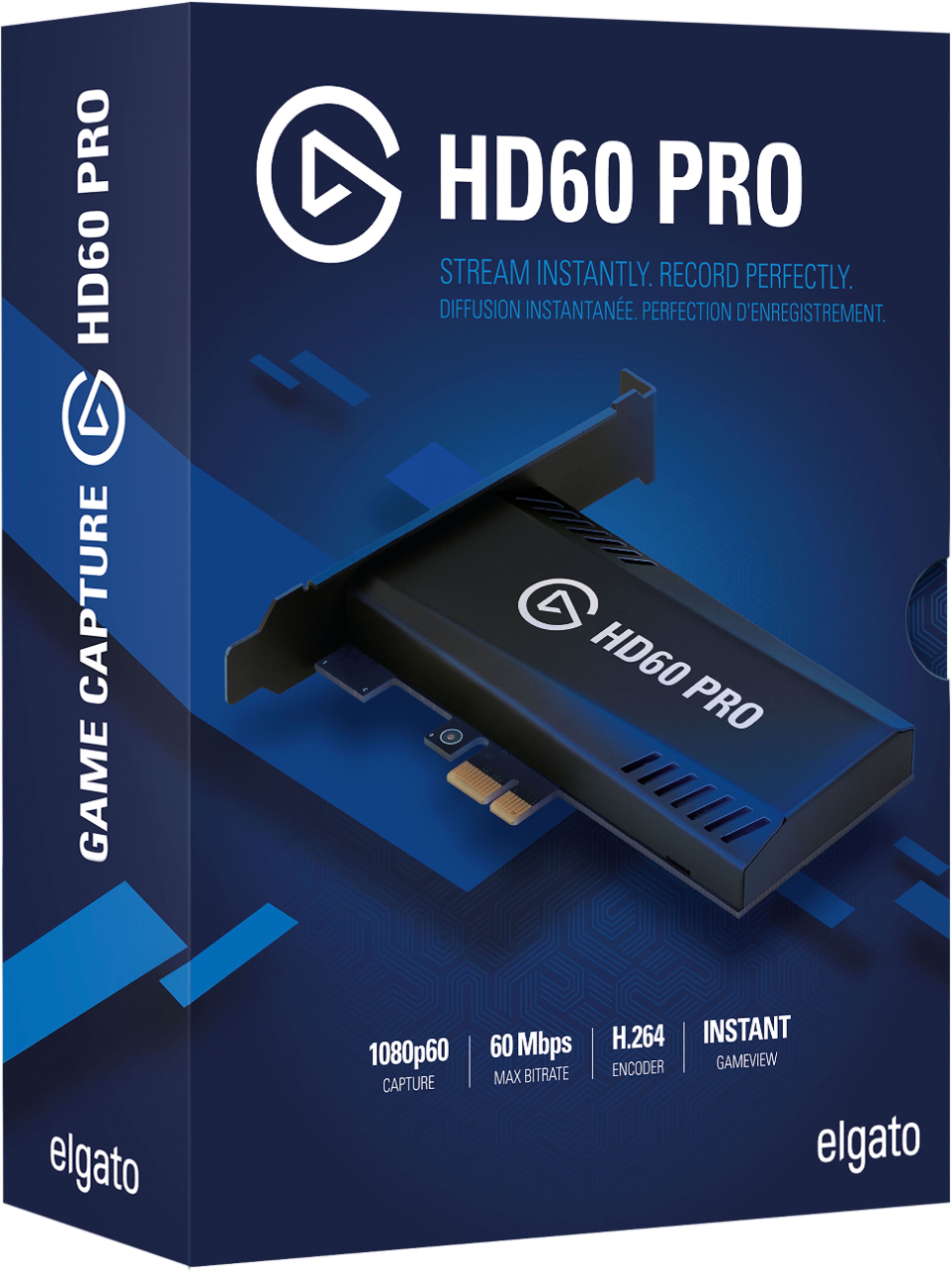
Customers express satisfaction with the Game Capture HD60 Pro's ease of use, video quality, and compatibility with various systems. Many appreciate the streamlined installation process and user-friendly software. While some users noted minor connection issues or a lack of detailed instructions, the overall experience is positive, particularly regarding the device's performance and compact size. The product's ability to capture high-resolution video at a reasonable price point is also frequently praised.
This summary was generated by AI based on customer reviews.
Rated 5 out of 5 stars
Use it to play my consoles on PC
||Posted . Owned for 3 weeks when reviewed.This reviewer received promo considerations or sweepstakes entry for writing a review.Does as intended. I mainly got this so I can play my Xbox/Switch on my PC. I didn’t have a monitor with a speaker. This is able to use my speakers. It’s slim and sleek, but a bit on the pricy side. Other than that it works really well.
I would recommend this to a friend- Pros mentioned:Ease of use, Installation
Rated 4 out of 5 stars
Live
||Posted . Owned for 11 months when reviewed.This reviewer received promo considerations or sweepstakes entry for writing a review.I love this very easy to use and very easy to set up love it
I would recommend this to a friend - Cons mentioned:Lag
Rated 4 out of 5 stars
Let's stream
||Posted . Owned for 3 months when reviewed.This reviewer received promo considerations or sweepstakes entry for writing a review.I'm trying to get into streaming and this was a great choose with zero lag 1080p 60fps.
I would recommend this to a friend - Pros mentioned:Ease of use
Rated 5 out of 5 stars
Best capture card
||Posted .This reviewer received promo considerations or sweepstakes entry for writing a review.This is by far the best capture card in the market. It has zero delayed, I mainly use it for streaming online with obs n it's plug n play. You do not have to worry about synchronizing audio n camera at all. Perfect solution. I love it.
I would recommend this to a friend - Pros mentioned:Ease of use
Rated 5 out of 5 stars
Amazinf product
||Posted . Owned for 1 week when reviewed.This reviewer received promo considerations or sweepstakes entry for writing a review.simple to install and use. I will say make sure you plug this in a pcie.3 slot, thats the bigger slot like where your graphics card goes in. planning to use it on youtube? this is how it looks https://www.youtube.com/watch?v=1zHd0PkUBms&t=1s
I would recommend this to a friend - Pros mentioned:Ease of use
Rated 5 out of 5 stars
Plug and Play
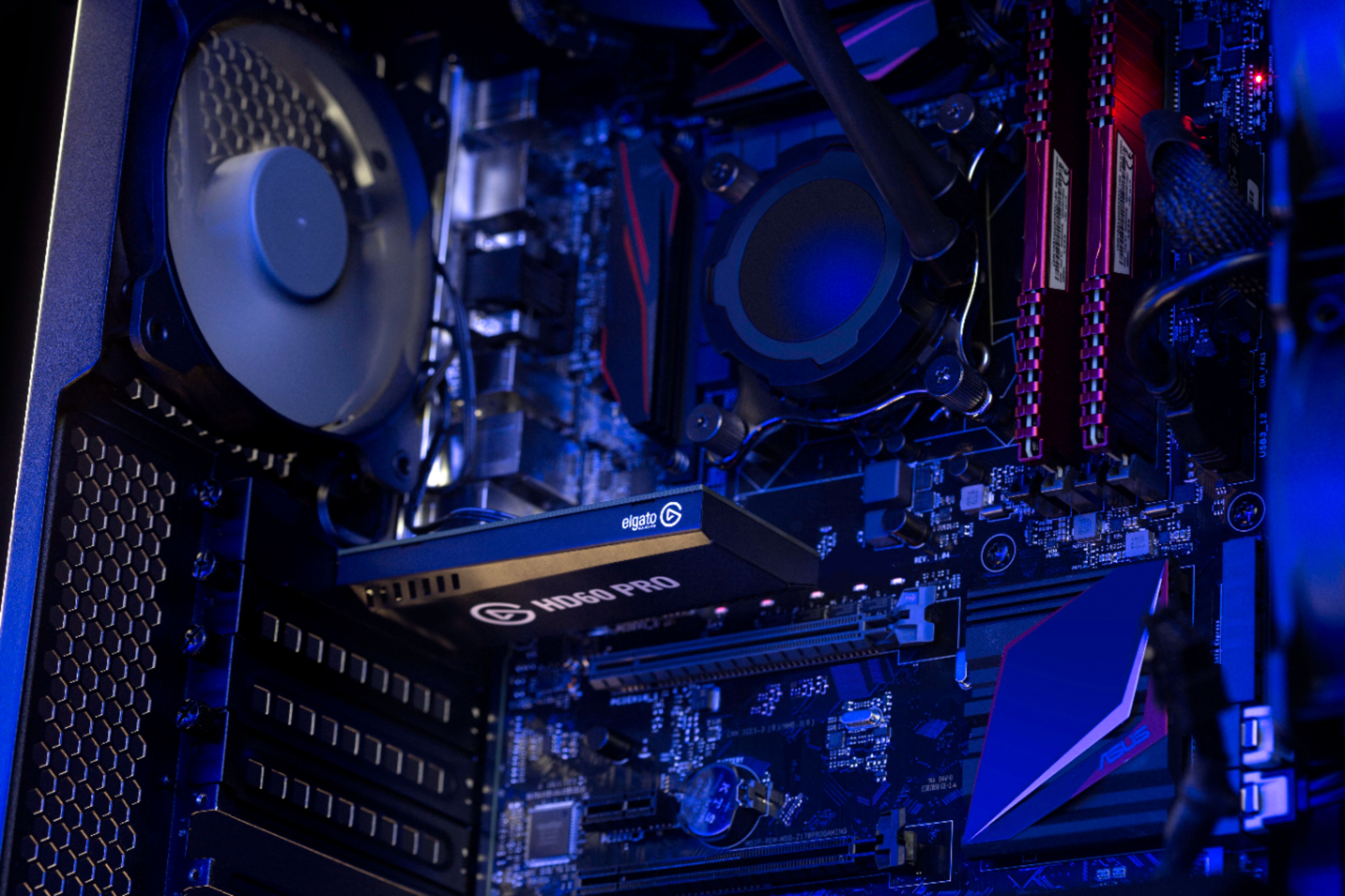
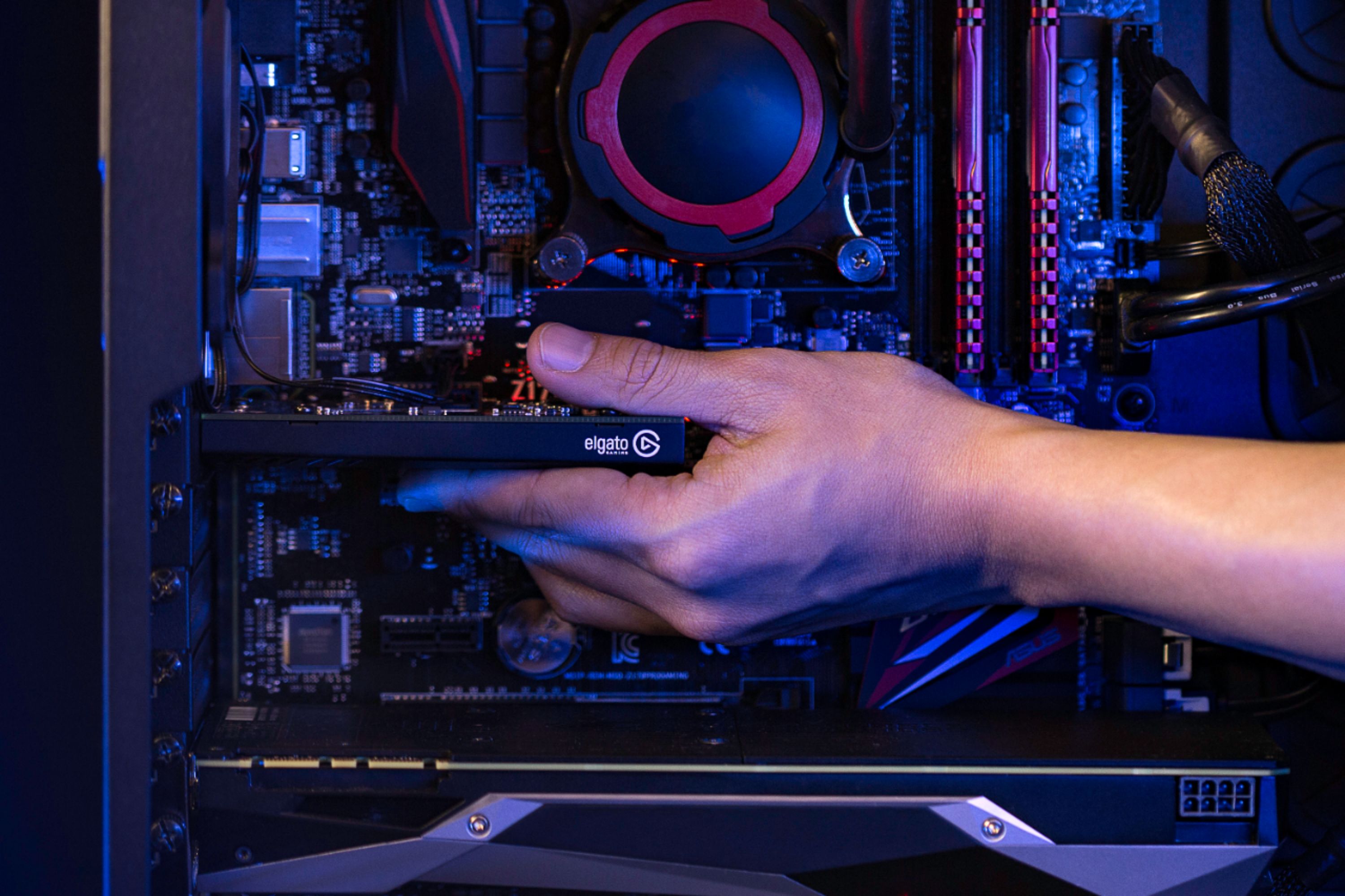
||Posted .This reviewer received promo considerations or sweepstakes entry for writing a review.Literally plug it into the pcie slot, download the software from the elgato site, plug in an hdmi from whatever console you are using, change your preferred settings and it's good to go. Took about 5 minutes to setup and into an obs scene.
I would recommend this to a friend Rated 4 out of 5 stars
A good capture card, comes with difficulty though
||Posted . Owned for 1 month when reviewed.This reviewer received promo considerations or sweepstakes entry for writing a review.Originally went with this capture card because I recently built my first PC and this seemed like a logical choice to go with. I would install it into my PC and I could get to streaming. That wasn’t the case. The install into the pc was easy enough. The hard part came with actually getting it set up. It was such a hard process for me. It took a week of tinkering with settings and getting help from 10 different friends to get my capture card to work properly. I also had to buy the Chat Link cable because it didn’t capture my friends’ voices. This capture card doesn’t have a line in like the HD60S/S+ built into it so you gotta connect it to your Line In on the back of your pc, just a heads up if you’re looking to capture Party Chat on PS4 or something like that! I’ve also noticed that sometimes my video will be laggy on my Streamlabs OBS so I just gotta deactivate and reactivate it in my OBS and then everything starts working fine again. Regardless of going through so much hard work to get this thing working right, I still am really glad I chose this over the other capture card. I just wish it were a little simpler to use or they had better instructions on how to get this thing working efficiently for the user’s specific needs.
I would recommend this to a friend- Pros mentioned:Video quality
Rated 5 out of 5 stars
Great for streaming with no lag
||Posted . Owned for 1 month when reviewed.This reviewer received promo considerations or sweepstakes entry for writing a review.I purchased this over the HD 60 S to stream on twitch with no lag whatsoever. Highly recommend for someone who needs to upgrade their streaming quality as well as running external game capture to streaming services. Highly recommend
I would recommend this to a friend Rated 5 out of 5 stars
Great but Just buy the 4k60pro if you stream
||Posted . Owned for 1 week when reviewed.This reviewer received promo considerations or sweepstakes entry for writing a review.Got this capture card to record my xbox series x gameplay, its great for twitch since twitch only goes up to 1080p but Im going to end up exchange this for the 4k60pro version so I can play my games in 4k
I would recommend this to a friend- Pros mentioned:Installation
Rated 5 out of 5 stars
Working
||Posted . Owned for 1 week when reviewed.This reviewer received promo considerations or sweepstakes entry for writing a review.Been streaming on it on the regular. Set up was easy enough and have had no problem. I think there's an audio delay that builds up but only noticeable after streaming for hours. I noticed mine after streaming for 8 hours.
I would recommend this to a friend - Pros mentioned:Video quality
Rated 5 out of 5 stars
Very good starter
||Posted . Owned for 1 week when reviewed.This reviewer received promo considerations or sweepstakes entry for writing a review.This product is perfect for beginners in game capture. Would recommend making sure your PC is compatible with installation but still an amazing product. Crisp audio and video that syncs flawlessly.
I would recommend this to a friend - Cons mentioned:Lag
Rated 5 out of 5 stars
My favorite elgato
||Posted .This reviewer received promo considerations or sweepstakes entry for writing a review.Switched to this from a USB based elgato. The USB based elgato is good and all, but I would have to play with the latency before each use (varied from 700ms - 2300ms at times). Switching to this I no longer have to test the latency before each use. Well worth it.
I would recommend this to a friend - Pros mentioned:Video quality
Rated 5 out of 5 stars
Perfect for streaming/recording games
||Posted . Owned for 9 months when reviewed.This reviewer received promo considerations or sweepstakes entry for writing a review.I use this just about on a daily bases to record gameplay. It’s quality is great. The only problem I have is I’ve noticed very rarely I’ll have to unplug the HDMI plugged into it and plug it back in. No big deal.
I would recommend this to a friend - Pros mentioned:Ease of use
Rated 5 out of 5 stars
Great Device for Recording/Streaming
||Posted . Owned for 1 week when reviewed.This reviewer received promo considerations or sweepstakes entry for writing a review.This is a great device to have if you have a decent PC set-up. It took me a few tries to get it to work properly but worked perfectly fine. I was about to stream and record my console games perfectly fine!
I would recommend this to a friend - Pros mentioned:Ease of use
Rated 5 out of 5 stars
Best capture card on the market
||Posted . Owned for 8 months when reviewed.This reviewer received promo considerations or sweepstakes entry for writing a review.I've been using this card for a few months now, and I don't regret it. It's a must-have for console games who want to capture their content to easily edit it on their PC and/or stream it to twitch.
I would recommend this to a friend - Cons mentioned:Lag
Rated 5 out of 5 stars
Clean Signal and no lag!
||Posted . Owned for 3 weeks when reviewed.This reviewer received promo considerations or sweepstakes entry for writing a review.It took less than 5 minutes to add this into my computer and I was set! The quality of the signal was amazing and was surprised of how little lag there was from what I was capturing. Great deal and highly recommended.
I would recommend this to a friend - Pros mentioned:Ease of use
Rated 5 out of 5 stars
Perfect capture
||Posted . Owned for 9 months when reviewed.This reviewer received promo considerations or sweepstakes entry for writing a review.The pro works a lot smoother than the External capture card. So if you have a pc, I’d suggest this internal card. It makes everything much easier and smoother. Also there is less clutter.
I would recommend this to a friend - Pros mentioned:Ease of use
Rated 3 out of 5 stars
Good Price Bad Information
||Posted .This reviewer received promo considerations or sweepstakes entry for writing a review.So, my general thoughts is that this card is definitely a good deal if you are looking to capture Console gameplay. It is easy to install as long as you have basic knowledge of how all your PC parts are listed. The software is also not to bad to install and log into. But, there is something that you need to know if you are looking to capture on the PC side of gameplay and is a common misunderstanding. If you are looking to capture, make sure you have a second pc to run the video through and to stream. If you are trying to use OBS or Streamlabs and/or any other capture software then you will not be able to use the hardware encoding along with these software as Elgato has the software/hardware locked to only their systems. As far as stream quality and performance, it is amazing to see that this card at its' price range performs well as long as your internet and network upload speeds are decent. Regardless, this product for what it's worth than it works well.
I would recommend this to a friend - Pros mentioned:Ease of use
Rated 5 out of 5 stars
I love it
||Posted . Owned for 1 year when reviewed.This reviewer received promo considerations or sweepstakes entry for writing a review.I really like this internal capture card and have had no problems with it. The software is easy to use and works very well. I highly recommend this card.
I would recommend this to a friend - Pros mentioned:Ease of use
Rated 5 out of 5 stars
Great capture card!
||Posted . Owned for 2 months when reviewed.This reviewer received promo considerations or sweepstakes entry for writing a review.Really nice software included. Easily installs into your motherboard and my PC detected it immediately. Go onto El Gato's website and they have good info for setting it up.
I would recommend this to a friend