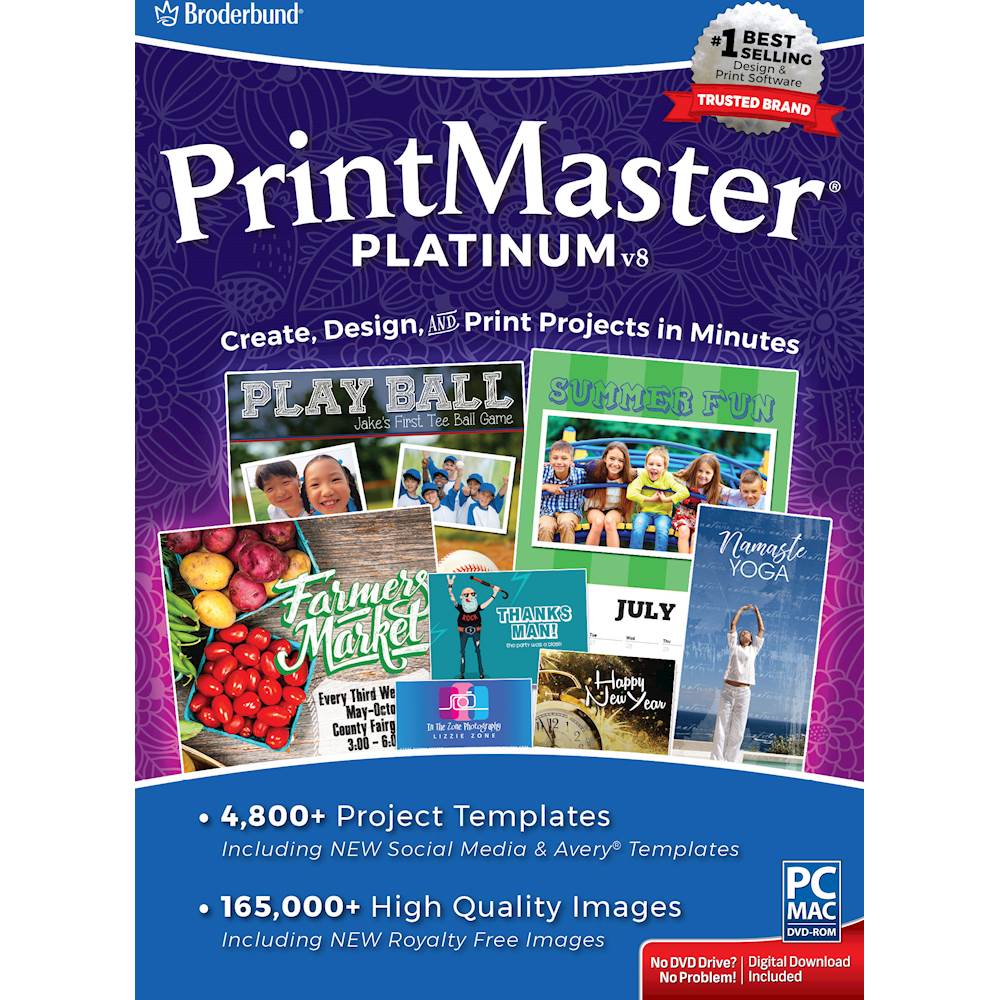
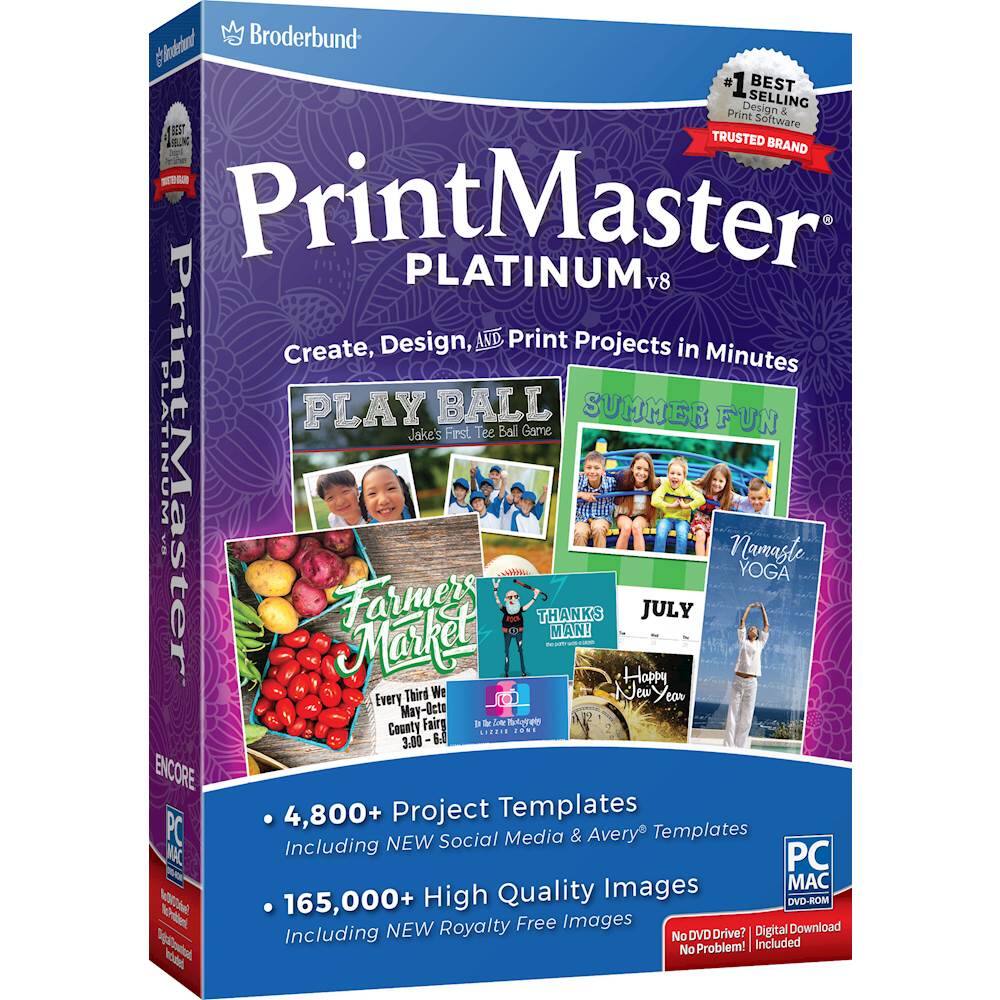
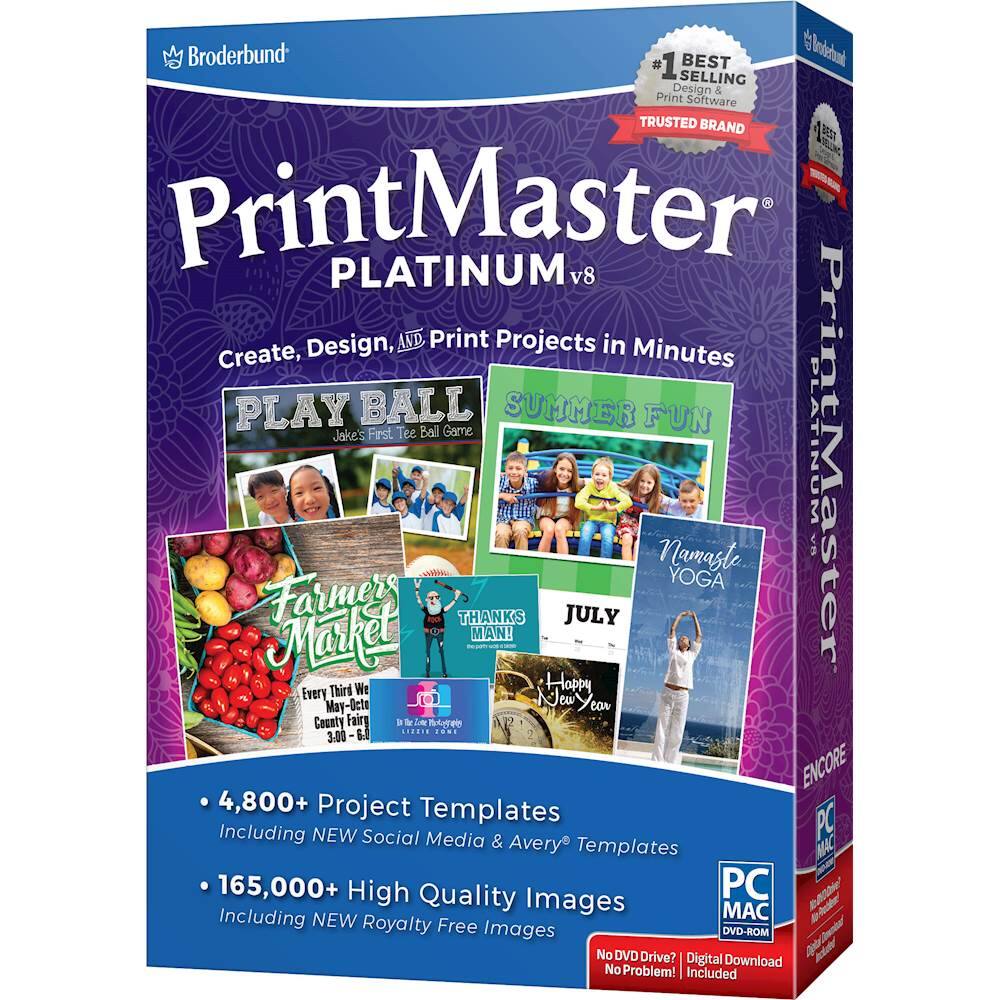
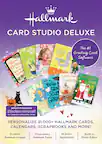
Customers praise PrintMaster v8 Platinum for its user-friendly interface and extensive collection of graphics. Many users appreciate the preloaded templates for various projects, such as calendars and greeting cards. However, some users have expressed concerns about compatibility issues with newer computers and find the software to have a steep learning curve.
This summary was generated by AI based on customer reviews.
The vast majority of our reviews come from verified purchases. Reviews from customers may include My Best Buy members, employees, and Tech Insider Network members (as tagged). Select reviewers may receive discounted products, promotional considerations or entries into drawings for honest, helpful reviews.
Page 6 Showing 101-102 of 102 reviews
Rated 1 out of 5 stars
OK for printing cards of all types
|
|
Posted . Owned for 1 month when reviewed.
This reviewer received promo considerations or sweepstakes entry for writing a review.
Works great with lots of ideas for all kinds of events.
I would recommend this to a friend
Cons mentioned:
Compatibility
Rated 1 out of 5 stars
Bought it will NOT load to install
Posted .
This reviewer received promo considerations or sweepstakes entry for writing a review.
I have used Printmaster for many many years I have it in my windows 7 still works. I bought this new version for my windows 10 brand new computer that has the cd in it also it will NOT accept this I asked 3 clerks at BEST BUY before I bought it for 39.95 ( I do not have my receipt any longer ) anyway I asked them IF they knew for sure will it install in my computer windows 10 and they ALL TOLD ME YES NO WAY will it install no matter what I do I am really tired of getting ripped off and this is one item I loved using for many many years sad very sad NO one had anyway to install this SO off to the Trash I assume I will do with it BEST BUY surely should of found out FIRST it would not go into my new computer !