Customer Ratings & Reviews
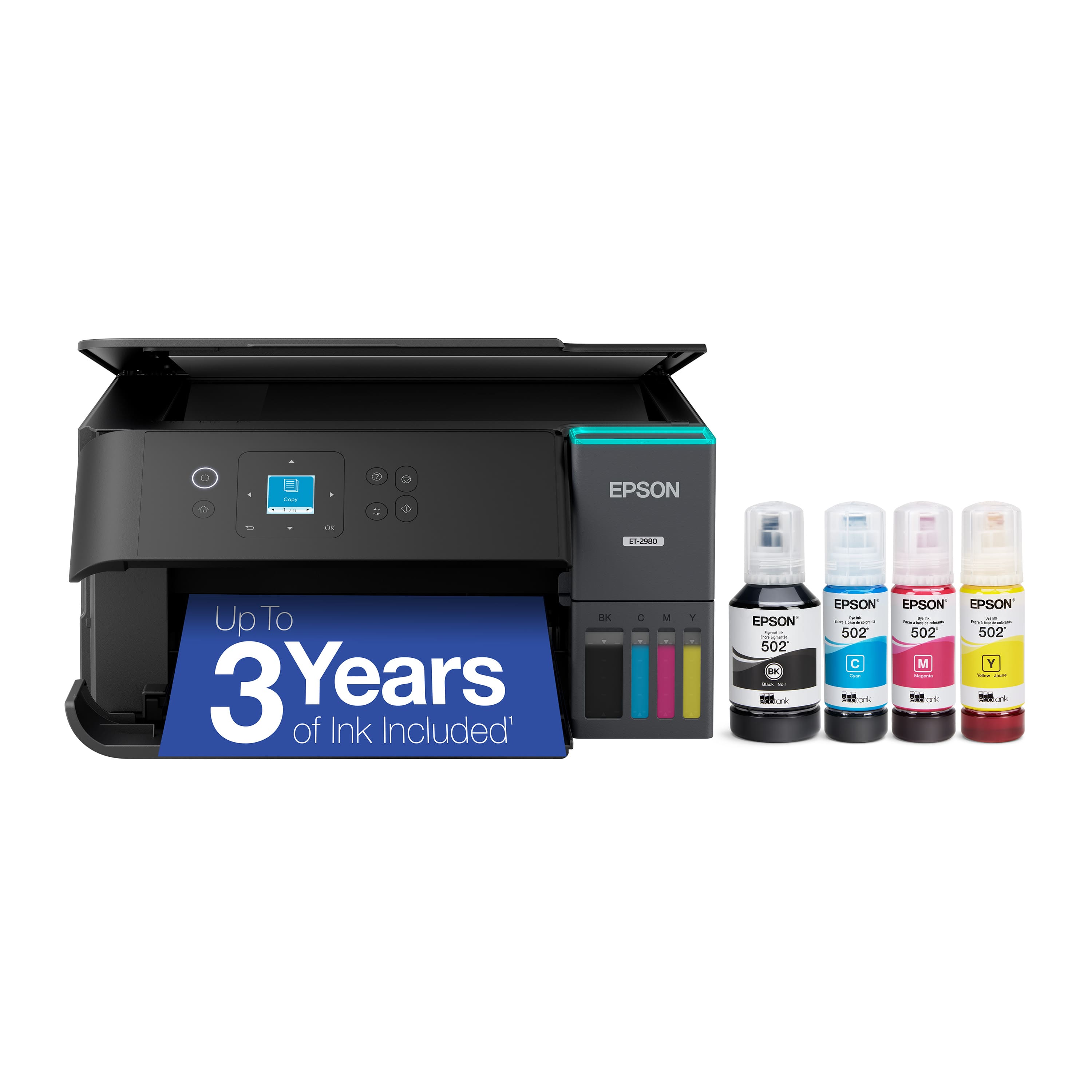
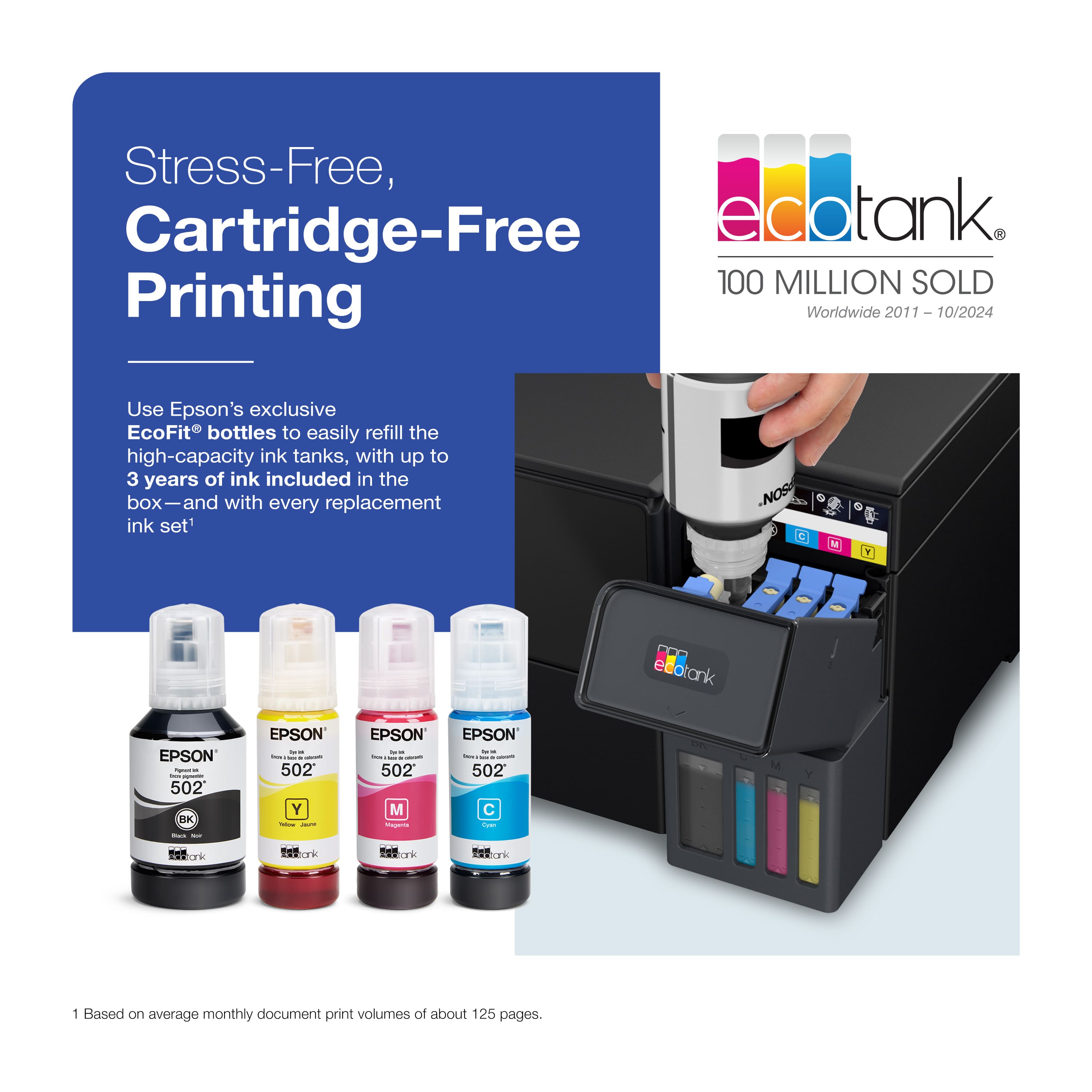
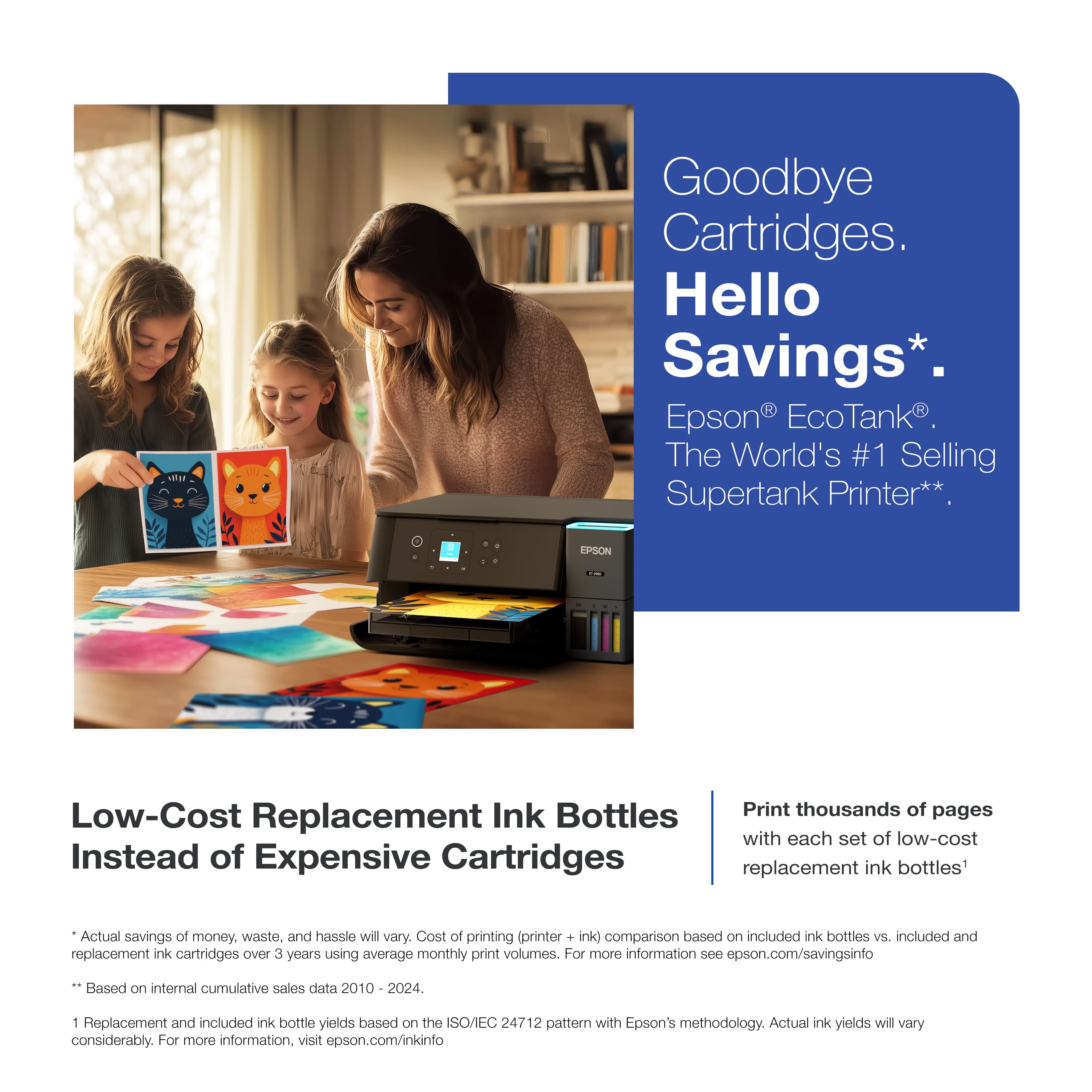
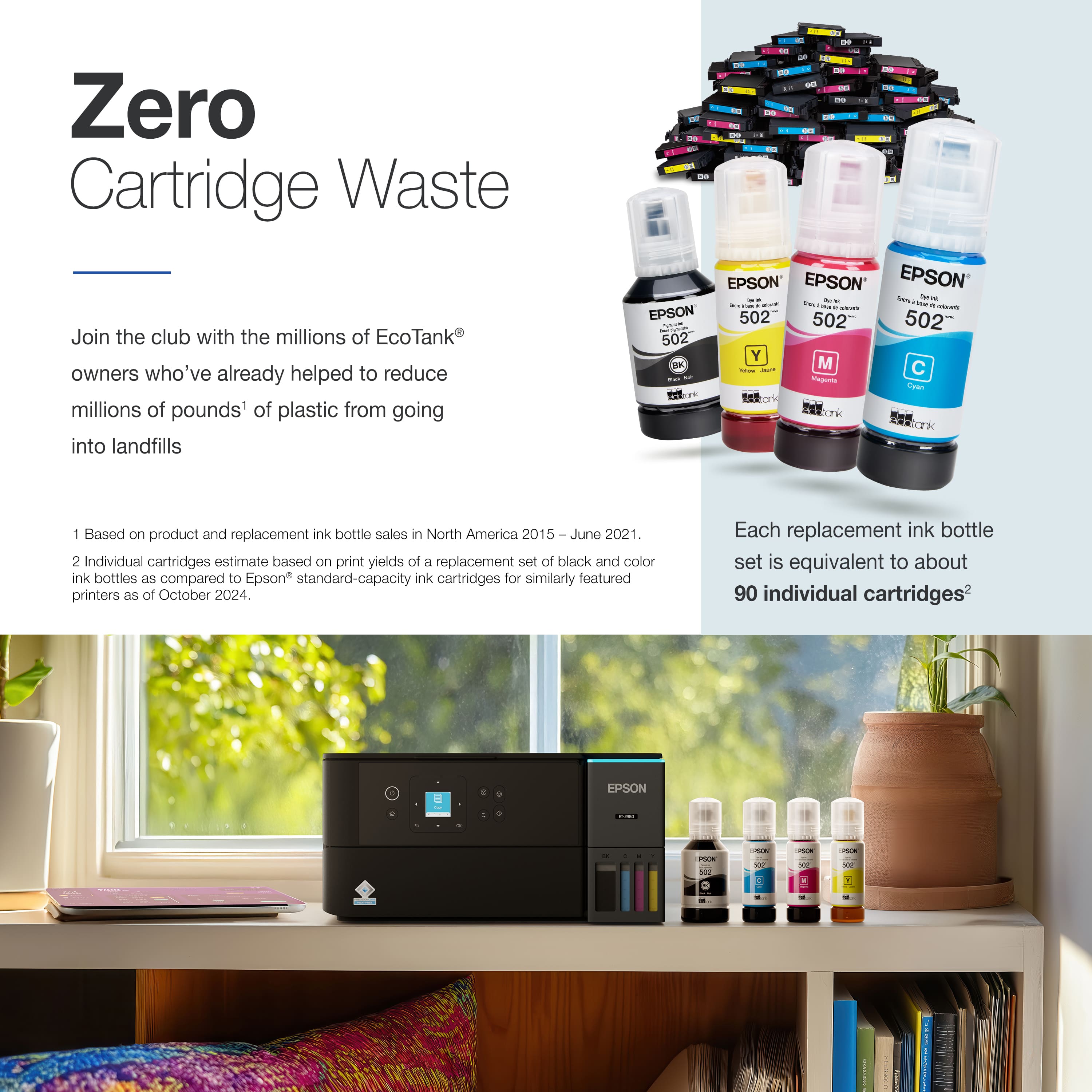
- Model:
- C11CL41201
- SKU:
- 6621250
Rating by feature
- Value
Rating 4.5 out of 5 stars
- Quality
Rating 4.5 out of 5 stars
- Ease of Use
Rating 4.4 out of 5 stars
Customers are saying
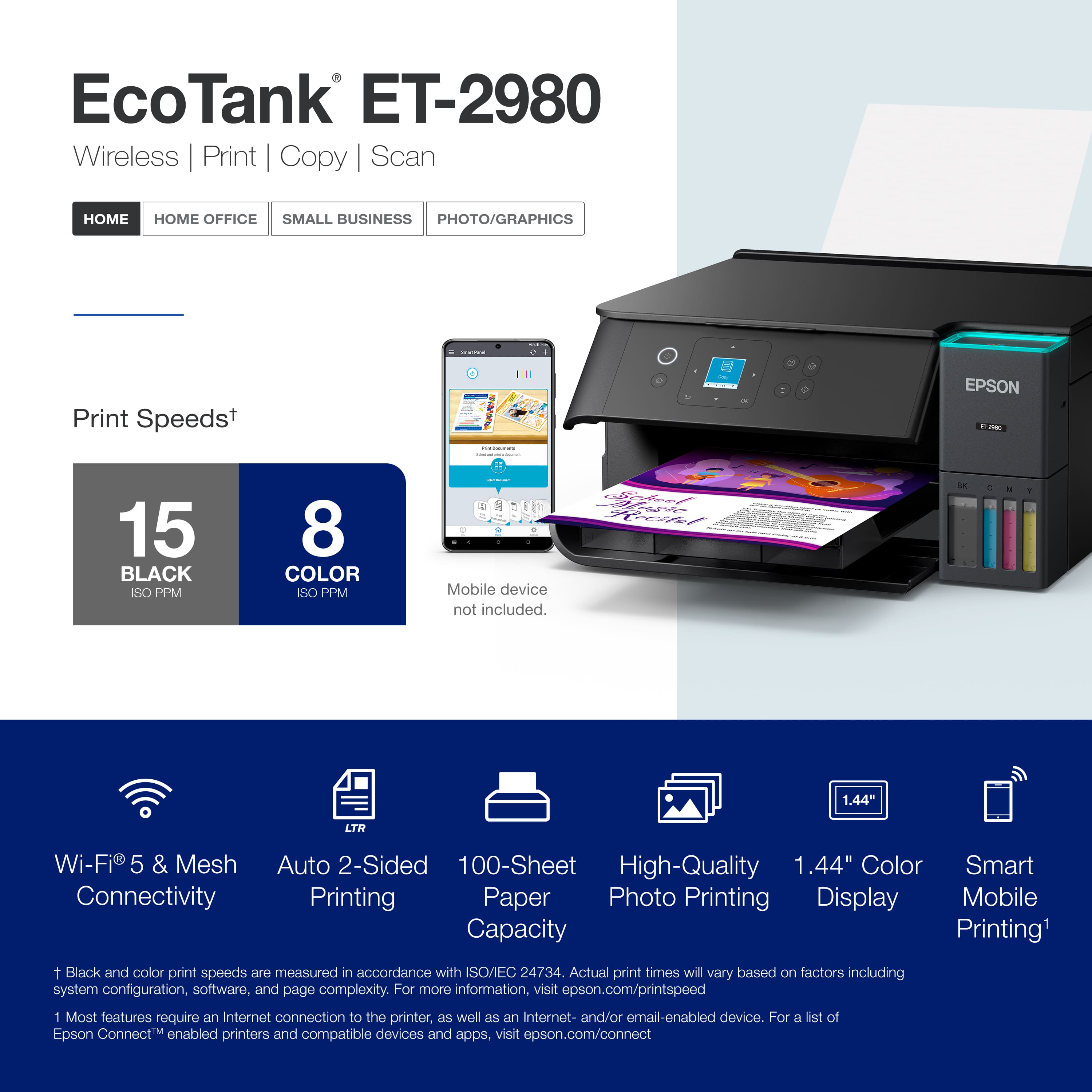
Customers commend the product's excellent print quality and incredibly easy setup. They also appreciate its convenient connectivity, compact size, and quiet operation.
This summary was generated by AI based on customer reviews.
- Pros mentioned:Connectivity, Print quality, Setup ease

Economical and Easy to Use
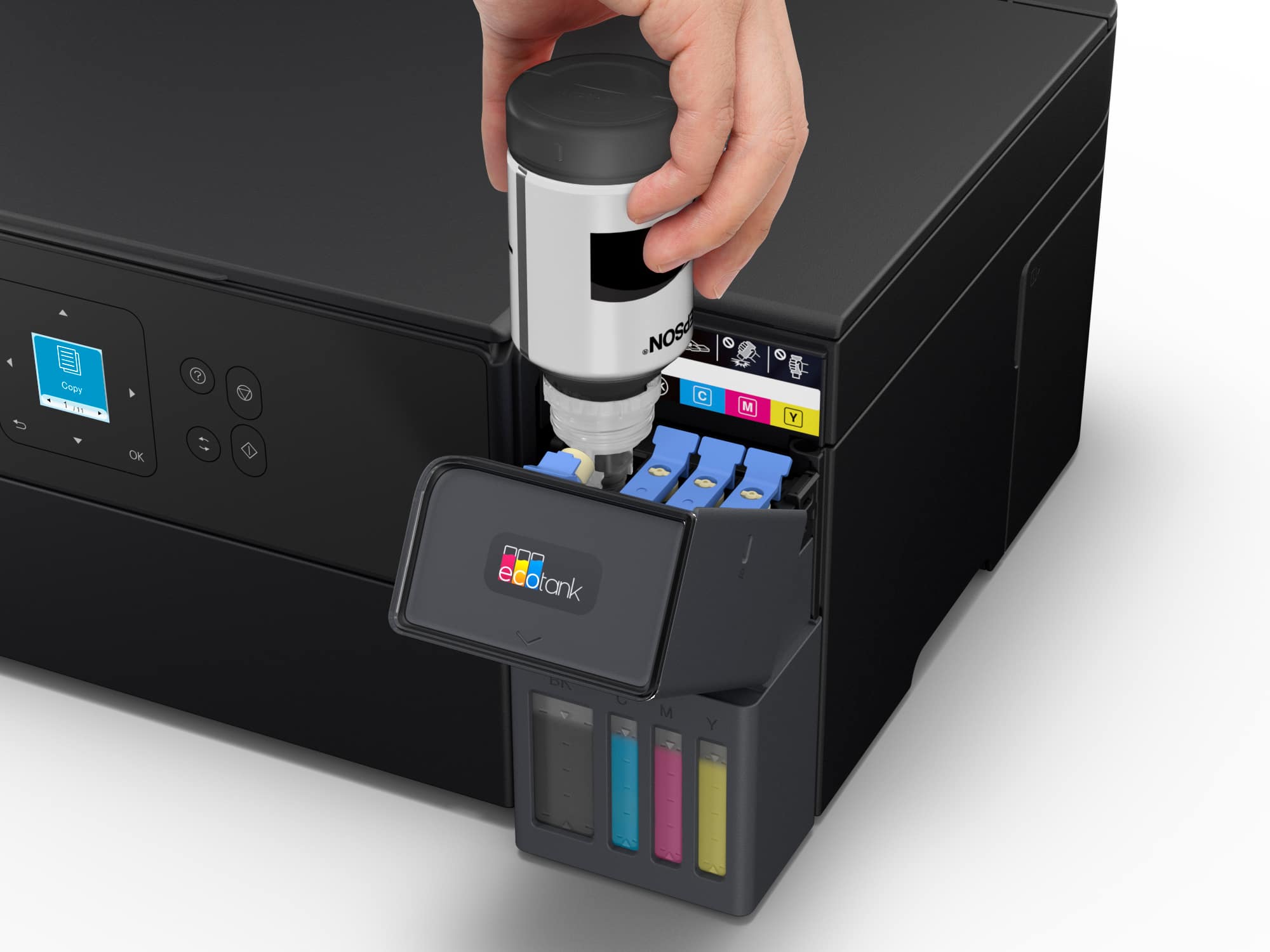
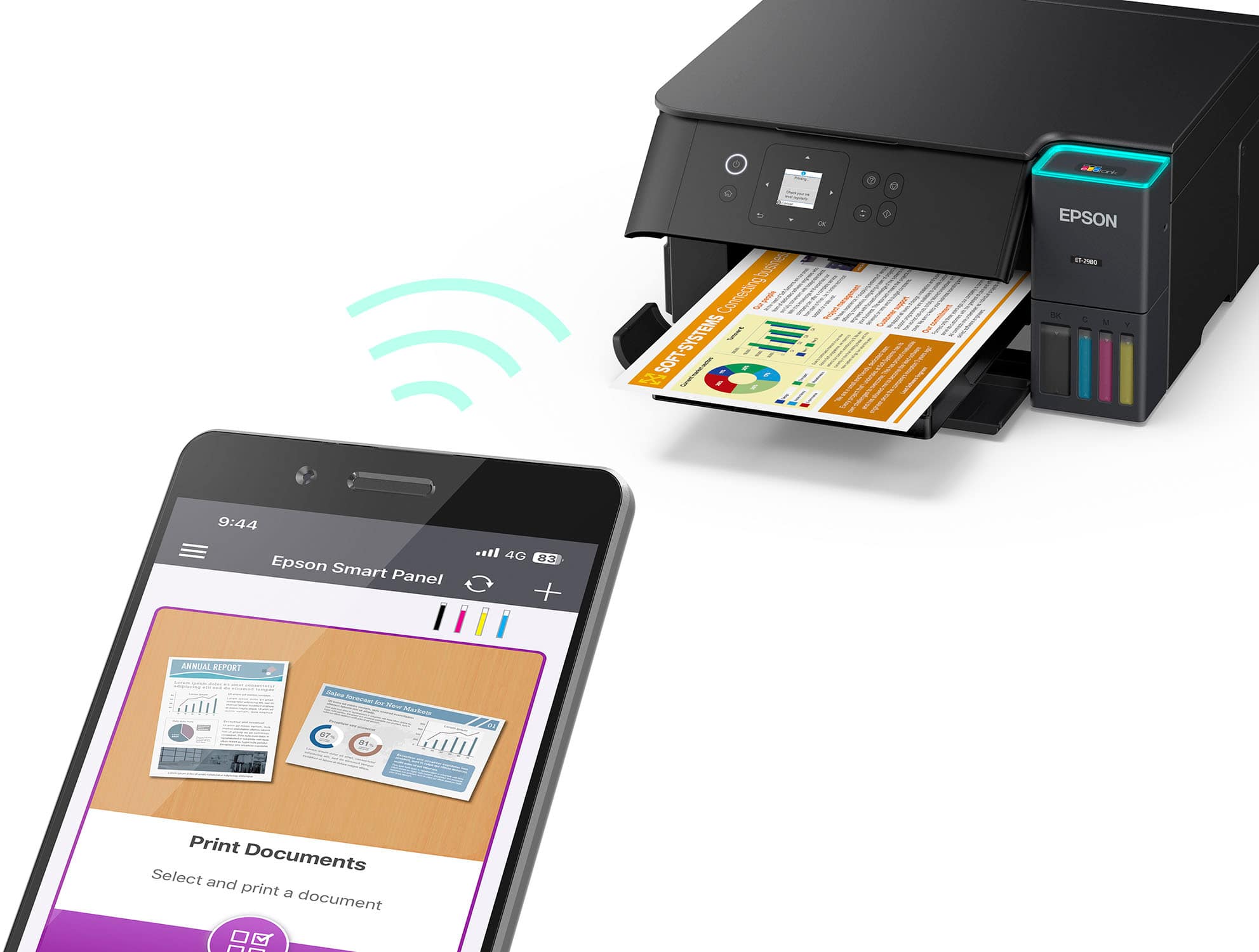
|Posted .This reviewer received promo considerations or sweepstakes entry for writing a review.First Epson EcoTank printer, although I have owned several Epson in the past. So far, this one has been the best one I’ve owned. I’ve had it for several weeks now, and it gets used a lot. I have two kids in school and a wife that is a school teacher, and they do a lot of printing. A standard printer with separate ink cartridges can get costly to maintain, so when I got the opportunity to try out the eco-tank concept, I jumped on it. Instead of ink cartridges, you get ink bottles, and you fill tanks on the printer. This gives you a lot more copies per bottle versus cartridge, and generally leads to cheaper long-run replacement of ink. And, although Epson notes that for best performance, official Epson ink should be used, the EcoTank does allow for aftermarket inks to be used. Set up was super easy. Remove from the box, remove all the tape that holds things in place, download the Epson Smart Panel app (if you don’t have it already), and work through the set up. After connecting to the network, instructions to pour the ink into the tanks are provided and it is simple to undo the protective wrap, remove the lid, and place the bottles upside down on their matching spots and wait for them to drain. I’ll give a bit of advice here- you’ll find that there is a little ink left in each of the bottles after the initial fill. Hold on the bottle until you’ve done the ink calibration, which drains a small amount of ink out of the tanks. Then drain whatever ink you might have remaining in the bottles into the tanks again. Copies look perfectly fine and the printer is relatively snappy. No complaints. During use I haven’t had it drop network connection or hang up. It’s worked perfectly fine for the last three weeks.
I would recommend this to a friend - Pros mentioned:Print quality, Setup ease
AIO with Ink SuperTank!
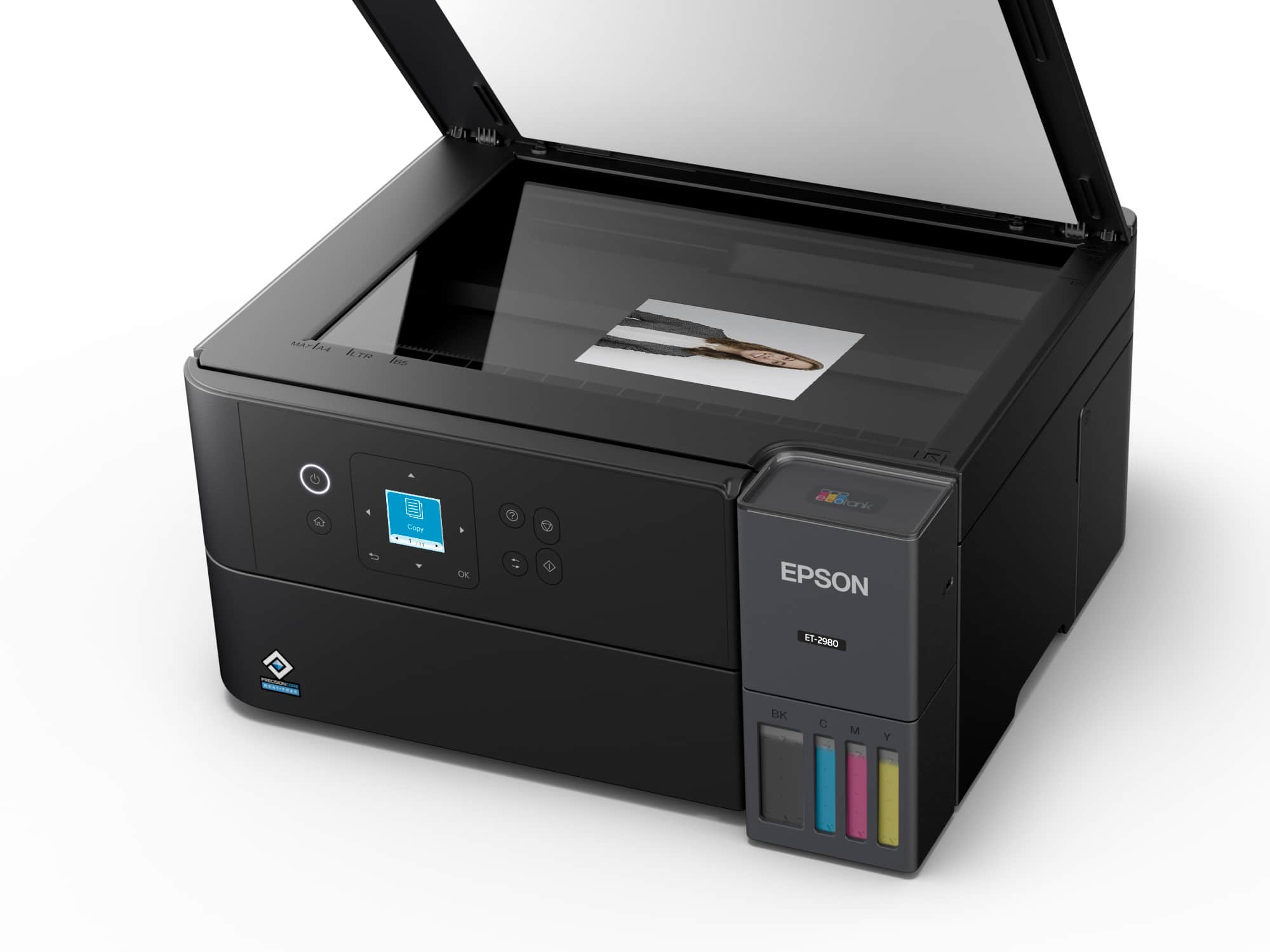
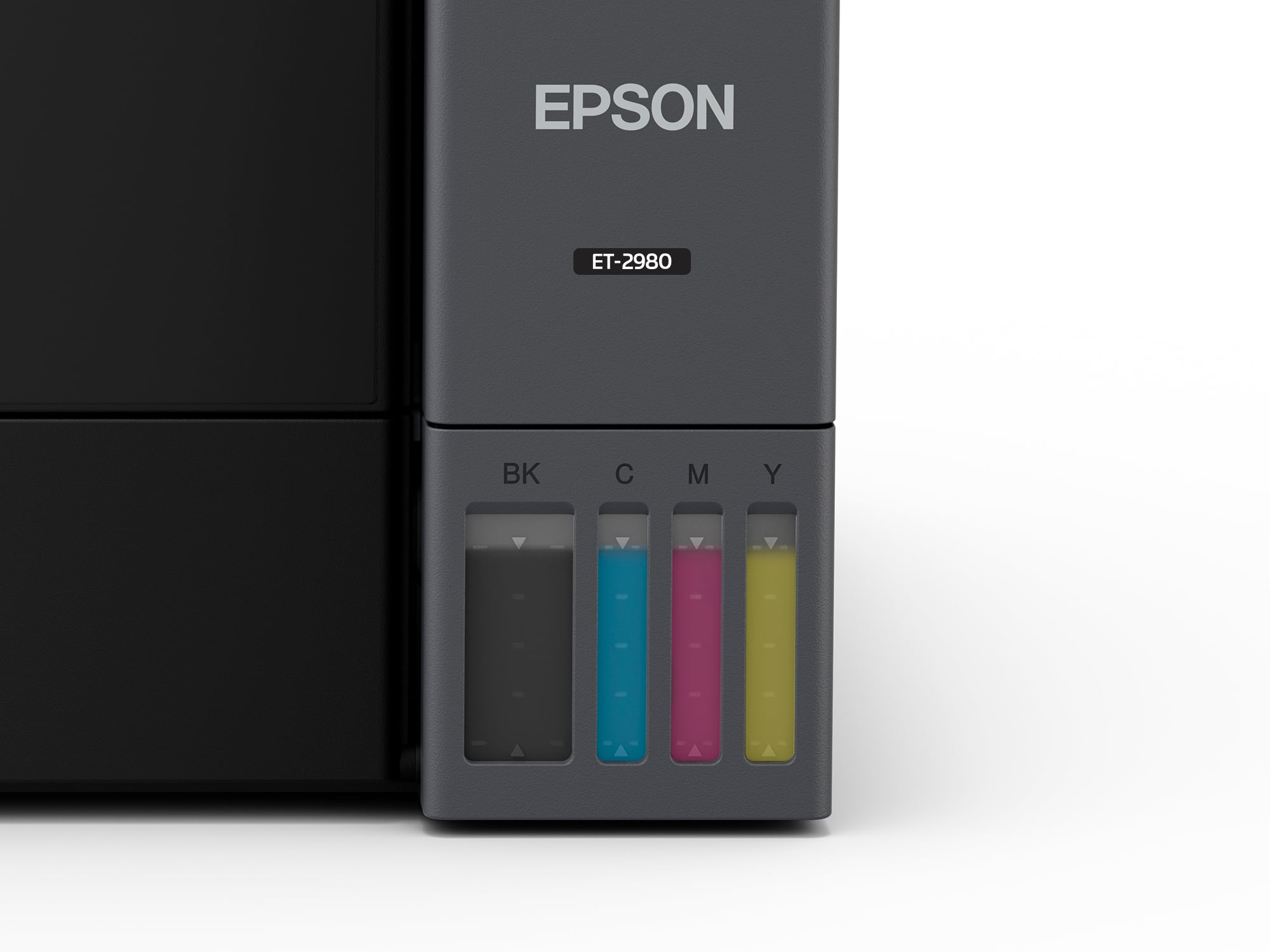
|Posted .This reviewer received promo considerations or sweepstakes entry for writing a review.BACKGROUND: For the past 3 years I have been using an Epson XP-5200 Inkjet AIO printer that has served its purpose of occasional printing, copying, and scanning. The only issues I have with the XP-5200 are the very expensive 222 ink cartridges that seem to just evaporate ink away with minimal use. Therefore, I was absolutely enthusiastic for the opportunity to receive and evaluate Epson’s EcoTank ET-2980 ink jet printer. I had been researching these types of “SuperTank” printers for quite a while and planned to purchase one the next time I needed to replace ink. UNBOXING & SETUP: Very simple and no issues following the “Start Here - Installation Guide”. About a dozen small stripes of blue shipping tape to remove preparing the printer for the next step of ink installation. Following the well written and pictured guide, filling the four large ink reservoirs also went without encountering any issues. No spills, drips, or splatters of ink; nice! (Must mention that Epson’s pictures of their filled tank’s colorful black, cyan, magenta, and yellow ink levels, in reality, all appear a dark gray color.) EPSON SOFTWARE: You have the option of downloading the required drivers and software by way of mobile phone (iOS or Android) or by way of a PC. Since I have no current need to use my phone for printing, I downloaded (ET2980_Lite_NA) by way of my laptop from Epson’s Support website. Again, zero issues encountered. And once the ET-2980 had internet connectivity, it proceeded to update its firmware. APPLICATIONS: Referencing Window’s System Installed apps, 10 default Epson apps were installed. ET-2980 Series Guide, ET-2980 Series Printer Uninstall, Event Manager, Photo+, Printer Connection Checker, Scan 2, Scan PDF Extensions, SmartStart, Software Updater, and EpsonNet Print. In addition, six Epson ICONS were placed on the PC desktop. SPEED: This is one of the fastest home printers at this price level. Monochrome at 15-PPM (Pagers Per Minute) and Color at 8-PPM. According to Epson, the ET-2980 is using heat-free MEMS (Micro Electro Mechanical Systems) chips that are super-efficient and are designed to save energy while increasing speed. Got to love new technology! B/W & COLOR PRINTING: Both Monochrome and Color plain paper print jobs are detailed and excellent looking using the default “Standard” print mode. With our XP-5200, I had to turn off color and set B&W to “draft” just to save ink. But I intend to use this ET-2980 in “Standard” print mode while monitoring ink usage. Only time will tell if I am able to attain a few years of occasional use before being required to purchase another set of four 502 ink bottles. Per Epson “Up to 3 years of ink included in the box.” We’ll see… HIGH-QUALITY PHOTO PRINTING: I was able to print high-quality photos on select media that looked great. Initially, I did encounter multiple lines through my 4x6 photos. Evidently, my 4x6 Glossy 68# photo stock was not playing nice with this printer. But trying my last two sheets of 50# Glossy 8.5x11 worked beautifully without the lines I had been experiencing. Color prints were impressive and appeared fairly accurate to the original JPG. EPSON SCAN 2: I thought I was thoroughly familiar with this application from my prior scanning pictures to JPEG’s for archival with my XP-5200. But something had changed with this app or printer because the JPEG scans of photos looked washed out and lifeless. A few additional tweaks were required in the default “Photo Mode” by way of the app’s “Advanced Settings”. I had to set “Unsharp Mask” to “Middle”, and turn on “Color Restoration”. Picture scans now appear great and similar to those from the XP-5200. REAR LOADING PAPER: Although I recognized the ET-2980 was a “rear paper loading” only printer, lacking an internal paper feed tray/cassette, I did not anticipate how much additional space would be required to find a suitable printer placement location. The cabinet area where our XP-5200 printer was located would not accommodate this new ET-2980 and now it had to be relocated to another room. That is due to the paper media being raised up and rearward tilting requiring a lot of additional placement space (see pics). Recognize that using an internal paper tray not only provides a scaled back overall footprint, it will keep your paper media flat avoiding curled paper edges. And I will also mention having a rear loading option does greatly assists with proper paper flow when using heavier stock, example photo-paper. I just wish this new printer had both options (tray & rear loading). STAR RATING: After a week of putting the Epson ET-2980 Supertank Inkjet printer through its paces, it earned itself a solid 4-Star Rating. Now if you can live with the additional space requirements, due to not having a paper feed tray/cassette, then this ET-2980 printer should be an excellent option for your home printing and scanning requirements. EPSON SUPPORT: A cannot complete this review without personally thanking Epson Support personnel who assisted with providing resolutions for my Color Photo lines and poor Scan issues. Communicating by phone with a representative, who was able to provide working solutions, was an easy and ultimately beneficial experience. A big “Job Well Done” goes out to Matt for his knowledge, willingness to listen, and finally for his overall professionalism. .
I would recommend this to a friend - Pros mentioned:Noise level, Print quality, Setup ease
Game- Changer for Home, Schoom and Work!
||Posted .This reviewer received promo considerations or sweepstakes entry for writing a review.I absolutely love my new Epson EcoTank ET-2980! As someone who prints frequently for work and personal projects, this printer has been a total lifesaver. The setup was incredibly easy, and I had it connected to Wi-Fi and printing from my phone in minutes. The ink system is what truly sets it apart—no more constant cartridge replacements! The refill bottles are simple to use, mess-free, and last such a long time. The print quality is crisp and vibrant whether I’m printing documents, photos, or student materials. It’s also impressively quiet and fast. I really appreciate the all-in-one convenience of scanning and copying, too. It’s sleek enough to fit neatly on my desk without taking up too much space. Overall, this printer has exceeded my expectations. It’s efficient, eco-friendly, and cost-effective—perfect for anyone balancing work, school, or family life. Highly recommend to anyone looking for a reliable, long-term printer solution!
I would recommend this to a friend - Pros mentioned:Connectivity, Print quality
Simple and Easy to Use All-in-One
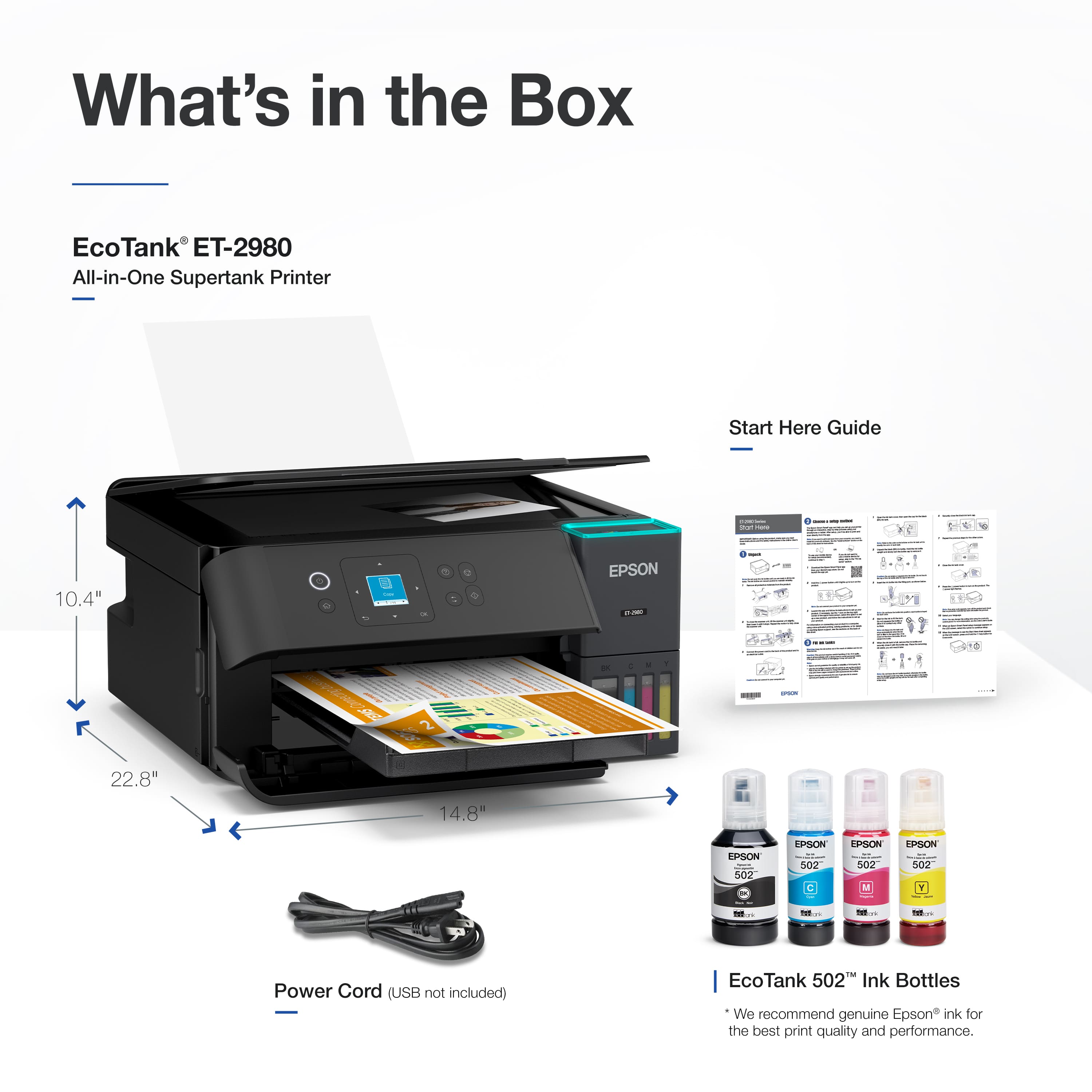
|Posted .This reviewer received promo considerations or sweepstakes entry for writing a review.The ET-2980 is a great general purpose all-in-one printer. For my uses I just need a printer/scanner that I can use occasionally that will do its job well and this seems to fit the bill perfectly. It doesn’t have any unnecessary extra things, it prints and scans well, and the ink bottle system is excellent. I would definitely recommend this to anyone who just needs a sometimes printer that isn’t going to let them down. The box includes the printer, power cord, and a set of ink bottles. The printer primarily connects over Wi-Fi, but there is a USB connection as well, though the cable would need to be bought separately. I set up the printer through the Epson Smart Panel app on my phone. The setup process was interesting and laid out in the form of a chatbot. It provided a step-by-step guide for initializing the printer, connecting to Wi-Fi, and filling the ink reservoirs, asking for confirmation at the completion of each step. It’s not something I’ve experienced with any other product and though it felt strange at first, I really liked the process and I think it will be especially nice for the less tech-savvy who purchase this. The ET-2980 uses an ink bottle system similar to a Canon printer that I’ve owned. The bottles each have their own keyed tops that line it up with the appropriate reservoir on the printer and slot in and fill in a way that doesn’t create any messes. The bottles filled all 4 tanks (black, cyan, magenta, yellow) and while the printer initialization did drain them a bit, there was just enough left in each of the bottles to get everything back to full again. The included bottles and subsequent replacements are supposed to provide ‘up to’ 3 years of printing, though obviously this will depend on your own usage. Once the printer was initialized and connected to my Wi-Fi I could immediately see it from my phone and my PC’s. The scan and the print quality are both excellent and I was able to print a photo on an 8.5x11 sheet of paper with no borders, which was awesome. The photo I printed had great resolution as well and it printed in less than 15 seconds. The front panel screen and buttons are easy to use and navigate and in general for basic tasks the app is not really needed once the initial setup is completed, though it is certainly not bad. Overall I’m very happy with the ET-2980 as an everyday printer. It’s hard to find a fault in it and I can really only think of somebody whose uses are a little more professional that it might not work out as well for. It’s only got the one paper tray for example. For me it’s perfect though.
I would recommend this to a friend - Pros mentioned:Connectivity, Print quality
Great for home use, Eco Tank shines
|Posted .This reviewer received promo considerations or sweepstakes entry for writing a review.The printer is just what I need for my home. The kids use it to print their school assignments. I use it to print documents and photos. The scan and copy features are useful as well since every once in a while, we have something to scan or to copy. The printer is well made, and it looks durable enough. It is quite big, so it needs proper space. You can place it anywhere in the house because it is a network connected printer that does not need to have direct physical connection whenever you want to print. The biggest selling point of this printer is the Eco Tank inks. They’re just incredible and I like them a lot. I have been printing nearly a full pack of 5x7 photo papers without concern about ink depletion. Using a cartridge-based printer would typically require a cartridge replacement by now. Installation is easy and intuitive. When connected to a network, the printer is recognized by practically any device: Chromebook, iPhones, Android Phones, Macs, PCs, etc. There’s an Epson app for both iOS and Android devices and the app is both intuitive and useful. Printing results are excellent for both documents using normal paper and pictures using photo paper. There is literally no need for me to go elsewhere to print pictures anymore. Black and white and color documents are printed with satisfying results. Letters are very clear, and pictures are colorful and vibrant enough even when using normal A4 paper. It also supports duplex prints, which is an awesome feature because it really helps save papers. Printing speed is on par with what I would expect on a Deskjet printer. When printing high quality pictures on photo paper, it will take a longer time for it to finish but that’s absolutely normal for a Deskjet printer. Epson rates printing speed at 15 pages of black prints and 8 color prints per minute according to ISO print standard. Printing pictures directly from an iPhone occasionally causes errors, possibly due to iOS or Epson. The printer works well with non-iOS devices so I would say that the error is likely attributable to iOS. While Ecotank printers are a substantial investment compared to cartridge-based inkjet printers, I am a fan of it. This printer is great for home use, has a large ink reserve and produces high-quality printing. Pros: Eco Tank gives you lots of ink Wireless print Excellent printing results Duplex printing Versatility to connect to different devices App is easy to use and useful Cons: Quite big, needs proper space
I would recommend this to a friend - Pros mentioned:Noise level, Print quality, Setup ease
Compact and quiet
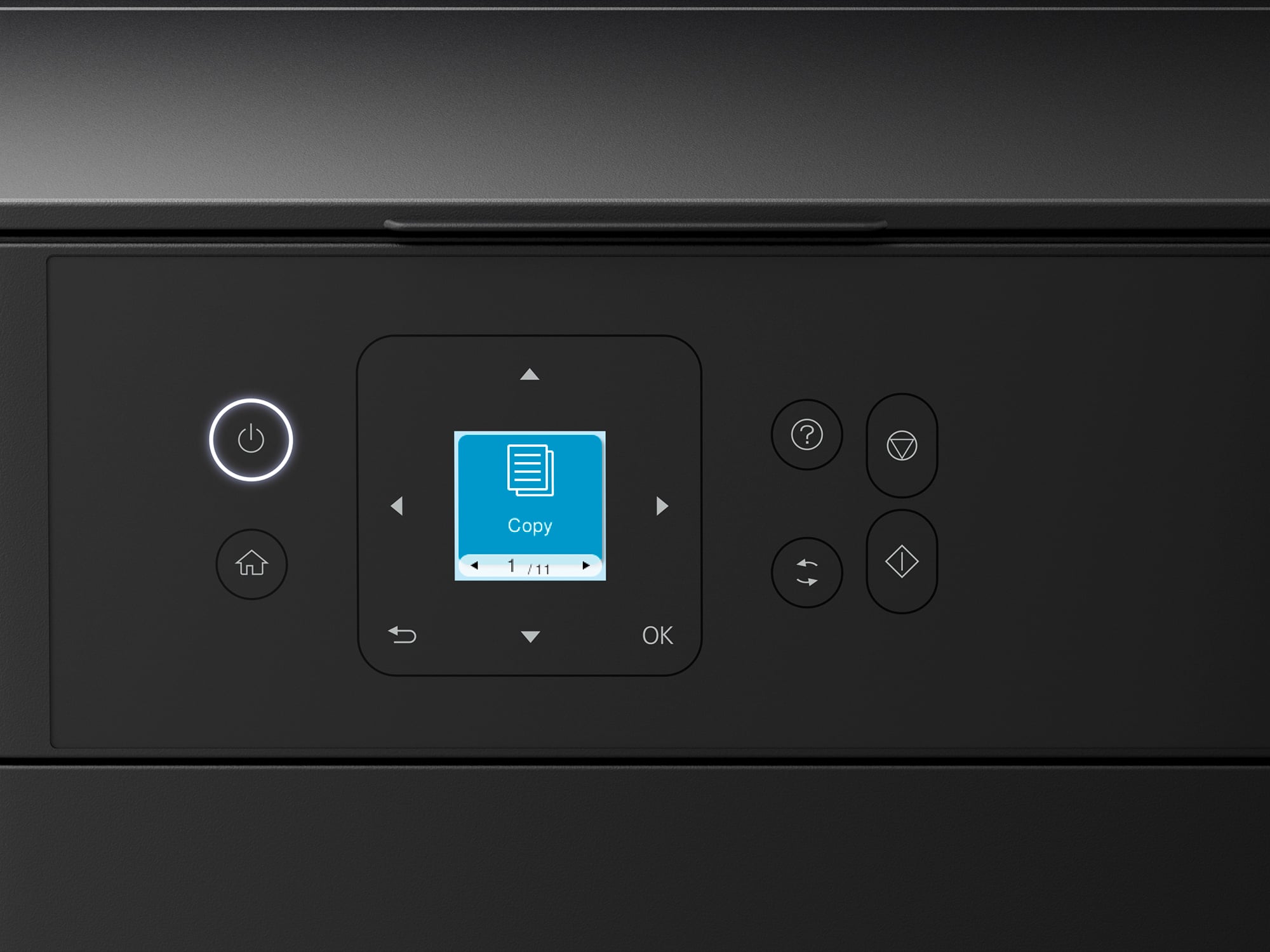
||Posted . Owned for 2 weeks when reviewed.This reviewer received promo considerations or sweepstakes entry for writing a review.This is my second Supertank printer. No cartridges is great. This was easy to set up. This printer has the paper feed in the back instead of a bottom pull out tray like my old one. I like this a lot better because it is handier to load individual check sheets for printing from my Quicken program. This printer is really quiet compared to the old one. Prints are good quality and it's a fast printer. I'm not very happy with the LED readout. It's small and not as handy to use as I'd like but I suppose this helps keep the cost down so it's a trade off. Thought about taking away one star because of the readout but I also liked the reasonable price so kept it at five stars. No problems so far.
I would recommend this to a friend - Pros mentioned:Print quality
Great for the Casual User
|Posted .This reviewer received promo considerations or sweepstakes entry for writing a review.EcoTank is the way to go - period. This is my second EcoTank printer and I'm not sure I'd buy anything else at this point. I should specify that there was nothing wrong with my first EcoTank, my daughter declared it her own and this ET-2980 was a nice upgrade. INK: The feature we appreciate most is not only the seemingly lower cost of the ink but also how long it lasts. We print several times a week and there's no doubt we'll get 3 years out of the included cartridges because that's about how long the ink lasted in our first EcoTank. PRINT SPEED / QUALITY: The Epson EcoTank ET-2980 Is plenty fast for a home office printer. It boasts 15 PPM for black and white while being able to also pump out 8 PPM in color. This is more than enough for a light workload printer and the quality is also great for photos in a pinch. We use the printer for anything from return shipping labels to birthday invites. USE: Unfortunately, this style of printer needs more attention than one that feeds paper from a bottom tray. Being a top loader is probably the biggest downside. Top load printers notoriously have less capacity for paper and require the front tray to be extended in order to print. This style defiantly saves on space but I wouldn't recommend leaving paper in the top feeder for extended periods due to the amount of dust that can collect - this can cause issues with the print head down the road. If you're someone who doesn't print often and you don't mind getting the printer ready for the occasional print job - this printer is for you. If you want a printer that is ready to go any time of the day - you should look at printer with bottom feed capabilities. DISPLAY: It's not a deal breaker because most of the time you will use the Epson Smart Panel App but I wish Epson would have included a larger display. If you ever need to troubleshoot from the printer itself, you may find the display as frustrating as I did. SUMMARY: If you are a casual printer that needs a scanner on occasion, the ET-2980 is a great option. It excels at the basics and the included app makes setup and setting management a breeze. The top load feeder is also great for heavier paper stock like photo paper and card stock.
I would recommend this to a friend - Pros mentioned:Print quality
Great printer!
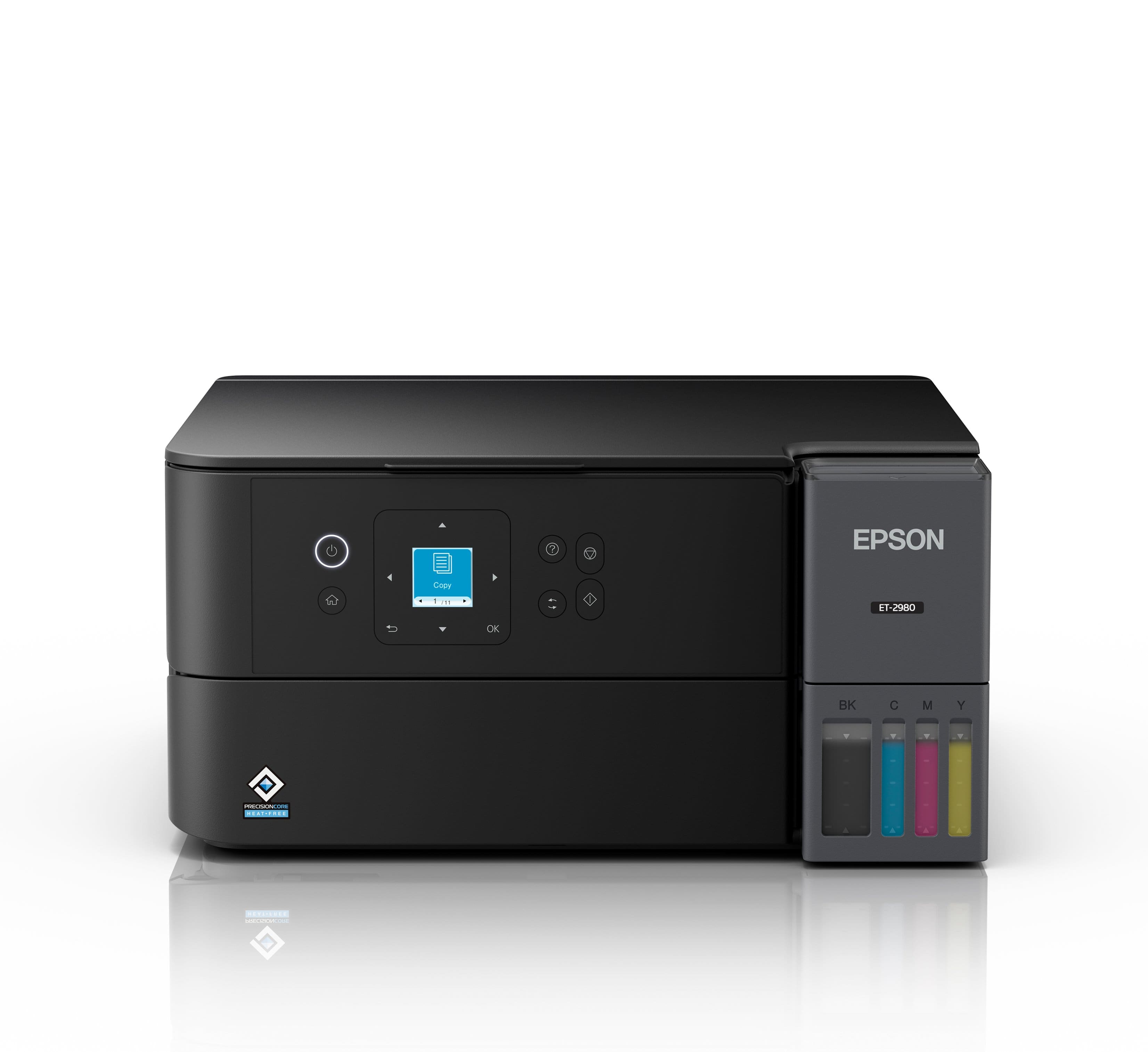
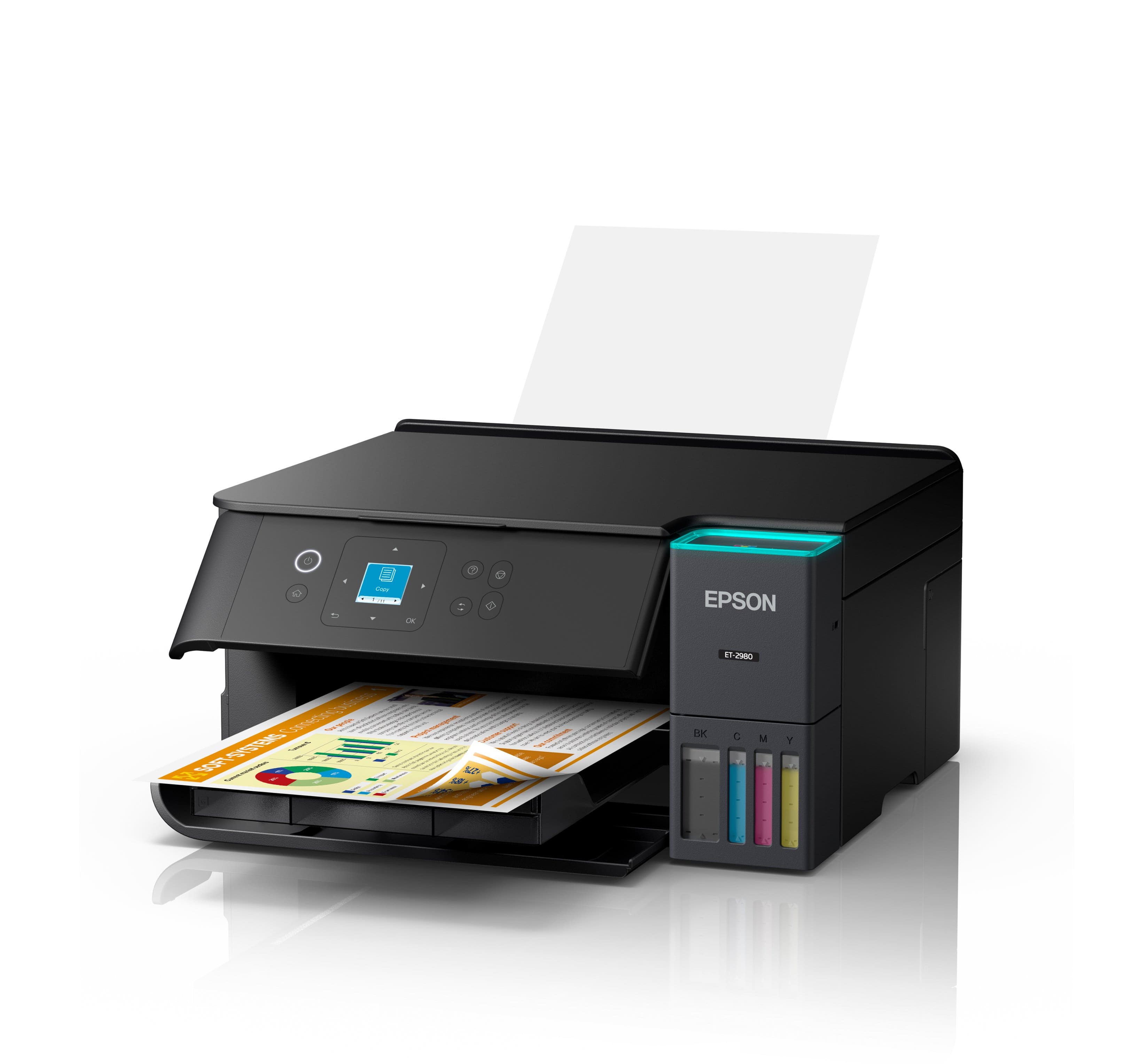
|Posted .This reviewer received promo considerations or sweepstakes entry for writing a review.The Epson ET-2980 is a big improvement in print quality over the 2850, but they added some unnecessary features. The EcoTank 2980 has many useful features that make it a great all-in-one printer. The massive ink tanks means that you don’t need to purchase ink every month, which ends up costing more than the printer. The ink bottles can last up to 6500 pages (roughly about 2 years on moderate printing use). Even the cost of the ink bottle refills are significantly cheaper than normal ink cartridges, which makes you think why doesn’t everyone just start buying these EcoTank printers? Setting up the printer is straightforward and easy, you can either use the Epson app, or you can set it up right from the printer itself with the 1.5” color LCD display. The printer can print double-sided, as well as photos and envelopes. The image quality this time around is much better than that of the older model. The colors are much more vibrant and sharper, giving it better image details. The printer does have a built-in scanner, which is also a big improvement. I was really impressed with how accurate the copy was to the original, not to mention it scans pretty fast. Epson also added some new features to the EcoTank 2980 as well as changing the design a little. Right above the ink tank there is a blue LED that glows when the printer is printing, which looks cool but to me I don’t think it’s necessary. The other feature is the auto opening paper tray, which I am not a big fan of at all. For one, these gear controlled trays are prone to breaking, and 2 it doesn’t retract when finished printing, you have to manually select close paper tray on the printer. Overall, I like the Epson EcoTank 2980. The long lasting ink tanks, saves so much money and time. The print quality is a huge improvement this time around, especially when printing color photos. The scanner/copier is incredibly accurate and fast. The only issue I have with the printer is the automatic paper tray, to me this is just a broken gear waiting to happen, leaving a jammed paper tray unmovable. Aside from that, I would recommend this to anyone looking to upgrade/purchase a new printer.
I would recommend this to a friend - Pros mentioned:Setup ease
Easy Setup, Easy To Use
|Posted .This reviewer received promo considerations or sweepstakes entry for writing a review.After years of frustration with another brand of printer, I was excited to try out this new EcoTank printer by Epson, and so far, I have not been disappointed. Setting up the printer is fairly easy and straightforward. There is, of course, an app from Epson you can use that will walk you through the process step-by-step, but it's not required. You can just easily set it up using the included printed guide. That said, I do recommend using the app as it makes communicating with the printer easier and allows the firmware to be updated. This is also my first printer that uses refillable ink instead of cartridges, so one of my initial concerns was how difficult that part of the process would be, and if I'd have to worry about getting ink on me or just spilling it out in general. I'm happy to say the way it works with this Epson printer, it couldn't be any easier and mess-free. You don't even have to worry about over-filling the tanks, just put the ink bottle down into the port and it'll stop filling automatically as soon as it reaches the full level. There's also enough ink included to completely fill the tanks, and then enough still to top them off after the printer does its initial setup where it'll use some of the ink to get things ready to print. Once everything is all setup, it's just as easy, if not easier to use. I setup this printer for my daughter, who is almost in middle school, and is starting to actually need to be able to print things. I didn't even download the Epson software or drivers on her PC, I just went to 'add printer' and the PC found it and was able to print to it right away. My daughter now prints whatever she needs on her own easily, and hasn't had to come to me for help with it at all. What's really nice though, is that since it's on my home wi-fi network, I've been able to print from my macbook as well without even having to download anything. Same goes for mobile, my wife needed to print something out from her phone the other day and it just worked, again without her having to even download the Epson app. I can't tell you how happy I am with this printer just because of that alone. The other brand I currently have that I mentioned earlier, doesn't work that easy. Half the time we can't connect to it all and honestly just gave up on it. With the Epson though, we no longer have that issue. You could even hear the excitement in my wife's voice the first time it just worked. As far as how long the ink lasts, I haven't had this printer anywhere near long enough to know that yet, but so far, the ink levels have barely moved at all after a couple weeks of printing. Overall I'm really happy with this Epson and would definitely recommend it.
I would recommend this to a friend - Pros mentioned:Print quality
Great for home offices that don't print often
|Posted .This reviewer received promo considerations or sweepstakes entry for writing a review.This is a great overall printer for any home office. I am impressed by the ease of ink replacement. Print quality is good overall, and the form factor blends into any office decor. There are a few convenience annoyances I have which is the reason I took away a star, but it is minor overall. Pros: - Good design - Easy and cheap ink refills - Long lasting ink - Good app support - Decent print quality Cons: - Output tray needs to be opened to use - No large input tray Setup: The printer has a QR code which takes you to a prompt guided chat window to set up the printer. It has you fill the ink (easy and not messy), connect it to Wi-Fi or Ethernet, then do a test page followed by a scan to see the output quality. Use: I downloaded the Epson Smart Panel phone app and the Epson Print & Scan PC app for testing with the printer. The phone app is useful for all the features and monitoring of printer status. I feel the app puts a little too much emphasis on big graphics and is more form over function, but it does the job with lots of options and control. The Windows desktop app, not so much. It works for printing and scanning but is more function over form. It has a Windows 8 design language and only allows control of printing and scanning. Keep in mind, you can use other scanning or printing tools such as the OS built in print spooler or various 3rd party scanner apps. I never had any print issues in my review testing with solid connections each time and no errors on the printer which is all I ask for in a modern-day printer, reliability. Ink quality: The Eco Tank system is outstanding for convenience. The included Black, Cyan, Magenta, Yellow inks are rated to last for three years by Epson’s testing estimate compared to a cartridge system. Ink is relatively cheap and has no DRM like cartridges can have. The quality is fine for regular office work, but I would not depend on it for photos. Anyone who needs high quality photos as a photo printer might work better for this purpose. Photo quality is not bad for a simple 4x6 or 5x7 photo on photo paper, but it has enough dithering that I wouldn’t display them around the house. For a simple 8.5x11 print for work purposes I feel this printer is just fine for text and color graphics or charts with decent quality and great print speed. Issues: - This printer feels like it is not meant for frequent use. It has a great design that is clean and minimal, but to print you need to load paper in the rear feeder with the paper sticking out and open the output tray which is kind of ugly. - The only paper tray is on the back rear input. There is no paper cartridge on the bottom so the paper is limited to how much you can load by quite a bit. Again, it feels like it is not meant for frequent printing.
I would recommend this to a friend - Pros mentioned:Noise level, Print quality, Size
Nice Desk Top Printed
||Posted . Owned for 1 month when reviewed.This reviewer received promo considerations or sweepstakes entry for writing a review.So far, so good. The size is just right for my desk top. Quiet operation. Good print quality. (I have not printed any photos) I will update after longer use before commenting on the ink usage. Like that the printed page tray retracts out of the way.
I would recommend this to a friend - Pros mentioned:Print quality, Setup ease
Excellent value if you have the space
||Posted . Owned for 1 month when reviewed.This reviewer received promo considerations or sweepstakes entry for writing a review.The ink tanks make refills easy and prints cheap. Print quality is decent. Setup was easy but didn't follow written instructions exactly. The space required is fairly large because of the rear paper feed and front ejection. If you need color printing capability this is an excellent choice.
I would recommend this to a friend - Pros mentioned:Print quality, Setup ease
Elementary Teacher LOVES Epson Eco-Tank ET-2980
||Posted .This reviewer received promo considerations or sweepstakes entry for writing a review.Absolutely amazing! The colors are perfect! It was so easy to set up the machine. I had to navigate the website to set up my computer with the printer, but once that was done (pretty quick overall), printing was a breeze. As a primary grade elementary school teacher, I print a LOT of colored items. I have already printed over 300 sheets (full sheet of colored designs and lettering) and I still have more than half of my ink! (First 1/8-1/4 they say fills the pathway to the printer heads. They say subsequent ink refills will print more than the first set of bottles.) So, I am elated with the amount of money I am saving on colored ink already. And the balance of colors is still perfect. The printer accepted my 110 lb. cardstock paper, too. Usually, I use 60-85 lbs. I had around 50 sheets of the 110 lb. and it was no problem. I am super happy with this printer so far. Looking forward to printing everything in color now without hurting my wallet.
I would recommend this to a friend - Pros mentioned:Noise level, Print quality
Epson printers are the best!!
||Posted . Owned for less than 1 week when reviewed.This reviewer received promo considerations or sweepstakes entry for writing a review.I just upgraded from a 2800 (Epson). This printer is sooo nice. It's much quieter, prints fast, looks better, and does double-sided prints. Super happy with my purchase
I would recommend this to a friend - Pros mentioned:Size
Surprising good little printer.
||Posted . Owned for 3 weeks when reviewed.This reviewer received promo considerations or sweepstakes entry for writing a review.I purchased this printer for the Eco Tank capability and the Epson name. Consumer Reports gave it a good review for cost and features. I consider myself to be pretty computer savvy, but still had a difficult time setting it up. I used the Epson app on my Android phone as suggested. All seemed to go well even with the Wi-Fi setup. I then went set it up on my PC and had to re-input the Wi-Fi credentials into the printer. Weird. The print quality was a little "lite" or not as dense as my old HP Envy. I had to change a default print setting from "Standard" to "Standard-Vivid" to get it to look as good. I'm sure that'll use a little more ink. Be aware that the Output Tray that slides out to catch the printed documents has a "Store Output Tray" function in the menu. At first, I pushed it closed manually and it didn't feel right. It's best to let the printer do it for you so, use the menu item. Overall I'm happy with the printer. I haven't tried any of the other functions such as Scan, Copy or phot print. I just needed an inexpensive, low cost (got it on sale for $100 off) printer for basic documents. It also takes up less space on my desk.
I would recommend this to a friend - Pros mentioned:Print quality, Setup ease, Size
Very easy & quick
||Posted . Owned for 1 month when reviewed.This reviewer received promo considerations or sweepstakes entry for writing a review.Easy to use, great for limited table space. Ink refill is much easier than cartridges due to my tremors -- I would not go back to cartridges. Also, print jobs are quickly done.
I would recommend this to a friend - Pros mentioned:Print quality, Setup ease
I like it
||Posted . Owned for 2 weeks when reviewed.This reviewer received promo considerations or sweepstakes entry for writing a review.Super easy to set up. Great looking output. Be careful what photo paper you use. Mine was old and somewhat thick so there were white scratch marks on the photo print. That did not happen using plain paper. User manual is easy to understand; thorough.
I would recommend this to a friend - Pros mentioned:Print quality, Setup ease
Great upgrade to my previous printer.
||Posted .This reviewer received promo considerations or sweepstakes entry for writing a review.Bought this printer to replace a different brand printer that was always having trouble. Setup was a breeze. Everything was straightforward and done through the app. I didn't have to worry about using the small screen and buttons on the printer. I like having the ink tanks instead of ink cartridges. I would have preferred the black printer, but my daughter needed to be able to print for school, and I couldn't wait the extra week since it wasn't in stock. We've only used it a few times so far, but we like it and have no complaints.
I would recommend this to a friend - Pros mentioned:Print quality, Setup ease
Great little machine
||Posted . Owned for 3 weeks when reviewed.This reviewer received promo considerations or sweepstakes entry for writing a review.It was a easy setup. I like the print quality. I use a lot of black and white and they come out so nice. I have not tried the color yet. The quality of the machine is nice. I love the way you put ink in. 3 years of ink at one time that is the best.
I would recommend this to a friend - Pros mentioned:Setup ease
Smoothe copying and scanning.
||Posted . Owned for 2 weeks when reviewed.This reviewer received promo considerations or sweepstakes entry for writing a review.The ET-2980 is a much better printer than the ET-2850. I've just started using it, but already it is much faster than expected. The set up was easy and the ink charged correctly and does not smear at all. Once the ink charged, I was able to add the remainder of the ink in the bottles, but needed to encourage the ink to go from bottle into the tank with a little nudging (no tapping). The printer bed is level with the edges not recessed like the 2850, so it provides easier scanning capability. I don't like where the OK button is when shutting off the machine. I much prefer it to the right of the main menu like on the ET-2650 and ET-2850. The front door is automatic and the paper tray extends automatically as well. When the machine is shut off, the tray retracts and the door closes. My only concern is with so many moving parts, will it hold up over time? We'll see. I had my ET-2650 for 7 years without an issue. The ET-2850 I had for almost 2 years and it was very problematic. Thankfully, I was within the 2 year warranty when it became inoperable. Hopefully, I will have this for many years to come.
I would recommend this to a friend