Customer Ratings & Reviews
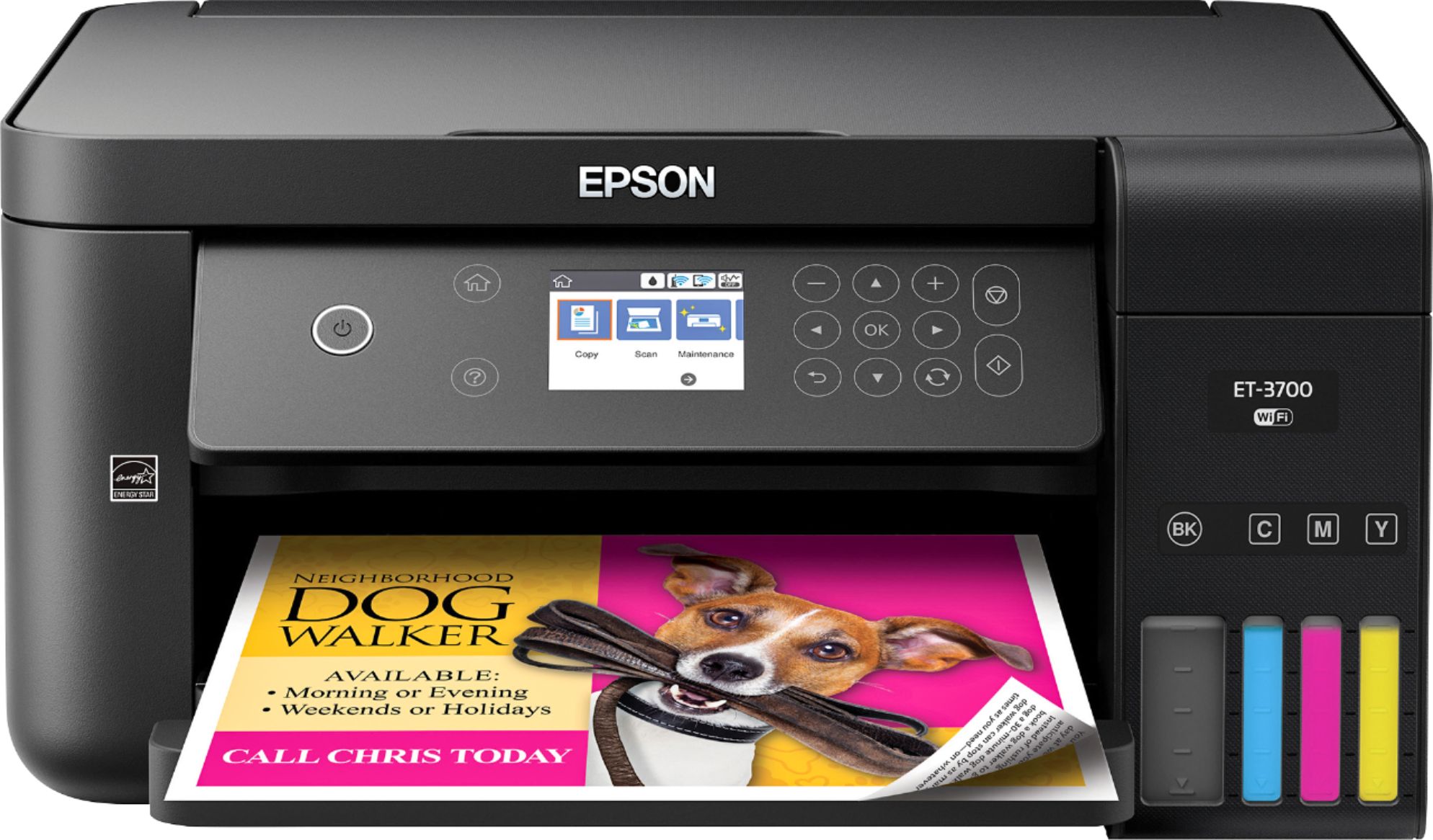
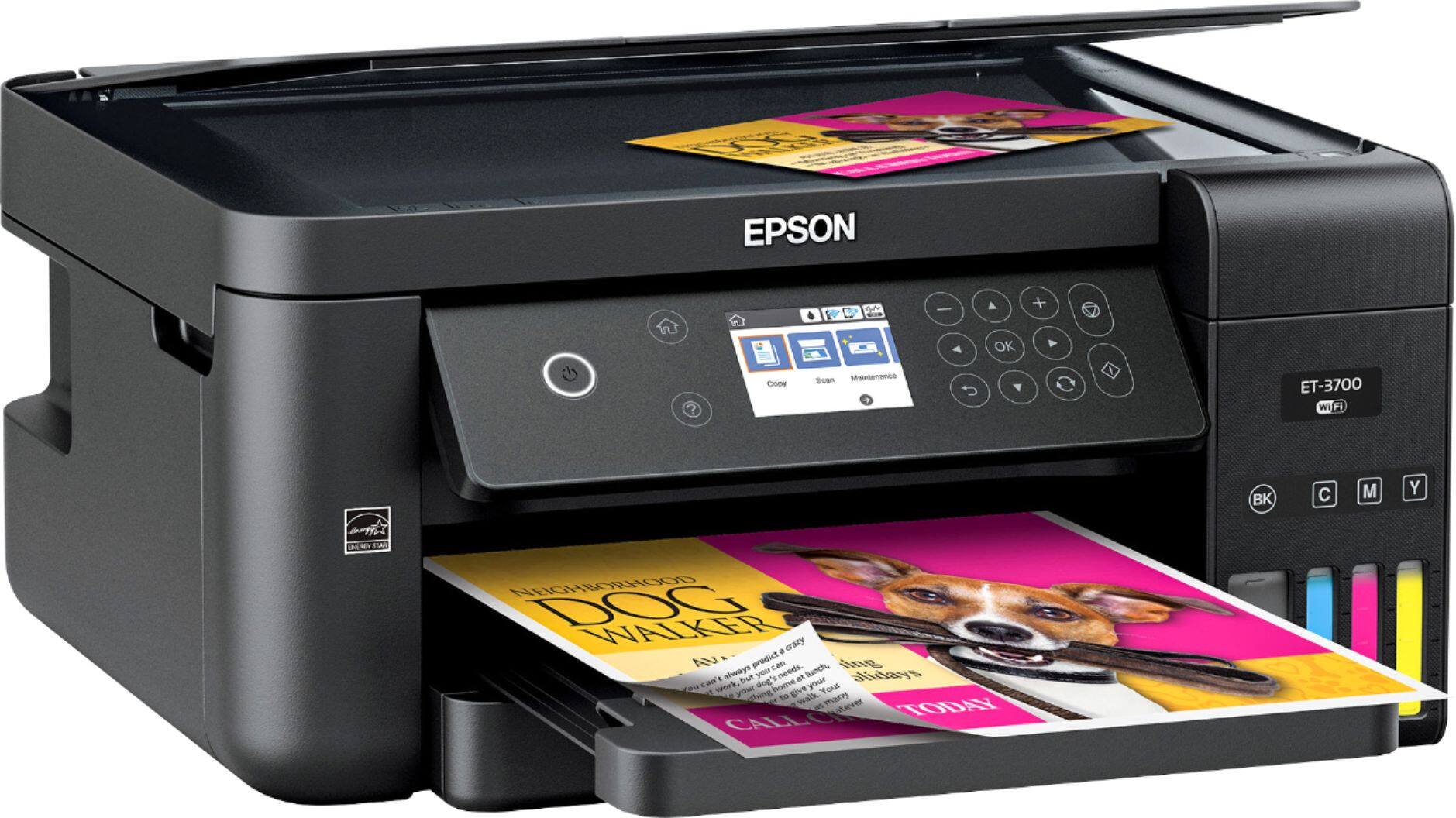
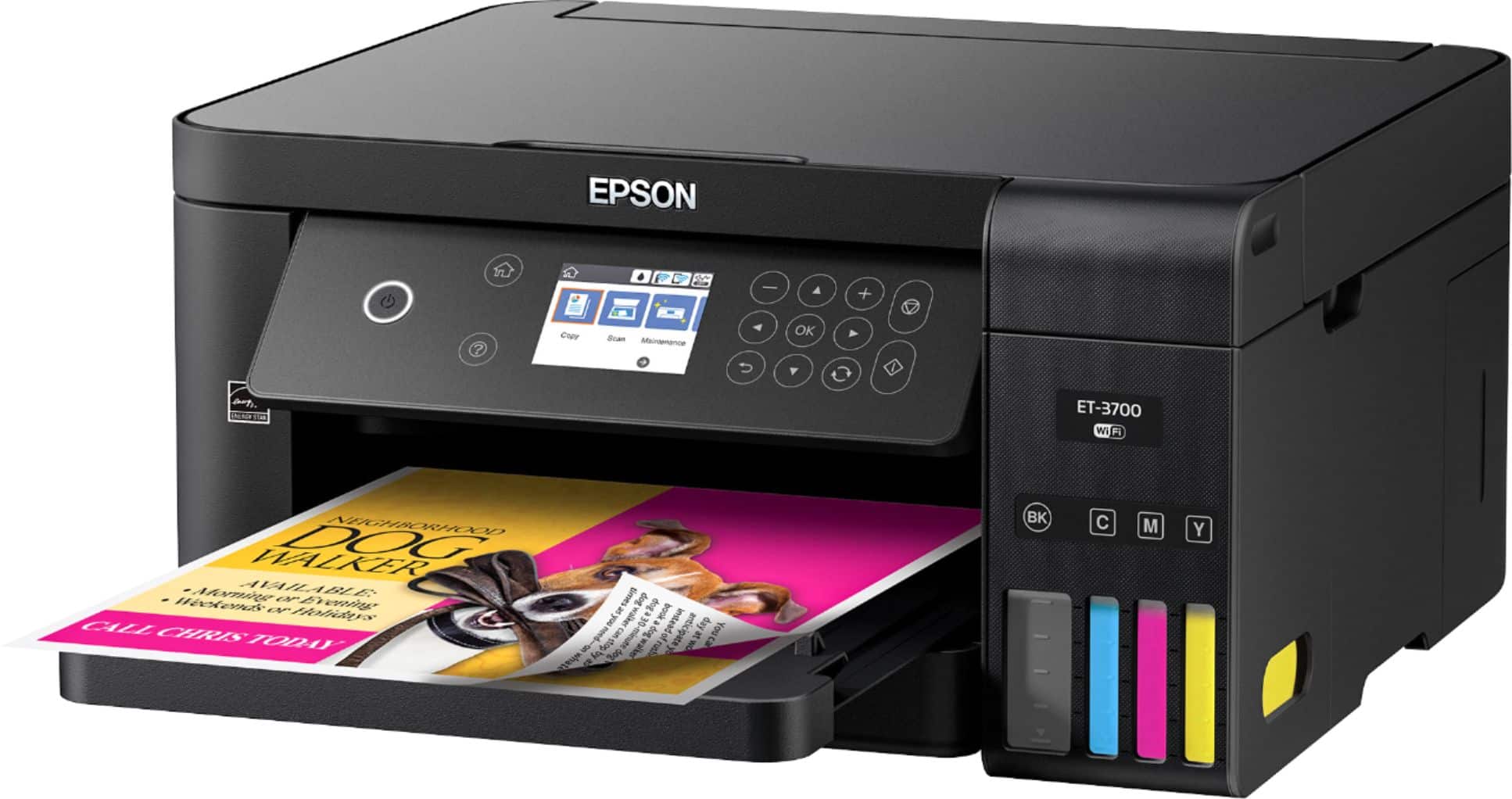

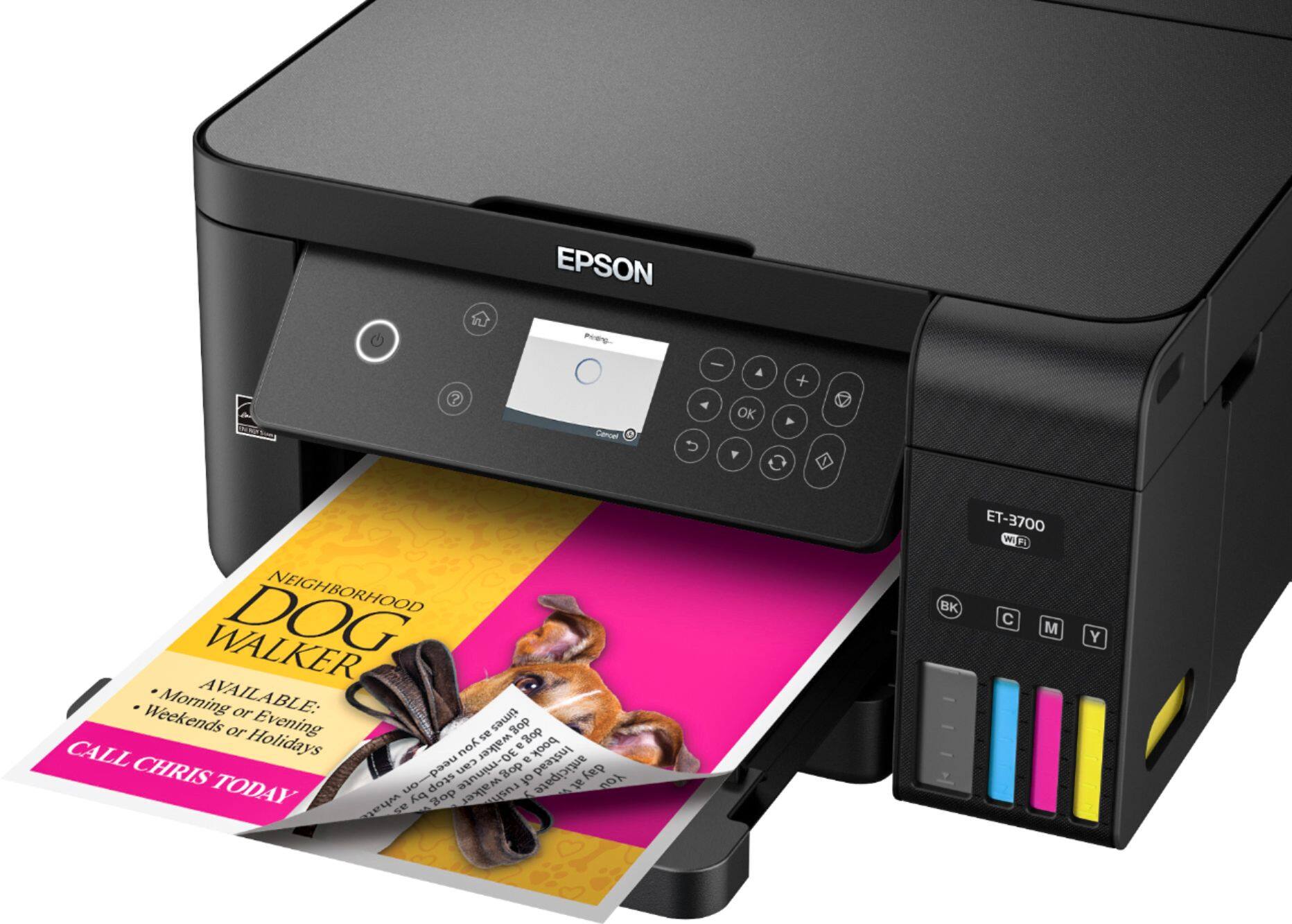


- Model:
- ET 3700
- SKU:
- 6042208
Rating by feature
- Value
Rating 4.5 out of 5 stars
- Quality
Rating 4.6 out of 5 stars
- Ease of Use
Rating 4.4 out of 5 stars
Customers are saying
Customers love the Expression EcoTank ET-3700's print quality and ease of use, frequently praising its simple setup and compact size. Many appreciate the wireless functionality, while some wish for a touchscreen and note that the printer can be a bit noisy. A few customers found the price to be somewhat high and expressed some concerns about the paper tray design.
This summary was generated by AI based on customer reviews.
- Pros mentioned:Print quality
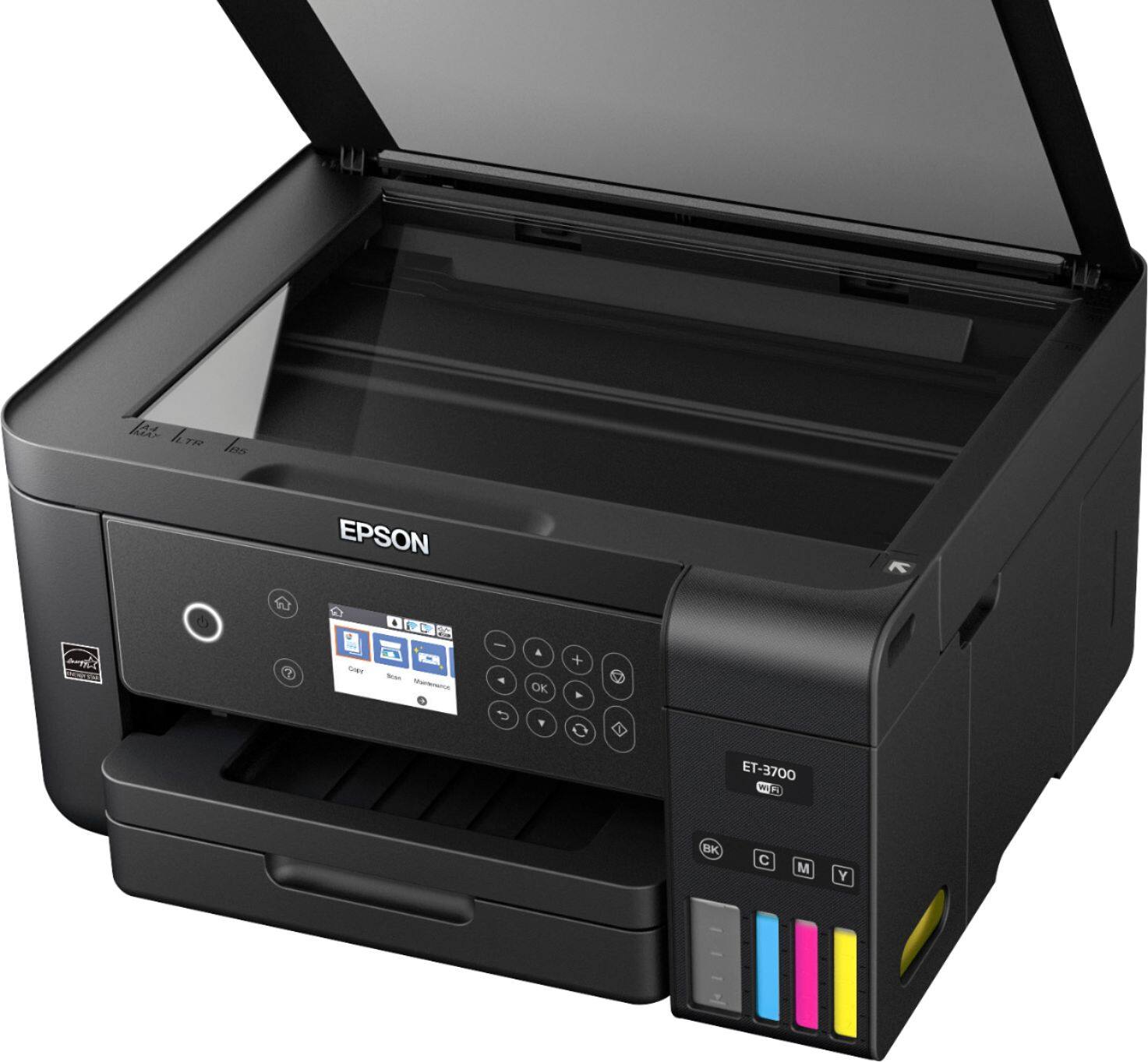
Perfect Small Form Printer
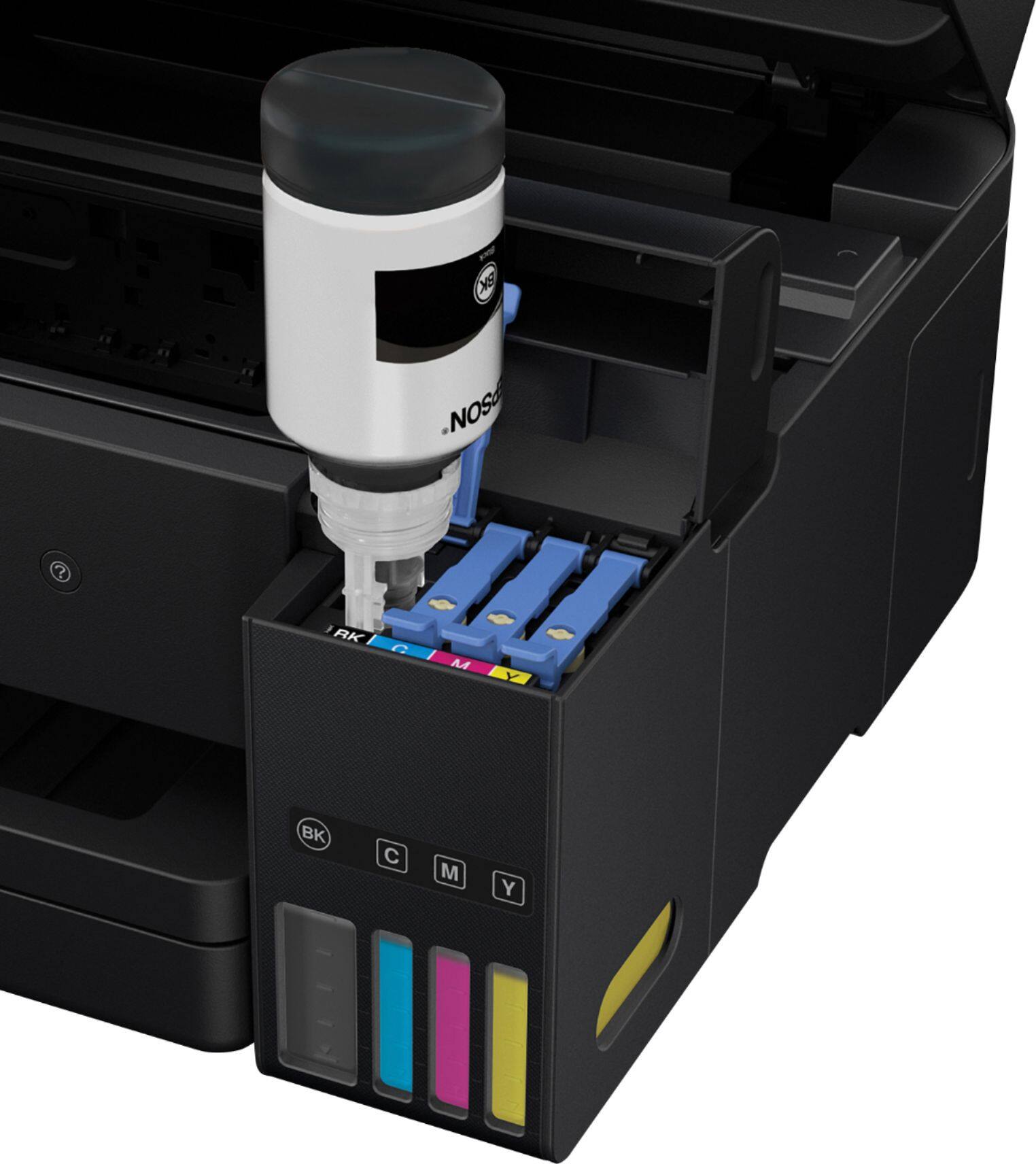
Posted .This reviewer received promo considerations or sweepstakes entry for writing a review.Set-up on this machine was completely easy and painless. Out of the box, you remove the standard set of tape and protective material, plug in the machine, and it automatically runs through the set-up phase. It includes instructions on how to set up correctly and gives detailed instructions on how to fill the tanks. How worried should you be about this process? Not at all. The bottles are set with self closing spouts, so no ink leaves the bottle until paired with the tank ports on the printer itself. As soon as each separate ink tank was full, the process stopped, like topping off your gas tank. Once the tanks are full, you can remove the bottle without worry of spillage. There will be some ink left in the bottles but this can be put into the tank after the jets have been charged. After that, there is a basic process of aligning everything. Install the driver on your computer, and this thing prints quickly and about as nicely as you can expect from an inkjet printer. Use is pretty straight forward and easy once setup is complete. Just choose your picture or file and print from your respective device. The images come out great, crisp, and clear. While I wouldn't recommend it for photography printing, graphics and other designs come out perfectly on all forms of media. I have printed business cards, brochures, and a few flyers on it already and each one comes out amazingly clear and high quality. Scanning is a snap too. I can scan easily from the machine using both the on screen menu on the device itself, or from the scan software on my computer. Each scan comes out at a great quality, even using the lowest dpi settings. There are no fax services on this machine, which might deter some if using for business purposes, however with so many free online fax services this shouldn't deter you from purchasing. As for the ink levels, I have to say I have never seen a machine with better ink sustainability. I've gone through roughly half a ream of paper and I'm only down about 1/8 of a tank of ink. The replacement tanks are so inexpensive too, that even if I had to buy more right now, I would not be hesitant to purchase. So many printers are so inexpensive but the ink is so expensive that it makes more sense to buy a new printer. Not so with this one. In all I have to say that with all the options, ease of use, and low cost of use, this is a printer that everyone will love, and I highly recommend it. This is a review for the Epson Expression ET-3700 EcoTank All-in-One Printer that I received free of charge to do a beta test and review.
I would recommend this to a friend Lasted less than a year
||Posted . Owned for 7 months when reviewed.This reviewer received promo considerations or sweepstakes entry for writing a review.I do not recommend this product. I bought because I do a lot of printing and save money on ink and it was a failure.
No, I would not recommend this to a friendBrand response from Epson
Posted .Hi Scott, we are sorry to hear that you are having issues with your Epson printer. Your ET-3700 includes a 2-Year Limited Warranty when registered, plus free technical support for the life of your product. Our Epson Support Team would be happy to hear from you and can be reached at (562) 276-4382; Hours: Monday – Friday, 6am – 8pm PT; Saturday, 7am – 4pm PT. Sincerely, Patrick – The Epson Team.

I regret this purchase
||Posted . Owned for 11 months when reviewed.This reviewer received promo considerations or sweepstakes entry for writing a review.I am infrequently print. The PC, router and printer are within 10 feet of each other and getting 1-2 pieces of paper to print is a major chore with checking for updates, rebooting the PC, rebooting the printer and finally it prints. I hate this printer. HATE IT. I wish I had my old 10 year old laser printer which was incompatible with Win10. HATE IT.
No, I would not recommend this to a friend- Pros mentioned:Print quality
Very pleased
Posted .This reviewer received promo considerations or sweepstakes entry for writing a review.I received my Epson ET-3700 in the mail a couple of days ago. First things first, I noticed that the box was surprisingly (and pleasantly) light. Had I bought this in the store, that would have been nice, since I recently had a baby and do not have much core strength at the moment. My printer was delivered via the mail. I opened the box, and, although this may seem minor, I was very pleased with the packaging. The printer and its components were packaged very well, and they were halved horizontally, which made it easy to remove the top of the packaging, then easily lift the printer out of the box, without fighting with all of the Styrofoam. The initial set up was time consuming. I am a full time, salaried employee (50+ hours a week) and have a baby to care for. So the set up took me parts of three days to complete. Although it was time consuming, the physical set up was very easy. The directions were straight forward, and I was fascinated with the ink bottle procedure. I think the printer was well built with the ink refill in mind because I was able to leave the bottle to fill the tank without having to hold the bottle or the top of the printer. I am also grateful for the bottle inserts being different shapes for each color, because I just could seem to figure out why the third bottle wasn't going in to the fill slot, until I realized I was trying to put yellow into the magenta slot. The print quality is very good, and the speed is quick enough (I've seen quicker, but I've seen way slower). The only thing, so far, that I am disappointed to not see is a "paper stopper" piece on the end of the paper tray after it prints. If I print a large amount of papers and walk away, I foresee the papers falling to the ground (I have not tested this yet, so I will update my review for anyone interested in this). So far, all-in-all, I am very satisfied with this printer. This is a review for the Epson Expression ET-3700 EcoTank All-in-One Printer that I received free of charge to do a beta test and review.
I would recommend this to a friend - Pros mentioned:Print quality
PERFECT!!!
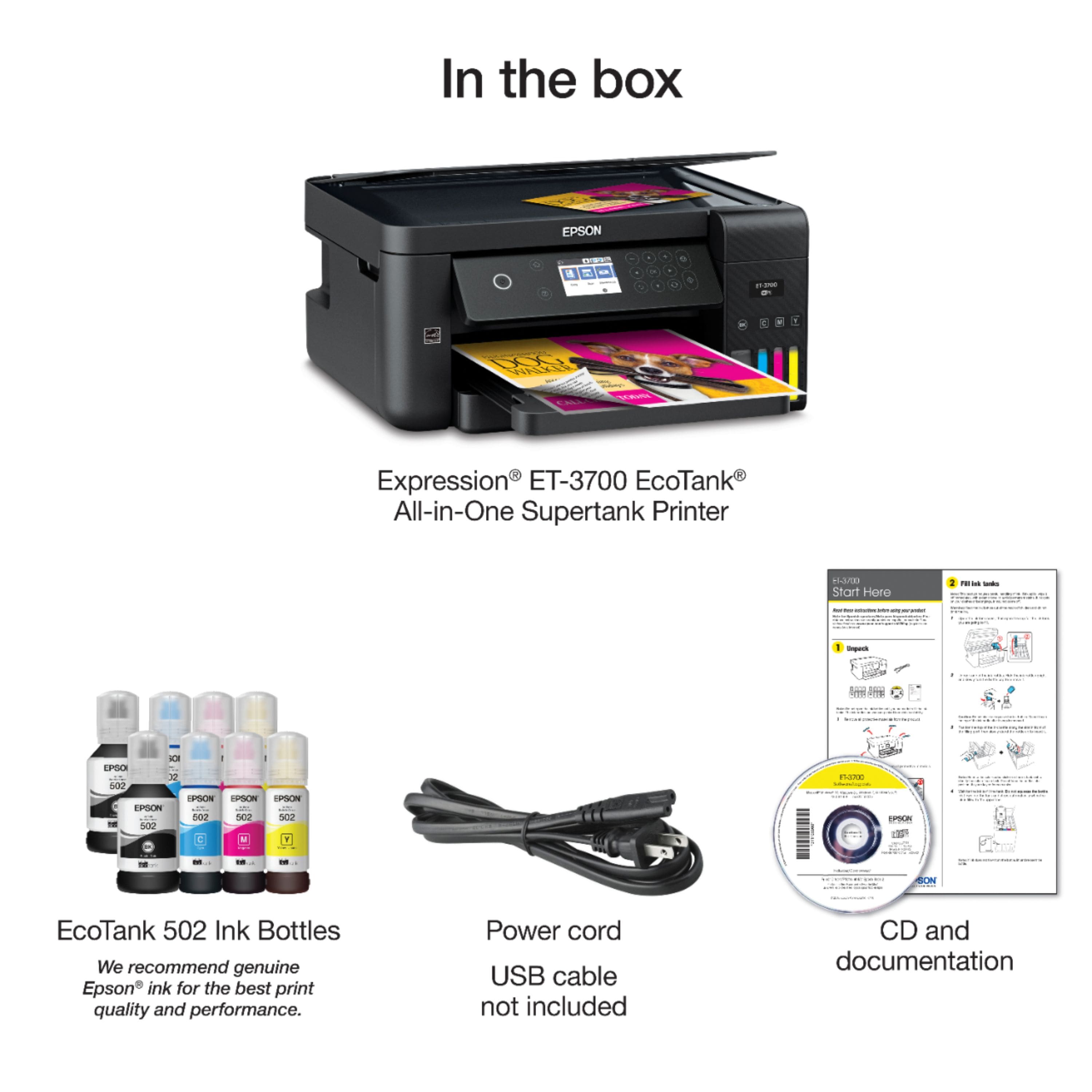
Posted .This reviewer received promo considerations or sweepstakes entry for writing a review.Unboxing the printer was very quick and easy. The setup guide was not long, and tells you exactly what to do as clear as possible. My new Epson ET3700 arrived with a Quick Start Guide, a manual, a software CD, power cord, and 8 bottles of ink (2 of each color - Black, Cyan, Magenta, and Yellow). This Epson model uses a new ink well system design to lower printing costs. At first, the inkbottles worried me, and made me nervous because you have to fill the ink tanks inside of the printer. My fear was soon eased as I saw that each bottle top is key coded to fit only the specific color fill outlet that the color belongs to. There are no removable cartridges. Luckily, the process is very easy, and there is zero chance of spilling ink anywhere. I was able to setup the printer in less than 15 minutes. I have had printers which took longer than that, software updates, installing software on the laptop, then connect to a laptop. None of that here, It was easy set up process and the Epson app for Android is really good too. Printing is fast and excellent quality, the colors are vivid and everything looks sharp. I've used it to print off pictures, work I've done in Photoshop, documents, coloring/activity pages for my daughter and many documents since it's arrived. Nothing has came out smeared or with any defects. I wanted to really put this printer to the test and see how fast it would run through the ink. I've been using it multiple times daily and the levels in the ink tank don't appear to have even moved! I'm impressed by that alone. Surprisingly, it is much quieter than any printer I have owned. Overall, I would highly recommend this product, especially if you are tired of changing high cost cartridges! This is a review for the Epson Expression ET-3700 EcoTank All-in-One Printer that I received free of charge to do a beta test and review.
I would recommend this to a friend Ink Jet Print Quality was very poor and dim shaded
||Posted .This reviewer received promo considerations or sweepstakes entry for writing a review.The print quality was very poor, it was shaded very dimly, did not meet with the quality needed for my work. Nice try though, the pricing for ink refills was really the reason we considered the product because we didn't need to get a home equity loan to buy refills.
No, I would not recommend this to a friend- Pros mentioned:Print quality
This won me over back to inkjet printers
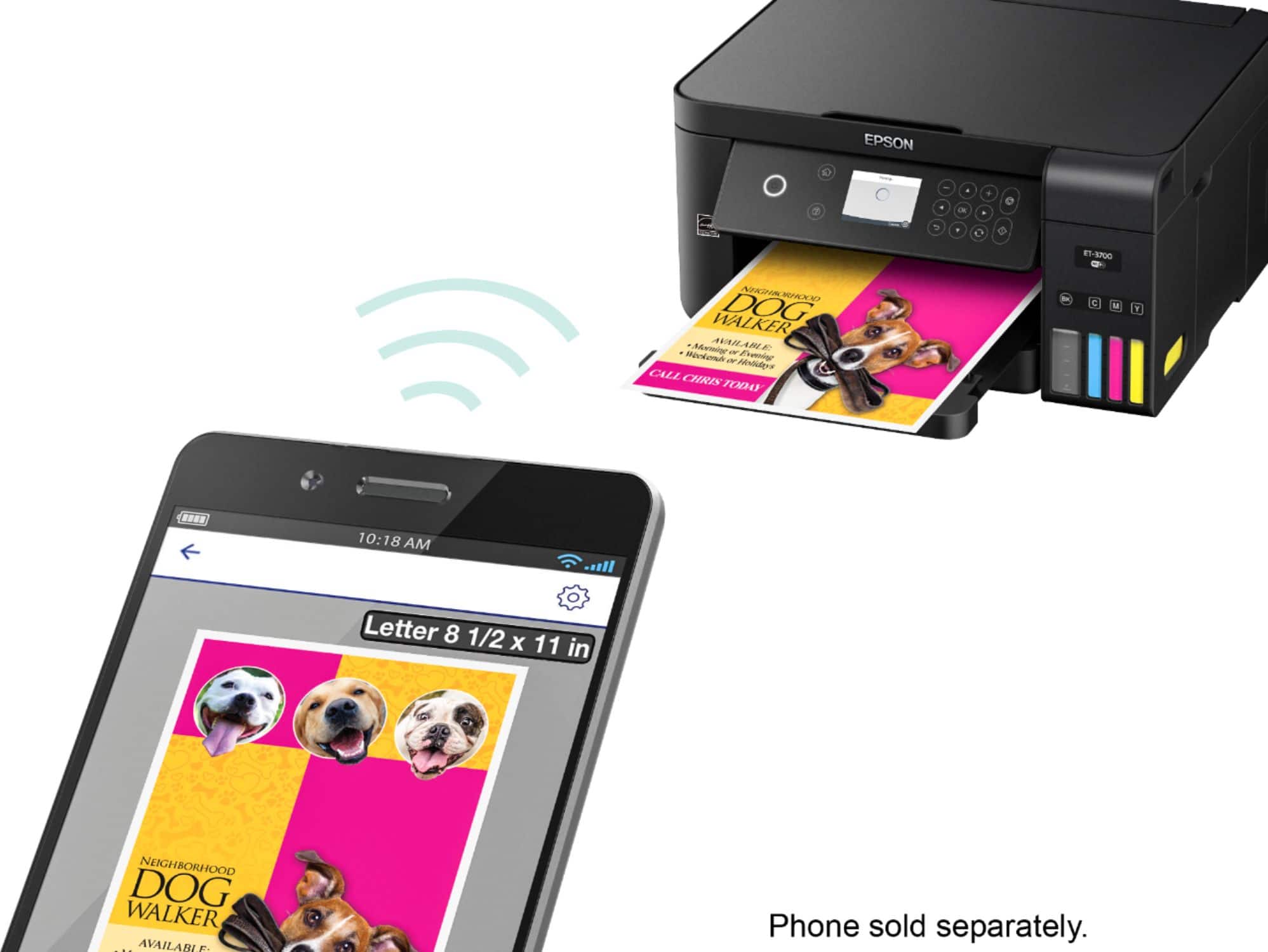
Posted .This reviewer received promo considerations or sweepstakes entry for writing a review.This printer was able to be completely set up without use of my computer at all! There was a three step graphic included for setup, and the actual setup was really not much more complicated. Like most inkjet printers, CMYK ink was included. Following the directions I simply opened the bottle, uncap the reservoir, and inverted it into the open reservoir slot for each ink bottle. Gravity filled the ink reservoir. After I powered it on, it requested that I open the manual to see what to do next, which was holding the <?> button for three+ seconds to charge the reservoir and setup the printer. I was able to detect my wifi from the printer, enter the password and connect, and update the firmware directly from the printer. After this, I downloaded the app for my Android phone and printed a test page. It was fast and fantastic, and I could print within my network through the app, or via Google's print servers through the cloud. After I was satisfied with the installation and function, I installed the drivers on my PC. A driver disc was included, but I wanted to make sure I had the latest drivers so I downloaded them from the Epson website. The installation on my several-years-old laptop took much longer than on my phone, but print functionality was exactly as expected. The printer footprint is barely larger than my existing Brother laser printer, the print speed is comparable, and the ink will last a long time. I am very satisfied and will gift my old printer to a family member as this will be a complete replacement. This is a review for the Epson Expression ET-3700 EcoTank All-in-One Printer that I received free of charge to do a beta test and review.
I would recommend this to a friend not very pleased
||Posted .This reviewer received promo considerations or sweepstakes entry for writing a review.having some problems, not very pleased with this item
No, I would not recommend this to a friendBrand response from Epson
Posted .Hi granma, we appreciate your business and welcome the opportunity to assist you. If you're facing a specific issue, our Epson Support Team would be happy to help and can be reached at (562) 276-4382. Hours: Monday – Friday 6am – 8pm (PT), Saturday 7am – 4pm (PT). We look forward to your call. Regards, Marina – The Epson Team.
- Pros mentioned:Print quality
High Quality Printer And Saves So Much Money!
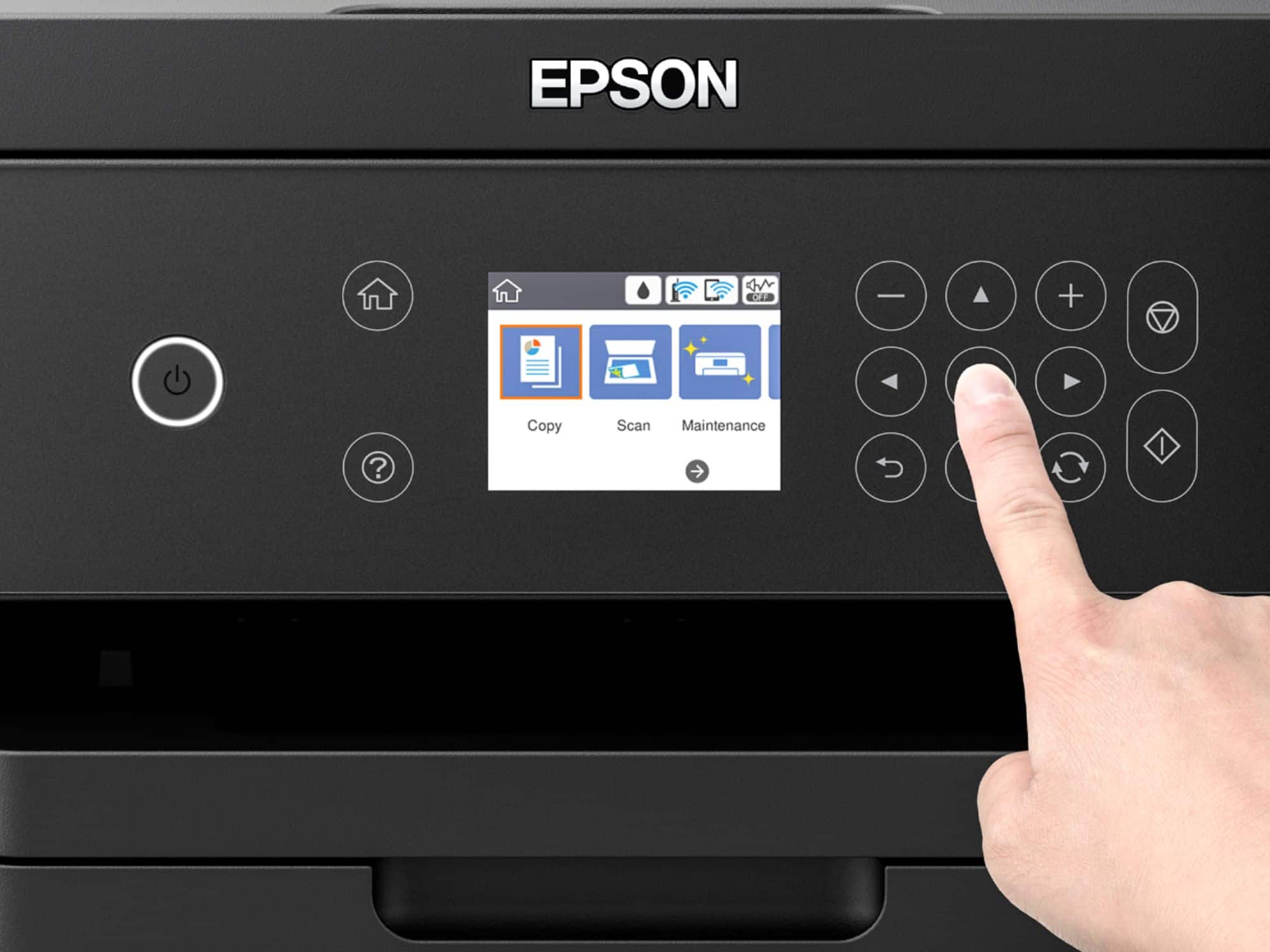
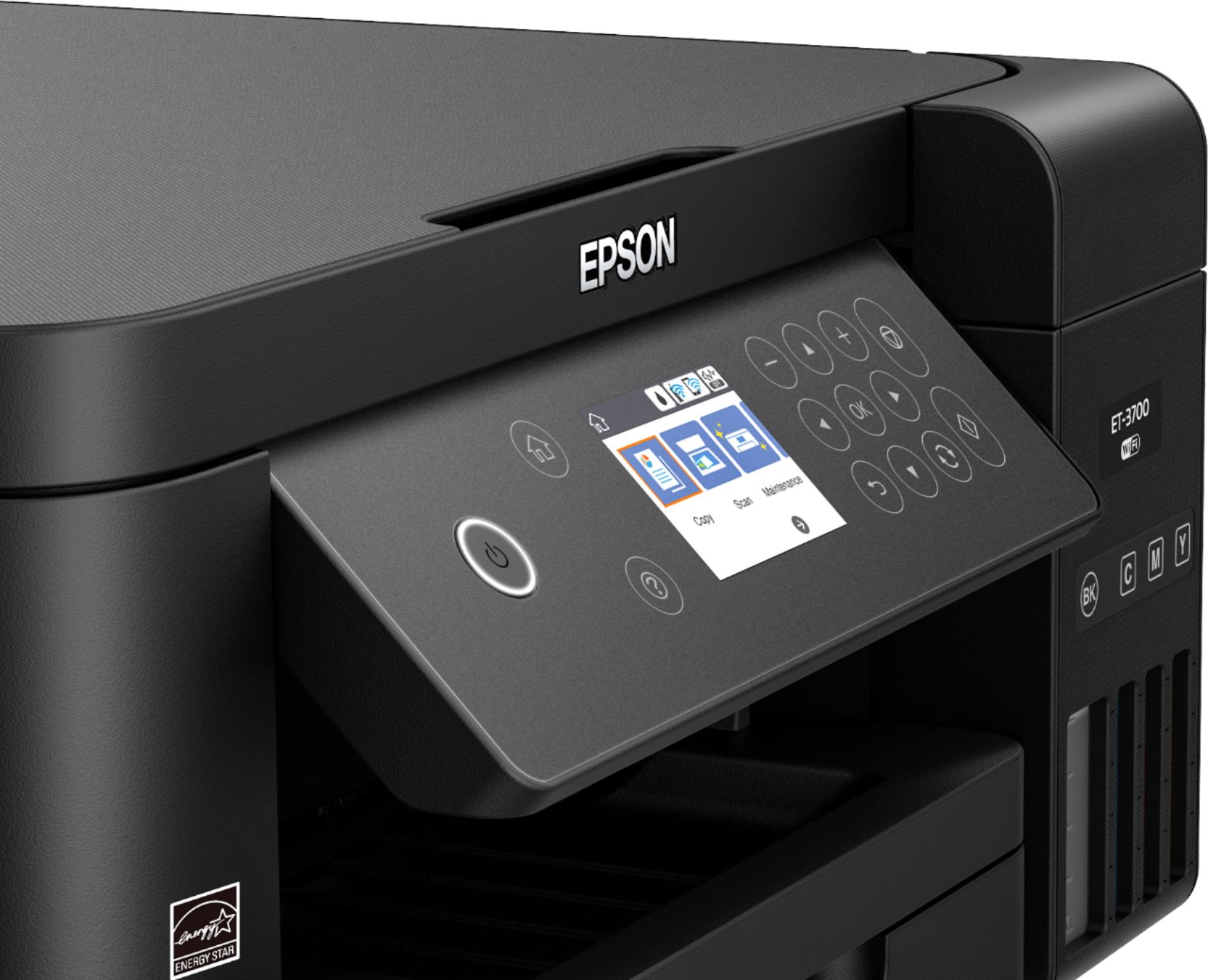
Posted .This reviewer received promo considerations or sweepstakes entry for writing a review.For a while I have been wanting to find a way to stop spending so much money on ink for my printer. When given the opportunity to get an Epson ET-3700 I was more than happy to test it out. It is a nice, sleek looking device with a nice design. I like the fact that you can see the ink levels through the front of the printer. The set-up of the printer was a little more involved than I am used to since you have to actually fill the ink tanks manually. The instructions for doing so were very clear and easy to follow just as they were for the rest of the setup. It was a bit tedious having to type in the WiFi password using up/down left/right arrows on such a small control panel and the printer could benefit from a touch screen. The software was easy to download and install. Once set up, we printed several documents and noticed that the printer was super fast compared to my other printer. However, it was a bit louder when printing. This is a major problem solver in our household budget since it comes with two years of ink. I love the design of the printer it has a very professional look to it. This is a review for the Epson Expression ET-3700 EcoTank All-in-One Printer that I received free of charge to do a beta test and review.
I would recommend this to a friend - Pros mentioned:Print quality
Good all in one printer-scanner
Posted .This reviewer received promo considerations or sweepstakes entry for writing a review.The unpacking and setup takes a little longer than other printers I have set up because it has four individual ink tanks to fill but once filled they claim two years of average printing before you need to refill them. It came with two sets of ink bottles. Just be careful when filling them to put the right color in the right tank and follow the directions for the filling procedure. Once you have filled the ink the setup is easy, I used the setup DVD and then the program downloaded updated software. Entering the network password could be easier if it had a touch screen but it is not bad. I like the ability to do two sided printing automatically and the front paper tray is a plus. I have been scanning and printing old photos and the scanner is nearly silent. I have compared them to prints I made on my HP Color LaserJet 2600n and the Epson printer puts out a better print than the HP. It also puts out excellent text documents. The scanning is a little slower than my CanoScan LIDE 100 but it is quieter and produces excellent scans. The footprint of the Epson is not much bigger than the CanoScan so it doesn’t take up much more desk space.This is a review for the Epson Expression ET-3700 EcoTank All-in-One Printer that I received free of charge to do a beta test and review.
I would recommend this to a friend After 1 year it will only print in blue
||Posted . Owned for 1.5 years when reviewed.This reviewer received promo considerations or sweepstakes entry for writing a review.I have tried everything I could think of to fix this machine. All colors full but will not print any color other than blue or black. The scanner barely ever works. Worst printer I have ever bought.
No, I would not recommend this to a friendWiFi connectivity issues
||Posted .This reviewer received promo considerations or sweepstakes entry for writing a review.Have had nothing but problems with getting this printer to connect to our WiFi network since I brought it home. If I can get it to work I will update this review.
No, I would not recommend this to a friendBrand response from Epson
Posted .Hi Thisguy, we are sorry to hear that you are having issues with your Epson printer. Your ET-3700 includes free technical support for the life of your product. Our Epson Advanced Support Team would be happy to assist with wireless issues and can be reached at 1-800-241-5794; Hours: Monday – Friday, 6am – 8pm PT. Sincerely, Patrick – The Epson Team.
- Pros mentioned:Ease of use, Print quality
Great Product
Posted .This reviewer received promo considerations or sweepstakes entry for writing a review.I got this wonderful product a few weeks ago and it's a great printer. It's easy to use and has such a great user interface that anyone could work it. The quality of the prints are amazing as well. It's just something you have to try to believe.
I would recommend this to a friend - Pros mentioned:Print quality
Love this printer!!
Posted .This reviewer received promo considerations or sweepstakes entry for writing a review.I absolutely love this printer!!!! It was super easy to set up. It only took about 20 minutes and that included 10 minutes to charge the ink. To install the ink, it’s as simple as open the bottle, and click it in. No mess!!!!! I love that 2 bottles of each ink was included in the box. The box says that’s equivalent to 2 years worth of ink!! The price of the ink surprised me. Very reasonable. The print quality is awesome. I scanned my grandson’s picture, and printed on plain paper. You could hardly tell the difference between the two. This printer has handled everything I have thrown at it with no problem. I would highly recommend this printer to anyone that does a lot of printing!! This is a review for the Epson Expression ET-3700 EcoTank All-in-One Printer that I received free of charge to do a beta test and review.
I would recommend this to a friend - Pros mentioned:Print quality
Fast and Ink concious printer
Posted .This reviewer received promo considerations or sweepstakes entry for writing a review.The Epson ET-3700 is a great speedy printer that can handle nearly anything you throw at it. I have printed a bunch of pages with it from different devices and have not had any issues. Setup was a bit more complicated than just plug and play, but once I had it setup, I had no regrets. Besides for the printer’s speed, it also is called an Eco Tank for a reason. I originally was doubtful of the claim about how much ink would be used, but after print a bunch of pages I think the printer will last quite a while without an ink replacement. I was also surprised at just how cheap replacement ink is besides for the black, so even if you do blow through ink it shouldn’t break the bank. This is a review for the Epson Expression ET-3700 EcoTank All-in-One Printer that I received free of charge to do a beta test and review.
I would recommend this to a friend ET-3700 WiFi
||Posted .This reviewer received promo considerations or sweepstakes entry for writing a review.Problems with driver, scanner and wi-fi connections
No, I would not recommend this to a friendContinuously Impressed
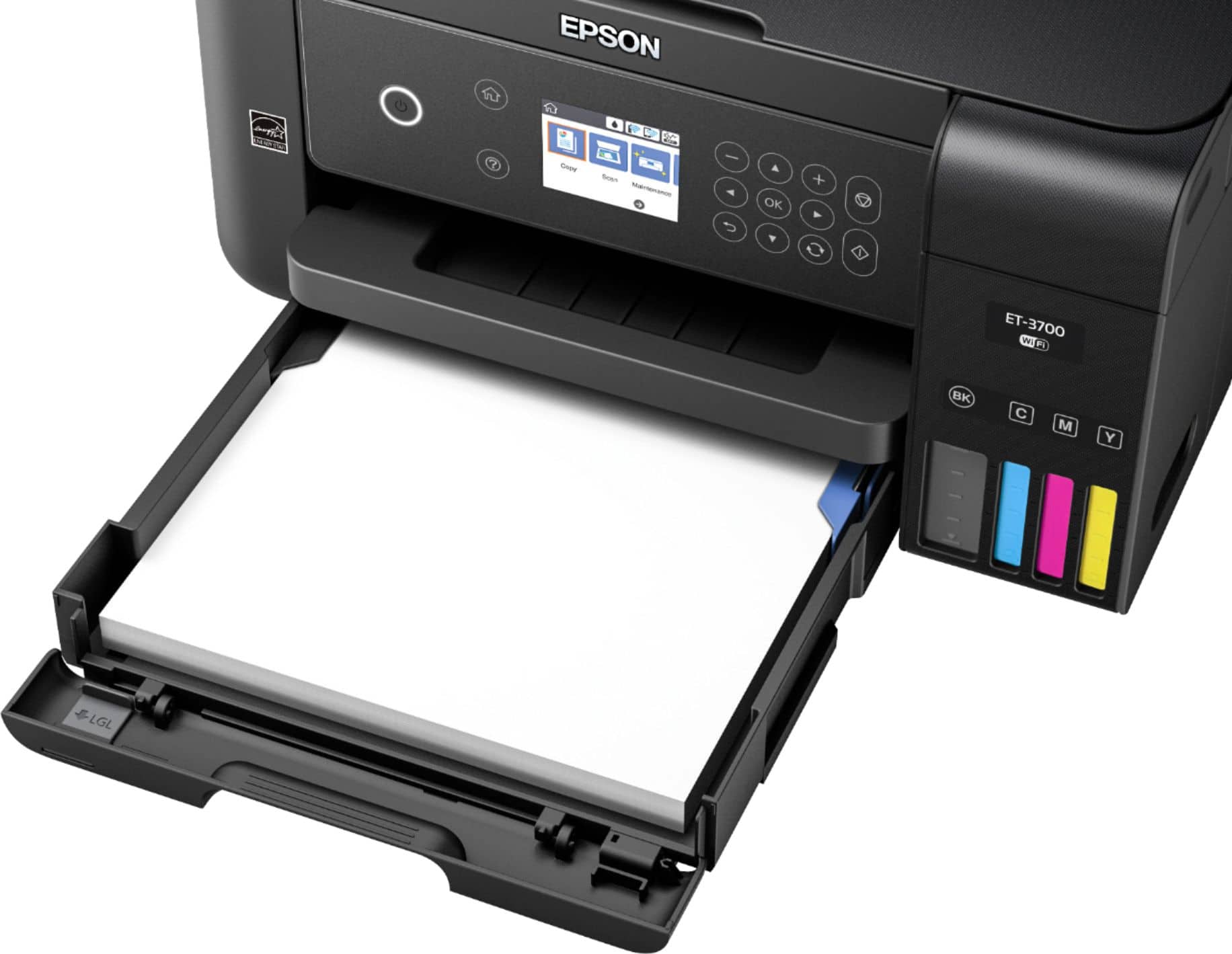
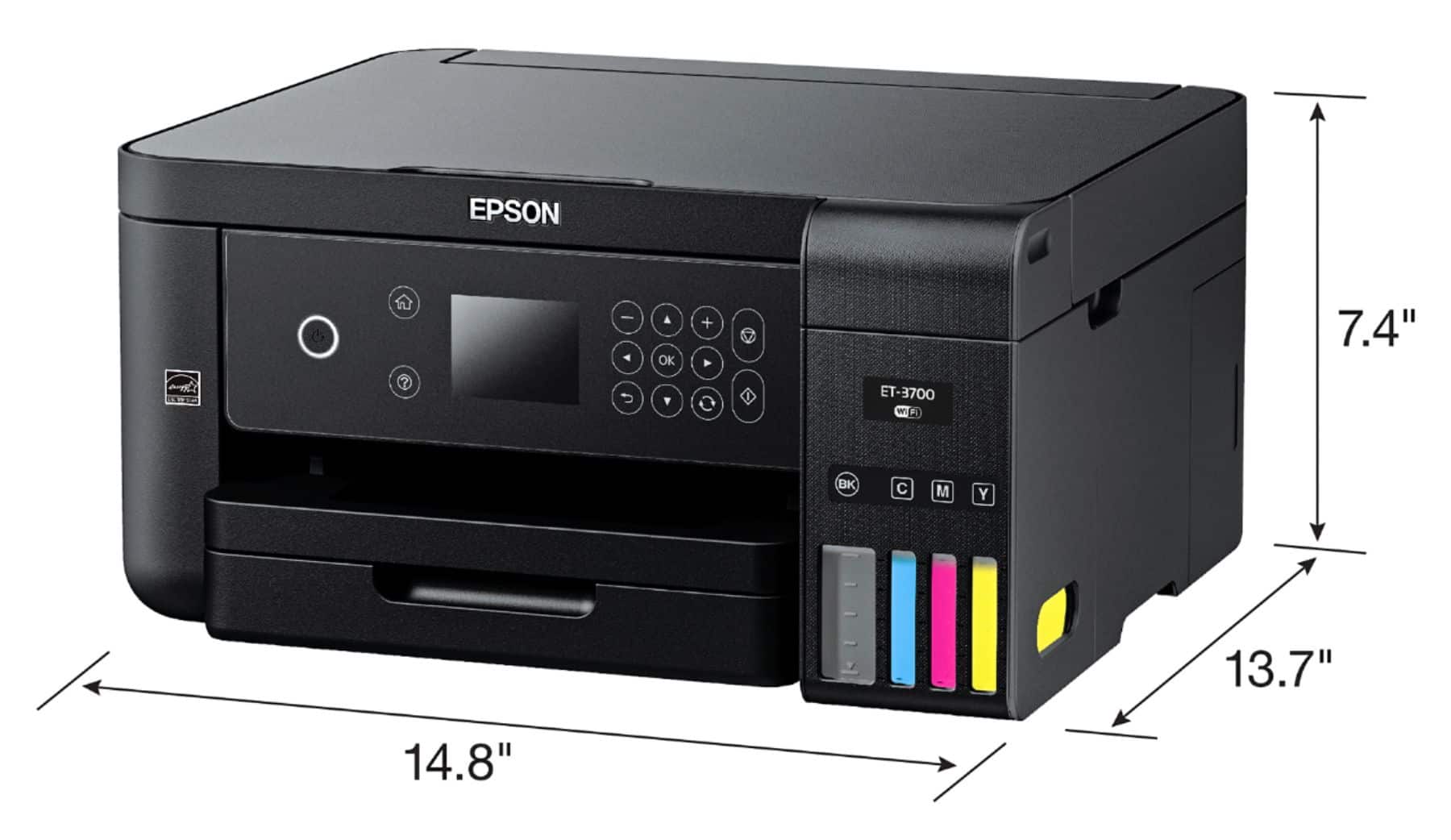
Posted .This reviewer received promo considerations or sweepstakes entry for writing a review.2 years worth of ink in the package! That's what first intrigued me about this printer and since using it, I'm continuously impressed. For me the time it took to set up the printer and get it going took a little longer than expected because I didn't prep the area I was going to put it, in advance. I wasn't sure how it would fit on my desk, or if i would have enough room. Surprisingly it's actually pretty compact and fit where I wanted it to. After getting it positioned and taking off protective tape, the directions included in the box are straight forward and easy to follow. I was a little worried about the liquid ink, that i would accidentally spill it or make a mess, but i had zero issues! The spouts on the bottles are designed to only open when they're paired with the spout in the reservoir chamber. Filling up the ink is actually a pretty cool experience because not only can you feel it, but you can see it happening as well! When you connect the bottle to the reservoir and the ink starts to flow out, you can feel it bubbling in the bottle as you watch the tank fill up on the outside. There's no need to worry about overfilling it either because when the tank is filled the bubbling stops and even if you leave the bottle there and look at the tank, you can see the ink level never rises.One difficulty I did encounter was that when I opened the main compartment to fill the ink up, I thought it would stand on it's own. In the directions, it shows an image of the lid standing on it's own. If it does, I didn't use enough effort to make it stand. I was too worried about breaking it by forcing it. After getting all the ink tanks filled, you have to "charge" the ink, the directions are very easy to follow on paper and on the printer's interface. You push a couple of buttons and it does it on it's own, and even gives you a bar that shows your progress. It's very user friendly and the installation software is just as easy. I do wish that the screen was a touchscreen. When I was setting up the wifi, I was regretting my choice of having a long & complex password. Installation of the software on my computer was simple and I was printing my test sheet soon after! The paper compartment is located conveniently at the bottom and held nearly my entire pack of paper, much more than my previous standard printer. Printing is fast and excellent quality, the colors are vivid and everything looks sharp. I've used it to print off pictures, work I've done in Photoshop, documents, coloring/activity pages for my daughter and many documents since it's arrived. Nothing has came out smeared or with any defects. I wanted to really put this printer to the test and see how fast it would run through the ink. I've been using it multiple times daily and the levels in the ink tank don't appear to have even moved! I'm impressed by that alone. I do have to say that It's a little noisy when printing and for those that might be bothered by that it does have a Quiet mode option that reduces the noise of the printer but prints a tad bit slower than usual. The noise doesn't bother me personally but it is noticeable. I haven't had a chance to explore the scanning feature yet but I plan to soon. I expect to get alot of use out of this printer and I'm looking forward to not having to replace ink cartridges anymore! I've looked up the prices of the bottles to refill the ink once I run completely out and for the price it's gonna cost me to replace all the bottles - was nearly the same amount that I used to spend per cartridge set in my previous printer that was dinky in comparison to this one! I've had a very positive experience with this printer and I would highly recommend it to anyone looking for a high quality printer! This is a review for the Epson Expression ET-3700 EcoTank All-in-One Printer that I received free of charge to do a beta test and review
I would recommend this to a friend- Pros mentioned:Print quality
Great Eco Printer
Posted .This reviewer received promo considerations or sweepstakes entry for writing a review.Print quality is amazing! This printer does an amazing job printing anything you ask it to. While printing at a good speed. My favorite thing about this printer is the refillable cartridges. No more wasteful and overally priced cartridges! Unpacking of the printer is east and user friendly, as is setup and install. This printer has wireless printing as well as mobile printing which makes printing a breeze. I would highly recommend this printer to anyone looking for a high quality printer. This is a review for the Epson Expression ET-3700 EcoTank All-in-One Printer that I received free of charge to do a beta test and review
I would recommend this to a friend - Pros mentioned:Print quality
Good Value & Performance
Posted .This reviewer received promo considerations or sweepstakes entry for writing a review.Like many others I've been looking to save $ on the cost of ink which over the years tends to add greatly to the initial cost. I don't mind paying more up front in order to save over time. The print quality and software are more than acceptable if not perfect. I added small white tape to the control panel as it was hard to see the power button and OK button. I am happy with this product which I rate 4 1/2 stars rounded up!
I would recommend this to a friend - Pros mentioned:Print quality
great printer
Posted .This reviewer received promo considerations or sweepstakes entry for writing a review.The Epson - Expression EcoTank ET-3700 Wireless All-in-One Printer is a verygood printer. It prints fast. The colors that are displayed are good. Setup is easy. Only takes about 10 minutes to 15 minutes to get going. Instructions with printer are easy to understand. Overall this printer is worth the money. it looks really good . I am very happy with it. and will use for a long time This is a review for the Epson Expression ET-3700 EcoTank All-in-One Printer that I received free of charge to do a beta test and review.
I would recommend this to a friend