Customer Ratings & Reviews


- Model:
- WF Pro 4720 - C11CF74201
- SKU:
- 5732905
Rating by feature
- Value
Rating 4.3 out of 5 stars
- Quality
Rating 4.3 out of 5 stars
- Ease of Use
Rating 4.3 out of 5 stars
Customers are saying
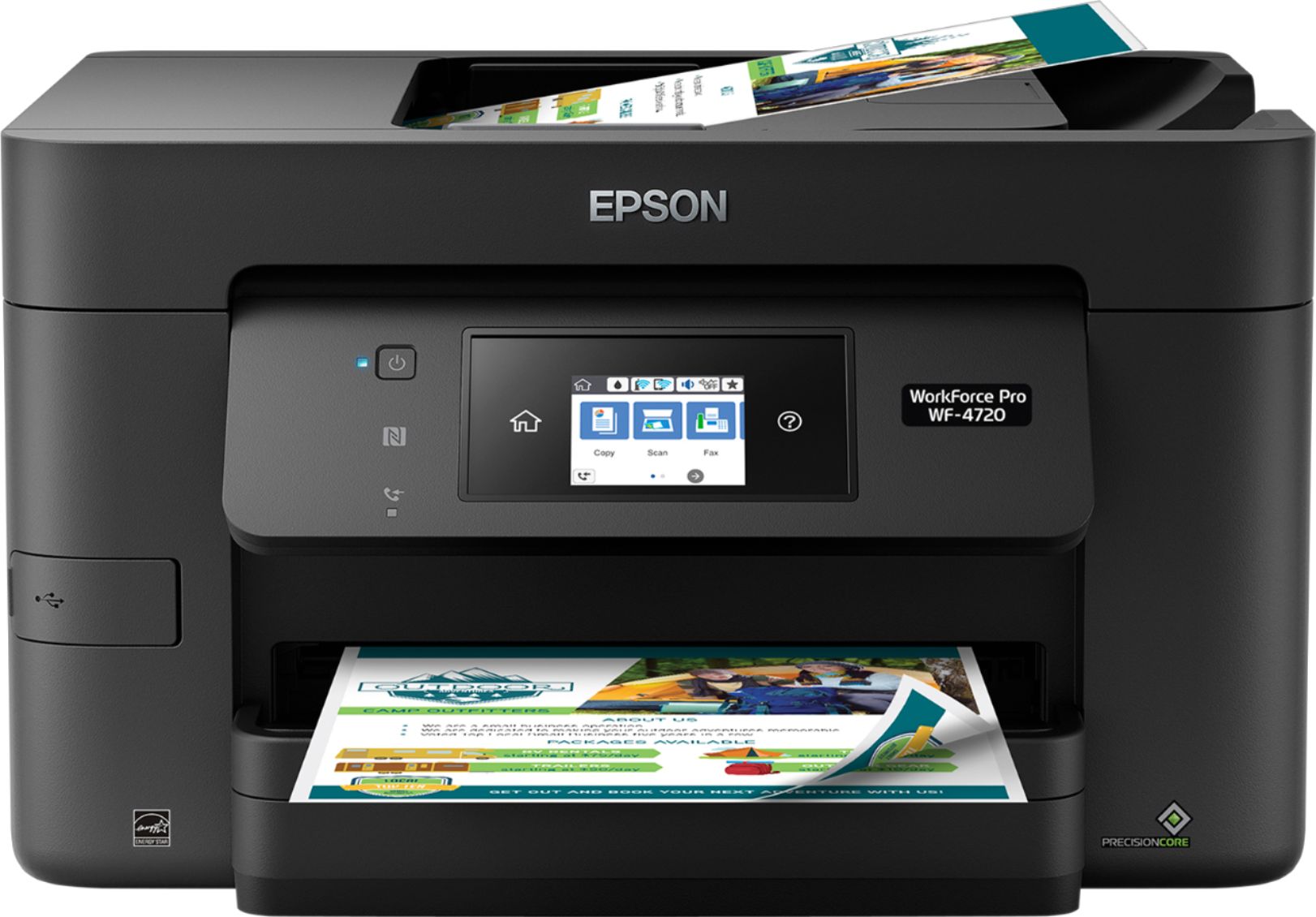
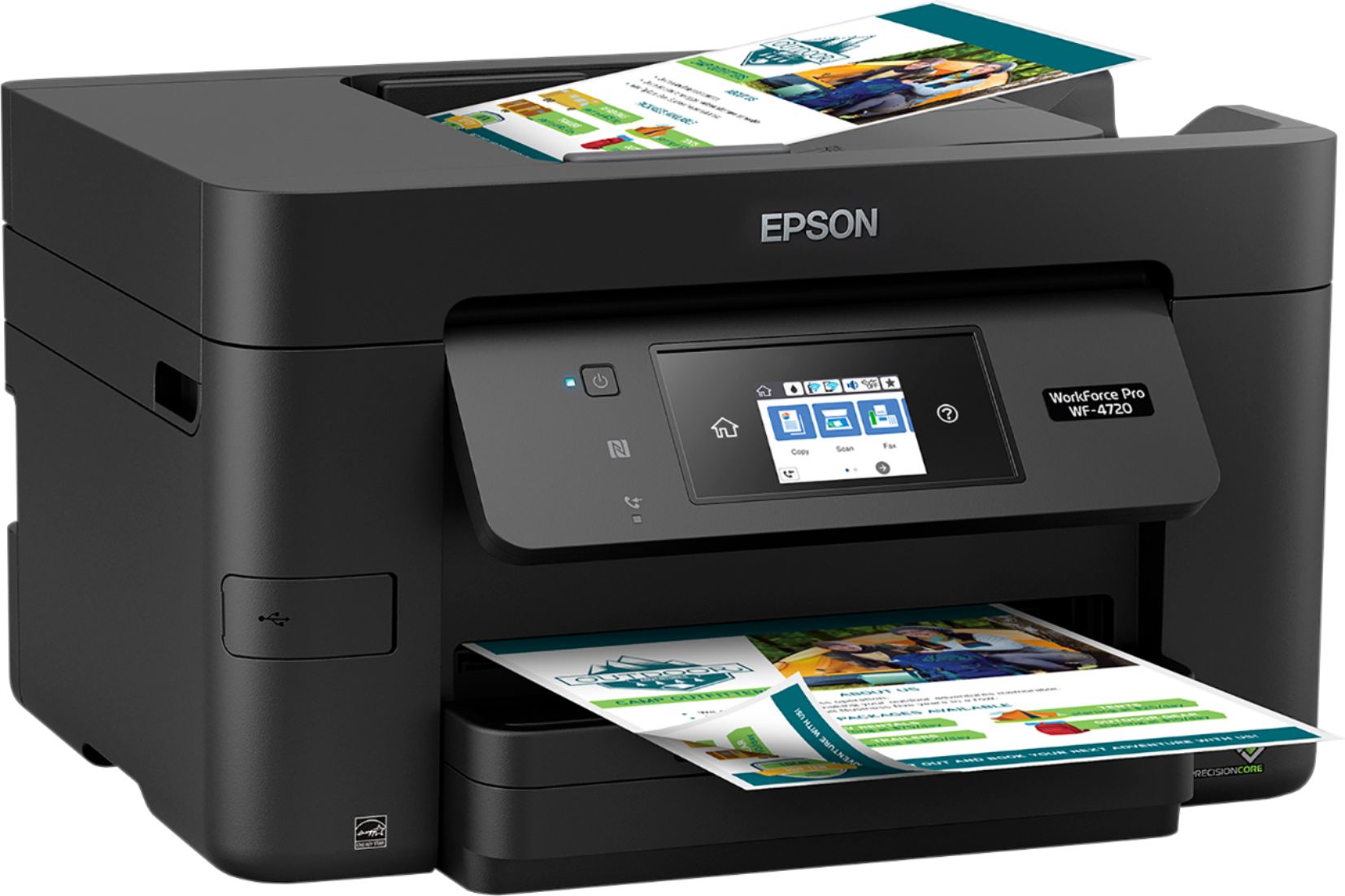
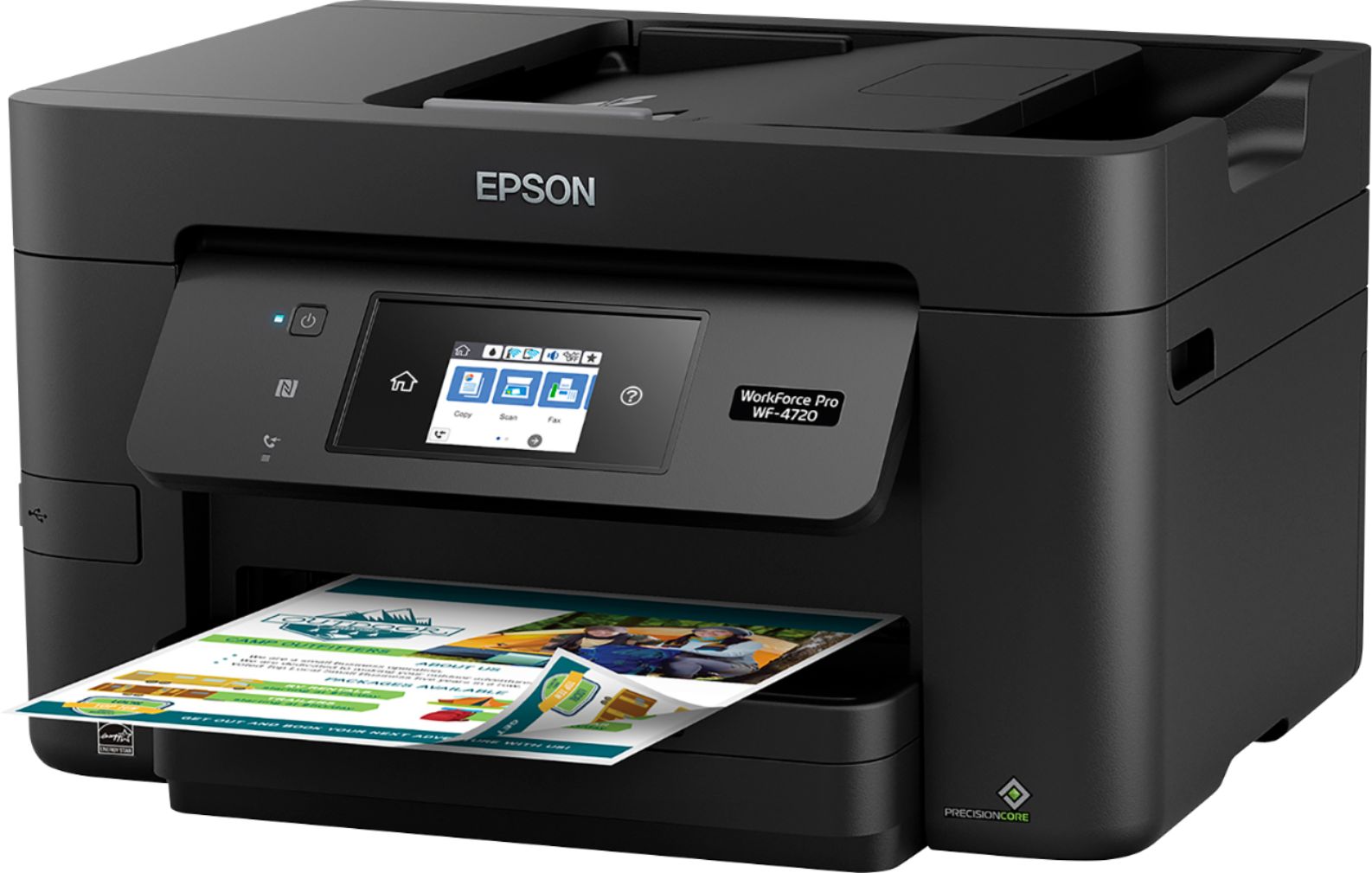
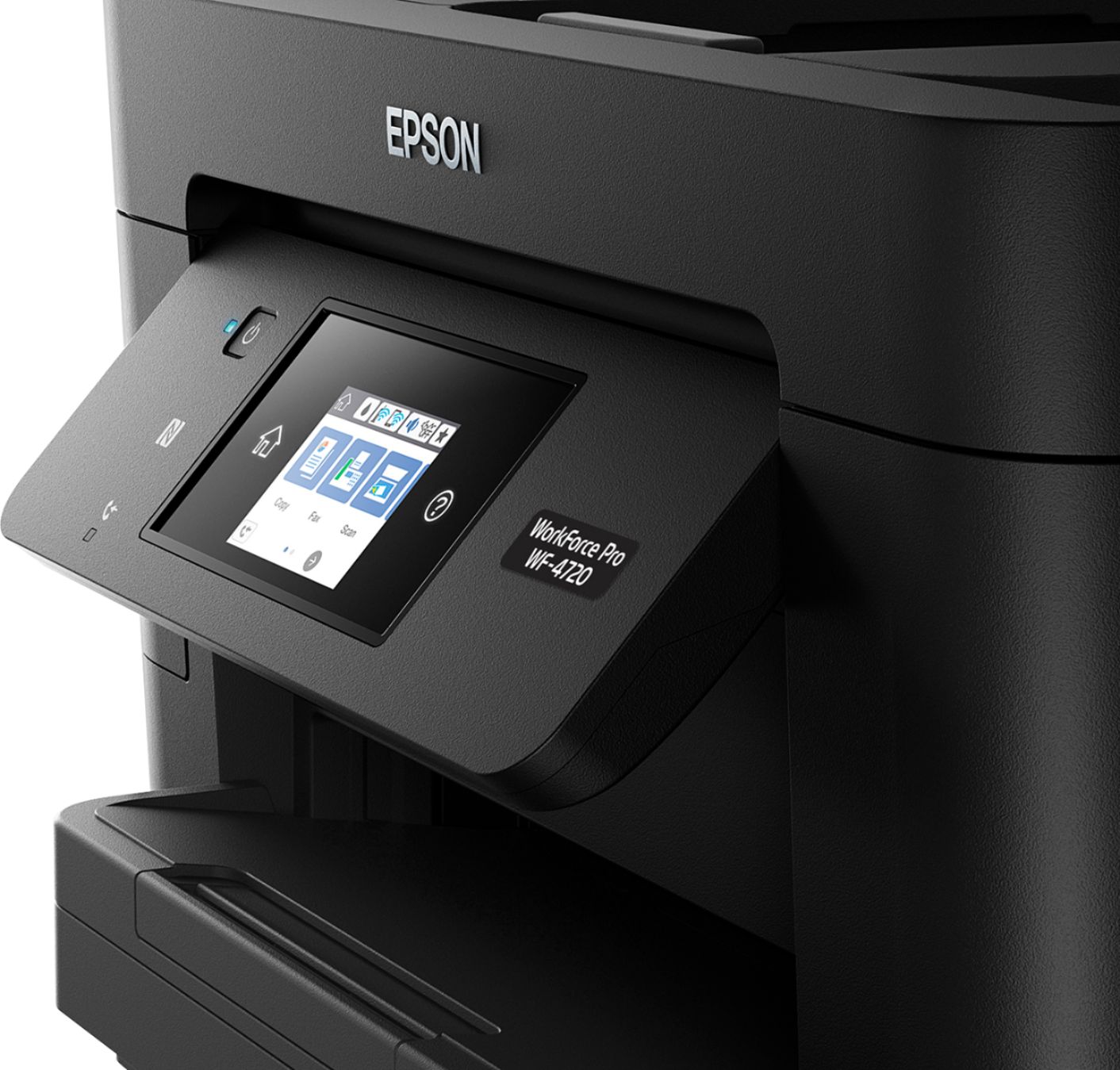
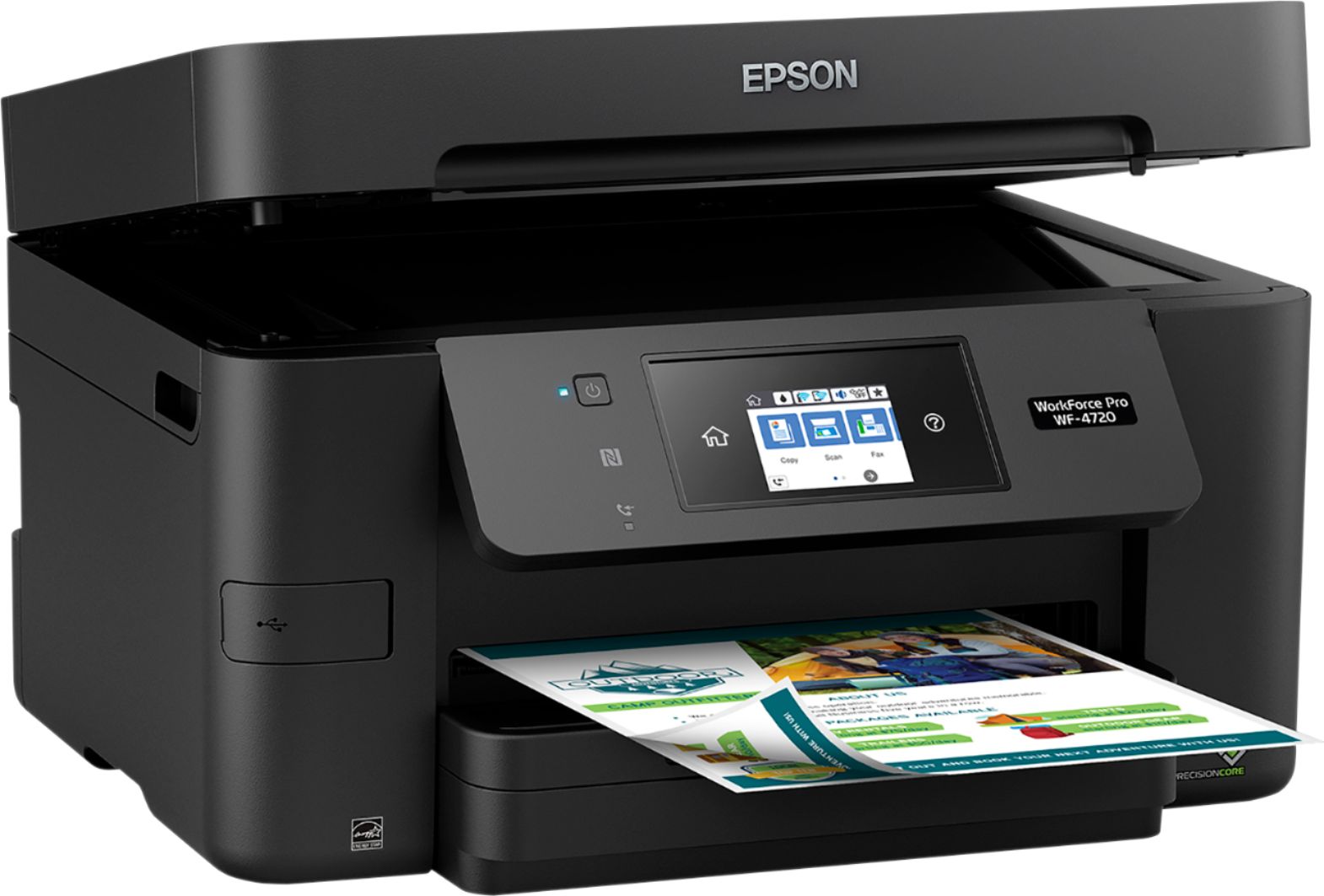
Customers are delighted by the Epson WorkForce Pro WF-4720's excellent print quality, ease of use, and straightforward setup. The wireless connectivity and compact size are also frequently praised, along with the user-friendly touchscreen and ample paper tray capacity. Many appreciate the inclusion of fax functionality and the overall solid performance. While some users noted the printer can be somewhat noisy, the positive feedback significantly outweighs this minor drawback.
This summary was generated by AI based on customer reviews.
- Pros mentioned:Print quality, Wireless connectivity
Better printer than older printer
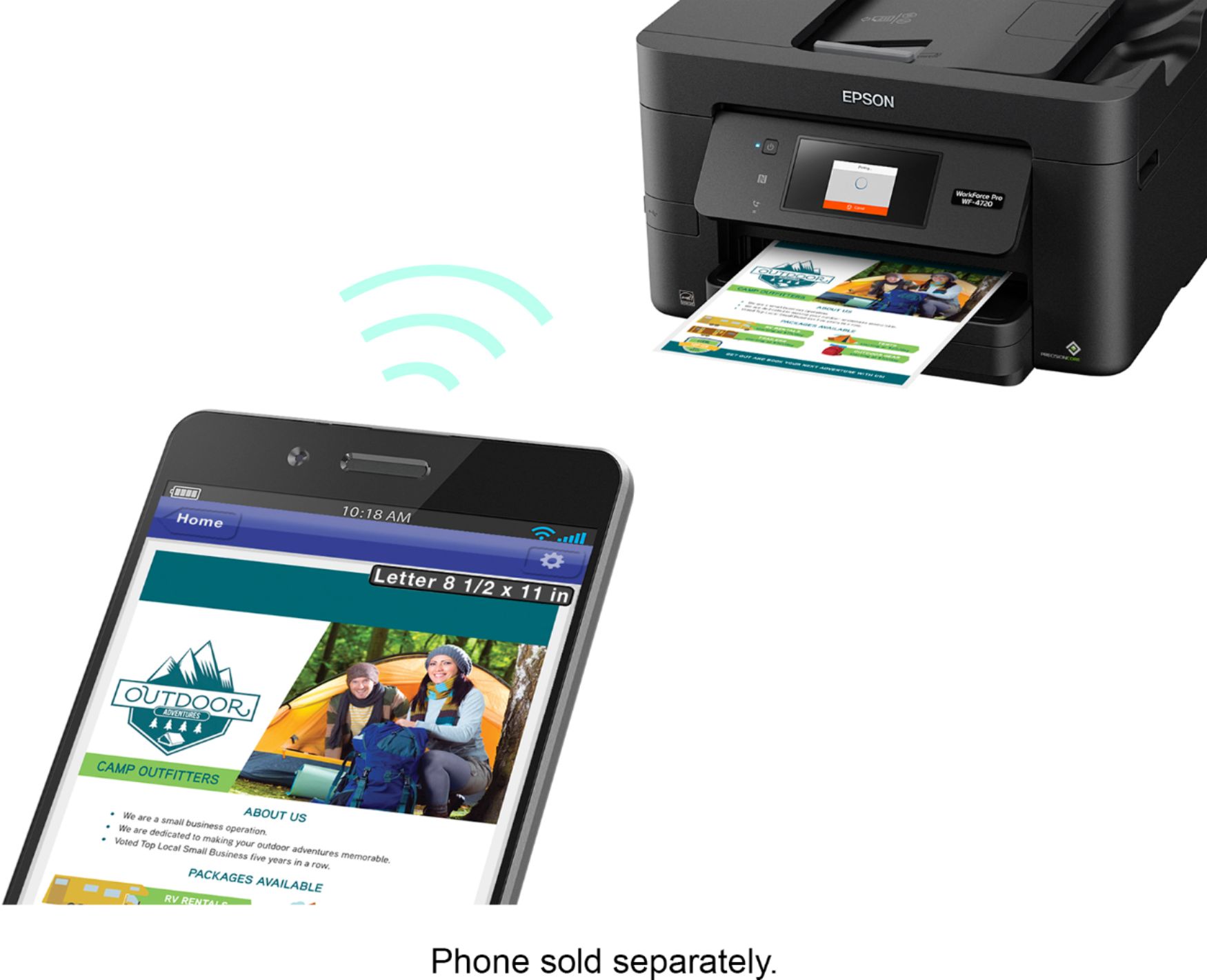
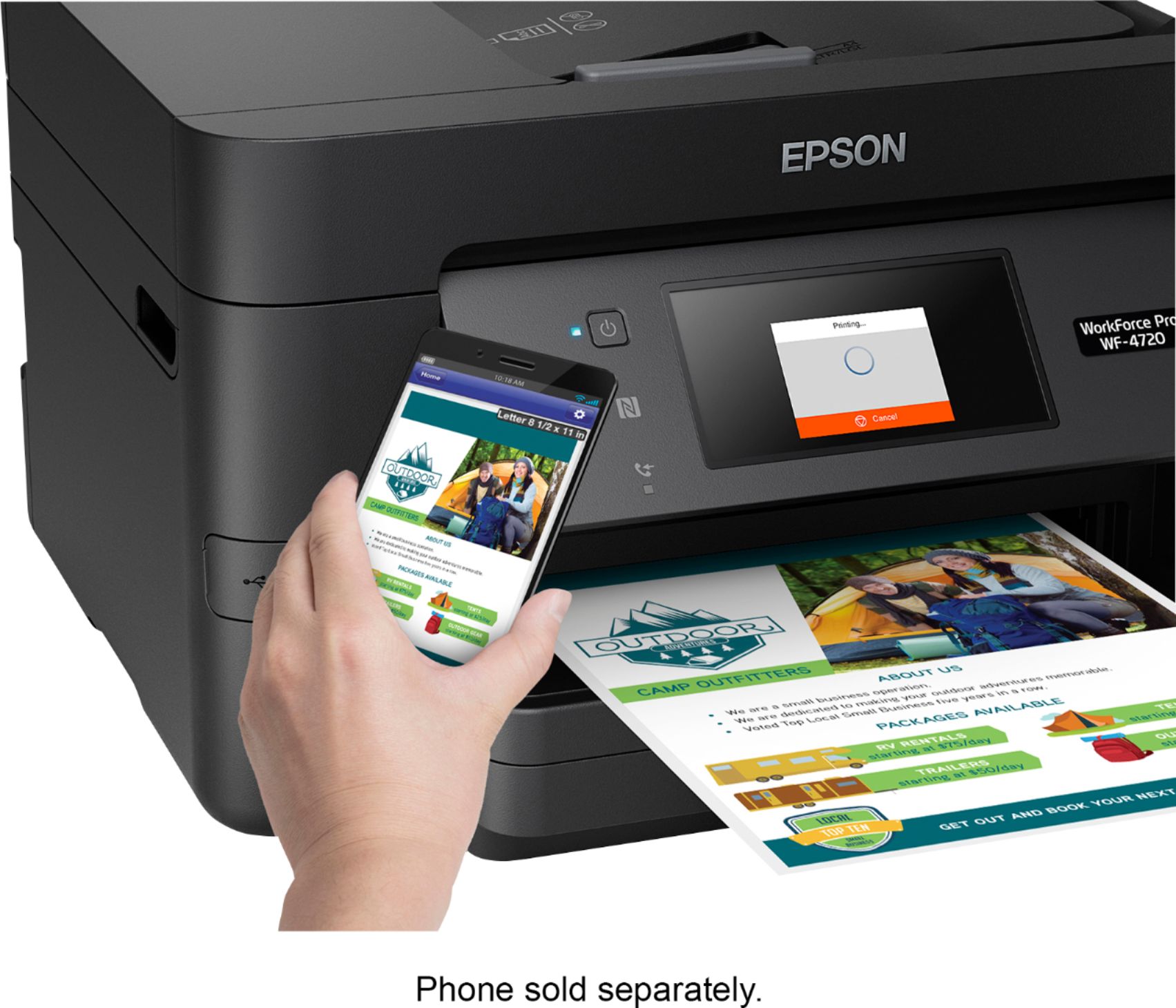
||Posted . Owned for 1 month when reviewed.This reviewer received promo considerations or sweepstakes entry for writing a review.Before I bought new printer at Best Buy store, my old printer had hard time to communicate with our router wirelessly. My smartphone sent documents to my laptop via printershare app before old printer did print. After bought new printer, I had set up new printer and it easy to use. I had tested it and it print fast. My smartphone tested document to my new printer directly. That smooth communication. I really like it. There are no issues on my new printer.
I would recommend this to a friend - Pros mentioned:Print quality
Affordable and reliable
||Posted . Owned for less than 1 week when reviewed.This reviewer received promo considerations or sweepstakes entry for writing a review.The best printer not only offer high-quality document printing, but also have excellent features
No, I would not recommend this to a friend Worst wireless printer ever
||Posted . Owned for more than 2 years when reviewed.This reviewer received promo considerations or sweepstakes entry for writing a review.Do not buy this unless you enjoy having to go manually restart the printer Everytime you want to print something. You also can not print anything in black and white if the color cartridges need to be replaced when their low. It will not let you even though it says you can still print in b&w only. Lol. I have tried printing from apple iOS, Android os, windows 10 and they all have the latest drivers and the printer still forces you to restart it when printing wirelessly. Smh. Also the ink is overly expensive.
No, I would not recommend this to a friendBrand response from Epson
Posted .Hello BestBuyTechVerifier, we're sorry to hear that you're having wireless connectivity issues. We're here to help. Epson provides useful tips to help you troubleshoot problems with network connectivity in the FAQs at www.epson.com/support/wf4720#questions. Additionally, Epson printers contain a permanent print head that needs to be charged with all colors to work. Even when you are printing black text only, a small amount of color ink is used to keep the print head charged, preventing air bubbles from entering and damaging the print head. If we can help you with troubleshoot connectivity issues or anything else, please contact Epson Support at (562)276-4382; Hours: Monday – Friday, 6 am – 8 pm PT; Saturday, 7 am – 4 pm PT.
Sincerely,
Bobby – The Epson Team
Worst Printer/Copier/Fax Machine Ever
||Posted . Owned for 7 months when reviewed.This reviewer received promo considerations or sweepstakes entry for writing a review.I bought this Printer back in December an I am So angry. I work as a Home Care Nurse and use printing, scan and fax daily. I had an HP Office jet 6850 I wish I had kept. The Office jet allowed me to send photos by email a feature I completely miss. My Epson device DOES NOT Receive Faxes. I went through the DAMM 392 pages of Instructions several times. The machine is connected to a active phone line as the machine rings when a call comes in. I went to Settings--General settings--Fax settings--Basic settings--Receive Mode which is in AUTO mode per the instructions. I am completely fed up with this machine. The printer Head needs cleaning after about 15 copies as the copy quality gets foggy. I apologize to anyone who BUYS this piece of Crap, Carl RN I have no Complaint with the Best Buy Team
No, I would not recommend this to a friendDependable Household/Small Business Inkjet Printer
Posted .This reviewer received promo considerations or sweepstakes entry for writing a review.Features I Love. • Google Cloud Printing from chrome • Scanning from device • Scanning to Cloud (Dropbox and E-Mail) • Network connectivity (print from any phone, laptop, desktop) • NFC Epson iPRINT Unboxing Unboxing the WF-4720 was supper easy! Open the box take out the included objects and pull the bag containing the printer. Of course my least favorite part of every printer is all the tape to hold the moveable parts together in transit. Cloud Printing I love the Google Cloud print because I can print documents from anywhere home or away. Scanning Walk up to the printer place your documents, select location, select device and scan! Network Printing Wireless or wireless network printing is the way to go. The Epson driver tool easily finds and installs the printer for you Overall The WF-4720 just like the WF-2760 and WF-3640 is a good home or small business printer. I love my WF-3640 and loved my WF-2760 that is still working today at my parents’ house. When asked at work what printer I recommend I always say Epson. HP does not fall far behind they are bit nicer in design but I prefer performance and reliability over sleekness. I can state this because I have a friends with HP printers and every now and then I have to help her with minor issues. About the Reviewer 10+ years in I.T. field, and experience with various brand of printers, Brother, Canon, HP, Xerox, Ricoh, Lexmark (DELL), I switched over to Epson after one of my brother printer failed and have been in love ever since. You have options but I can say you will not be disappointed with Epson. “This is a review for the Epson WorkForce Pro WF-4720 All-in-One Printer that I received free of charge to do a beta test and review.”
I would recommend this to a friend- Pros mentioned:Print quality, Setup
Excellent quality
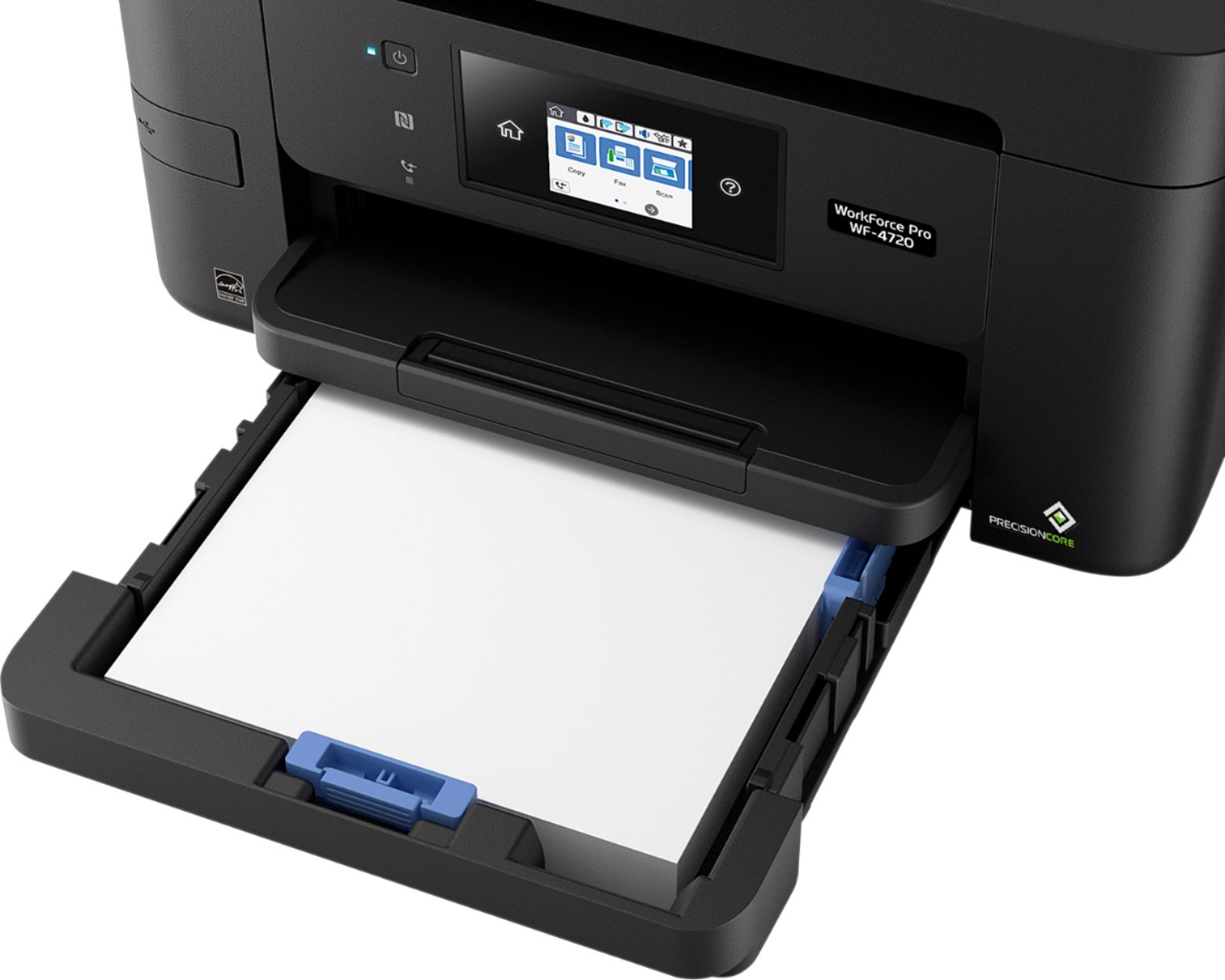
Posted .This reviewer received promo considerations or sweepstakes entry for writing a review.I have to say this is one of the best all in one printers i have owned. the quality of each print is consistent and flawless. The set up was easy and a usb cable was not required to set up the wireless printing as it has the easy WPS connection method so gone are the days of tirelessly inputting long wifi codes. It features a large paper tray and also allows for simultaneous double sides printing which saves a lot of time for those needing to print a large amount of two sided documents. I don't feel there is anything that this all in one can not handle. After several days of use I am just impressed with the speed of the prints and its quality. Even photo printing is lovely and consistent with my Photoshop documents colors. The only con I see at this point is the ink price for replacements however with it being a new device this will change as the device is on the market longer and there is a greater need for the ink. This would be an excellent upgrade for any home or business printer. The Fax option on this device would make it a must have for an office as would the remote printing and speed. I would recommend this product to others without hesitation at all. This is a review for the Epson WorkForce Pro WF-4720 All-in-One Printer that I received free of charge to do a beta test and review.
I would recommend this to a friend - Pros mentioned:Print qualityCons mentioned:Noise level
Great Replacement
||Posted .This reviewer received promo considerations or sweepstakes entry for writing a review.Earlier in the year, i had bought another brand printer. However after getting it up and running, I noticed that it made a lot of squealing during the print and maintenance stages, which I belatedly found to be the norm for this brand/model, in the various reviews. I found through different means that this make and model had very few noise complaints. I can honestly say, the noise level is only slight. I would have given a 5 star rating, but somewhere along the line, overnight, it lost its ability to scan from its functions screen. But I can still scan from my desktop by using the Epson app....no big deal, but certainly a mystery, at best!
I would recommend this to a friend - Pros mentioned:Ease of use, Print quality
Epson - WorkForce Pro WF-4720 printer
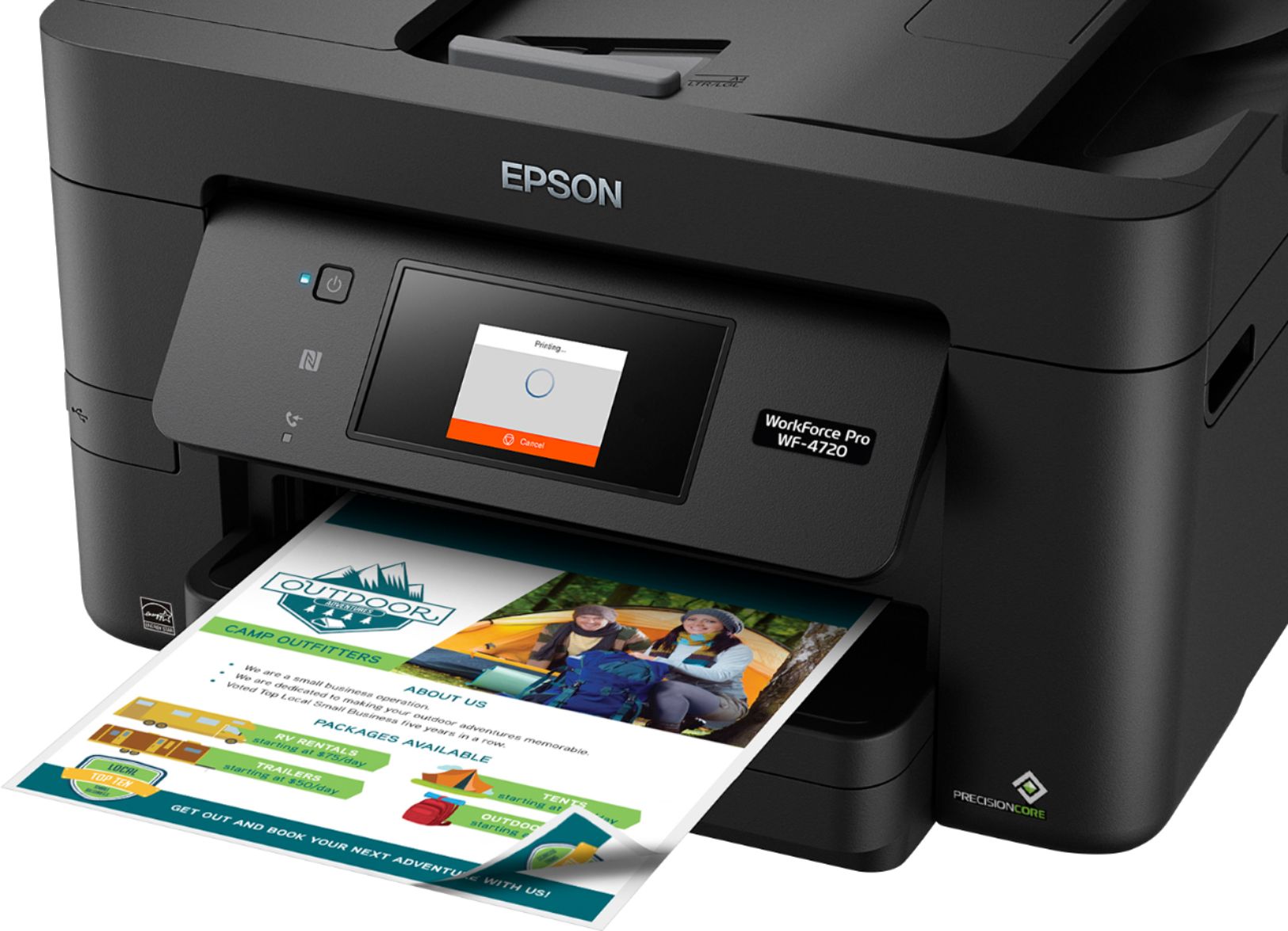
||Posted . Owned for 1 month when reviewed.This reviewer received promo considerations or sweepstakes entry for writing a review.I don't use my newly purchased printer daily or even weekly sometimes, but it's nice to have and to know that when I need it it is there and eliminates me from having to run to a store that offers printer services. I did a lot of research on printers and felt this Epson WF Pro-4720 was the right one for me. It fits great on top of my computer desk which isn't the biggest in the world and still leaves room for my monitor and other computer devices. It was easy to set up and the display is awesome. Everything about this printer is on point from the print quality, scanning of documents and faxing. There are a lot of printers out there to choose from but for my money this was the right one.
I would recommend this to a friend - Pros mentioned:Print quality
Epson - WorkForce Pro WF-4720
||Posted . Owned for 2 weeks when reviewed.This reviewer received promo considerations or sweepstakes entry for writing a review.I like this printer so far. It had a fairly easy set up. It prints well although i have to select the paper size it time. It says the paper size selected is not available. I just "installed" and it prints. The machine is loaded with the proper size paper. The fax works pretty good. The scan feature also has as been a problem. The fix that I've found is to scan to a flash drive. Otherwise its a nice unit. I have not tried to print from my phone so I can't rate that. I love being able to send items to print from my computer from other areas in my home. This printer was also decently priced.
I would recommend this to a friend - Pros mentioned:Print quality, Touchscreen
Awesome New Printer
||Posted .This reviewer received promo considerations or sweepstakes entry for writing a review.This printer replaced my long-used Epson WF610. I was happy with the years of service of my 610 so when it started to show it's age, I wanted a new Epson. I waited until the 4720 was released and bought it shortly after it came available. (I had just purchased the 4740 for my office). This printer is a great step up from other printers I have owned. The touchscreen is actually a touch, not a push push PUSH screen. The menus are intuitive. Paper changes are easy, and I like that it confirms what size you have in the cartridge before printing if it is in doubt. I have yet to have a jamb and the print quality is great. Ink is a little pricey right now, But on the home printer, I have been able to keep usage down by printing non-essentials in draft mode.
I would recommend this to a friend - Pros mentioned:Ease of use, Print quality
Love my new Epson Workforce Pro WF 4720!
||Posted . Owned for 3 weeks when reviewed.This reviewer received promo considerations or sweepstakes entry for writing a review.I love my new Epson Workforce Pro WF 4720 printer! I should of bought it a long time ago. It prints so fast, prints double sided effortlessly, and has many other features that I am discovering. I have only had it a couple of weeks but it is the best printer I have ever had. Very easy to set up too. Comes with a disc, but I could not use it as my computer's disk drive is not working, but no worries with the paper instructions you don't even need the disk. I am taking on line paralegal courses and need to print out voluminous amount of articles/instructions and writing lots of papers, so, yes, I would heartily recommend this Epson Workforce 4720! Julie N.
I would recommend this to a friend - Cons mentioned:Noise level
Nice All-In-One Printer
||Posted .This reviewer received promo considerations or sweepstakes entry for writing a review.I purchased this printer for the entire family. So far so good. My only complain is that it can be a bit noisy.
I would recommend this to a friend - Pros mentioned:Print quality
Recommended home printer/scanner
||Posted . Owned for 1 year when reviewed.This reviewer received promo considerations or sweepstakes entry for writing a review.Very good basic printer and scanner. I have used it for just over one year and have had no problems so far. Printing is high enough quality for home use. Printing is fast enough, but not exceptionally fast. Ink is expensive, especially if you go with the Epson-branded ink. Even ‘generic’ inks compatible with this device are not cheap. The scanner is precise, with multiple levels of resolution available. The Automatic document feeder (ADF) works fine (only problem I have had is with pages that are ‘worn’ and folded, as these will sometimes stick in the ADF or get scanned at an angle. But I would contend that is a problem with the document and not the Epson product). I recommend this product for home use.
I would recommend this to a friend - Pros mentioned:Print quality, Wireless connectivity
Epson WorkForce Pro WF-4720 Wireless All In One Pr
||Posted . Owned for 1 month when reviewed.This reviewer received promo considerations or sweepstakes entry for writing a review.The Epson-Workforce Pro 4720 Wireless All In One Injet Printer more than exceeded my expectations! It literally connected itself to the internet. I only had to program the paper size when I first used it. I have used it for photo printing and was pleasantly surprised at the picture quality. In my opinion, this is the best printer made.
I would recommend this to a friend - Pros mentioned:Print quality
Fast and Excellent Quality
||Posted .This reviewer received promo considerations or sweepstakes entry for writing a review.This printer matches up well with Lasers when looking just at text output. In the past I would have a color all-in-one for my copying and scanning needs, and color printouts. I would use an inexpensive (<$80) for all my black and white (text) printouts. With the speed (20 ppm), quality of the output and large paper tray (250 sheets)I don't feel I need a separate laser printer anymore. Highly recommended.
I would recommend this to a friend - Pros mentioned:Print quality, Setup
Good replacement for older HP Deskjet
||Posted . Owned for 1 month when reviewed.This reviewer received promo considerations or sweepstakes entry for writing a review.Had Hp printers for a long time. Getting frustrated over them failing too soon in my opinion and also the quickness with which they use the ink cartridges (they always seem to somehow all need replaced at the same time). Tried this Epson. So far, I like it. Faster than the HP I had in the past. Very easy to set up.
I would recommend this to a friend - Pros mentioned:Print quality
Epson Workforce~simply the BEST
||Posted . Owned for 6 months when reviewed.This reviewer received promo considerations or sweepstakes entry for writing a review.You simply can't go wrong with the WorkForce pro. Its faxes, copies, scans, prints, it even includes a photo maker! Everyone Knows Best Buy has the best prices and they also carry the best quality. I've had this for a while I've done everything & it's perfect. The color cartridges are perfectly affordable bonus :-).
I would recommend this to a friend Good printer
||Posted .This reviewer received promo considerations or sweepstakes entry for writing a review.Good printer for photo printing and faxing. Scanning is also gud
I would recommend this to a friend- Pros mentioned:Print quality
Great price and reliable
||Posted .This reviewer received promo considerations or sweepstakes entry for writing a review.Bought this on Black Friday and it has been worth every penny. Prints well, scans well and pictures print better than I expected
I would recommend this to a friend Great printer
||Posted .This reviewer received promo considerations or sweepstakes entry for writing a review.I purchased this printer in hopes for a better printing experience and cost efficient printing. It has been a great choice. The printer I had before would only print about 75 color copies and maybe 100 black copies before having to replace ink cartridges. I have now printed the same amount and barely touched the ink supply. I am very satisfied.
I would recommend this to a friend