Customer Ratings & Reviews

- Model:
- C11CF76201
- SKU:
- 5117200
Rating by feature
- Value
Rating 4.1 out of 5 stars
- Quality
Rating 3.8 out of 5 stars
- Ease of Use
Rating 3.8 out of 5 stars
Customers are saying
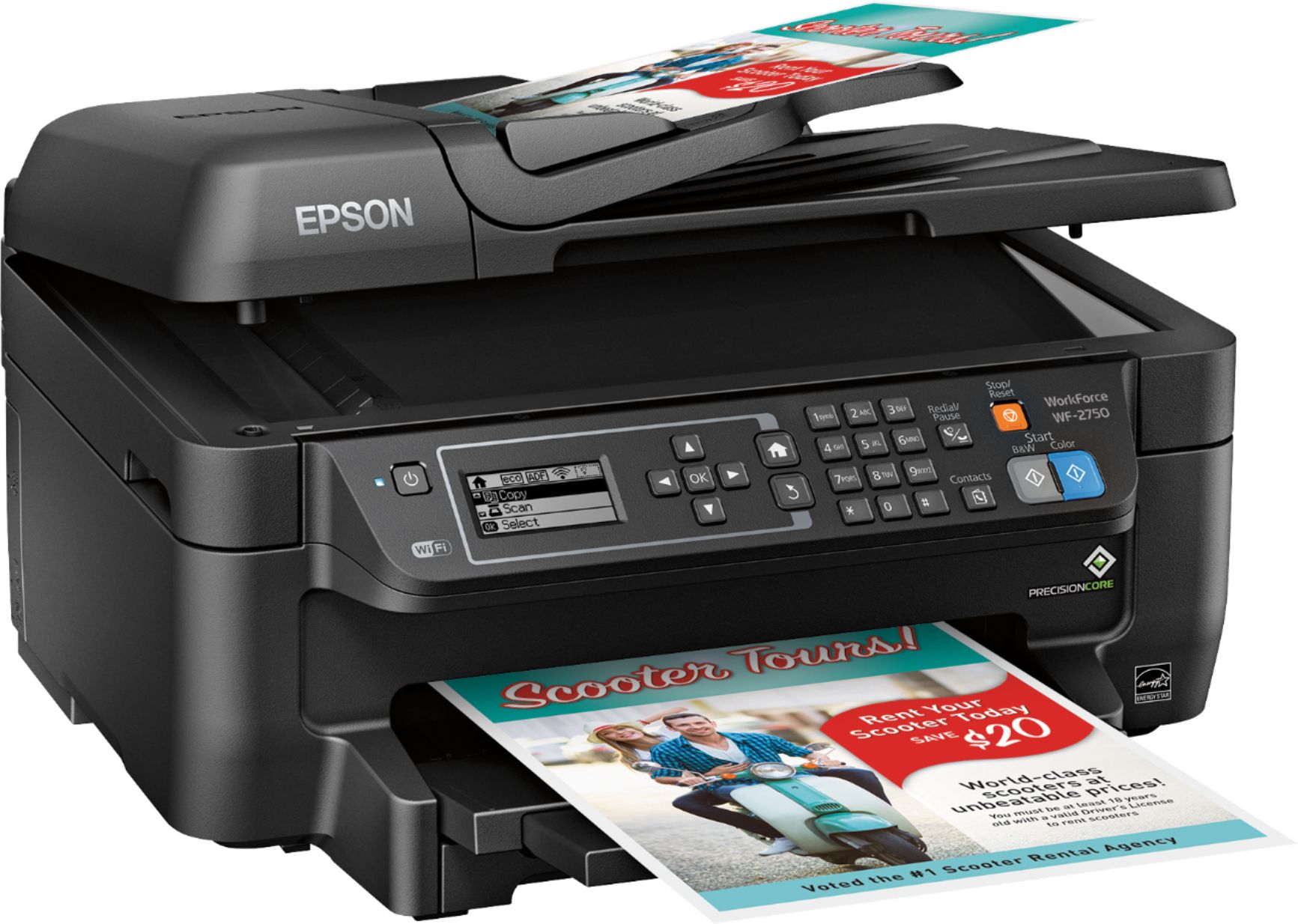
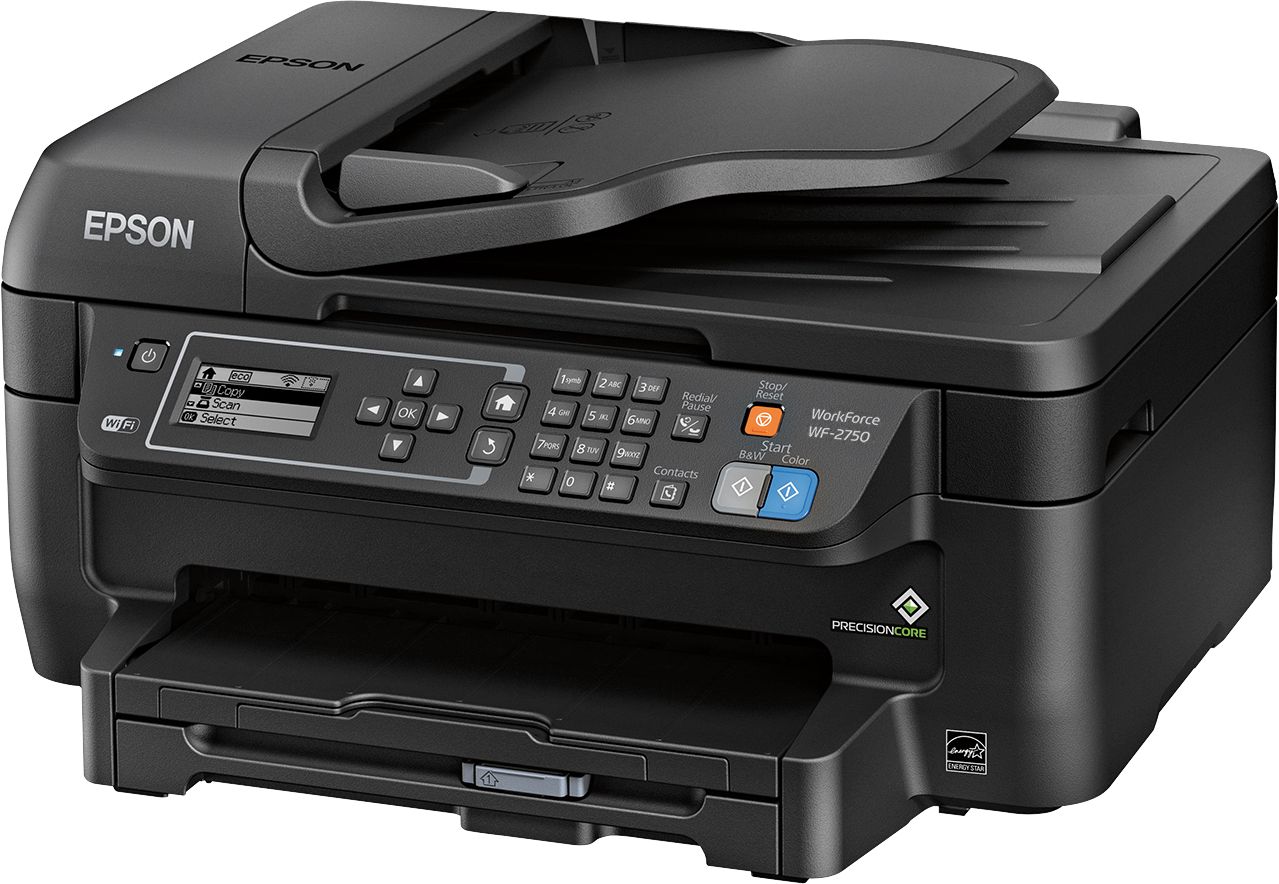
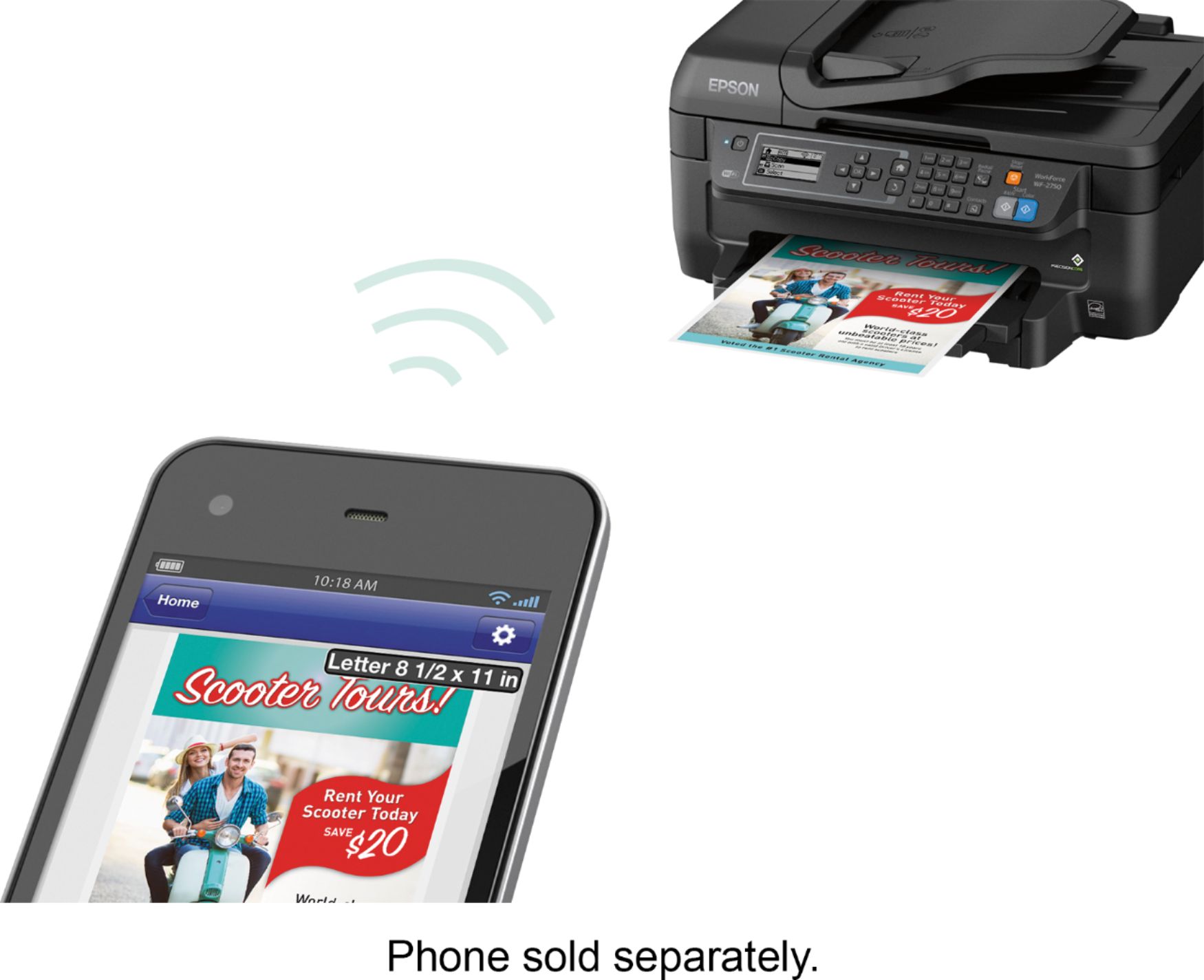
Customers regard the WorkForce WF-2750 Wireless All-In-One Printer highly for its impressive print quality and ease of use, praising its straightforward setup and convenient wireless functionality. Many appreciate its compact size and the value for its price. However, some users noted that the printer can be louder than expected and occasionally experiences paper jams.
This summary was generated by AI based on customer reviews.
Good Printer for Home
Posted .This reviewer received promo considerations or sweepstakes entry for writing a review.SETUP This printer is great for filling basic printing needs. The setup was pretty straightforward. I did have difficulty putting in the ink cartridges- I didn't hear a "click" even though the cartridges were fully in place. Aside from that, the wifi set up was quick and easy. NOISE The printer was very loud right out of the box. I noticed a few others have complained about this also. When looking at the printer settings from my Macbook Pro, I found a "Quiet Mode" option. Turning this on made a huge difference. Epson does warn that turning on "Quiet mode" could result in lower quality but I compared diagrams and fonts and didn't notice a quality difference. OVERALL The printer did everything as promised. If you only need to print a few pages at a time, this is a good basic printer. I'd recommend this to a home with light-to-medium usage. This is a review for the Epson WorkForce WF-2750 that I received free of charge to do a beta test and review.
I would recommend this to a friendGreat value!! Loaded with Options!!!
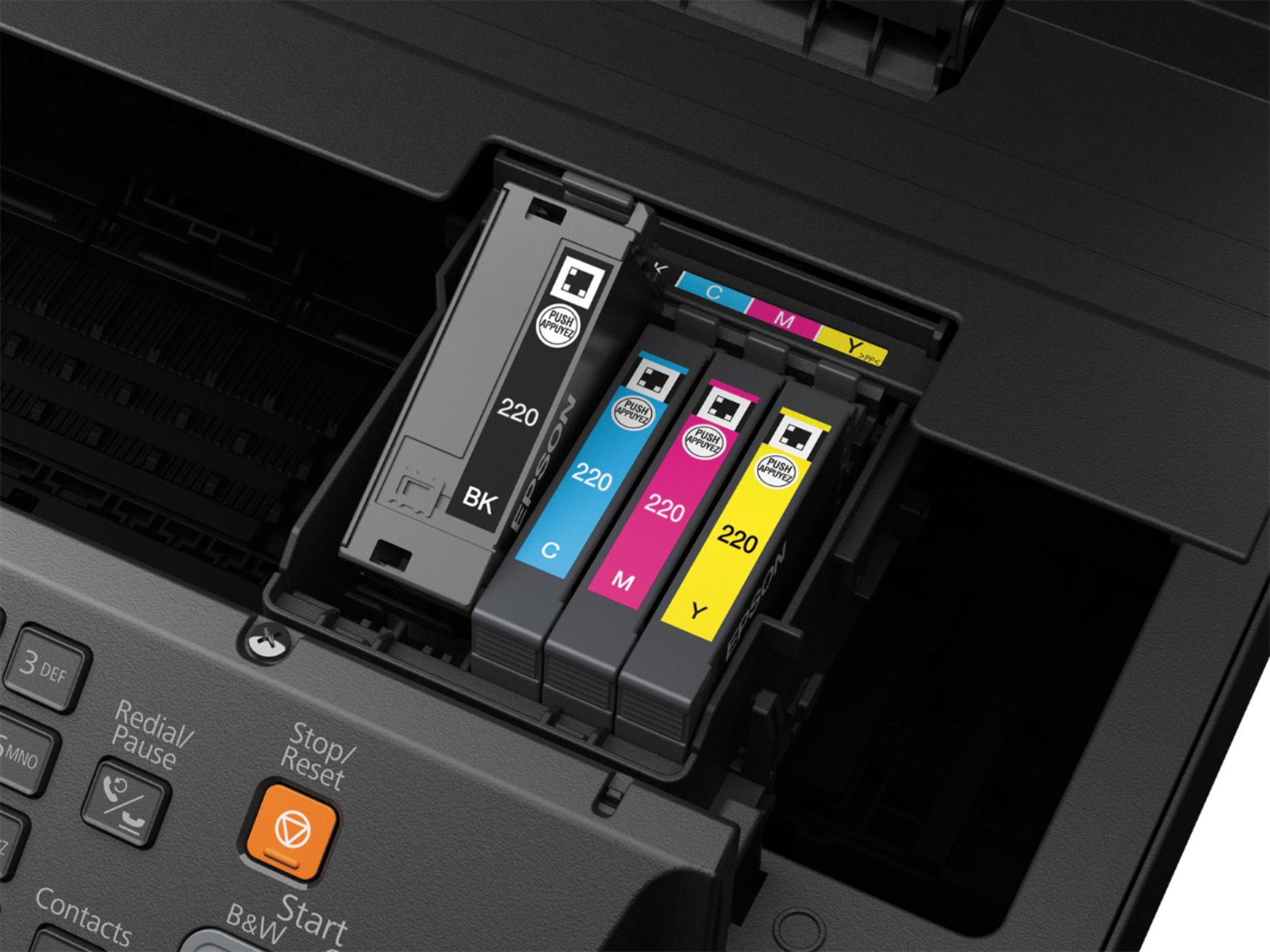
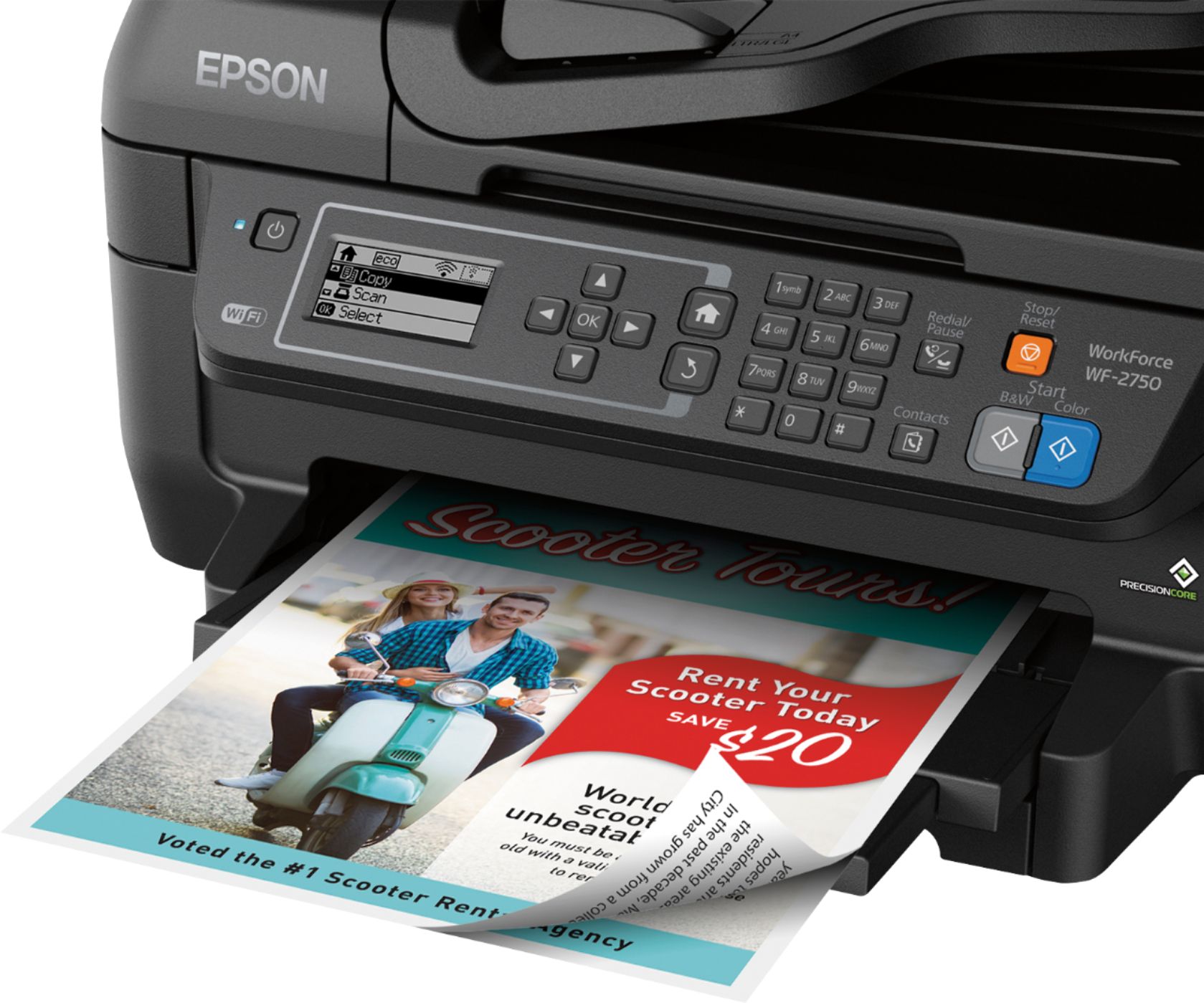
Posted .This reviewer received promo considerations or sweepstakes entry for writing a review.So I have been using the Epson Workforce WF-2750 all in one printer for several weeks now. We do lots of printing at my house so we have given this printer a good run for its money. I have 3 teenage kids that are constantly printing for school plus I work a couple days a week out of my home so I do lots of printing myself. Setup was super simple and I had it installed, connected to Wi-Fi, and ready to print in minutes. It has a nice 2.2” screen so it makes it very easy to see what you’re doing, or some of the setup options. This printer does printing, scanner, and copies as well…it also has fax option as well if needed. Documents sent to the printer print very fast, and the color is very vivid on the prints. Also one of my favorite options this printer has is duplex printing so you are able to print on both side of the piece of paper which is nice , and saves paper as well….there is no bleeding through when this done. Scanning works great as well…I scanned both documents, and photos and both were nice high quality scans. . To save on ink there are 4 separate cartridges so no need to go and buy a whole pack you can just get the color you are low on which is nice and saves money as well. Overall this is a great printer for the price…..I was actually surprised it had all the options for the price. If you are looking for an affordable all in one printer I would highly recommend this printer…it has exceeded my expectations. “This is a review for the Epson WorkForce WF-2750 that I received free of charge to do a beta test and review.”
I would recommend this to a friend- Pros mentioned:Print quality
A one time use printer
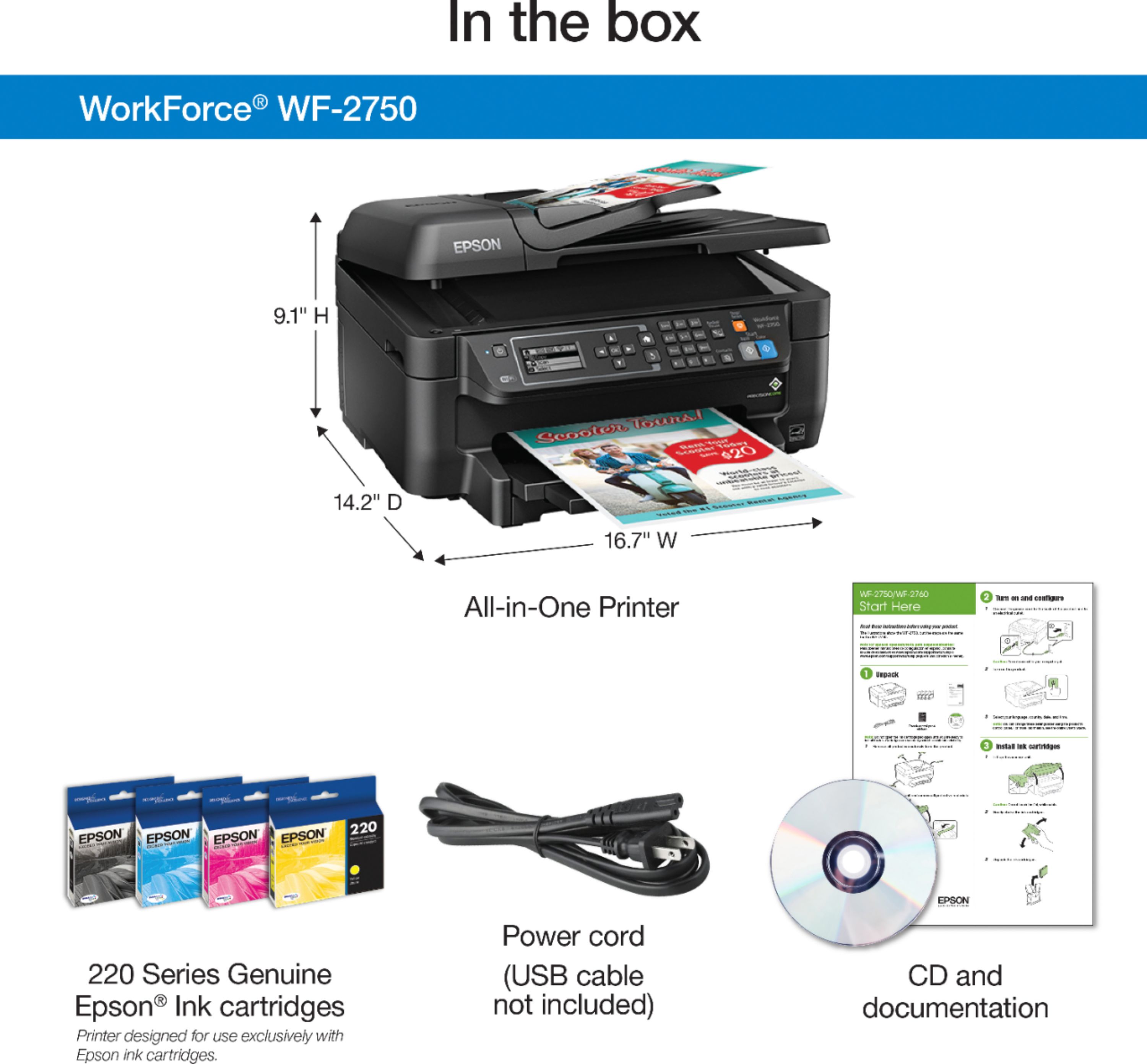
Posted .This reviewer received promo considerations or sweepstakes entry for writing a review.This is a review for the Epson WorkForce WF-2750 that I received free of charge to do a beta test and review. The printer came packaged nice and secure with quick start guide and driver cd. I don’t know why they do not come with a usb a to b cable anymore for those of us who want to plug it in to our computers. It even has the option when installing the drivers to do it faster with a usb cable which it did not come with. I installed it using the built in wifi, which was a long process, as there is now wps button on the printer and the only keyboard is a T9 keyboard which I have not personally used in over 10 years. After the drivers were installed I went about printing documents and copying papers. The prints came out nicely, very crisp and detailed. I have to applaud them on full pages with color not coming out wet with the paper straight and not damp at all. While the printer claims a precision core laser-quality performance, the sheets did come out fast and the print quality was good, but not as high as a laser printer. The two sided feature was nice but honestly all printers now should come with this feature. This is where things started to get worse, about a week later I decided to print a few more pages on the printer and nothing came out, the pages were printing blank. After looking through the manual I finally found how to clean the heads and did this once and re printed the same page from a week ago and all the colors were faded. So I clean the heads a second time, this time the print came out darker, but now there are large streaks in the print every half inch. After more print head cleanings and multiple times trying to correct the print head miss alignment, the issue still has not been fixed. At this point I am wasting paper and ink trying to fix this. Overall I would not recommend this unless you need it for a days work and are ready to throw it away after that. I was very disappointed in this product and won’t be using this printer any longer.
No, I would not recommend this to a friend - Pros mentioned:Wireless
think twice...
Posted .This reviewer received promo considerations or sweepstakes entry for writing a review.First of I am obligated to say I am participating in a program in which I received this product for free. Having said that I will be 100% honest. The Epson WF-2750….. is it a good printer absolutely not is it a bad printer no. The setup for this device was fairly easy although I was put off with the basic “old school” LCD screen the big put off was that there is no option to update firmware. After connecting the printer to my wifi I was easily able to print documents from my smart phone or computer (note: I did not install any of the provided software just the appropriate drivers) this printer is loud and clunky and to be honest I feel as though it is a relic from years ago. The kicker was the complete lack of support on the Epson website. Which blew me away. I could go on and on about this but I would say if a basic cheap printer with online capabilities is needed give this a shot. I would not use this printer for anything less than basic printing. This is the year 2016 I expect more considering once I have to refill the ink for this printer I might as well just throw it out due to the high cost of ink.
No, I would not recommend this to a friend - Pros mentioned:Print quality
Amazing printer
Posted .This reviewer received promo considerations or sweepstakes entry for writing a review.This is a review for the Epson WorkForce WF-2750 that I received free of charge to do a beta test and review. This is the best printer I've ever owned. I am able to make copies with, print over wifi, and print via email. The print quality is great. I love the fact that you can be individually replace all of the colors separately. Over all I would recommend printer to everyone.
I would recommend this to a friend Great printer that packs a punch!
Posted .This reviewer received promo considerations or sweepstakes entry for writing a review.This is a review for the Epson WorkForce WF-2750 that I received free of charge to do a beta test and review. This printer has officially replaced my Canon MX432. Compared to my Canon printer, this Epson printer has: - An easy out-of-the-box experience - Easy to navigate buttons (clear labels and large icons) - Printing from mobile phone - A compact design - Easy-to-set-up scanner I’m in my mid-20s, so printing from my phone and tablet are musts. I recently completed graduate school, and I wish I had this printer then. As a student, I was always looking for cost-effective tech with robust (but simple to use) functionality and this printer fits the bill. I love this printer’s overall print quality, scanning capabilities, easy-to-follow directions, mobile printing functionality, and compact design. I don’t need a printer that’s huge and an eyesore in my apartment – this one is the perfect size and packs a big punch. Plus, the ink cartridges are much cheaper than my Canon! Yes, I received this printer for free. However, I’ve already noticed a difference in quality (both in actually printing and overall customer thoughtfulness in the design of this printer) that has converted me to be a paying Epson customer in the future. I’d definitely recommend purchasing this product!
I would recommend this to a friendThis is the fastest I have ever set up a printer!
Posted .This reviewer received promo considerations or sweepstakes entry for writing a review.This is a review for the Epson WorkForce WF-2750 that I received free of charge to do a beta test and review.” This printer arrived in the mail in a medium box and included a power cable, ink, and installation documents and cd. I was able to quickly remove the protective tape, install the ink, connect the printer to the wifi and I was ready to go! The main issue I have had with wireless printers in the past has been connecting to them via wifi. I have many smart devices throughout my home, and some devices have no problems connecting to my wireless printer, while with others it was instant. With the Epson WorkForce WF-2750, all of my devices instantly found the printer and were ready to print. Having a smart home, it's embarrassing when you have to plug into your printer and I’m glad my new Epson WorkForce WF-2750 has taken this embarrassment away. My favorite feature on this printer is the duplex printing. I didn’t notice any time increase between single-side printing and double side printing. I also thought the scanner was much improved from what I have seen with Epson printers in the past. My only complaint would be the size. For a printer/scanner/fax it is a bit bulkier that I would have liked, however, all-in-all we are happy to now have this printer in our home.
I would recommend this to a friendGood all-in-one
Posted .This reviewer received promo considerations or sweepstakes entry for writing a review.This printer is great for home or office use. Has all of the functions I personally was looking for without being too big or bulky for my desk. Replacements ink cartridges are easy to fine although initially putting them I had to follow the exact instructions (not as intuitive as other printers I've had.) Only downside was the printer not coming with a USB cable although it does state that on the exterior box, so just know you will need that if you are planning on hooking it directly to your PC. I was given a beta printer in exchange for an honest review.
I would recommend this to a friendGreat printer
Posted .This reviewer received promo considerations or sweepstakes entry for writing a review.“This is a review for the Epson WorkForce WF-2750 that I received free of charge to do a beta test and review.” I really like the printer it does an excellent job at printing. The scanner works great also. The best feature that I liked was the ability to connect with my phone to print.It was very easy to setup. It only takes a couple of minutes to unpack and hookup. I recommend this printer to anyone that needs a reliable printer for an excellent price.
I would recommend this to a friendGreat printer for my home office
Posted .This reviewer received promo considerations or sweepstakes entry for writing a review.This is a review for the Epson WorkForce WF-2750 that I received free of charge to do a beta test and review. With that said, I must admit that I am very happy replacing my consumer Epson I already had with this unit. Pros: 1. Very fast printing (including 2 sided!) 2. Auto feed scanner (sure beats lifting the lid, repositioning the next page, clicking scan, repeat) 3. Mobile printing that allows me to print documents in emails from my phone without booting up the laptop Cons: 1. I miss my color screen of consumer Epson printer (trivial thing that is not that important) I have not yet used all features and probably will never use the fax but I can easily say I would recommend this printer to a friend and sleep well.
I would recommend this to a friend- Pros mentioned:Ease of use
great printer
Posted .This reviewer received promo considerations or sweepstakes entry for writing a review.works well gret setup it i loved it it was nice quick easy software. just plug it in and computer installed software easy i got it free to test was amazing fast and quick
I would recommend this to a friend It is an ink hog.
Posted .This reviewer received promo considerations or sweepstakes entry for writing a review.I bought this to help with homeschooling my daughter. In the few months I have had this printer, it is decent, but a pain in the neck to set up for wireless printing. It also is an ink hog. I have already bought THREE of each cartridge. It is the most expensive ink-wise of all the printers I ever had. I need all the features, copy, scan, print, and fax, so I cannot cheap out and buy something else or I would. if not for the printer being an ink hog, I would give it five stars. However, I am on a limited budget, and do not have the money to be buying ink every month or so. Yes, every month.
No, I would not recommend this to a friendBest printer ever
Posted .This reviewer received promo considerations or sweepstakes entry for writing a review.This is the best printer they ever made. I was able to buy refillable ink cartridges and still to this day I'm using that printer I bought it in 2012 I have no problems with it. I purchased another Epson 4,000 series workforce it broke in less than a year couldn't use refillable ink cartridges it was a nightmare
I would recommend this to a friend- Pros mentioned:Print quality
unpredictable print quality
Posted .This reviewer received promo considerations or sweepstakes entry for writing a review.I wanted to love this one. The price is reasonable, setup was quick and easy, prints are better than most of the machines I have had. The problem is that if it is left on while not being used for more than two days, the nozzles start to dry out and prints end up with bands. I never know if a print is going to be good or not, have to run the print head cleaning utility two or three times to correct it, almost every time I print. Wasting ink every time! Must be a design flaw that doesn't "park" the print head so that it can't dry out and clog.
No, I would not recommend this to a friend Eats ink like crazy - do not buy
Posted .This reviewer received promo considerations or sweepstakes entry for writing a review.I can't believe all of these reviews. This printer eats ink like crazy: have to change a large black ink after printing about 20-30 pages. It is insane. Not to mention, it is not easy to operate and slow. Had to install all the drives to scan and save, print double-sided, etc. The worst part is that I can't scan if the ink jet is low. Seriously, would throw this one away. Why even create products like that?!
No, I would not recommend this to a friendBrand response from Epson
Posted .Hi, we are sorry you are disappointed with your Epson printer. Your WF-2750 includes free technical support for the life of your product. Our Epson Support Team may be able to help you customize your settings for a more efficient performance. Please contact us at (562) 276-4382; Hours: Monday – Friday, 6am – 8pm PT; Saturday, 7am – 4pm PT. We look forward to your call. Regards, Quinn – The Epson Team.

Would never reccomend
Posted .This reviewer received promo considerations or sweepstakes entry for writing a review.This printer is the worst I have ever owned. Freezes at least once a week. Paper jams all the time. Replaced printer ink with Epson ink and it says not recognizable. Had to go to the store twice to get one it recognizes. So frustrating when you are trying to run a business and you have to deal with this
No, I would not recommend this to a friendTerrible Printer
Posted .This reviewer received promo considerations or sweepstakes entry for writing a review.This printer is cheaply made it doesn't print right and it takes to long to change settings just to make a copy! Terrible job at printing photos i am not impressed looking for another printer!
No, I would not recommend this to a friendNOT A BEST BUY...AT ALL
Posted .This reviewer received promo considerations or sweepstakes entry for writing a review.At home I use HP's ONLY but my boss was set on Epson WF- 545 (but the were all out) so, I settled for the Epson WF-2750. He said he was about to slam and crush it on the ground. I bought it May 8th but Best Buy has a 15 day policy, ONLY. This printer is "The Devil's Spawn"! It is NOT user friendly like the HP's. I had to call Epson support a number of times to get the setting correct and the manual is not as detailed as it should be. FAIR WARNING! LESS, IS NOT MORE!
No, I would not recommend this to a friendBrand response from Epson
Posted .Hi Jelly, we are sorry to hear about the disappointing experience you've encountered with our Customer Support team. Epson takes into consideration all feedback to improve the performance, quality, and support of our products. We will forward your feedback to the relevant department. Please give us another chance to help by calling our Advanced Epson Support Team directly at 1-800-241-5794. We appreciate your time and we look forward to your call. Kind Regards, Patrick – The Epson Team.
Worked for a few months
Posted .This reviewer received promo considerations or sweepstakes entry for writing a review.I got this printer to use for my college classes. For the first few months it worked, now when I try to print something it says Ink cartridges not supported, when Its the same ink ive been using. Then when I restart it, it prints 17 pages messes up and starts all over again, so its wasting a lot of my paper and a ton of expensive ink. DO NOT BUY THIS PRINTER
No, I would not recommend this to a friendUnlawful
Posted .This reviewer received promo considerations or sweepstakes entry for writing a review.When I bought my Epson, I was able to use re manufactured ink cartridges. There was a firmware update in February which gave me an error that it could not recognize my ink cartridges. The supreme court says this is illegal, but Epson does it anyway. Now I have to buy Epson ink cartridges which cost more than the printer itself. Do not buy Epson printers.
No, I would not recommend this to a friend