Customer Ratings & Reviews
- Model:
- 10027812
- |
- SKU:
- 5706539
Customer reviews
Rating 4.7 out of 5 stars with 6 reviews
(6 customer reviews)to a friend
Customers are saying
Customers appreciate the ease of use of the Door/Window Wireless Contact Sensor. Users found it ready to use immediately and the setup process straightforward, similar to other HomeKit enabled solutions.
This summary was generated by AI based on customer reviews.
Rated 4 out of 5 stars
Great Contact Sensor
||Posted . Owned for 1 month when reviewed.This reviewer received promo considerations or sweepstakes entry for writing a review.Although it has given a few false positive alerts, it has been reliable. Its set-up is simple and straightforward. And, other than the false positive alerts from time to time, it has been a good product even if the price is a tad bit more than its competitors.
I would recommend this to a friend- Pros mentioned:Ease of use
Rated 5 out of 5 stars
It works
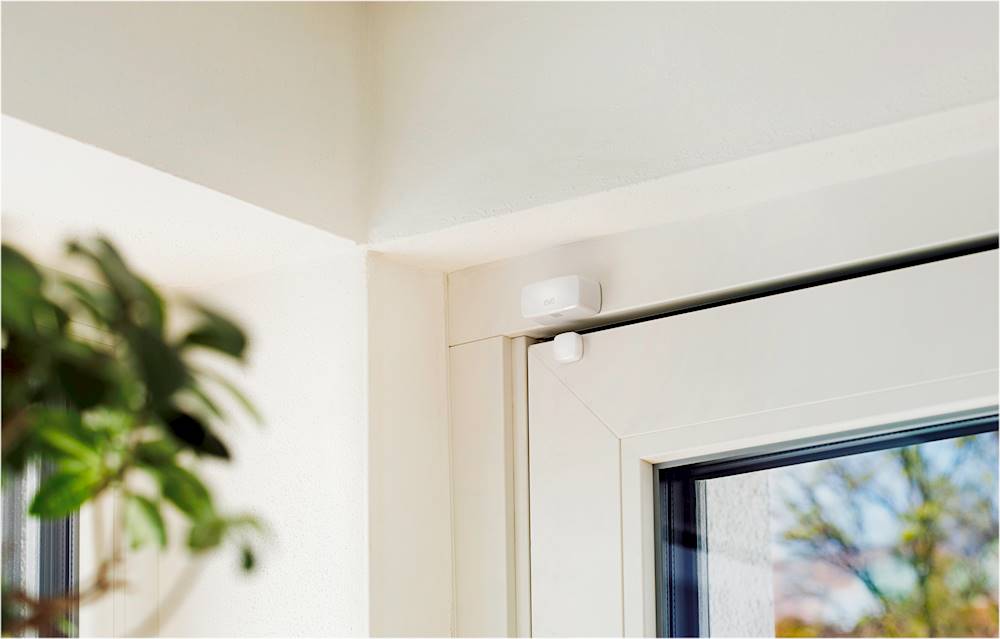
||Posted .This reviewer received promo considerations or sweepstakes entry for writing a review.This little door/window contact closure does as it states. Setup was as straight forward as most HomeKit enabled solutions. I have it setup on a first floor window. When opened on nice days it signals my Ecobee thermostat to turn off so it's not conditioning the outdoors. The opposite for when the window is closed. Can't speak to its battery life (it requires 1/2 size AA, supplied) so only time will tell. But as far as expectations, they have been met for my application.
I would recommend this to a friend - Pros mentioned:Ease of use
Rated 5 out of 5 stars
Install using Eve app
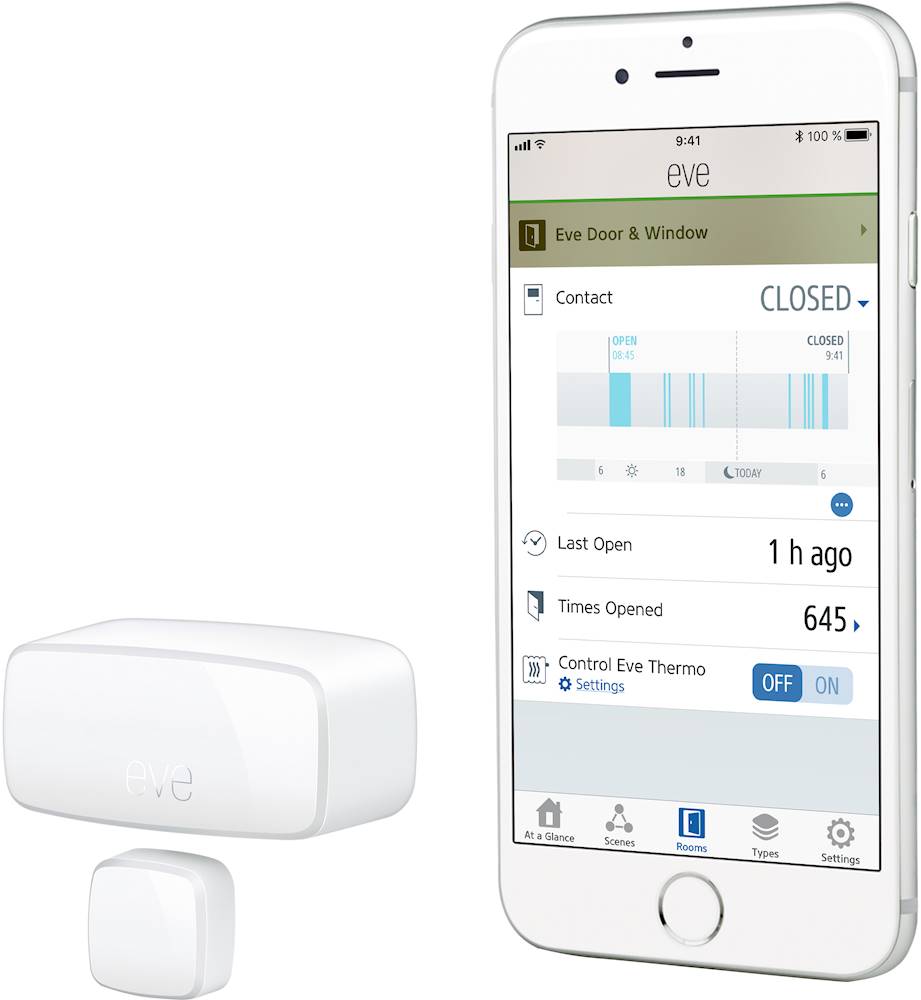
||Posted . Owned for less than 1 week when reviewed.This reviewer received promo considerations or sweepstakes entry for writing a review.Determine where you place the sensors install the large one first. Use only the Eve app and it will add to Apple HomeKit. After trial and error using the Eve app, use Settings to Add Accessory. When the accessory is found on the screen press it’s icon on the left to pair it with your iOS device then scan the Apple HomeKit code on the card inside the box then complete. If it cannot find it, follow reset instructions. Then, stack the plastic spacers for the second sensor, place it temporarily on the door, and notice the Eve app status for the sensor showing if opened or closed. Adjust number of spacers and test until it works, properly. I used some foam double sided tape for these spacer to stick together. Overall, I am satisfied with the product at this time and app is working with it.
I would recommend this to a friend - Pros mentioned:Ease of use
Rated 5 out of 5 stars
Just what i expected
||Posted .This reviewer received promo considerations or sweepstakes entry for writing a review.It worked great. I have to find out how to create schedules, but it works perfect. Definitely a step forward on automating my house.
I would recommend this to a friend Rated 5 out of 5 stars
Great way to keep track of open/closed windows
||Posted . Owned for 4 months when reviewed.This reviewer received promo considerations or sweepstakes entry for writing a review.I have these on all of my windows and it puts my mind at ease knowing that I can tell if my windows are open when i'm away from home.
I would recommend this to a friendRated 4 out of 5 stars
Does its job
||Posted .This reviewer received promo considerations or sweepstakes entry for writing a review.Price it is a bit steep for the features, it is reliable but I would buy it only if it's only on sale.
No, I would not recommend this to a friend