Customer Ratings & Reviews
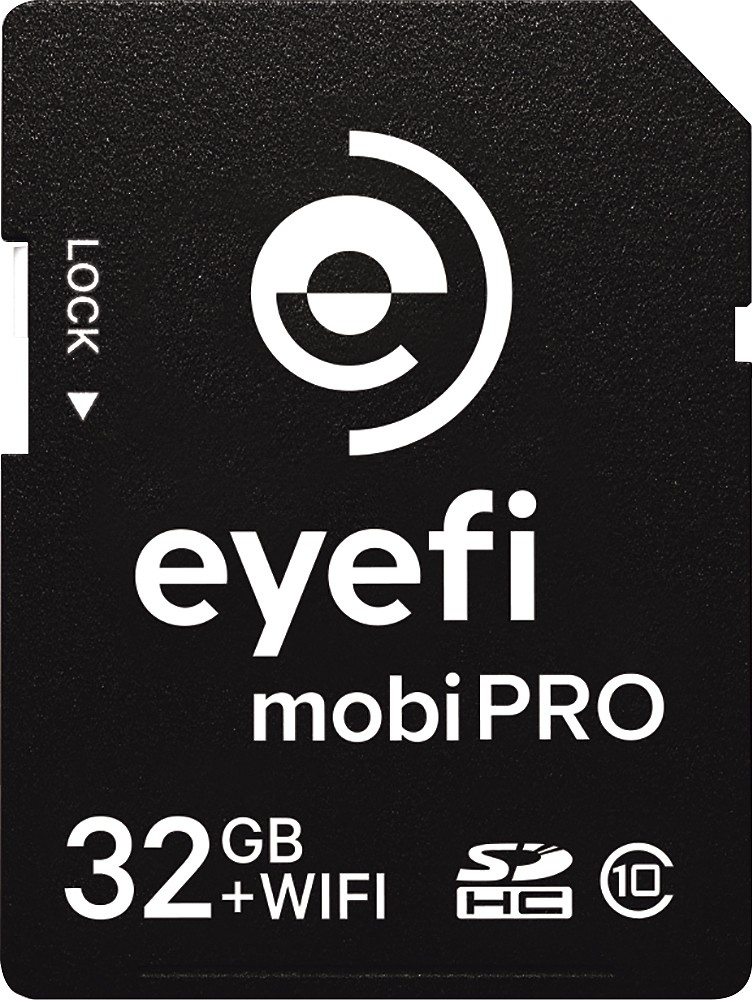
- Model:
- MOBIPRO-32
- |
- SKU:
- 6715023
Customer reviews
Rating 4.4 out of 5 stars with 124 reviews
(124 customer reviews)to a friend
Customers are saying
Customers commend the Mobi Pro 32GB SDHC Memory Card for its strong performance and compatibility with various devices, including iPhones, iPads, and Windows laptops. Many users found the card easy to use and reliable for transferring images and videos. Positive feedback also highlights its ability to produce sharp, high-quality pictures. However, some users experienced occasional connectivity issues with the card's Wi-Fi functionality.
This summary was generated by AI based on customer reviews.
Rated 5 out of 5 stars
Perfect for Anyone who wants to take it up a notch
||Posted .This reviewer received promo considerations or sweepstakes entry for writing a review.I stumbled on this eyefi card while shopping for a storage card for a New Dslr I received for Christmas.. While a little disappointed my camera was such a upgrade and Diddnt come equipped with wifi. I knew nothing about eyefi..I asked a passing salesman if this would give me wifi and work with my Canon Rebel SL1? To my surprise he said yes!! So once home I downloaded app and it was up and running in less then 15 mins! It is really remarkable to get such quality! Love it! Would give it a 10! Value is great too because Dslr cameras with wifi and gps go into hundreds or thousands of dollars! With both my new Cam and now with wifi I had what I wanted to a 10!
I would recommend this to a friend- Pros mentioned:Transfer speedCons mentioned:Wifi
Rated 5 out of 5 stars
Works great for Canon 7D mii !!
||Posted .This reviewer received promo considerations or sweepstakes entry for writing a review.The speed and reliability of this WiFi transmitter is great. The app for iPhone takes a little learning to use, and sometimes if youʻre in an area with another really strong WiFi signal, the iPhone will switch away from this SD cardʻs WiFi. Also, donʻt lose the installation card that has the code that is specific to your EyeFi Pro card. Youʻll need it to tie your Phone to your Camera. Besides those little hiccups, this WiFi card is tremendously useful!
I would recommend this to a friend Rated 2 out of 5 stars
No.
||Posted .This reviewer received promo considerations or sweepstakes entry for writing a review.I've connected it to the Internet, downloaded the app.. And nothing. Pics don't send but not upload. I would've took it back but I lost my receipt.
No, I would not recommend this to a friend- Pros mentioned:Transfer speed
Rated 4 out of 5 stars
Great idea, but not as fast as I'd like
||Posted .This reviewer received promo considerations or sweepstakes entry for writing a review.I'm using this in the Canon DSLR Mark5D, to transfer JPG images from the camera to an Ipad for instant viewing. It transfers the images without any issues, and set up was not a problem either. Since the Canon does not have wifi capability, i thought that this would be a good answer to being able to view my pictures in the field, on a larger screen than that of the camera. In small shoots, it works great. I store the RAW files on the CF card, and the JPG on the Eyefi, which then transfers it over to the iPad for viewing. Very helpful when setting up a static shoot. However, when taking a more dymanic shoot, with a lot of pictures and changing backgrounds, it gets pretty laggy. Overall, I like the capability to transfer over the images from a camera that doesn't have any wireless ability.
I would recommend this to a friend - Pros mentioned:Performance
Rated 4 out of 5 stars
Great for cameras without WiFI
||Posted .This reviewer received promo considerations or sweepstakes entry for writing a review.This is a great product and performs as advertised. It was a bit tricky at first to setup. The trick is to make sure you install the PC software on your Mac or PC to have full access to all the features of the card like selecting which images you want to auto transfer to your device, otherwise it'll save every image on the card onto your device. The only problem we had with the card was when using our camera in sport mode for continuous action shots, the card had a hard time keeping up and would error out and we'd have to turn off the camera and remove the card for the error message to go away. Other than that, the card worked fine.
I would recommend this to a friend - Pros mentioned:Transfer speed
Rated 4 out of 5 stars
Not bad, Better than I thought
||Posted .This reviewer received promo considerations or sweepstakes entry for writing a review.It is what it is. I was expecting it to be way too slow and difficult to start the process of transferring the photos from the memory card to my computer. I have a Nikon D7000 and use Apple products. The transfer process is not very fast but if you have a small number of photos it's not a problem. For example it's much faster than transferring photos to Flickr. In addition, it's a simple process start the transfer by simply clicking on the EyeFi program on your computer or phone. tsp
I would recommend this to a friend - Pros mentioned:Transfer speed
Rated 4 out of 5 stars
Works great at short distances
||Posted .This reviewer received promo considerations or sweepstakes entry for writing a review.I bought this memory card as an easy way to transfer images as quickly as possible to a near by PC for an event. I was a little disappointed about how close I had to be to the PC for the transfer to start, but otherwise, it worked as intended. The card was quite fast and has enough memory for my needs. The IOS software is also quite nice with the option to upload the pictures to their cloud service (Free for first year). Overall, I'm very satisfied with it and recommend it.
I would recommend this to a friend - Pros mentioned:Transfer speed
Rated 5 out of 5 stars
Need wifi, this is the answer!
||Posted .This reviewer received promo considerations or sweepstakes entry for writing a review.When I moved up to a Nikon D810, I needed a way to show clients pictures during my shoots. This was the most practical way at the best price. I'm able to transfer both jpeg and raw files quickly, the connection is easy and the transfers are fast. This is however a one trick pony. Unlike other wifi adapters, you can not use this to remotely operate your camera.
I would recommend this to a friend - Pros mentioned:Transfer speed
Rated 5 out of 5 stars
Ingenious
||Posted .This reviewer received promo considerations or sweepstakes entry for writing a review.Bought this for our Nikon D3300 DSLR camera and I can't imagine not having it. Very easy to use with our macs and iPhones. Quickly transfers photos from the camera to the device(s). The device does need to be close to the camera for the transfer to happen and if there are a lot of photos to transfer the connection sometimes is lost because your device is constantly searching for the best wifi network and sometimes and wants to pick a network other than the card. Once we figured this out we found a work around.
I would recommend this to a friend - Pros mentioned:Transfer speed
Rated 4 out of 5 stars
Works as advertised
||Posted .This reviewer received promo considerations or sweepstakes entry for writing a review.Initially I had a bit of trouble transferring photos to my iMac but once I set it up, no issues. Really works easily with my iPad. Transfer speed is pretty quick. It is nice being able to review pix on the larger retina screen without having to pull the memory card out of the camera.
I would recommend this to a friend Rated 5 out of 5 stars
Eye-Fi Memory Card
||Posted .This reviewer received promo considerations or sweepstakes entry for writing a review.The instructions are a wee bit small to read and you may have to google the instructions online, however, once you figure out how to install and setup the memory card, it's on. It's been fun getting back into taking pictures using different lens and being able to download my pictures from my camera to my phone and laptop is amazingly easy.
I would recommend this to a friend- Pros mentioned:Performance
Rated 5 out of 5 stars
JUST BUY IT!
||Posted .This reviewer received promo considerations or sweepstakes entry for writing a review.This is a must have for the serious photographer or for the mom who snaps thousands of photos of the kids. No more fumbling around with different ways to get the images from the camera to the computer. The set up is super simple. I highly recommend this!
I would recommend this to a friend - Pros mentioned:Compatibility
Rated 5 out of 5 stars
Works well
||Posted .This reviewer received promo considerations or sweepstakes entry for writing a review.Photos will upload to my iPhone 6, iPad (4th gen) and my Windows 8.1 laptop with no issues. Great to take photos with my Nikon and share them while the memory is still fresh, rather than waiting to get back and download them to my computer.
I would recommend this to a friend - Pros mentioned:Transfer speed
Rated 5 out of 5 stars
Works perfectly!
||Posted .This reviewer received promo considerations or sweepstakes entry for writing a review.The SD card is easy to install and works fine with my IPhone, IPad and Laptop (Lenovo). You don't need any home WiFi as the card creates its own WiFi, so you can use it outside and still transfer the pics fairly quick to your device.
I would recommend this to a friend - Pros mentioned:Transfer speed
Rated 5 out of 5 stars
Camera Photos on your Phone!
||Posted .This reviewer received promo considerations or sweepstakes entry for writing a review.Wish you can send your photos on your camera since it is higher quality than your phone? I do and the app is cool! A must buy for photo buffs! And it is as quick as built-in-ones like Nikon D7200, but you must by the pro version!
I would recommend this to a friend - Pros mentioned:Transfer speed
Rated 5 out of 5 stars
Simply amazing.
||Posted .This reviewer received promo considerations or sweepstakes entry for writing a review.At first I was indecisive of what SD card to get, but as soon as I saw that these pictures could be transferred to my iPhone or iPad, I totally went for it. I have to admit, it's pretty sweet!
I would recommend this to a friend - Pros mentioned:Performance
Rated 5 out of 5 stars
Great product!
||Posted .This reviewer received promo considerations or sweepstakes entry for writing a review.This is a great piece of technology. It took a small amount of set up, but after a few minutes, it worked great. I am very pleased with the product and its performance.
I would recommend this to a friend Rated 5 out of 5 stars
Works well for sending pictures to your iPhone
||Posted .This reviewer received promo considerations or sweepstakes entry for writing a review.Although it is not the easiest thing to just pop in and use, it does work for what I needed after spending some time configuring the options. I have a Canon T4i DSLR and after configuring the Mobi Pro with my desktop first, I can send just pictures I select on the camera to my iPhone 6 via an adhoc wifi. Although the setup will step you through creating a Eyefi cloud account, it is not necessary to just transfer files to your phone. To speed things up, I shoot Raw + Jpg and configured it to only send the jpg to the phone. I then import the Raw files on my desktop via an SD card reader.
I would recommend this to a friend- Cons mentioned:Wifi
Rated 4 out of 5 stars
Works well for transfering photos over wifi
||Posted .This reviewer received promo considerations or sweepstakes entry for writing a review.The card works well, though it is sometimes a bit tempremental connecting to the card's wifi network.
I would recommend this to a friend - Pros mentioned:Transfer speed
Rated 4 out of 5 stars
Grear buy
||Posted .This reviewer received promo considerations or sweepstakes entry for writing a review.Make sure that your camera doesn't go to sleep to get those pictures in your phone. It works perfect
I would recommend this to a friend