Customer Ratings & Reviews
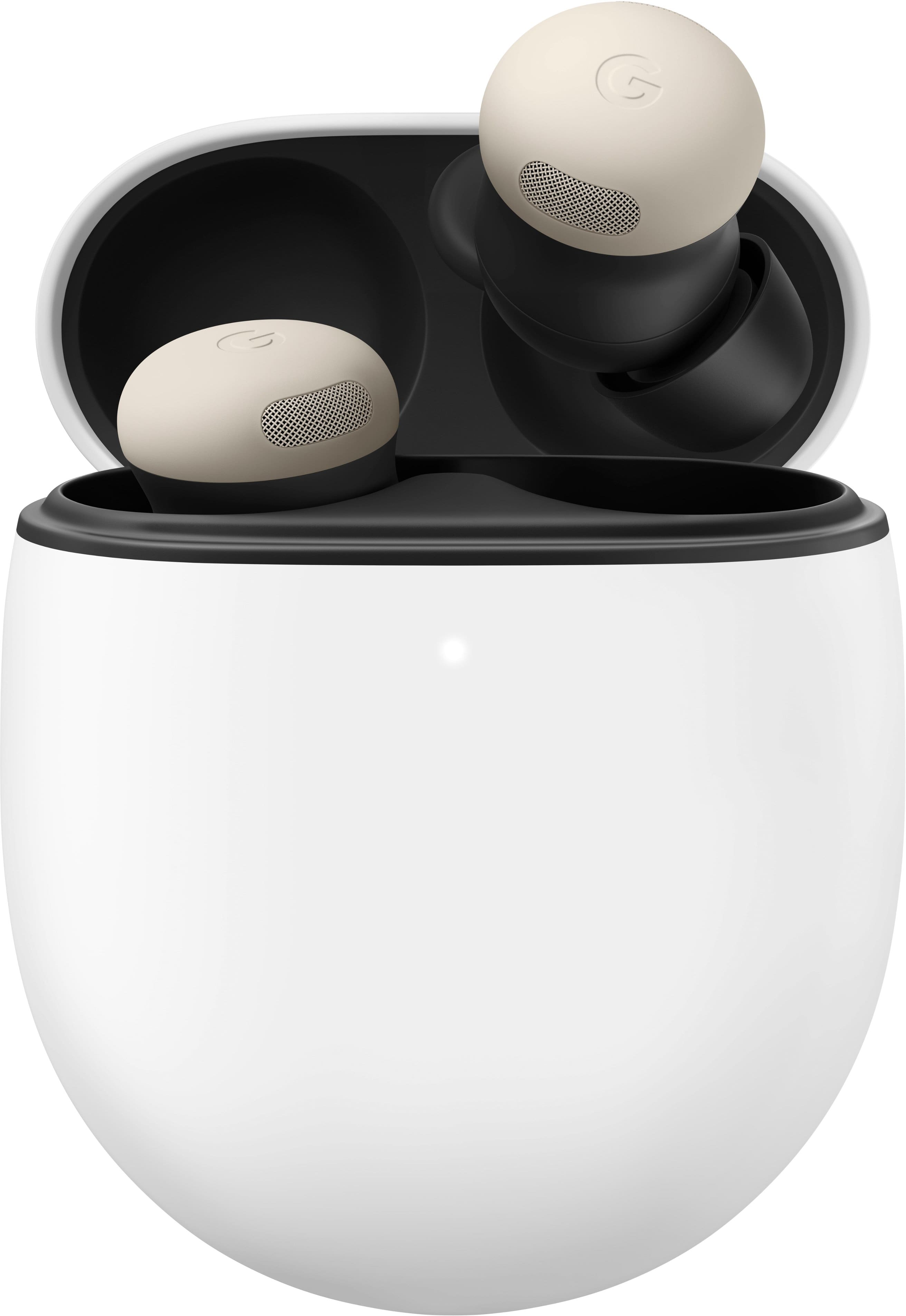
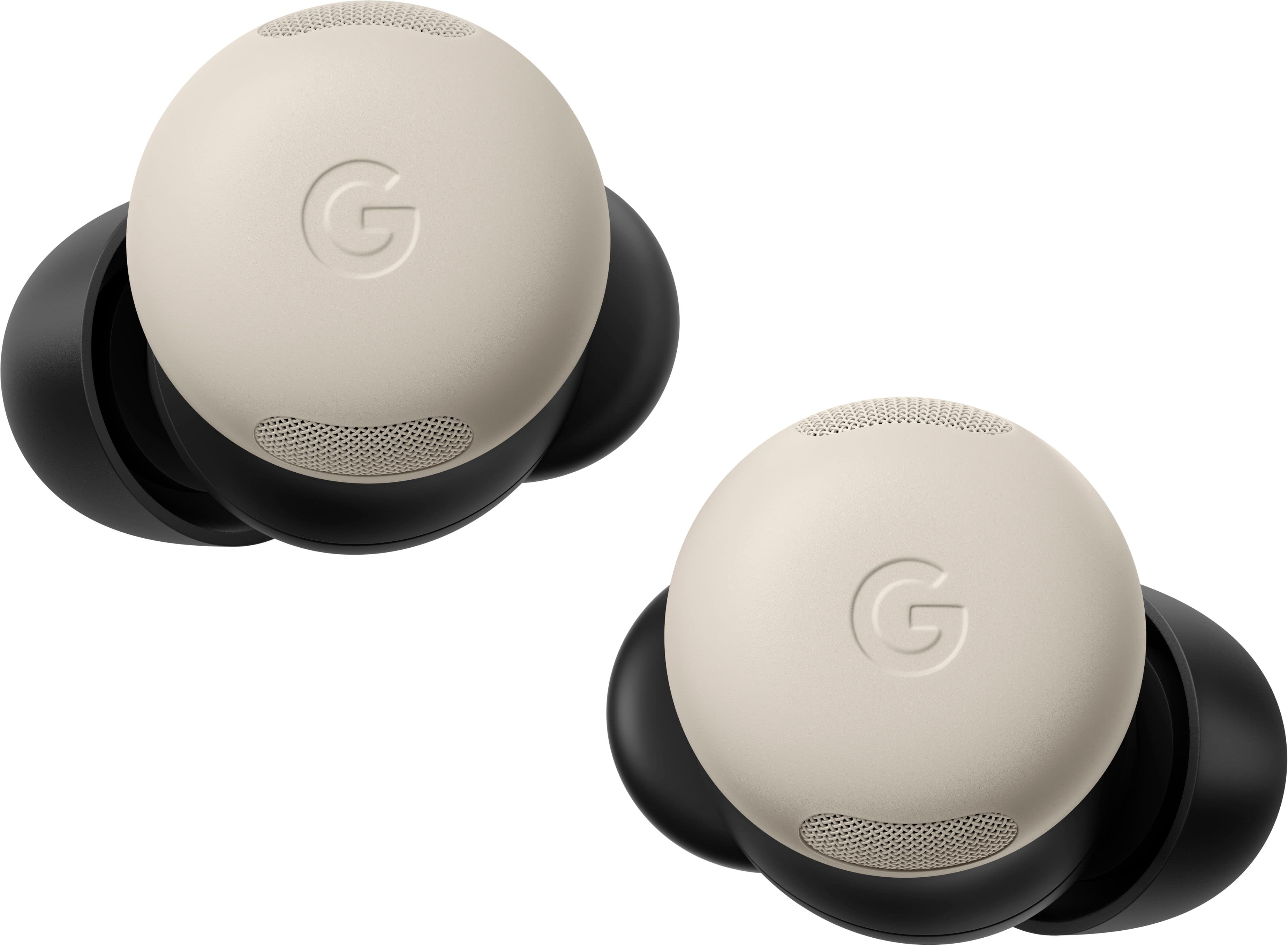

- Model:
- GA05760-US
- SKU:
- 11244308
Rating by feature
- Sound Quality
Rating 4.7 out of 5 stars
- Battery Life
Rating 4.7 out of 5 stars
- Connectivity
Rating 4.8 out of 5 stars
Very convenient
||Posted . Owned for 2 months when reviewed.This reviewer received promo considerations or sweepstakes entry for writing a review.Its always good to match headphones with the brand of phone and this is a prime example.
I would recommend this to a friend- Pros mentioned:Sound quality
Pixel 2 pro earnuds
||Posted . Owned for 2 weeks when reviewed.This reviewer received promo considerations or sweepstakes entry for writing a review.Very nice earbuds. Knock on wood they have never fallen out my ears yet. Durability very nice for suchnanskallnearbud A bit pricey. The bose may be a tad better sound but the engineering of pixels aurpass bose
I would recommend this to a friend - Pros mentioned:Sound quality
Best bang for your buck, especially w/pixel cell
||Posted . Owned for 5 months when reviewed.This reviewer received promo considerations or sweepstakes entry for writing a review.Best, bang for your buck and works perfectly along with a pixel phone. Can't beat it for the price as well as convenience and sound quality at price point.
I would recommend this to a friend - Pros mentioned:Sound quality
Small but mighty
||Posted . Owned for 3 weeks when reviewed.This reviewer received promo considerations or sweepstakes entry for writing a review.Great quality earbuds. Sound is great and i love the noise cancelling features and that they are sweat resistant.
I would recommend this to a friend - Pros mentioned:Sound quality

The different modes work great
|Posted . Owned for 2 weeks when reviewed.This reviewer received promo considerations or sweepstakes entry for writing a review.ANC and the pass through mode both work very well. Its noticeably better than my last earbuds.
I would recommend this to a friend - Cons mentioned:Touch controls
Best option for pixels, but not overall
||Posted . Owned for 2 weeks when reviewed.This reviewer received promo considerations or sweepstakes entry for writing a review.Overall solid, but you hear distortion upon pressing the touch controls and there’s no high resolution audio codecs. Sound quality and ANC are behind buds 3 pro and AirPods Pro 2. But if you have a pixel, it’s your best option!
I would recommend this to a friendBrand response from Google Team
Posted .Hi Jozef,
Thanks for contacting us. We're sorry to hear that you're experiencing audio inconvenience with your Pixel Buds Pro 2.
Pixel Buds Pro and Pro 2 only:
Switch between Active Noise Cancellation (ANC) and Transparency mode. This gesture is configured to ANC by default, but you can customize this gesture in the Pixel Buds app to activate Google Assistant.
If you're still experiencing issues, try resetting your Pixel Buds:
Go to your device's Bluetooth settings and forget "Google Pixel Buds."
Plug the charging case into a power source using a USB-C cable.
Make sure the Pixel Buds are seated within the charging case and leave the charging case open.
Press and hold the pairing button on the back of the case for 30 seconds.
When the earbuds status light (inside the opened case) stops blinking, let go of the pairing button.
The earbuds status light will blink white and orange until the reset is complete, and then start blinking white. The Google Pixel Buds will be reset and should be ready to pair immediately.
You will need to forget and re-pair any other devices the Pixel Buds were paired with.
If the issue persists, don't hesitate to contact our support team by clicking the following link: https://support.google.com/googlepixelbuds/gethelp
- Pros mentioned:Sound quality
Love these
||Posted . Owned for 2 months when reviewed.This reviewer received promo considerations or sweepstakes entry for writing a review.Love it super responsive when doing the commands on the headphones to start and stop the music. The sound itself is fantastic and there so drops in the music. The charging time is super quick too.
I would recommend this to a friend - Pros mentioned:Battery life
Nice upgrade
||Posted .This reviewer received promo considerations or sweepstakes entry for writing a review.Loving them. Im coming from galaxy buds pro 3 and I enjoy these so much. Battery is great, sounds is great, and transparency was spot on.
I would recommend this to a friend - Pros mentioned:Battery life
The best earbuds I've ever used
||Posted . Owned for 2 weeks when reviewed.This reviewer received promo considerations or sweepstakes entry for writing a review.A major improvement from the pixel buds pro 1. Much smaller. Better ergonomics. Longer battery life. These earbuds blow the competition out of the water in just about every metric. Especially style!
I would recommend this to a friend Great aforable earbuds
||Posted . Owned for 2 weeks when reviewed.This reviewer received promo considerations or sweepstakes entry for writing a review.Bought these for my wife, she has no complaints she loves them.
I would recommend this to a friend- Pros mentioned:Sound quality
Sound is great overall but mics are awful
||Posted . Owned for 2 months when reviewed.This reviewer received promo considerations or sweepstakes entry for writing a review.These sound great but one issue is the mics. People cannot hear me or they say I sound far away. I hope'd an update is what could help but nope. It's quite annoying so I hardly use them now.
No, I would not recommend this to a friendBrand response from Google Team
Posted .Hey TanyaC. We apologize for the microphone issues you're experiencing with your Pixel Buds Pro 2. It's unfortunate that you're encountering difficulties with your device. To resolve this issue, we suggest trying the following steps:
- Update Firmware
- Clean the Mics
- Reset the Buds
- Check for App Interference
If the issue persists, please contact us at this link: https://support.google.com/googlehelp
- Pros mentioned:Sound quality
Great upgrade
||Posted . Owned for 1 week when reviewed.This reviewer received promo considerations or sweepstakes entry for writing a review.- Comfortable to use, Good ANC but Sony it better. - Mic it just good quality - AI feature it great - touch control easy to use - ear tips was fair - easy connect Suggestion for daily use not prefer for high quality sound.
I would recommend this to a friend - Pros mentioned:Sound quality
Amazing headphones!
||Posted . Owned for less than 1 week when reviewed.This reviewer received promo considerations or sweepstakes entry for writing a review.These are hands down the single bass headphones I have ever had. The noise canceling is great. The sound quality is awesome. And I super love the way that music sounds in these. 10 of 10 would recommend.
I would recommend this to a friendBrand response from Google Team
Posted .We couldn't be happier your new Pixel Buds are hitting all the right notes for you, RyanS. Now all you need is the perfect playlist, and you're ready to jam out all day!
- Pros mentioned:Sound quality
Good earbuds
||Posted .This reviewer received promo considerations or sweepstakes entry for writing a review.Very good earbuds, noise cancelling and sound are perfect. The fit is not ideal though.
I would recommend this to a friend Google pixel buds pro 2
||Posted .This reviewer received promo considerations or sweepstakes entry for writing a review.My wife loved the gift and enjoys the ear buds. literally has them in all the time around the house while cleaning or the Gym. Great product
I would recommend this to a friend- Pros mentioned:Sound quality
Great headphones
||Posted . Owned for 3 weeks when reviewed.This reviewer received promo considerations or sweepstakes entry for writing a review.Sounds quality is excellent. I really enjoyed my original pixel buds and these are superior in every way that counts.
I would recommend this to a friend - Pros mentioned:Battery life
Good headphones
||Posted . Owned for 1 week when reviewed.This reviewer received promo considerations or sweepstakes entry for writing a review.Great set of headphones. I had/have the original pro buds and they are not too much different. They do last longer and connect faster. They also still fall out of my ear from time to time like the original ones did.
I would recommend this to a friendBrand response from Google Team
Posted .Hi there, MrJa05. We appreciate you sharing your experience.
We would like to get you the most out of an amazing experience. Click here for some helpful tips on how to wear them perfectly: https://support.google.com/googlepixelbuds/answer/7573099
Once you have the perfect fit, immerse yourself in amazing sound you'll love.
- Pros mentioned:Sound quality
Excellent quality
||Posted . Owned for 1 week when reviewed.This reviewer received promo considerations or sweepstakes entry for writing a review.Good product. Great sound quality and integration with pixel 9. Unfortunately didn't fit my ears. It seems like it does fit 99% of people well, just was unlucky
I would recommend this to a friend - Pros mentioned:Sound quality
The best ear buds you can get.
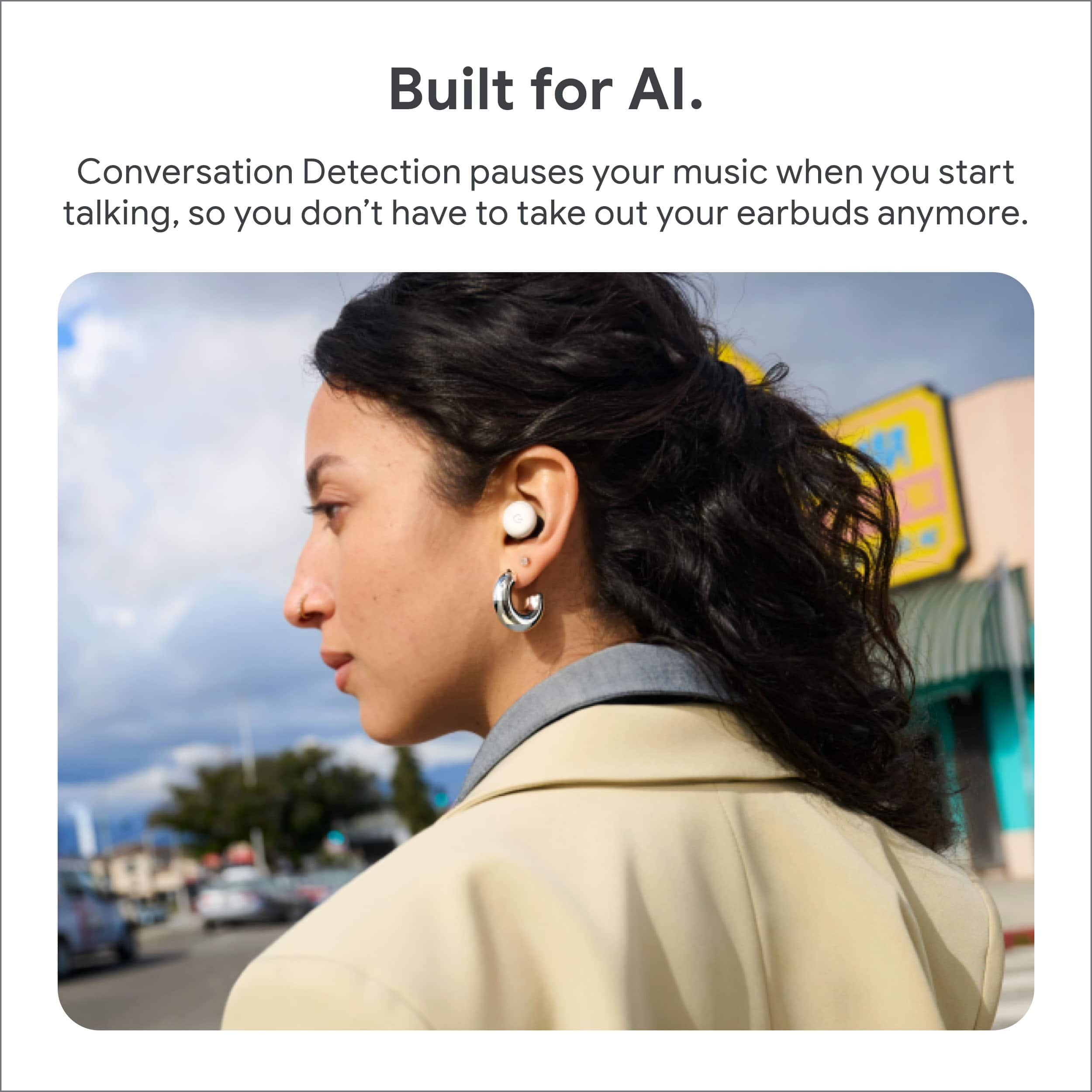
||Posted . Owned for 1 month when reviewed.This reviewer received promo considerations or sweepstakes entry for writing a review.With the conversation setting, the noise cancellation, the talk thru feature, all of them are top tier features I didn't know I needed til I got them.
I would recommend this to a friend - Pros mentioned:Connectivity
Google - Pixel Buds Pro 2 Review
||Posted . Owned for 3 weeks when reviewed.This reviewer received promo considerations or sweepstakes entry for writing a review.Best experience that I have experienced. especially, I liked the most is the smooth switching between multiple devices.
I would recommend this to a friend