Customer Ratings & Reviews
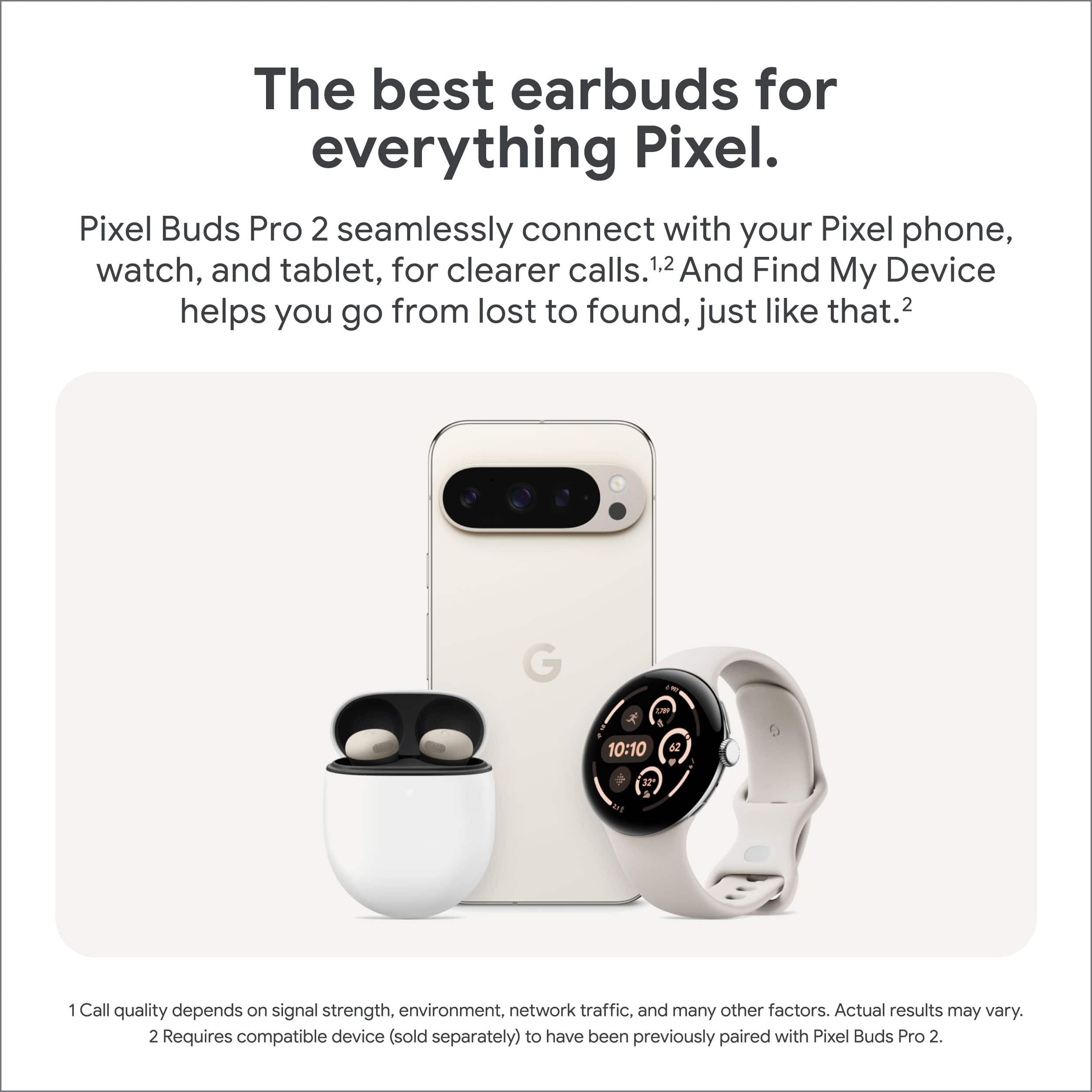
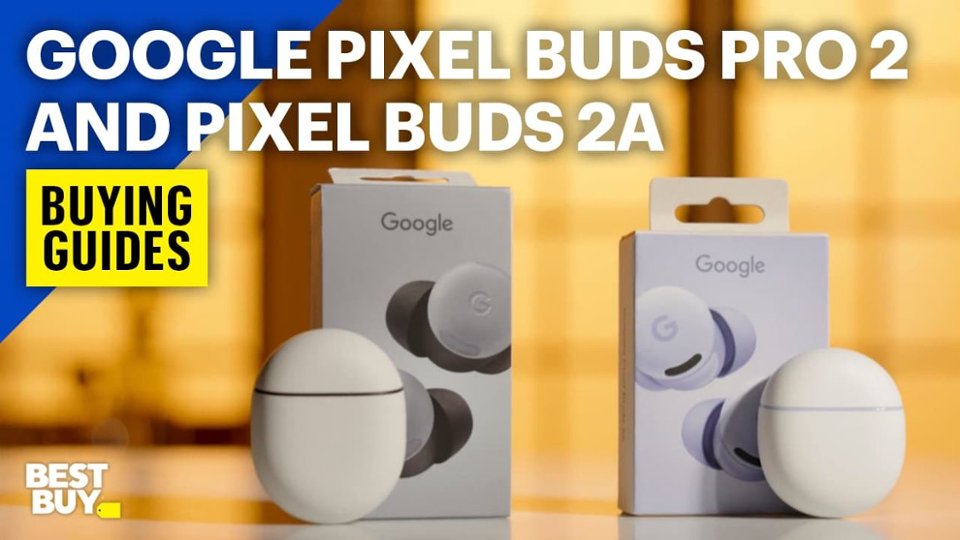

- Model:
- GA05760-US
- SKU:
- 11244308
Rating by feature
- Sound Quality
Rating 4.7 out of 5 stars
- Battery Life
Rating 4.7 out of 5 stars
- Connectivity
Rating 4.8 out of 5 stars
- Pros mentioned:Sound quality
Great sound
||Posted . Owned for 5 months when reviewed.This reviewer received promo considerations or sweepstakes entry for writing a review.These buds sound great and work to perfection with my Pixel 9
I would recommend this to a friend - Pros mentioned:Sound quality
Expectations exceeded
||Posted .This reviewer received promo considerations or sweepstakes entry for writing a review.I have a pair of Airpods Pro, and compared to those- I would prefer the Pixel Buds Pro 2 sound quality... definitely exceeded my expectations!
I would recommend this to a friend - Pros mentioned:Sound quality
Sounds good
||Posted . Owned for 1 month when reviewed.This reviewer received promo considerations or sweepstakes entry for writing a review.Sounds good, quality is great, would buy again and recommend
I would recommend this to a friend Good, but could be better
||Posted .This reviewer received promo considerations or sweepstakes entry for writing a review.I got these because i have small ears can't ever find ear buds small enough. These ones are good for small ears. I also really find my buds option. The biggest downside is how long it takes to transition when you start to talk it's suppose to go into active listing and allow you to hear and talk to someone. Its really slow and i have to go to my phone and pause my music manual isn't so slow. Also don't even try to talk to people on the phone with these. No one can hear you and you have to take them out completely and use your phone to talk on the phone.
No, I would not recommend this to a friendBrand response from Google Team
Posted .Hey there, user794190. While we’re glad you’re happy with the fit of the Pixel Buds Pro 2, we hear your concerns regarding the Conversation Detection feature. A factory reset may resolve this issue — here’s how to do it:
1. Go to your device’s Bluetooth settings and forget Google Pixel Buds.
2. Plug the charging case into a power source using a USB-C cable.
3. Make sure the Pixel Buds are seated within the charging case and leave the charging case open.
4. Press and hold the pairing button on the back of the case for 30 seconds.
5. When the earbuds status light stops bouncing, let go of the pairing button.
6. Check the earbuds status lights.
If this doesn’t resolve the problem, please reach out to us and we can investigate further: https://support.google.com/googlepixelbuds/gethelp?sjid=1168929876280557452-NC
Great!
||Posted . Owned for 1 month when reviewed.This reviewer received promo considerations or sweepstakes entry for writing a review.Works great, occasional signal break up, not sure if it's caused by the buds, phone or other factors
I would recommend this to a friend- Pros mentioned:Sound quality
Great ear buds
||Posted . Owned for 3 weeks when reviewed.This reviewer received promo considerations or sweepstakes entry for writing a review.Great sounding ear buds great noise cancellation very impressed
I would recommend this to a friend Very decent ear buds
||Posted .This reviewer received promo considerations or sweepstakes entry for writing a review.I would give this 5 stars but the left bud slips out of my ear constantly. I've changed the size of the ear piece but that doesn't help.
I would recommend this to a friend- Pros mentioned:Sound quality
Daughter loves them
||Posted . Owned for 2 months when reviewed.This reviewer received promo considerations or sweepstakes entry for writing a review.My daughter loves these. And with the noise cancellation, she uses them for music and earplugs.
I would recommend this to a friend - Pros mentioned:Comfort
Google pixel buds pro 2
||Posted . Owned for 1 week when reviewed.This reviewer received promo considerations or sweepstakes entry for writing a review.Pretty comfortable ear buds but depending on ur ear shape they might be slightly uncomfortable to keep them in for a long period of time.
I would recommend this to a friendBrand response from Google Team
Posted .Thank you for taking the time to share your thoughts on the Pixel Buds Pro 2. We're so happy to hear that they feel comfortable for you! To ensure the best possible fit and listening experience, we encourage you to experiment with the different eartip sizes included in the box. Try out a couple of different sizes in each ear to find the perfect match. For details, please check: https://support.google.com/googlepixelbuds/answer/7573099?hl=en#zippy=%2Cpixel-buds-pro
Remember, your ears are unique, so it's possible that you might need different sizes for each side. We hope this helps you enjoy your Pixel Buds Pro 2 even more.
- Pros mentioned:Sound quality
Good sound quality with adva Gemini Live features
||Posted . Owned for 1 week when reviewed.This reviewer received promo considerations or sweepstakes entry for writing a review.The sound quality is great, and if you have a Google Pixel and Gemini Advanced, you will enjoy the conversations with pixel buds.
I would recommend this to a friend My Mom and Father left me
||Posted . Owned for 1 month when reviewed.This reviewer received promo considerations or sweepstakes entry for writing a review.Great, these help drown the negative thoughts In my about my dead parents, but now I must AVENGE them , for the mother nation, Glory
I would recommend this to a friendGood first impression but disappointing hardware
||Posted . Owned for 1 week when reviewed.This reviewer received promo considerations or sweepstakes entry for writing a review.I currently have a pair of beats fit pros that I've had for about a year, I was looking for something that could handle device switching more seamlessly. These certainly fit the bill and worked well between my Pixel 9 and Nvidia shield, they would connect before I even got them into my ears correctly and switching was automatic. I ended up returning them though for a few reasons. 1. The audio quality could not match my beats fit pros, no matter the EQ settings, I'm sure it's partly because they dont seal in your ear as well. 2. The microphones are on the outside of the earbud and large and visible, I wear a lot of hats and that causes it to rub against these microphones which is really loud and uncomfortable when you have transparency mode on. 3. The automatic conversation transparency mode switching is really slow and would activated randomly, so I had to disable the feature. 4. The biggest problem is the microphone quality, it sounded like I was underwater, I tried calls with with my Pixel 9 and OnePlus 8t and no matter what I did, the quality was just awful, on phone calls and on recordings, these have worse quality sound then the cheap $25 pair of earbuds I picked up a few years ago. I wish I could take the form factor and microphone from my beats fit pros and merge it with the software, integration and features of these. Maybe with some firmware updates they will be better, but as it stands I wouldn't recommend these at this price.
No, I would not recommend this to a friendBrand response from Google Team
Posted .Hi JohnathanDoe,
We appreciate your review and hear your concerns about audio and microphone quality. Here are some simple steps that may help troubleshoot the issue:
1. Try resetting your Pixel Buds.
2. Confirm that the proper eartip size is selected for optimal audio quality. Try all 3 sizes to find the most comfortable tip that provides the best audio performance. A tight seal gives you better sound and mic performance.
3. Placement of a phone, particularly in outdoor scenarios, may affect Bluetooth connection. You can improve the Bluetooth connection by changing the placement of the phone where the phone is held.
If you have any further questions or concerns, please reach out to us at this link: https://support.google.com/googlepixelbuds/?hl=en#topic=7544331
- Pros mentioned:Sound quality
Great tool
||Posted . Owned for 2 weeks when reviewed.This reviewer received promo considerations or sweepstakes entry for writing a review.Compared directly to the beats fit pro, these are superior. Especially for use with a pixel 9
I would recommend this to a friend - Pros mentioned:Sound quality
Sounds great
||Posted . Owned for 3 weeks when reviewed.This reviewer received promo considerations or sweepstakes entry for writing a review.Have not experienced any problems and syncs to all devices rapidly. Noise cancelling works fine for my needs.
I would recommend this to a friend - Pros mentioned:Sound quality
Great product
||Posted . Owned for 4 months when reviewed.This reviewer received promo considerations or sweepstakes entry for writing a review.Great product clear sound would recommend for ever use
I would recommend this to a friend - Pros mentioned:Fit
legit
||Posted . Owned for 1 month when reviewed.This reviewer received promo considerations or sweepstakes entry for writing a review.nice upgrade from last model as it holds in the ears better.
I would recommend this to a friend GOOGLE PIXEL BUDS WIRELESS
||Posted . Owned for 2 weeks when reviewed.This reviewer received promo considerations or sweepstakes entry for writing a review.WONERFUL FOR ANDRIODS AND BLUETOOTH DEVICES. I AM VERY SATISFIED WITH THE PRODUCT.
I would recommend this to a friendThey work great
||Posted . Owned for 2 weeks when reviewed.This reviewer received promo considerations or sweepstakes entry for writing a review.Works great for music and talking on phone which is what I needed.
I would recommend this to a friendBest, earbuds
||Posted .This reviewer received promo considerations or sweepstakes entry for writing a review.I own the original buds for a year and these were definitely worth the upgrade
I would recommend this to a friend- Pros mentioned:Sound quality
A must have part of my daily routine
||Posted . Owned for 2 months when reviewed.This reviewer received promo considerations or sweepstakes entry for writing a review.Love these ear buds. They work seamlessly with my Pixel phone. The active noise canceling is a lifesaver.
I would recommend this to a friend